166likes
489uses

Find out what your customers want and their pain points with Miro's market and business research templates. Target the right audiences and design better customer experiences consistently across all platforms.
112 templates

Lean UX Canvas Template
What are you building, why are building it, and who are you building it for? Those are the big pictures questions that guide great companies and teams toward success — and Lean UX helps you find the answers. Especially helpful during project research, design, and planning, this tool lets you quickly make product improvements and solve business problems, leading to a more customer-centric product. This template will let you create a Lean UX canvas structured around eight key elements: Business problem, Business outcome, Users and customers, User benefits, Solution ideas, Hypothesis, Assumptions, Experimentation.
Jobs to be Done template
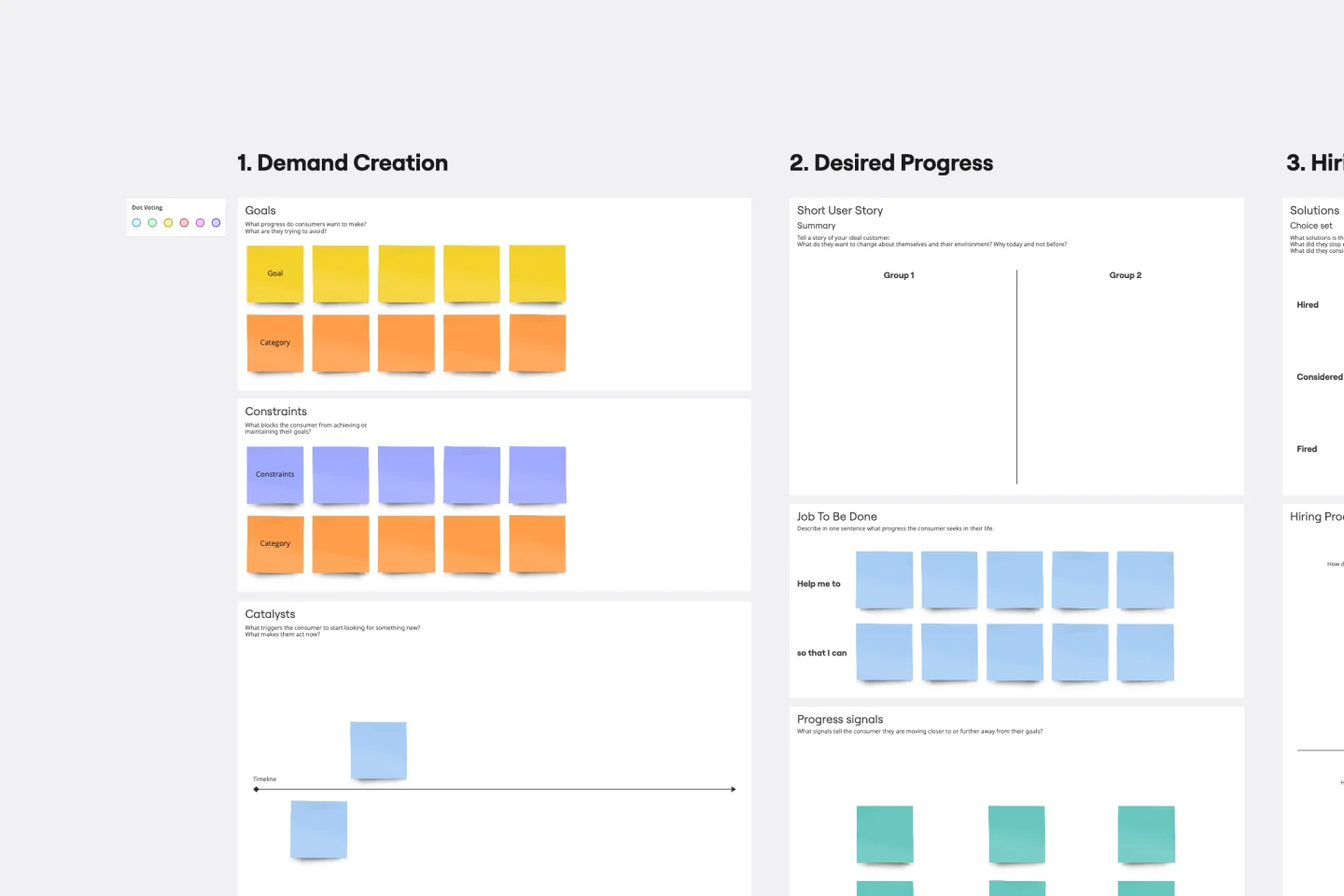
It’s all about a job done right — customers “hire” a product or service to do a “job,” and if it's not done right, the customer will find someone to do it better. Built on that simple premise, the Jobs To Be Done (JTBD) framework helps entrepreneurs, start-ups, and business managers define who their customer is and see unmet needs in the market. A standard job story lets you see things from your customers’ perspective by telling their story with a “When I…I Want To…So That I …” story structure.
Scenario Mapping Template
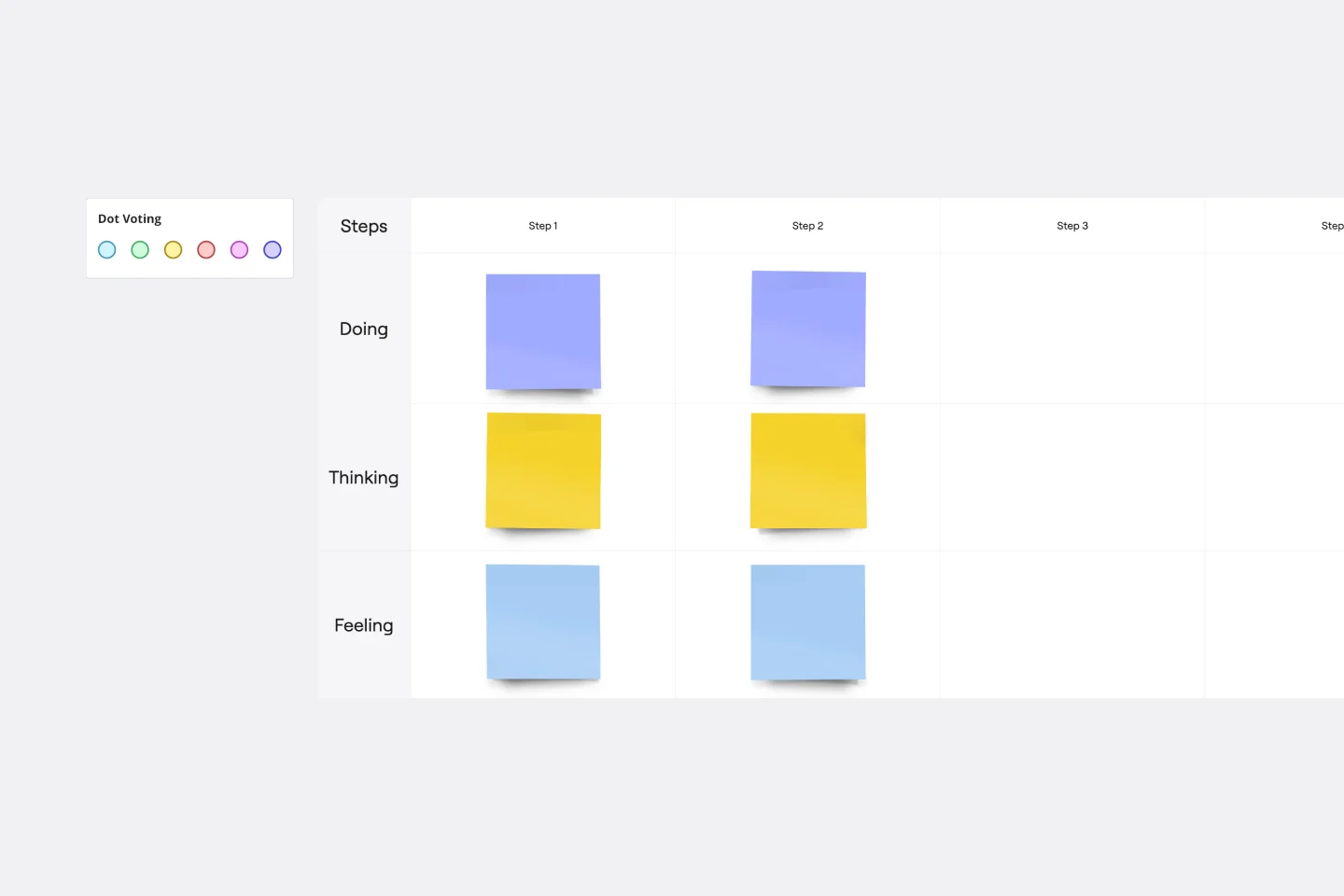
Scenario mapping is the process of outlining all the steps a user will take to complete a task. The scenario mapping template helps you create a visual guide to what different personas are doing, thinking, and feeling in different situations. Use scenario mapping to outline an intended or ideal scenario (what should happen) as well as what currently happens. If you’re trying to outline the ideal scenario, user mapping should take place very early on in a project and can help inform user stories and the product backlog. If you’re just trying to get a better sense of what currently happens, you can do user mapping when conducting user interviews or observation.
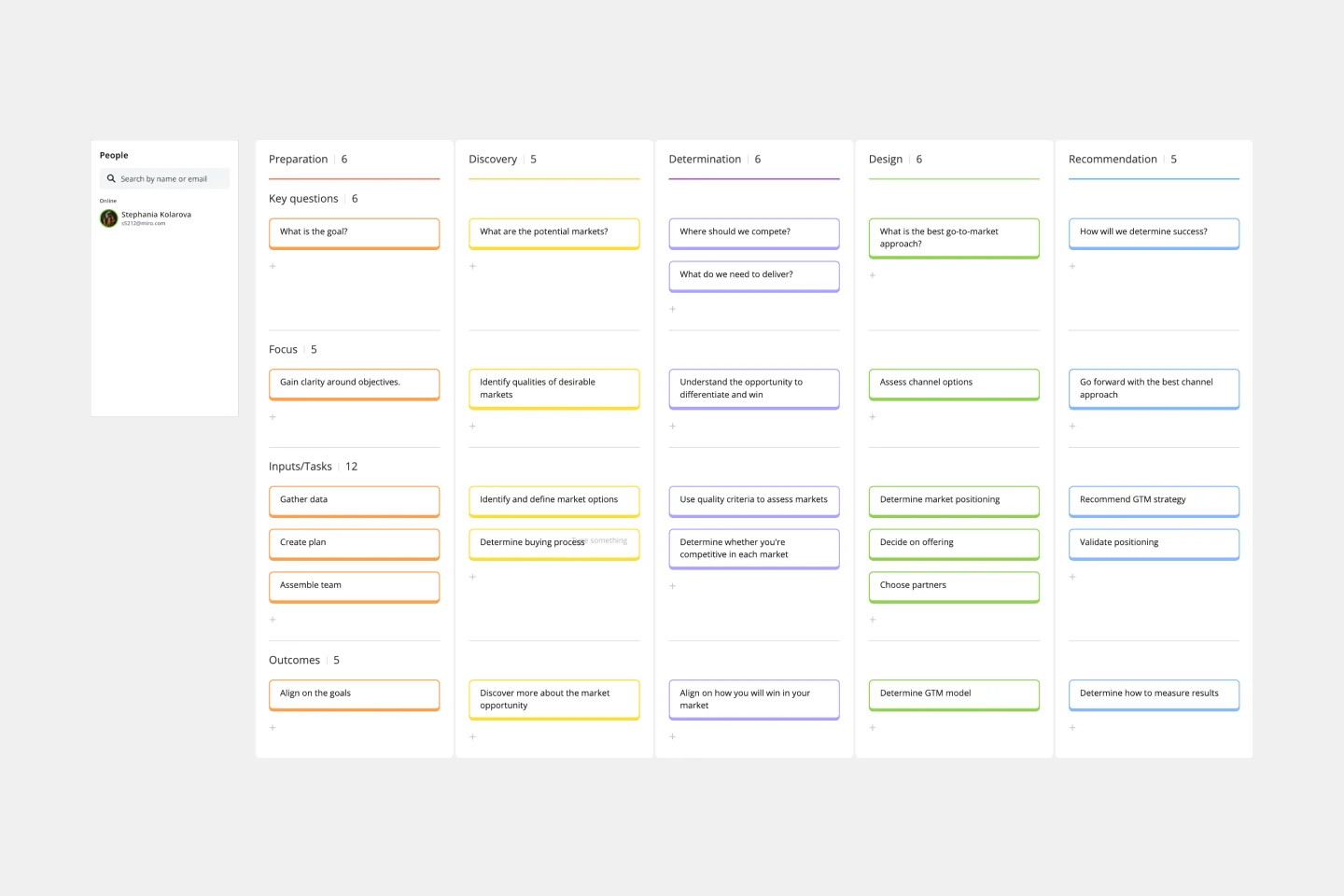
Go-to-Market GTM Template | Miro
It doesn’t matter how innovative or effective a new product is — if it doesn’t get noticed and adopted by the right audience, the product won’t get off the ground. That’s where your Go-to-Market Strategy comes in. It’s a single resource that houses all of your research, insights, and data, and includes your business plan, target audience, marketing approach, and sales strategy. A GTM is especially important for any startups who grow fast, have to make split-second decisions, and have to be fully in sync.
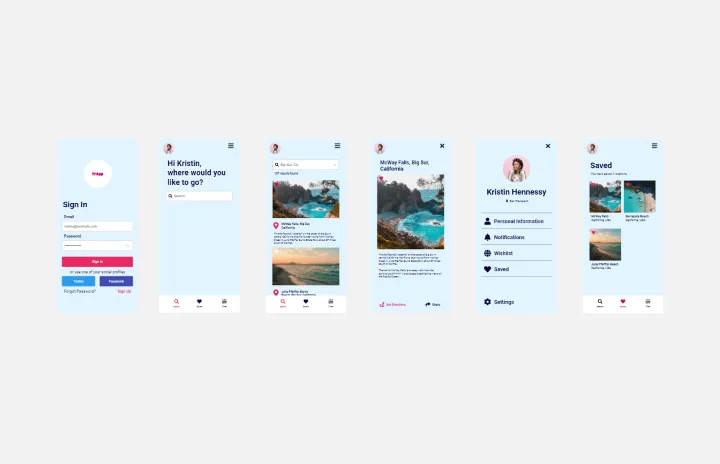
iPhone App Template
Incredible percentages of smartphone users worldwide have chosen iPhones (including some of your existing and potential customers), and those users simply love their apps. But designing and creating an iPhone app from scratch can be one seriously daunting, effort-intensive task. Not here — this template makes it easy. You’ll be able to customize designs, create interactive protocols, share with your collaborators, iterate as a team, and ultimately develop an iPhone app your customers will love.
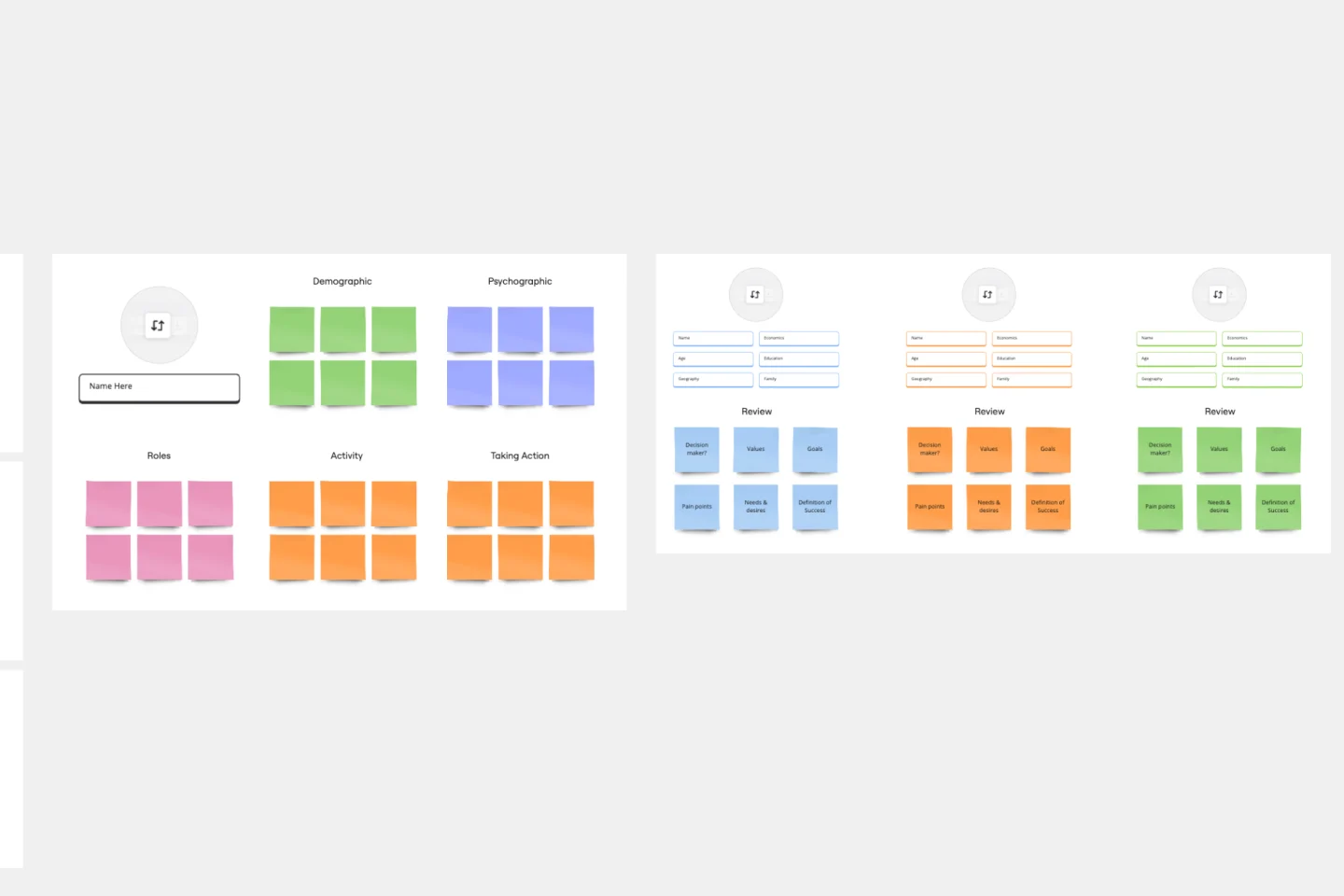
Target Audience Template
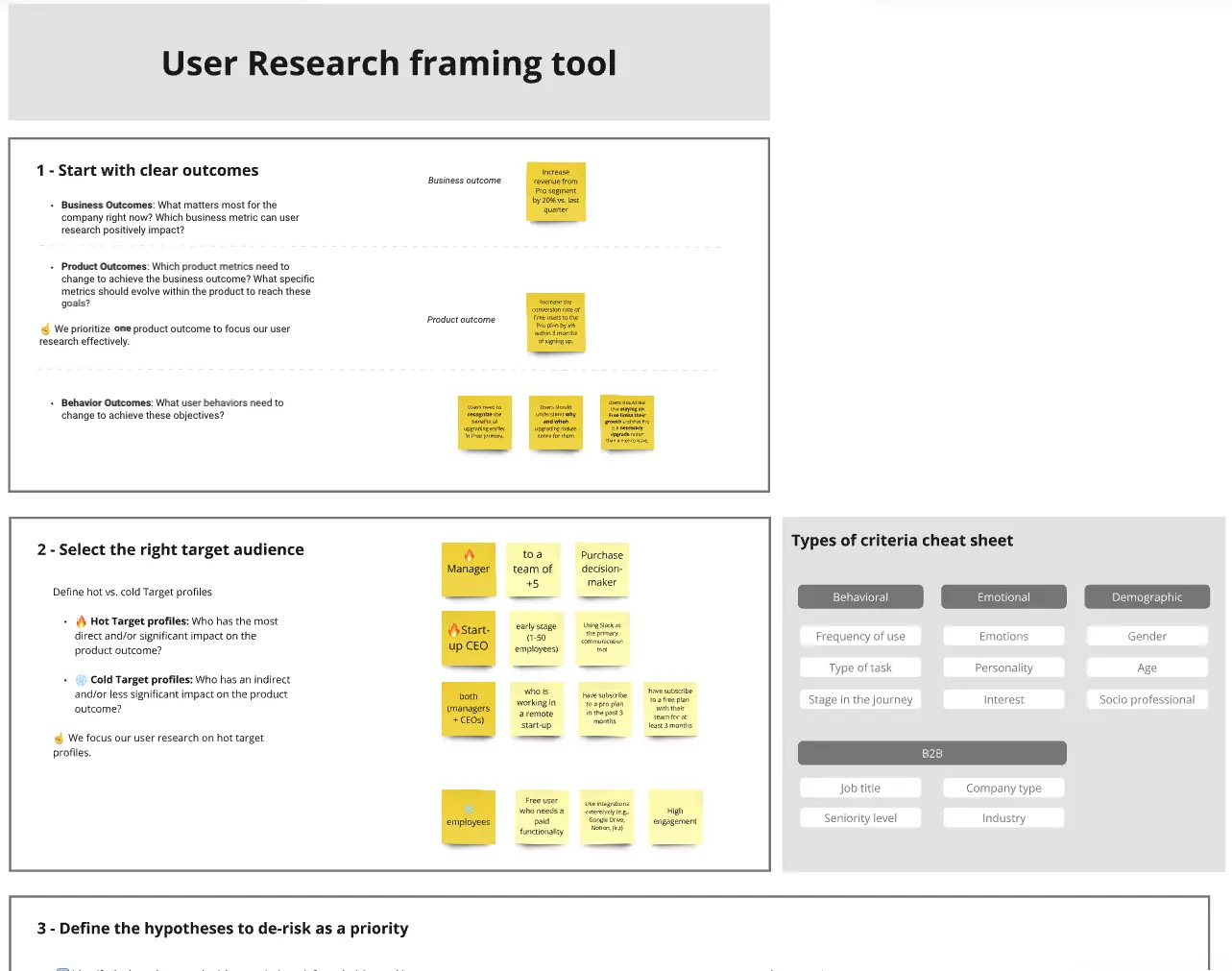
Understanding your target audience is vital to business success. How can you market yourself effectively if you don’t know who you’re targeting? Using the Target Audience template, you can review valuable data about who your customers are and what they want from your product or service.
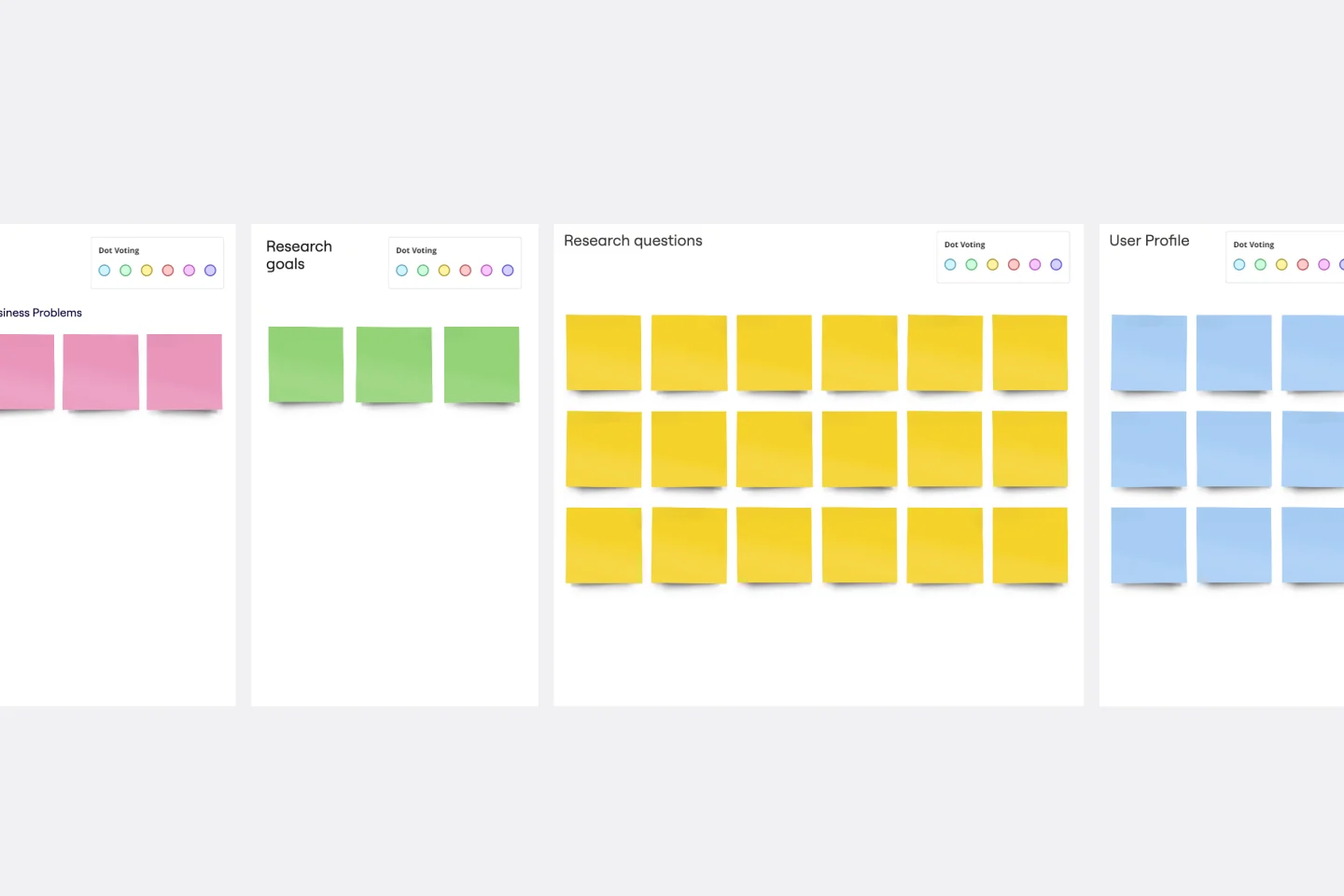
UX Research Plan Template
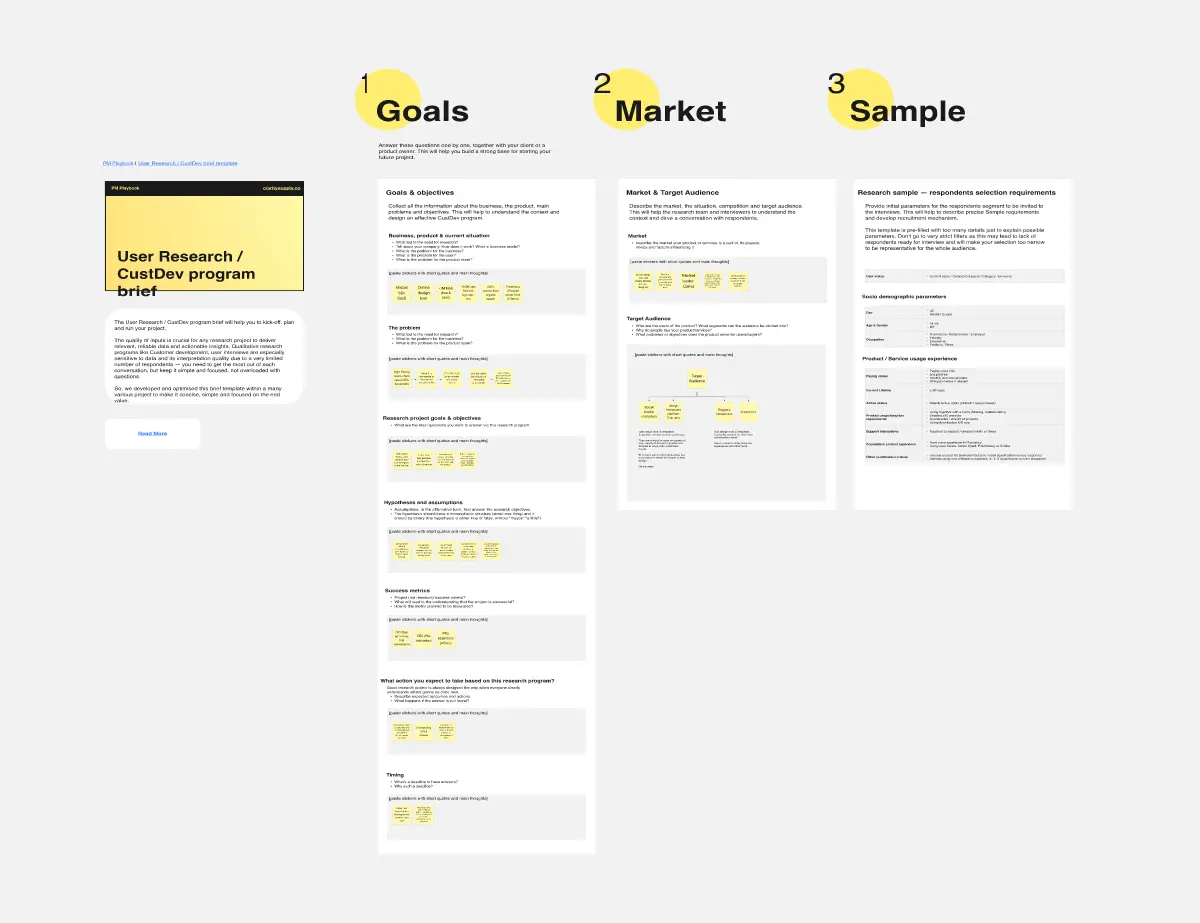
A research plan communicates the fundamental information that stakeholders need to understand about a user experience research project: who, what, why, and when. The plan ensures everyone is aligned and knows what they must do to make the UX research project a success. Use the research plan to communicate background information about your project; objectives; research methods; the scope of the project, and profiles of the participants. By using a UX research plan, you can achieve stakeholder buy-in, stay on track, and set yourself up for success.

Storyboard Presentation Template
Use this Storyboard Presentation Template to visualize the structure, content, and flow of your presentation. Make sure that your presentation covers all the key points and hits the mark.

Proto Persona Template
The Proto Persona Template is tailored to capture the essence of hypothetical user segments. It encapsulates key attributes such as user needs, behaviors, and potential pain points. One of its standout benefits is its ability to foster empathy. By visualizing and understanding these preliminary user profiles, design and strategy teams can tap into a deeper connection with their target audience, ensuring that solutions resonate authentically and address genuine needs.
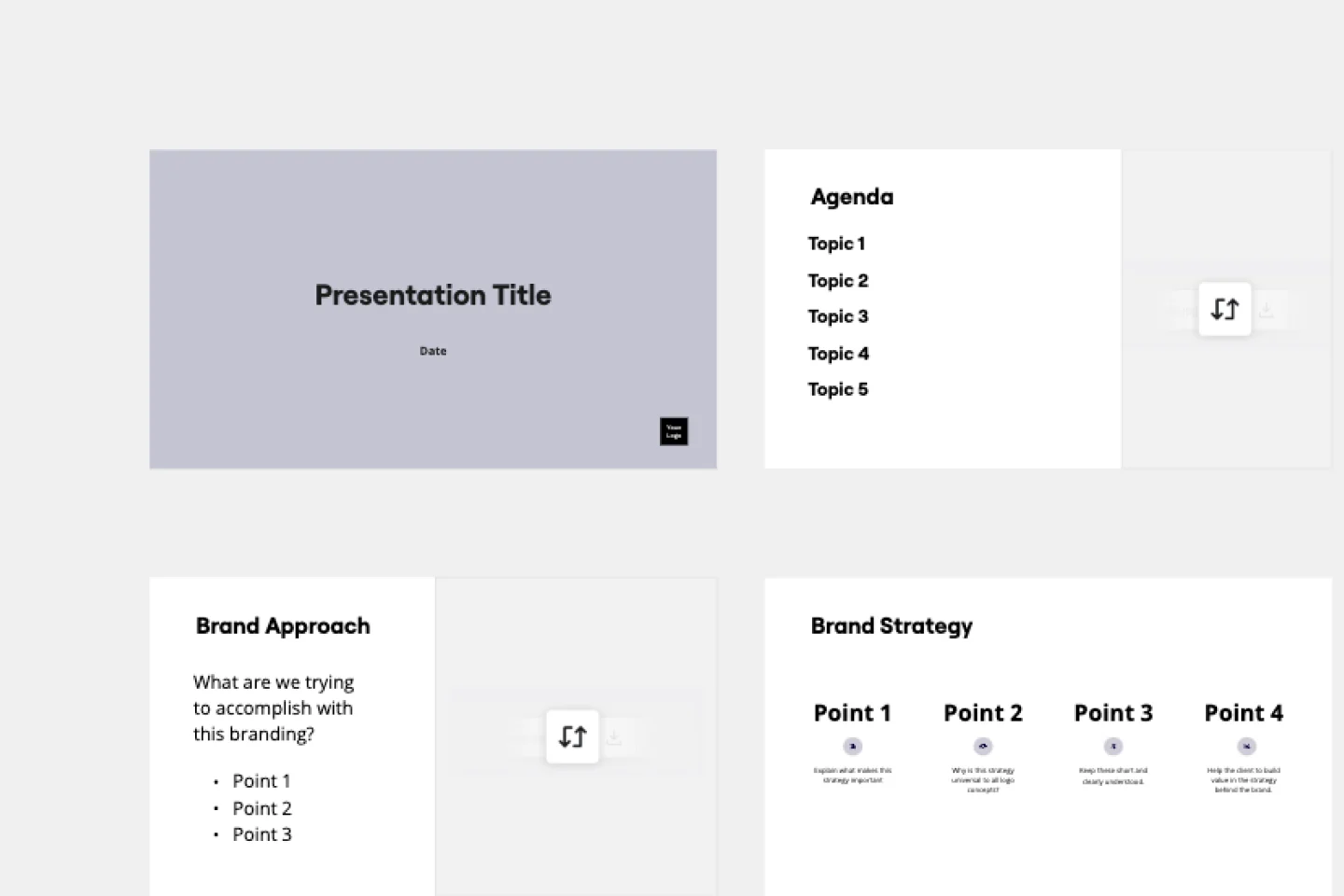
Rebranding Presentation
Out with the old, in with the new! Showcase your brand’s newly revised strategy with this dynamic Rebranding Presentation Template.
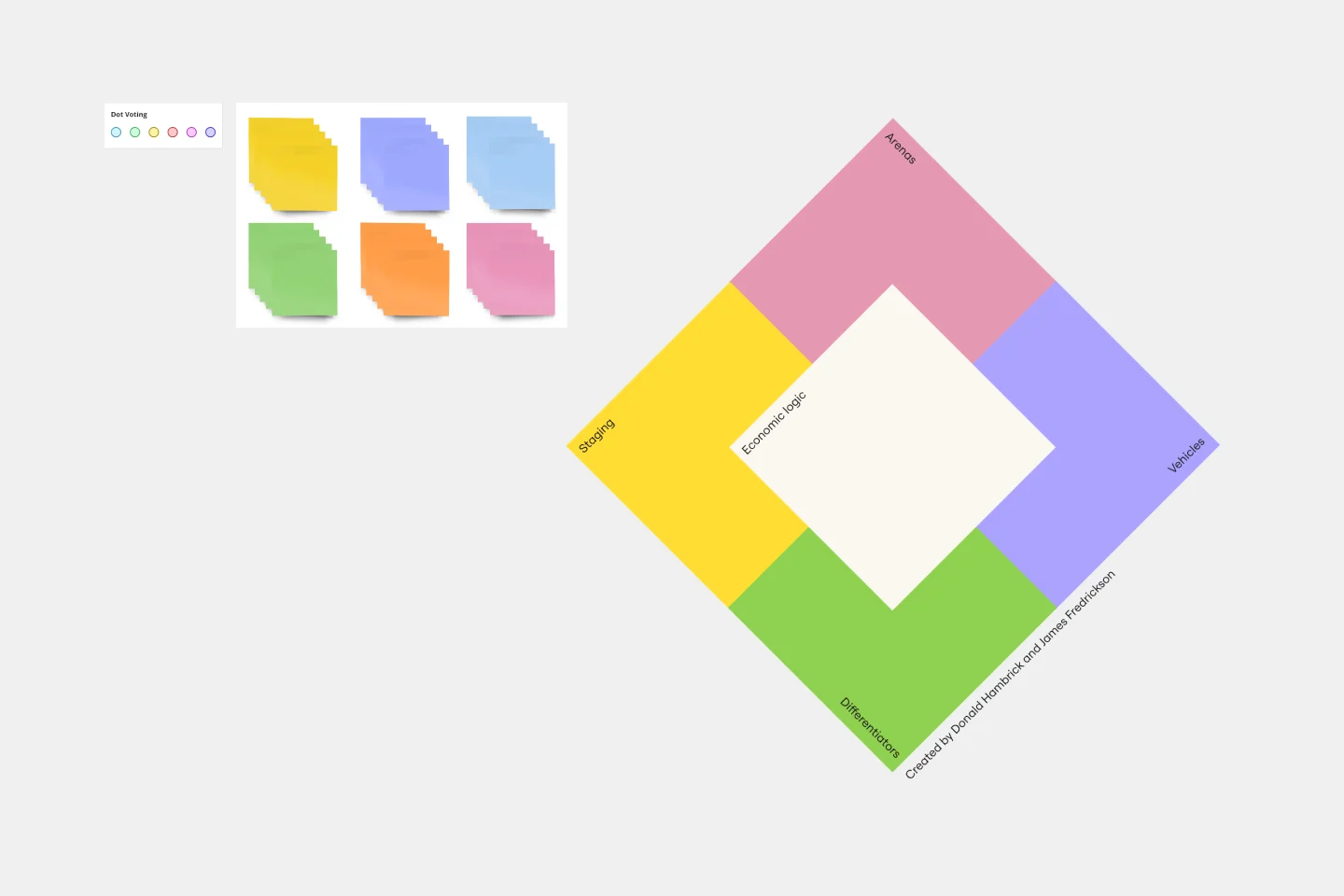
Strategy Diamond Template
To achieve key objectives, every business assembles a series of strategies. But what elements should you consider when building a strategy? A strategy diamond is a collection of elements forming a coherent business strategy. These elements include: Arenas, Differentiators, Vehicles, Staging, and Economic Logic. Most strategic plans focus on just one or two of these elements, creating gaps that might cause problems for your business later on. A strategy diamond can help you stay focused and ensure you’re fulfilling all of your business’s needs rather than one or two.
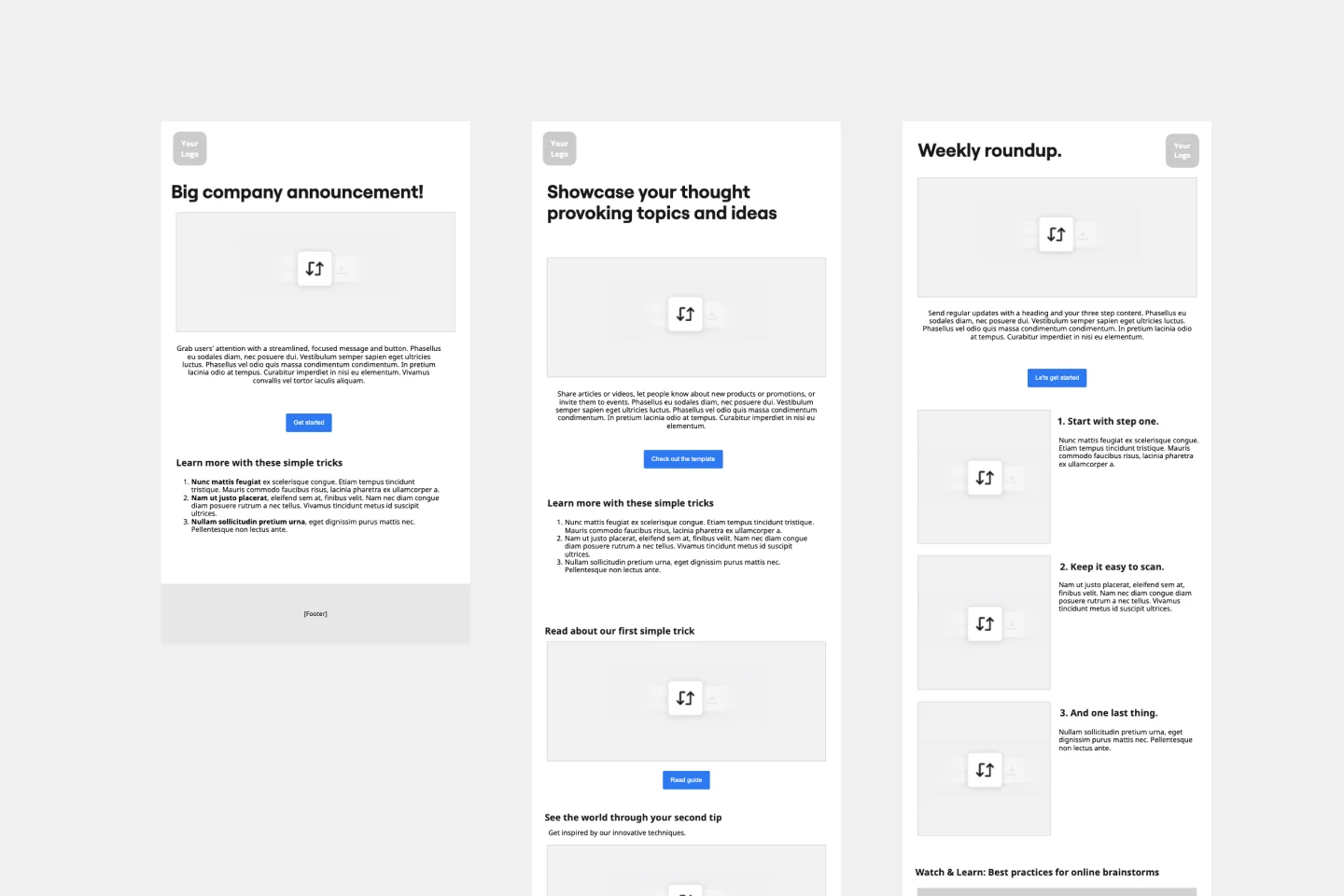
Newsletter Template
Using a newsletter template allows you to create a structured and eye-catching newsletter for your subscribers. Add images, text, a call-to-action, and anything else that’ll keep your audience engaged. Take a look at Miro’s newsletter template to start creating unique and distinctive emails today.

AI Accelerated
Low-Fidelity Wireframe AI Template
When you’re designing a site or building an app, the early stages should be BIG — seeing the big picture and communicating the big idea. Low fidelity wireframes empower you to see it and do it. These rough layouts (think of them as the digital version of a sketch on a napkin) help your teams and project stakeholders quickly determine if a design meeting meets your users’ needs. Our template lets you easily use wireframes during meetings or workshops, presentations, and critique sessions.
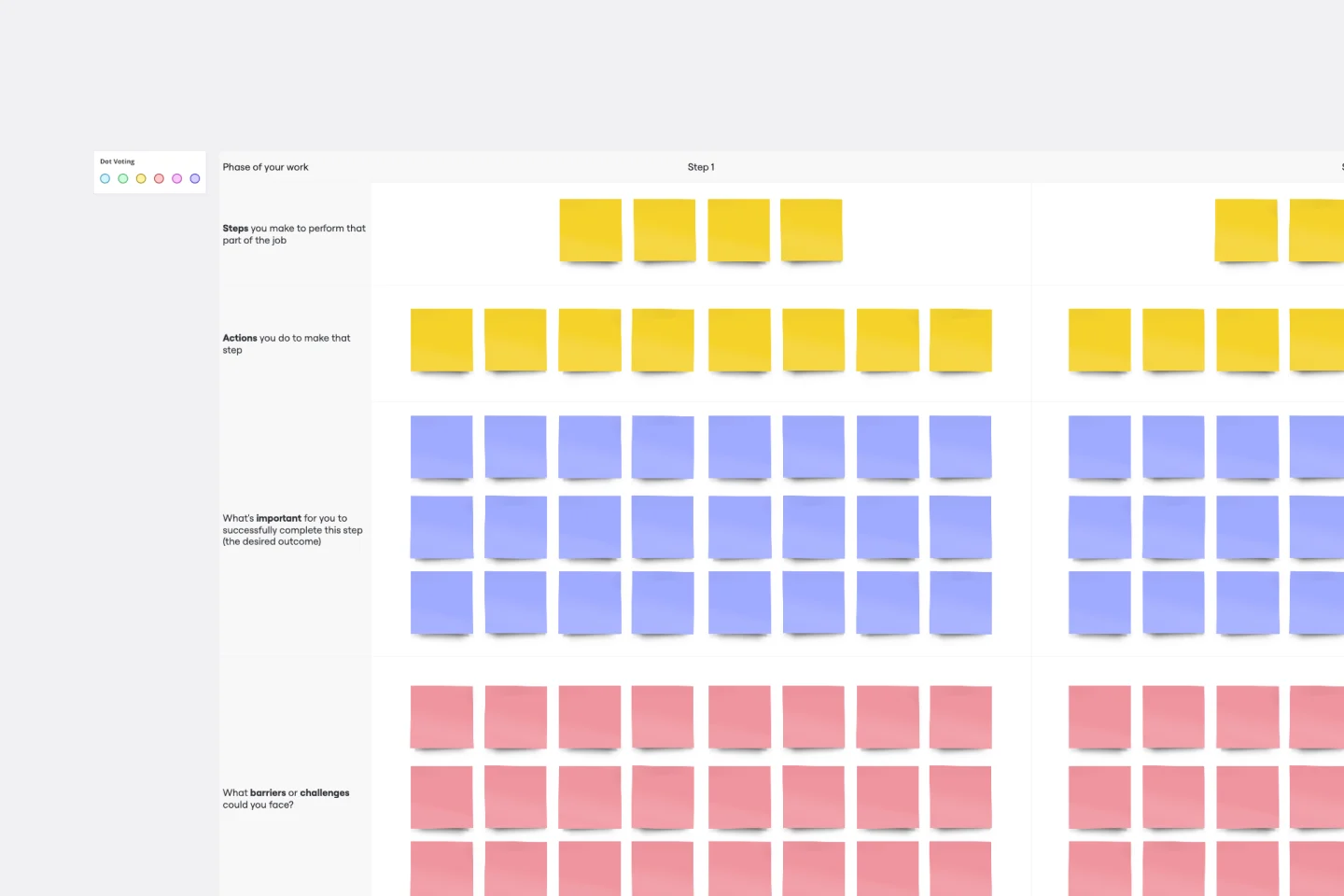
Job Map Template
Want to truly understand your consumers’ mindset? Take a look at things from their perspective — by identifying the “jobs” they need to accomplish and exploring what would make them “hire” or “fire” a product or service like yours. Ideal for UX researchers, job mapping is a staged process that gives you that POV by breaking the “jobs” down step by step, so you can ultimately offer something unique, useful, and different from your competitors. This template makes it easy to create a detailed, comprehensive job map.
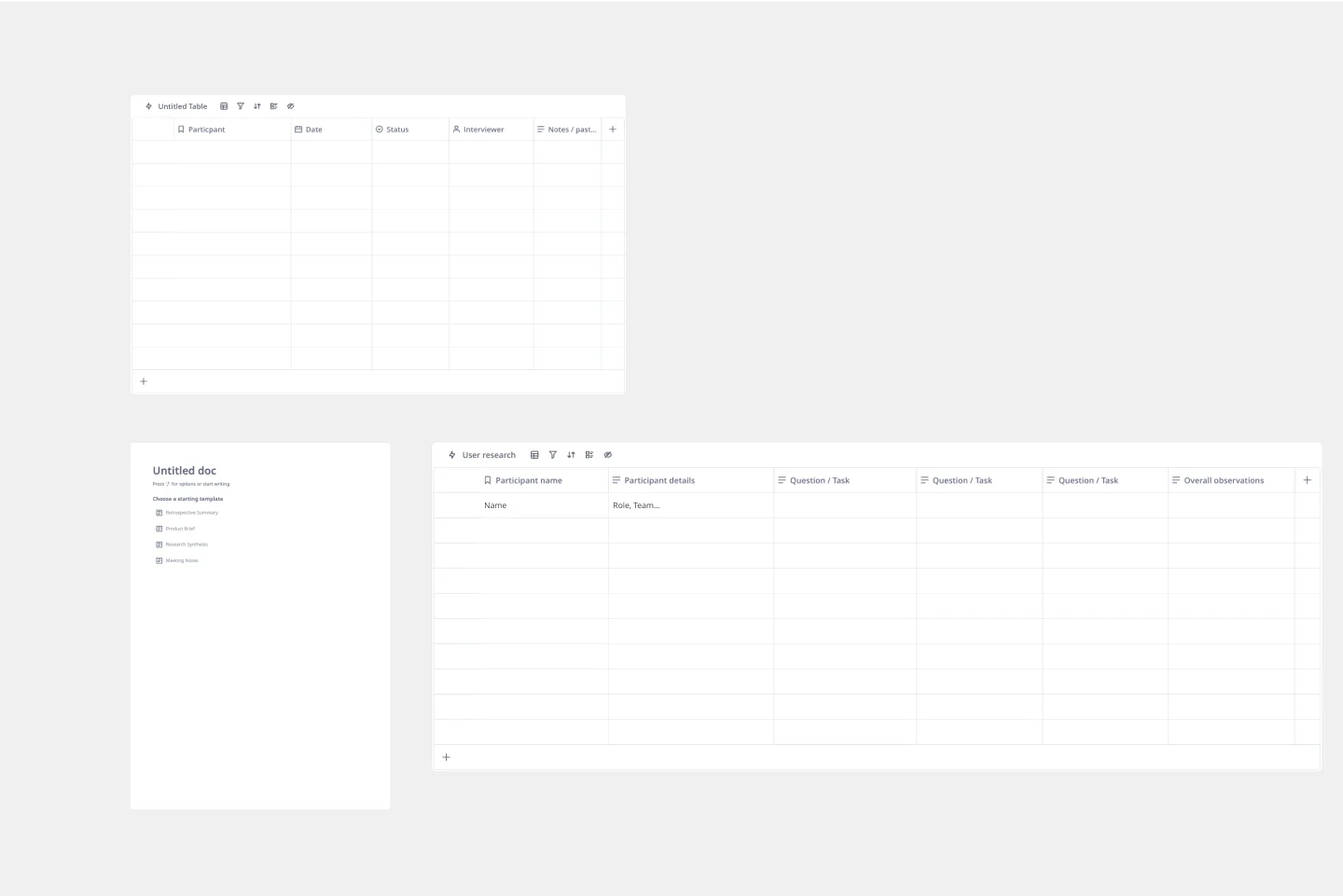
Research Template
Teams often need to document findings from usability testing sessions and customer interviews into a systematic, flexible user research template. Collecting everyone’s observations into a centralized location makes it easier to share insights company-wide and suggest new features based on user needs. Research templates can be used to record quantitative or qualitative data.. When it’s your job to ask questions, take notes, learn more about your user, and test iteratively, a Research Template can help you validate your assumptions, find similarities across different users, and articulate their mental models, needs, and goals.
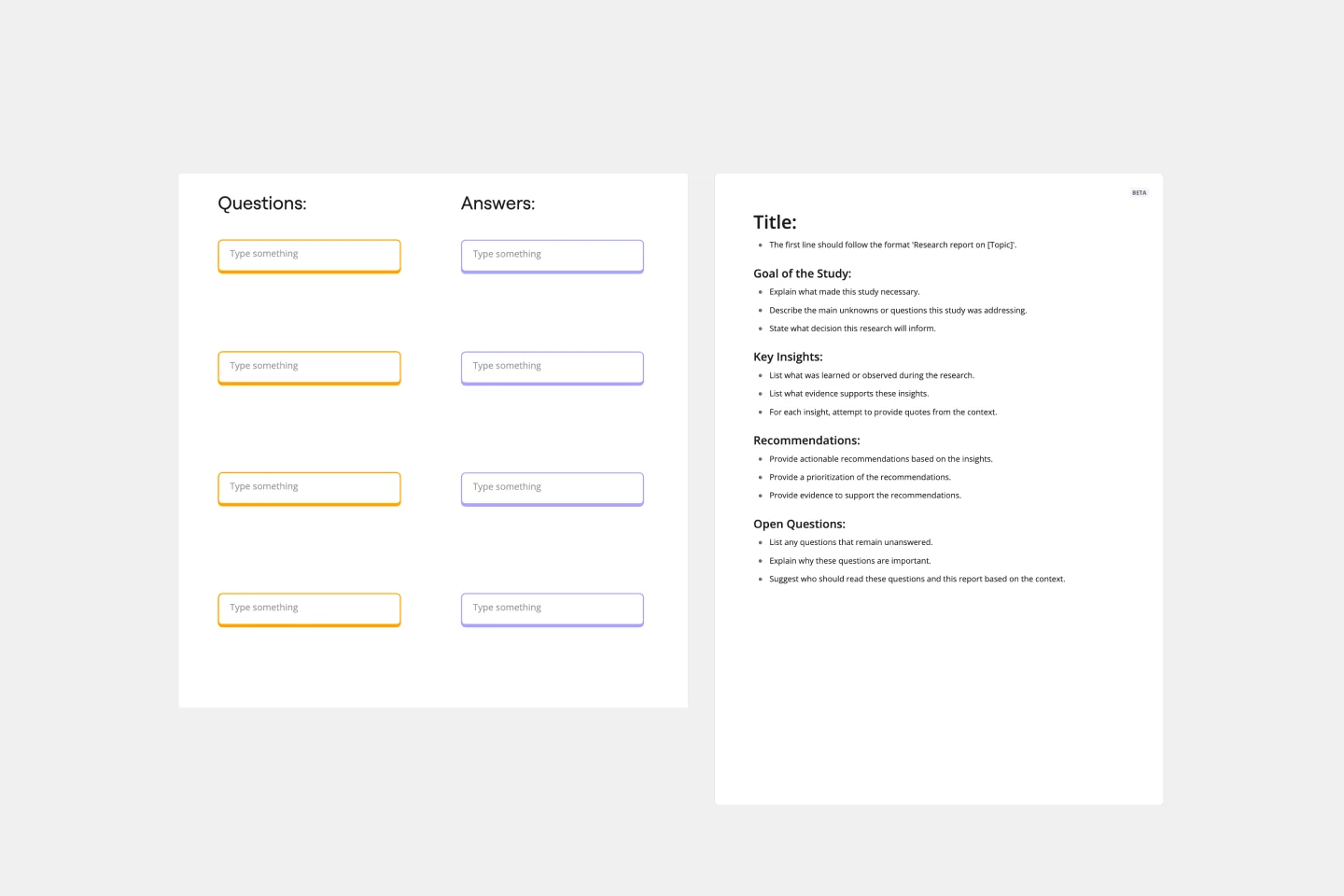
User Interview Template
A user interview is a UX research technique in which researchers ask the user questions about a topic. They allow your team to quickly and easily collect user data and learn more about your users. In general, organizations conduct user interviews to gather background data, to understand how people use technology, to take a snapshot of how users interact with a product, to understand user objectives and motivations, and to find users’ pain points. Use this template to record notes during an interview to ensure you’re gathering the data you need to create personas.
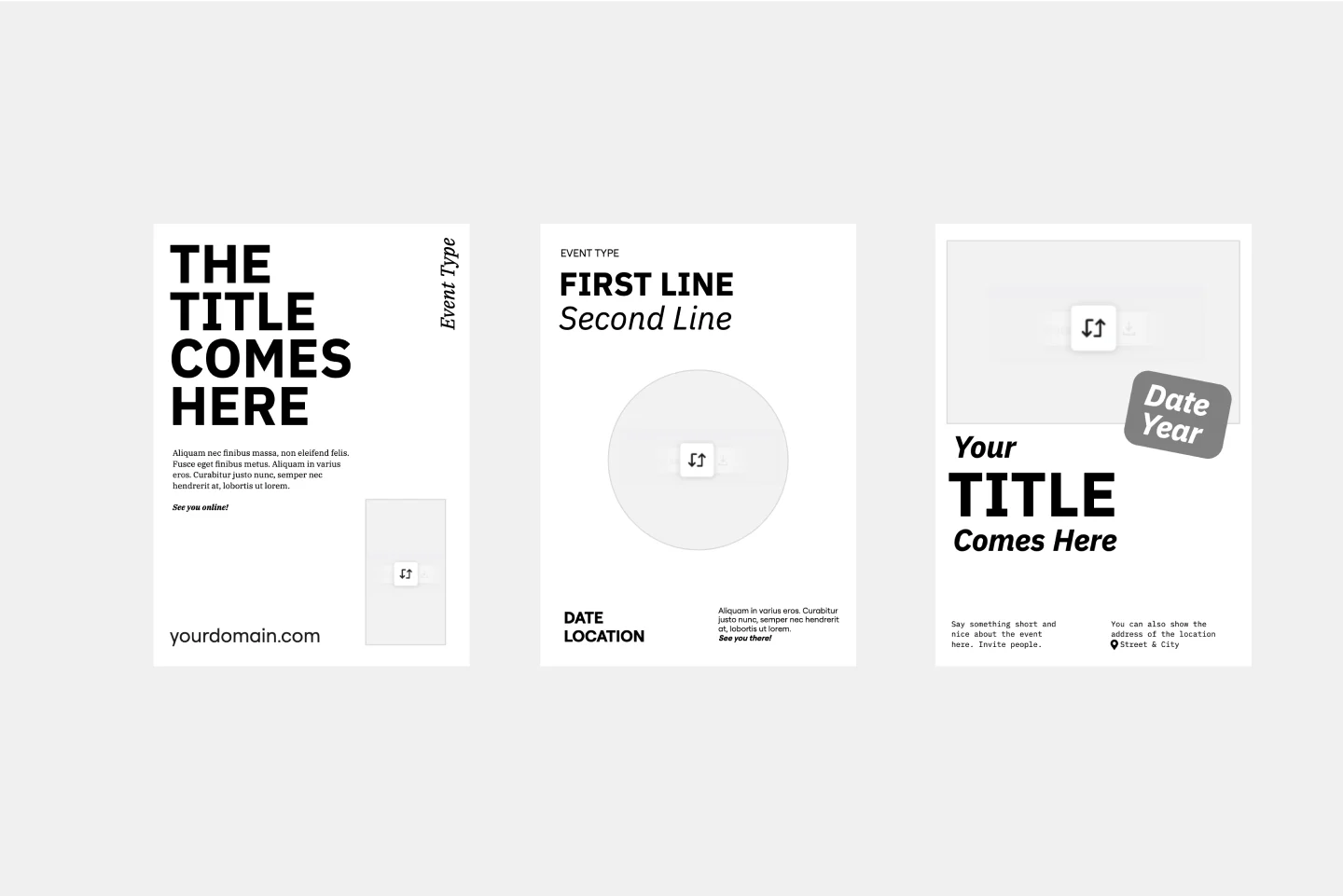
Flyer Maker Template
Whether it’s a client party or a nonprofit fundraiser, your event needs one key thing to be a smashing success: people to show up. That’s why promoting it is such an important part of the planning—and creating and sending a flyer is the first step. These single-page files will grab your guests’ attention and give them the key details, such as the time, date, and location (and if it’s a fundraiser, who/what the funds will benefit). This template will let you lay out text and customize a flyer design.
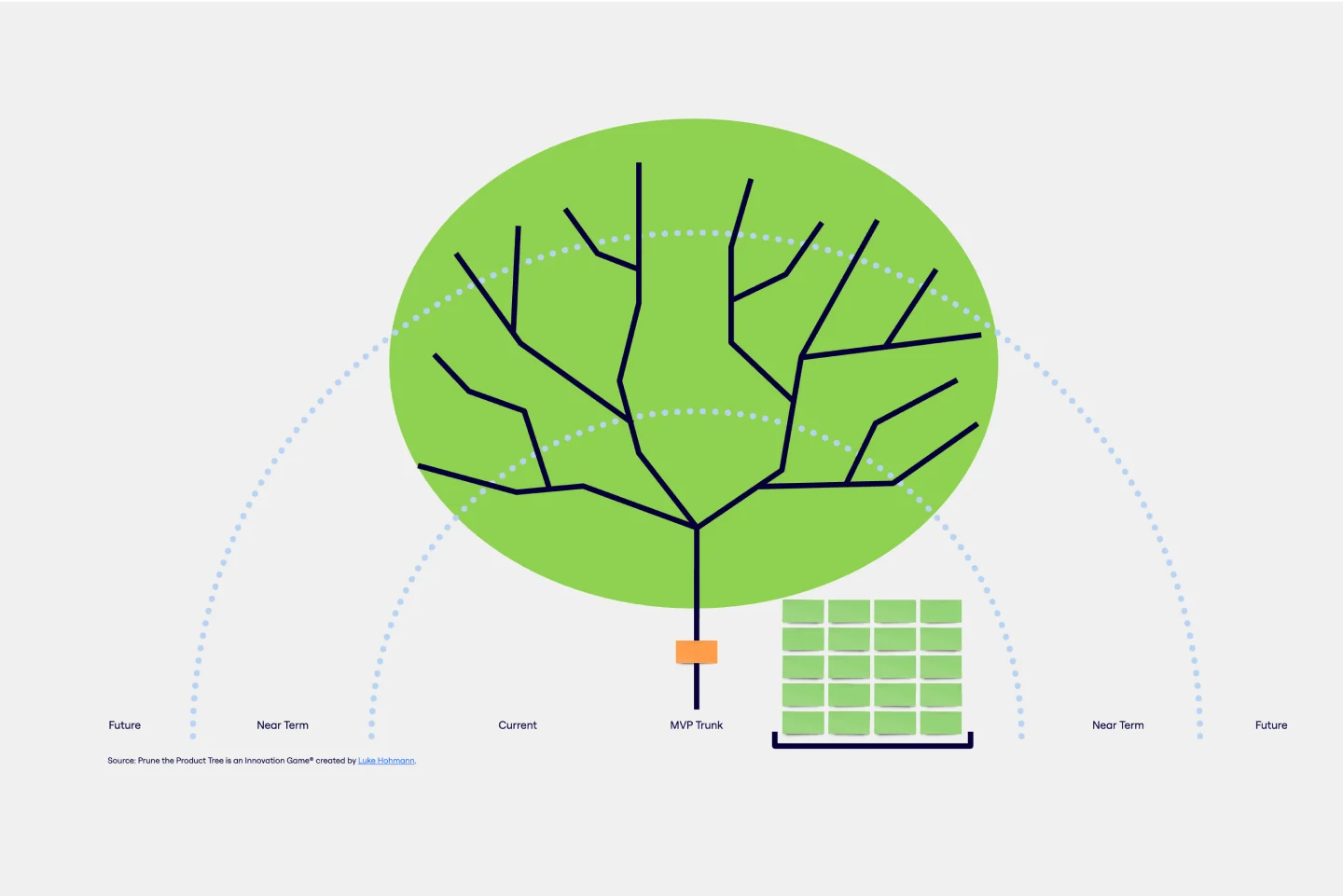
Prune the Product Tree Template
Prune the Product Tree (also known as the product tree game or the product tree prioritization framework) is a visual tool that helps product managers organize and prioritize product feature requests. The tree represents a product roadmap and helps your team think about how to grow and shape your product or service by gamifying feedback-gathering from customers and stakeholders. A typical product tree has four symbolic features: the trunk, which represents the existing product features your team is building; the branches, each of which represents a product or system function; roots, which are technical requirements or infrastructure; and leaves, which are new ideas for product features.
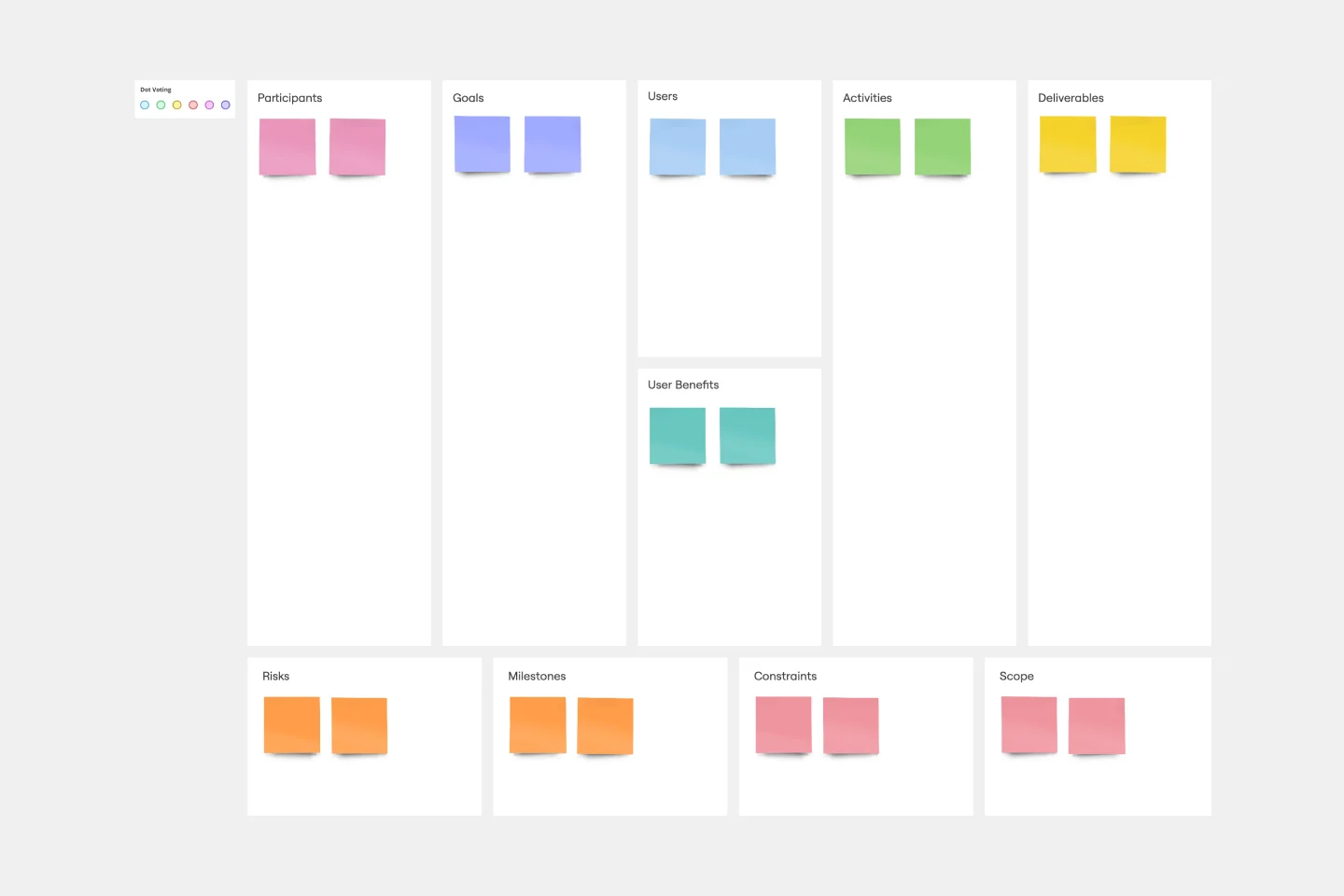
UX Project Canvas Template
Inspired by Alexander Osterwalder's 2005 business model canvas, the project canvas will help your team visualize the big picture of your UX and design projects, providing a convenient structure that holds all of your important data. This innovative tool enables you to transform an idea into a project plan, stimulating collaboration and communication between collaborators. Unlike alternative models, the project canvas is a simple interface. There are few startup costs, and employees can easily be brought up to speed to start using the canvas quickly.
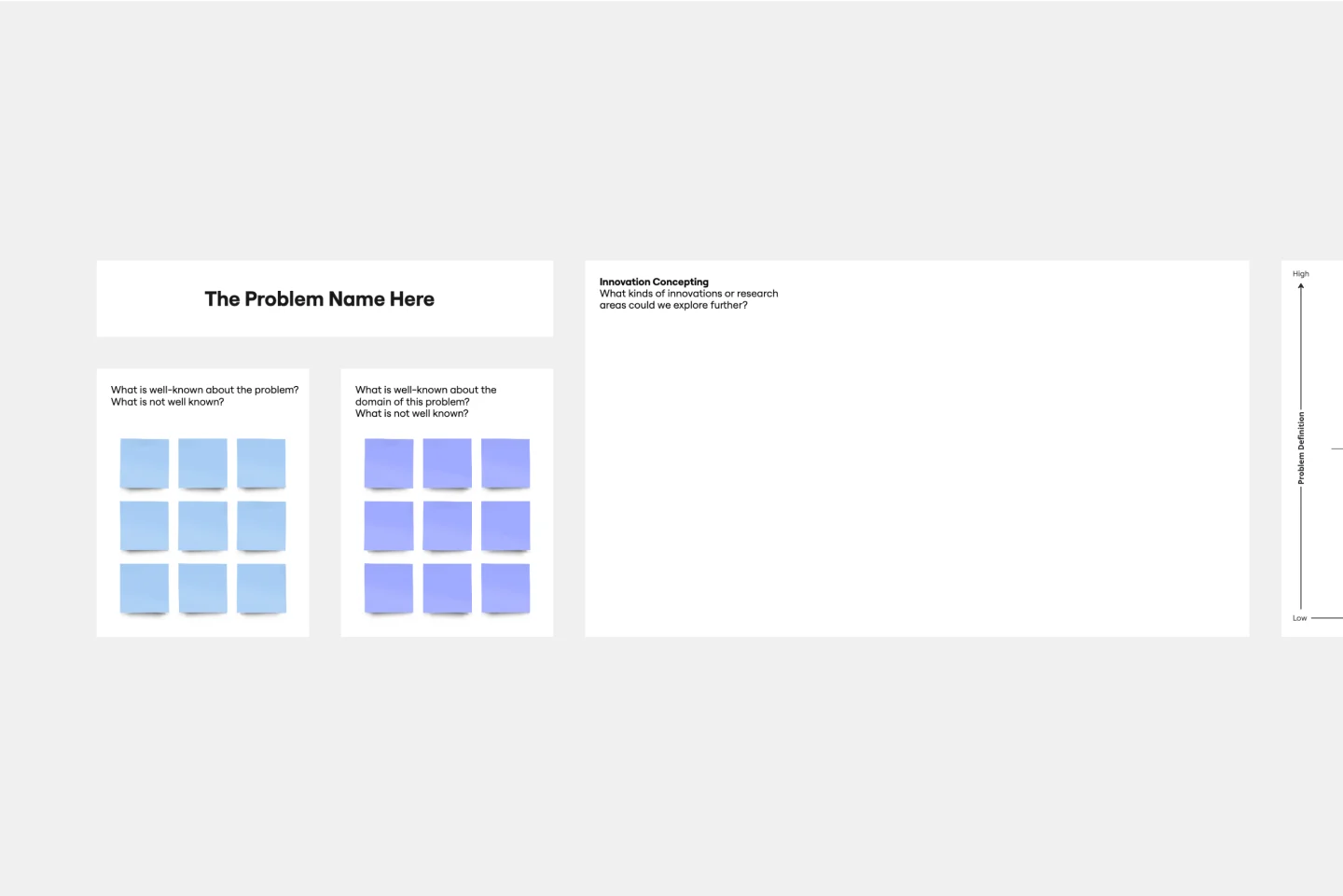
Innovation Matrix Template
Visualize the best way to grow your business with this Innovation Matrix template. It’ll show you how to streamline your innovation, make the right decisions about which areas of your business to innovate, and manage the entire process. So if you want to figure out the best way to innovate in your business, an innovation matrix can help.

Competitor Product Research
The Competitor Product Research template assists product teams in analyzing competitor offerings and market landscapes effectively. By identifying competitor strengths, weaknesses, and market trends, this template enables teams to uncover insights and opportunities for differentiation. With sections for conducting feature comparisons, SWOT analysis, and market positioning assessments, it facilitates informed decision-making and strategic planning. This template serves as a valuable resource for gaining competitive intelligence and driving product innovation and differentiation.
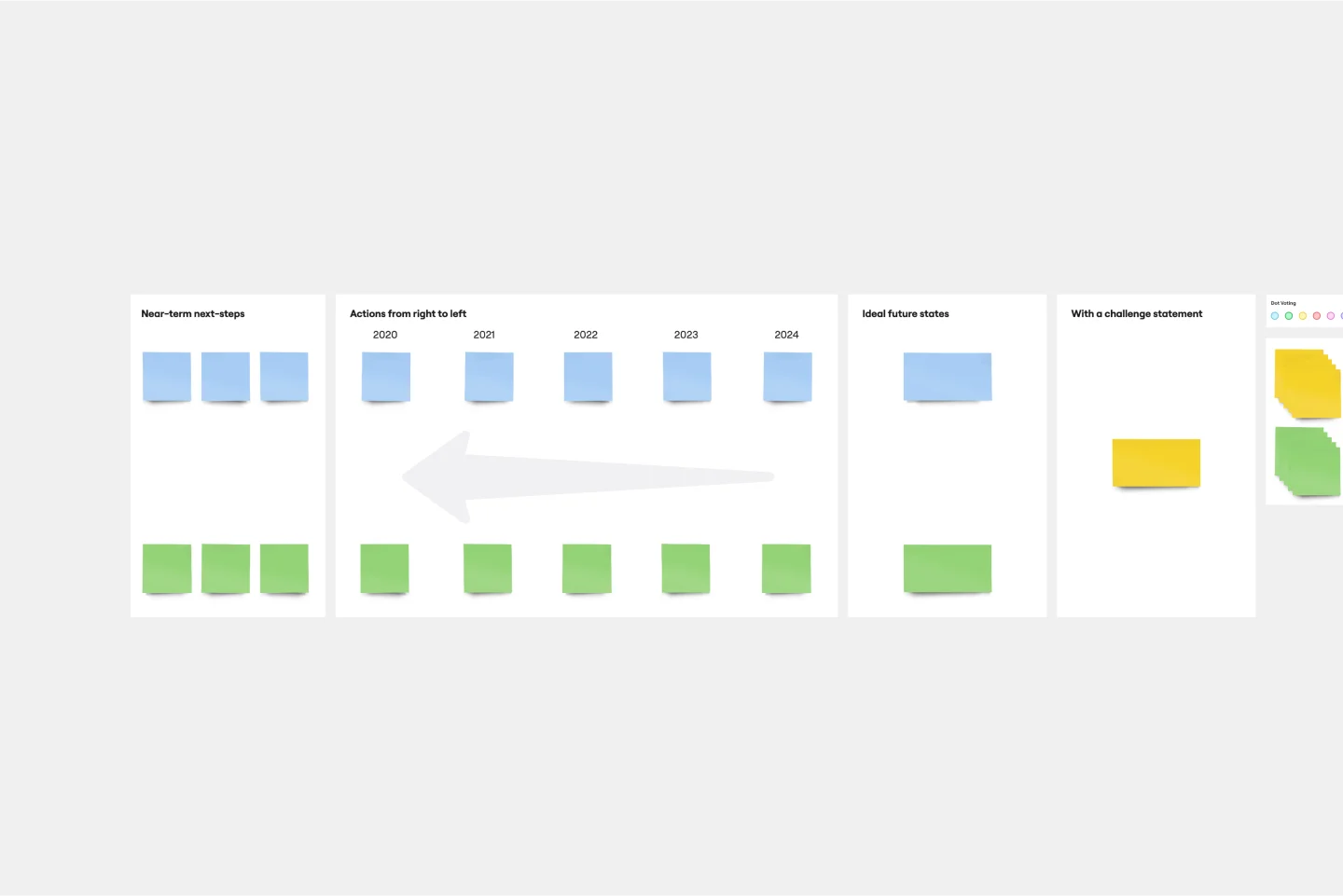
Working Backwards Template
Find out how to use the Working Backwards template to plan, structure, and execute the launch of a new product. Using the template, you’ll figure out if the product is worth launching in the first place.
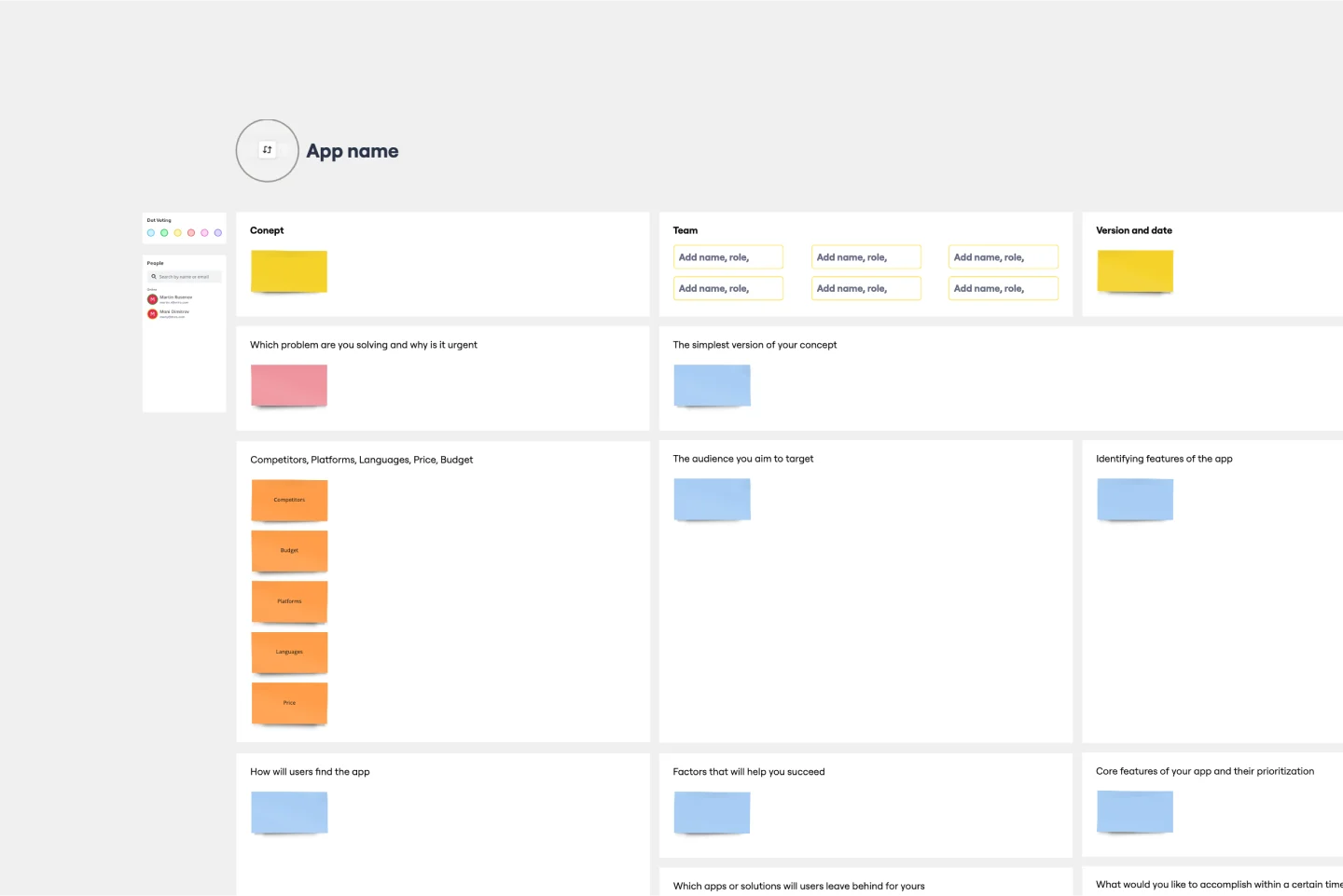
App Development Canvas Template
Ever noticed that building a successful app requires lots of players and moving parts? If you’re a project manager, you definitely have. Lucky for you, an app development canvas will let you own and optimize the entire process. It features 18 boxes, each one focusing on a key aspect of app development, giving you a big-picture view. That way you can fine-tune processes and get ahead of potential problems along the way—resulting in a smoother path and a better, tighter product.
Voice of the Customer Template
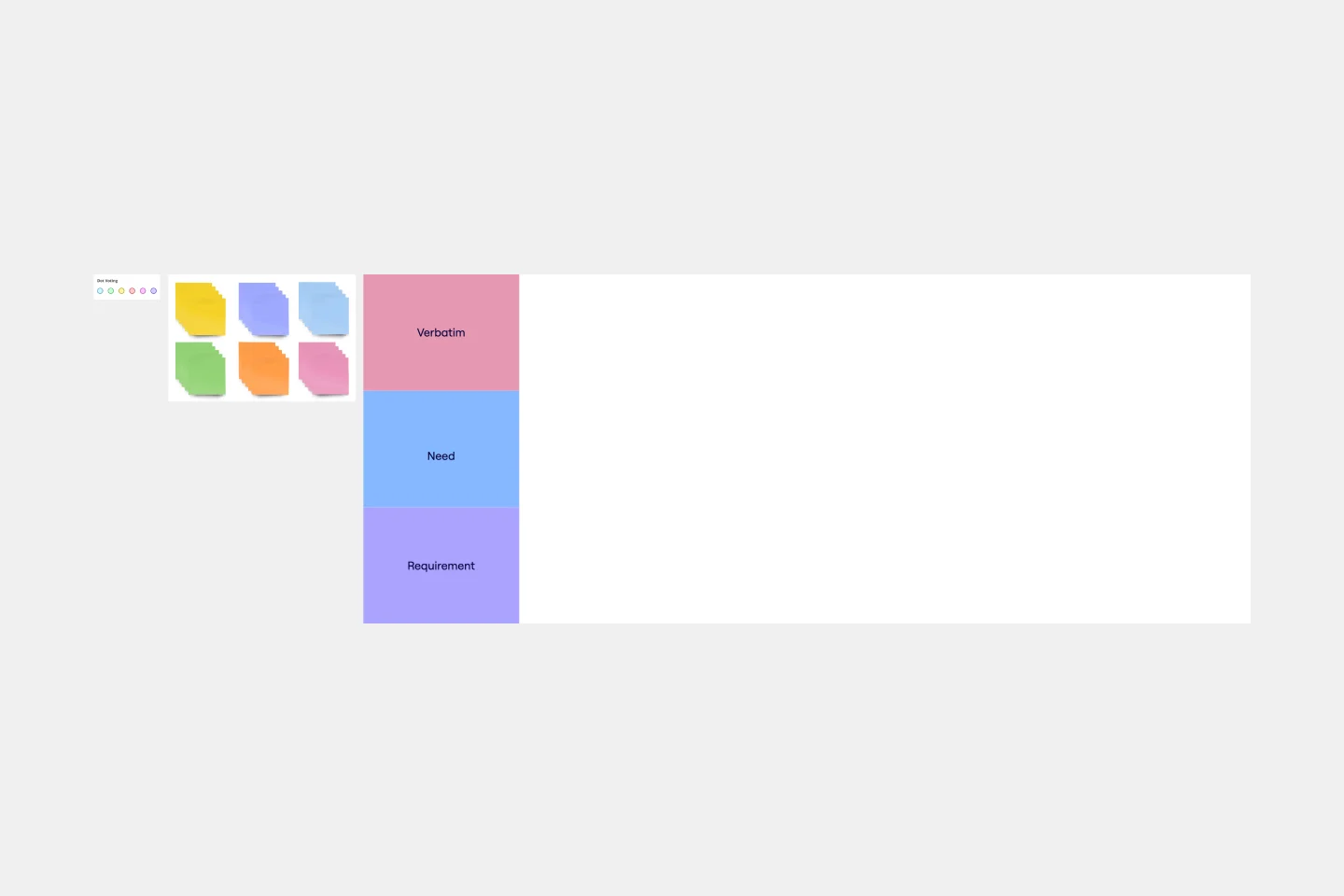
Identifying the voice of the customer is a crucial part of any customer experience strategy. Your Voice of Customer is simply a framework for understanding your customers’ needs, wants, preferences, and expectations as they interact with your brand. Evaluating your Voice of Customer allows you to dive into what your customers are thinking, feeling, and saying about your products and services, so you can build a better customer journey. Use the Voice of Customer template to record answers to key questions about your customer, including: What are they saying about our product? What do they need? How can we fulfill that need? And who is this persona?
Visual Story Map Template
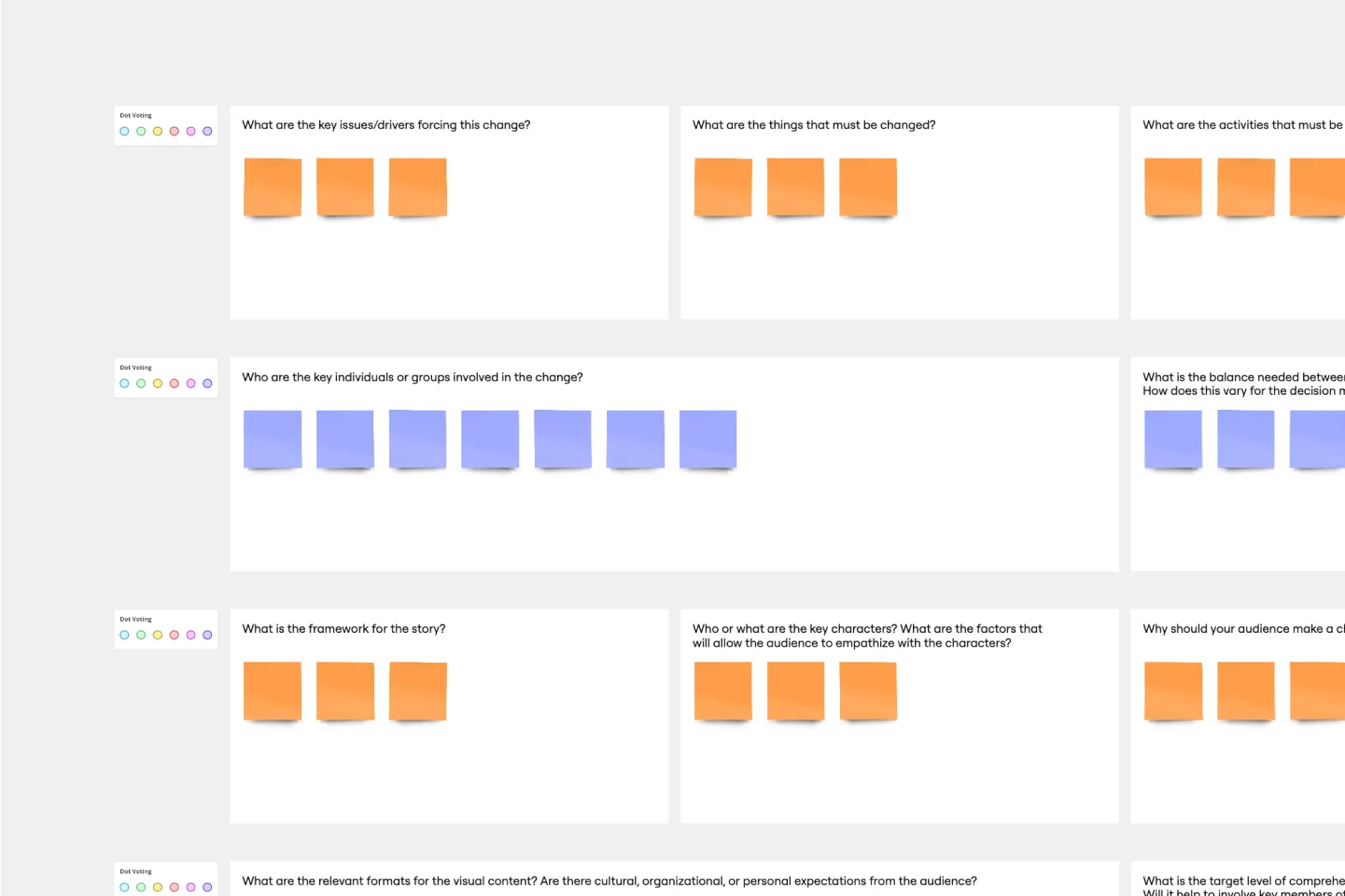
Some people like to think of a visual story map as a stylized to-do list, but it’s a lot more powerful than that. Visual story mapping allows your product management team to visualize multiple dimensions of information.
Feature Canvas Template
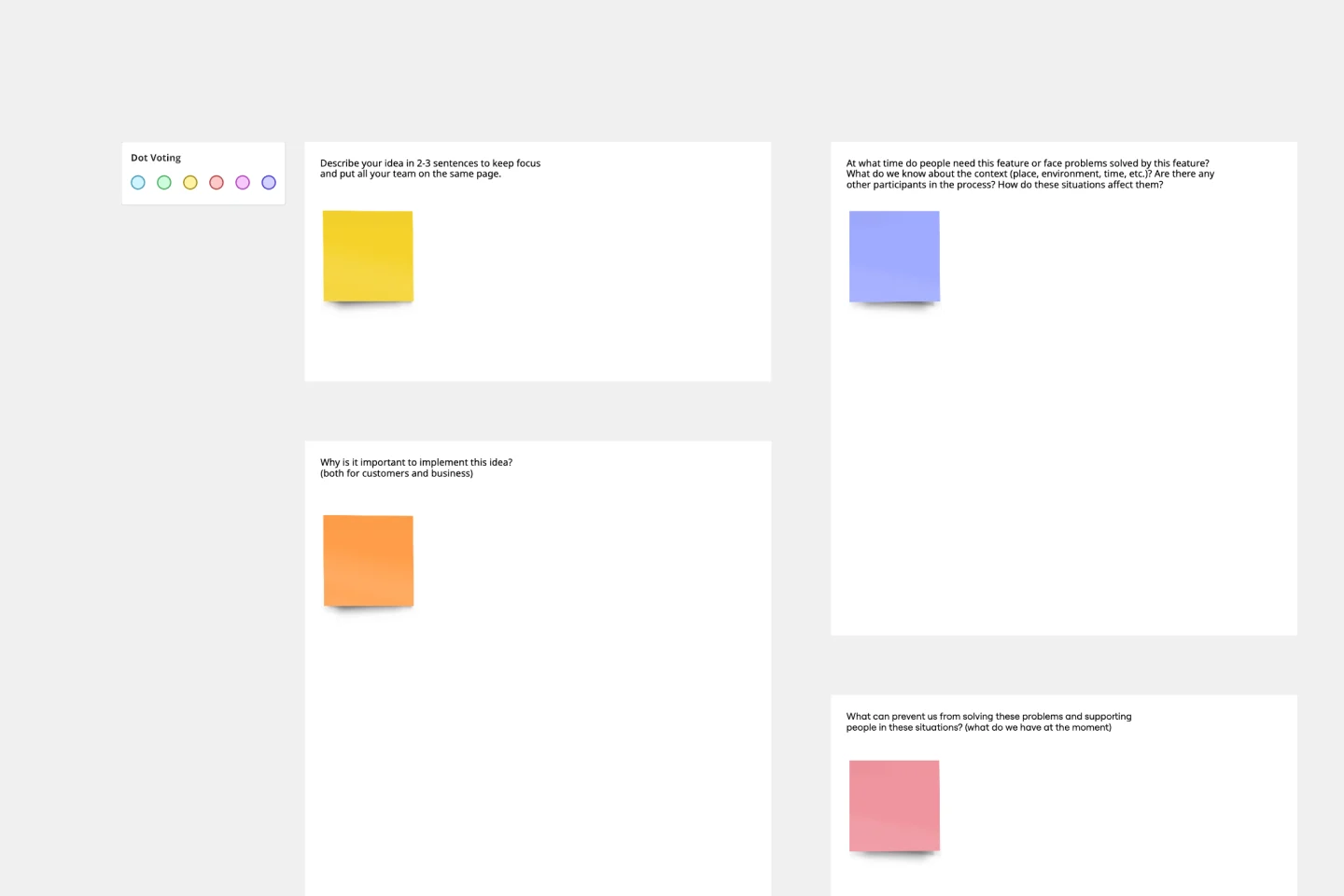
When you’re working on a new feature that solves a problem for your users, it’s easy to dive right in and start looking for solutions. However, it’s important to understand the initial user problem first. Use the Feature Canvas template to do a deep-dive into the user’s problems, the context in which they will use your feature, and the value proposition you will deliver to your users. The template enables you to spend more time exploring the problem to anticipate any potential blind spots before jumping into solutions mode.
Product / Market Fit Canvas Template
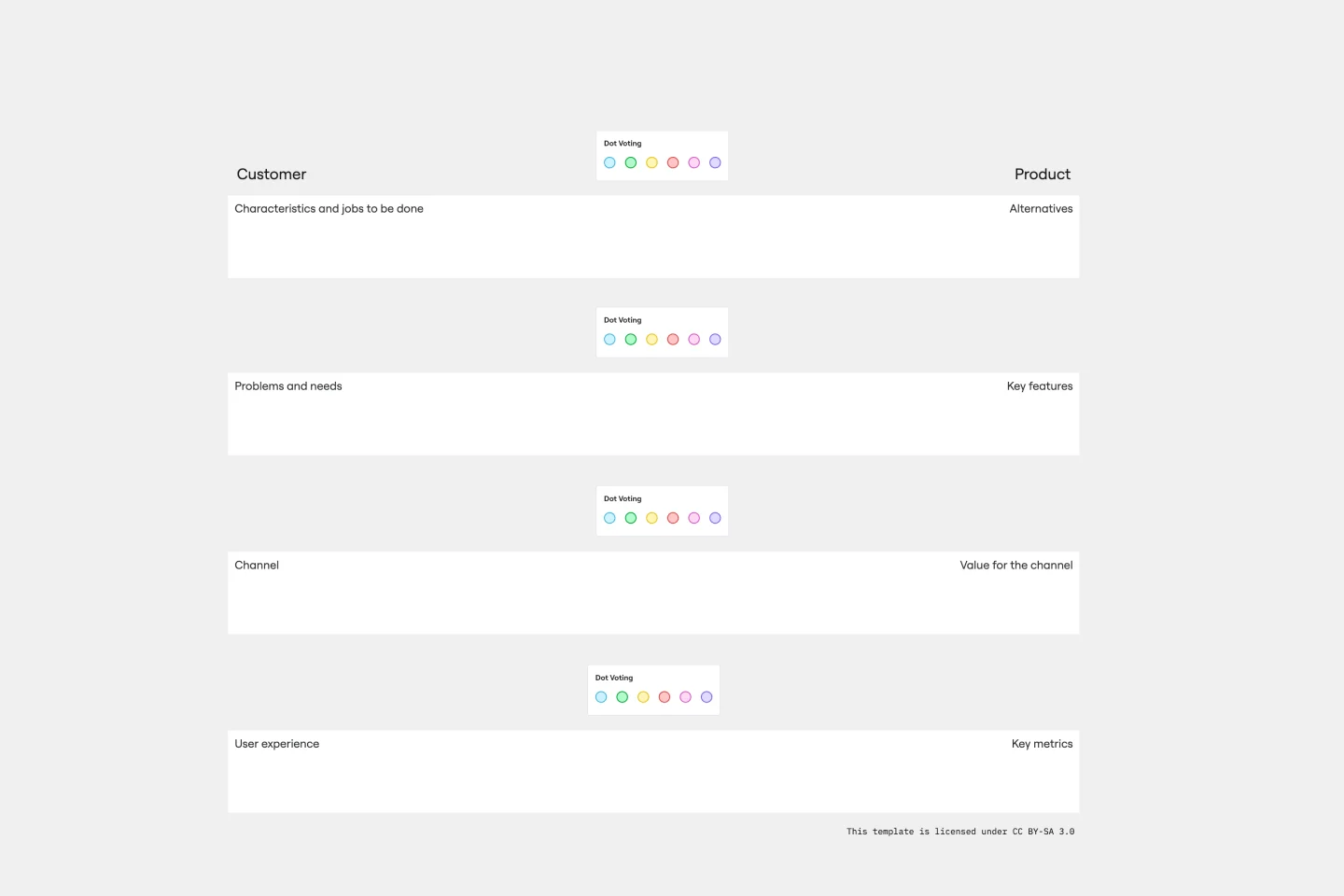
The product/market fit canvas template is used to help product teams meet customer and market needs with their product design. This template looks at a product in two dimensions: first, how the product fits user needs, and second, how the fully designed product fits within the market landscape. This combined metric understands a product holistically from the way customers use and desire a product, to the market demand. By comparing customer and product qualities side by side, users should better understand their product space and key metrics.
Miro's market research templates collection is designed to streamline the process of gathering, analyzing, and presenting market data. These templates cater to various stages of market research, from initial data collection to final reporting. Whether you're conducting a comprehensive market analysis or a focused survey, our templates provide a structured approach to ensure thorough and accurate results. The collection includes templates for market research reports, market research analysis, and more, making it easier for teams to collaborate and share insights.
Our market research templates are designed to enhance your research process from start to finish. Here's why you'll love using them:
User-friendly design: Our templates are intuitive and easy to navigate, allowing you to focus on your research rather than the formatting. This user-centric approach ensures that even beginners can quickly get up to speed.
Customizable: Tailor the templates to fit your specific needs and branding, ensuring that your reports and analyses are uniquely yours. This flexibility allows you to adapt the templates to various research scenarios and organizational requirements.
Collaborative features: Miro's templates facilitate teamwork, enabling real-time collaboration and seamless sharing of insights. This means that team members can work together simultaneously, providing immediate feedback and ensuring everyone is on the same page.
Comprehensive structure: Each template covers all essential aspects of market research, from data collection to analysis and reporting. This thoroughness helps you maintain a structured approach, ensuring no critical element is overlooked.
Time-saving: By providing a structured approach, our templates help you save time and streamline your workflow. This efficiency allows you to focus more on analyzing data and deriving actionable insights rather than spending time on formatting and structuring your research.
Using the market research templates in Miro is straightforward. Follow these step-by-step instructions:
Select a template: Browse our extensive library and choose the market research template that best fits your needs. The variety ensures that you can find a template suitable for any research project.
Customize the template: Add your data, adjust the layout, and incorporate your branding elements to make the template your own. This customization ensures that the final output meets your organization's standards and requirements.
Collaborate with your team: Use Miro's collaborative features to invite team members to contribute in real time, ensuring everyone stays aligned and informed. This real-time collaboration enhances productivity and fosters a more cohesive team effort.
Integrate other tools: Enrich your research by integrating other tools and data sources directly into the template. This integration capability allows you to pull in data from various sources, providing a more comprehensive view of your research findings.
Present your findings: Use Miro's presentation features to effectively share your insights and recommendations with stakeholders. These features help you create compelling presentations that clearly communicate your research outcomes and support data-driven decision-making.
By following these steps, you can maximize the potential of Miro's market research templates and achieve comprehensive, data-driven results.