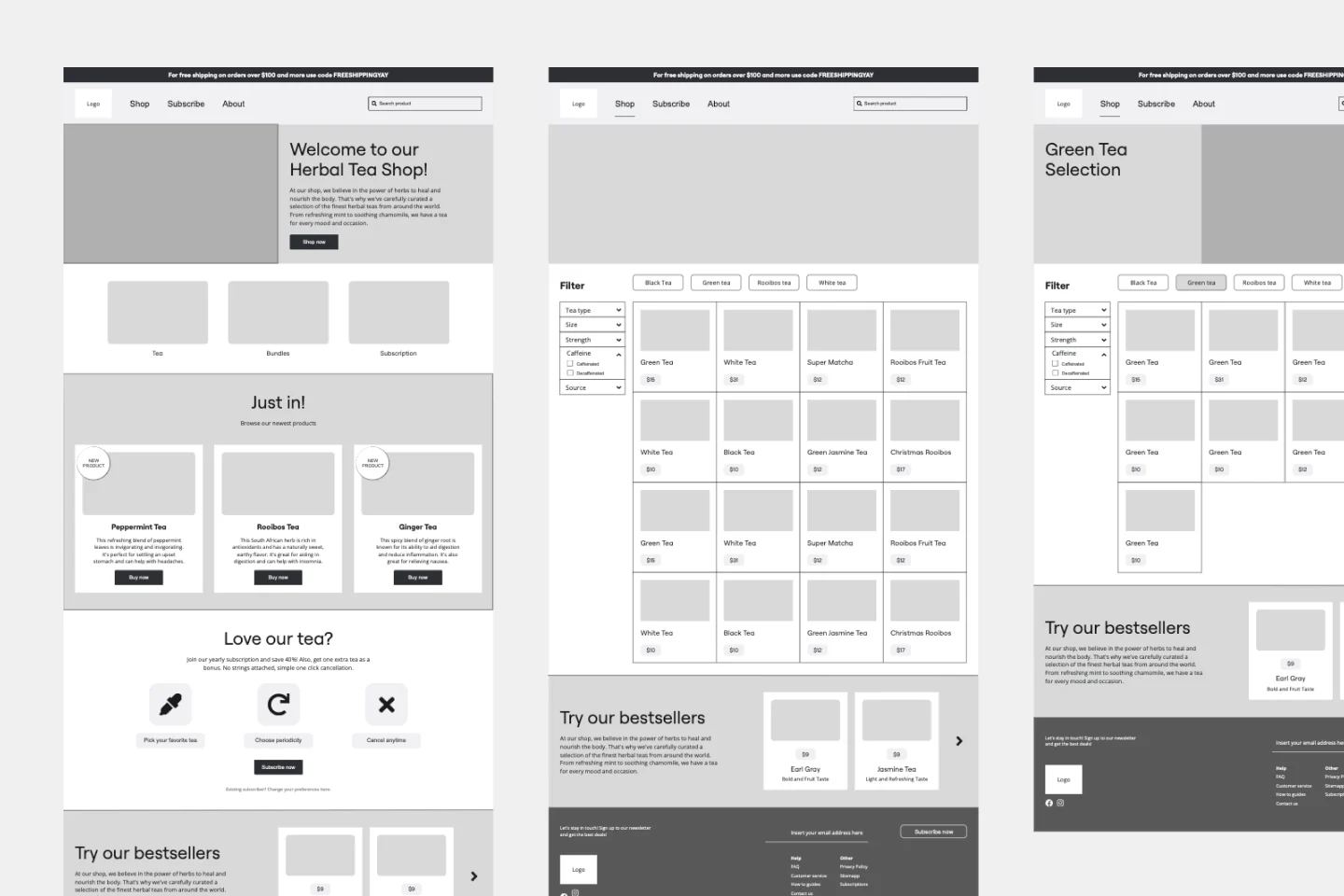
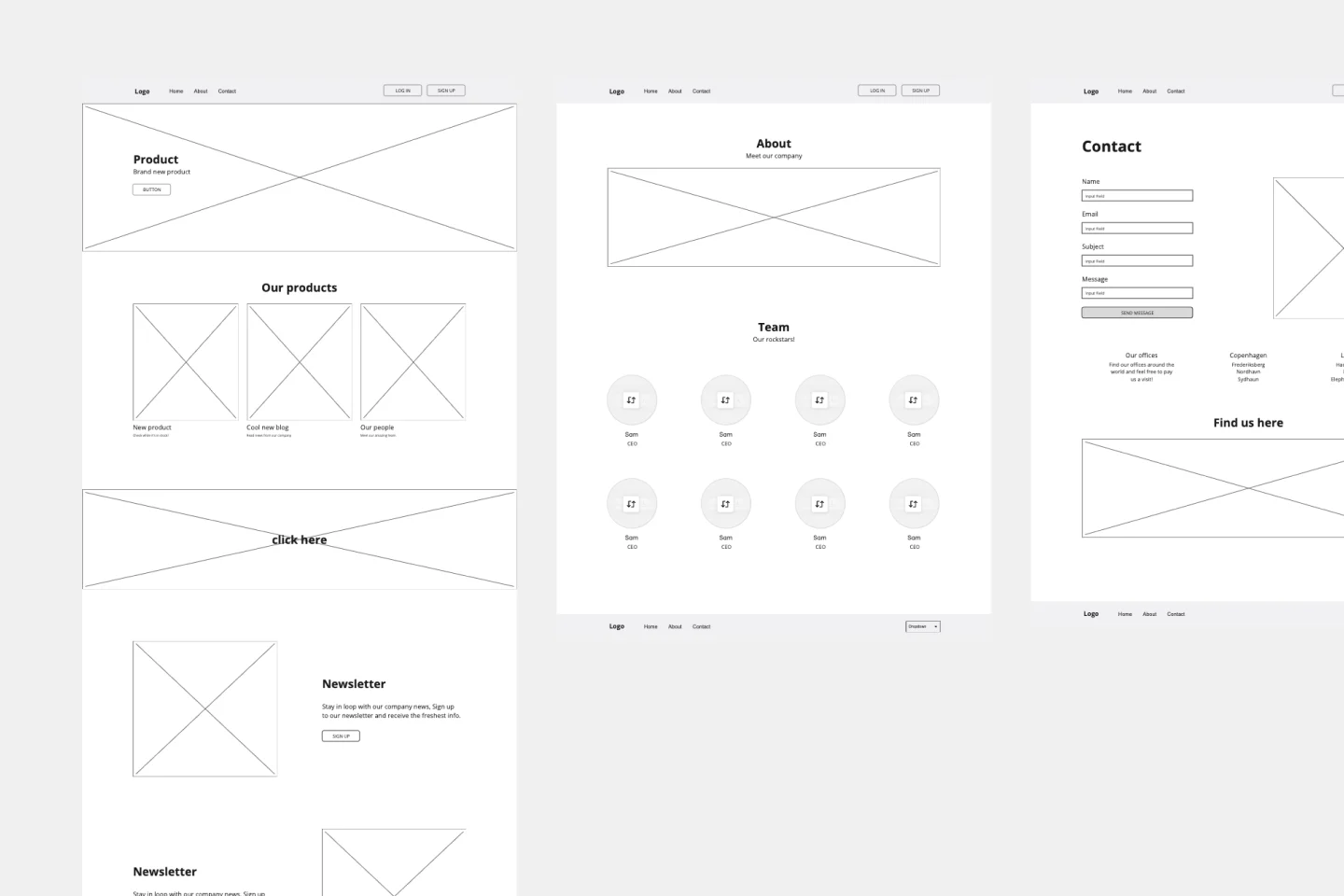
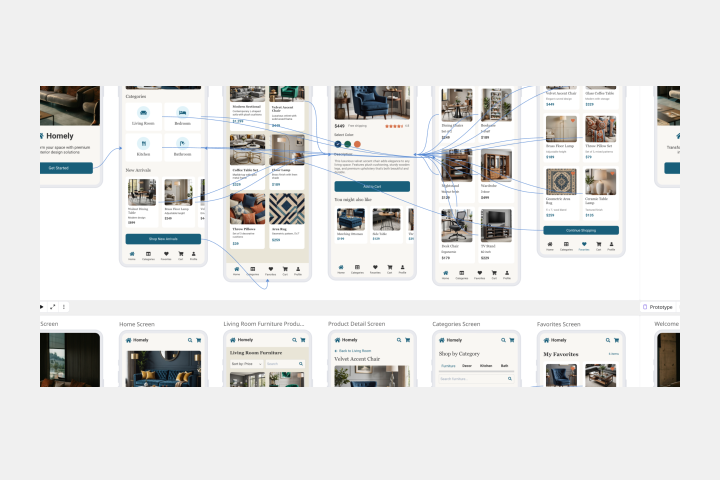
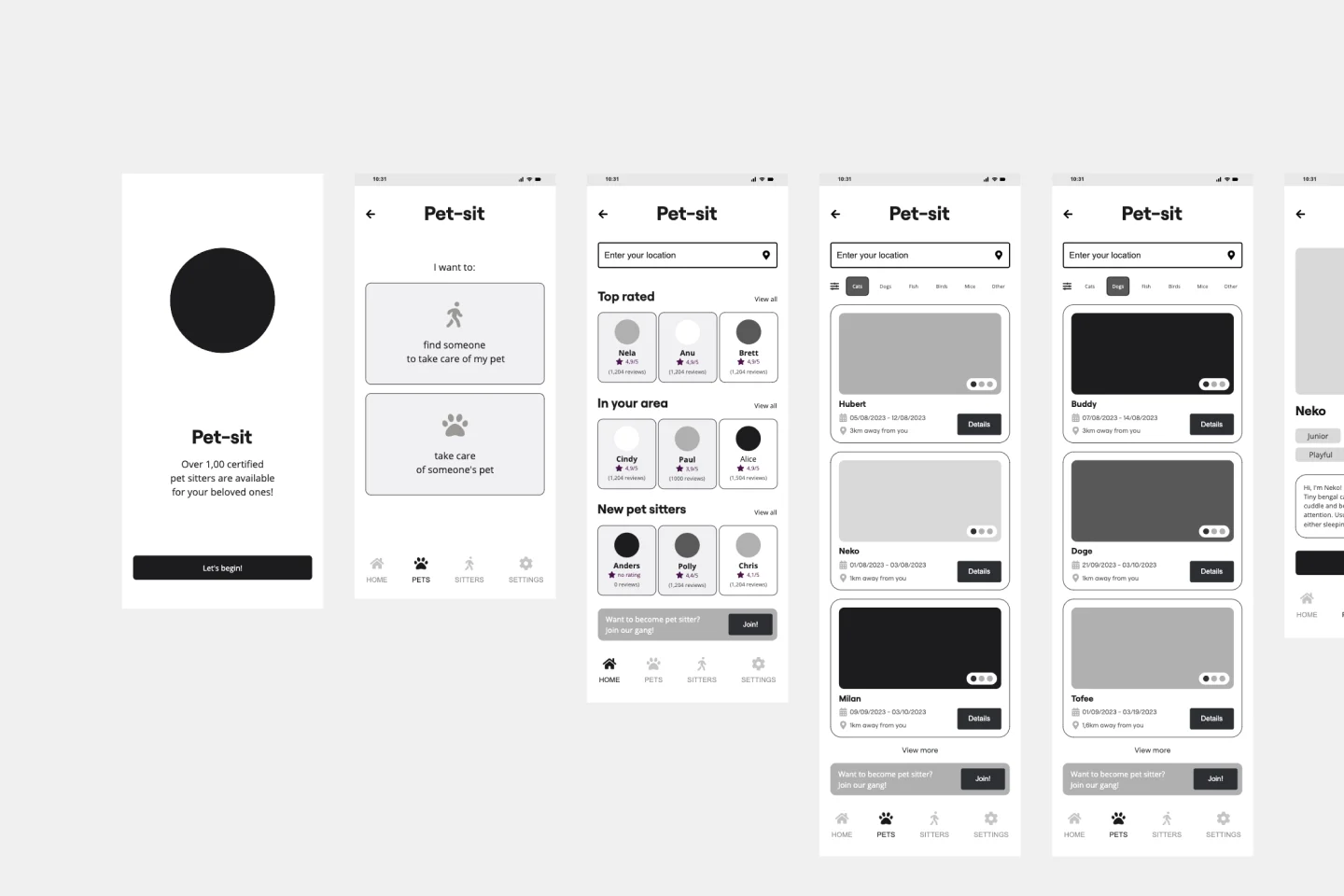
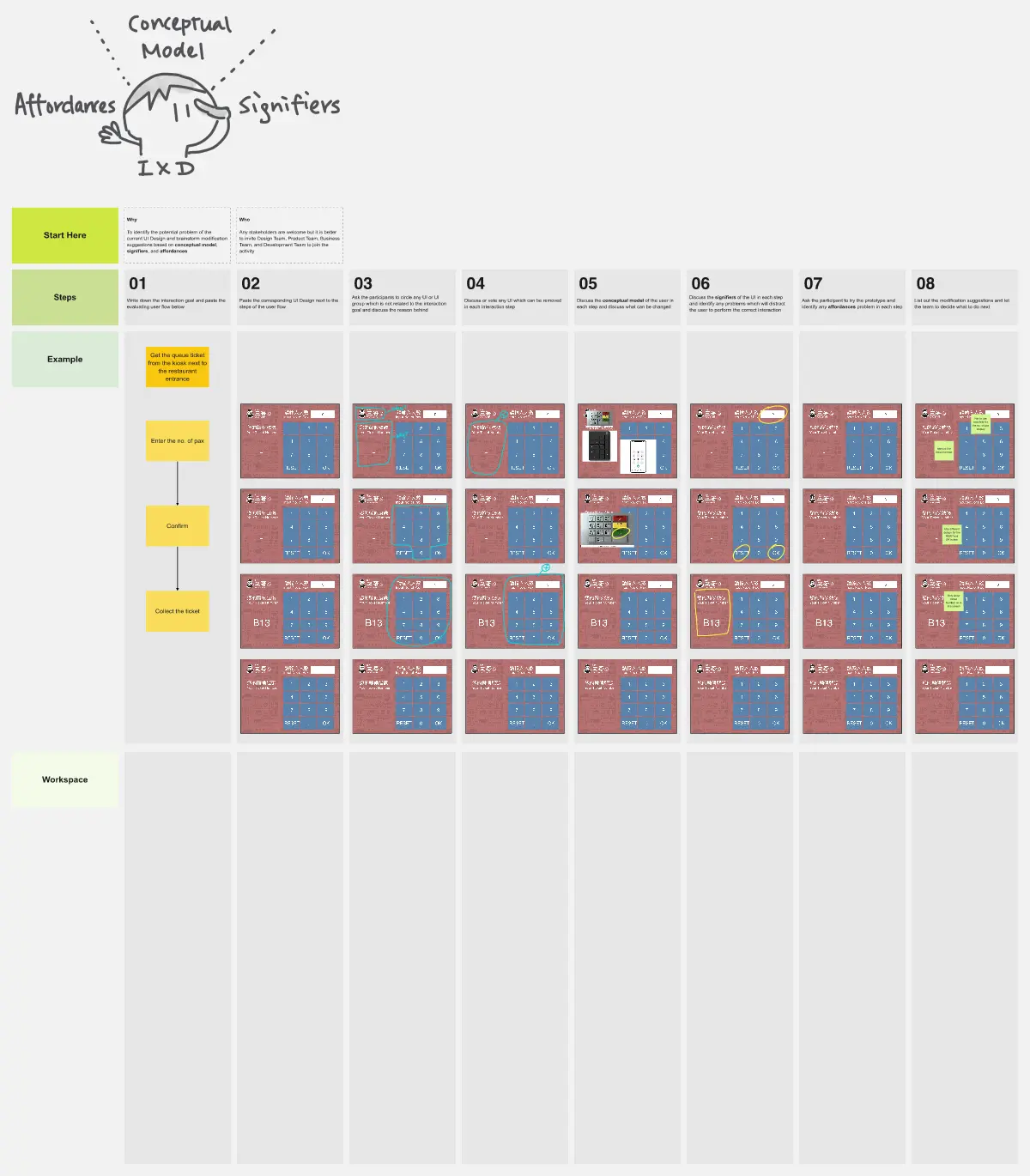
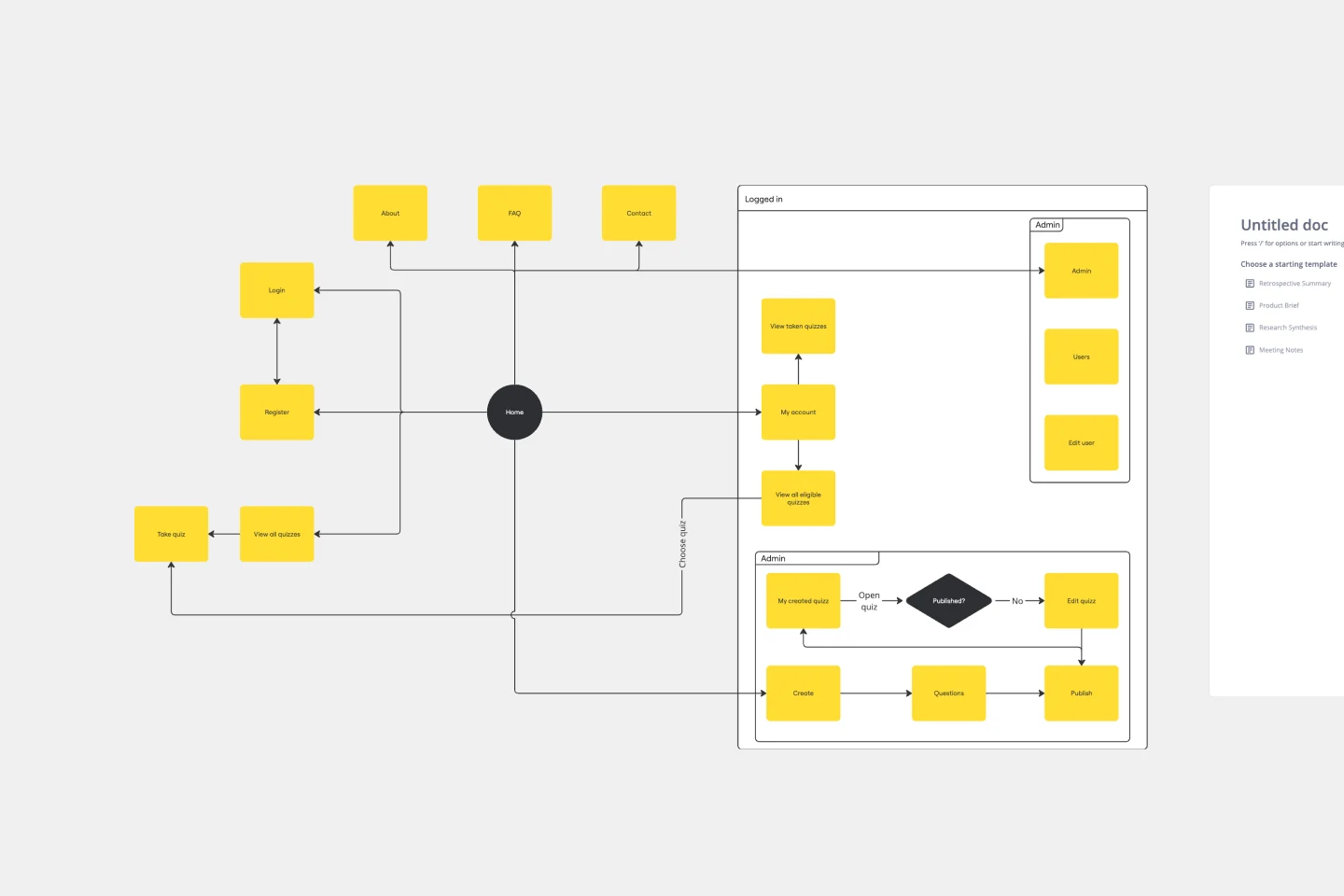
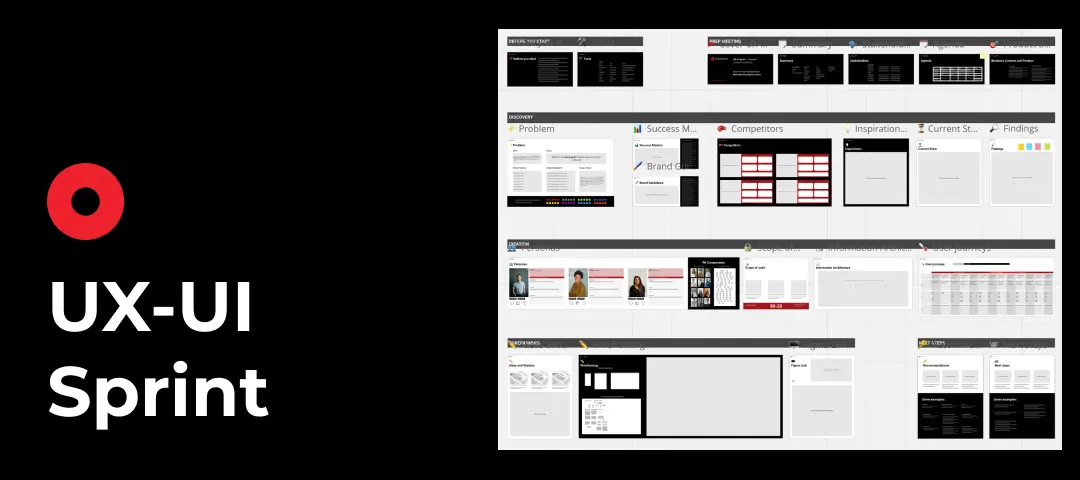
About the UI Templates Collection
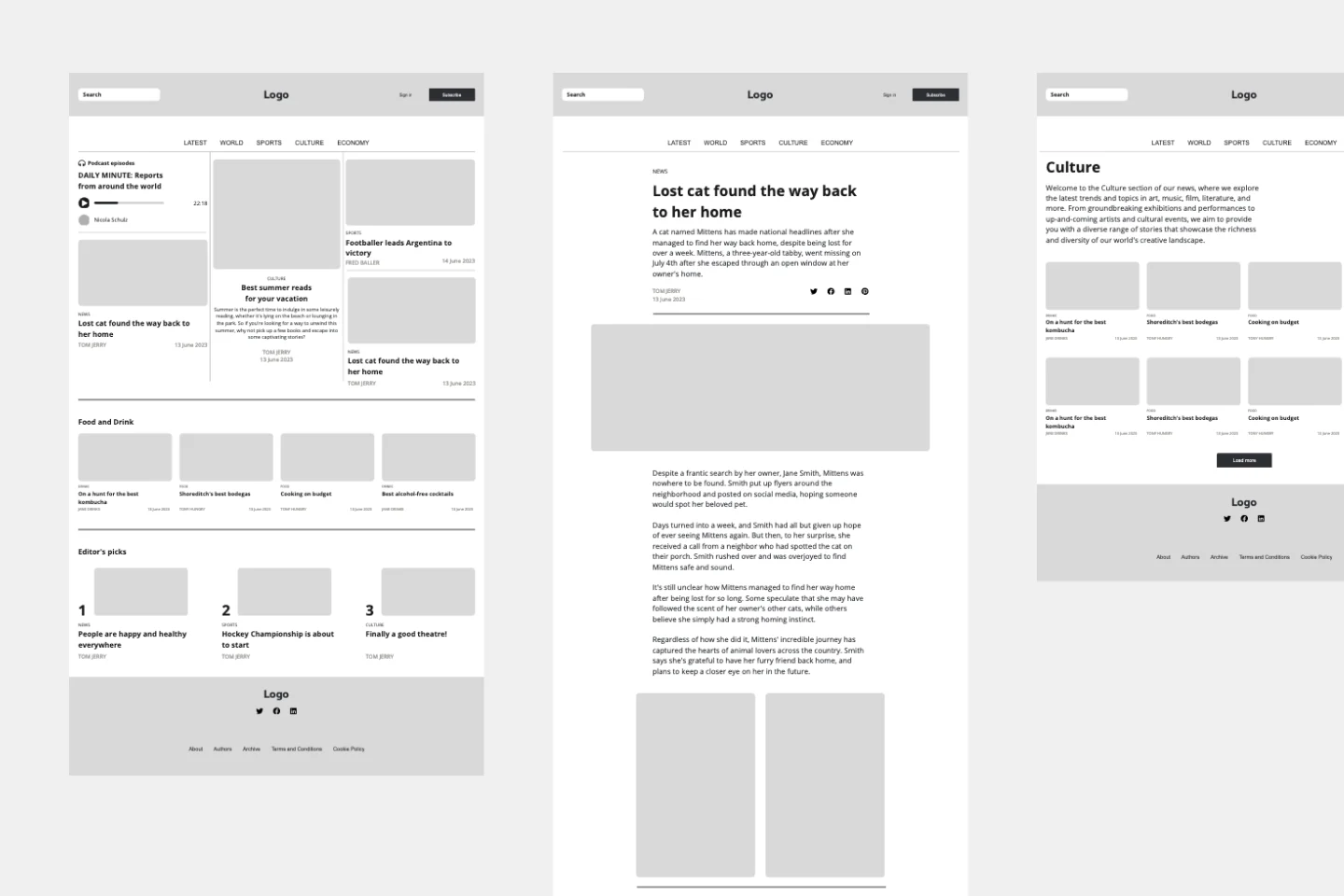
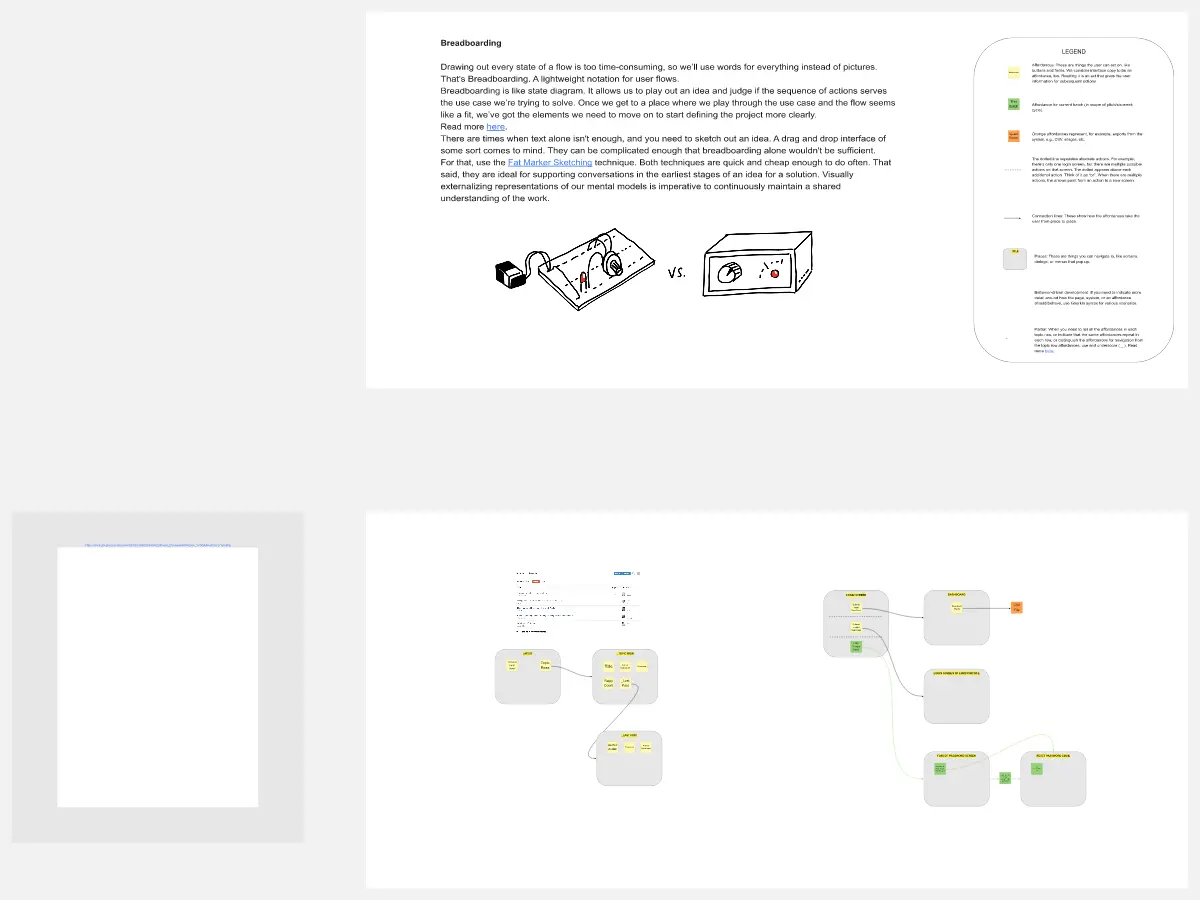
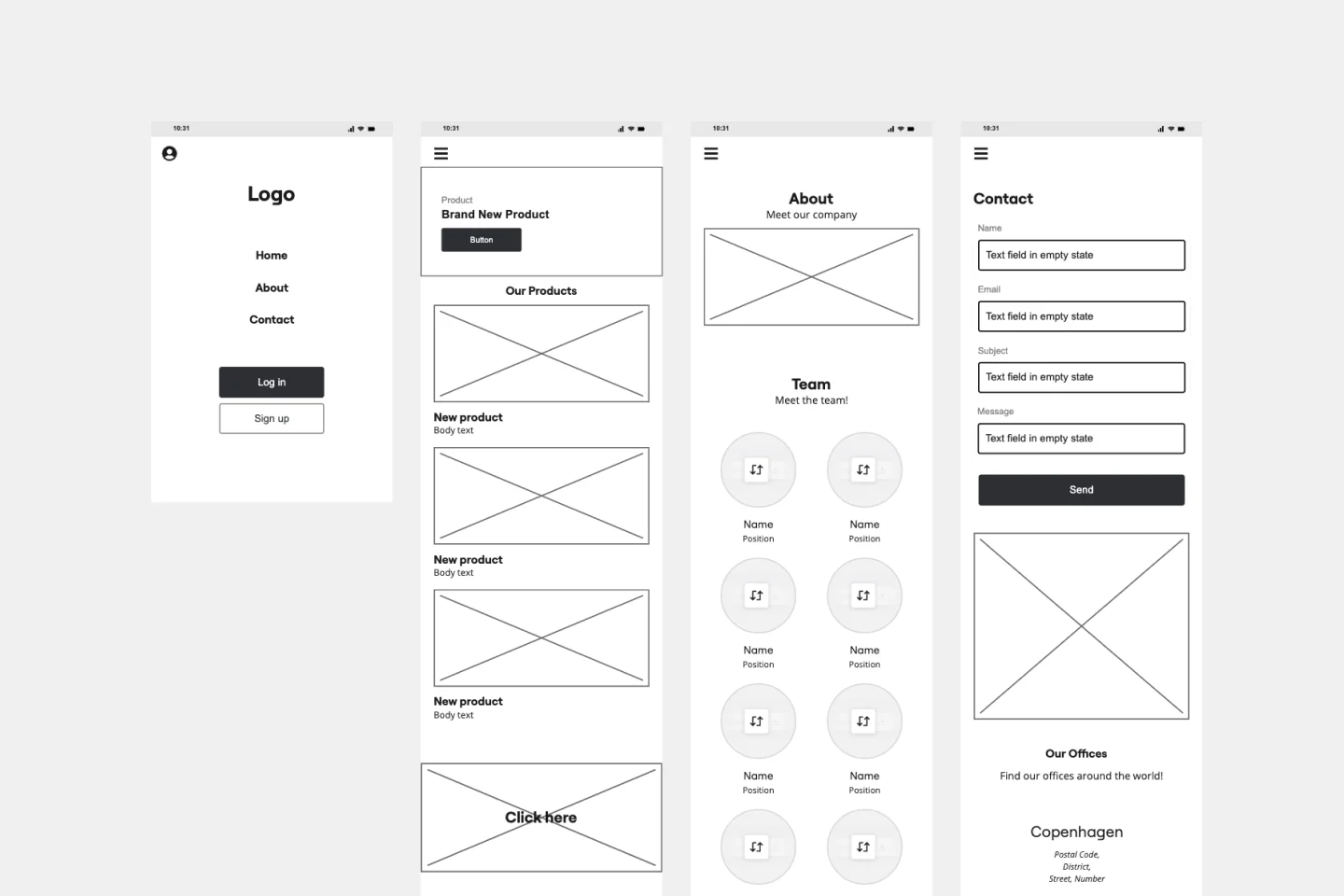
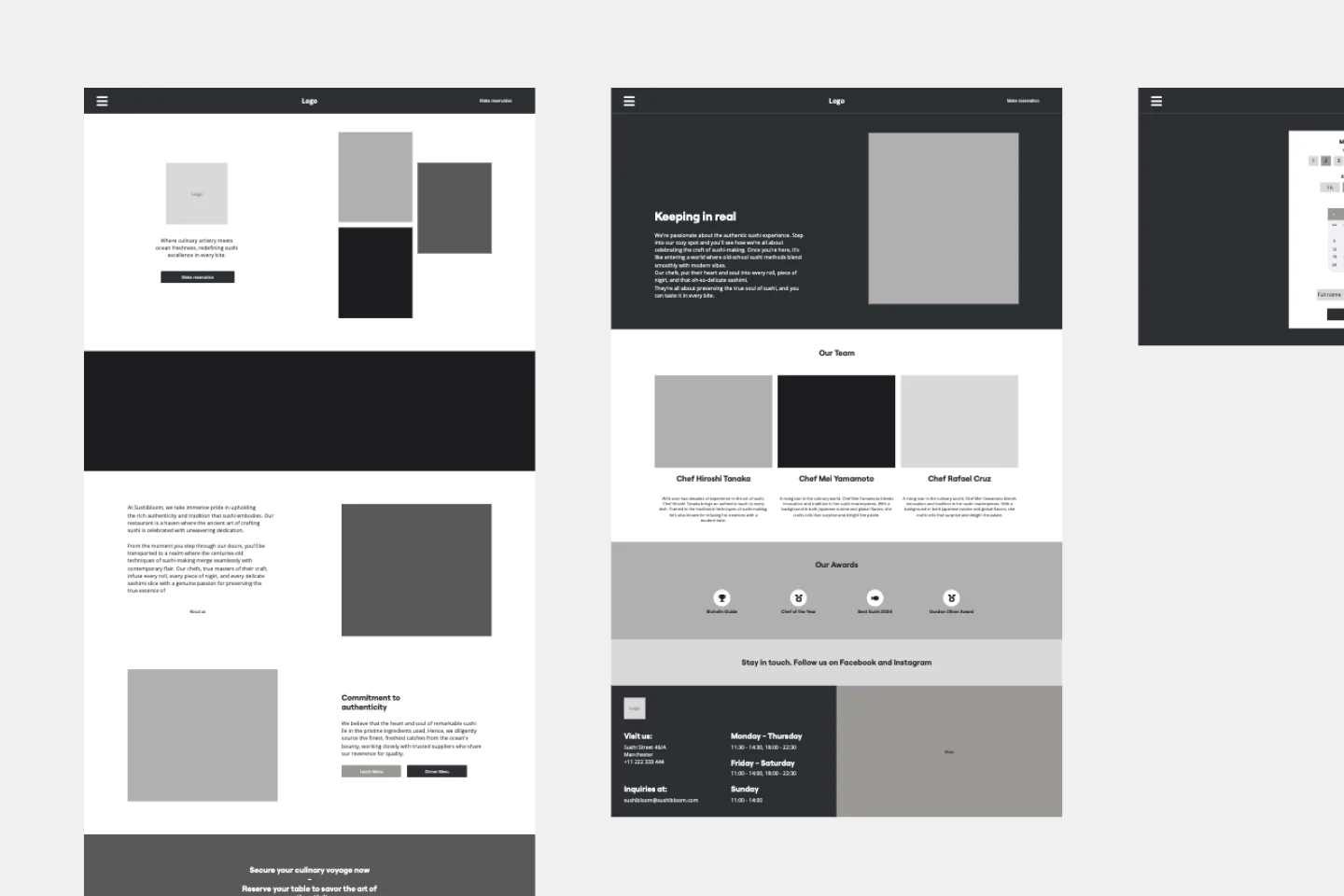
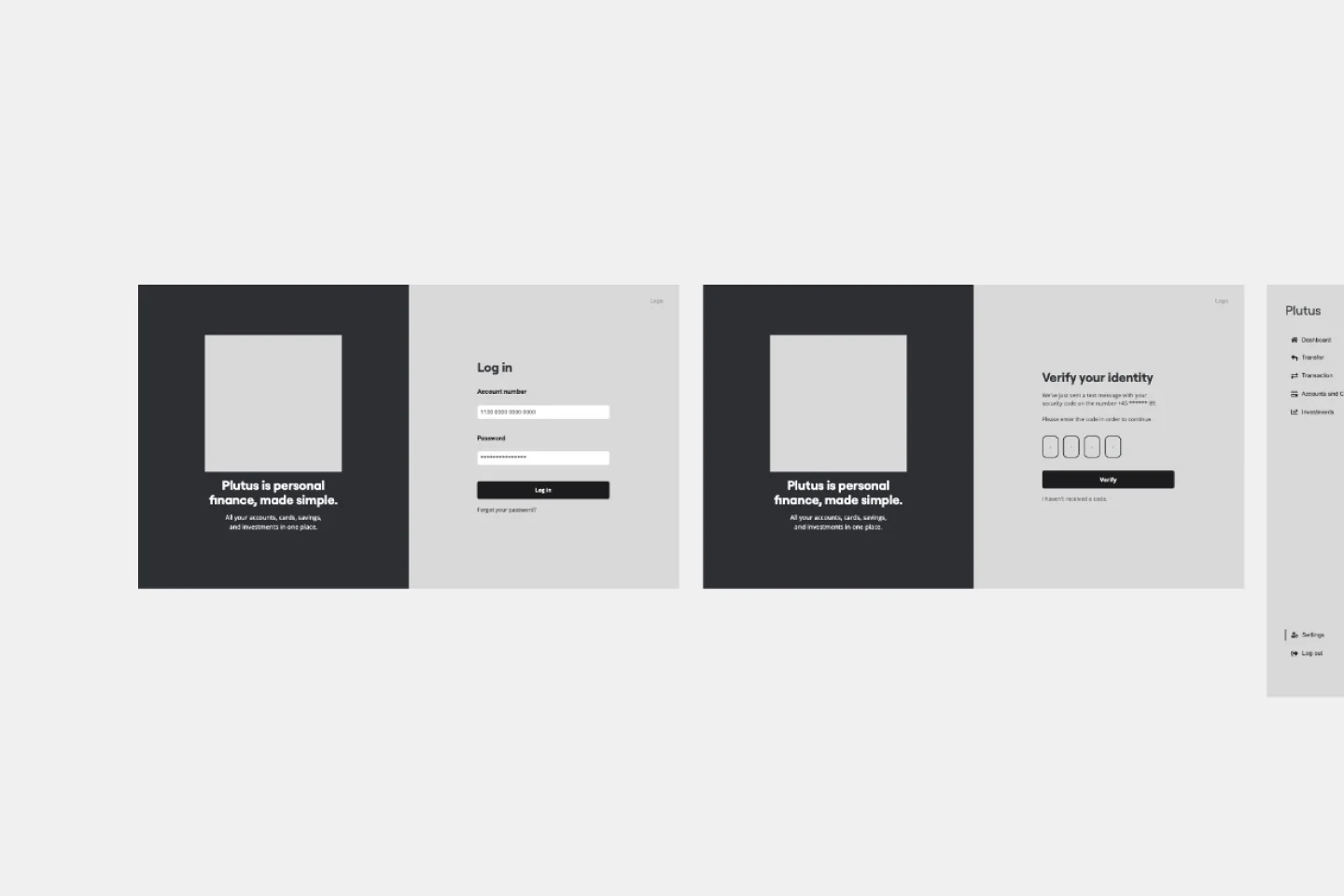
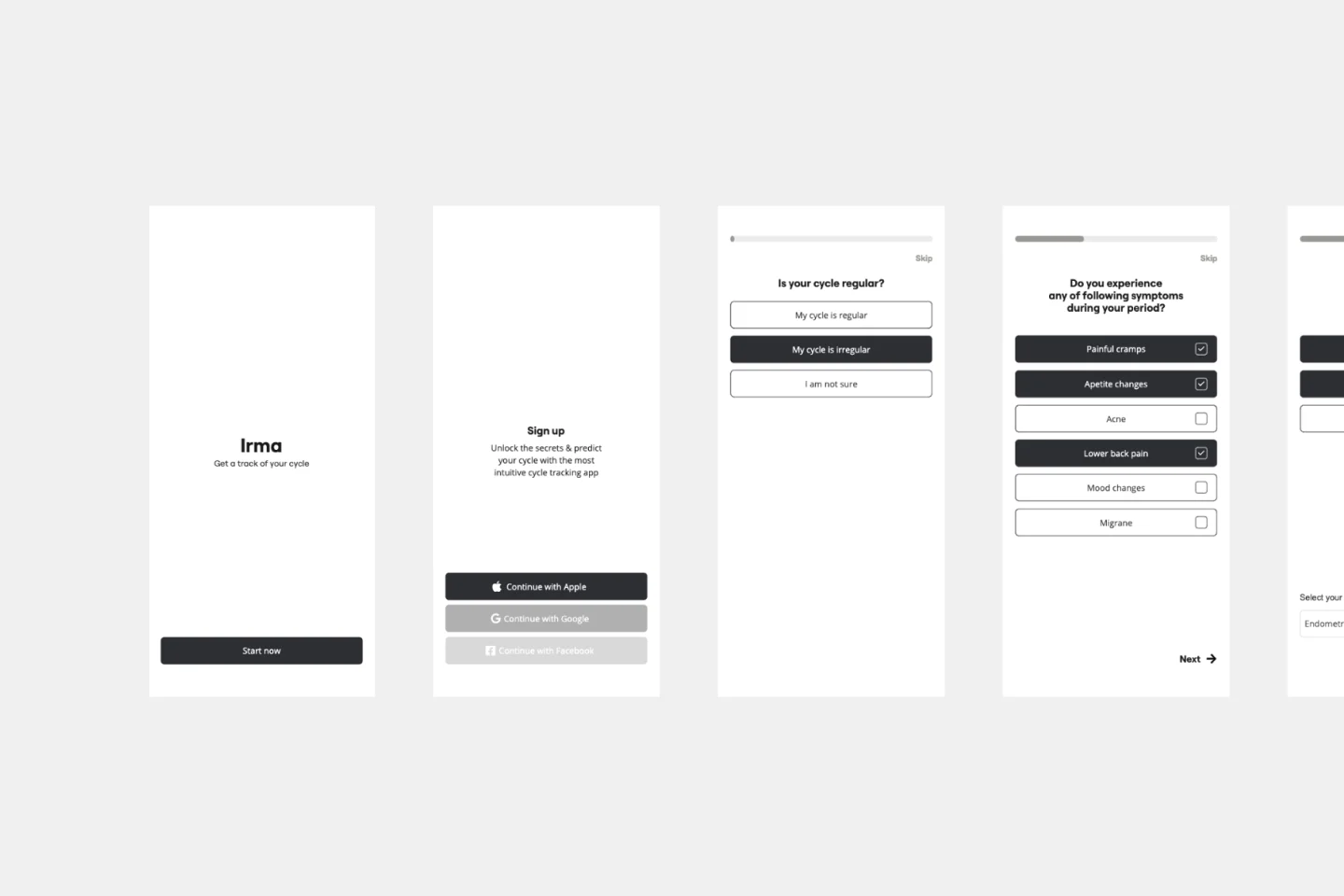
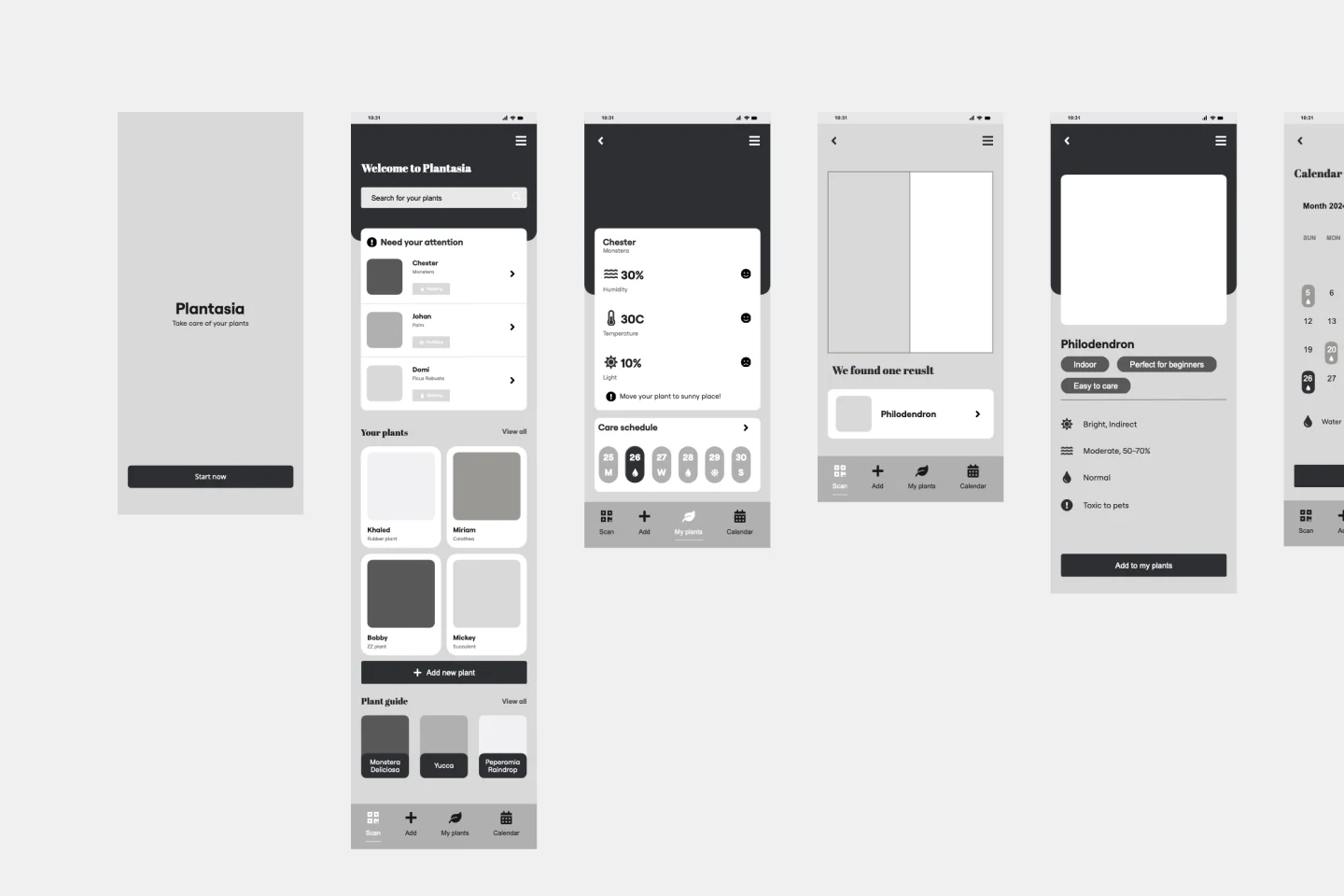
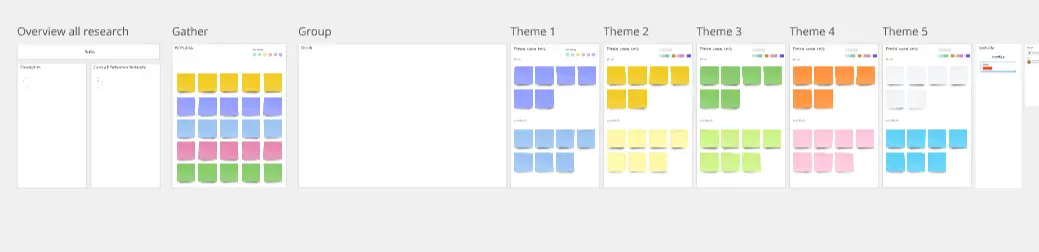
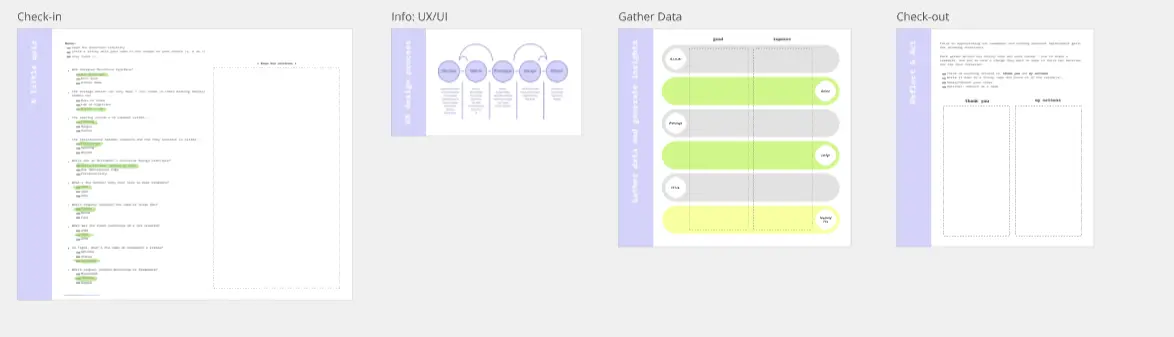
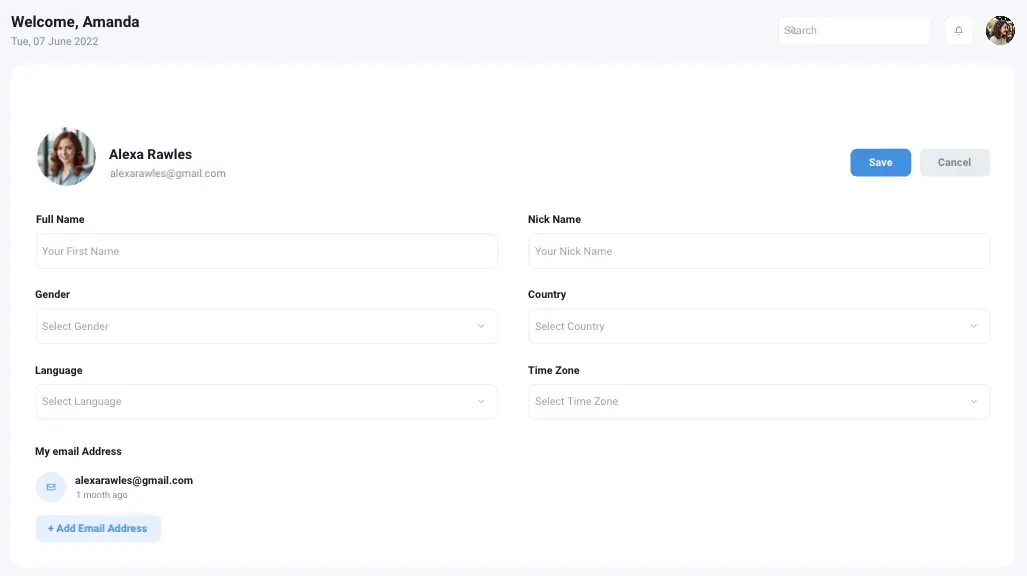
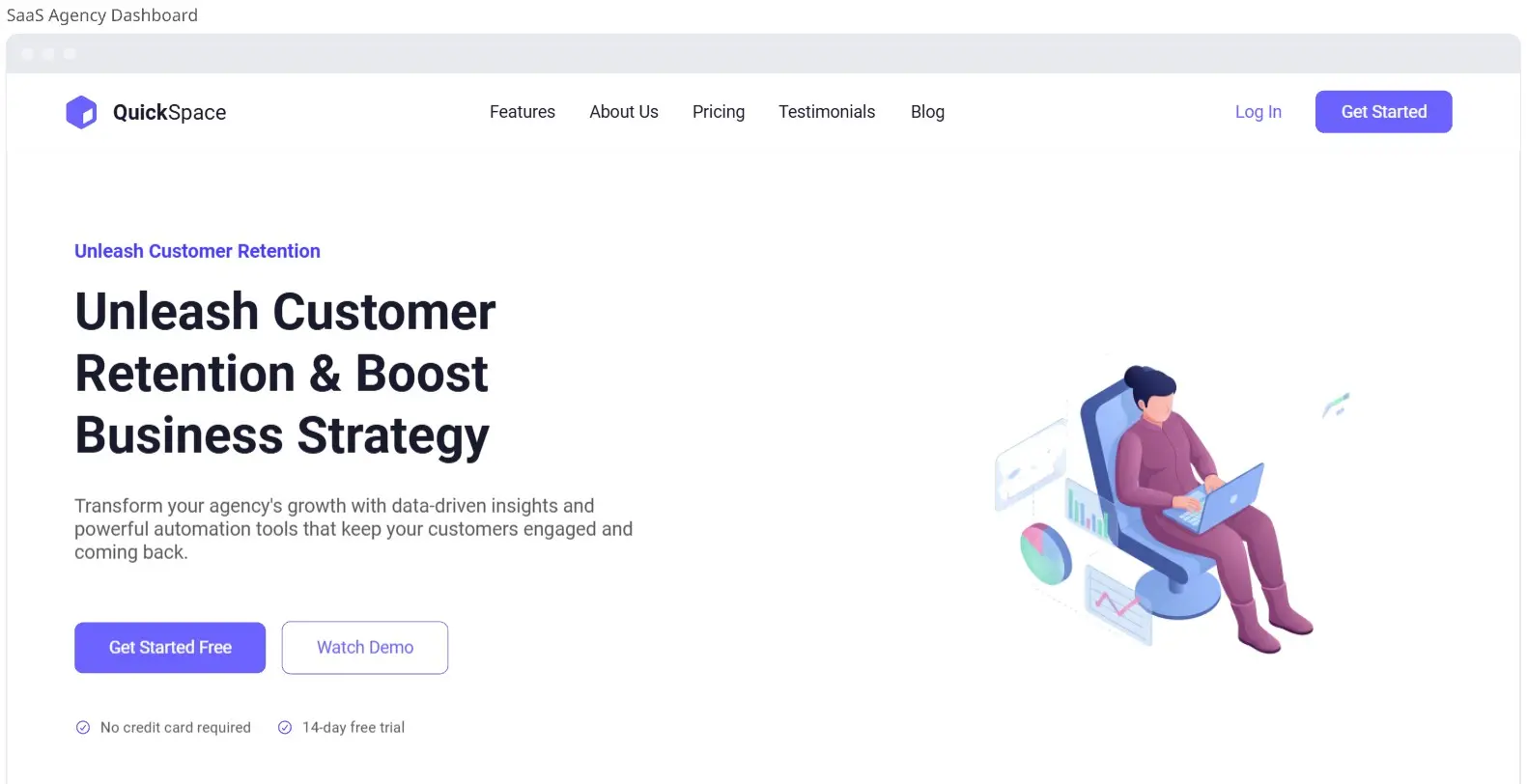
Miro's UI templates are a game-changer for your design workflow. They empower you to create stunning and functional UI designs with ease. By tapping into these thoughtfully crafted templates, you’ll streamline your process and elevate your projects, making them not just visually appealing but also incredibly effective.
Why you'll love our UI templates
Our UI templates can significantly improve your design workflow. These templates offer a strong foundation for your projects, allowing you to concentrate on creativity and innovation instead of beginning from scratch. Here are some key advantages:
Time-saving: Pre-designed templates allow you to jumpstart your projects, reducing the time spent on initial design phases. This means you can move from concept to execution much faster.
Consistency: Ensure a uniform look and feel across your project with standardized UI elements. This helps maintain brand integrity and provides a cohesive user experience.
Quality: Use professionally designed templates that stick to best practices in UI design. This ensures that your designs are not only aesthetically pleasing but also functional and user-friendly.
Customization: Easily change templates to fit your specific needs, ensuring flexibility and adaptability. You can adjust colors, fonts, and layout elements to match your brand guidelines.
Collaboration: Share your UI examples with your team to gather feedback and make collective improvements in real time. Miro's collaboration features make it easy to work together, no matter where your team is located.
Inspiration: Explore a variety of UI examples to spark creativity and innovation in your designs. Seeing different approaches can help you think outside the box and come up with unique solutions.
How to use UI templates in Miro
Follow these steps to effectively use UI templates in Miro. Miro also has an extensive wireframe shapes library and other wireframing capabilities to improve your design process.
Select a template: Browse through the UI templates category and choose a template that best fits your project requirements.
Customize the template: Use Miro's intuitive drag-and-drop interface to change the template. Adjust colors, fonts, and layout elements to match your brand guidelines.
Use wireframing capabilities: Improve your design with Miro's wireframing shapes library, Miro AI, and ready-made templates. These tools help you create detailed and interactive wireframes quickly.
Collaborate with your team: Share the customized template with your team members. Use Miro's collaboration features to gather feedback and make real-time adjustments.
Implement the design: Once finalized, export the design or integrate it directly into your development workflow.
Tips for creating a seamless user interface design
Designing better UI brings you closer to customer satisfaction and business outcomes. Here are some tips to help you create a seamless user interface:
Keep it simple: Avoid clutter and focus on essential elements to create a clean and intuitive interface. Simplicity helps users navigate your design more easily and reduces cognitive load.
Consistency is key: Use consistent design patterns and elements throughout your project to enhance user experience. Consistency helps users feel familiar with your interface, making it easier to use.
Prioritize usability: Ensure that your design is user-friendly and accessible to all users. Consider different user needs and test your design to make sure it works well for everyone.
Test and iterate: Continuously test your designs with real users and iterate based on feedback to improve the overall experience. Regular testing helps you catch issues early and refine your design for better performance.
Miro’s UI templates empower teams to design better products and bring ideas to outcomes faster. By providing a comprehensive suite of tools for wireframing, prototyping, and real-time collaboration, Miro enables teams to streamline their design processes, gather feedback efficiently, and iterate quickly. This collaborative environment improves productivity and ensures that the final product meets user needs and expectations, ultimately leading to higher customer satisfaction and successful project outcomes.