


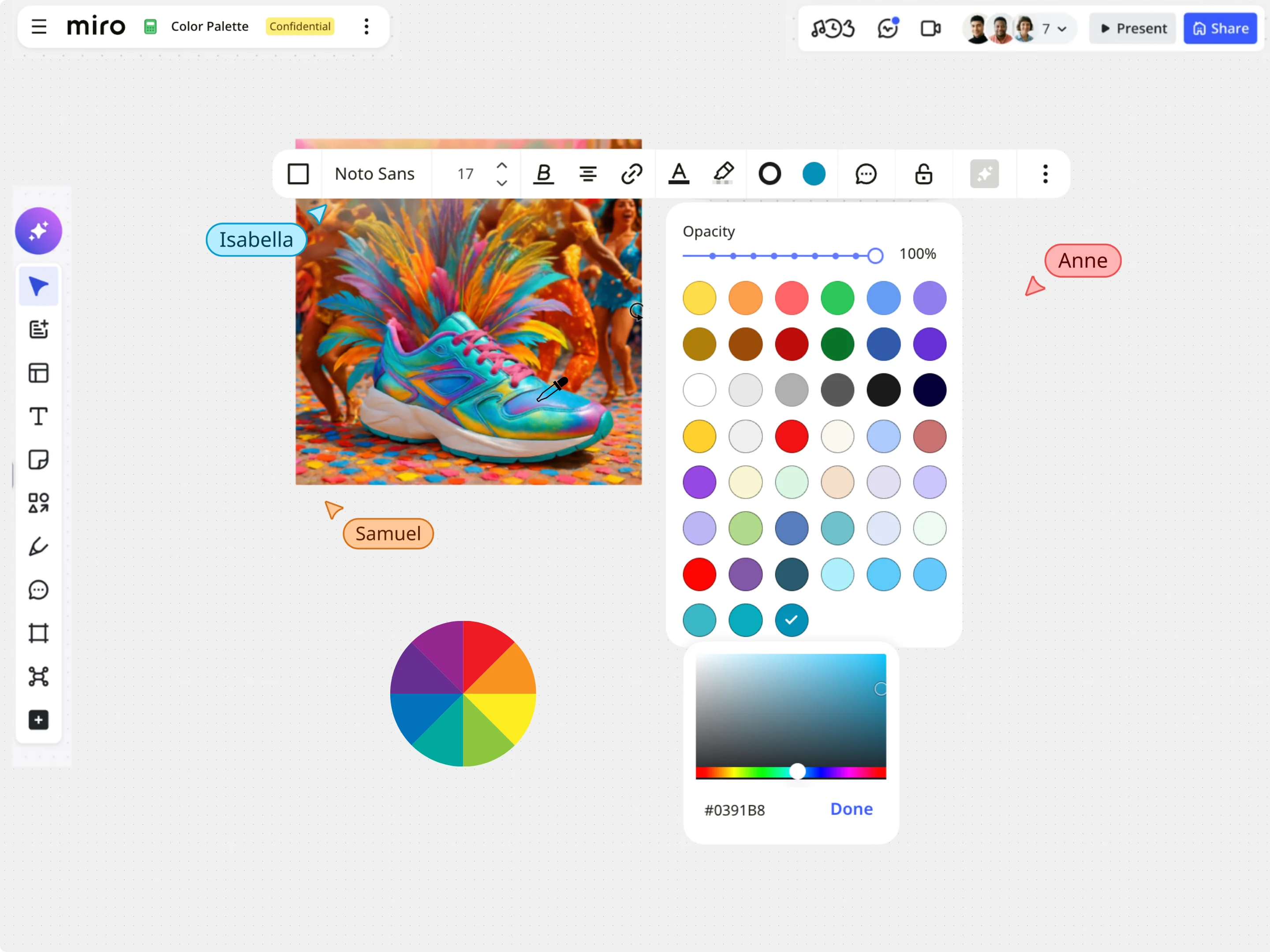
Image Color Picker
With Miro’s Image Color Picker, extract colors from any image and instantly get accurate HEX, RGB, HSL, and HSB values.
The gradient generator lets you create custom color transitions. Adjust the angle, choose a linear, radial, or conic style, and add multiple color stops to generate ready-to-use CSS, Tailwind, or SVG code for Miro boards, websites, and digital products.
background: linear-gradient(135deg, #050038 0%, #fde050 100%);
Beautiful gradients can elevate a design from flat to premium. Whether you are designing a sleek UI background, an eye-catching presentation slide, or a unique brand illustration, the Gradient Generator gives you full creative control. Choose from linear, radial, or conic styles to build transitions that guide the eye and add depth to your canvas.
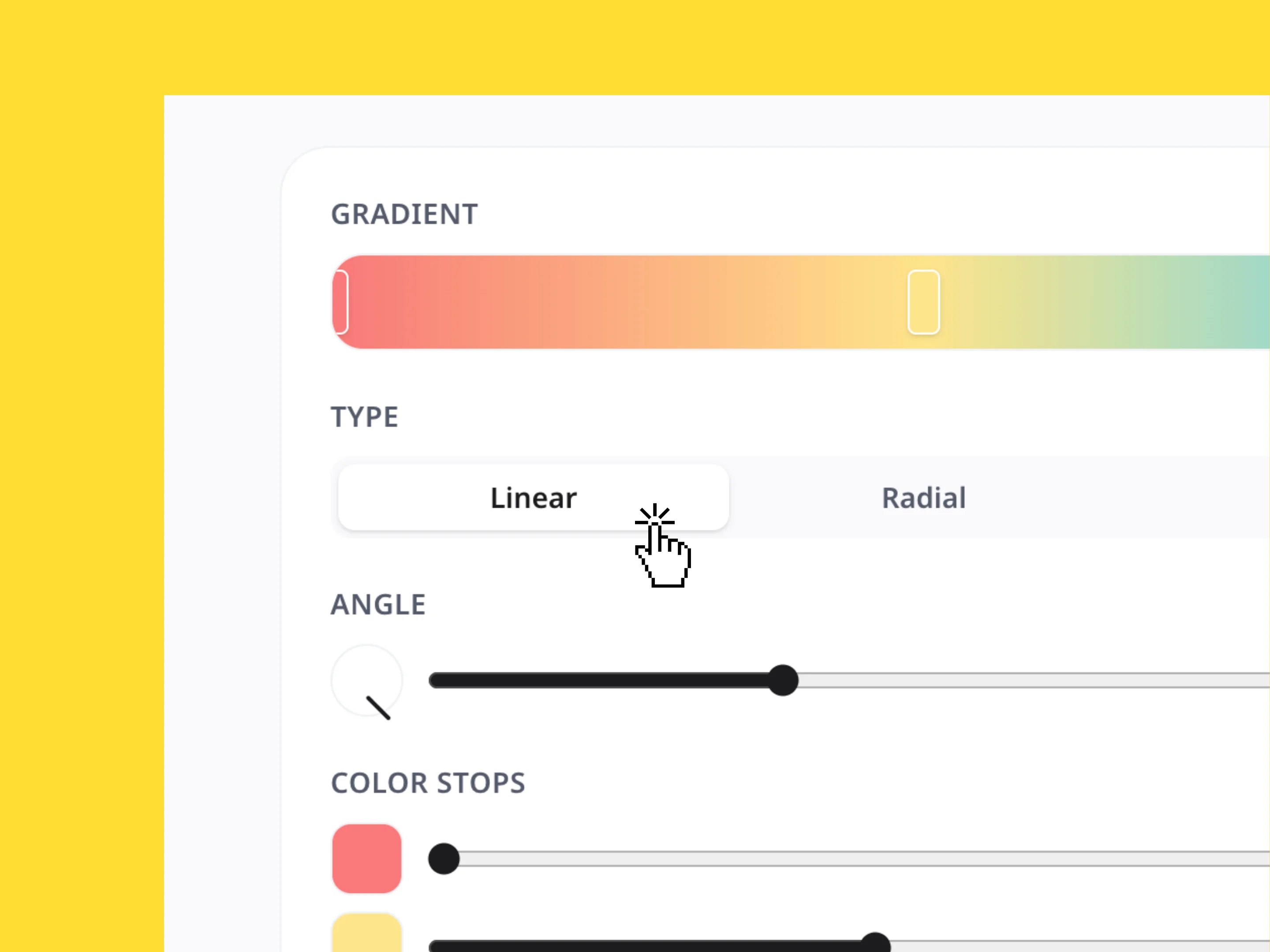
Get exactly the look you want without writing code by hand. Easily set your gradient's direction with the angle wheel and slider, or map out complex color shifts by adding custom color stops. Each stop can be adjusted individually from 0% to 100%, allowing you to build everything from subtle, soft transitions to bold, multi-colored neon glows.
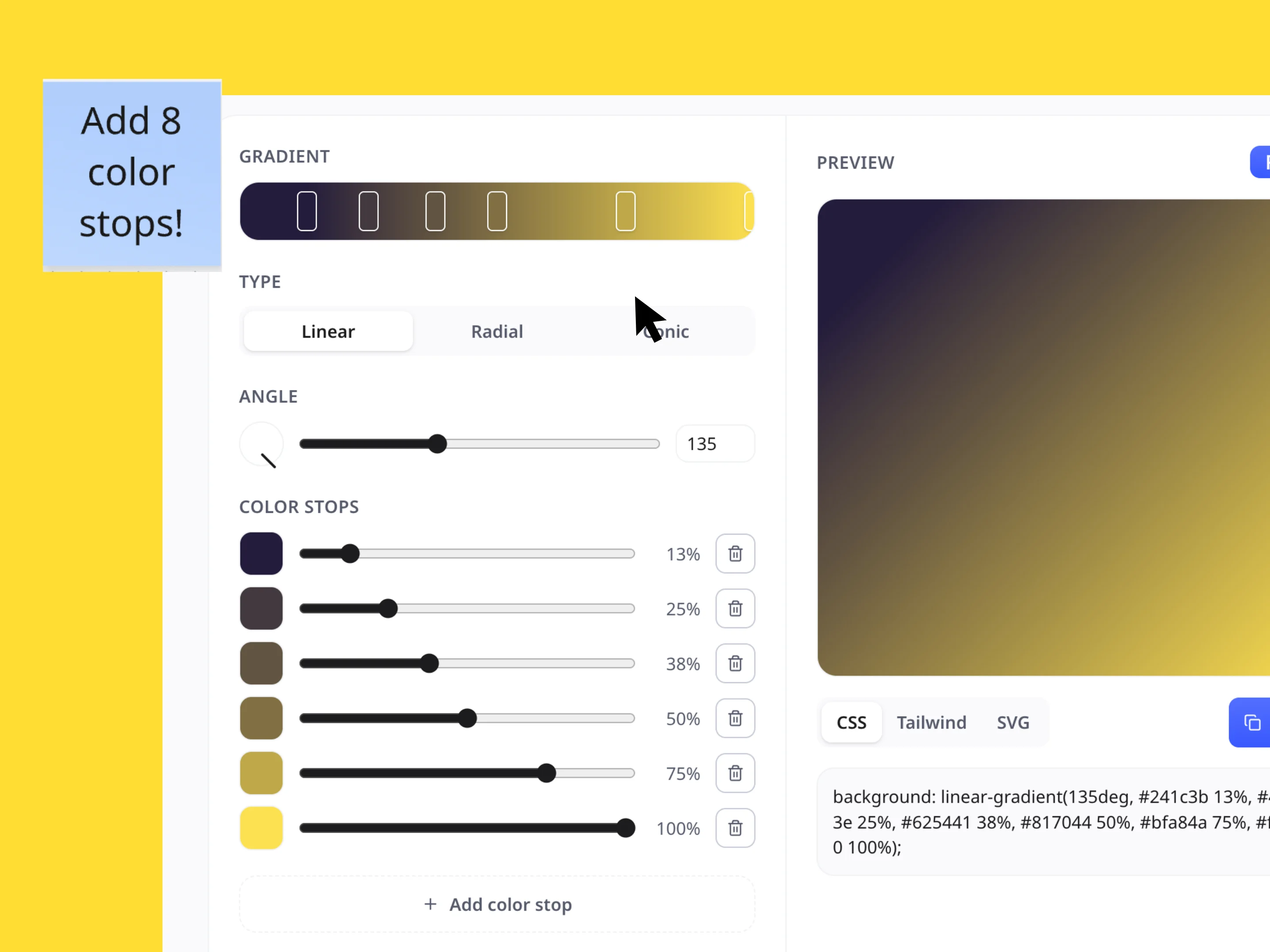
No more manual CSS calculations. Once your gradient is perfect, simply toggle between CSS, Tailwind, or SVG formats to grab the exact code you need. Click "Copy" to instantly paste the background styling straight into your stylesheets, Tailwind configuration, or design files to keep your development workflow moving fast.
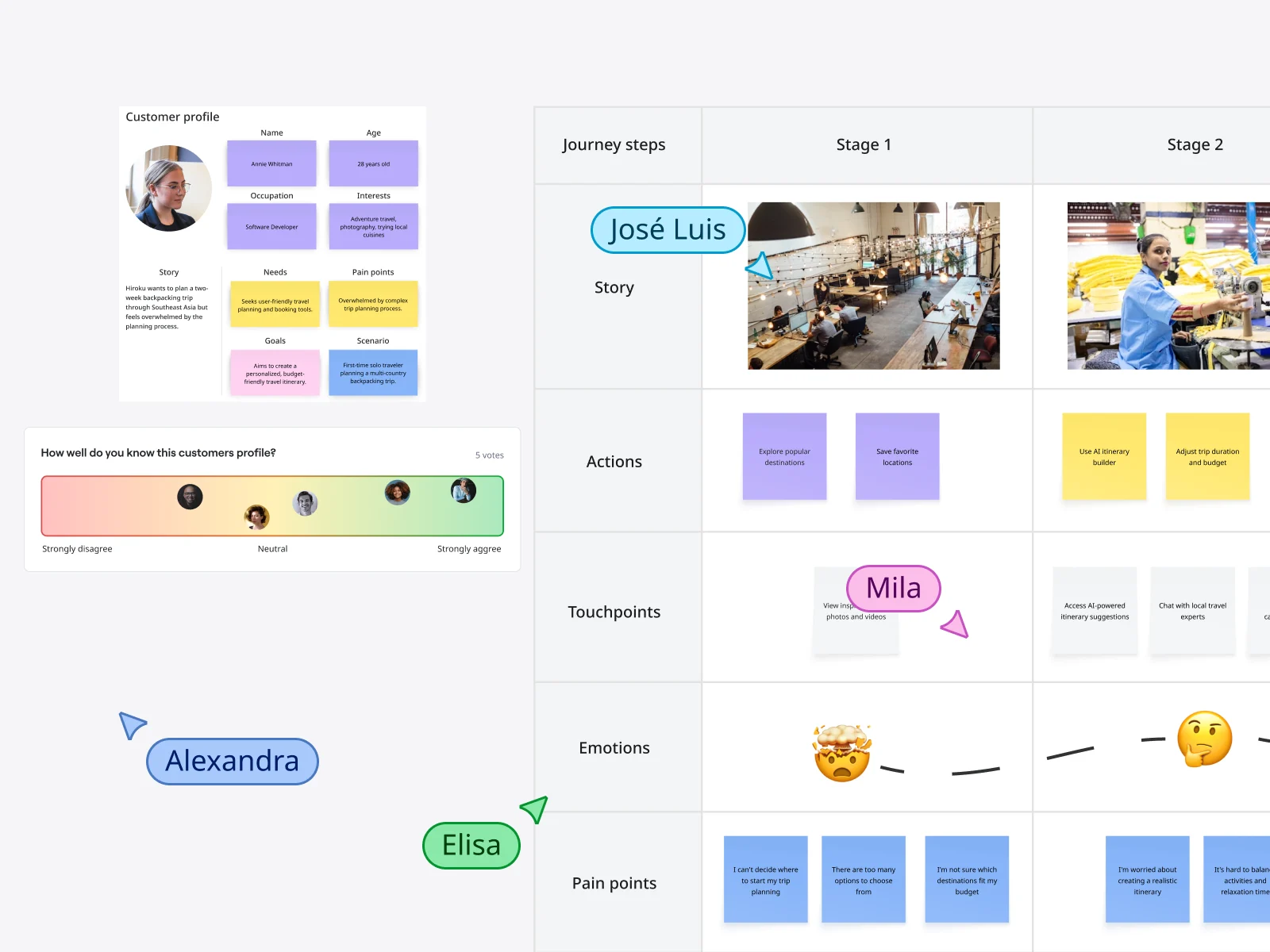
Bring your custom gradients into your team's workspace to elevate your visual storytelling. Use your generated styles to design engaging presentation decks, frame moodboards, accent key wireframe sections, or build a unified brand identity system. Keeping your team aligned on polished, modern visuals has never been easier.
Explore other Miro tools to support your workflow
With Miro’s Image Color Picker, extract colors from any image and instantly get accurate HEX, RGB, HSL, and HSB values.
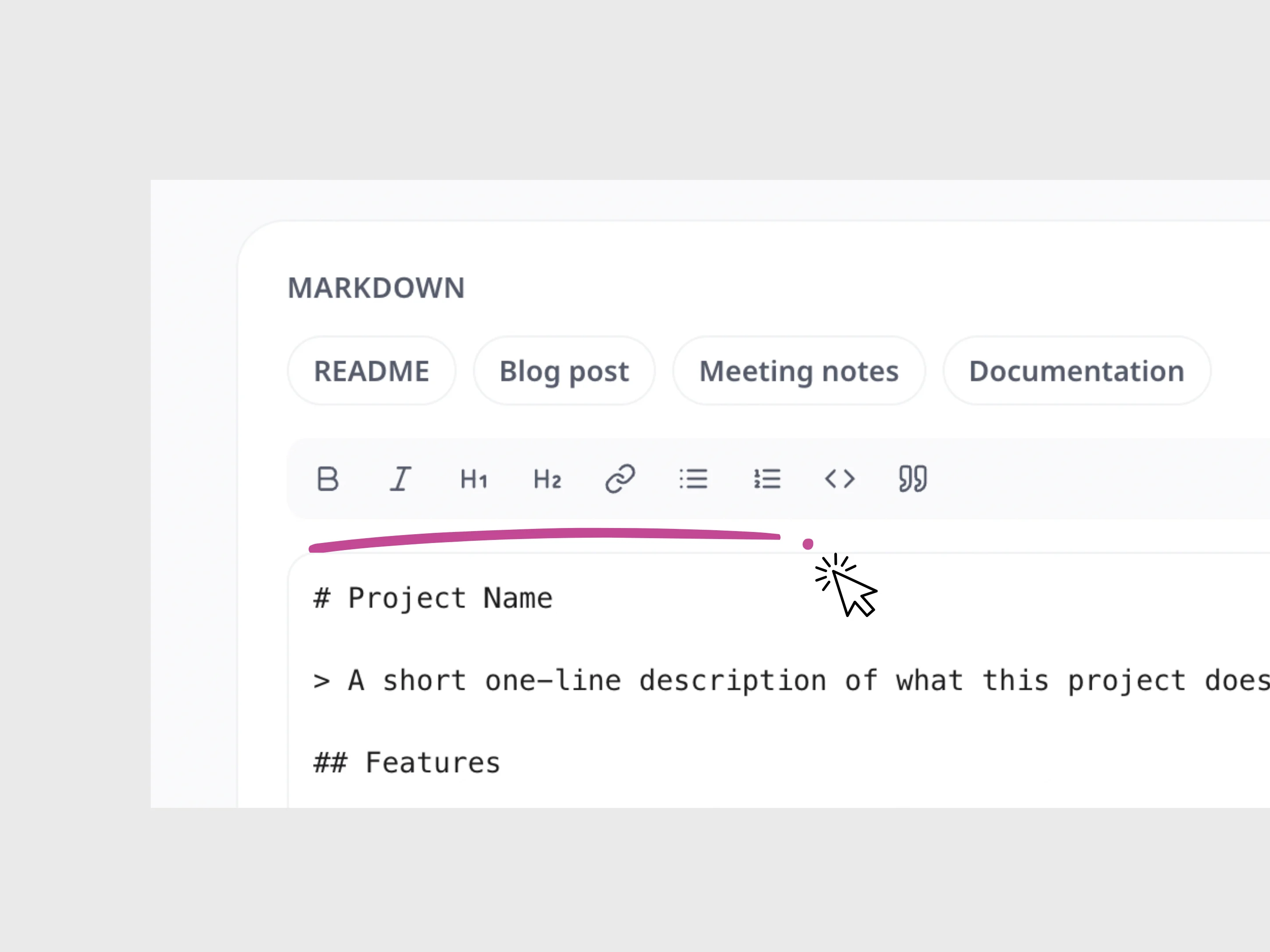
Write and format Markdown, preview your changes live, and instantly copy the finished content.
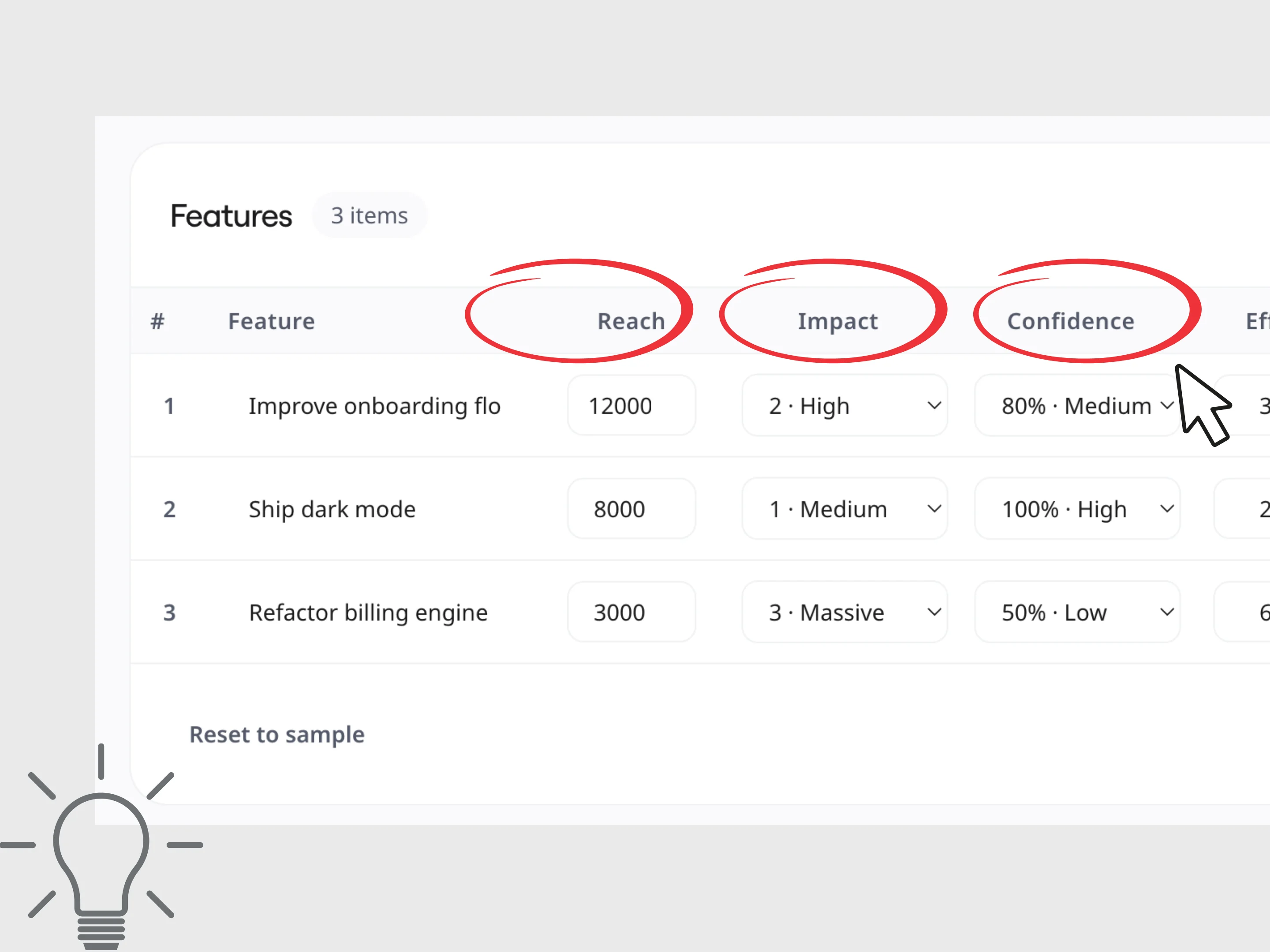
Calculate RICE and ICE scores to compare ideas, prioritize projects, and make faster, more informed product decisions.
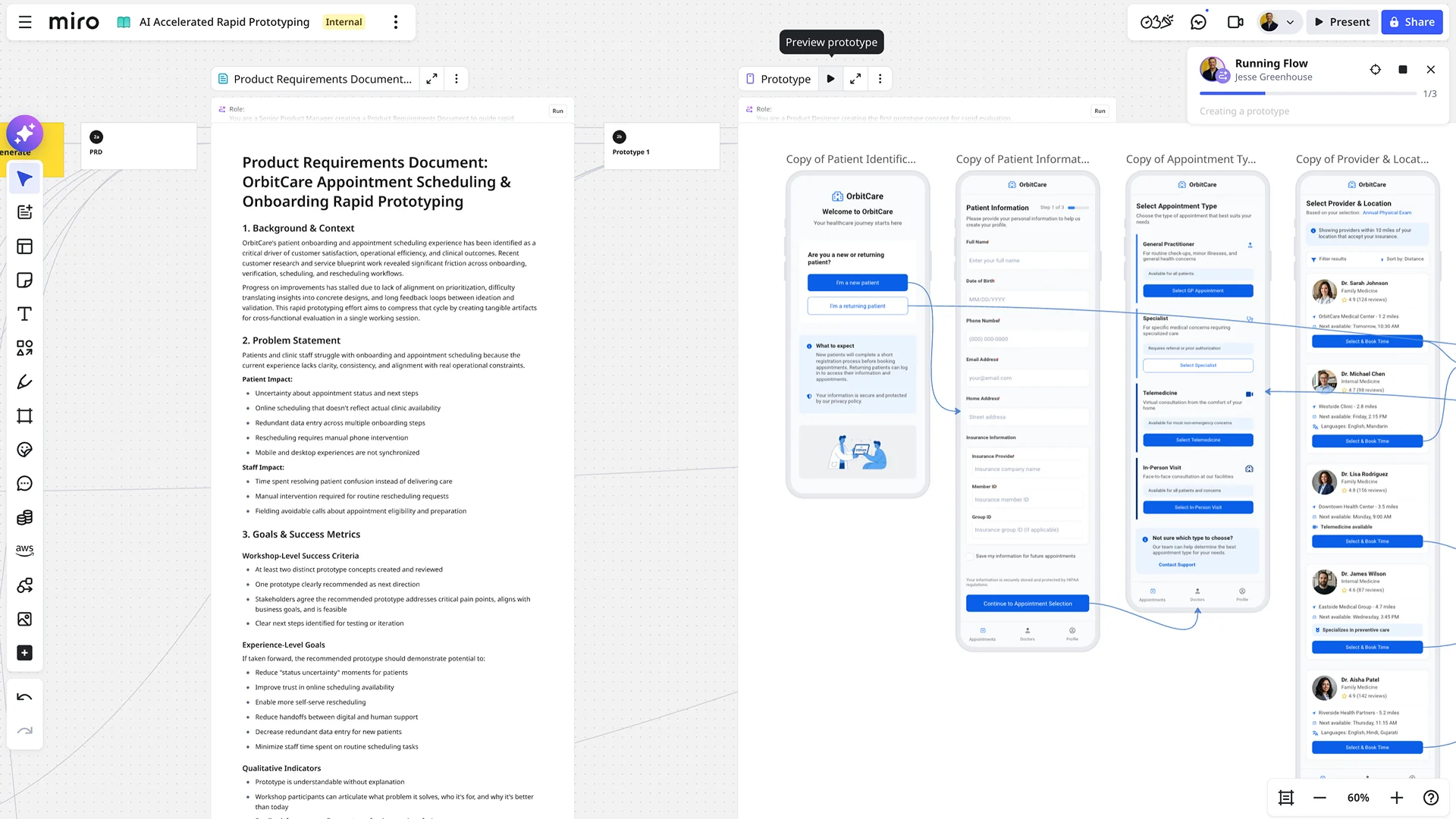
Say goodbye to tedious, manual prototype building. With AI-powered prototyping in Miro, you can accelerate your design workflow, explore more possibilities, and get feedback faster than ever before. It's the fastest path from a raw concept to a dynamic, clickable reality.
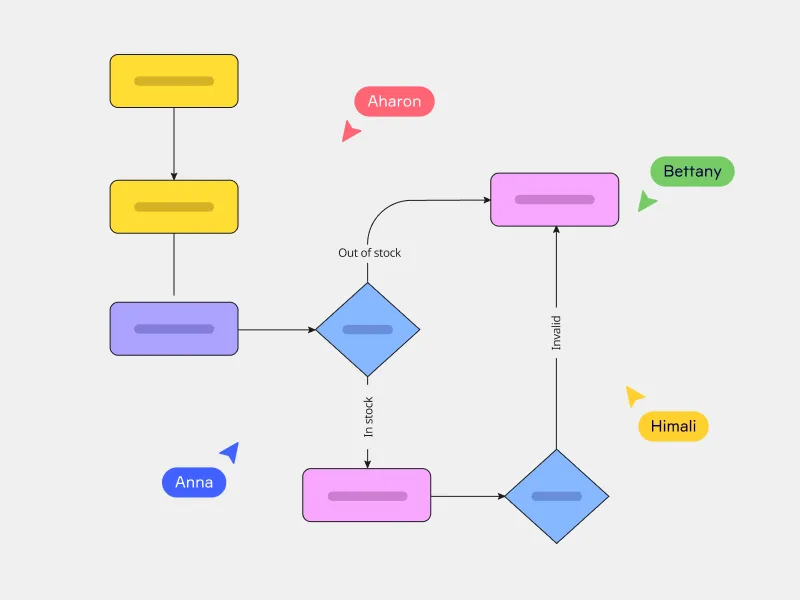
Miro's AI flowchart generator offers a better way to map complex workflows and quickly align your team. Just enter your prompt and watch your flowchart instantly unfold on your canvas — saving you plenty of time getting started.