


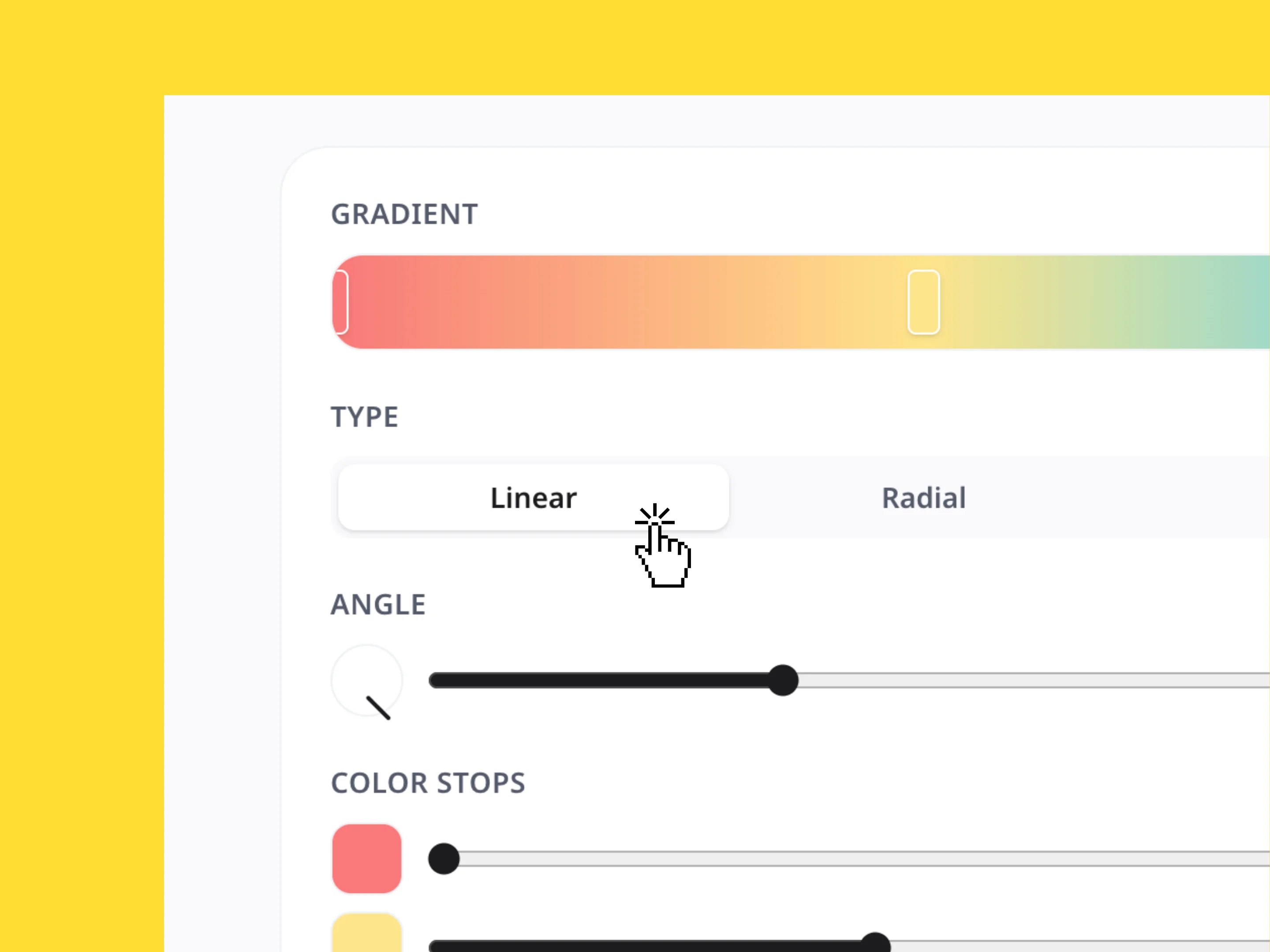
Gradient Generator
Create custom color gradients, adjust the style and direction, and instantly copy the CSS, Tailwind, or SVG code.
The markdown editor lets you write and format clean text with live previews. Draft technical documents, notes, or blog posts, apply quick styling, and copy your formatted output for use across development files, collaborative boards, and Miro.
Writing in plain text shouldn't mean sacrificing visual polish. The Markdown Editor combines the simplicity of distraction-free writing with an instant, real-time preview side-by-side. Focus on your ideas, outline your thoughts, and watch as your markdown syntax seamlessly renders into beautifully formatted documents in seconds.
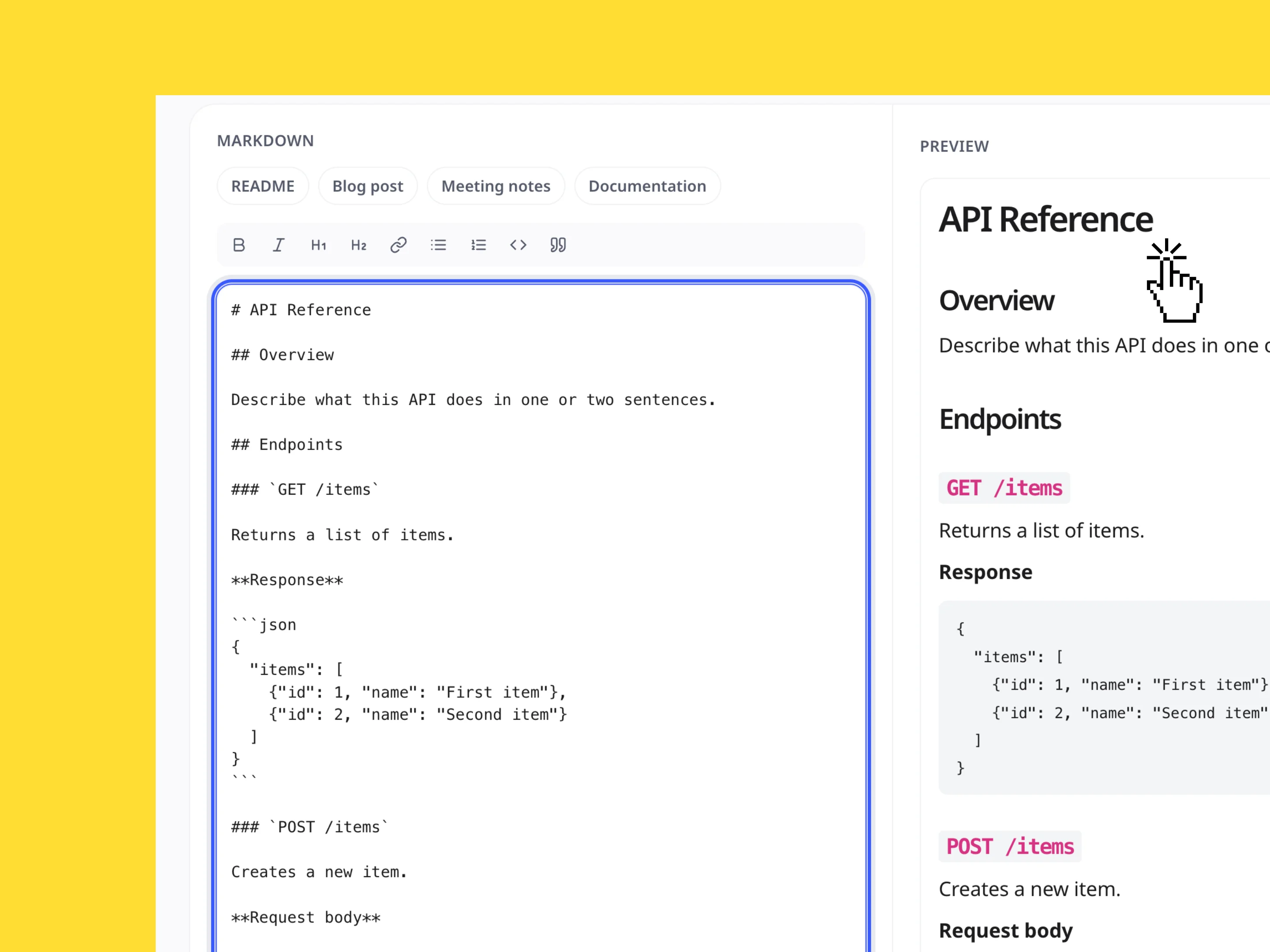
Skip the blank-page syndrome and start writing instantly. Use the pre-set quick buttons to load ready-to-go templates tailored for common project tasks, including README files, blog posts, meeting notes, and technical documentation. It is the easiest way to keep your project files structured and consistently formatted.
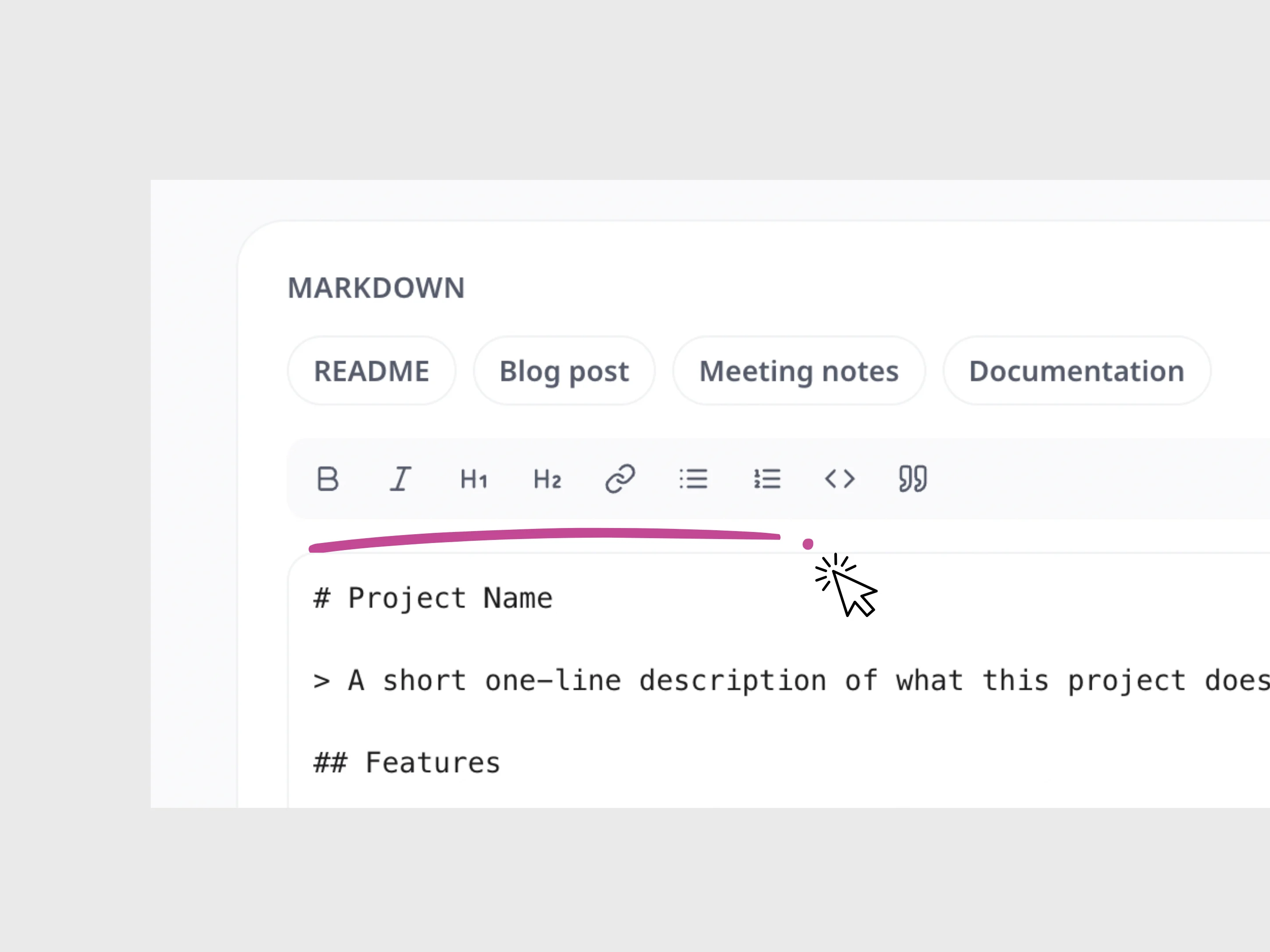
You don't need to memorize every markdown tag to write like a pro. Use the built-in rich text formatting toolbar to quickly apply headers (H1, H2), bold and italic styling, hyperlinks, bulleted or numbered lists, code snippets, and blockquotes—letting you design rich, readable documents with zero syntax errors.
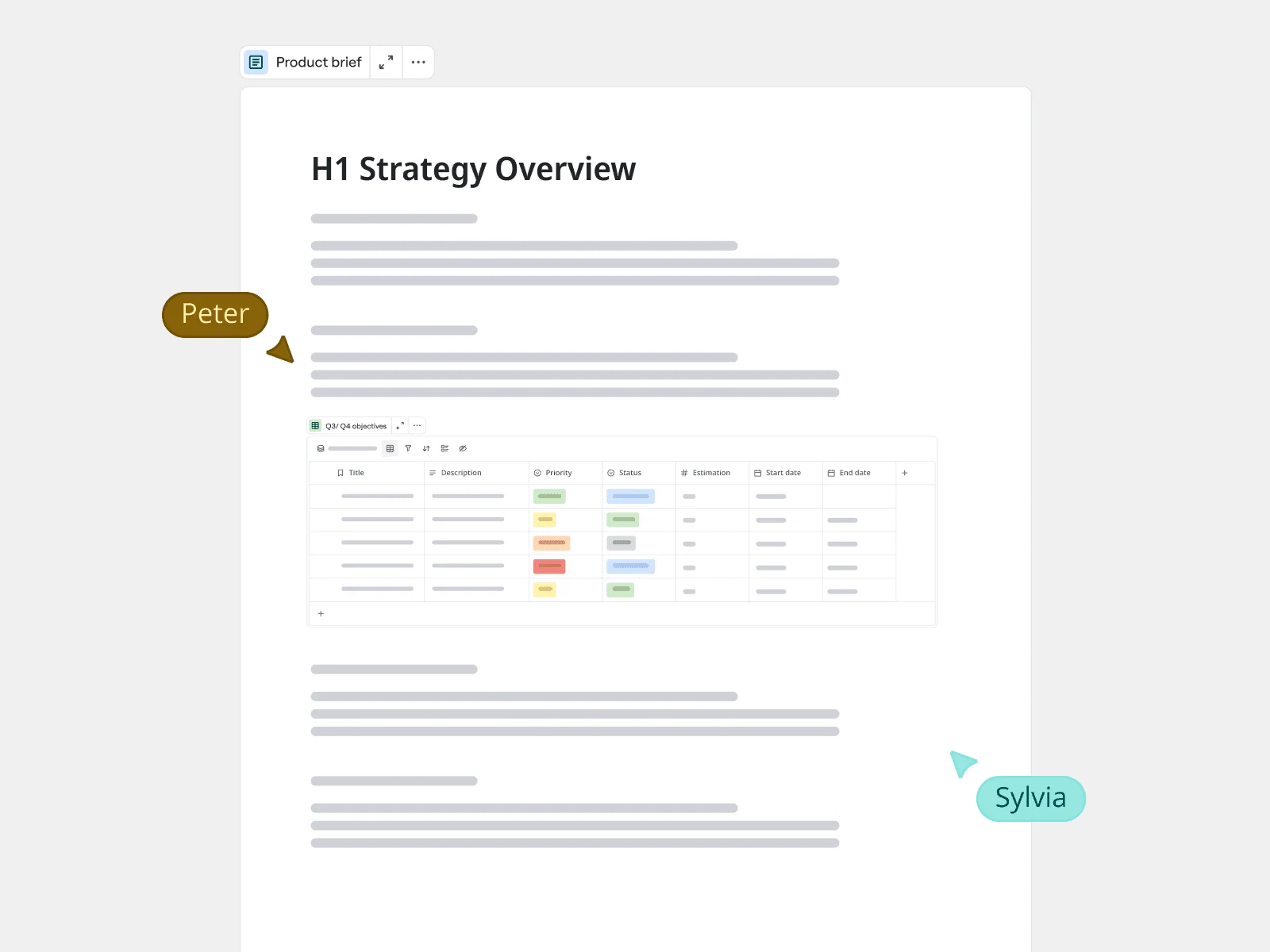
Once your text is structured, transition seamlessly from raw draft to visual collaboration. Copy your formatted markdown to keep your Miro boards, design specs, and documentation fully aligned. Whether you are mapping user journeys, framing project scopes, or running team retrospectives, clear writing keeps everyone on the same page.
Explore other Miro tools to support your workflow
Create custom color gradients, adjust the style and direction, and instantly copy the CSS, Tailwind, or SVG code.
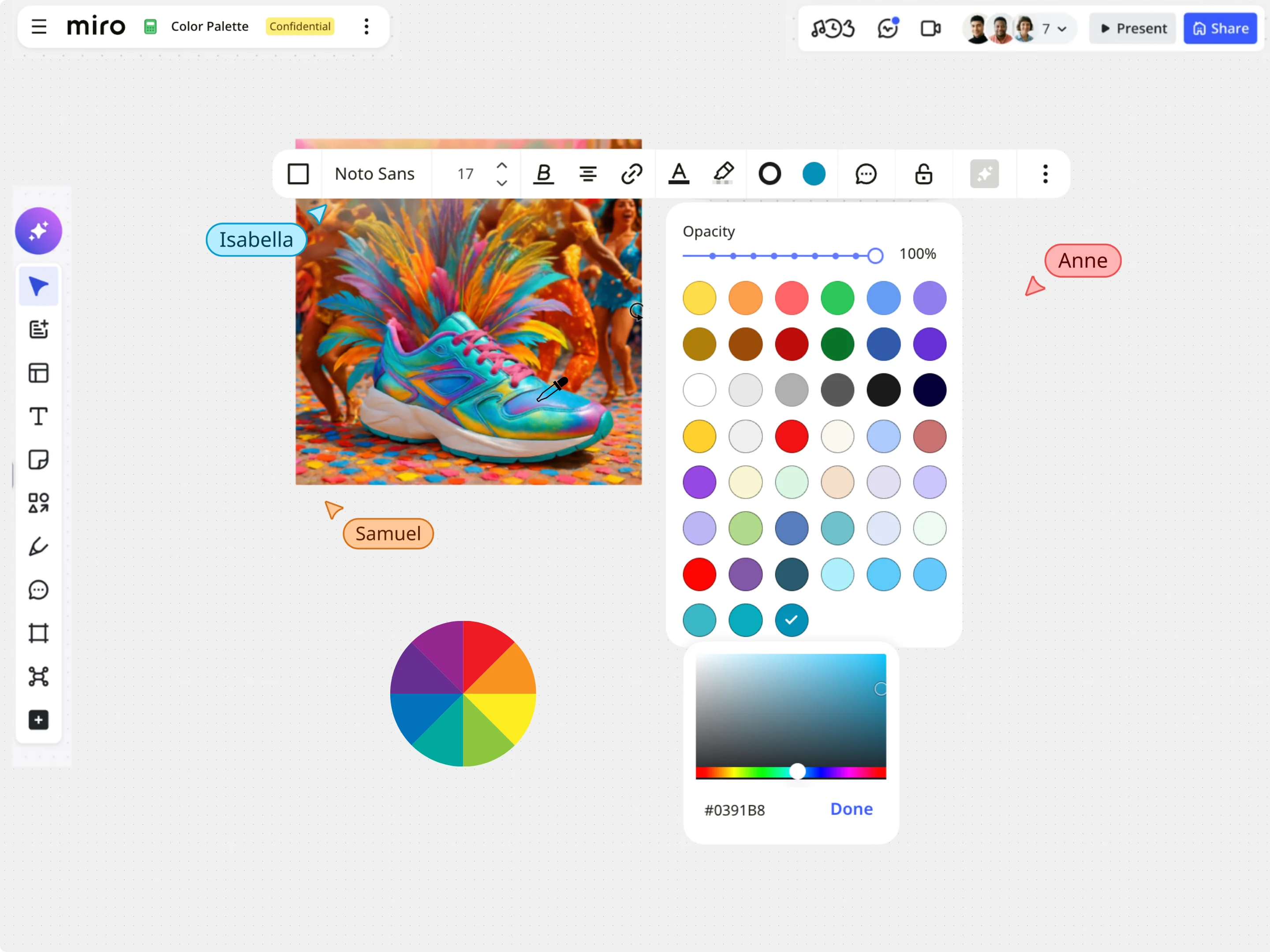
With Miro’s Image Color Picker, extract colors from any image and instantly get accurate HEX, RGB, HSL, and HSB values.
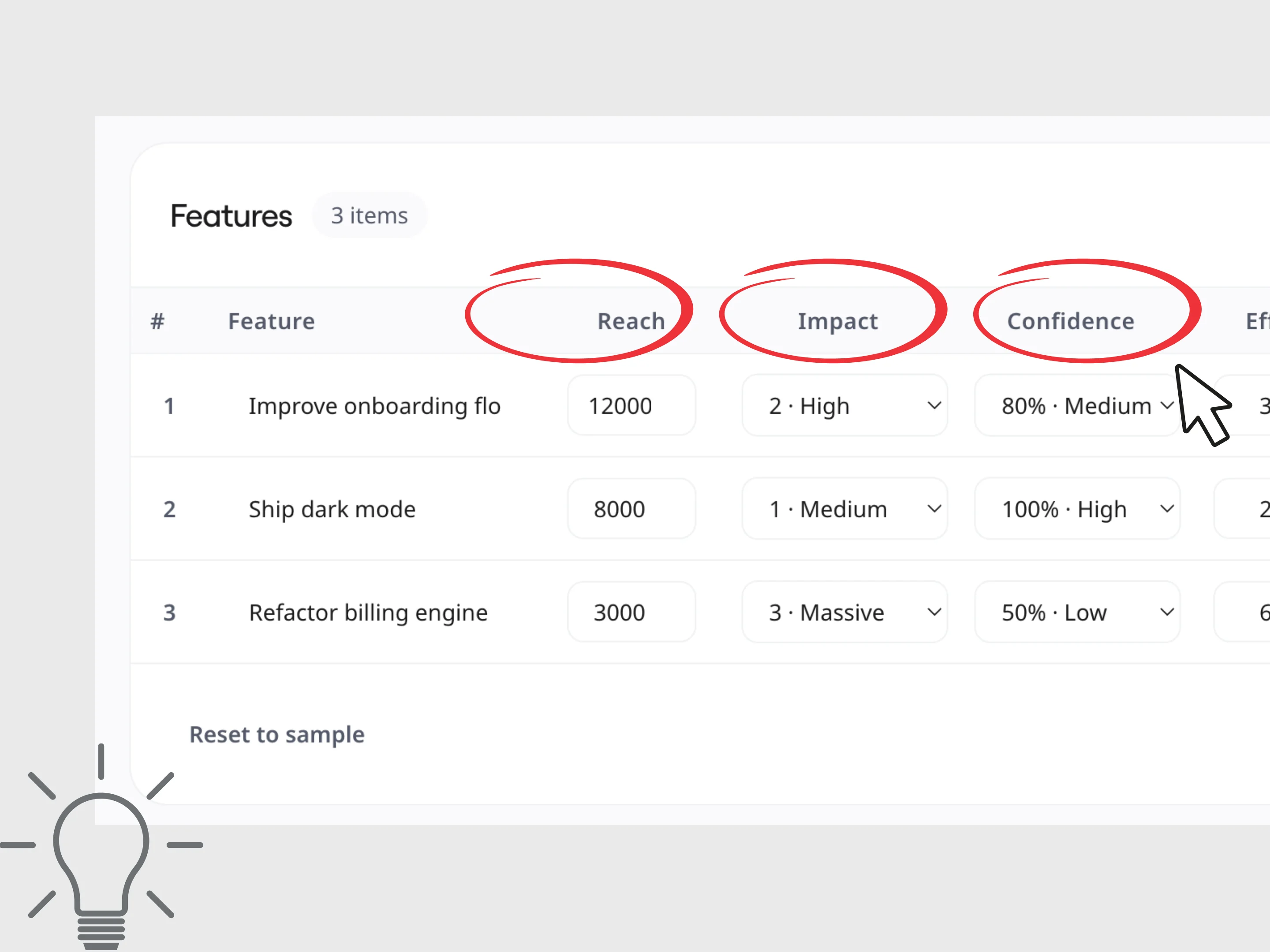
Calculate RICE and ICE scores to compare ideas, prioritize projects, and make faster, more informed product decisions.
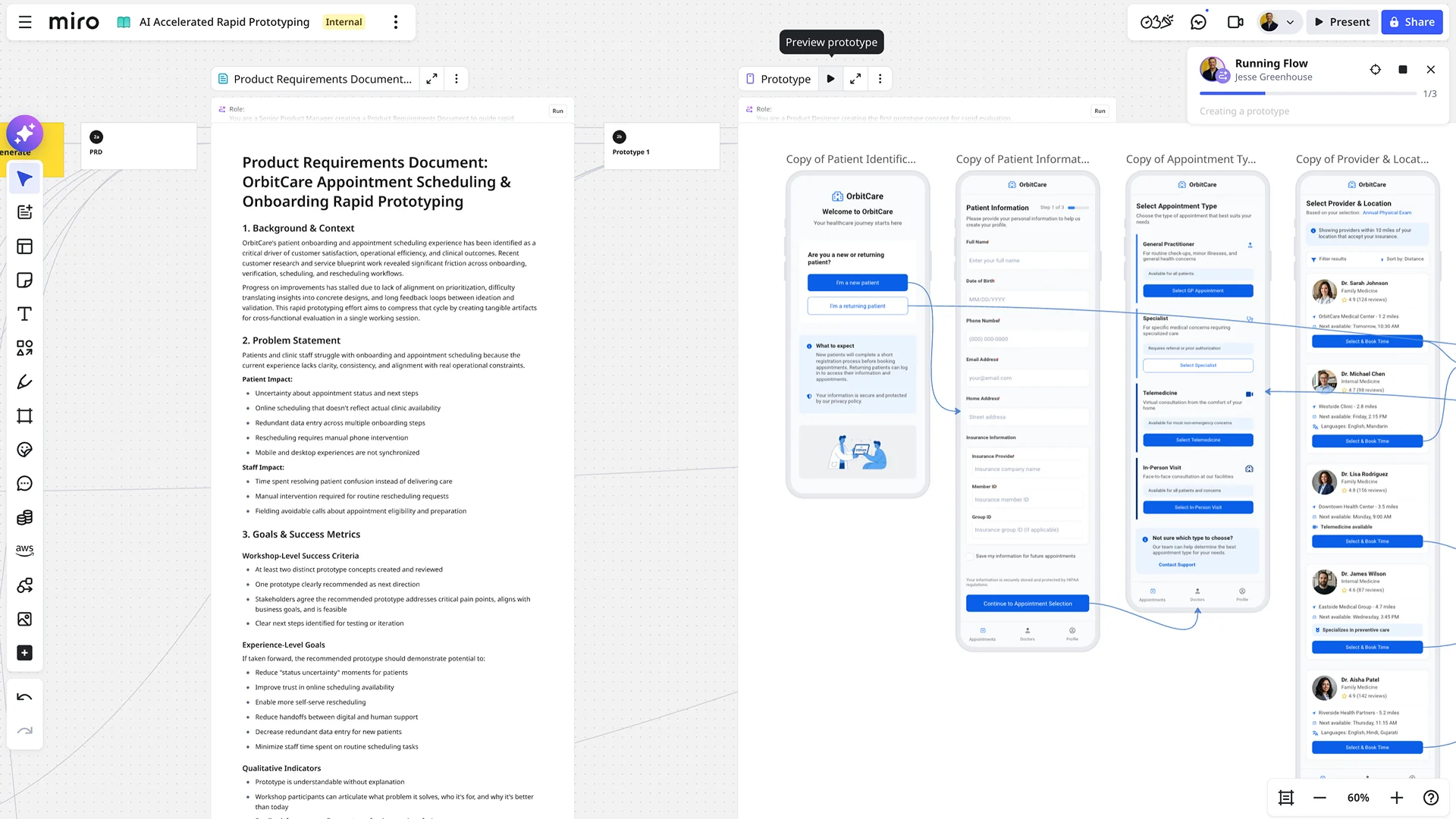
Say goodbye to tedious, manual prototype building. With AI-powered prototyping in Miro, you can accelerate your design workflow, explore more possibilities, and get feedback faster than ever before. It's the fastest path from a raw concept to a dynamic, clickable reality.
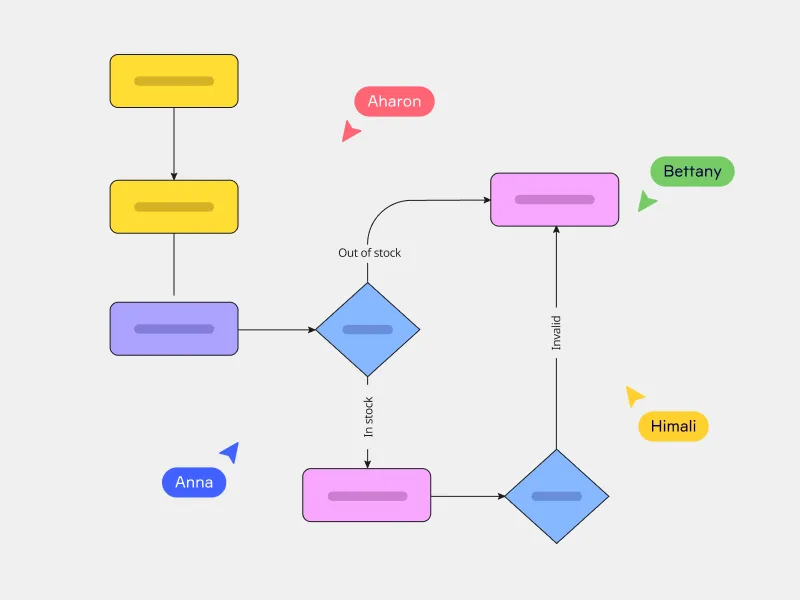
Miro's AI flowchart generator offers a better way to map complex workflows and quickly align your team. Just enter your prompt and watch your flowchart instantly unfold on your canvas — saving you plenty of time getting started.