


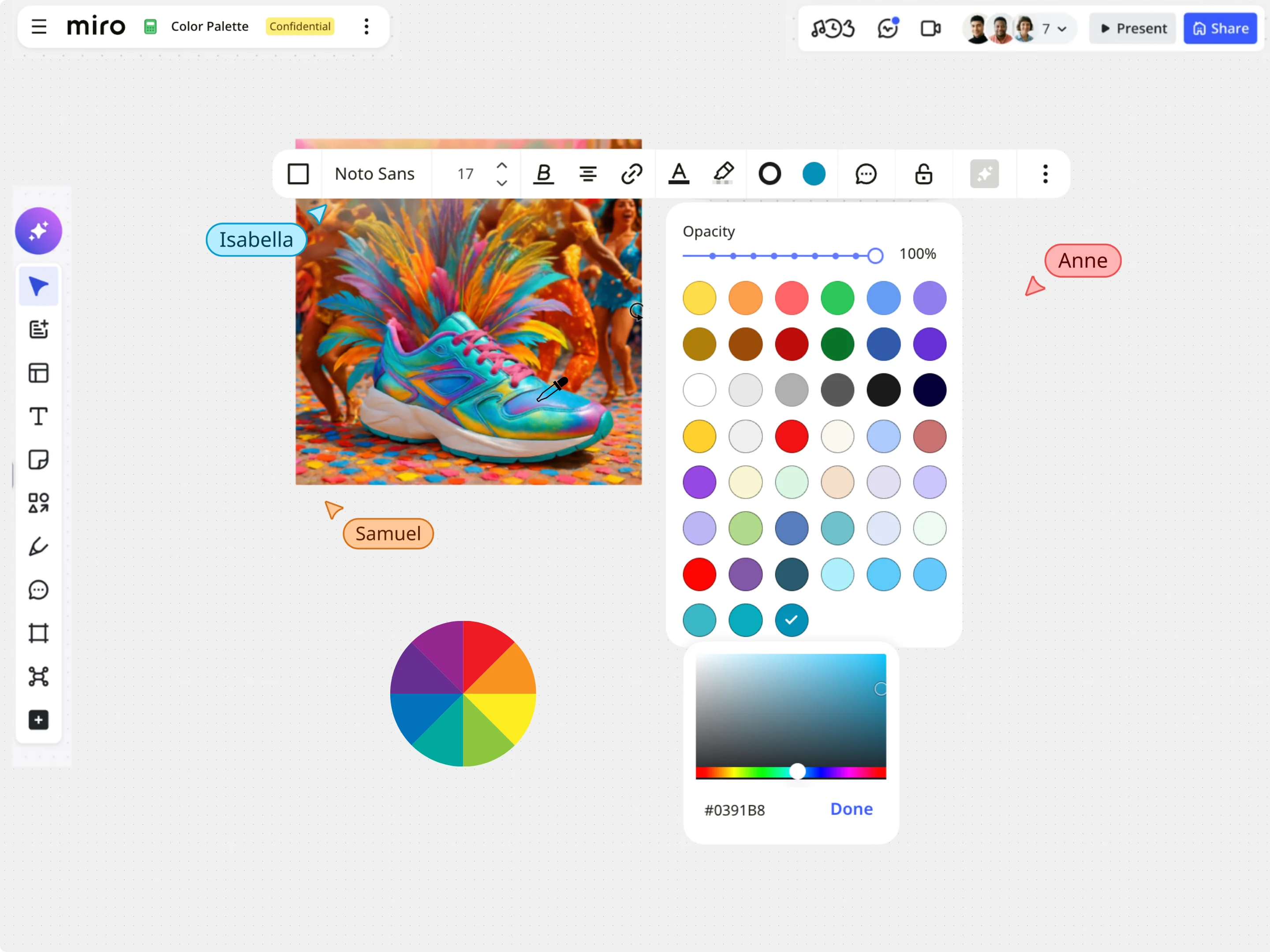
Image Color Picker
With Miro’s Image Color Picker, extract colors from any image and instantly get accurate HEX, RGB, HSL, and HSB values.
The RICE & ICE prioritisation tool lets you objectively rank, compare, and focus on the product features that matter most. Easily toggle between RICE and ICE frameworks, score your product backlog with standardized metrics, and instantly copy your prioritized list to keep your team aligned.
Score = (Reach × Impact × Confidence) / EffortImpact 0.25–3 · Confidence 50/80/100% · Effort in person-months| # | Feature | Reach | Impact | Confidence | Effort | Score | |
|---|---|---|---|---|---|---|---|
| 1 | 6400 | ||||||
| 2 | 4000 | ||||||
| 3 | 750 |
When everything feels like a priority, it is hard to know what to build next. The RICE & ICE Calculator helps you move past "gut feelings" or the loudest voice in the room. By evaluating features across standardized criteria, you can clearly identify quick wins, high-impact strategic initiatives, and features that might not be worth the effort.
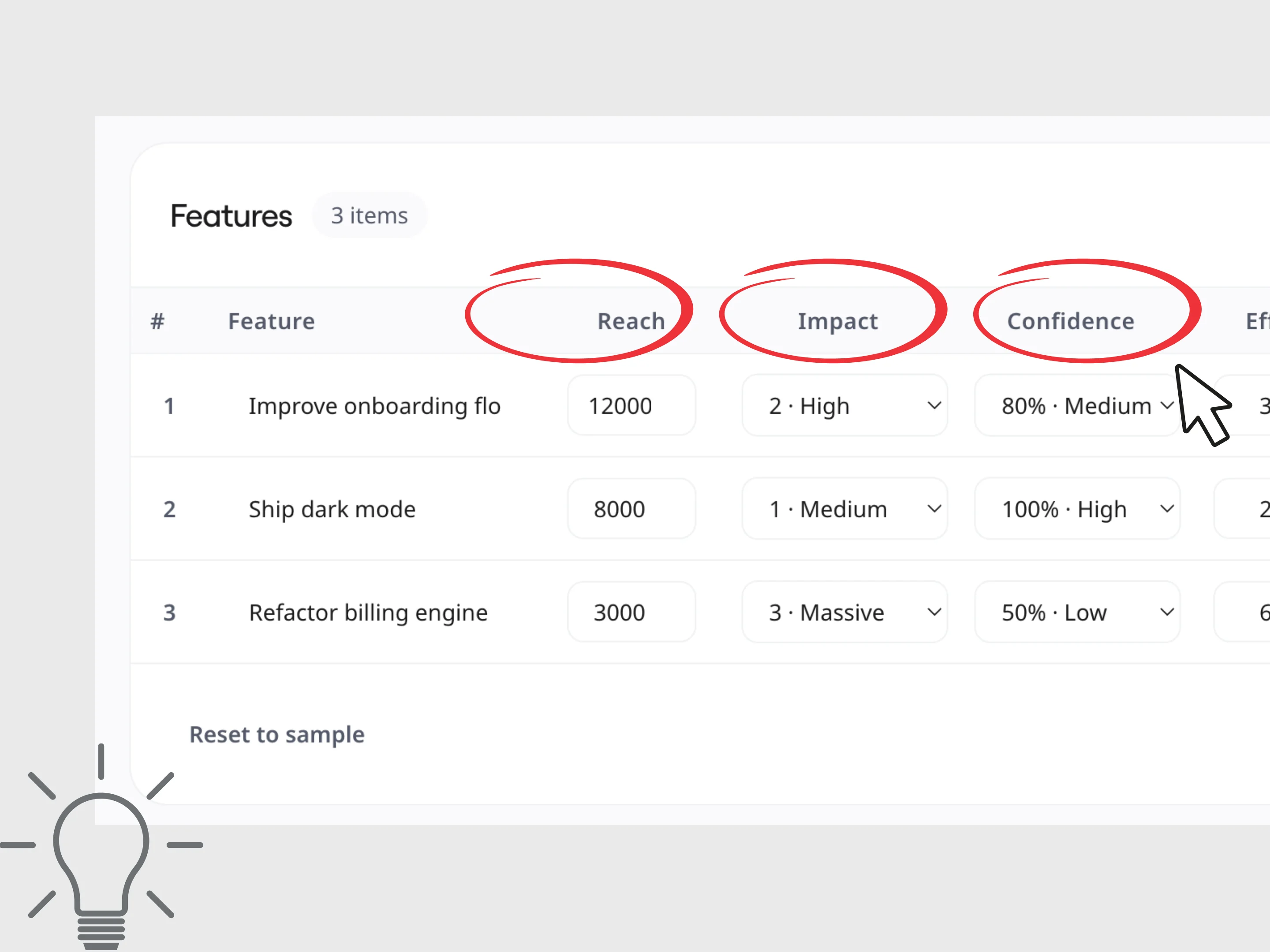
Choose the framework that matches your data and timeline. Use RICE when you have concrete usage data and want a precise, quantitative score based on reach, or switch to ICE for early-stage ideas and fast-moving projects where you need a lightweight, rapid scoring system.
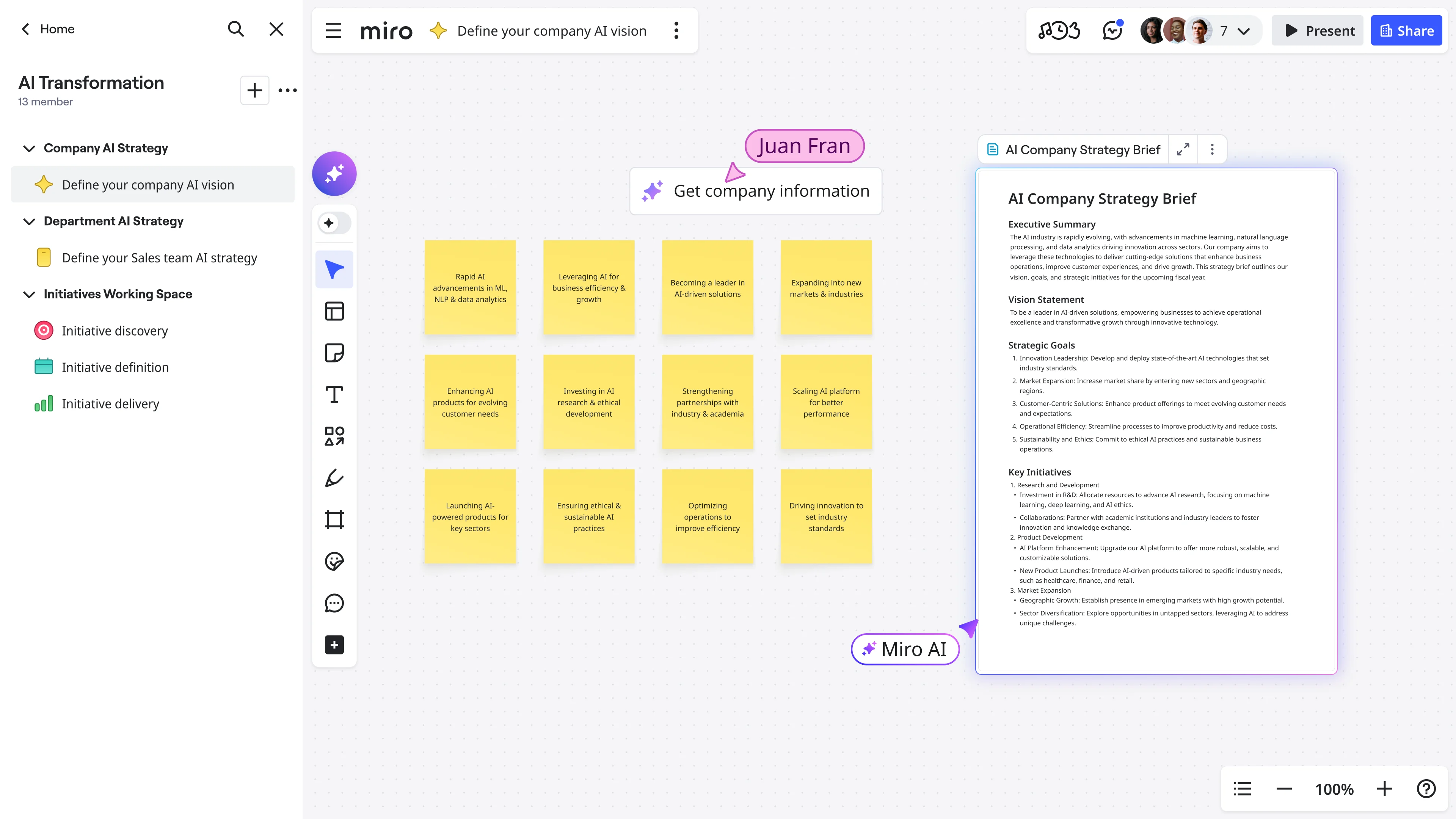
Evaluate every feature consistently using built-in formulas and simple dropdowns for impact and confidence. By factoring in user reach alongside development effort, you get an objective, color-coded priority score that keeps your roadmap honest and realistic.
Once you have ranked your backlog, continue your product planning in Miro. Copy your prioritized list as a CSV and turn your high-scoring features into interactive sticky notes, map them out on visual roadmaps, and collaborate with your team to align stakeholders on what to build next.
Explore other Miro tools to support your workflow
With Miro’s Image Color Picker, extract colors from any image and instantly get accurate HEX, RGB, HSL, and HSB values.
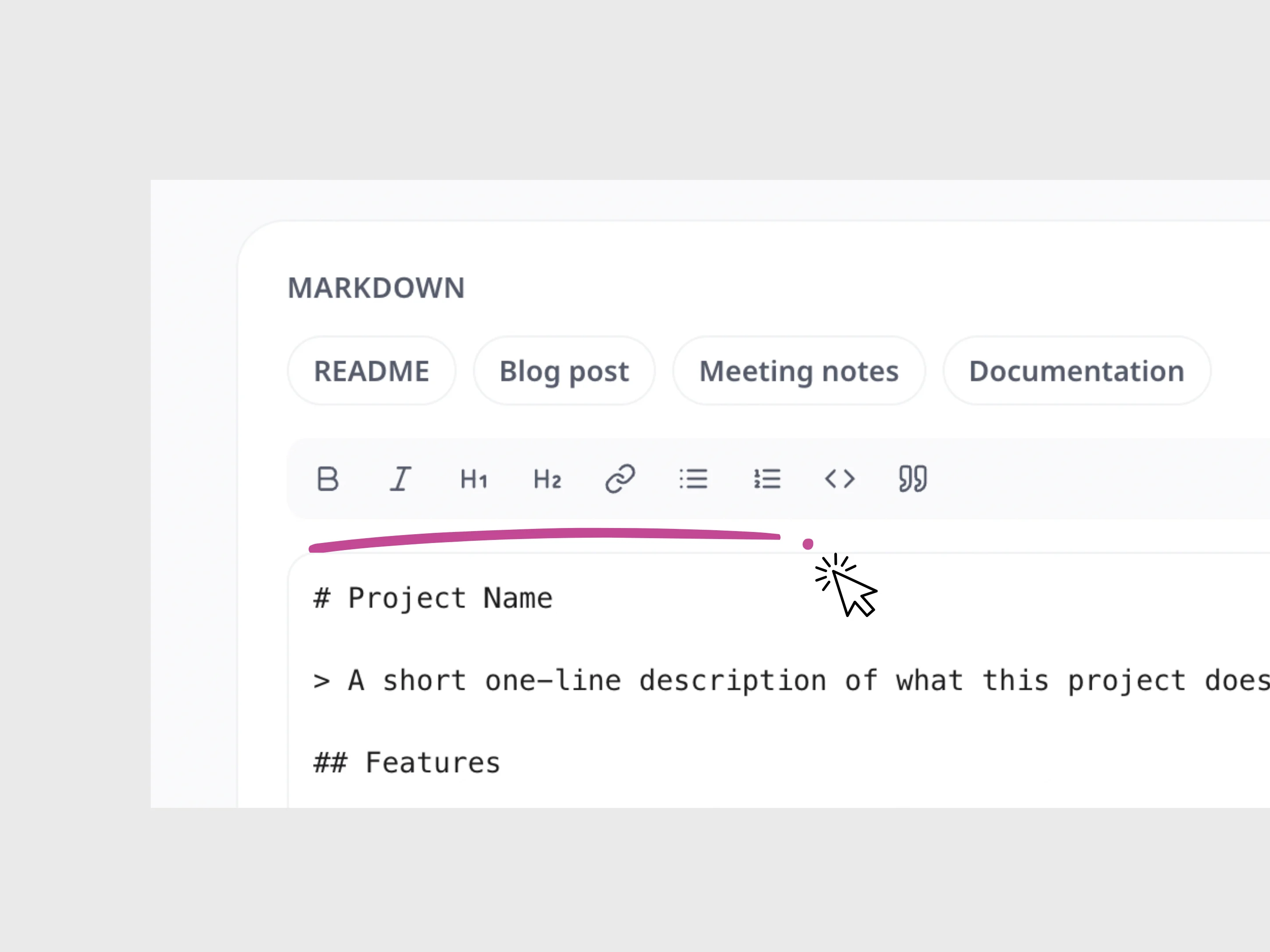
Write and format Markdown, preview your changes live, and instantly copy the finished content.
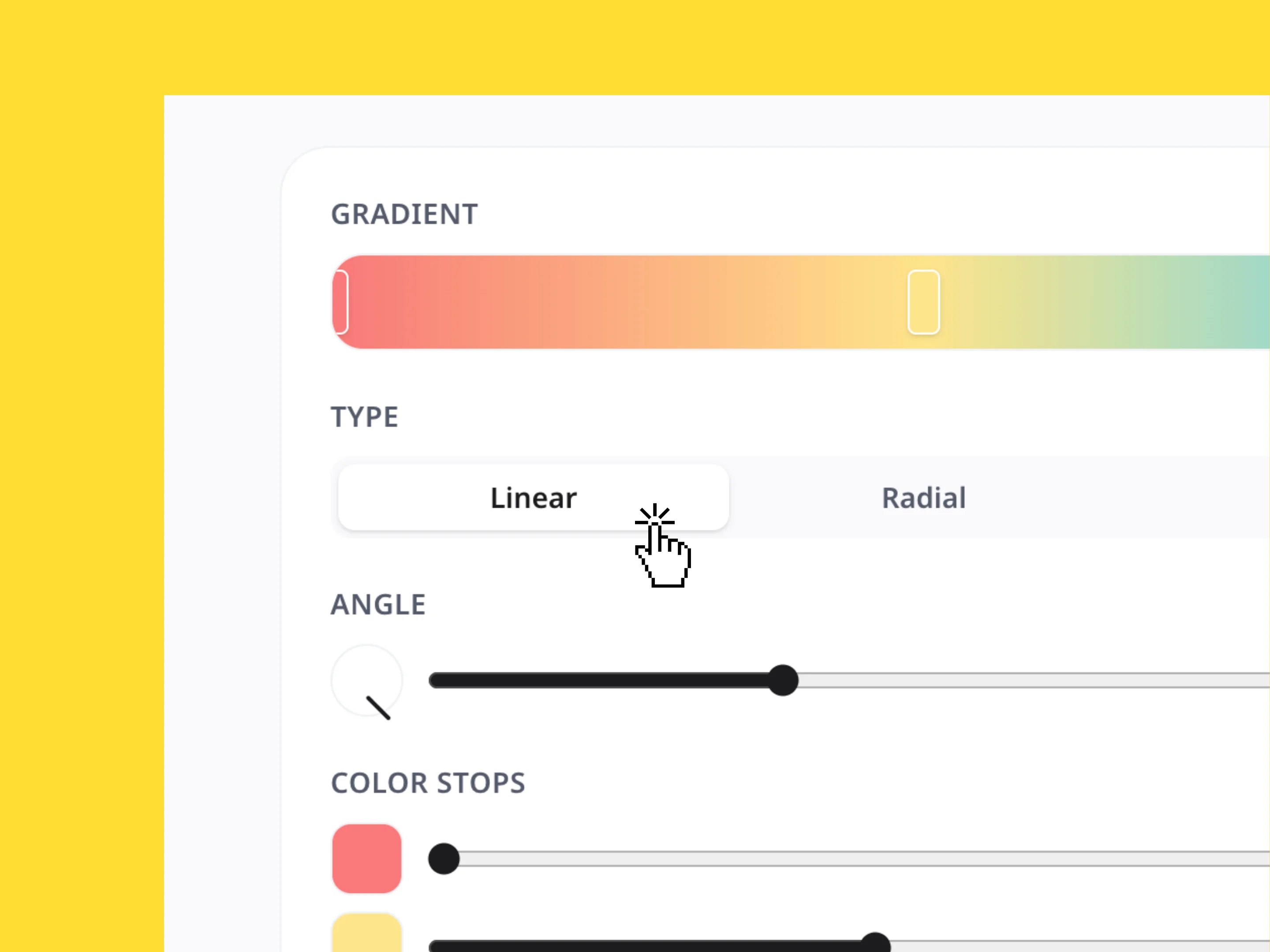
Create custom color gradients, adjust the style and direction, and instantly copy the CSS, Tailwind, or SVG code.
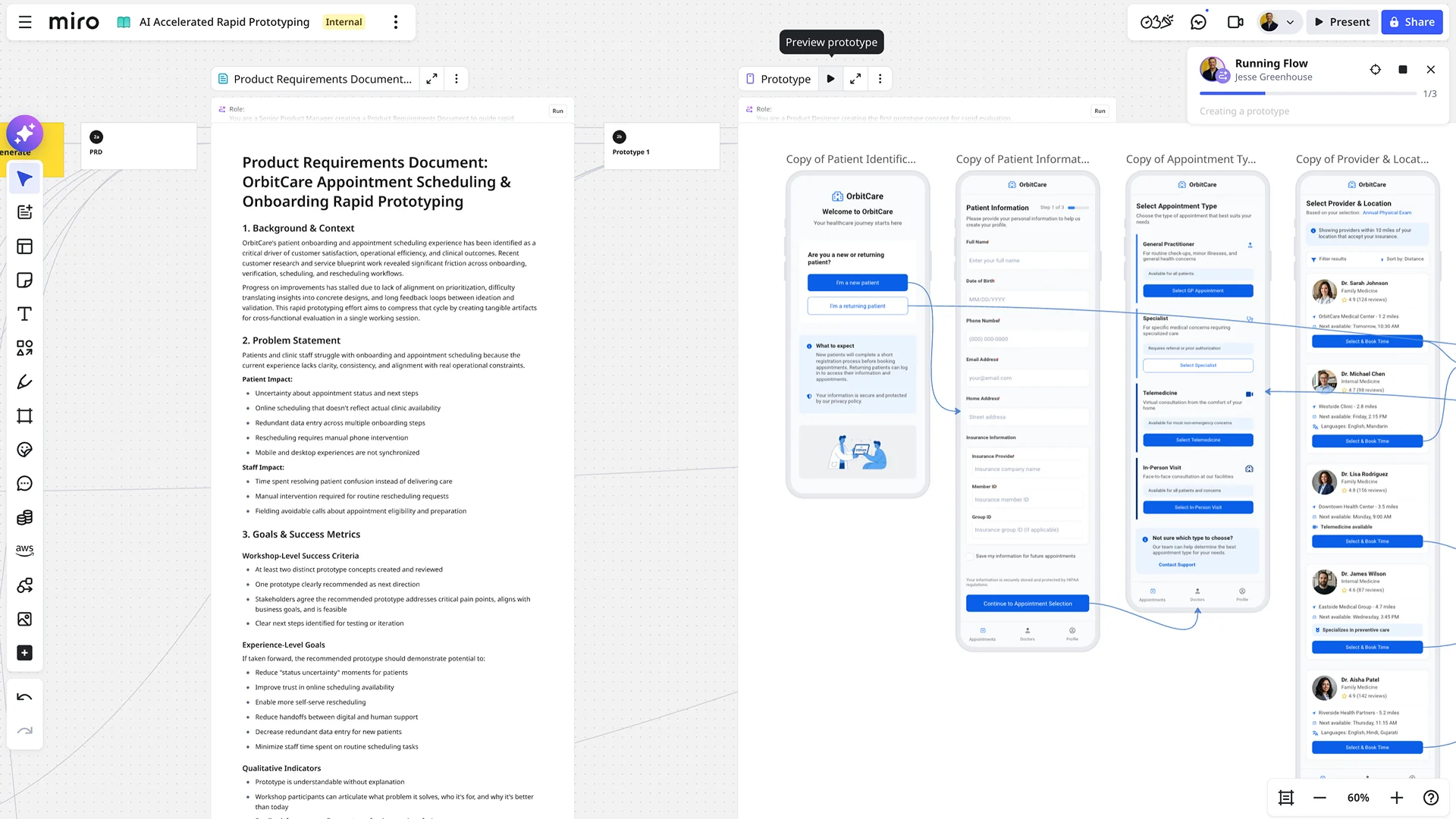
Say goodbye to tedious, manual prototype building. With AI-powered prototyping in Miro, you can accelerate your design workflow, explore more possibilities, and get feedback faster than ever before. It's the fastest path from a raw concept to a dynamic, clickable reality.
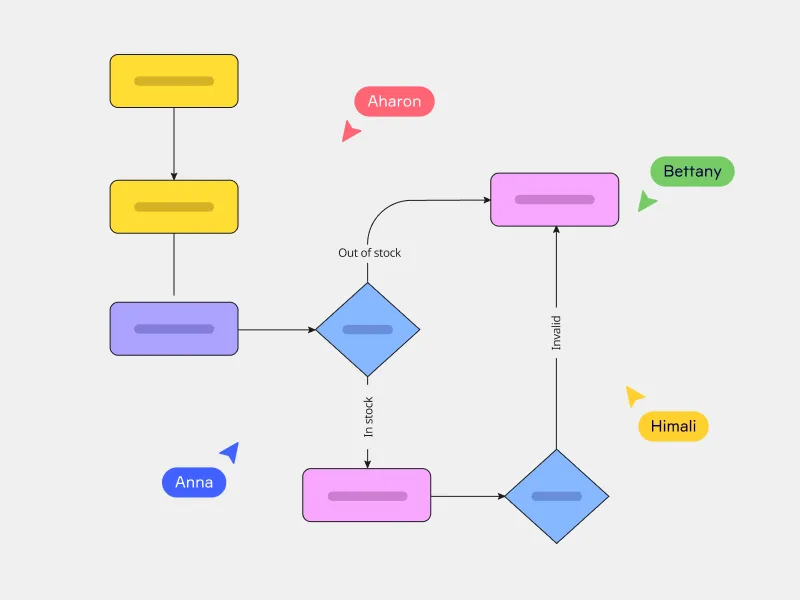
Miro's AI flowchart generator offers a better way to map complex workflows and quickly align your team. Just enter your prompt and watch your flowchart instantly unfold on your canvas — saving you plenty of time getting started.