Miro Technical Design
Bring teams together to turn complex technical problems into clear, defined next steps.
Why choose Miro for Technical Design?
Capture early ideas and messy debates alongside detailed Mermaid diagrams and Markdown documents — connected to your AI and visible for your team.
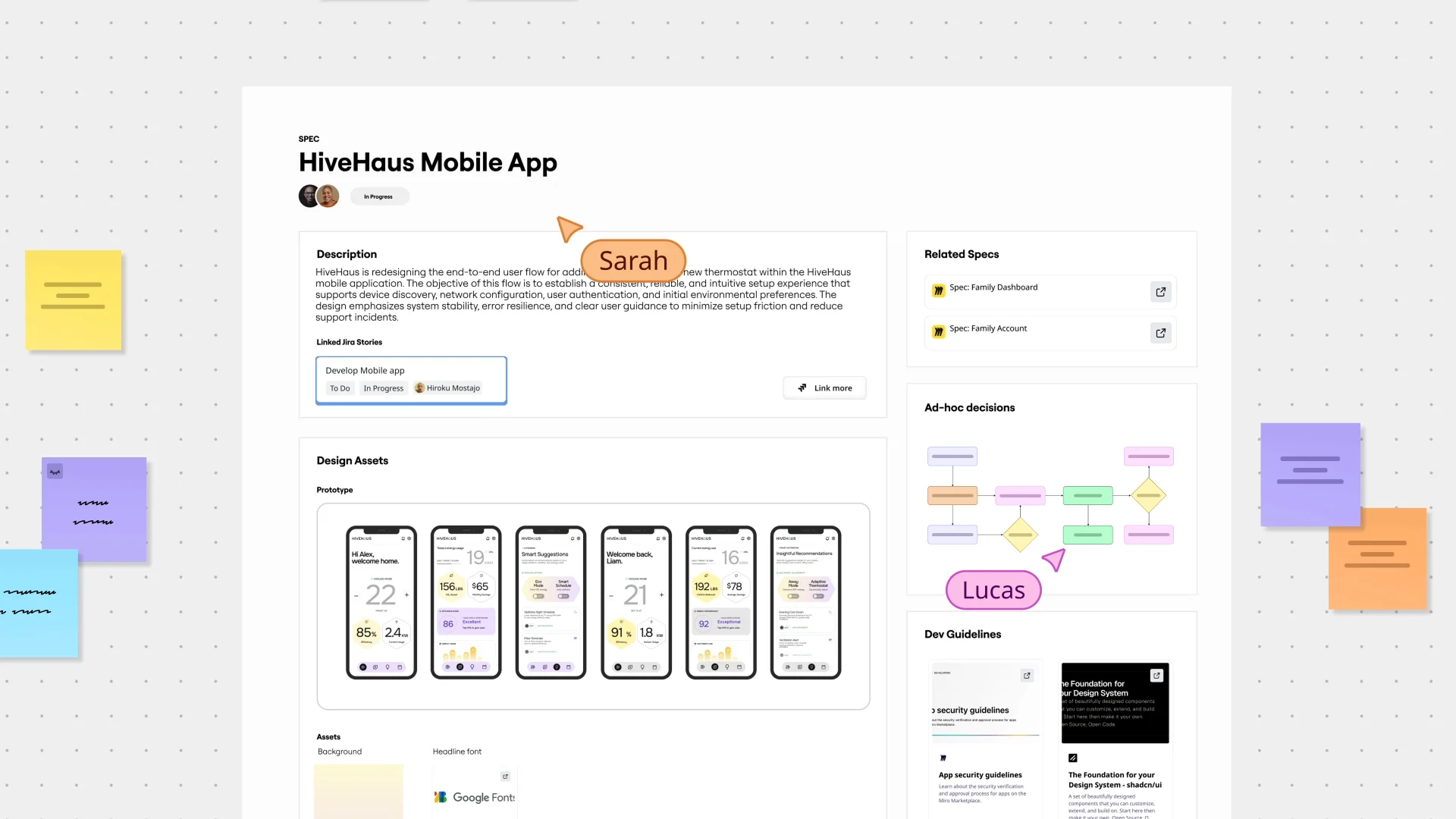
Tailored to the way technical teams really work
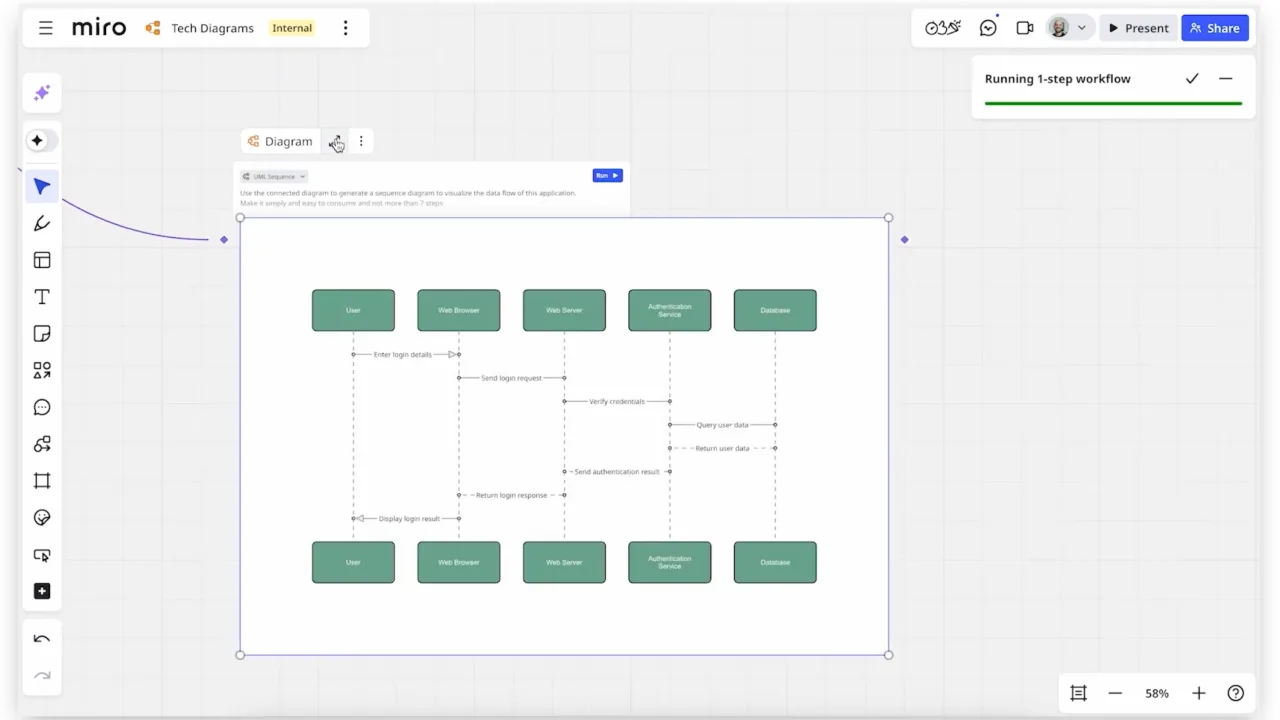
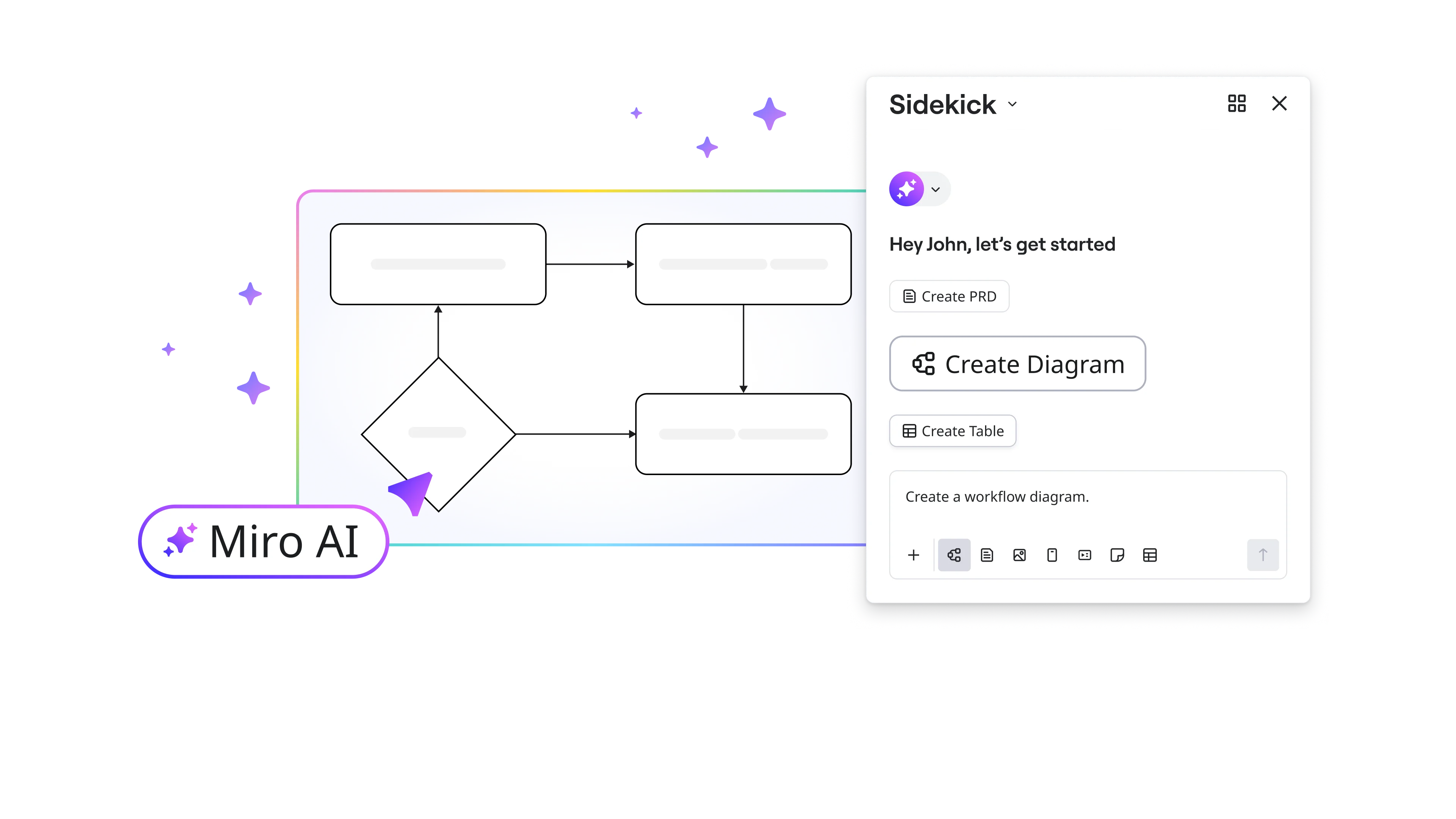
Design diagrams in a flash with AI
Turn diagramming into an effortless task. Miro AI translates your ideas into polished user flows, architectures, and sequence diagrams, connected to your systems — in minutes instead of hours.
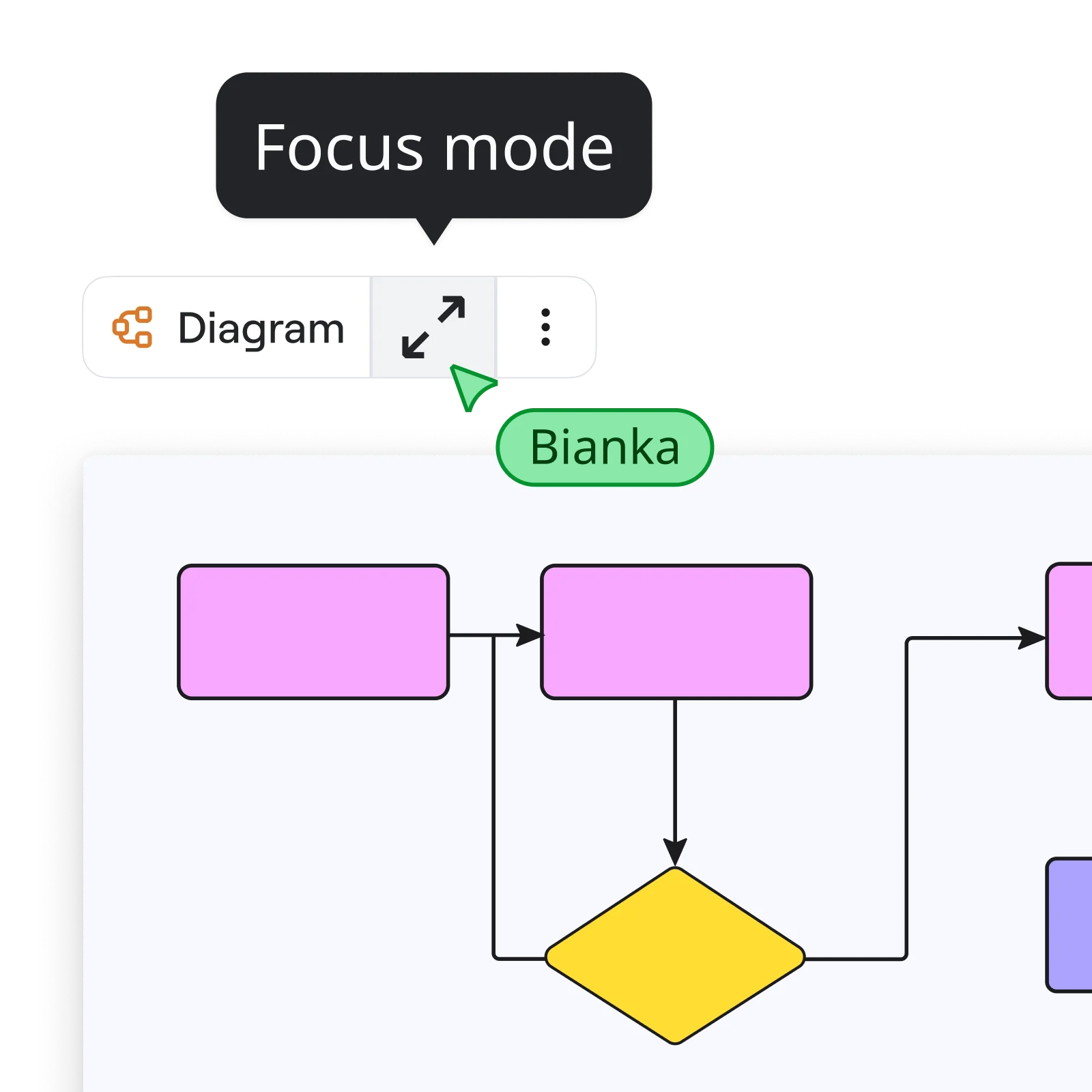
Stay in the flow while you diagram
Minimize distractions when working on architecture with focus mode — and get only the tools you need.
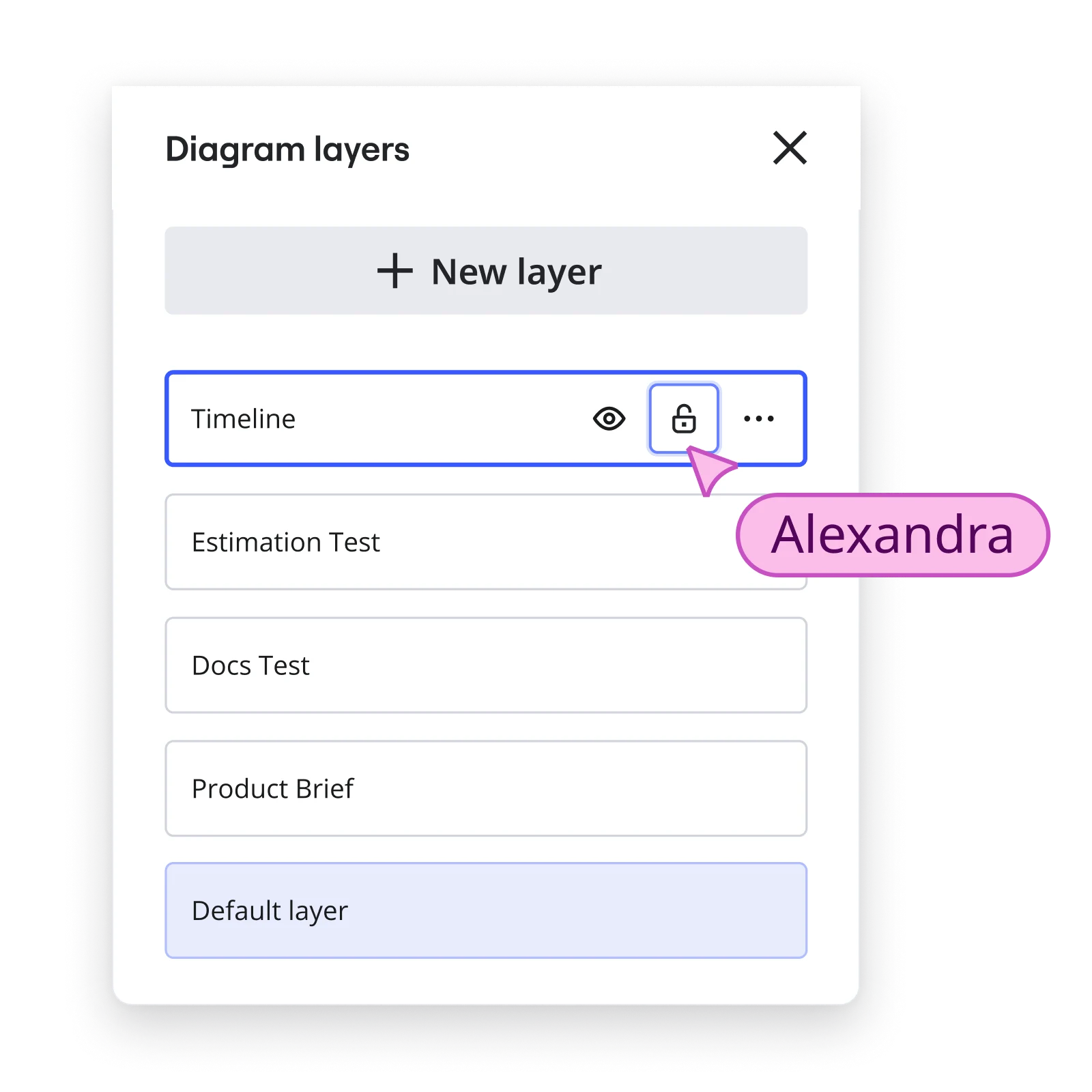
Tame complexity with layers
Remove the complexity from large-scale architectures with layers, making it easy to zero in on what matters.
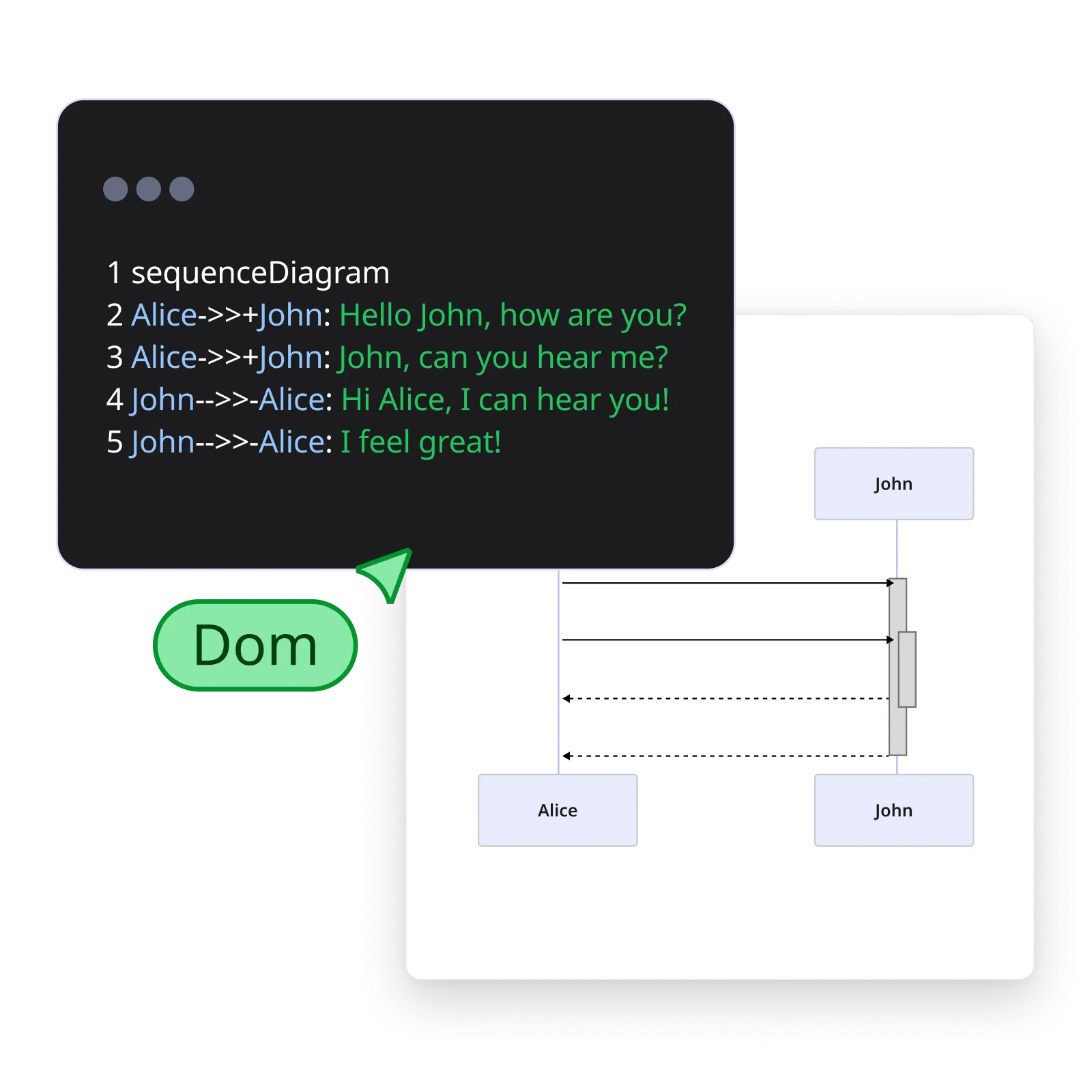
Create Mermaid diagrams, together
Use Mermaid syntax in Miro to create, modify, and collaborate on diagrams with your team.
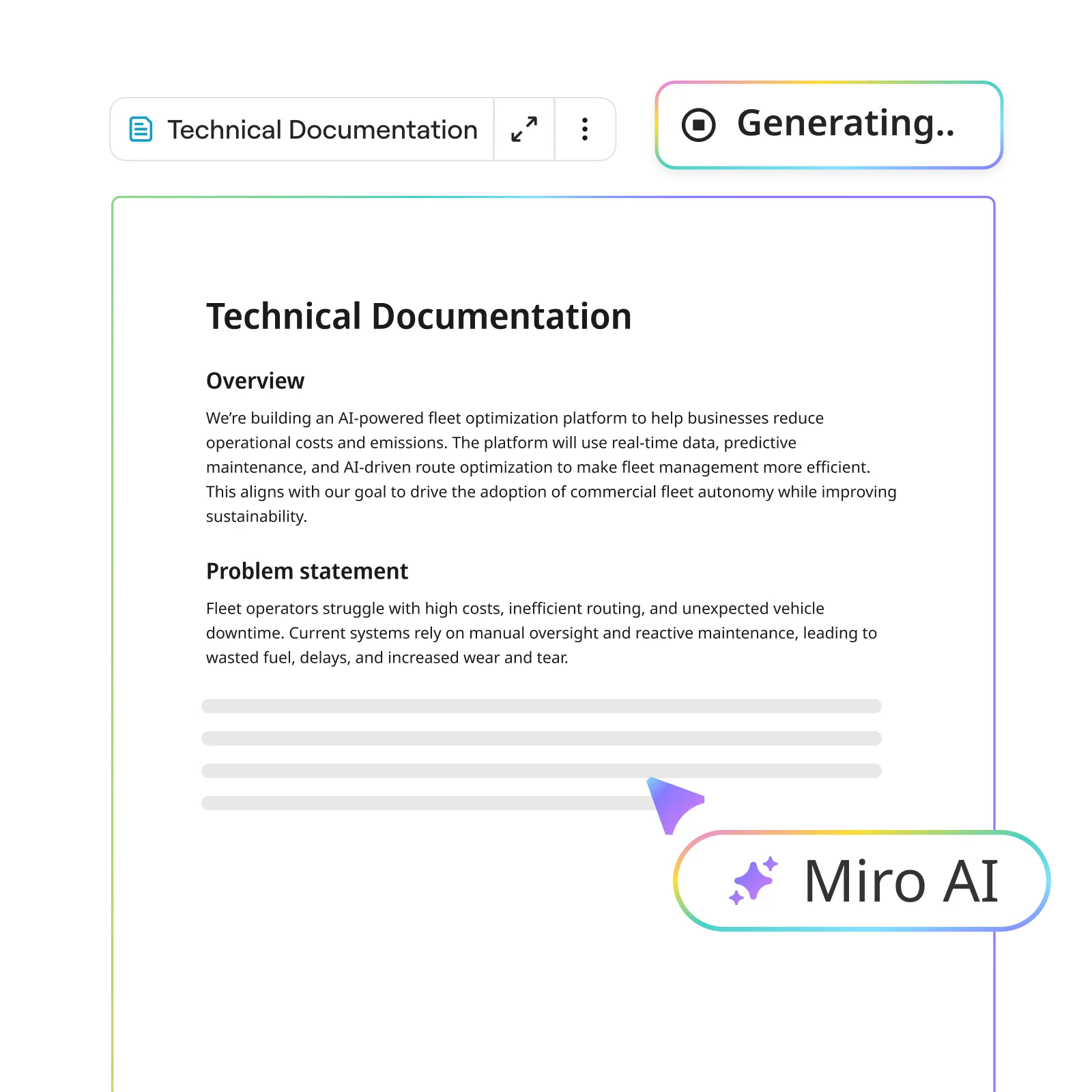
Draft technical docs from your canvas
Cut down on the writing time and automate RFCs and technical specs creation with AI.
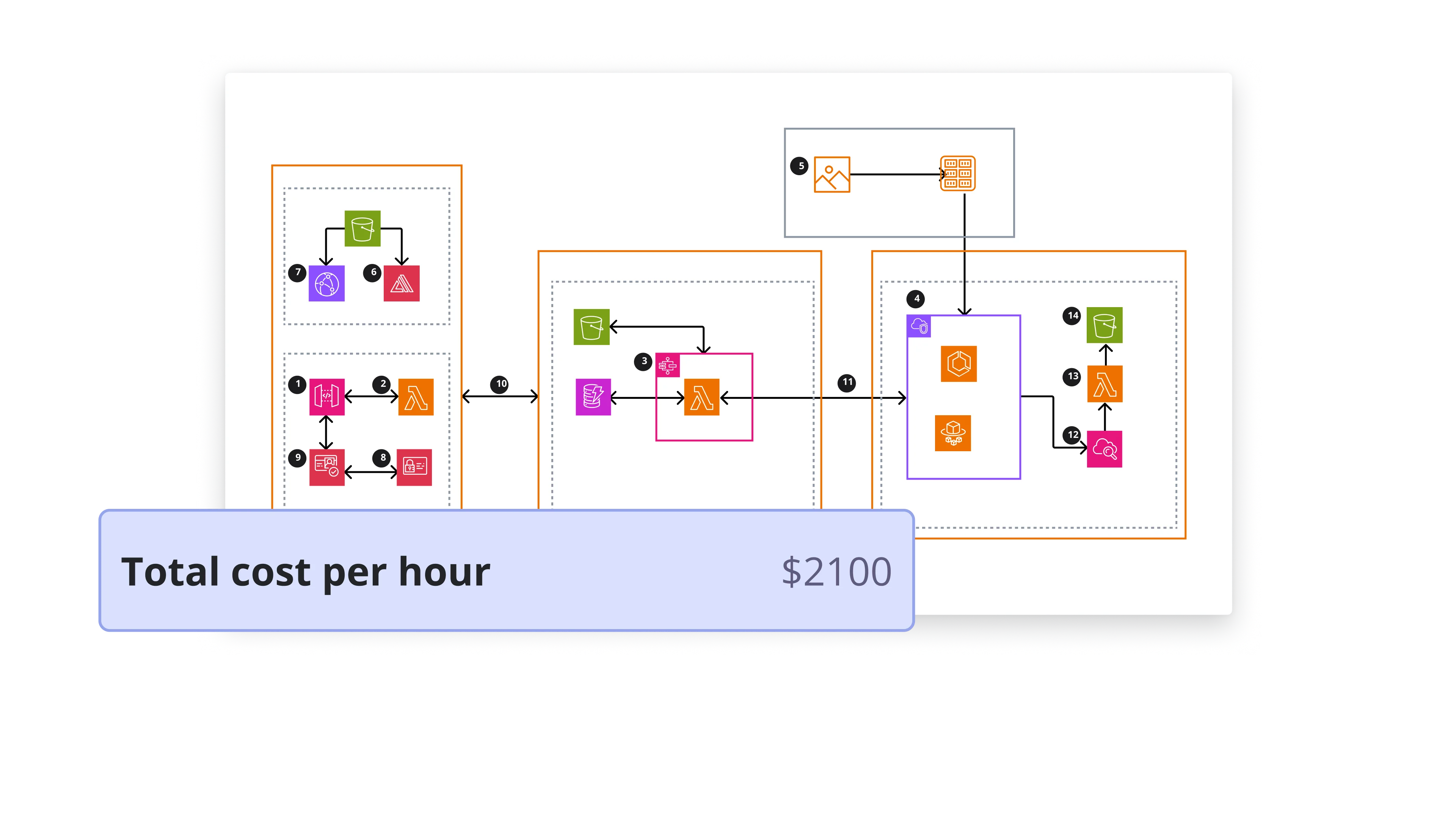
Plan cloud architecture and costs on one canvas
Turn cloud planning into a collaborative effort with AWS, Google Cloud, and Azure shapes, plus cost estimation to help you make decisions faster.
Keep knowledge in sync where work lives
Keep documentation up to date across tools with living Miro diagrams, embedded in Confluence, Notion, Coda, Office, Google Docs.
Go from context to agentic code
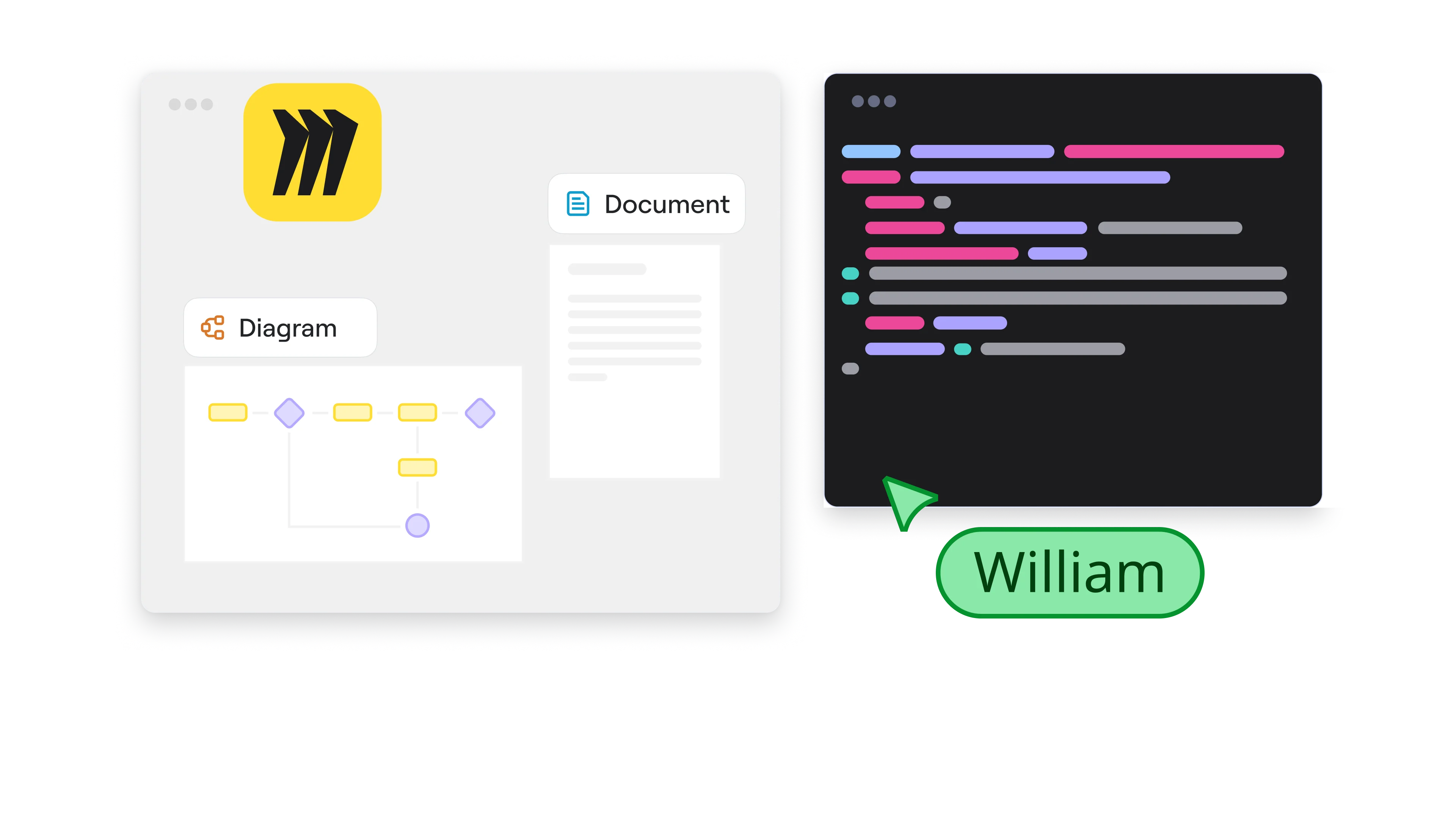
Cut development time by translating specs in Miro into working code with tools like Cursor and GitHub Copilot — then sync changes back, powered by MCP.
Need help getting started?
Use these resources to get comfortable — and productive — quickly.