


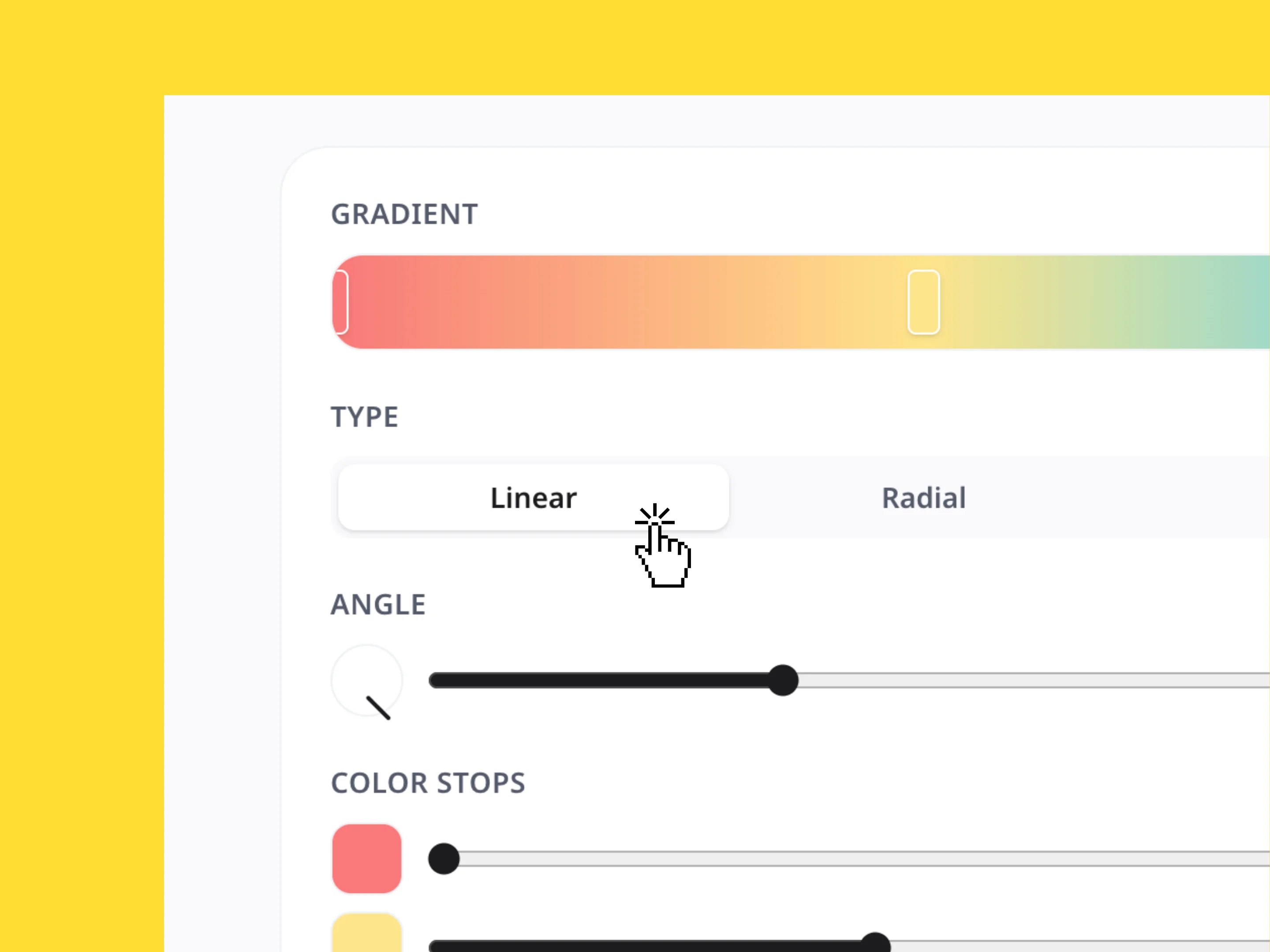
Gradient Generator
Create custom color gradients, adjust the style and direction, and instantly copy the CSS, Tailwind, or SVG code.
The color picker tool lets you create custom color palettes from any image. Upload an image to instantly extract its colors and get HEX, RGB, HSB, and HSL codes for easy use across designs, brand assets, and Miro boards.

Great color ideas can come from anywhere, a logo, photograph, illustration, product, website, or even a sunset. Upload an image and let the Color Picker identify its most prominent colors, giving you a reusable palette in seconds.
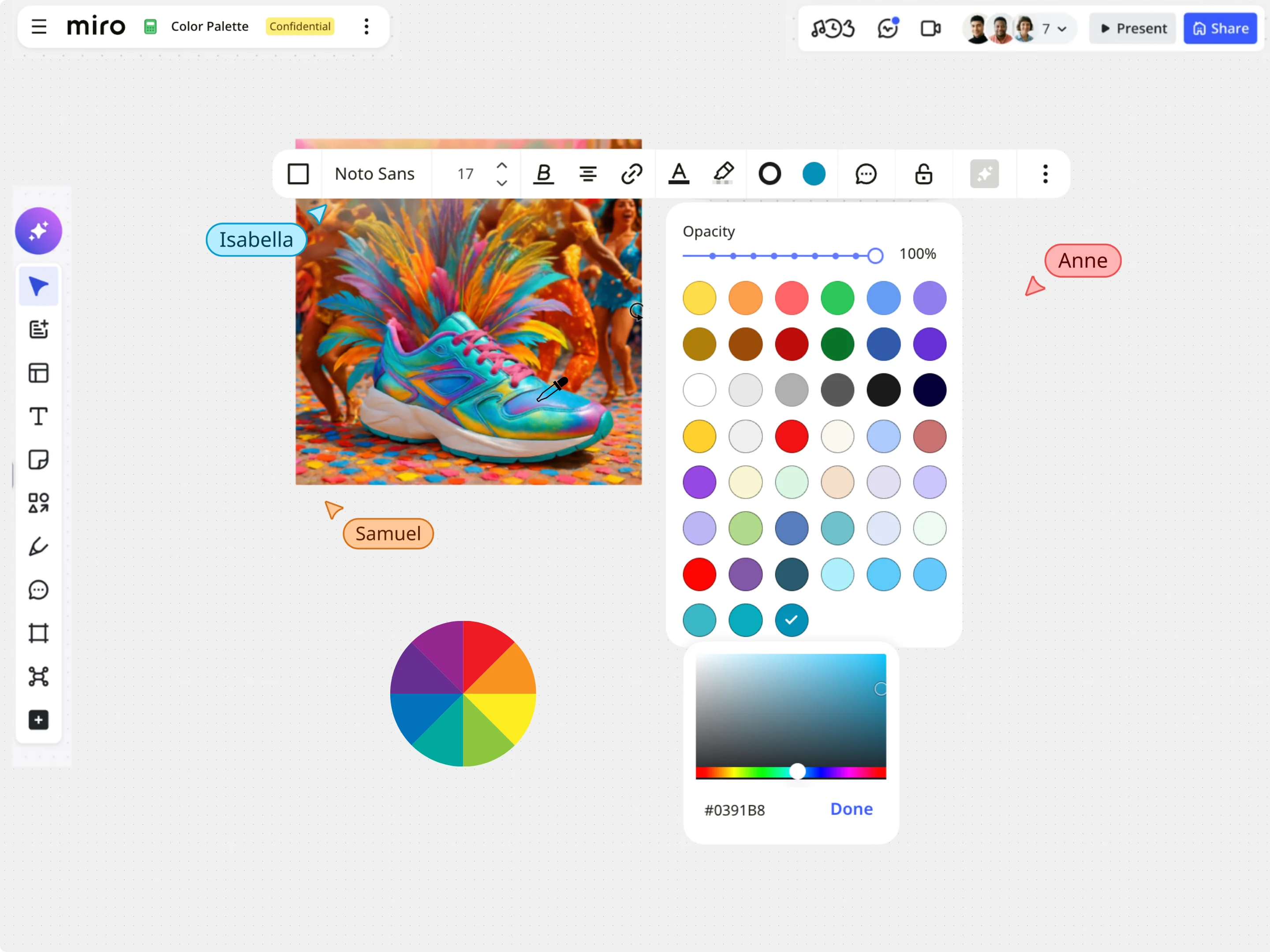
Each extracted color includes HEX, RGB, HSL, and HSV values, so you can use the right format for every project. Whether you're designing interfaces, writing CSS, creating presentations, or building brand assets, you'll always have accurate color codes ready to copy.
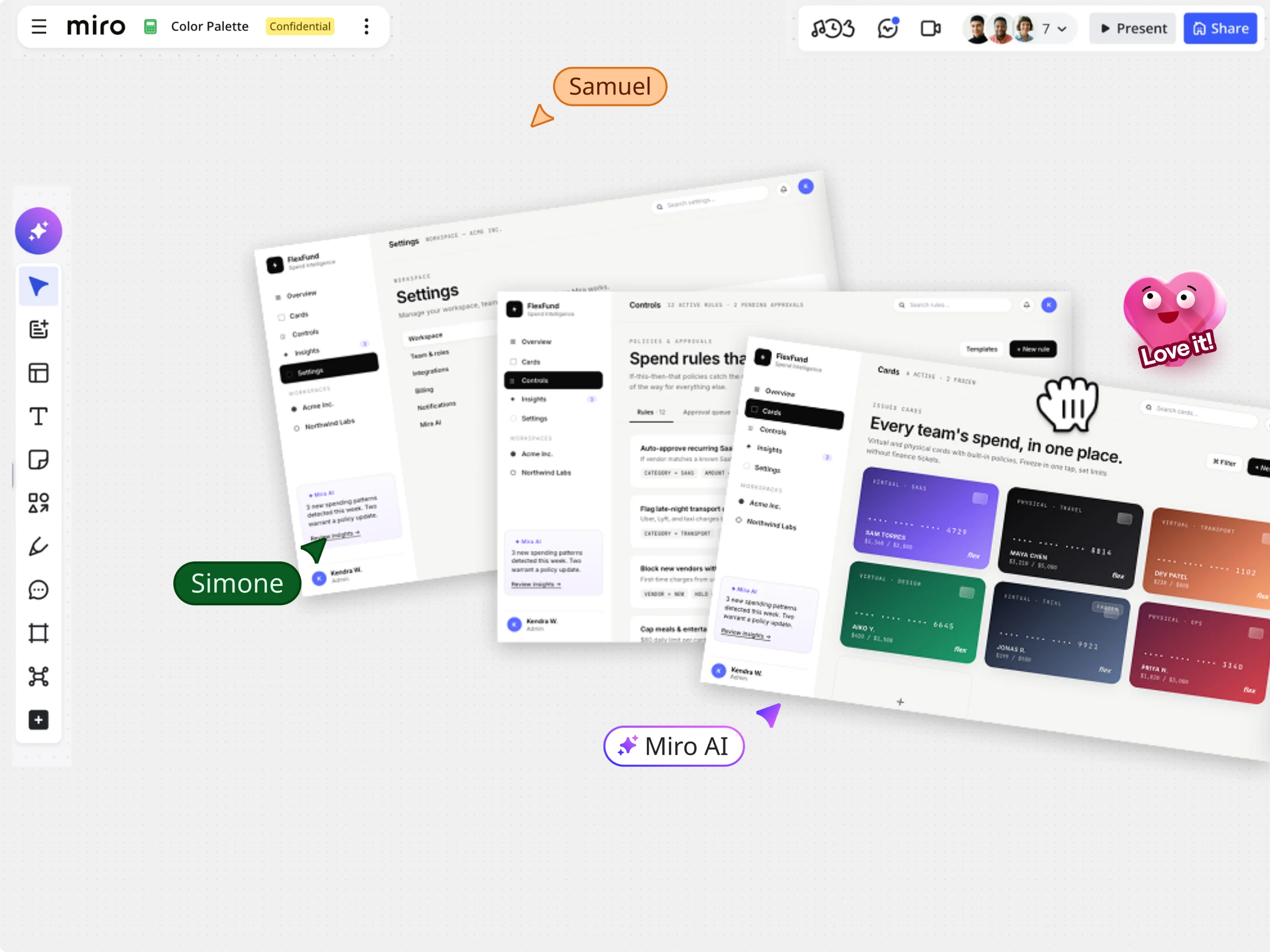
A strong palette is more than a collection of colors. Use your extracted colors as a starting point, then balance dominant, accent, and neutral tones to create designs that feel cohesive and easy to recognize. Whether you're creating a brand identity or a presentation, a thoughtful palette helps every visual feel more polished.
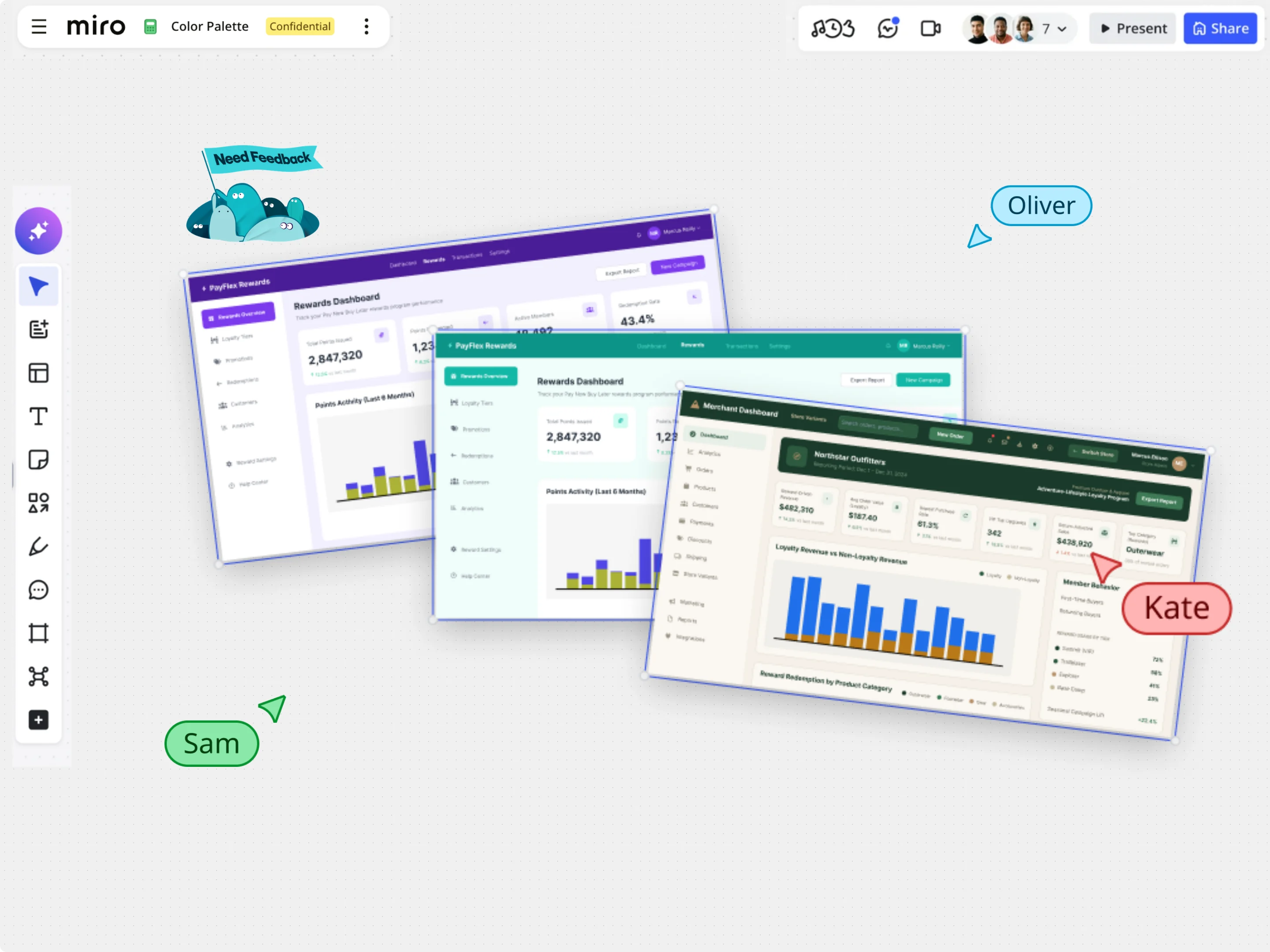
Once you've found the right palette, continue your work in Miro. Create moodboards, map out brand identities, design presentations, or collaborate on creative projects with your team. Keeping everyone aligned on the same colors makes every stage of the design process more consistent.
Explore other Miro tools to support your workflow
Create custom color gradients, adjust the style and direction, and instantly copy the CSS, Tailwind, or SVG code.
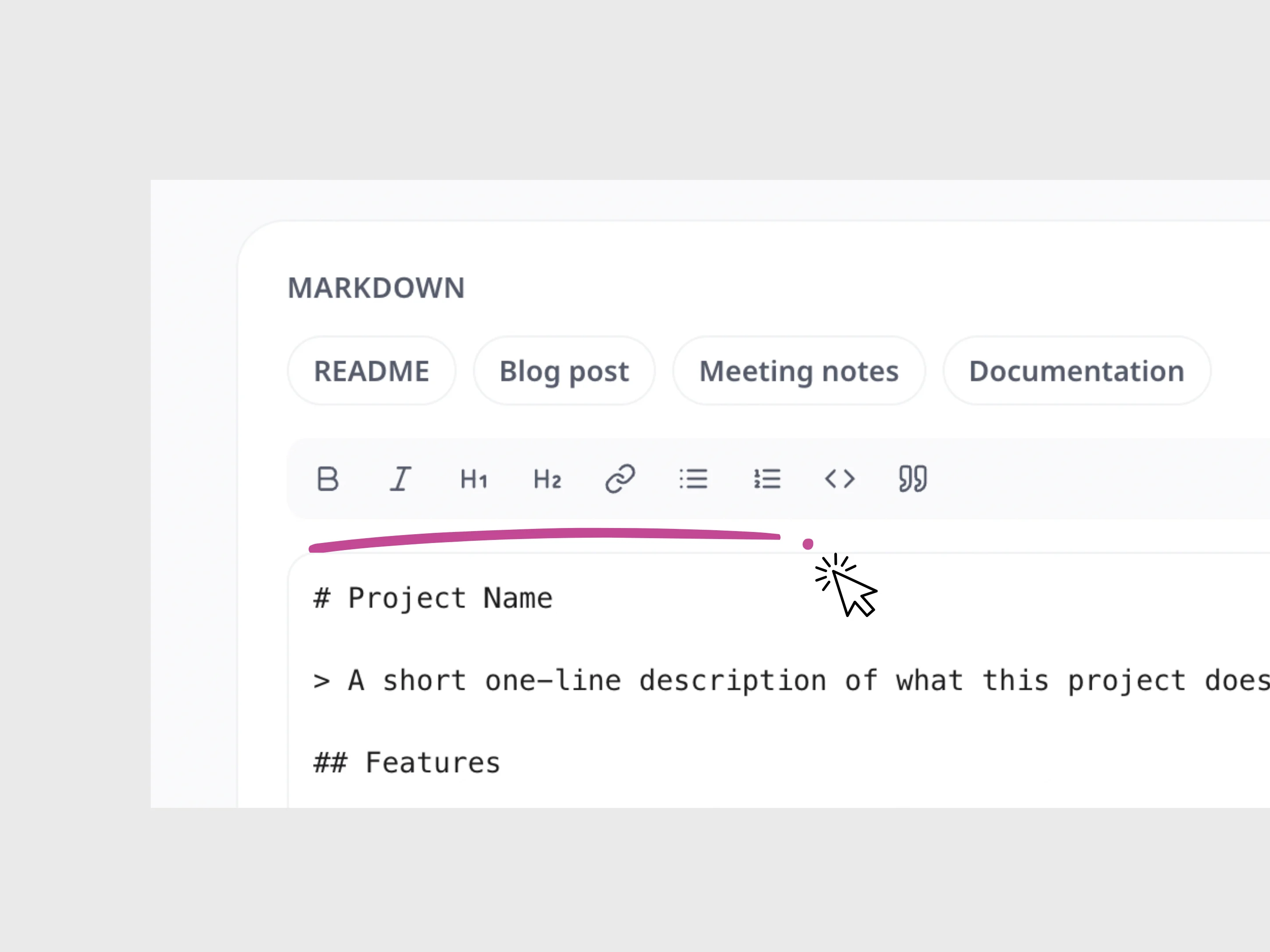
Write and format Markdown, preview your changes live, and instantly copy the finished content.
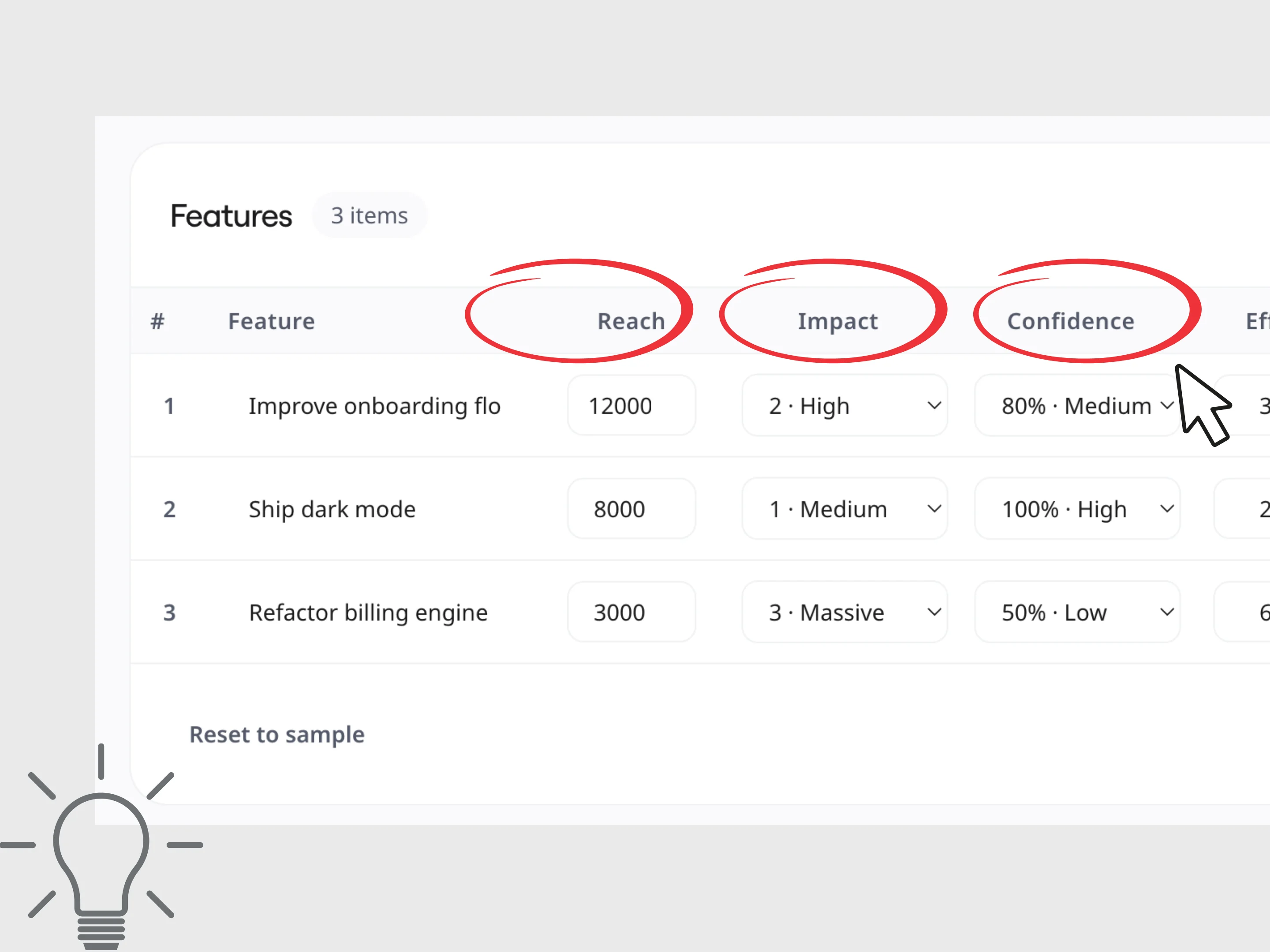
Calculate RICE and ICE scores to compare ideas, prioritize projects, and make faster, more informed product decisions.
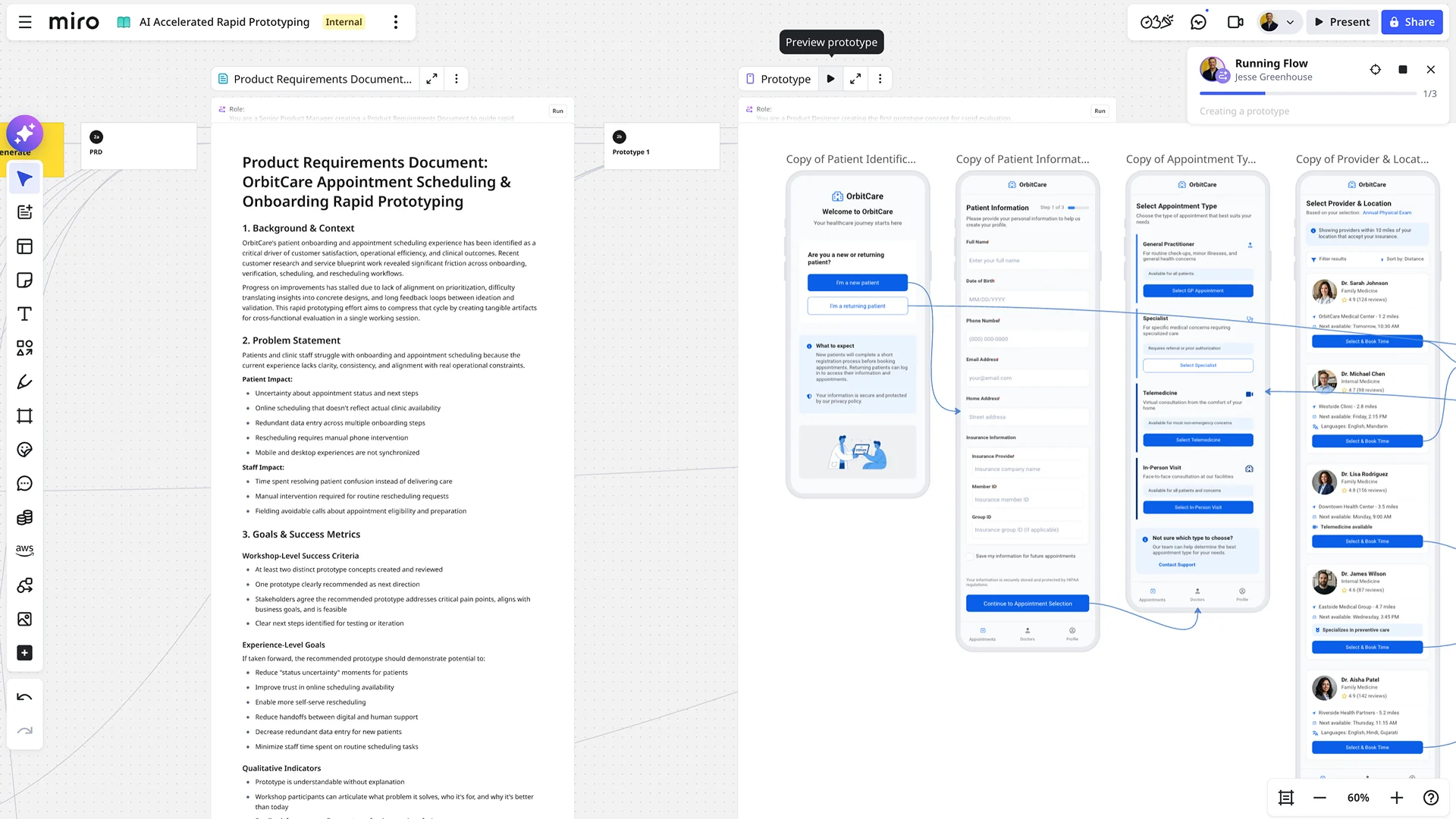
Say goodbye to tedious, manual prototype building. With AI-powered prototyping in Miro, you can accelerate your design workflow, explore more possibilities, and get feedback faster than ever before. It's the fastest path from a raw concept to a dynamic, clickable reality.
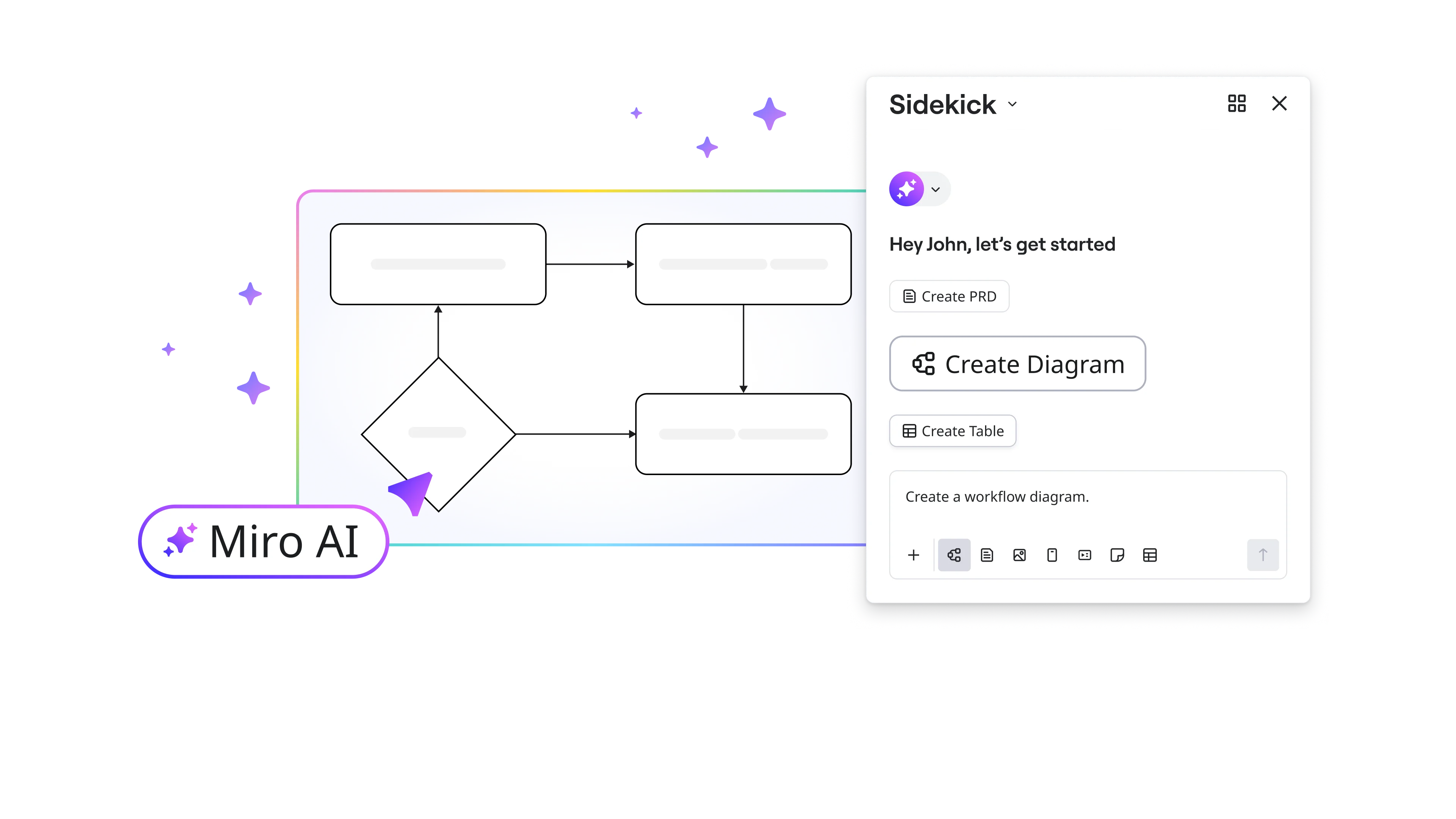
With Miro AI diagram maker, diagramming is as easy as entering your prompt and watching your diagram unfold on your canvas in seconds. Save time getting started and easily keep teams aligned.
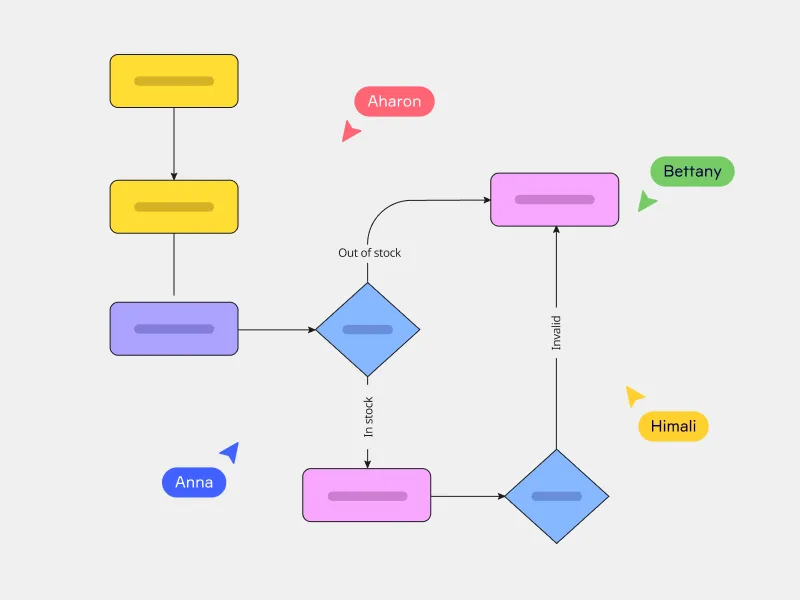
Miro's AI flowchart generator offers a better way to map complex workflows and quickly align your team. Just enter your prompt and watch your flowchart instantly unfold on your canvas — saving you plenty of time getting started.