Skip the setup. Meet Miro's AI flowchart generator.


















Turn ideas into flowcharts in seconds, not hours
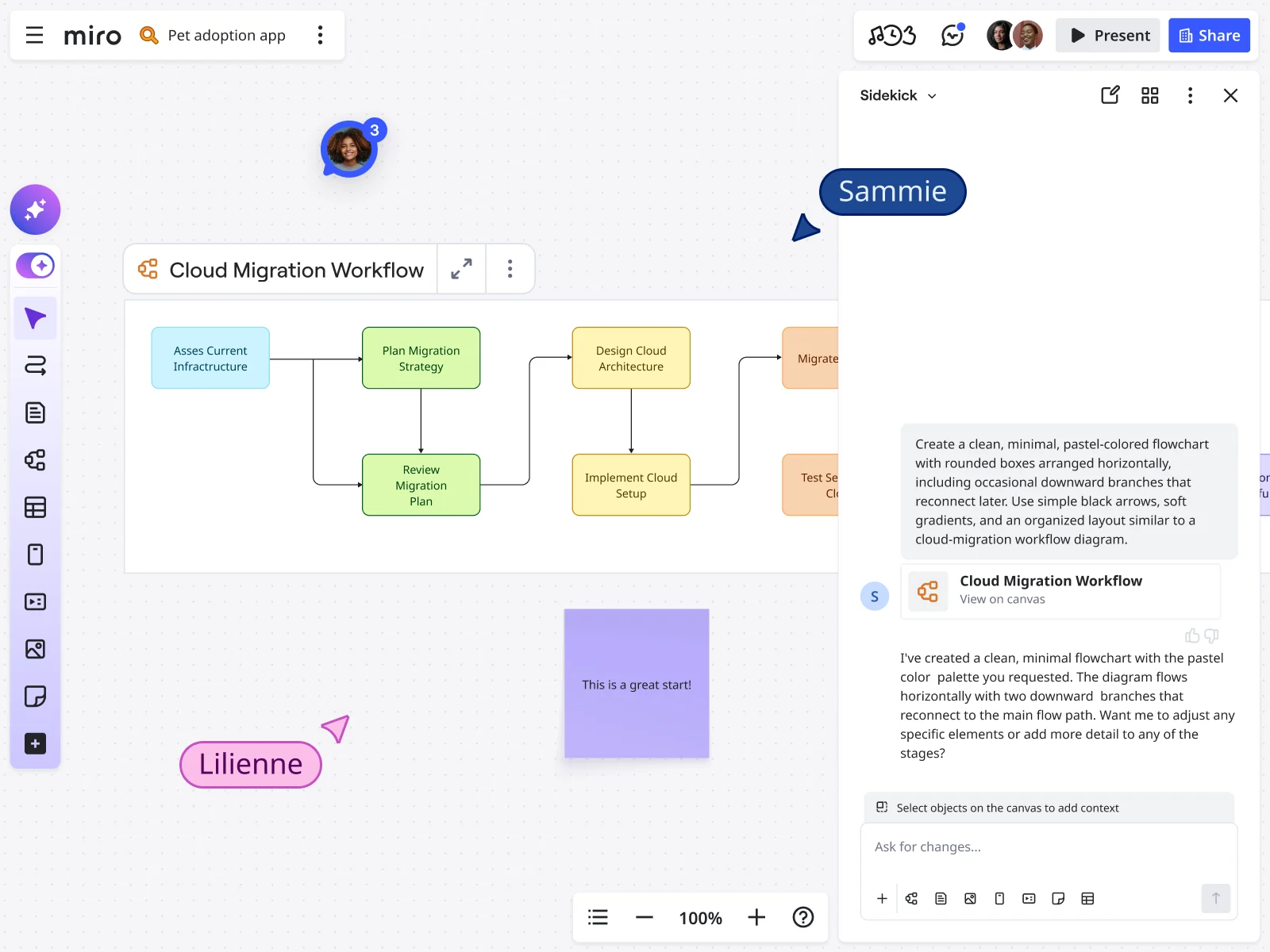
Why use Miro's AI flowchart generator
Faster project kickoffs
Skip the blank canvas paralysis. Miro's AI flowchart generator lets you transform process descriptions into visual diagrams in seconds, freeing up your time to focus on optimizing workflows rather than drawing them. Generate user flows, system architectures, and decision trees instantly.
Built for engineering and product workflows
Whether you're mapping API endpoints, documenting user journeys, or outlining deployment processes, our AI understands the specific language engineers and product managers use. Create technical flowcharts that actually make sense to your team.
Multiple process variations instantly
Exploring different user paths or system configurations? Generate multiple flowchart versions in seconds with slight prompt variations. Compare approaches side-by-side without manually recreating entire diagrams or losing track of iterations.
Smart documentation synthesis
Turn your flowcharts into actionable documentation instantly. Miro AI can summarize complex process flows into clear written specs, helping you maintain up-to-date system documentation without the usual manual overhead.
Collaborate in real time
Once your AI-generated flowchart is ready, your entire team can jump in to refine, comment, and iterate in real-time. Perfect for sprint planning sessions, architecture reviews, or cross-functional planning meetings where everyone needs to see the same process flow.
Integration-ready workflows
Your AI-generated flowcharts live alongside all your other project artifacts – wireframes, user stories, technical specs, and roadmaps. Connect process flows directly to the features you're building, keeping everything in sync as requirements evolve.
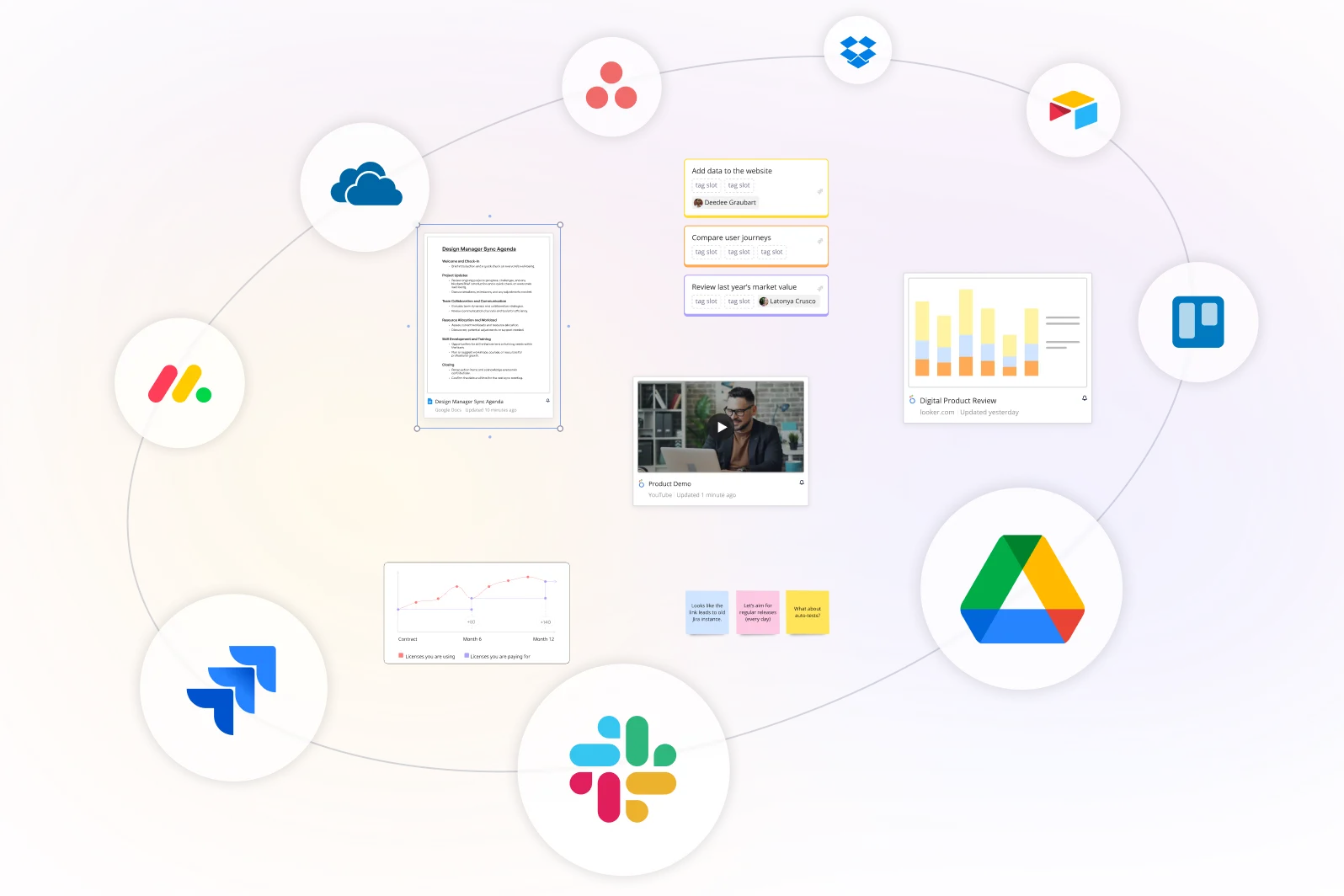
Integrated with your favorite tools
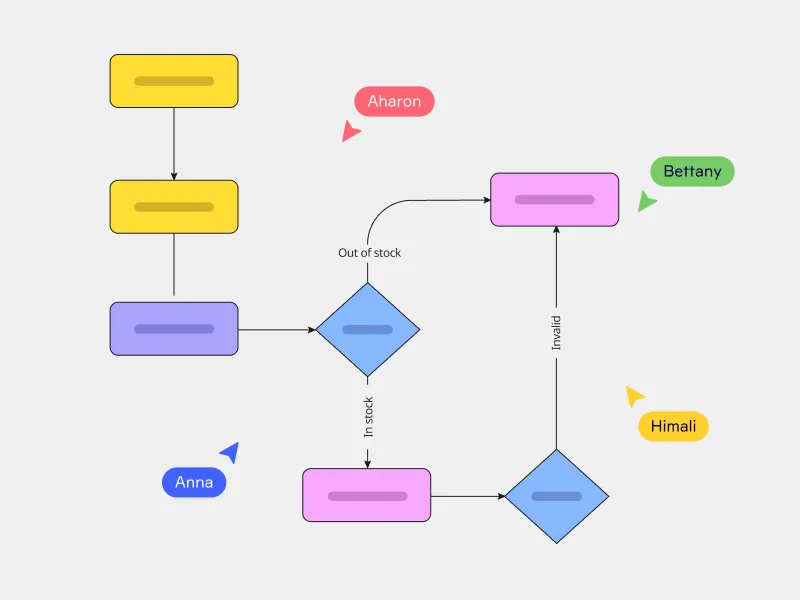
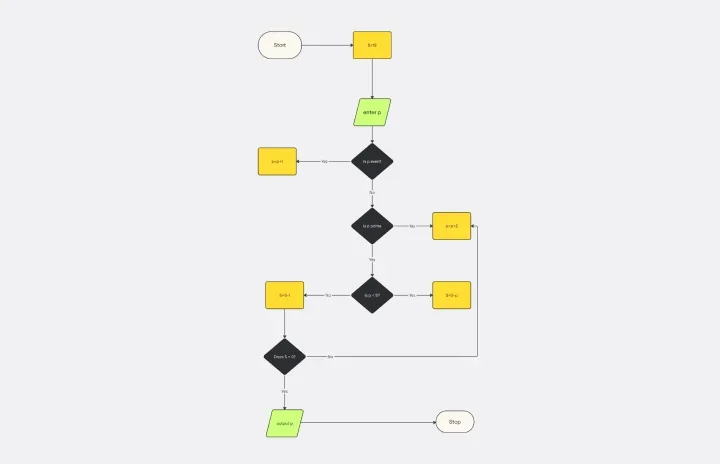
Related templates

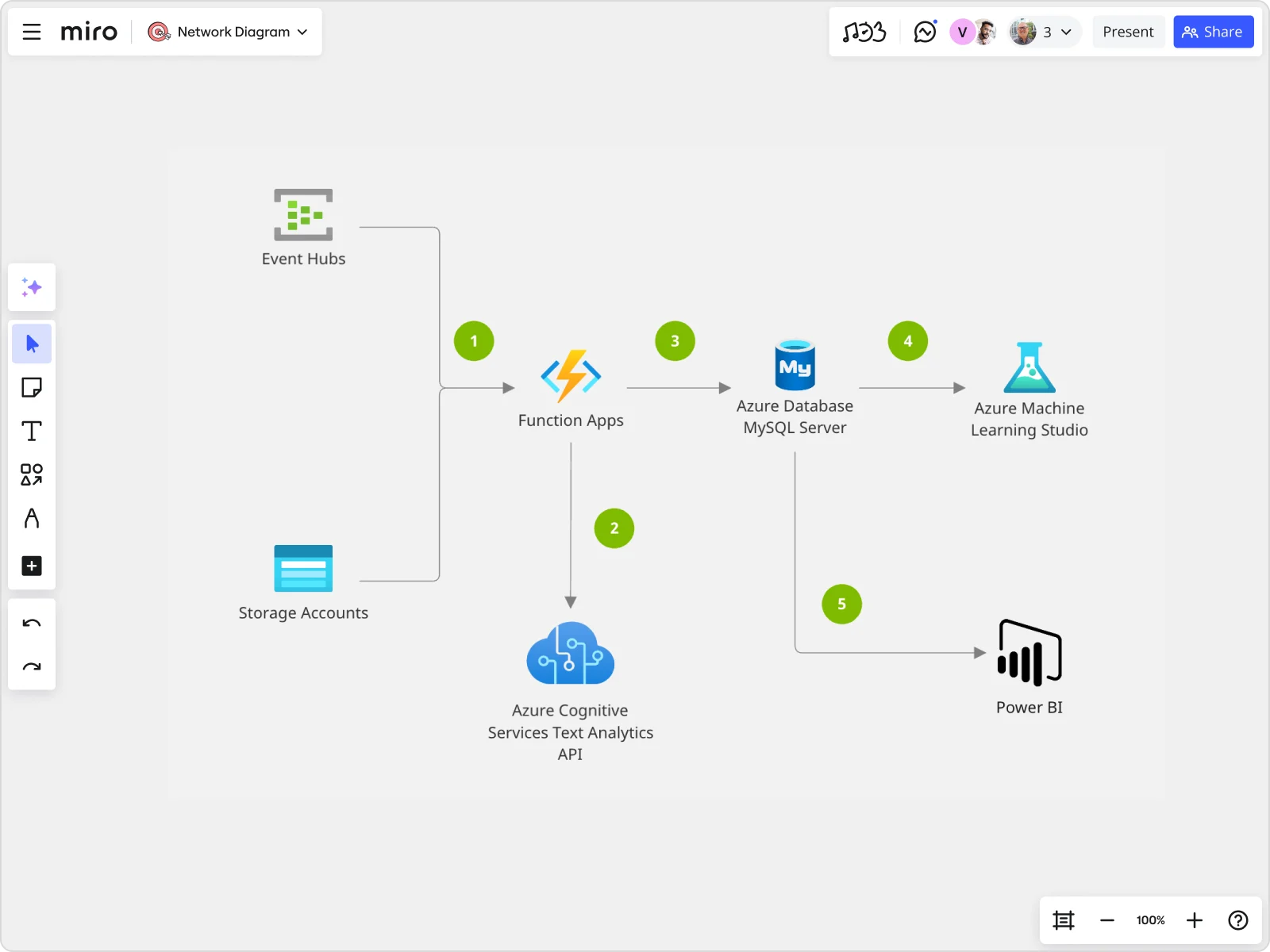
How to generate a flowchart with Miro AI
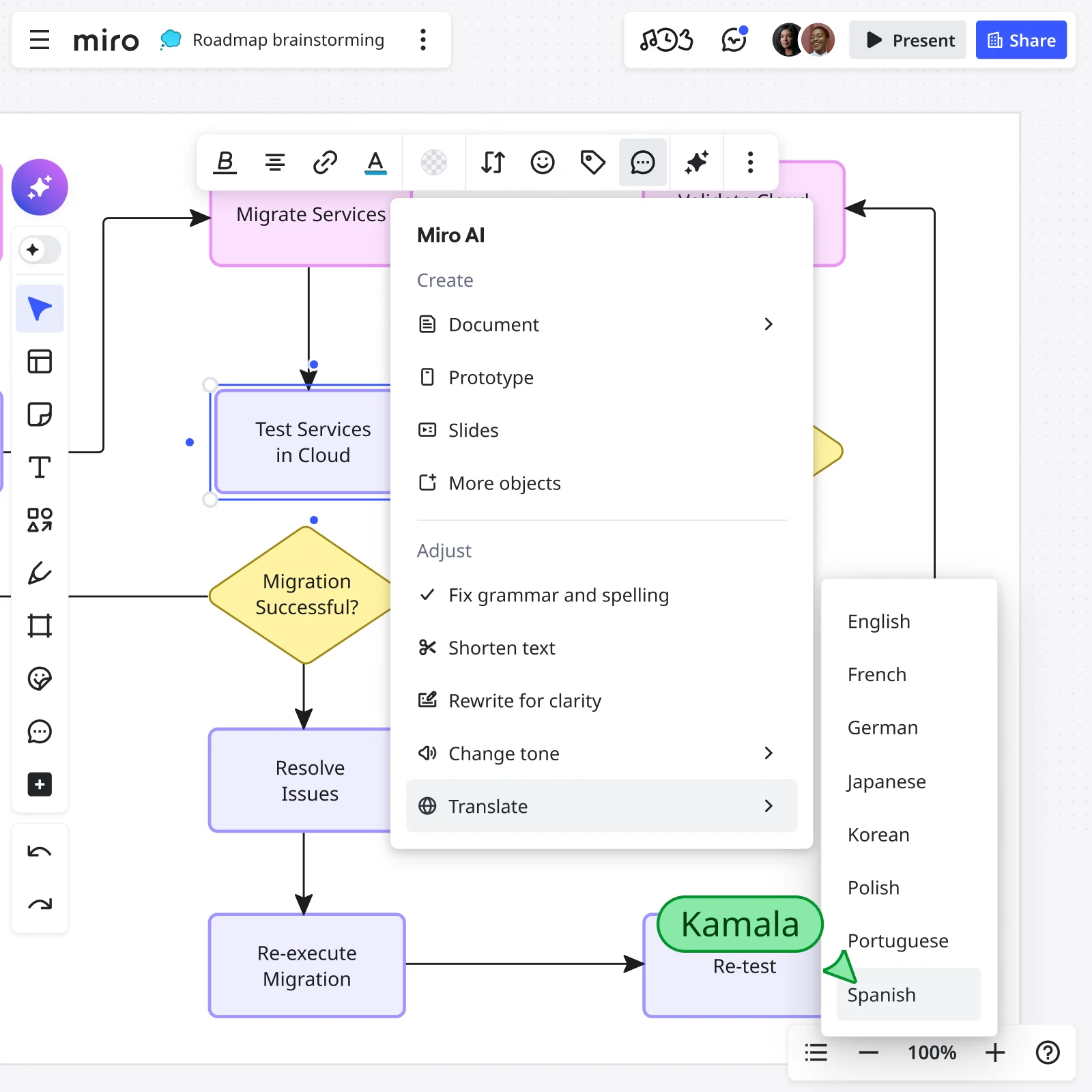
With Miro AI open, make sure you have Diagram selected under Formats. Choose Flowchart as your diagram type, and enter your text-based prompt. It can be as simple as “Outline the flow for an online shop’s checkout process.” When you’re ready, click Generate Diagram and watch it unfold!
Invite others to view and leave comments on your Miro board for feedback, embed your flowchart into Confluence or thousands of other websites and tools, or record a Talktrack — among plenty of other ways to share your work.
Discover Miro's capabilities

The world's most innovative companies are collaborating in Miro, everyday
“Having these new AI capabilities and connecting with platforms like Google Docs and Jira will massively speed up the delivery process.”
Clyde D’Souza
Senior Software Engineer at Xero


"We've seen many AI use cases but none as sophisticated as AI Sidekicks. Reading through your stuff and then helping you with it is absolutely new. It's really, really powerful."
Joe Dunleavy
Global SVP, Head of AI Pod at Endava


"I love the AI-generated Product Brief feature. From my perspective, Product requirements are an area where AI will increasingly support product managers, helping them save considerable time. The idea that this task can be done directly in Miro, leveraging all the discovery insights that are already in the board is brilliant and certainly a time-saver."
Sandrine Veillet
VP of Global Product at WebMD


"The Product Marketing Alliance Sidekick is a game-changer. It empowers users to collaborate seamlessly, make informed decisions faster, and solve complex challenges with greater accuracy."
Richard King
Founder and CEO of Product Marketing Alliance


Where teams and AI work as one
Starter
Business
Enterprise
Custom price — from 30 members
AI flowchart generator FAQs

Is Miro’s AI flowchart generator free?
Yes, Miro comes with an extensive free plan that includes Miro AI. Explore all our plans to choose the best one for your goals.
Can I make other diagrams using Miro AI?
Absolutely. Use Miro AI to generate flowcharts, mind maps, ER diagrams, UML sequence diagrams, and UML class diagrams.
What's the learning curve for teams new to Miro AI capabilities?
Miro AI works inside the same canvas your team already uses for brainstorming and diagramming, no separate tool to learn. Just describe what you need in Create with AI, and refine it the same way you'd edit anything else on the board.
How is this different from other AI flowchart tools?
Other tools stop at the diagram. Miro is the collaborative layer between teams and agents, where the work actually gets done — that flowchart connects straight to your team's brainstorming, project management, and 250+ integrations like Google Workspace, Jira, and Asana.
Can I customize an AI-generated flowchart with my team's branding and style?
Absolutely. After our AI-powered visual canvas generates your initial flowchart, your team has complete freedom to adjust it. You can easily apply your brand's colors and styles, and you can even build upon our flowchart templates library to create a custom starting point for your team. This flexibility ensures every diagram aligns perfectly with your established workflows and style guides.
Can my team collaborate on a flowchart while Miro AI is generating or refining it?
Yes. Anyone on the board can prompt Miro AI to generate or expand the flowchart while everyone else keeps working. No need to stop and wait for it to finish before moving on. Once it's ready, the whole team can jump in to comment, edit, or refine it together.
Is my data secure when using Miro AI?
Miro AI runs on the same enterprise-grade AI Trust framework as the rest of the platform. Your data is de-identified before it leaves Miro, never used to train models, and backed by ISO 27001, SOC 2, and ISO 42001 certifications.
Can I use Miro AI features beyond flowchart generation?
Yes. Miro AI includes Sidekicks, intelligent assistants that help you work faster across your boards. Sidekicks can summarize sticky notes from brainstorming sessions, generate action items from meeting notes, cluster ideas by theme, and help you extract insights from complex boards. They work alongside you as you build and refine your flowcharts, making it easy to document decisions and next steps without switching tools.
How do Miro Flows integrate with AI-generated flowcharts?
Miro Flows lets you automate repetitive tasks and connect your flowcharts to real workflows. Once you've generated a process diagram with AI, you can use Flows to automatically create tasks, send notifications when flowchart updates happen, or sync information between Miro and tools like Jira, Asana, or Slack. This keeps your visual process maps connected to the actual work happening across your team's tools.