About the Process and Workflow Templates Collection
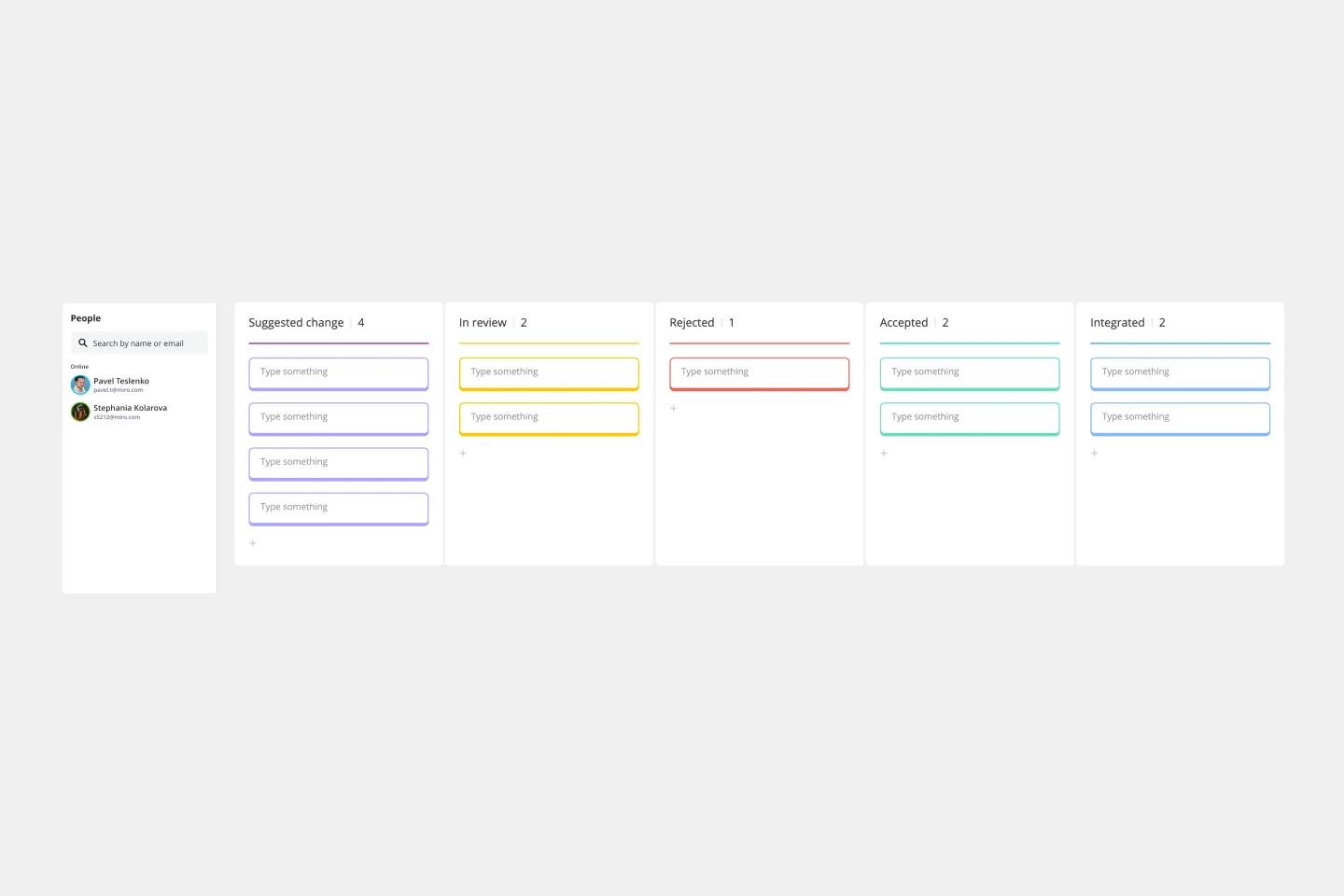
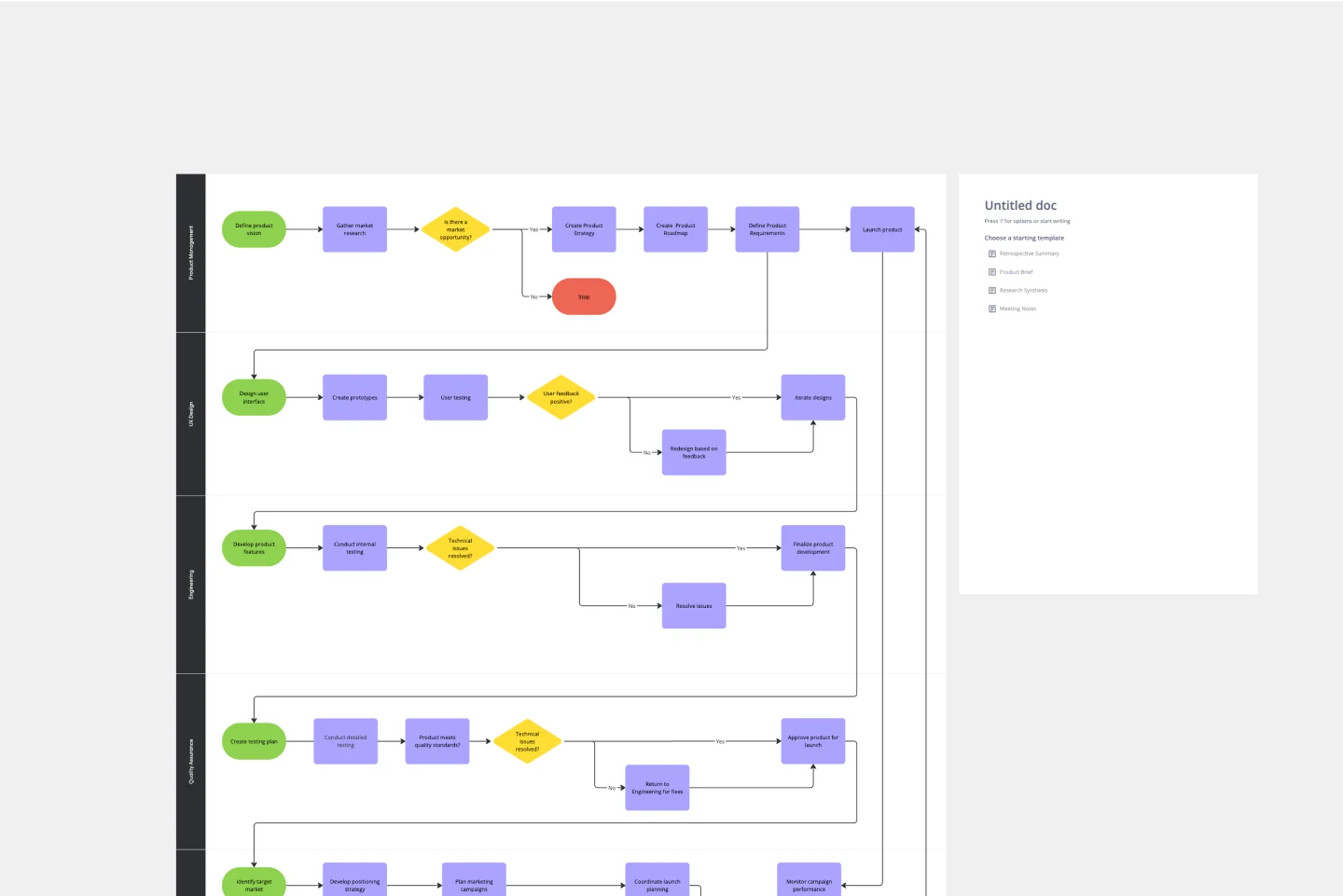
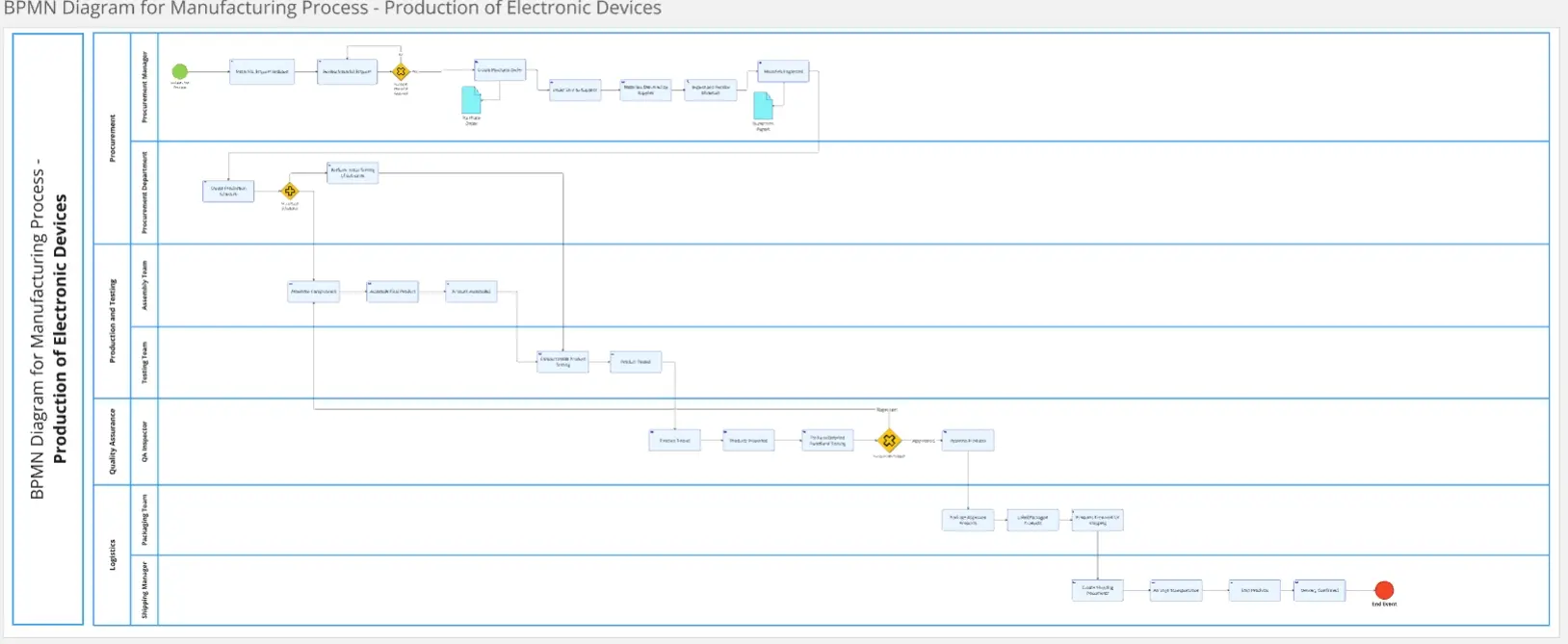
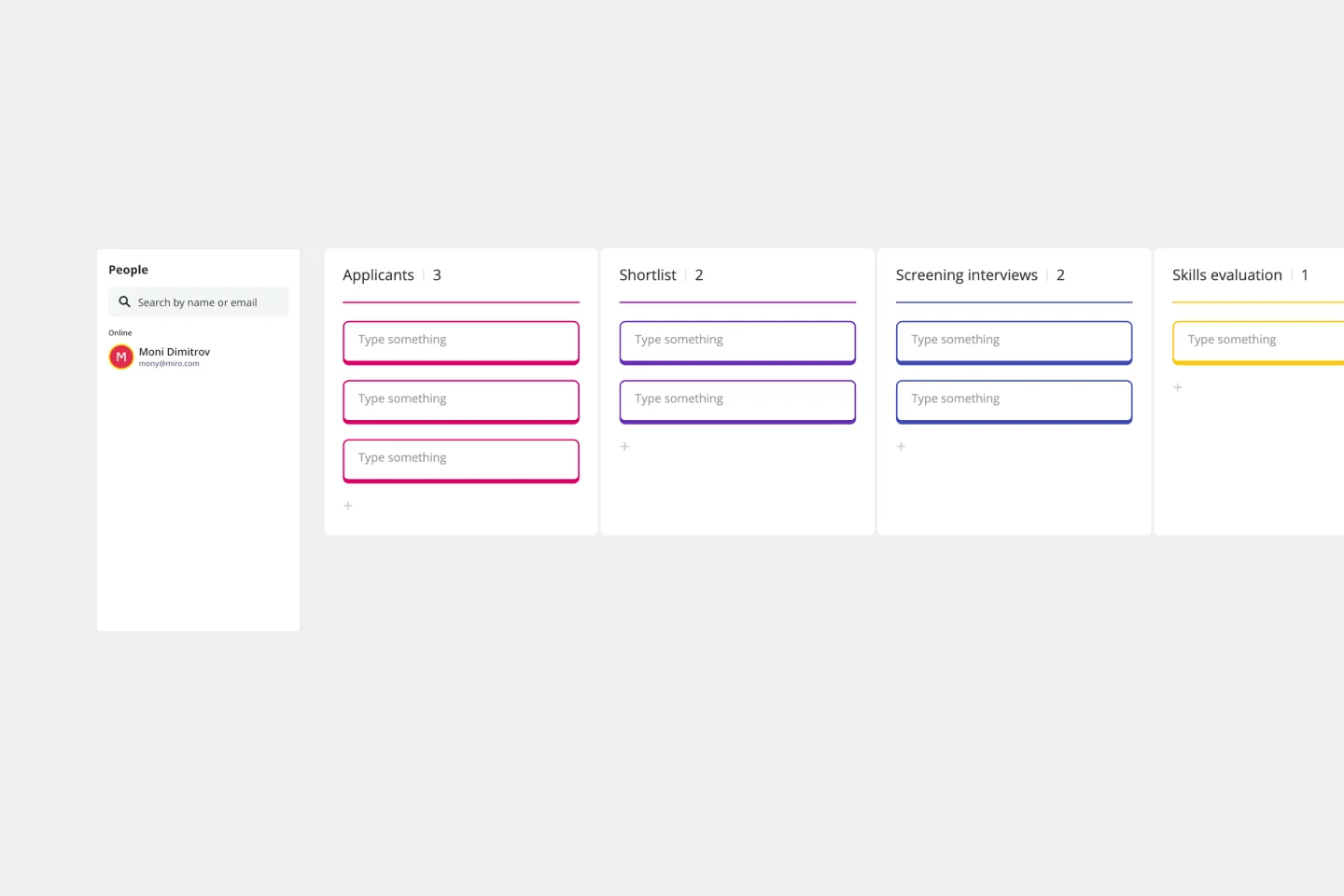
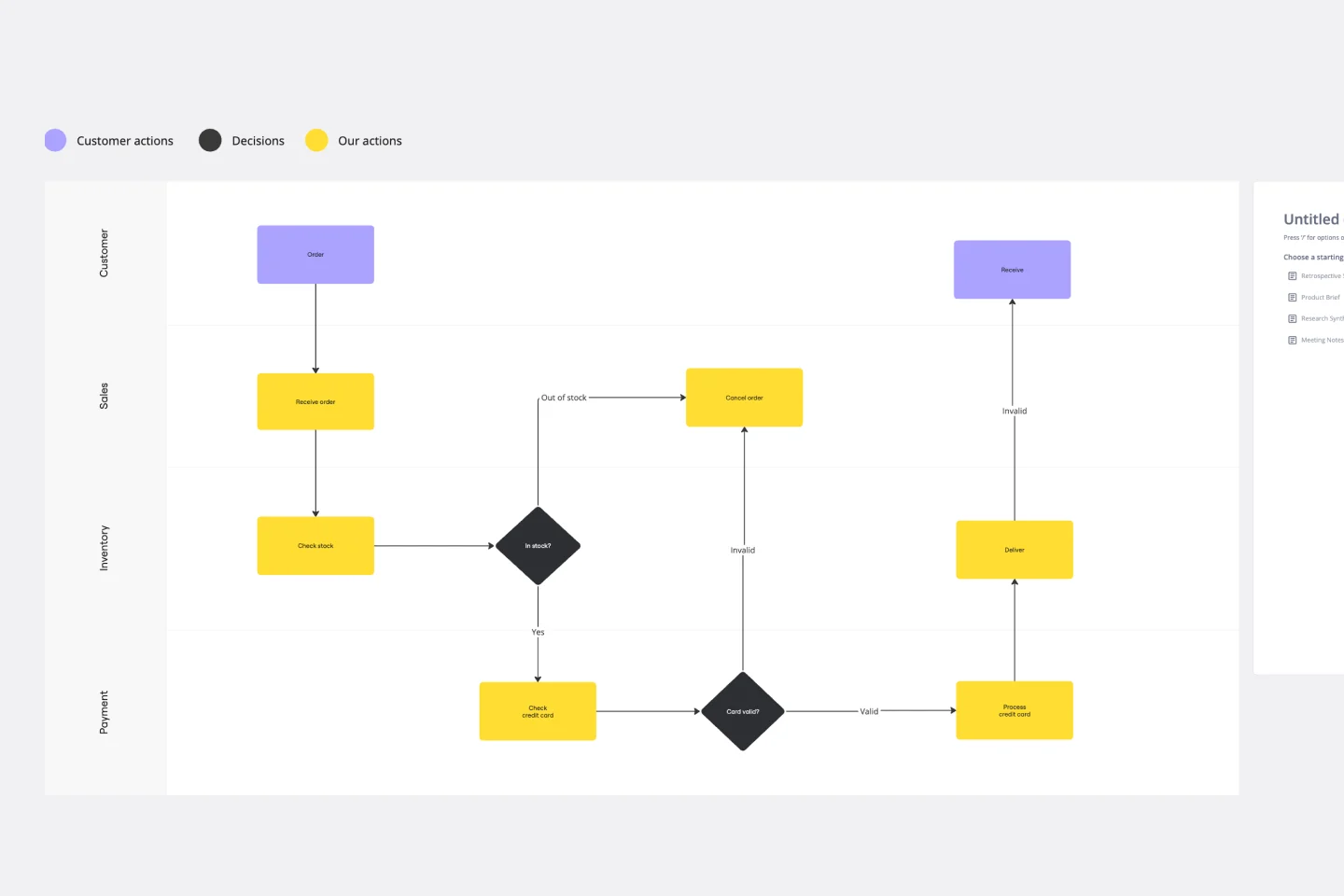
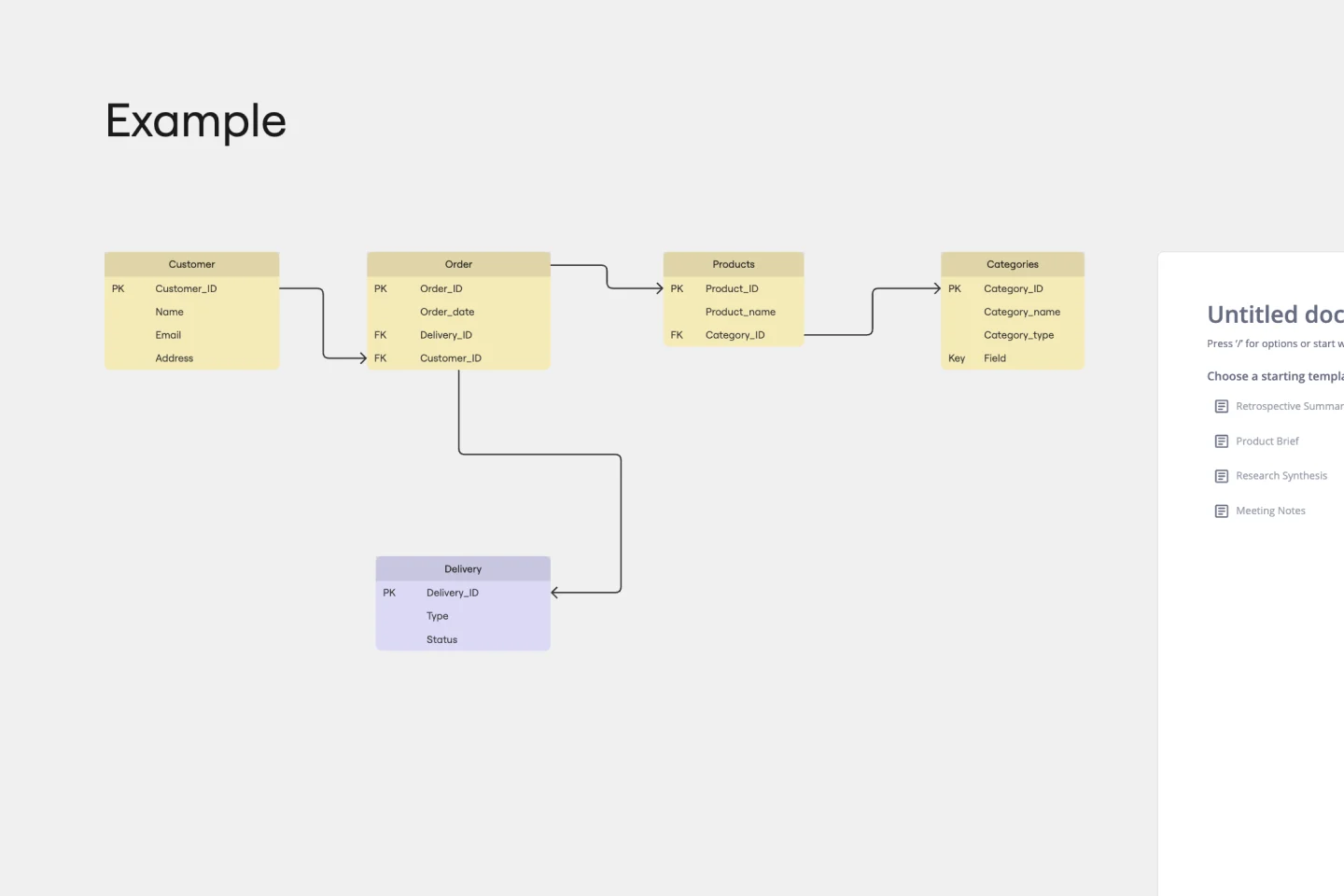
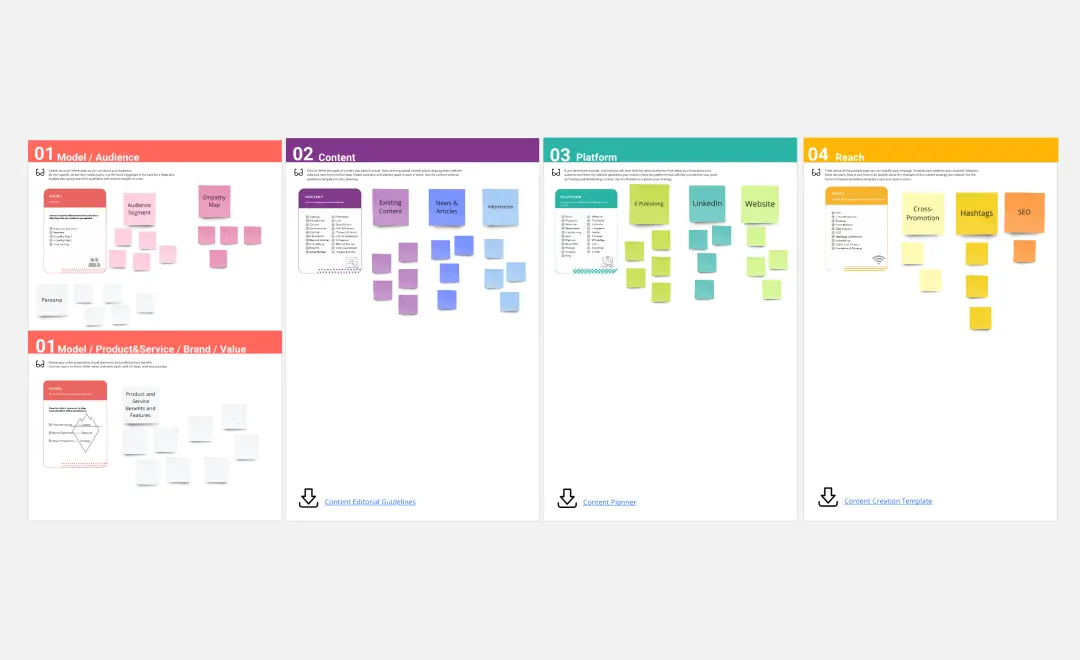
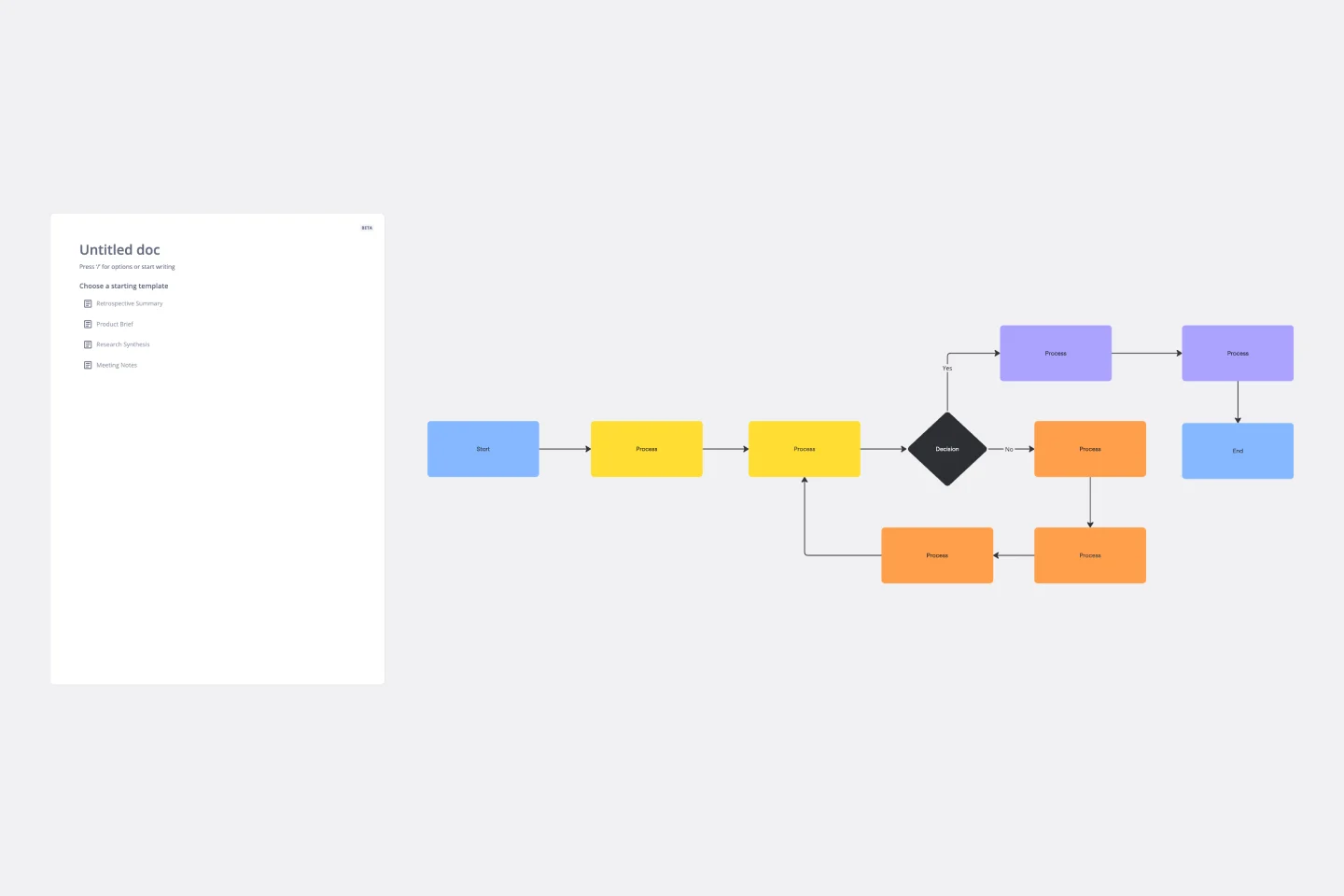
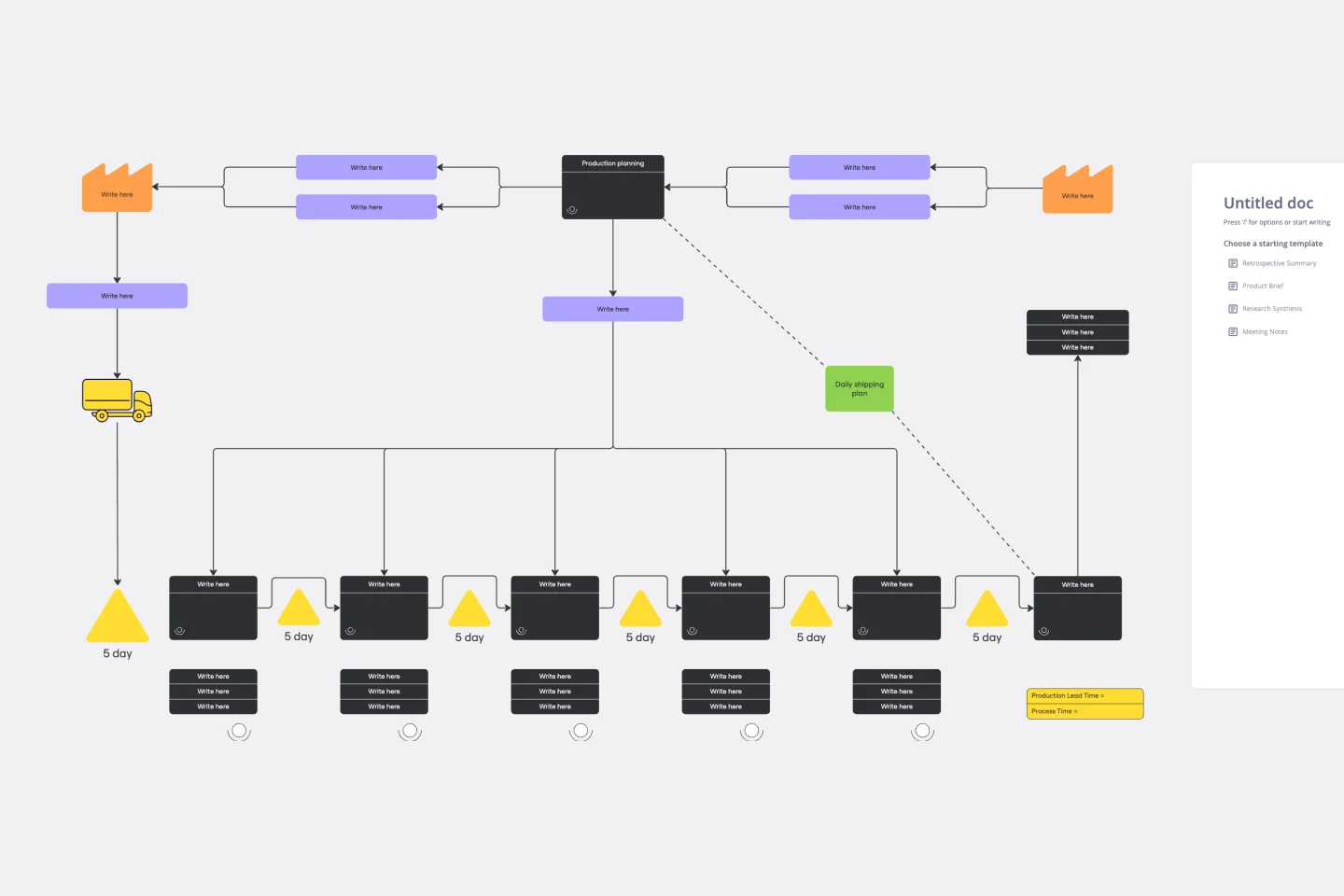
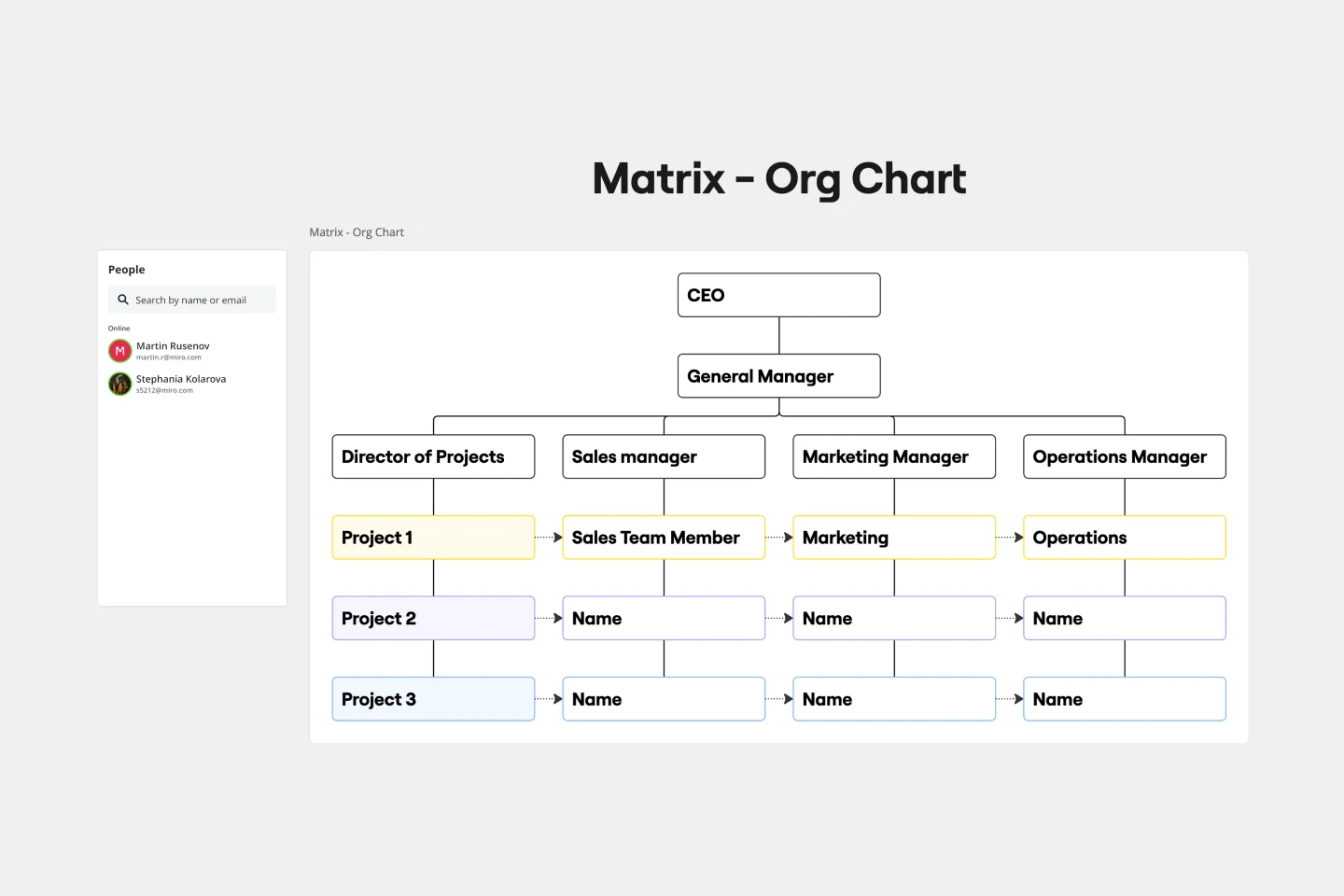
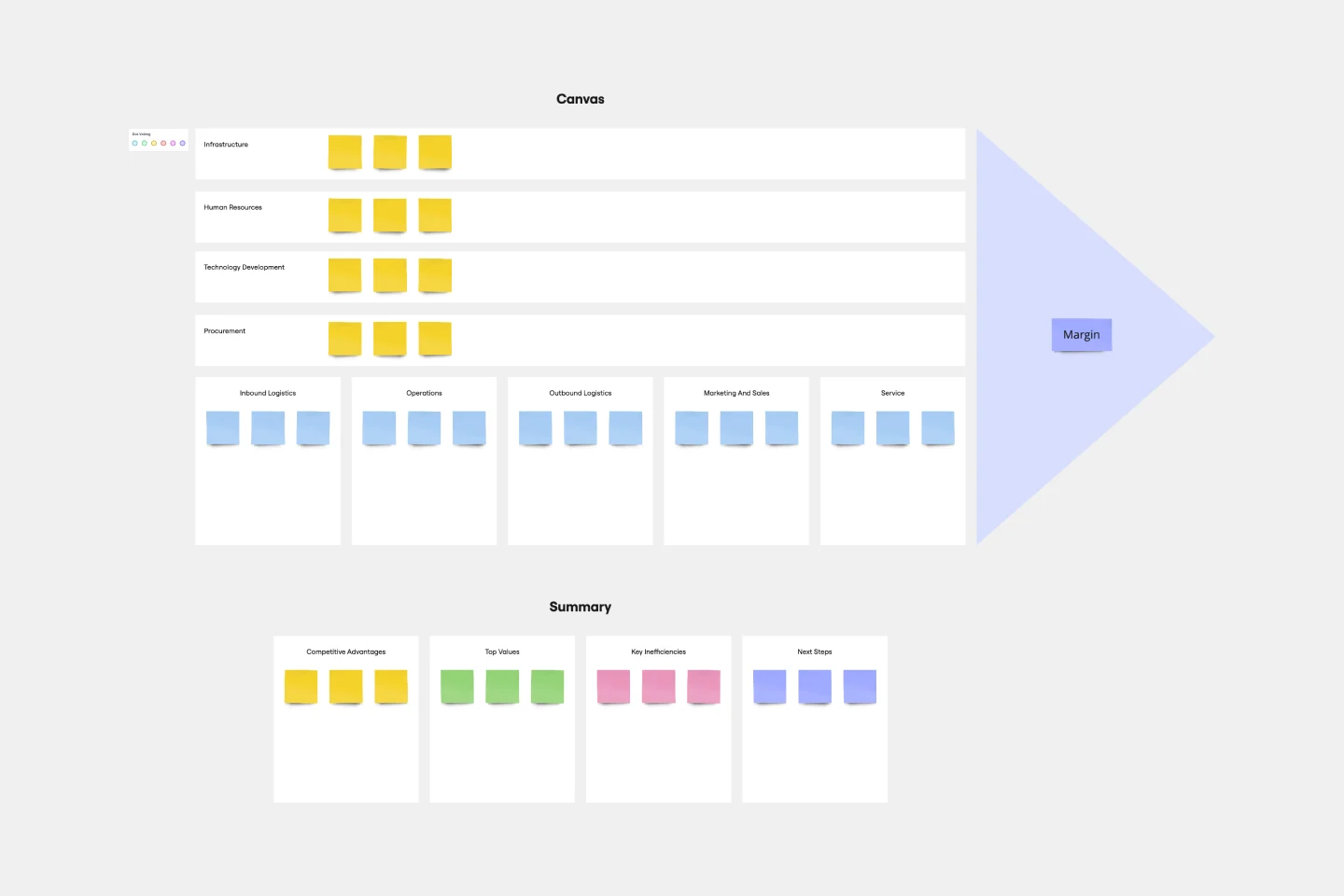
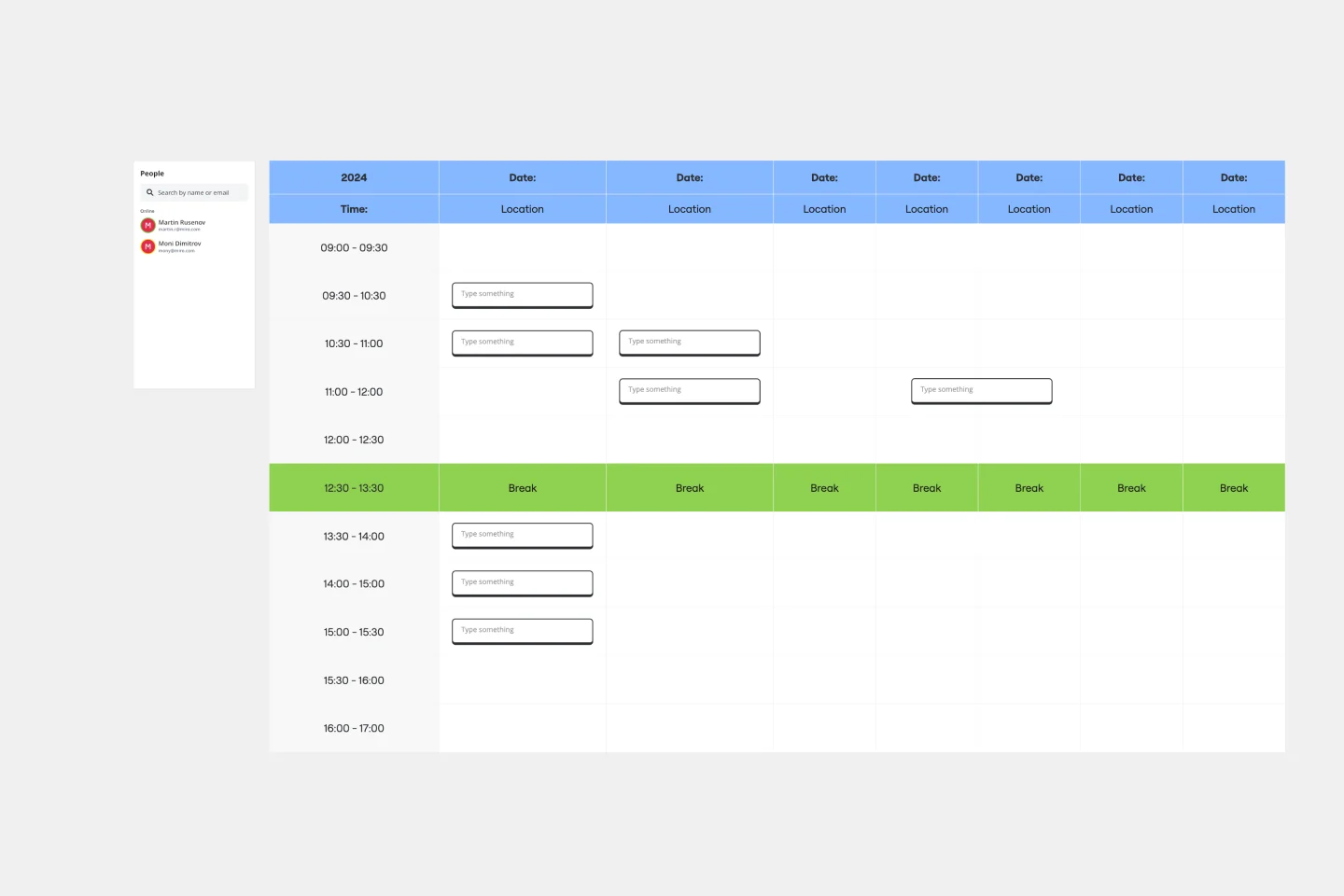
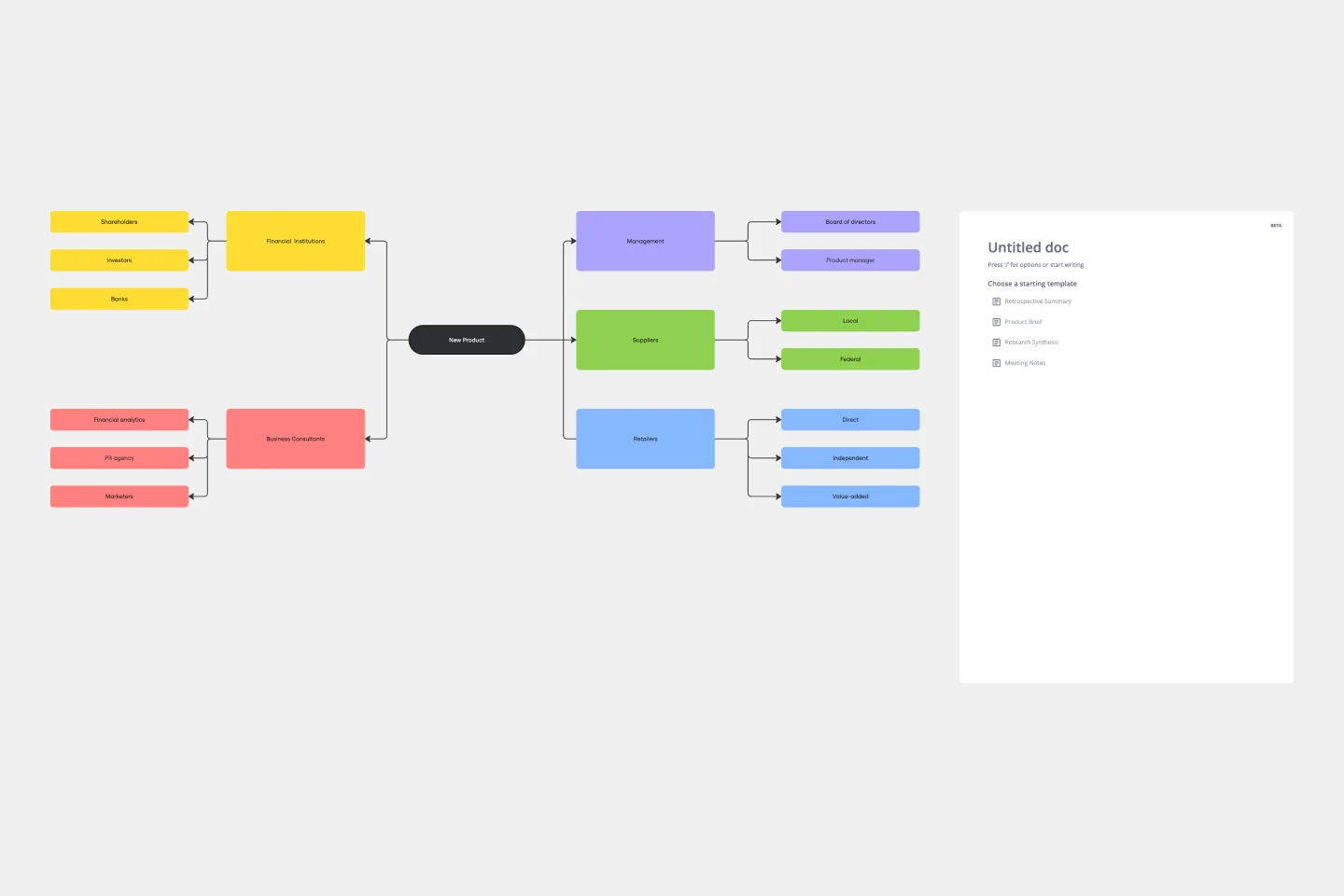
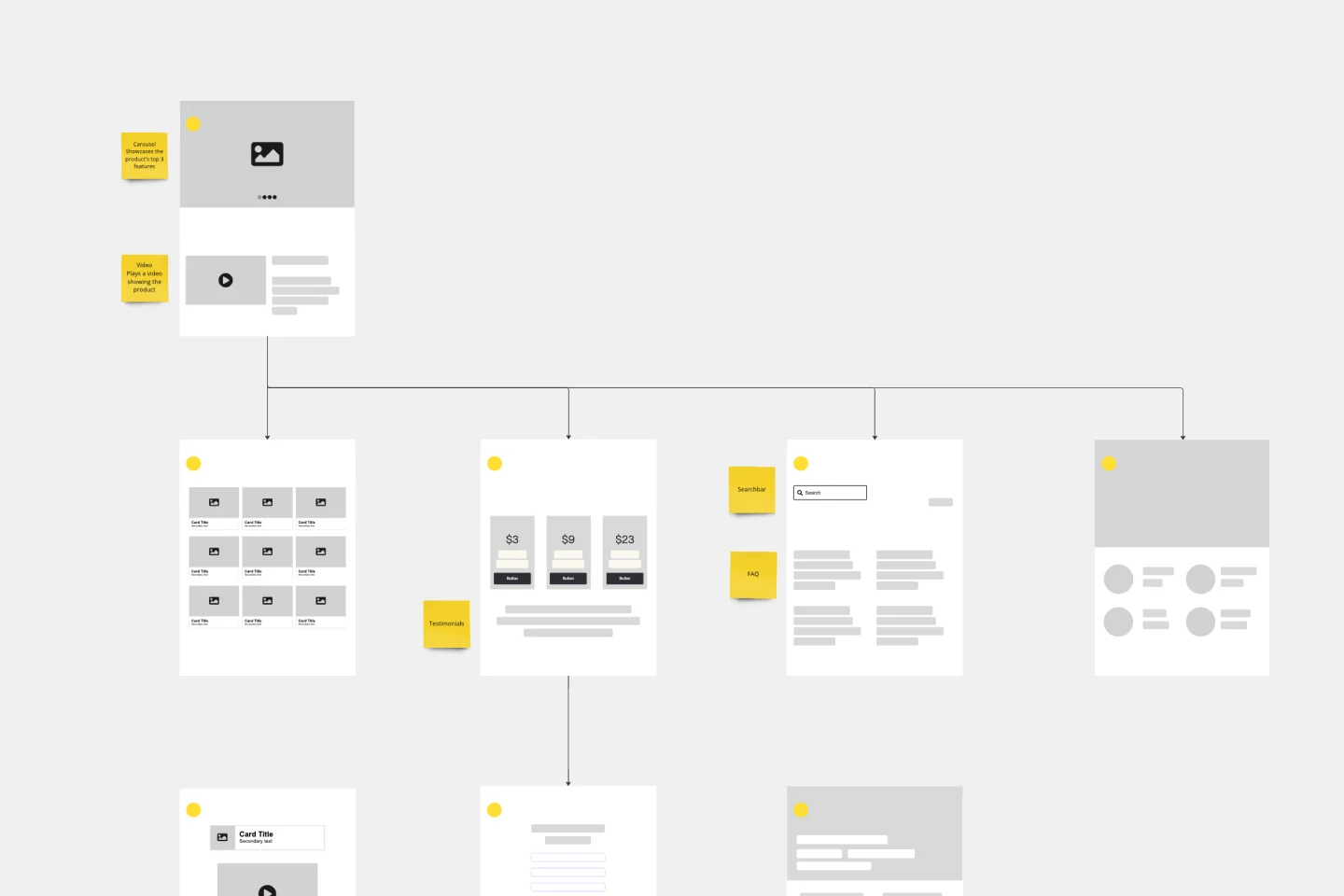
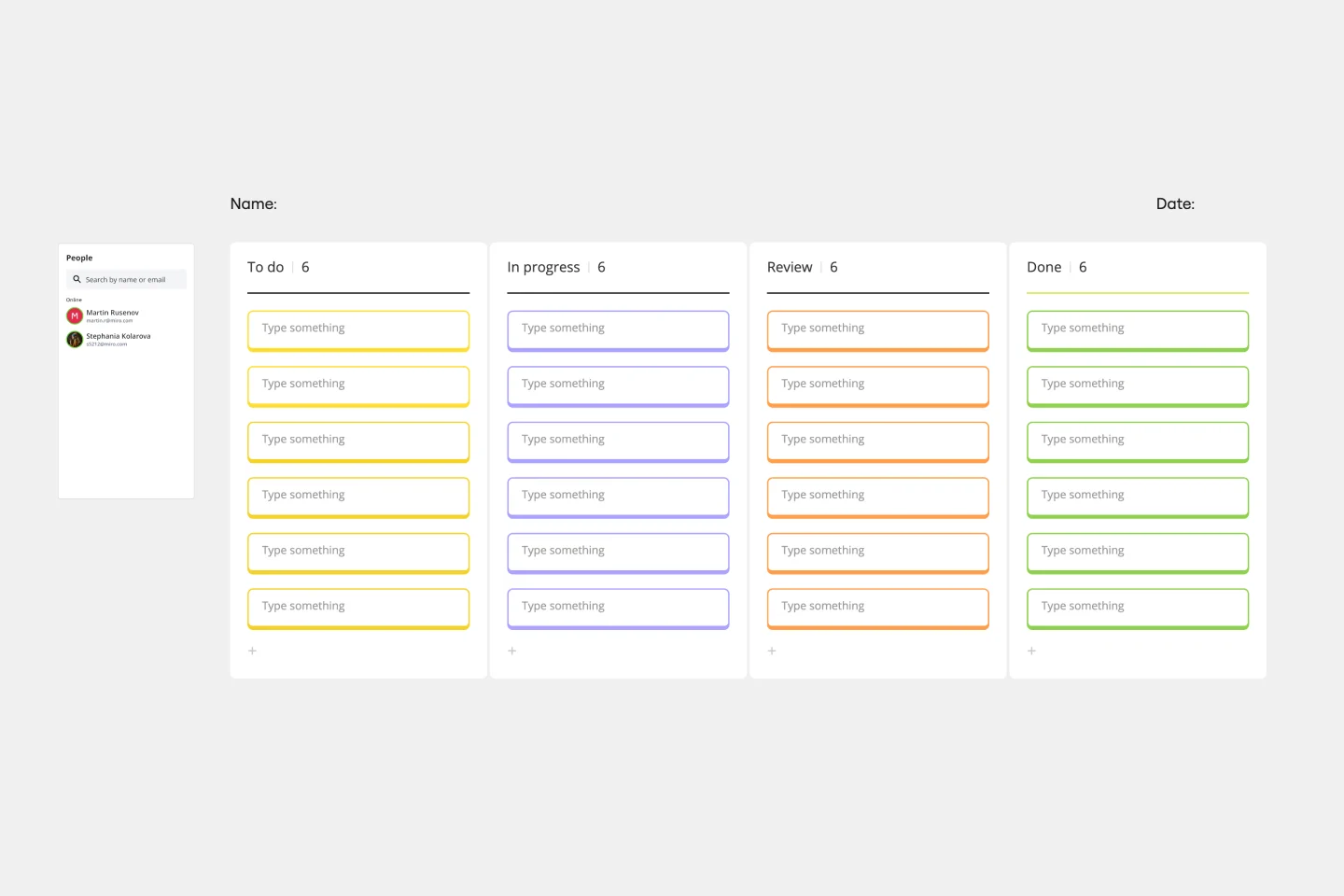
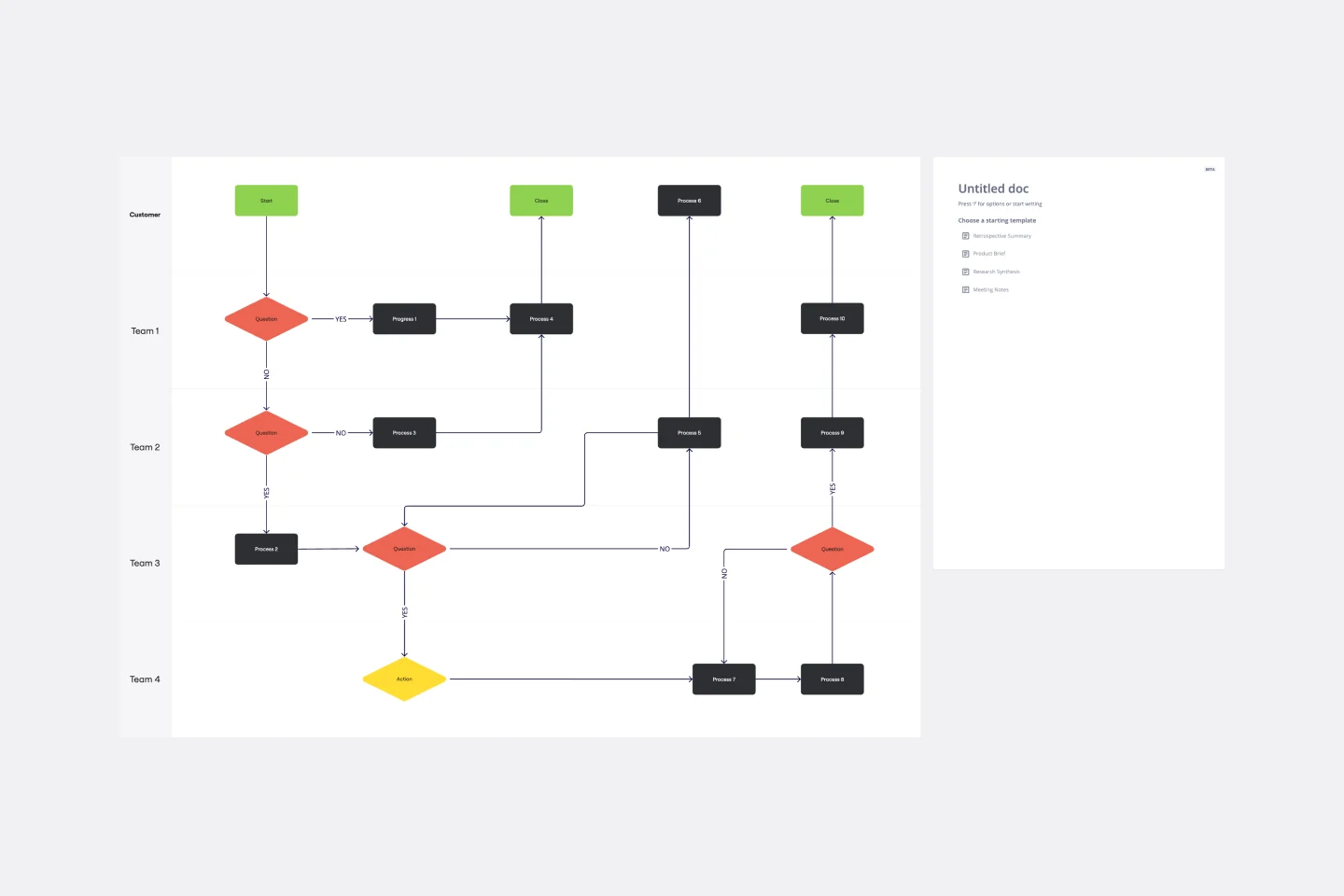
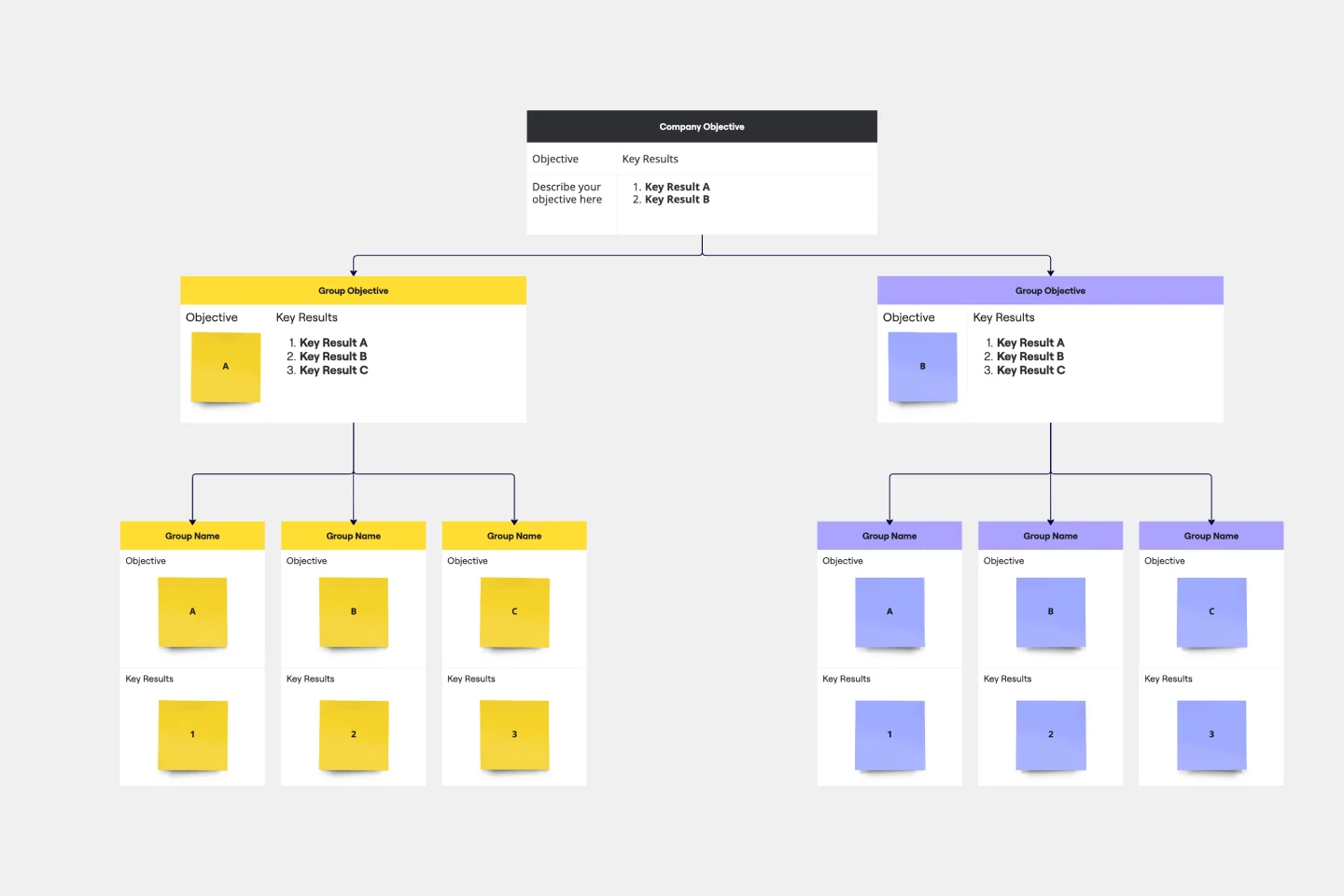
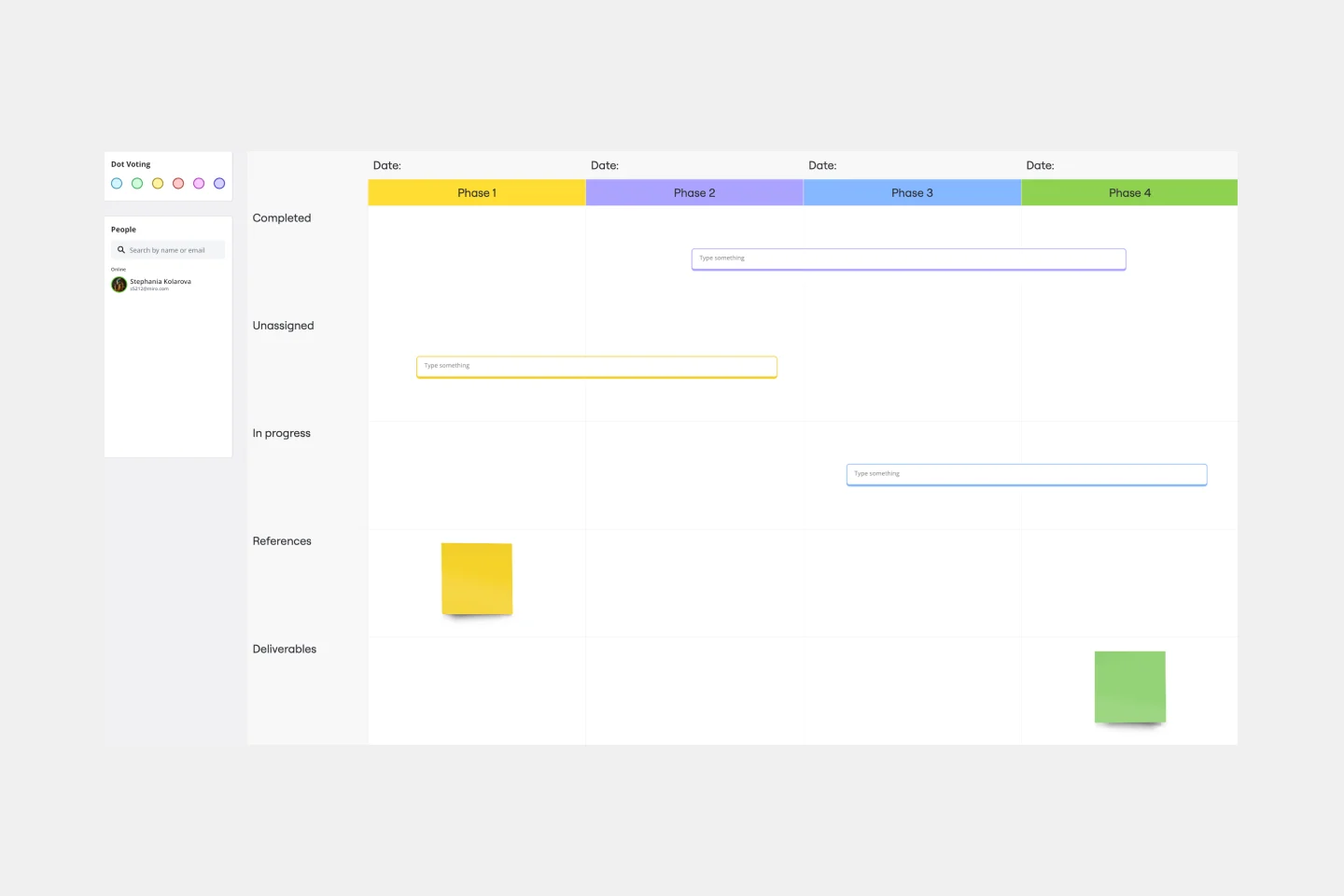
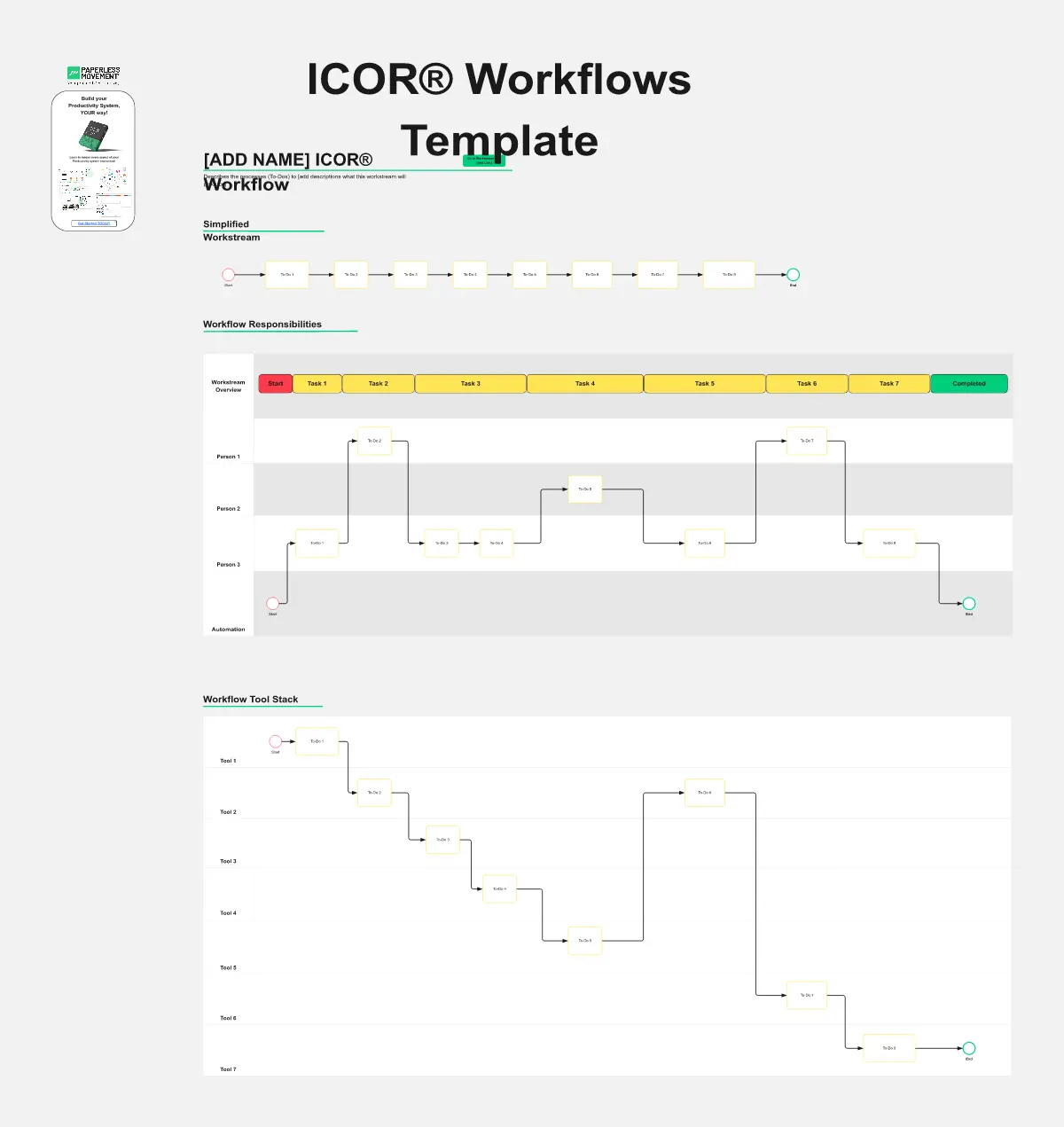
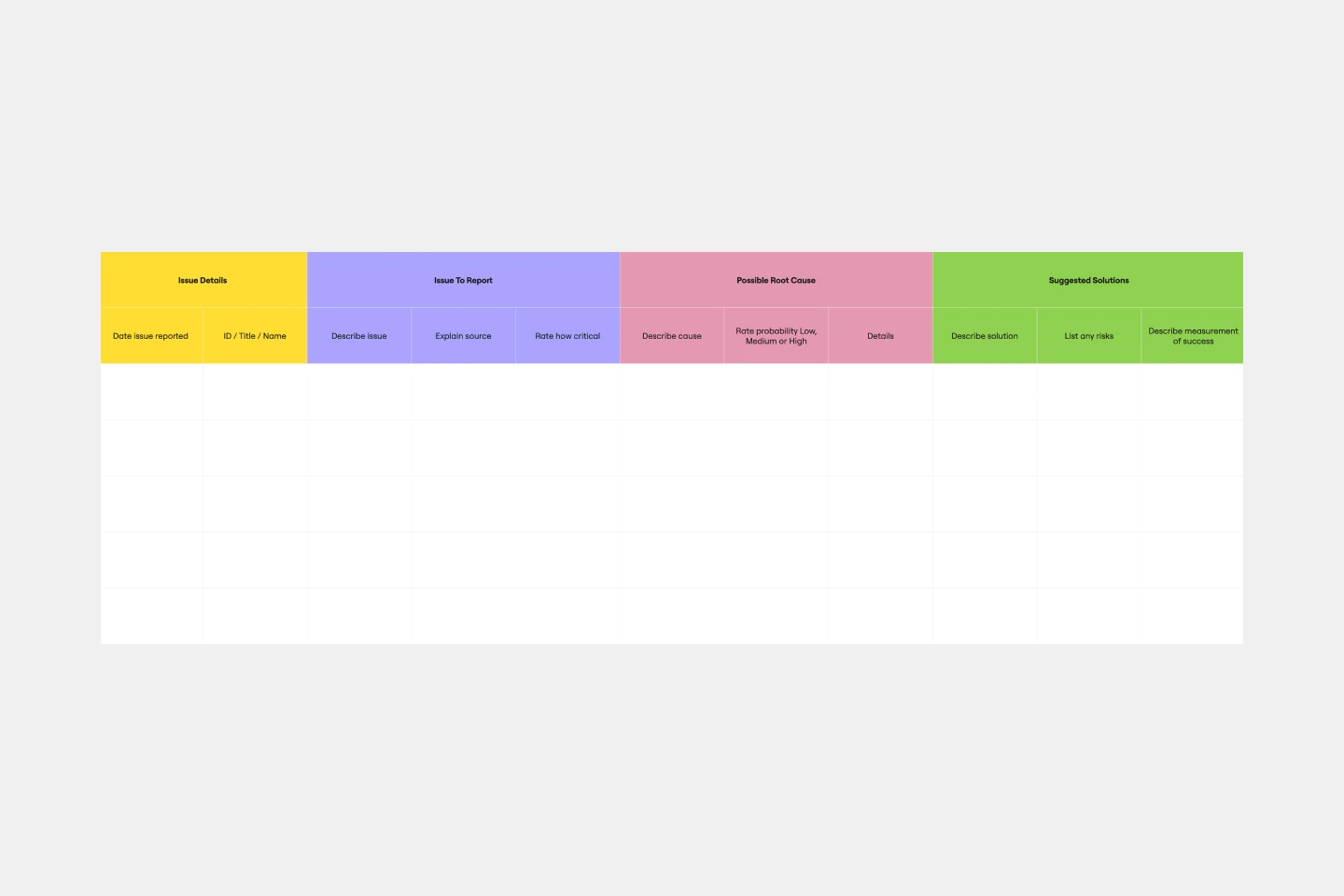
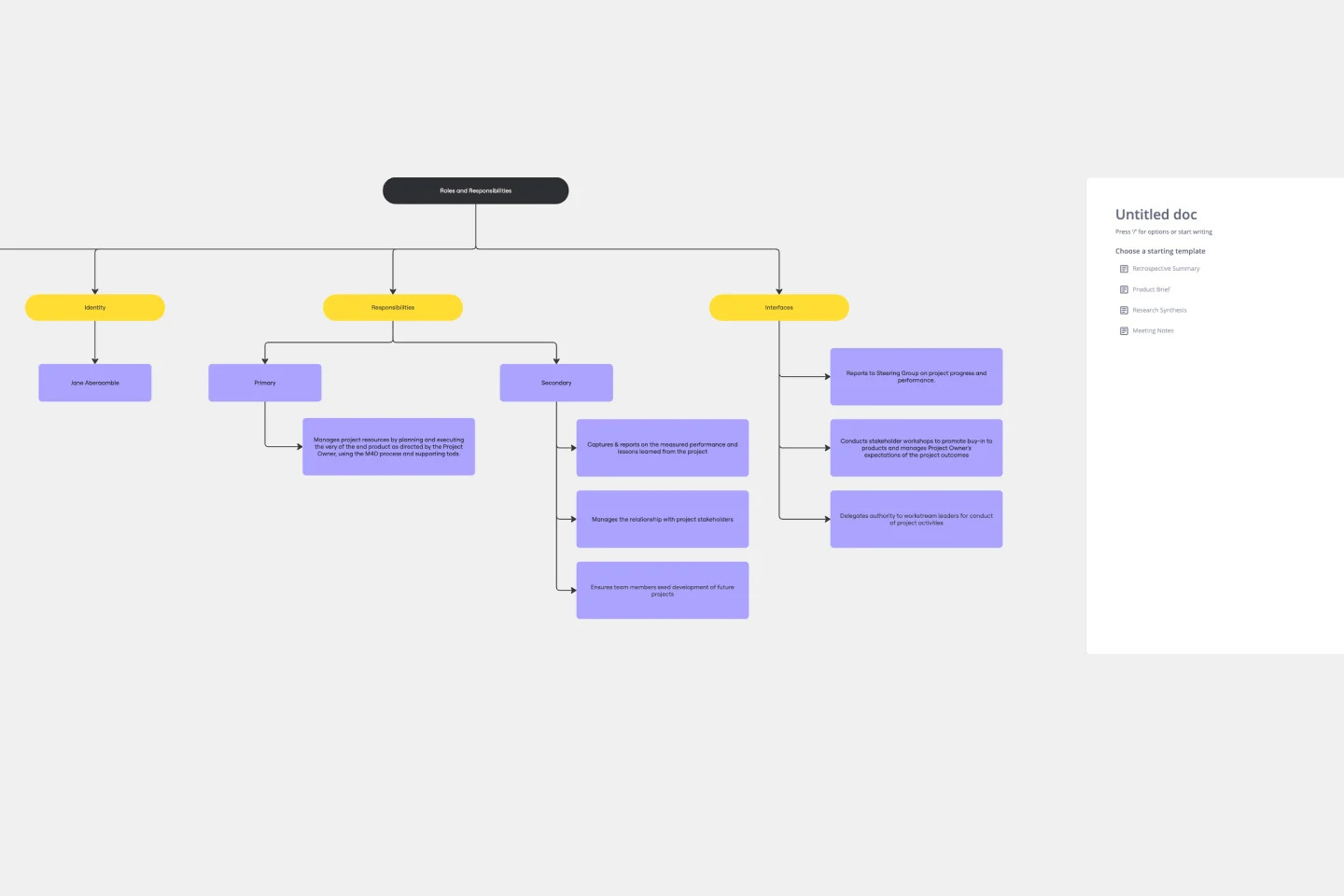
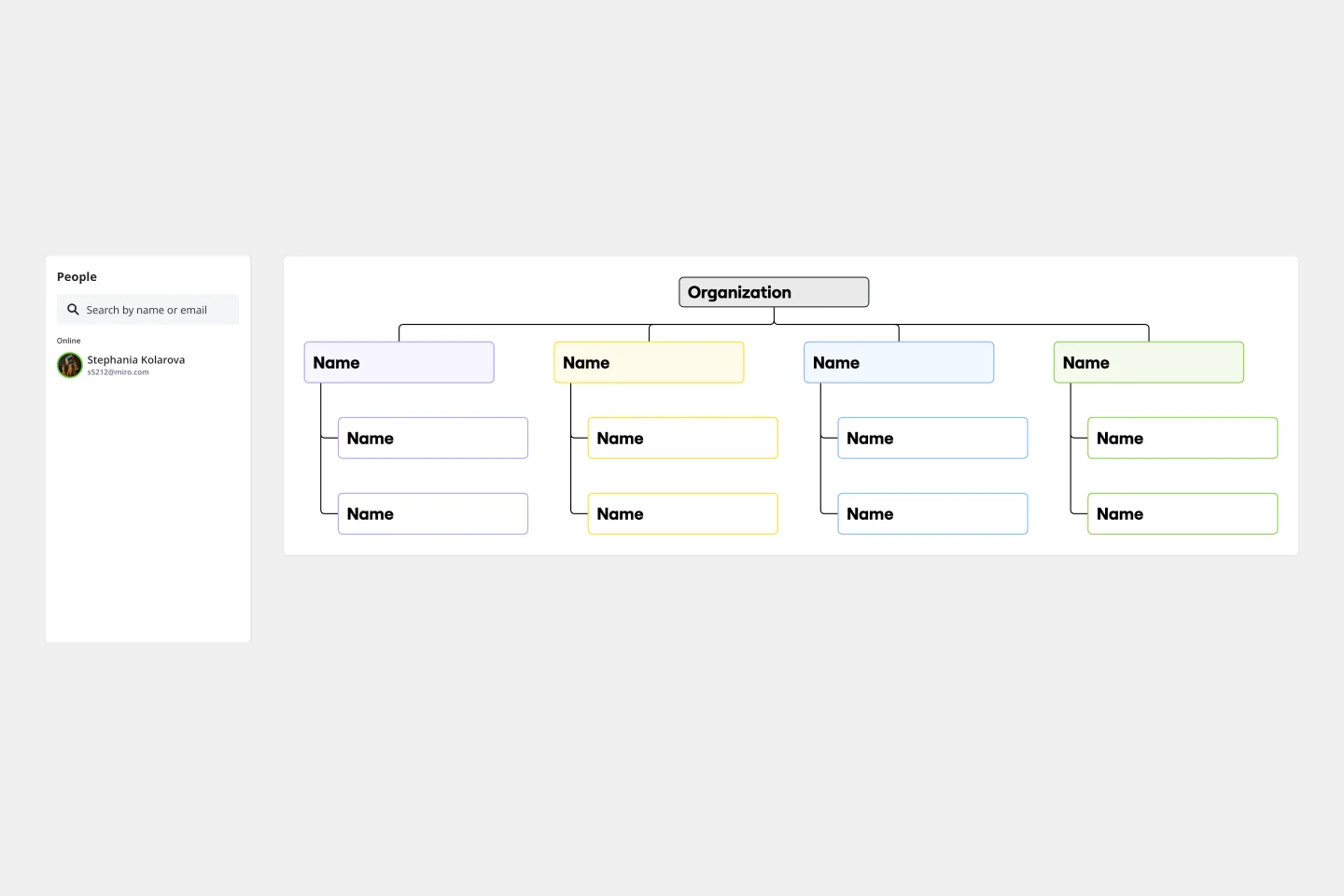
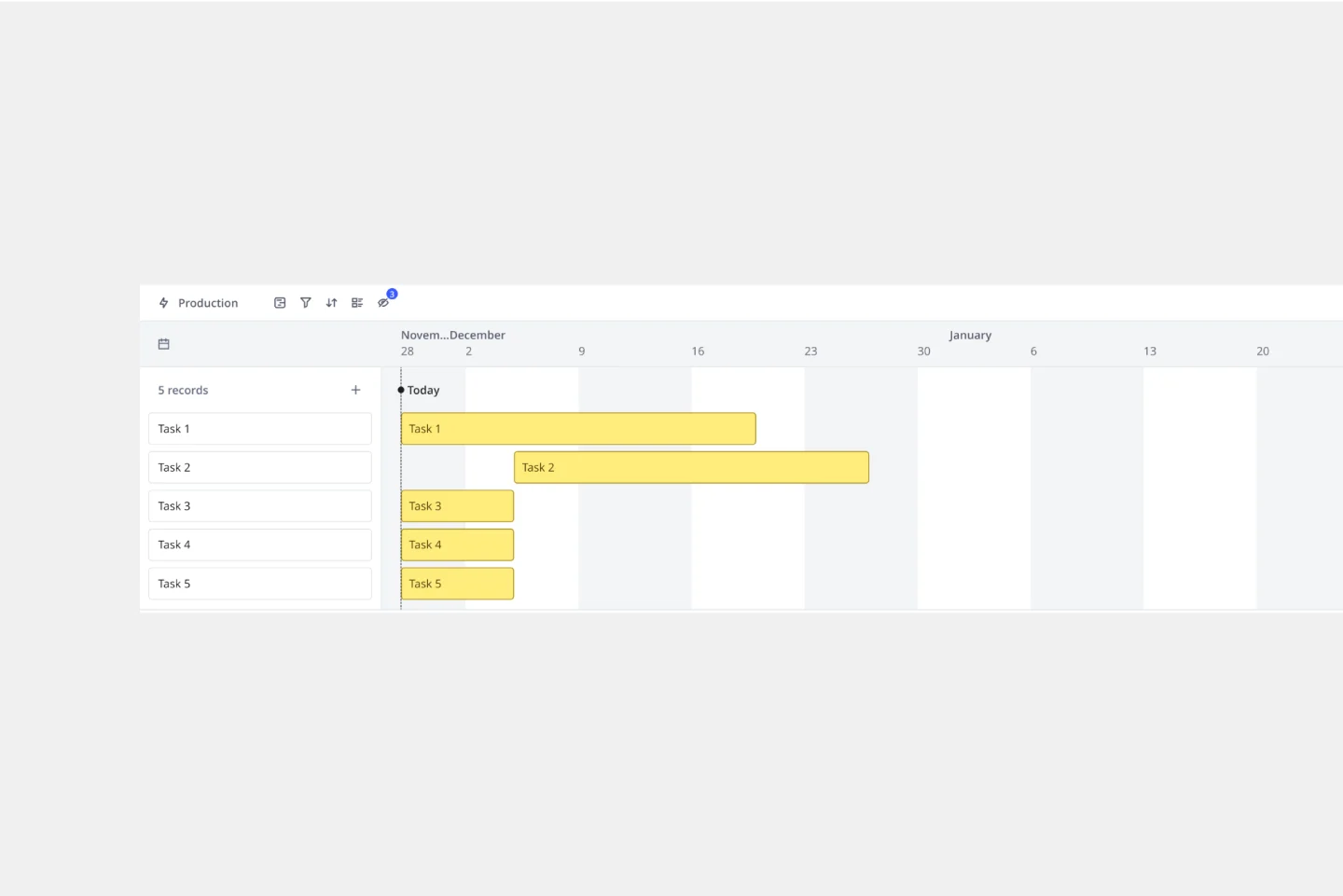
Miro's process and workflow templates collection is designed to streamline and improve the way teams collaborate and manage their projects. These templates provide a structured approach to mapping out processes, ensuring that every step is clearly defined and easily accessible. By leveraging these templates, teams can visualize complex workflows, identify inefficiencies, and implement improvements seamlessly. The collection includes a variety of templates tailored to different methodologies and industries, making it a versatile tool for any team looking to optimize their processes.
Why you'll love our process and workflow templates
Using Miro's business workflow templates offers numerous benefits:
Standardization: Ensure consistency across projects by using predefined templates that align with best practices.
Efficiency: Save time by eliminating the need to create workflows from scratch. Templates provide a ready-made structure that can be quickly customized.
Collaboration: Enhance team collaboration with a shared visual workspace where everyone can contribute and stay aligned.
Transparency: Improve transparency by making all steps of the process visible to the entire team, which helps in tracking progress and identifying bottlenecks.
Flexibility: Adapt templates to fit the specific needs of your project or team, ensuring that they are always relevant and useful.
Integration: Seamlessly integrate with other tools and platforms, allowing for a more cohesive workflow.
How to use the process and workflow templates in Miro
Select a template: Once you've found a suitable template, click on it to preview its structure and components. If it meets your requirements, select it to create a new board based on this template.
Customize the template: Tailor the template to your specific project by adding, removing, or modifying elements. You can adjust the steps, add notes, and include any additional information that is relevant to your workflow.
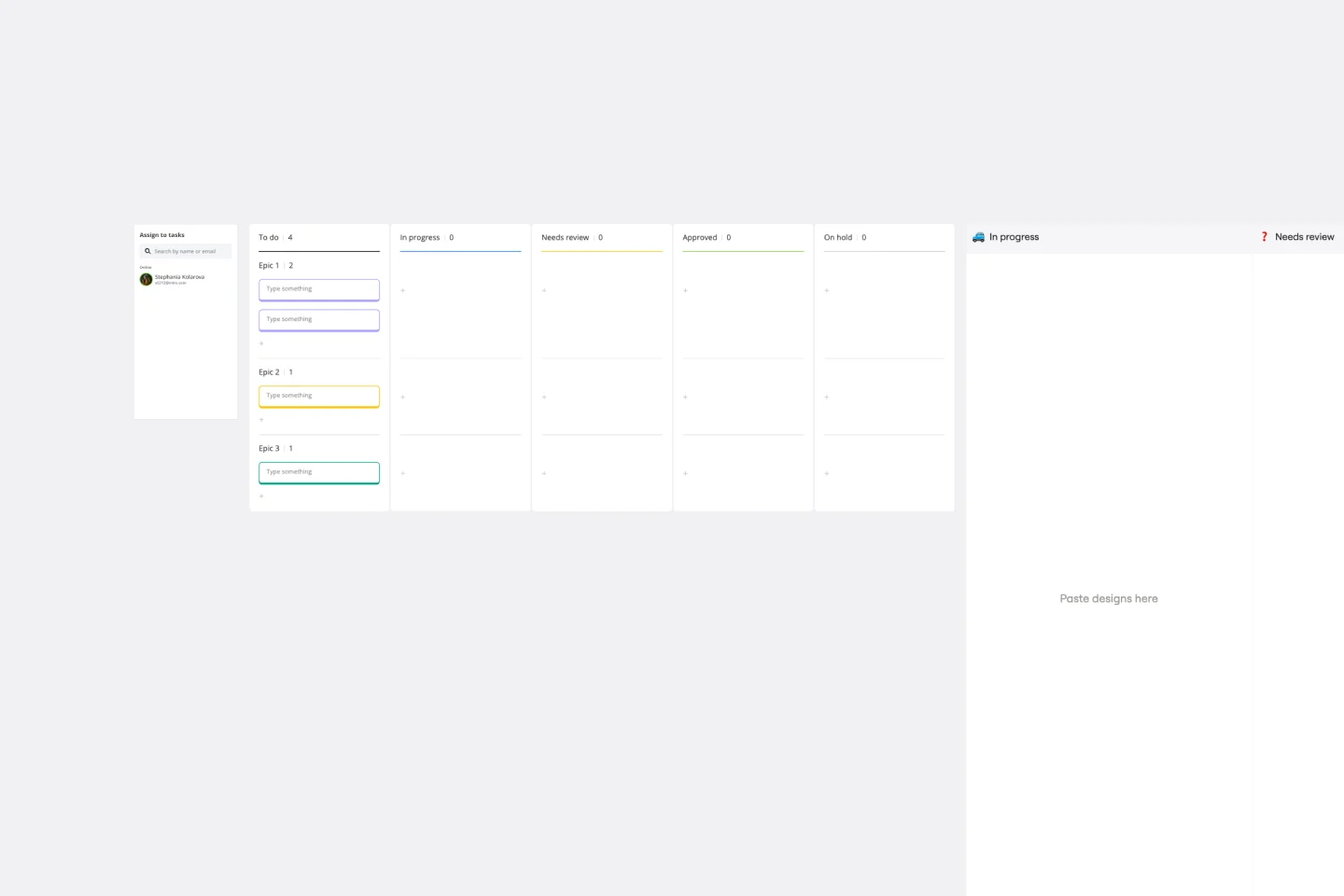
Collaborate with your team: Invite team members to the board and assign roles or tasks. Use Miro's collaboration features, such as comments, mentions, and real-time editing, to work together efficiently.
Track progress: Monitor progress and ensure that all steps are being followed. Make adjustments as needed to keep the workflow on track.
Review and improve: After completing the workflow, take time to review the entire process with your team. Identify any areas that could be optimized or any steps that may have been missed. Use the feedback to refine the workflow template, ensuring it meets the evolving needs of your project. Regularly updating and improving your workflow templates will help maintain their effectiveness and relevance.
Miro's process and workflow templates are more than just tools; they are catalysts for team success. By providing a structured yet flexible framework, these templates empower teams to work more efficiently and collaboratively. They help in visualizing complex processes, ensuring everyone is on the same page, and fostering a culture of continuous improvement. With Miro, teams can streamline their workflows, enhance productivity, and ultimately achieve their goals more effectively.