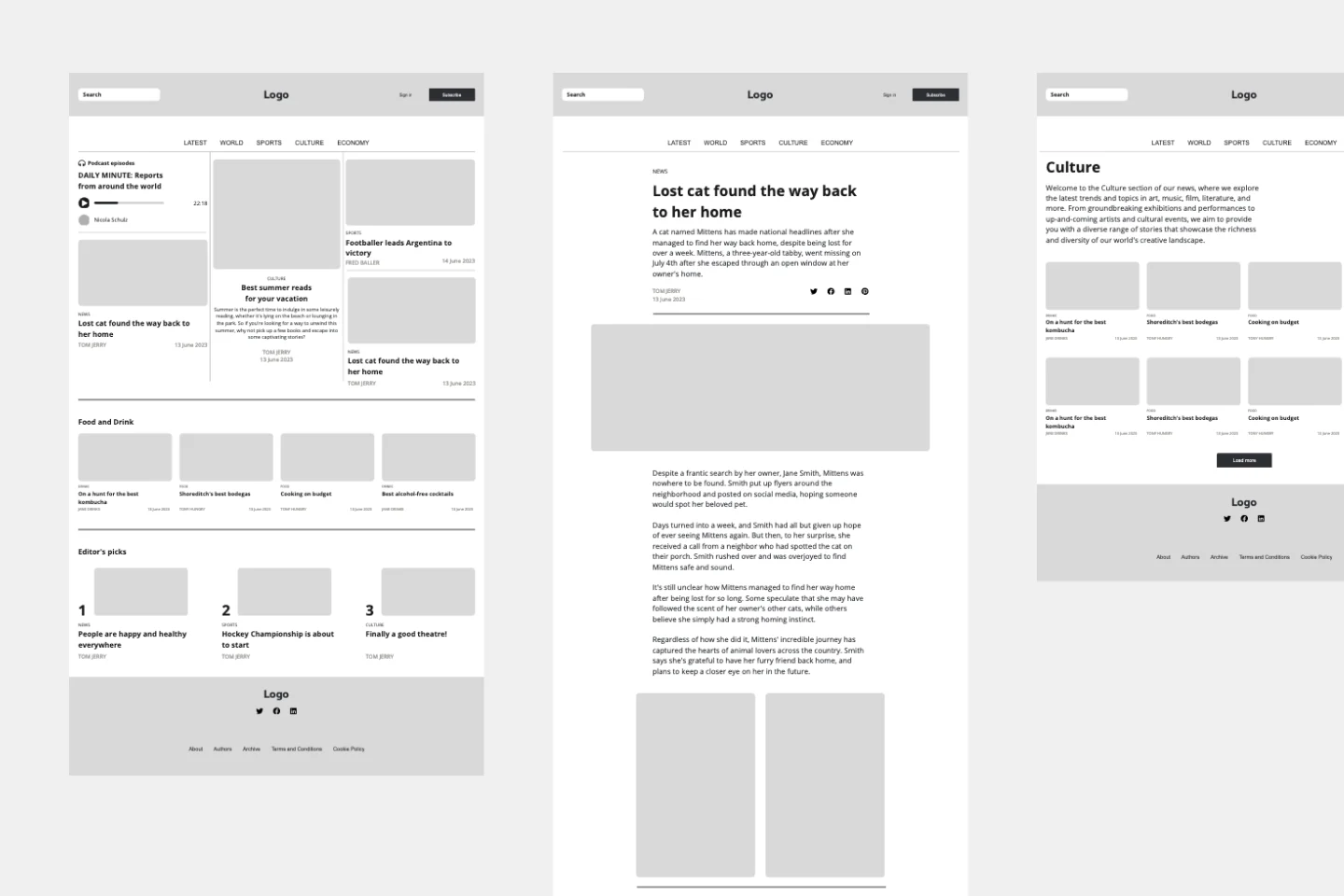
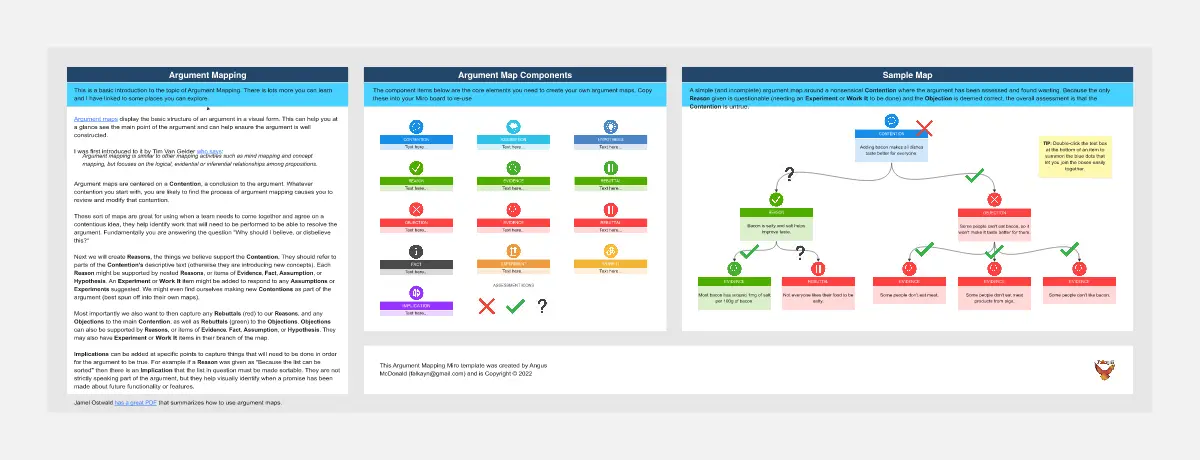
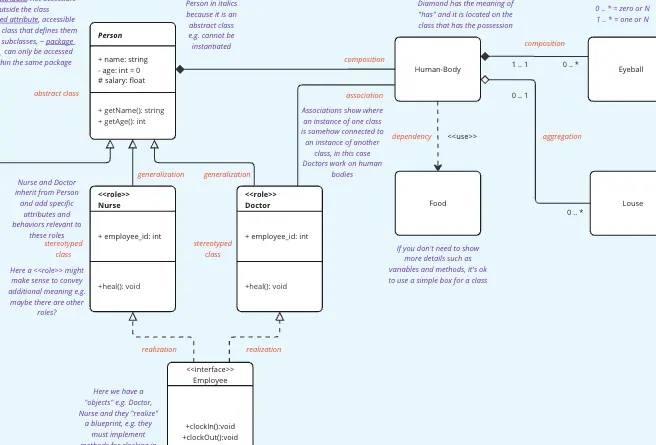
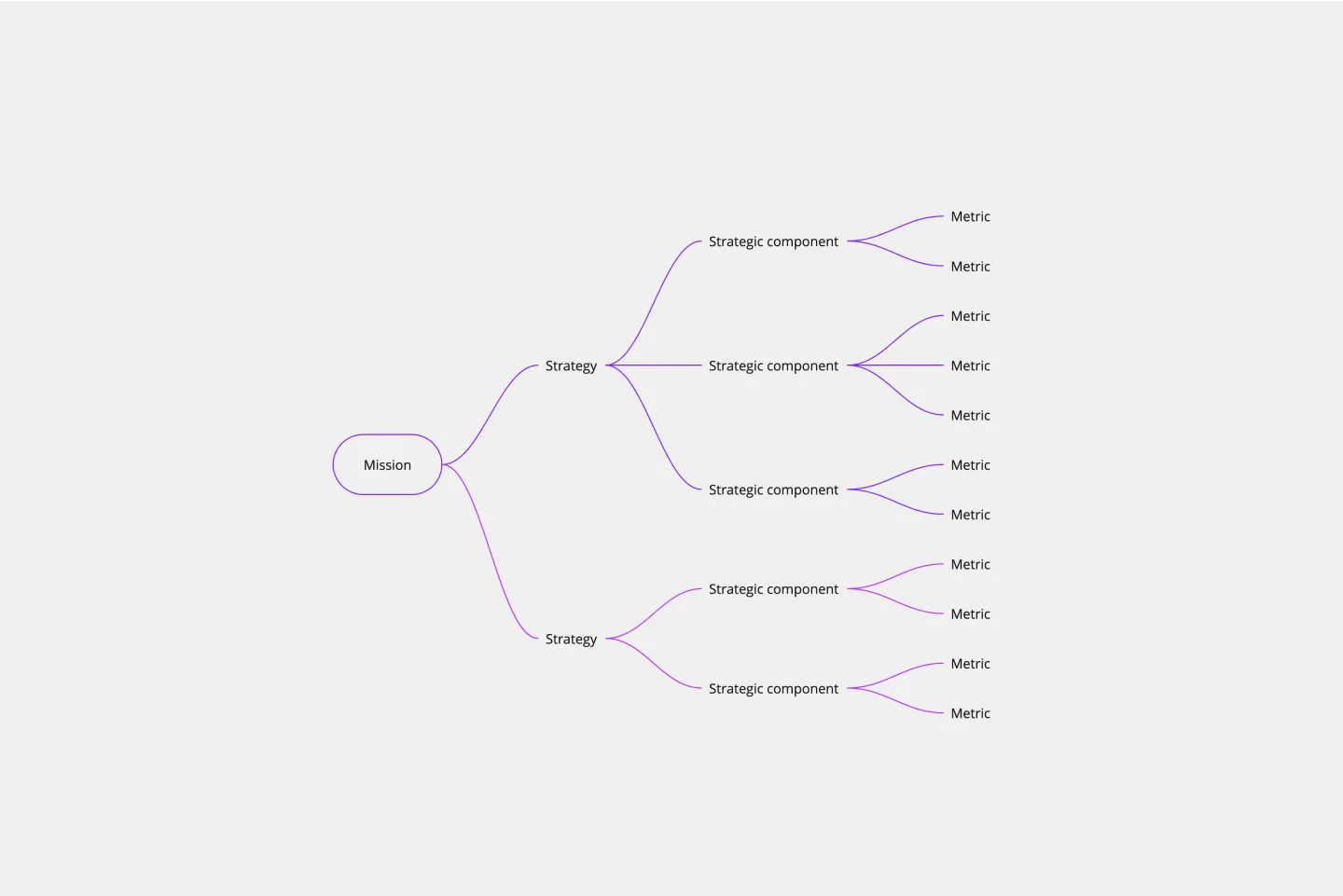
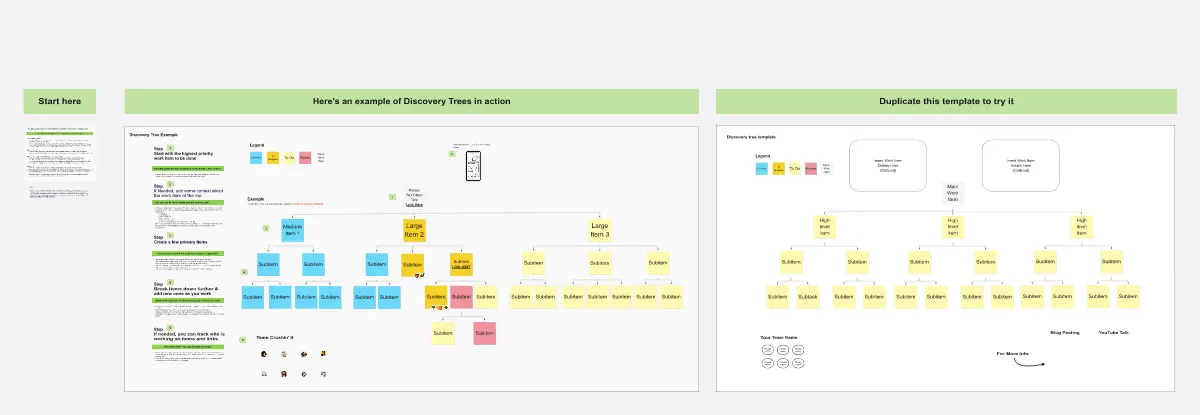
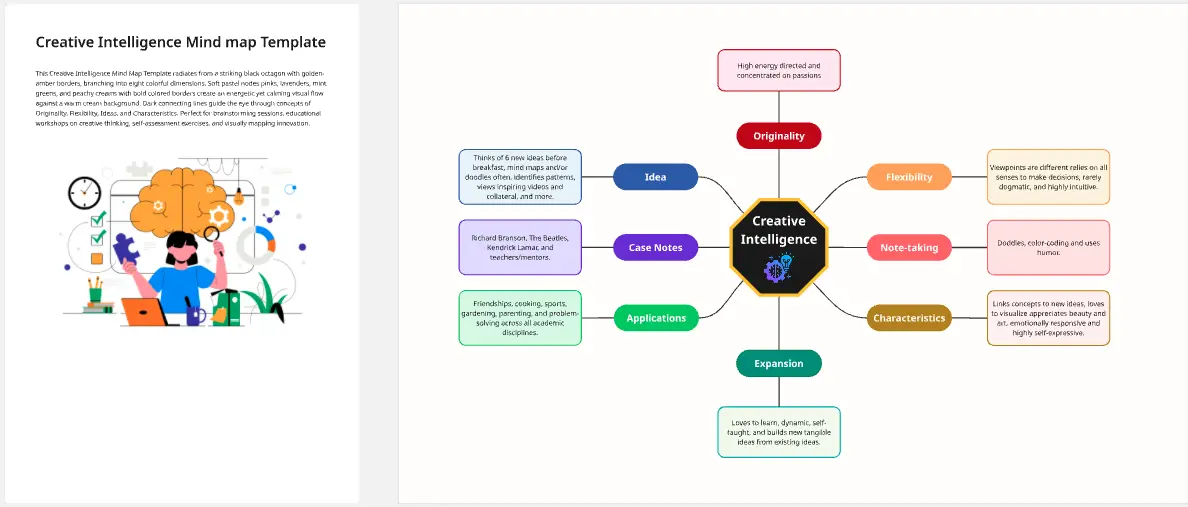
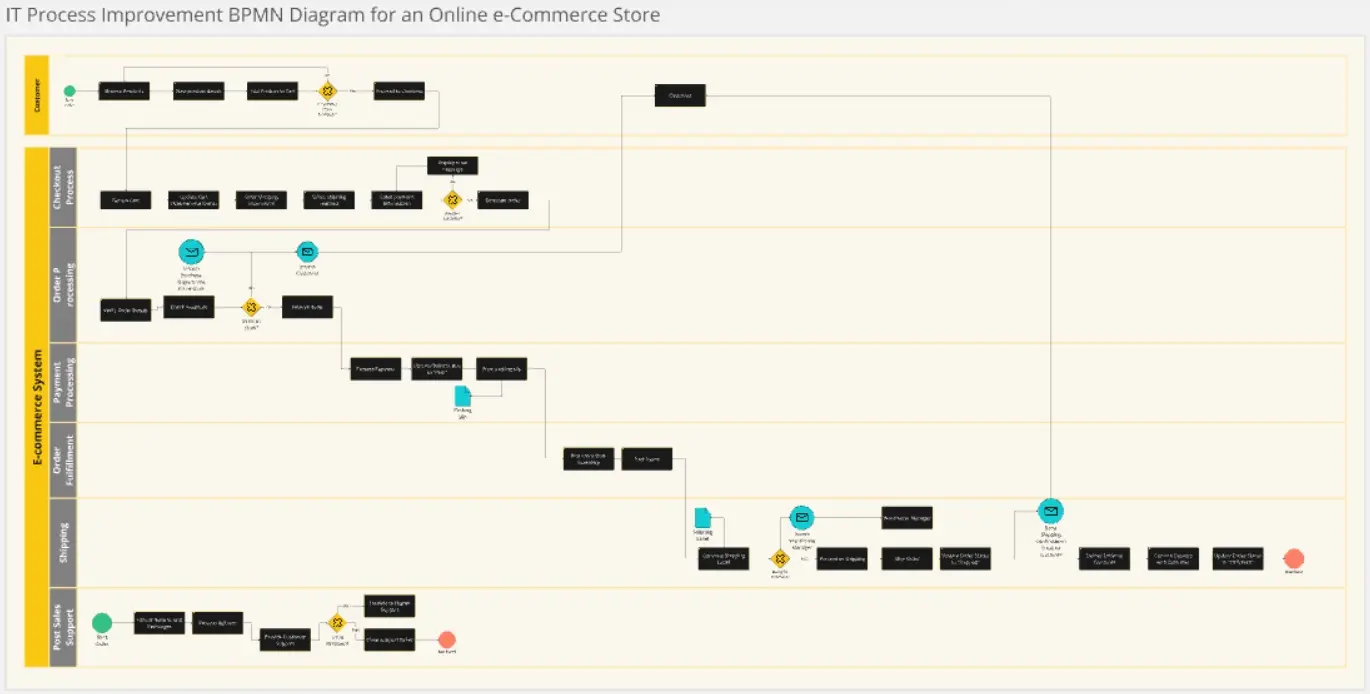
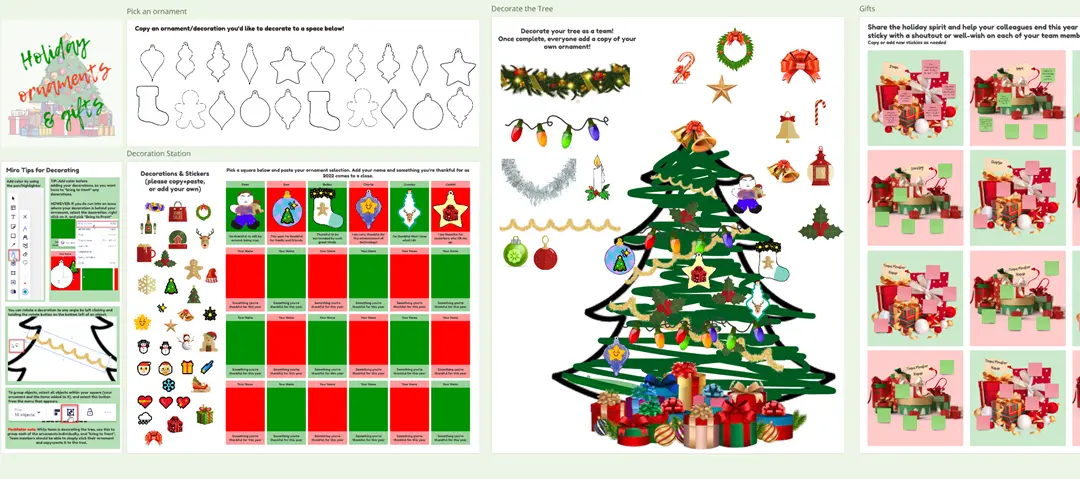
About the Diagram Templates Collection
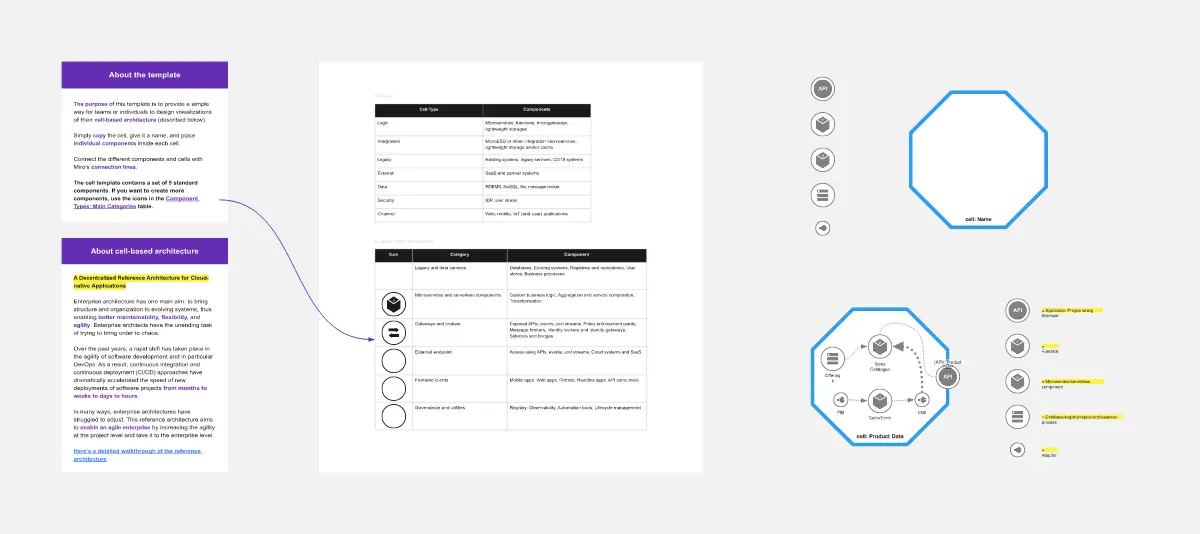
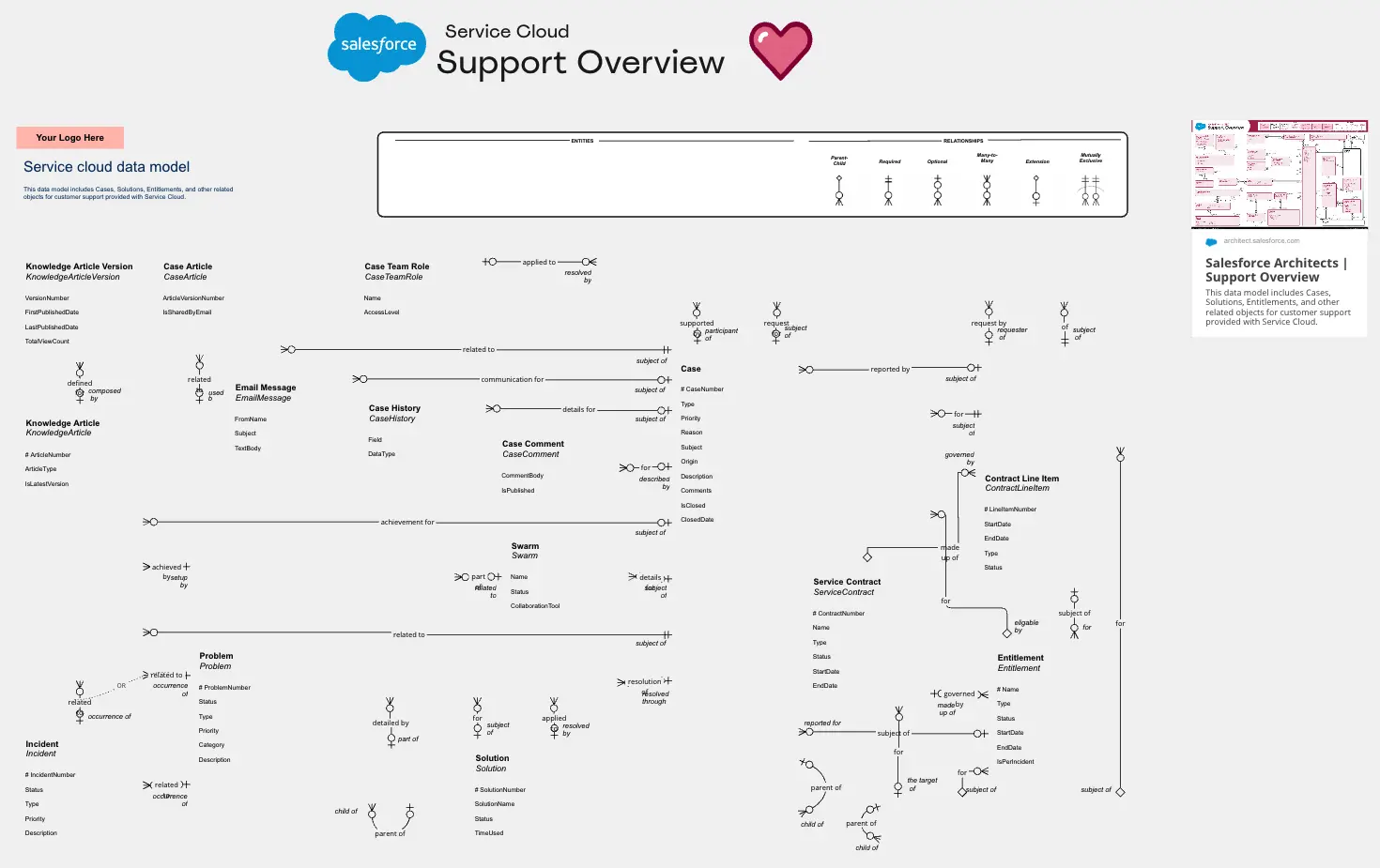
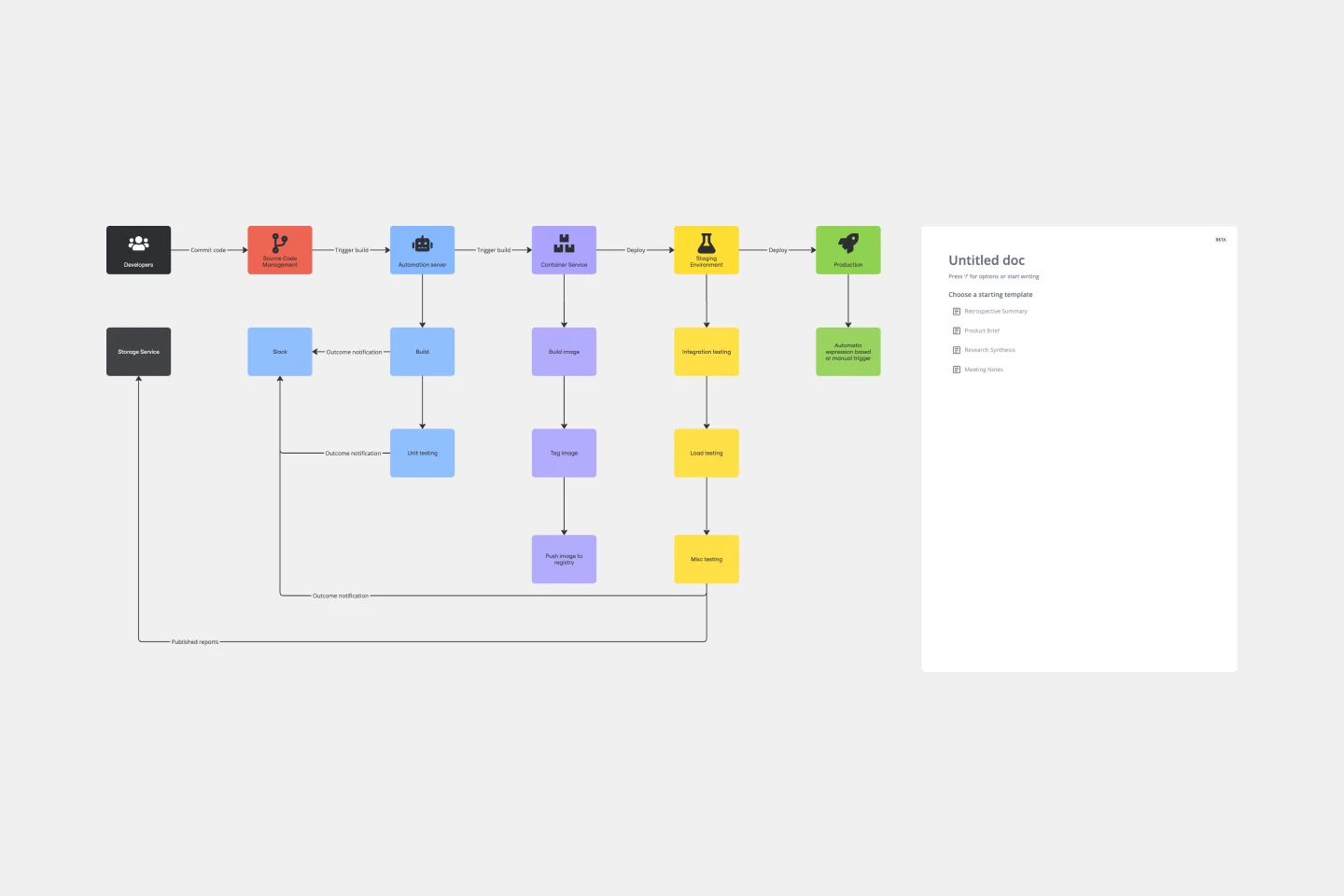
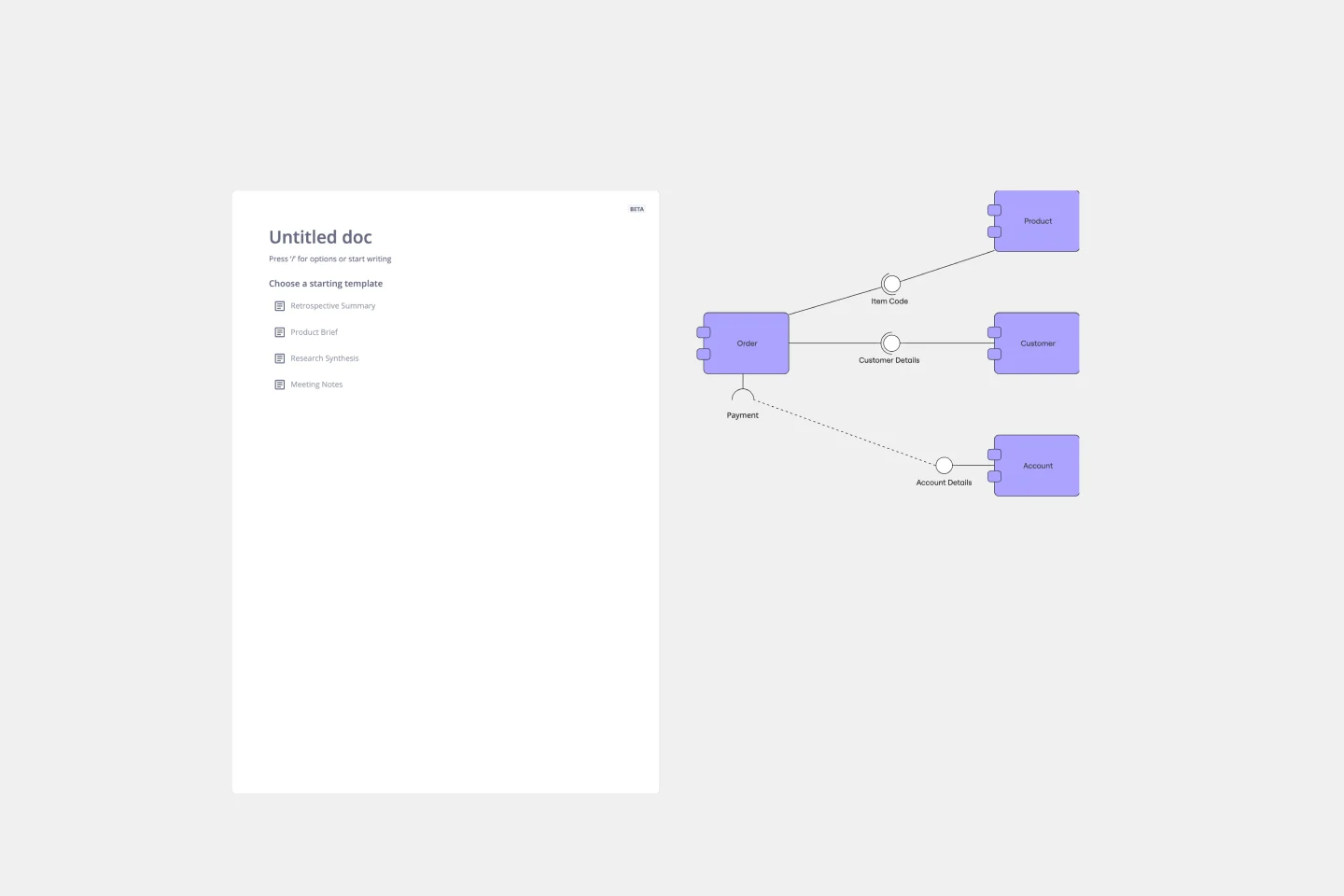
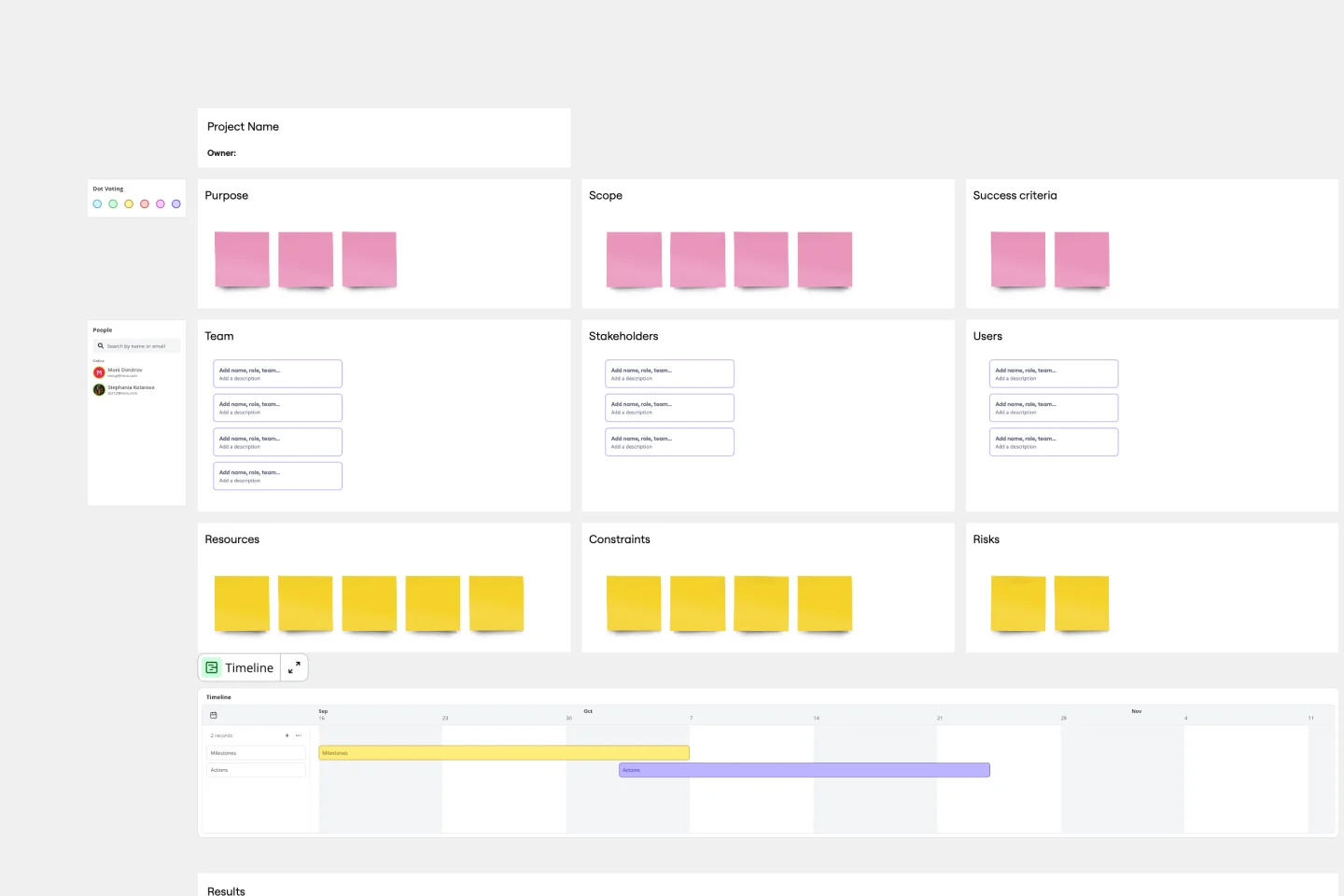
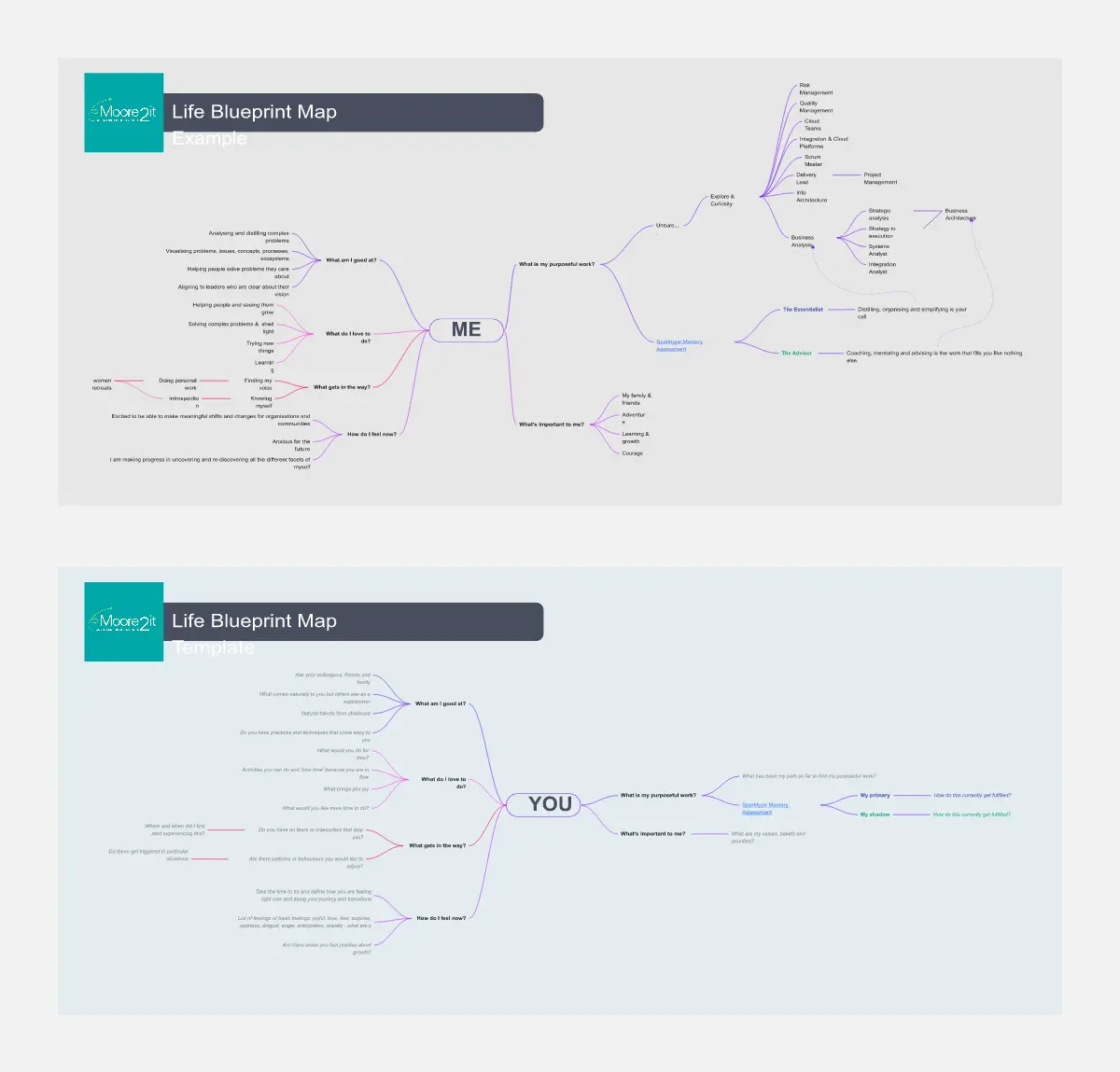
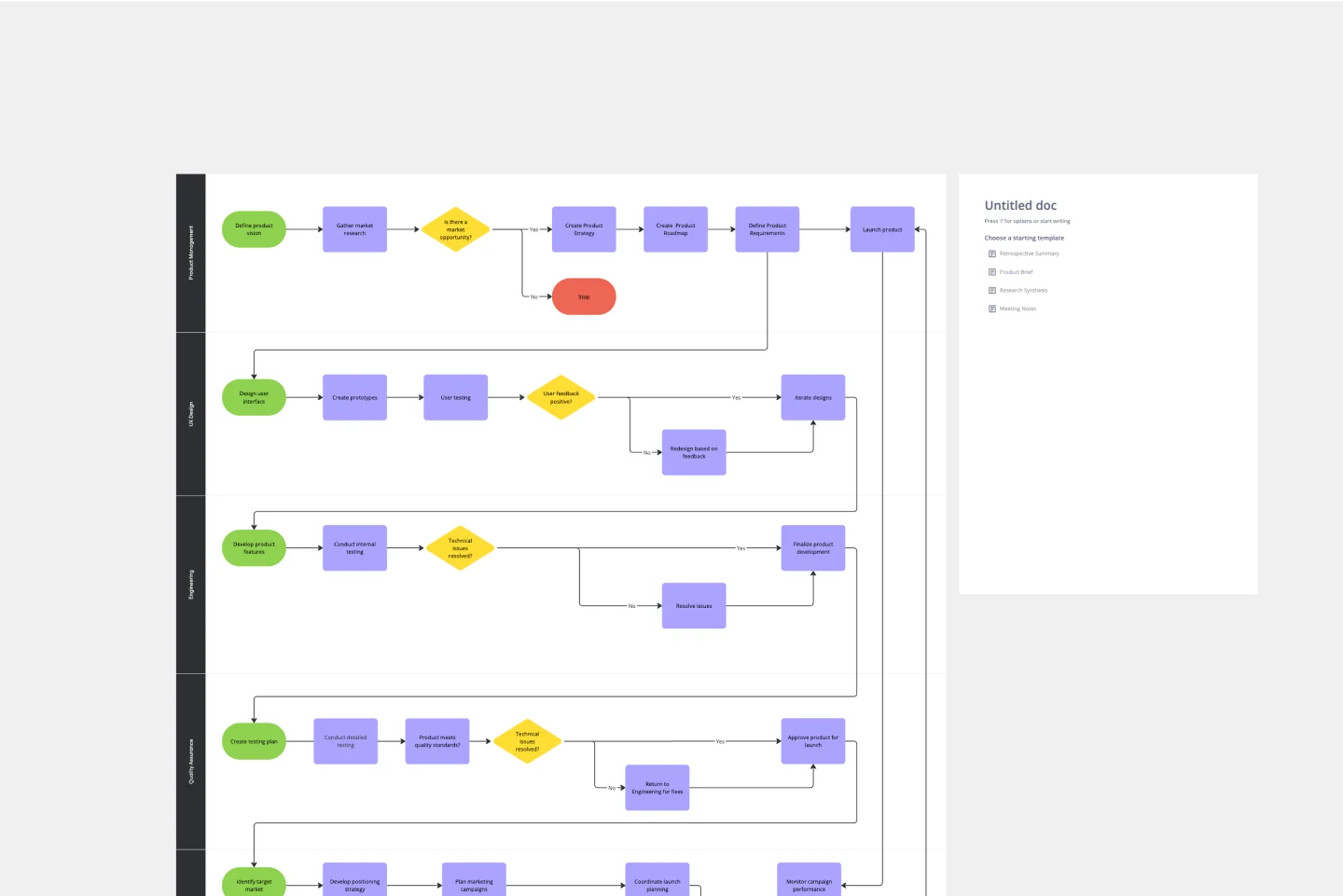
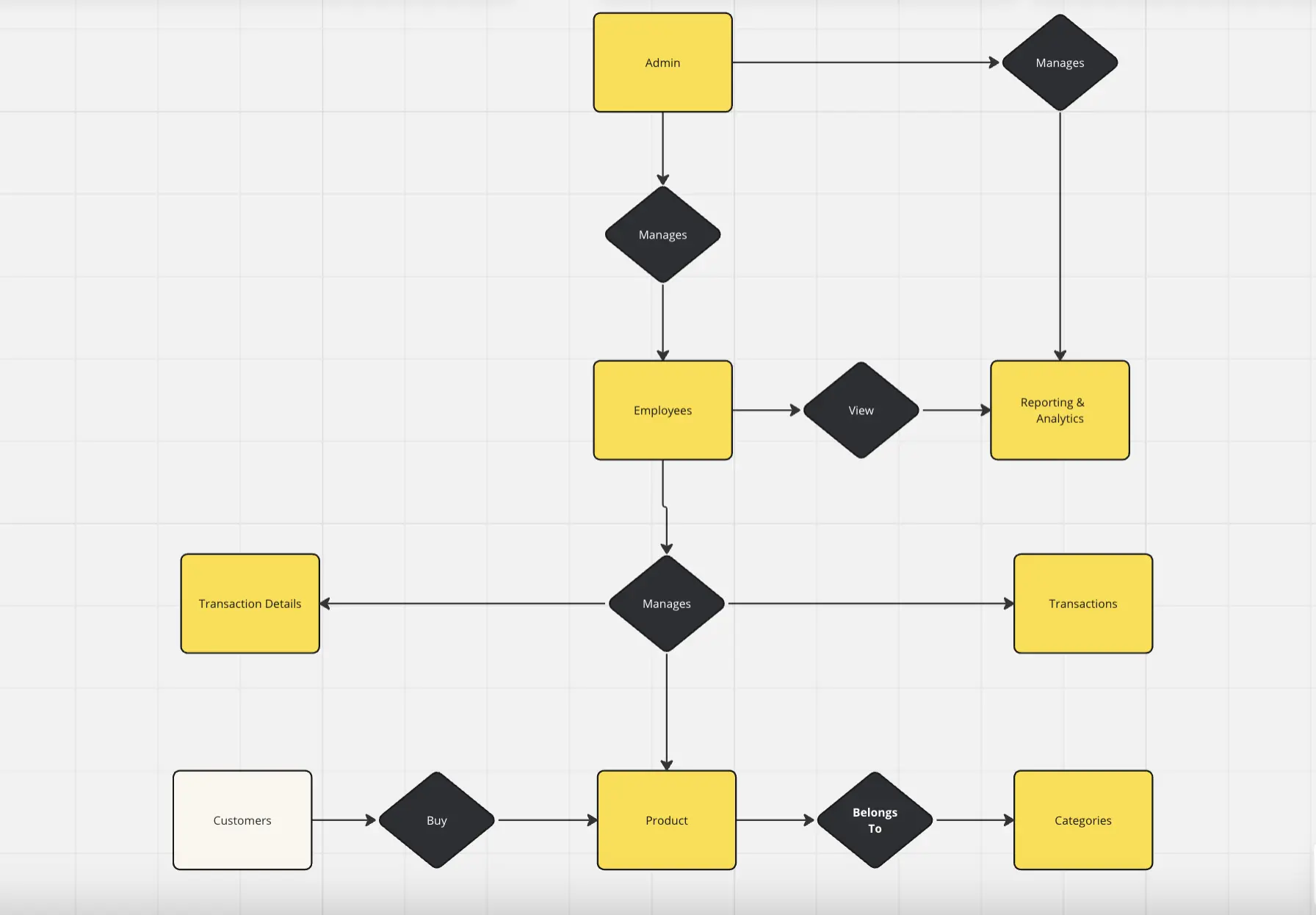
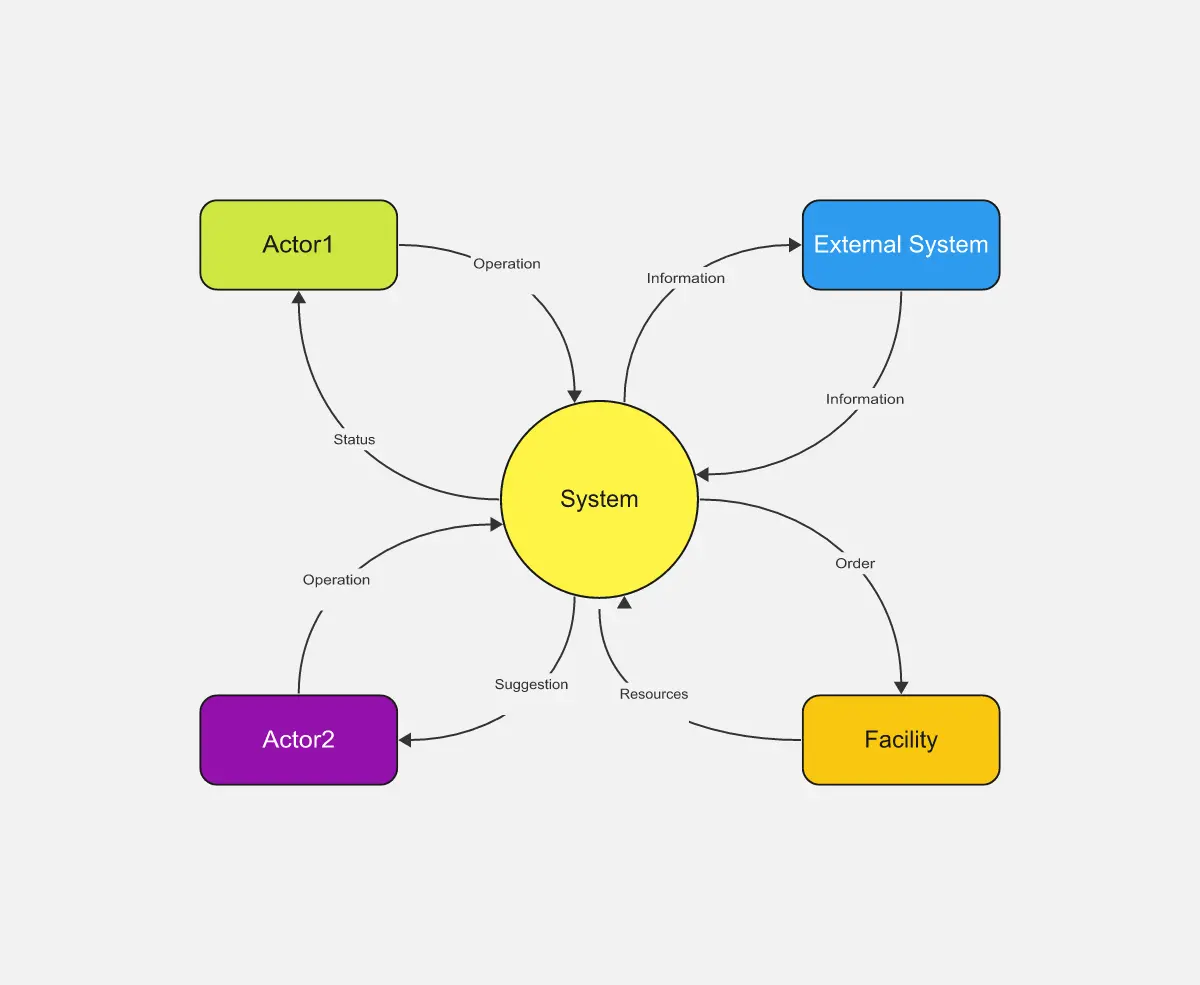
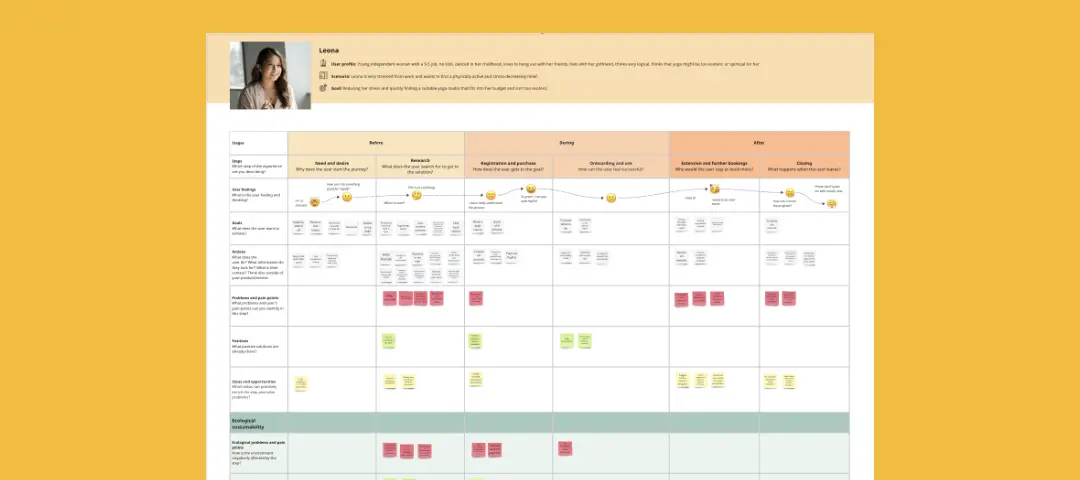
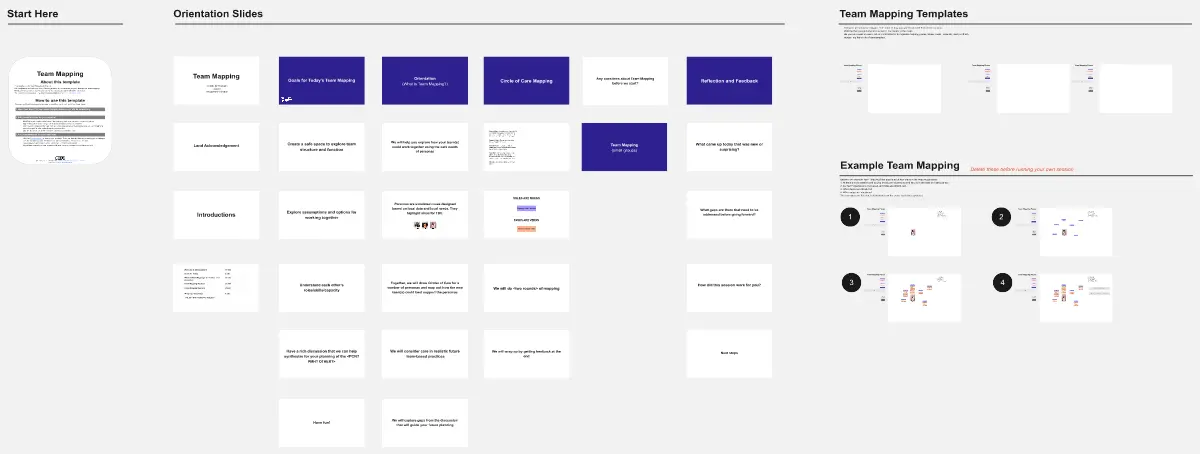
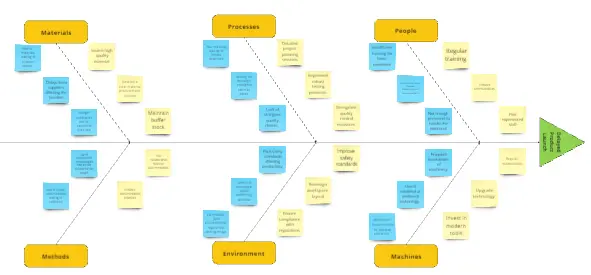
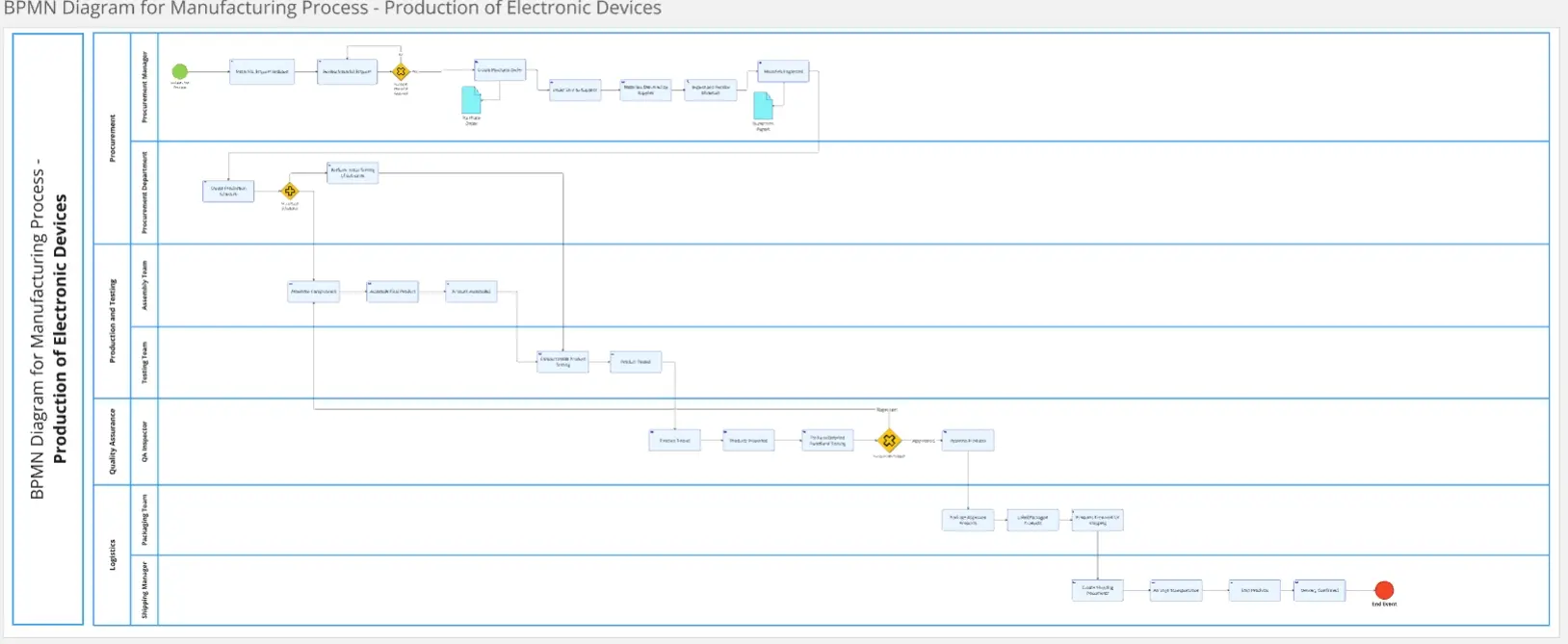
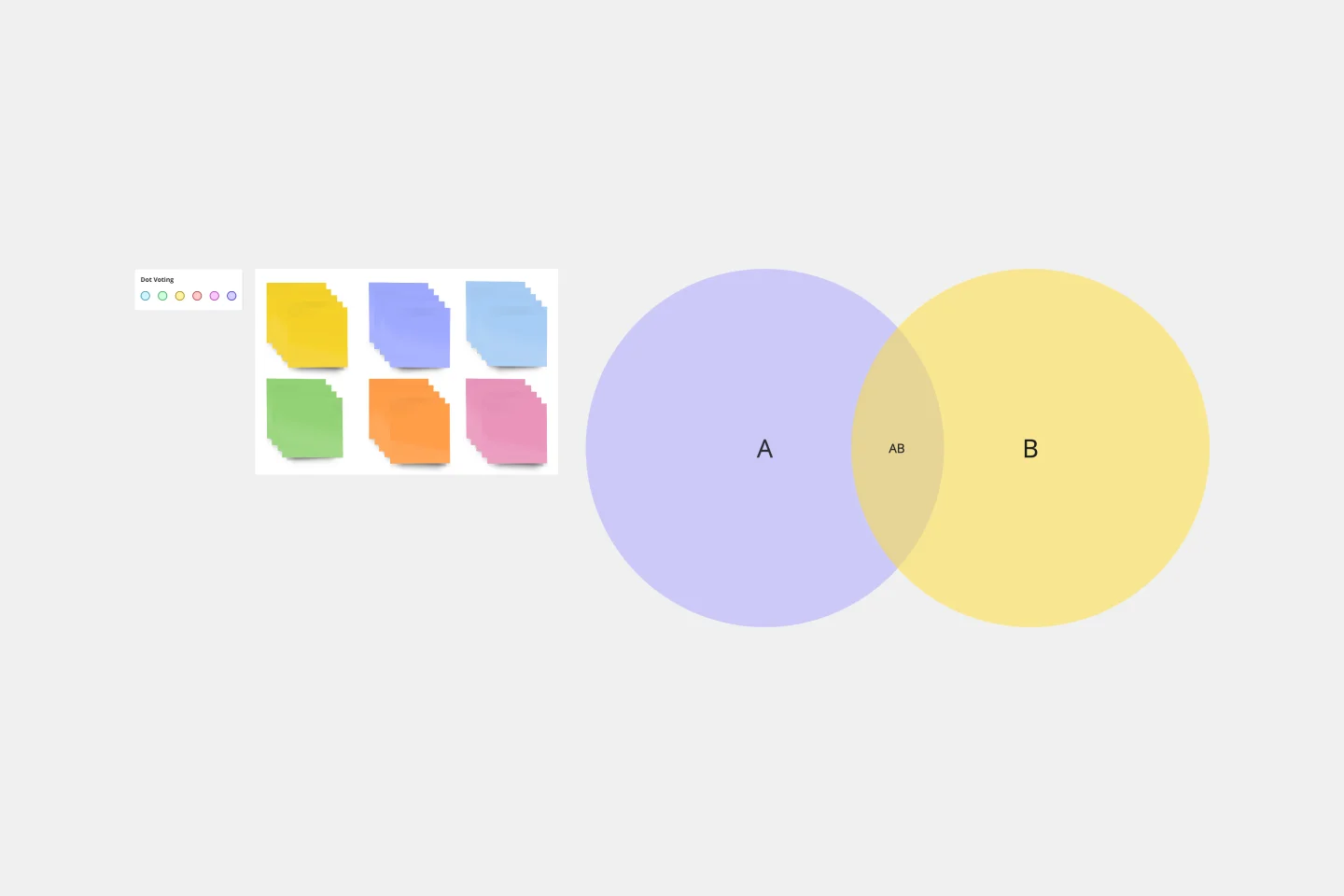
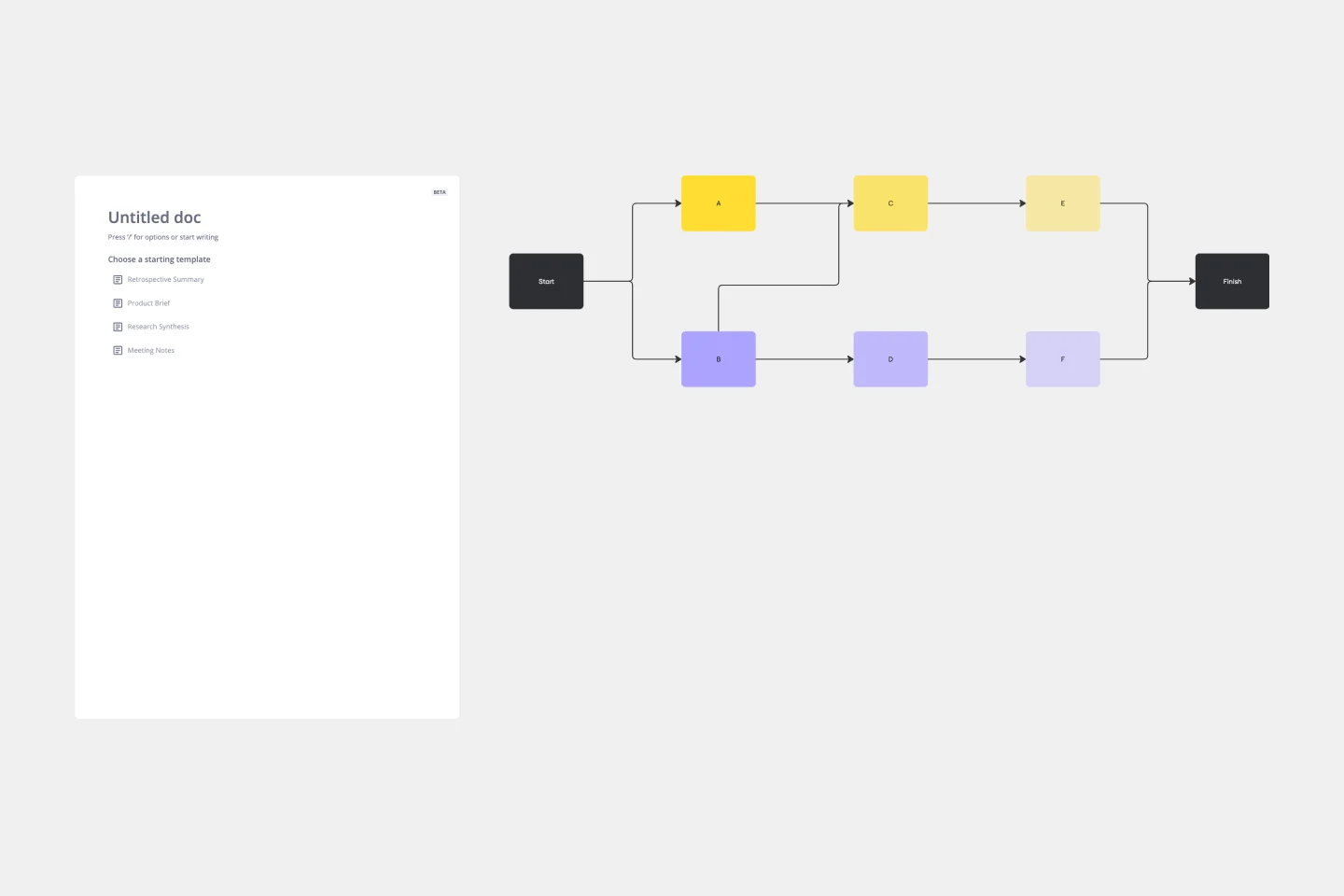
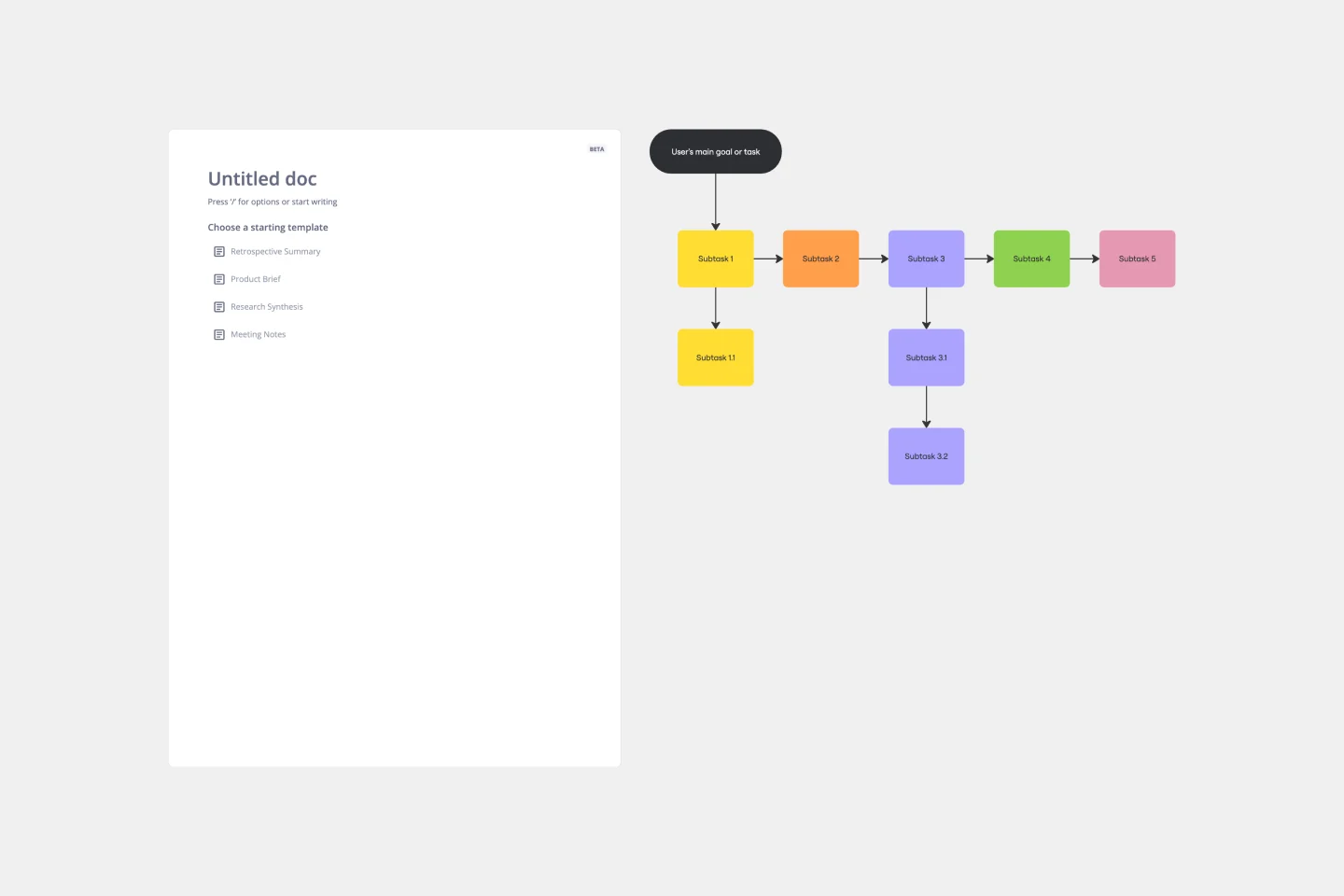
Miro's diagram templates collection is designed to simplify the process of creating visual representations of data, ideas, and processes. Whether you're mapping out a complex system, identifying root causes, or comparing different sets of data, our templates provide a structured and efficient way to visualize your thoughts. The collection includes a variety of templates, such as Venn diagram templates, fishbone diagram templates, and many more, each tailored to meet specific needs and use cases.
Why you'll love our diagram templates
Using Miro's diagram templates offers many benefits:
Efficiency: Create professional diagrams easily using various diagram examples. You don’t have to start from scratch. Choose from a variety of templates and tools to customize your diagrams to meet your needs. Whether you need flowcharts, organizational charts, or network diagrams, these examples will help you focus on the content.
Clarity: Transform complex and multifaceted information into a format that is accessible and easily understandable, ensuring that the key concepts are clearly highlighted and simplified for better comprehension.
Collaboration: Work with your team in real time, no matter where they are. Using templates makes it easier to collaborate, they provide a clear structure for your projects. With Miro's diagram templates help everyone share ideas, give feedback, and stay on the same page. This way, your team can work together effectively and stay productive.
Customization: Easily change templates to fit your specific needs.
Versatility: Miro's diagram templates are suitable for various use cases, including brainstorming sessions, detailed process mapping, and creating web diagram templates. They help clarify connections and structures, enhancing teamwork and creativity across different tasks.
How to use the diagram templates in Miro
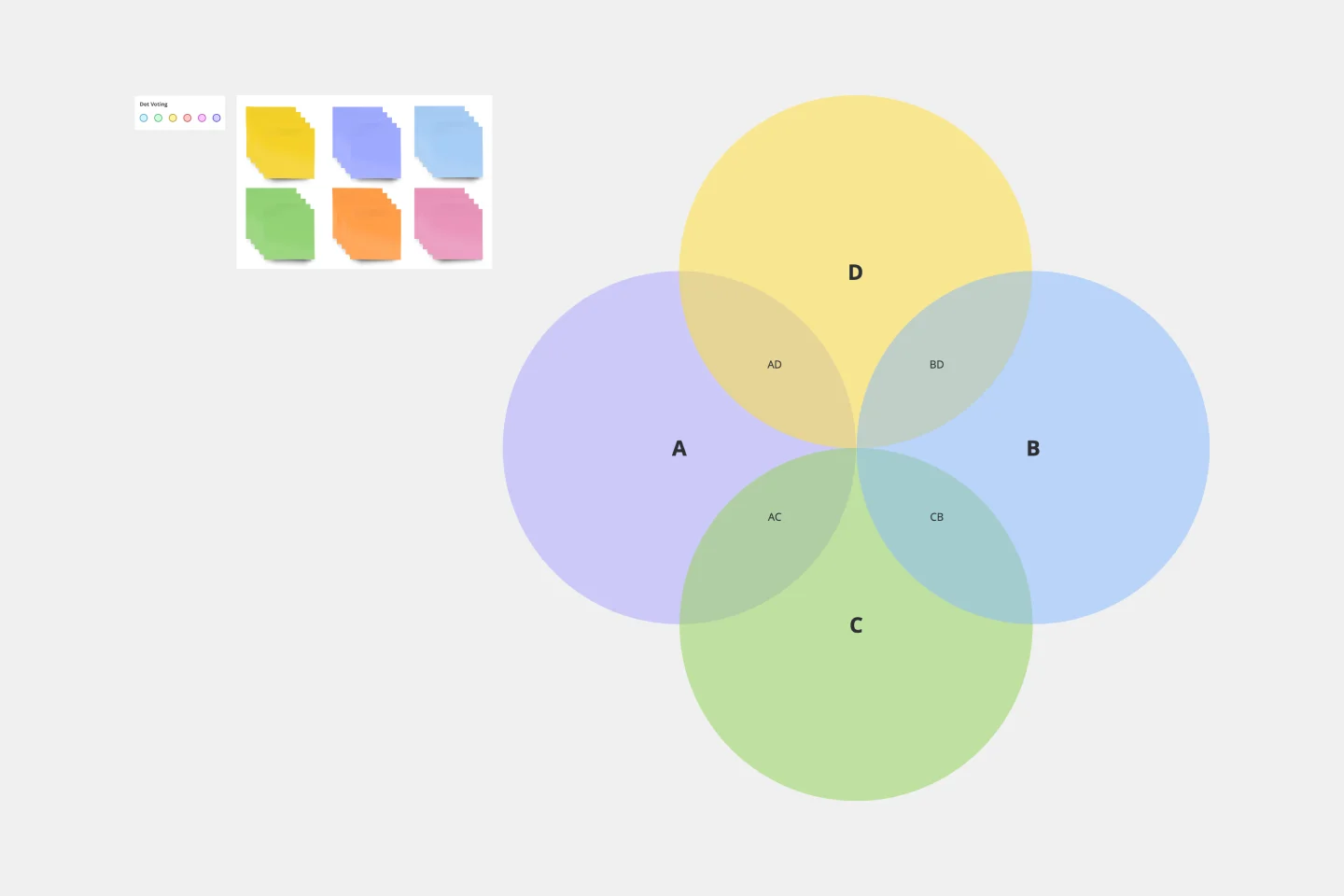
Choose a template: Select the diagram template that best fits your needs. For example, choose a Venn diagram template to compare and contrast different sets of data.
Customize your diagram: Use Miro's intuitive tools to add, remove, or modify elements within the template. You can change colors, add text, and insert images to make the diagram your own.
Collaborate with your team: Share the diagram with your team and collaborate in real time. Use comments and sticky notes to gather feedback and make adjustments on the fly.
Save and share: Once your diagram is complete, save it to your board and share it with stakeholders. You can export it in various formats or integrate it into other tools and platforms.
Miro's diagram templates empower teams to visualize their ideas and processes effectively, fostering collaboration and innovation. By leveraging these templates, teams can streamline their workflows, enhance communication, and ultimately thrive in a dynamic work environment. Discover our extensive template library, featuring Venn diagram templates, fishbone diagram templates, UML diagram templates, network diagram templates, and many more.