What is a Dependency Mapping Template?
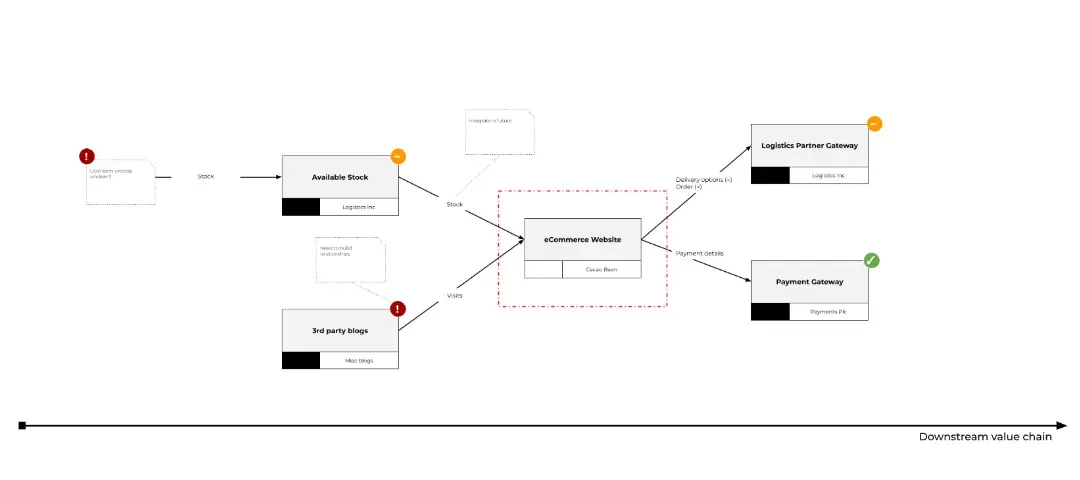
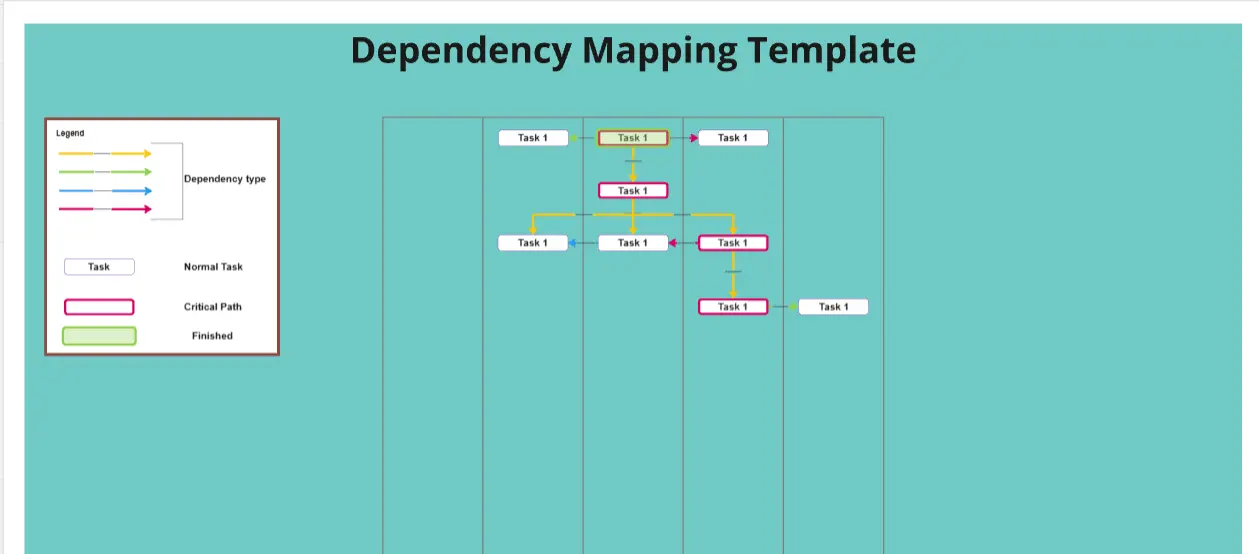
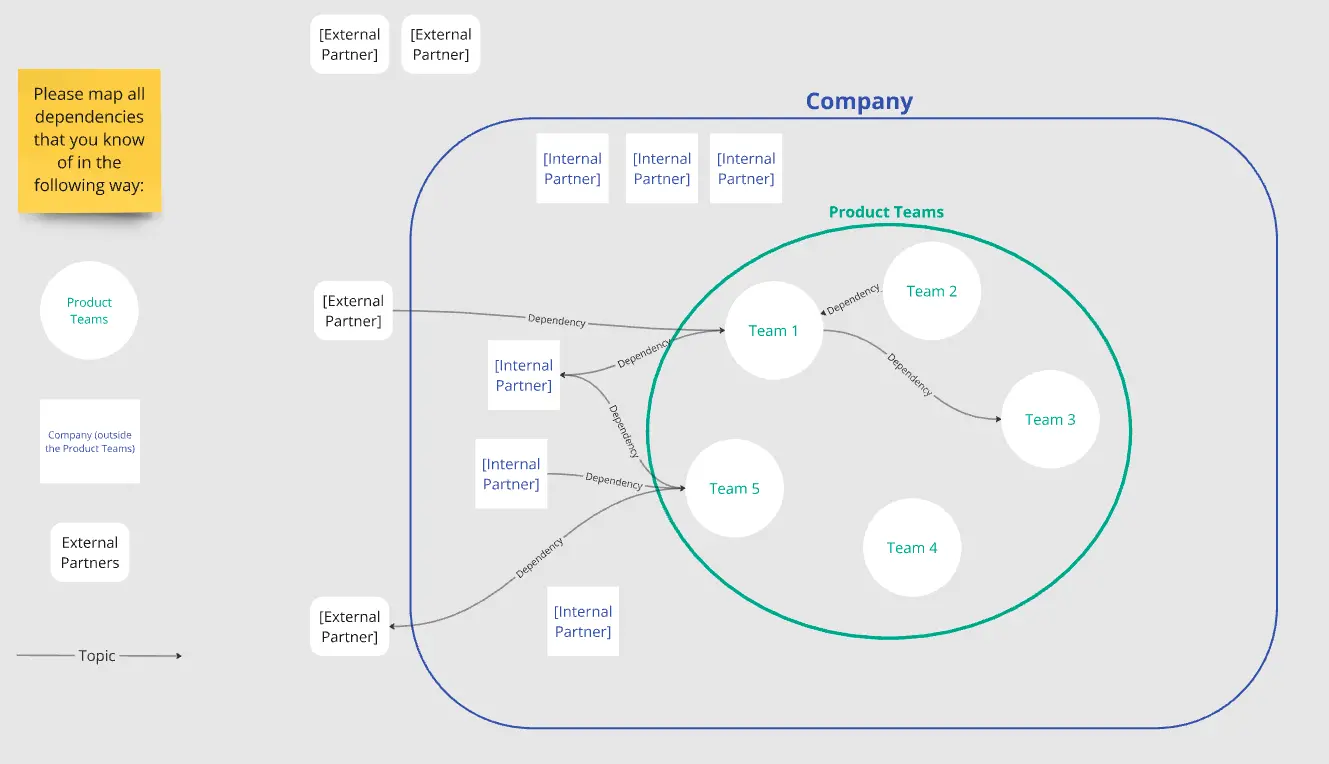
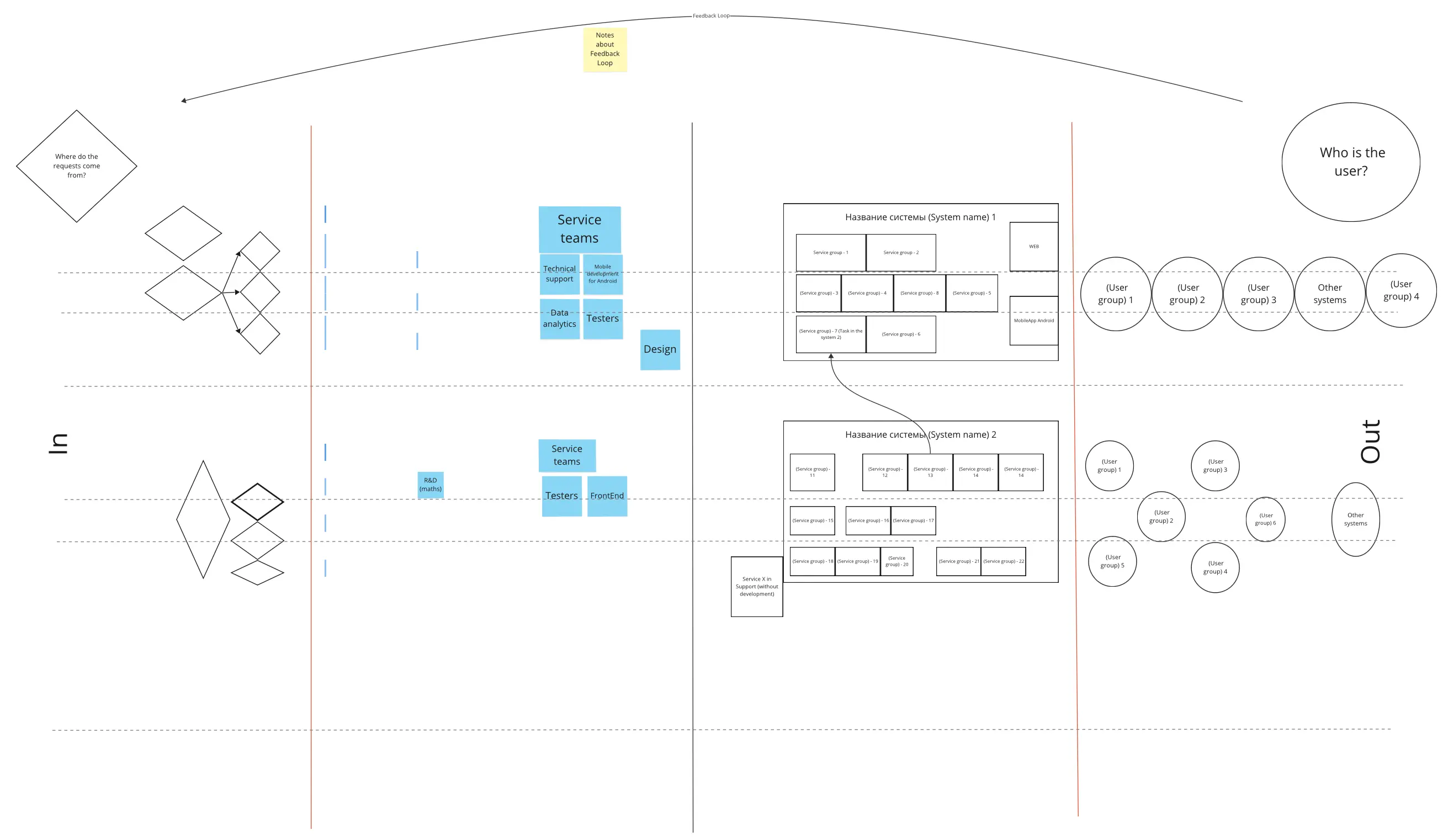
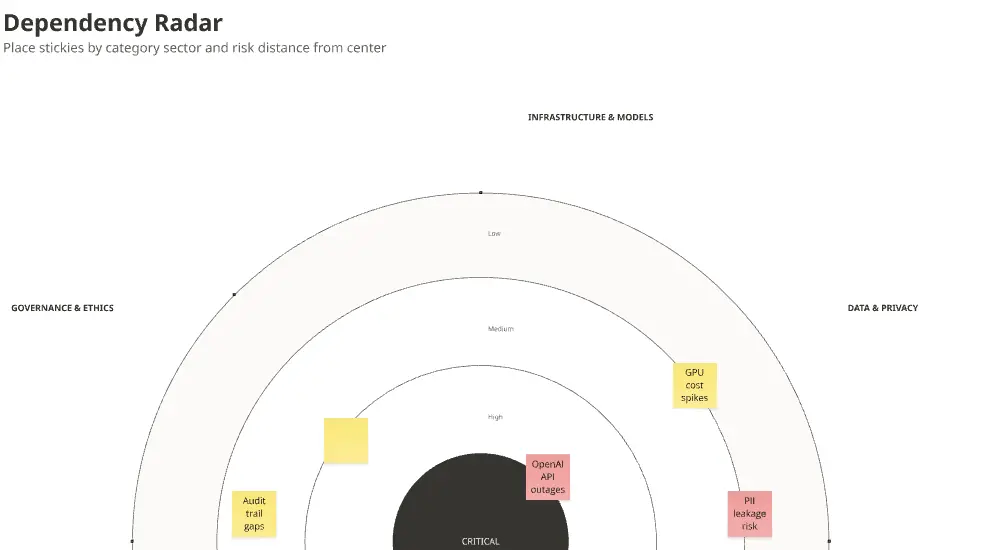
A dependency mapping template is a visual framework used to identify and manage the relationships between different work items. It answers the question: "What needs to happen before this can start?" By mapping these links—whether they are internal to a team or external to a vendor—project managers can identify the "Critical Path" and prevent a single delay from cascading into a total project failure.
The "Flow" Audit: 3 Ways to Prevent Bottlenecks
A dependency map is a living diagnostic tool. Before finalizing your board on Miro or Jira, apply these three expert "health checks":
1. The "Hidden Link" Audit
The Audit: Is your map only showing "Technical" dependencies (e.g., API must be ready)? The Fix: Audit for Operational Dependencies. A professional template includes:
Legal/Compliance: Did we get the privacy sign-off?
Design/Creative: Are the assets approved?
Third-Party: Is the vendor’s lead time accounted for? If you only map code, you’ll be blindsided by "Bureaucratic Blockers."
2. The "Lead Time" Verification
The Audit: Are you assuming every dependency will be resolved "just in time"? The Fix: Audit for Buffer Realism. Use your template to mark the "Last Responsible Moment" to make a decision. If a task depends on an external team, add a 20% "Buffer Zone" to your timeline. A dependency map without time-buffers is just a wish list.
3. The "Ownership" Test
The Audit: Do you have "Arrows" on your map that don't point to a specific person? The Fix: Audit for Accountability. Every dependency in your template must have a Sender (who provides the output) and a Receiver (who needs the input). Use a "Handshake" ritual: the receiver must agree that the output format and delivery date are acceptable before the link is finalized.
Strategic Frameworks: Which Dependency Map Do You Need?
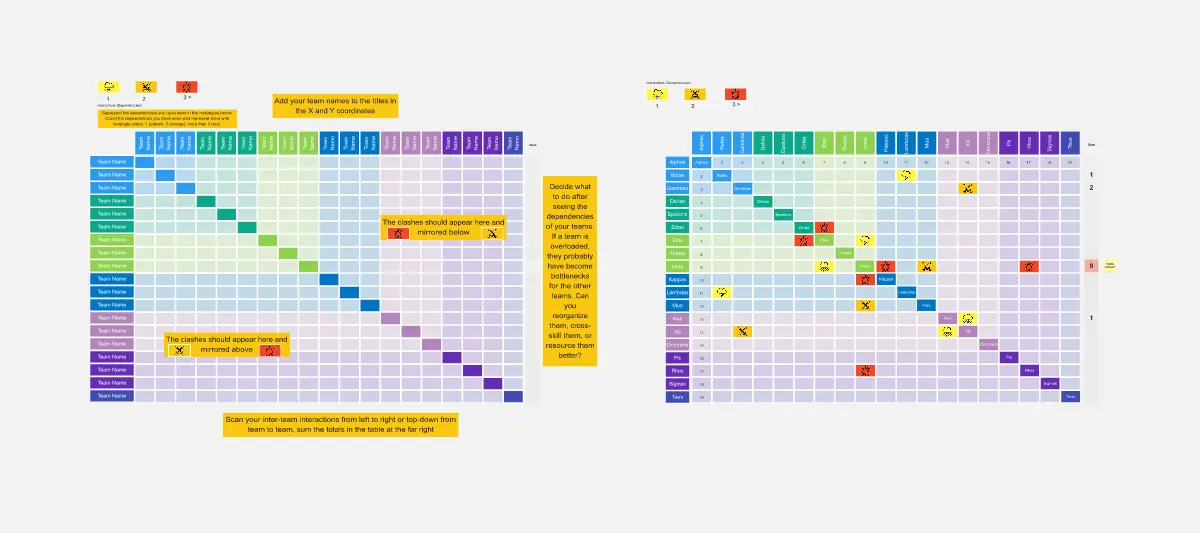
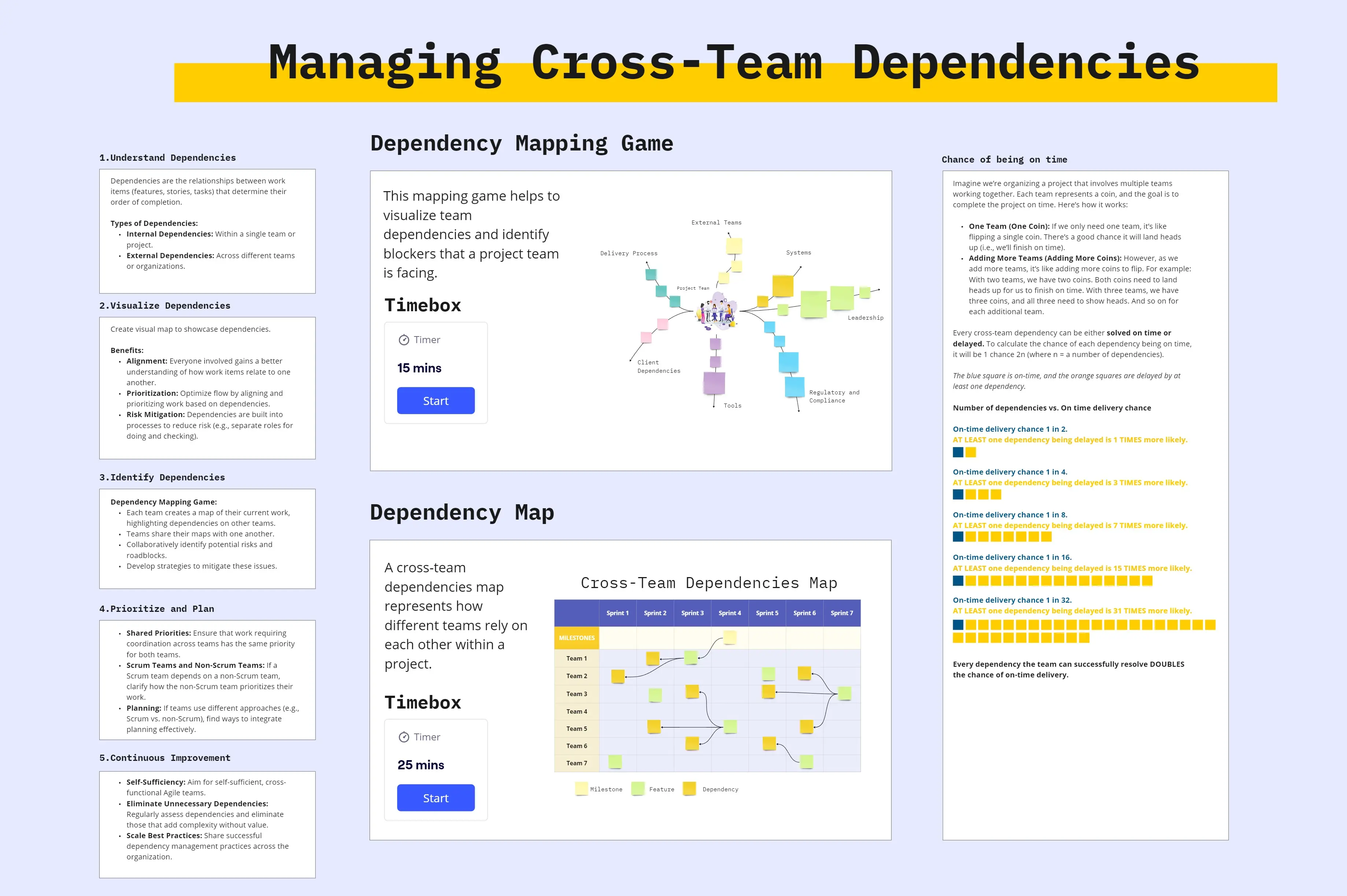
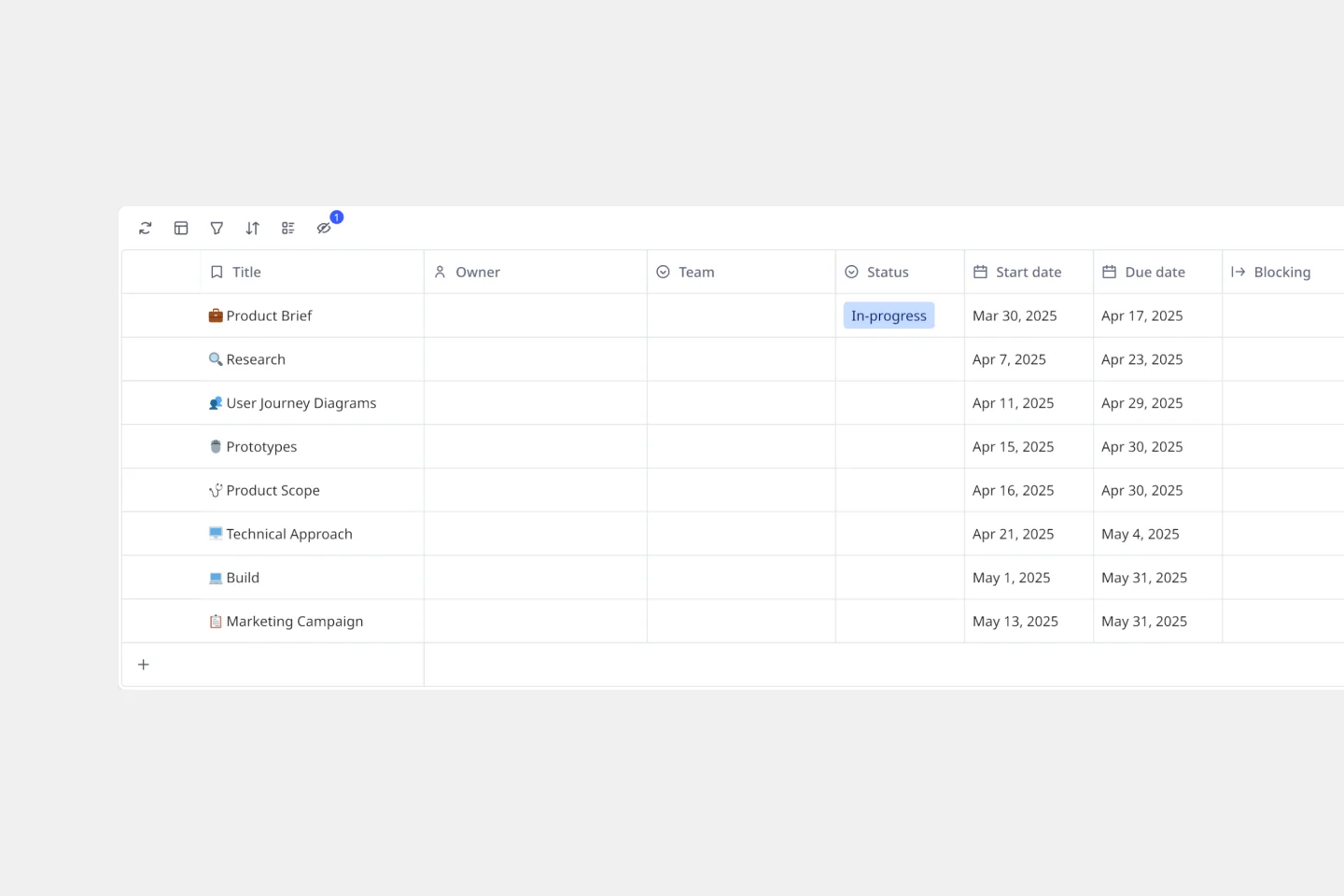
Select the framework that matches your project’s scale:
Key Components of a Dependency Mapping Template
A high-performance Dependency Board requires these five core elements:
The Swimlanes: Rows representing different teams, departments, or external vendors.
The Connectors (The Strings): Visual lines color-coded by Risk Level (e.g., Red = Critical, Yellow = At Risk).
The Milestone Markers: Fixed dates (like a Trade Show or Board Meeting) that cannot move.
The "Blocker" Log: A dedicated space for dependencies that are currently stalled and need leadership intervention.
The Impact Analysis: A section to calculate how many days the "End Date" moves if a specific dependency is delayed.
Common Pitfalls in Dependency Management