About the Prioritization Templates Collection
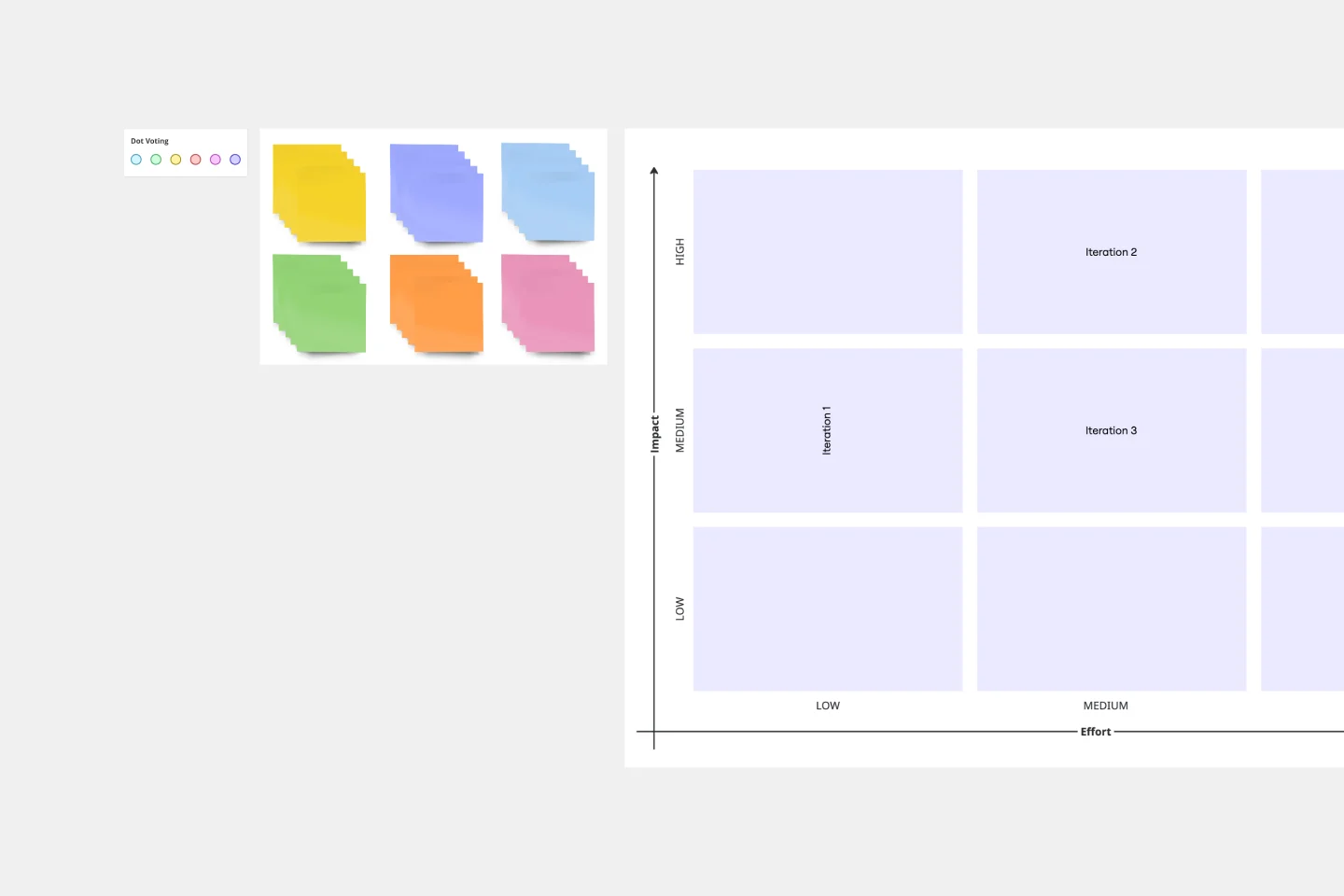
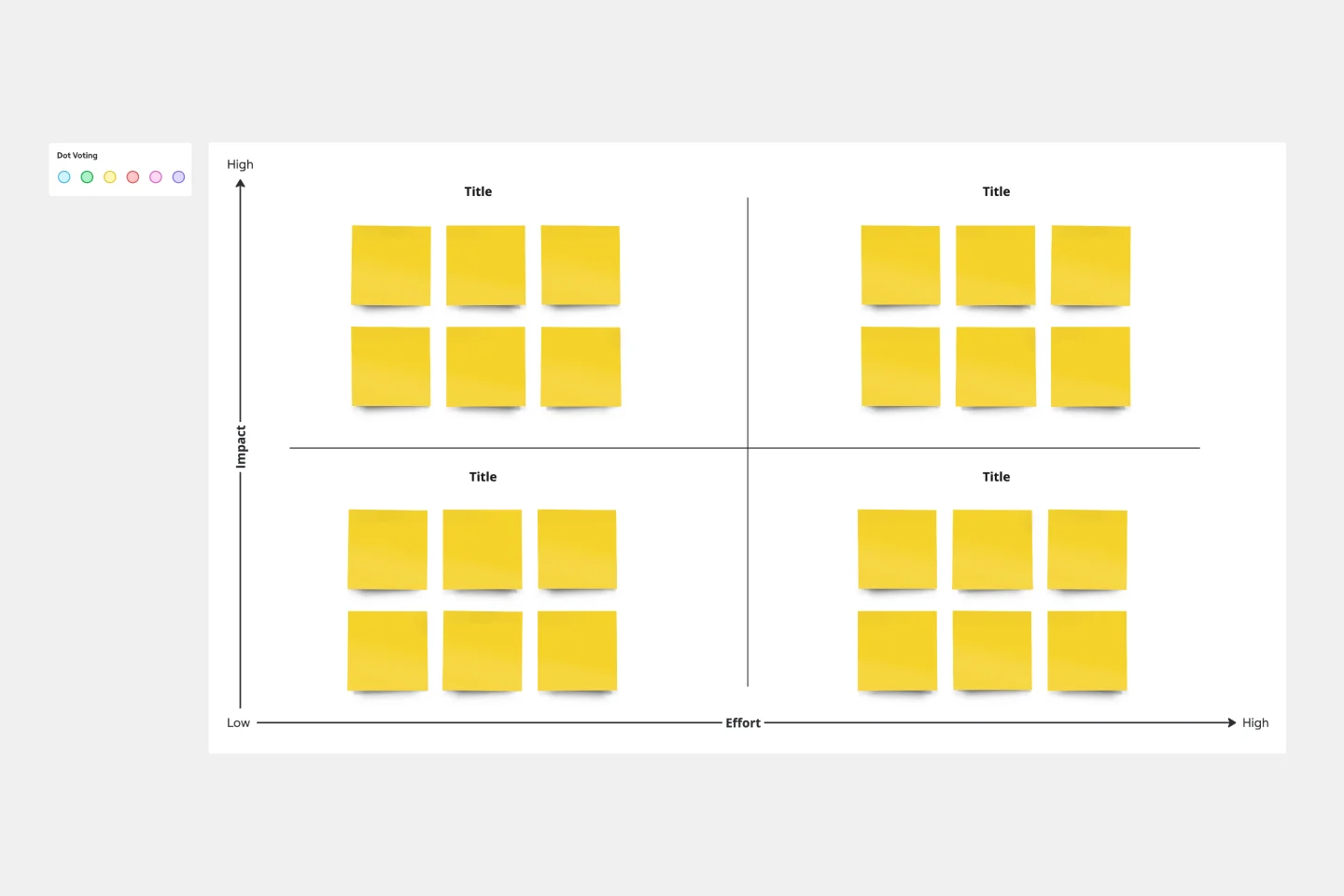
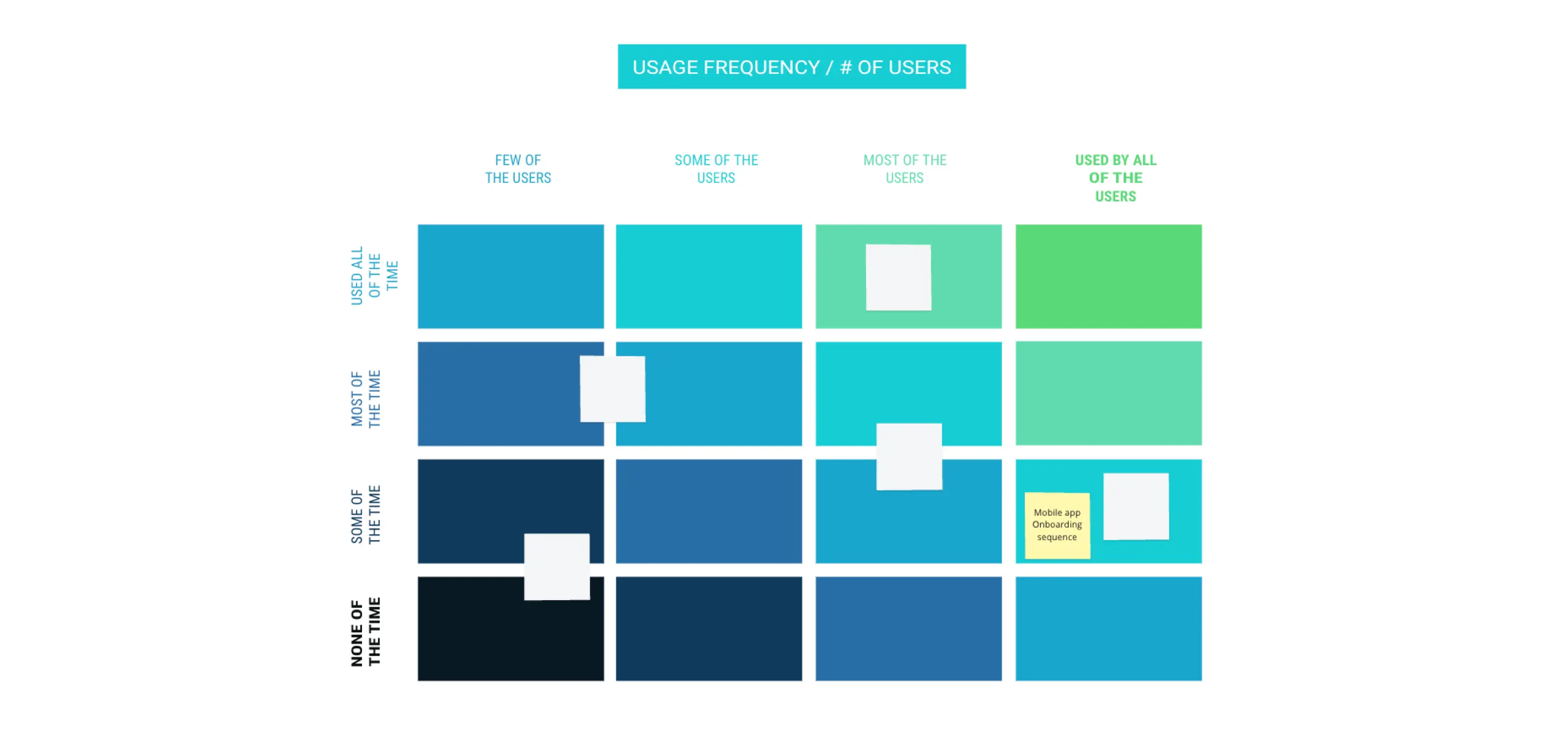
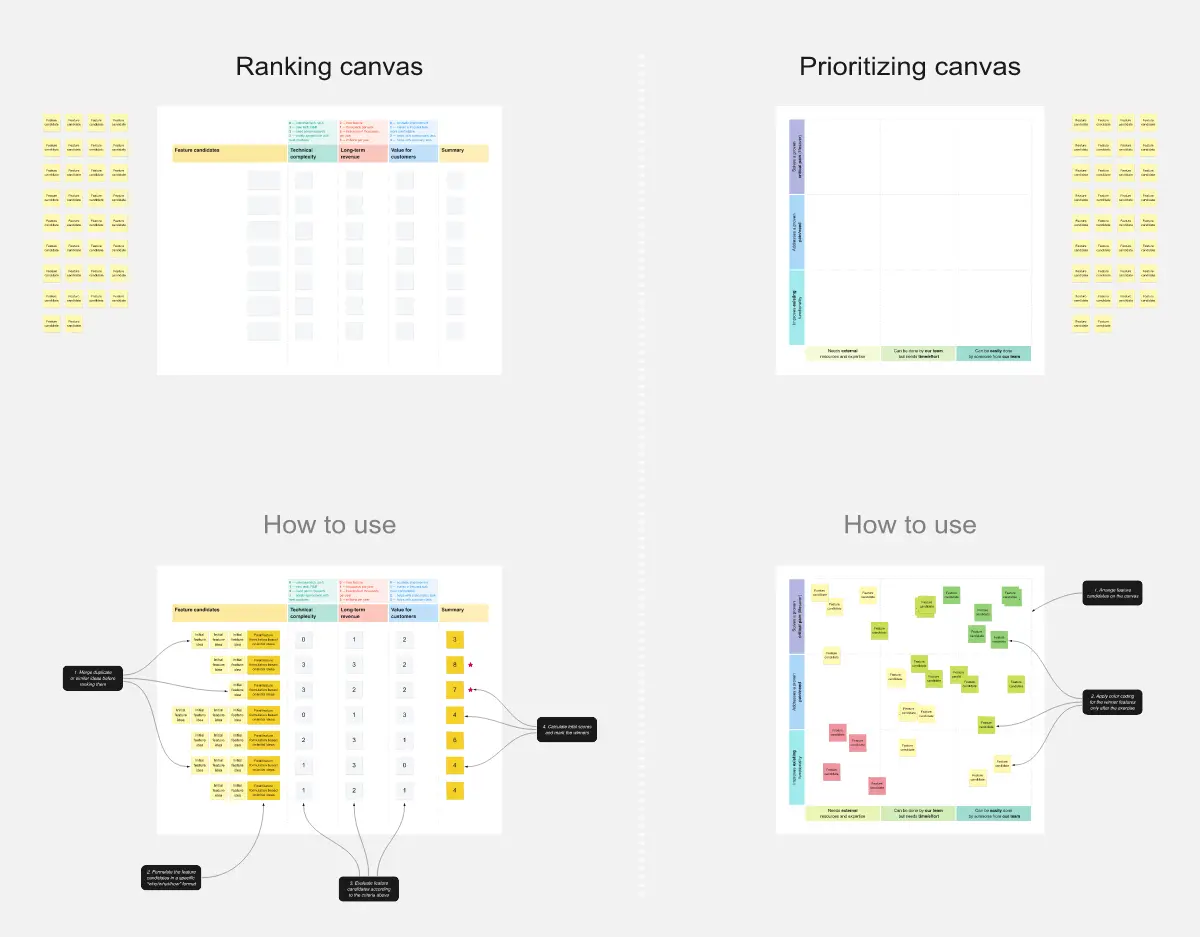
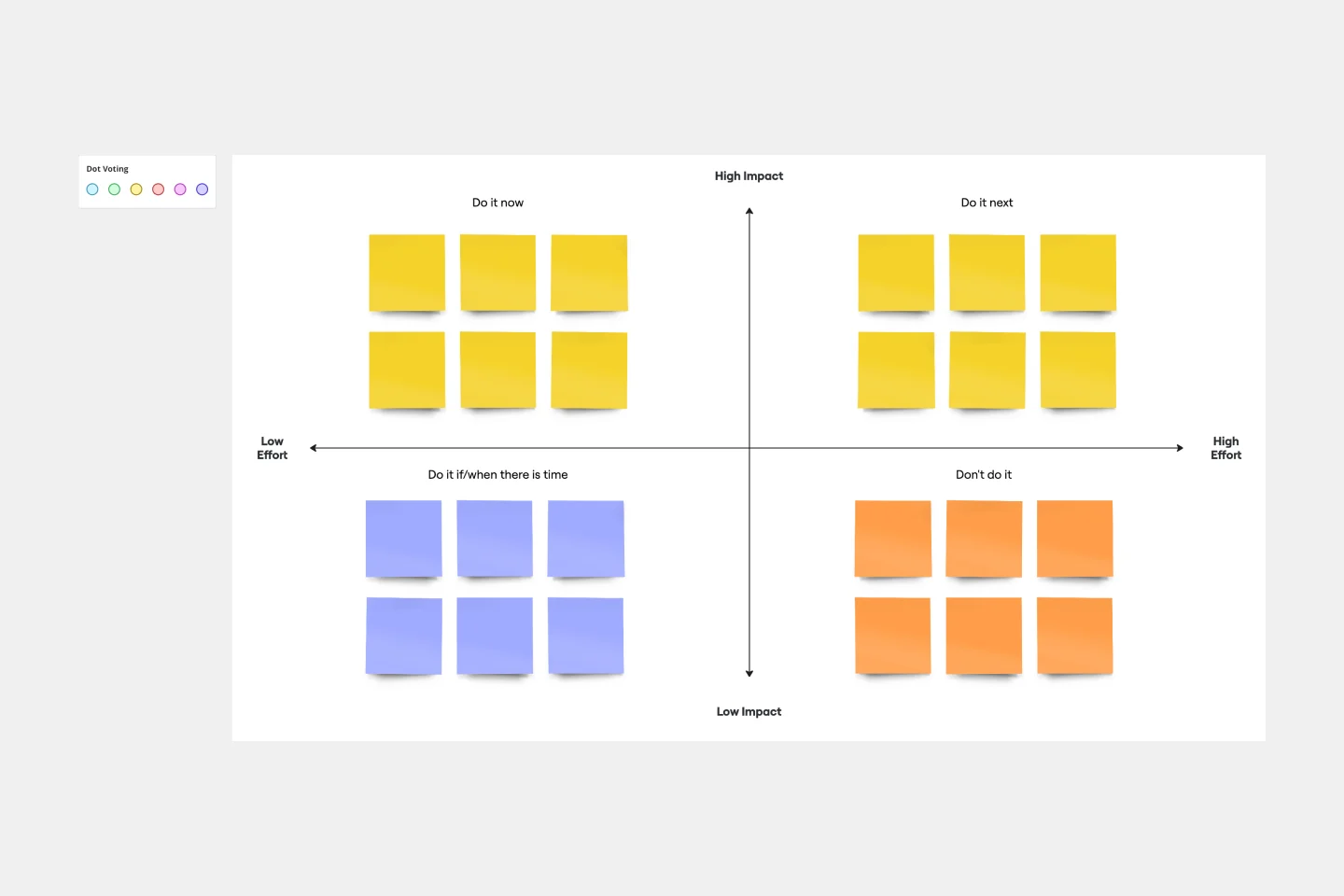
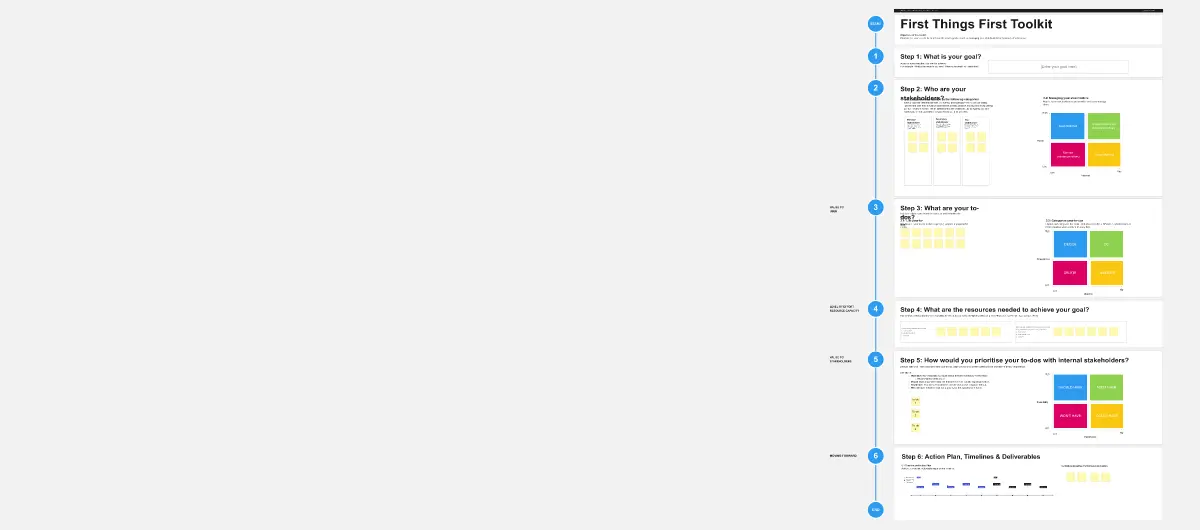
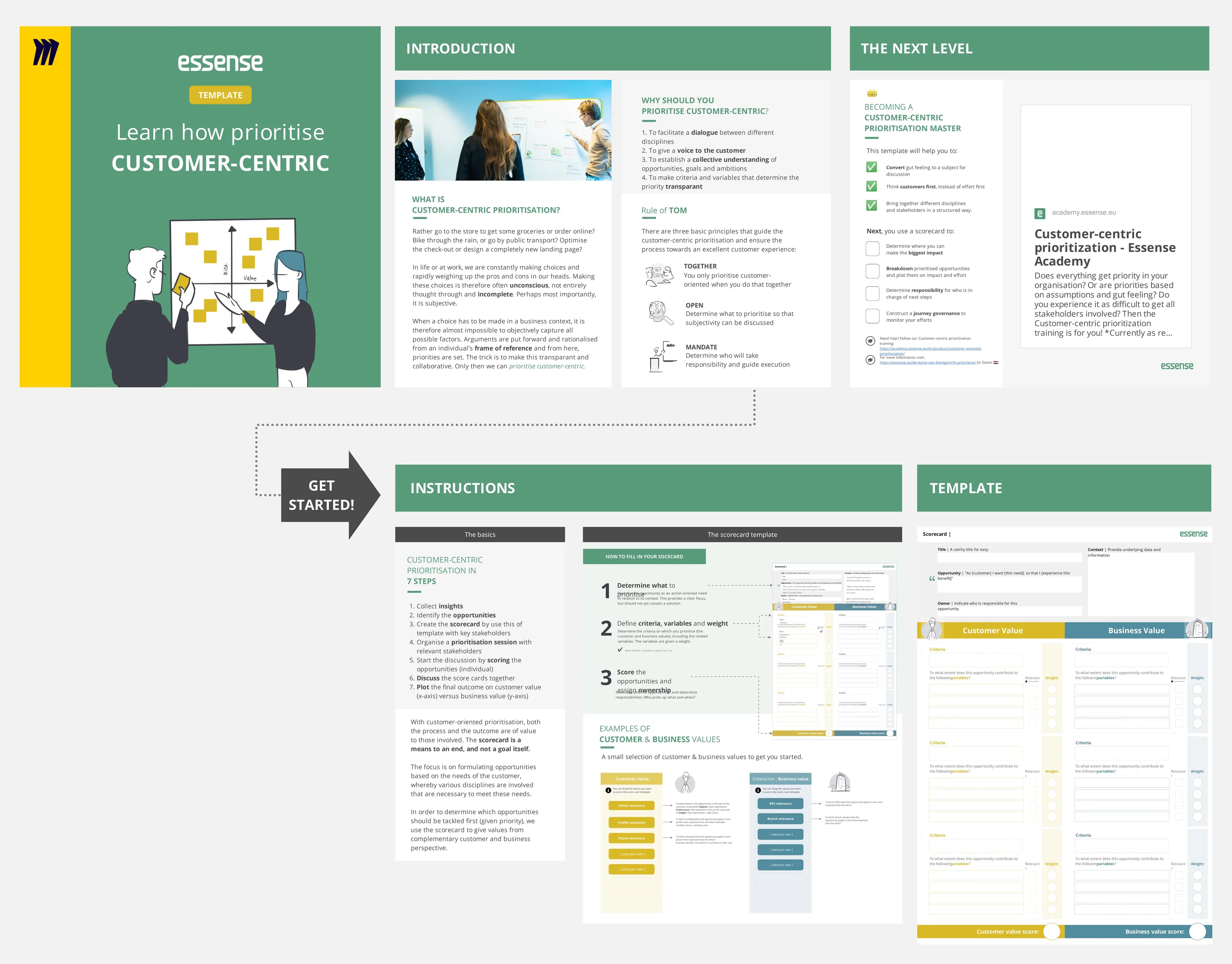
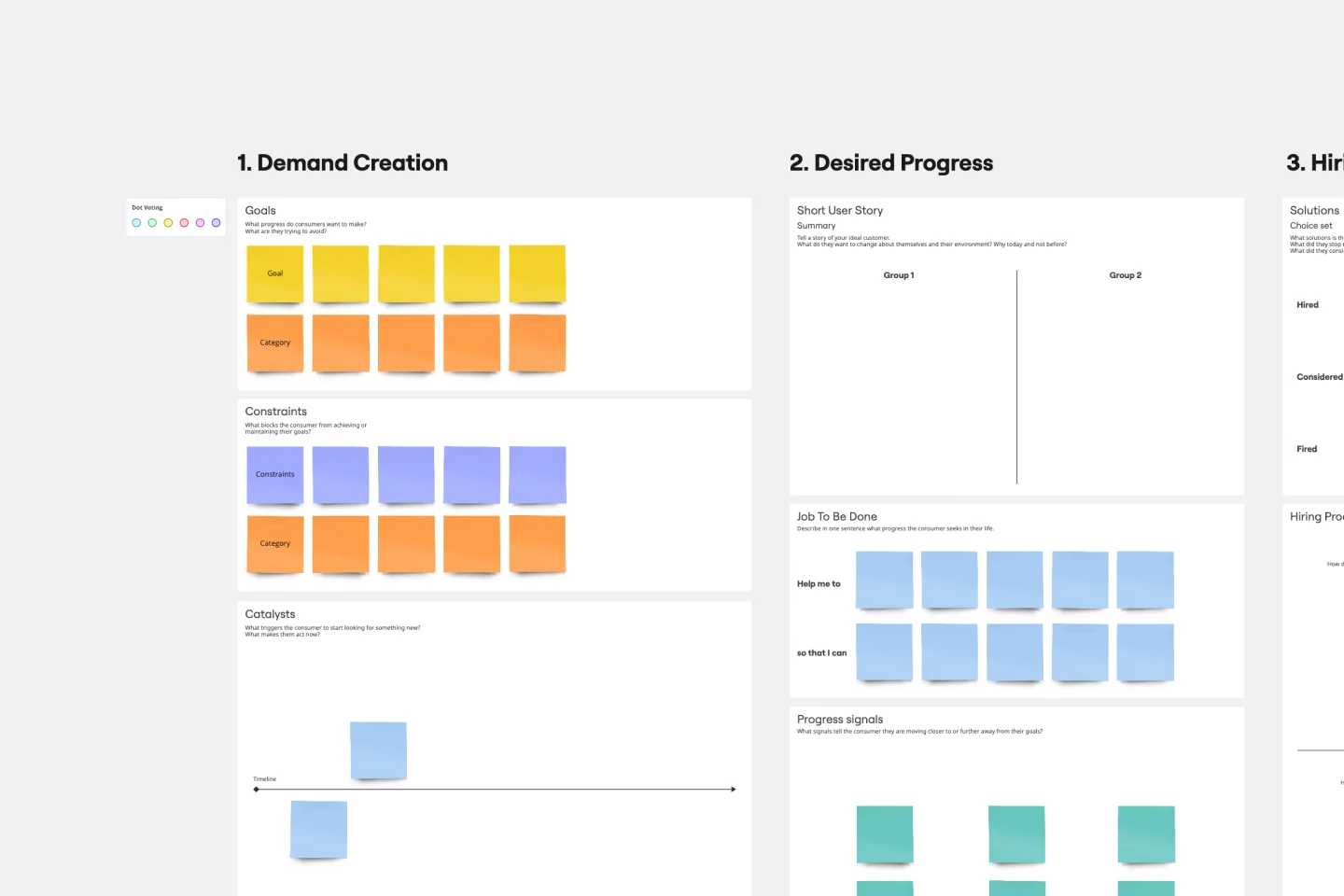
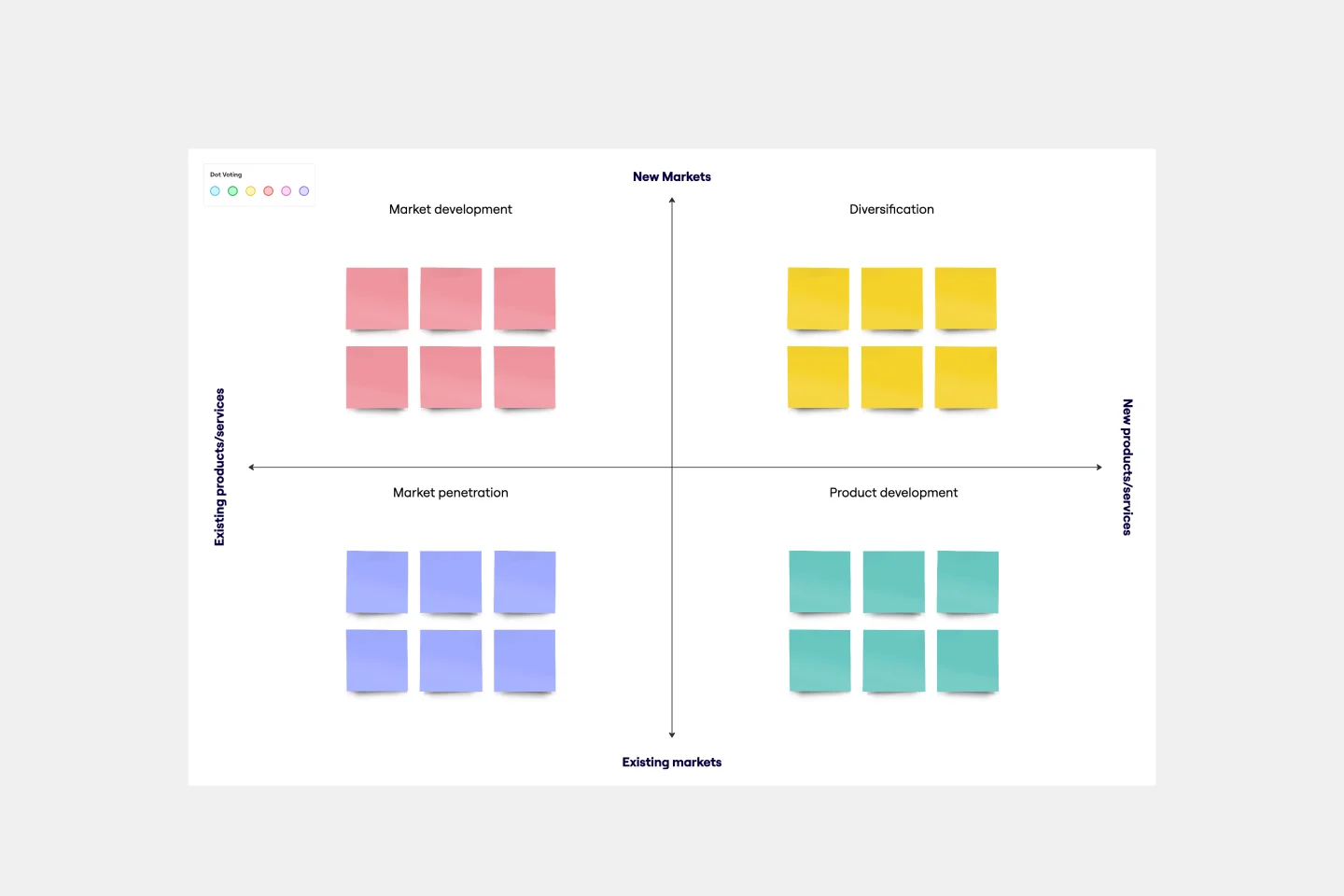
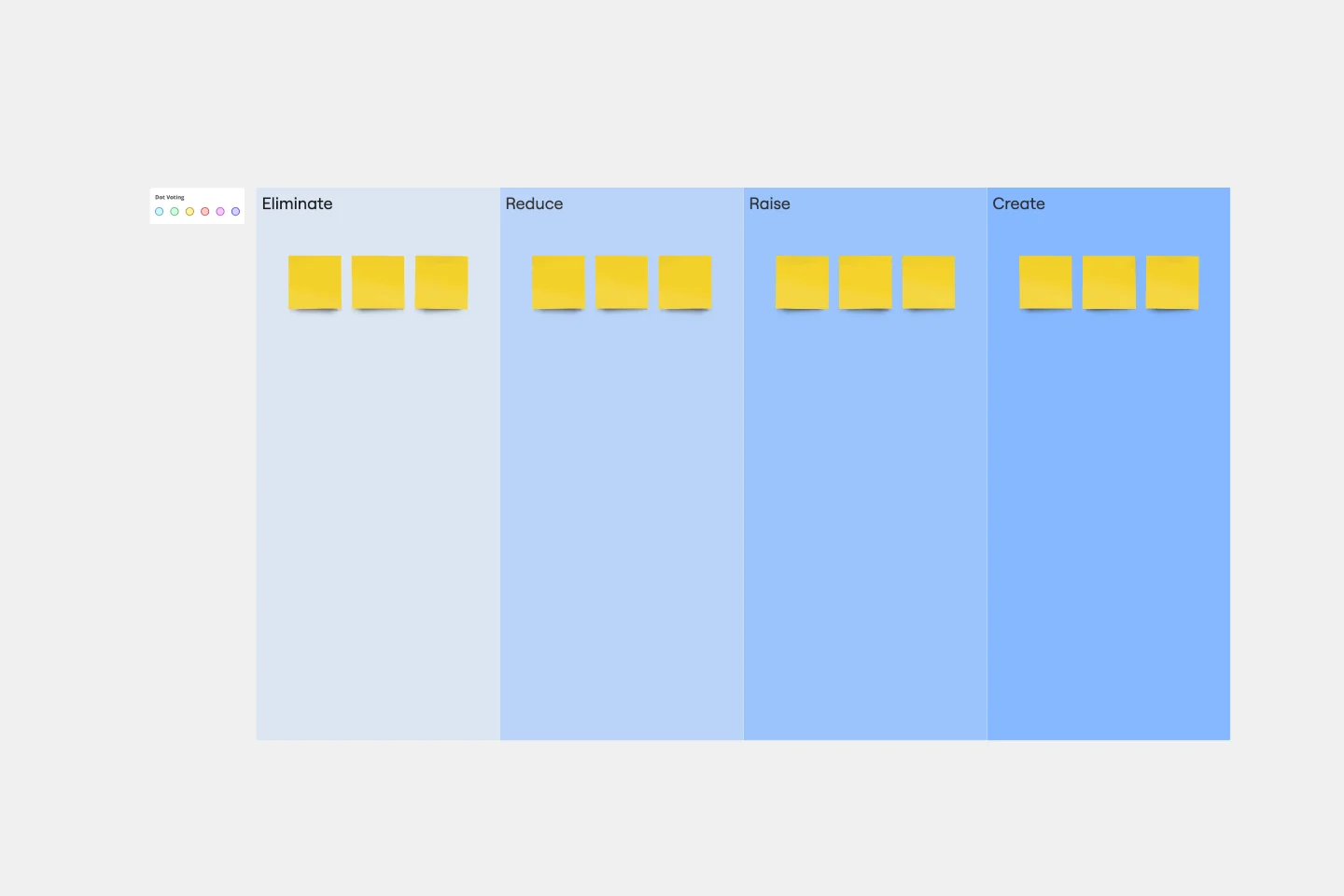
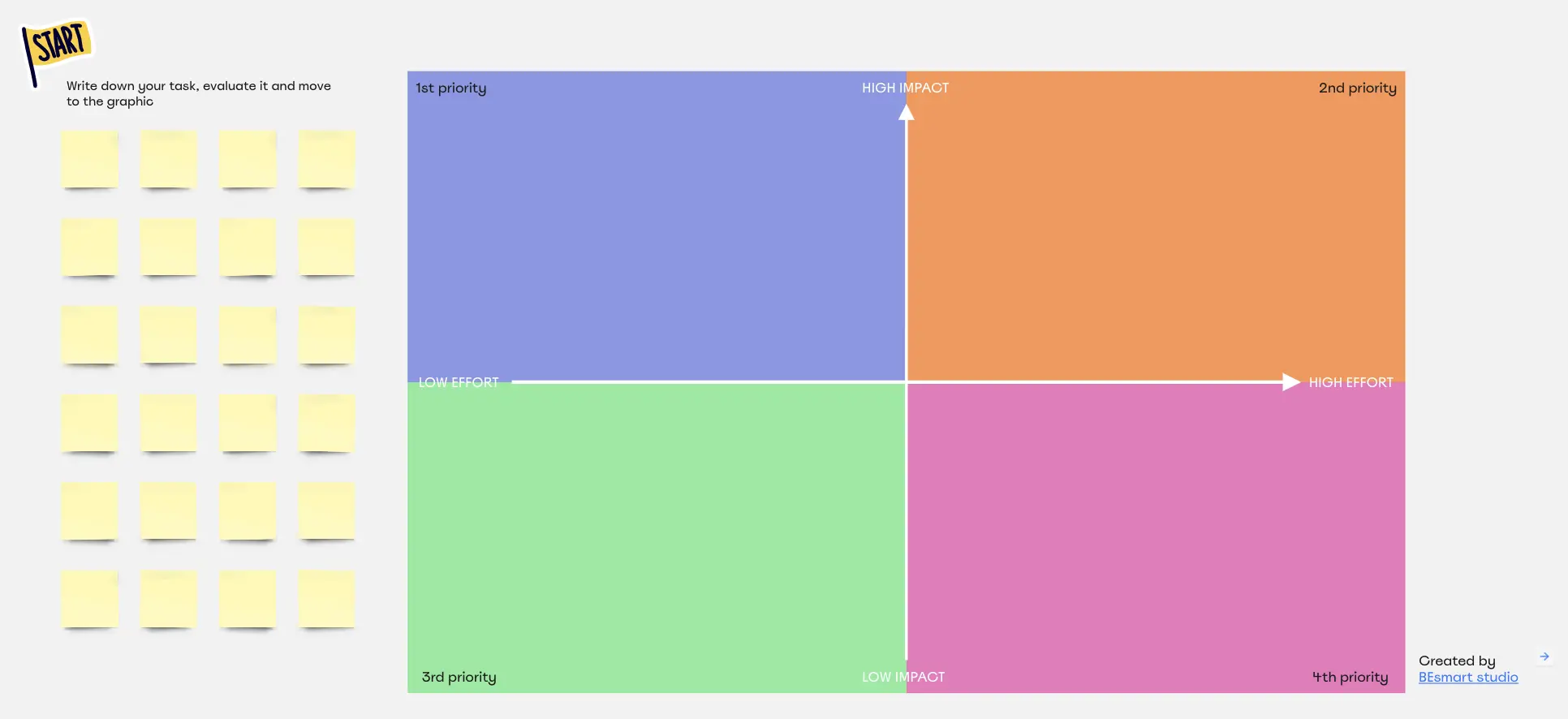
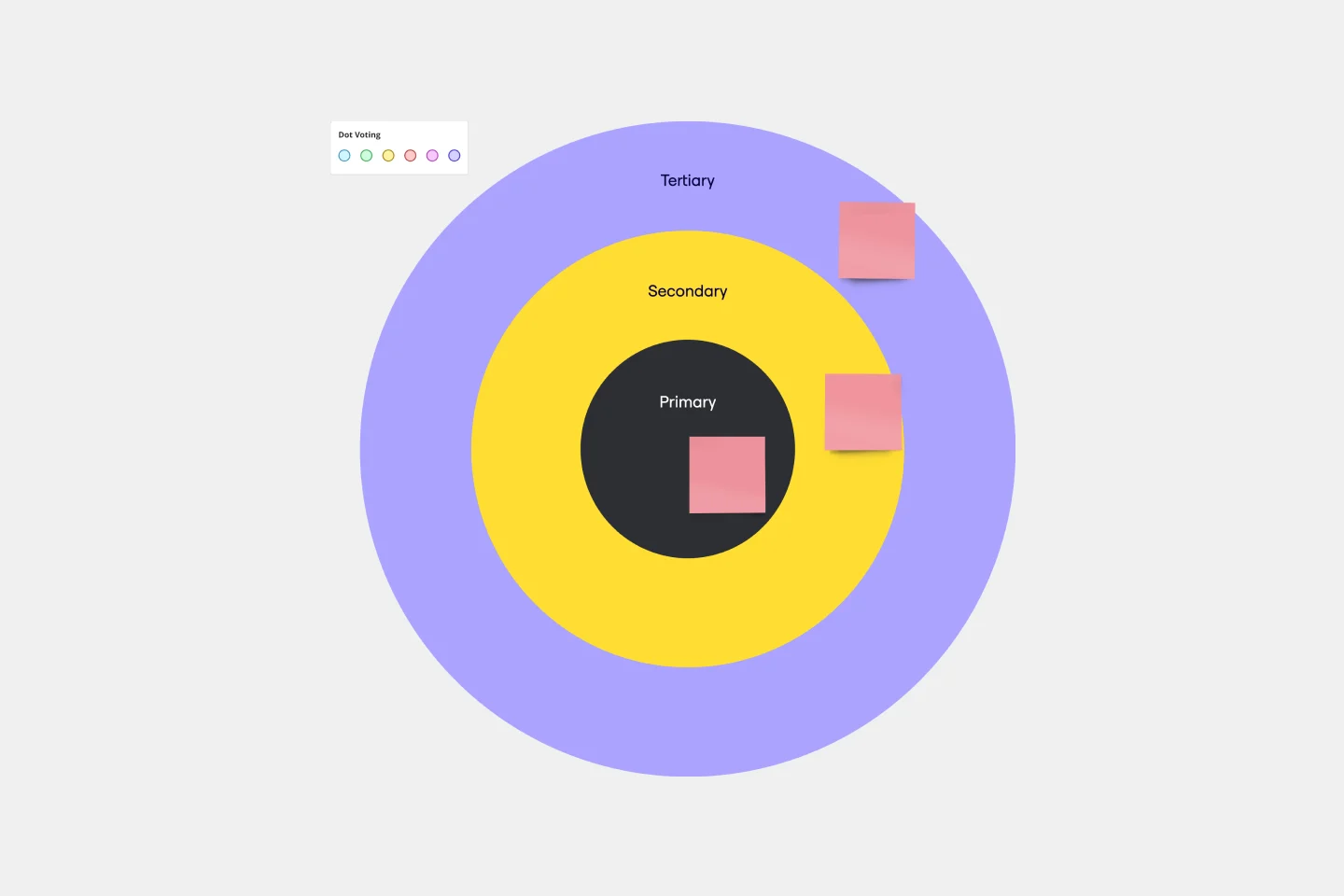
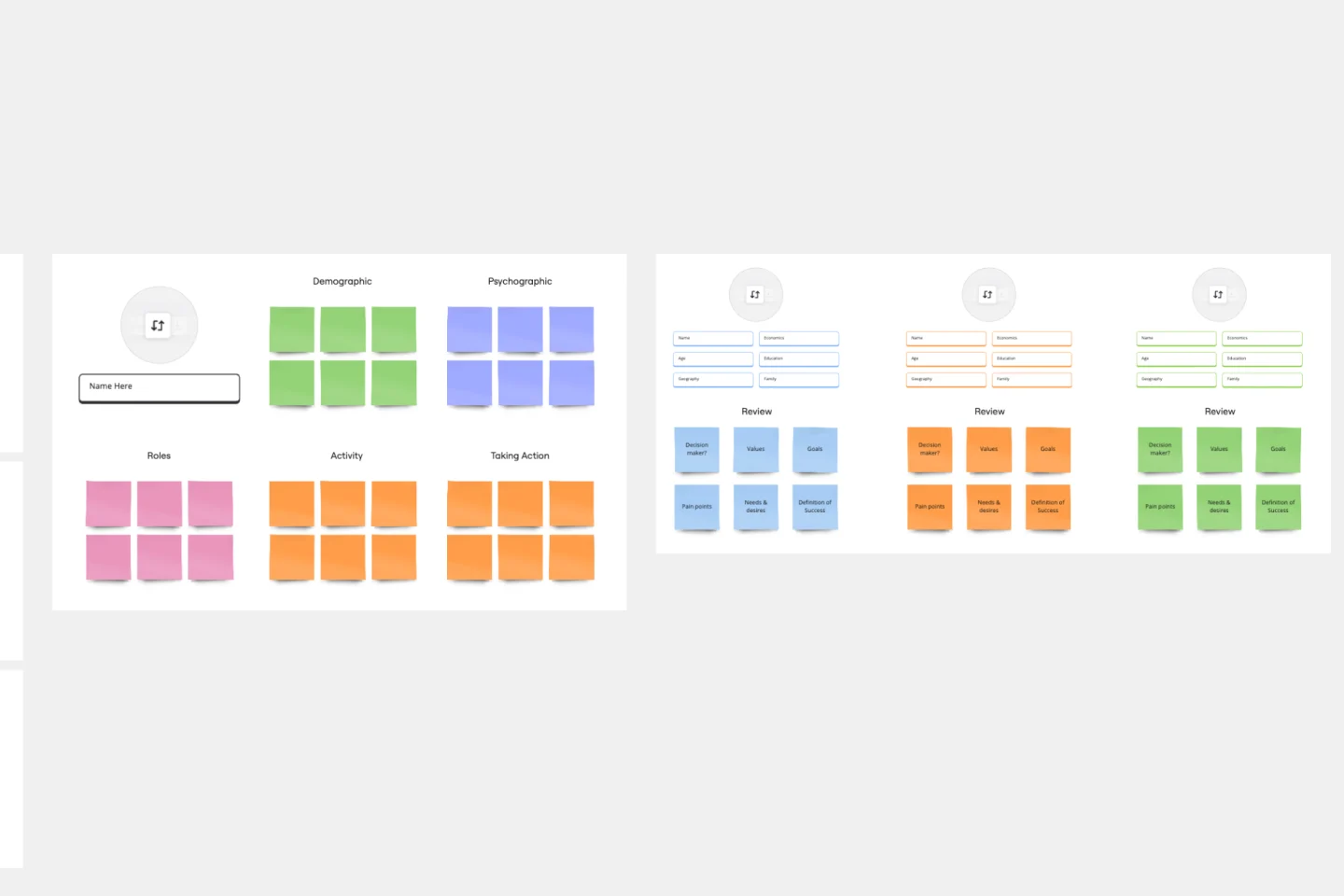
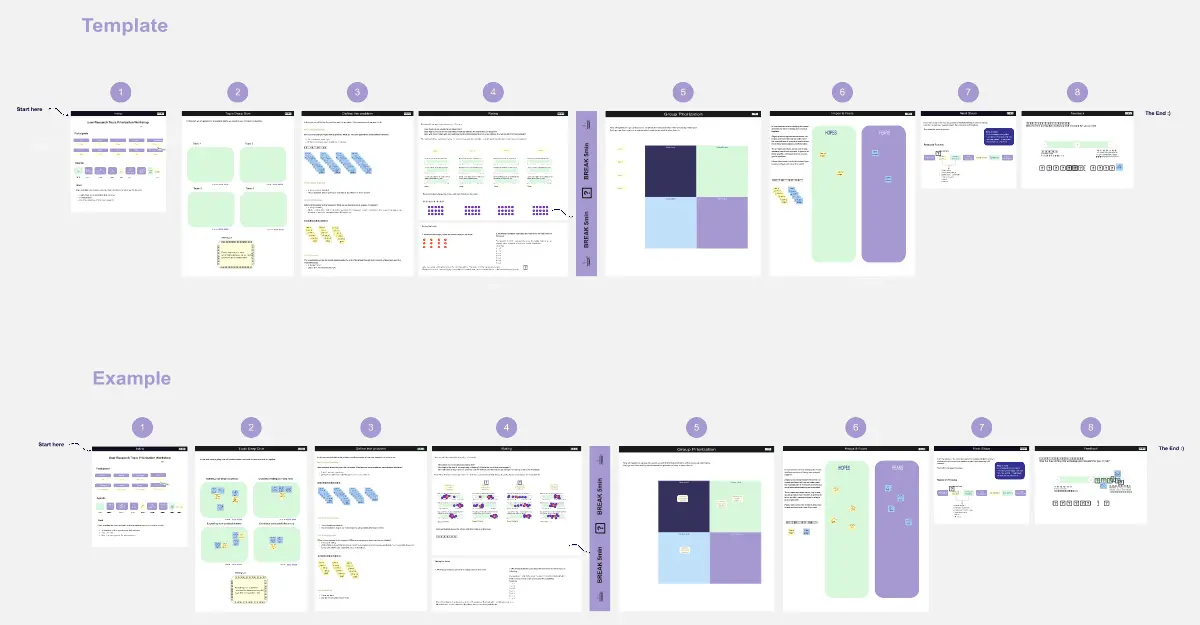
In project management, making informed decisions about what tasks to tackle first can be a game-changer. Miro's prioritization templates collection is designed to help teams streamline their decision-making processes, ensuring that the most critical tasks are addressed promptly. This collection includes various prioritization frameworks, such as the prioritization matrix template and the project prioritization matrix template, which are essential tools for any team looking to optimize their workflow.
Key Components of a Prioritization Template
A professional prioritization template acts as a "Strategic Filter." Every high-performance Miro board should include these five elements:
The Scoring Key: A clear definition of what "1-10" means for Impact or Effort to ensure everyone is scoring the same way.
The "Evidence" Multiplier: A way to weight items higher if they are backed by hard data vs. gut feeling.
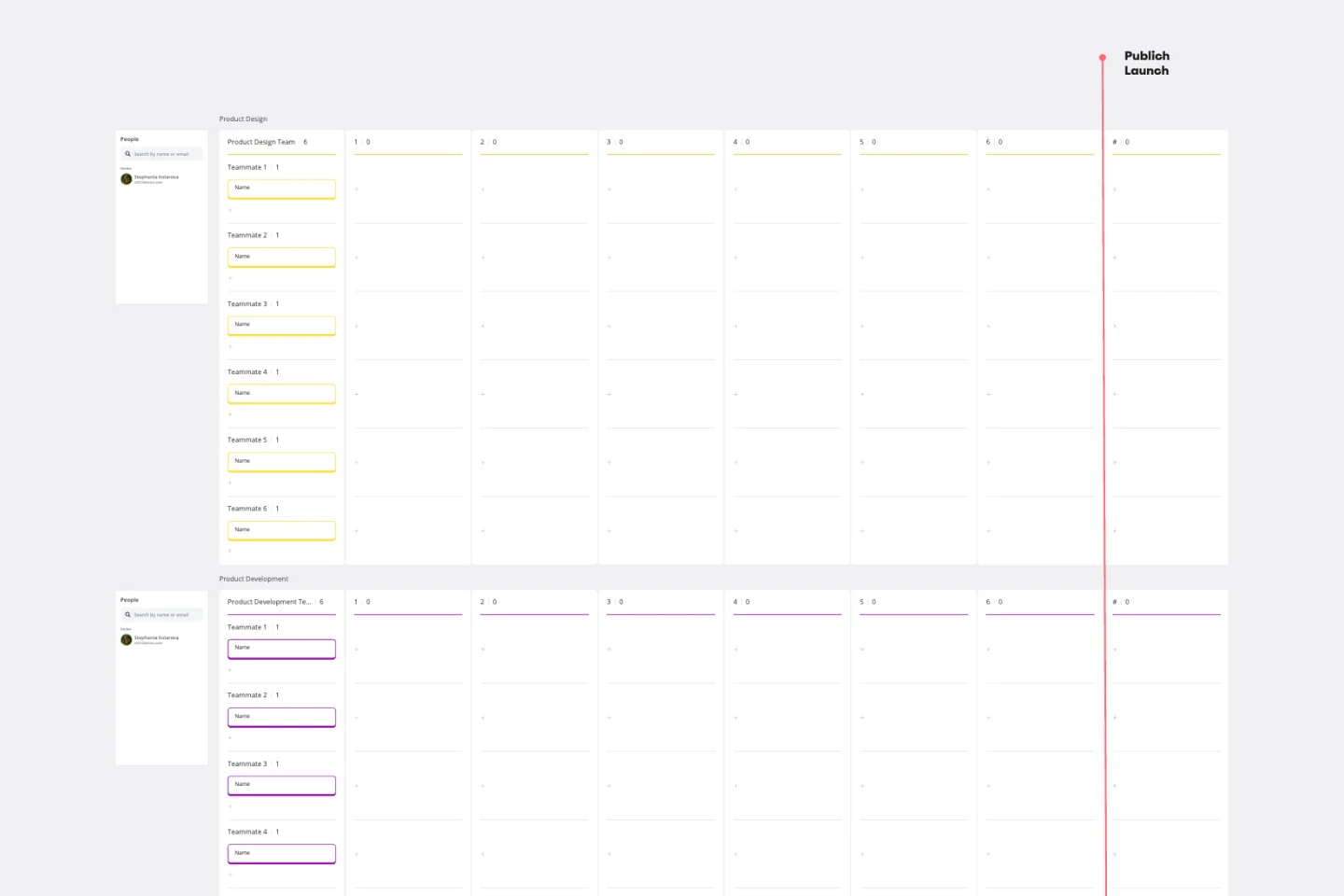
Resource Constraints: A visual marker (like a "Capacity Line") that shows where the team runs out of time or budget.
Strategic Pillars: A reference section showing the company's Top 3 Goals for the year to ensure alignment.
The "Waitlist/Icebox": A dedicated space for items that are valuable but "Not Now," preventing backlog bloat.
Which Prioritization Method Do You Need?
Select the Miro template that matches your team's specific "Decision Engine":
The RICE Method (Scoring-First):
Best For: Product Managers and Marketing teams.
The Goal: To calculate a score based on Reach, Impact, Confidence, and Effort.
Formula: Score = {Reach X Impact X Confidence} / {Effort}
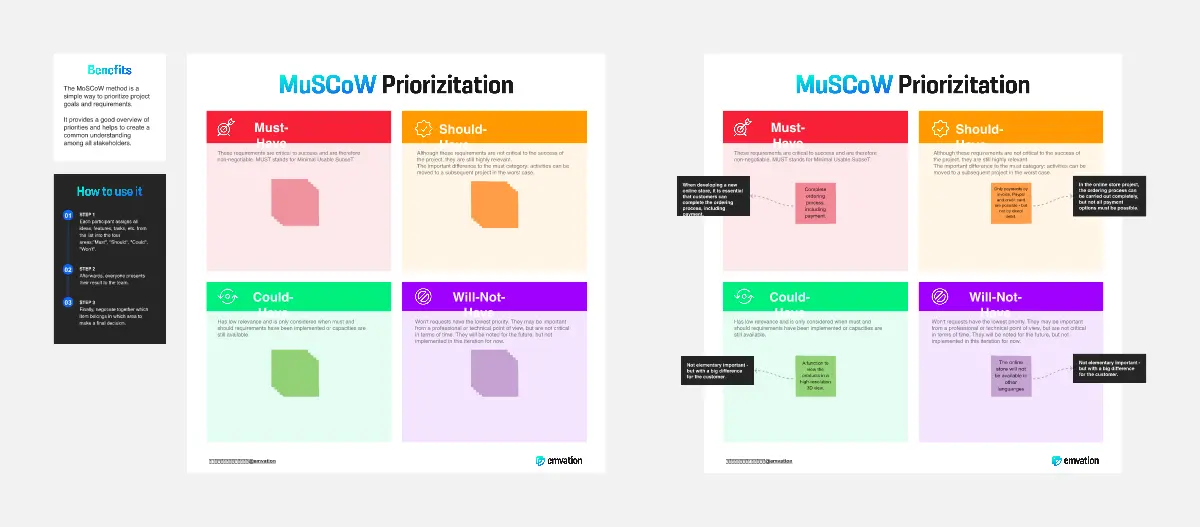
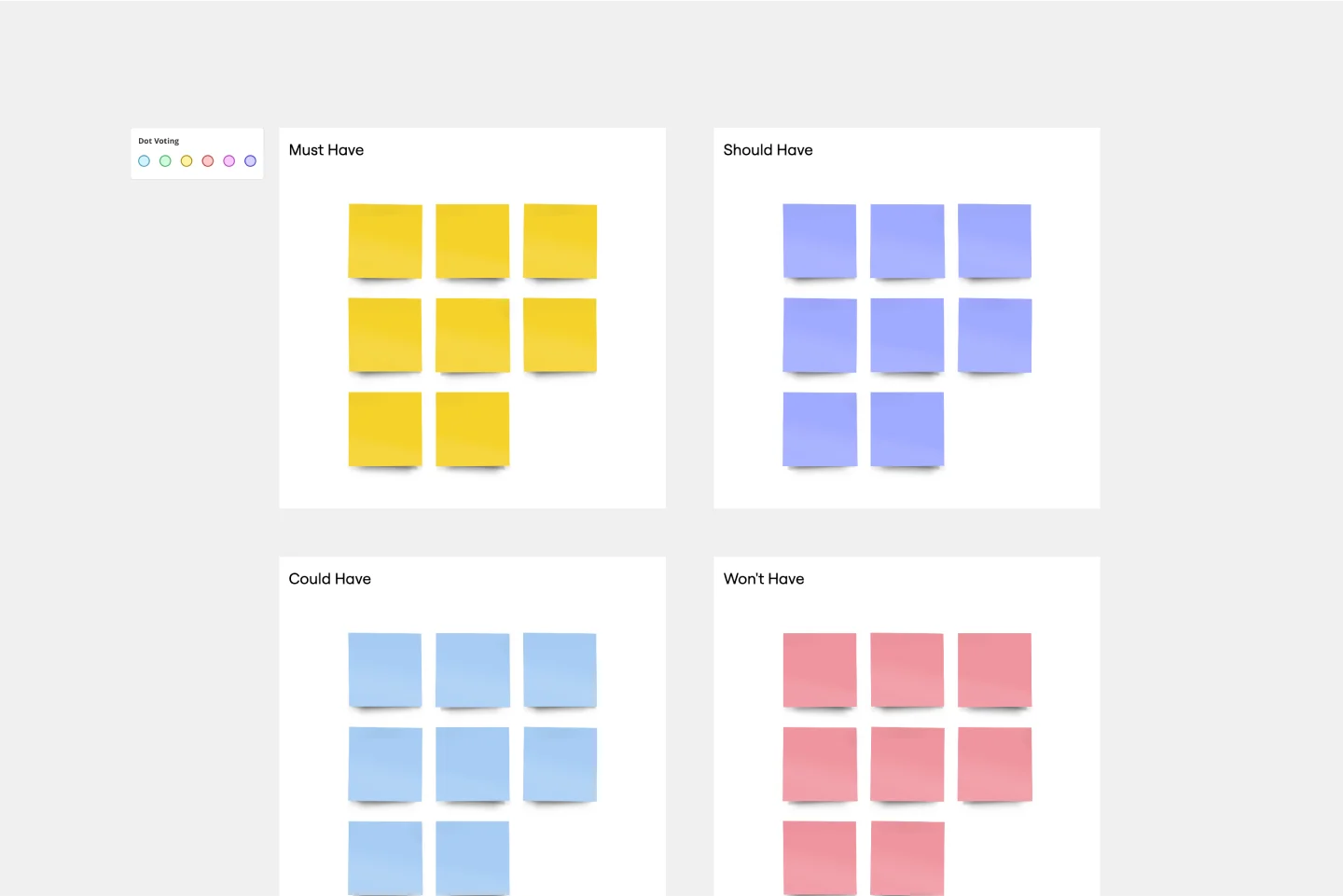
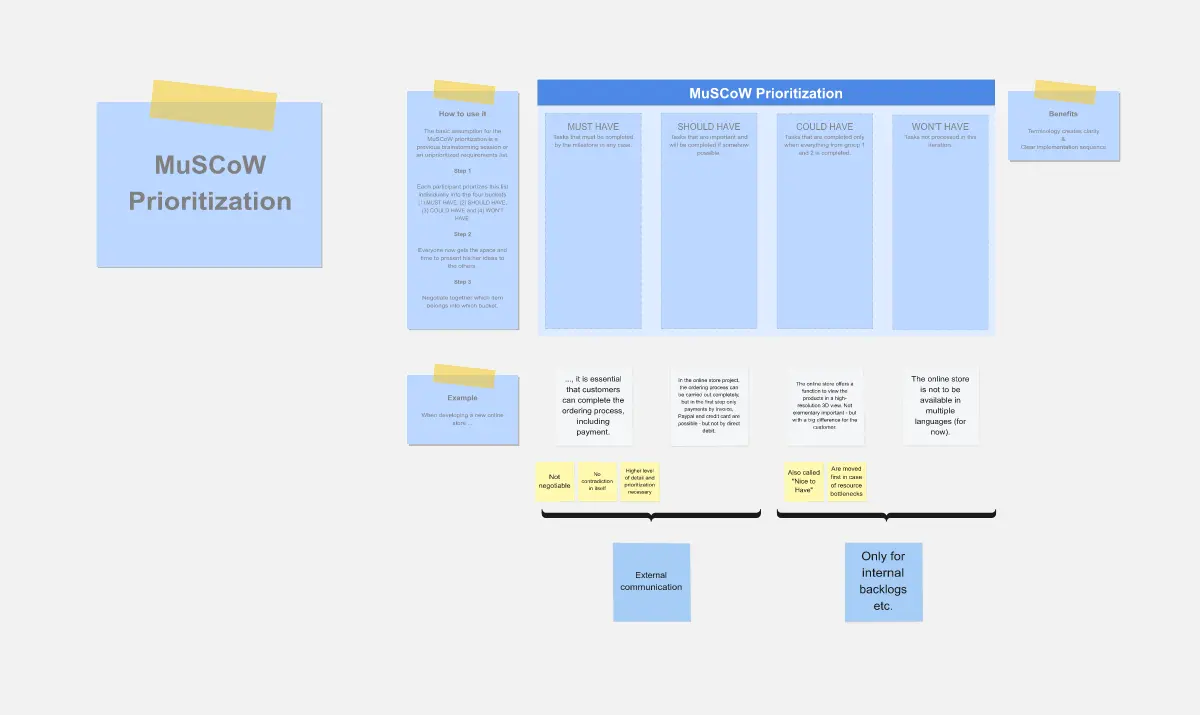
MoSCoW Method (Categorization-First):
Best For: Stakeholder management and MVP scoping.
The Goal: To bucket items into Must have, Should have, Could have, and Won't have.
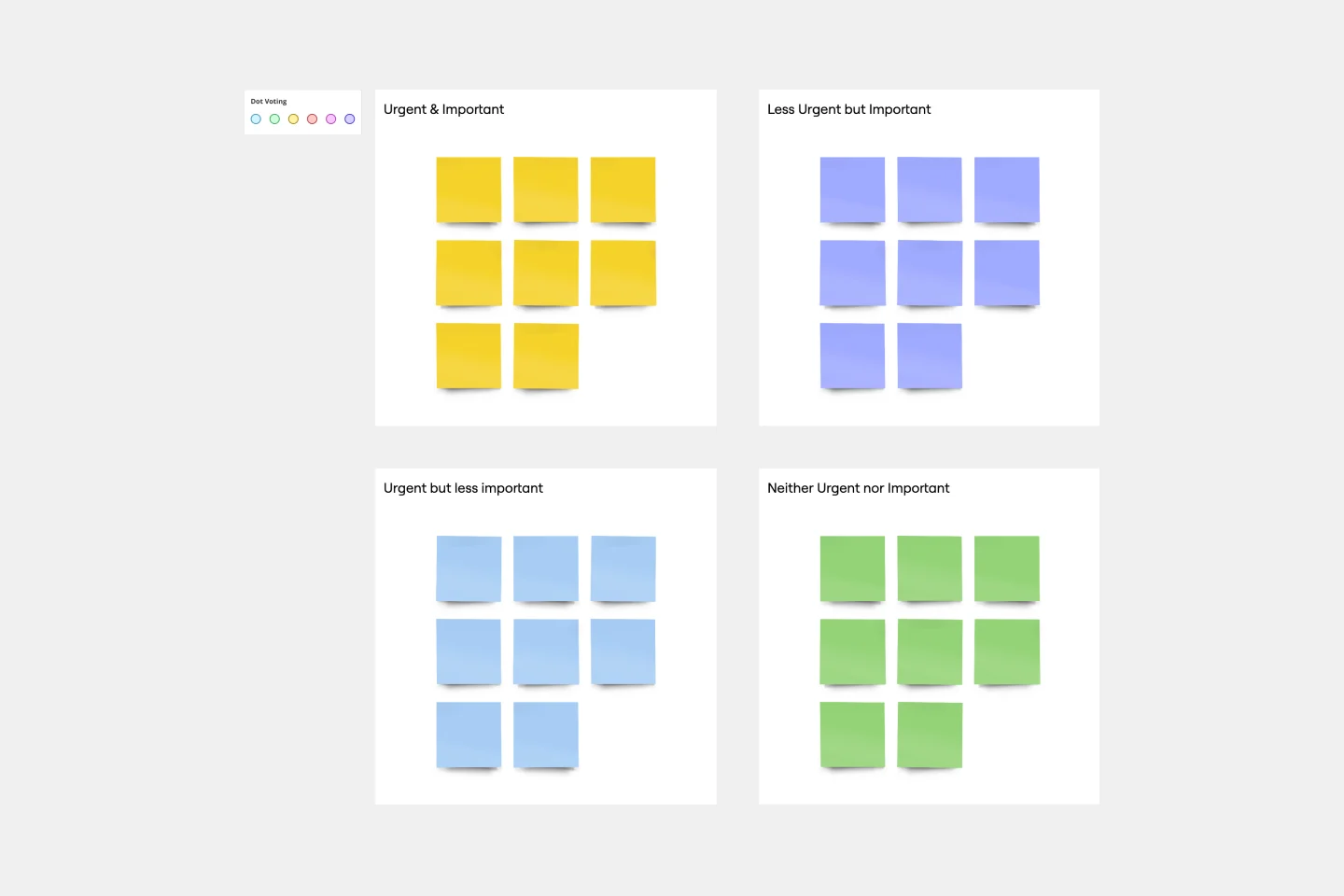
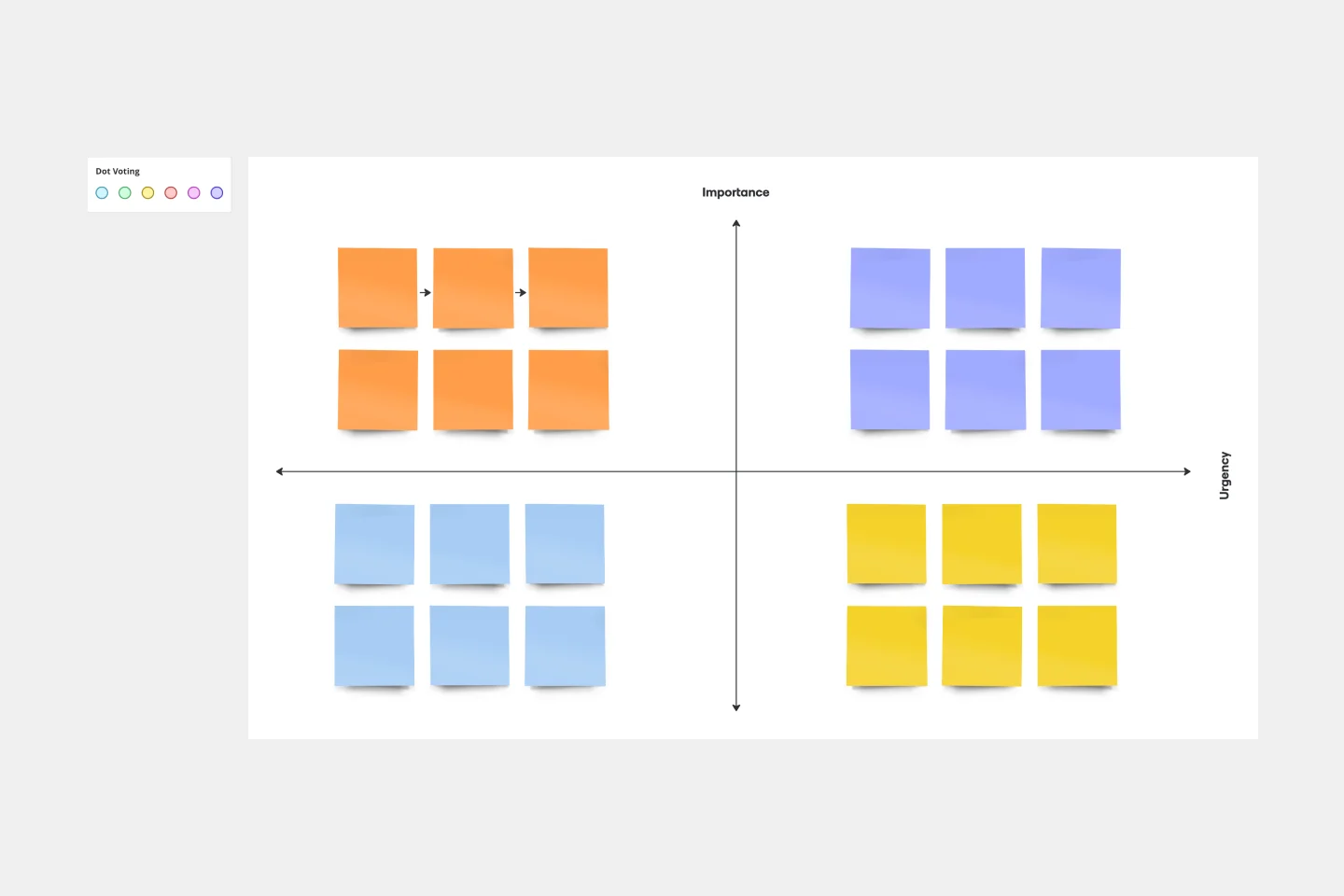
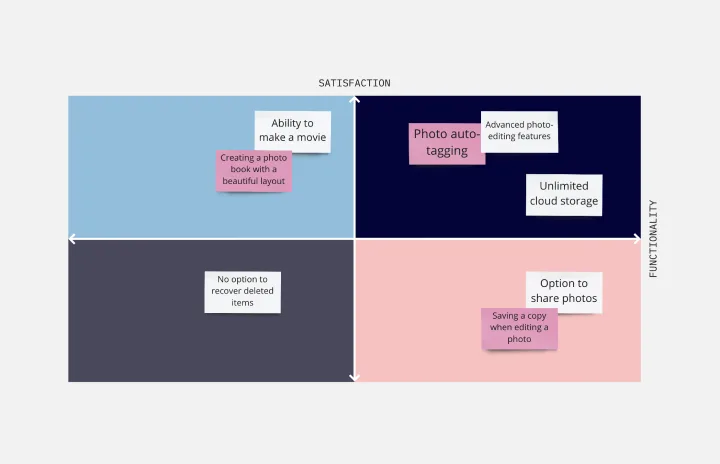
Eisenhower Matrix (Urgency-First):
Best For: Individual productivity and daily task management.
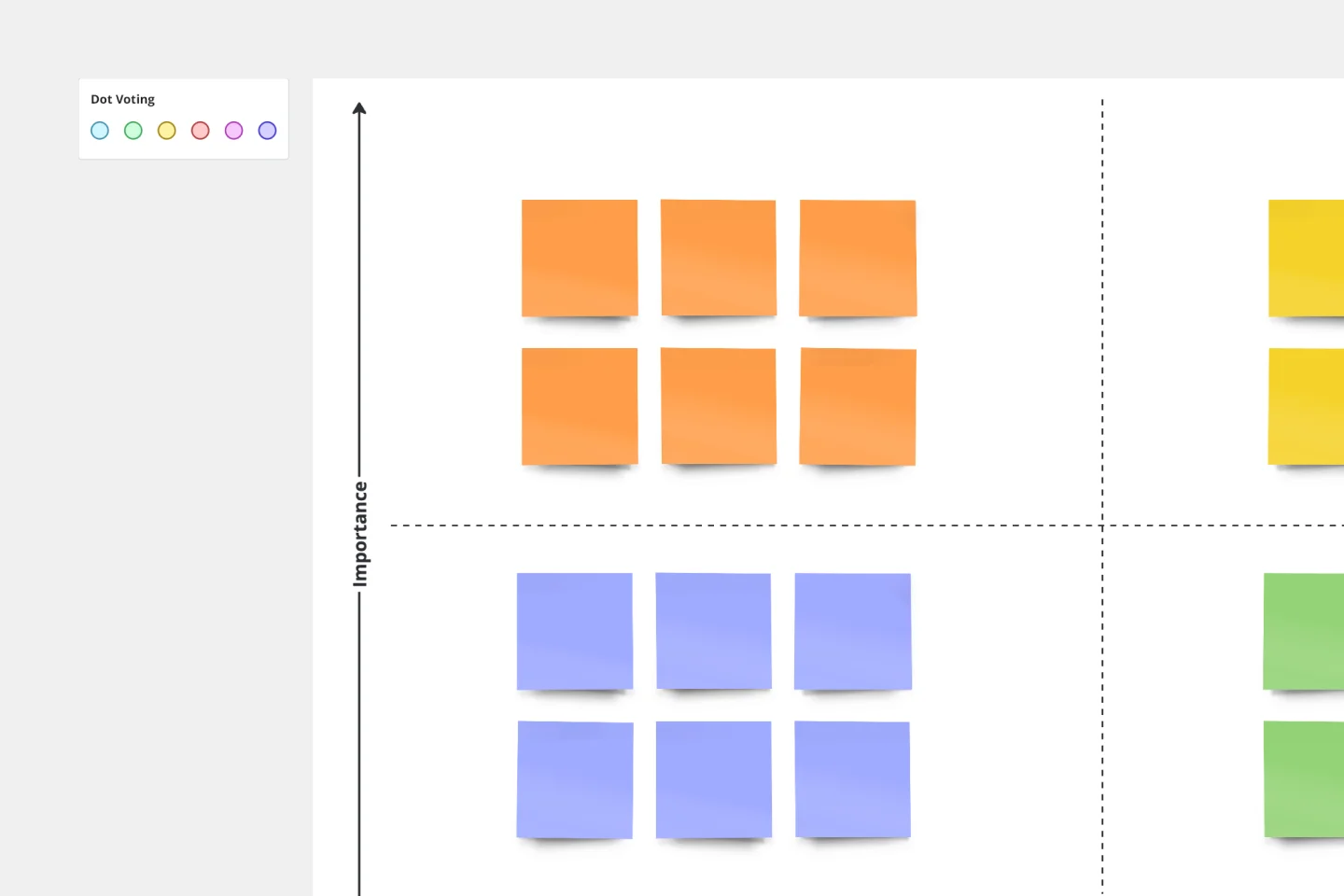
The Goal: To sort tasks into four quadrants: Do, Schedule, Delegate, and Delete based on Importance vs. Urgency.
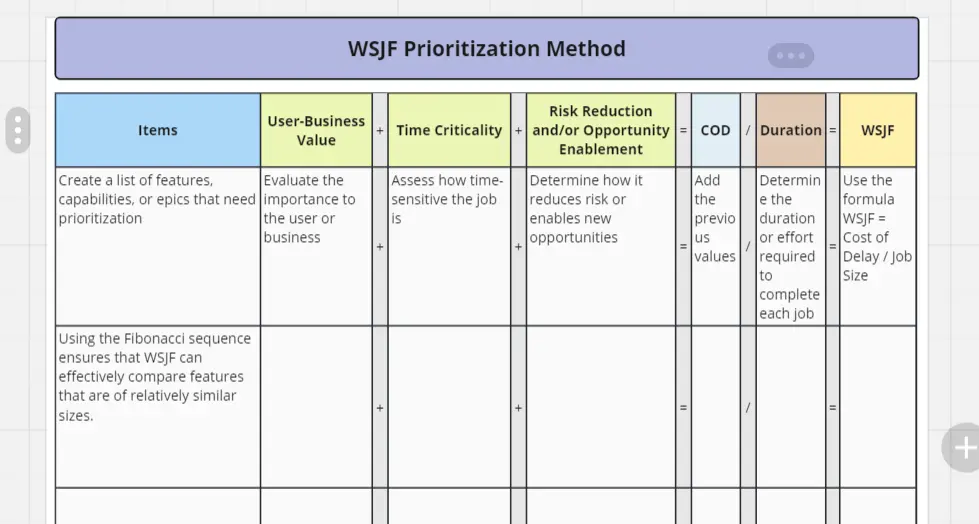
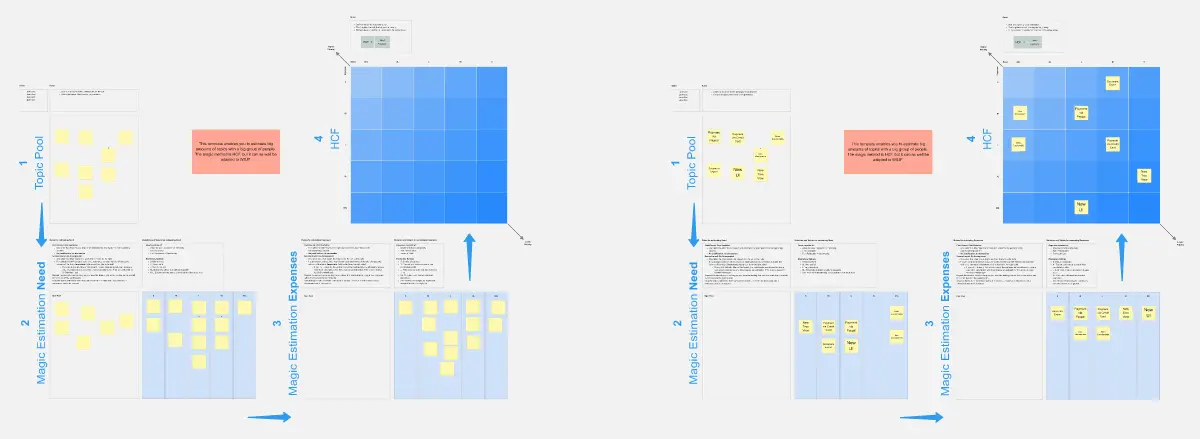
WSJF (Flow-First):
Common Pitfalls in Prioritization
The "Everything is a Priority" Trap: If everything is a P1, nothing is a priority.
Underestimating Effort: Developers consistently underestimating how long a "small" task takes.
The Fix: Use Fibonacci Scaling (1, 2, 3, 5, 8, 13) for effort scores to account for the uncertainty of larger tasks.
How to use the prioritization templates in Miro
Using Miro's prioritization templates is straightforward and can significantly improve your team's workflow. Here's a step-by-step guide:
Select a template: Choose a prioritization framework template that best suits your project needs. Miro offers a range of options, including the prioritization matrix template and the project prioritization matrix template.
Define criteria: Establish the criteria for prioritization. This could include factors such as urgency, impact, effort, and resources required.
List tasks: Compile a comprehensive list of tasks or projects that need prioritization. Ensure that all relevant tasks are included to get a complete overview.
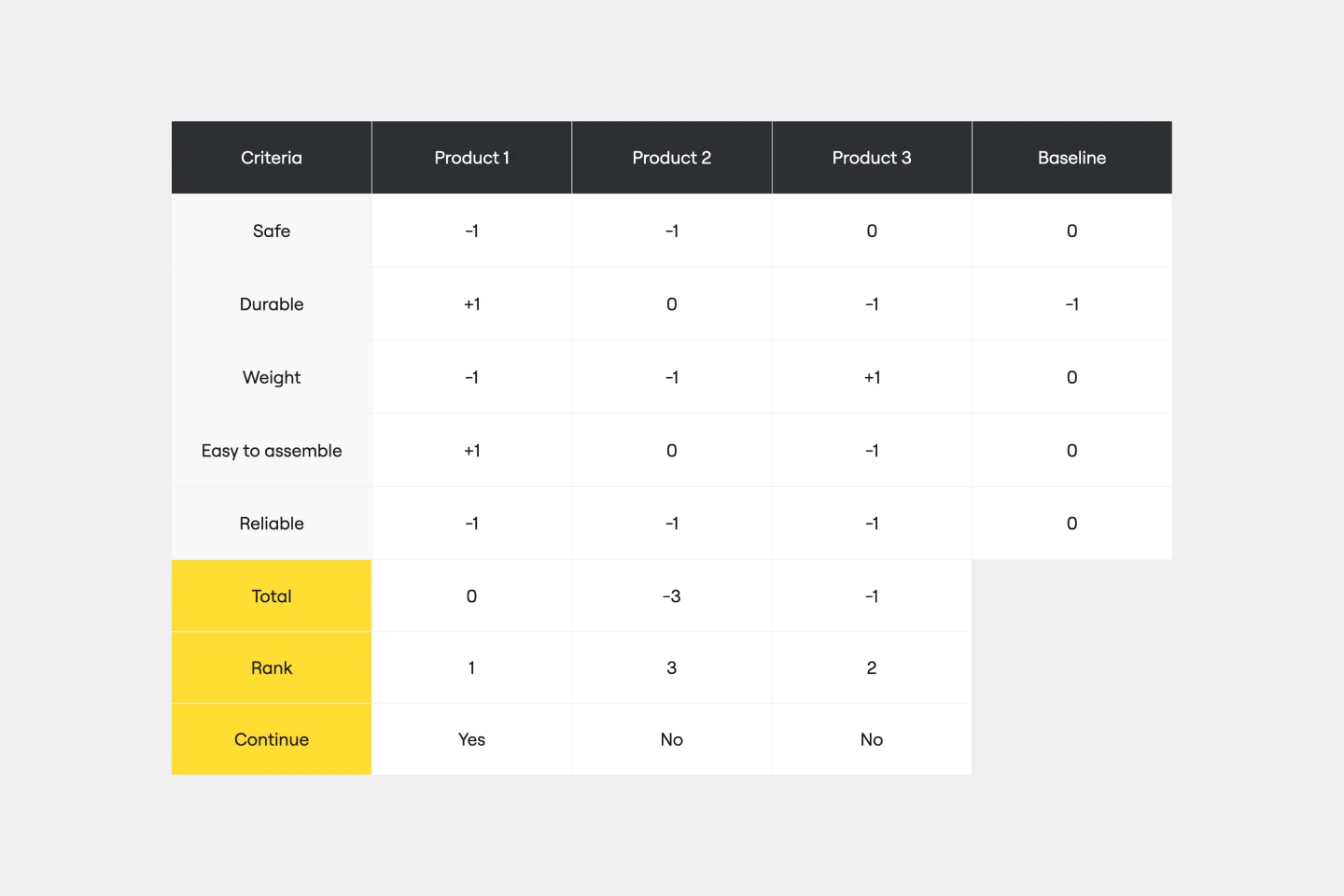
Evaluate tasks: Assess each task against the defined criteria. This step involves scoring or ranking tasks based on their importance and urgency.
Visualize priorities: Use the template to plot tasks on a matrix or chart. This visual representation helps in quickly identifying high-priority tasks.
Review and adjust: Review and adjust the prioritization regularly to ensure it remains aligned with project goals and any changes in circumstances. Adjust priorities as needed.
Execute: Once you have a clear understanding of your priorities, begin executing the tasks in order of importance. This ensures that the most critical tasks are addressed first, leading to more efficient project completion.
Monitor progress: Regularly track the progress of your tasks using the prioritization framework template. This helps in identifying any bottlenecks and making necessary adjustments to stay on track.
Communicate: Keep your team informed about the prioritization and any changes that occur. Effective communication ensures that everyone is aligned and working towards the same goals.
Review and reflect: After completing the tasks, review the outcomes and reflect on the process. This helps in understanding what worked well and what can be improved for future projects.