AWS Solution Architecture
Helps improve AWS architectures per AWS best practices.
Bring everyone into your vision with our mapping and diagramming templates collection. Create diagrams, concept maps, and system mapping templates to communicate complex flows, creating a shared understanding.
AI Collaborators designed with specific skills like research, planning, or diagramming.

Helps improve AWS architectures per AWS best practices.

Create diagrams and docs for good software design.
566 templates
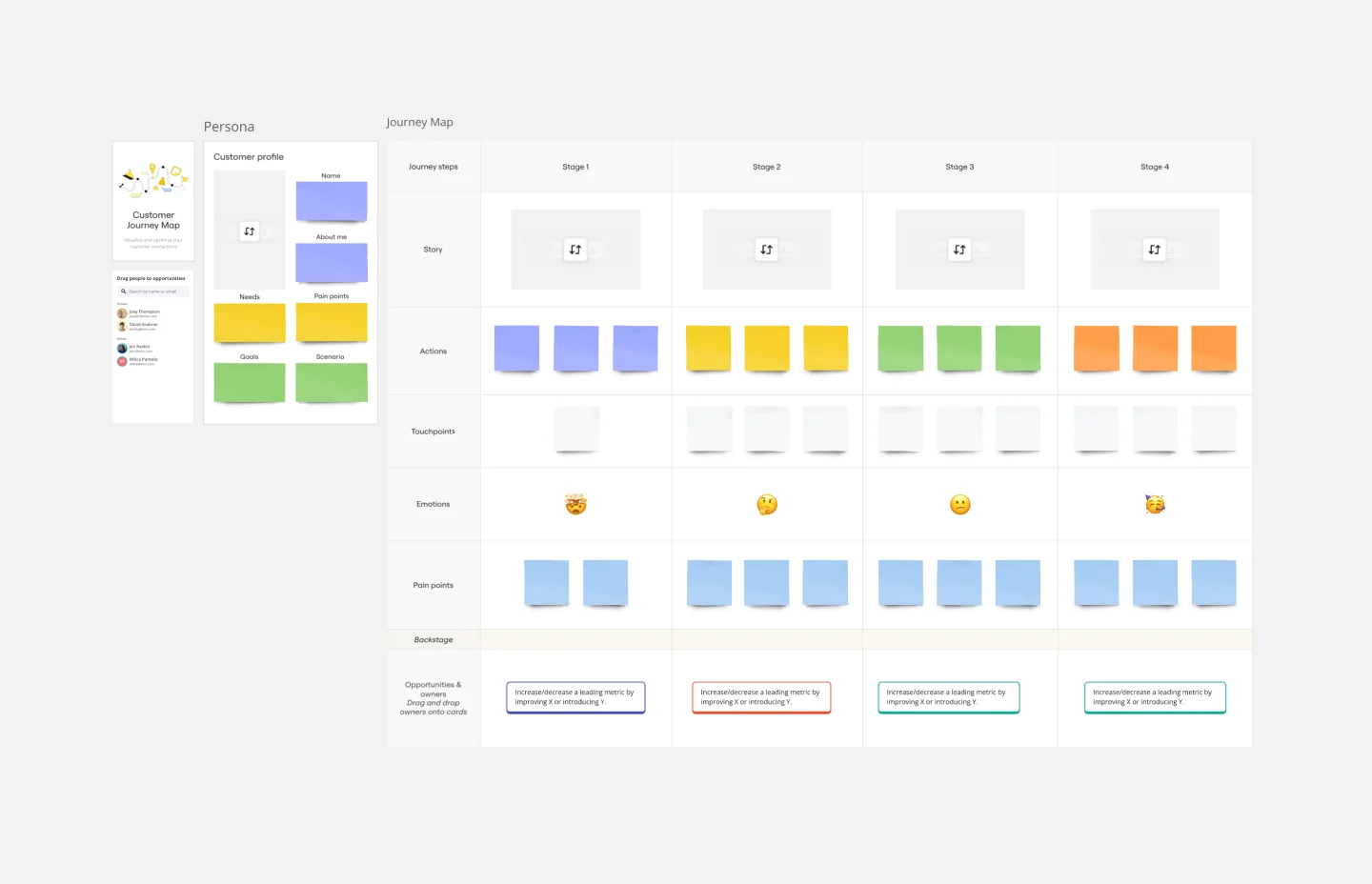
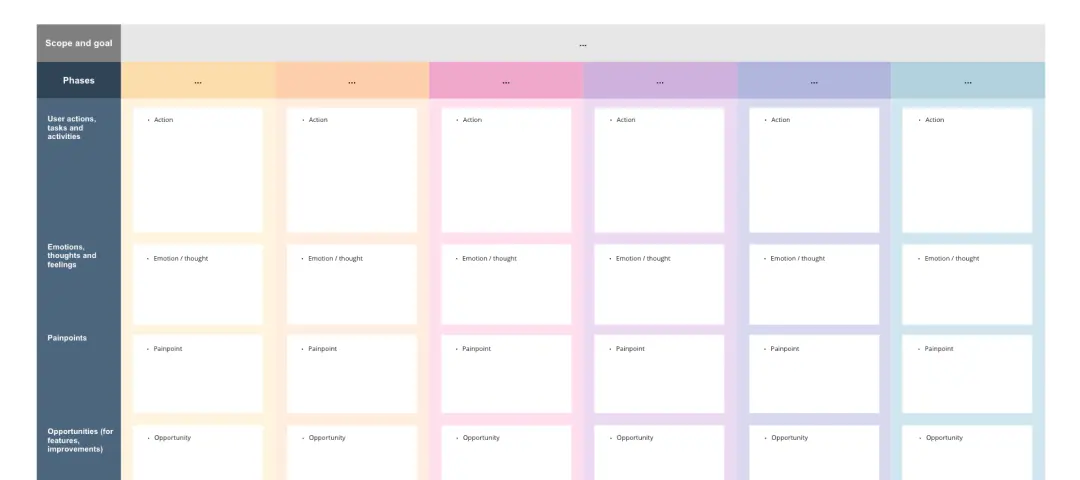
Customer Journey Map Template
A customer journey map (CJM) is a visual representation of your customer’s experience. It allows you to capture the path that a customer follows when they buy a product, sign up for a service, or otherwise interact with your site. Most maps include a specific persona, outlines their customer experience from beginning to end, and captures the potential emotional highs and lows of interacting with the product or service. Use this template to easily create customer journey maps for projects of all kinds.
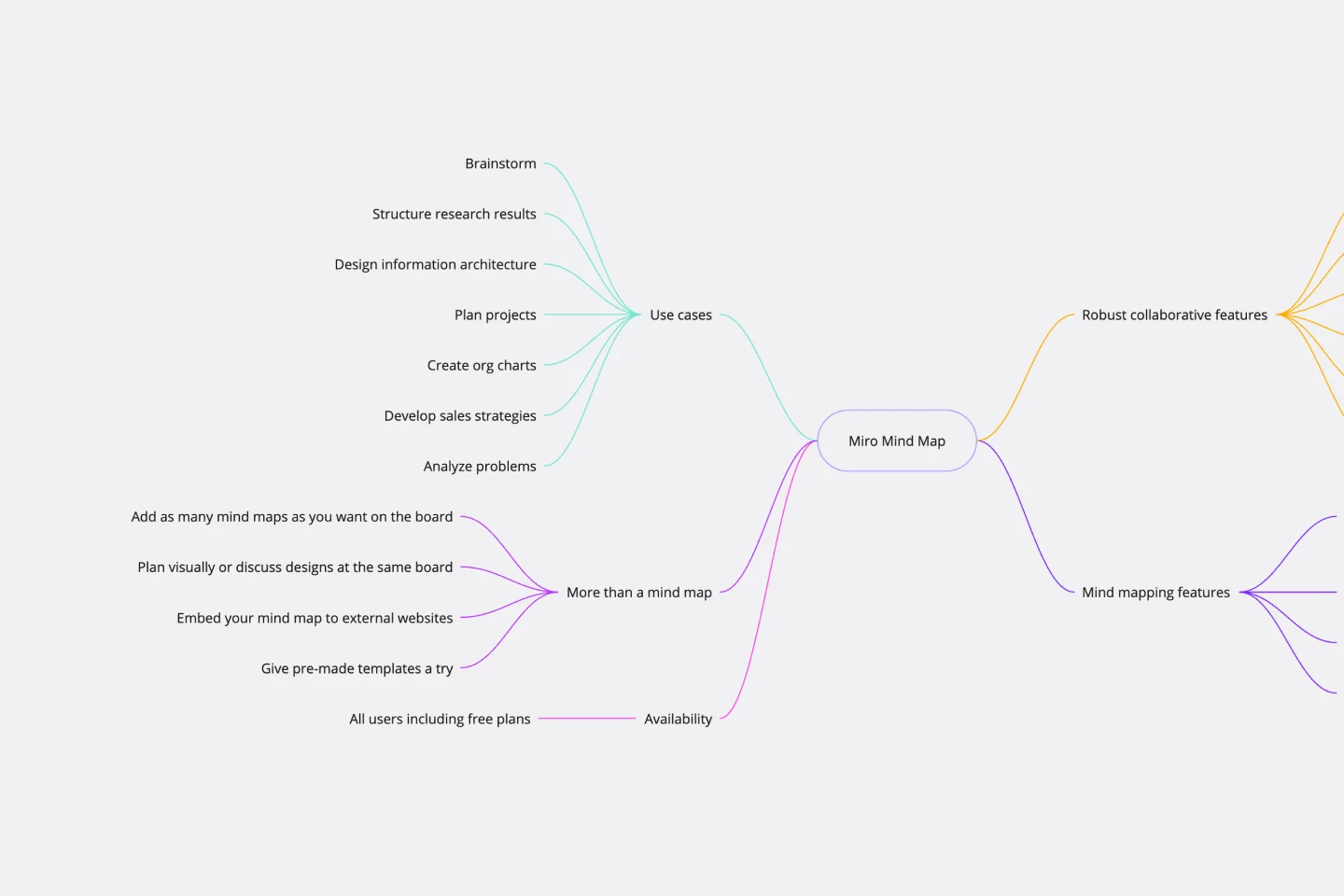
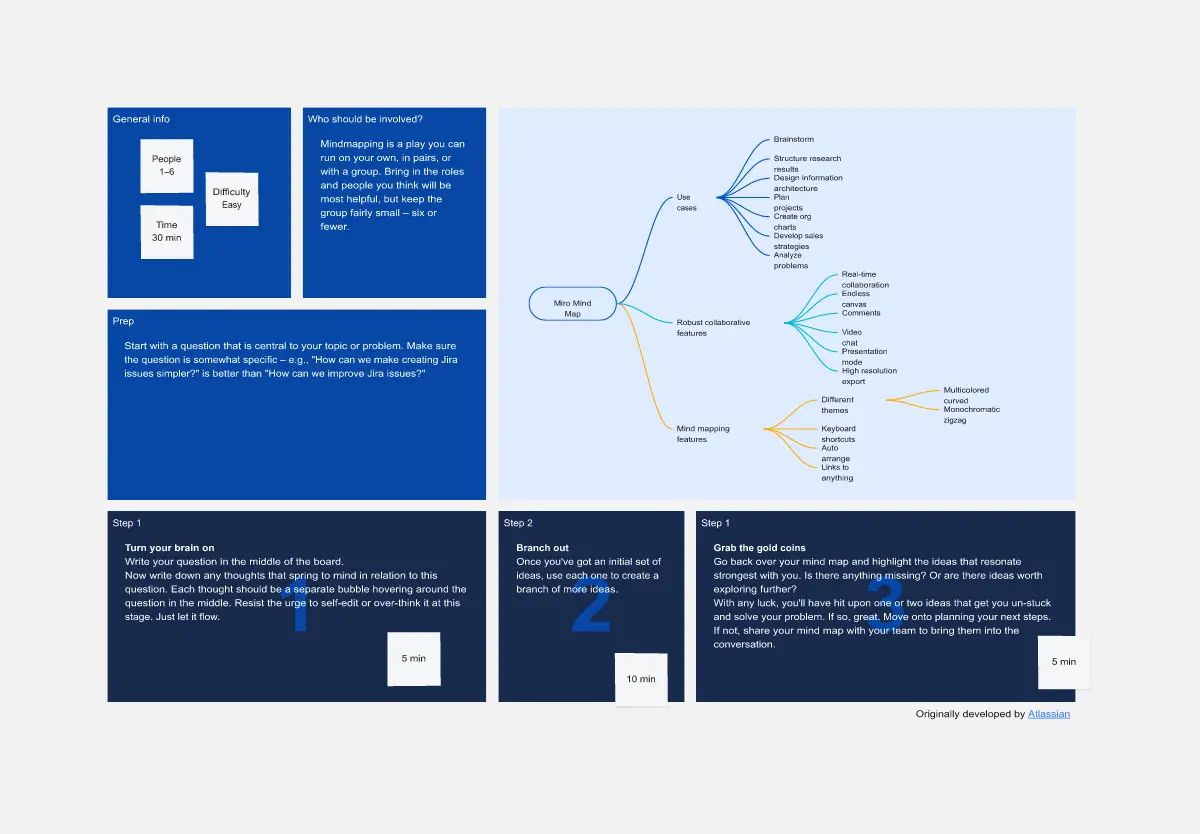
Mind Map Template
We see you, visual learners. You grasp concepts and understand data easier when they're presented in well-organized, memorable graphics. Mind mapping is perfect for you. This powerful brainstorming tool presents concepts or ideas as a tree — with the central subject as the trunk and your many ideas and subtopics as the branches. This template is a fast, effective way for you to start mind mapping, which can help you and your team become more creative, remember more, and solve problems more effectively.
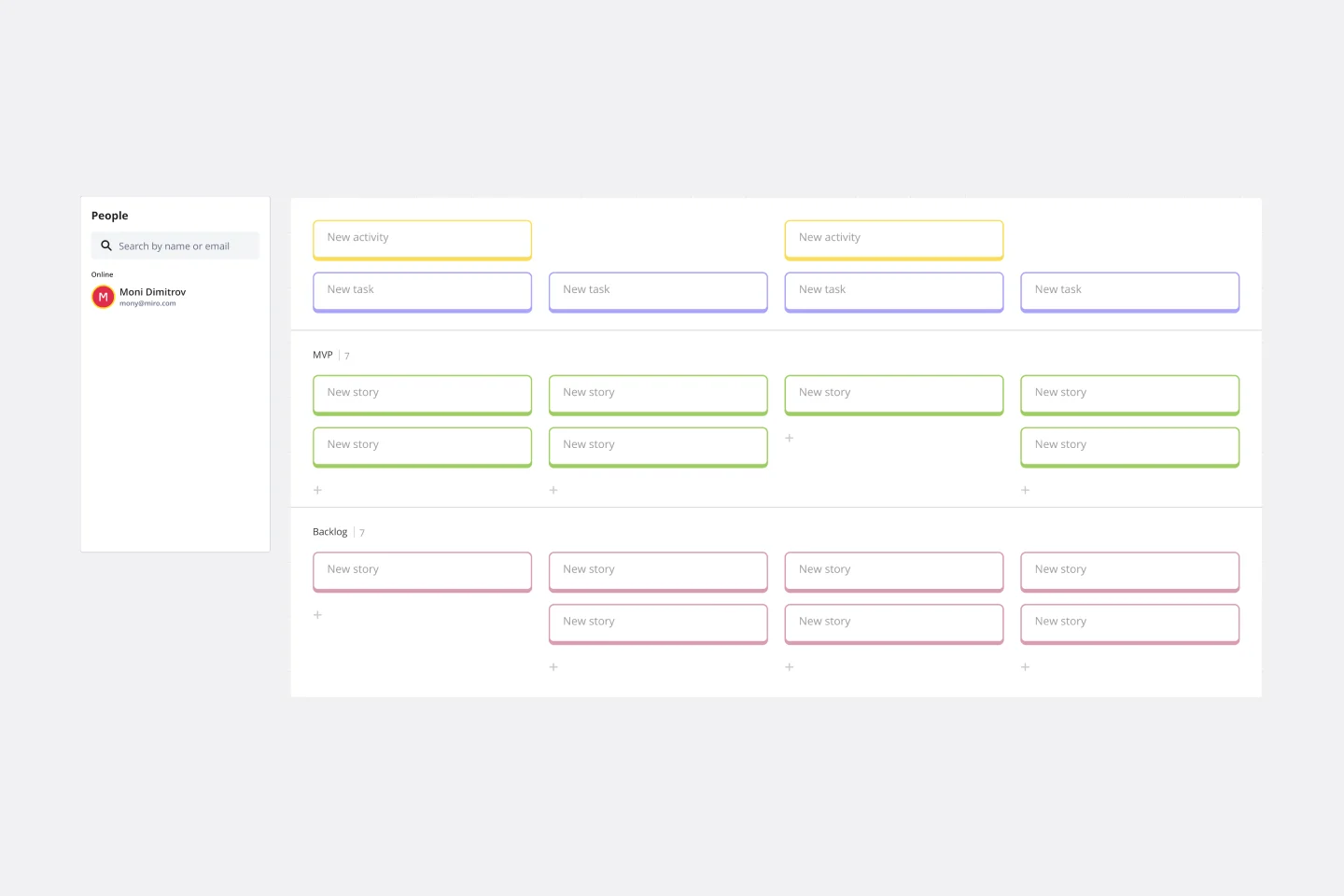
User Story Map Template
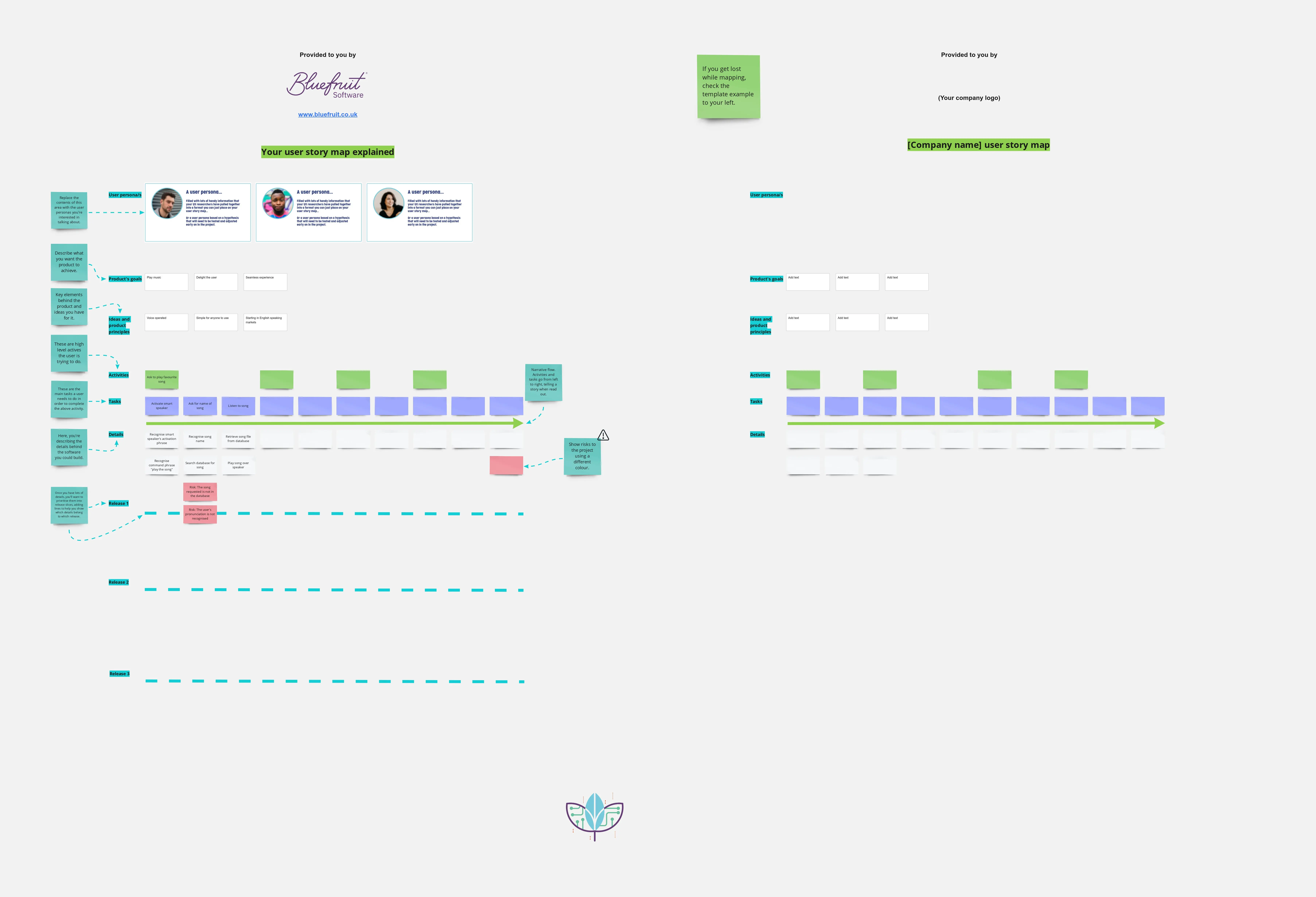
Popularized by Jeff Patton in 2005, the user story mapping technique is an agile way to manage product backlogs. Whether you’re working alone or with a product team, you can leverage user story mapping to plan product releases. User story maps help teams stay focused on the business value and release features that customers care about. The framework helps to get a shared understanding for the cross-functional team of what needs to be done to satisfy customers' needs.
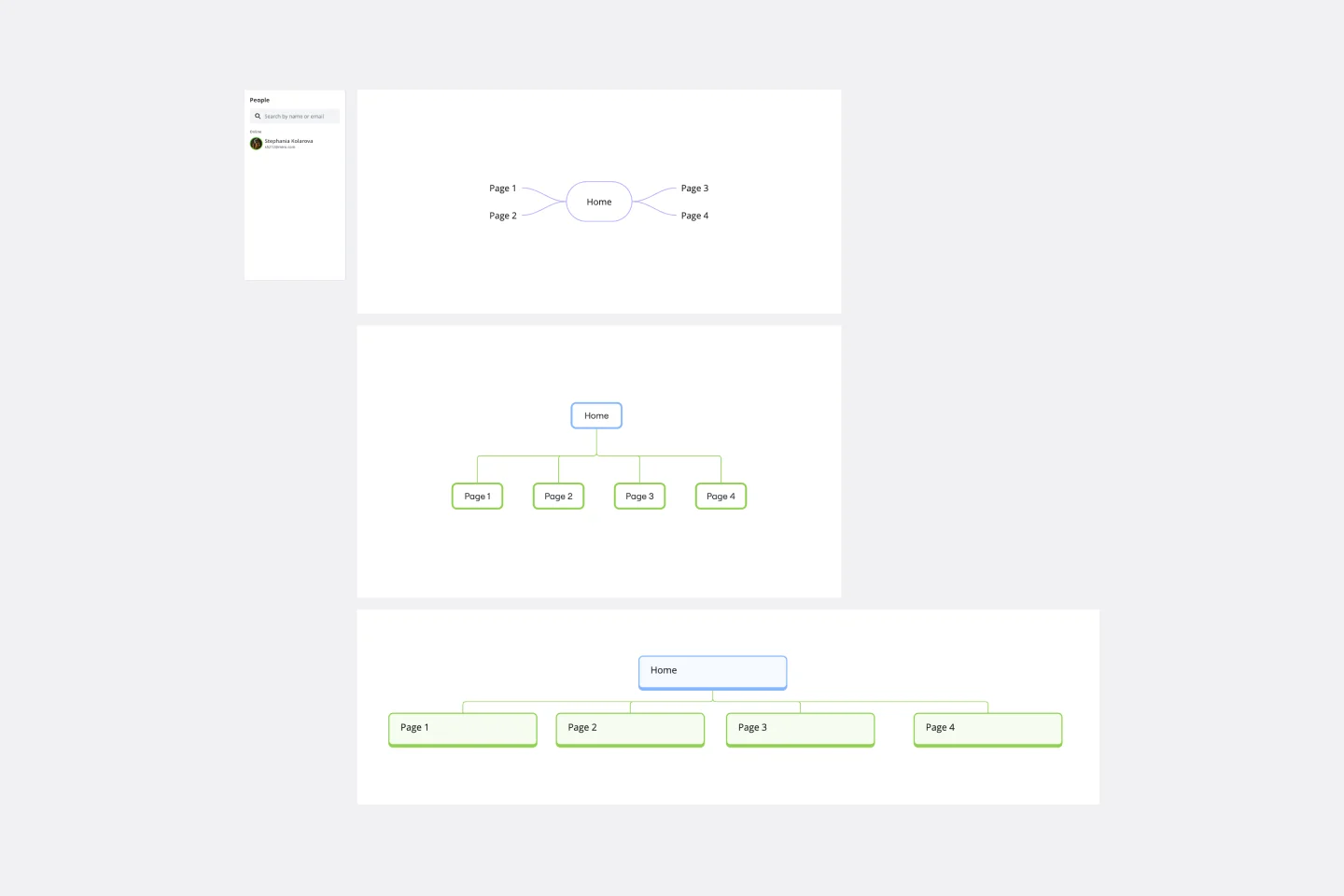
Sitemap Template
Building a website is a complex task. Numerous stakeholders come together to create pages, write content, design elements, and build a website architecture that serves a target audience. A sitemap is an effective tool for simplifying the website design process. It allows you to take stock of the content and design elements you plan to include on your site. By visualizing your site, you can structure and build each component in a way that makes sense for your audience.

User Journey Map
A template to help you get started with building simple user journey maps.

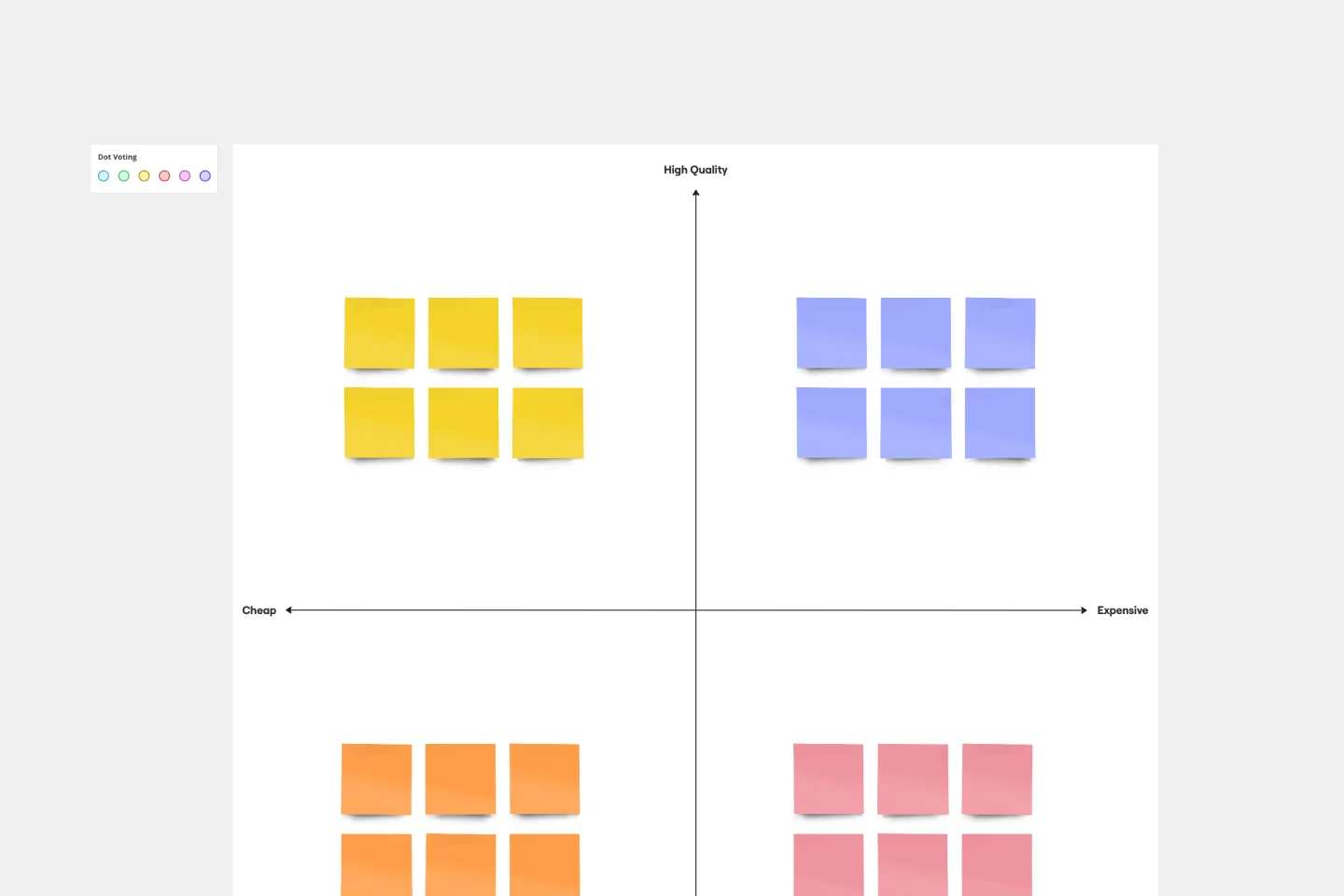
Perceptual Map Template
To shape your messaging, tailor your marketing, improve your product, and build your brand, you have to know your customers’ perceptions — what they think of you and your competitors. You can gain those insights by exploring a perceptual map. This simple, powerful tool creates a visual representation of how customers rank your price, performance, safety, and reliability. Put this template to work and you’ll be able to size up your competition, see gaps in the market, and understand changes in customer behavior and purchasing decisions.

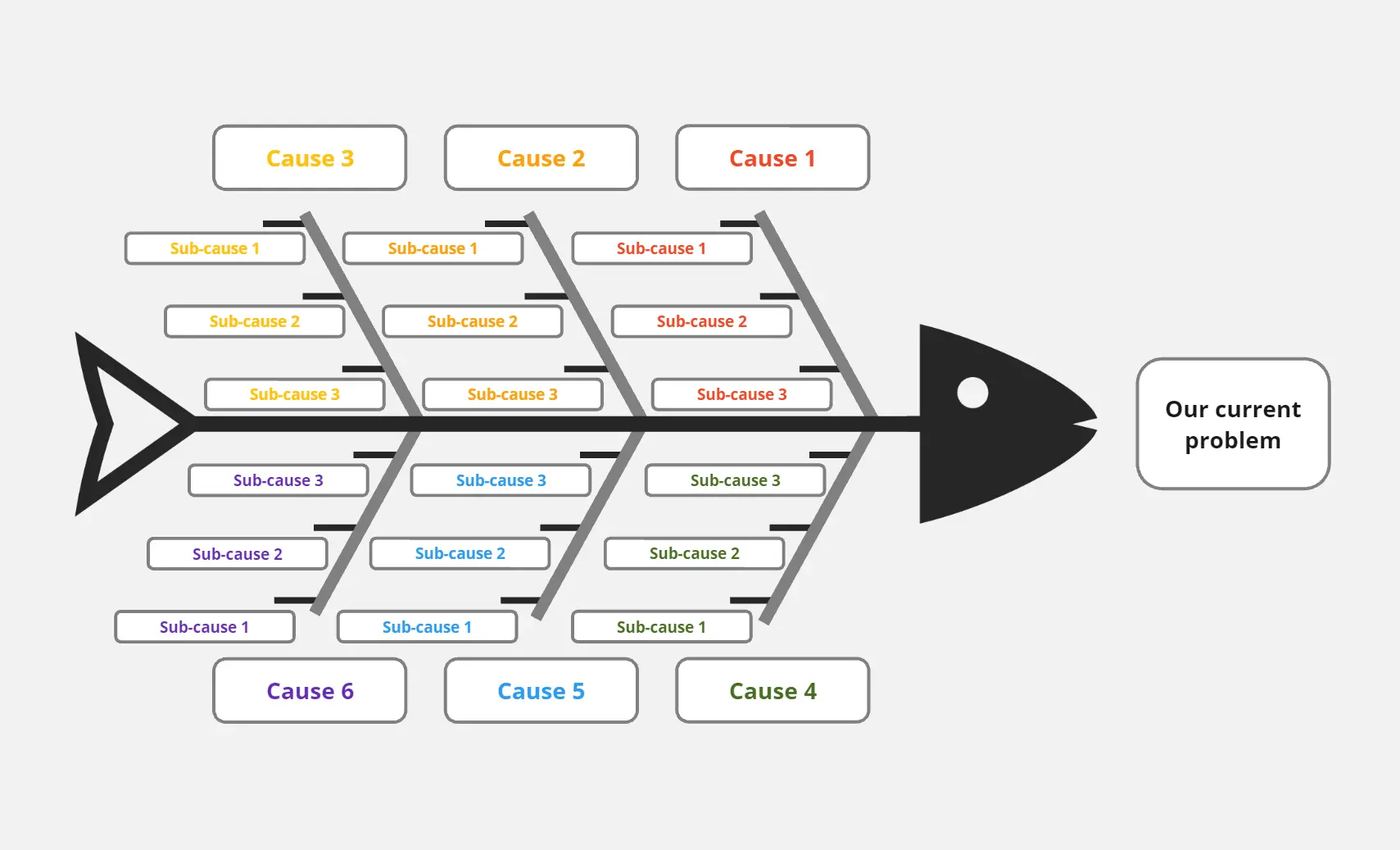
Fishbone Diagram
Identify and solve problems effectively with the Fishbone Diagram by Dave Westgarth. This template helps you break down complex issues into root causes, enabling a thorough analysis and targeted solutions. Use it for quality control, process improvement, and troubleshooting in various industries. Ideal for teams focused on continuous improvement and problem-solving.

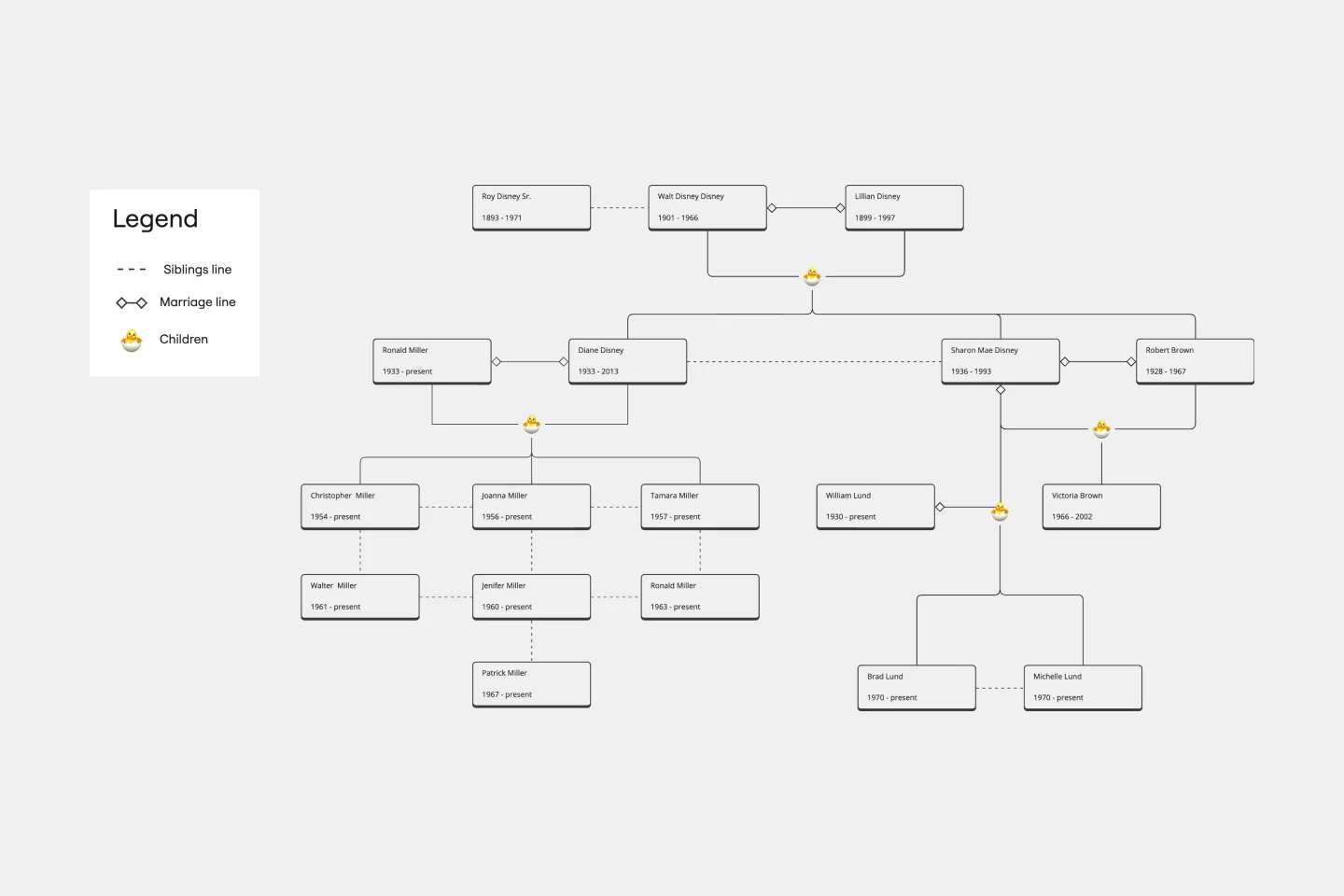
Family Tree Template
Family trees help you make sense of complicated family relationships, even generations back. With this Family Tree Template, you can quickly and easily add your siblings, parents, and extended family members. Plus, add extra information, notes, and even images to create a vibrant family tree.

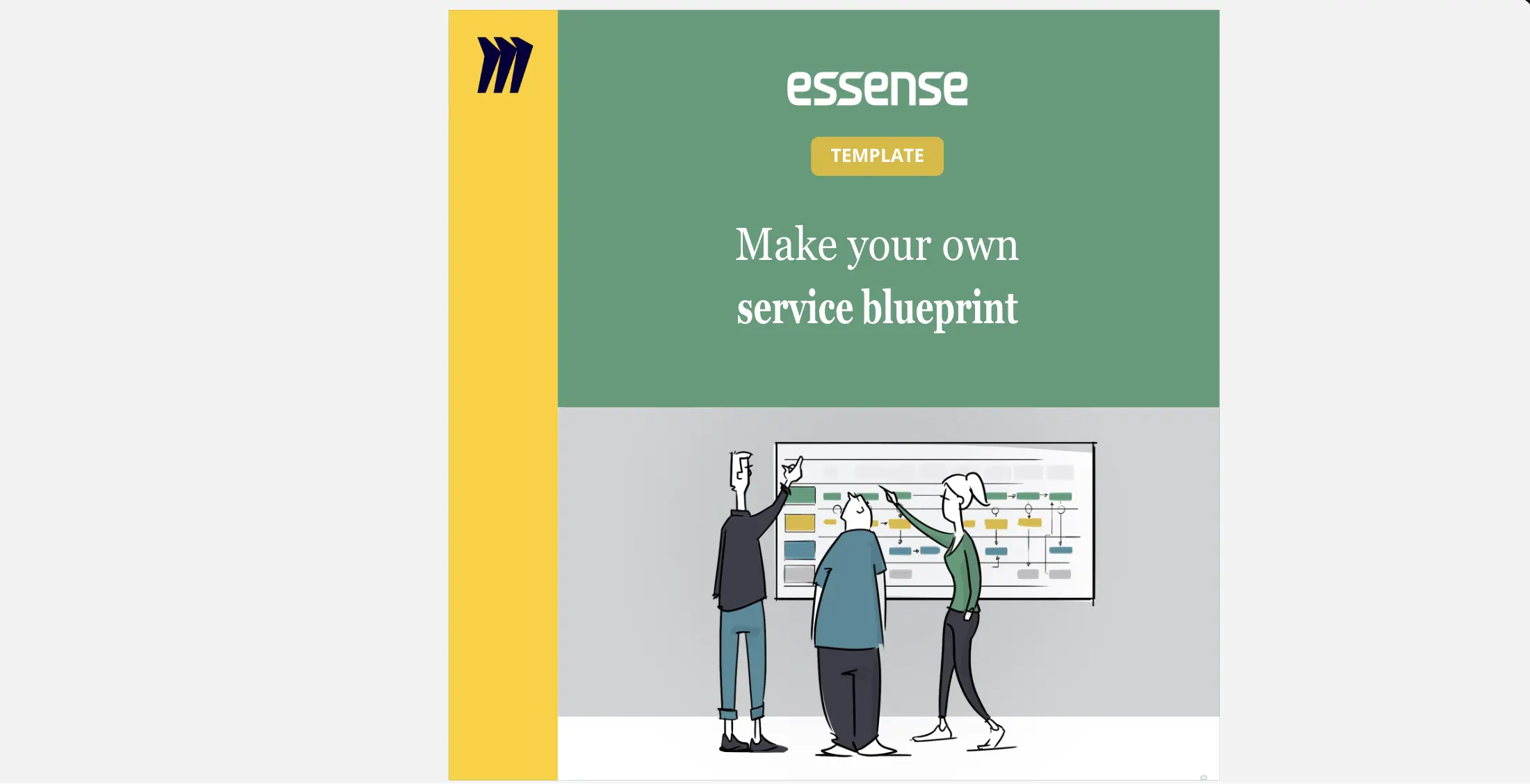
Service Blueprint to connect journey & operations
Connect customer journeys with operational processes using the Service Blueprint by Essence. This template helps you map out service interactions and backend processes, ensuring seamless service delivery. Use it to align teams, identify gaps, and enhance the customer experience. Perfect for visualizing the entire service ecosystem and improving coordination between different service components.

Experience Map
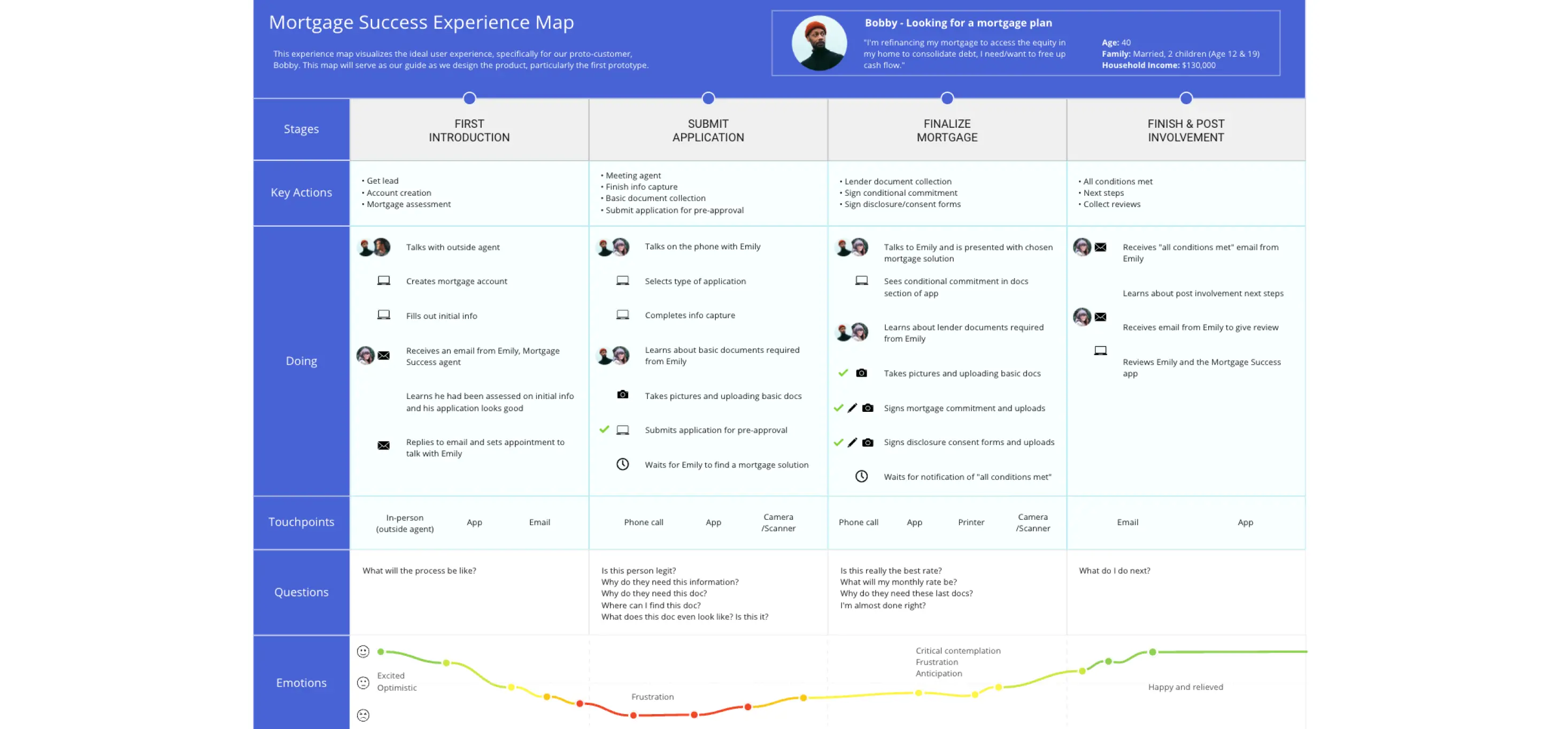
Plan your product according to your customer’s needs and desires with the Experience Map Template. Bring a customer-centric approach to product development and branding.

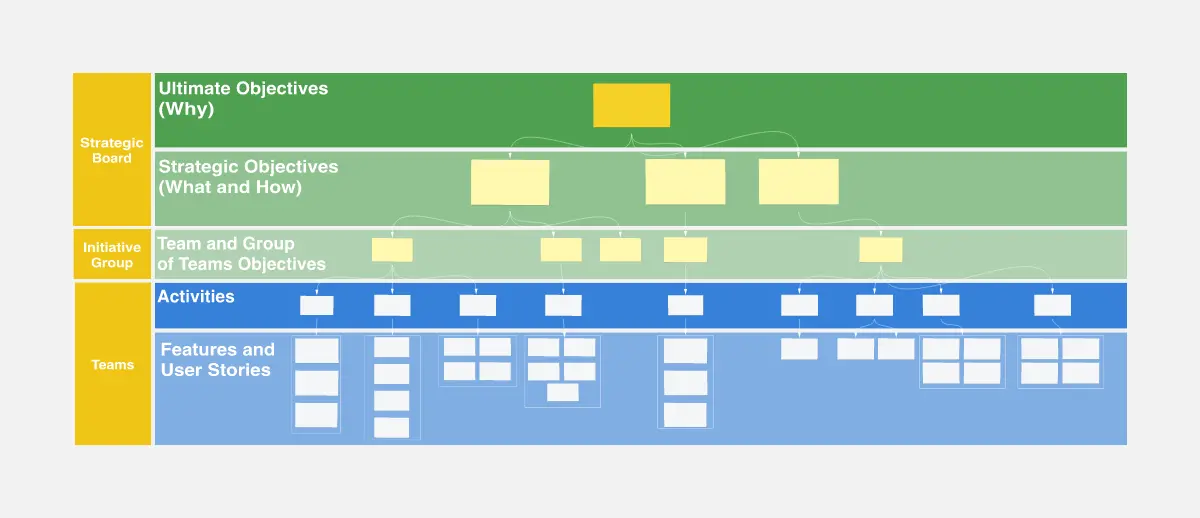
Work Breakdown Structure Template
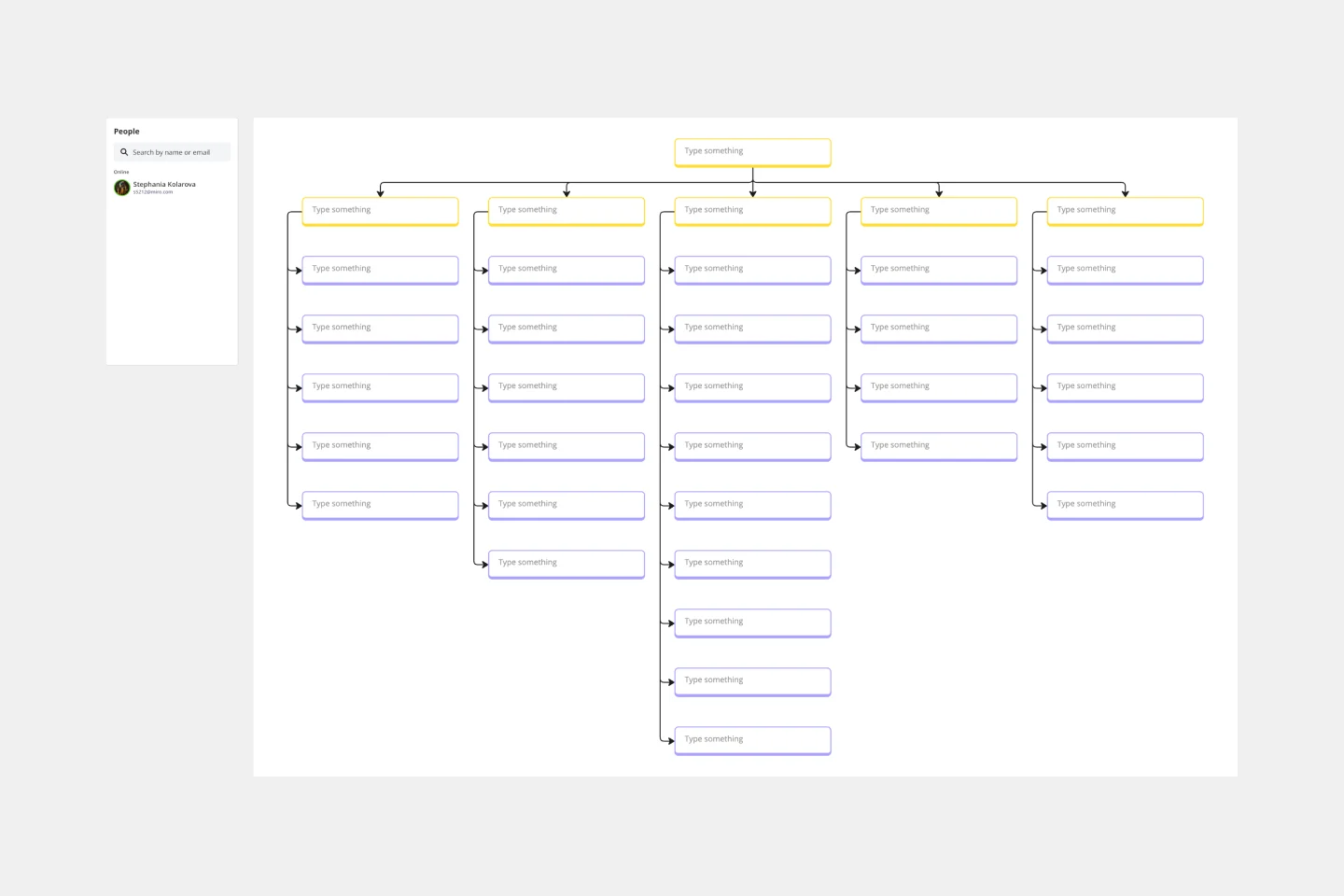
A work breakdown is a project management tool that lays out everything you must accomplish to complete a project. It organizes these tasks into multiple levels and displays each element graphically. Creating a work breakdown is a deliverable-based approach, meaning you’ll end up with a detailed project plan of the deliverables you must create to finish the job. Create a Work Breakdown Structure when you need to deconstruct your team's work into smaller, well-defined elements to make it more manageable.

Organizational Chart
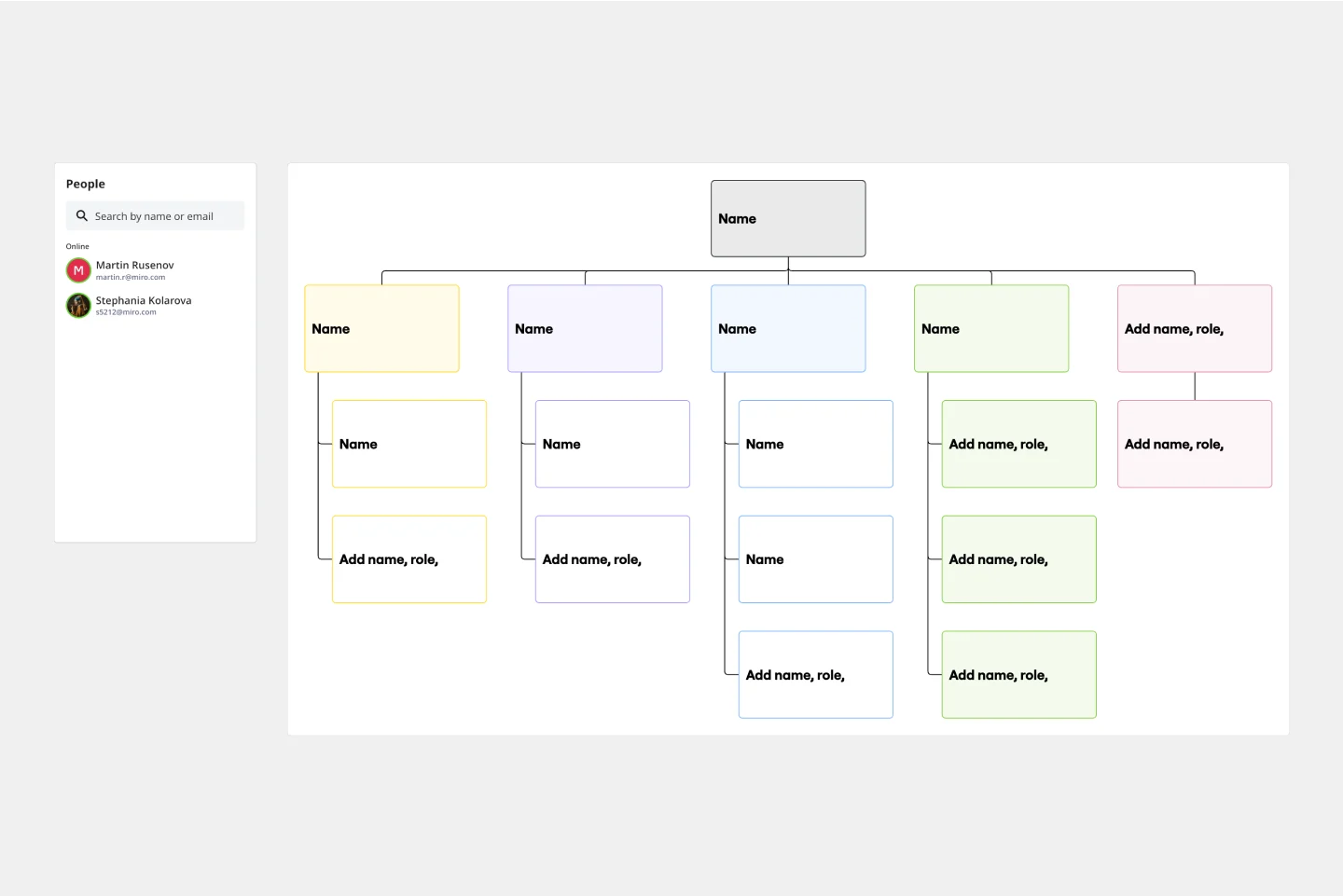
Who makes up the team? What roles do they play? Who does each member report to? An organizational chart, or org chart, can answer it all at a glance. Ideal for onboarding new employees, these visual diagrams plot out company structure and the chain of command to help your team members understand reporting relationships, their role, and how they fit into the broader organization. Our template lets you choose your own chart structure and easily plot the connections between employees, roles, and departments.

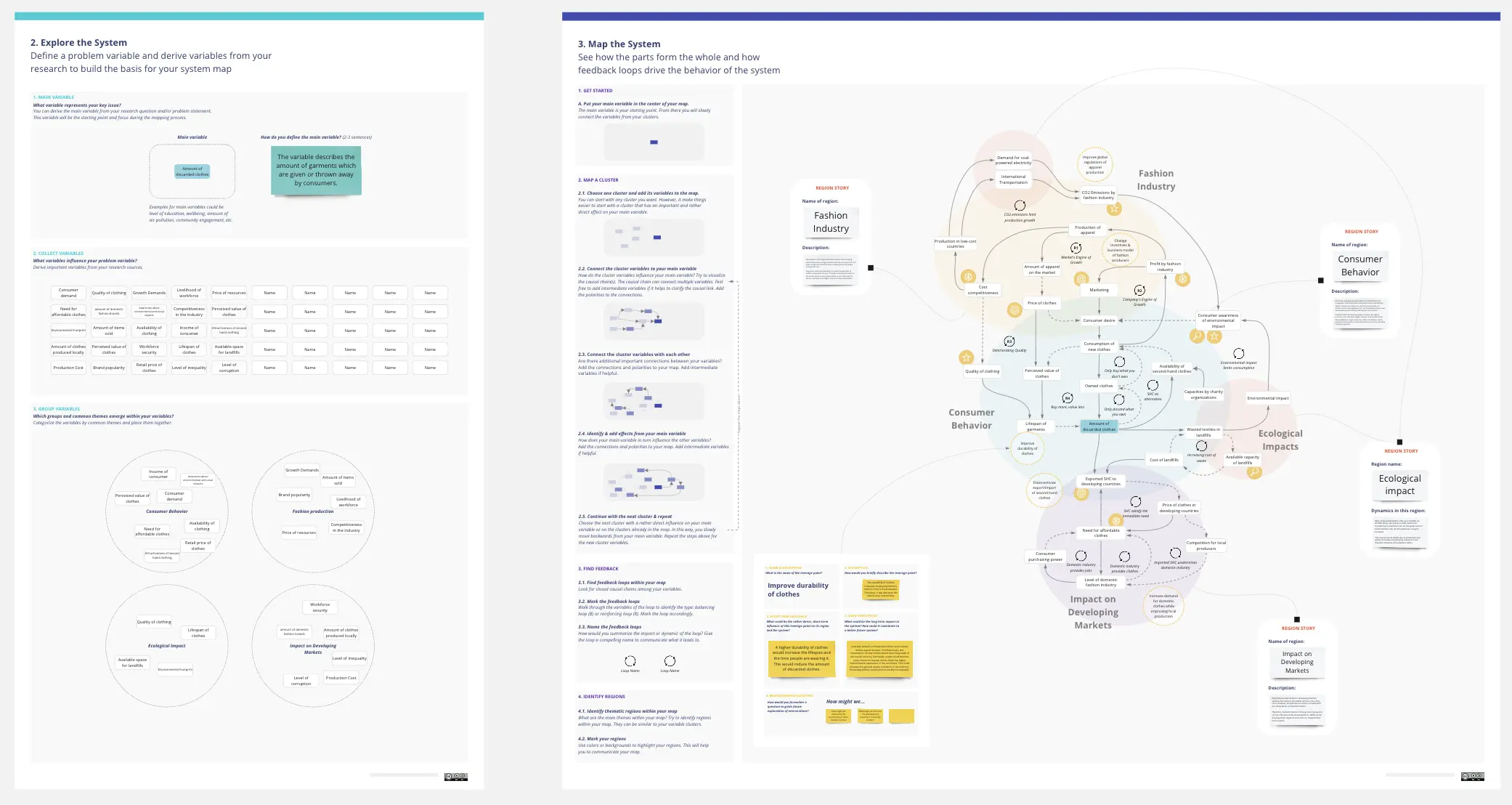
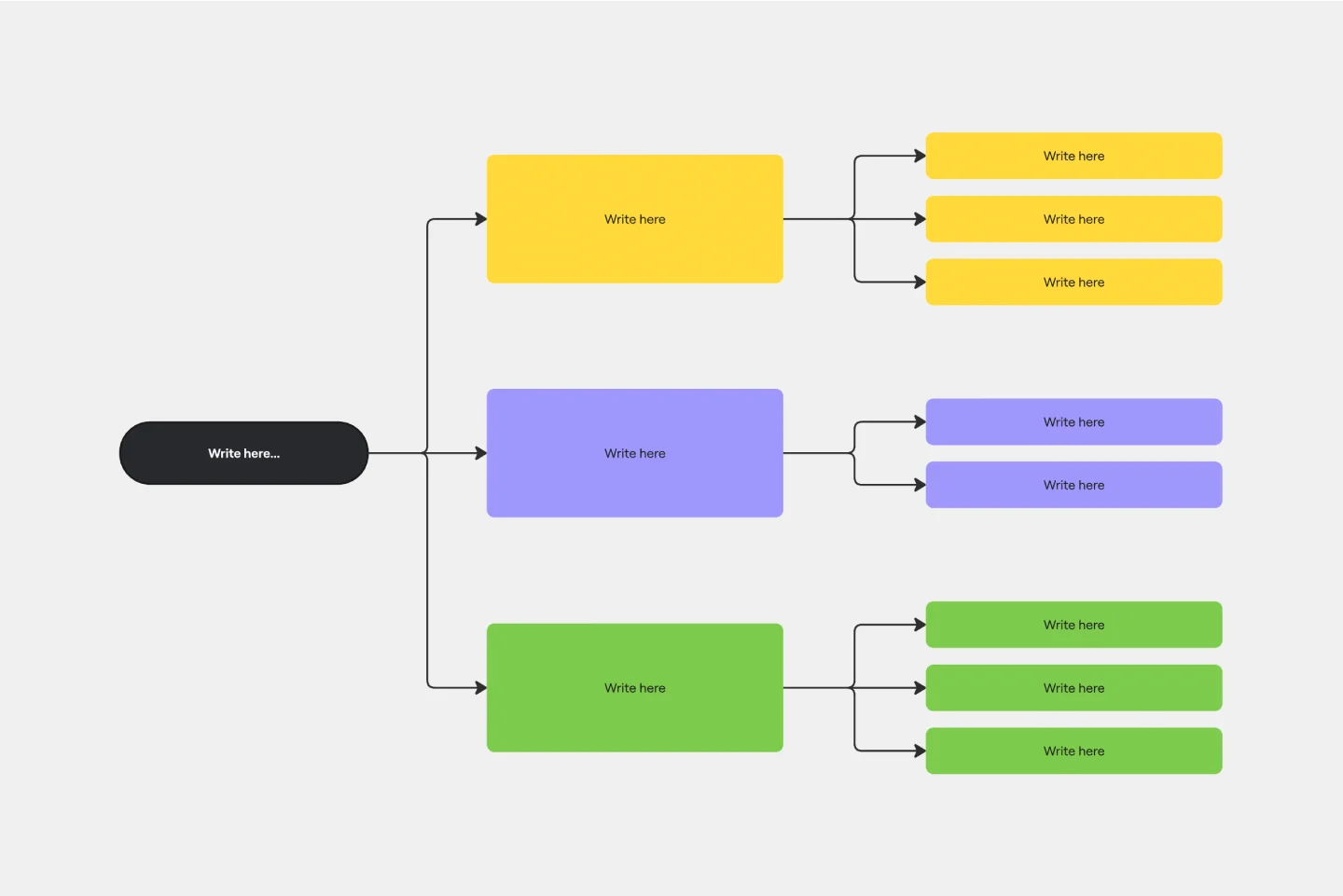
Concept Map Template
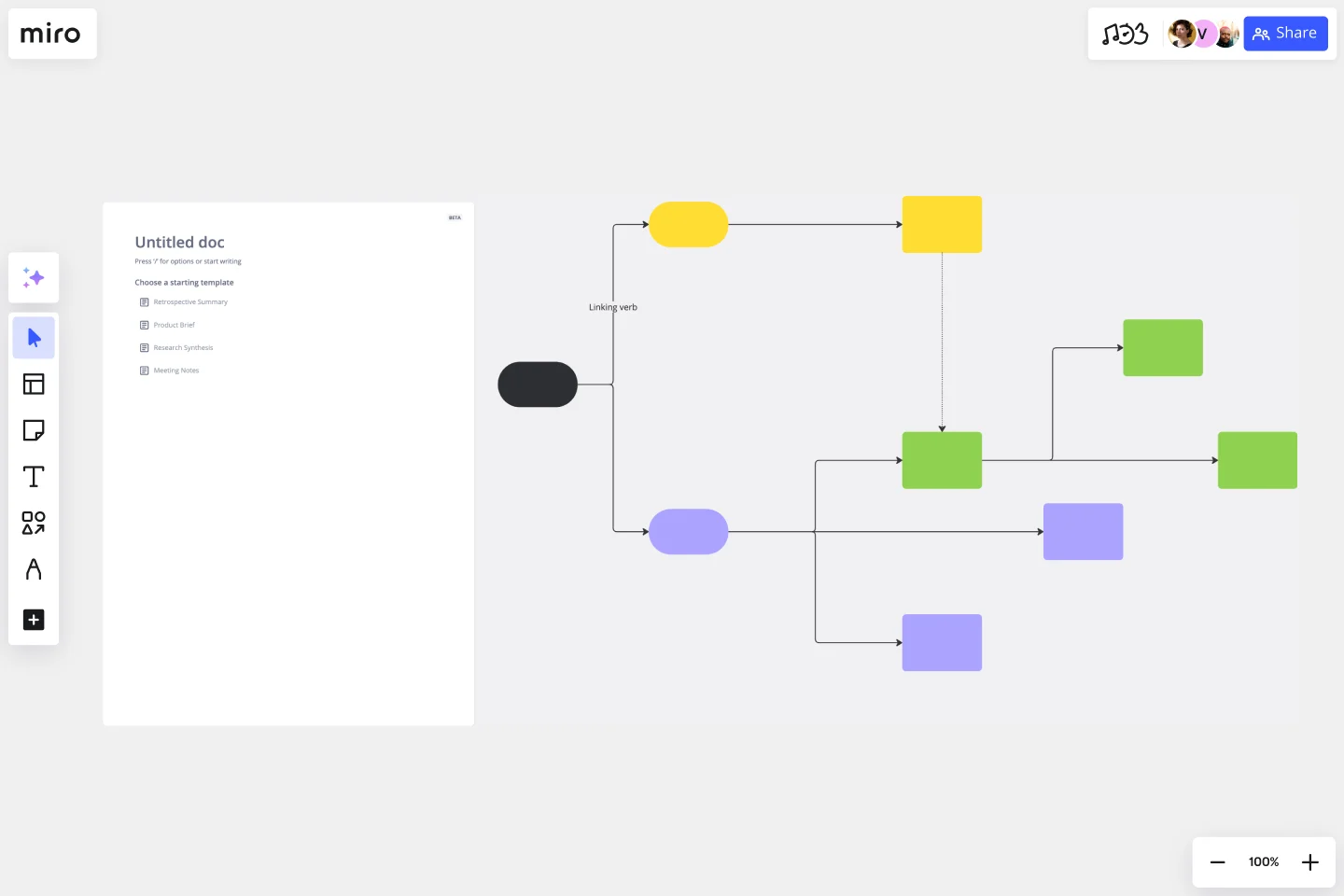
Use the concept map template to create new ideas, structure your thoughts, and bring your innovations to life. It allows you to explore connections between concepts and let your creativity flow in an organized format. As a result, you’re able to visualize how to bring your new ideas to reality and how various concepts relate to each other.
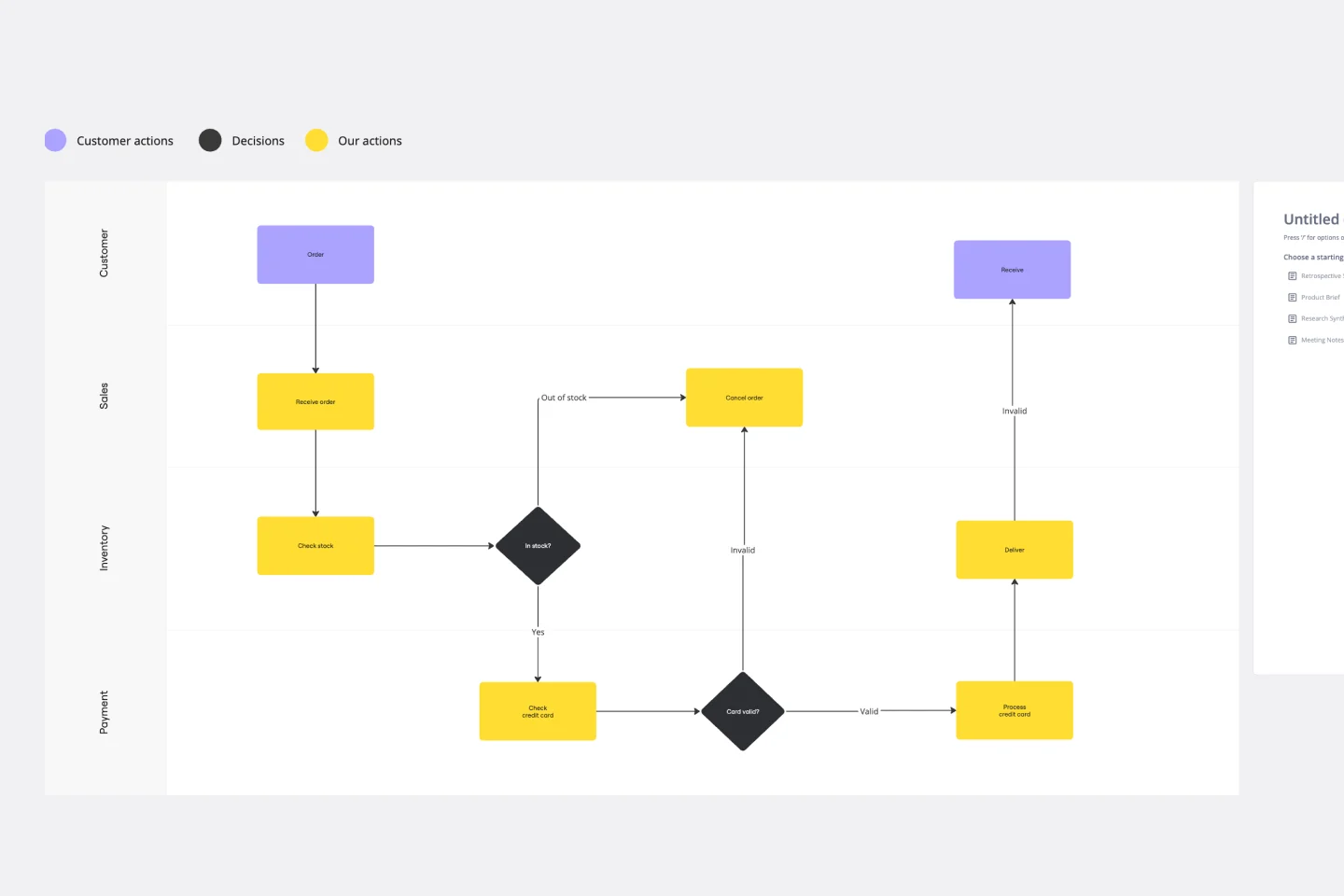
Swimlane Diagram Template
A swimlane diagram shows you which stakeholders are responsible for each area of your critical processes. You can use it to understand current processes or plan new ones.

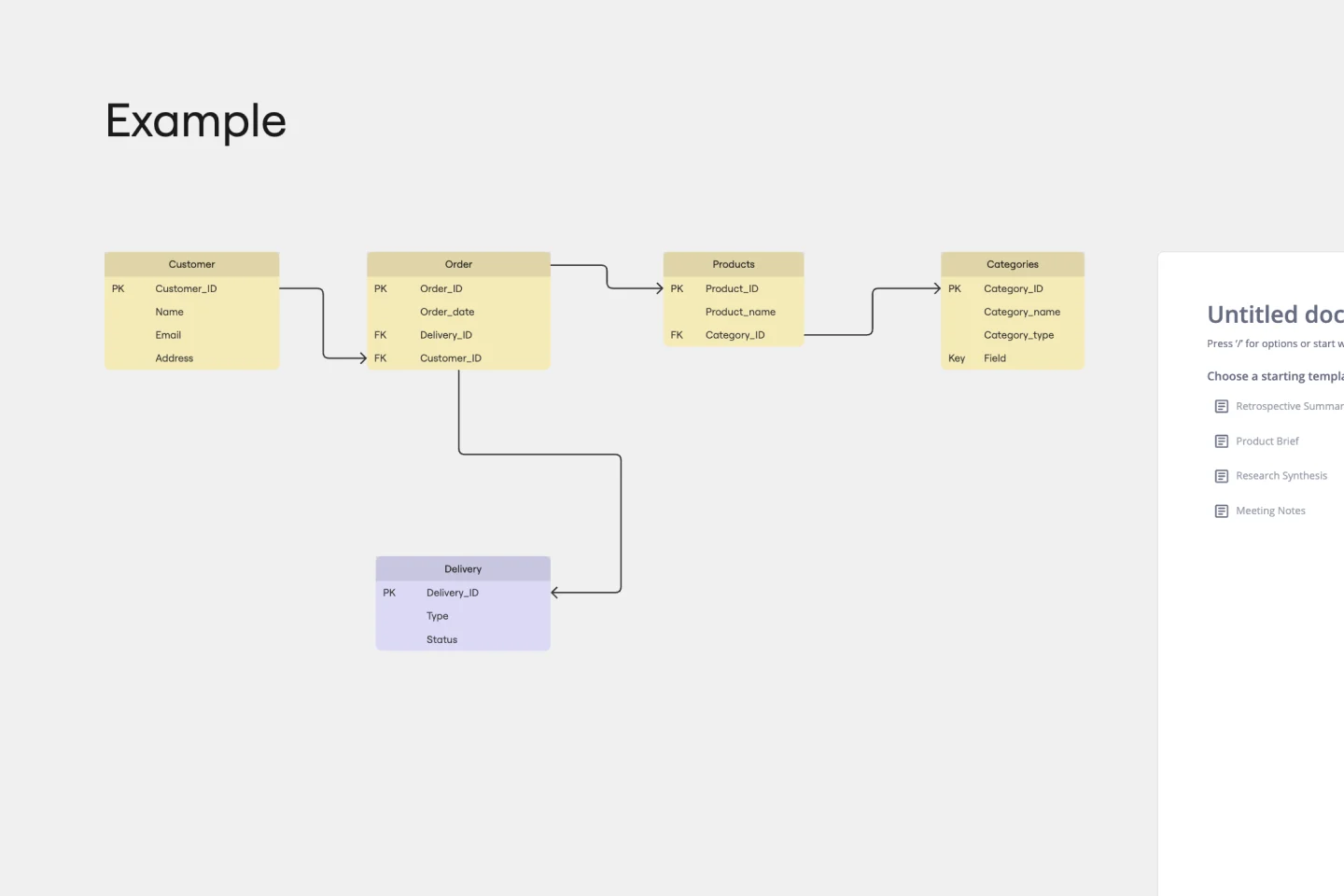
Entity Relationship Diagram Template
Sometimes the most important relationships in business are the internal ones—between the teams, entities, and actors within a system. An entity relationship diagram (ERD) is a structural diagram that will help you visualize and understand the many complex connections between different roles. When will an ERD come in handy? It’s a great tool to have for educating and onboarding new employees or members of a team, and our template makes it so easy to customize according to your unique needs.
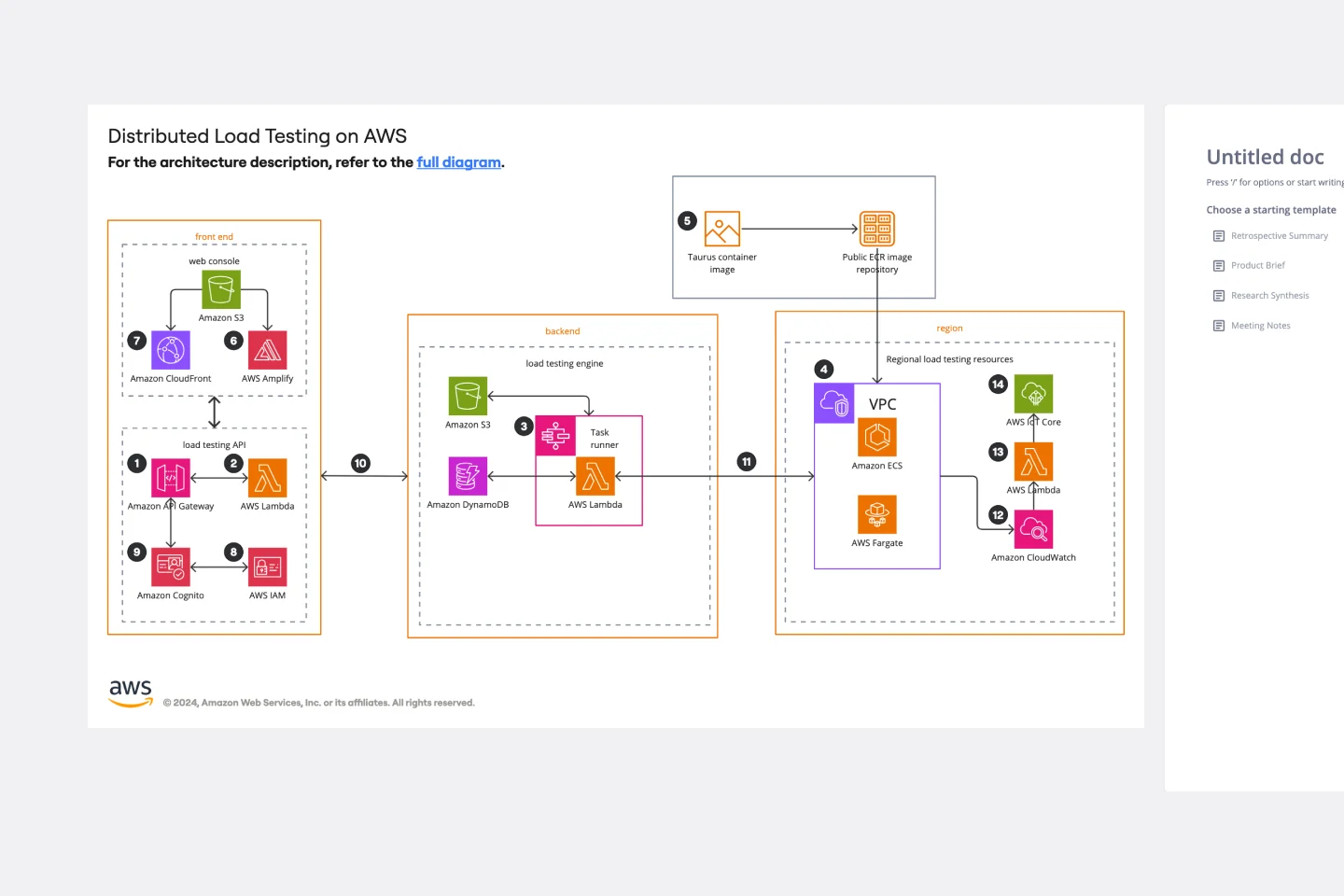
AWS Architecture Diagram Template
The AWS Architecture Diagram is a visual representation of the AWS framework, and it also translates the best practices when using Amazon Web Services architecture. You can now have an overview of your AWS architecture with Miro’s AWS Architecture Diagram Template, track your cloud solutions easily, and optimize processes like never before.

Practical Customer Journey Mapping
Today, customers hold companies to high standards for product quality and user experience.

Service Blueprinting Workshop
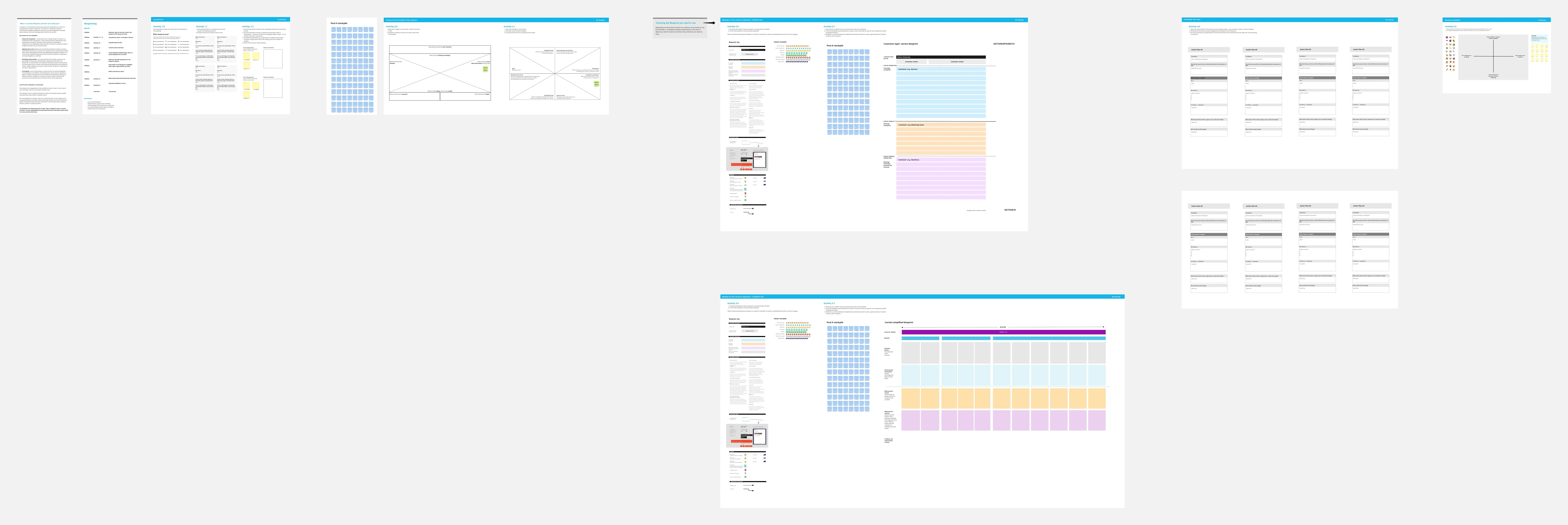
The Service Blueprinting Workshop template helps teams visualize and improve service processes. It includes ice breakers, context canvas, empathy maps, and action plans for service transitions. Use it to align teams, identify opportunities, and prototype service delivery from a macro to microscopic level, ensuring a comprehensive understanding of service orchestration and seamless collaboration. Ideal for remote and dispersed teams.
AI Accelerated
Flowchart AI Template
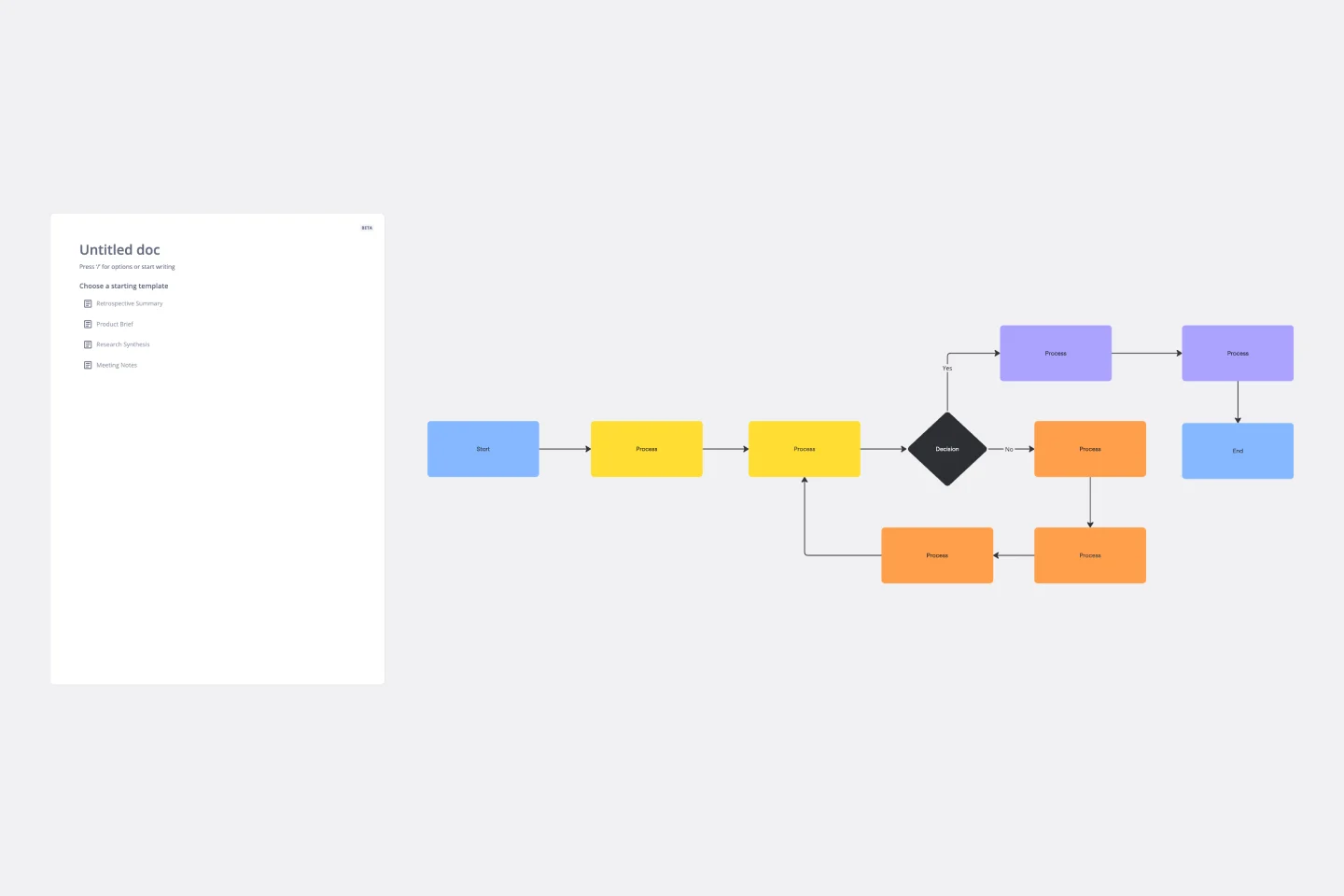
Trying to explain a process or workflow to your team — or just wrap your head around it yourself? Sometimes the best way is to see it, and that’s when you create a flowchart. Using common shapes (generally just ovals, rectangles, diamonds, and arrows), a flowchart shows you the direction a process or workflow goes and the order of steps. Beyond giving you a clear understanding, you’ll also be able to see potential flaws and bottlenecks, which helps you refine and improve your process and create a better product more efficiently.
Customer Journey Map Template
A customer journey map (CJM) is a visual representation of your customer’s experience. It allows you to capture the path that a customer follows when they buy a product, sign up for a service, or otherwise interact with your site. Most maps include a specific persona, outlines their customer experience from beginning to end, and captures the potential emotional highs and lows of interacting with the product or service. Use this template to easily create customer journey maps for projects of all kinds.
Empathy Map Template
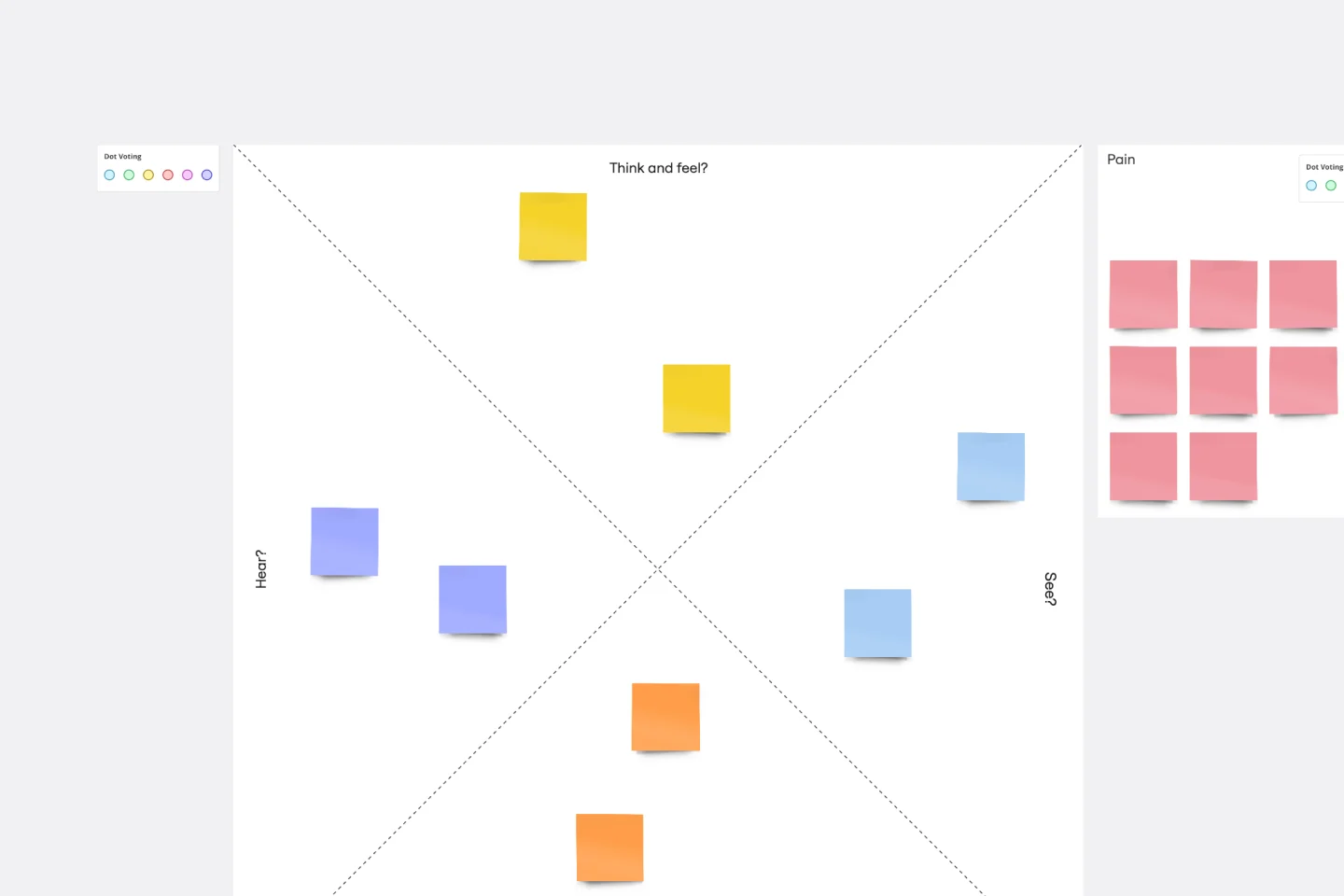
Attracting new users, compelling them to try your product, and turning them into loyal customers—it all starts with understanding them. An empathy map is a tool that leads to that understanding, by giving you space to articulate everything you know about your customers, including their needs, expectations, and decision-making drivers. That way you’ll be able to challenge your assumptions and identify the gaps in your knowledge. Our template lets you easily create an empathy map divided into four key squares—what your customers Say, Think, Do, and Feel.
Flowchart Template
Trying to explain a process or workflow to your team — or just wrap your head around it yourself? Sometimes the best way is to see it, and that’s when you create a flowchart. Using common shapes (generally just ovals, rectangles, diamonds, and arrows), a flowchart shows you the direction a process or workflow goes and the order of steps. Beyond giving you a clear understanding, you’ll also be able to see potential flaws and bottlenecks, which helps you refine and improve your process and create a better product more efficiently.
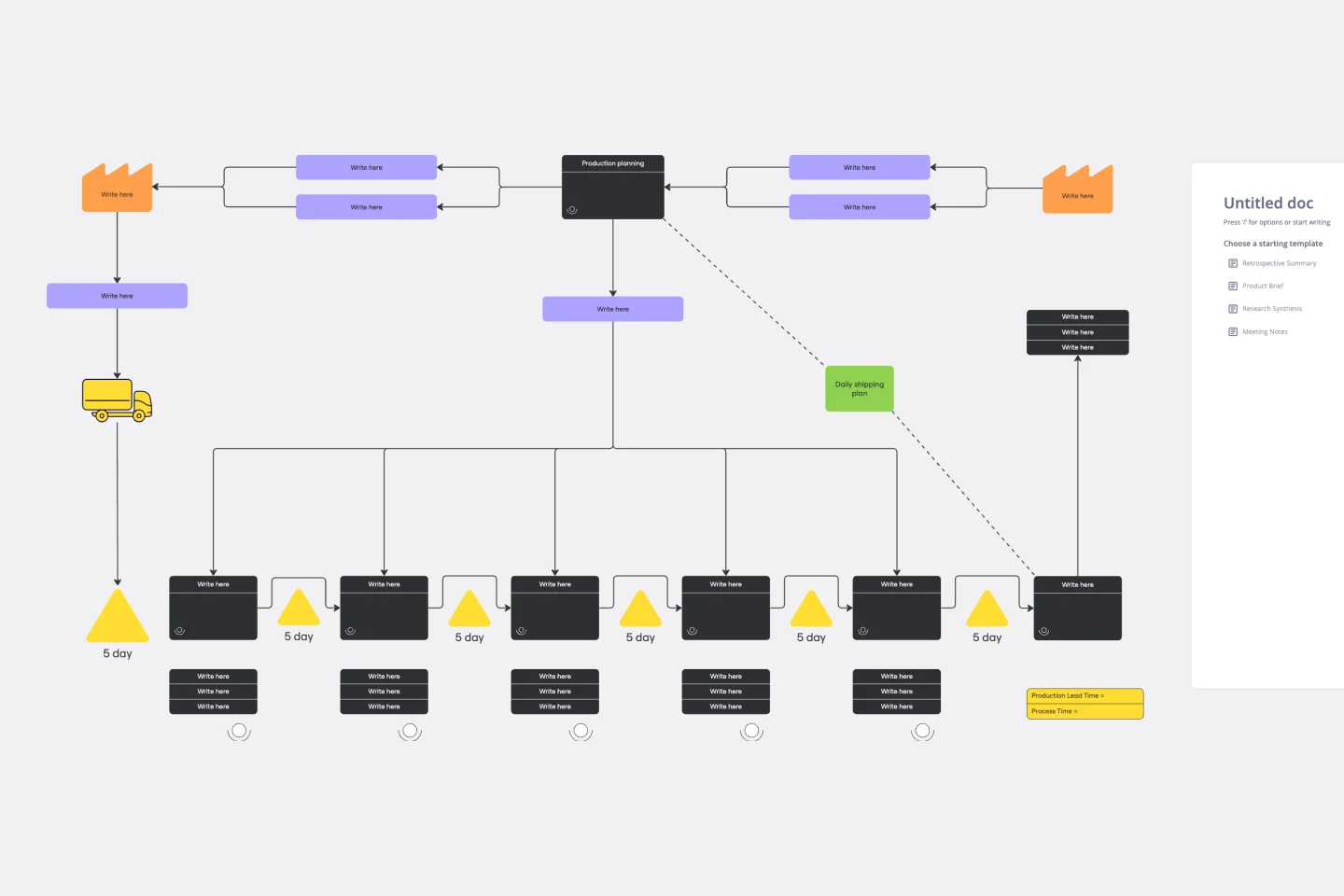
Value Stream Mapping Template
A value stream map can help you refocus your business on steps that actually provide value to your customers, cutting out wasteful and inefficient processes. With this template, you and your process team can collaborate on a value stream map today.

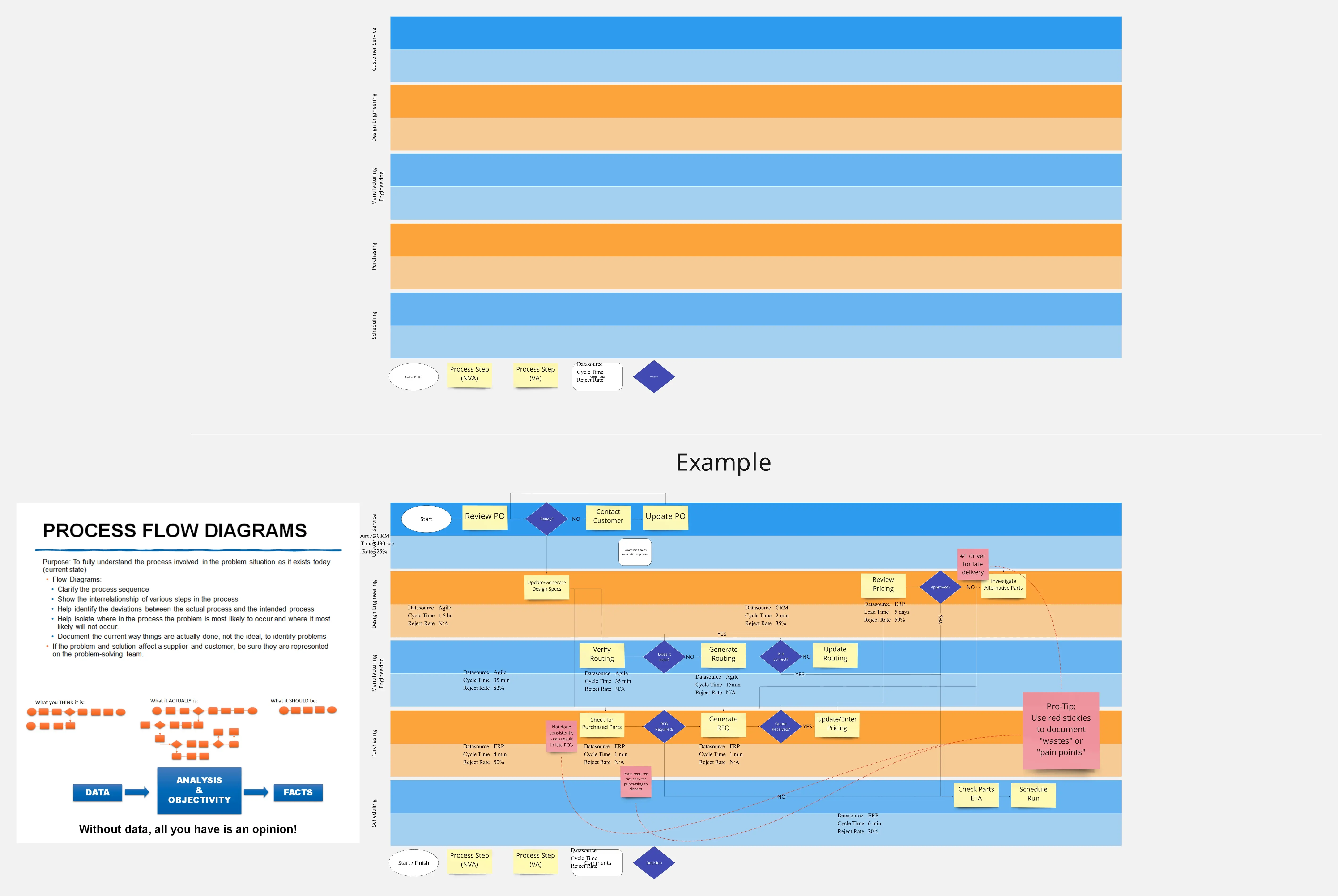
Swim Lane Diagram with Data
The Swim Lane Diagram with Data template is a visual tool for illustrating processes or workflows with swimlanes that contain additional data or information. It provides elements for documenting process steps, timelines, and performance metrics within each swimlane. This template enables teams to analyze process efficiency, identify bottlenecks, and make data-driven decisions for process improvement. By combining visual clarity with data insights, the Swim Lane Diagram with Data empowers organizations to optimize workflows and drive continuous improvement effectively.
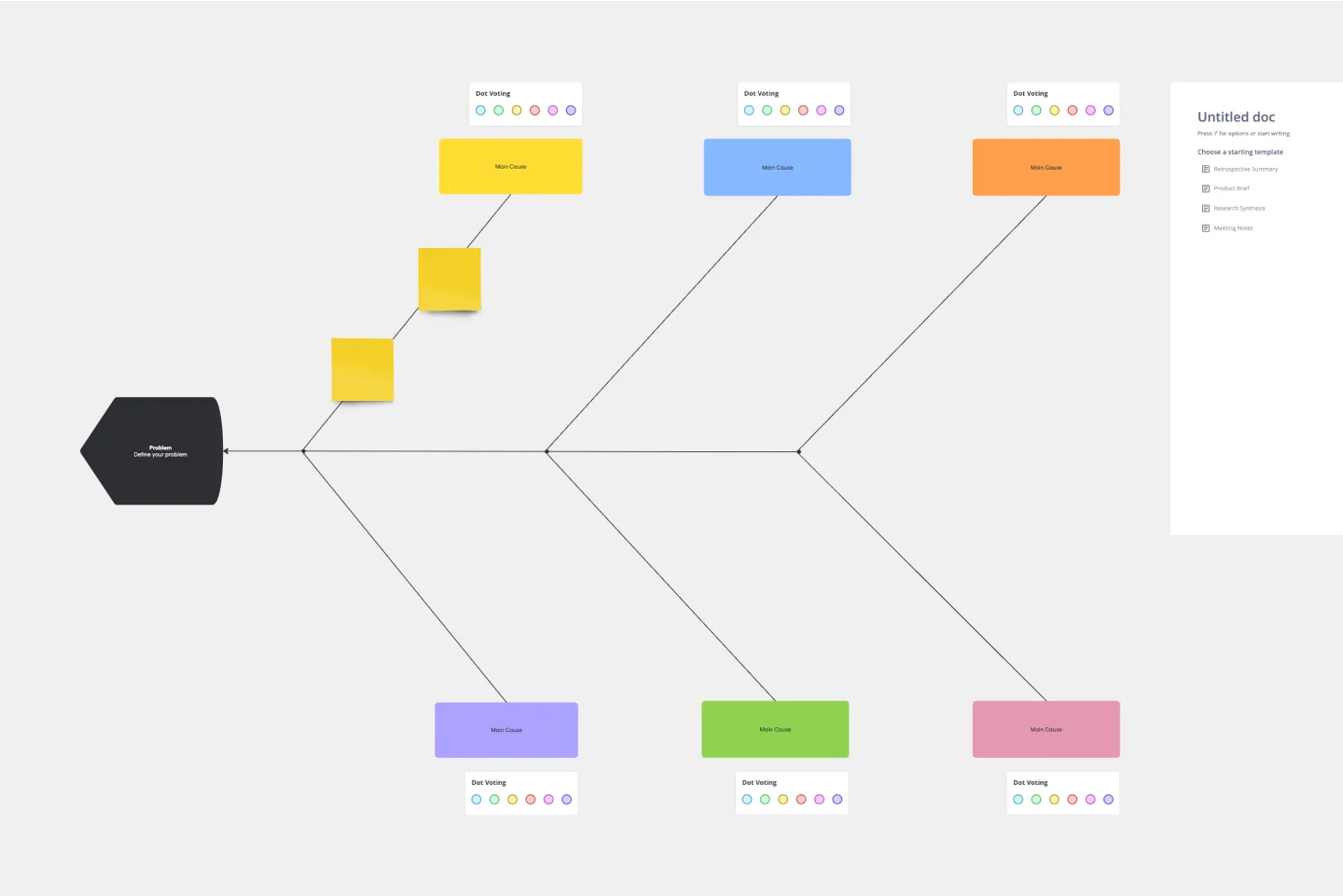
Fishbone Diagram Template
What is the best way to solve any problem your team faces? Go straight to the root. That means identifying the root causes of the problem, and fishbone diagrams are designed to help you do it best. Also known as the Ishikawa Diagram (named after Japanese quality control expert Kaoru Ishikawa), fishbone diagrams allow teams to visualize all possible causes of a problem, to explore and understand how they fit together holistically. Teams can also use fishbone diagrams as a starting point for thinking about what the root cause of a future problem might be.

Organization & Process Mapping
The Organization & Process Mapping template facilitates the analysis and optimization of organizational processes. By visualizing process flows, bottlenecks, and handoffs, this template helps teams identify inefficiencies and streamline workflows. With sections for documenting process steps and improvement opportunities, this template empowers teams to implement process enhancements and drive operational excellence.

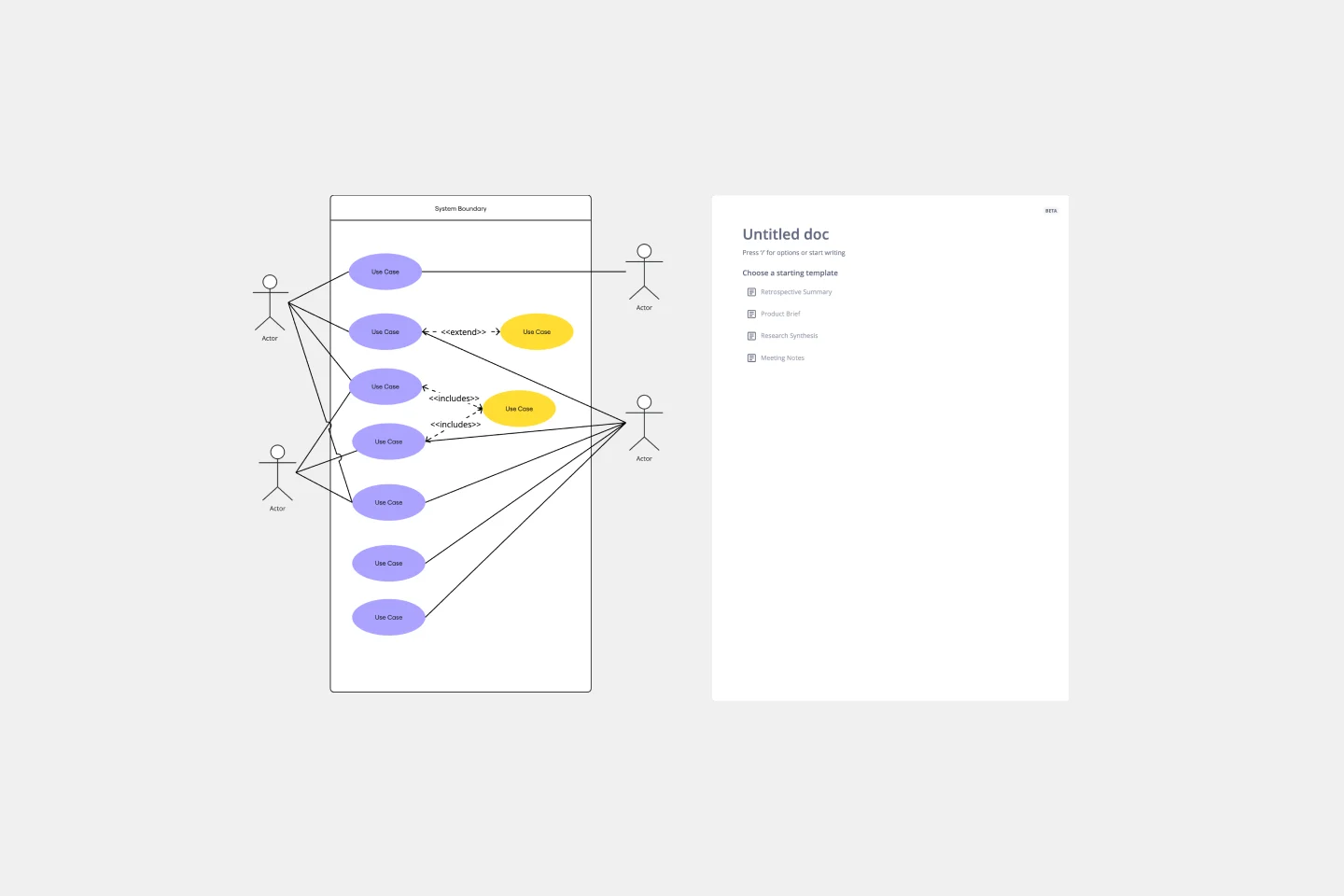
Use Case Diagram Template
A use case diagram is a visual tool that helps you analyze the relationships between personas and use cases. Use case diagrams typically depict the expected behavior of the system: what will happen and when. A use case diagram is helpful because it allows you to design a system from the perspective of the end user. It’s a valuable tool for communicating your desired system behavior in the language of the user, by specifying all externally visible system behavior.
Brace Map Template
Transform your brainstorming and planning tasks with Miro's Brace Map Template. This powerful visual thinking tool clarifies complex concepts by creating a visual hierarchy that organizes each element precisely. The central idea connects seamlessly to sub-elements through intuitive braces, providing an easily understandable framework. This clarity enhances individual understanding and fosters collaborative efforts, allowing teams to navigate complex ideas with precision and coherence. The Brace Map Template will enable you to organize your thoughts efficiently and solve complexities visually.

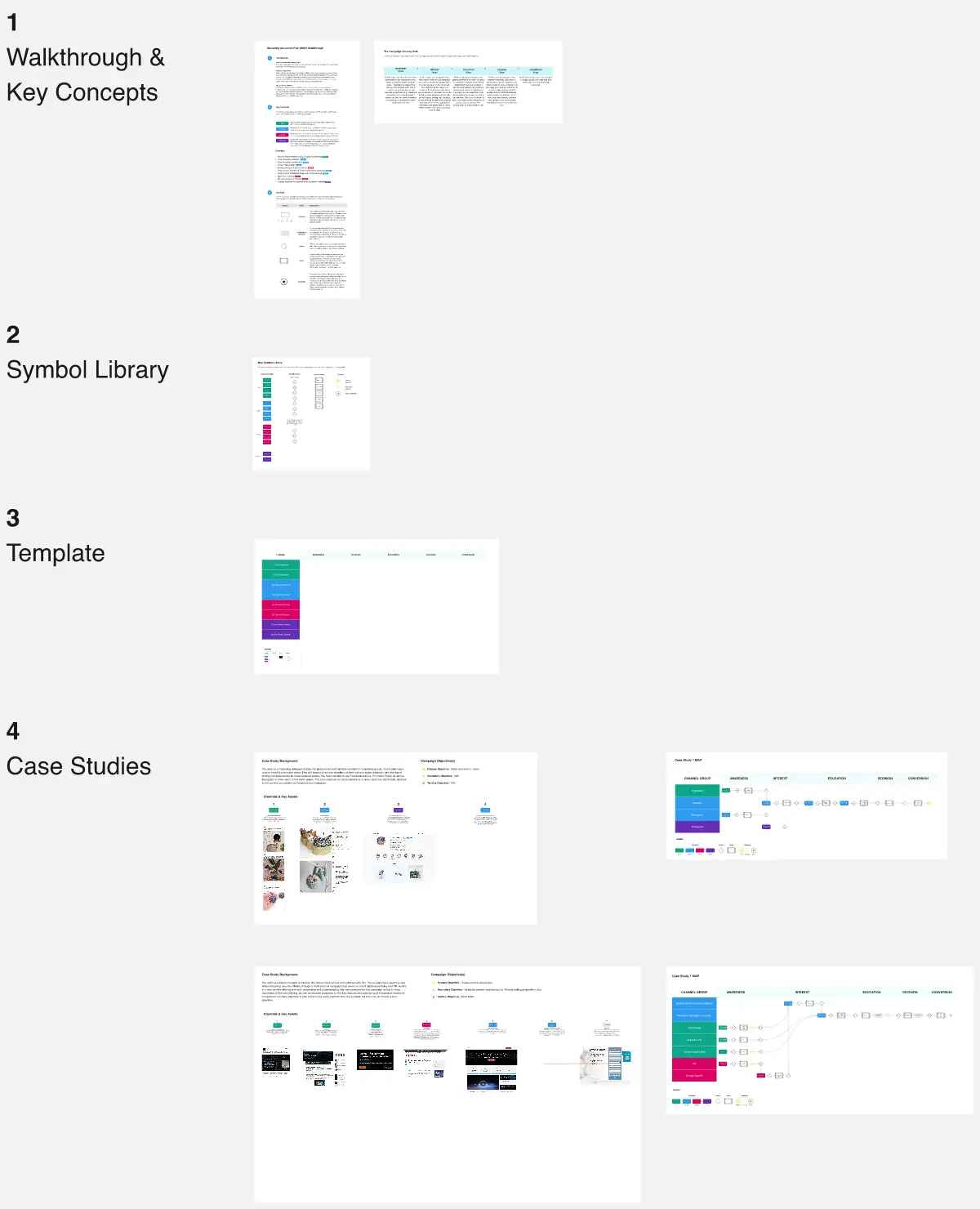
User Story Mapping with Walkthrough
The Bluefruit Software user story mapping template offers a framework to help businesses prioritise software development.

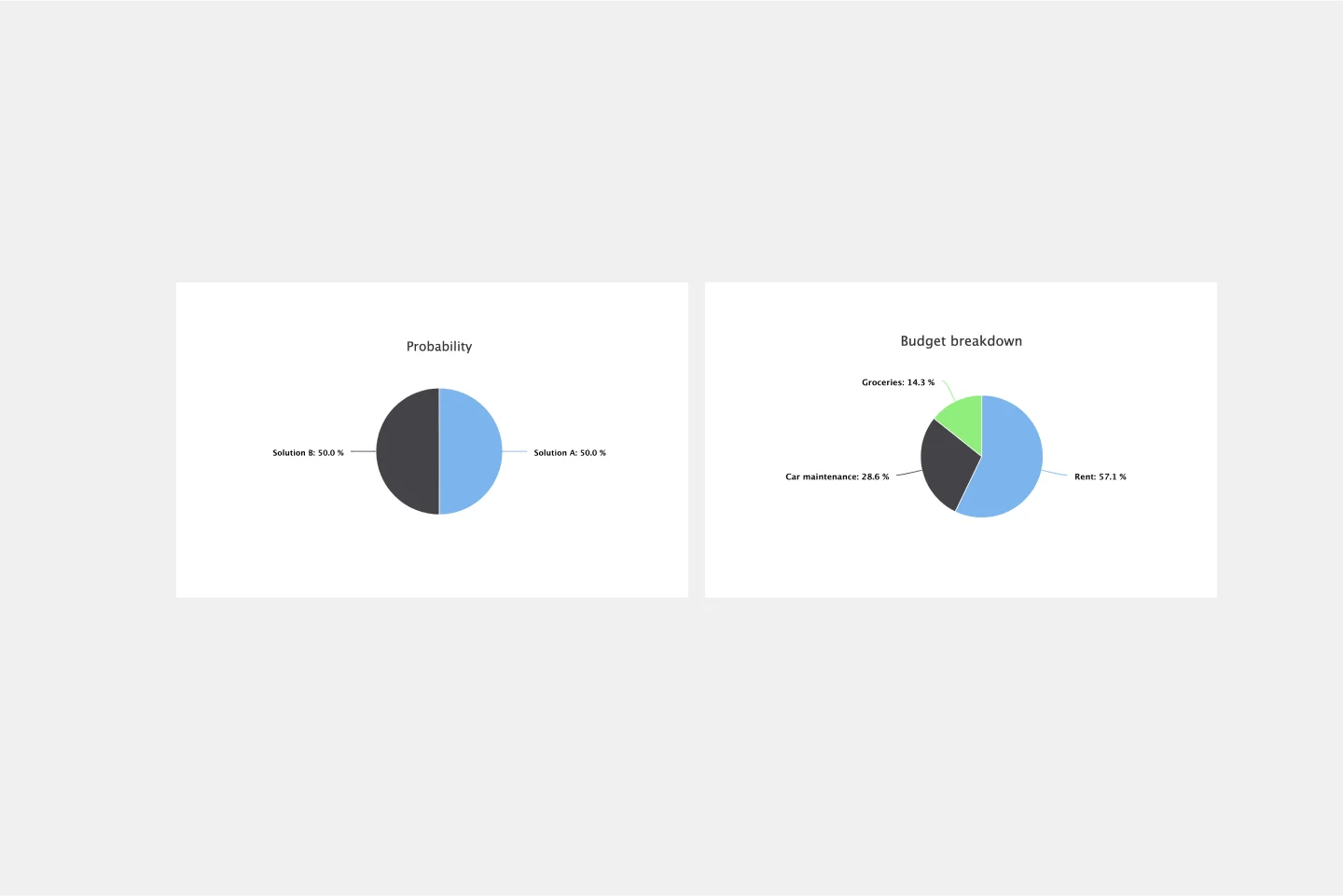
Pie Chart Template
Pie charts are an excellent way to present relationships between datasets graphically, where you can quickly compare information and see contrast right away. Professionals from many fields use pie charts to support their presentations and enrich their storytelling as it’s one of the most commonly used data charts.

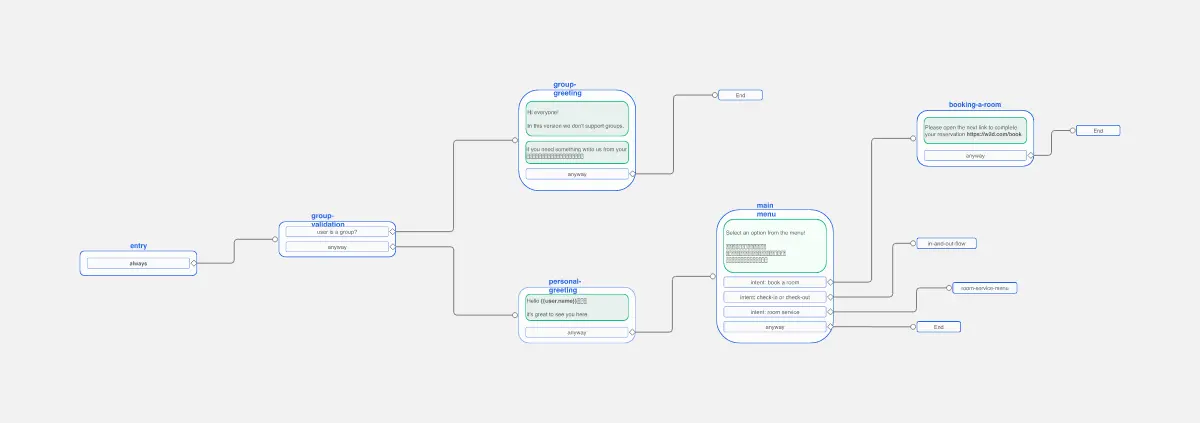
Chat-Bot
The Chat Bot template is a visual tool for designing and mapping out chatbot interactions and functionalities. It provides a structured framework for visualizing conversation flows, user inputs, and bot responses. This template enables teams to collaborate on designing chatbot experiences that are intuitive and user-friendly, driving engagement and satisfaction. By promoting clarity and alignment, the Chat-Bot template empowers organizations to create effective chatbot solutions that meet user needs and business objectives.
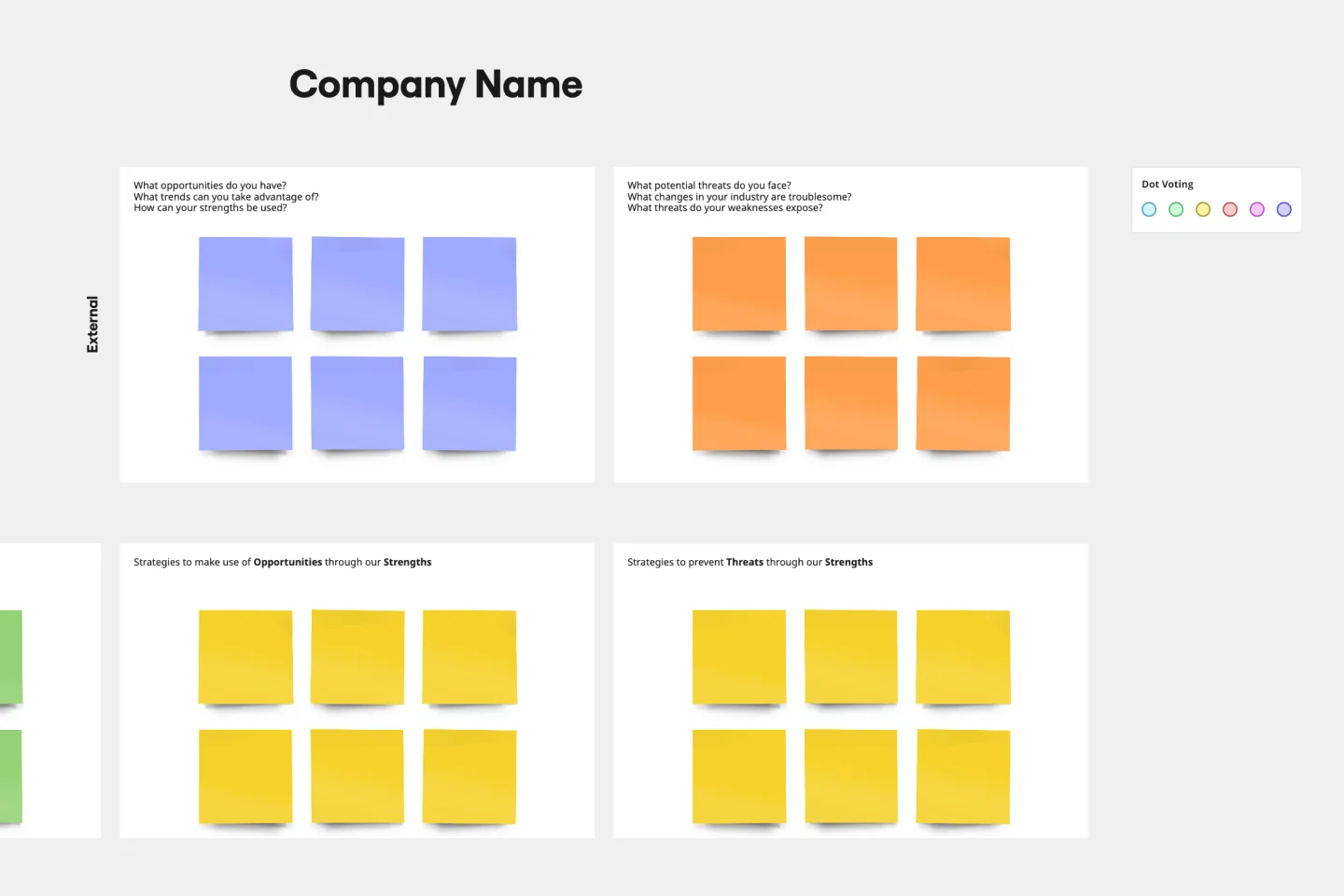
SWOT Analysis Template
When you’re developing a business strategy, it can be hard to figure out what to focus on. A SWOT analysis helps you hone in on key factors. SWOT stands for Strengths, Weaknesses, Opportunities, and Threats. Strengths and weaknesses are internal factors, like your employees, intellectual property, marketing strategy, and location. Opportunities and threats are usually external factors, like market fluctuations, competition, prices of raw materials, and consumer trends. Conduct a SWOT analysis whenever you want to explore opportunities for new businesses and products, decide the best way to launch a product, unlock your company’s potential, or use your strengths to develop opportunities.
Miro's mapping and diagramming templates collection is designed to streamline the process of creating visual representations of complex information. Whether you're mapping out a customer journey, designing a flowchart, or creating a mind map, Miro offers a wide range of templates to suit your needs. These templates are crafted to help you start quickly and collaborate effectively with your team, ensuring that everyone is on the same page from the get-go.
Using Miro's mapping and diagramming templates comes with numerous benefits:
Ease of use: Start diagramming from scratch or choose from a variety of pre-made templates. The intuitive tools and frameworks make it easy to create professional diagrams without any prior experience.
Collaboration: Share your diagrams with teammates and collaborate in real time. Discuss, refine, and iterate directly on the board, making the process seamless and efficient.
Versatility: The templates cater to various needs, from customer journey maps to technical diagrams, ensuring that you have the right tool for any project.
Efficiency: Save time with ready-to-use templates that can be customized to fit your specific requirements. This allows you to focus more on the content rather than the design.
Export and presentation: Once your diagram is ready, easily export it in various formats for presentations or further use.
Choose a template: Browse through the collection or use the search bar to find a specific template that fits your needs. Click on the template to preview it.
Customize the template: Modify the template to suit your project. Add or remove elements, change colors, and insert text to make it your own.
Collaborate with your team: Share the board with your team members. Use Miro's collaboration features to work together in real time, leaving comments and suggestions directly on the board.
Finish and export: Once your diagram is complete, use the export options to save it in your preferred format. You can also present it directly from Miro using the presentation.
Use advanced features: Take advantage of Miro's advanced diagramming features such as smart diagramming tools, which include workflows for methodologies like Business Process Modeling Notation (BPMN), Unified Modeling Language (UML), Data Flow Diagrams (DFD), and Entity Relationship Diagrams (ERD). These tools can help you create more sophisticated and detailed diagrams.
Incorporate integrations: Enhance your diagrams by integrating Miro with other services. Explore the Miro Marketplace to find apps that can enrich your diagramming experience, such as importing diagrams from other tools or exporting your Miro diagrams to different formats.
Leverage shape libraries: Use the extensive shape libraries available in Miro. These libraries are organized into logical categories, making it easy to find the right shapes for your diagrams. You can also switch types of shapes and customize them to fit your needs.
Embed and share: Once your diagram is complete, you can embed it directly into your company's documentation or share it with stakeholders. Miro's sharing options make it easy to collaborate and get feedback from your team.
Miro's mapping and diagramming templates are designed to help teams visualize complex information, streamline workflows, and enhance collaboration. By using these templates, teams can save time, improve efficiency, and create professional diagrams that facilitate better understanding and decision-making. With Miro, your team can thrive by turning ideas into actionable plans and achieving your goals together.