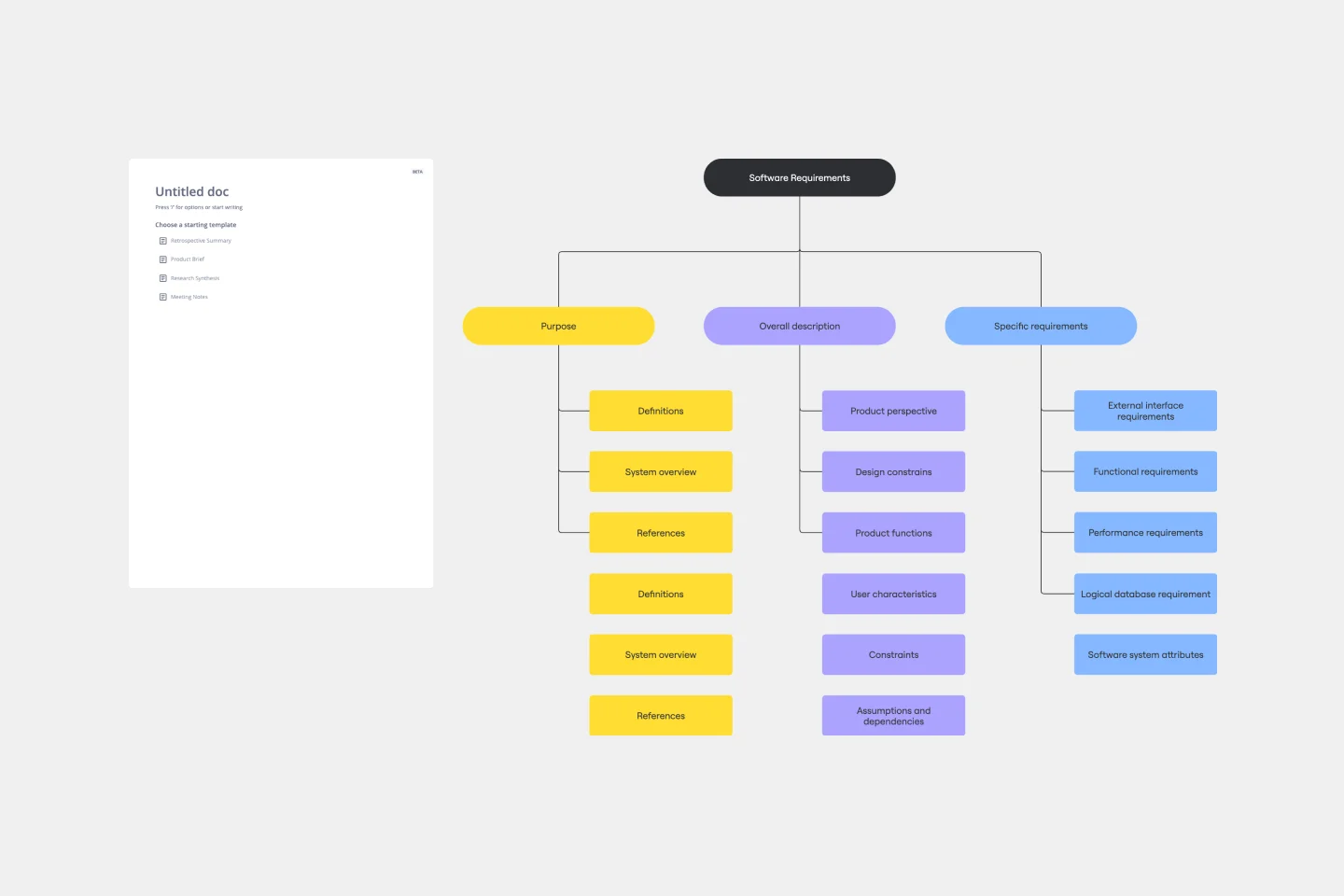
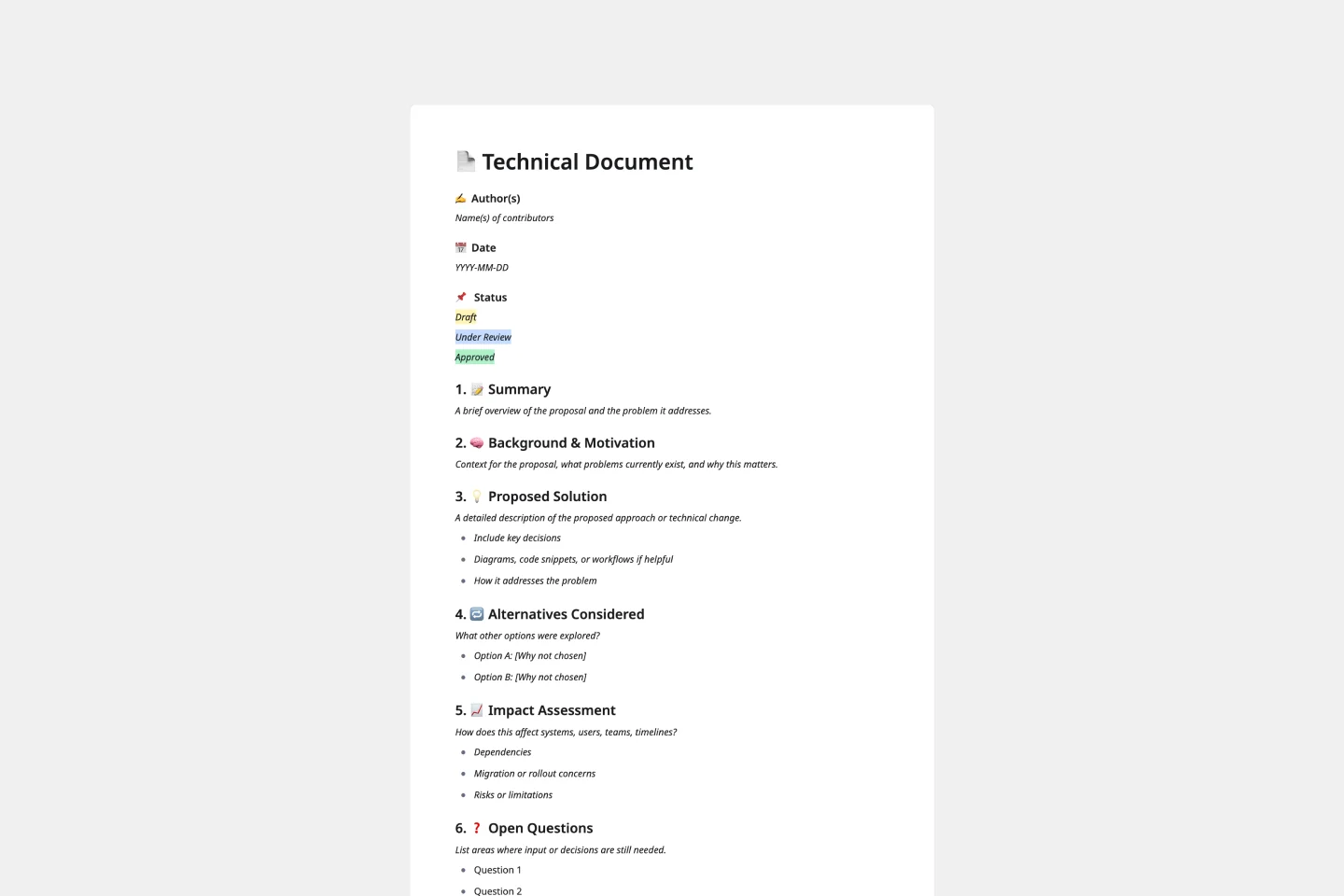
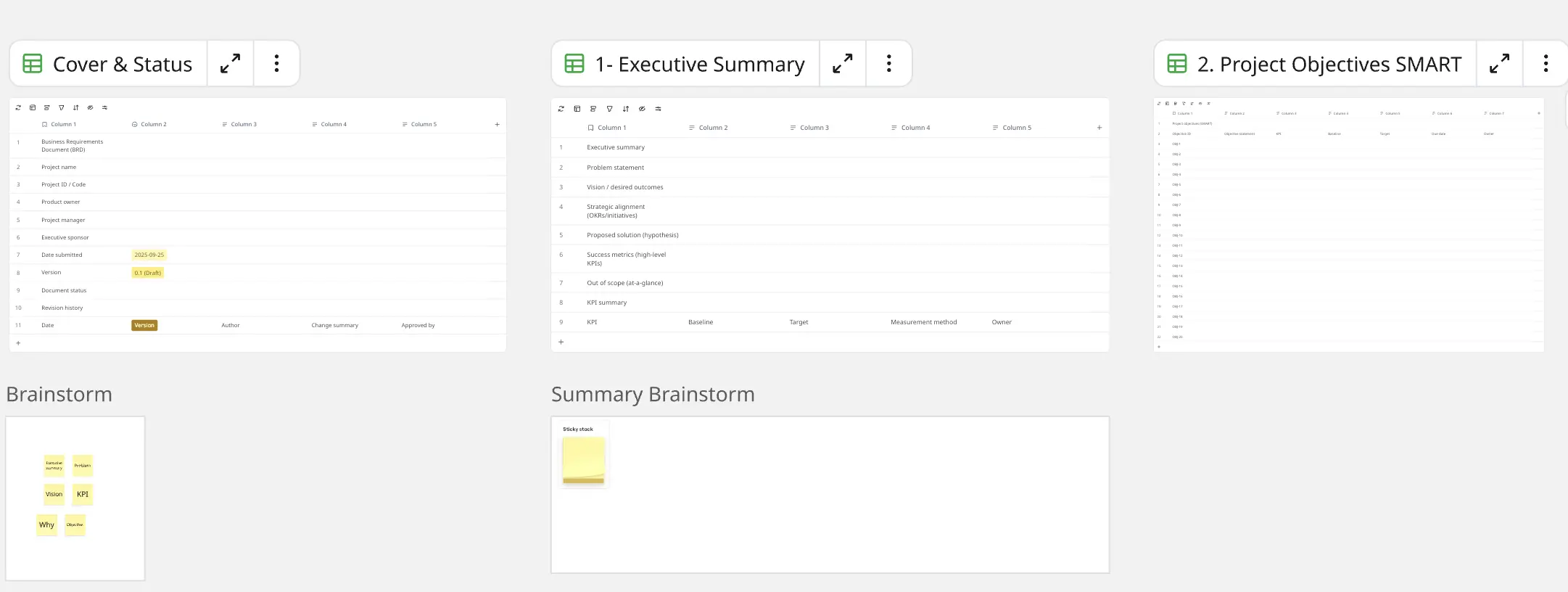
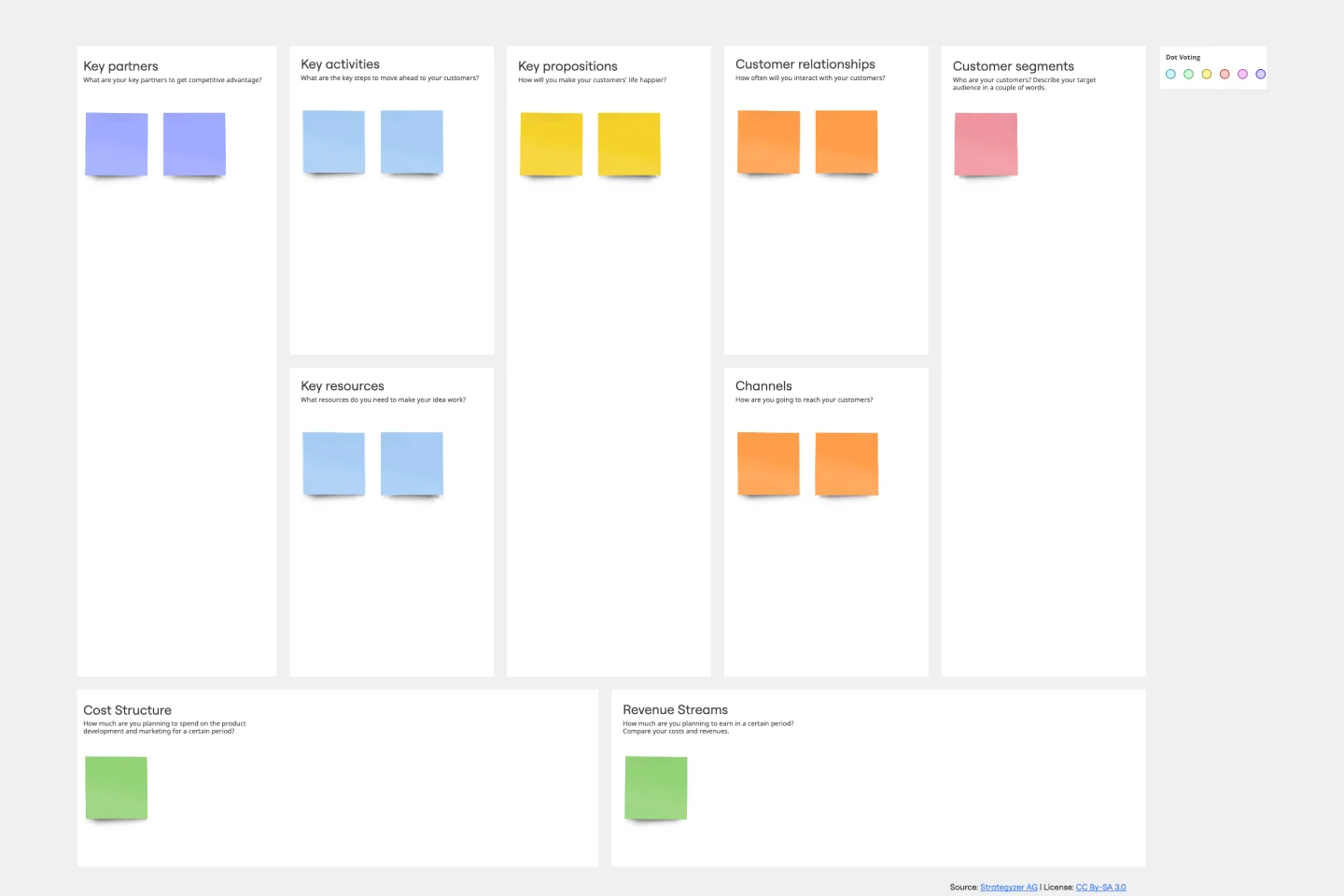
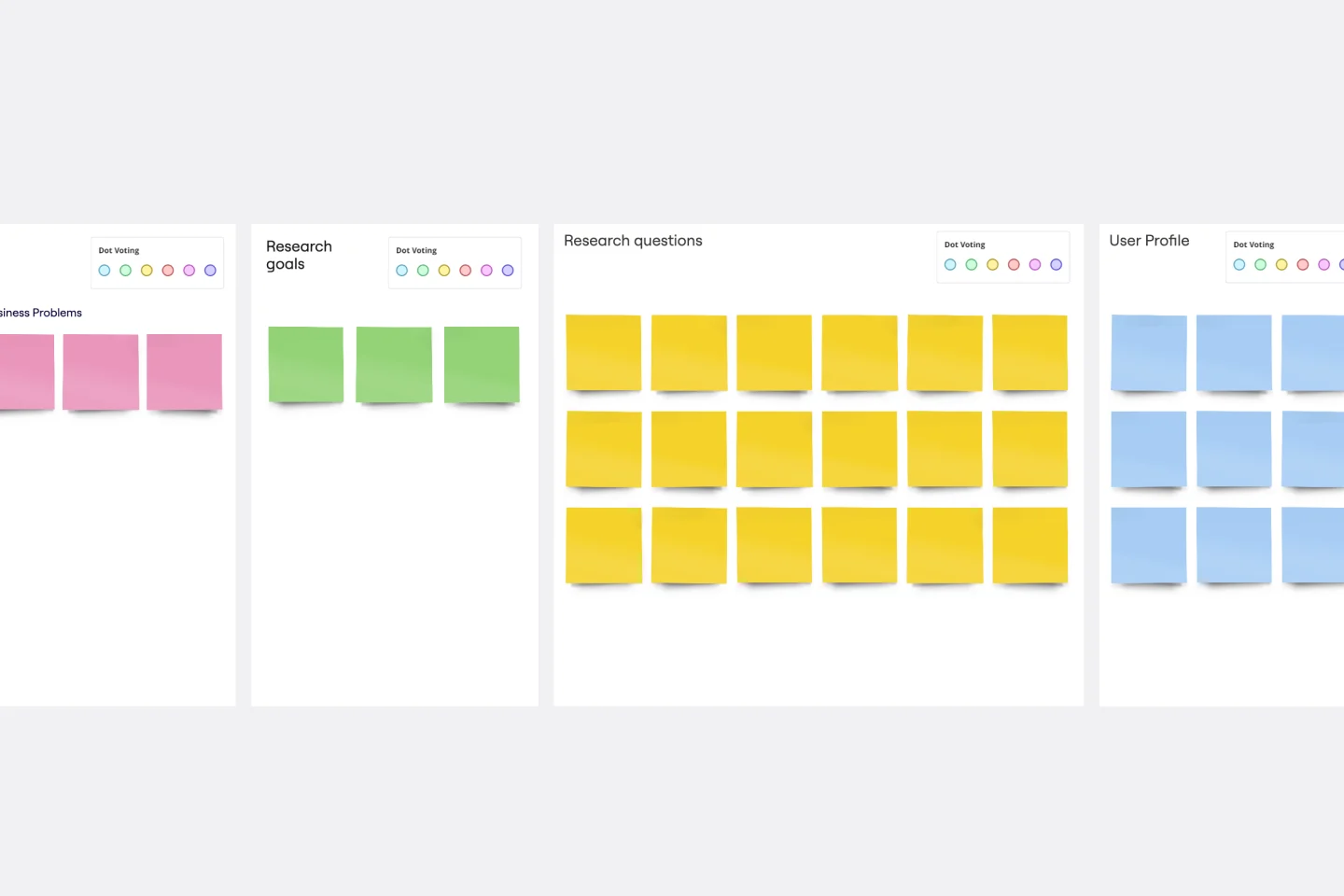
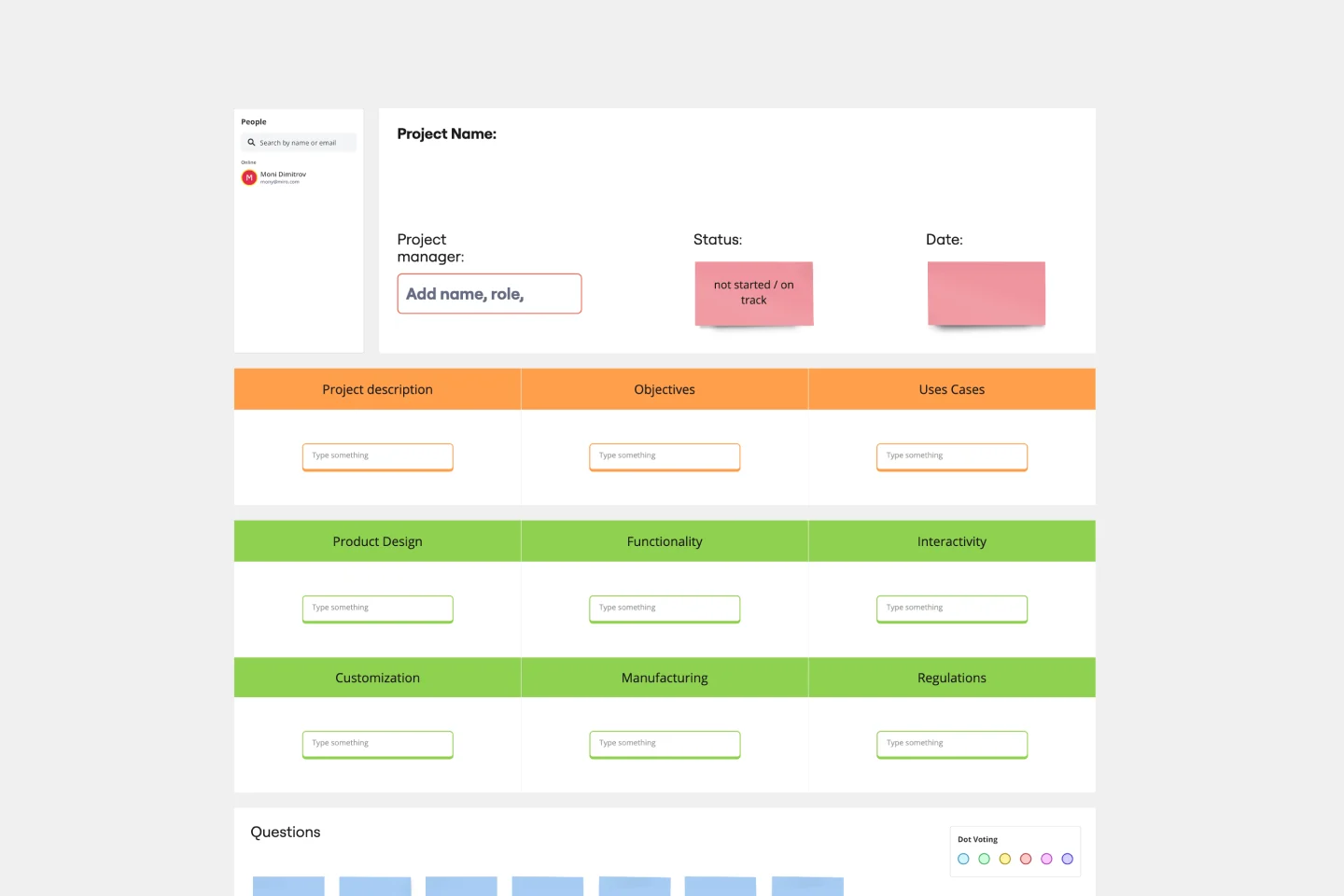
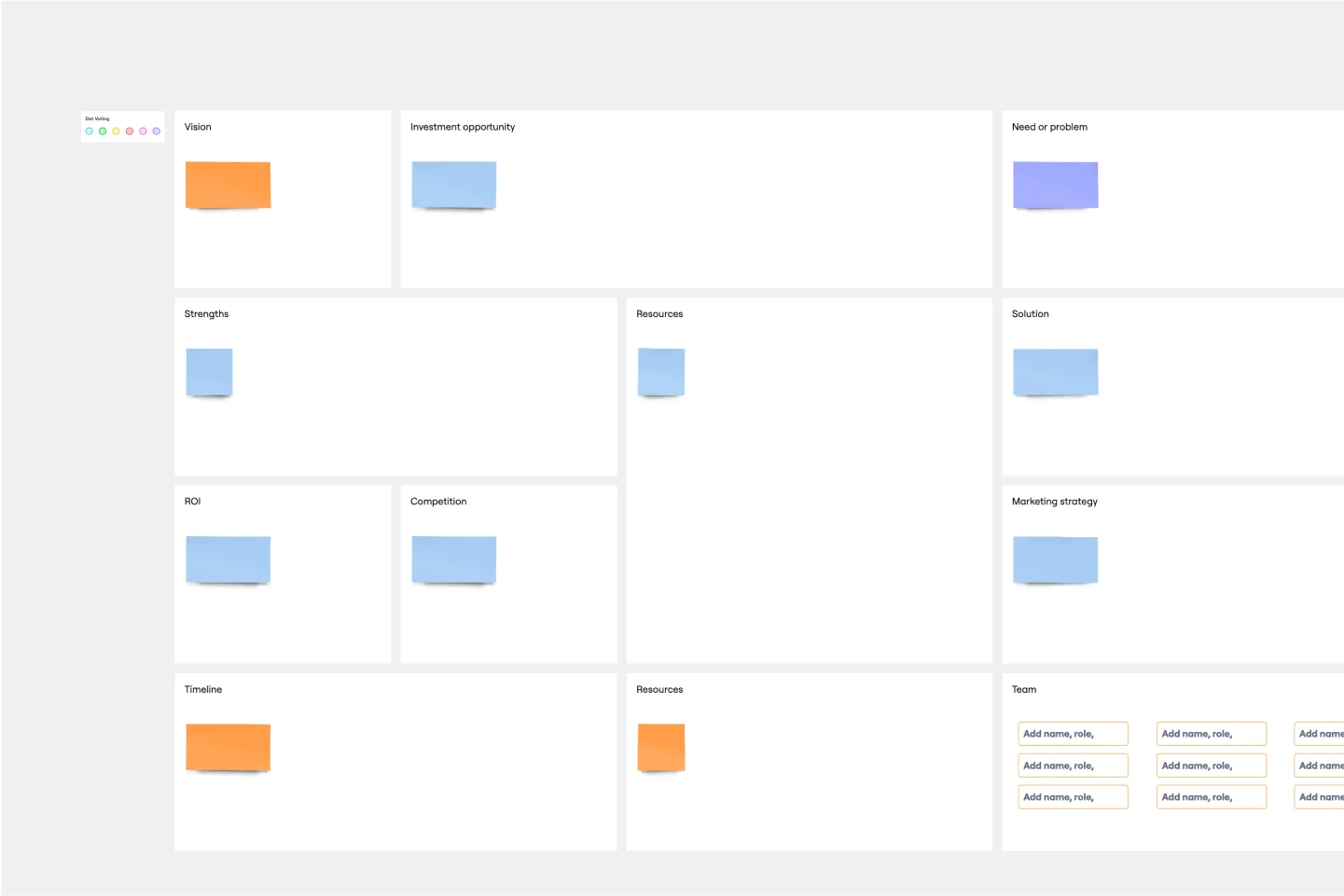
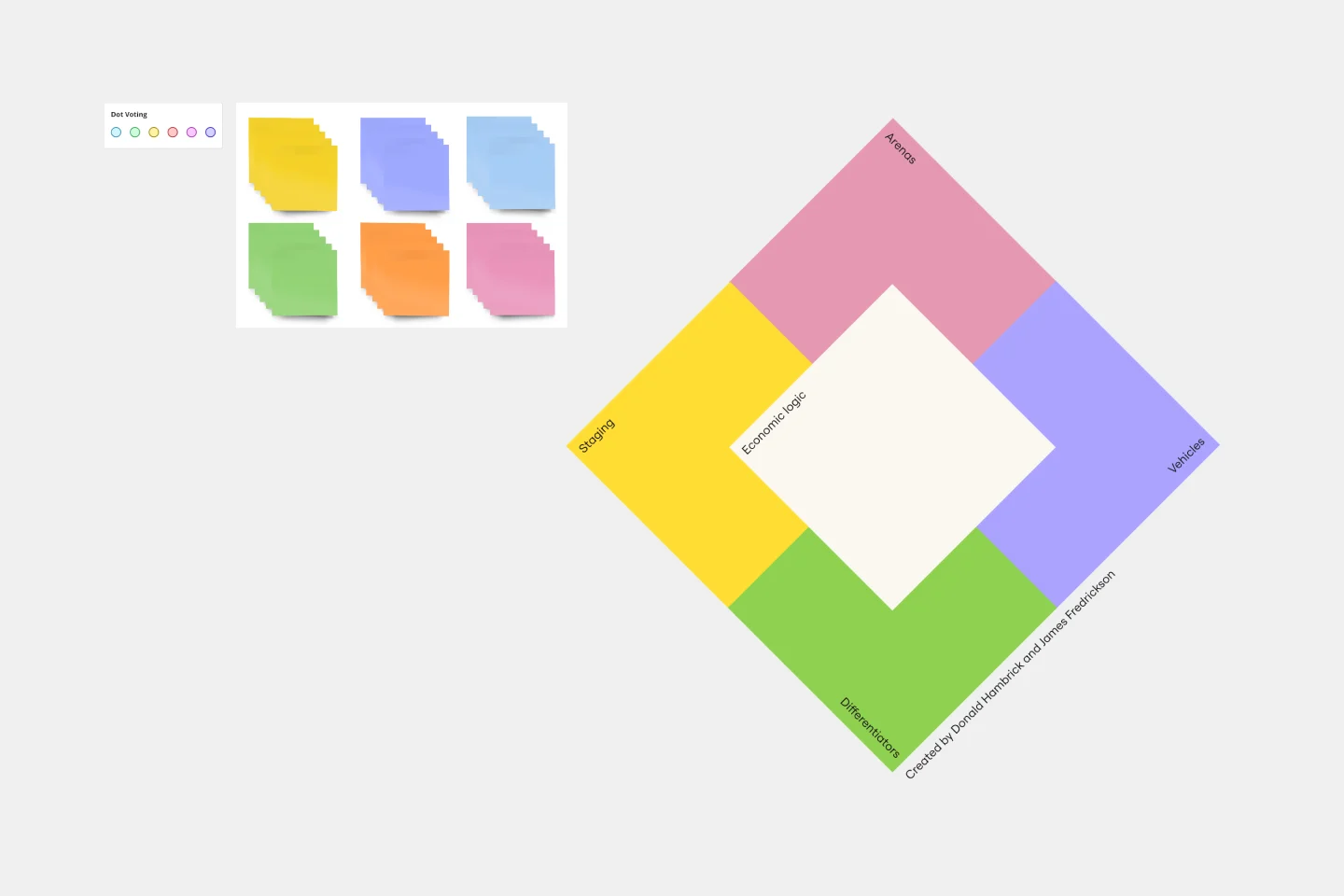
About the Documentation Templates Collection
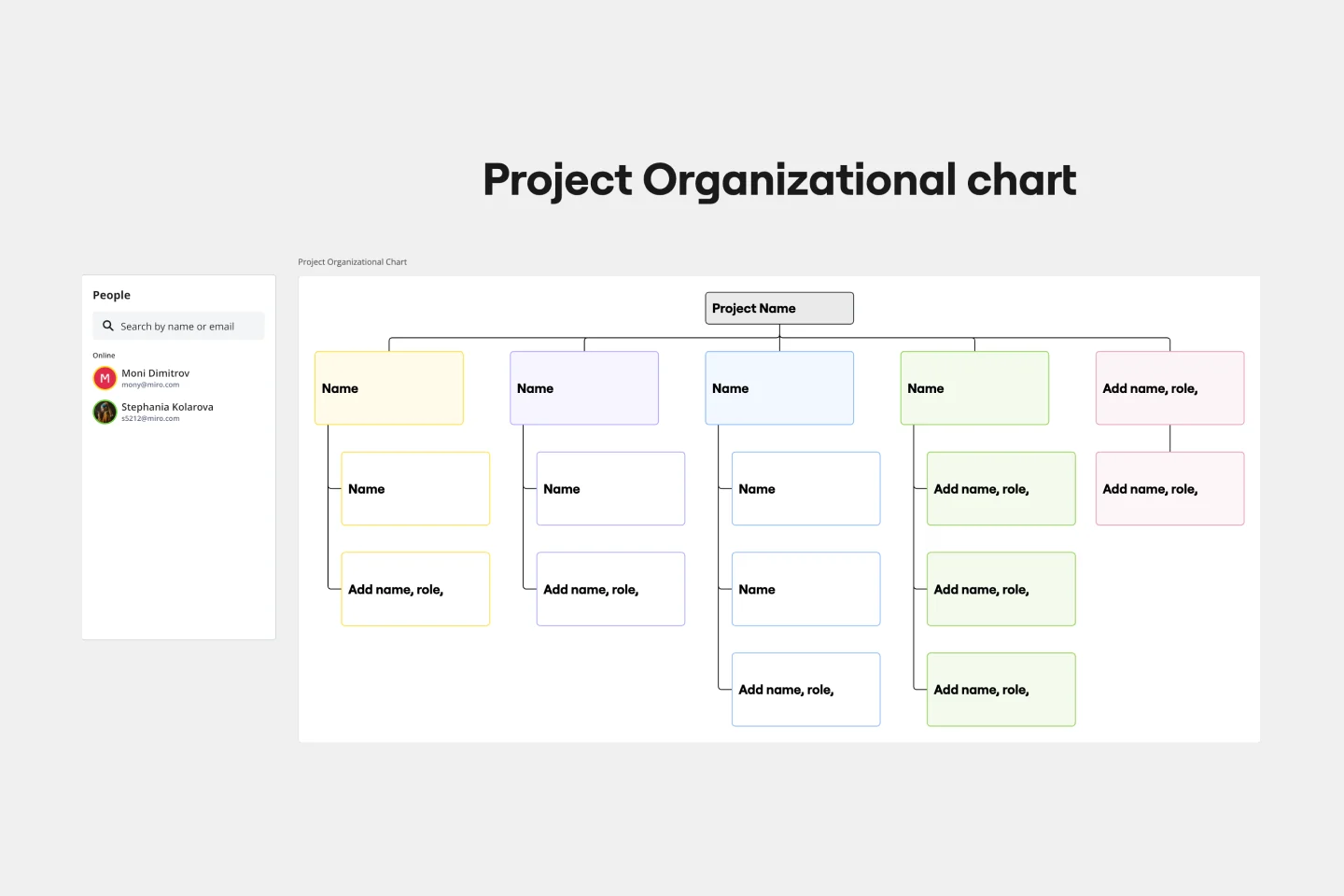
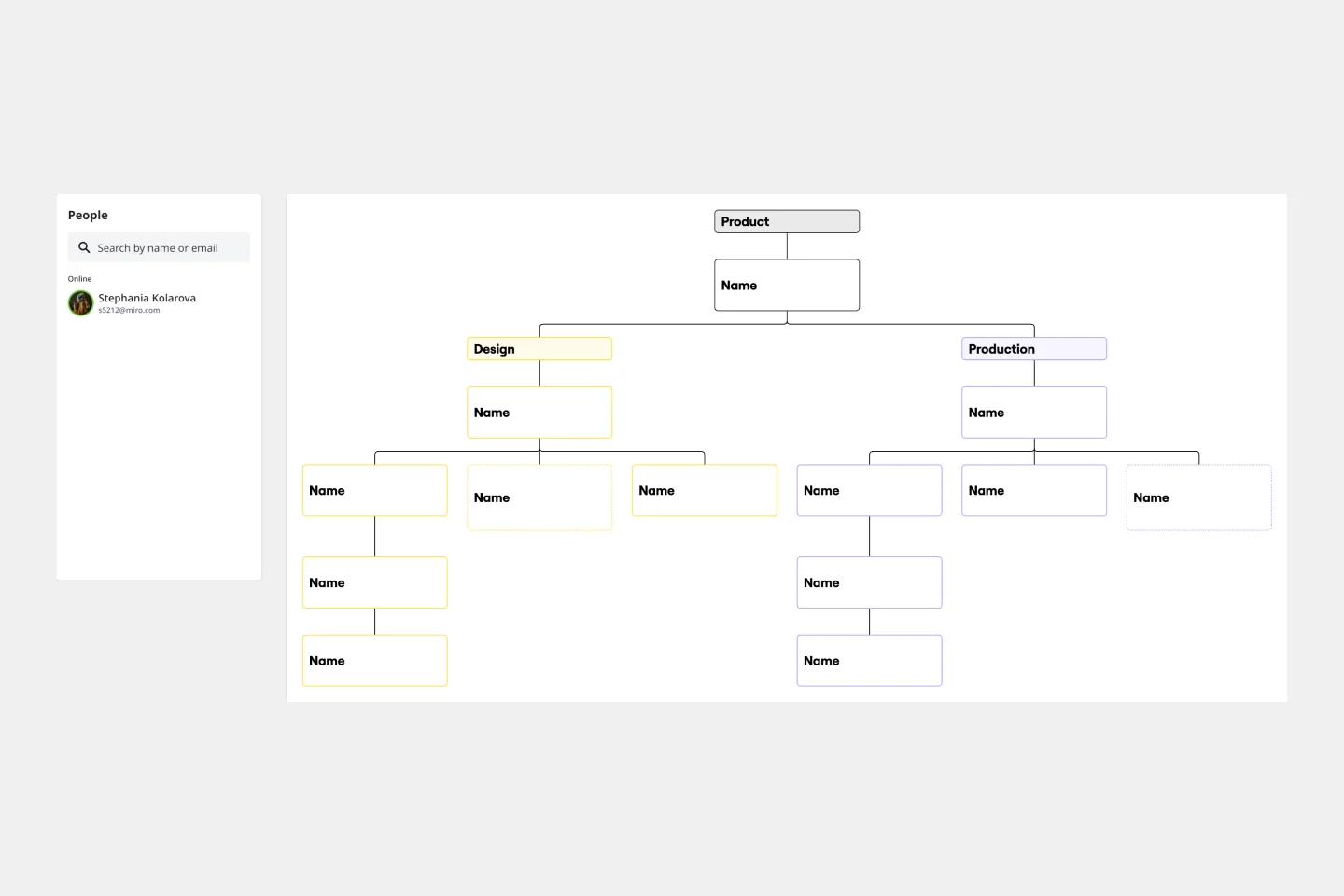
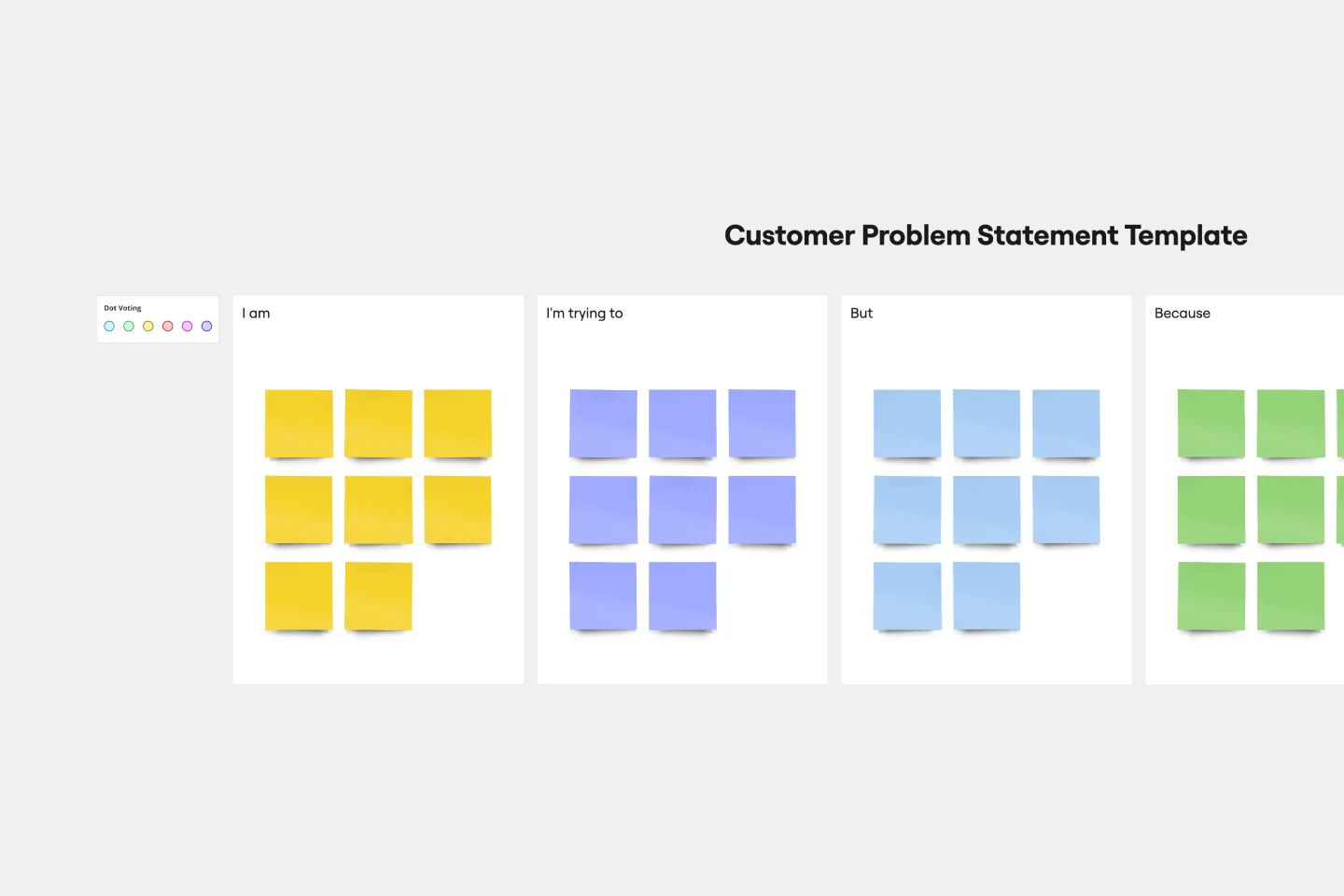
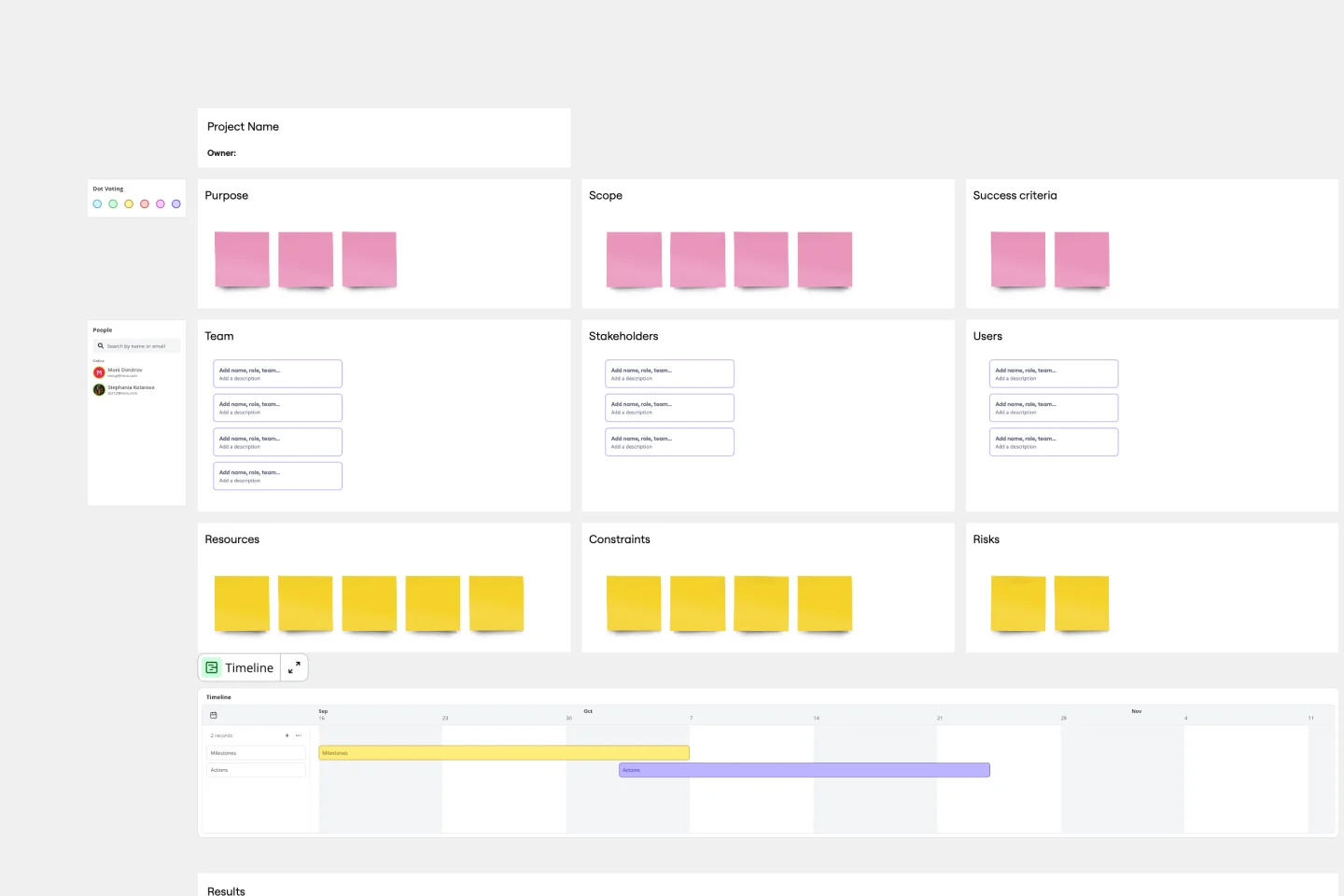
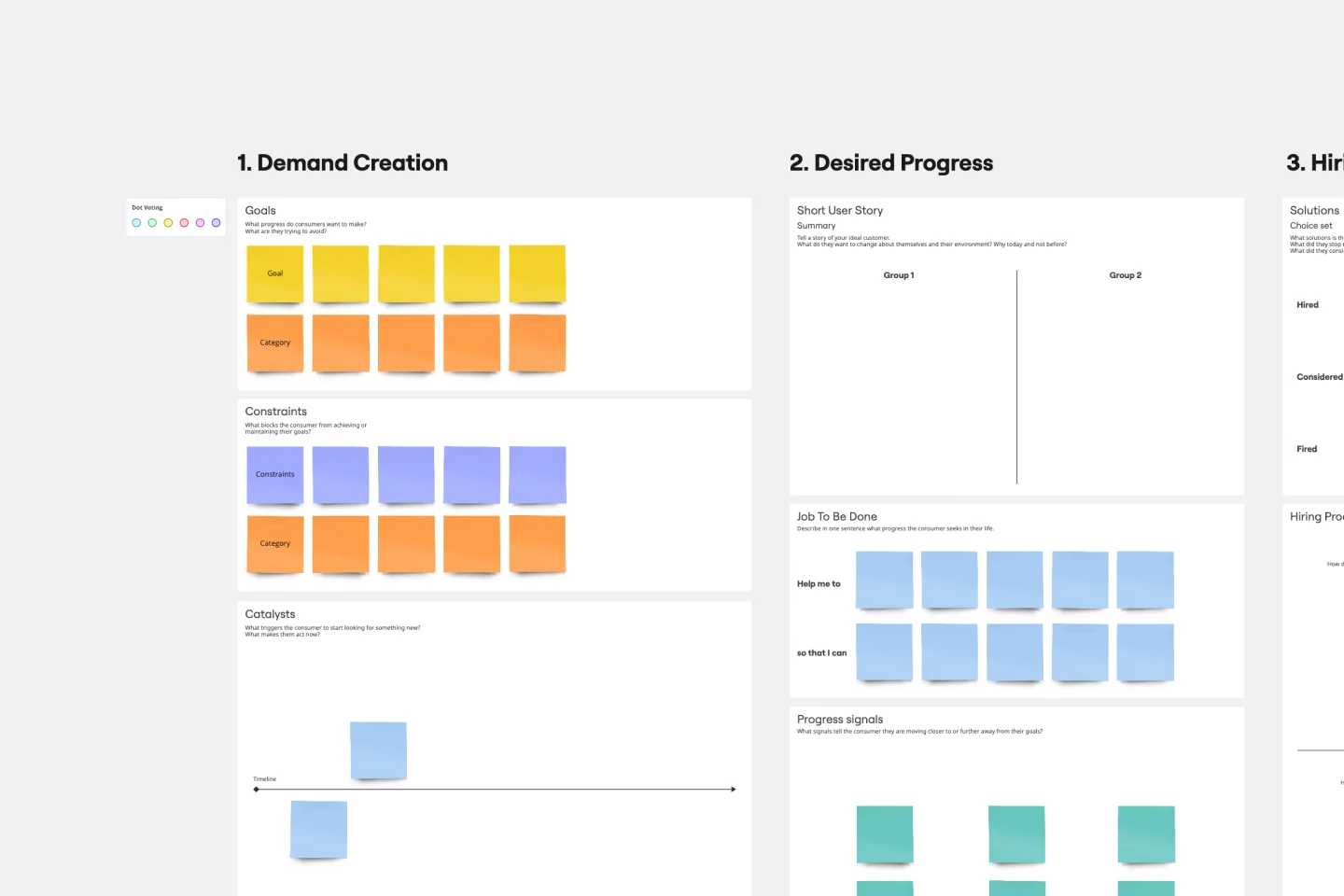
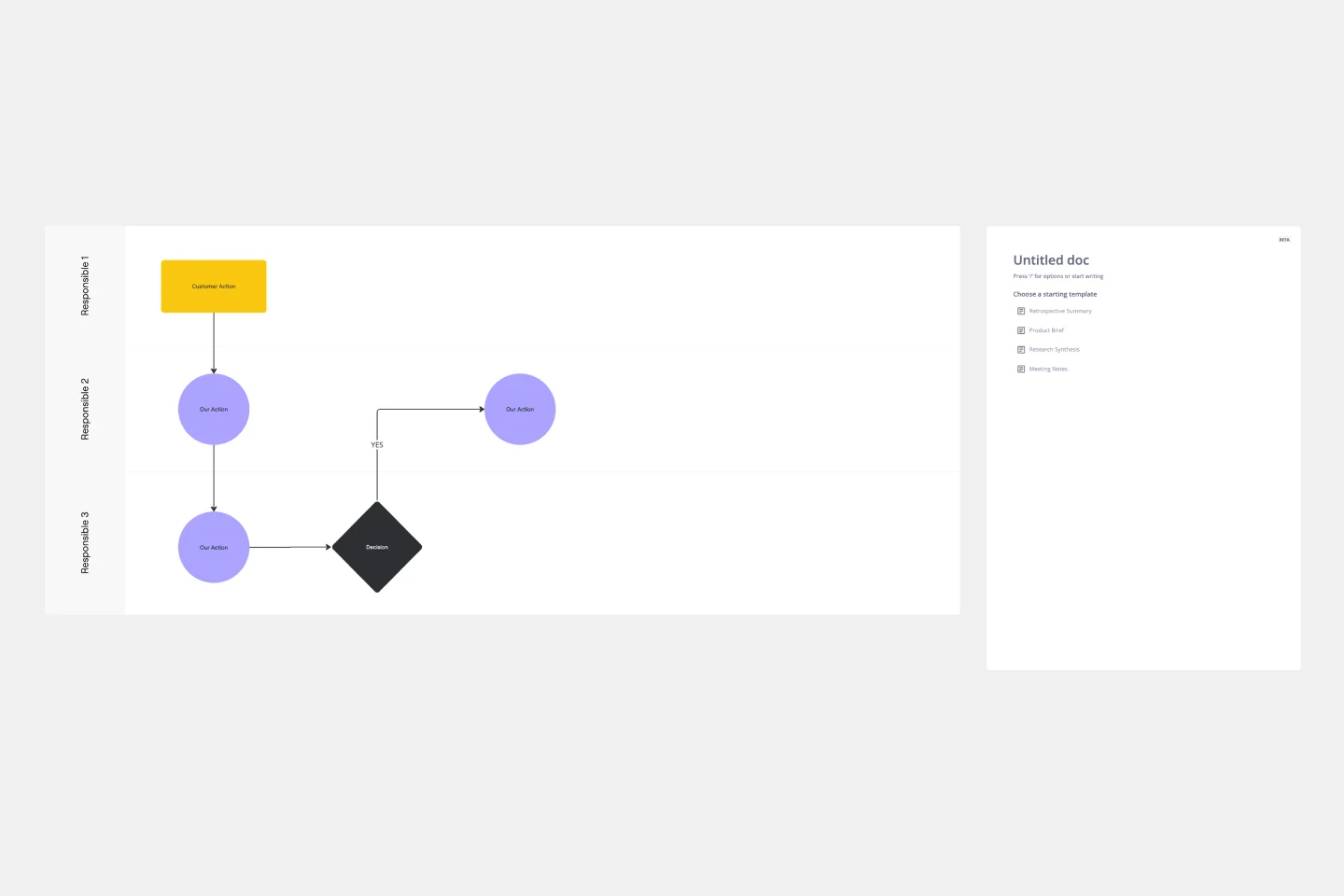
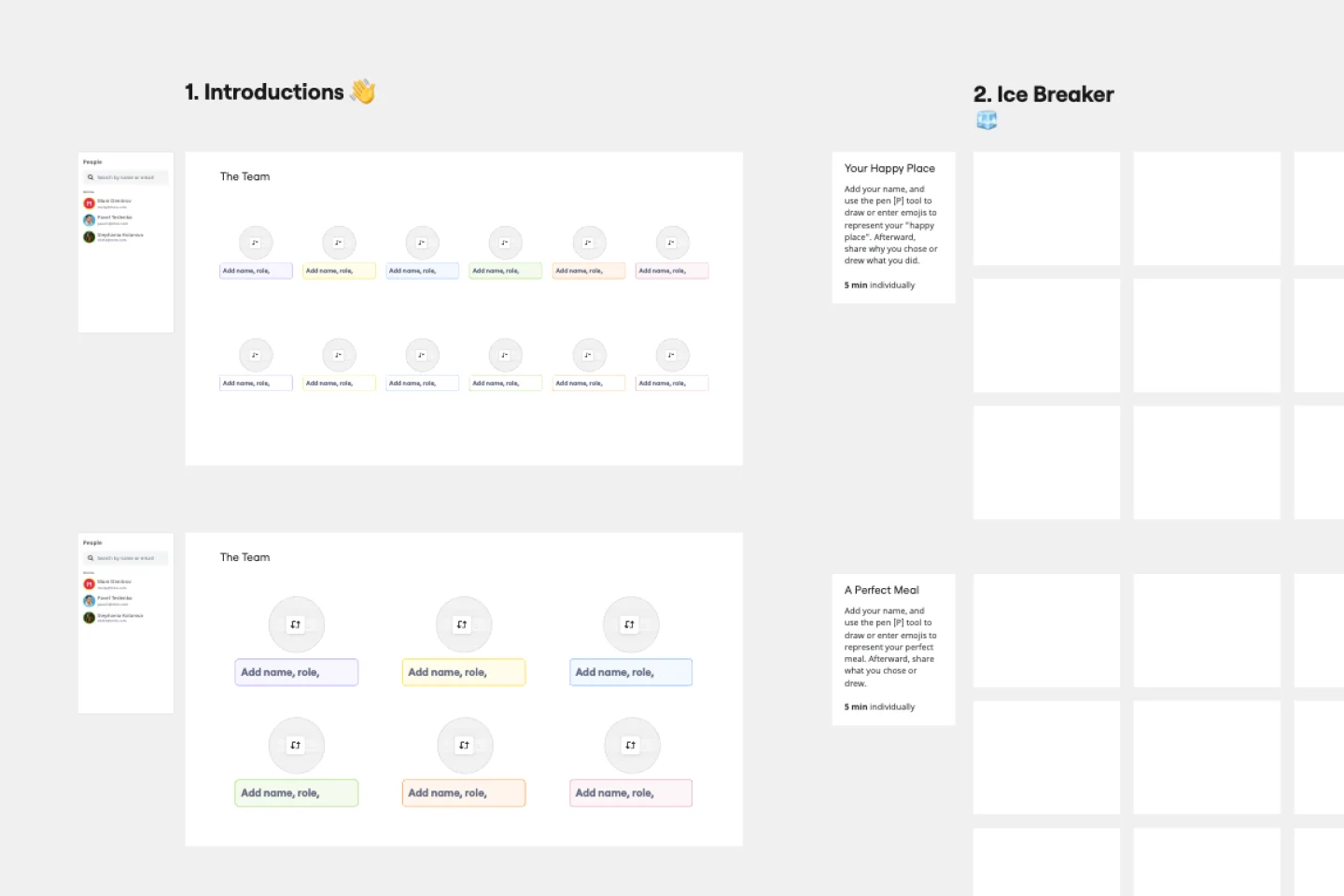
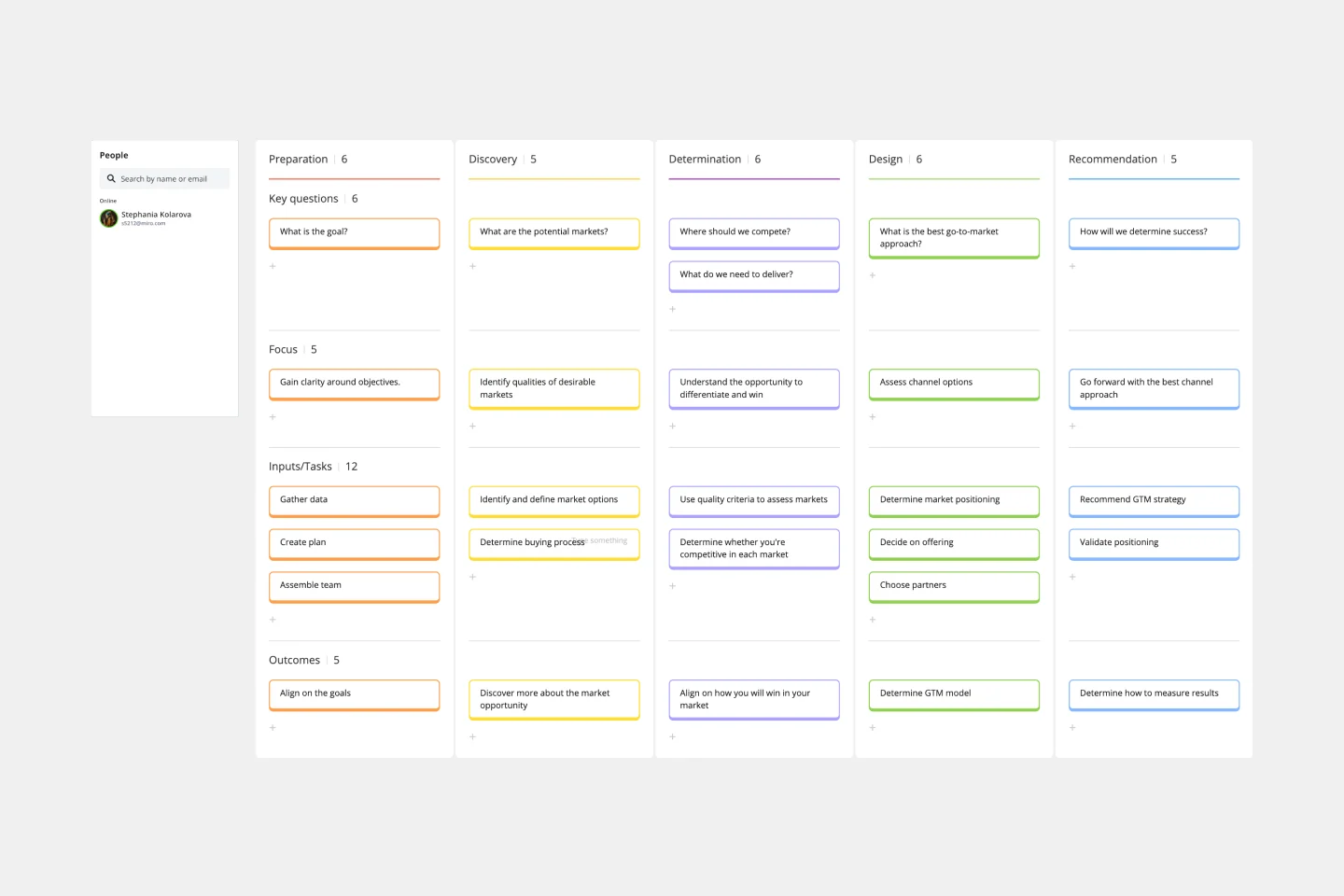
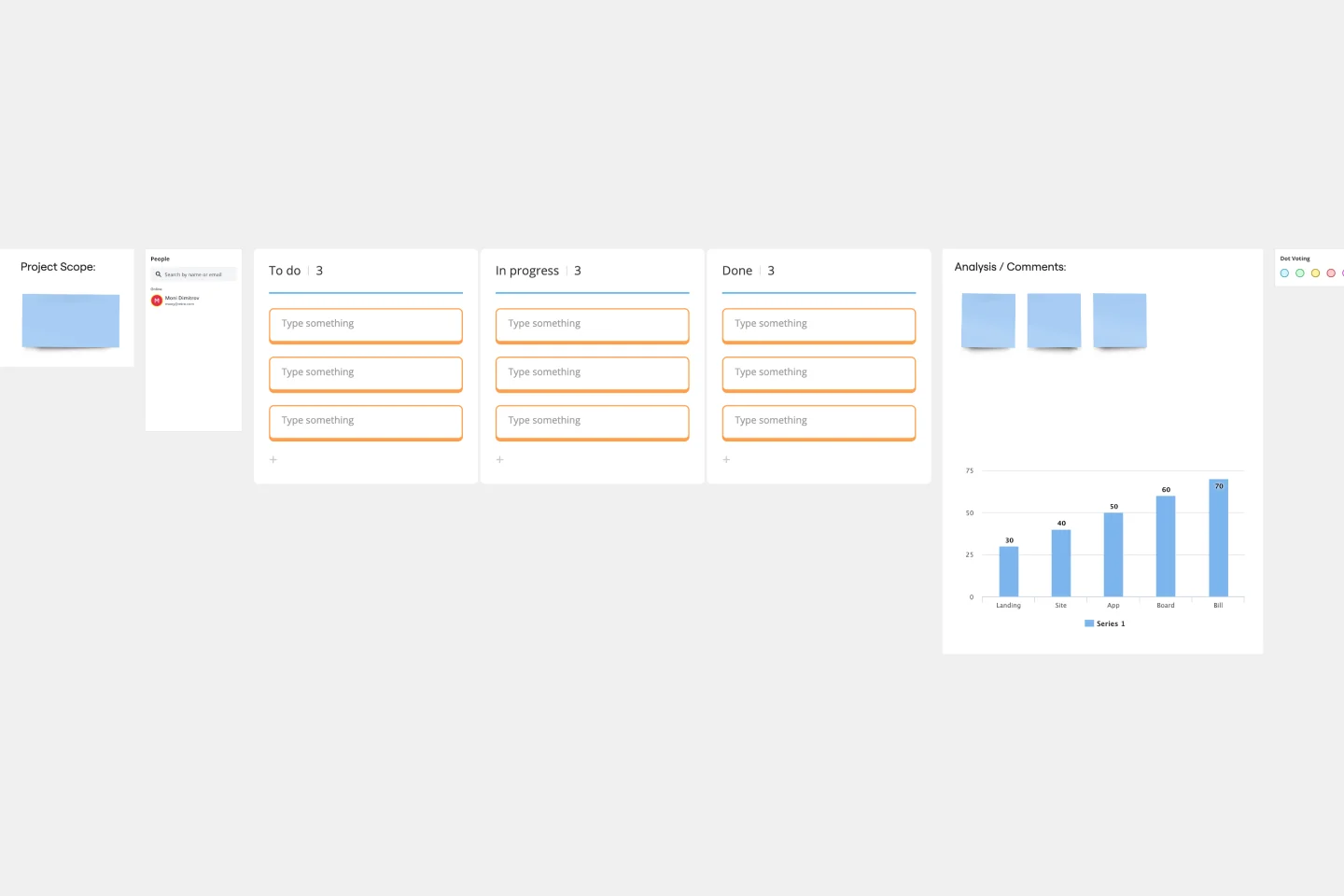
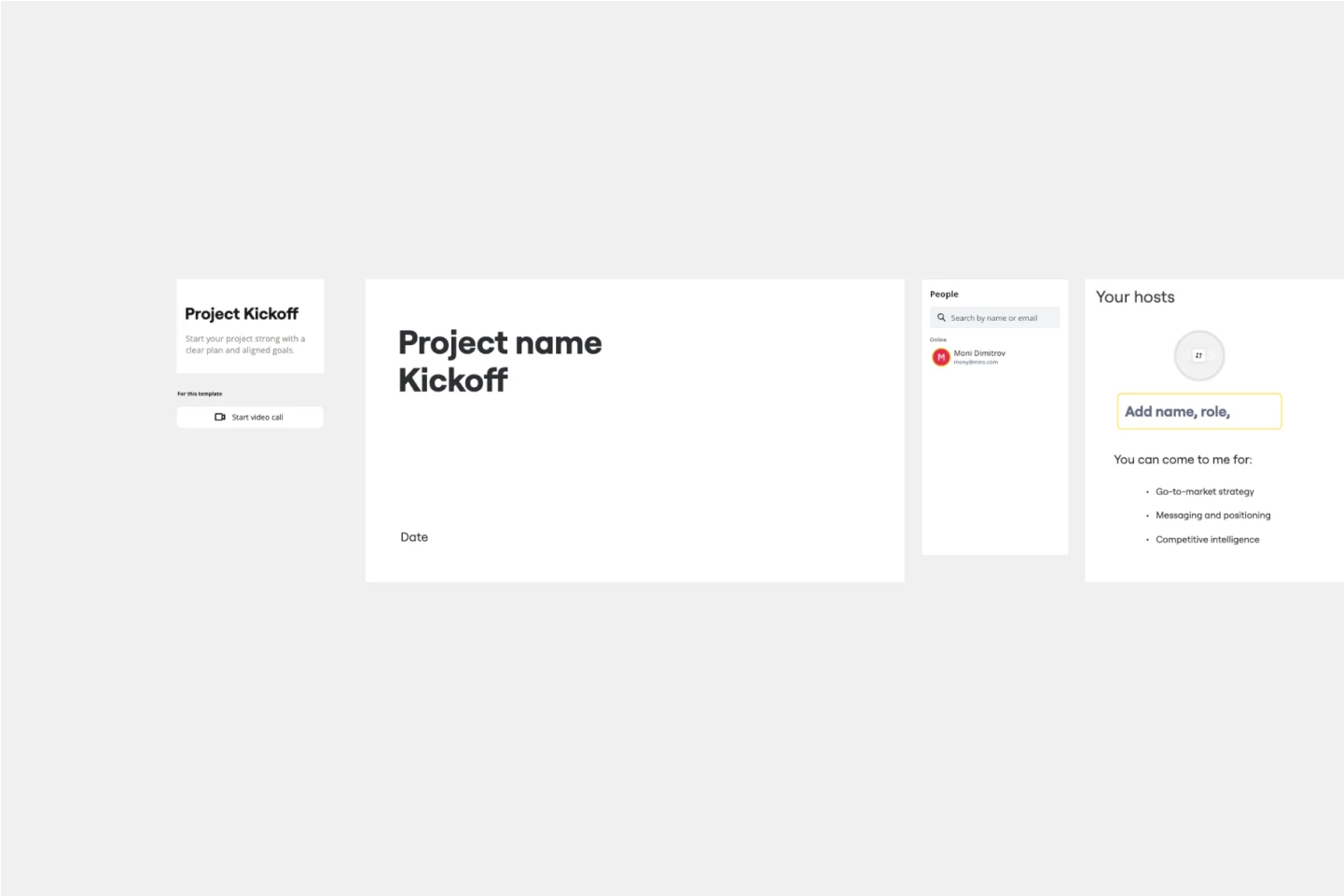
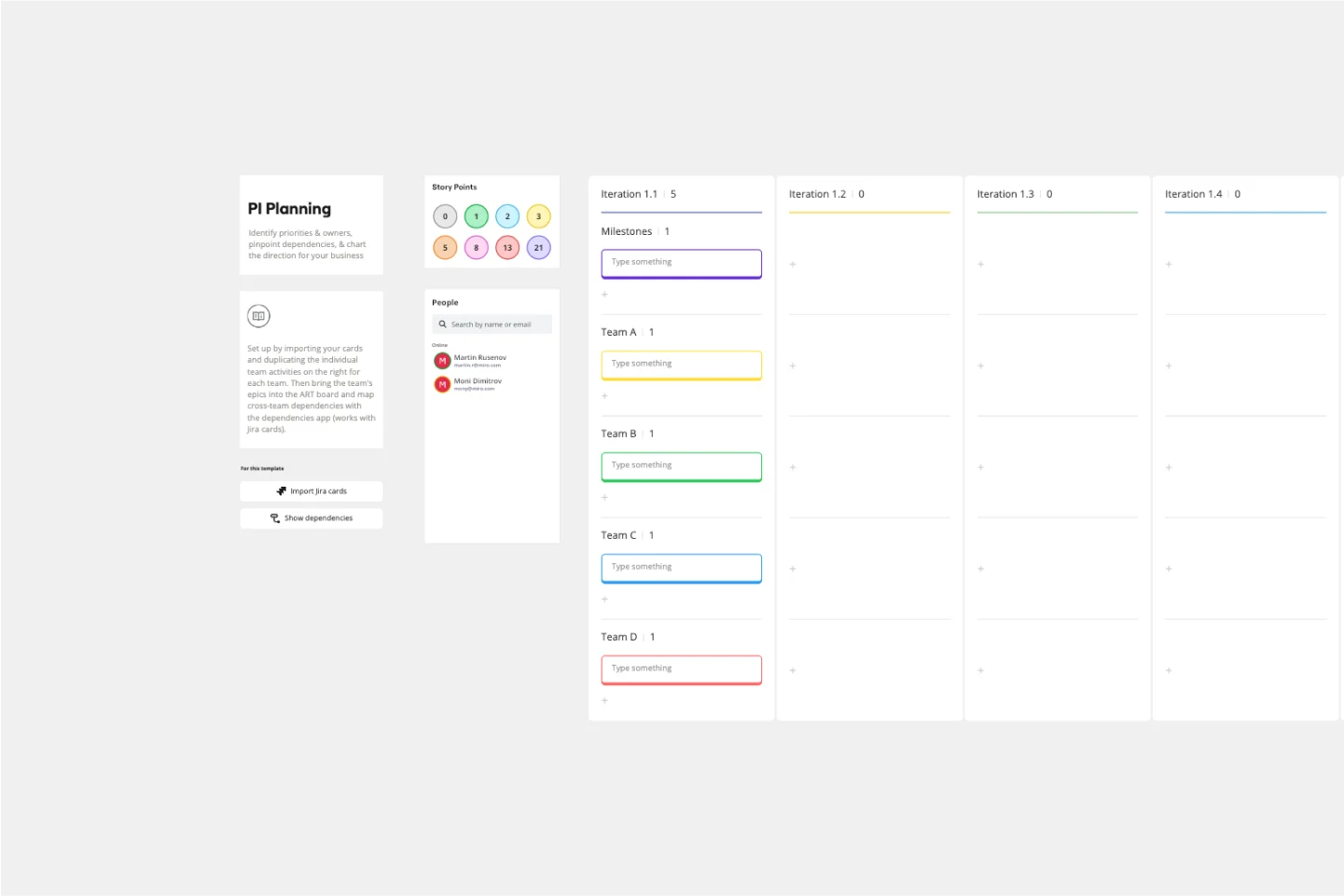
In project management and team collaboration, having a reliable and efficient way to document processes, decisions, and progress is crucial. Miro's documentation templates collection streamlines this process, offering a variety of templates that cater to different documentation needs. Whether you're looking for a project documentation template, a template for documentation, or any other specific type, Miro has you covered. Our templates are crafted to help teams maintain clarity, consistency, and efficiency in their documentation efforts.
Why you'll love our documentation templates
Using Miro's documentation templates brings numerous benefits to your team and projects. Here are some key advantages:
Consistency: Ensure that all your documentation follows a standardized format, making it easier to read and understand.
Efficiency: Save time by using pre-designed templates that can be quickly customized to fit your specific needs.
Collaboration: Facilitate better collaboration among team members by providing a shared platform for documentation.
Clarity: Improve the clarity of your documentation with well-structured templates that guide you through the process.
Accessibility: Keep all your documentation in one place, easily accessible to all team members, reducing the risk of information silos.
How to use the documentation templates in Miro
Using Miro's documentation templates is straightforward and user-friendly. Follow these steps to get started:
Access the template library: Navigate to the Miro dashboard and click on the 'Templates' section to explore the available documentation templates.
Choose a template: Browse through the collection and select the documentation template that best fits your needs. You can filter by categories or search for specific templates like project documentation templates.
Customize the template: Once selected a template, click on it to open it in the Miro board. Customize the template by adding your project details, team information, and any other relevant data.
Collaborate with your team: Share the customized template with your team members. They can add their inputs, comments, and updates in real time, ensuring everyone stays on the same page.
Save and share: After finalizing the documentation, save the template and share it with stakeholders or other team members as needed. You can export the document in various formats or keep it within Miro for ongoing updates.
Miro's documentation templates are designed to help teams thrive by providing a structured and efficient way to manage project documentation. By leveraging these templates, teams can ensure consistency, improve collaboration, and maintain clarity in their documentation processes.
Explore all template categories to find the perfect tools for brainstorming, planning, collaboration, and execution—designed to streamline your workflow and bring your ideas to life.