Process & workflow templates
Have an end-to-end overview of projects with our process and workflow templates collection. Create the big vision with an infinite canvas and simultaneously drill down to specific details all in one place to identify opportunities, bottlenecks, and improve efficiency.
59 templates
Change Control Process Template
1 likes26 uses
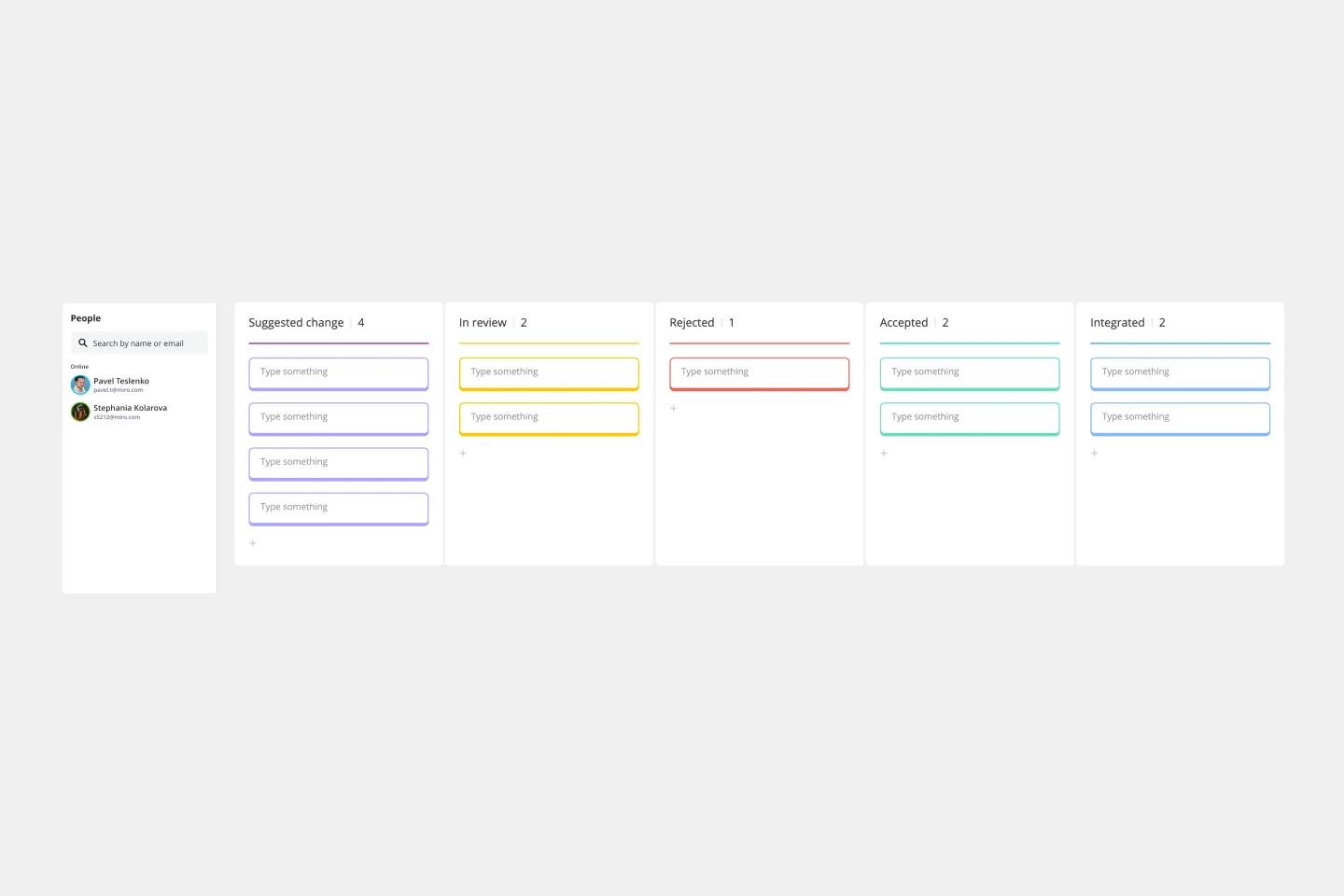
Change Control Process Template
You can predict, research, and plan for every detail of a project to go a certain way—then along comes the unforeseen and modifications are needed. That’s when a change control process comes into play. It helps define the right steps to take, gives stakeholders full visibility, and reduces the chances of errors and disruption. And this template is easy to use and highly effective—for ensuring that proposed changes are reviewed before they’re implemented, and empowering teams to veto changes that might prove unnecessary or disruptive.
Product Development Process Flowchart Template
1 likes42 uses
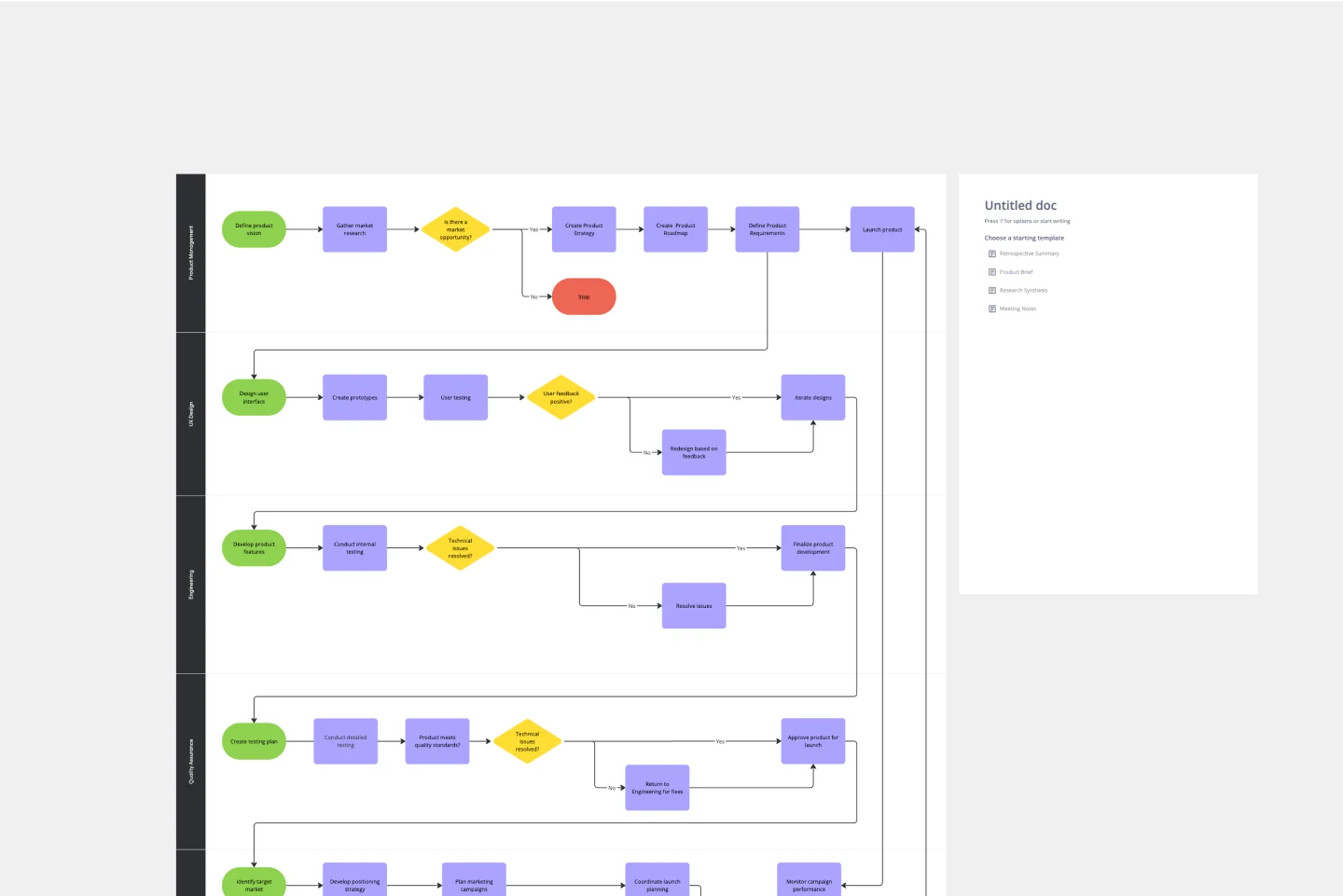
Product Development Process Flowchart Template
The Product Development Process Flowchart Template is a strategic tool designed to guide teams through the intricate journey of bringing a new product to market. This template serves as a visual roadmap, outlining each critical step in the product development lifecycle, from initial concept and design to testing, refinement, and eventual launch. It's structured to foster clarity, ensuring that all team members are aligned and aware of their roles and responsibilities at every phase.
BPMN Diagram of Manufacturing Process
16 likes201 uses
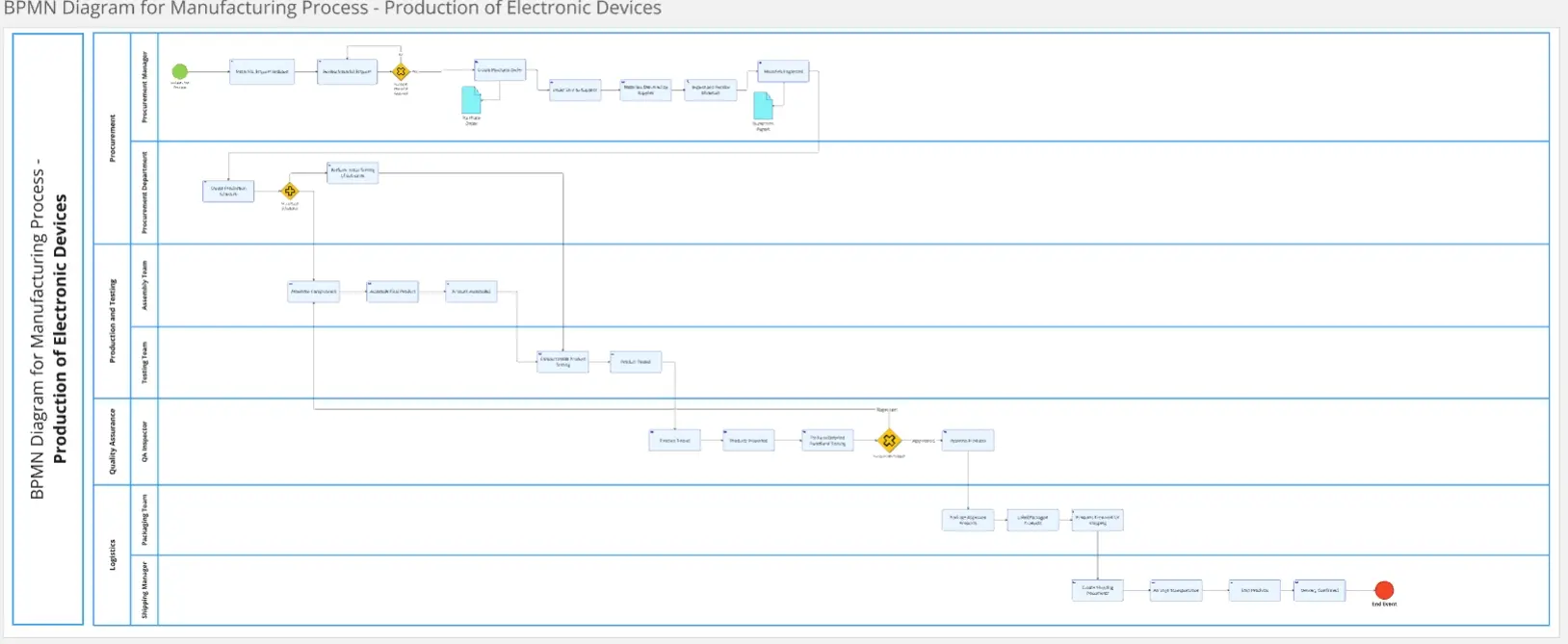
BPMN Diagram of Manufacturing Process
The BPMN Diagram for Manufacturing Processes template provides a comprehensive map of every stage in the manufacturing workflow. From procurement to quality control and shipping, this template helps visualize and optimize the entire production cycle, ensuring efficiency and clarity at each step. Perfect for manufacturers seeking to enhance process management and improve product delivery.
Hiring Process Template
0 likes19 uses
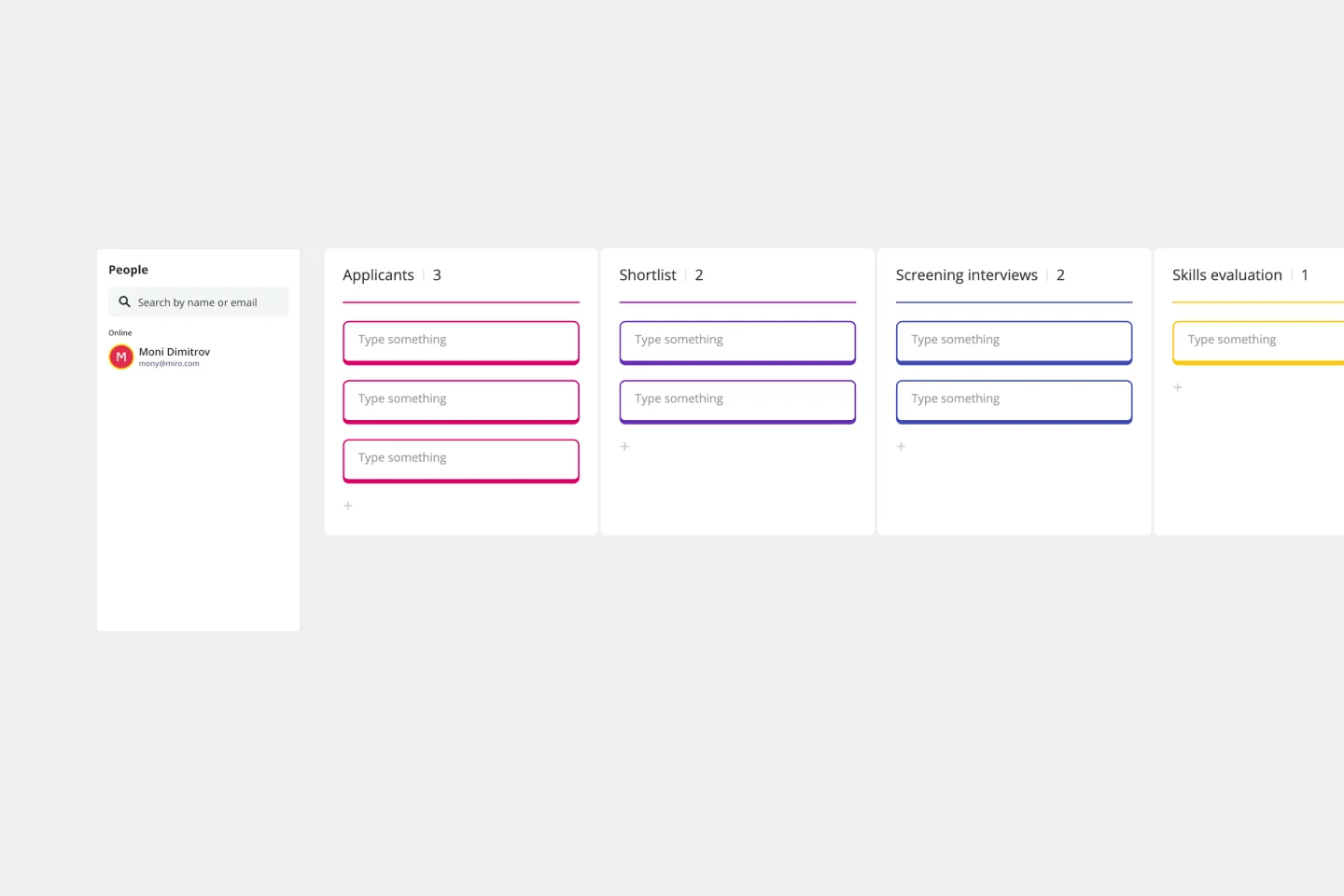
Hiring Process Template
Having a hiring process in place simplifies that process each step of the way, from recruiting for the position to making finalizing offers. This simple, effective template will give you a straightforward, high-level view of where employees are as they move from applicant to new hire.
Fishbone Diagram for Process Improvement
15 likes84 uses
Fishbone Diagram for Process Improvement
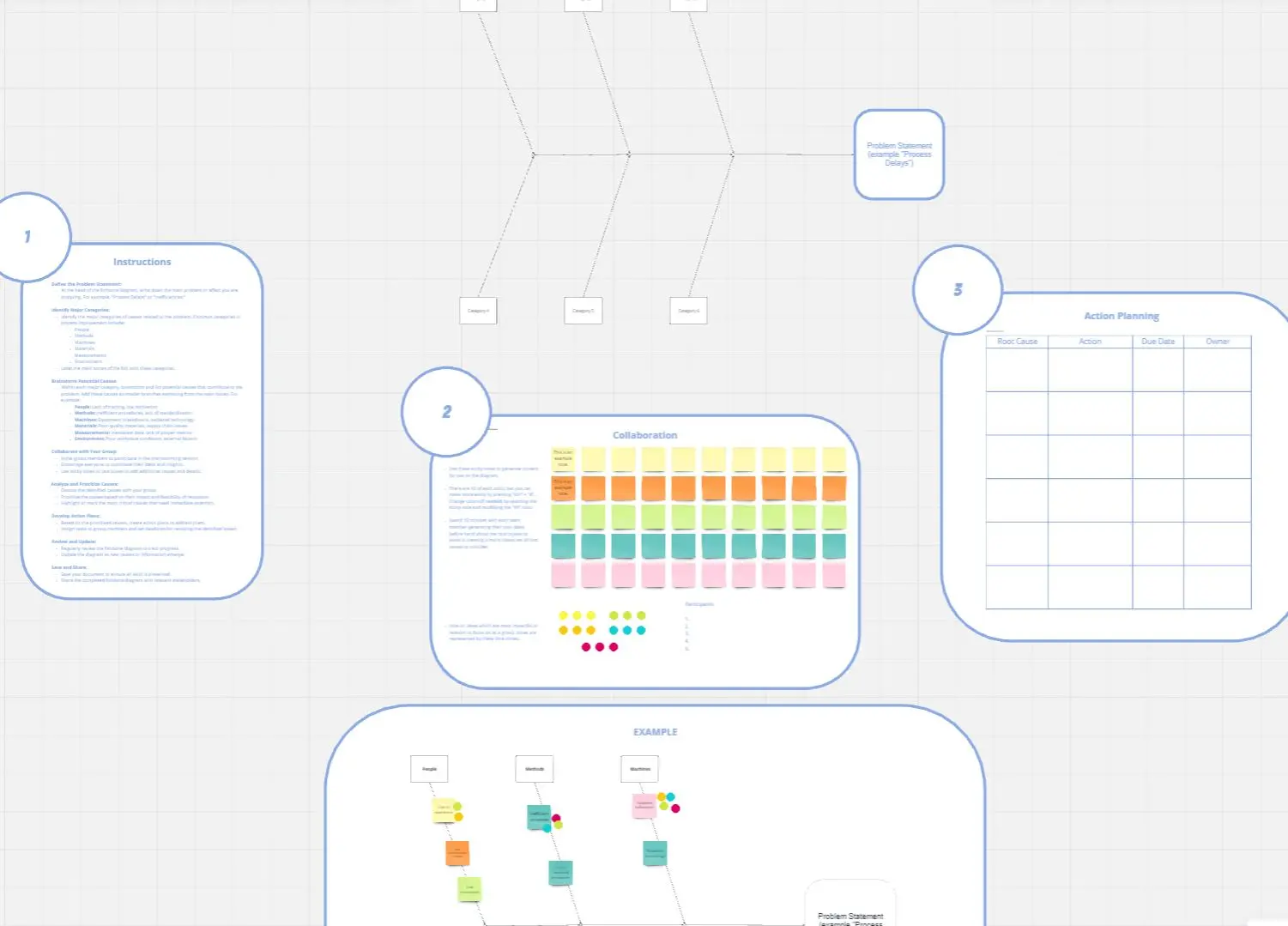
Process improvement is key to enhancing efficiency and productivity. The Fishbone Diagram for Process Improvement template helps you identify the root causes of process inefficiencies. Categorize potential causes into areas such as workflow, resources, technology, and personnel. This structured analysis enables your team to systematically explore and address issues, streamlining processes and boosting overall productivity.
BPMN Marketing Process-Launching Smartphone
22 likes87 uses
BPMN Marketing Process-Launching Smartphone
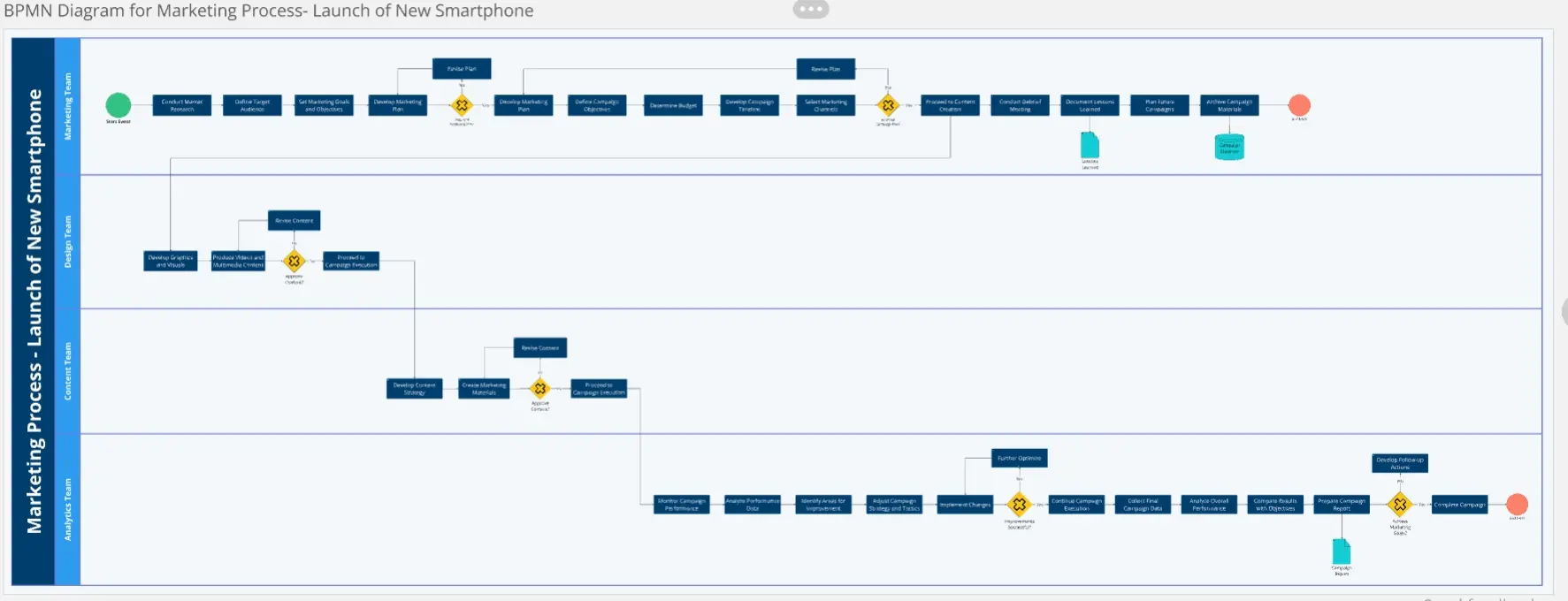
The BPMN Diagram for Marketing Processes template streamlines the launch of new products by visually organizing every step, from market research to campaign execution. Ideal for marketing teams, this template ensures effective communication, optimized workflows, and successful campaign outcomes by providing a clear roadmap for each stage of the marketing journey.
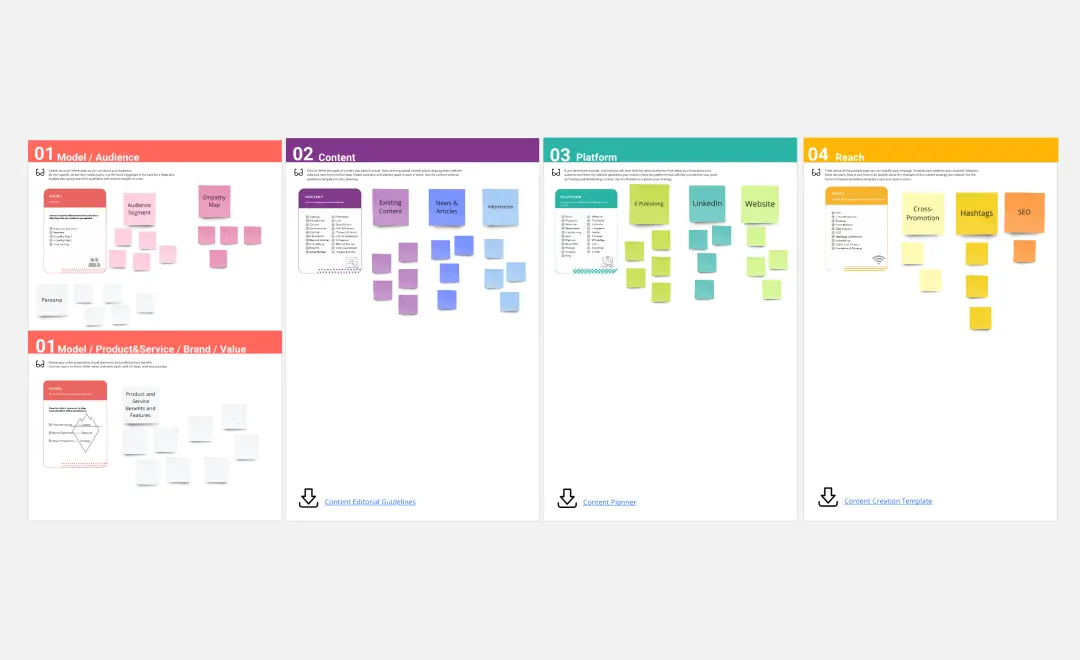
Content Strategy - Fours Steps Process
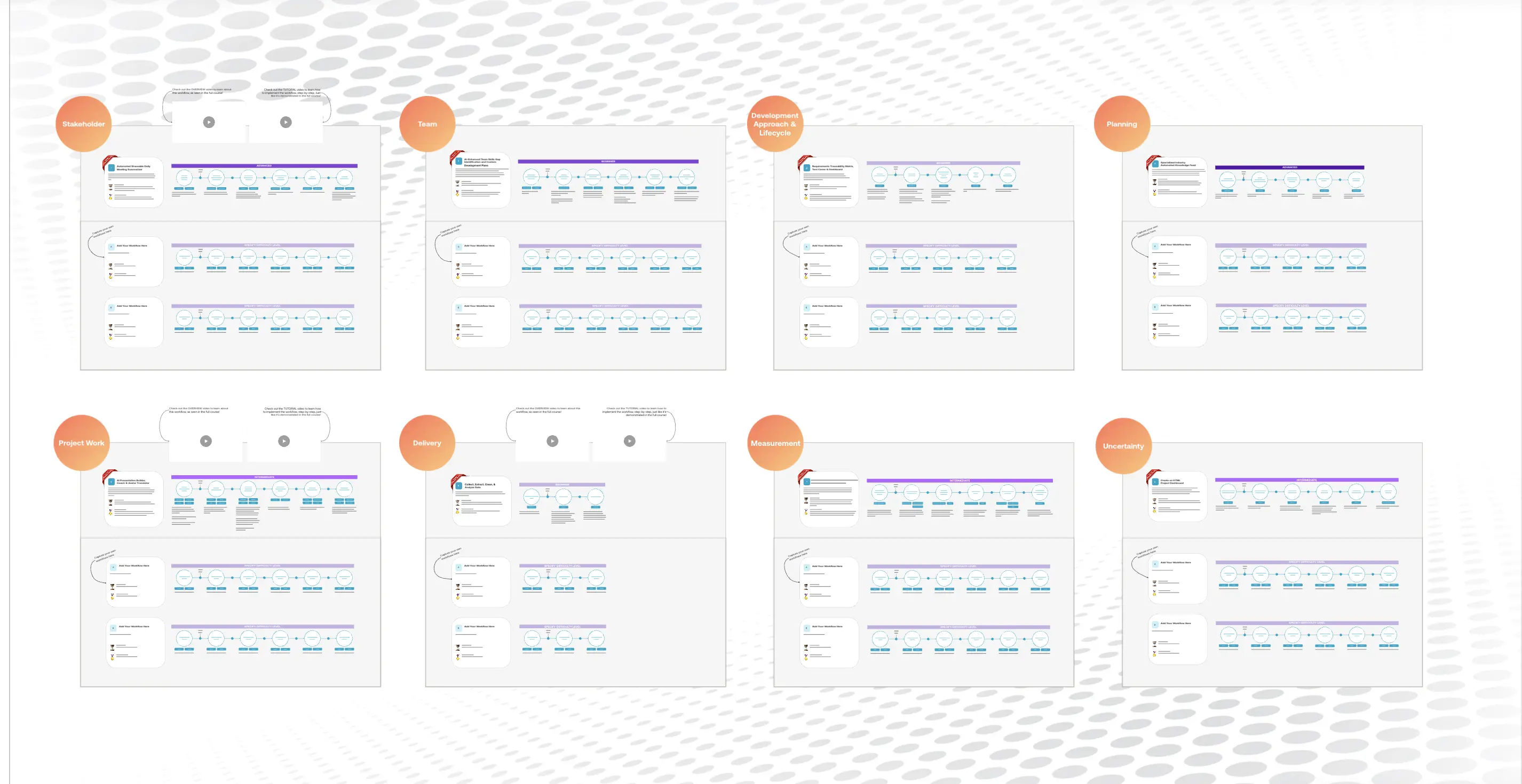
1.1K likes3.8K usesAI-Enabled Workflows for PMs
278 likes2.6K usesWork Breakdown Structure Template
17 likes1.4K uses
Work Breakdown Structure Template
A work breakdown is a project management tool that lays out everything you must accomplish to complete a project. It organizes these tasks into multiple levels and displays each element graphically. Creating a work breakdown is a deliverable-based approach, meaning you’ll end up with a detailed project plan of the deliverables you must create to finish the job. Create a Work Breakdown Structure when you need to deconstruct your team's work into smaller, well-defined elements to make it more manageable.
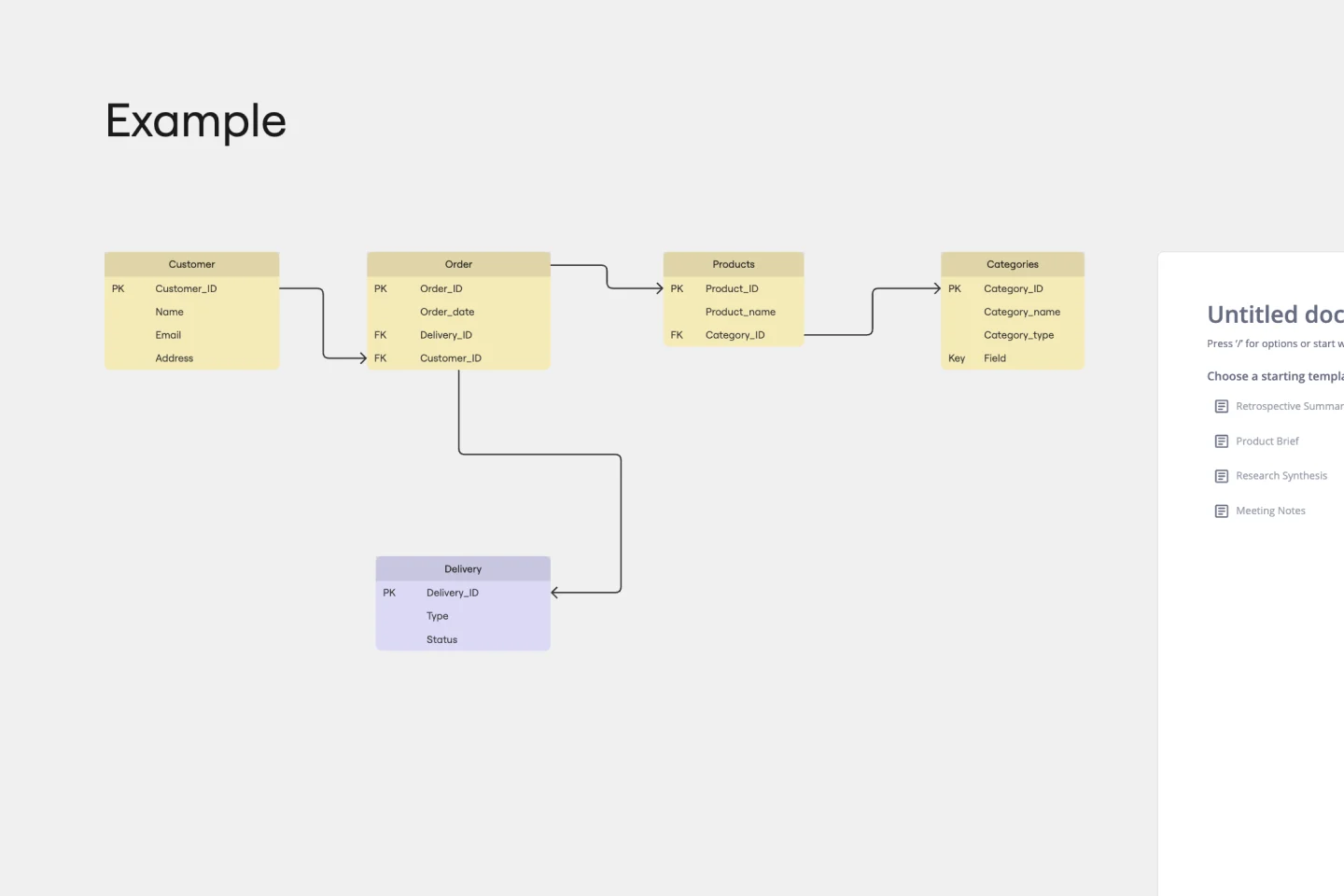
Entity Relationship Diagram Template
16 likes1.3K uses
Entity Relationship Diagram Template
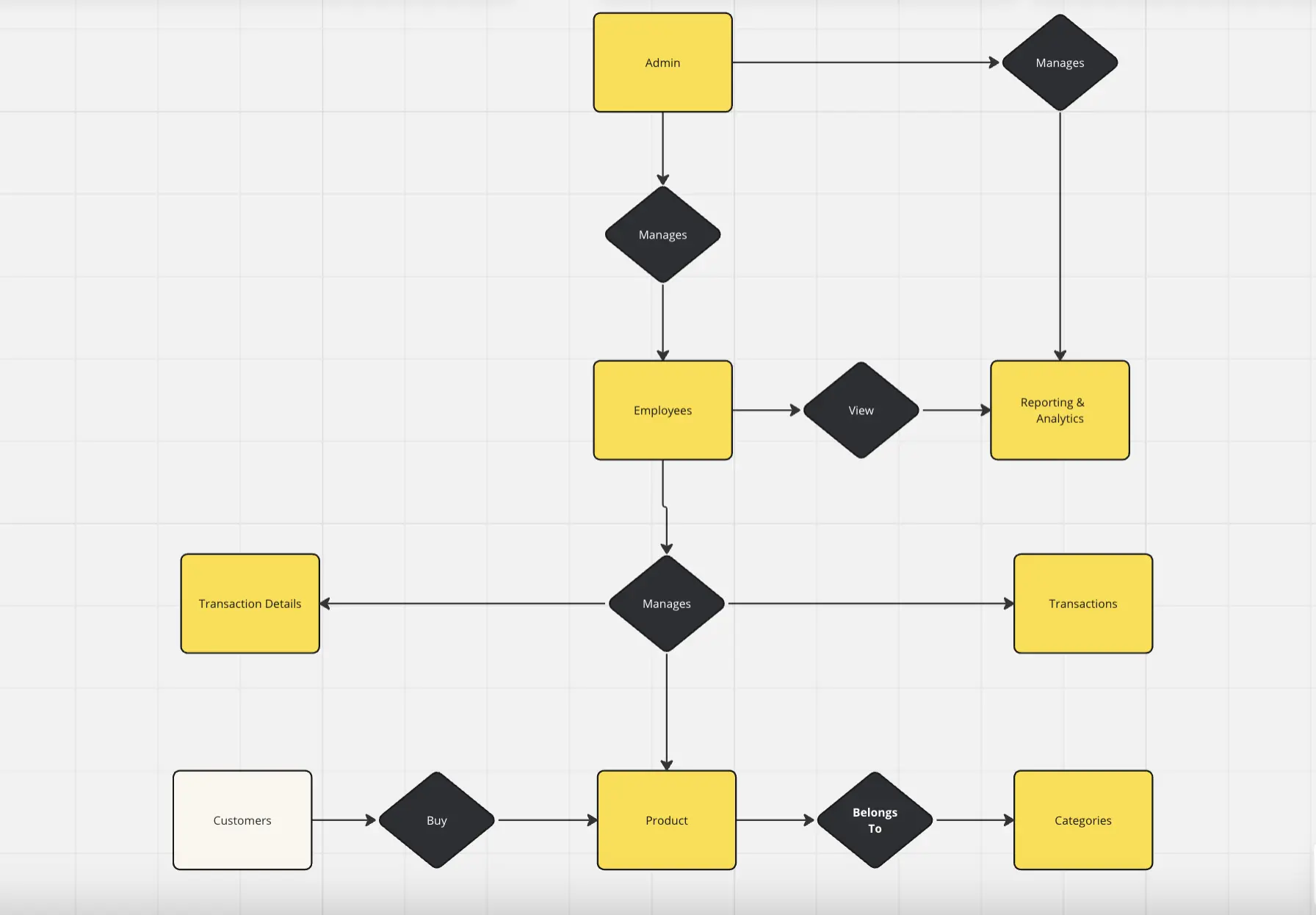
Sometimes the most important relationships in business are the internal ones—between the teams, entities, and actors within a system. An entity relationship diagram (ERD) is a structural diagram that will help you visualize and understand the many complex connections between different roles. When will an ERD come in handy? It’s a great tool to have for educating and onboarding new employees or members of a team, and our template makes it so easy to customize according to your unique needs.
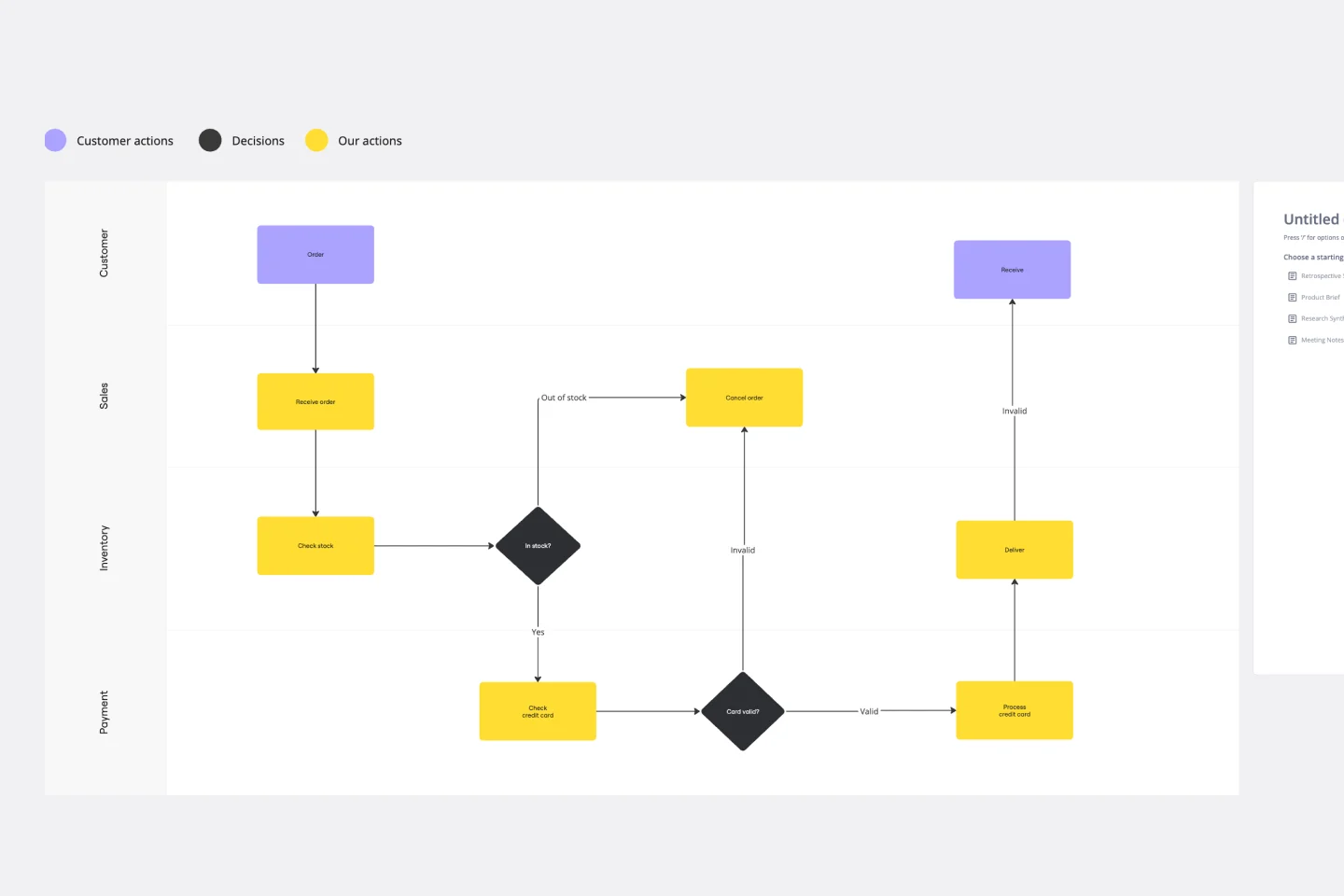
Swimlane Diagram Template
12 likes1.2K uses
Swimlane Diagram Template
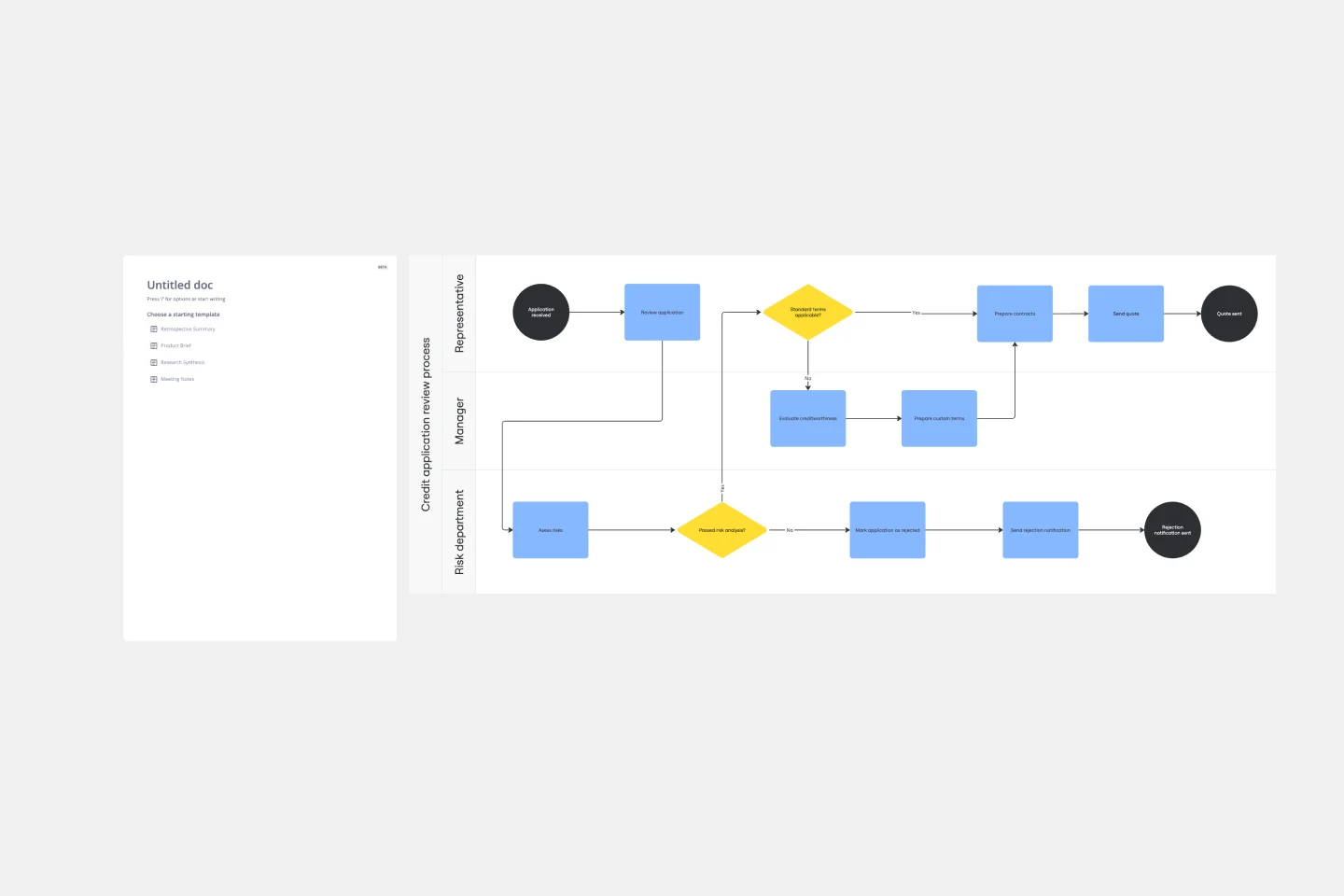
A swimlane diagram shows you which stakeholders are responsible for each area of your critical processes. You can use it to understand current processes or plan new ones.
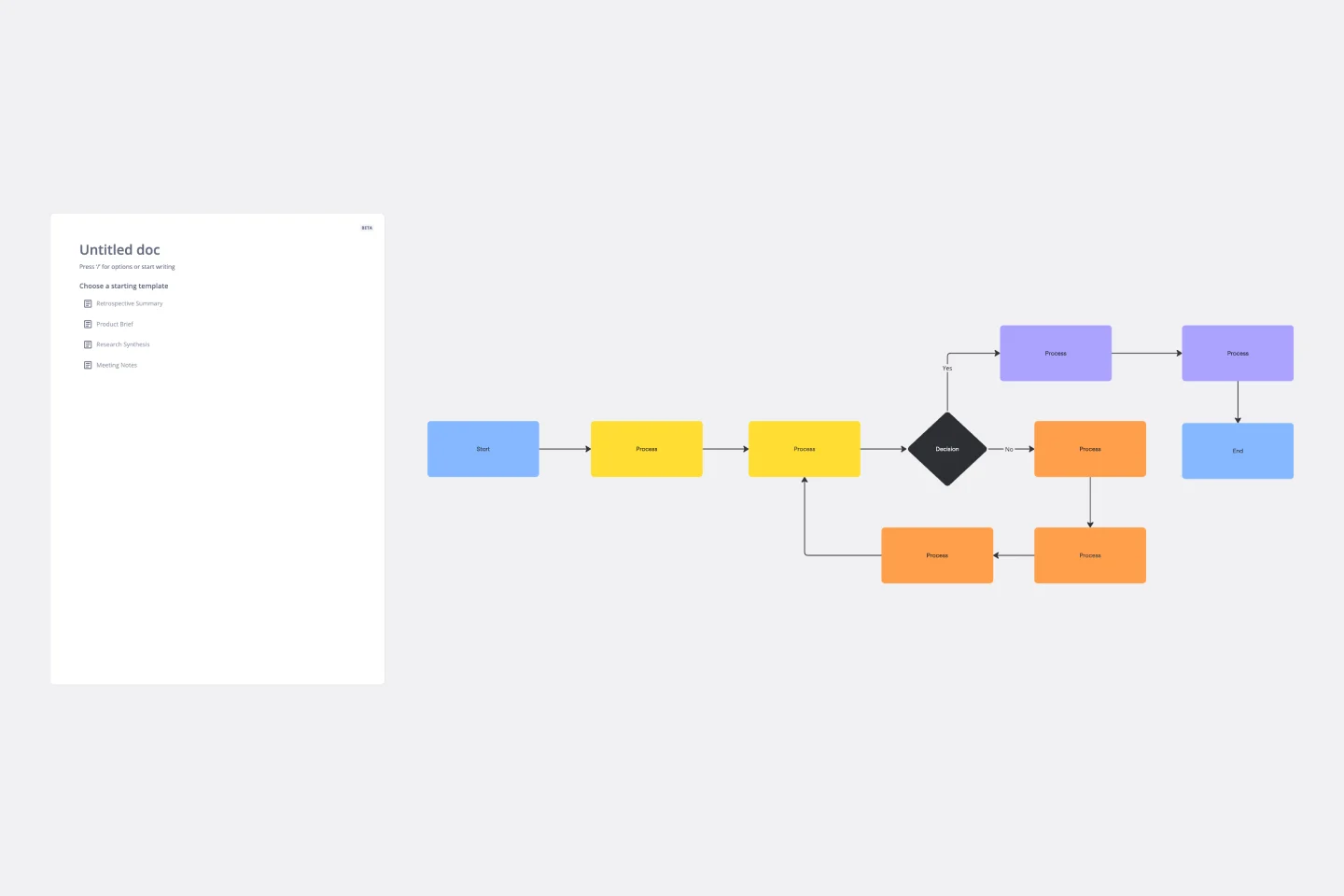
Flowchart Template
5 likes1.2K uses
Flowchart Template
Trying to explain a process or workflow to your team — or just wrap your head around it yourself? Sometimes the best way is to see it, and that’s when you create a flowchart. Using common shapes (generally just ovals, rectangles, diamonds, and arrows), a flowchart shows you the direction a process or workflow goes and the order of steps. Beyond giving you a clear understanding, you’ll also be able to see potential flaws and bottlenecks, which helps you refine and improve your process and create a better product more efficiently.
Value Stream Mapping Template
13 likes918 uses
Value Stream Mapping Template
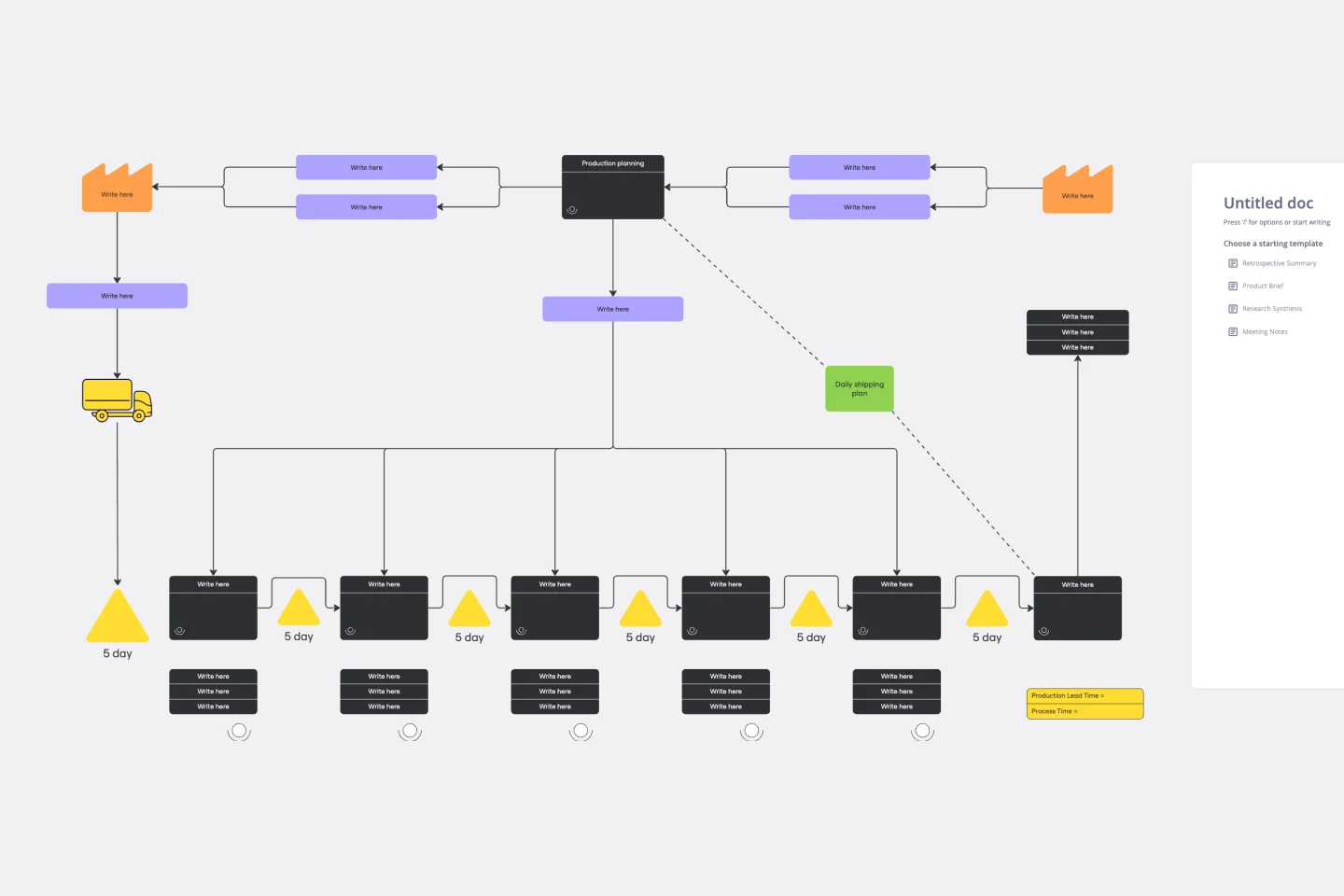
A value stream map can help you refocus your business on steps that actually provide value to your customers, cutting out wasteful and inefficient processes. With this template, you and your process team can collaborate on a value stream map today.
Value Chain Analysis Template
1 likes722 uses
Value Chain Analysis Template
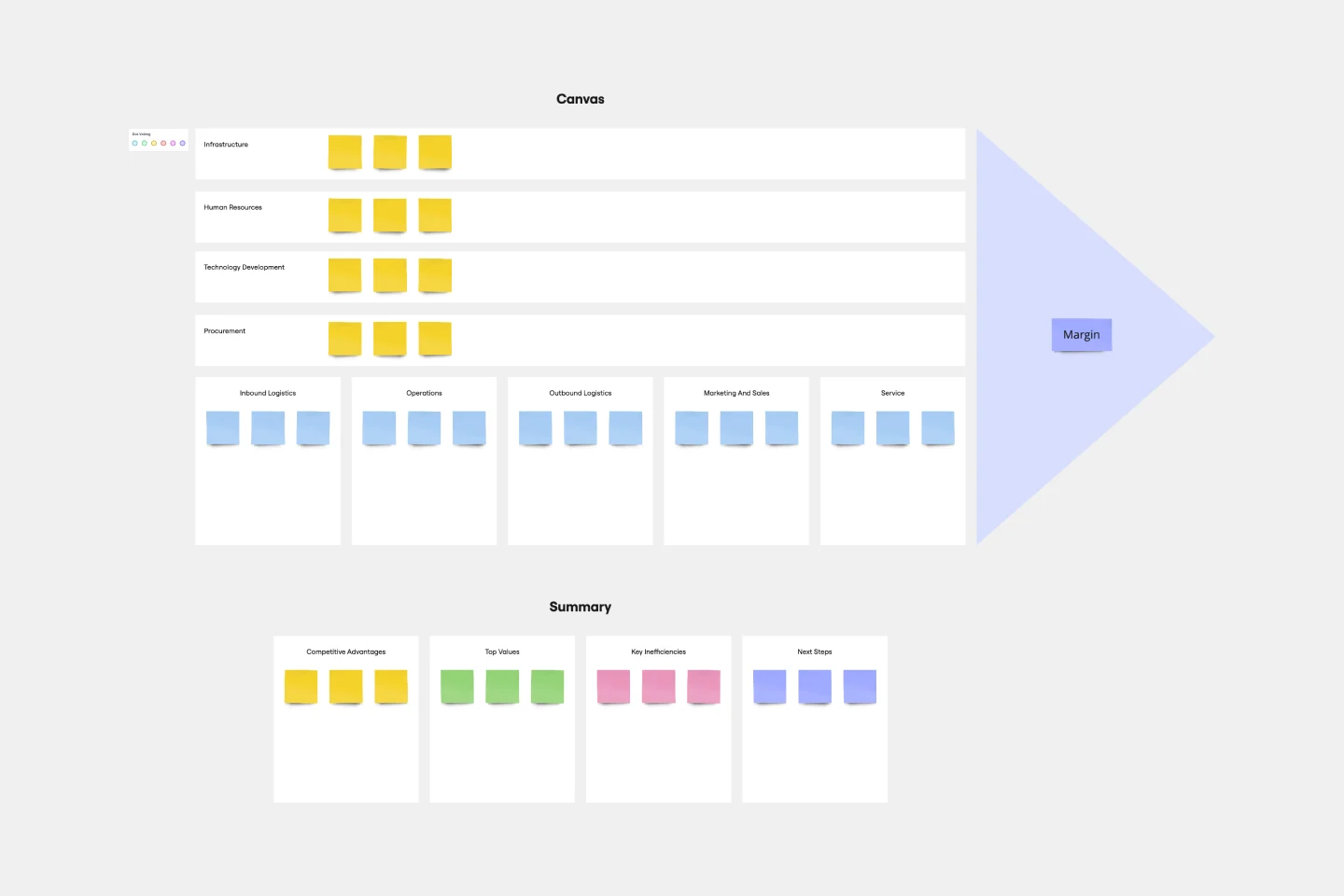
First coined by Harvard Business School professor Michael Porter, the value chain analysis helps your team evaluate your business activities so you can find ways to improve your competitive advantage. A value chain is a set of activities that a company performs in order to deliver a valuable product from start to finish. The analysis itself allows your team to visualize all the business activities involved in creating the product—and helps you identify inefficiencies, bottlenecks, and miscommunication within the process.
ICOR® Workflows
86 likes531 uses
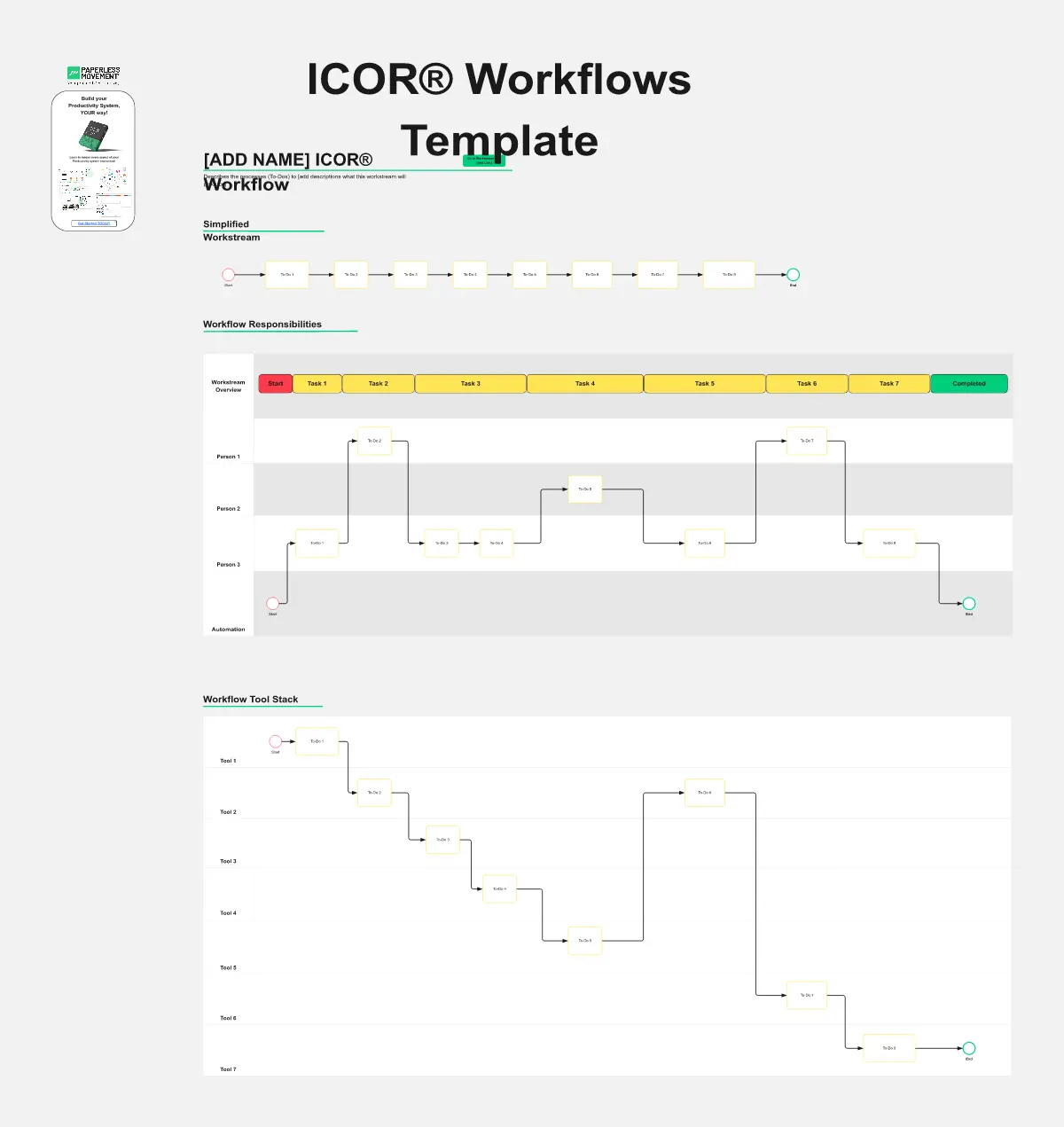
ICOR® Workflows
The ICOR® Workflows template offers a visual framework for documenting and optimizing business processes according to the ICOR® (Input, Control, Output, Resources) methodology. It provides elements for defining process inputs, controls, outputs, and resource requirements. This template enables organizations to streamline operations, enhance quality management, and achieve process excellence. By promoting systematic process documentation and analysis, the ICOR® Workflows template empowers organizations to optimize efficiency, minimize risks, and deliver value to stakeholders effectively.
Pyramid Diagram Template
0 likes525 uses
Pyramid Diagram Template
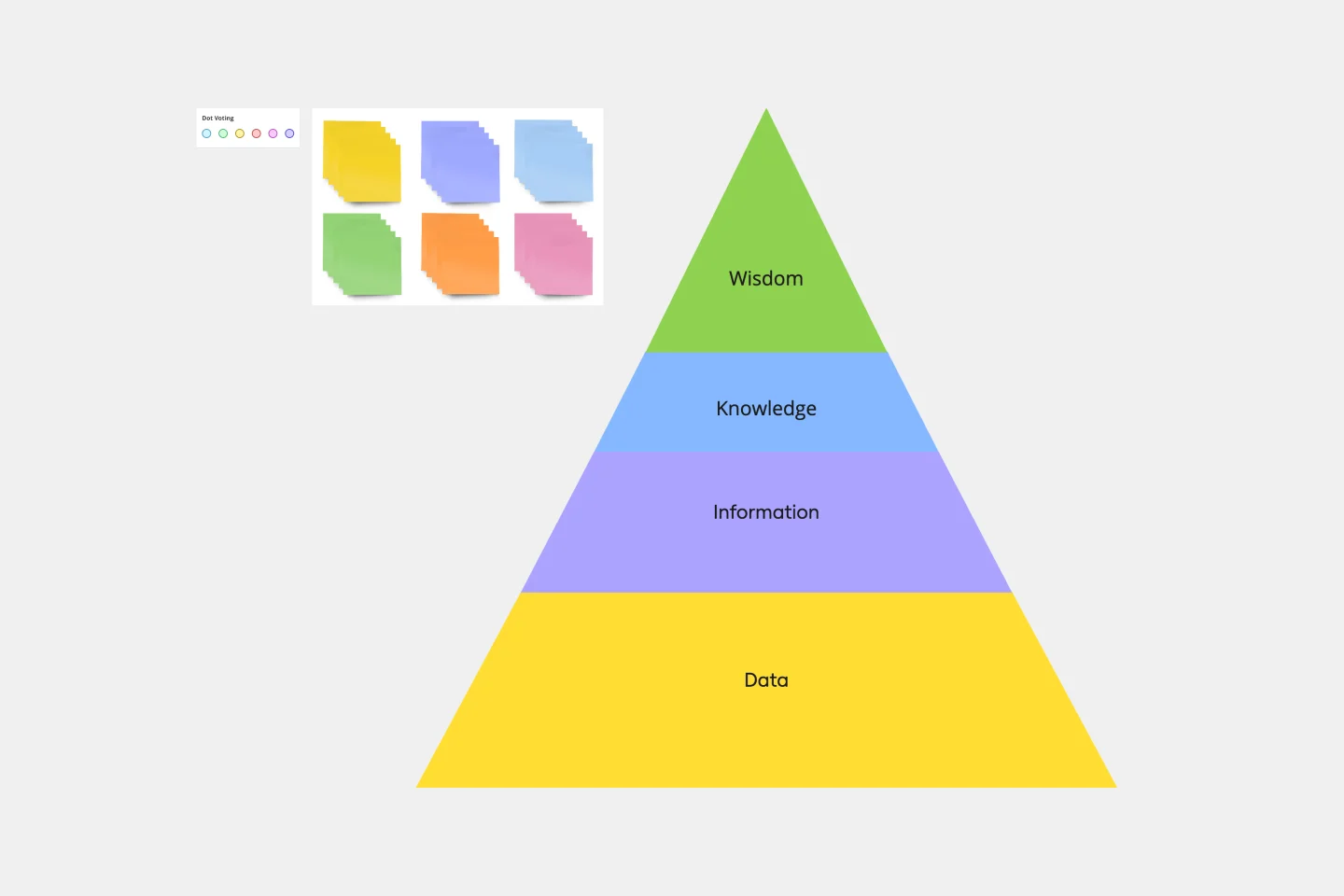
A pyramid diagram is a perfect tool for demonstrating concepts that can be broken down into a layered hierarchy. Each level of the pyramid builds on the one before it, clearly illustrating how certain actions lead to specific results. The Miro Pyramid Diagram template is your tool for any and all pyramid illustrations.
Matrix Org Chart
2 likes446 uses
Matrix Org Chart
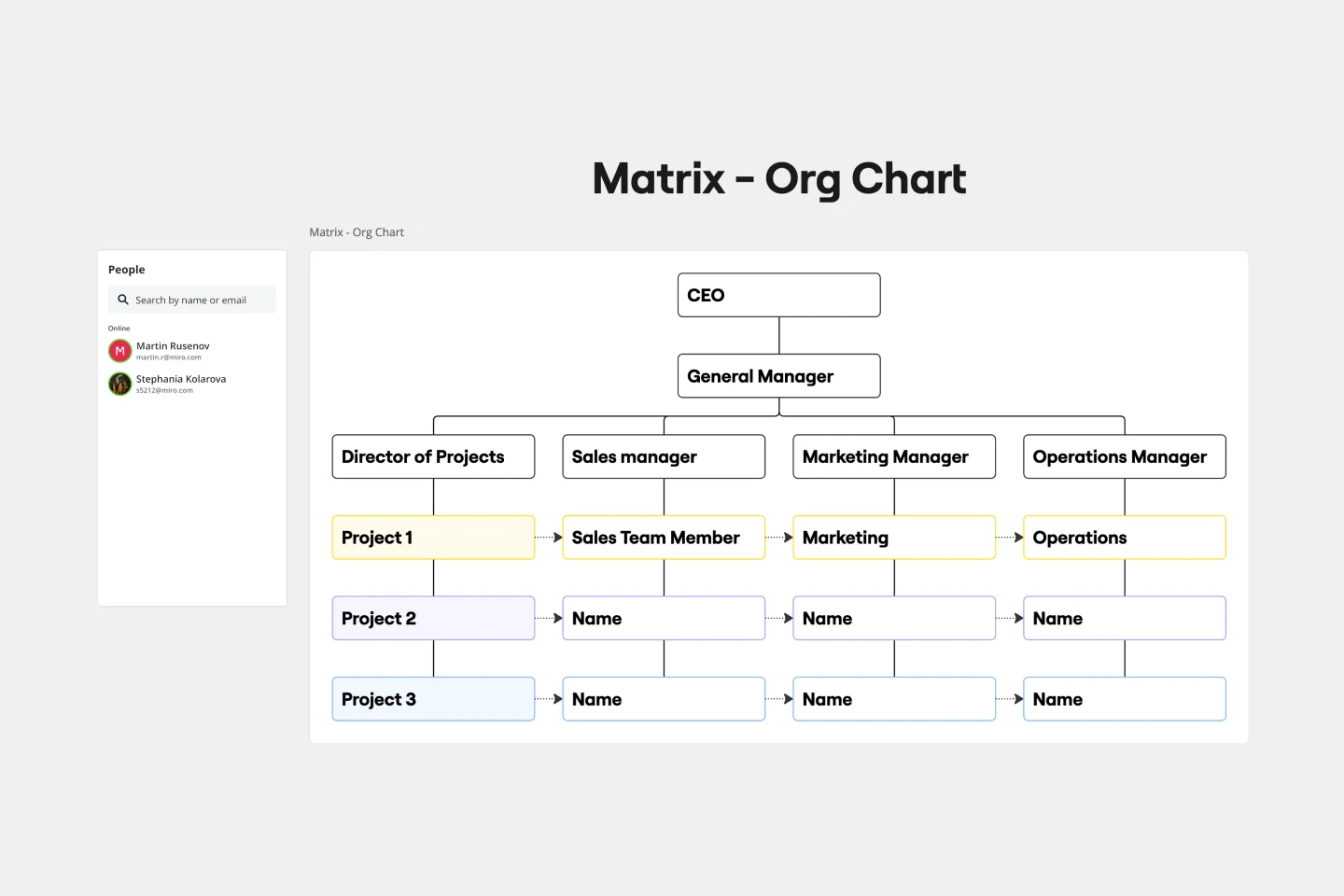
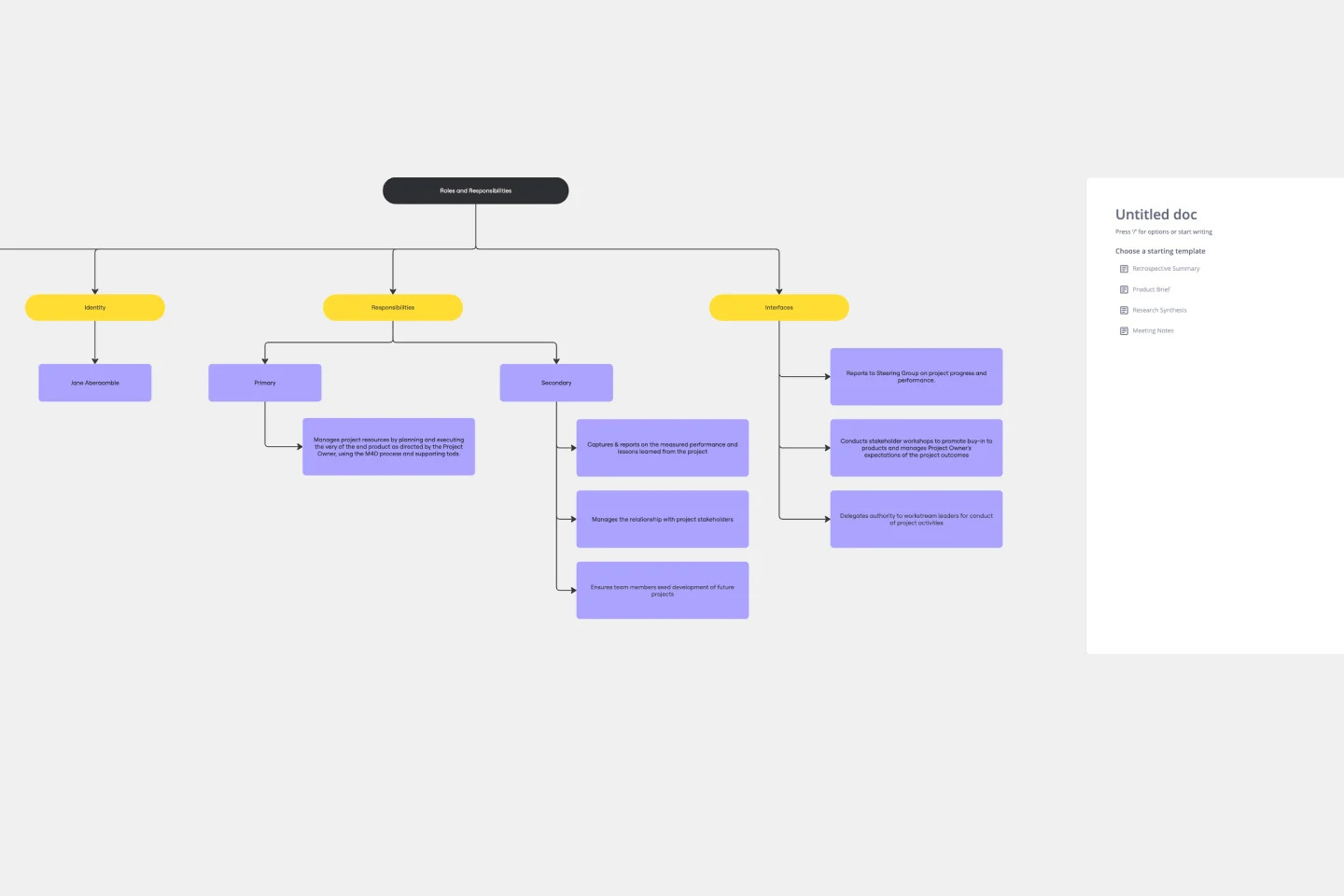
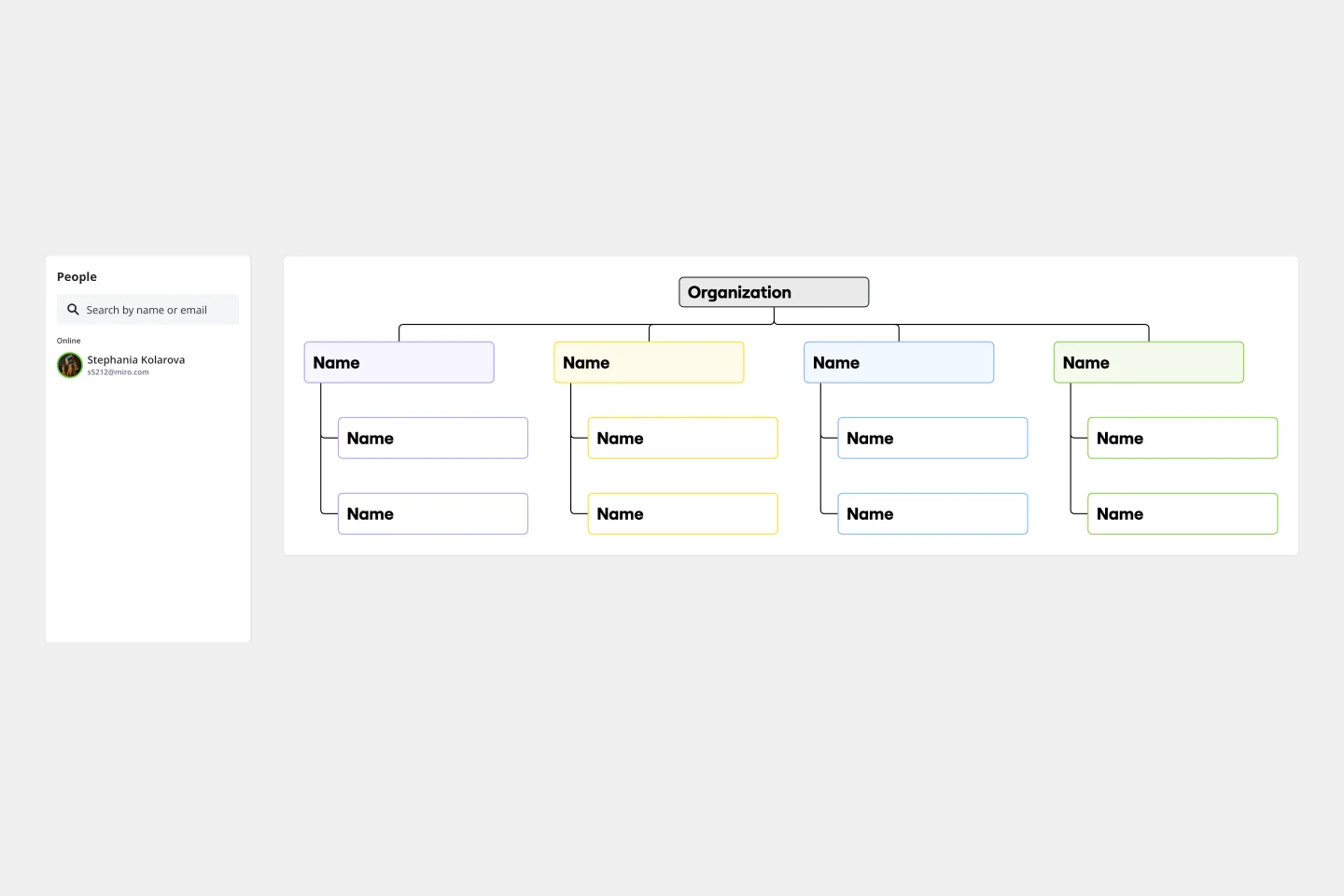
The matrix org chart template organizes teams efficiently and promotes effective communication. It is an essential tool for businesses that require complex decision-making capabilities and rapid response times. With this template, people can easily visualize their roles, responsibilities, and relationships within the organization, leading to improved alignment and performance.
Annual Calendar Template
7 likes407 uses
Annual Calendar Template
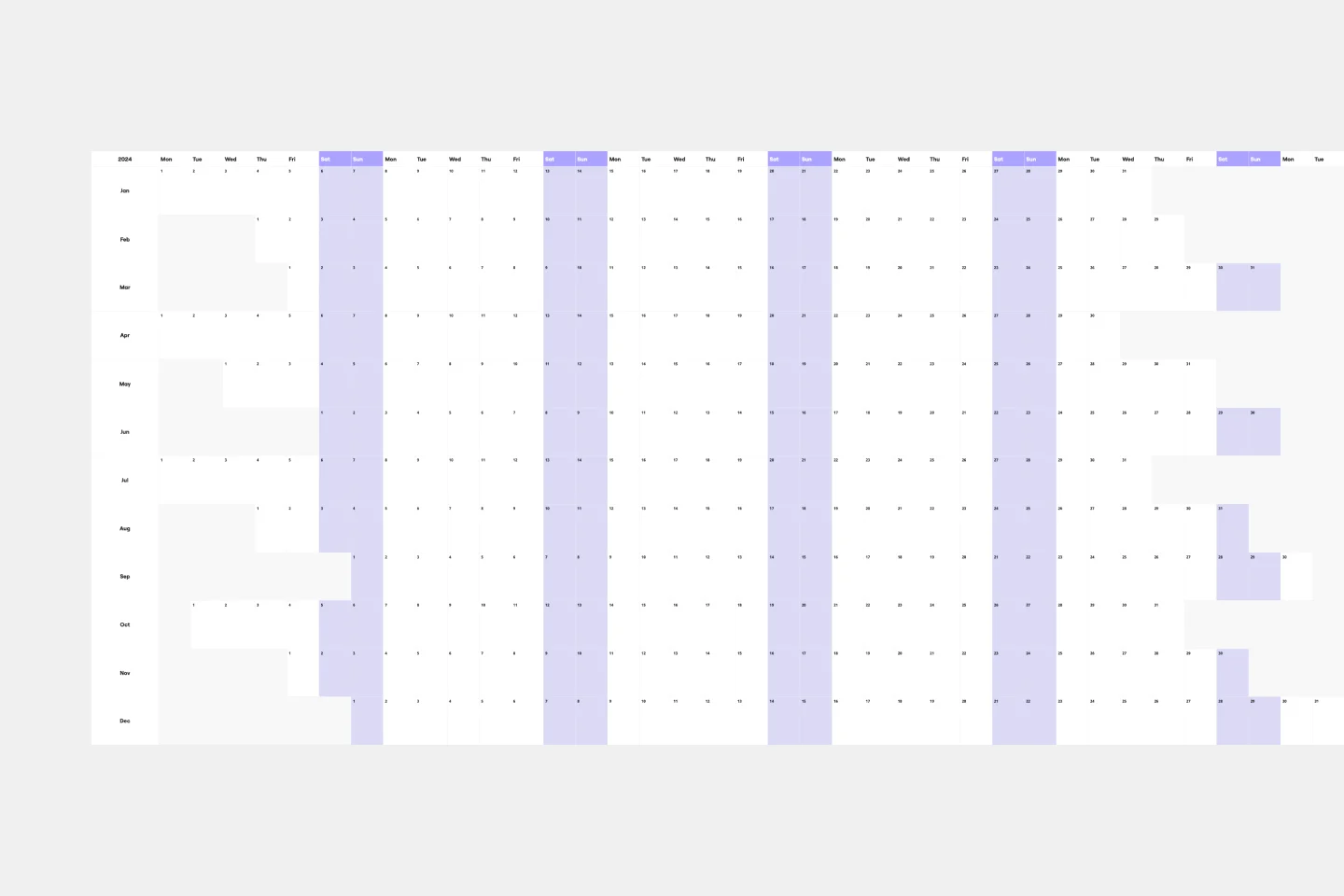
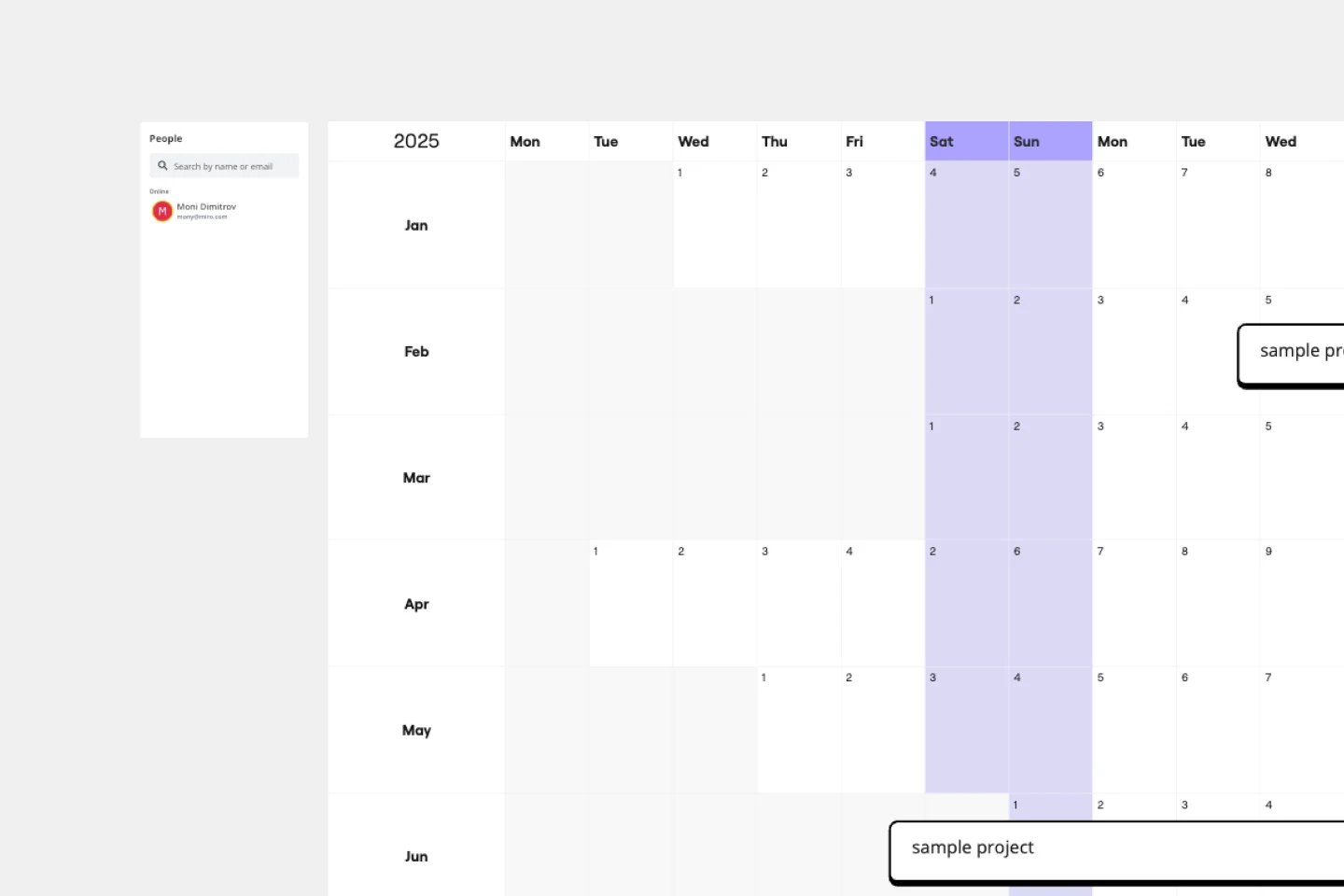
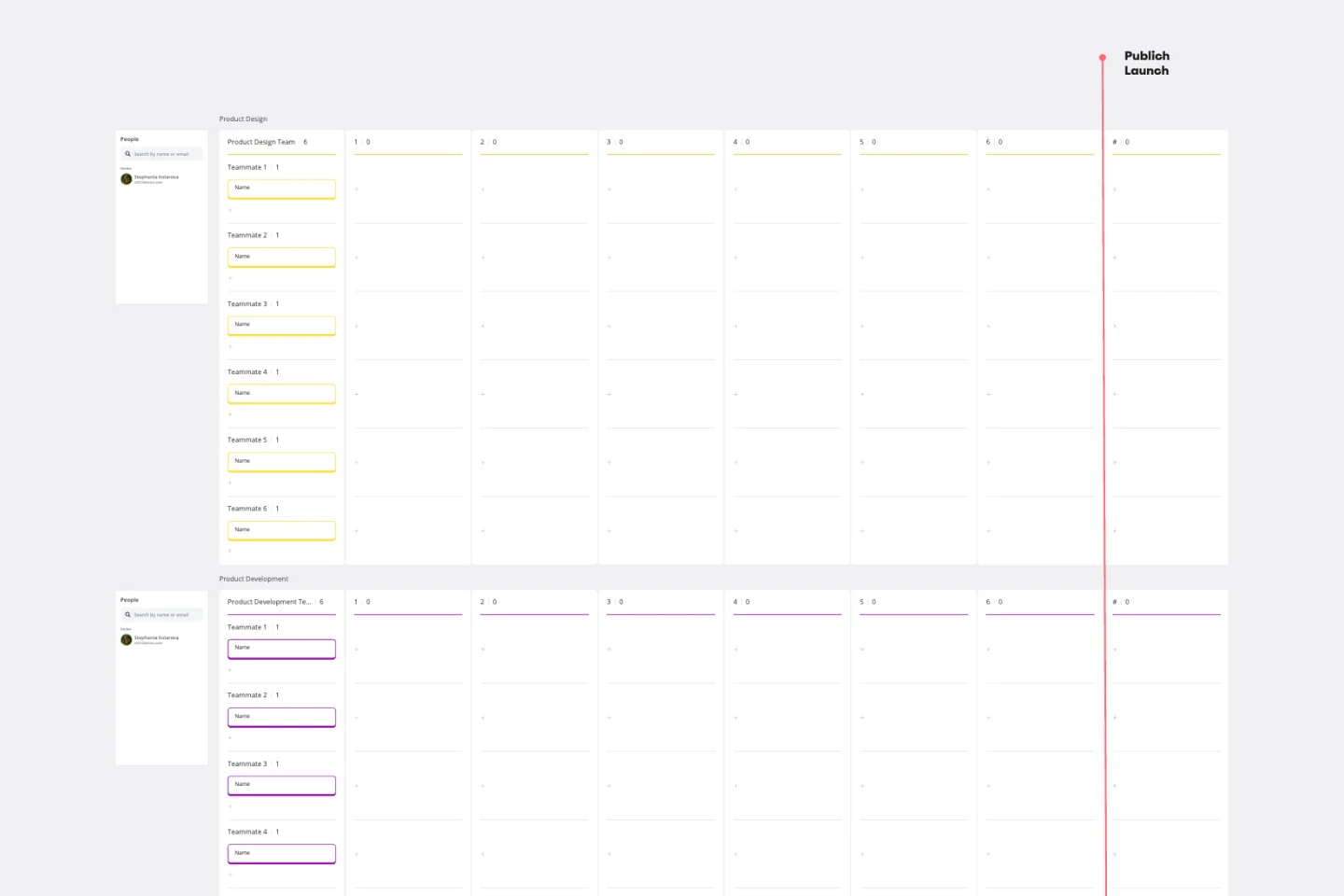
Plenty of calendars help you focus on the day-to-day deadlines. With this one, it’s all about the big picture. Borrowing from the grid structure of 12-month wall calendars, this template shows you your projects, commitments, and goals one full year at a time. So you and your team can prepare to hunker down during busy periods, move things around as needed, and celebrate your progress. And getting started is so easy—just name your calendar’s color-coded streams and drag stickies onto the start date.
Process Map Template
3 likes389 uses
Process Map Template
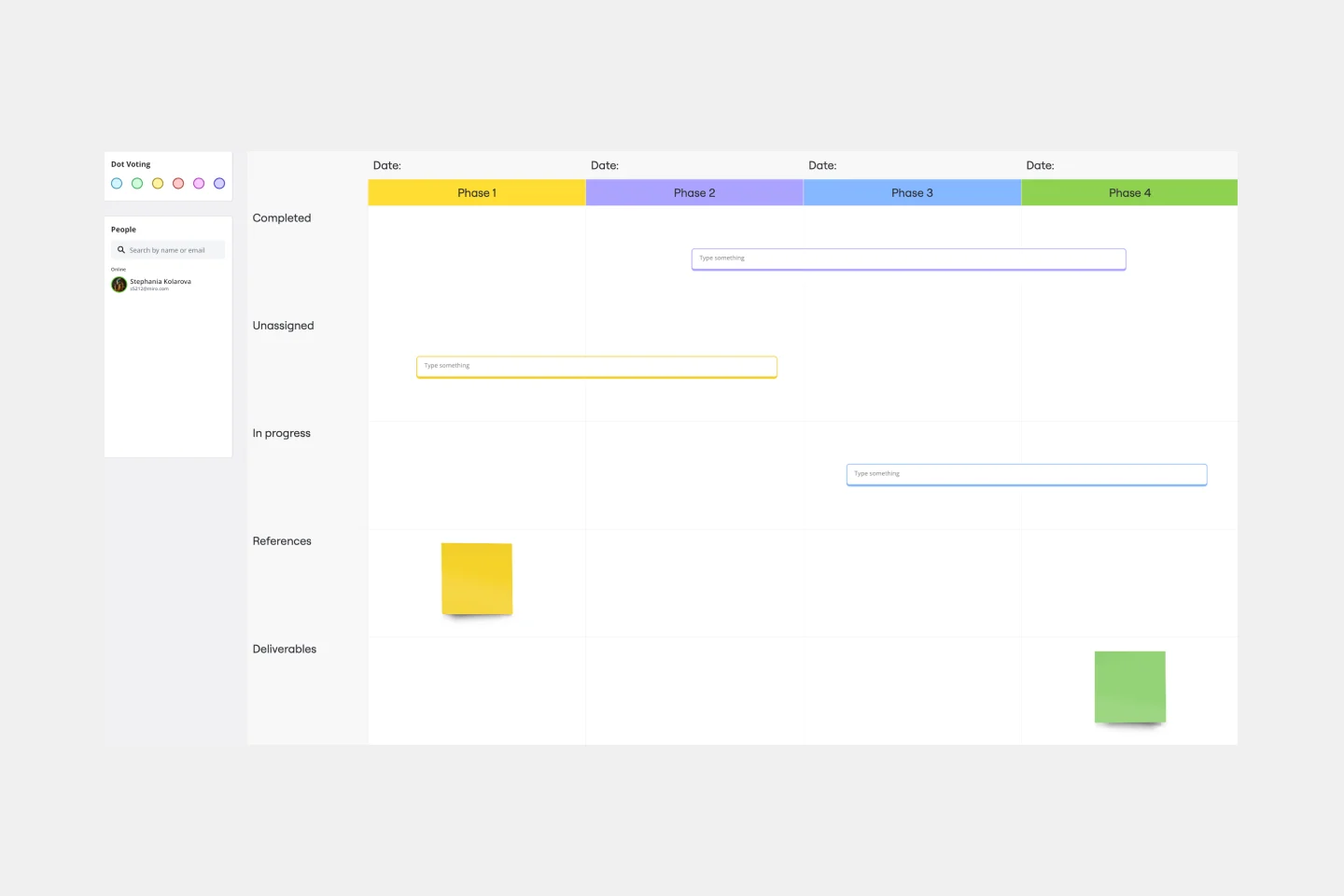
Process mapping allows you to assess, document, and strategize around any plan or approach your team has put in place. It’s a useful tool for eliminating or preventing blockers. Organized by stages, a process map enables your team to divide up a process or system and record deliverables and action items at each stage of the process. By breaking down the objectives, activities and deliverables at any stage of a project, you can gain insight into whether you are on track or effectively working through a problem.
Onion Diagram Template
1 likes374 uses
Onion Diagram Template
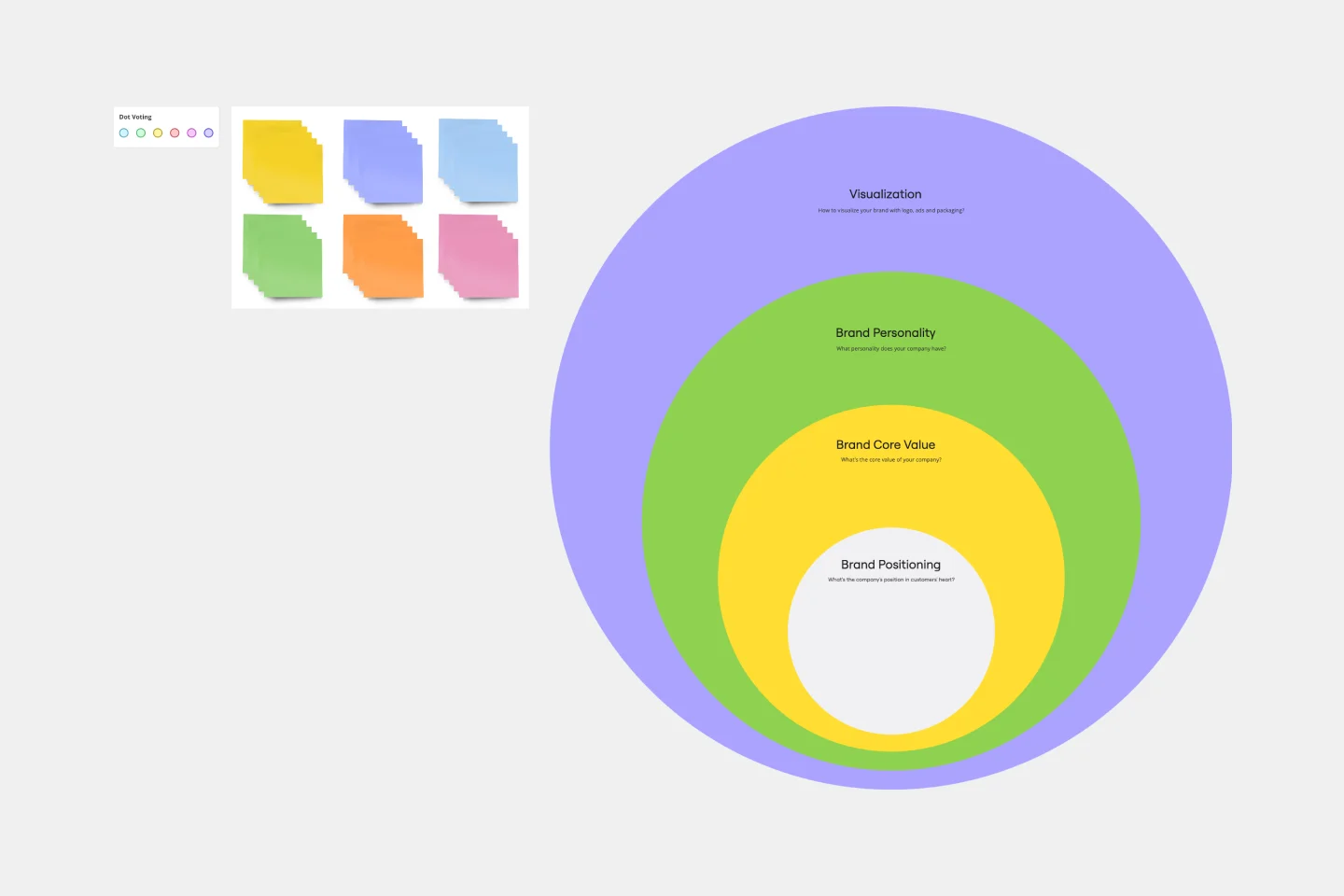
The Onion Diagram Template is a distinct tool designed to visually represent layers of a specific concept, system, or process, akin to the layers of an onion. Each concentric layer of the diagram provides insights into a different aspect or phase of the topic at hand, moving from the core foundational element outwards to more peripheral components. One of the prime benefits of this template is its ability to offer hierarchical clarity. Users can immediately discern the importance, sequence, or interrelation of different elements within a system, facilitating enhanced comprehension and efficient decision-making.
Website Flowchart Template
4 likes358 uses
Website Flowchart Template
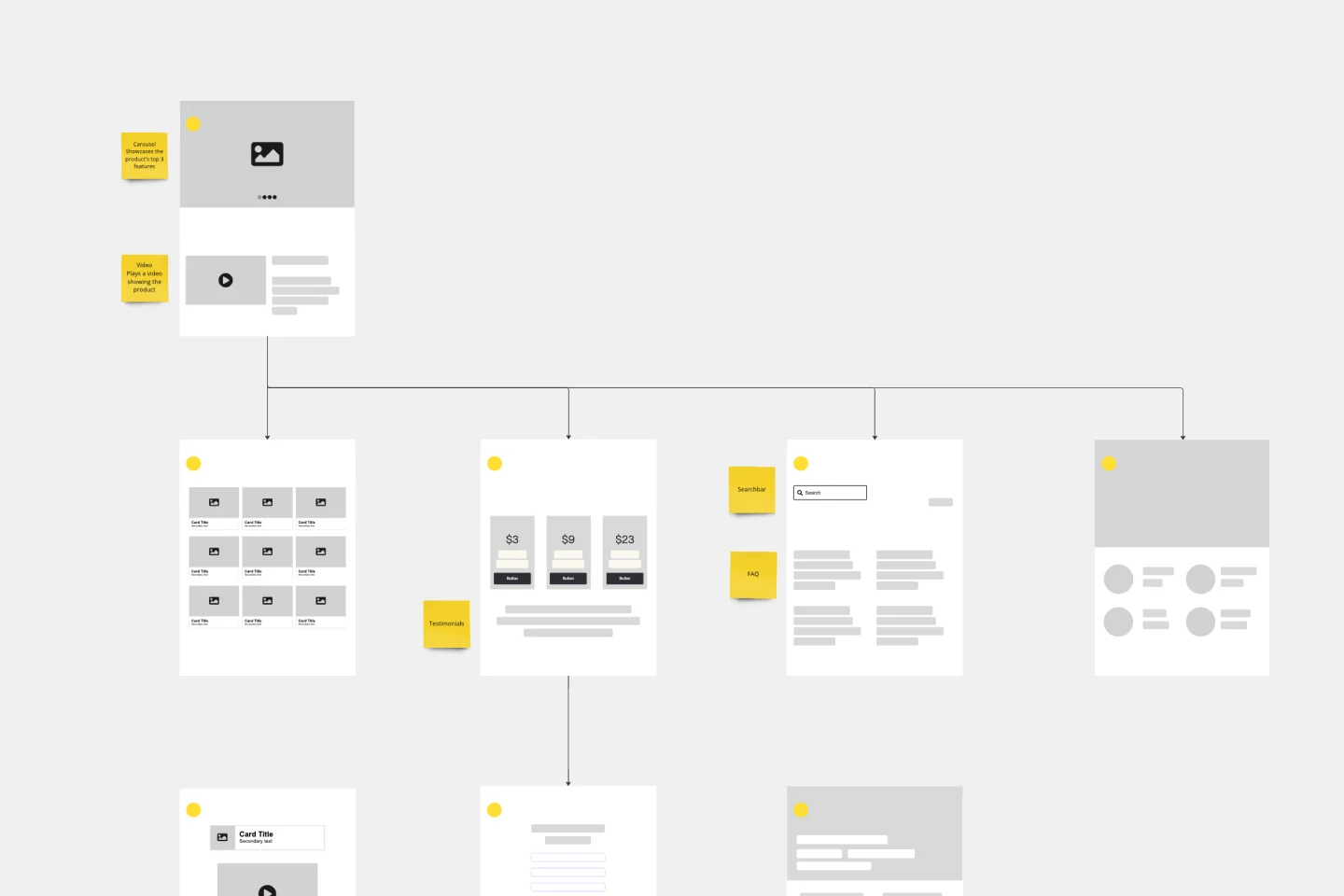
A website flowchart, also known as a sitemap, maps out the structure and complexity of any current or future website. The flowchart can also help your team identify knowledge gaps for future content. When you’re building a website, you want to ensure that each piece of content gives users accurate research results based on keywords associated with your web content. Product, UX, and content teams can use flowcharts or sitemaps to understand everything contained in a website, and plan to add or restructure content to improve a website’s user experience.
ER (Entity-Relationship) Diagram
23 likes318 usesSpaghetti Diagram Template
2 likes314 uses
Spaghetti Diagram Template
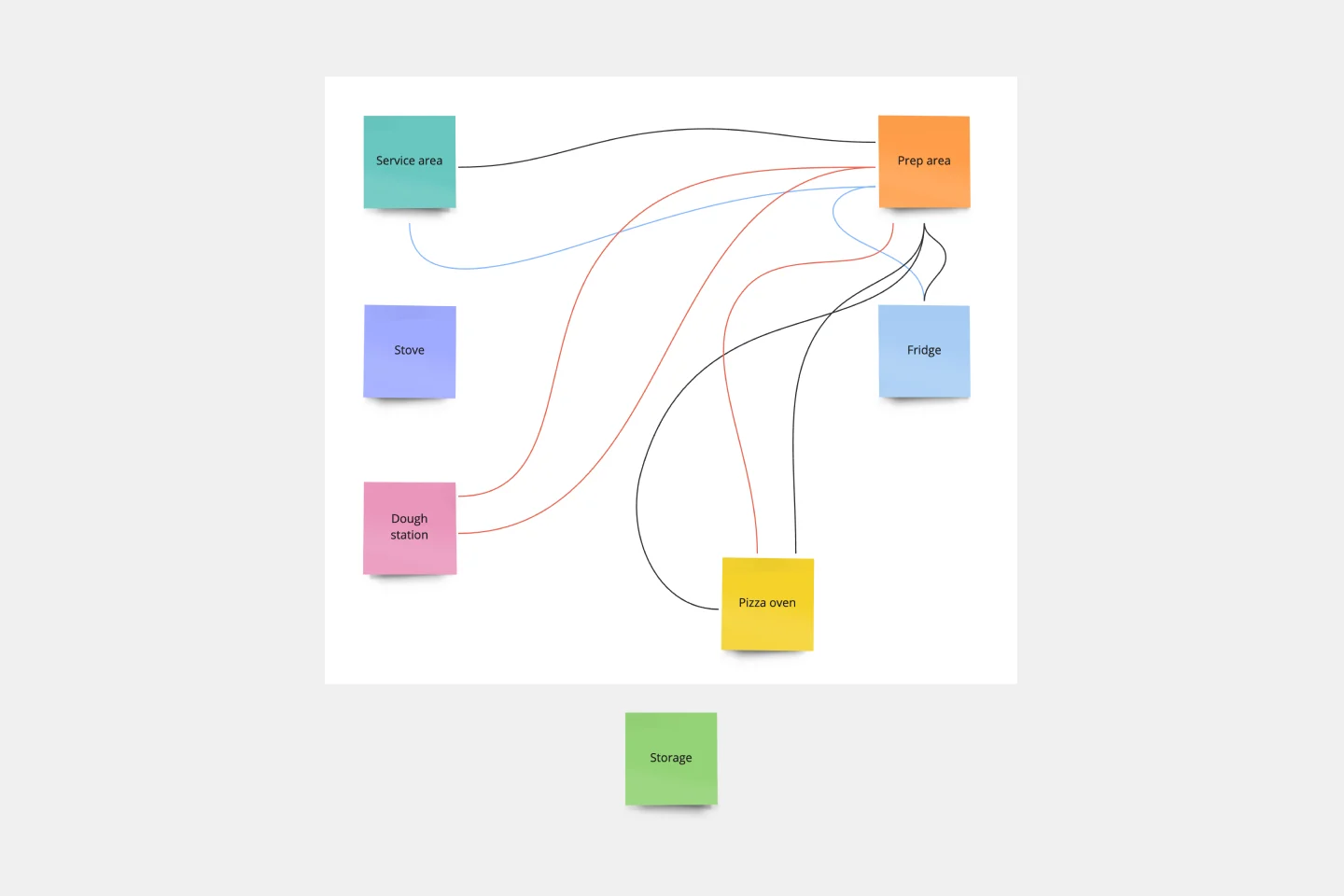
Spaghetti diagrams are valuable for finding connections between assets, services, and products, as well as identifying dependencies in a visual way. Use this template to get an overview of a process and quickly find areas of improvement.
GenAI Application Workflow
63 likes312 uses
GenAI Application Workflow
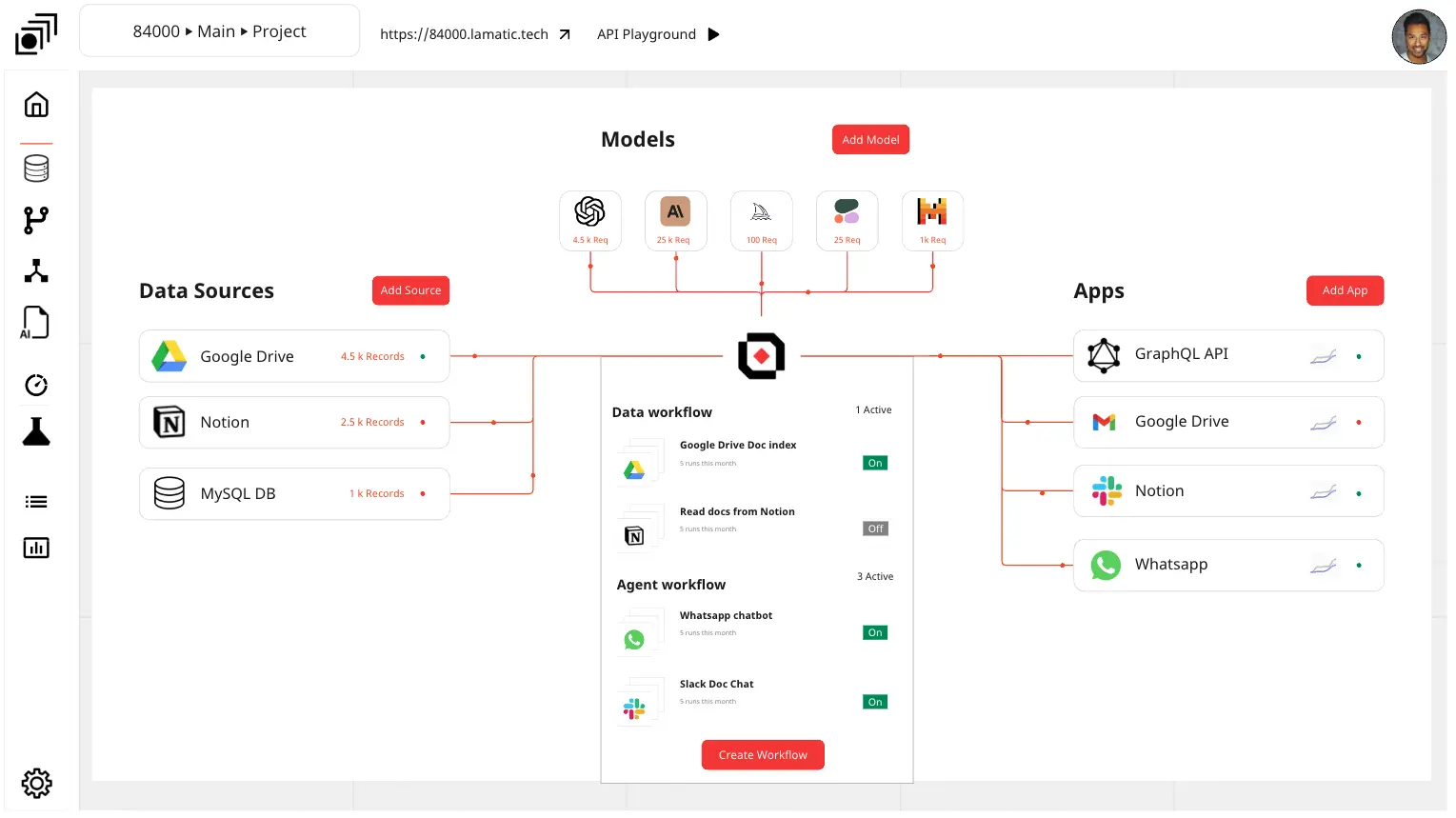
The GenAI Application Workflow template is a visual tool for mapping out the workflow of applications developed using GenAI. It provides elements for defining process steps, decision points, and data flows within the application. This template enables developers and project teams to visualize the application workflow, identify potential bottlenecks, and optimize the user experience. By promoting clarity and efficiency in application development, the GenAI Application Workflow empowers teams to deliver innovative and user-friendly applications effectively.
Aptly General Workflow Template
47 likes289 usesClient Experience Workflow
42 likes258 usesProject Schedule
3 likes247 uses
Project Schedule
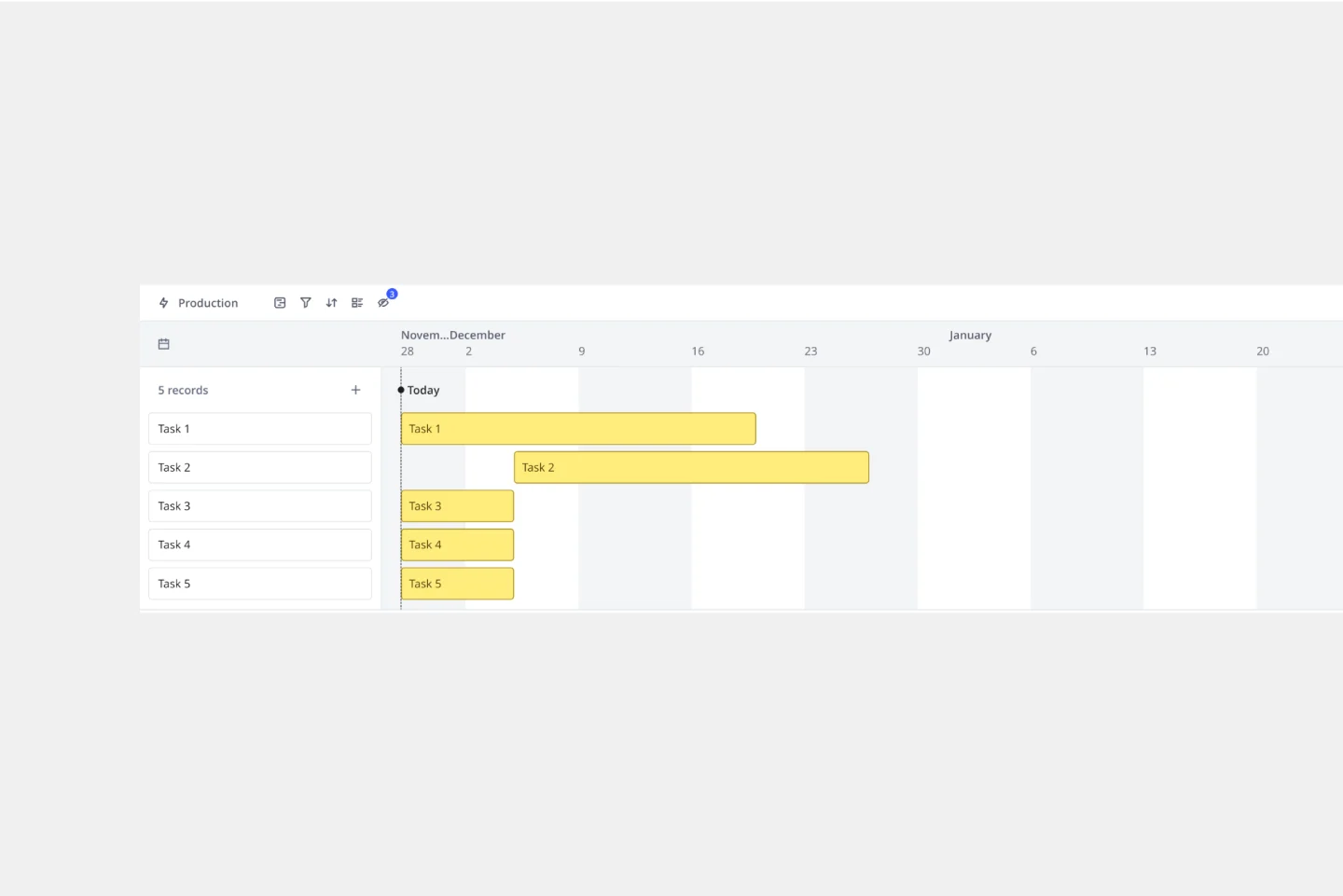
The Project Timeline Template simplifies project management. Illustrating tasks, milestones, and deliverables on a calendar visually shows teams a project's progression. One of its standout benefits is its ability to foster clarity. With this template, project milestones are translated into an easily digestible format, enabling team members to quickly comprehend the entirety of the project's scope and sequence, thereby enhancing productivity and reducing potential misunderstandings.
Schedule Template
1 likes245 uses
Schedule Template
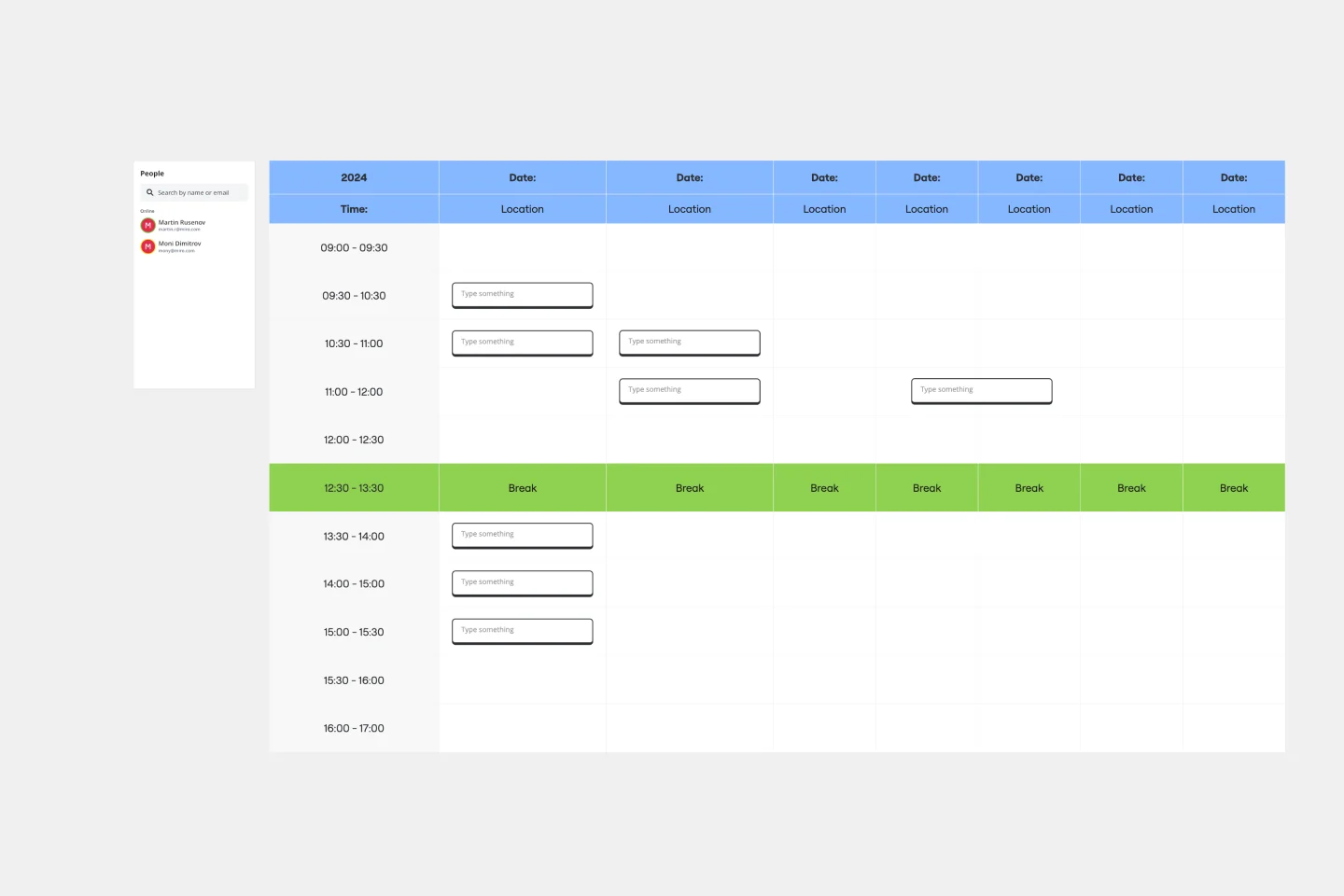
The schedule template streamlines time management. Whether plotting out tasks for a detailed project or simply organizing daily routines, its user-friendly design accommodates diverse scheduling needs quickly. A standout benefit of this template is its exceptional flexibility; users can seamlessly adjust timeframes from hours to weeks, ensuring that their schedule remains adaptable and precise, catering to ever-evolving requirements.
Flowchart AI Template
4 likes240 uses
AI Accelerated
Flowchart AI Template
Trying to explain a process or workflow to your team — or just wrap your head around it yourself? Sometimes the best way is to see it, and that’s when you create a flowchart. Using common shapes (generally just ovals, rectangles, diamonds, and arrows), a flowchart shows you the direction a process or workflow goes and the order of steps. Beyond giving you a clear understanding, you’ll also be able to see potential flaws and bottlenecks, which helps you refine and improve your process and create a better product more efficiently.
Cross Functional Flowchart
3 likes216 uses
Cross Functional Flowchart
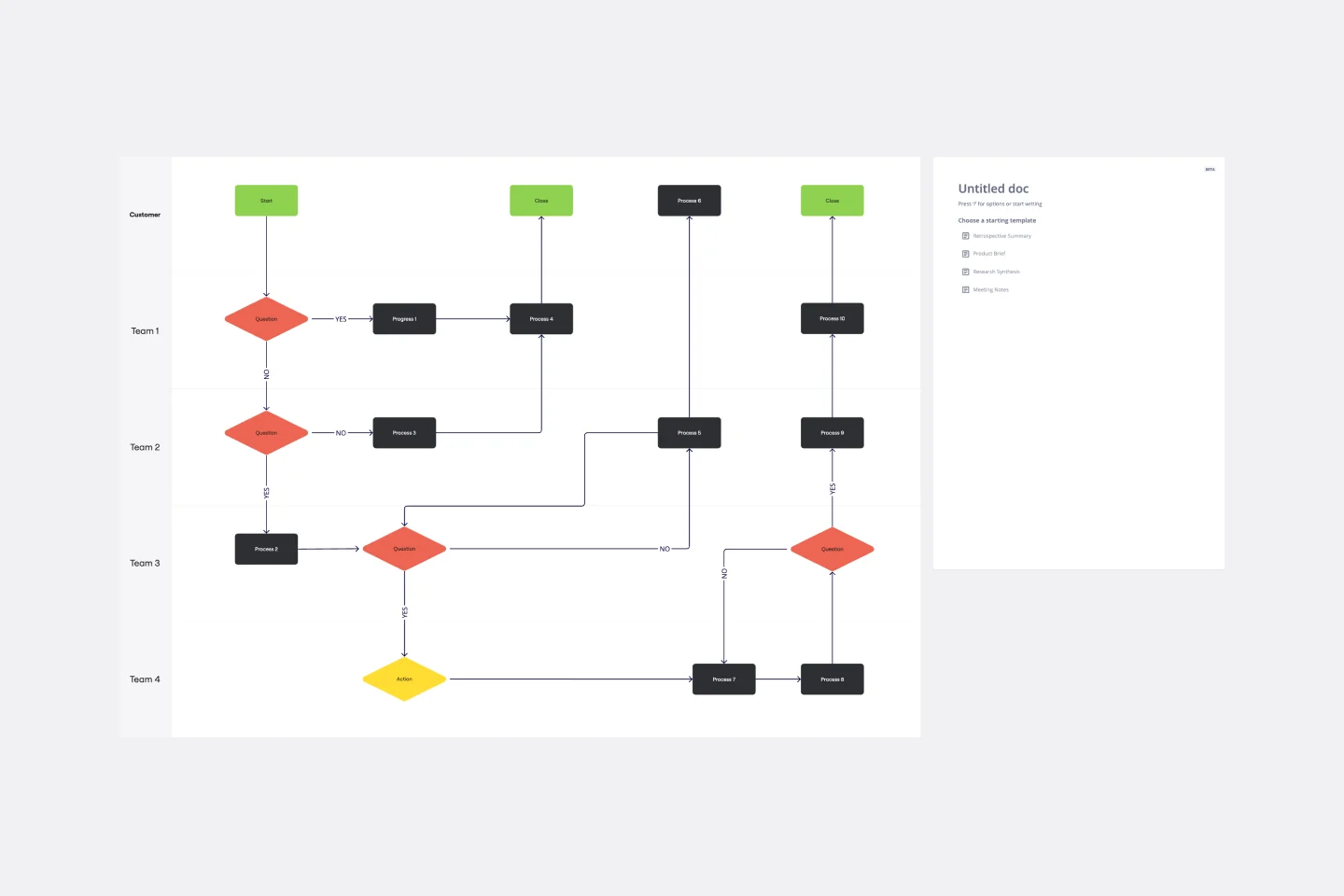
Have a quick look at everyone on a project and see exactly what they’ll contribute. That’s the clarity and transparency a cross-functional flowchart will give you. These are also called “swim lane” flowcharts because each person (each customer, client, or representative from a specific function) is assigned a lane—a clear line—that will help you visualize their roles at each stage of the project. This template will empower you to streamline processes, reduce inefficiencies, and make meaningful cross-functional relationships.
Checklist Template
3 likes208 uses
Checklist Template
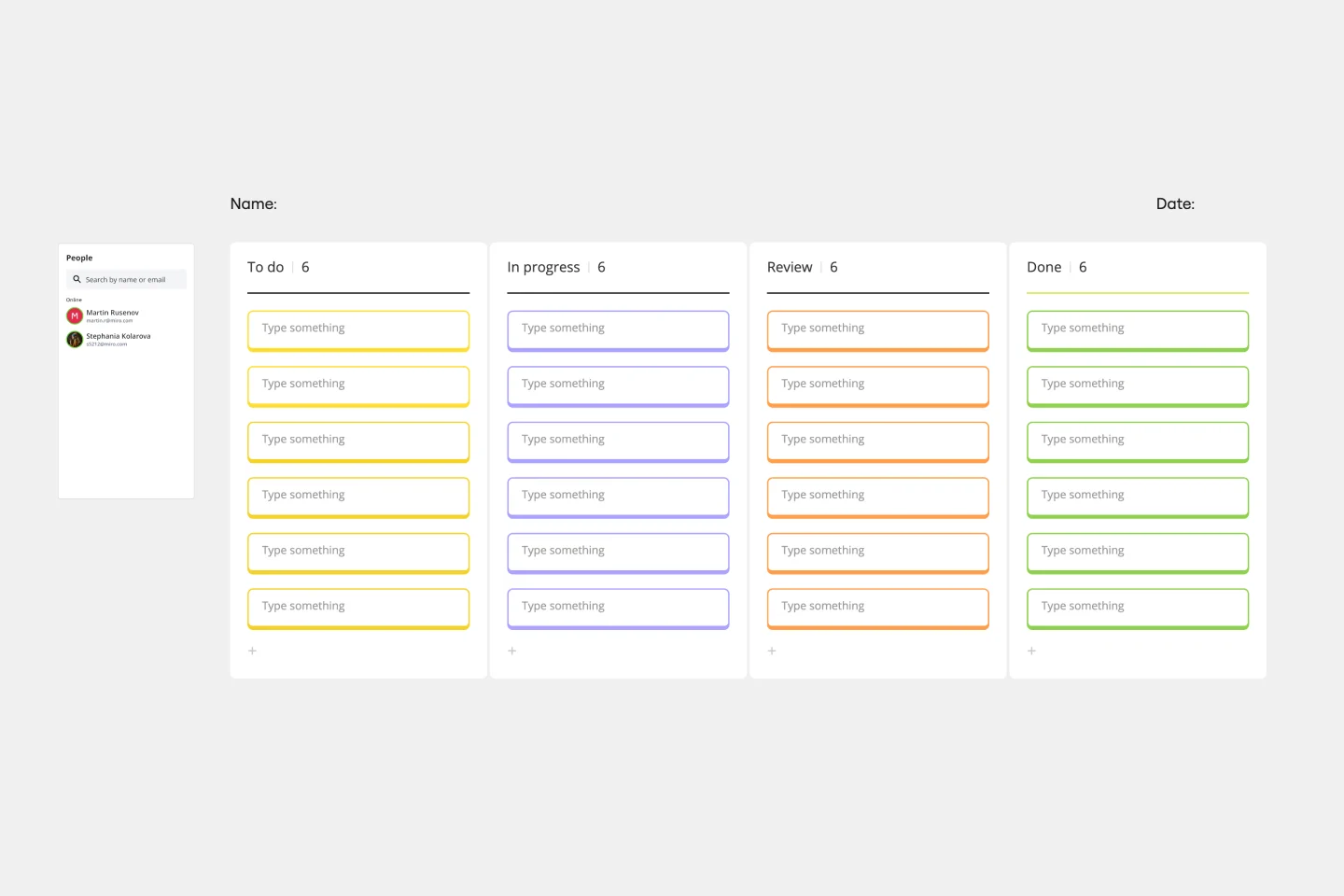
The Checklist Template is designed to organize and track tasks visually, offering workflow clarity. A key benefit of using this template is its potential to amplify collaboration, ensuring that all team members remain aligned and informed, paving the way for efficient project completion.
Objectives and Key Results (OKRs) Template
5 likes198 uses
Objectives and Key Results (OKRs) Template
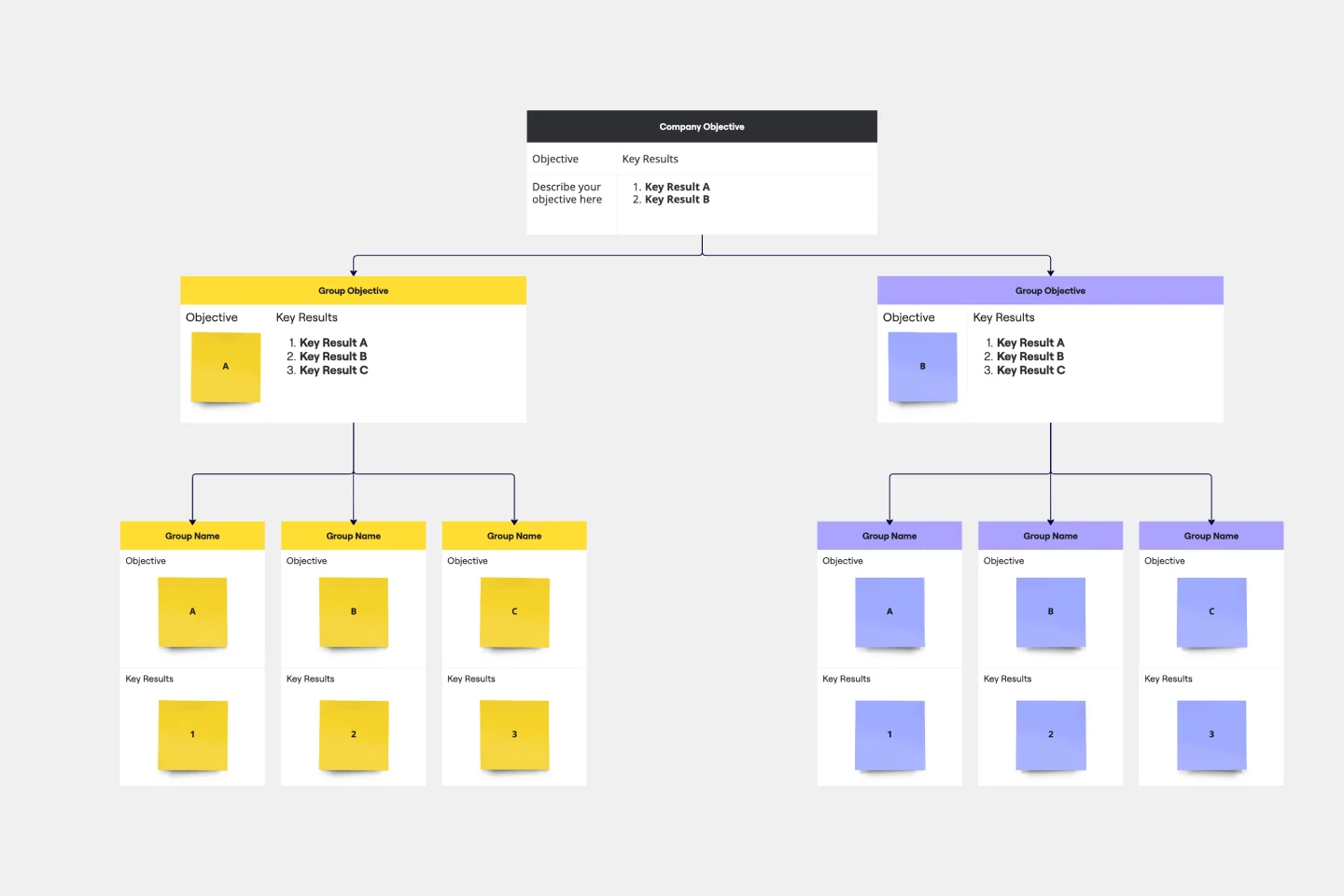
Clarity, focus, and structure — those are the key ingredients to feeling confident in your company’s directions and decisions, and an OKR framework is designed to give them to you. Working on two main levels — strategic and operational — OKRs (short for objectives and key results) help an organization’s leaders determine the strategic objectives and define quarterly key results, which are then connected to initiatives. That’s how OKRs empower teams to focus on solving the most pressing organizational problems they face.
Stakeholder Mapping Template
3 likes196 uses
Stakeholder Mapping Template
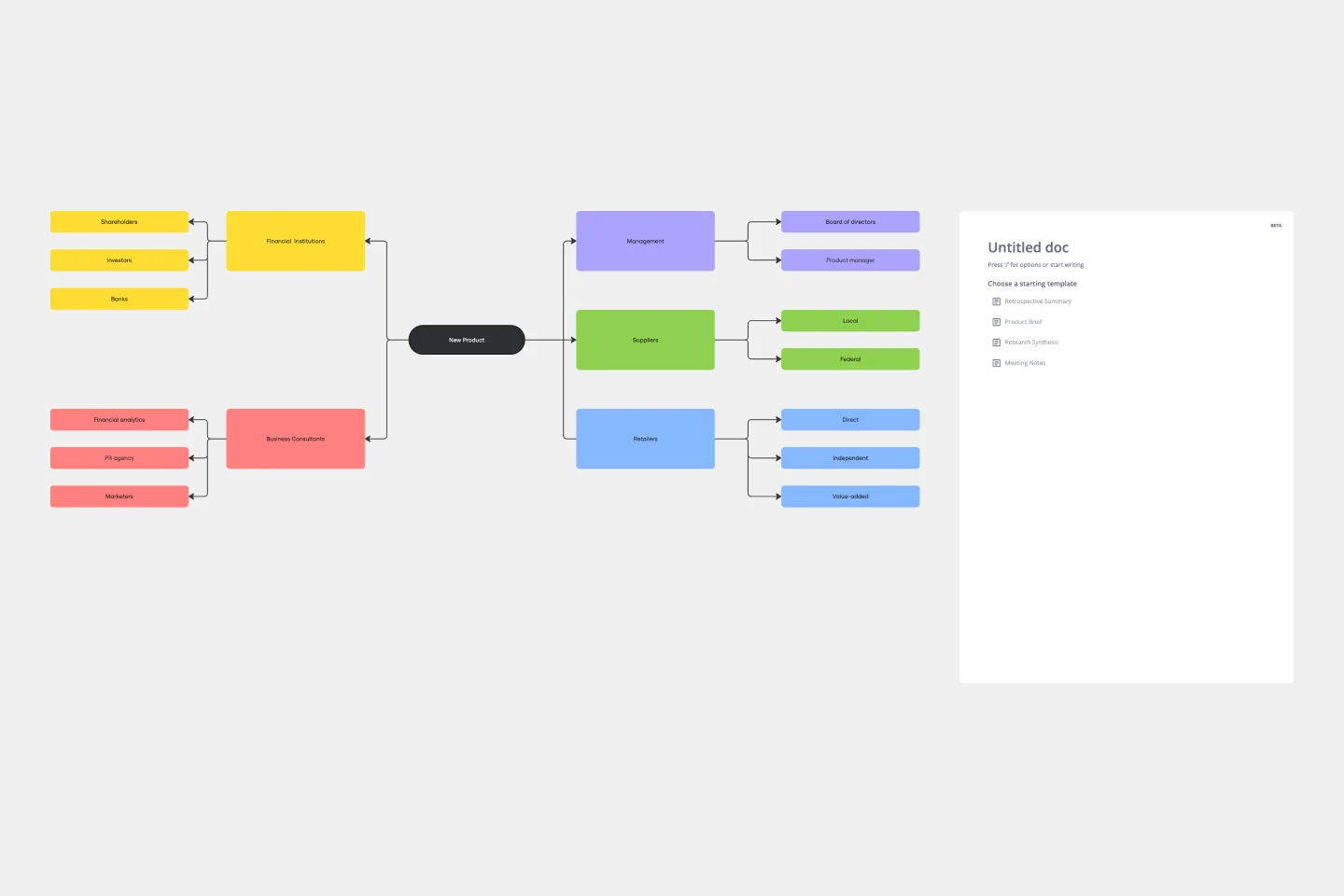
A stakeholder map is a type of analysis that allows you to group people by their power and interest. Use this template to organize all of the people who have an interest in your product, project, or idea in a single visual space. This allows you to easily see who can influence your project, and how each person is related to the other. Widely used in project management, stakeholder mapping is typically performed at the beginning of a project. Doing stakeholder mapping early on will help prevent miscommunication, ensure all groups are aligned on the objectives and set expectations about outcomes and results.
Declutter Your Workflow - Marie Kondo Retro
49 likes184 usesCustomer Journey Mapping Template Pack
5 likes142 uses
Customer Journey Mapping Template Pack
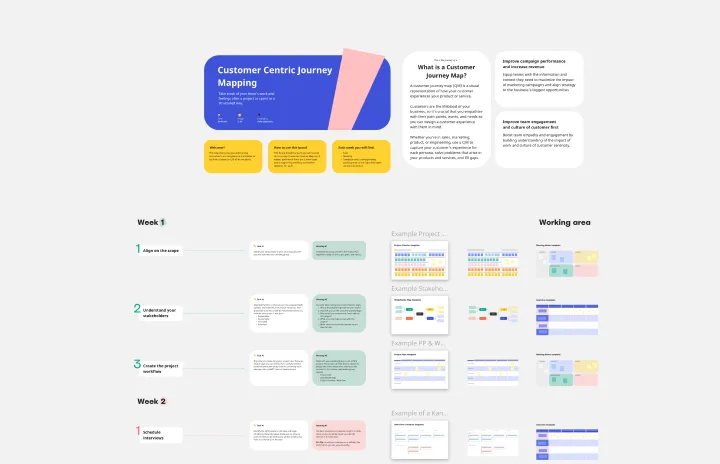
A customer journey map (CJM) is a visual representation of your customer’s experience. It allows you to capture the path that a customer follows when they buy a product, sign up for a service, or otherwise interact with your site. Most maps include a specific persona, outlines their customer experience from beginning to end, and captures the potential emotional highs and lows of interacting with the product or service. Use this template to easily create customer journey maps for projects of all kinds.
Product Roadmap Template
1 likes140 uses
Product Roadmap Template
Product roadmaps help communicate the vision and progress of what’s coming next for your product. It’s an important asset for aligning teams and valuable stakeholders – including executives, engineering, marketing, customer success, and sales – around your strategy and priorities. Product roadmapping can inform future project management, describe new features and product goals, and spell out the lifecycle of a new product. While product roadmaps are customizable, most contain information about the products you’re building, when you’re building them, and the people involved at each stage.
Defining JIRA Board Workflow
18 likes129 usesFlat Org Chart Template
0 likes116 uses
Flat Org Chart Template
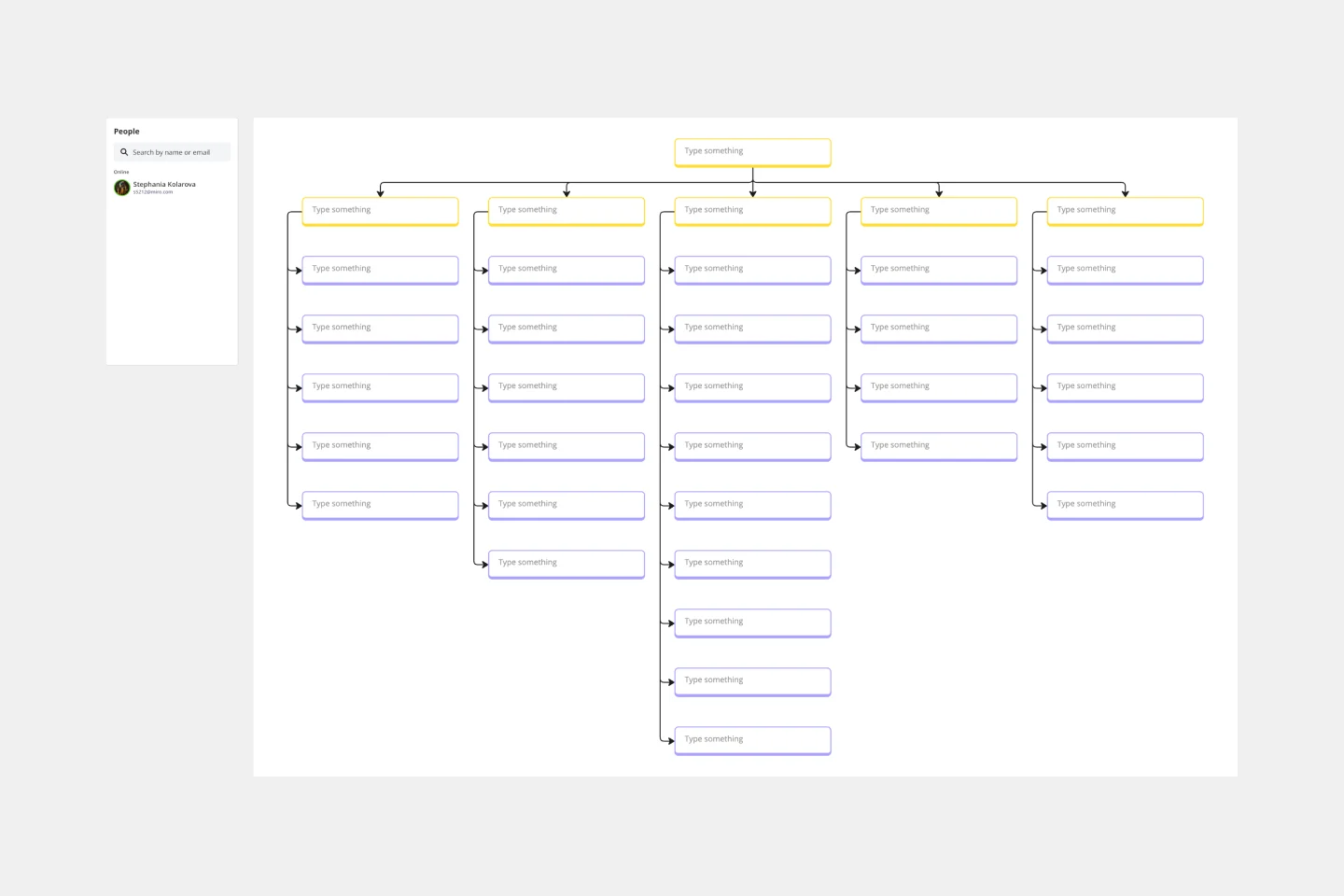
The flat org chart template provides a clear and visual representation of modern organizational structures that prioritize collaboration and horizontal relationships over complex hierarchical chains of command. One of the major advantages of using this template is that it promotes clarity and transparency, making it easy for organizations to showcase team configurations and ensure that all team members understand their roles in the larger context. This clarity fosters a more inclusive and collaborative environment, which aligns perfectly with contemporary organizational values. The template is a great tool for promoting effective communication and teamwork.
ML Workflow
14 likes115 usesPrecedence Diagram
1 likes111 uses
Precedence Diagram
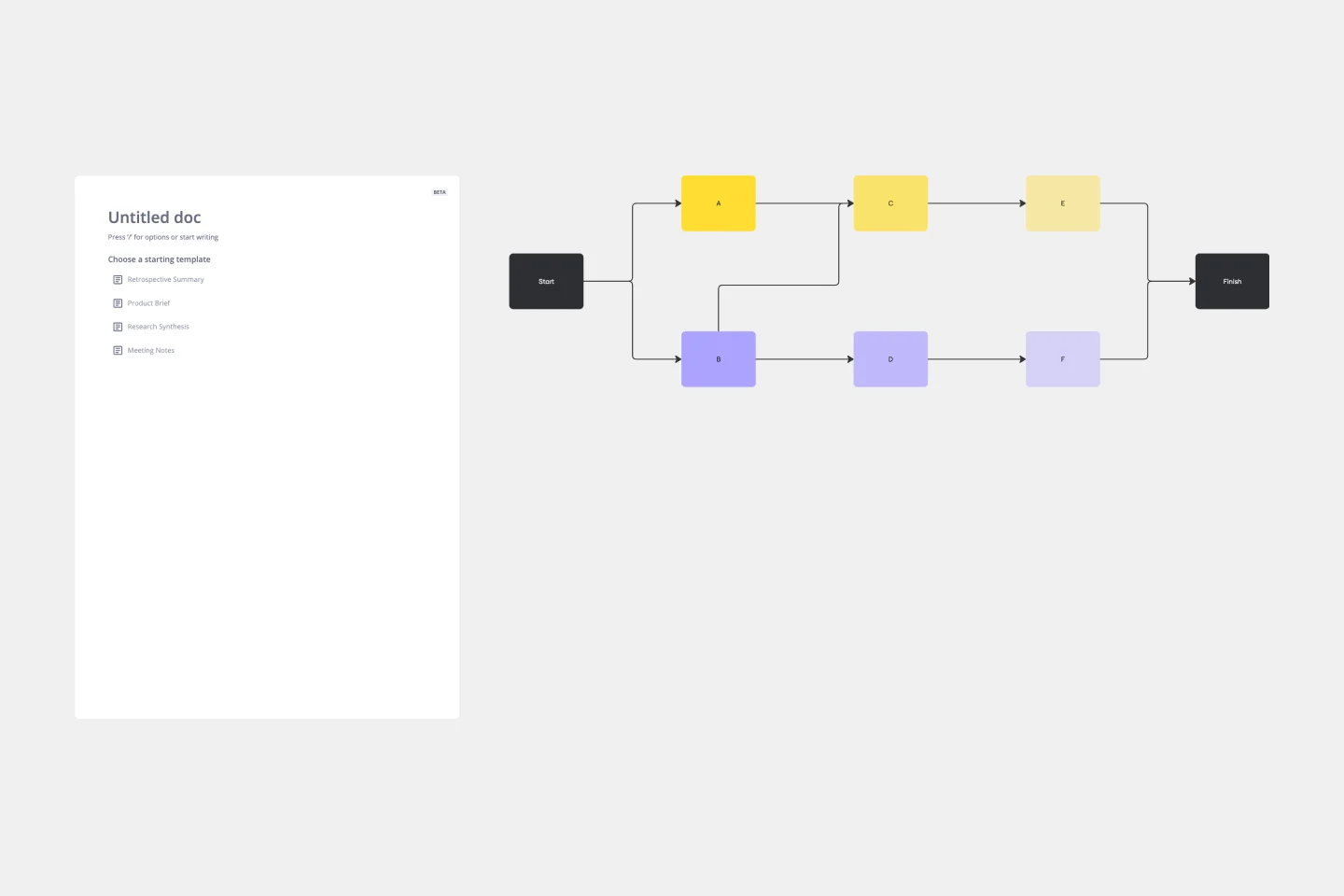
The Precedence Diagram Template offers a visual tool that maps out project activities and their interrelated sequences. This diagram empowers teams to recognize and anticipate workflow structures by illustrating the connections and dependencies among tasks.
Workflow Template
1 likes110 uses
Workflow Template
The digital world requires collaboration, and better collaboration leads to better results. A workflow is a project management tool that allows you to sketch out the various steps, resources, timeline and roles necessary to complete a project. It can be used on any multi-step project, whether it’s a business process or otherwise, and is ideal for plotting out the tangible actions you’ll need to take to achieve a goal and the order in which you need to complete those actions.
Timeline Workflow
7 likes106 uses
Timeline Workflow
A timeline is a visual tool that chronologically plots out projects step by step. It’s an ideal tool for your team to tell stories (such as an overview of events in your organization) and visualize your projects or processes. The Timeline Workflow template is perfect for any project that relies on visual content. You may find it beneficial to use with your team and also to share with other stakeholders or clients to keep them in the loop on your progress.

Explore more
About the Process and Workflow Templates Collection
Miro's process and workflow templates collection is designed to streamline and improve the way teams collaborate and manage their projects. These templates provide a structured approach to mapping out processes, ensuring that every step is clearly defined and easily accessible. By leveraging these templates, teams can visualize complex workflows, identify inefficiencies, and implement improvements seamlessly. The collection includes a variety of templates tailored to different methodologies and industries, making it a versatile tool for any team looking to optimize their processes.
Why you'll love our process and workflow templates
Using Miro's process and workflow templates offers numerous benefits:
Standardization: Ensure consistency across projects by using predefined templates that align with best practices.
Efficiency: Save time by eliminating the need to create workflows from scratch. Templates provide a ready-made structure that can be quickly customized.
Collaboration: Enhance team collaboration with a shared visual workspace where everyone can contribute and stay aligned.
Transparency: Improve transparency by making all steps of the process visible to the entire team, which helps in tracking progress and identifying bottlenecks.
Flexibility: Adapt templates to fit the specific needs of your project or team, ensuring that they are always relevant and useful.
Integration: Seamlessly integrate with other tools and platforms, allowing for a more cohesive workflow.
How to use the process and workflow templates in Miro
Select a template: Once you've found a suitable template, click on it to preview its structure and components. If it meets your requirements, select it to create a new board based on this template.
Customize the template: Tailor the template to your specific project by adding, removing, or modifying elements. You can adjust the steps, add notes, and include any additional information that is relevant to your workflow.
Collaborate with your team: Invite team members to the board and assign roles or tasks. Use Miro's collaboration features, such as comments, mentions, and real-time editing, to work together efficiently.
Track progress: Monitor progress and ensure that all steps are being followed. Make adjustments as needed to keep the workflow on track.
Review and improve: After completing the workflow, take time to review the entire process with your team. Identify any areas that could be optimized or any steps that may have been missed. Use the feedback to refine the workflow template, ensuring it meets the evolving needs of your project. Regularly updating and improving your workflow templates will help maintain their effectiveness and relevance.
Miro's process and workflow templates are more than just tools; they are catalysts for team success. By providing a structured yet flexible framework, these templates empower teams to work more efficiently and collaboratively. They help in visualizing complex processes, ensuring everyone is on the same page, and fostering a culture of continuous improvement. With Miro, teams can streamline their workflows, enhance productivity, and ultimately achieve their goals more effectively.