Process & workflow templates
Have an end-to-end overview of projects with our process and workflow templates collection. Create the big vision with an infinite canvas and simultaneously drill down to specific details all in one place to identify opportunities, bottlenecks, and improve efficiency.
59 templates
- 6 likes139 uses

AI Accelerated
AI Entity Relationship Diagram Template
Sometimes the most important relationships in business are the internal ones—between the teams, entities, and actors within a system. An entity relationship diagram (ERD) is a structural diagram that will help you visualize and understand the many complex connections between different roles. When will an ERD come in handy? It’s a great tool to have for educating and onboarding new employees or members of a team, and our template makes it so easy to customize according to your unique needs.
- 1 likes139 uses

Precedence Diagram
The Precedence Diagram Template offers a visual tool that maps out project activities and their interrelated sequences. This diagram empowers teams to recognize and anticipate workflow structures by illustrating the connections and dependencies among tasks.
- 19 likes138 uses
- 0 likes132 uses

Workflow Diagram Template
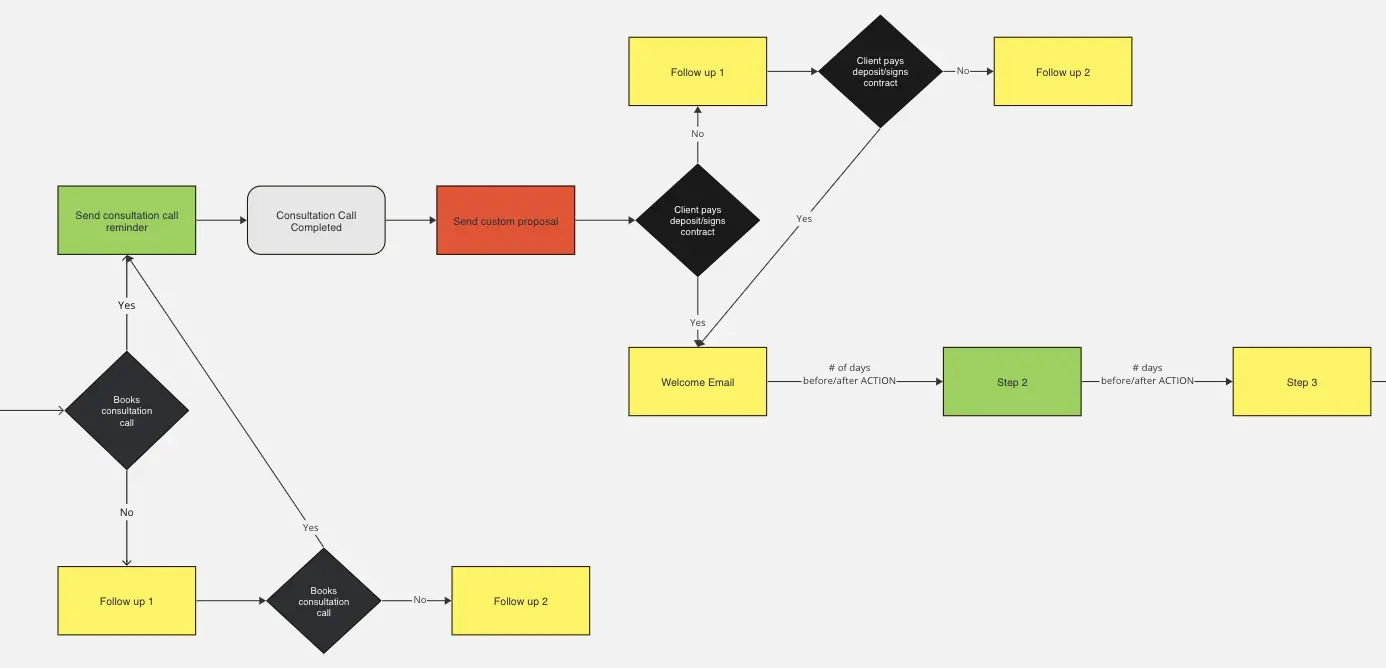
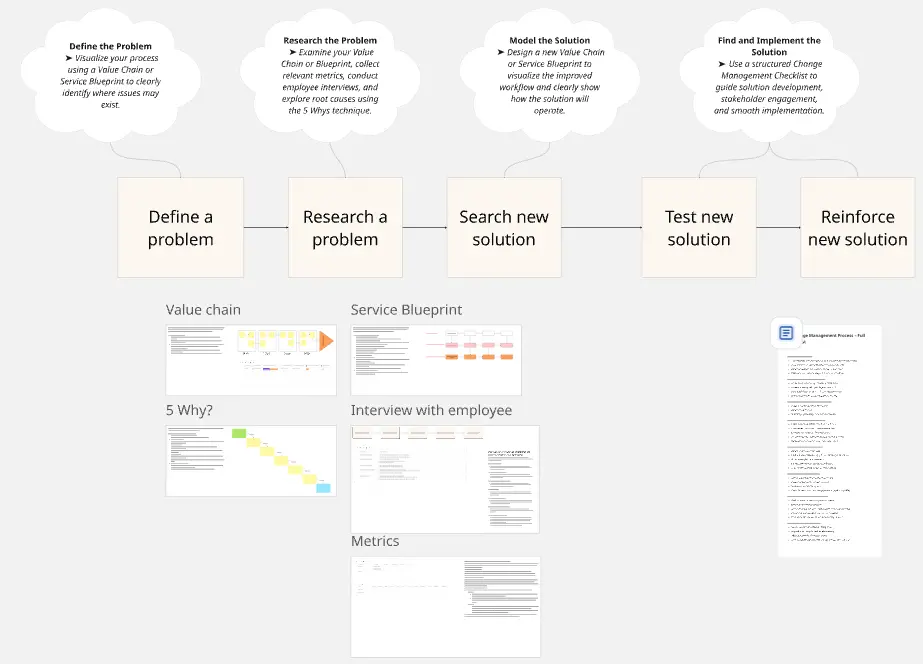
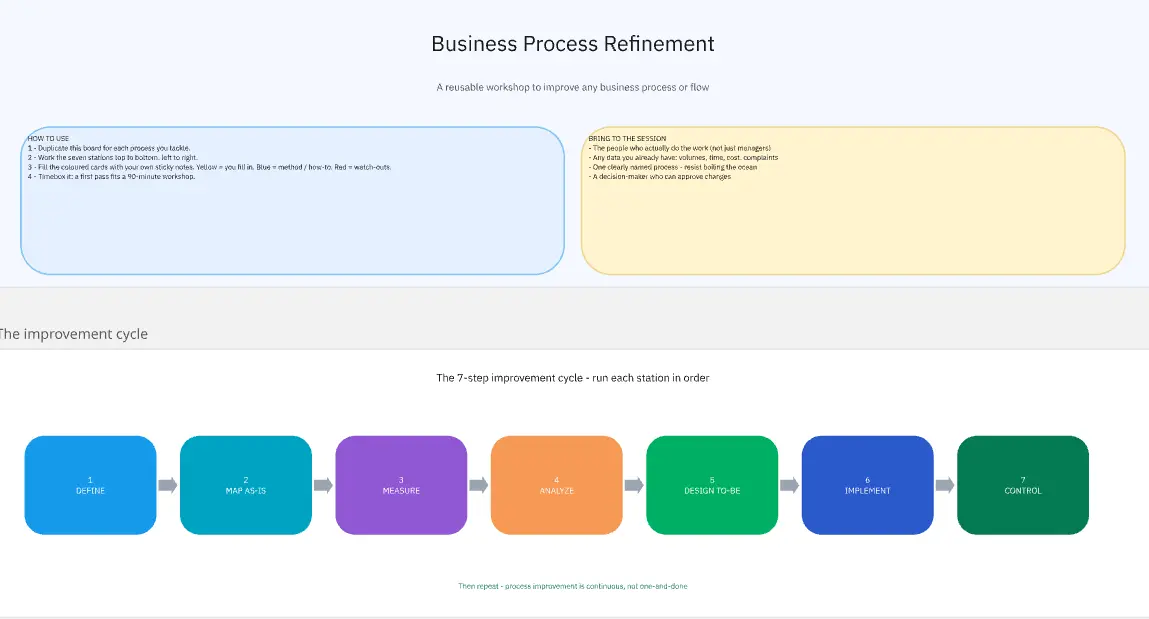
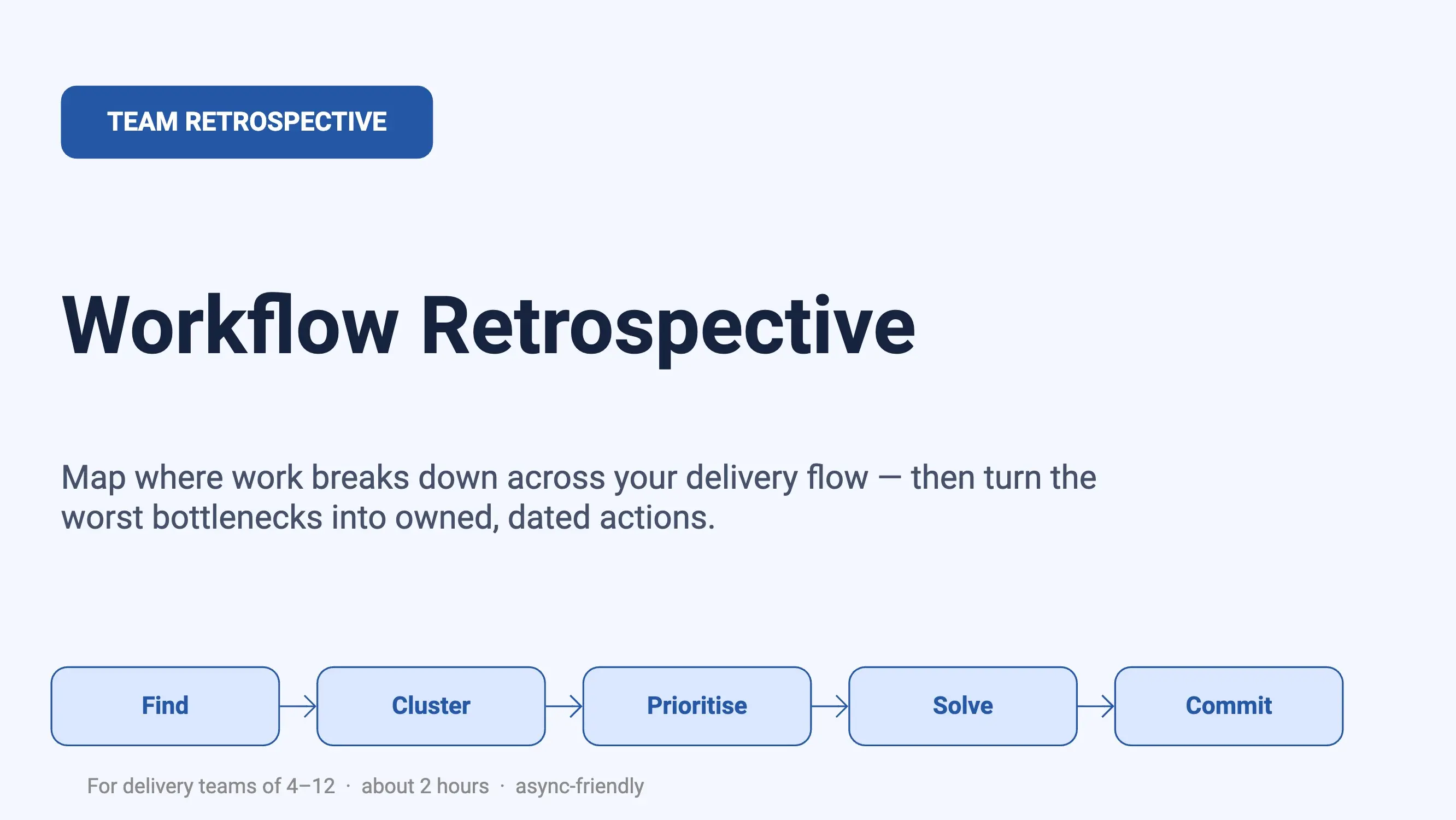
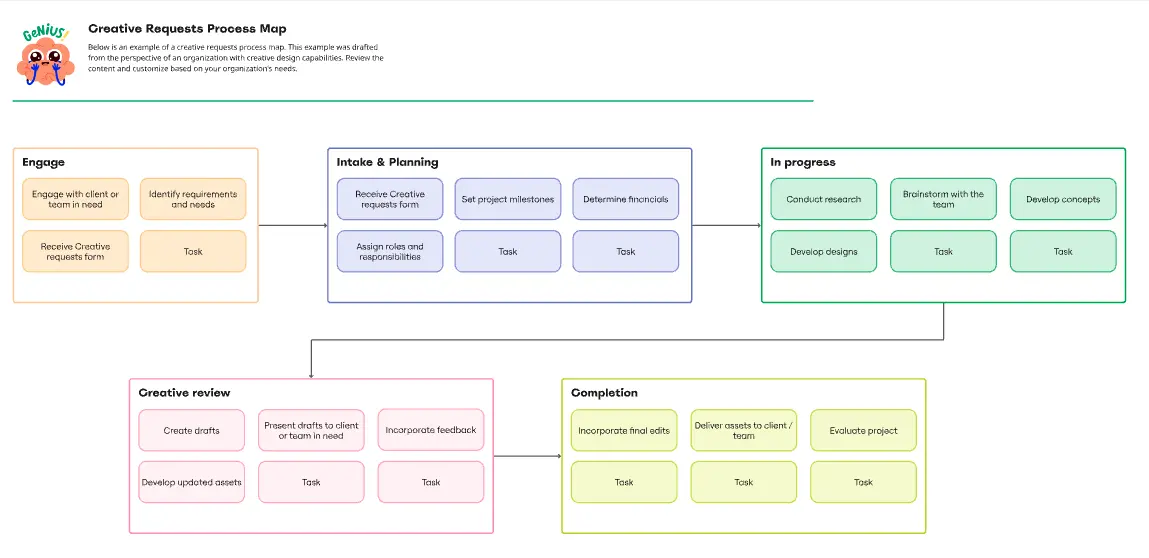
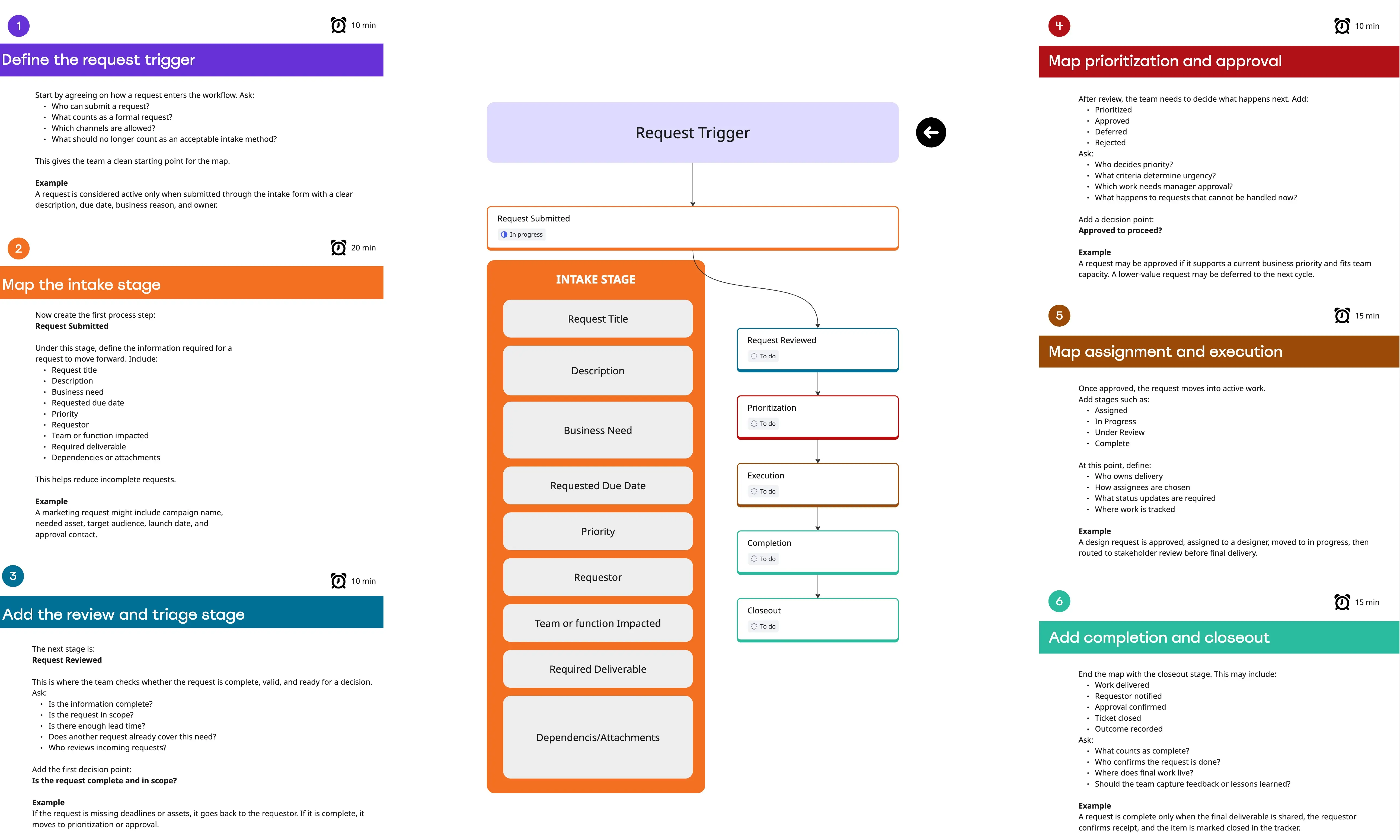
The Workflow Diagram Template maps out and represents processes or systems using standardized symbols and shapes. By delineating the various steps or stages in a process, it ensures that tasks flow seamlessly from initiation to completion. One of the standout benefits of using this template is its clarity. By translating processes into a visual format, all participants can gain a comprehensive understanding at a glance, eliminating confusion and ensuring everyone is on the same page. This clarity not only promotes efficient task execution but also fosters collaboration among team members.
- 0 likes121 uses

Accountability Chart Template
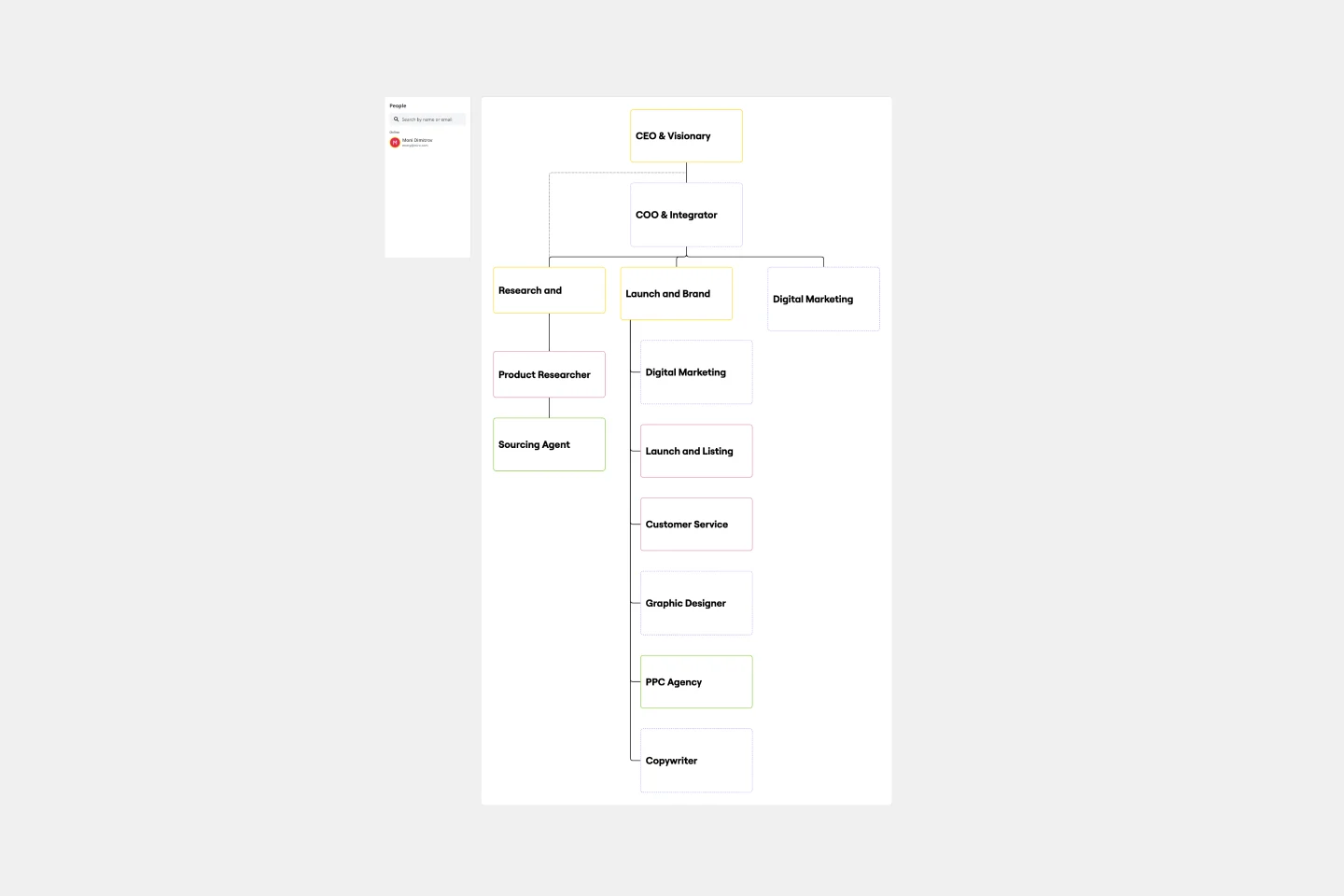
The Accountability Chart Template is a visual map detailing the various roles within an organization and the responsibilities tied to each. This systematic layout ensures clarity in defining duties and fosters a culture of accountability. A standout benefit of using this template is its capacity to eliminate role ambiguity. The Accountability Chart template ensures that every team member understands tasks by clearly depicting who is responsible for what. This leads to enhanced productivity and reduced task overlaps or missed assignments.
- 14 likes116 uses
- 1 likes108 uses

Agile Board Template
Part of the popular Agile framework, an Agile Board is a visual display that allows you to sync on tasks throughout a production cycle. The Agile Board is typically used in the context of Agile development methods like Kanban and Scrum, but anyone can adopt the tool. Used by software developers and project managers, the Agile Board helps manage workload in a flexible, transparent and iterative way. The Agile template provides an easy way to get started with a premade layout of sticky notes customizable for your tasks and team.
- 1 likes103 uses

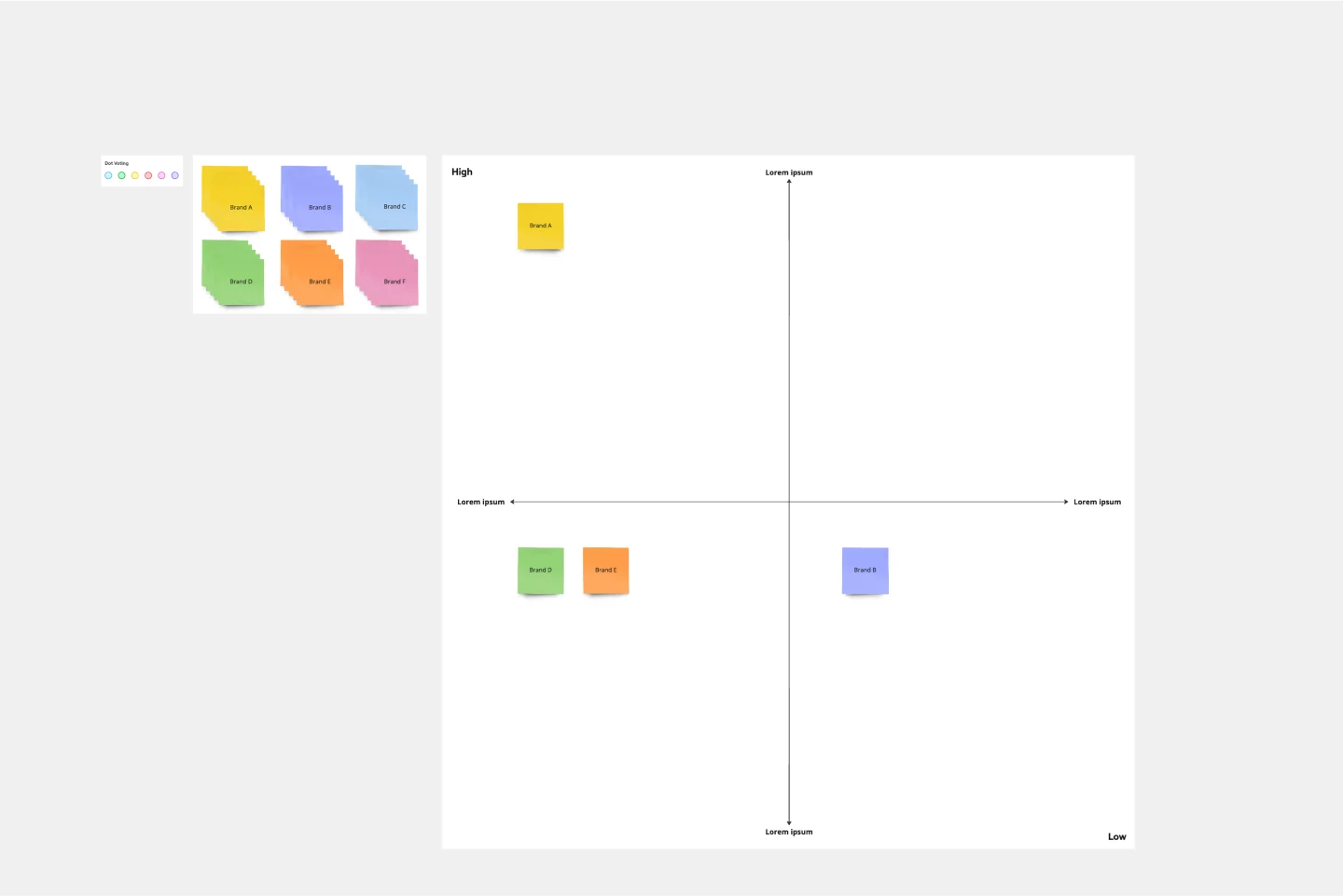
Strategic Group Mapping Template
The Strategic Group Mapping Template is a cutting-edge visual tool designed to translate the competitive landscape of their industry. By allowing users to plot entities based on distinct criteria, this template provides an at-a-glance view of market dynamics. One standout benefit of using this tool is its ability to identify clusters of competitors and market gaps, paving the way for businesses to strategically position themselves for optimal success.
- 2 likes101 uses

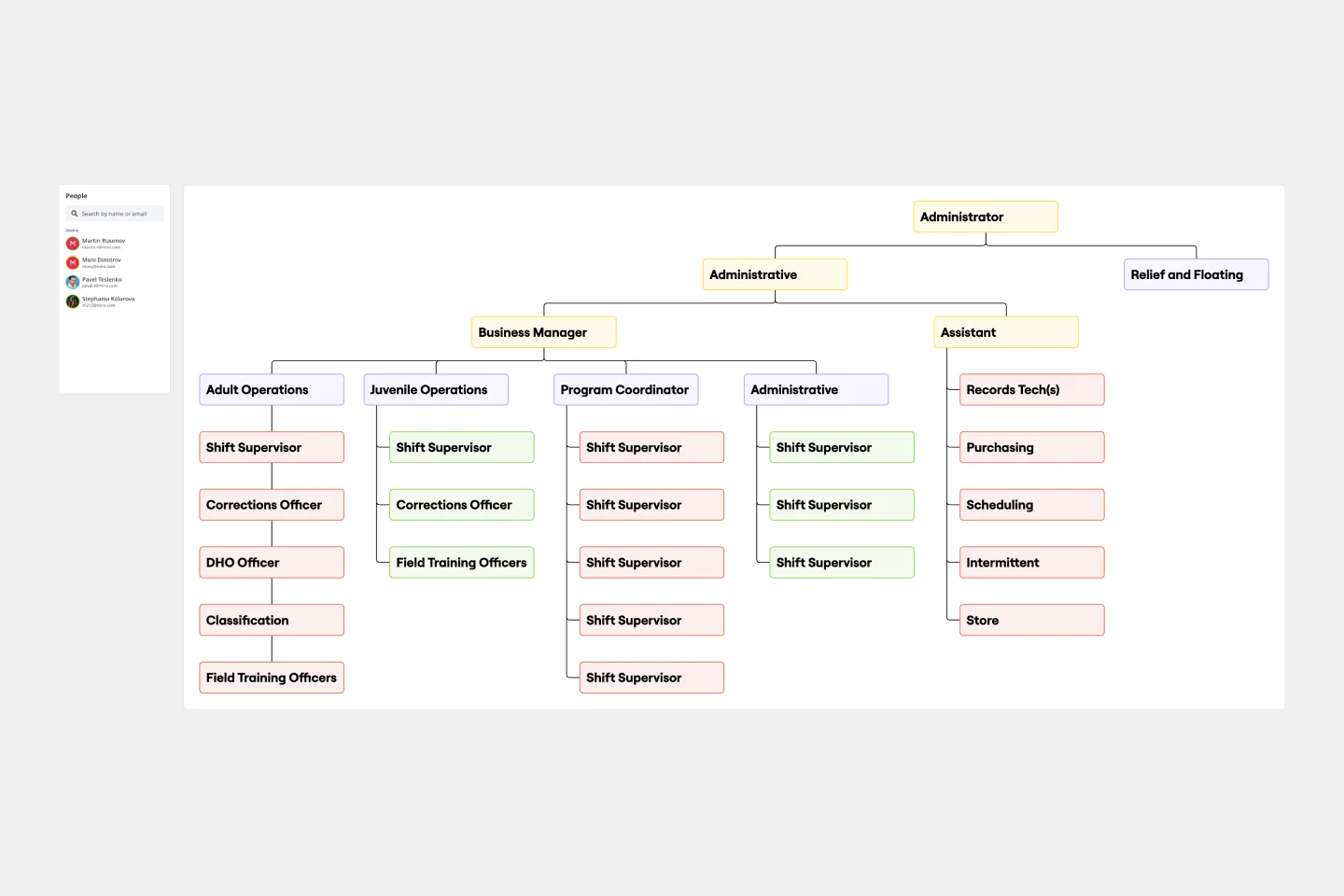
Chain of Command Template
The Chain of Command Template represents an organization's hierarchical structure, paving the way for enhanced clarity in roles and responsibilities. One of its standout benefits is the promotion of efficient communication. By clearly delineating the channels of authority and the reporting structure, team members can effortlessly identify the right people to approach with specific queries, concerns, or updates. This streamlined communication fosters better team collaboration and ensures that pivotal information reaches its intended destination promptly, driving overall organizational efficiency.
- 4 likes91 uses

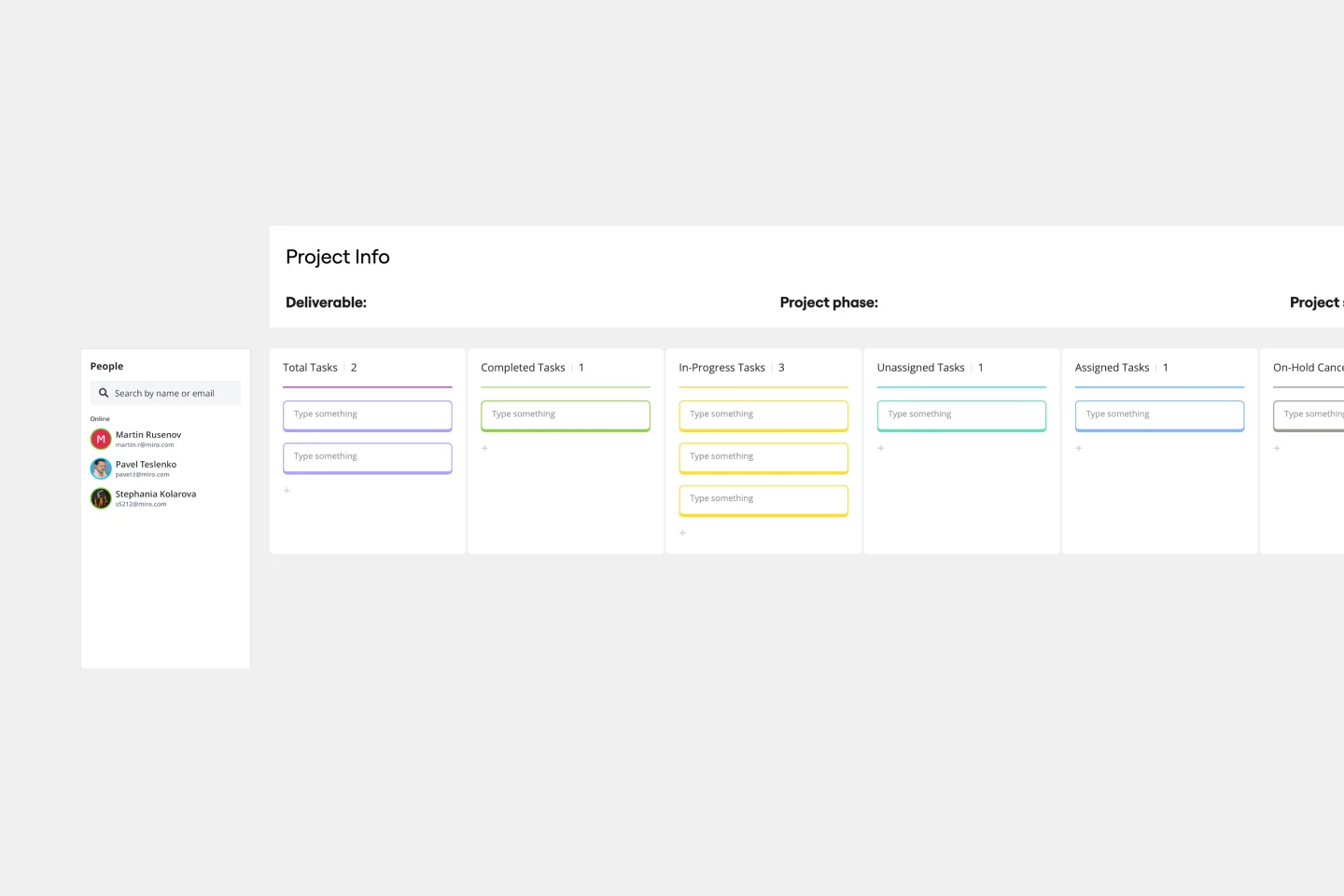
Project Tracking Template
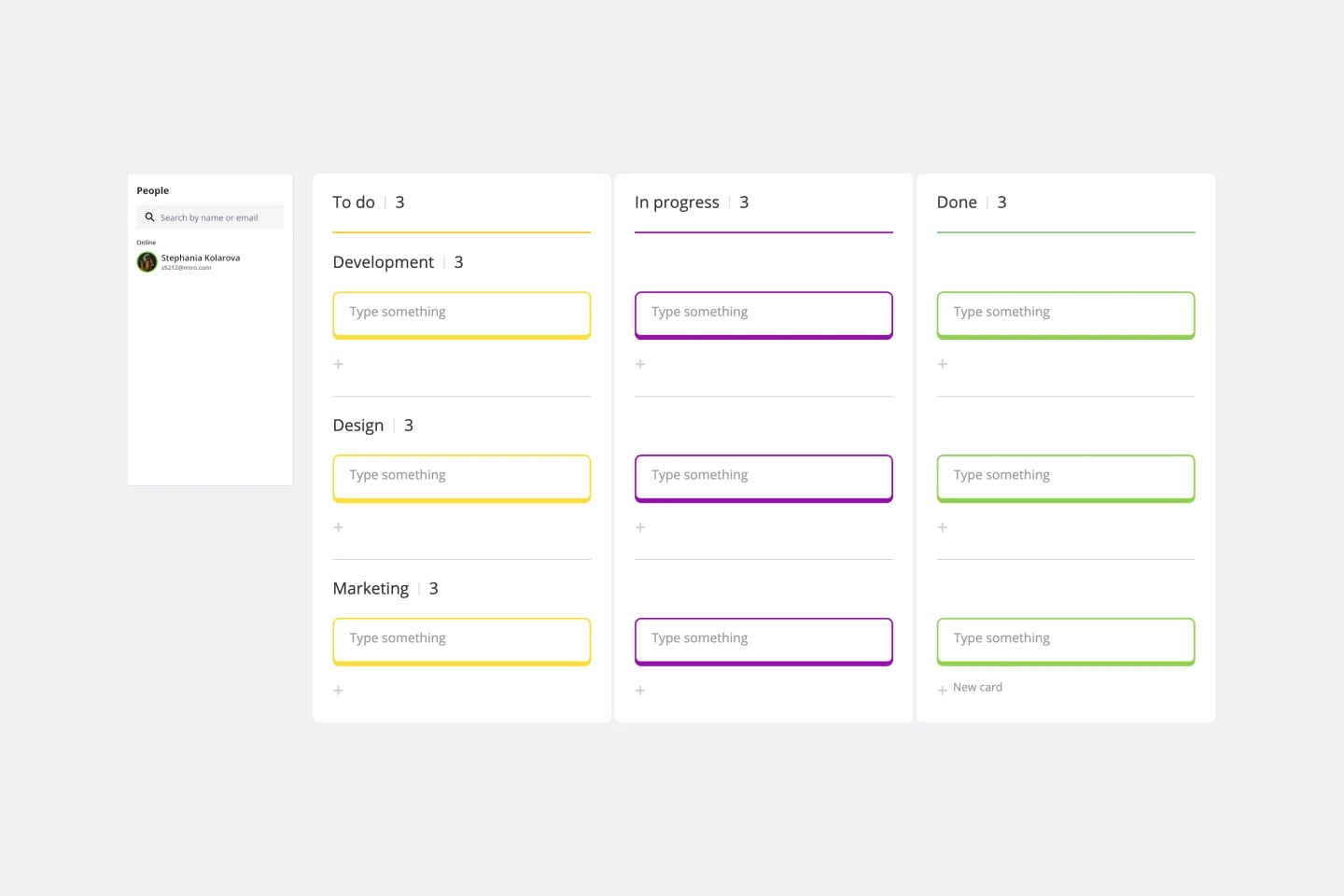
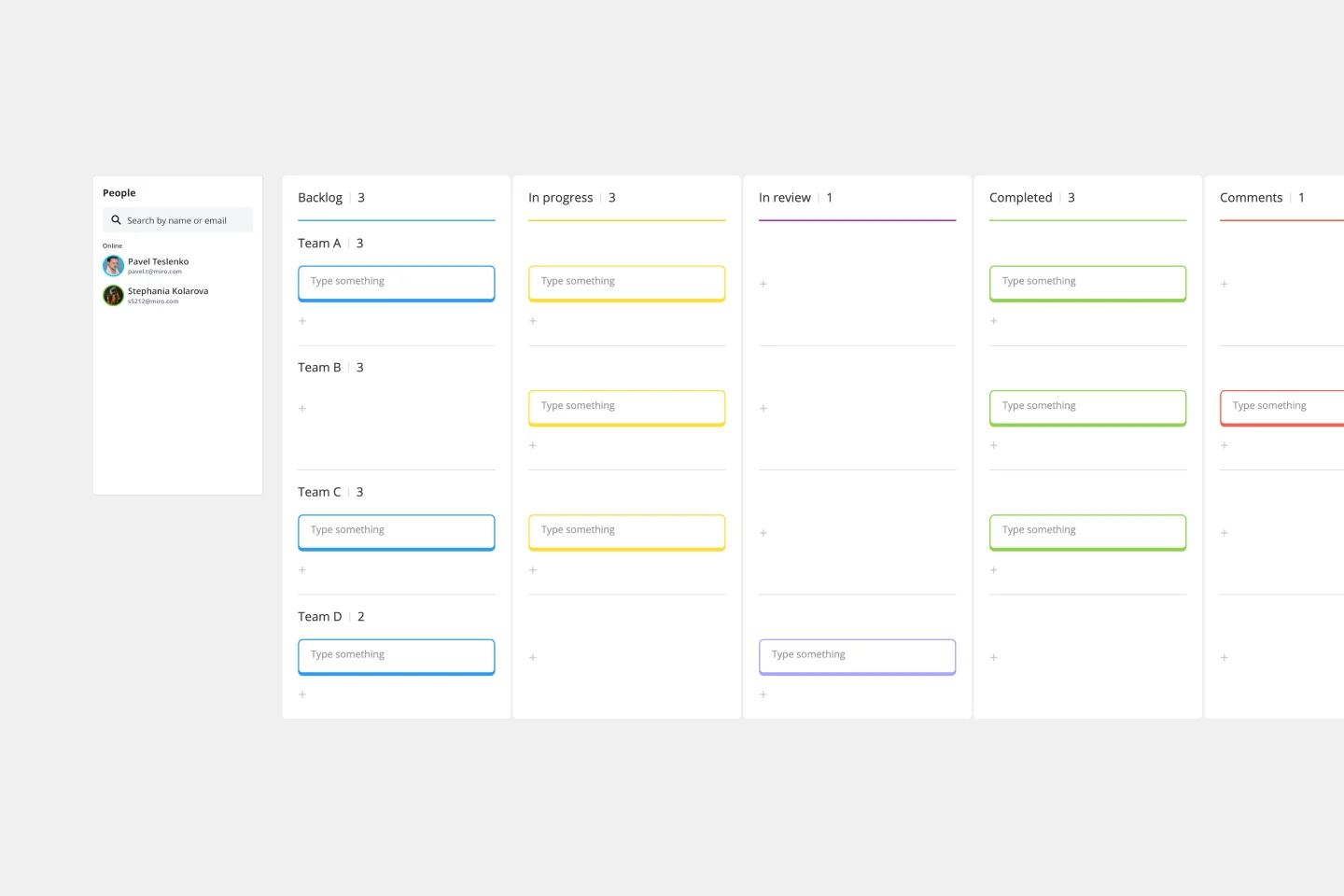
The Project Tracking Template is an all-inclusive solution to help you manage your projects more efficiently. This dynamic template allows you to easily organize, track, and collaborate on your projects. One of the key advantages of this template is its ability to provide enhanced visibility into project progress. By looking at the Kanban board, teams can quickly gain real-time insights into task statuses identify completed milestones, tasks in progress, and those requiring attention. This level of transparency facilitates informed decision-making and promotes accountability among team members, ensuring that everyone is aligned towards the project's successful completion.
- 4 likes78 uses

API Development Template
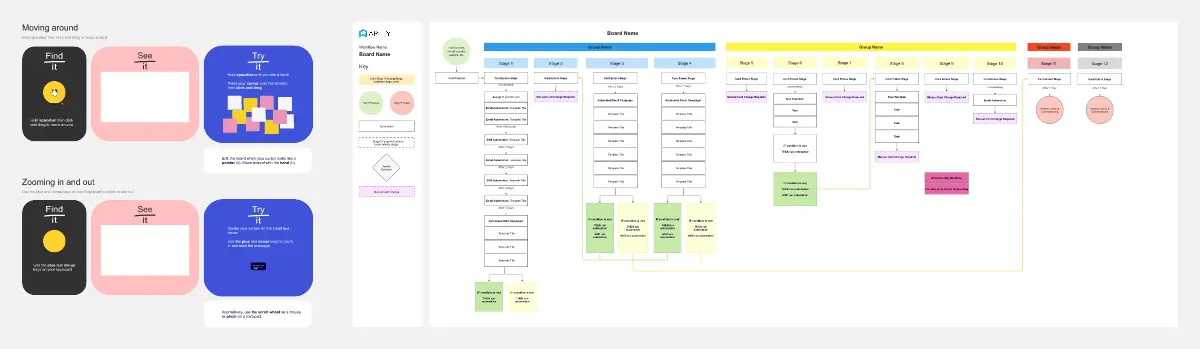
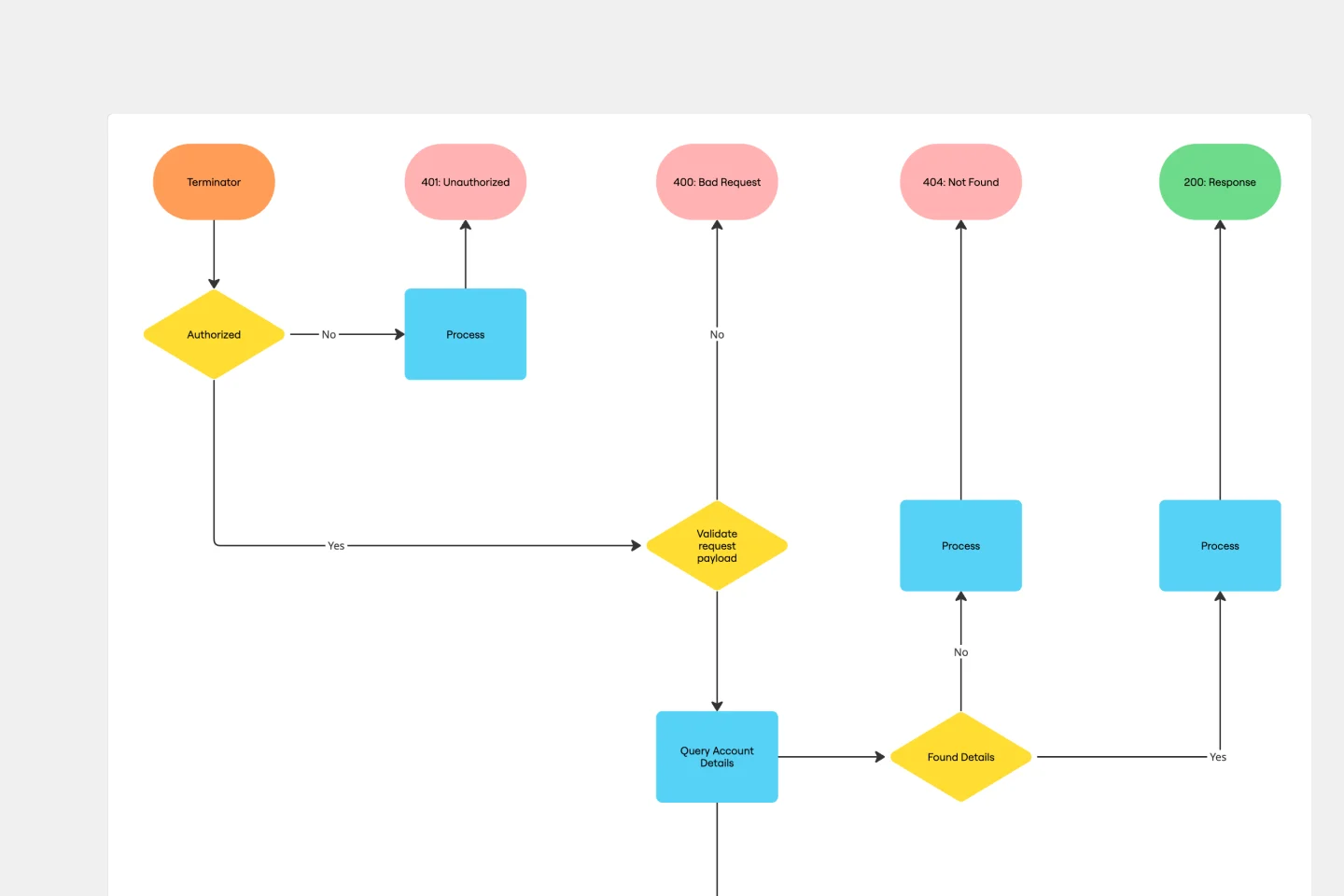
Scattered API documentation living in different tools while your endpoints multiply faster than you can document them? This visual API development template brings structure to the chaos. Map your complete API workflow from initial planning through deployment, identify potential issues early, and create documentation that actually stays current. Perfect for engineering teams who want to ship better APIs without the usual documentation headaches. Use this template to create comprehensive API plans using Miro's advanced Diagrams format.
- 26 likes65 uses
- 0 likes60 uses

Monthly Budget Template
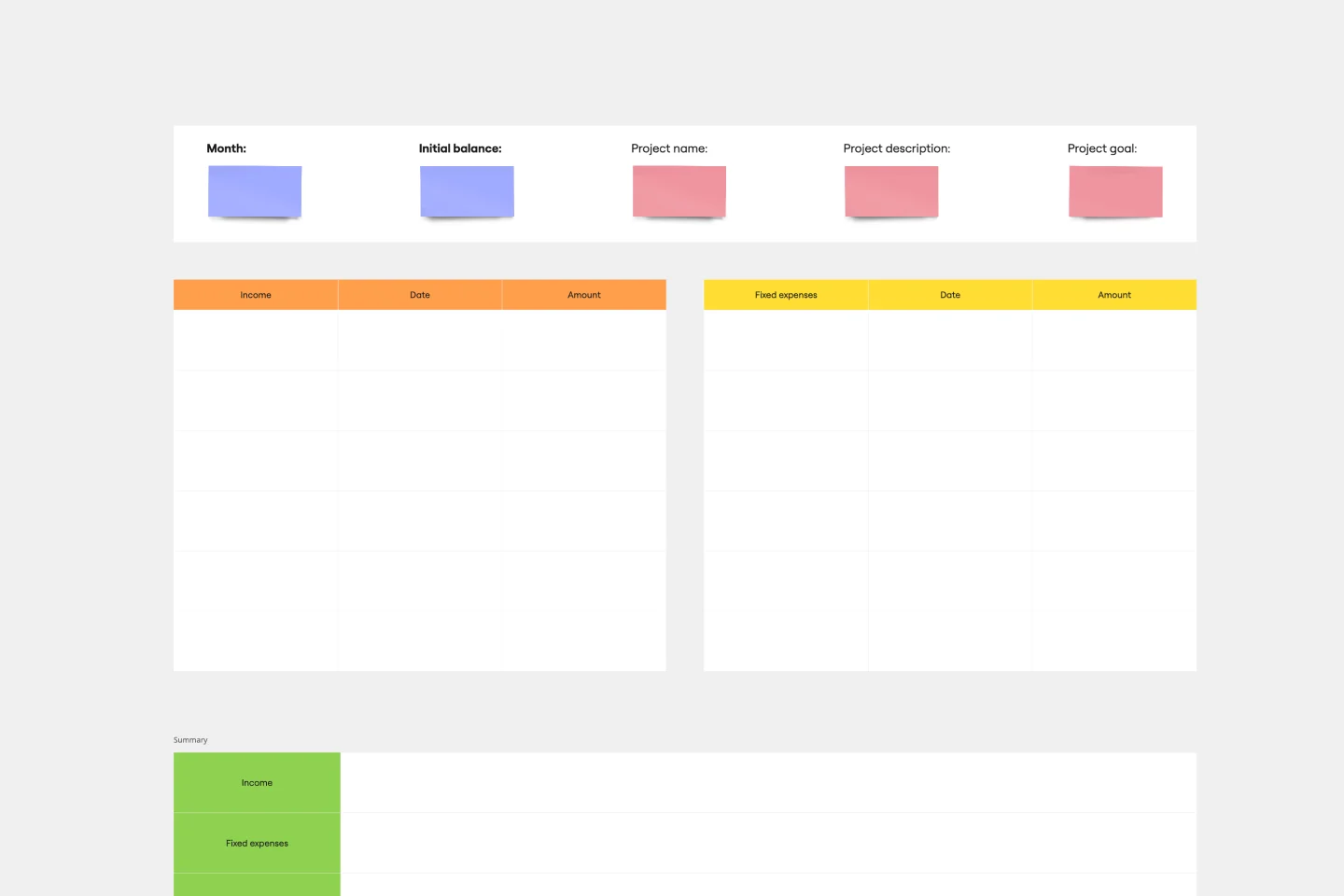
Miro's Monthly Budget Template is more than a budgeting tool; it's a step towards more strategic and efficient financial planning. Start today, and take control of your financial future, achieving your projects and goals.
- 26 likes54 uses
- 1 likes50 uses

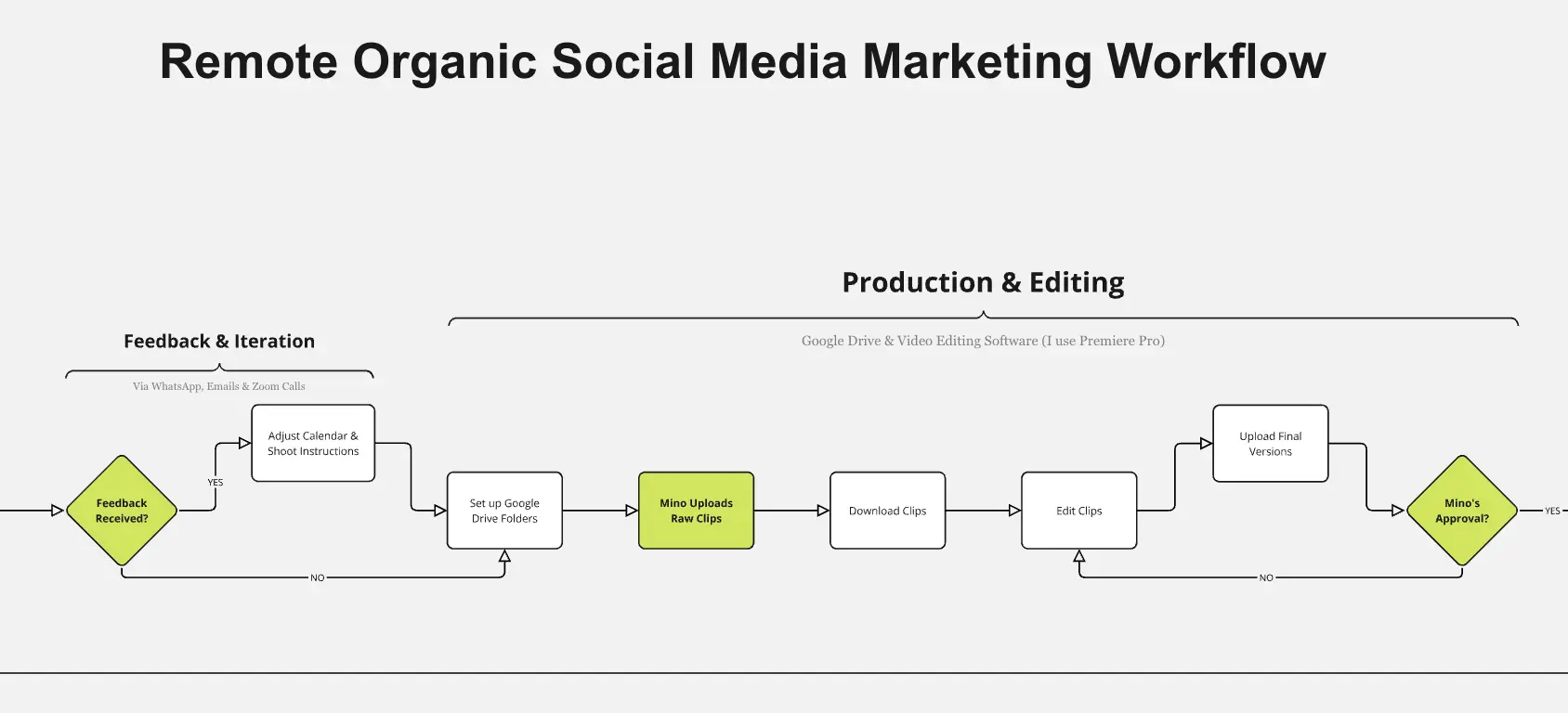
Production Workflow Template
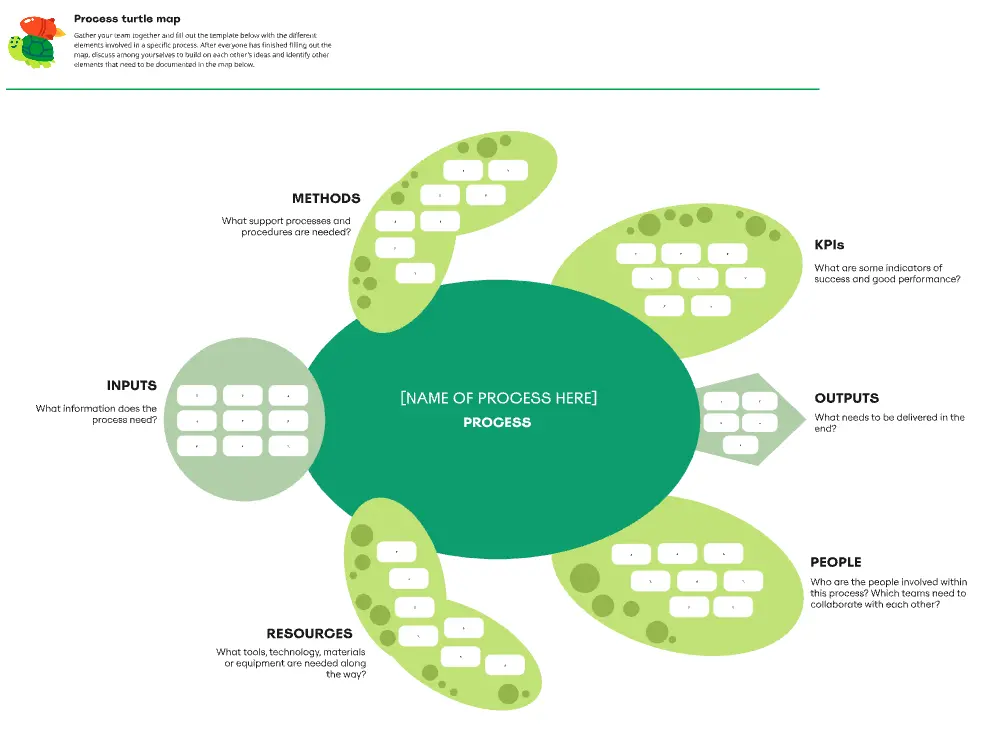
Whether you’re producing a podcast, a marketing campaign, a TV show, or a piece of content, establishing a production workflow is crucial. A production workflow creates a visual guide to the different steps in a process. It can be used to train new team members or give a high-level overview to stakeholders. Although production workflows vary by team and business, they generally contain information about who the stakeholders are, how you brainstorm ideas, what your timeline looks like, and what resources you need to succeed.
- 9 likes47 uses
- 1 likes42 uses

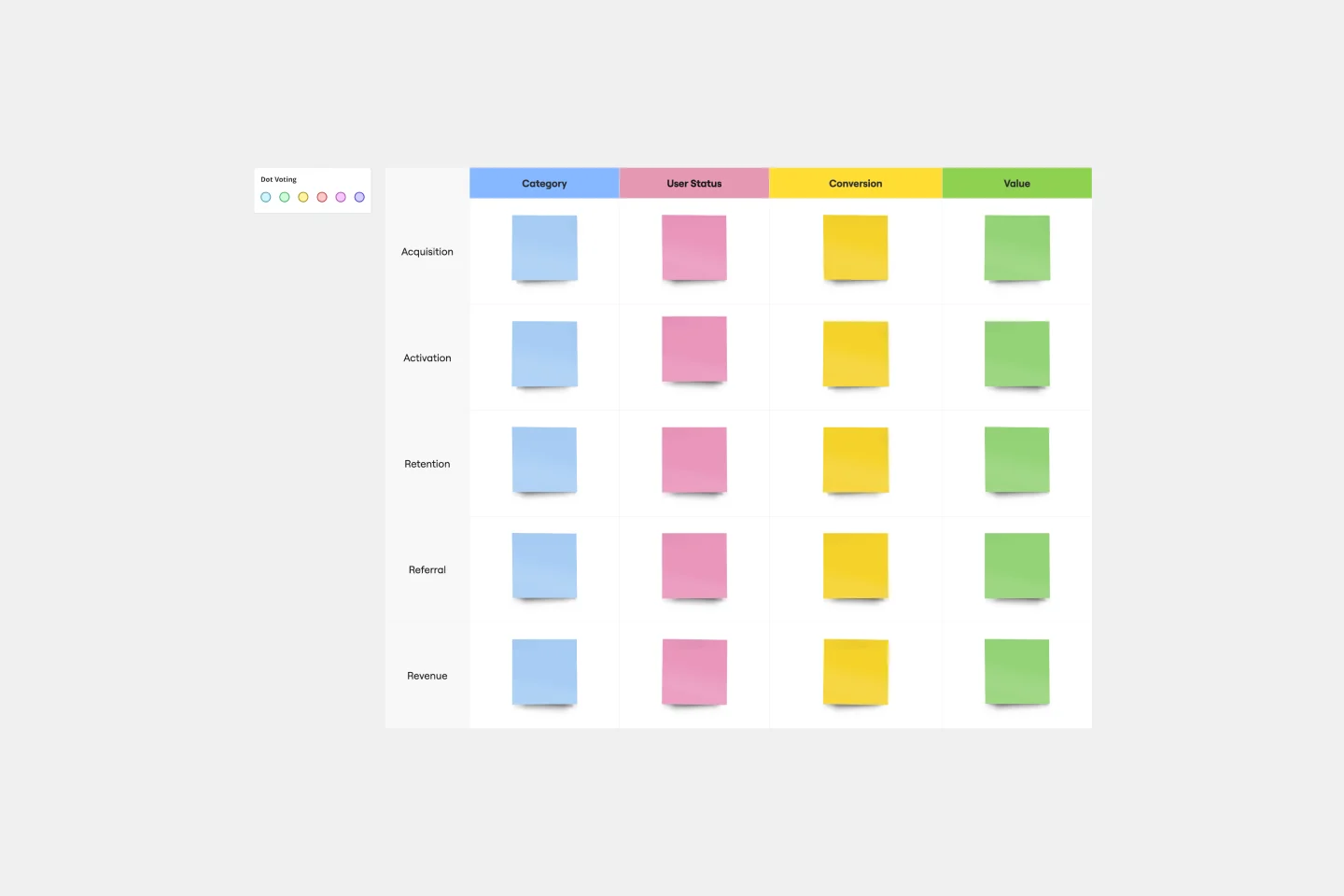
AARRR Template
Sometimes called “Pirate Metrics” because of the name (go ahead, say it, it’s fun), AARRR is a valuable approach for startups to consider. That’s because AARRR stands for Acquisition, Activation, Retention, Referral, and Revenue—five key types of user behavior that are highly measurable and drive growth. Ask and answer the right questions around each of these five factors, and you’ll be able to establish clear goals and identify the best steps to help reach them.
- 0 likes40 uses

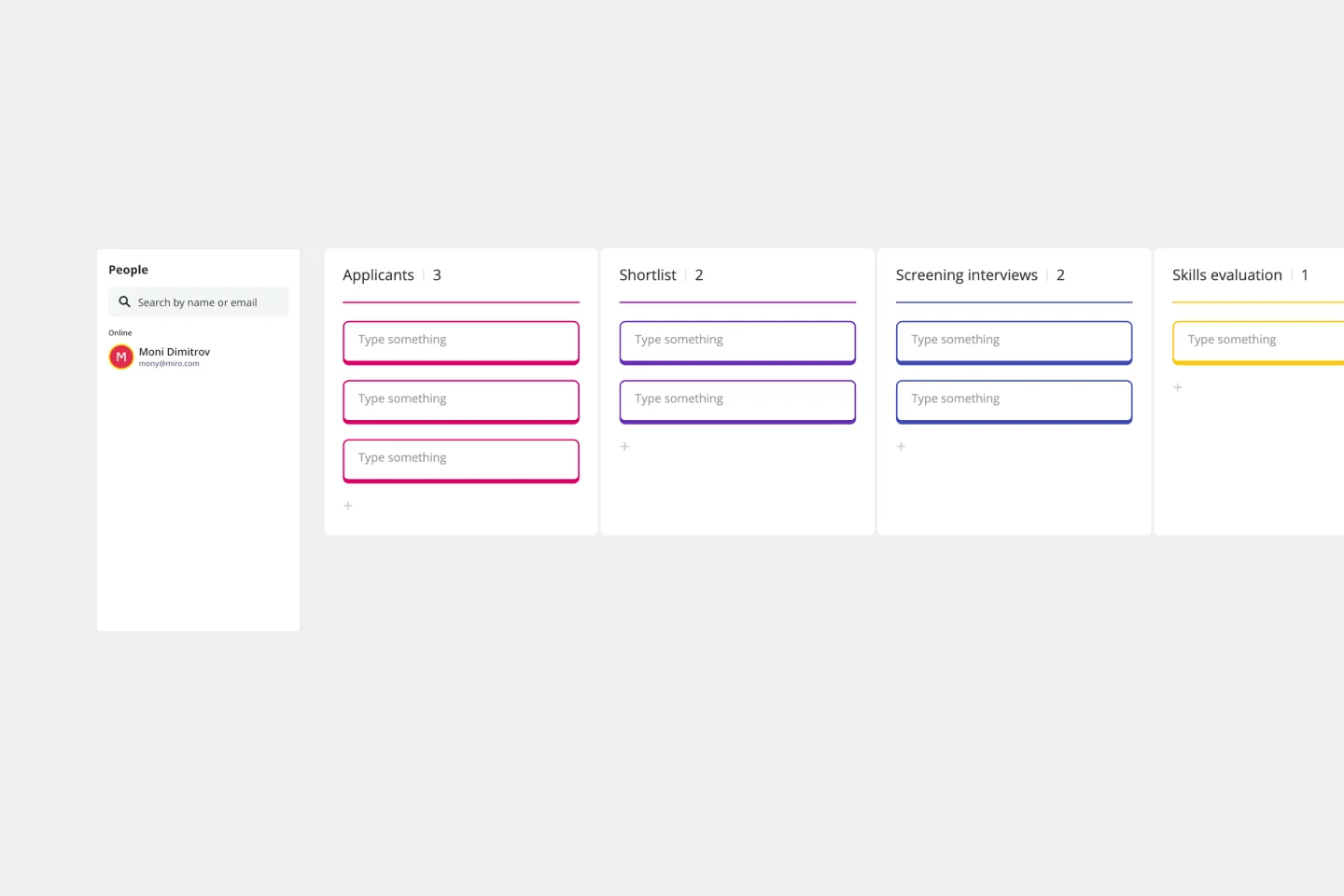
Hiring Process Template
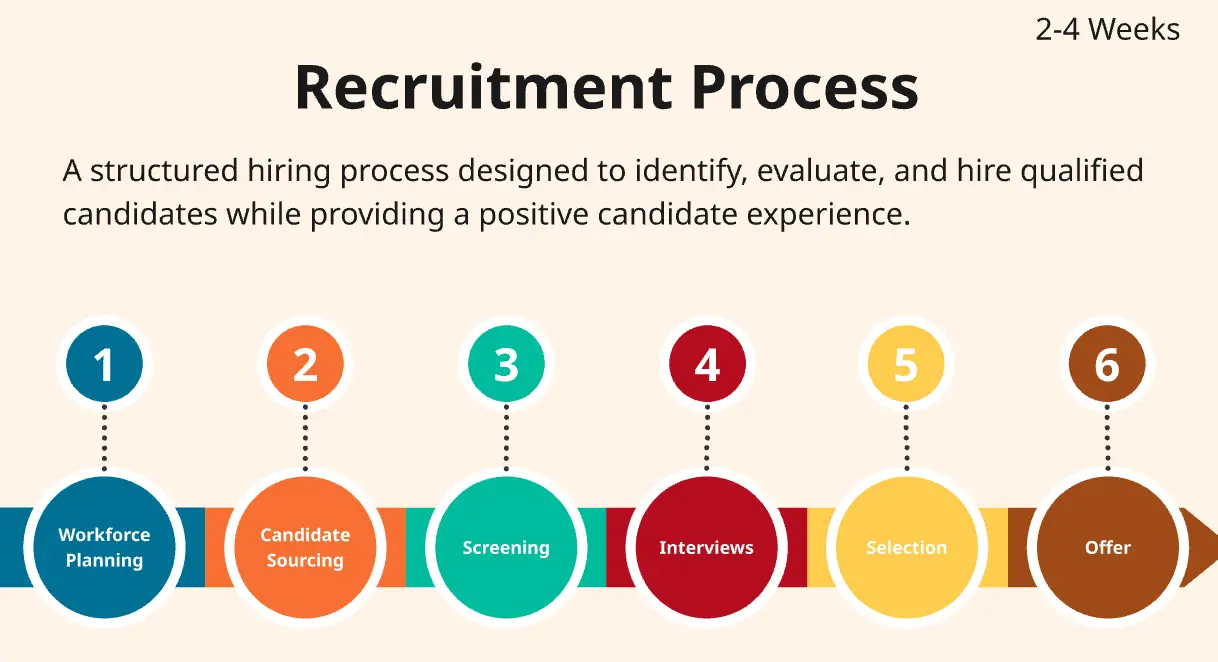
Having a hiring process in place simplifies that process each step of the way, from recruiting for the position to making finalizing offers. This simple, effective template will give you a straightforward, high-level view of where employees are as they move from applicant to new hire.
- 12 likes32 uses
- 1 likes21 uses

AI Accelerated
Project Review AI Template
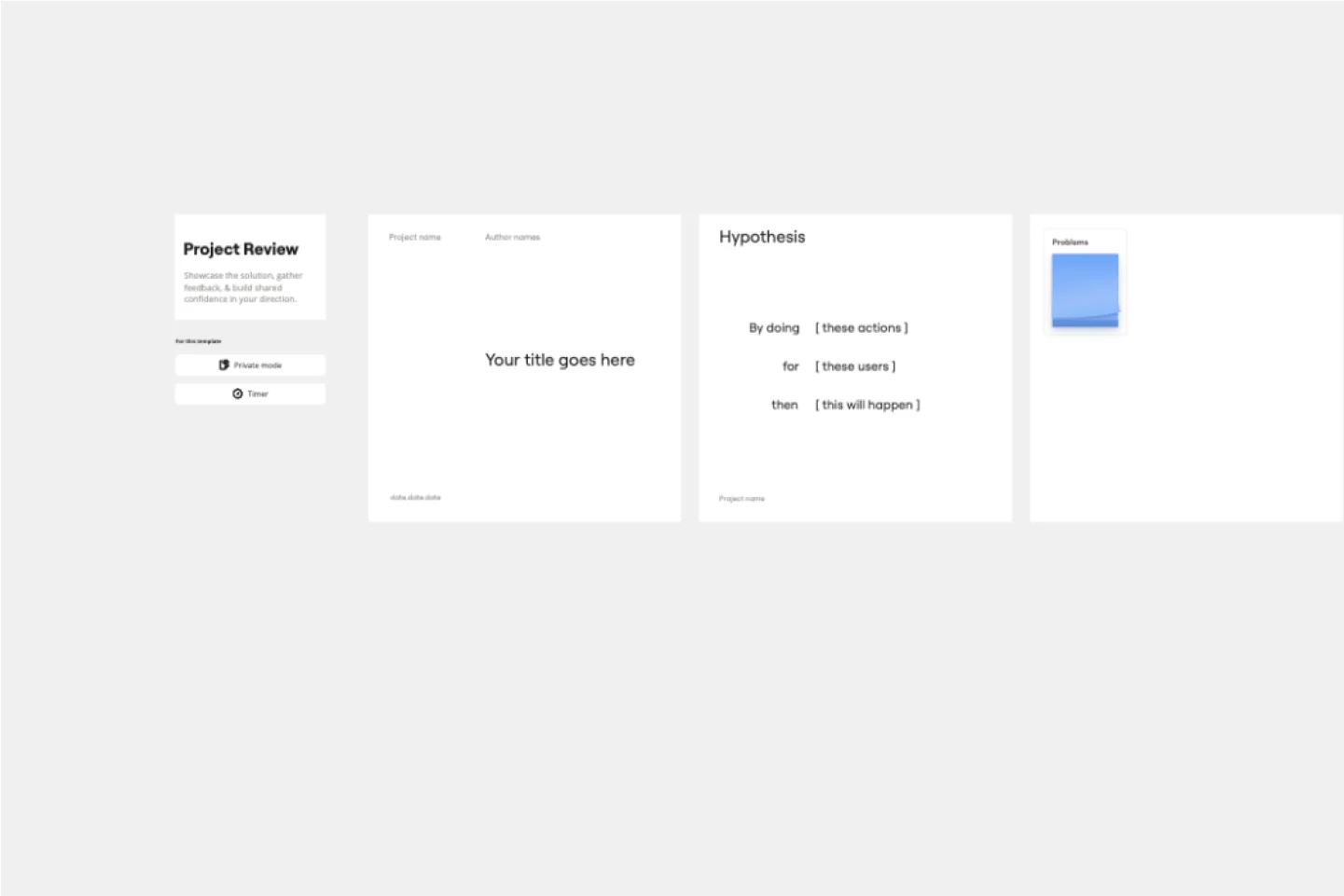
The Intelligent Project Review Template in Miro is a game-changer for project management. It combines AI-driven insights with interactive features to streamline the review process, making it more efficient and collaborative. One key benefit of this template is its ability to enhance team alignment. By providing a structured format for documenting timelines, hypotheses, target audiences, success metrics, and potential blockers, it ensures that all stakeholders are on the same page, fostering a shared understanding and confidence in the project's direction.
- 2 likes16 uses

Canvas Playground Template
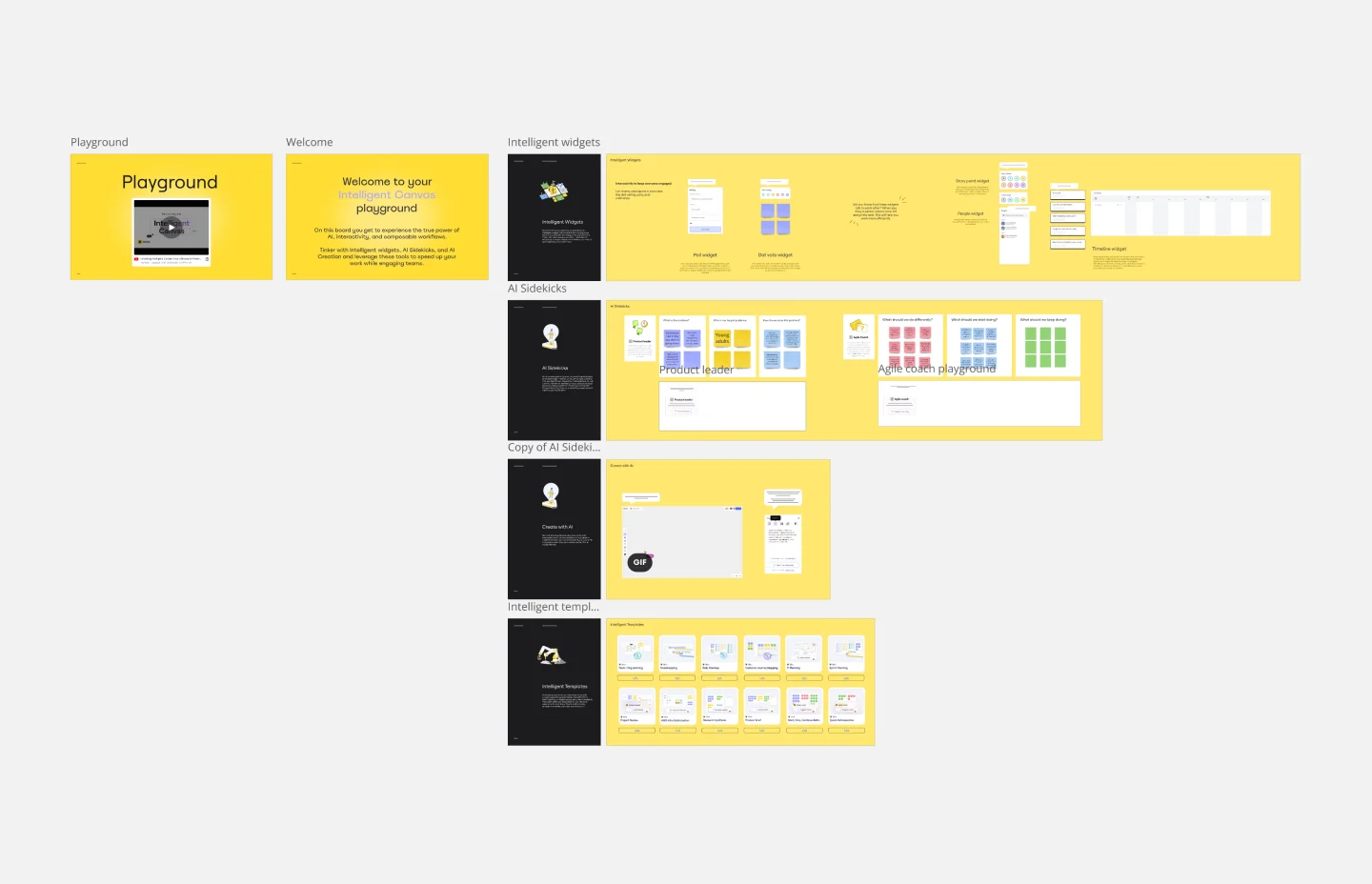
The canvas playground template is the ultimate way to explore all the features that make up Miro's Intelligent Canvas. This dynamic and interactive space is designed to help you get work done faster while engaging your team. From AI creation and Sidekicks to intelligent widgets, this template allows you to try it all and discover how these capabilities can streamline your workflow and enhance collaboration.
- 0 likes9 uses

Project Review Template
The Intelligent Project Review Template in Miro is a game-changer for project management. It combines AI-driven insights with interactive features to streamline the review process, making it more efficient and collaborative. One key benefit of this template is its ability to enhance team alignment. By providing a structured format for documenting timelines, hypotheses, target audiences, success metrics, and potential blockers, it ensures that all stakeholders are on the same page, fostering a shared understanding and confidence in the project's direction.

Explore more
About the Process and Workflow Templates Collection
Miro's process and workflow templates collection is designed to streamline and improve the way teams collaborate and manage their projects. These templates provide a structured approach to mapping out processes, ensuring that every step is clearly defined and easily accessible. By leveraging these templates, teams can visualize complex workflows, identify inefficiencies, and implement improvements seamlessly. The collection includes a variety of templates tailored to different methodologies and industries, making it a versatile tool for any team looking to optimize their processes.
Why you'll love our process and workflow templates
Using Miro's process and workflow templates offers numerous benefits:
Standardization: Ensure consistency across projects by using predefined templates that align with best practices.
Efficiency: Save time by eliminating the need to create workflows from scratch. Templates provide a ready-made structure that can be quickly customized.
Collaboration: Enhance team collaboration with a shared visual workspace where everyone can contribute and stay aligned.
Transparency: Improve transparency by making all steps of the process visible to the entire team, which helps in tracking progress and identifying bottlenecks.
Flexibility: Adapt templates to fit the specific needs of your project or team, ensuring that they are always relevant and useful.
Integration: Seamlessly integrate with other tools and platforms, allowing for a more cohesive workflow.
How to use the process and workflow templates in Miro
Select a template: Once you've found a suitable template, click on it to preview its structure and components. If it meets your requirements, select it to create a new board based on this template.
Customize the template: Tailor the template to your specific project by adding, removing, or modifying elements. You can adjust the steps, add notes, and include any additional information that is relevant to your workflow.
Collaborate with your team: Invite team members to the board and assign roles or tasks. Use Miro's collaboration features, such as comments, mentions, and real-time editing, to work together efficiently.
Track progress: Monitor progress and ensure that all steps are being followed. Make adjustments as needed to keep the workflow on track.
Review and improve: After completing the workflow, take time to review the entire process with your team. Identify any areas that could be optimized or any steps that may have been missed. Use the feedback to refine the workflow template, ensuring it meets the evolving needs of your project. Regularly updating and improving your workflow templates will help maintain their effectiveness and relevance.
Miro's process and workflow templates are more than just tools; they are catalysts for team success. By providing a structured yet flexible framework, these templates empower teams to work more efficiently and collaboratively. They help in visualizing complex processes, ensuring everyone is on the same page, and fostering a culture of continuous improvement. With Miro, teams can streamline their workflows, enhance productivity, and ultimately achieve their goals more effectively.