Decision-making templates
Visually map strategies and allow people to hop in and leave feedback or contribute on-demand with Miro's decision-making templates collection, from Tree Diagrams to Dot Voting templates. Analyze all possible scenarios and outcomes together with your team.
71 templates
- 53 likes226 uses

- 1 likes206 uses

Accountability Chart Template
The Accountability Chart Template is a visual map detailing the various roles within an organization and the responsibilities tied to each. This systematic layout ensures clarity in defining duties and fosters a culture of accountability. A standout benefit of using this template is its capacity to eliminate role ambiguity. The Accountability Chart template ensures that every team member understands tasks by clearly depicting who is responsible for what. This leads to enhanced productivity and reduced task overlaps or missed assignments.
- 2 likes175 uses

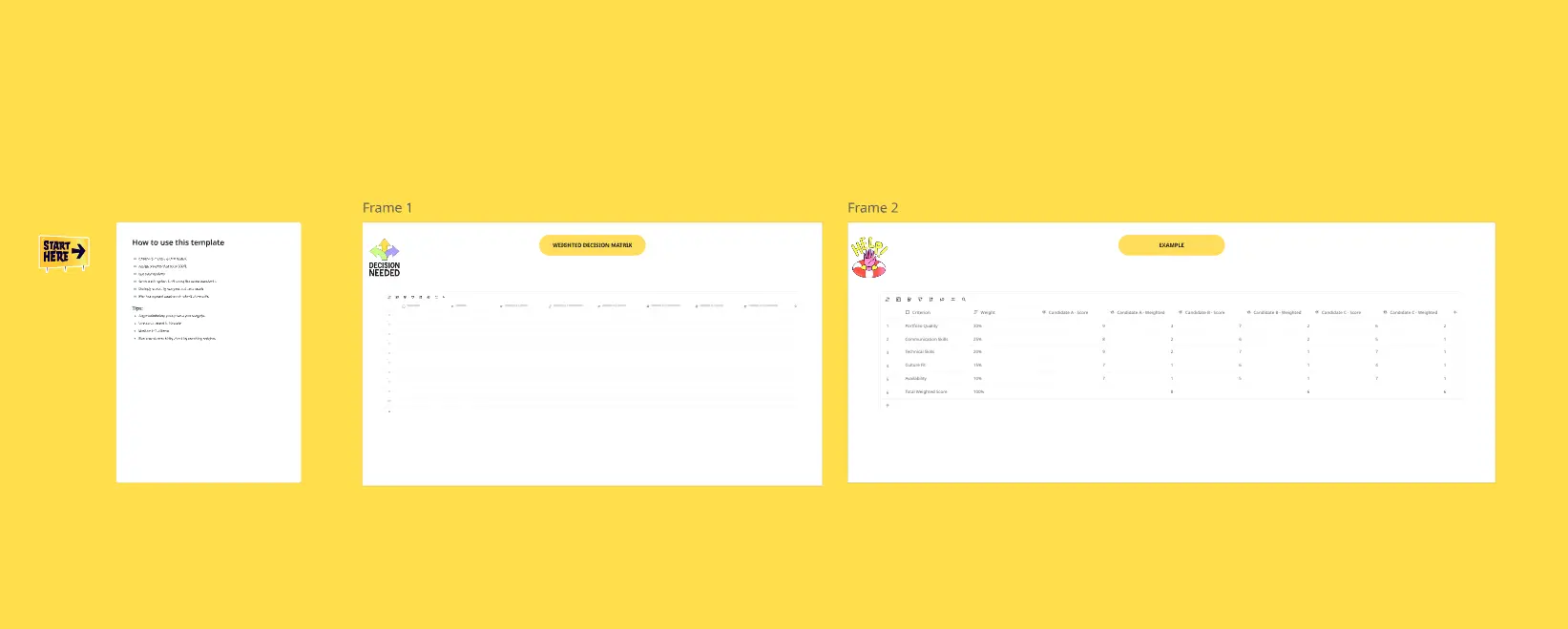
Decision Matrix Template
The Decision Matrix Template is an intuitive visual tool for structuring and evaluating multiple choices against distinct criteria. Presenting options in a comparative layout helps distill complex decisions into a digestible format.
- 0 likes164 uses

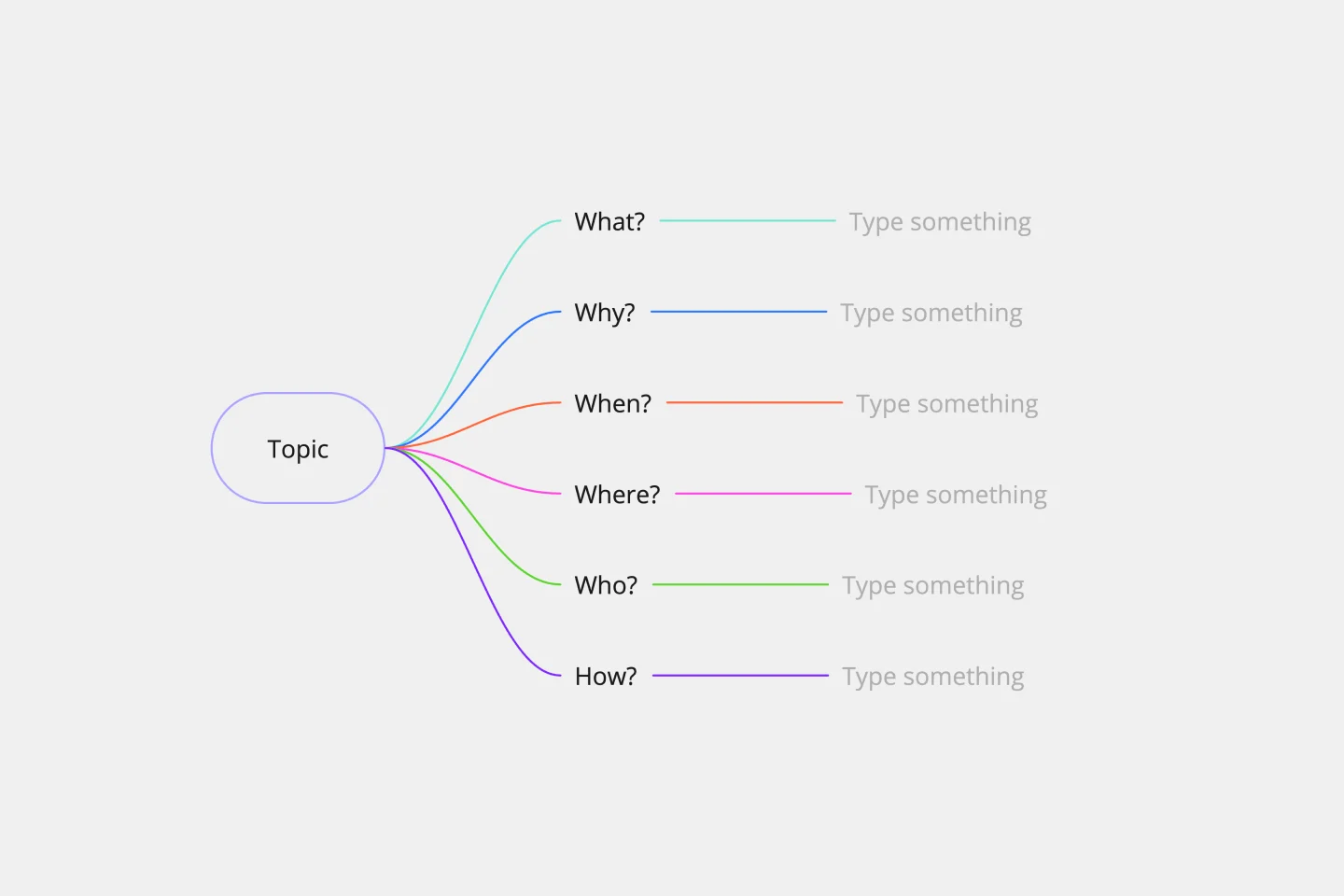
5W1H Template
The 5W1H Template is a strategic framework that clarifies complex situations or projects into six foundational questions: What, Who, Where, When, How, and Why. This methodological approach ensures a comprehensive understanding, encouraging teams to dissect and explore every aspect of a given challenge or project.
- 9 likes161 uses
- 3 likes158 uses

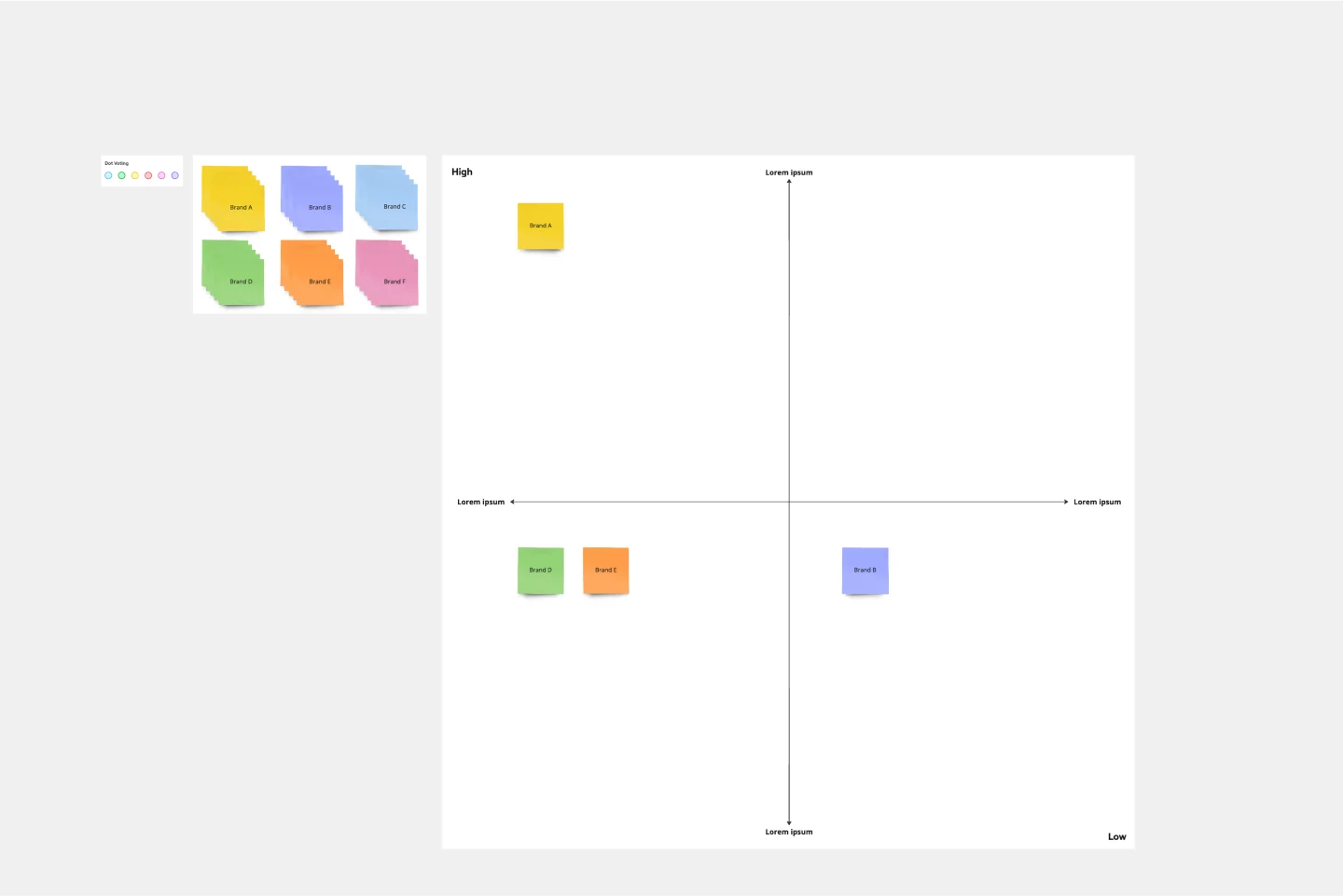
Strategic Group Mapping Template
The Strategic Group Mapping Template is a cutting-edge visual tool designed to translate the competitive landscape of their industry. By allowing users to plot entities based on distinct criteria, this template provides an at-a-glance view of market dynamics. One standout benefit of using this tool is its ability to identify clusters of competitors and market gaps, paving the way for businesses to strategically position themselves for optimal success.
- 1 likes155 uses

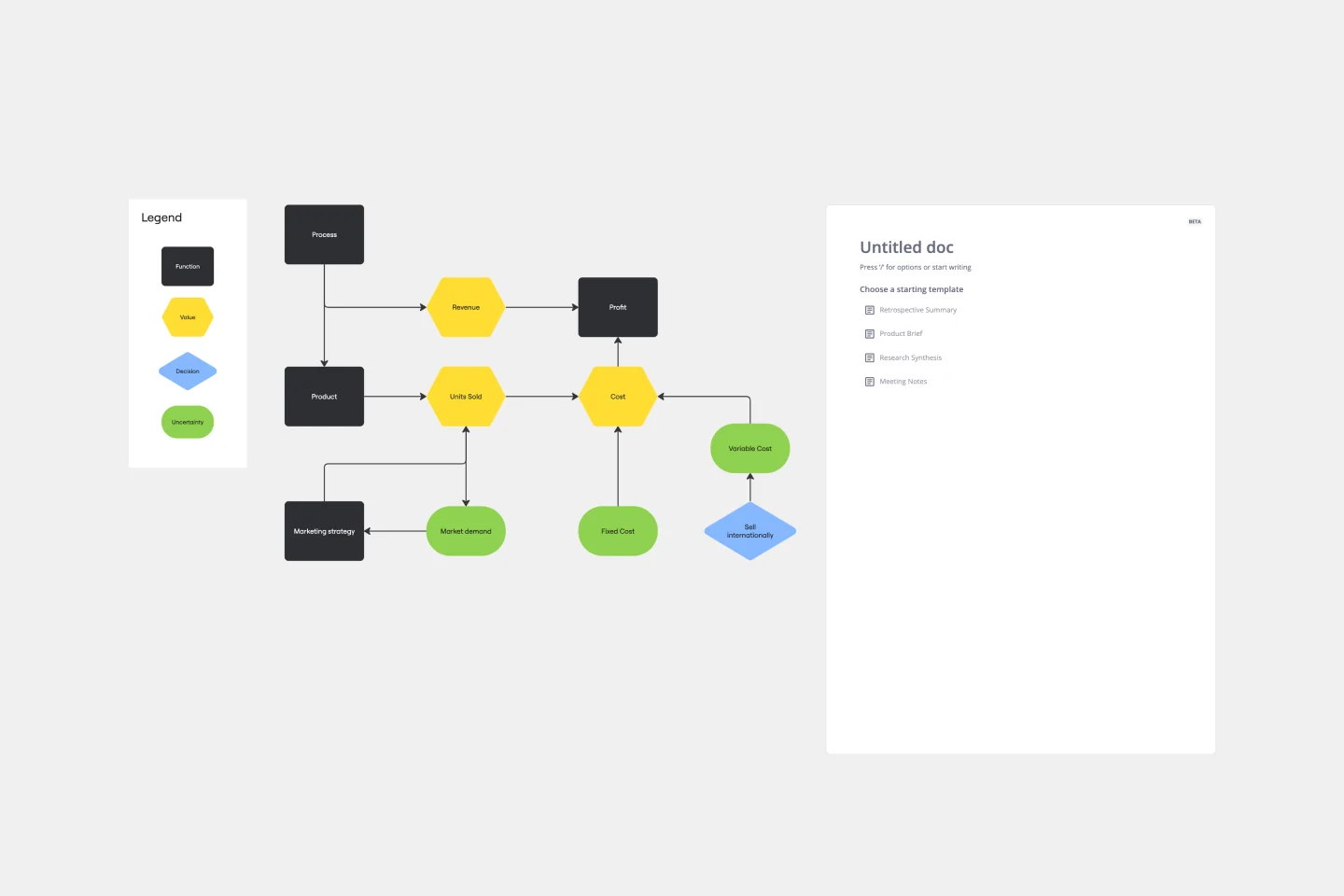
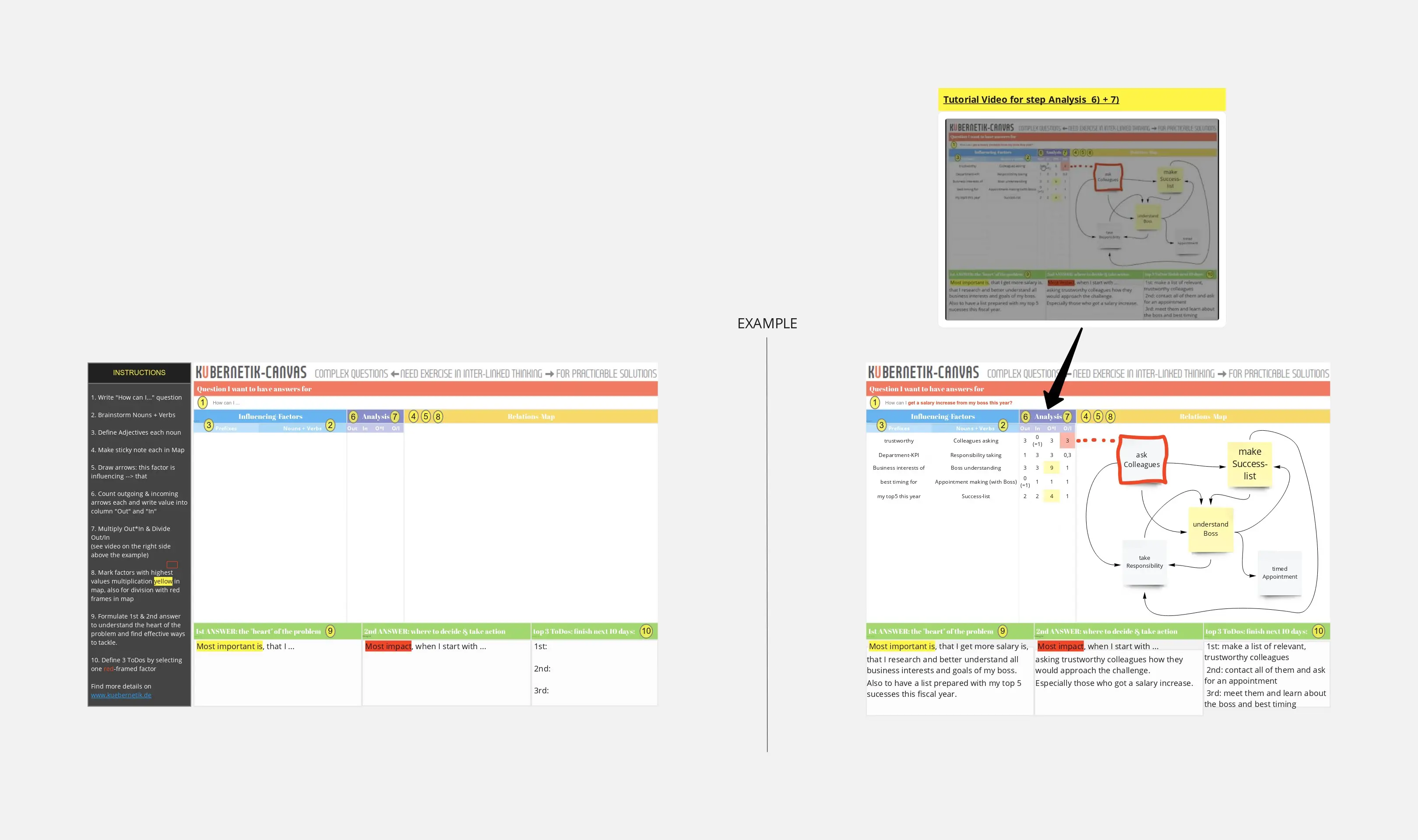
Influence Diagram Template
See the big picture of any business decision with this Influence Diagram Template. You’ll define the decision you have to make and brainstorm everything that could impact it. When you build connections between these factors, you’ll be able to put the right amount of weight into each one as you make your decision.
- 44 likes147 uses
- 1 likes143 uses

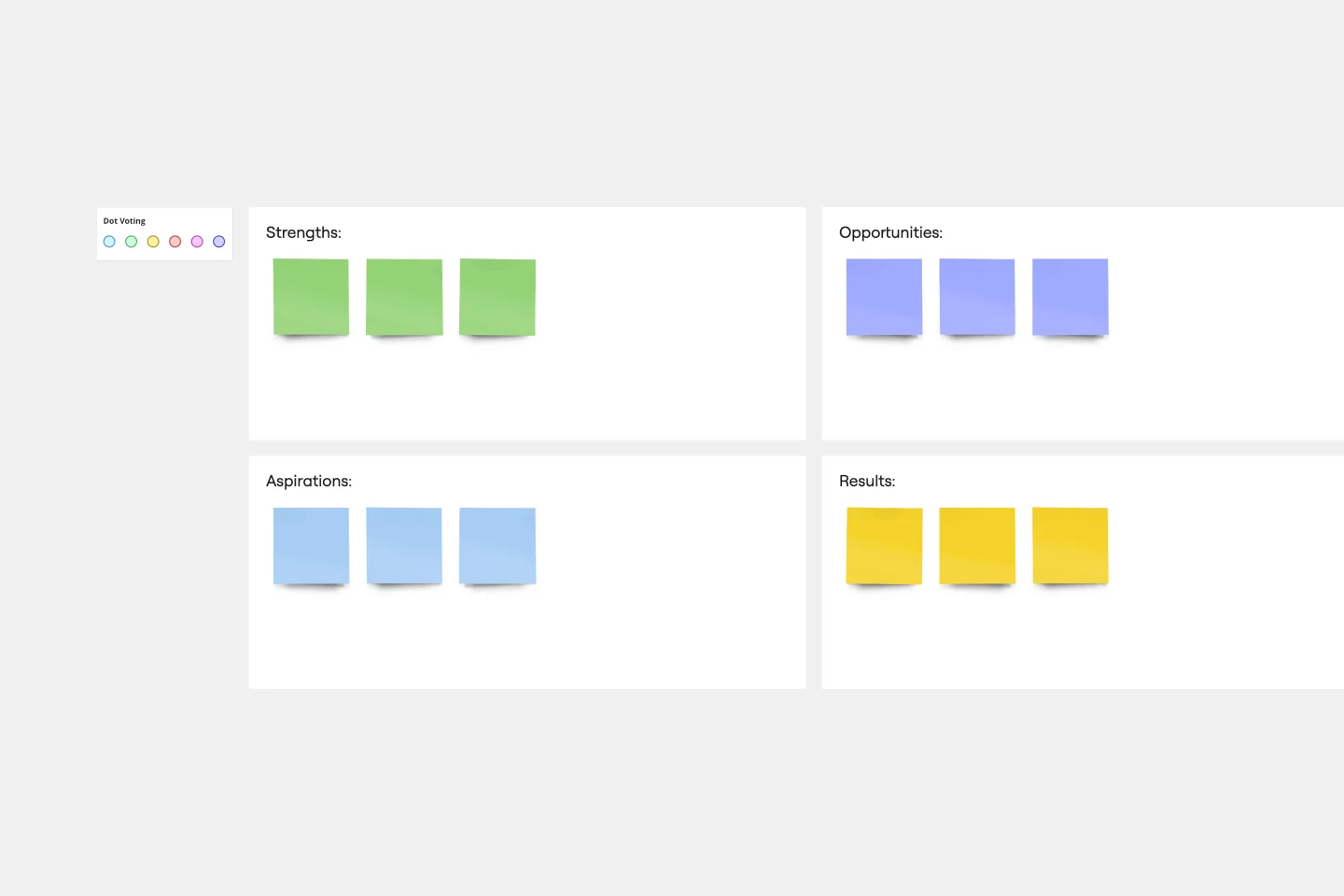
SOAR Analysis Template
The SOAR Analysis template prompts you to consider your organization’s strengths and potential to create a shared vision of the future. The SOAR Analysis is unique in that it encourages you to focus on the positive rather than solely identifying areas for growth. SOAR stands for Strengths, Opportunities, Aspirations, and Results. To use the template, examine each category through a positive lens. Perform a SOAR Analysis whenever you want to bring people together and encourage action.
- 2 likes142 uses

Tier List Template
A Tier List Template is a ranking tool that allows teams to organize different items into specific categories, or "tiers," based on their significance, quality, or performance. This template is a visual tool that aids in making decisions and prioritizing tasks. Use it to power your brainstorming, strategic meetings, and planning.
- 4 likes139 uses

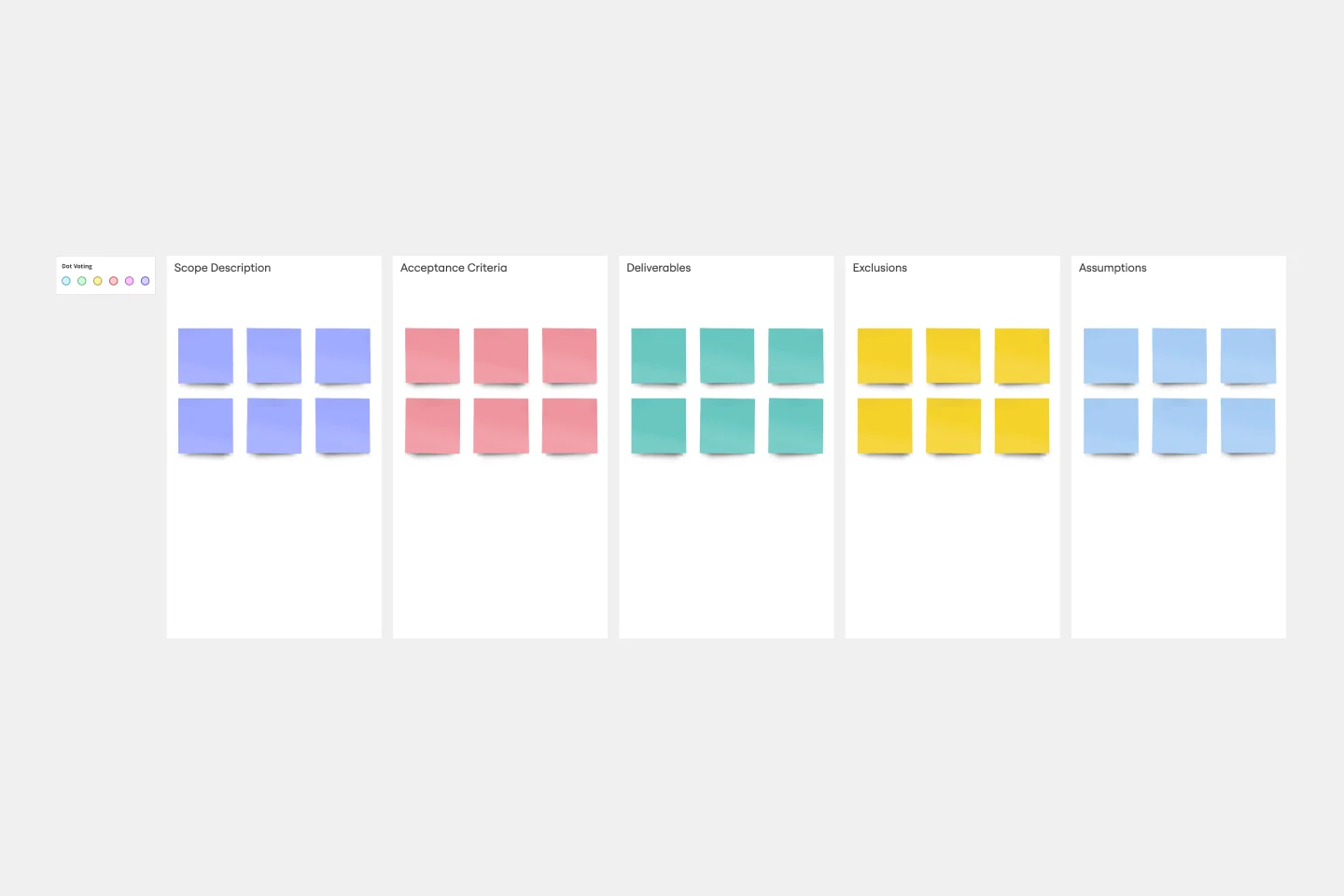
Project Scope Template
A project scope helps you plan and confirm your project’s goals, deliverables, features, functions, tasks, costs, and deadlines. A project manager and team should develop a project scope as early as possible, as it will directly influence both the schedule and cost of a project as it progresses. Though project scopes will vary depending on your team and objectives, they generally include goals, requirements, major deliverables, assumptions, and constraints. Aim to include the whole team when you create a project scope to ensure everyone is aligned on responsibilities and deadlines.
- 4 likes135 uses

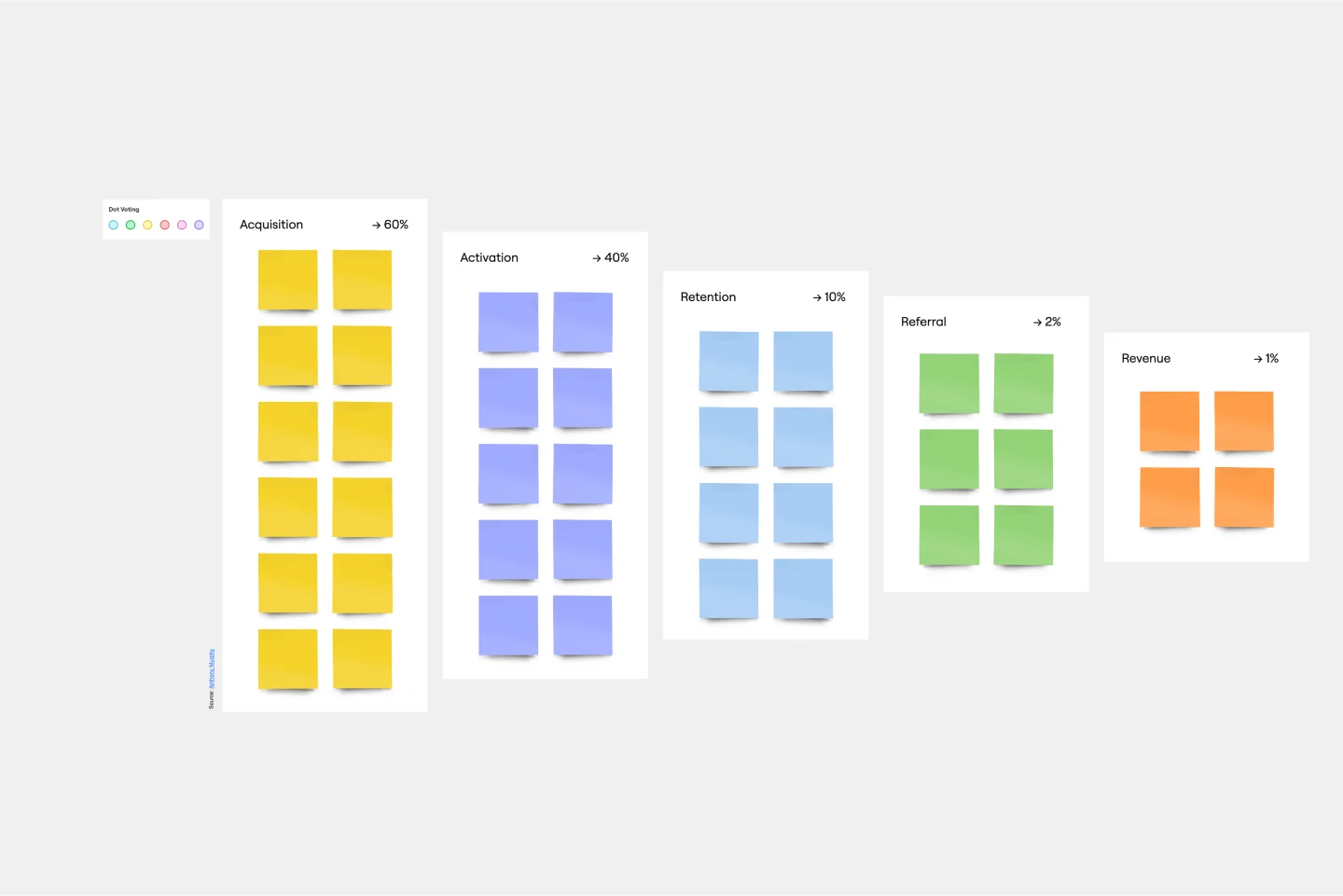
Conversion Funnel Backlog Template
If you’re working on a product that has clear conversions, then it can help to structure your backlog around the conversion funnel to make sure you’re reaching your audience. Creating a conversion funnel backlog brings together information around potential pain-points in your funnel and opportunities for growth. Once you’ve identified that information, it becomes easier to prioritize. You and your team can use the conversion funnel backlog to focus on conversion, retention, and referral, or to tweak your workflow in more mature products.
- 57 likes116 uses
- 4 likes100 uses

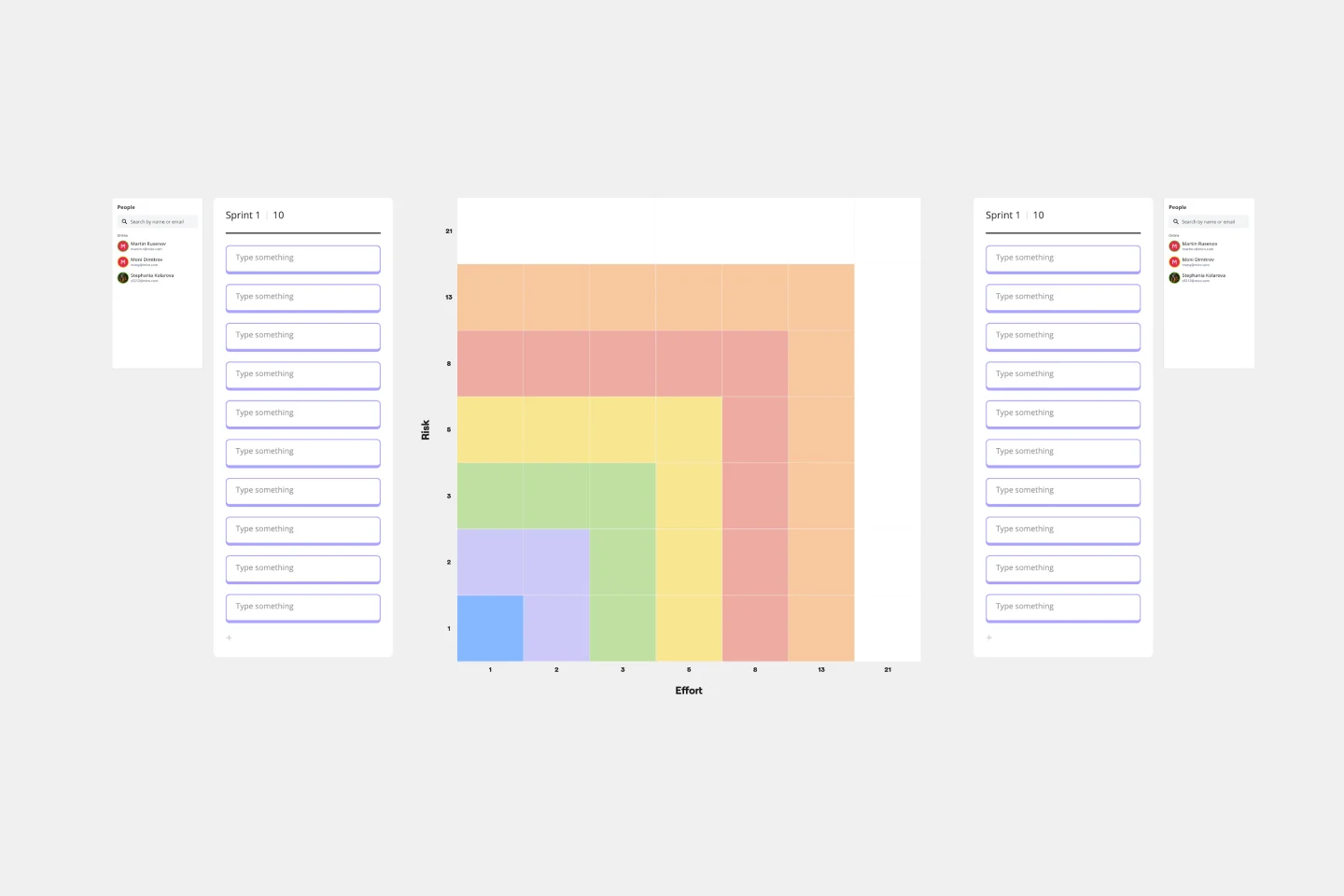
Fibonacci Scale Template
When you manage a team, you often have to estimate how much time and effort tasks will take to complete. Try what often works for Agile teams all over the world: Turn to the Fibonacci Scale for guidance. Based on the Fibonacci sequence, where each number is the summation of the two previous numbers (0, 1, 2, 3, 5, 8, 13, 21, etc.), this template can help you build timelines like a champ—by helping make sure that work is distributed evenly and that everyone is accurate when estimating the work and time involved in a project.
- 23 likes100 uses
- 39 likes83 uses
- 2 likes80 uses

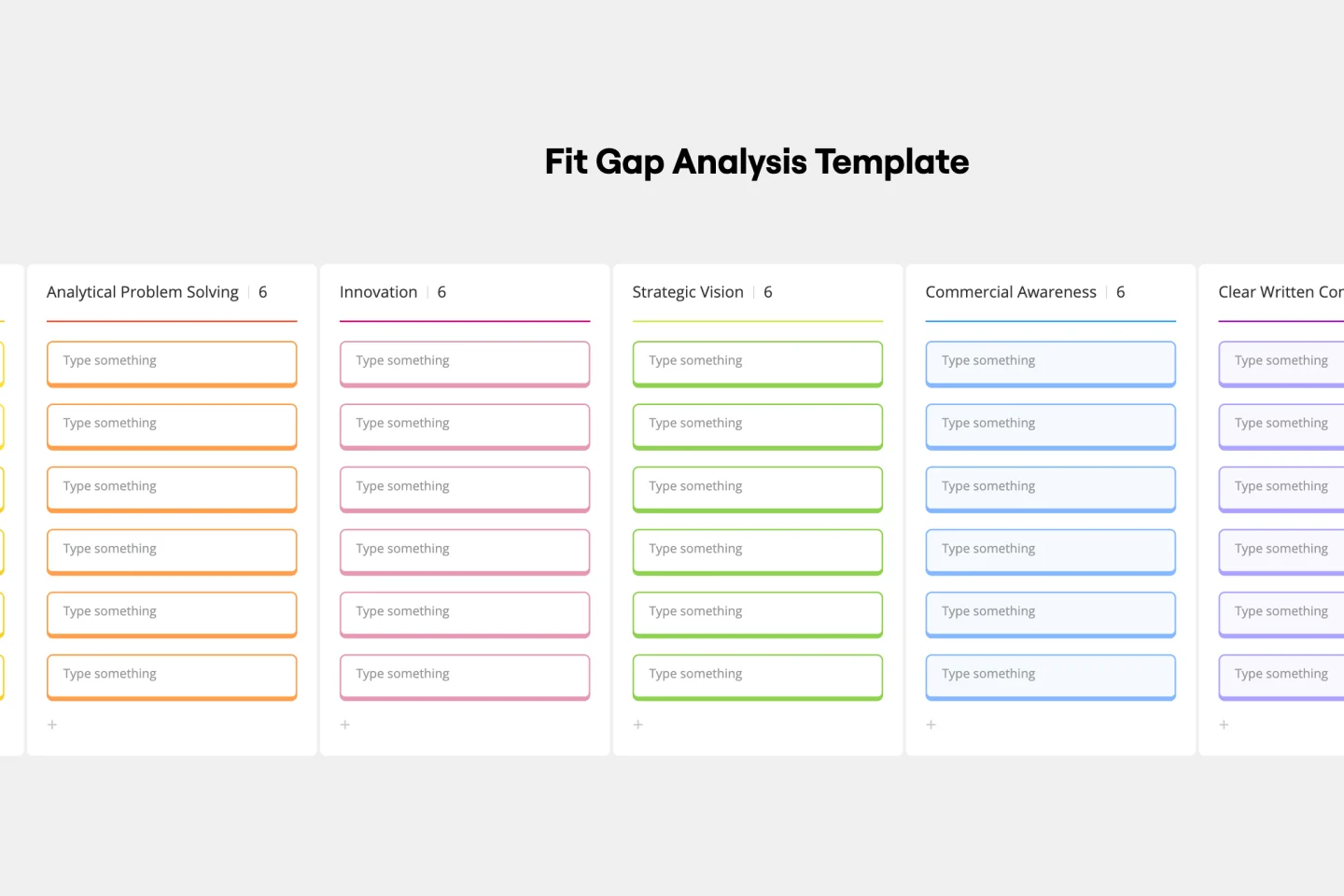
Fit Gap Analysis Template
The Fit Gap Analysis Template is a strategic tool designed to help teams and organizations identify discrepancies between their current state and desired outcomes. By visualizing these gaps, it offers a clear roadmap for improvement, allowing for a focused alignment of resources. One significant benefit of using this template is enhanced clarity; teams can visually discern where they currently stand and plot a precise path toward their goals, ensuring efficient decision-making and effective resource allocation.
- 2 likes71 uses

Assumption Grid Template
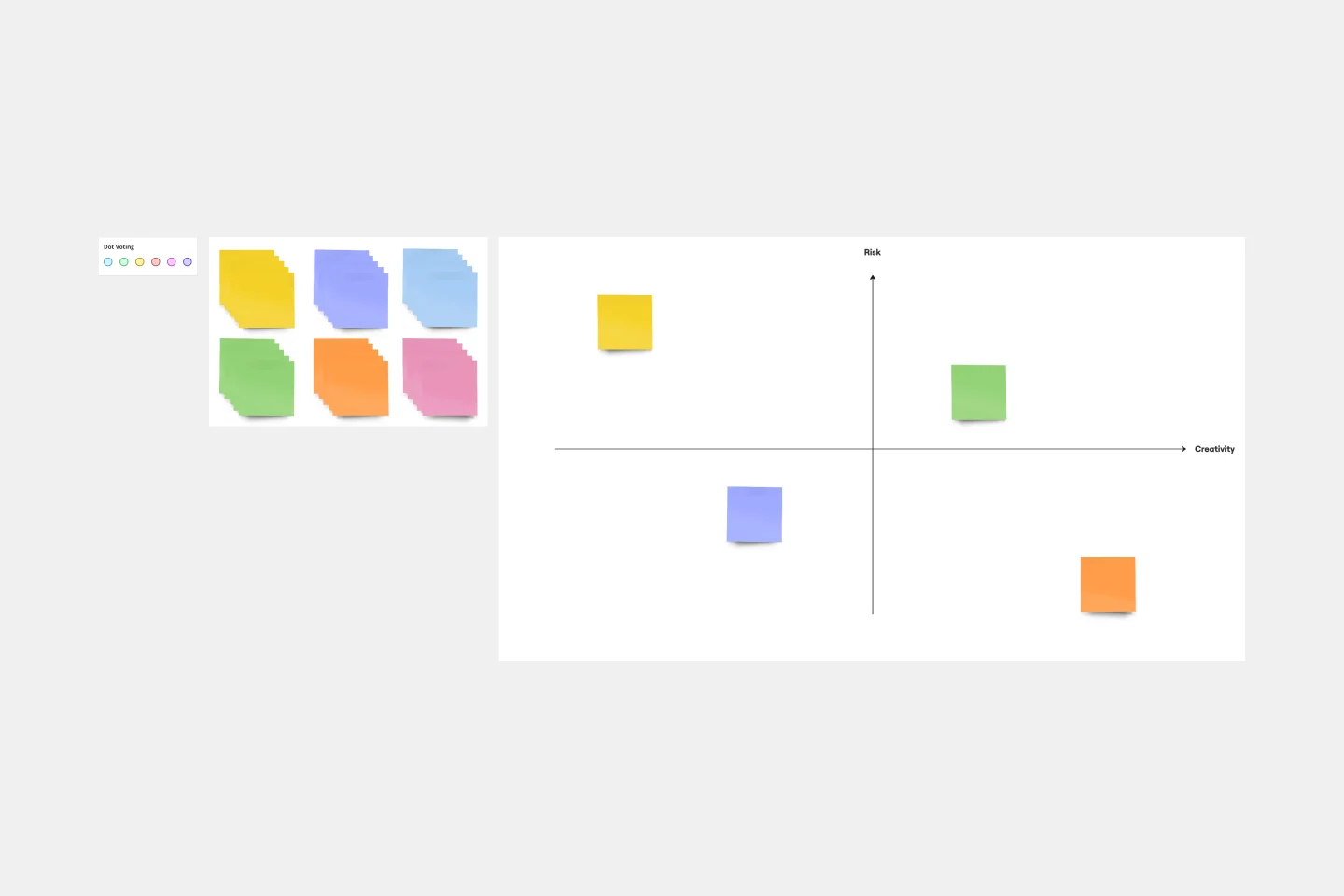
Someone wise once said that nothing in life is certain. But the waters of the business world? It can seem especially uncertain and unclear. An Assumption Grid can help you navigate those waters and make your decisions confidently. It organizes your business ideas according to the certainty and risk of each — then your team can discuss them and make judgment calls, prioritize, mitigate risk, and overcome uncertainties. That’s why an Assumption Grid is a powerful tool for getting past the decision paralysis that every team occasionally faces.
- 1 likes70 uses

Plus Delta Template
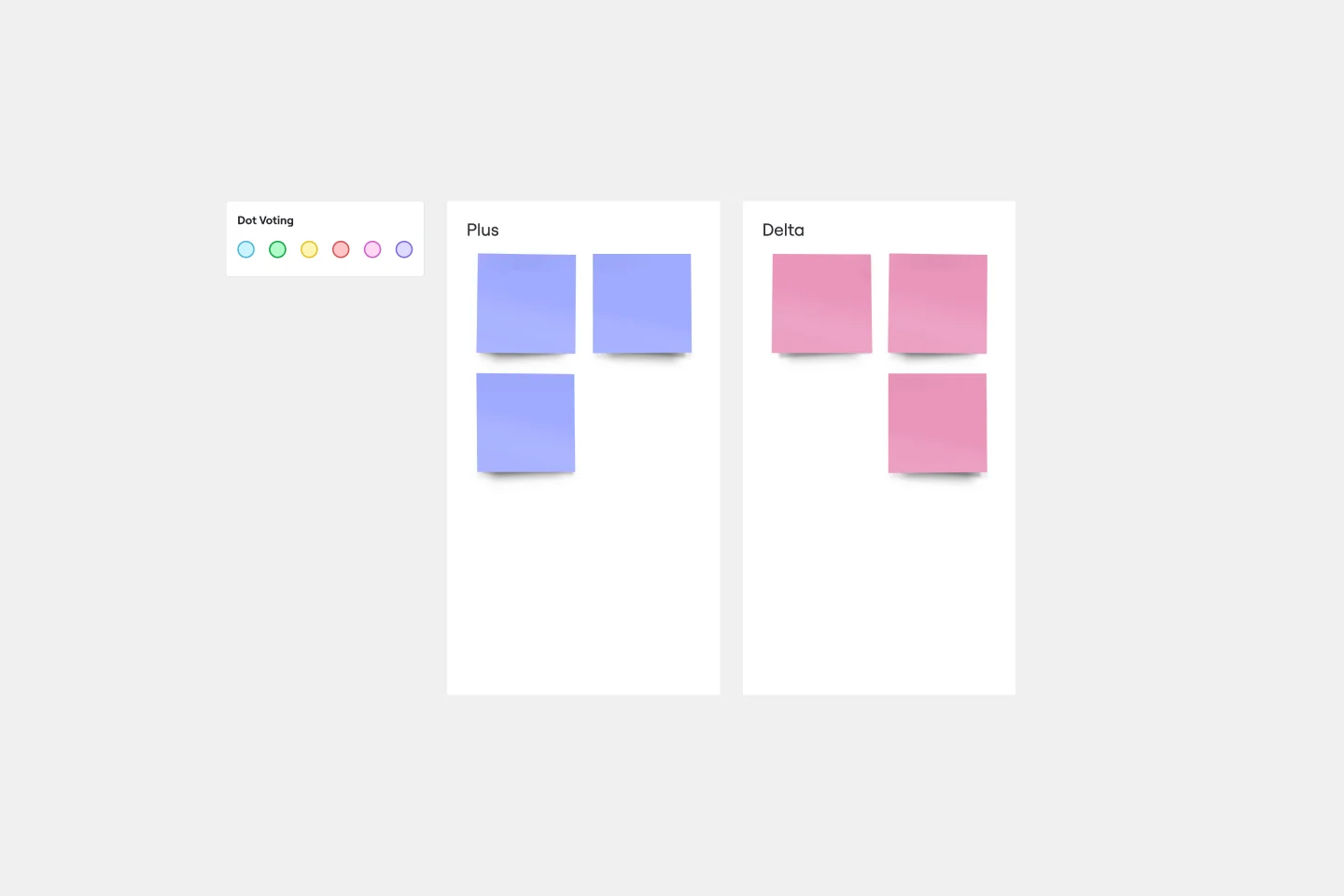
The Plus Delta template is a simple but powerful tool for collecting constructive criticism from a group. The format encourages you and your team to focus on what went well, what you should repeat in the future, and what you should aim to change. To complete a Plus Delta template, simply make note of things that are working and things you would like to improve. You can then file these elements into two separate columns. Use Plus Delta to showcase wins and learnings for your team, stakeholders, employees, and bosses.
- 0 likes65 uses

Cost-Benefit Analysis Template
With so many day-to-day decisions to make—and each one feeling high-stakes—it’s easy for all the choices to weigh a business or organization down. You need a systematic way to analyze the risks and rewards. A cost benefit analysis gives you the clarity you need to make smart decisions. This template will let you conduct a CBA to help your team assess the pros and cons of new projects or business proposals—and ultimately help your company preserve your precious time, money, and social capital.
- 3 likes63 uses

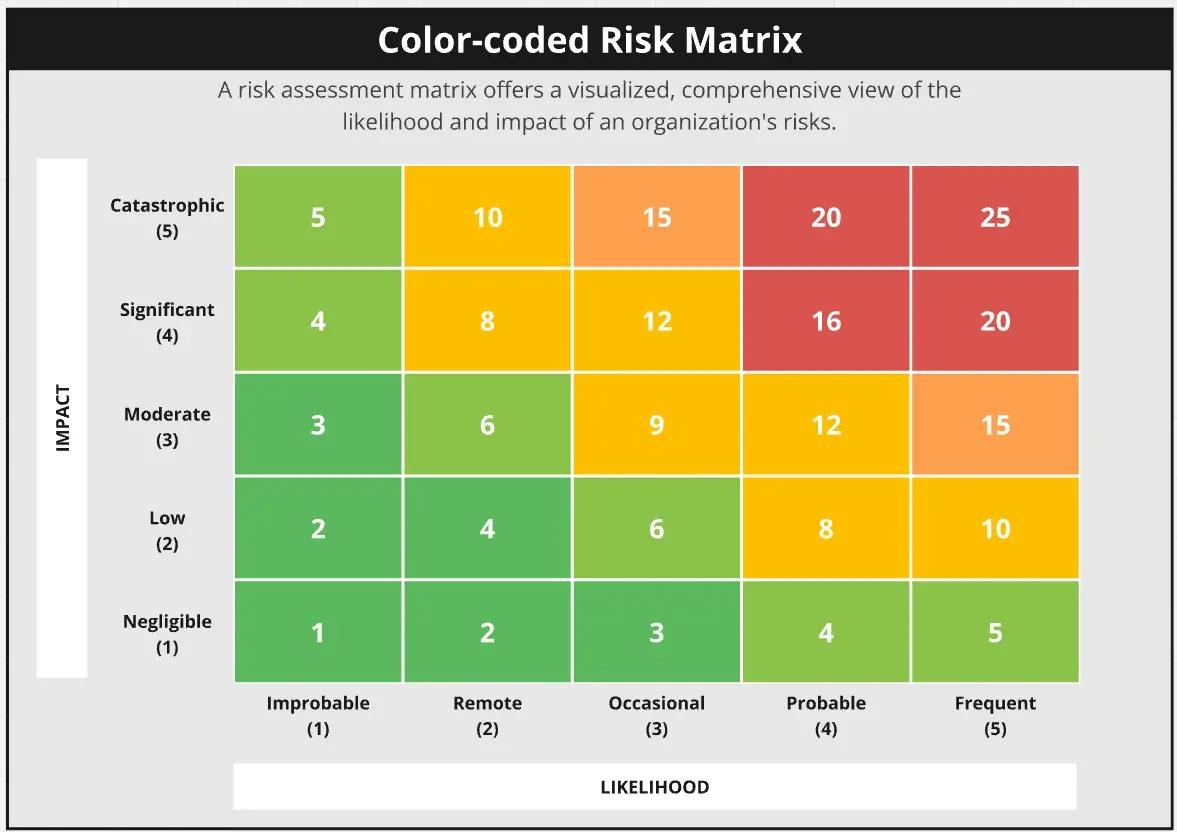
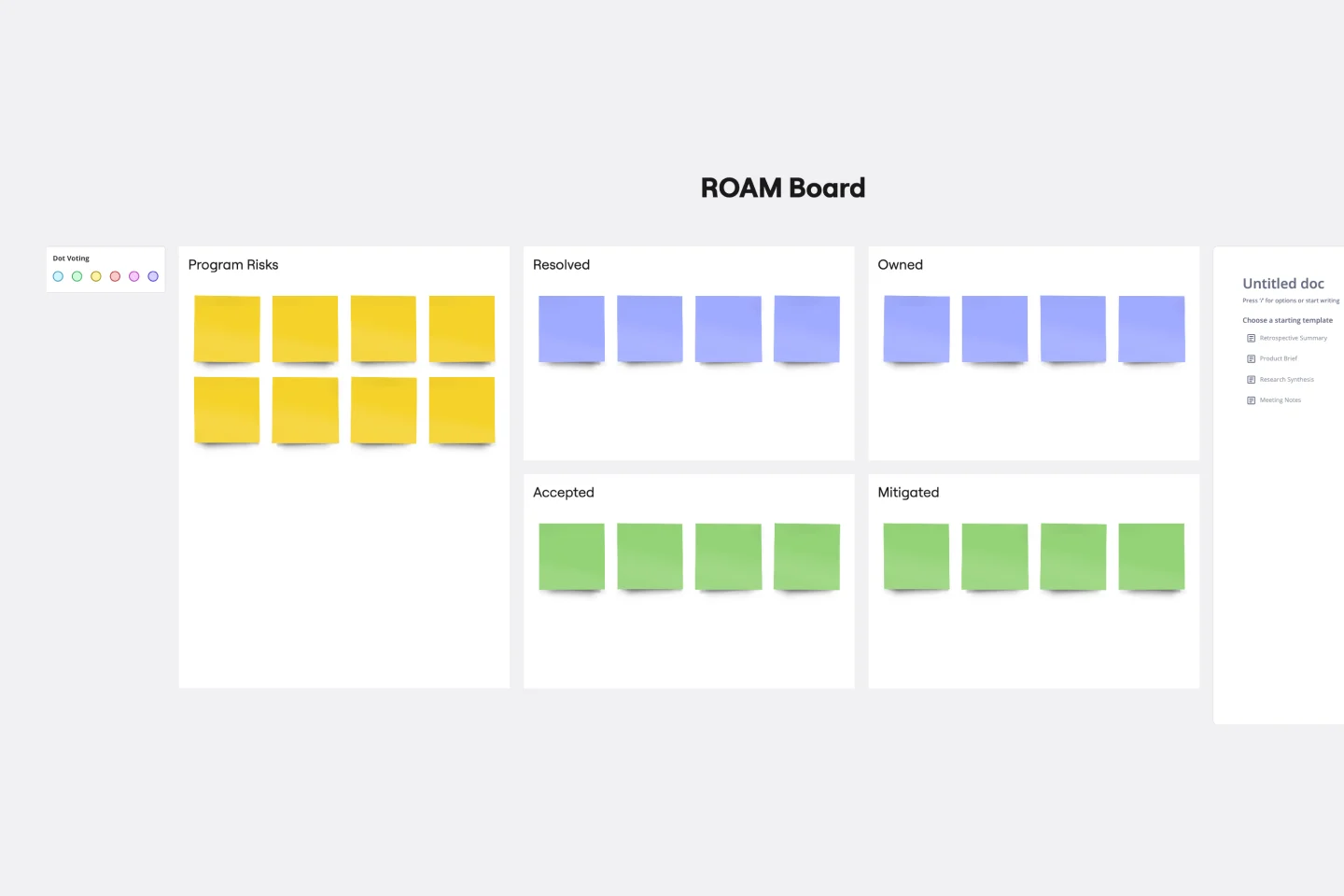
SAFe Roam Board
A SAFe ROAM Board is a framework for making risks visible. It gives you and your team a shared space to notice and highlight risks, so they don’t get ignored. The ROAM Board helps everyone consider the likelihood and impact of risks, and decide which risks are low priority versus high priority. The underlying principles of SAFe (Scaled Agile Framework) are: drive cost-effective solutions, apply systems thinking, assume that things will change, build incrementally, base milestones on evaluating working systems, and visualize and limit works in progress.
- 32 likes59 uses
- 0 likes58 uses

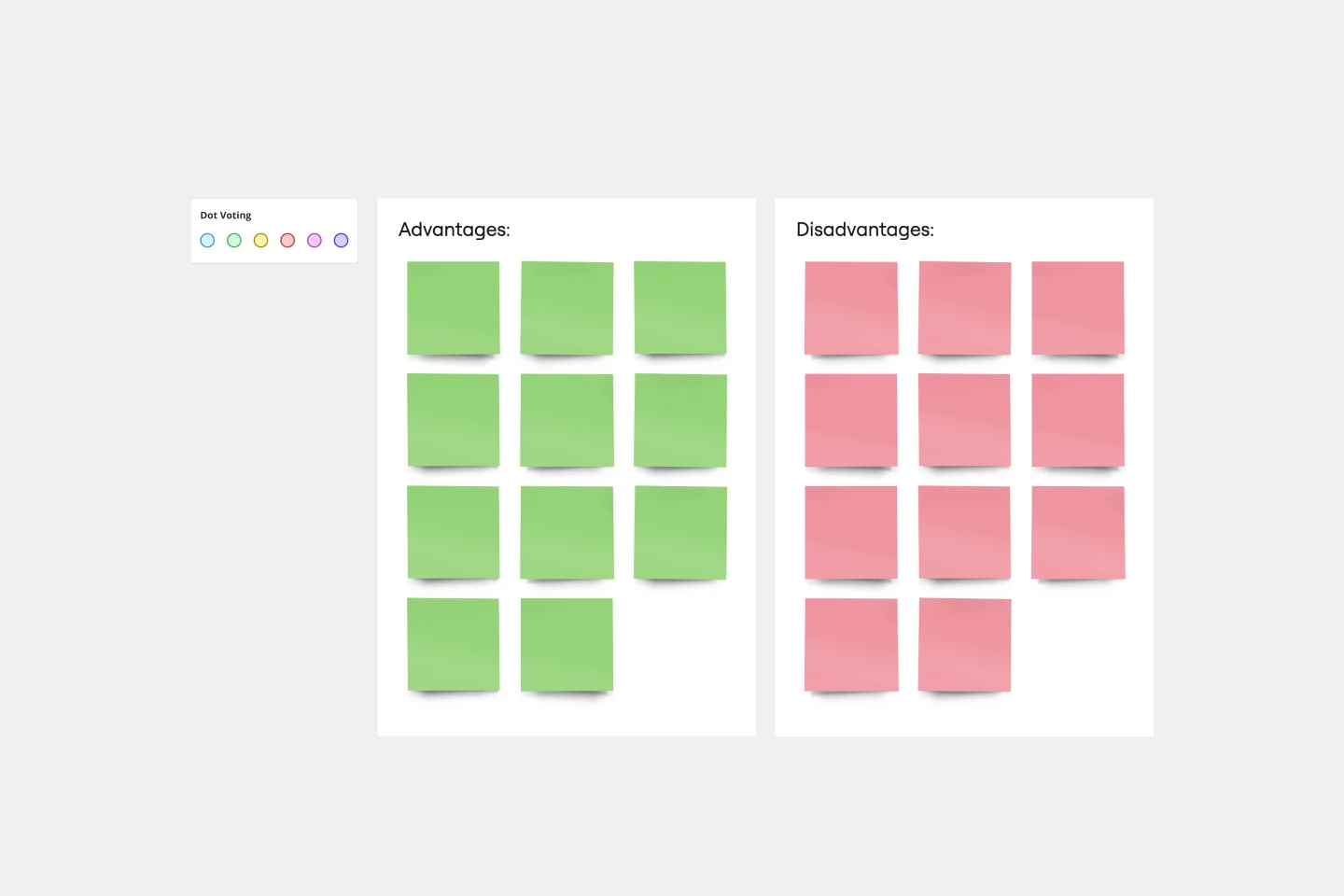
T-Chart Template
T-Charts can help you compare and contrast two different ideas, group information into different categories, and prove a change through “before” and “after” analysis. T-Charts are visual organizational tools that enable you to compare ideas, so you can evaluate pros and cons, facts and opinions, strengths and weaknesses, or big-picture views versus specific details. Designers and content creators can use T-Charts to turn possibilities into actionable ideas. T-Charts are useful for discussing differences and similarities with your team or clients and can help you to reach a decision together.
- 17 likes53 uses
- 19 likes48 uses
- 1 likes39 uses

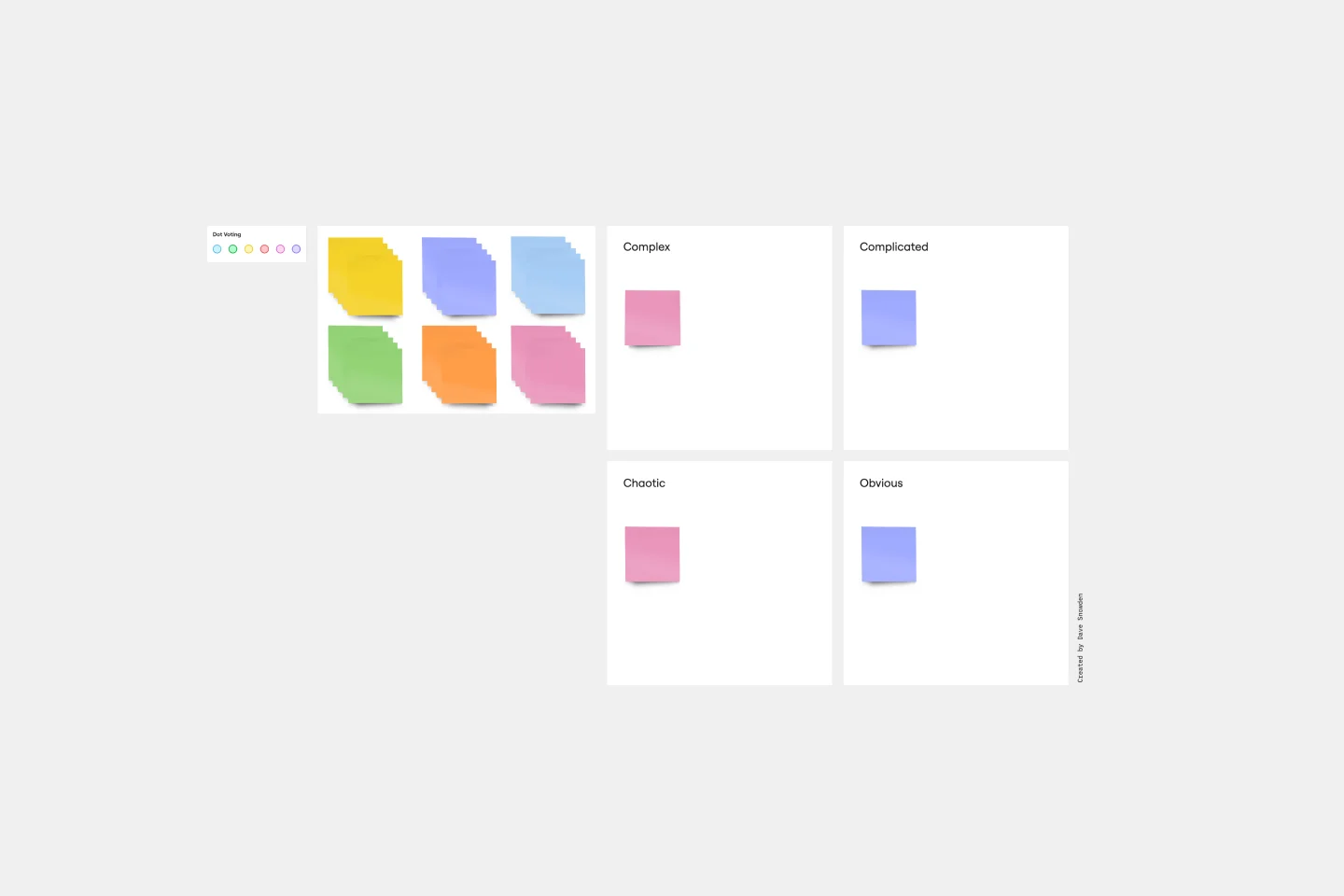
Cynefin Framework Template
Companies face a range of complex problems. At times, these problems leave the decision makers unsure where to even begin or what questions to ask. The Cynefin Framework, developed by Dave Snowden at IBM in 1999, can help you navigate those problems and find the appropriate response. Many organizations use this powerful, flexible framework to aid them during product development, marketing plans, and organizational strategy, or when faced with a crisis. This template is also ideal for training new hires on how to react to such an event.
- 15 likes38 uses
- 4 likes30 uses
- 9 likes27 uses
- 10 likes20 uses
- 2 likes18 uses
- 2 likes16 uses
- 0 likes11 uses

Look Mock Analyze Template
Doing your homework (aka, the research) is a key step in your design process, and the Look, Mock, Analyze approach helps you examine, structure, and streamline that step. With this powerful tool you’ll be able to identify your strengths and weaknesses, what you did right or wrong, and whether you spent time efficiently. Our Look, Mock, Analyze template makes it so easy for you to discover inspiration, mock up designs, and get feedback — you can start by setting up your board in less than a minute.
- 1 likes10 uses
- 0 likes5 uses
Explore more
About the Decision-Making Templates Collection
A decision making template is a structured cognitive framework designed to help individuals and teams evaluate options, calculate risks, and reach a definitive conclusion. Rather than relying on "gut feeling," these templates provide a visual logic for weighing competing priorities. They transform a subjective debate into an objective analysis, ensuring that the final choice is backed by data and aligned with long-term goals.
Key Components of a Decision Making Template
A professional decision making template acts as an "audit trail" for your logic. Every high-performance Miro board should include these five core elements:
The Decision Statement: A clear, one-sentence "How might we..." or "Which... should we..." statement to anchor the focus.
Evaluation Criteria: The specific factors that matter most (e.g., Budget, Speed, Alignment).
Stakeholder Input Area: A space to capture the perspectives of those who will be affected by the choice.
Risk/Trade-off Analysis: A section acknowledging what you are giving up by choosing one path over another (Opportunity Cost).
The Action Plan/Next Steps: A decision without an action is just a thought. This section defines who does what now that the choice is made.
Decision Pro Tips: How to Choose with Confidence
A template provides the structure, but these professional strategies ensure the output is high-quality. Apply these three "Pro Tips" to your Miro board to elevate your team's judgment:
1. Kill the "Yes/No" Binary (The Rule of Three)
Pro Tip: Never use a template to decide between just two options (Should we do X or not?). Research shows that binary decisions have a 50% failure rate. Always force at least three viable alternatives into your Miro board. Adding a third option shifts the brain from "Should we do this?" to "Which of these is best?", which significantly reduces emotional bias and improves the final outcome.
2. Practice "Pre-Mortem" Thinking
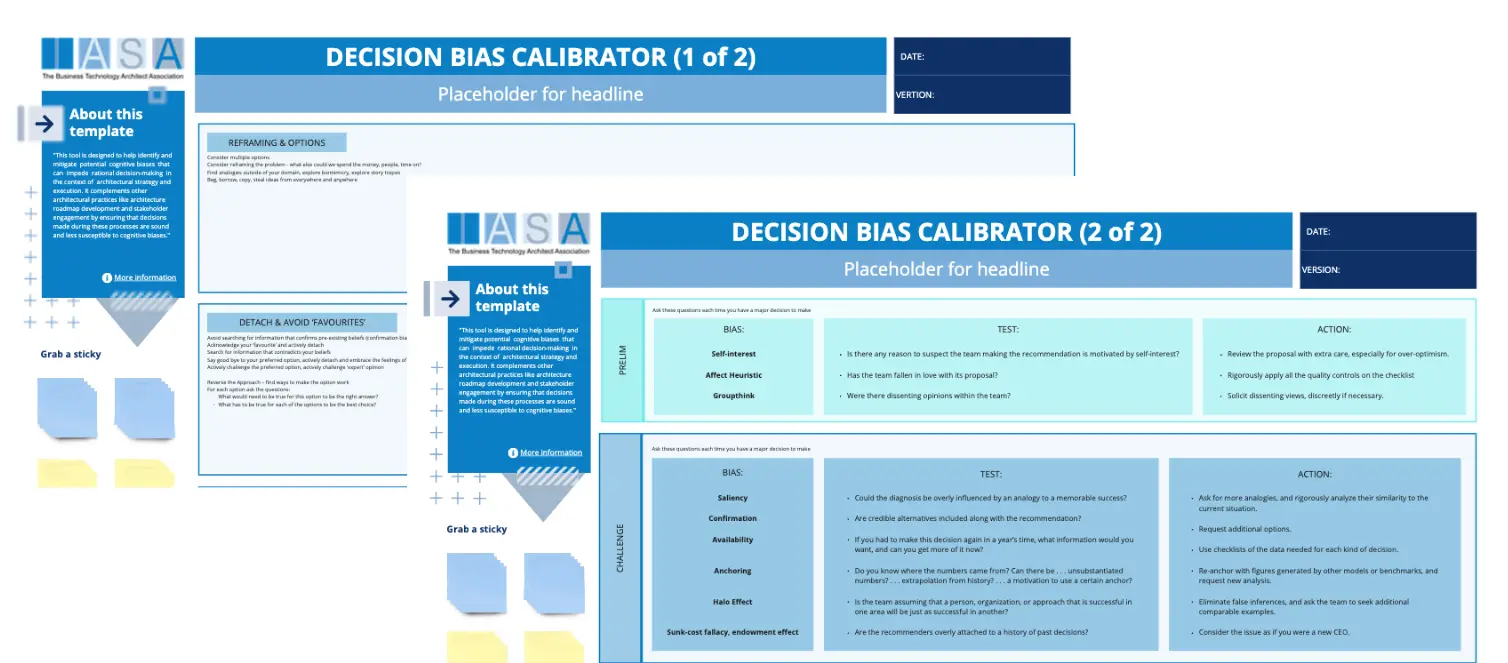
Pro Tip: Before committing to an option, imagine it has already failed miserably. Use a dedicated section of your template to work backward from a hypothetical disaster. Ask: "What went wrong?" This technique, known as a Pre-Mortem, uncovers hidden risks and "groupthink" that people are often too polite to mention during a standard brainstorming session.
3. Apply "Decision Reversibility" Logic
Pro Tip: Categorize your decisions as "Type 1" (Irreversible) or "Type 2" (Reversible).
Type 1 (One-way doors): High stakes, hard to undo (e.g., merging with a company). Spend 80% of your time here.
Type 2 (Two-way doors): Low stakes, easy to undo (e.g., changing a button color). Use a "Fast-Track" template and decide in minutes. Labeling your Miro cards this way prevents "over-thinking" small choices and saves your mental energy for the big ones.
Which Decision Template Do You Need?
Different problems require different logical engines. Select the Miro template that matches your specific challenge:
The Weighted Decision Matrix (Pugh Matrix):
Best For: Comparing multiple complex options (e.g., choosing a new software vendor).
The Goal: To score options against specific criteria (Cost, Ease of Use, Security) to see which one mathematically wins.
The Six Thinking Hats (Edward de Bono):
Best For: Group meetings where opinions are clashing.
The Goal: To force the team to look at a decision from 6 distinct angles (Logic, Emotion, Caution, Optimism, Creativity, and Process Control).
The Vroom-Yetton Decision Model:
Best For: Leaders deciding how much to involve their team.
The Goal: To determine if you should decide alone, consult the group, or delegate the decision entirely based on the situation's urgency and importance.
The Pro/Con/Mitigation List:
Best For: Rapid, everyday business choices.
The Goal: An evolution of the standard list that adds a third column: "How can we fix this con?"
How to use the decision-making templates in Miro
Select a template: Choose a decision-making template from Miro's extensive library. You can browse through various options and select the one that best fits your needs.
Customize the template: Once you've selected a template, customize it to suit your specific decision-making context. Add or remove sections, adjust the layout, and input relevant data.
Invite team members: Share the template with your team members and invite them to collaborate. Miro's real-time collaboration features allow everyone to contribute simultaneously.
Define the decision criteria: Clearly outline the criteria that will be used to evaluate the options. This ensures that everyone is on the same page and understands the basis for the decision.
Brainstorm and evaluate options: Use the template to brainstorm potential options and evaluate them against the defined criteria. Encourage team members to provide their input and discuss the pros and cons of each option.
Make the decision: After evaluating the options, use the template to document the final decision and the rationale behind it. This provides a clear record that can be referred to in the future.
Implement and review: Once the decision is made, implement the chosen option.
Monitor progress: After implementing the decision, use the template to track the progress and outcomes. This helps in ensuring that the decision is executed as planned and allows for adjustments if necessary.
Gather feedback: Collect feedback from team members on the decision-making process and the outcome. This can provide valuable insights for future decisions and help refine the templates.
Reflect and improve: Periodically review the decision-making process and the effectiveness of the templates. Identify areas for improvement and update the templates accordingly to better suit your team's needs.
Miro's decision-making templates empower teams to make informed, efficient, and collaborative decisions. By providing a structured framework, these templates help teams navigate complex decisions with clarity and consistency.