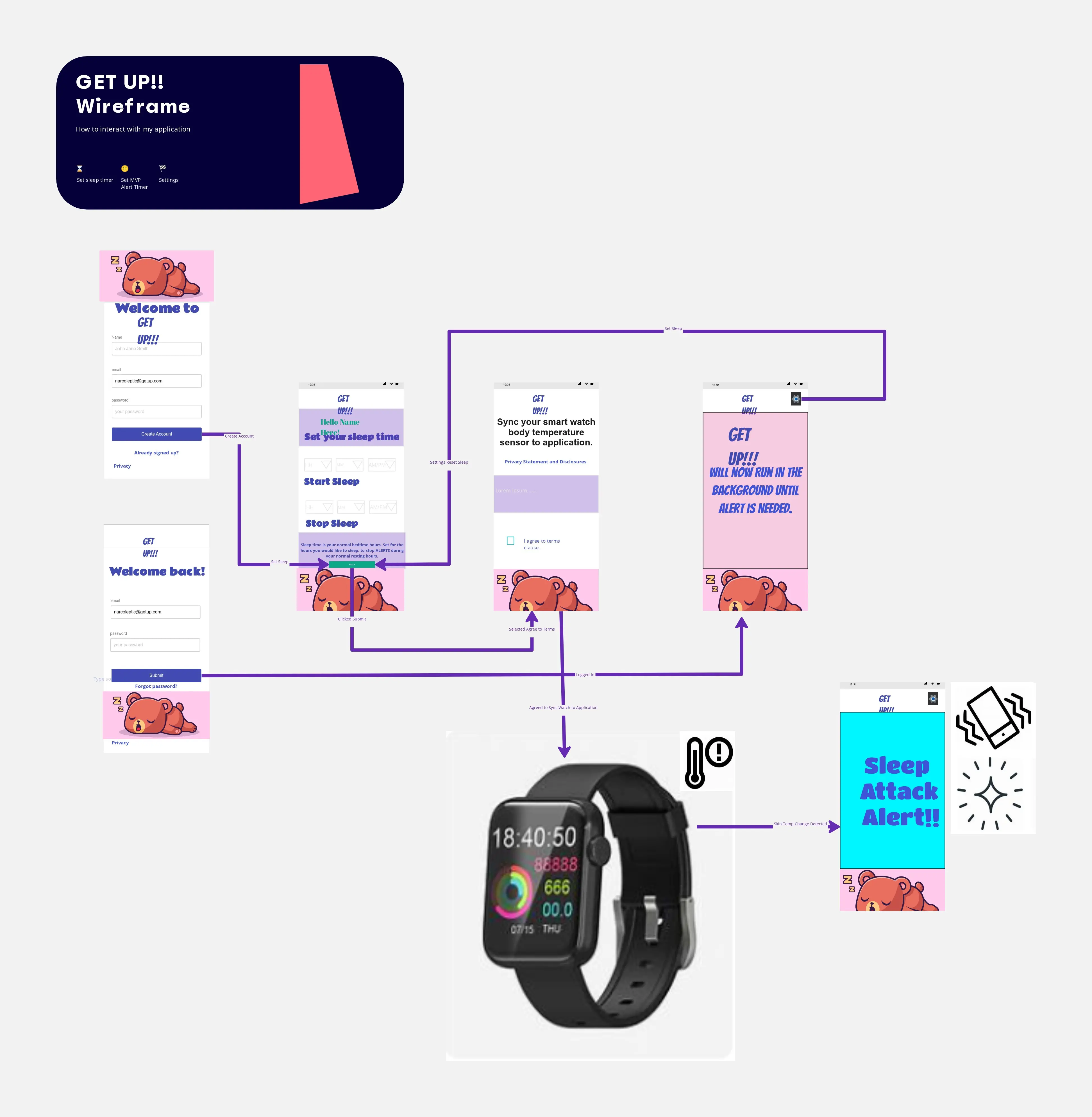
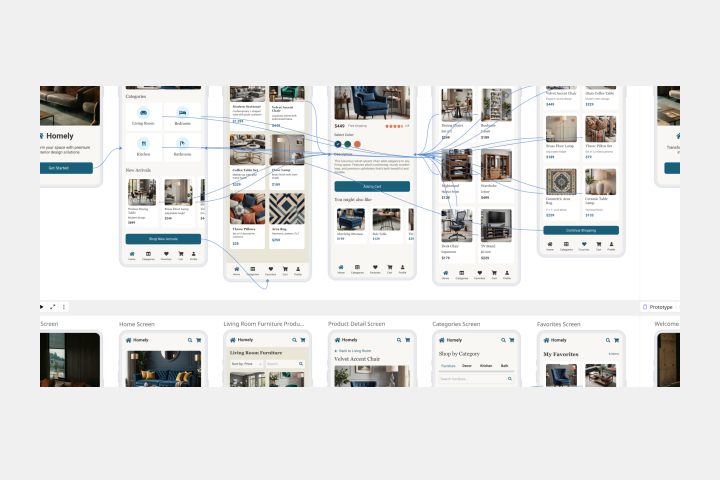
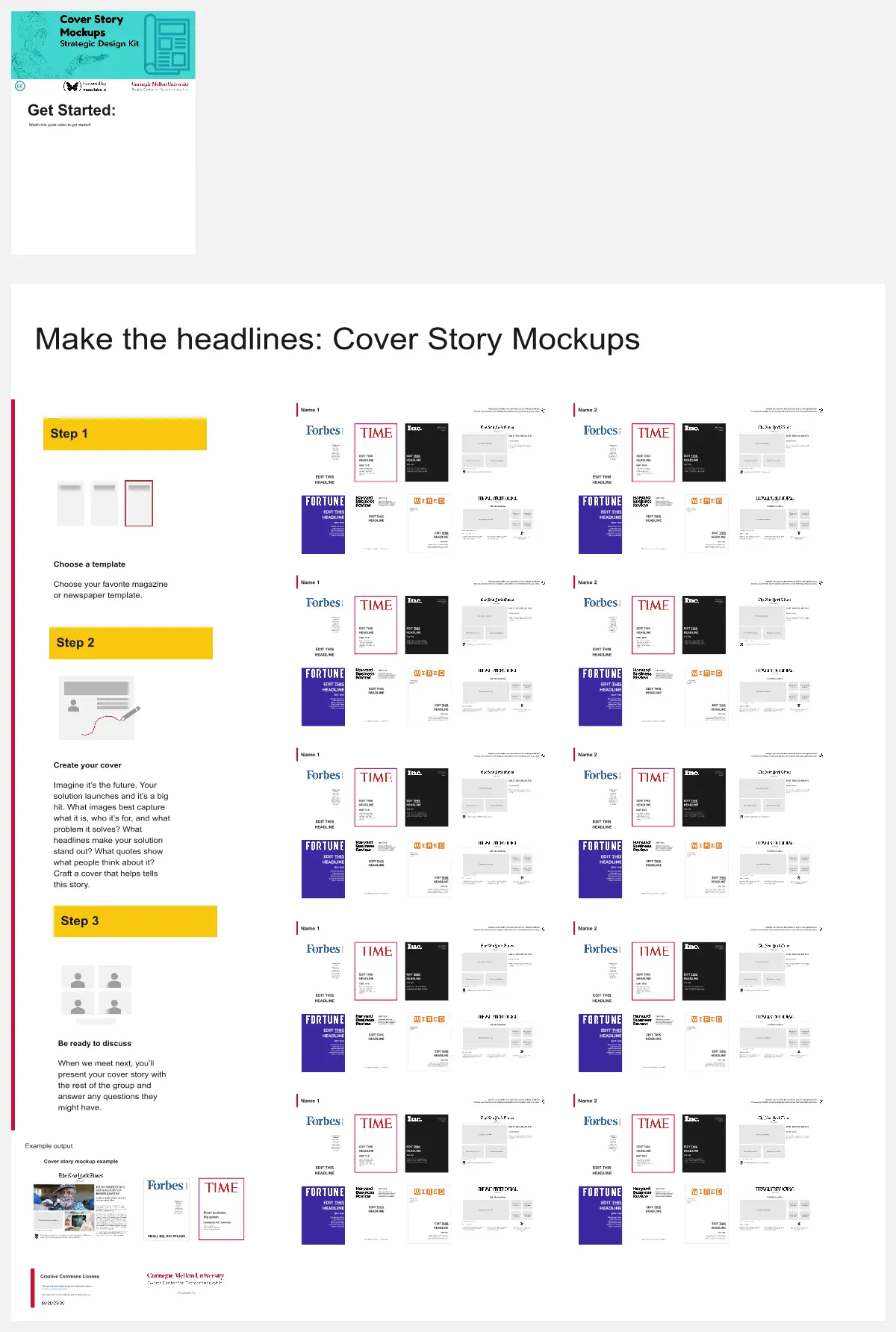
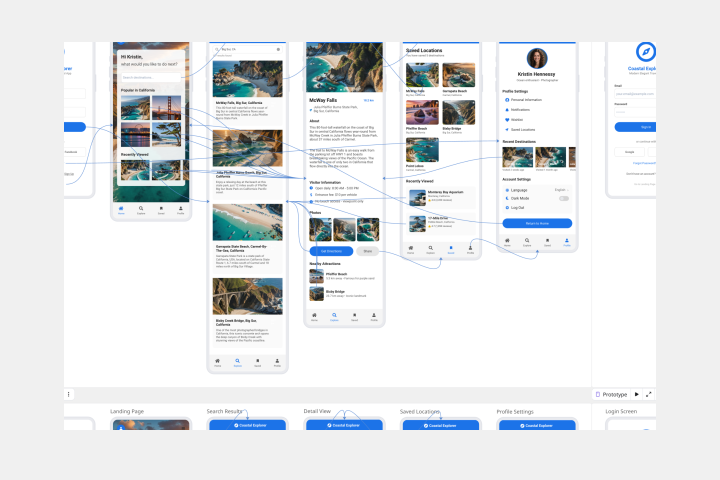
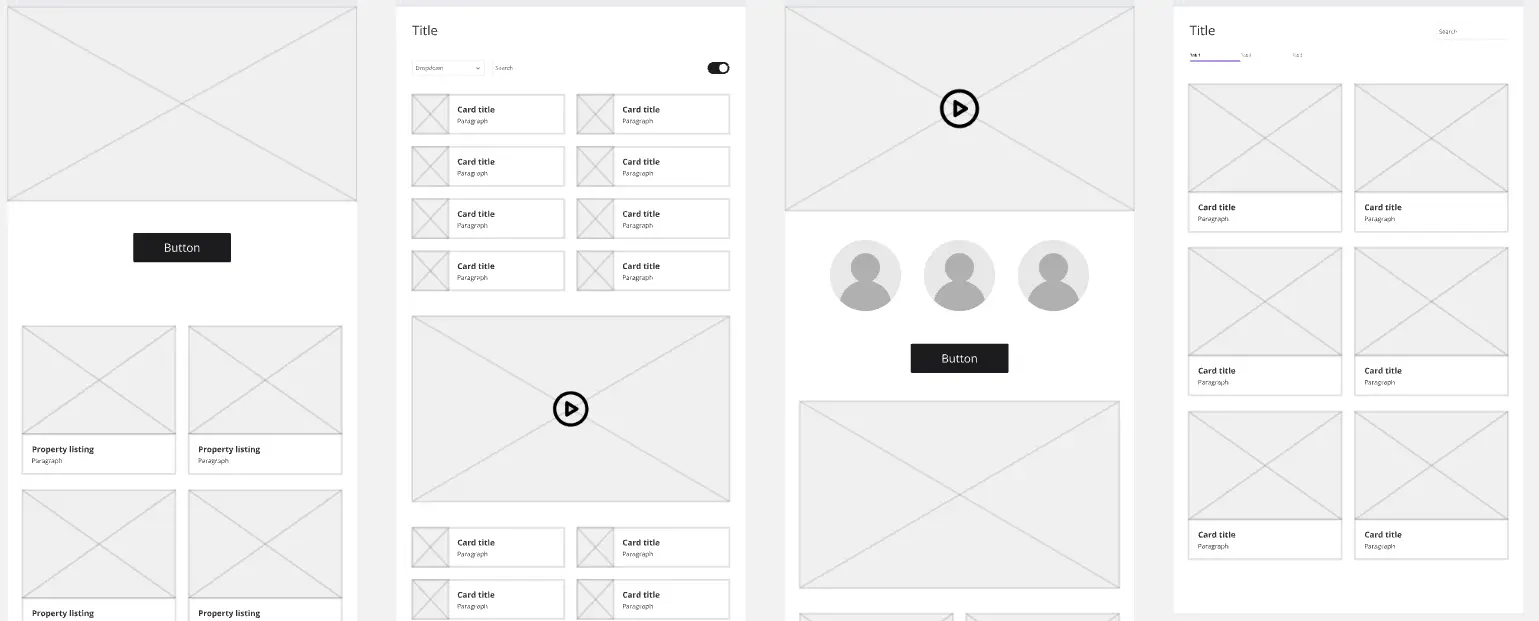
About the Wireframe Templates Collection
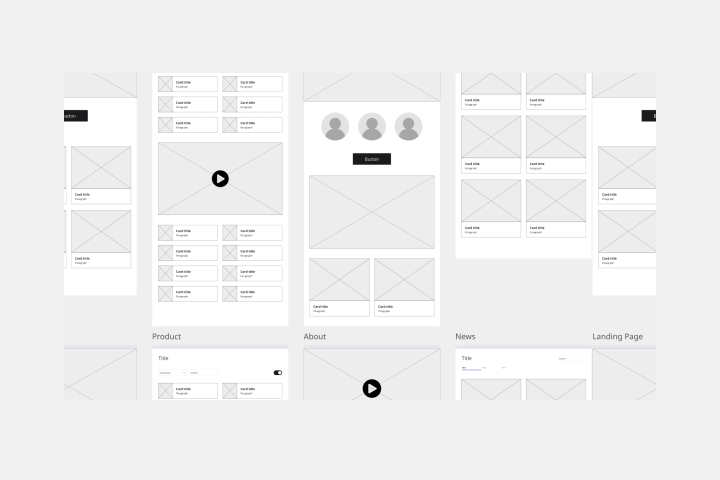
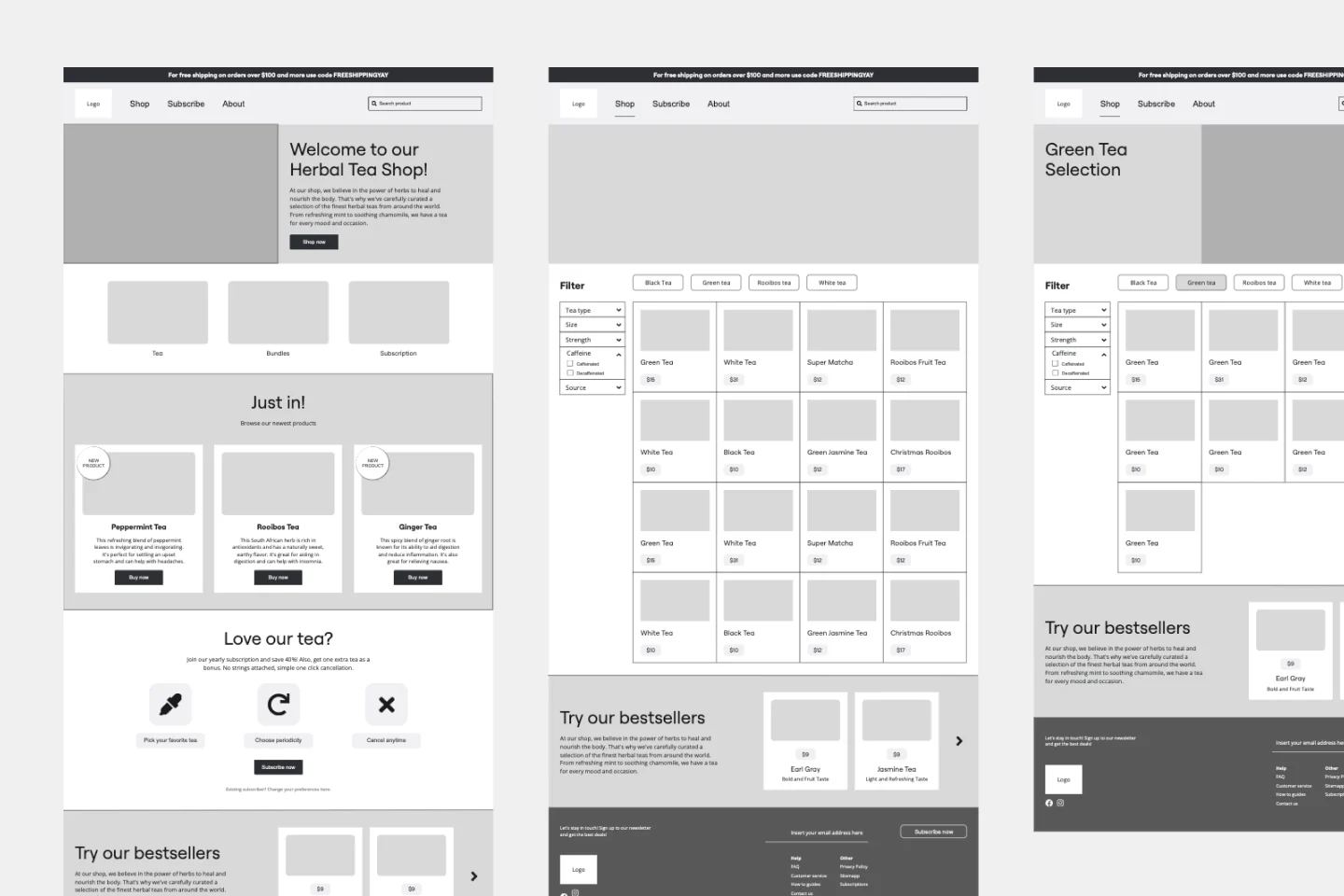
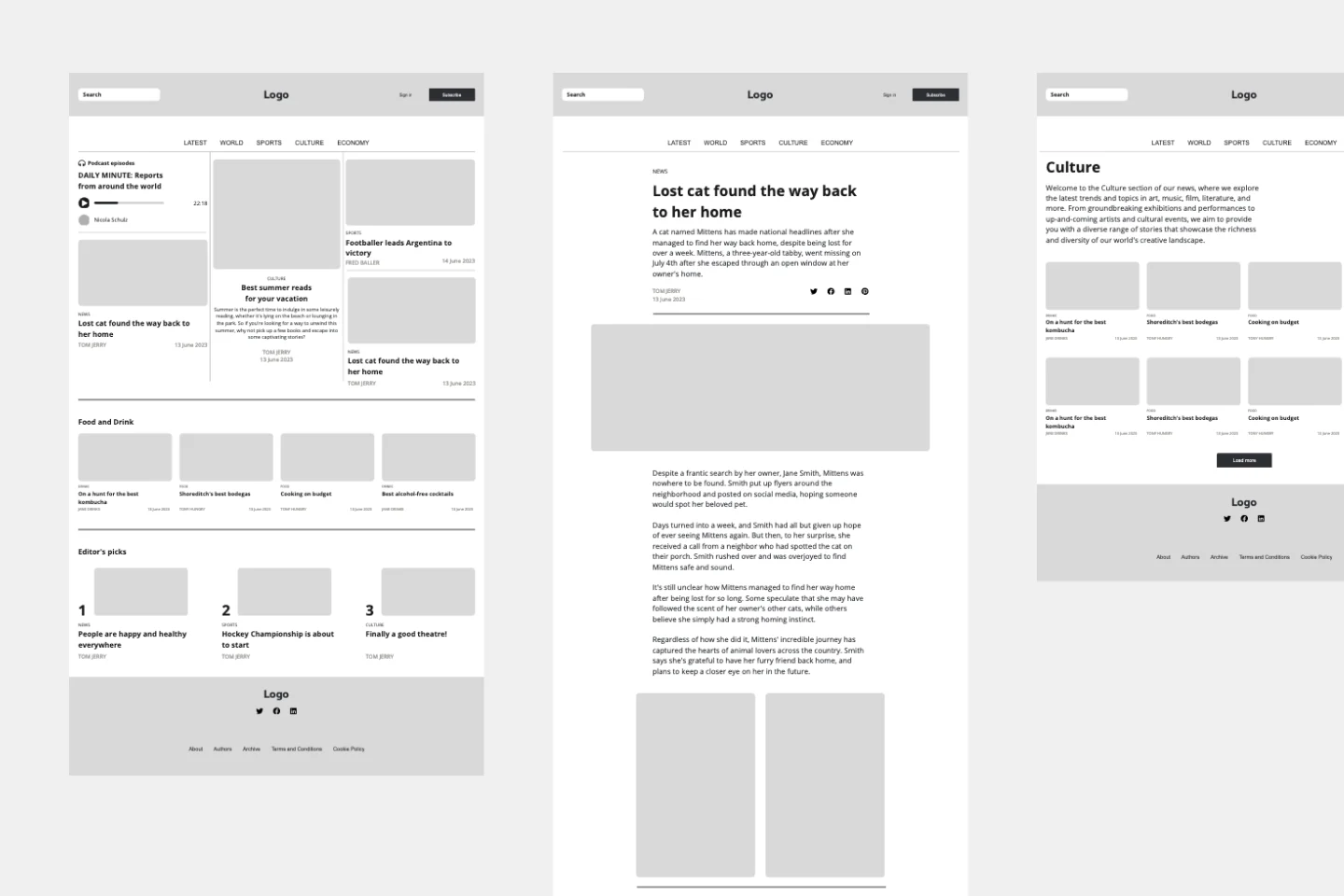
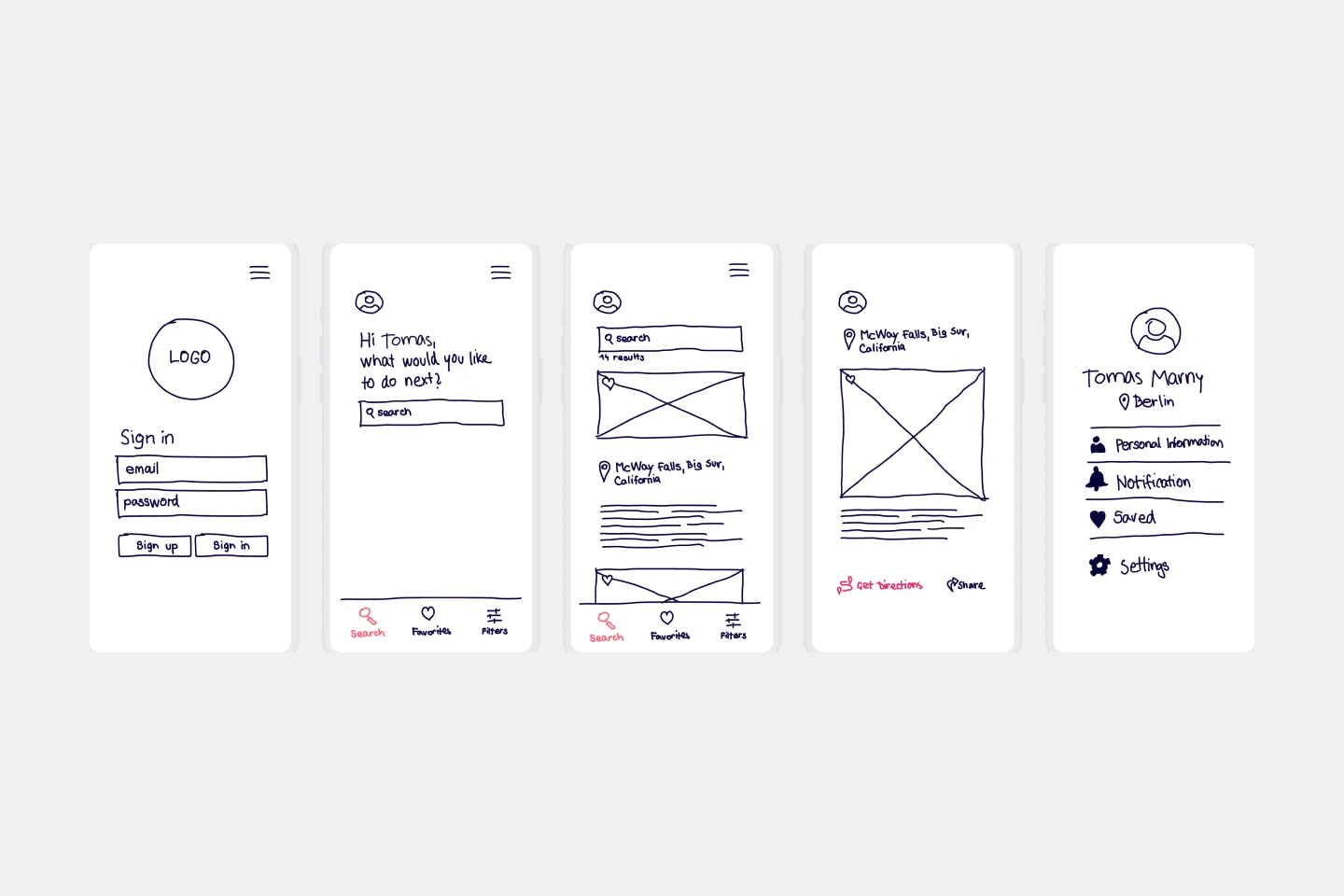
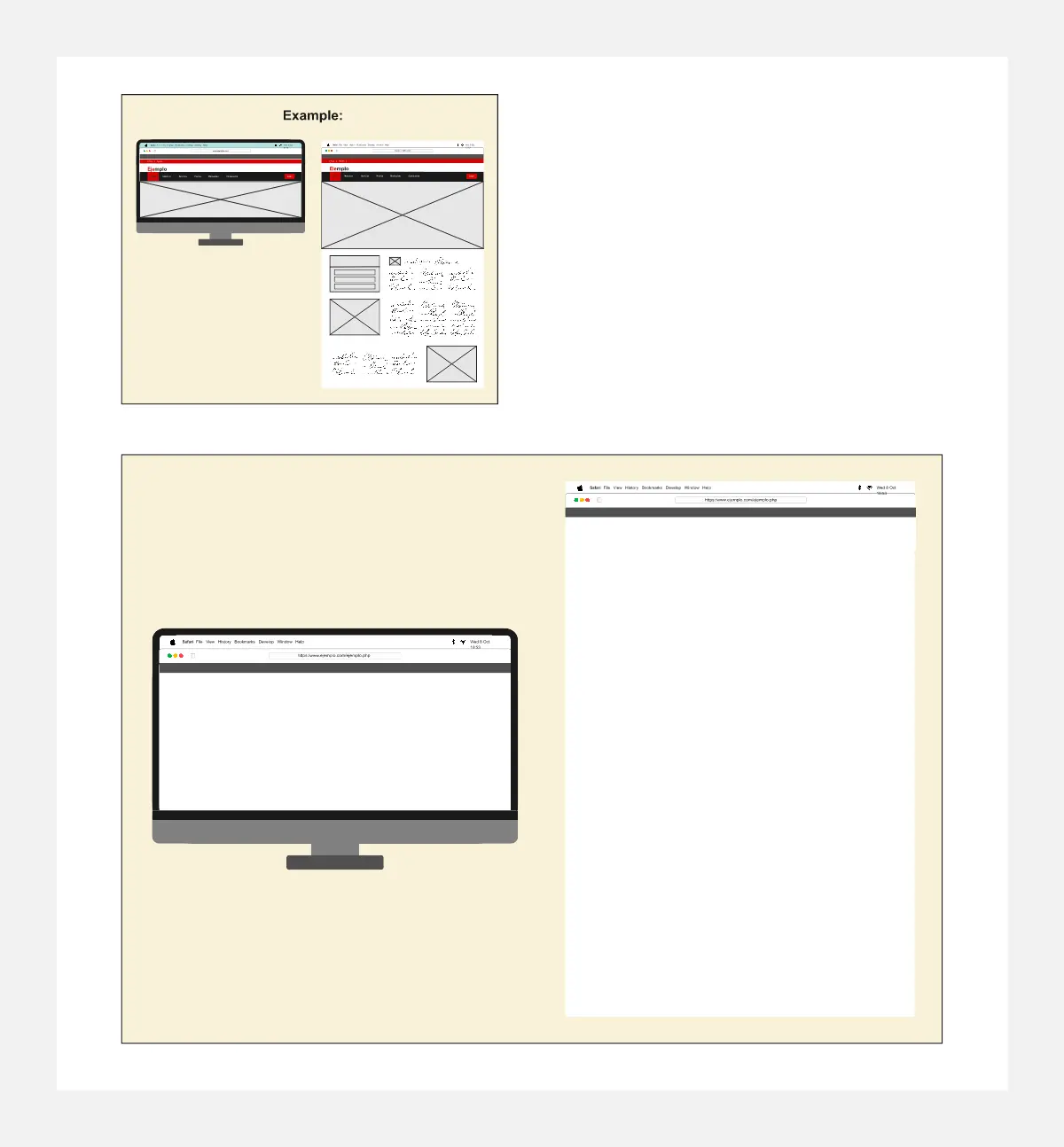
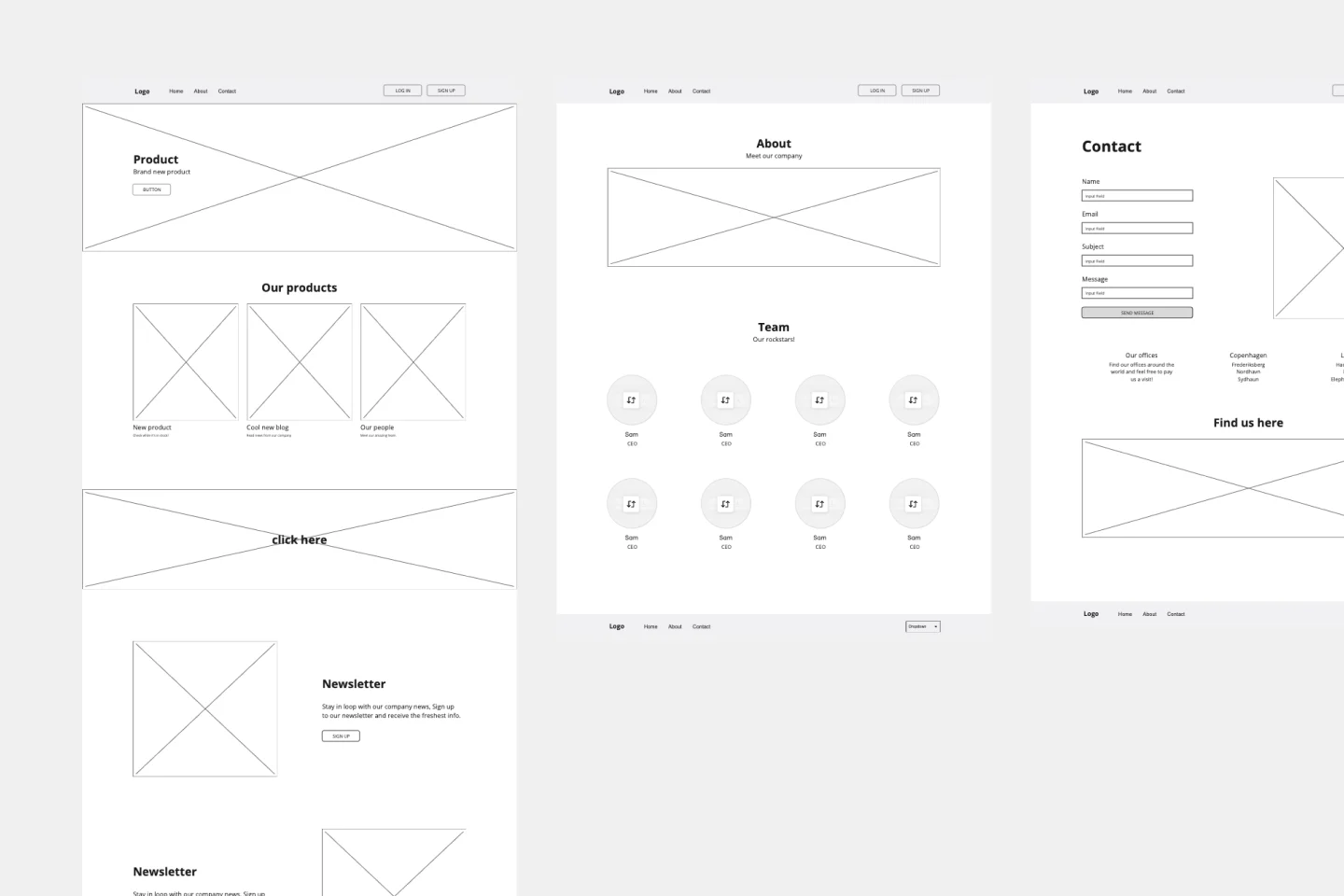
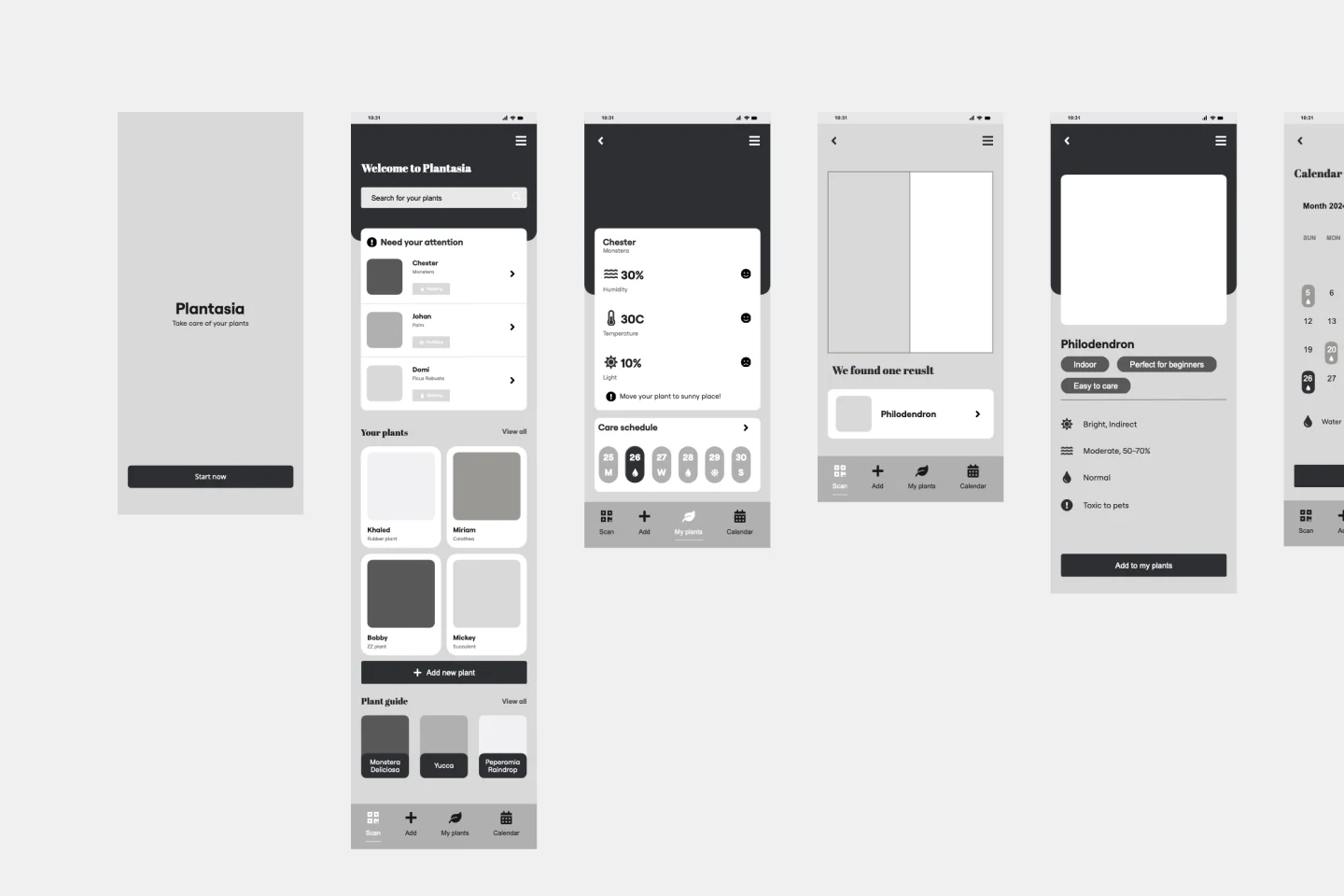
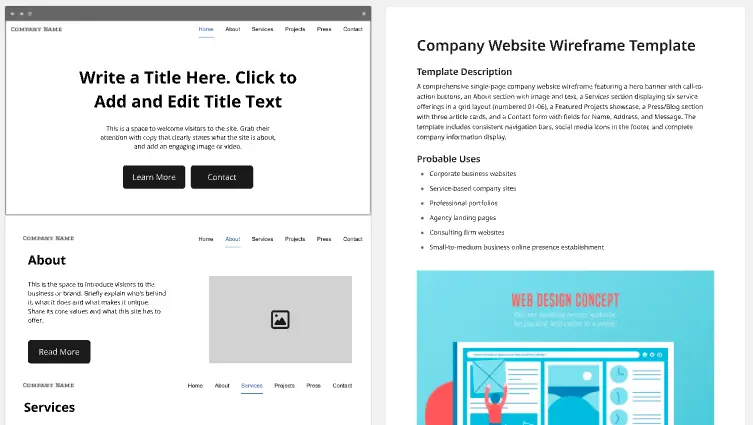
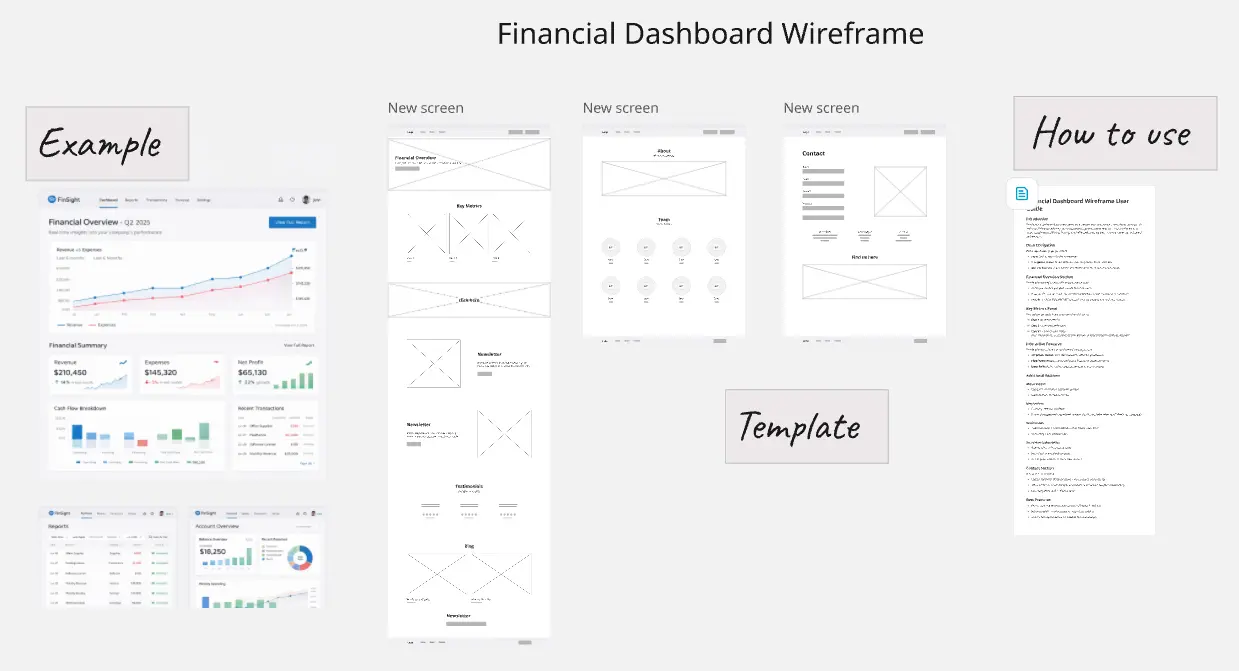
A wireframe template is a low-fidelity visual guide that represents the skeletal framework of a website or app. Think of it as the architectural drawing for a building; it defines where the "plumbing" (functionality) and "walls" (content) go. By stripping away colors, fonts, and images, these templates allow teams to focus on usability and the user journey, ensuring the structural logic is sound before investing in expensive high-fidelity design.
Key Components of a Wireframe Template
A professional wireframe template acts as the "Contract" between UX and Dev. Every high-performance Miro board should include these five elements:
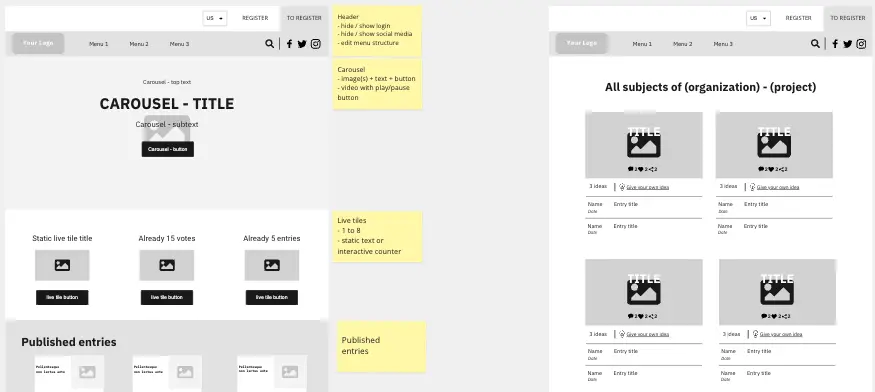
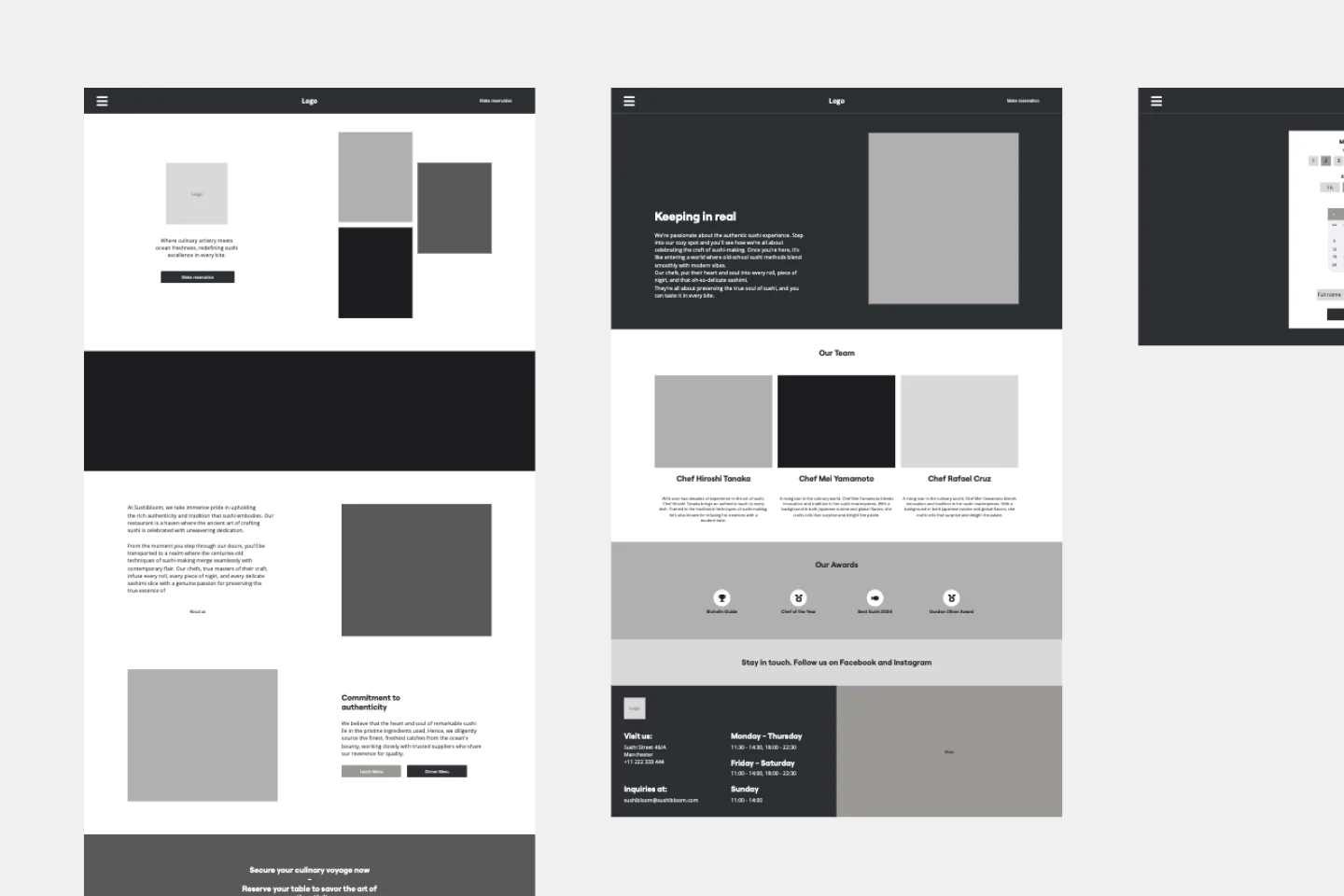
Content Blocks: Placeholders that define the hierarchy of information (e.g., Hero, Social Proof, Features).
Navigation Architecture: A clear view of menus, breadcrumbs, and footer links.
Interactive Triggers: Visual markers (like arrows or buttons) that show where a click takes the user.
Annotation Sidebar: A dedicated space for "Functional Notes" (e.g., "This dropdown pulls from the CRM").
The Grid System: A visible 12-column or 4-column layout to ensure the design is technically feasible for front-end developers.
Which Wireframe Template Do You Need?
Different stages of the project require different levels of "fidelity." Select the Miro template that matches your current goal:
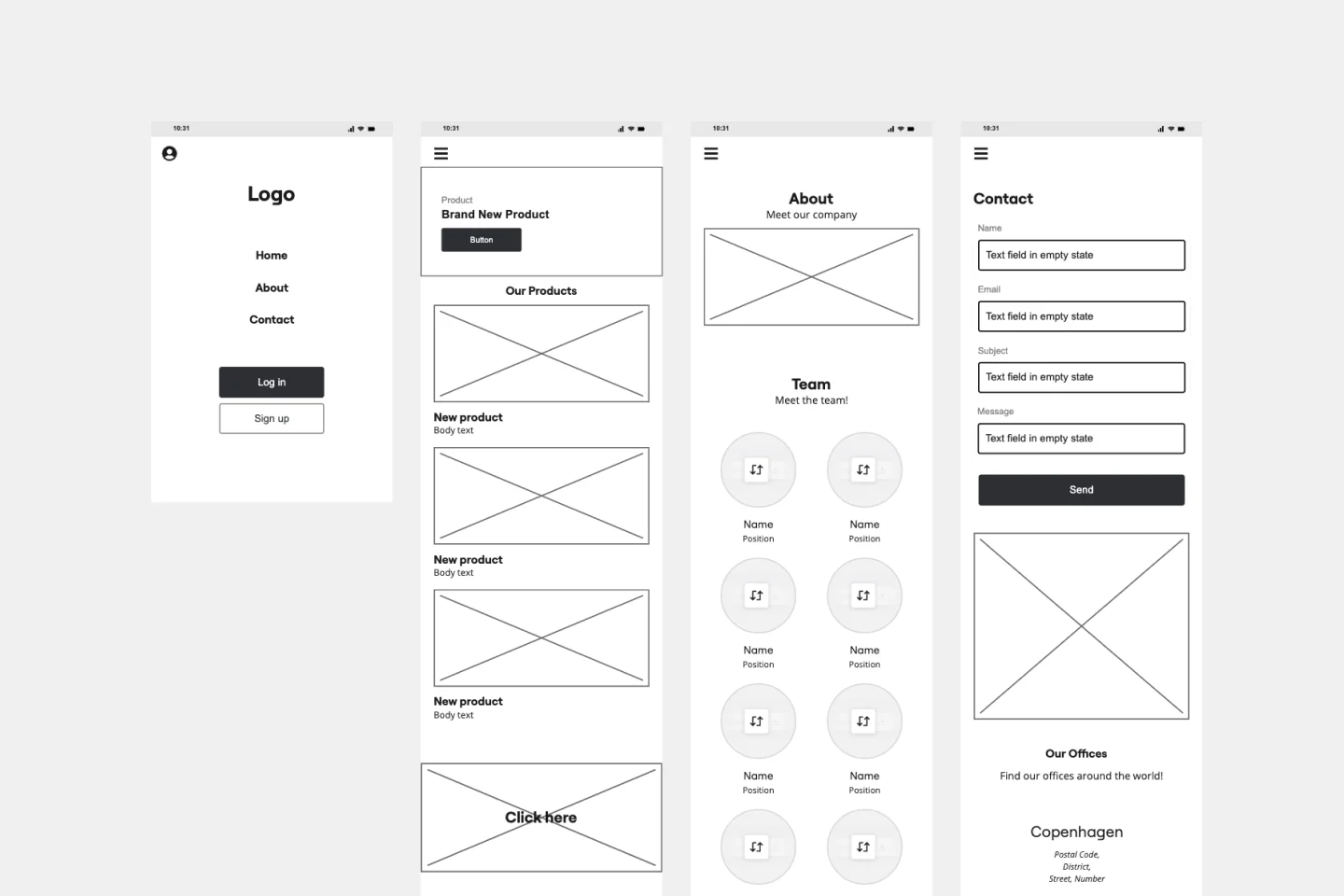
Low-Fidelity (Lo-Fi) Sketches:
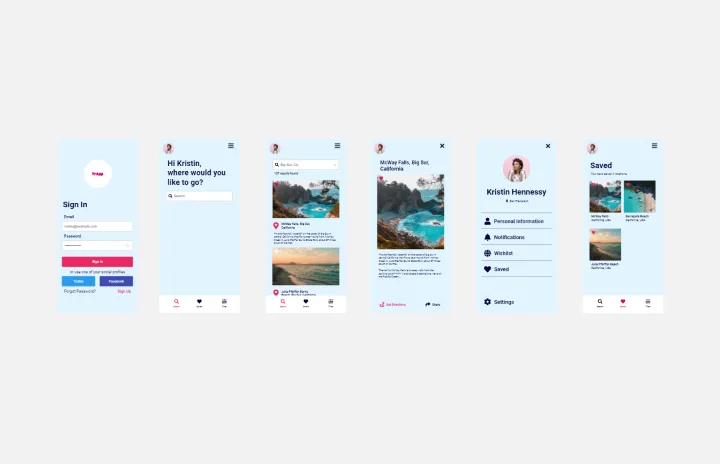
Mid-Fidelity (Mid-Fi) Annotations:
Best For: Presenting to stakeholders and developers.
The Goal: To define specific UI components (buttons, inputs, sliders) and provide written notes on how they should behave.
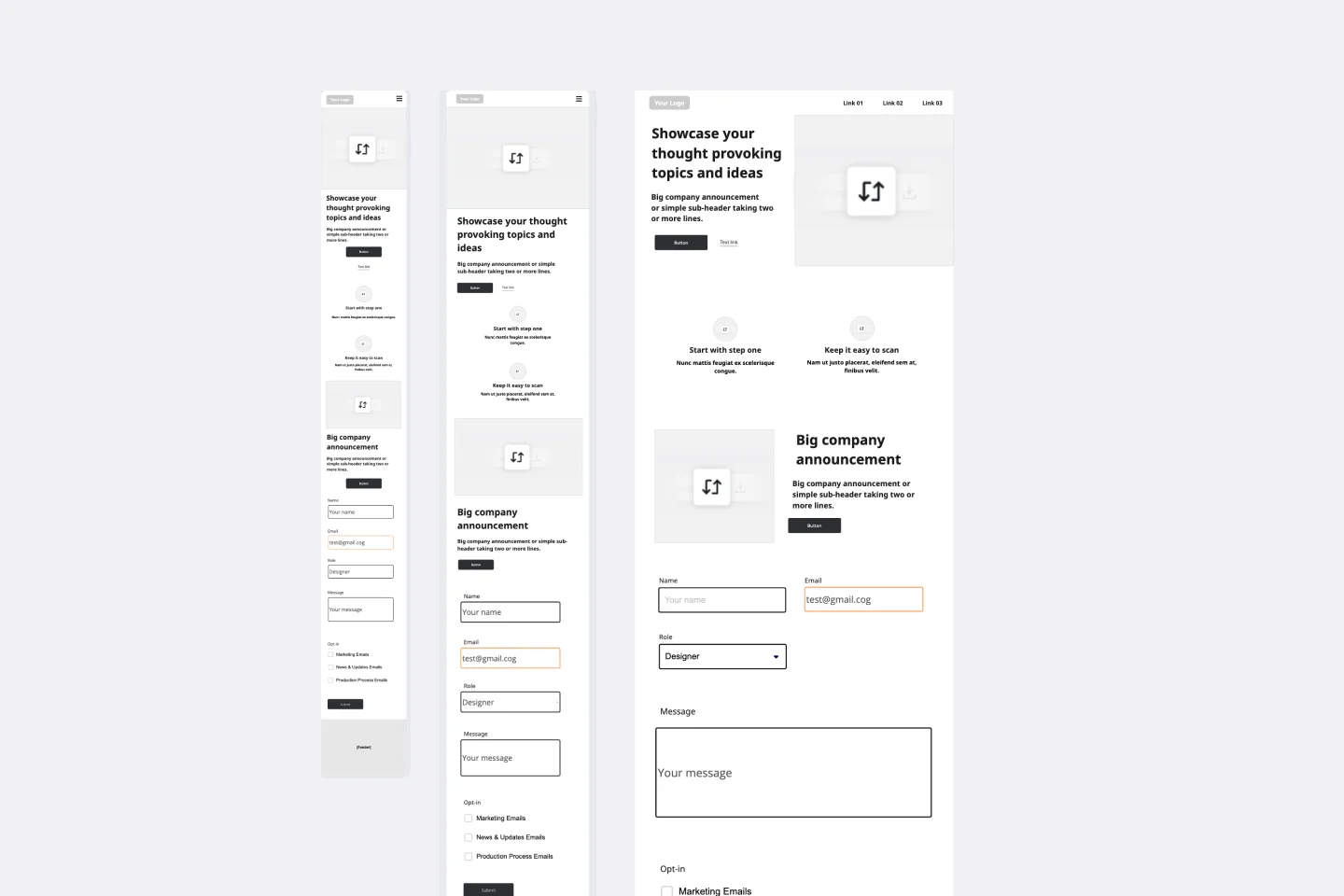
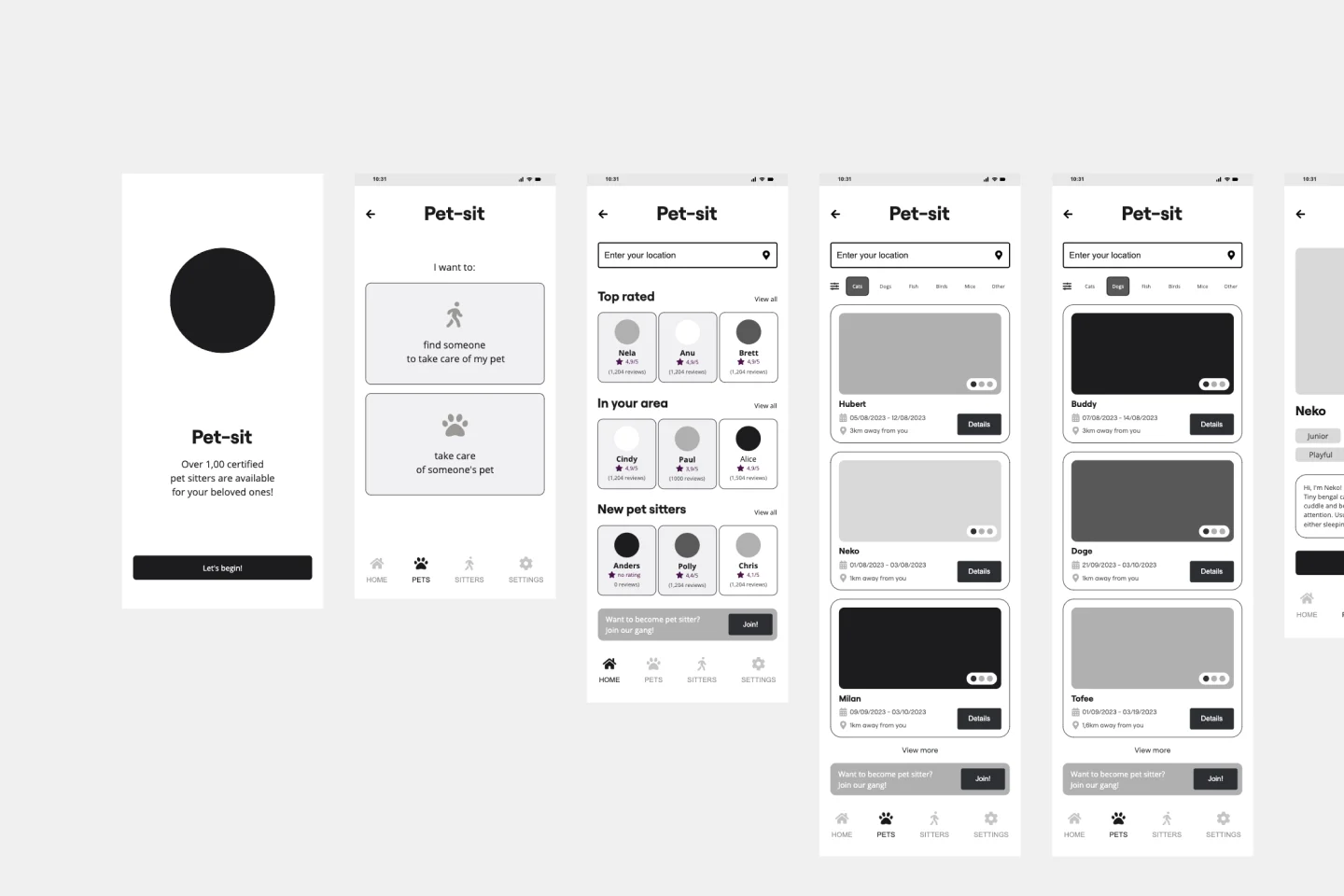
Mobile-First Responsive Wireframes:
Best For: Modern web design.
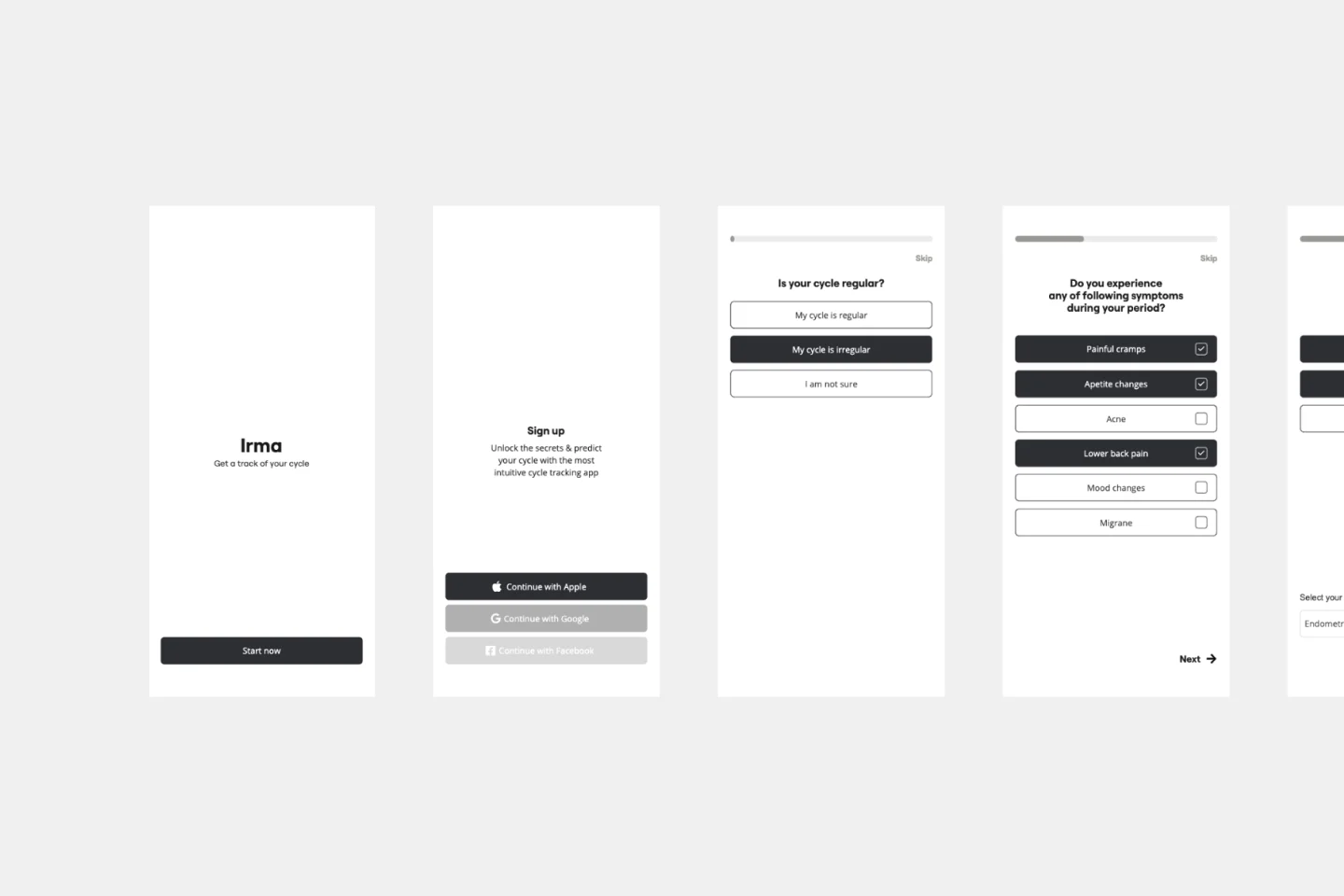
The Goal: To design for the smallest screen first, forcing you to prioritize the most essential content before expanding to a desktop view.
The "Skeletal Logic" Audit: 3 Ways to Ensure Structural Soundness
A wireframe is a communication tool, not an art project. Before moving to high-fidelity design on your Miro board, apply these three expert "health checks":
1. The "Grayscale Only" Audit
The Audit: Are you using colors, brand fonts, or high-res images in your wireframe? The Fix: Color distracts stakeholders from structural flaws. Audit your board to ensure it is strictly grayscale. Use a single "action color" (like a bright blue) exclusively for Calls to Action (CTAs). This trains the viewer’s eye to follow the functional path rather than critiquing the aesthetic.
2. The "Real Content" Stress Test
The Audit: Are your headlines and value propositions filled with "Lorem Ipsum" filler text? The Fix: Vague placeholders hide layout problems. Audit your template by inserting actual draft copy. If your real headline is 15 words long but the wireframe only fits three, you have a structural problem that "Lorem Ipsum" would have concealed until the development phase.
3. The "Edge Case" Logic Check
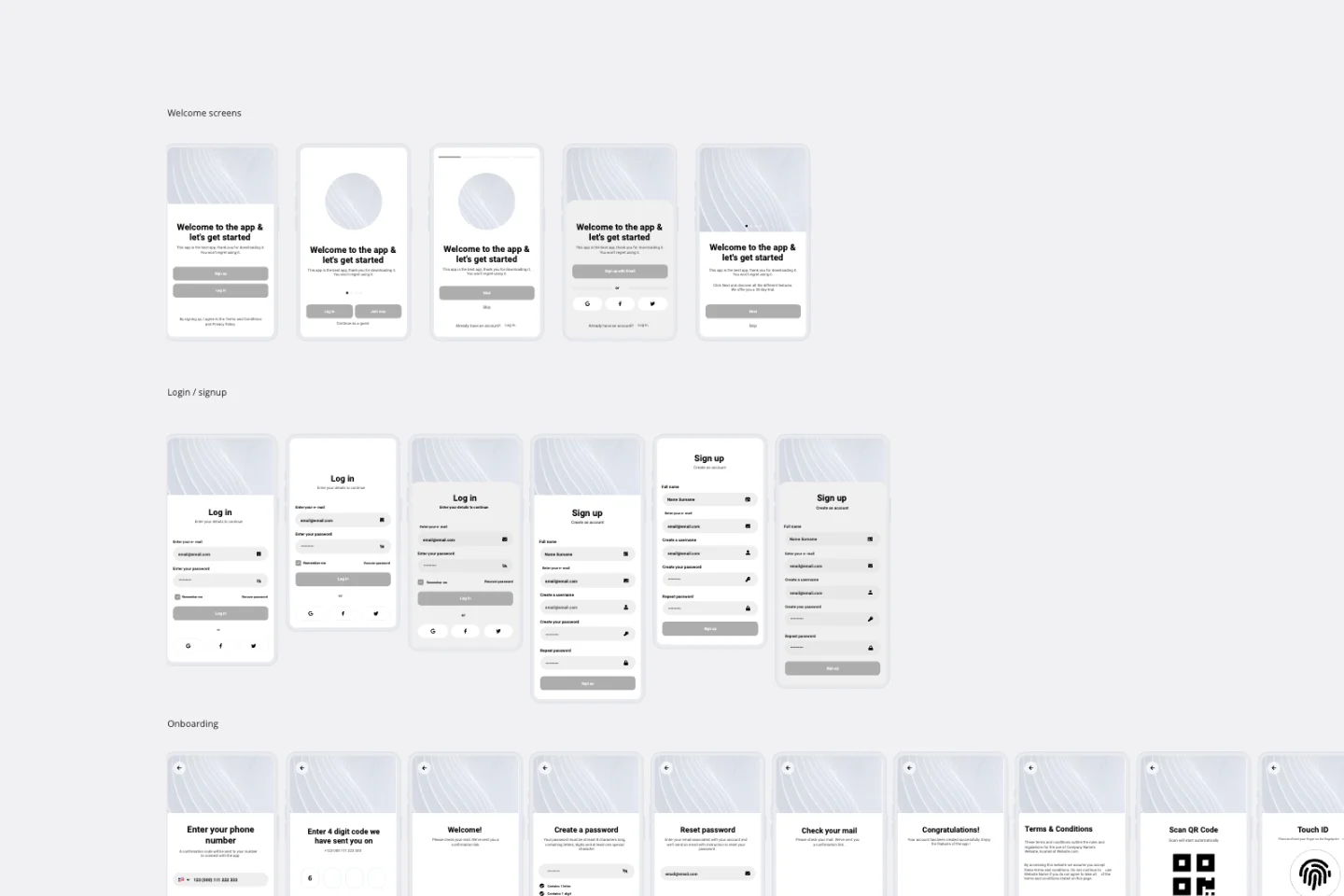
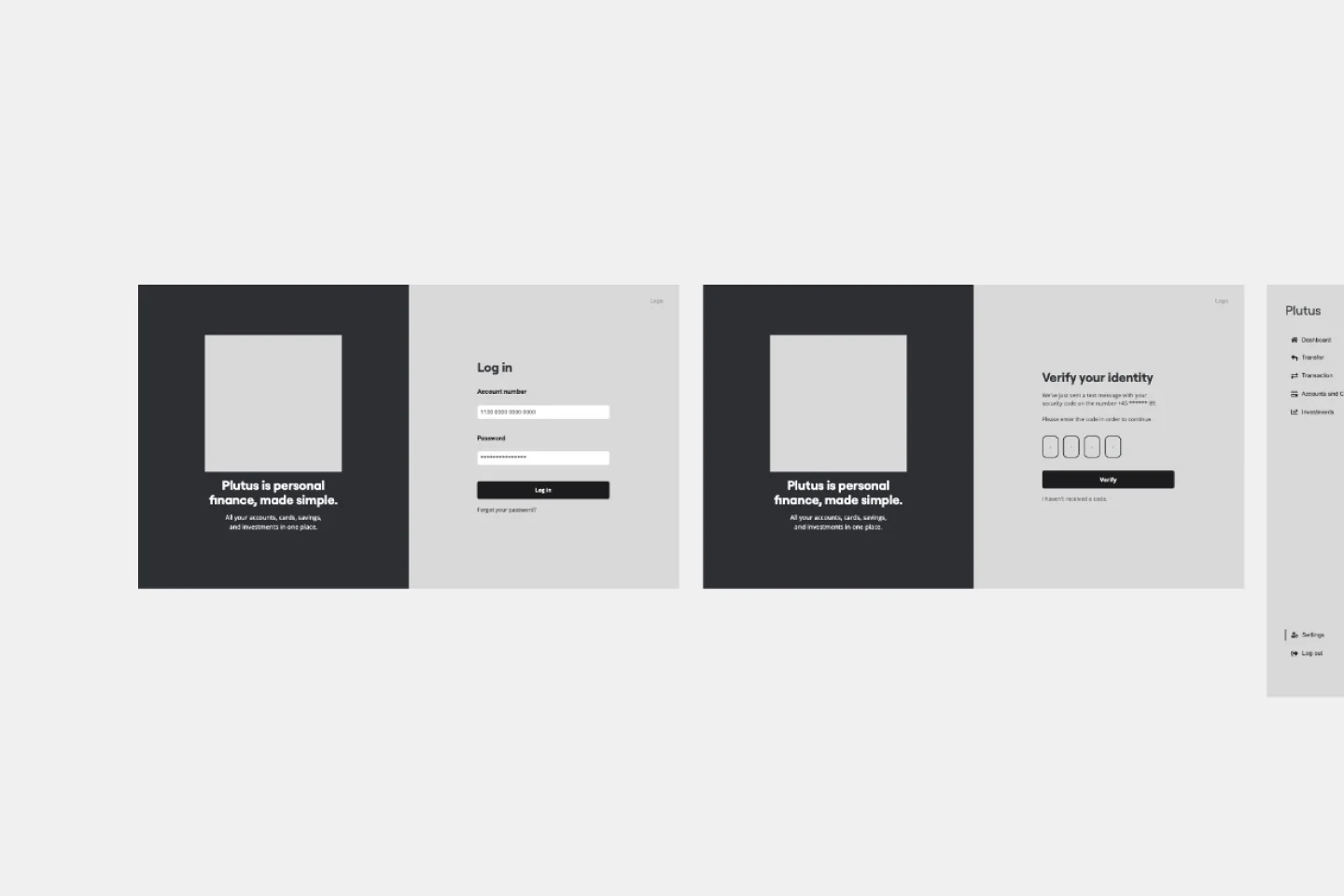
The Audit: Does your wireframe only show the "Happy Path" (the perfect user journey)? The Fix: A professional wireframe must account for System States. Audit your flow to ensure you’ve mapped what happens when a search returns Zero Results, an email is Invalid, or a page is Loading. Visualizing these "unhappy paths" early prevents developers from guessing the logic during coding.
How to use the wireframe templates in Miro
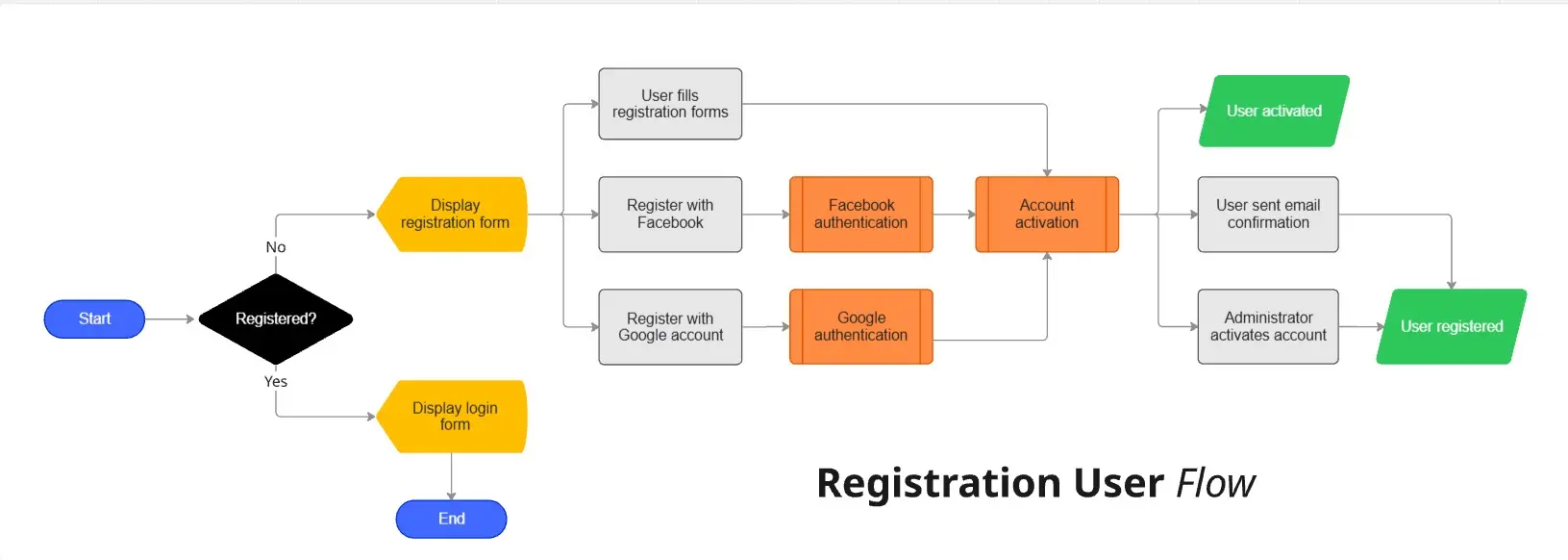
Select the template: Choose a template that suits your needs and add it to your board such as low fidelity wireframe template or user flow template.
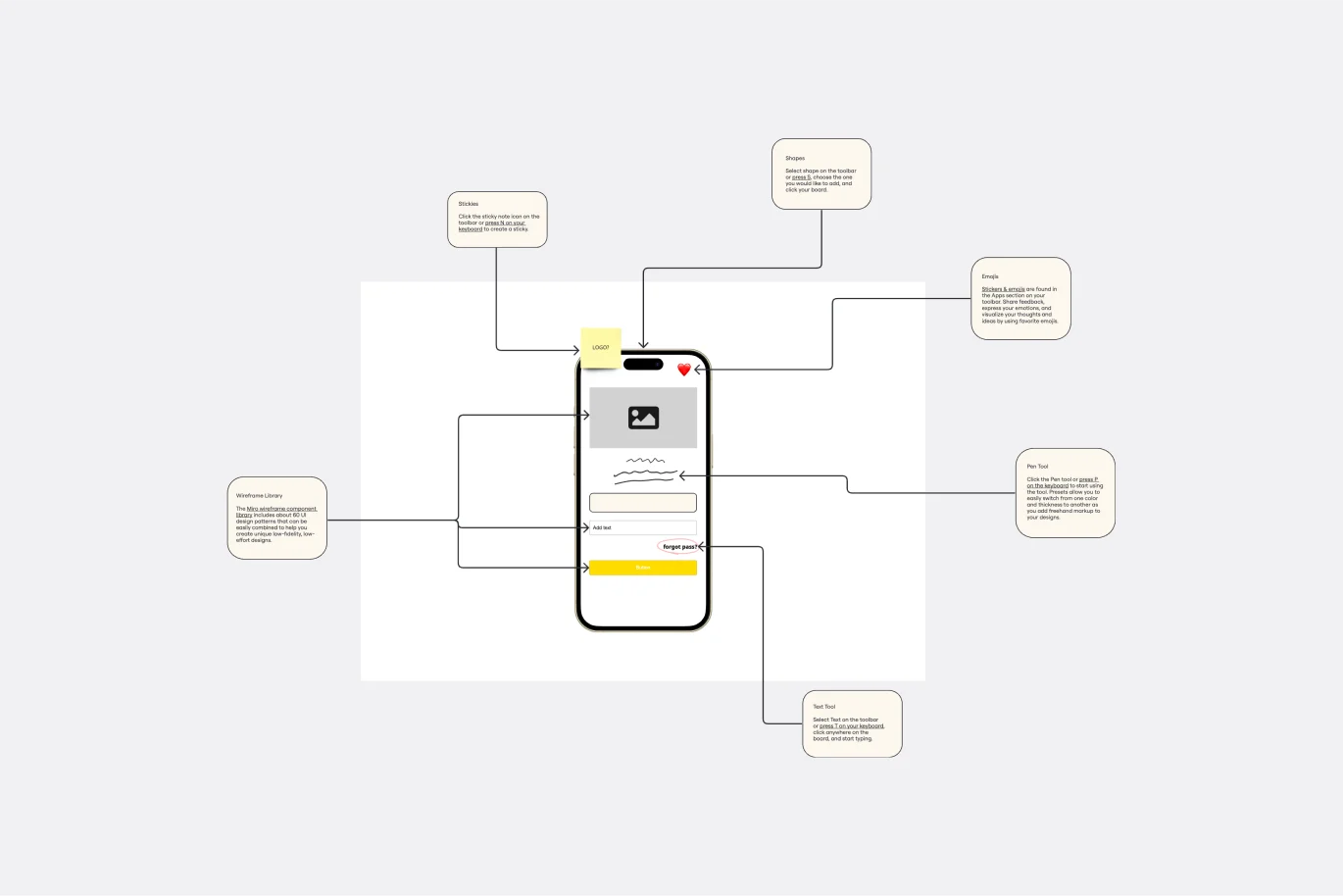
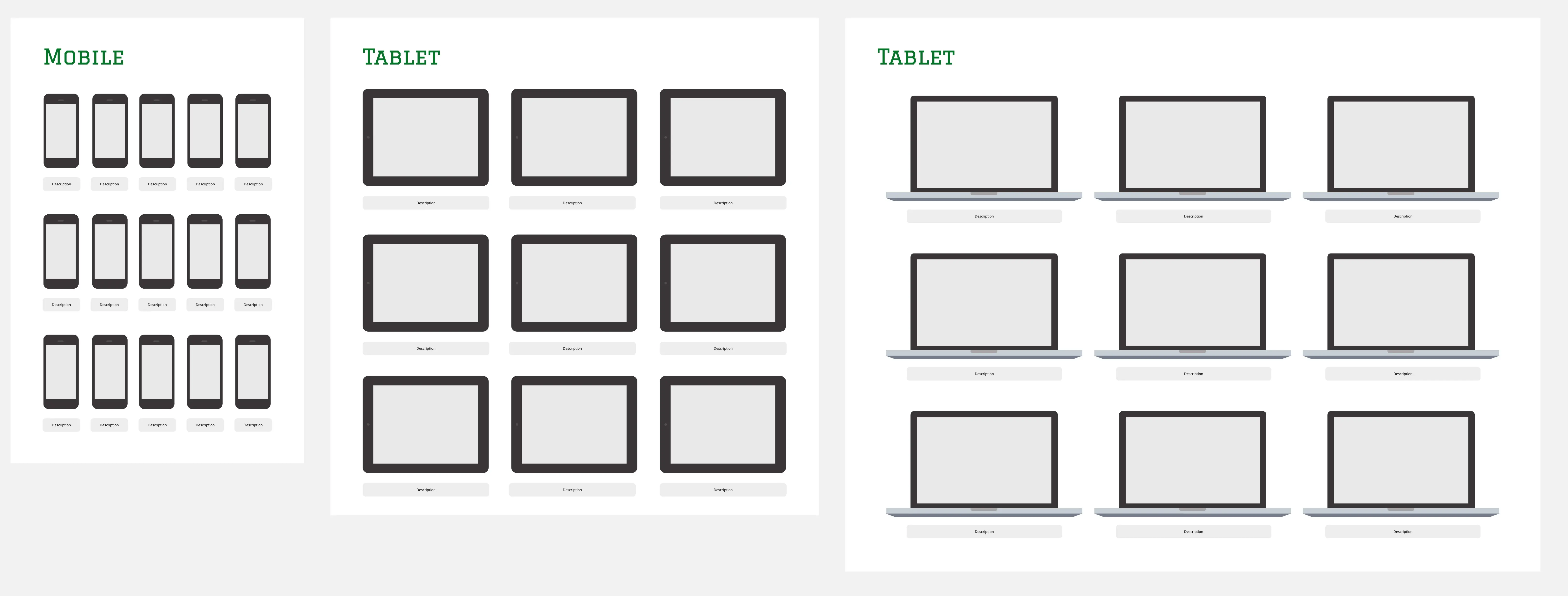
Select the device: Choose the device you want to wireframe, whether it's a phone, tablet, or browser. Drop the component on the board to get started.
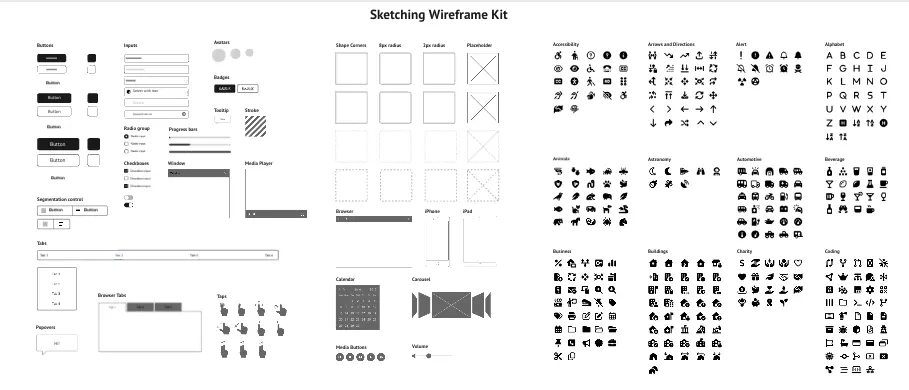
Add your wireframe components: Use the wireframe component library on the left menu bar, which includes about 60 UI design patterns. Select and customize the components that make sense for your project. Double-clicking a component allows you to edit it.
Add your wireframe icons: Use icons to represent the actions users will perform with your product. The built-in icon library offers a variety of options to save you time.
Share it: Once your wireframe is complete, you can request feedback by inviting people to your board or downloading your wireframe as an image or PDF.
Miro's wireframe tool and UI library help you create low-fidelity prototypes quickly and efficiently, making the design process smoother and more collaborative.