About the Planning Template Collection
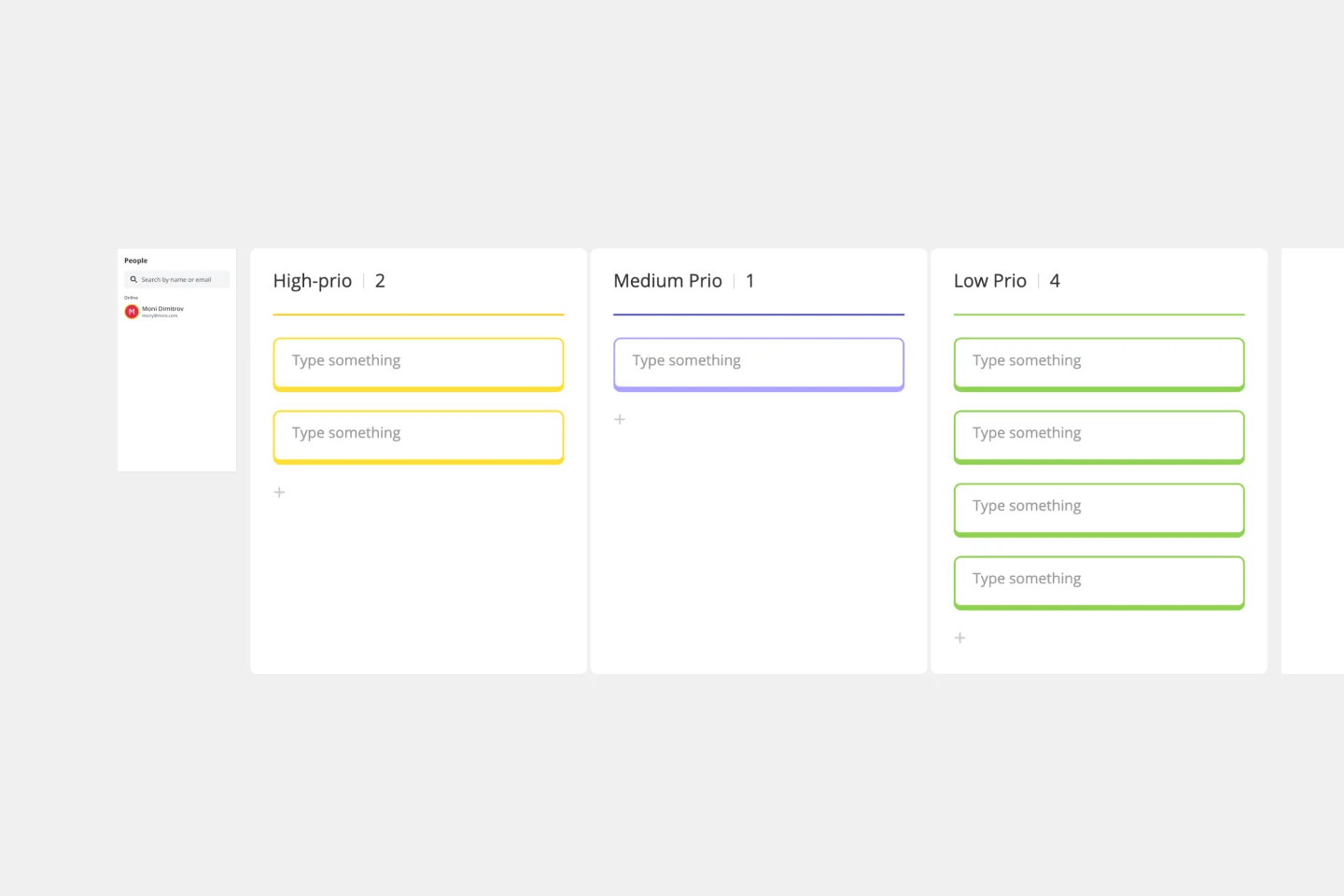
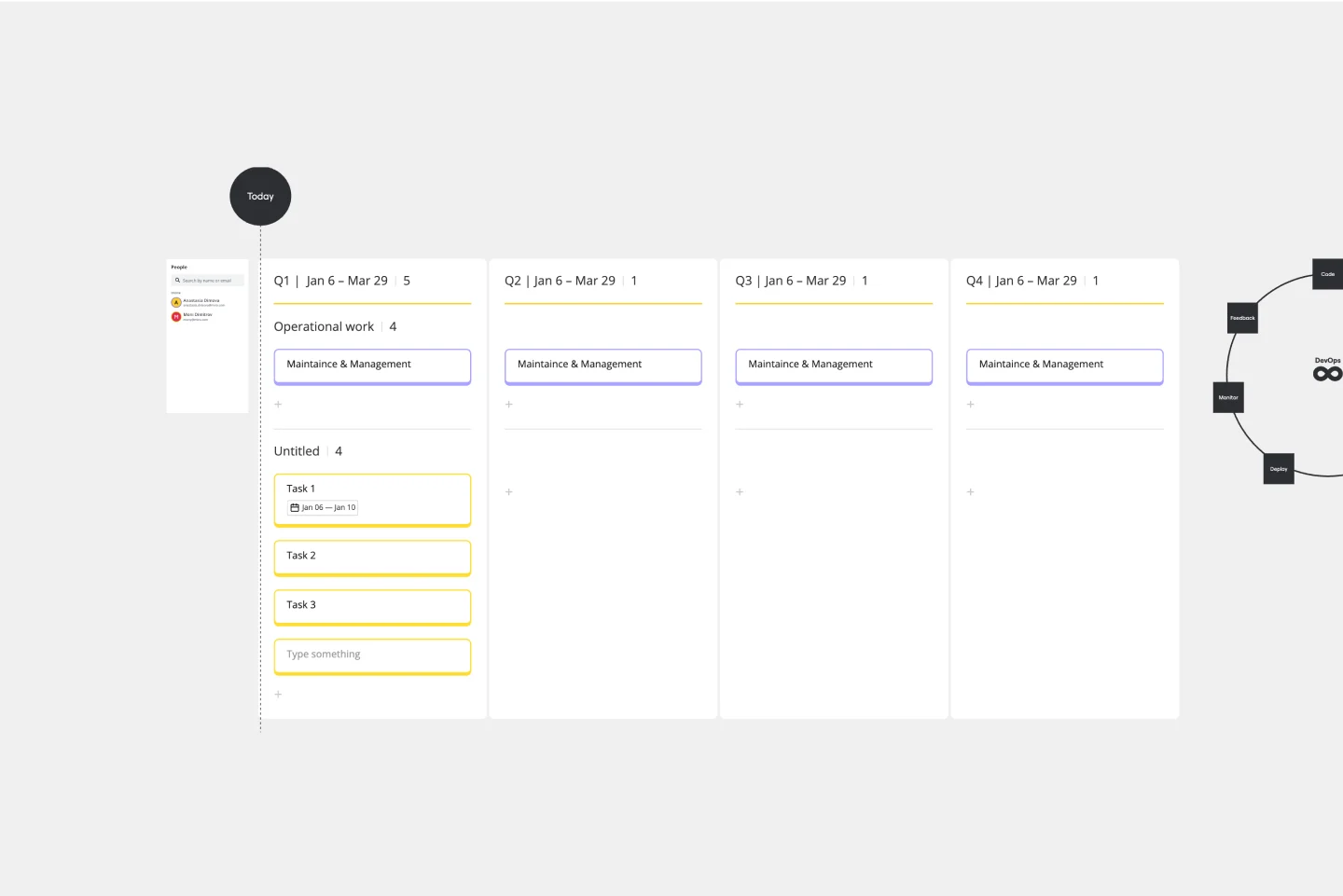
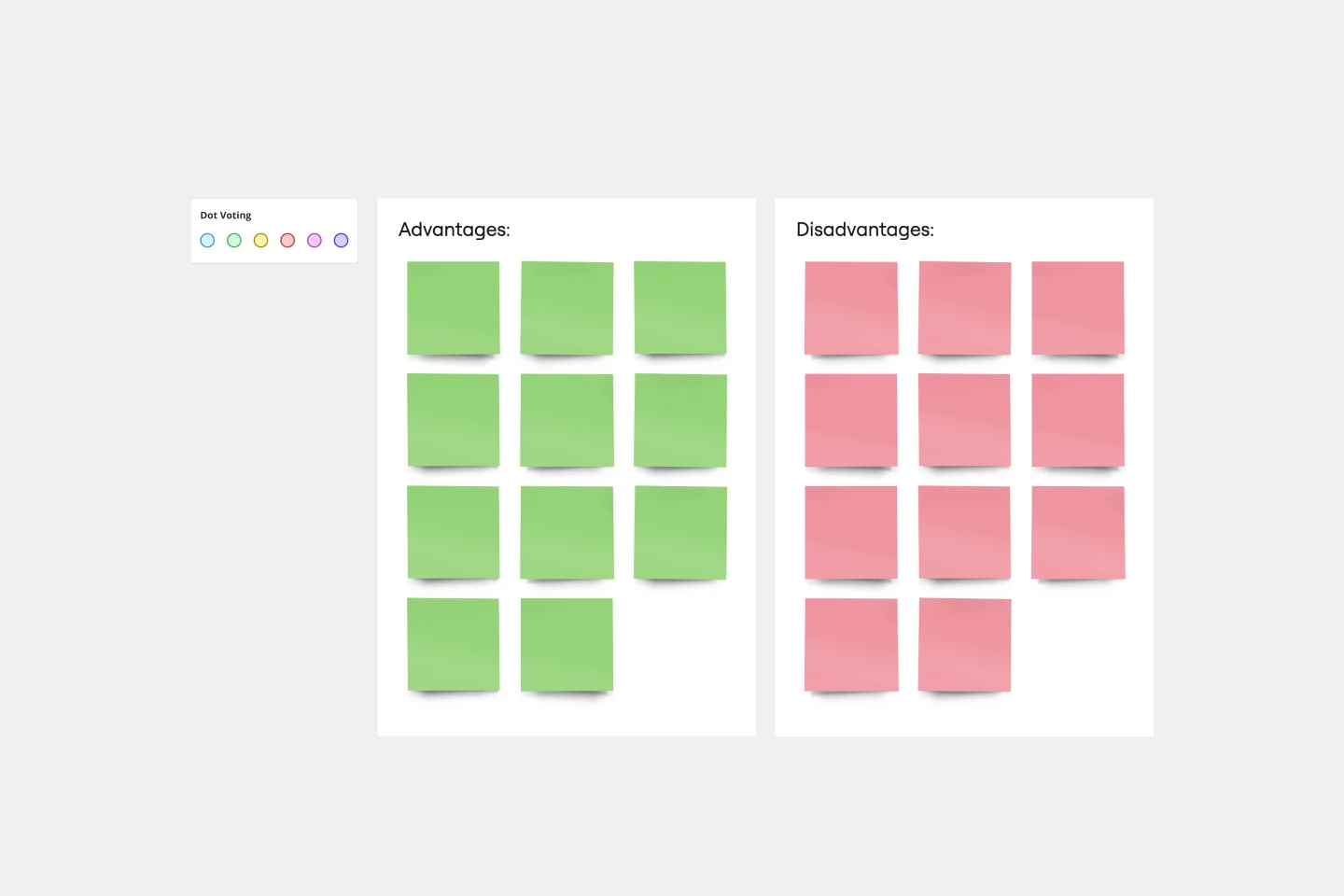
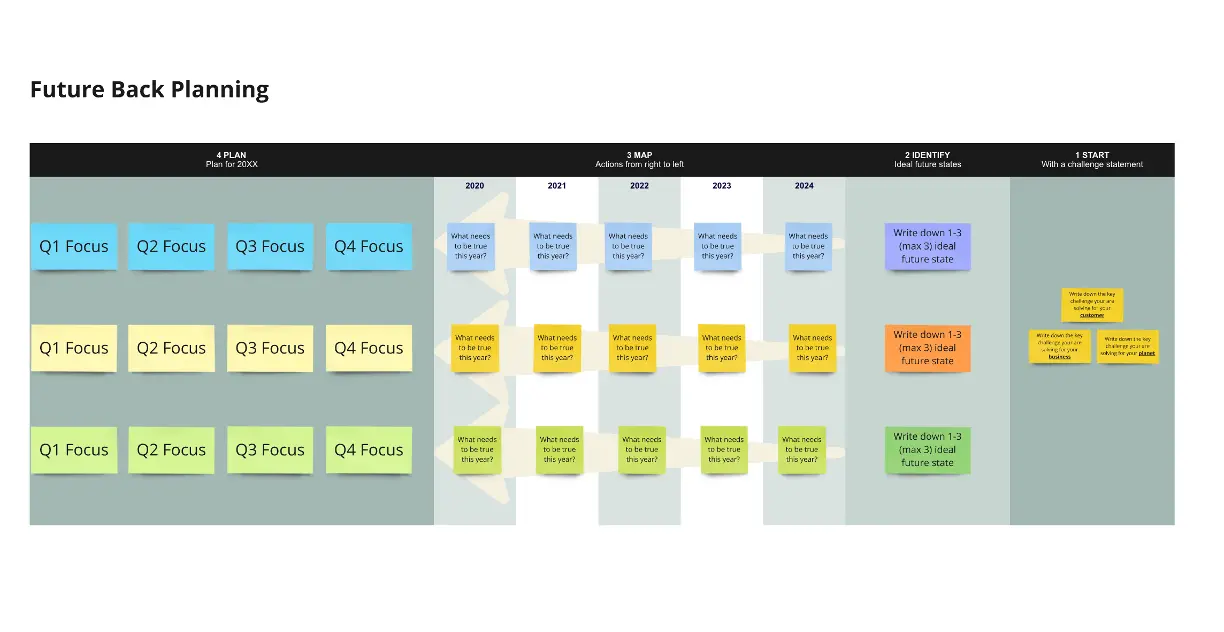
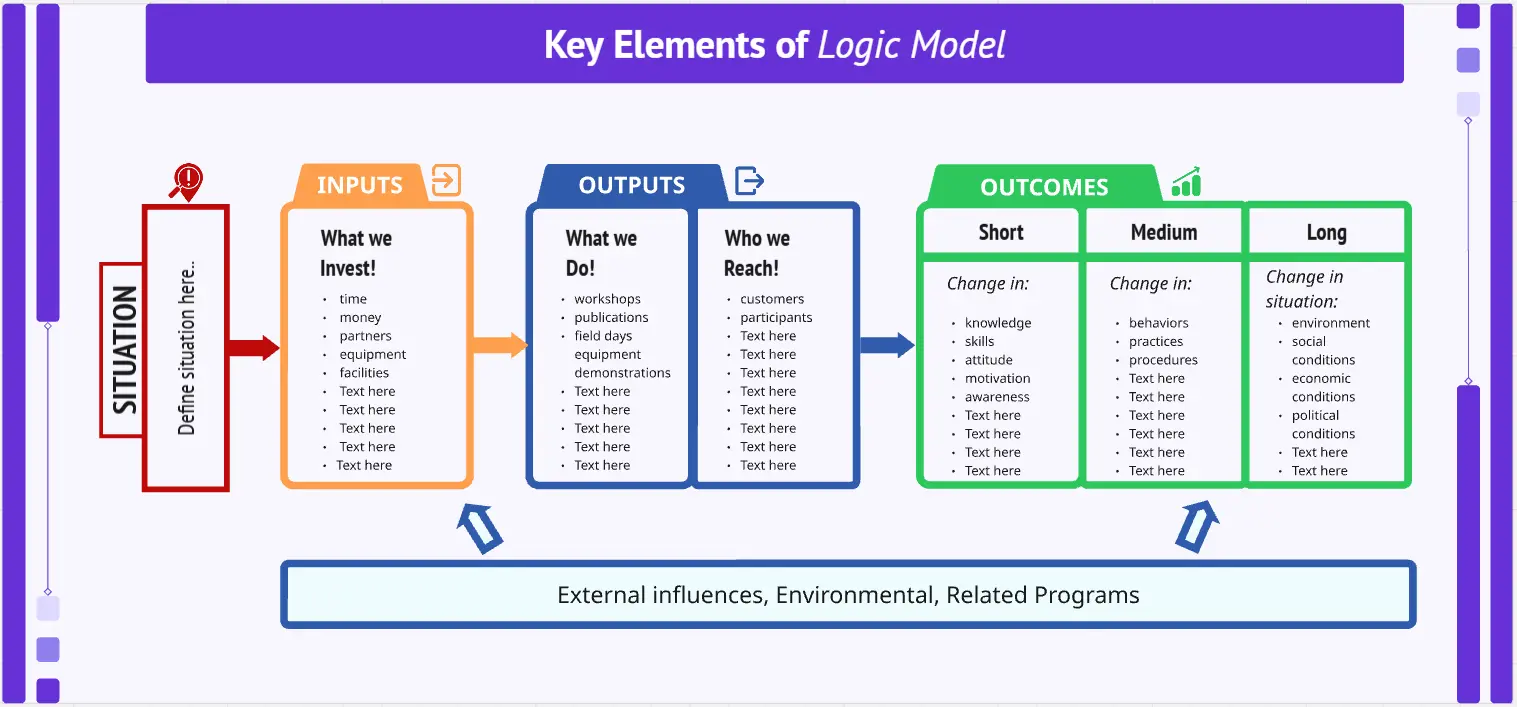
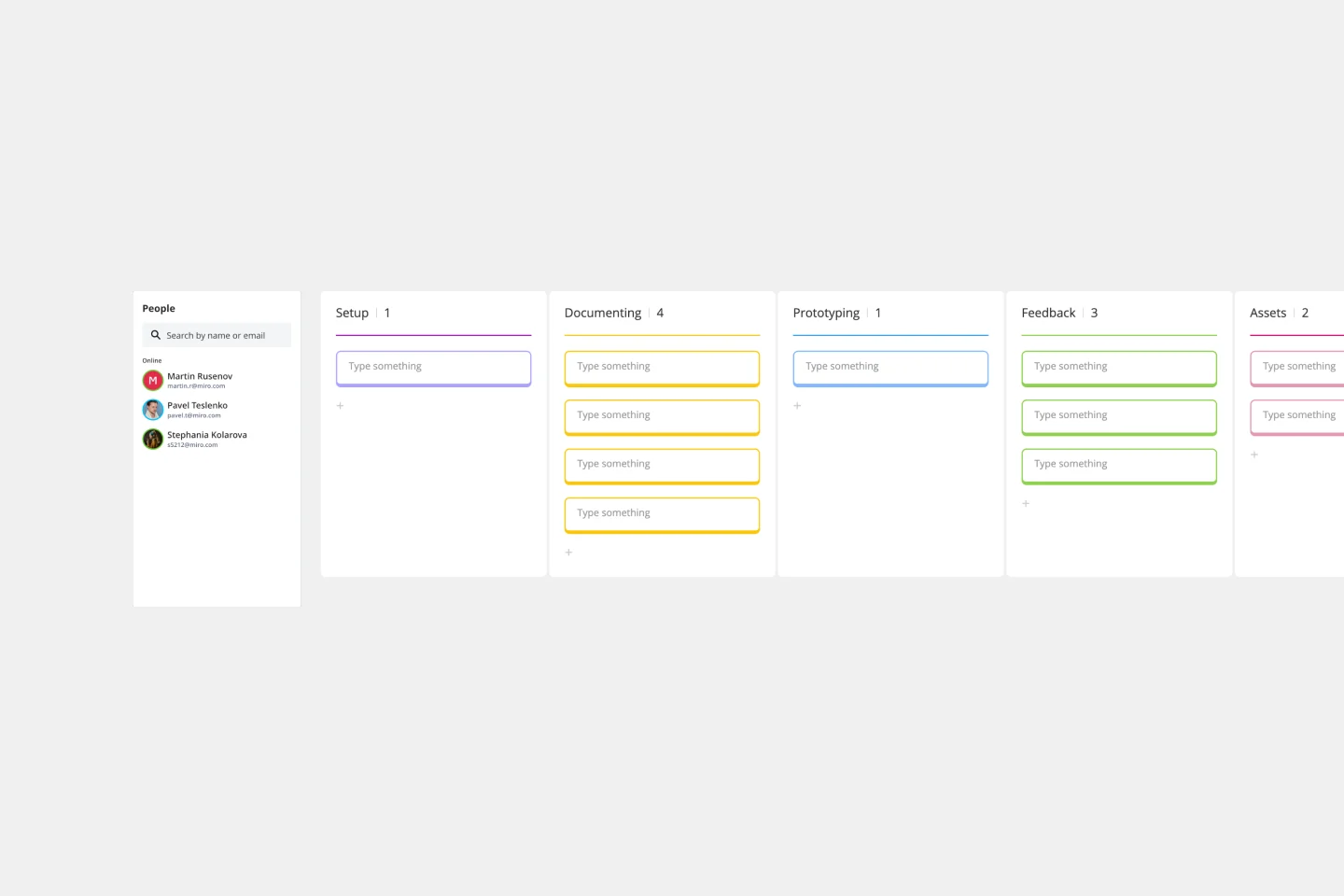
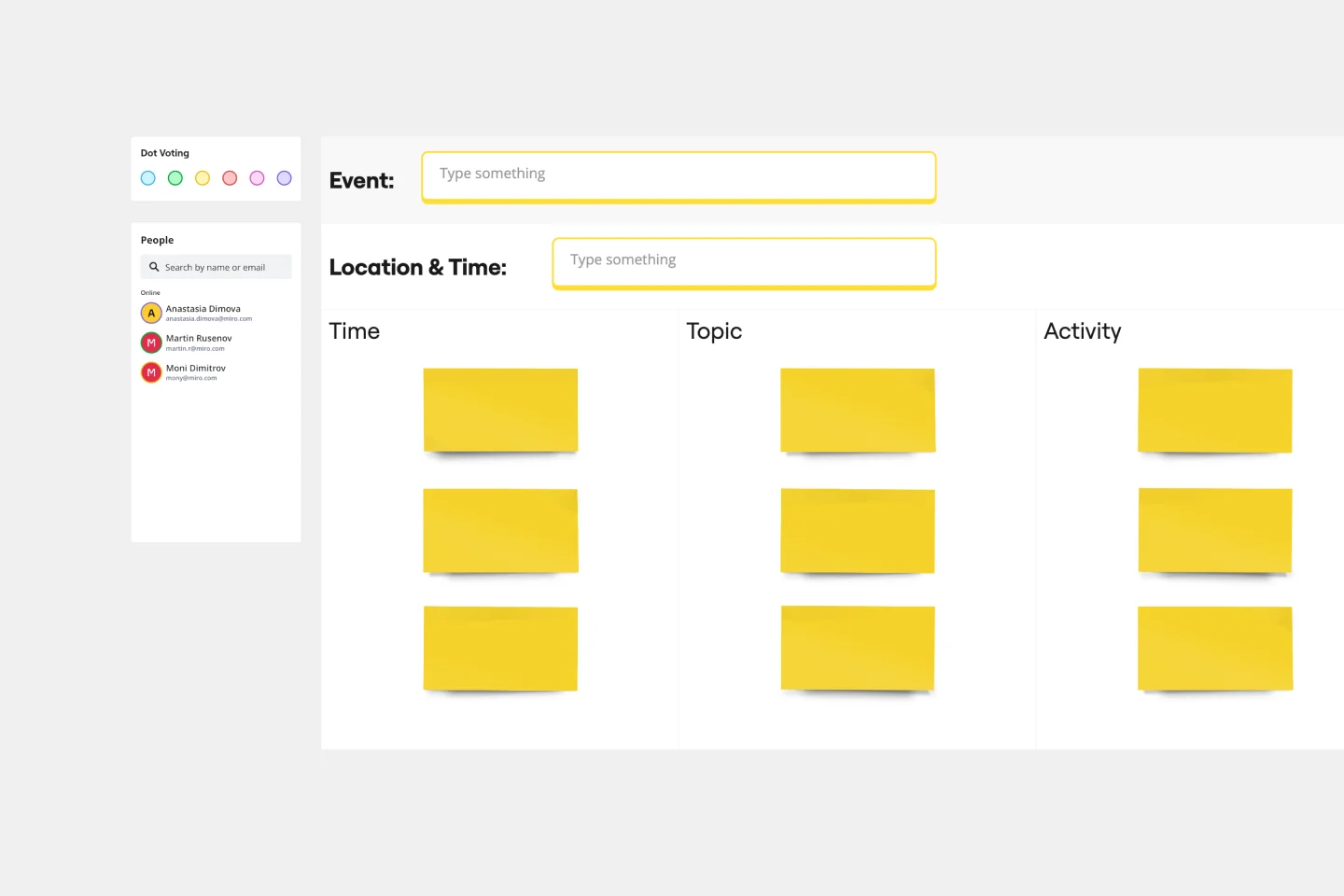
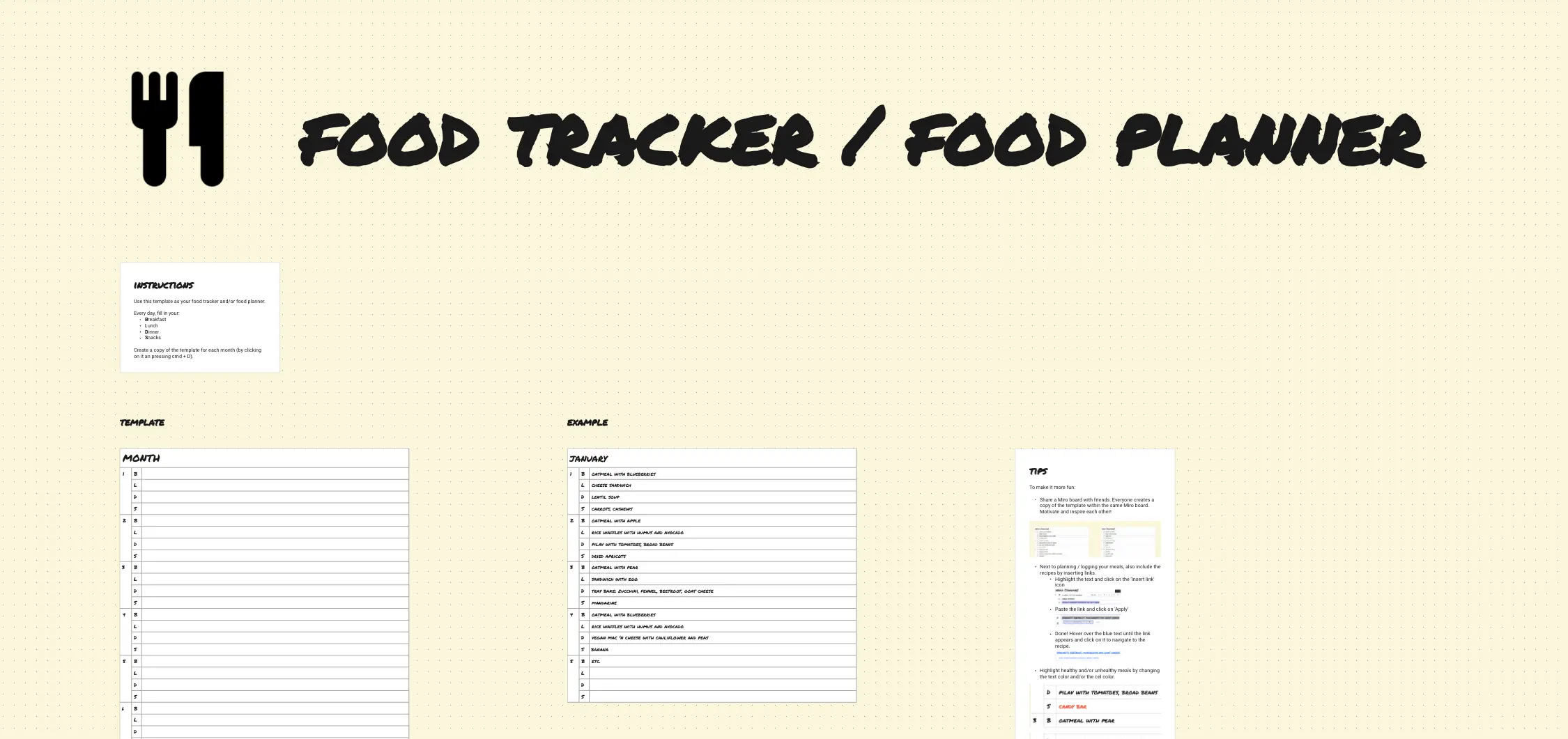
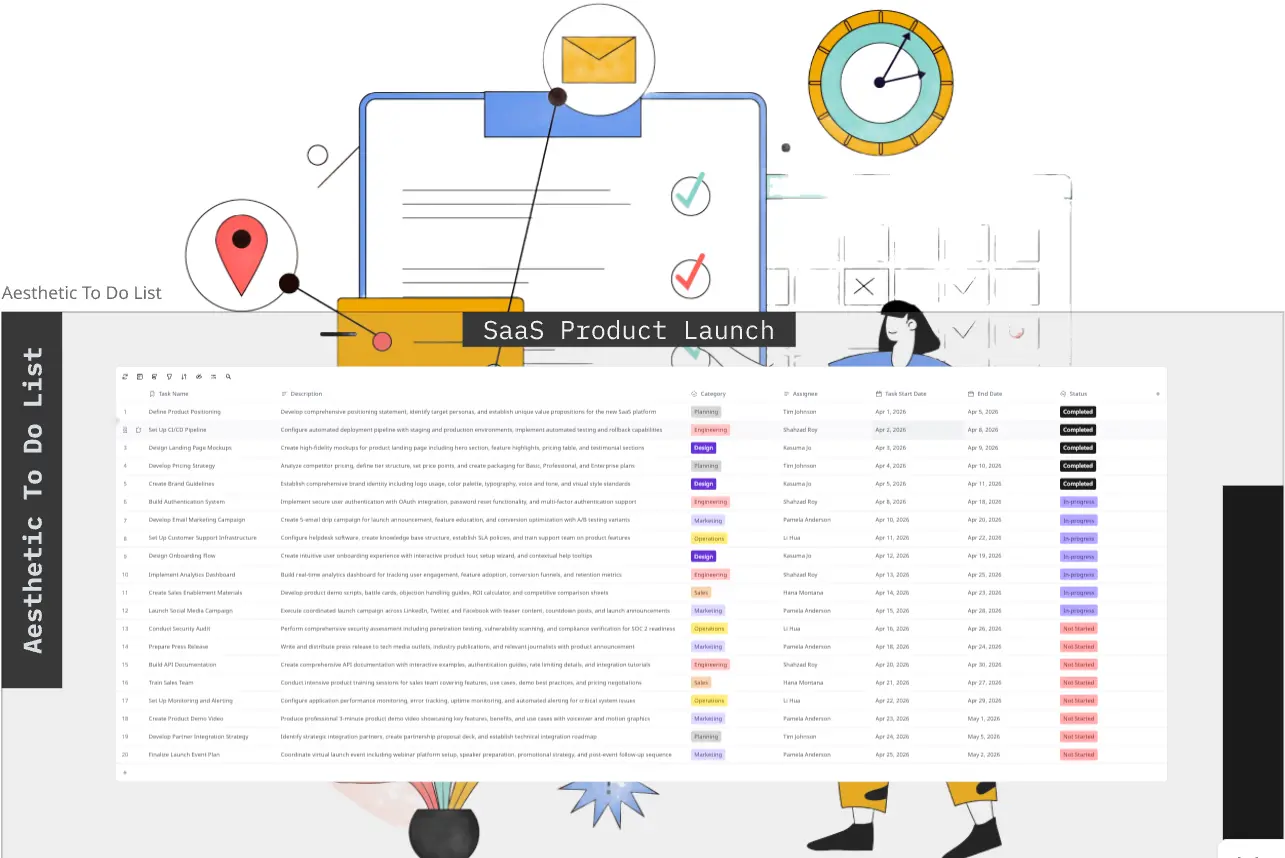
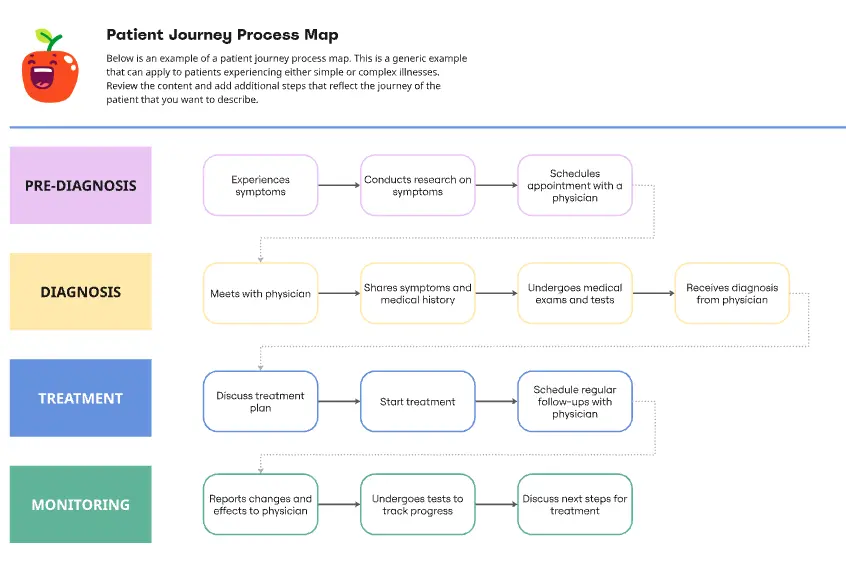
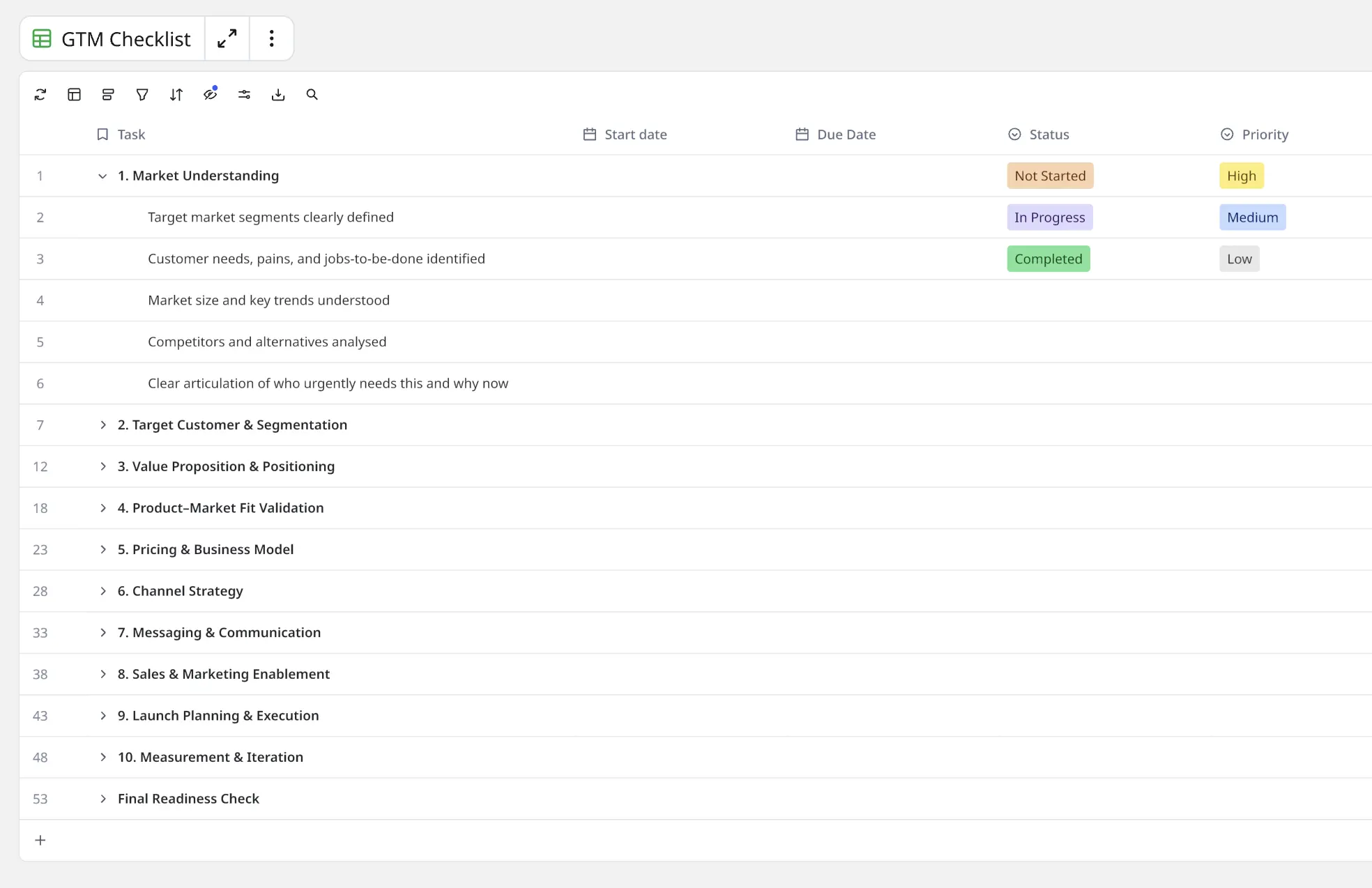
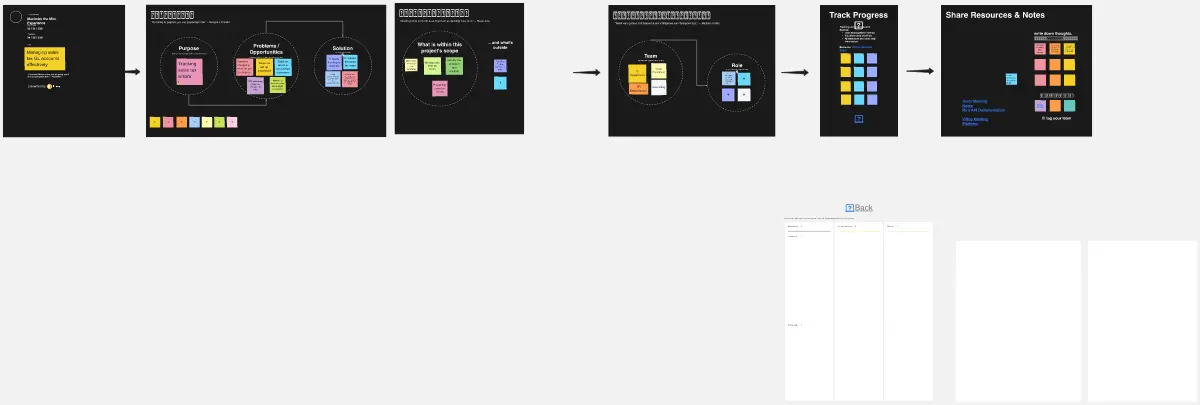
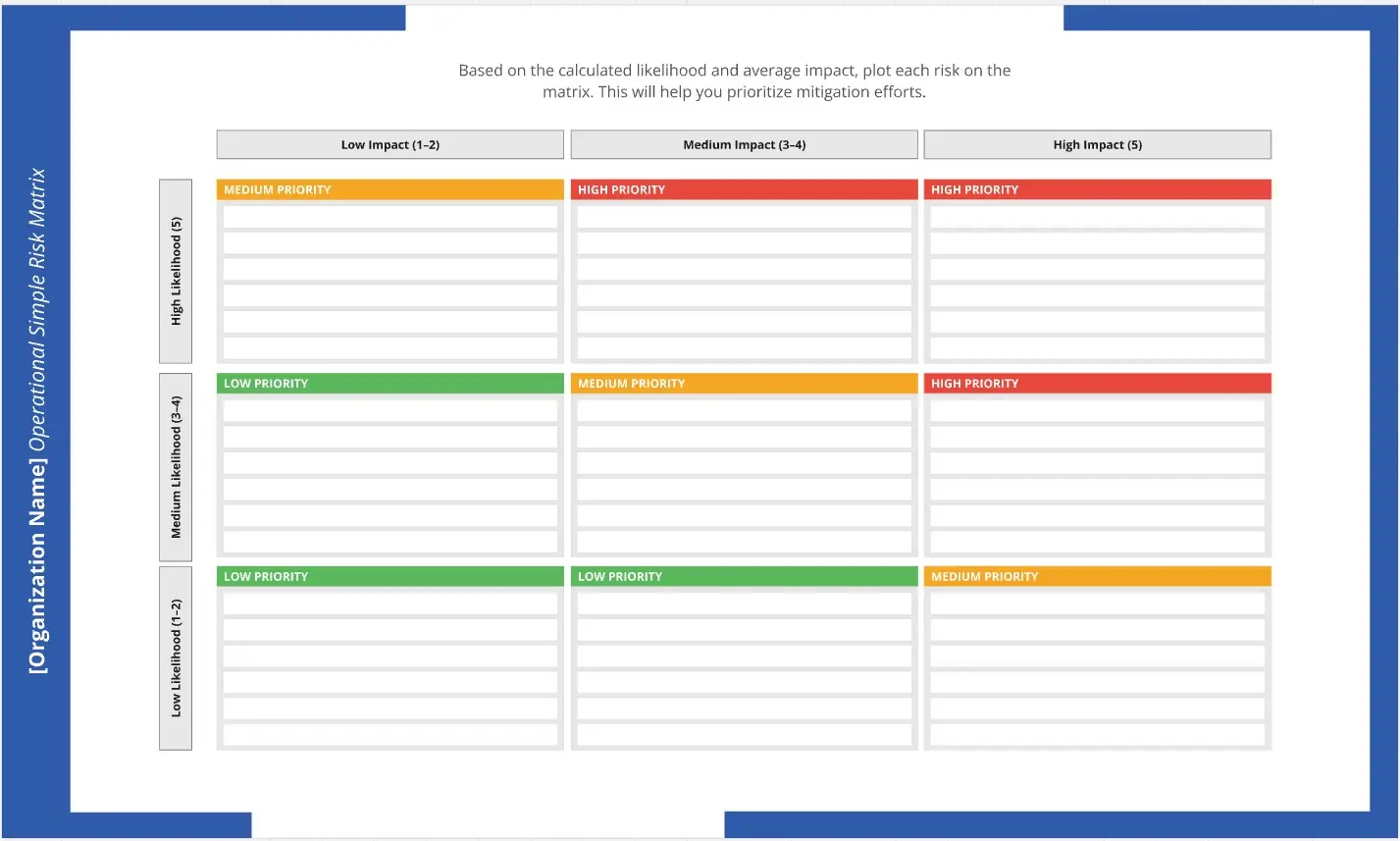
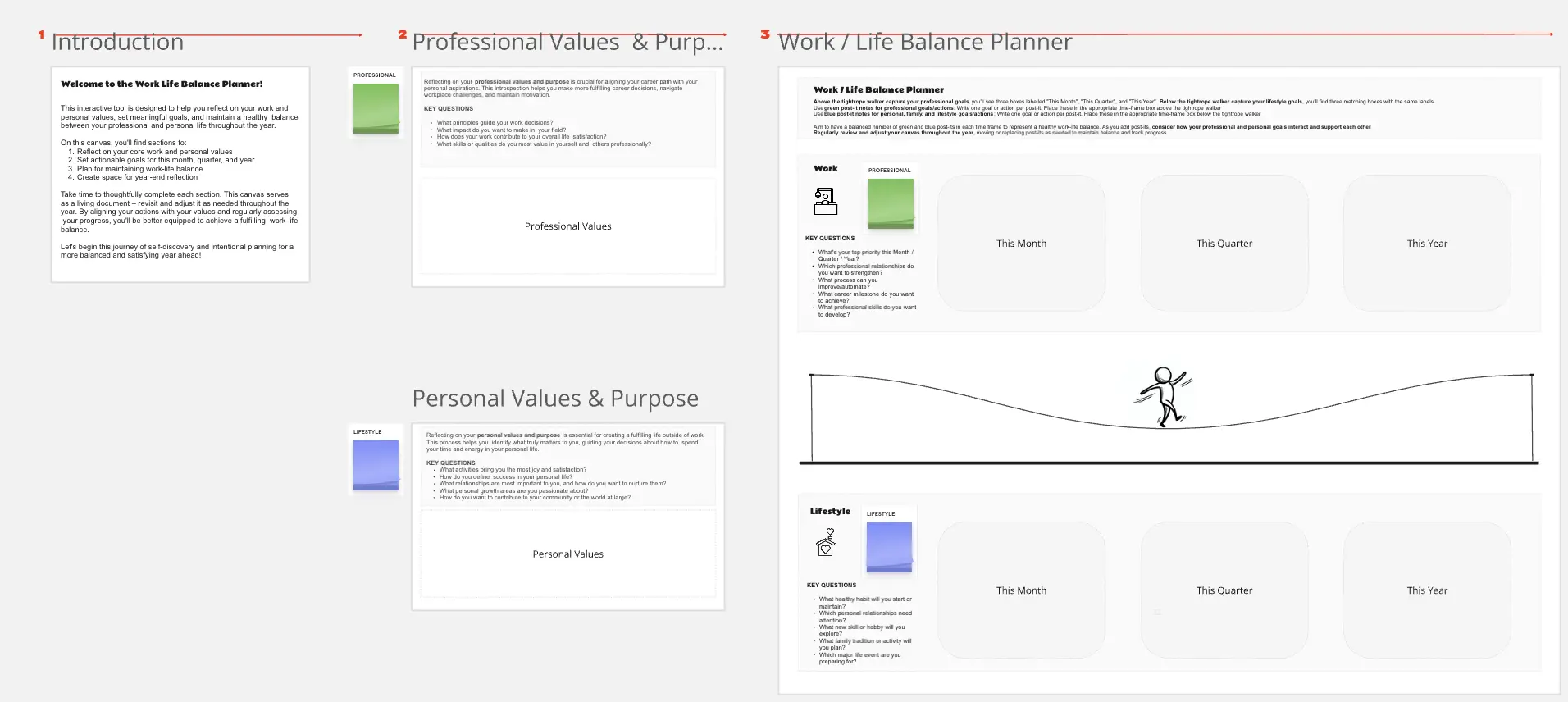
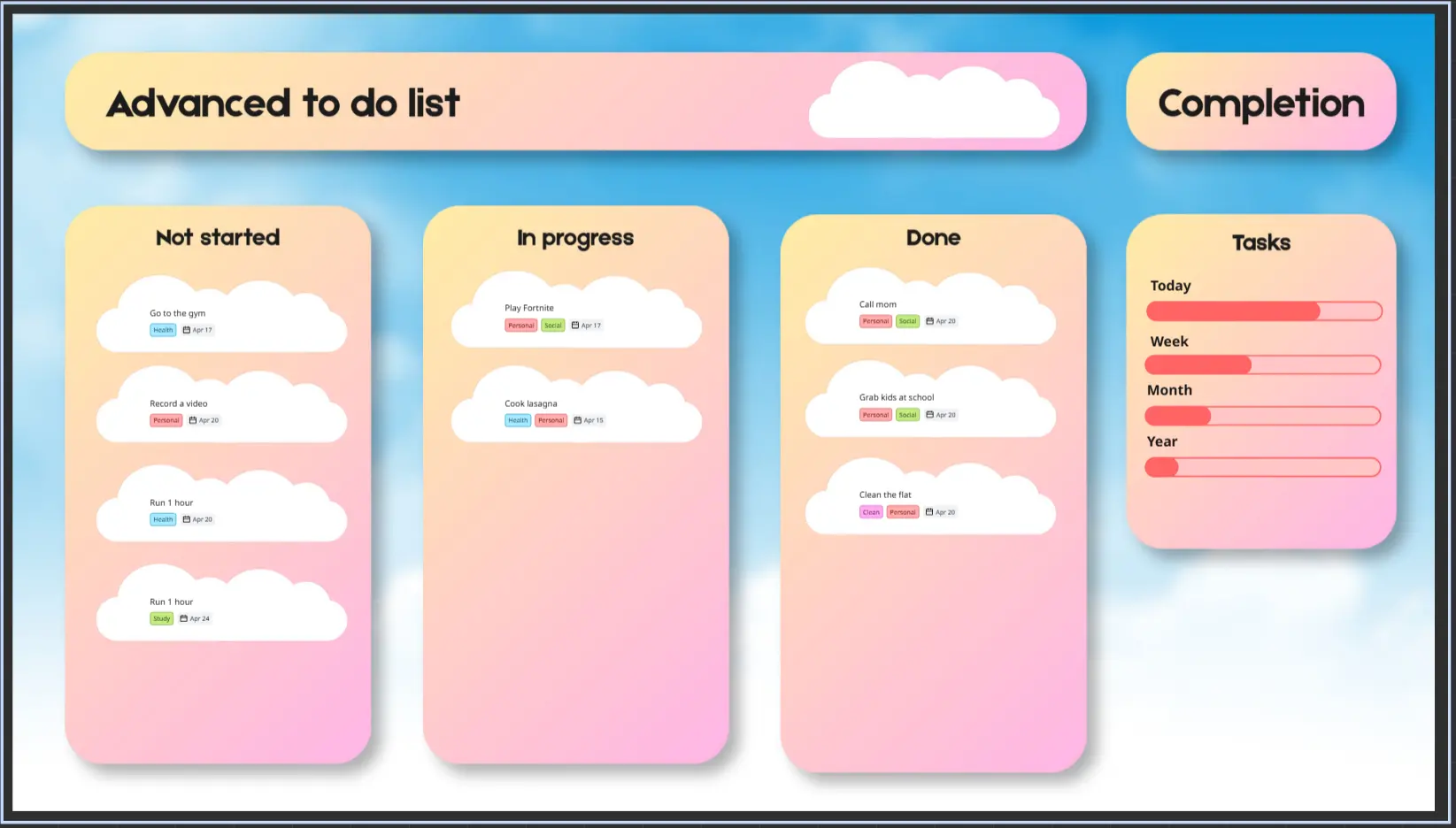
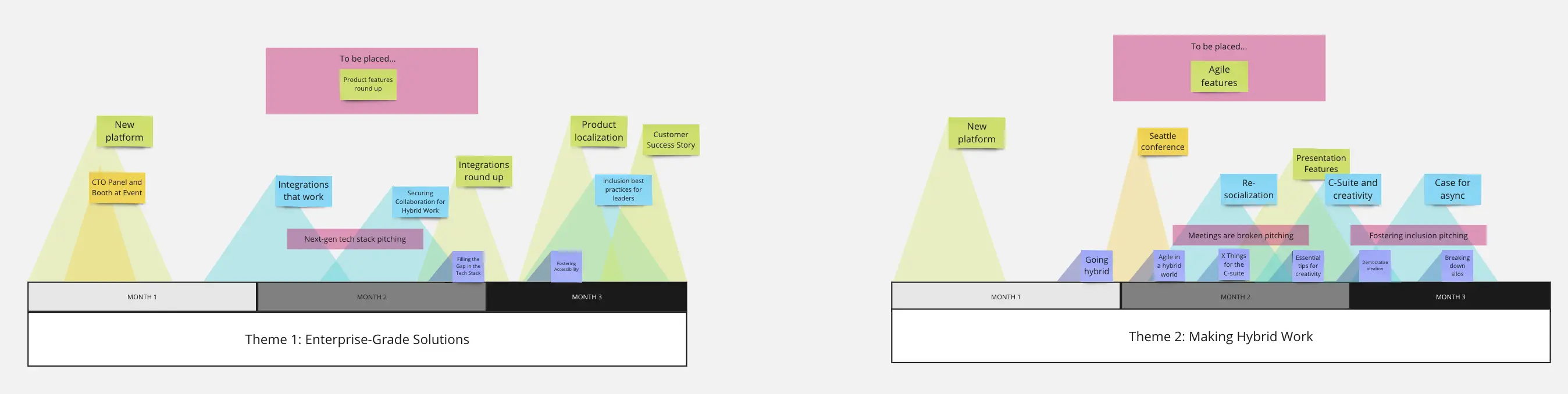
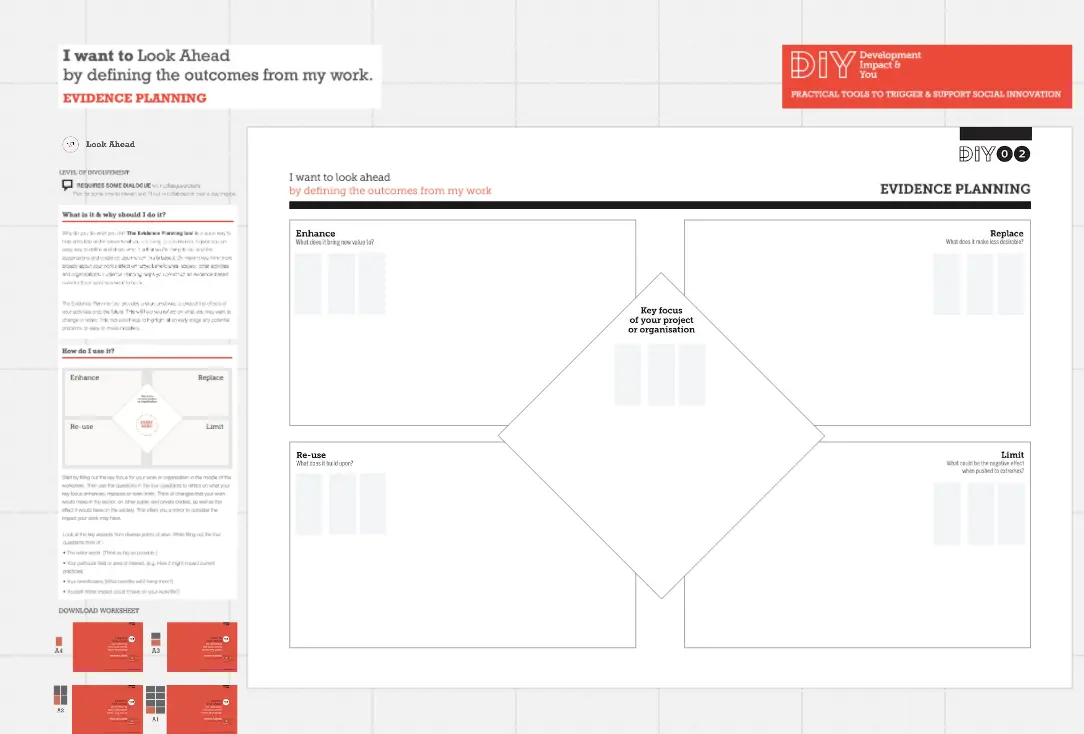
Miro's planning template collection is designed to streamline your strategic and project planning processes. Whether you're crafting a business plan, mapping out a project, or developing a strategic planning framework, our templates provide a structured approach to help you achieve your goals. With a variety of templates tailored for different planning needs, you can easily find the right tool to visualize your plans and collaborate with your team.
Why you'll love our planning templates
Versatility: Our collection includes templates for various planning scenarios, such as business plan templates, project plan templates, and strategic planning frameworks. This versatility ensures that you have the right template for any planning task.
Ease of use: Miro's intuitive interface makes it easy to customize templates to fit your specific needs. You can quickly add, remove, or modify elements to create a plan that works for you.
Collaboration: Miro's collaborative features allow team members to work together in real time, making it easier to gather input, share ideas, and make decisions. This fosters a more inclusive and efficient planning process.
Visual clarity: Our templates are designed to help you visualize complex plans clearly and effectively. This visual approach aids in better understanding and communication of your plans.
How to use the planning templates in Miro
Select a template: Browse through our planning template collection and choose the one that best fits your needs. Whether you need a business plan template, a project plan template, or a strategic planning framework, we have you covered.
Customize your template: Use Miro's drag-and-drop interface to customize the template. Add your specific details, adjust the layout, and include any additional elements that are relevant to your plan.
Collaborate with your team: Invite team members to join your Miro board. They can add comments, make edits, and contribute ideas in real time, ensuring that everyone is on the same page.
Finalize and share: Once your plan is complete, you can share it with stakeholders by exporting it as a PDF or sharing a link to the Miro board. This makes it easy to present your plan and gather feedback.
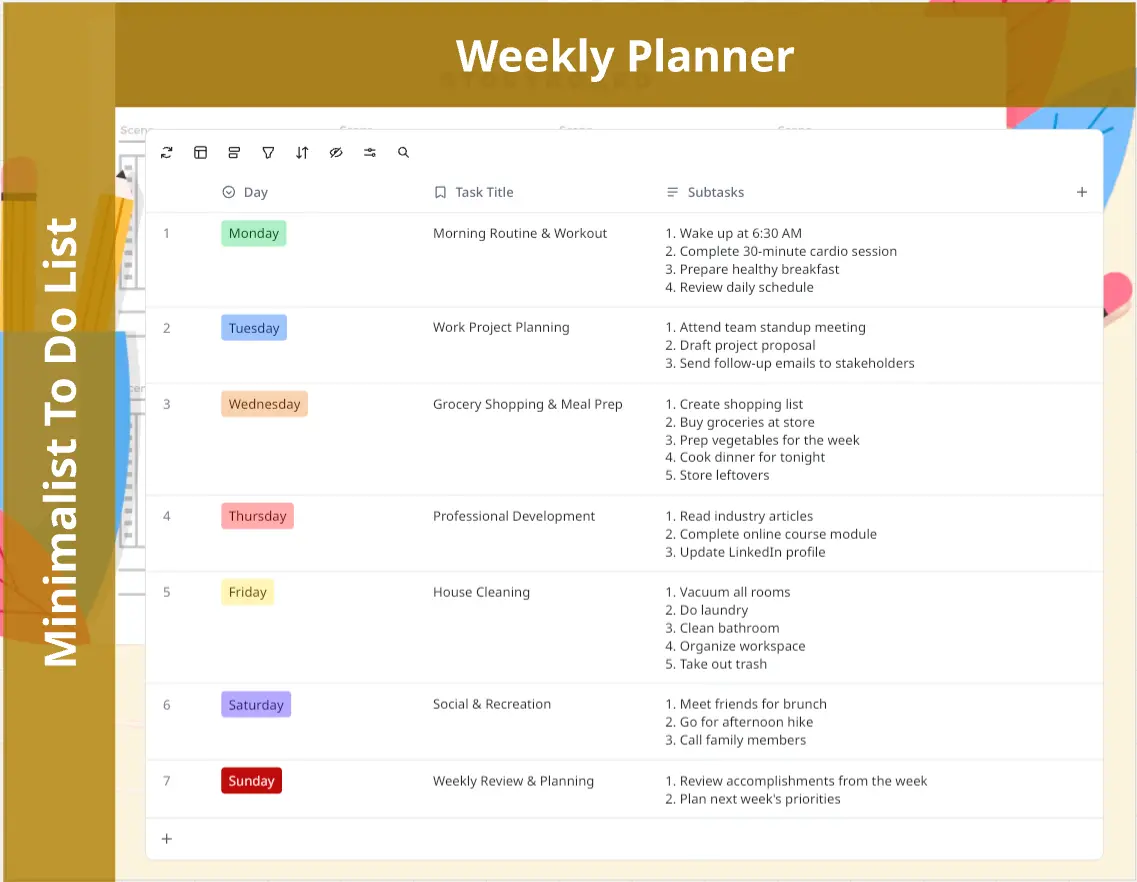
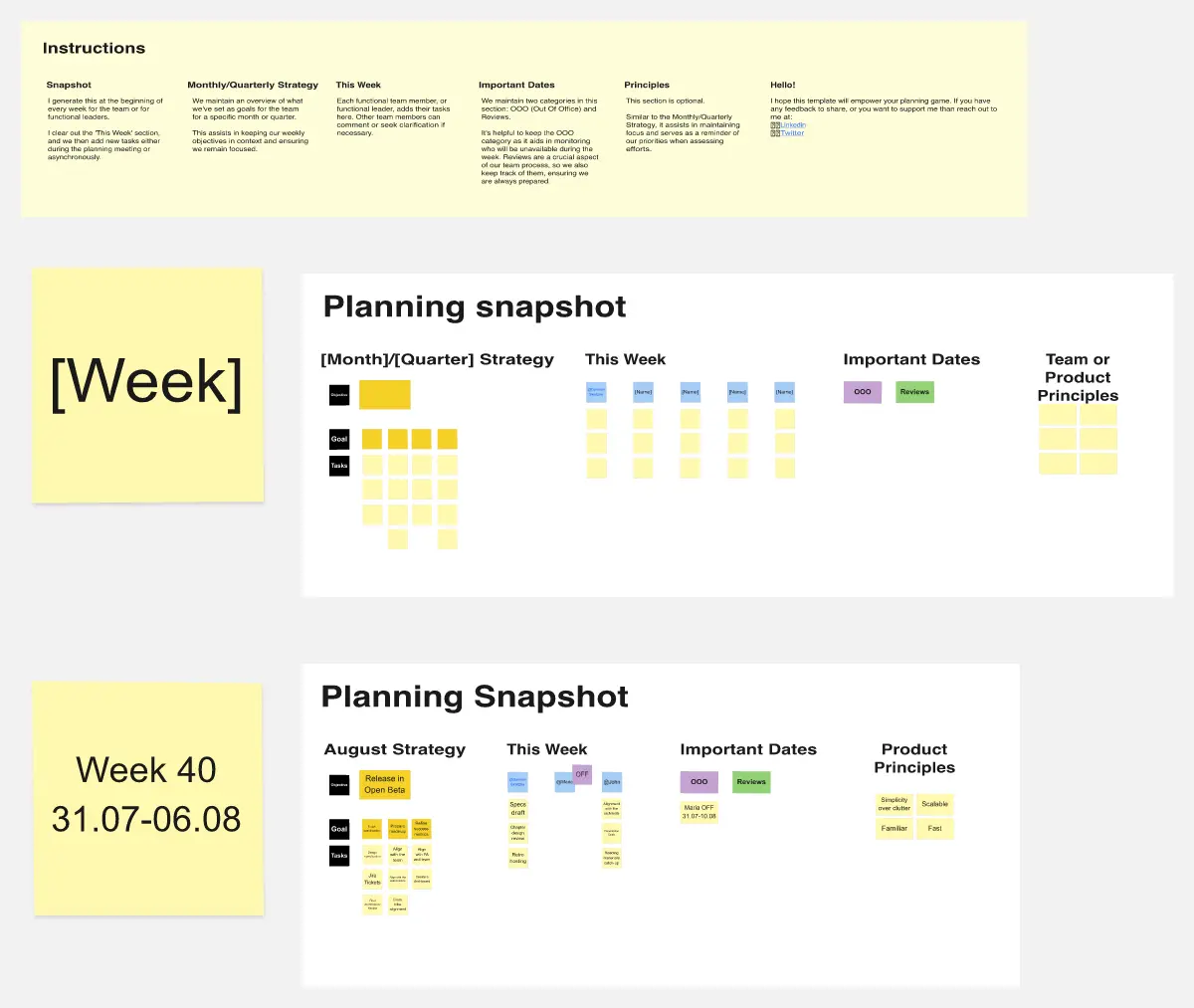
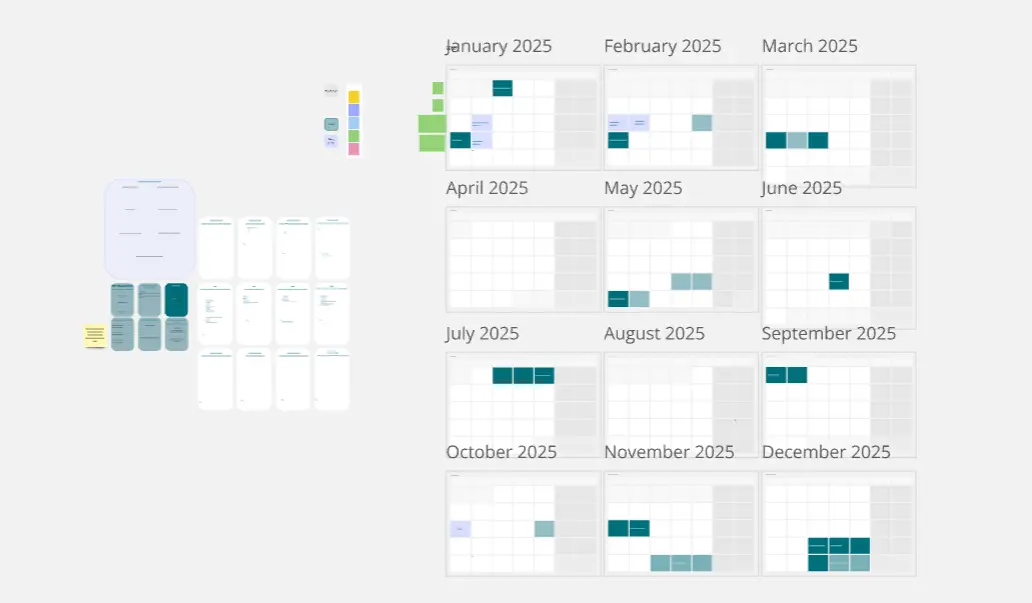
Use Miro's planning templates to enhance your planning processes, improve collaboration, and achieve your strategic goals more effectively, whether you're looking for calendar templates to organize schedules or online weekly planner templates to track tasks and priorities.