About the Strategic Planning Templates Collection
Miro's strategic planning templates collection is designed to streamline and enhance your strategic planning process. Our templates cater to various aspects of strategic planning, from setting up your mission and vision to aligning your team and executing your strategy. With a focus on visual and collaborative tools, Miro ensures that your strategic planning is not only effective but also engaging and interactive.
Why you'll love our strategic planning examples
Strategic planning is a critical process for any organization, and having the right tools can make all the difference. Here’s why our strategic planning examples stand out:
Clear and actionable insights: Our strategic planning examples provide clear, actionable insights that you can easily adapt to your specific needs.
Best practices and innovative approaches: These examples demonstrate best practices and innovative approaches to strategic planning, helping you visualize your goals and prioritize tasks.
Ease of use: You'll appreciate the ease of use and the flexibility to customize the templates to fit your organization's unique requirements.
Real time collaboration: The ability to collaborate with your team in real time makes the strategic planning process more efficient and effective.
Progress tracking: Track progress seamlessly with our templates, ensuring that your strategic plan remains aligned with your goals and responsive to any changes in your environment.
How to use the strategic plan templates in Miro

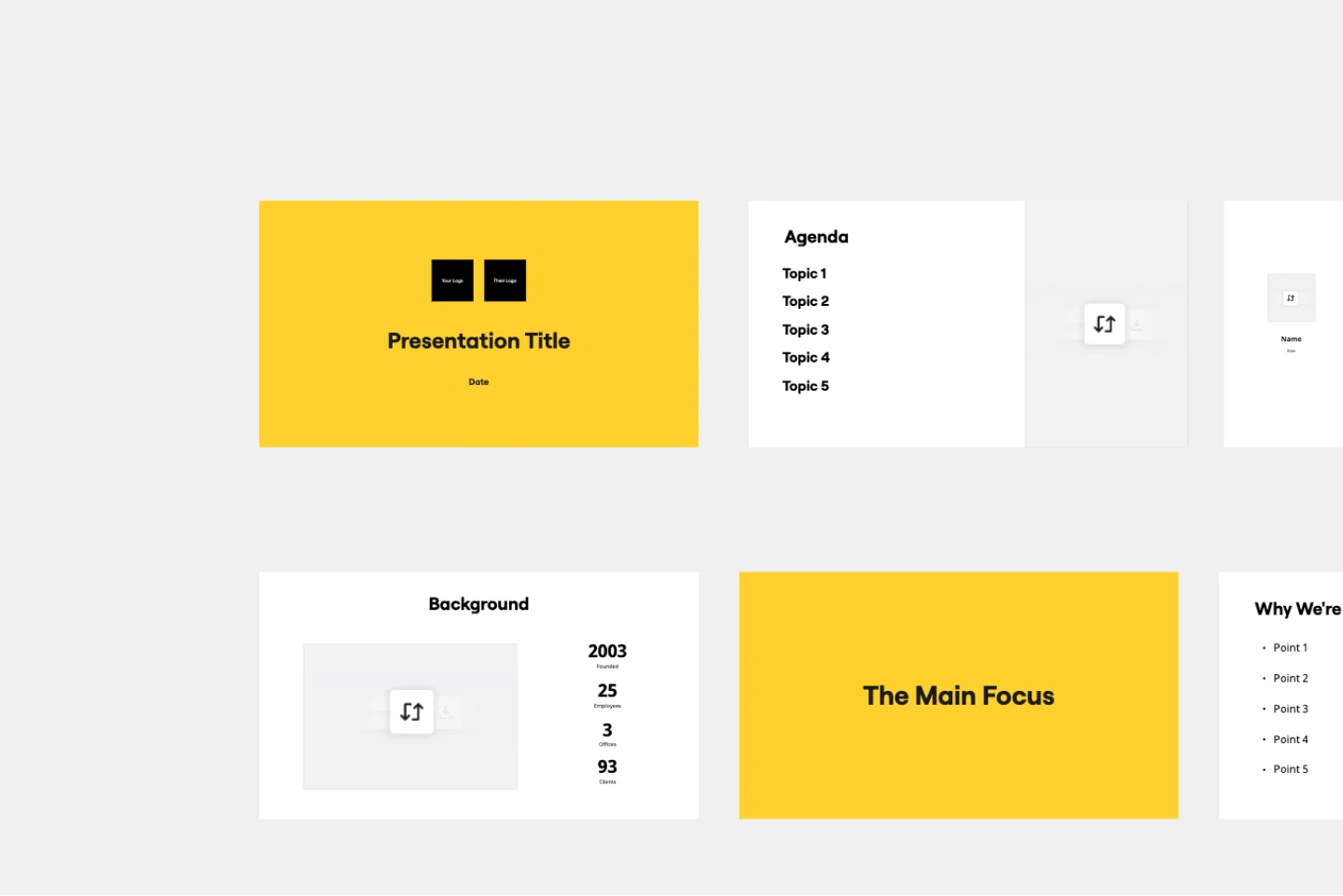
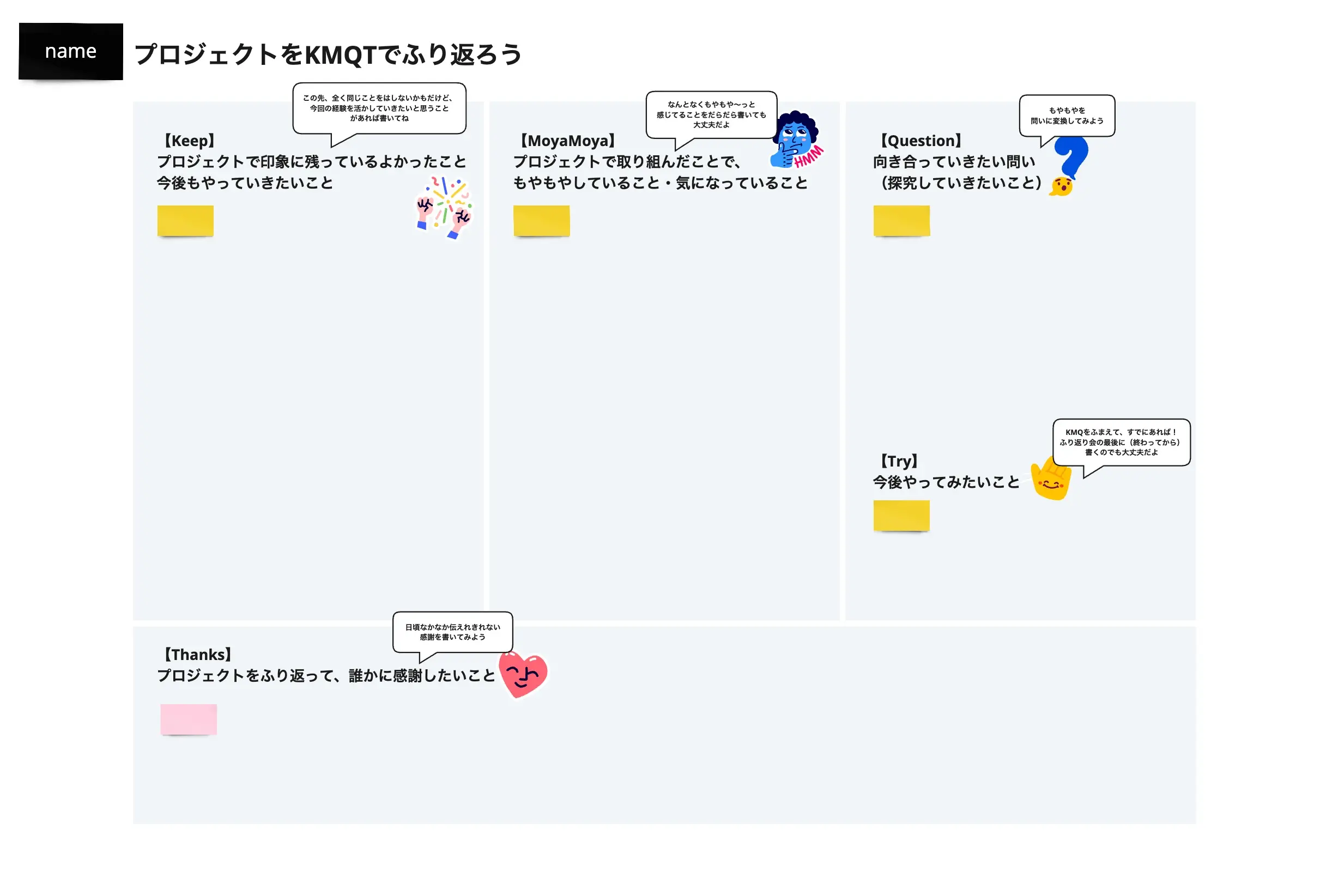
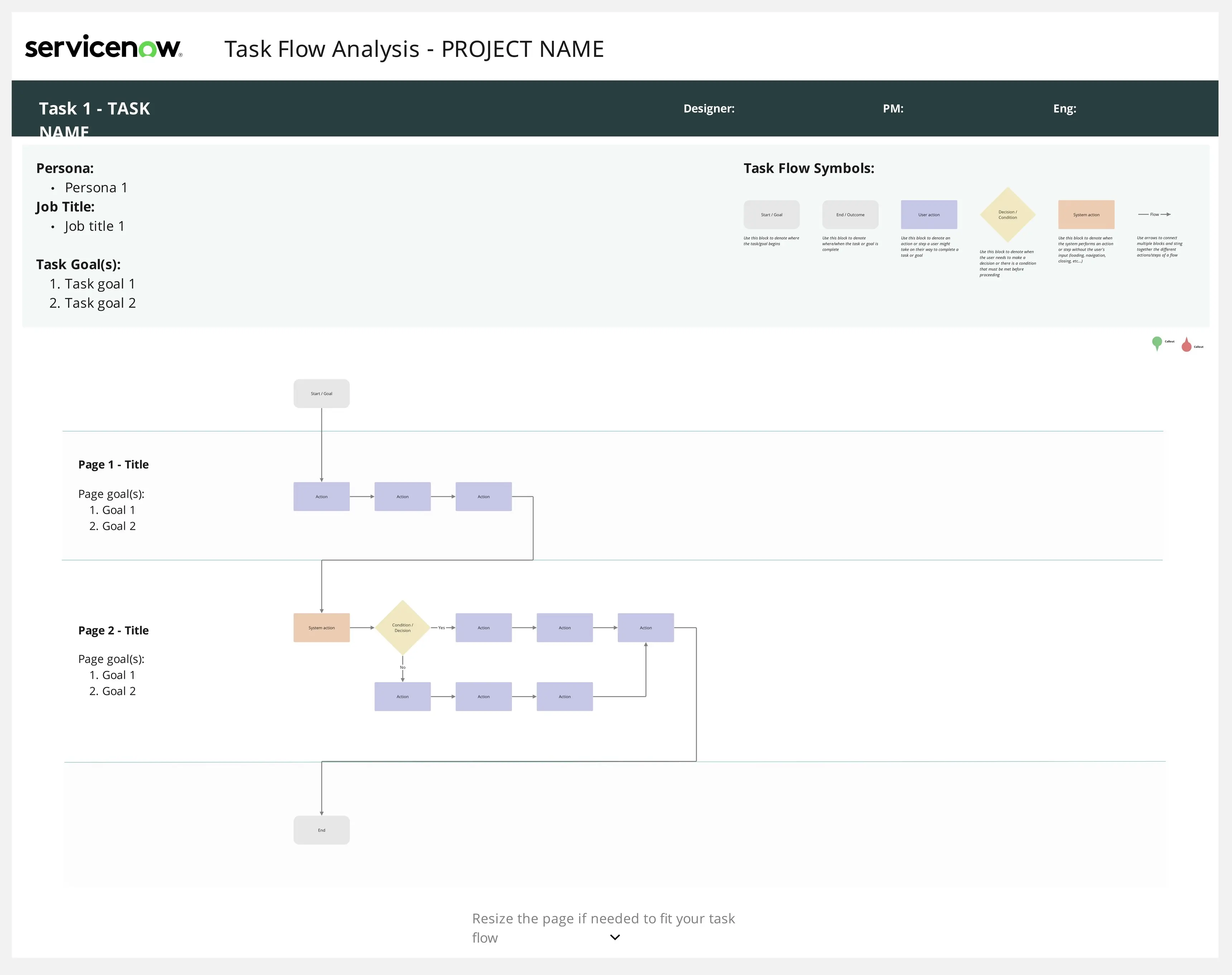
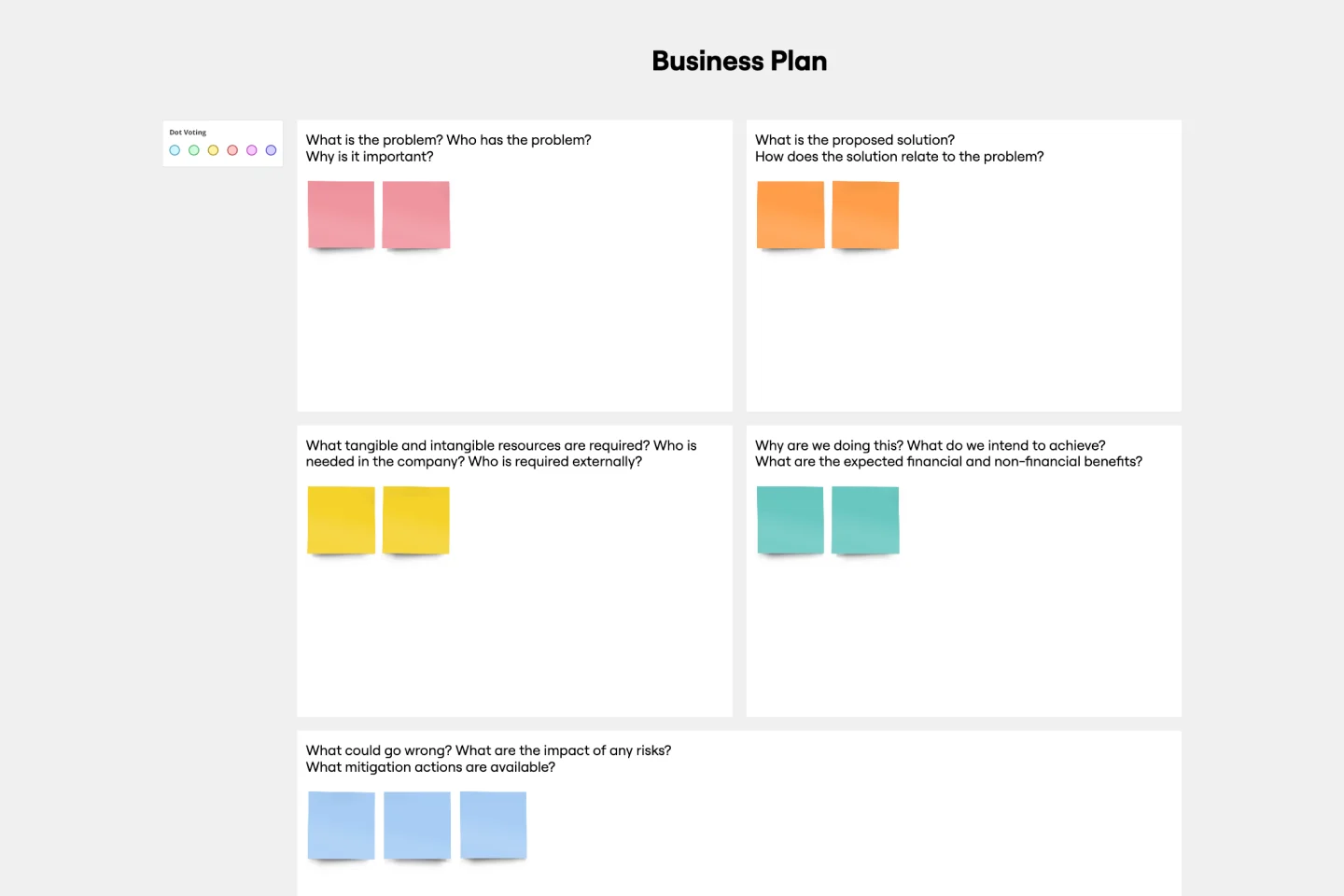
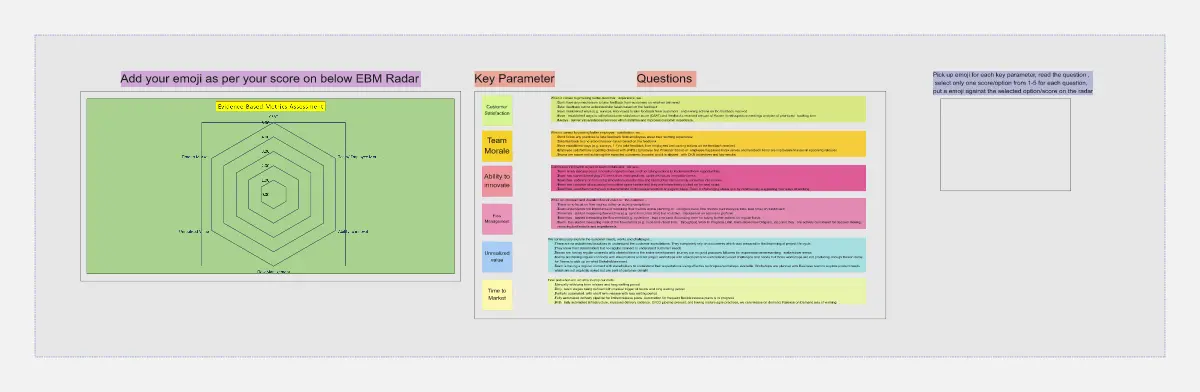
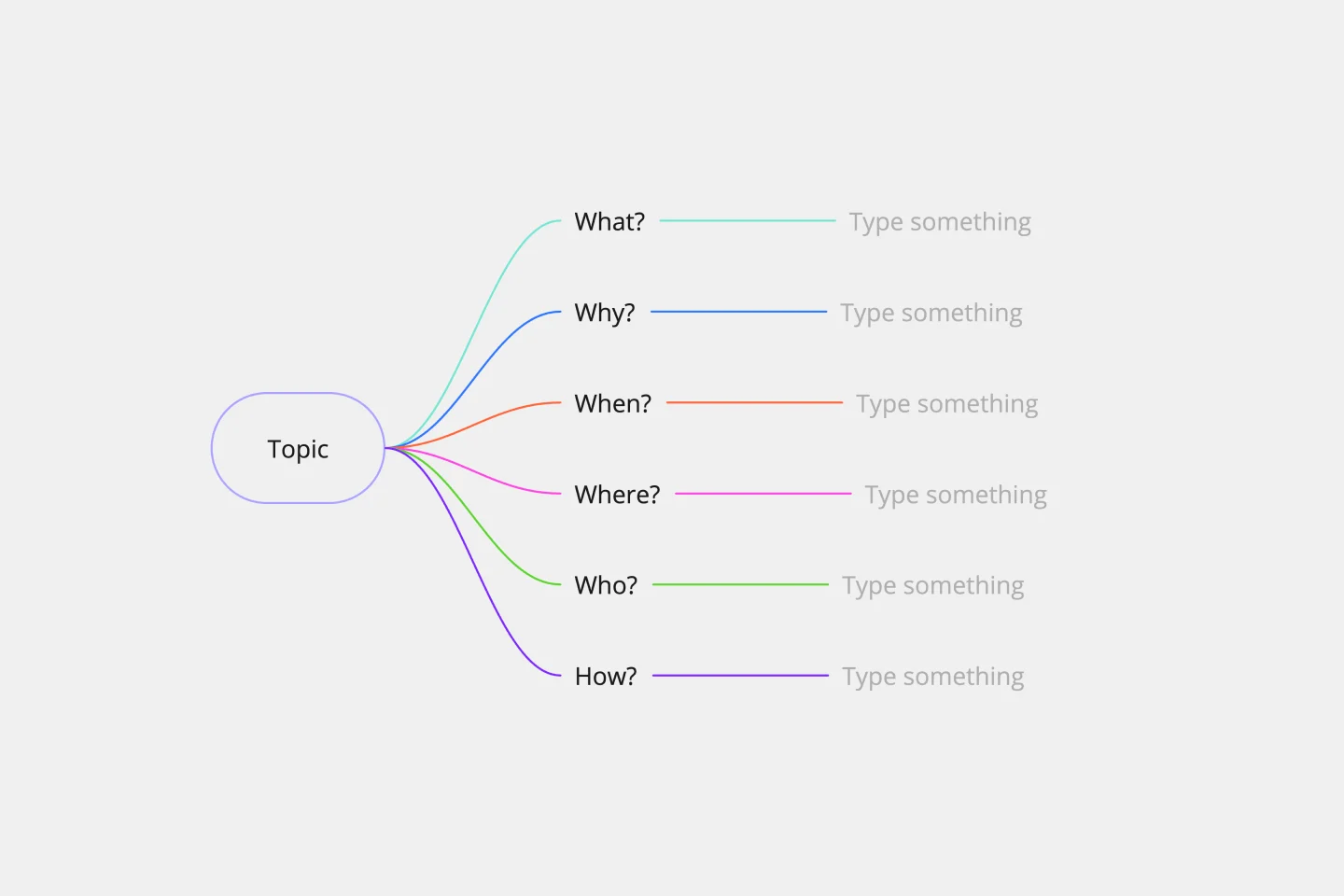
Select a template: Browse through our collection of strategic plan templates and choose the one that best fits your needs. Whether you need a visual strategic plan, a strategy diamond, or a project planning template, Miro has you covered.
Customize your template: Once you've selected a template, customize it to reflect your organization's specific goals, strategies, and metrics. Add your mission, vision, and values, and define the key questions and objectives for your strategic plan.
Collaborate with your team: Invite your team members to join the Miro board. Use Miro's collaborative features, such as real-time editing, comments, and voting, to gather input and align on the strategic plan.
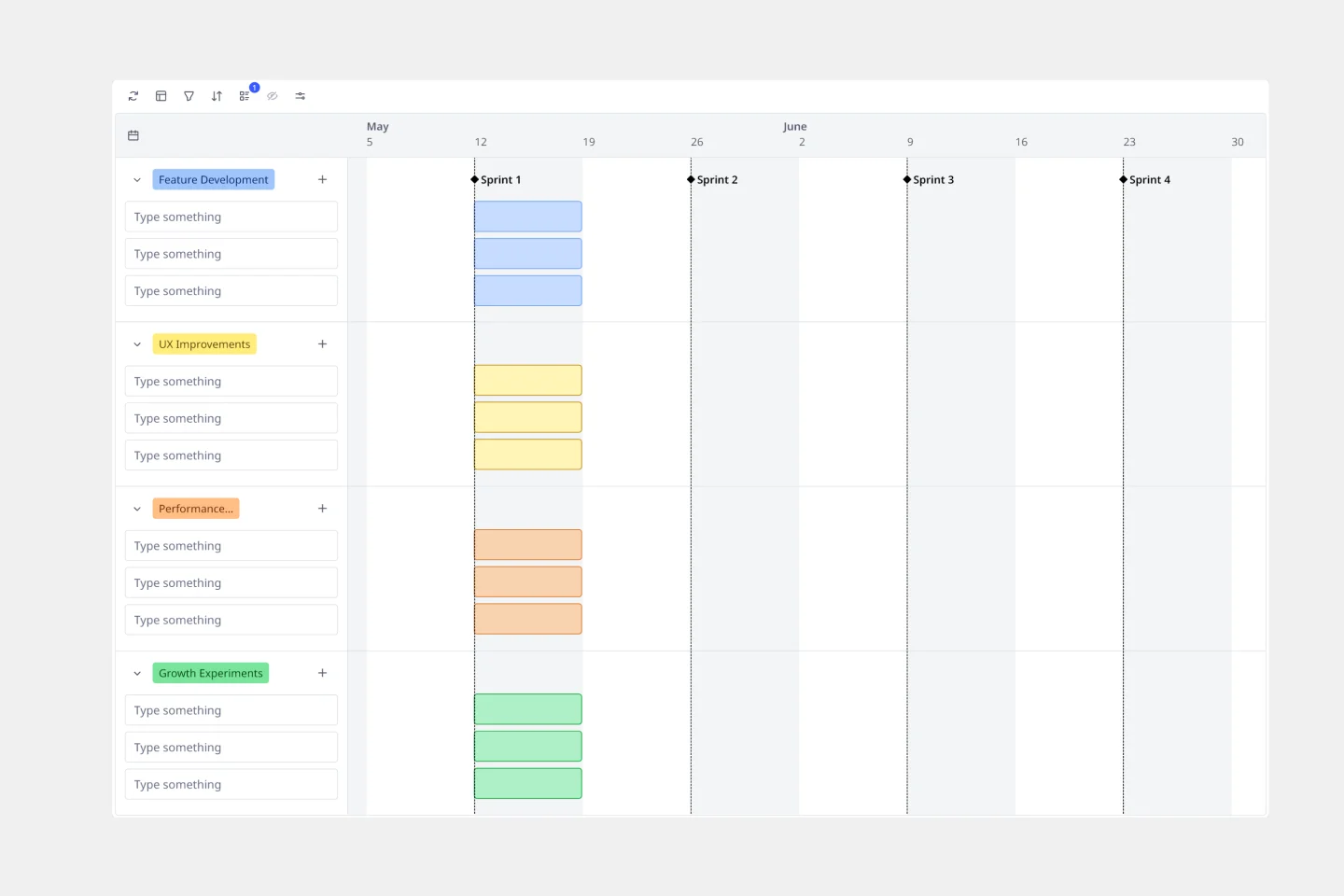
Visualize and assign tasks: Use the template to visualize the activities and milestones of your strategic planning process. Assign tasks to team members and set deadlines to ensure accountability and progress tracking.
Review and adjust: Regularly review the strategic plan with your team. Use Miro's tools to make adjustments as needed, ensuring that your strategy remains aligned with your goals and responsive to any changes in your environment.
By using Miro's strategic planning templates, you can create a comprehensive and dynamic strategic plan that drives your organization towards success.



















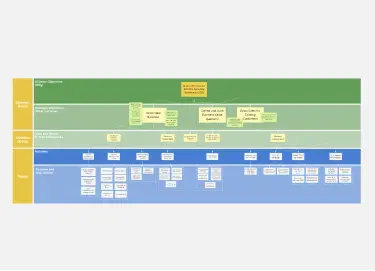
![[Triple Diamond] Project Map](https://template-metadata-service-static.miro.com/images/templates/sVYPtbcquzKhl637NJ8EK/preview-1710950857392.webp)







![Project Plan [Ideation]](https://template-metadata-service-static.miro.com/images/templates/amh2ZREQYpbXAt0tU7uWh/preview-1705850379906.webp)