52likes
242uses
Explore Sales Process templates and examples from Miro. Free editable templates ready to use for teams, online and collaborative.
6 templates
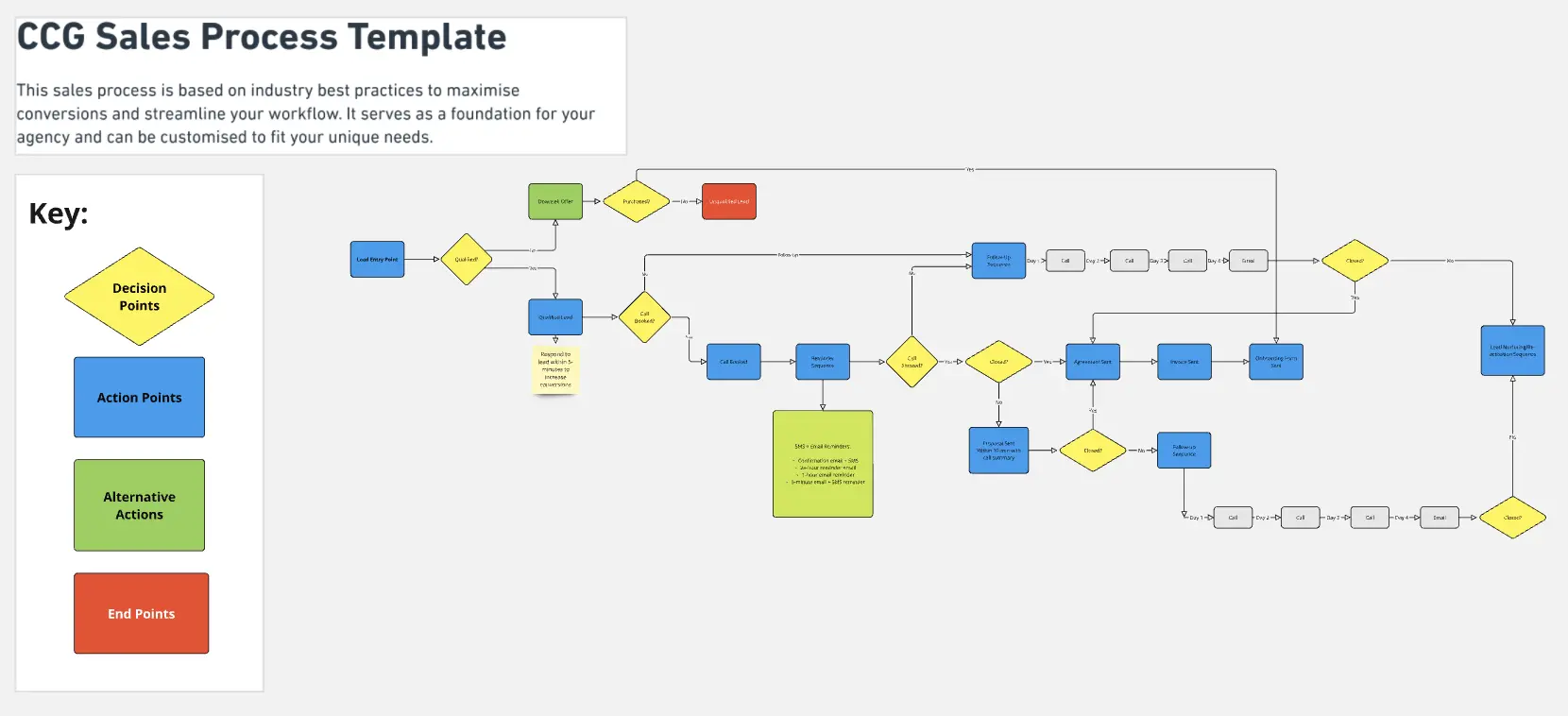
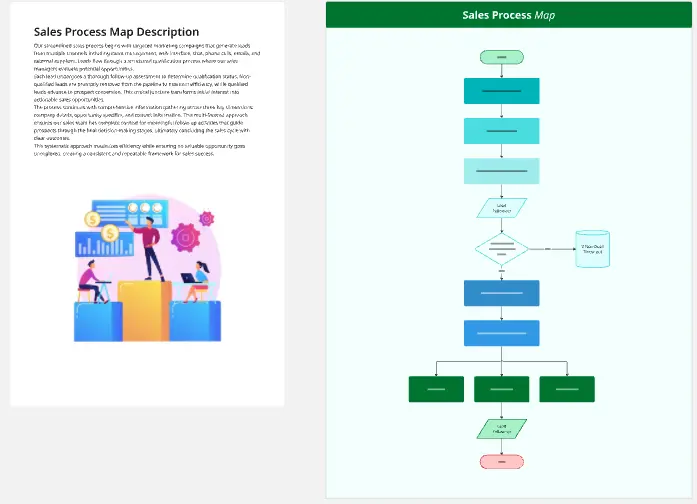
A Sales Process template is a structured, revenue-driving visual workspace designed for sales leaders, account executives, and growth teams to map, audit, and optimize every stage of their customer acquisition pipeline. Rather than managing deals based on gut feelings or leaving reps to navigate conversations in isolation, this collection establishes a clear blueprint from initial prospecting down to the final signature. By utilizing a standardized Miro template, sales organizations can track conversion velocities, standardize qualification criteria, identify pipeline leaks, and align onboarding teams to ensure a seamless transition for newly closed clients.
A professional sales mapping workspace transforms chaotic outreach into a highly repeatable manufacturing line for revenue. Every high-performance Miro sales process template should include these five core elements:
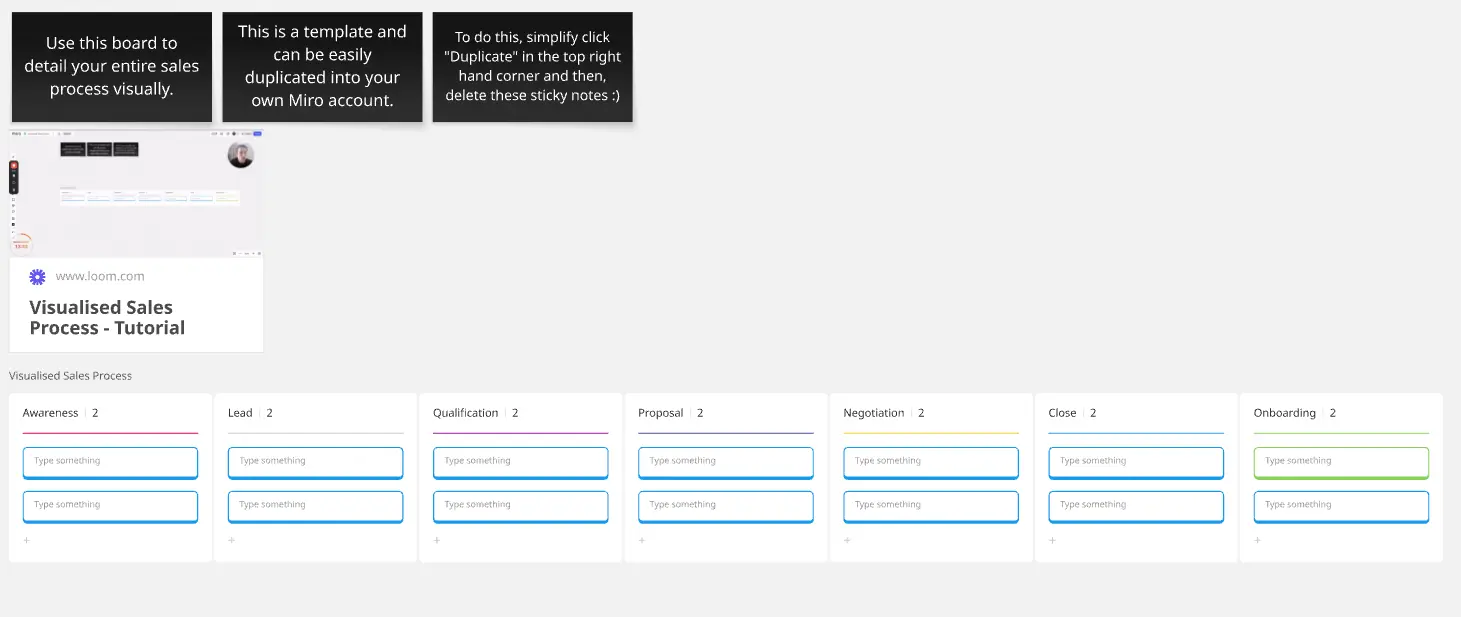
The Stage-by-Stage Swimlane Canvas: Horizontal or vertical tracks defining the exact phases a deal must progress through (e.g., Prospecting, Discovery, Proposal, Negotiation, Closed-Won).
Exit Criteria Checklists: Clear, binary operational rules pinned to the top of each stage defining precisely what data or commitment a rep must secure before moving a deal forward.
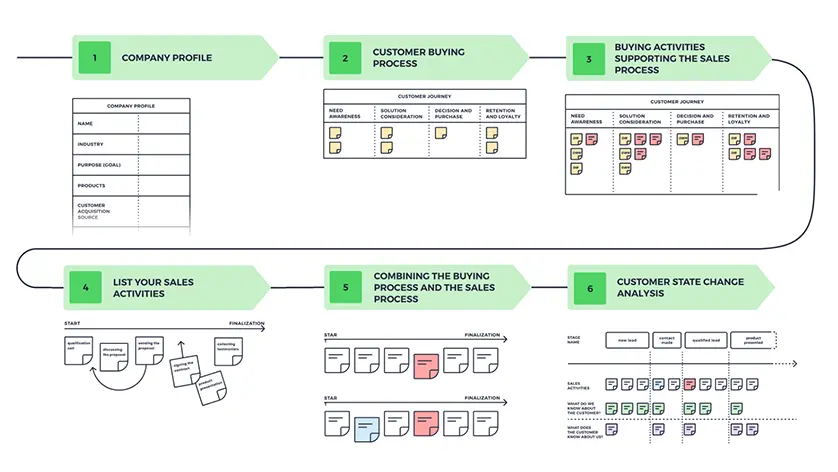
The Buyer Actions Alignment Row: A distinct lane running beneath the sales steps that maps what the customer is doing, thinking, and feeling at that exact moment to prevent reps from selling too fast.
Collateral & Enablement Repositories: Designated slots within each pipeline phase where teams embed links to relevant case studies, pitch decks, email sequences, and pricing calculators.
The Revenue Leak Diagnostic Area: A visual analytical zone used during pipeline reviews to flag friction points, slow-moving deals, and unusually high drop-off zones.
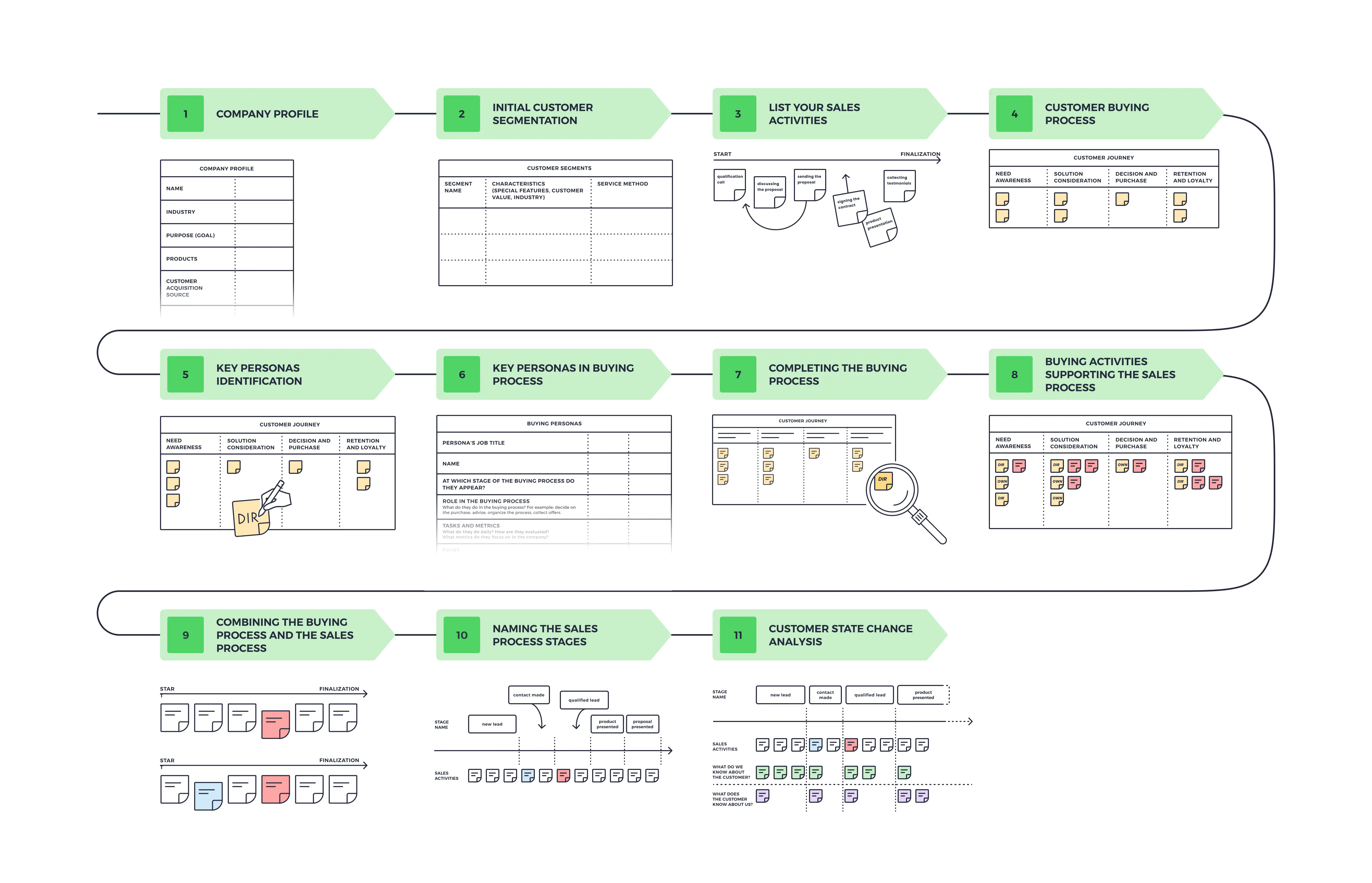
1. Define Your Target Sales Stages Open your Sales Process template in Miro. Gather your sales managers, top-performing account executives, and revenue operations leaders. Customize the main pipeline headers to match your company's actual sales motion, ensuring every stage name represents a clear milestone.
2. Map the Ideal Buyer Journey Before listing what your reps do, complete the Buyer Actions Alignment Row. Use digital sticky notes to trace the path a customer takes to buy your product. Detail their internal friction points, the security clearances they need, and the anxieties that typically stall their momentum.
3. Establish Strict Exit Criteria Review each column as a collective group. Write an explicit, unshakeable checklist of criteria that a deal must fulfill before a rep can advance it in your CRM.
The Pipeline Cleanliness Rule: Enforcing strict exit criteria prevents "pipeline bloating"—a common issue where sales forecasts look artificially massive because reps are dragging unqualified deals into late-stage columns too early.
4. Embed Sales Enablement Collateral Have your product marketing team drop resource cards or active links directly into the designated enablement zones beneath each stage. Ensure your sales reps have immediate, one-click access to the exact templates, case studies, and pitch presentations needed to guide a prospect through that specific phase.
5. Conduct a Live Pipeline Audit Session Use the template during your weekly or monthly pipeline reviews. Have your account executives drag specific, challenging accounts onto the Revenue Leak Diagnostic Area. Use color-coded connection lines to trace where deals are stalling out or losing velocity.
6. Lock the Framework and Integrate with Onboarding Once your entire sales process is optimized and aligned across leadership, clean up the board design and lock all structural elements. Export the map view as a high-resolution reference asset, and place the link directly into your sales onboarding kits and internal documentation centers to serve as the unshakeable playbook for all incoming revenue generators.