About the Ideal Customer Profile Templates Collection
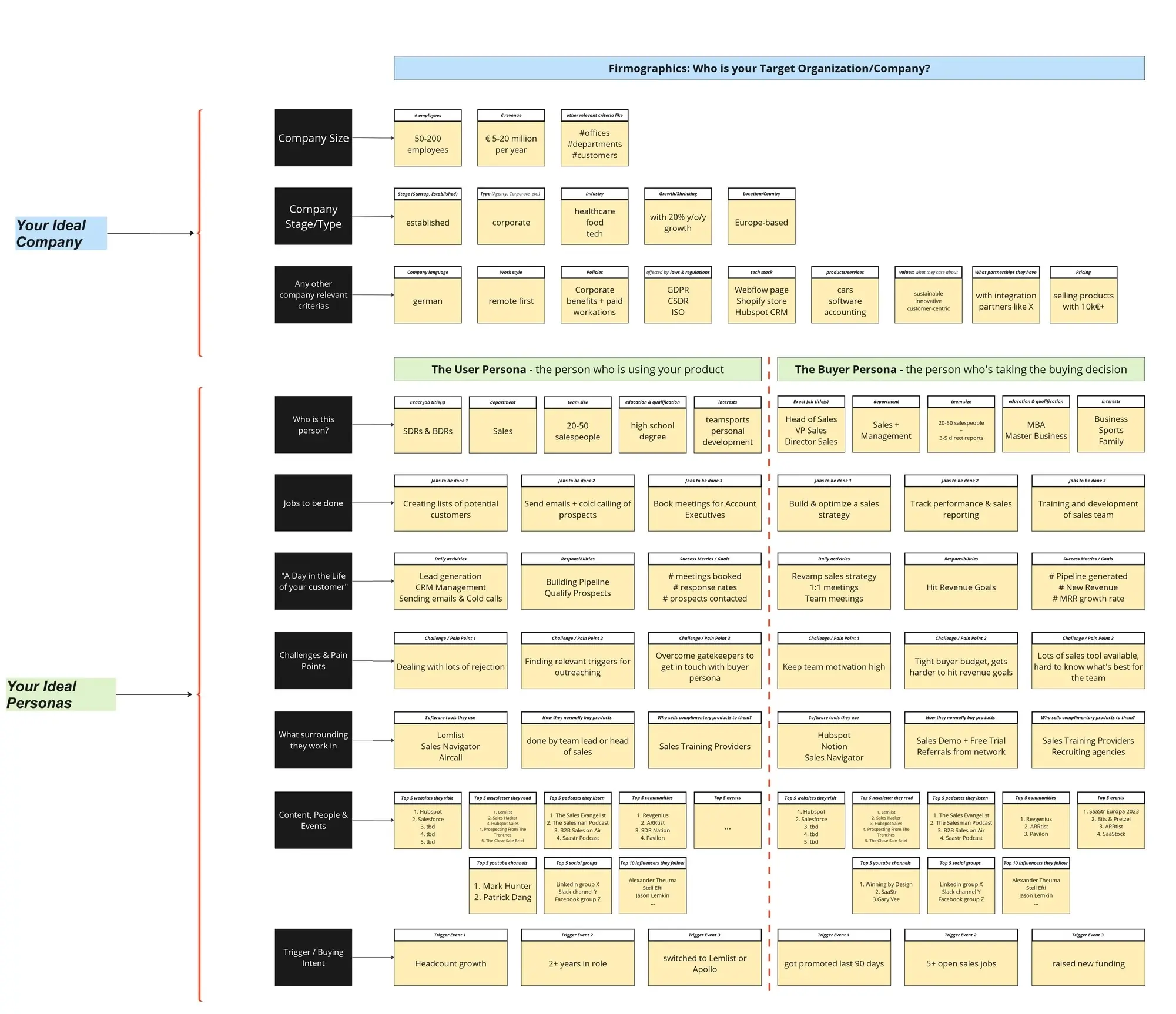
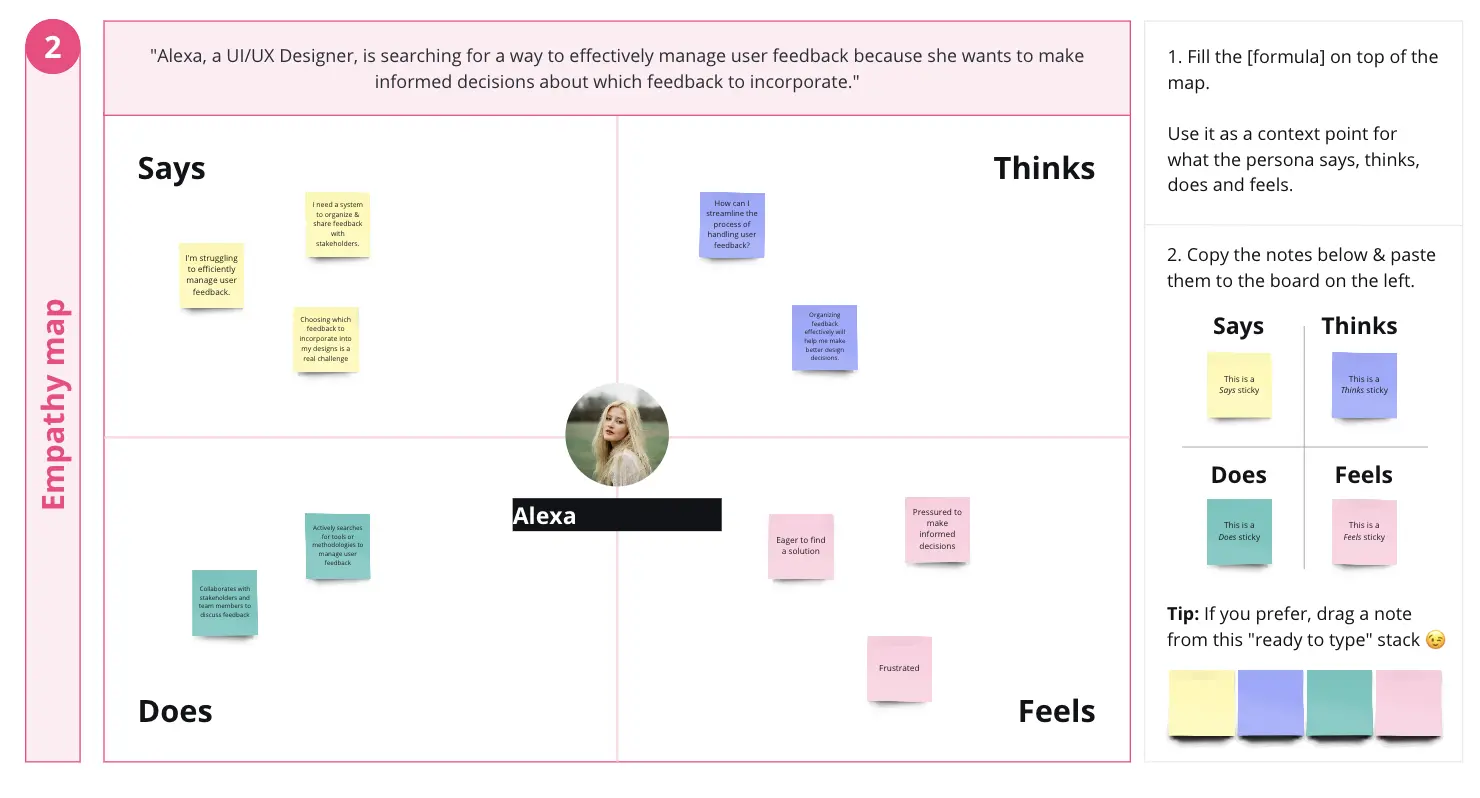
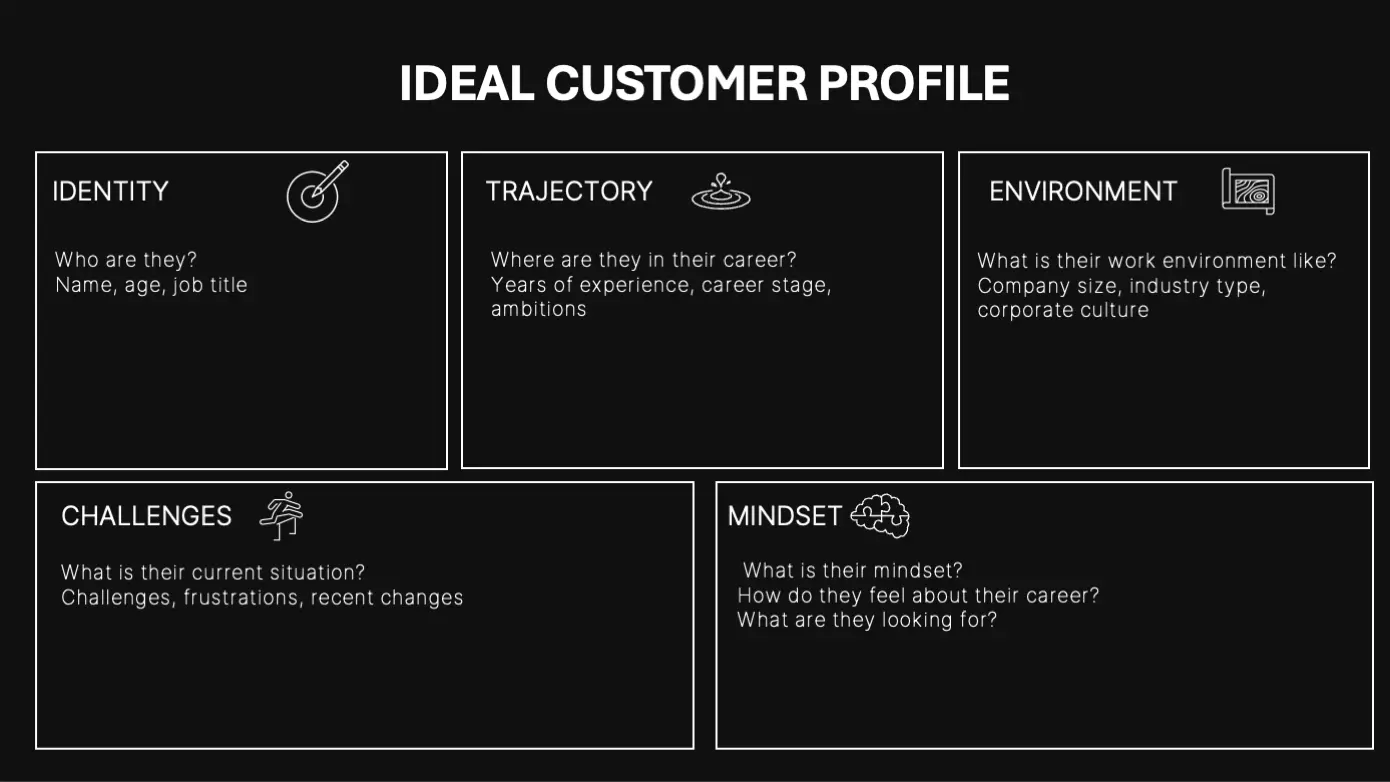
An Ideal Customer Profile (ICP) template is a strategic, data-driven visual workspace used by product, marketing, and sales teams to define the exact type of company or buyer that derives the most value from your product—and delivers the highest value back to your business. Unlike a broad demographic buyer persona, an ICP focuses on firmographic, environmental, and behavioral traits. By using a standardized Miro template, cross-functional teams can align on a single source of truth, optimizing go-to-market resources and eliminating wasted acquisition spend.
Key Components of an ICP Template
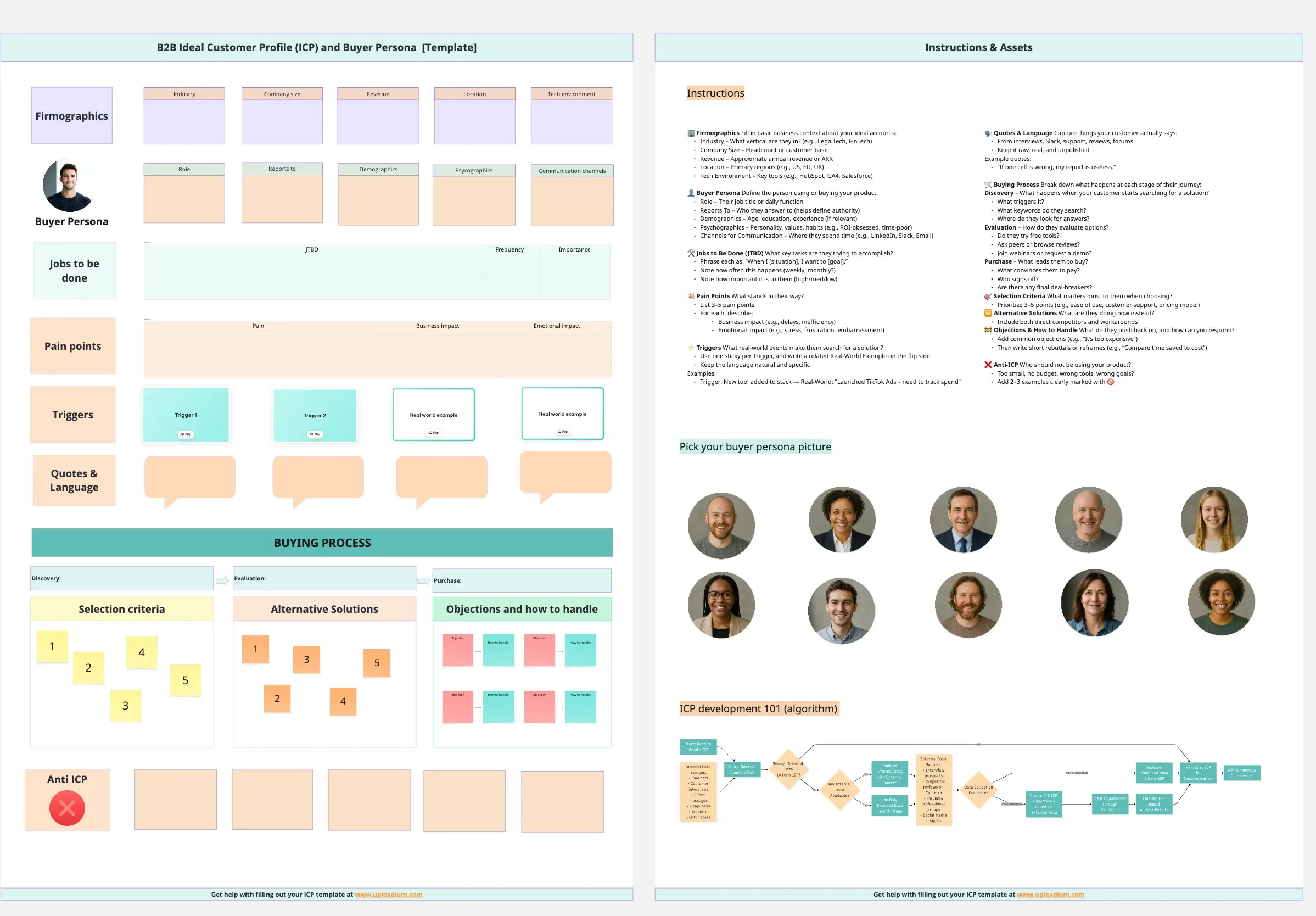
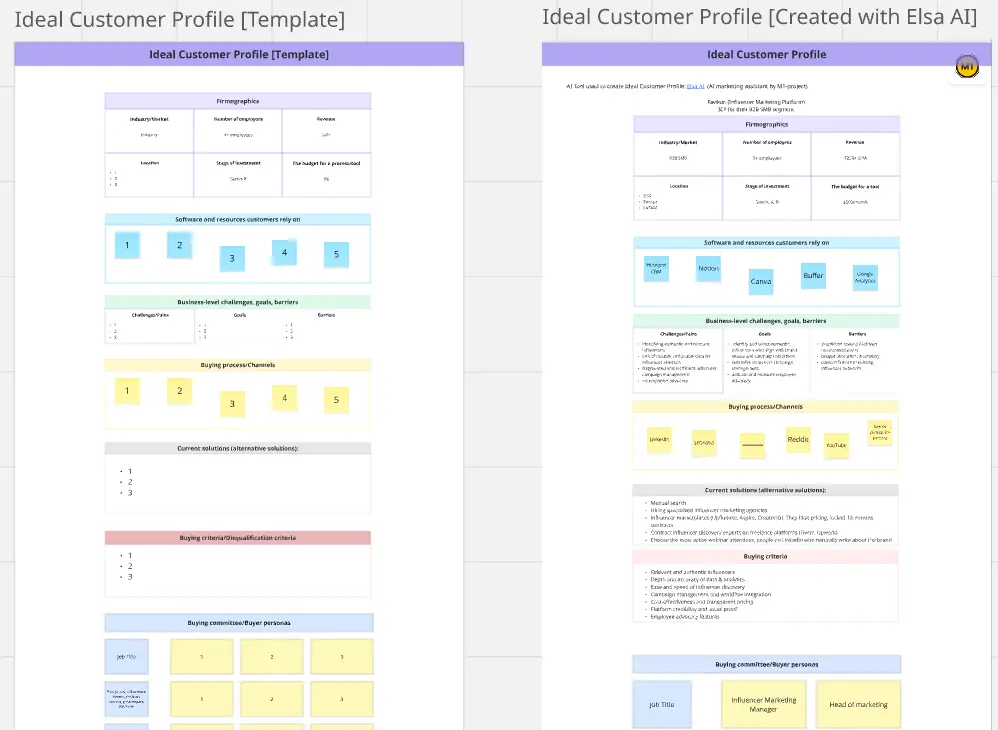
A professional ICP template goes far beyond basic industry labels; it builds a comprehensive portrait of a high-value customer. Every actionable Miro ICP board should include these five core elements:
Firmographic Guardrails: Clear boundaries defining target organizations, including company size (headcount/revenue), geographic location, and specific industry verticals.
Technographic Ecosystem: A section to map out the prospect's existing software stack, identifying software they must use (integrations) or tools they might be looking to replace.
Trigger Events & Buying Signals: Visual markers that indicate a company is actively experiencing the pain point your product solves (e.g., rapid hiring, new leadership, funding rounds, or regulatory changes).
Pain Points & Value Drivers: A comparative column mapping the prospect’s critical business bottlenecks directly to your product's specific, quantifiable solutions.
The "Anti-ICP" Red Flags: A dedicated space to list characteristics of bad-fit customers—those who drain customer support resources, churn quickly, or cost more to acquire than their lifetime value.
How to Use ICP Templates in Miro
1. Gather Cross-Functional Stakeholders
Bring together representatives from Sales, Marketing, Product, and Customer Success into a single Miro board. An ICP fails if it is built by marketing in a vacuum.
2. Synthesize Historical CRM Data
Before brainstorming, paste data blocks or charts onto the board showing your top 10% highest-performing current customers. Look for patterns in their company size, tech stack, and industry.
3. Brainstorm Firmographics and Technographics
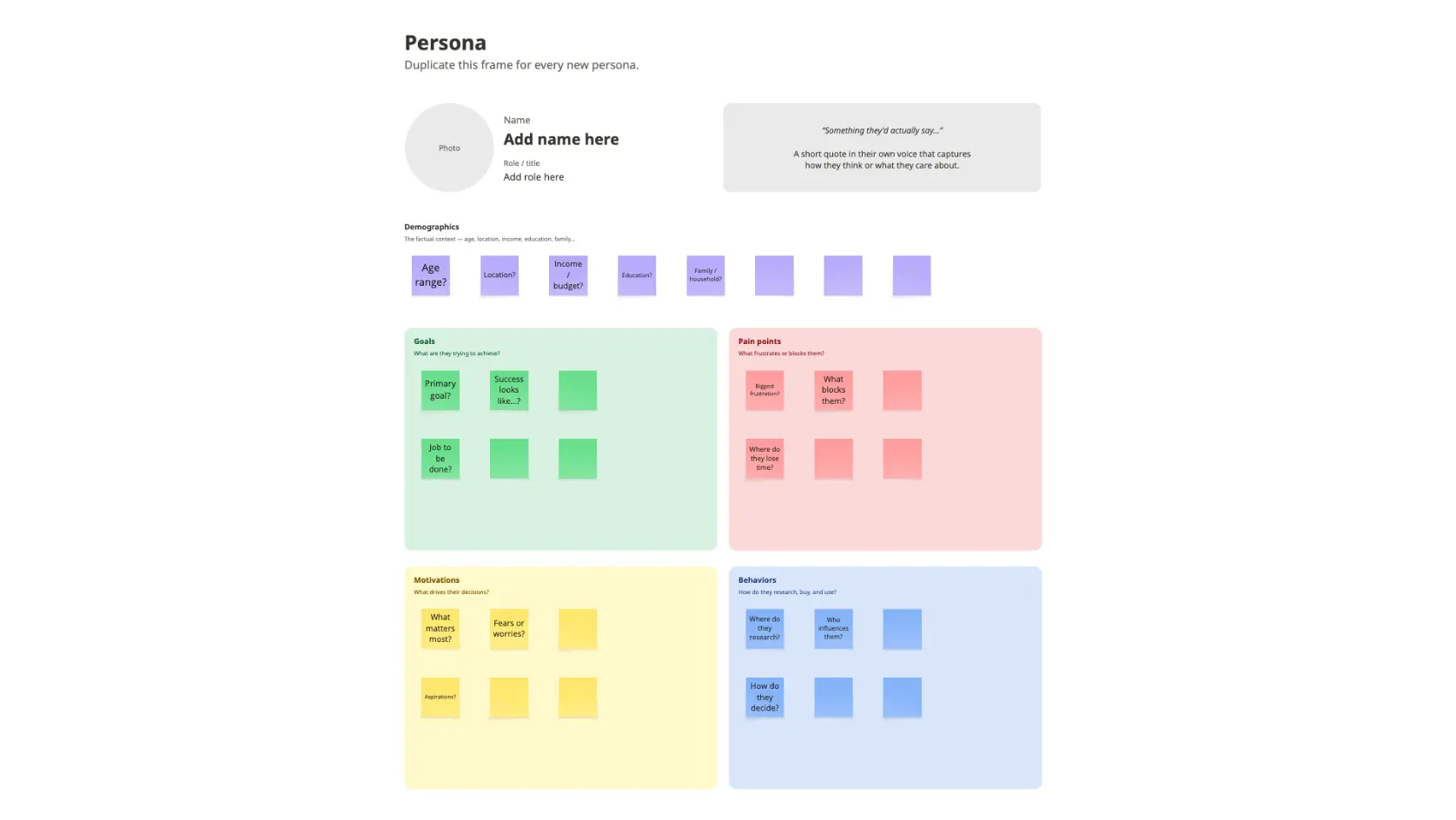
Use digital sticky notes to map out the structural traits of these high-value accounts. Group the stickies to find the common denominators regarding their budget, tech ecosystem, and team structures.
4. Detail the Pain Points & Triggers
Identify the exact operational friction that forces these companies to look for a solution. Use Miro’s connector lines to link a specific trigger event (e.g., “Scaling engineering team past 50 people”) to a core value driver of your product.
5. Define the Anti-ICP Boundary
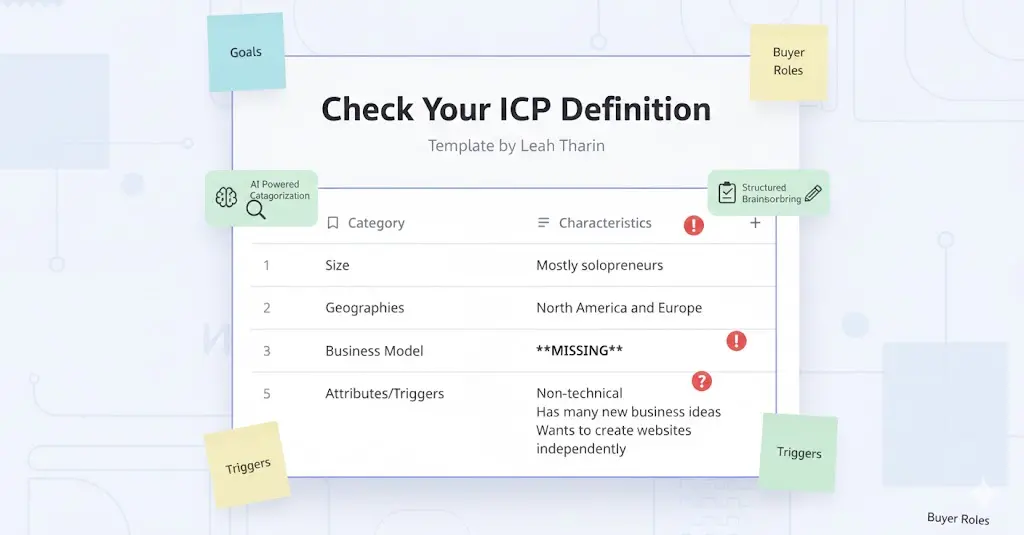
To keep your sales team laser-focused, have the team explicitly write down "Red Flag" traits. Use a distinct color (like bright red stickies) to clearly label company traits that Sales should immediately disqualify.
6. Finalize, Lock, and Integrate
Once alignment is reached, clean up the board and lock the layout elements. Export the finalized Miro frame as an image or PDF, and embed it into your team’s internal documentation hubs and sales onboarding kits.
7. Review Against Reality
An ICP should evolve alongside market shifts and product updates. Reopen the Miro board quarterly to audit the profile against your newest customer data, ensuring your targeting remains sharp and accurate.