3likes
24uses
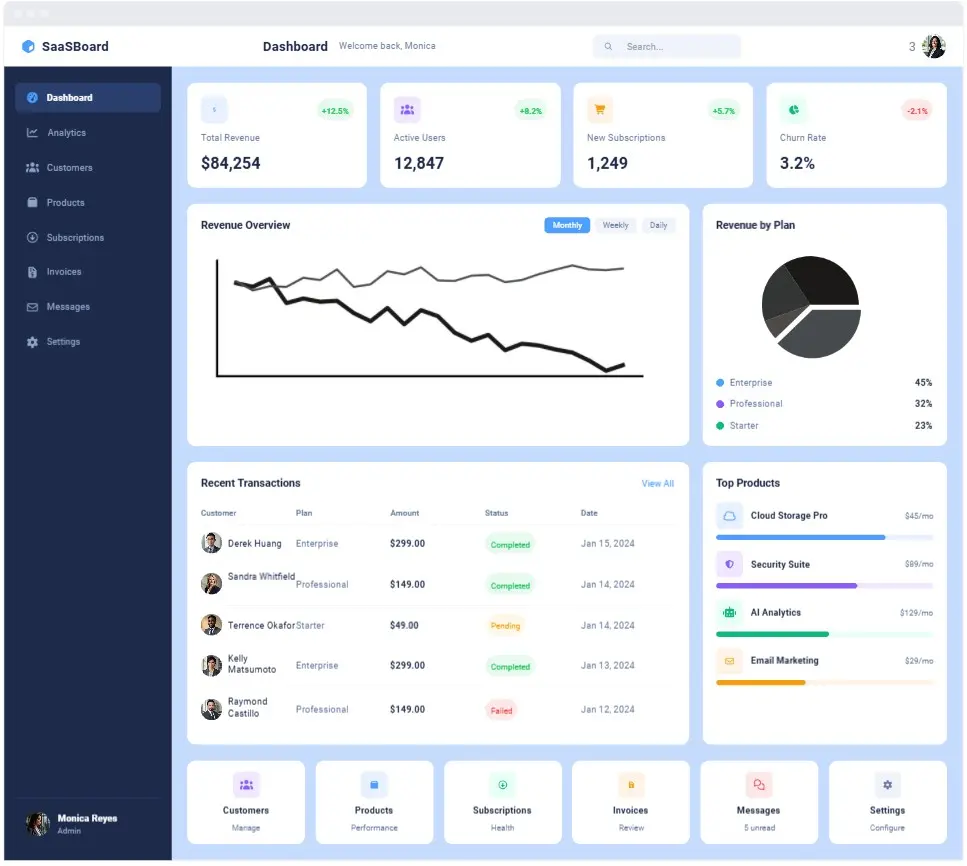
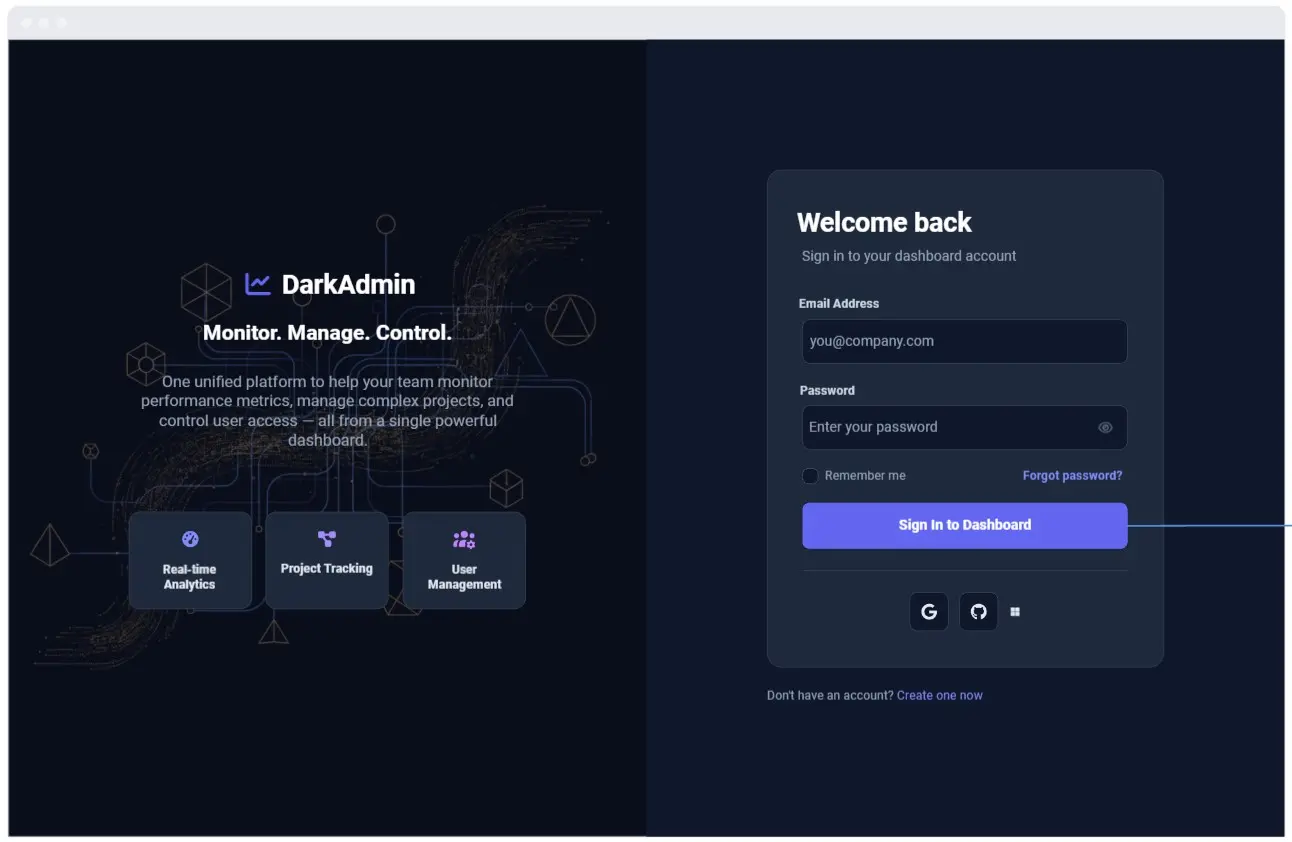
Map your SaaS site with SaaS website templates from Miro. Visualize pricing, features, and onboarding pages before you build.
10 templates
A SaaS (Software as a Service) Website template is a conversion-focused visual workspace designed for growth marketers, product managers, and UX designers to structure B2B or B2C software landing pages. Unlike informational sites or personal portfolios, a SaaS website operates as an active engine for software distribution, trial signups, and demo bookings. By utilizing a standardized Miro template, product squads can map out complex features, align subscription pricing models, plan integration showrooms, and structure value loops before handoff to web development teams or CMS platforms.
An enterprise-grade SaaS website layout is built around product education and immediate friction reduction. Every high-performance Miro SaaS blueprint features these six essential sections:
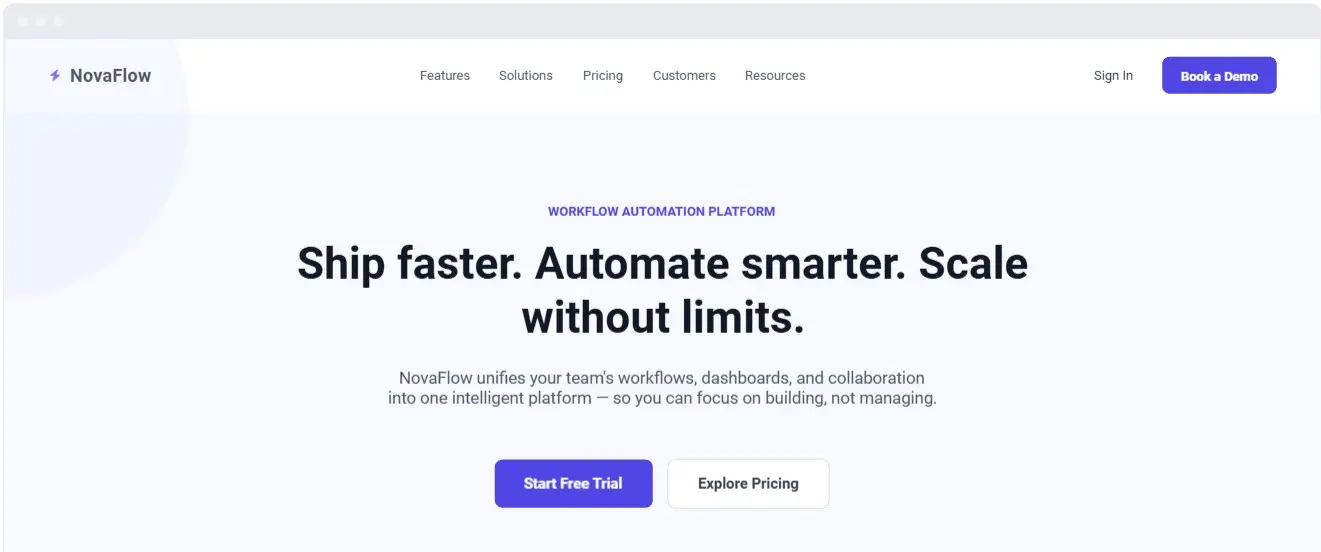
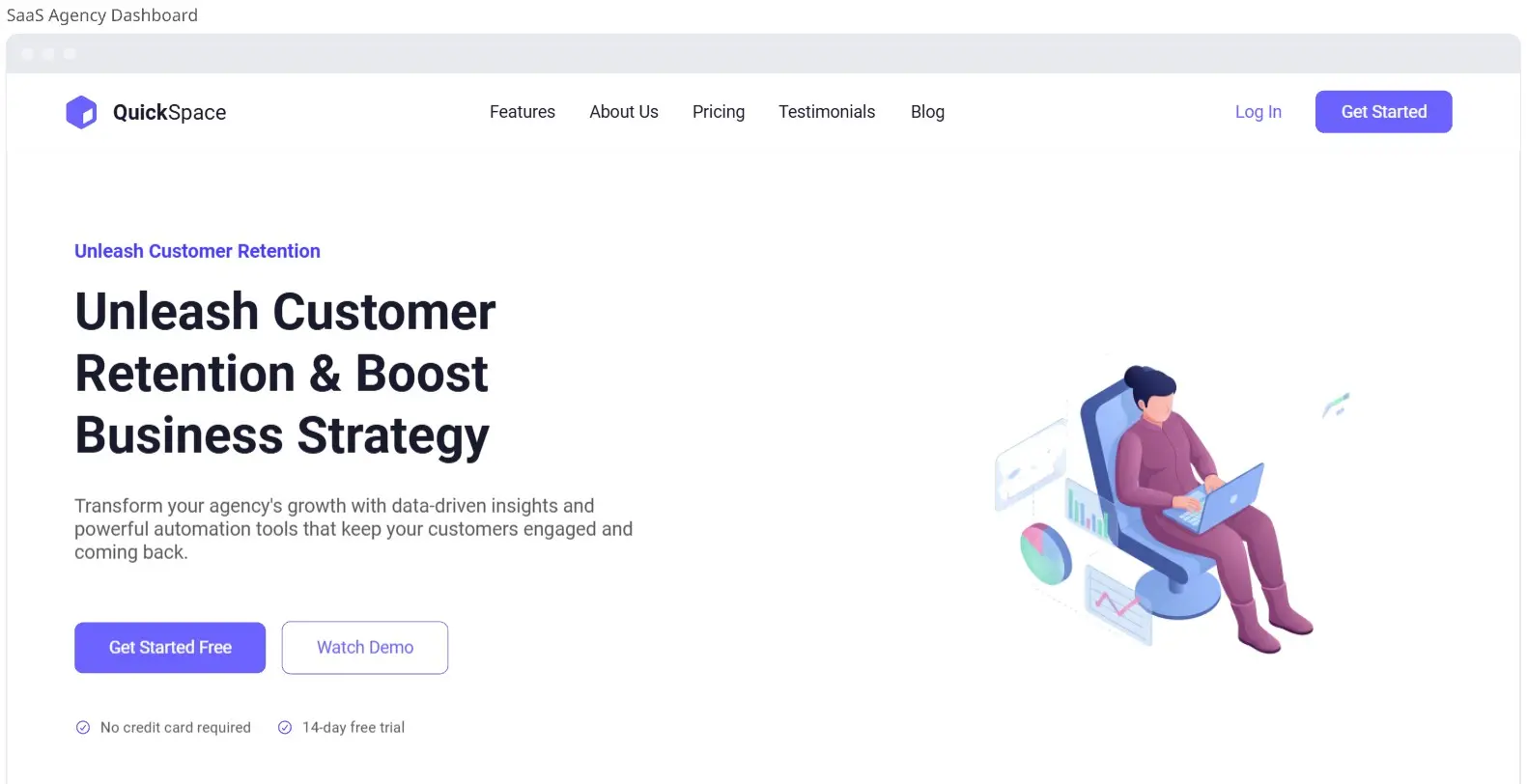
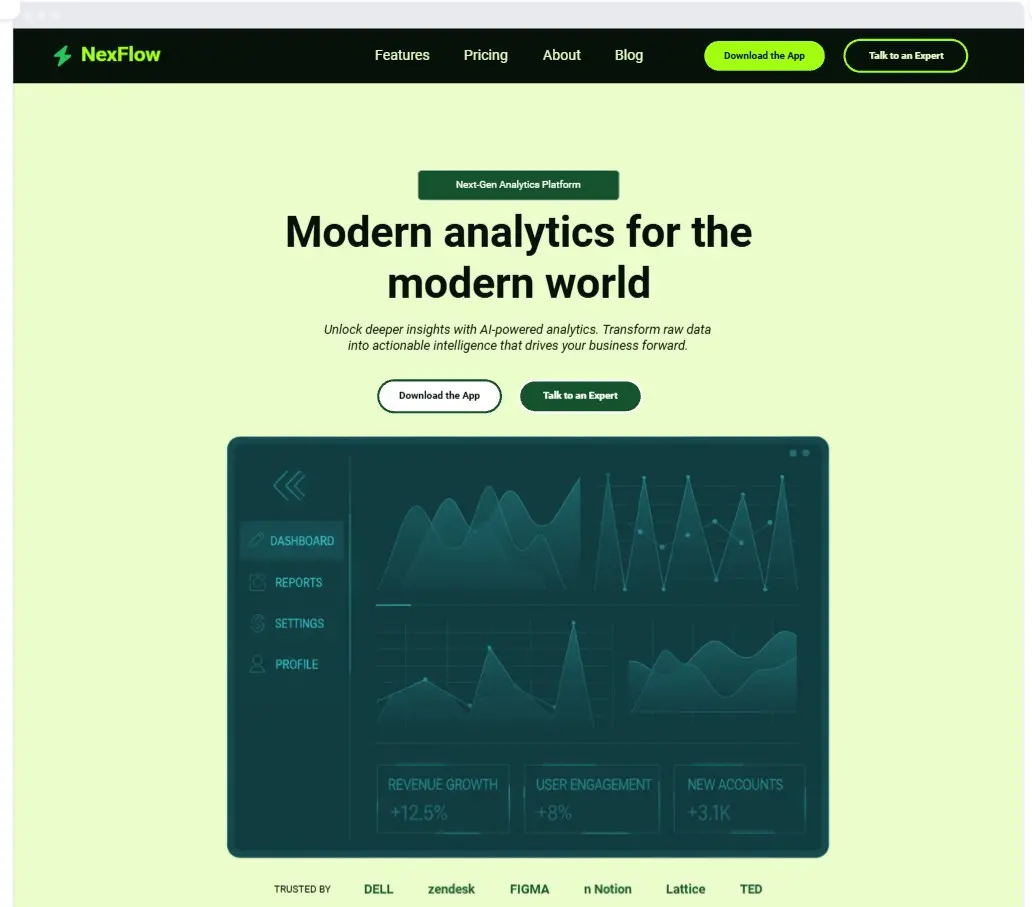
The Core Product Hero Container: The top-of-the-fold engine. It must feature a high-impact headline detailing the software's economic or time-saving outcome, a primary high-contrast CTA (e.g., “Start Free Trial”), a secondary path (e.g., “Book Demo”), and a high-fidelity interface mockup or video walkthrough frame showing the software in action.
The Social Proof Authority Band: A high-visibility banner immediately below the fold showcasing enterprise customer logos, G2/Capterra ratings, and data security badges (e.g., SOC2, GDPR compliant) to eliminate early trust friction.
The Feature-to-Benefit Value Matrix: Interlocking vertical or grid layout blocks that translate technical product capabilities into tangible business outcomes, supported by micro-UI screenshots or animation placeholders.
The App Integration Showroom: A dedicated grid area displaying native app and API connections (e.g., Slack, Salesforce, Zapier logos) to prove the software slots cleanly into the customer’s existing tech stack.
The Interactive Pricing Grid: A multi-column comparison table displaying tiered subscription models (e.g., Free, Growth, Enterprise). It features a toggle switch for Monthly vs. Annual billing cycles, lists feature checklists per tier, and emphasizes a "Most Popular" option.
The Secondary Conversion Climax: A high-contrast closing container at the bottom of the long-form page designed to re-engage scrolling users, stripping away navigation links to focus entirely on acquisition.
1. Anchor Your Core Target Metric Open your SaaS Website template in Miro. Before writing headlines, type your core target metric into the configuration metadata anchor (e.g., “Offer: 14-Day Free Trial, Target Audience: DevOps Managers, Primary Success Metric: Demo Account Creation”). Lock this module to prevent scope creep from adding secondary distraction paths.
2. Map the Core Value Loop with Miro AI Select the headline text box inside your main Hero container. Use Miro AI generate high-converting value propositions.
Example Prompt:“Generate three variations of a compelling B2B SaaS website hero headline and subheadline for an automated AI customer support tool targeting operations directors. Emphasize saved engineering hours and rapid setup times.”
3. Arrange Feature Rows and UI Mockups Use Miro’s UI shape library or product wireframe kits to construct the alternating feature blocks. Place text containers side-by-side with geometric blocks that represent app interface screens. Ensure every feature block points directly back to a tangible, metric-driven benefit (e.g., write “Saves 10 hours a week” instead of “Features an advanced reporting suite”).
4. Structure the Pricing Matrix and Tier List Navigate to the Pricing Grid zone on the canvas. Use multi-column containers to draft your subscription tiers. Ensure the "Professional" or target tier features an amplified border weight or distinct badge component to catch the visitor's eye during a rapid scan.
5. Execute a Content Density Audit Gather your growth marketers, product managers, and developers on the board. Run a visual scroll walkthrough from top to bottom. If your structure features dense paragraphs without supporting UI mockups or customer testimonials to break up the flow, drop bright sticky notes to mark areas that need structural spacing, bullet points, or icons.
6. Freeze and Hand off to Engineering and Design Once the content hierarchy, feature positions, pricing structures, and CTA funnets are fully aligned across your growth squad, lock all components on the canvas to protect your blueprint. Export the completed frame as a high-resolution PDF or share the active Miro board link directly with your design system sprints or Webflow/code development environments.