About the Landing Page Templates Collection
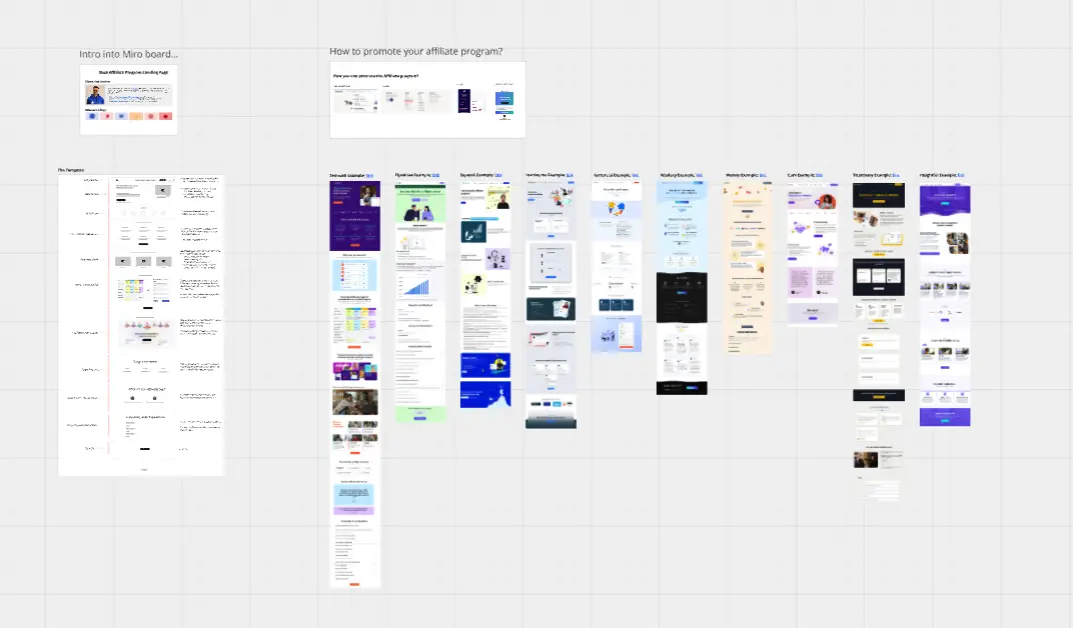
A Landing Page template is a highly strategic visual workspace designed for product managers, UX designers, and growth marketers to draft, critique, and structure high-converting web experiences. Unlike a multi-page corporate website built for general browsing, a landing page focuses entirely on a single marketing objective: driving a specific user action (such as subscribing, scheduling a demo, or downloading a resource). By using a standardized Miro template, cross-functional teams can collaboratively map out content hierarchy, refine messaging loops, plan visual assets, and eliminate conversion friction before moving into high-fidelity design or production code.
Key Components of a Landing Page Template
A professional landing page layout is structured to guide a user through a deliberate psychological progression. Every actionable Miro landing page blueprint should include these five core elements:
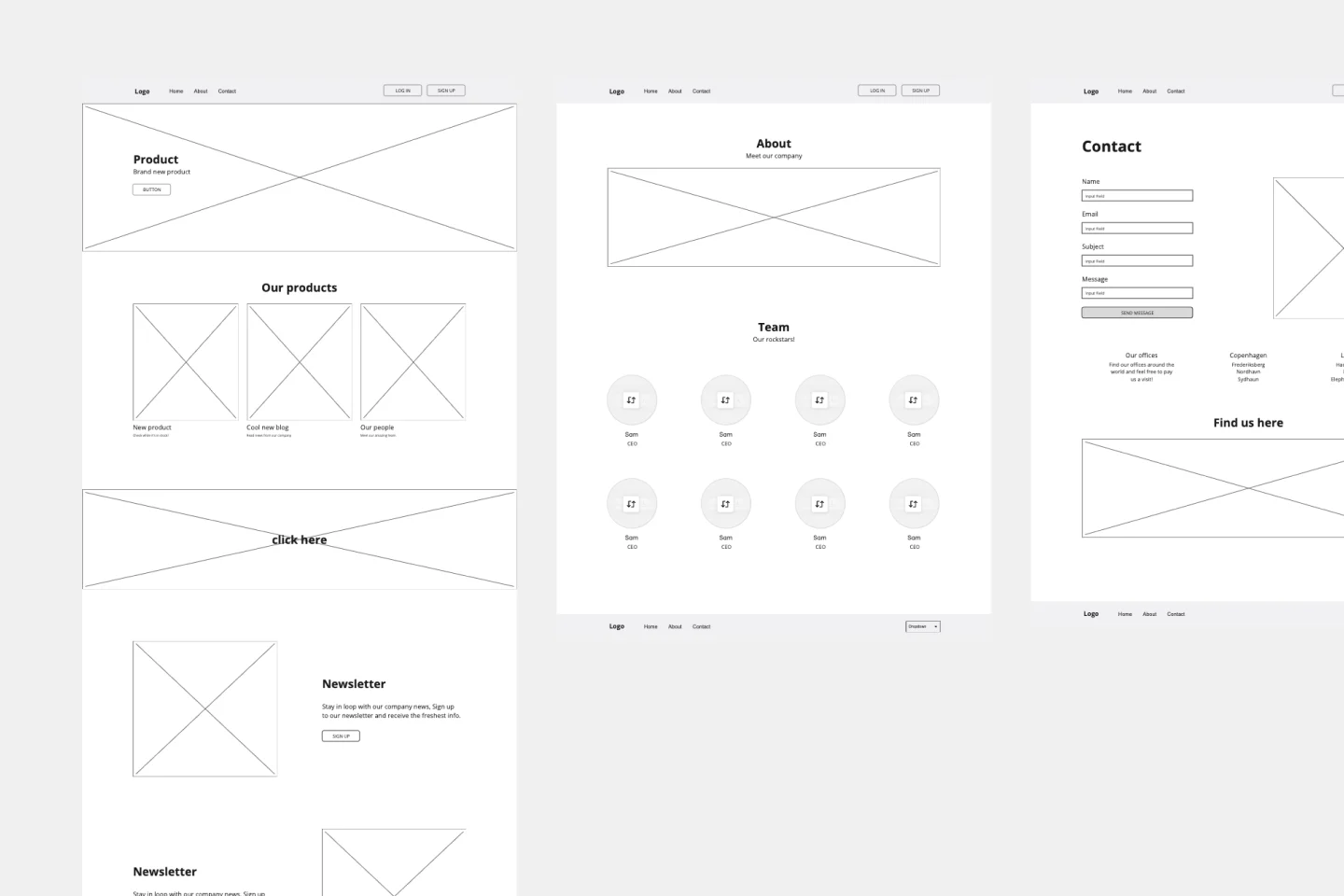
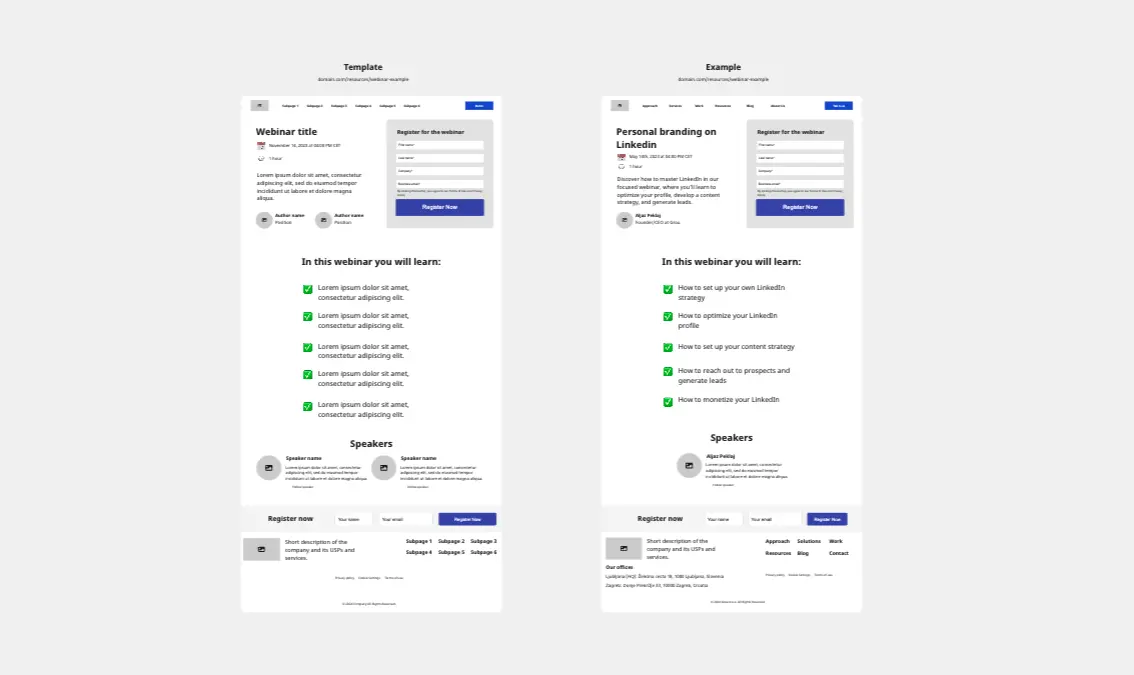
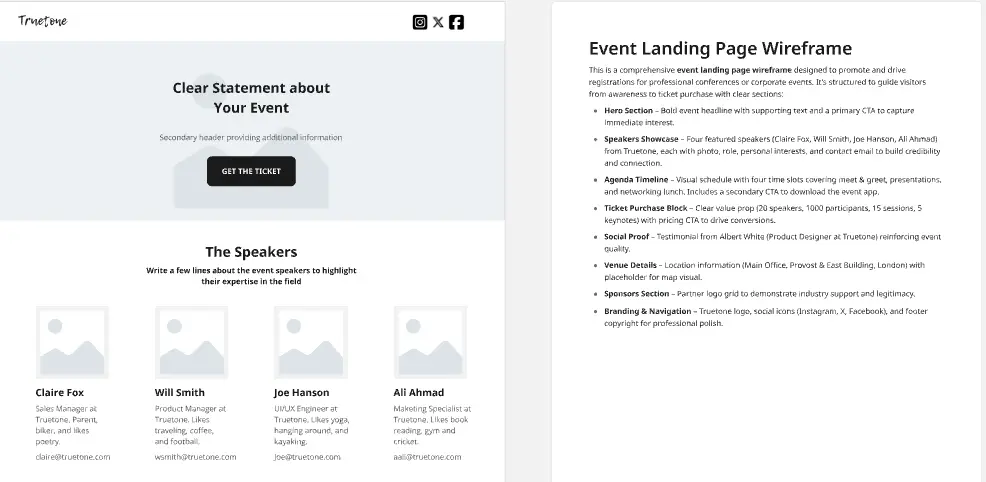
The Above-the-Fold (Hero Section) Container: The most critical zone of the page. It must explicitly capture interest within less than three seconds using a compelling headline, a subheadline detailing the core value prop, a primary Call to Action (CTA) button, and a supporting hero graphic or video frame.
Social Proof & Authority Banners: Dedicated blocks to place customer logos, testimonials, app store ratings, or case study pull-quotes to instantly establish credibility and lower visitor skepticism.
Feature & Benefit Breakdown Grids: Alternating vertical blocks that translate technical product features directly into tangible, user-centric benefits, usually backed by supporting icons or UI mockups.
The Secondary Climax CTA Section: A high-contrast closing container placed at the bottom of the page to re-engage users who have scrolled through your educational content, stripping away navigation links to focus entirely on conversion.
FAQ & Friction-Reduction Zone: A structured accordion or question block addressing common objections, pricing anxieties, or implementation questions to resolve late-stage user hesitation.
How to Use Landing Page Templates in Miro
1. Align on the Single Conversion Objective Open your landing page template in Miro. Before writing copy or dropping graphics, type the exact target user persona and the single success action (e.g., “Download the 2026 SaaS Report”) into the board’s metadata anchor block. If a team member tries to add secondary links (like a blog feed or careers link), point back to this anchor to protect the conversion path.
2. Map the User Motivation Profile Have your user researchers or copywriters use digital sticky notes to list your target audience's top frustrations and desires. Place these right alongside the wireframe layout so the content creation team can directly address those specific pain points across the headline, bullets, and body sections.
3. Run a Collaborative Copywriting Session Use text boxes inside the Miro template frames to draft variant headlines and CTA button copy collaboratively. Use different colored sticky notes to let team members drop live feedback or alternative messaging suggestions right over the structural sections.
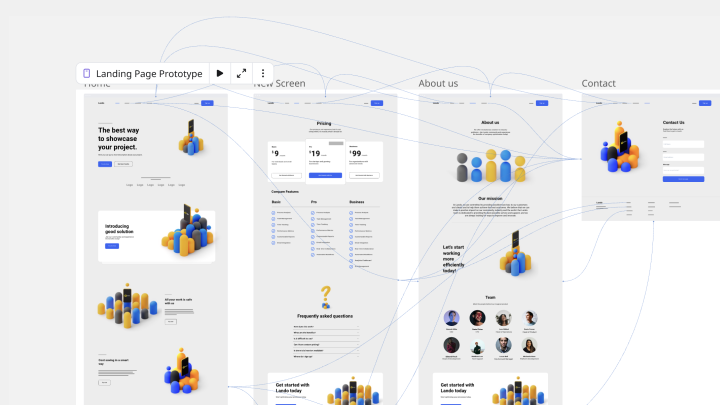
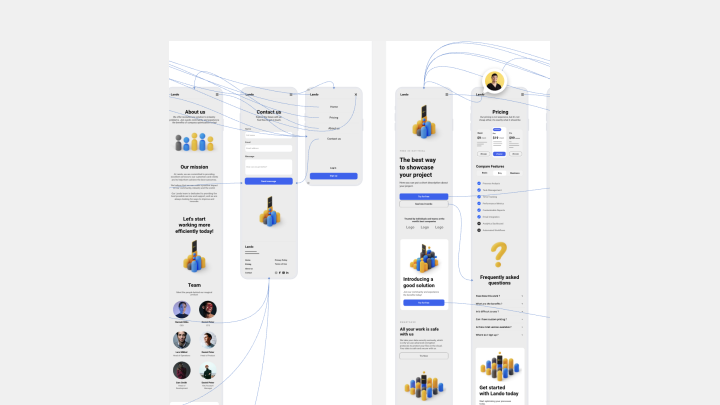
4. Arrange Layout and Wireframe Elements Use Miro's geometric shapes and UI design kits to block out visual placeholders. Link your feature text to interface screenshots or illustrative graphic cards using connector lines. Ensure the spacing flows cleanly from one content container down to the next.
5. Conduct a Five-Second Blur Test To check the visual hierarchy of your page, zoom far out on the Miro canvas or squint your eyes slightly while looking at the hero block. The primary headline and the main CTA button should stand out immediately over everything else. If they disappear into the background, adjust your element sizing or layout grouping.
6. Finalize, Export, and Sign Off Review the completed blueprint across your cross-functional stakeholders. Once marketing, design, and engineering give their final alignment, lock the canvas frames to prevent unintended edits. Export the frame view as a crisp PDF template or reference image to guide your design system build and engineering sprint delivery.