About Personal Website Design Templates
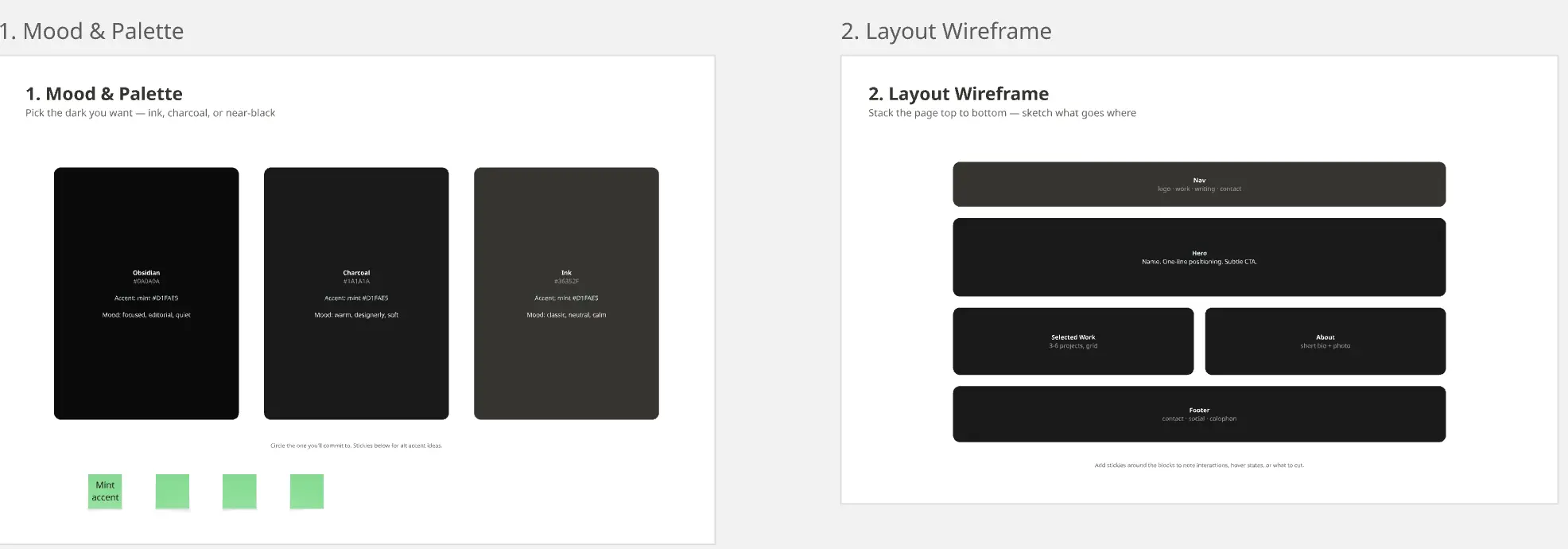
A Personal Website Design template is a highly customizable structural workspace created for professionals, creatives, freelancers, and students to blueprint their digital identity. Unlike complex corporate multi-pages or rigid transactional e-commerce stores, a personal website functions as a dynamic, digital portfolio and resume hub. By utilizing a standardized Miro template, individuals can map out their unique career narratives, organize media assets, plan information hierarchies, and refine copy loops before moving into web builders or front-end code.
Key Components of a Personal Website Template
A compelling personal website moves away from static, dry resumes and structures content to guide visitors (such as recruiters, clients, or collaborators) through an engaging professional story. Every actionable Miro personal design board features these five core zones:
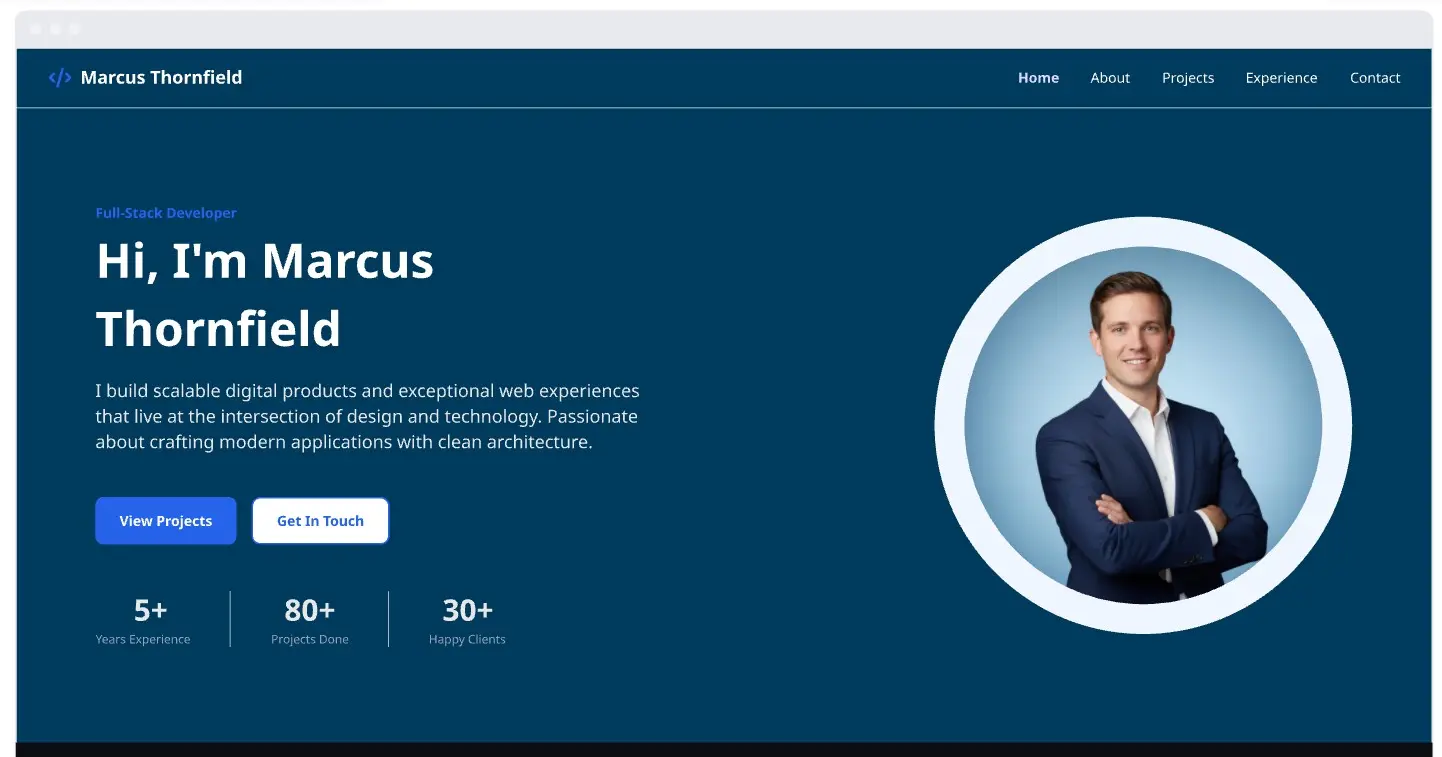
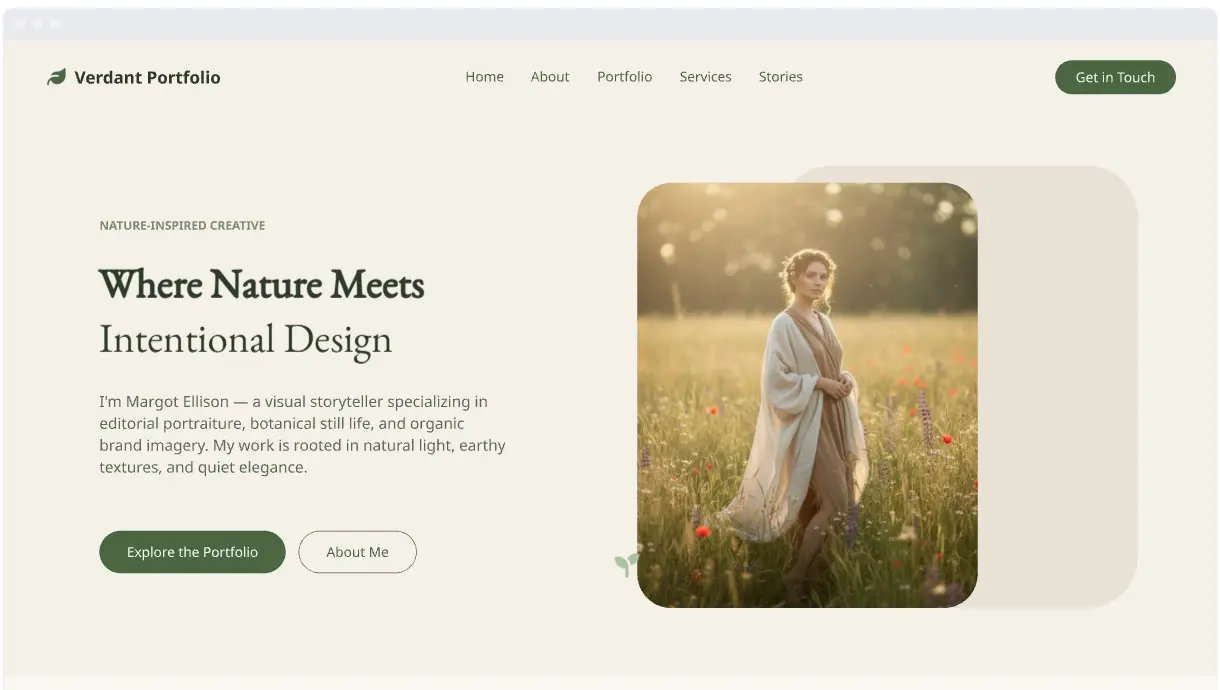
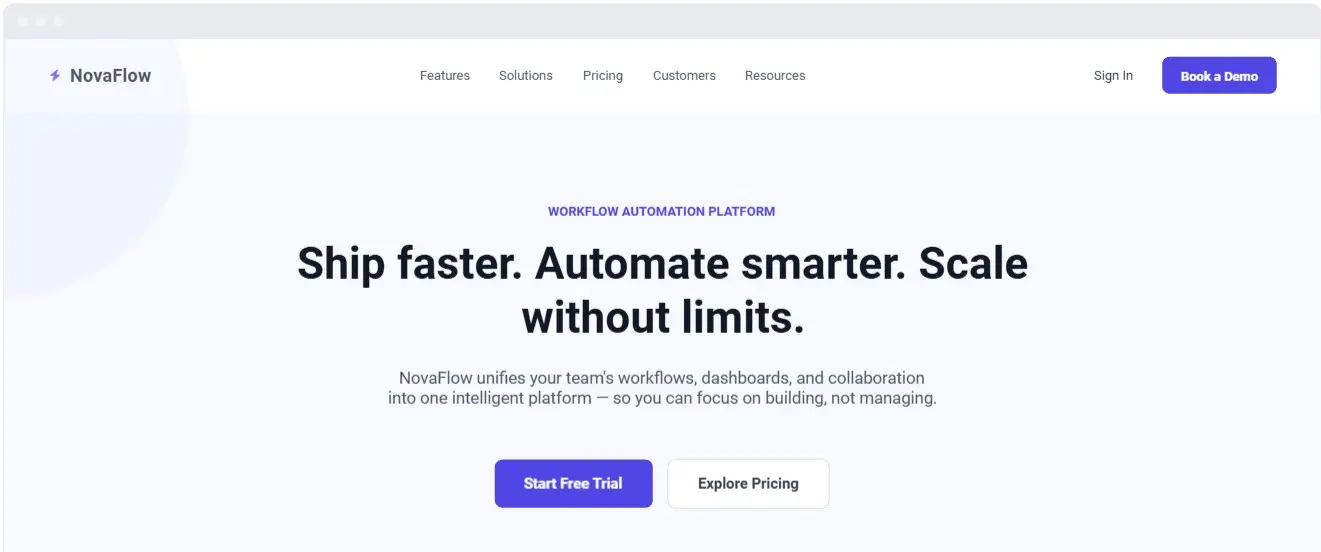
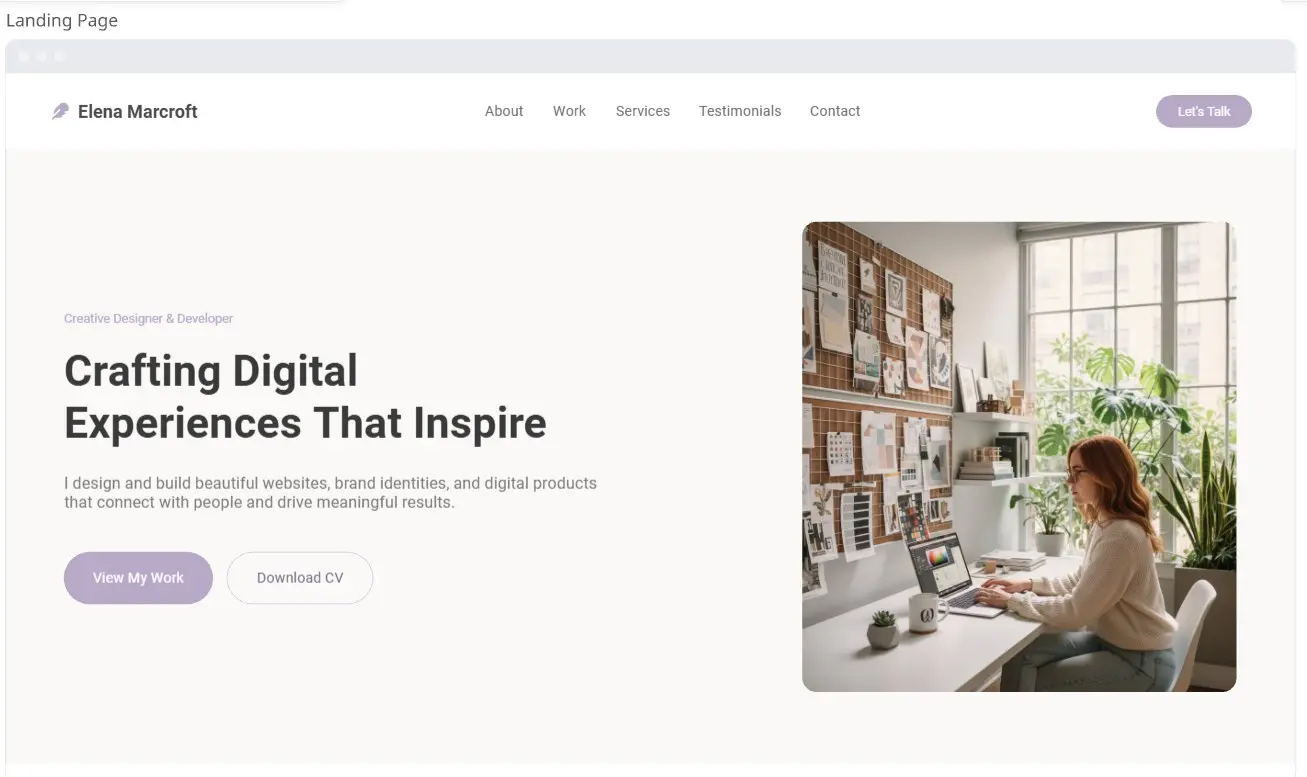
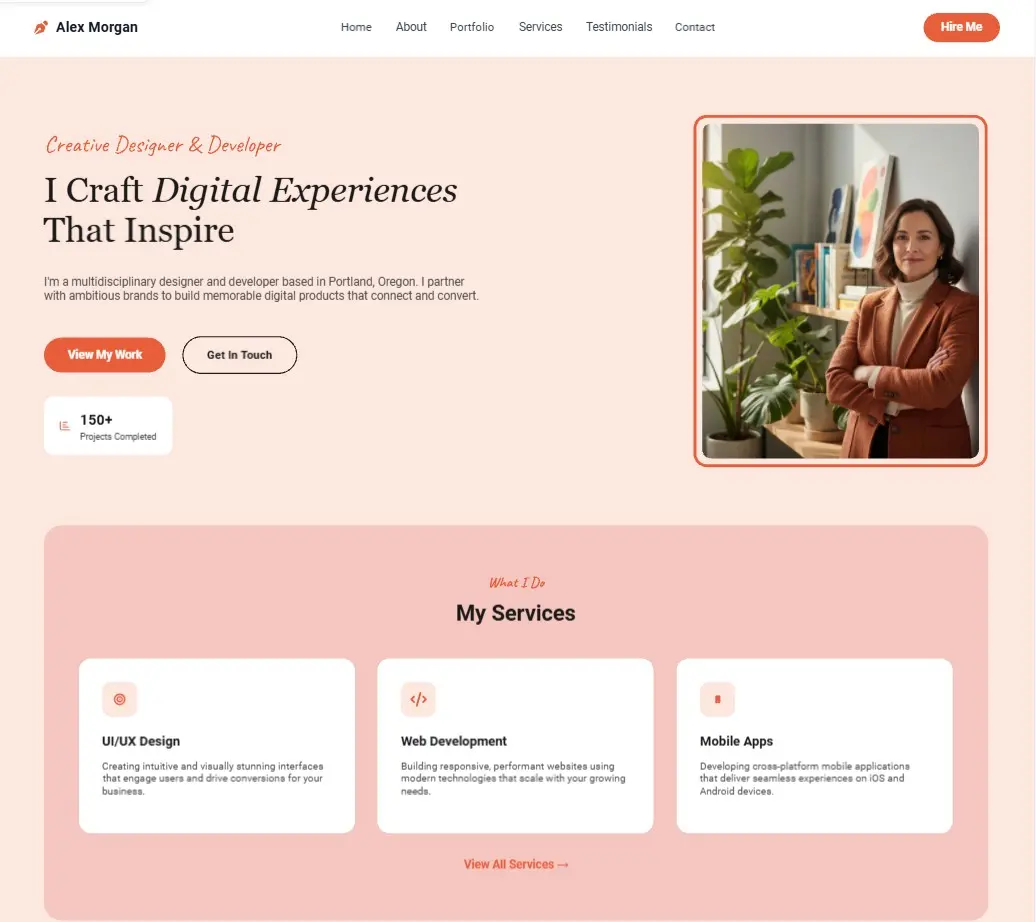
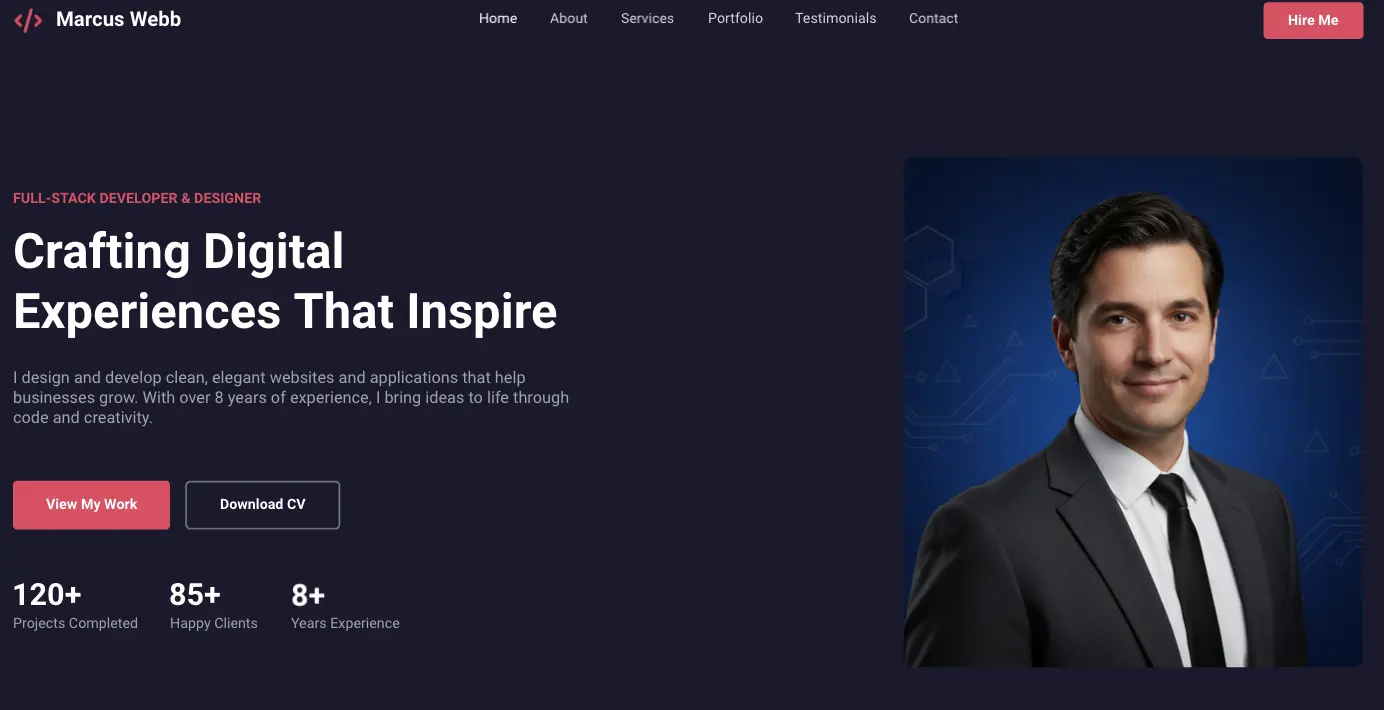
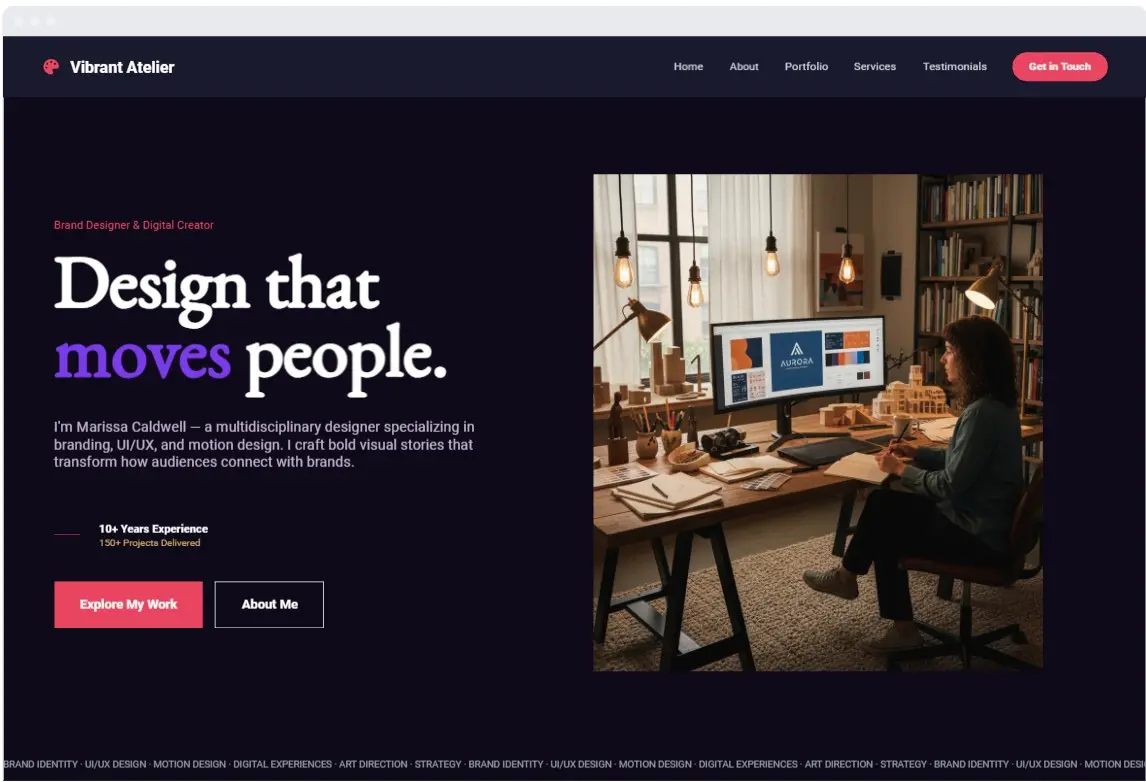
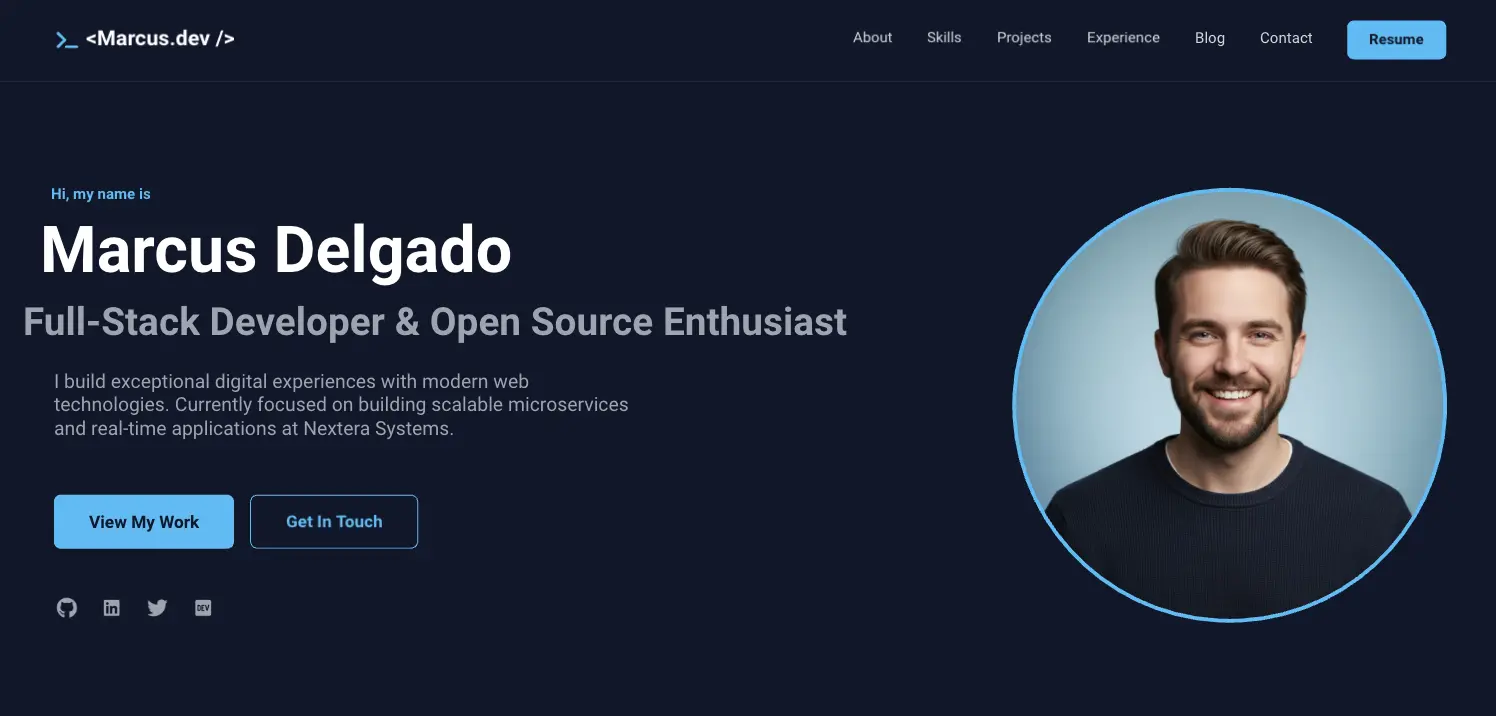
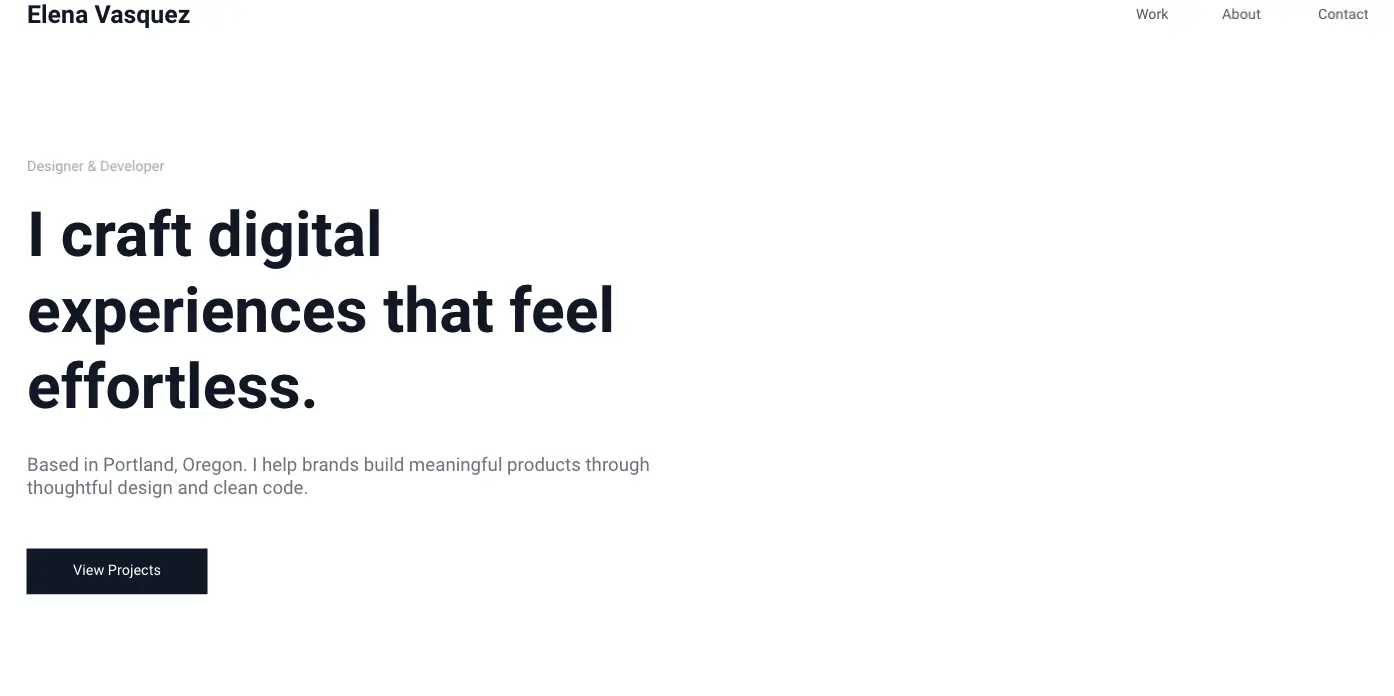
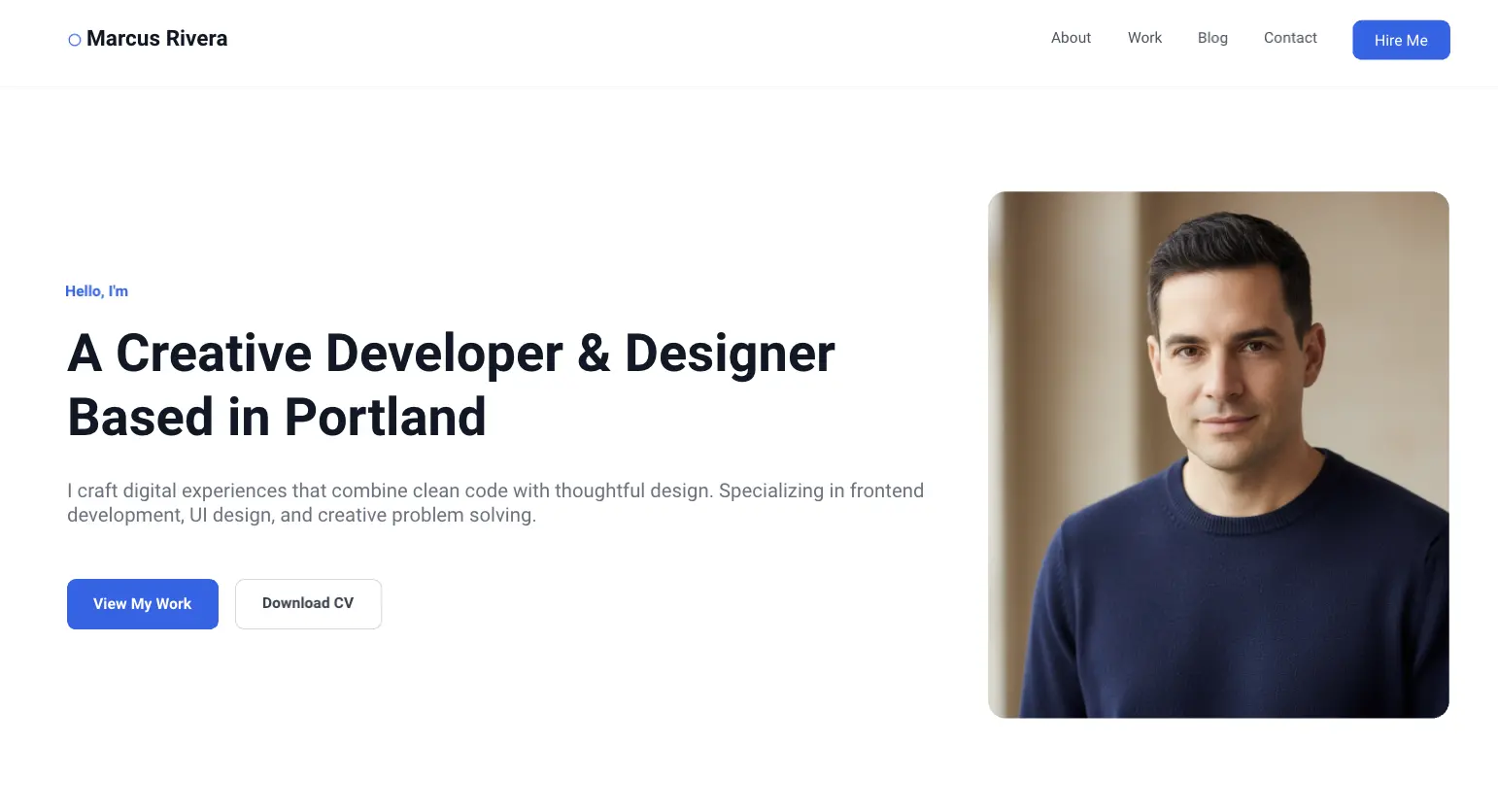
The Hero Identity Container: The critical top-of-the-fold block containing a high-contrast headline (your name + what you uniquely do), a supporting subheadline (your core value proposition), a primary Call-to-Action button (e.g., “View My Work” or “Hire Me”), and a professional portrait or creative graphic frame.
The Case Study & Portfolio Grid: A modular showroom designed to highlight your top 3–4 high-impact projects. Each project block includes placeholders for preview images, clear problem-solution statements, and individual metric callouts to prove your real-world impact.
The Dynamic Experience & Capabilities Timeline: A chronological or skills-first layout that translates traditional resume details into a clean, visual timeline, allowing visitors to quickly scan your career milestones and technical competencies.
The Social Proof & Testimonials Ledger: Dedicated slots to place pull-quotes from former managers, clients, or colleagues to instantly establish domain credibility.
The Footer & Conversion Junction: A minimalist closing frame housing an active contact form placeholder, direct social media links (e.g., LinkedIn, GitHub, Behance), and a downloadable link for your master resume.
How to Use Personal Website Design Templates in Miro
1. Define Your Digital North Star and Audience Open your template in Miro. Before moving visual elements, fill out the metadata anchor box at the top of the canvas. Explicitly write down your target visitor profile (e.g., “Tech Recruiters in Enterprise SaaS”) and your single target conversion action (e.g., “Book an interview call”). Lock this anchor to keep your copy and layout choices focused.
2. Brainstorm and Sift Personal Assets Give yourself 10 minutes of quiet time to drop digital sticky notes onto the canvas listing your key achievements, notable projects, client testimonials, and technical skills. Cluster these notes into thematic piles to see which elements deserve premium positioning on your homepage.
3. Wireframe Your Page Layout and Visual Flows Use Miro's UI shape library to block out the core content sections based on the structural architecture. Use simple placeholder rectangles for your photos and layout lines for copy, focusing entirely on information hierarchy rather than final fonts or color hex codes.
4. Co-Create Copy Loops with Miro AI Select the primary headline or text box within your Hero container. Open the Miro AI tool from the contextual menu and select "Write with AI." Prompt the engine to refine your copy. Example Prompt:“Convert this raw text into a compelling, professional website header for a senior frontend developer specializing in React and accessibility compliance.”
5. Conduct a Rapid Visual Hierarchy Test Zoom out on the Miro board until your layout elements blur slightly. Look closely at your canvas architecture: is your name legible? Does the primary call-to-action button jump out over the background text frames? If elements blur together, increase the sizing contrast or add clean spacing padding around your structural elements.
6. Freeze, Sign Off, and Handoff to Development Once your text copy, media placements, case study cards, and contact funnels are fully structured and aligned with your personal brand vision, lock all components on the canvas to preserve your blueprint. Export the completed wireframe frame as a high-resolution image to serve as your unshakeable guide inside code frameworks or layout-building tools.