354likes
1.2Kuses
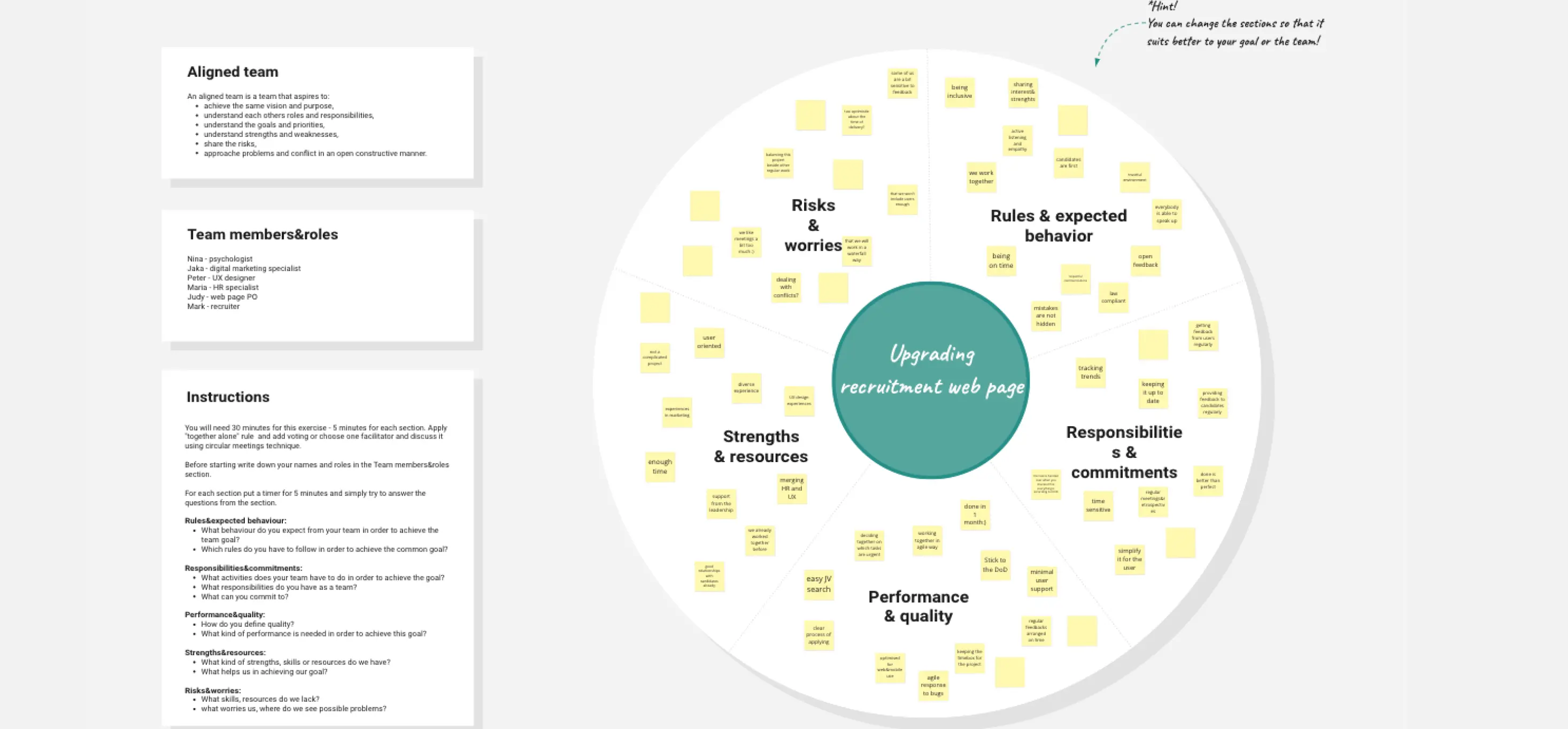
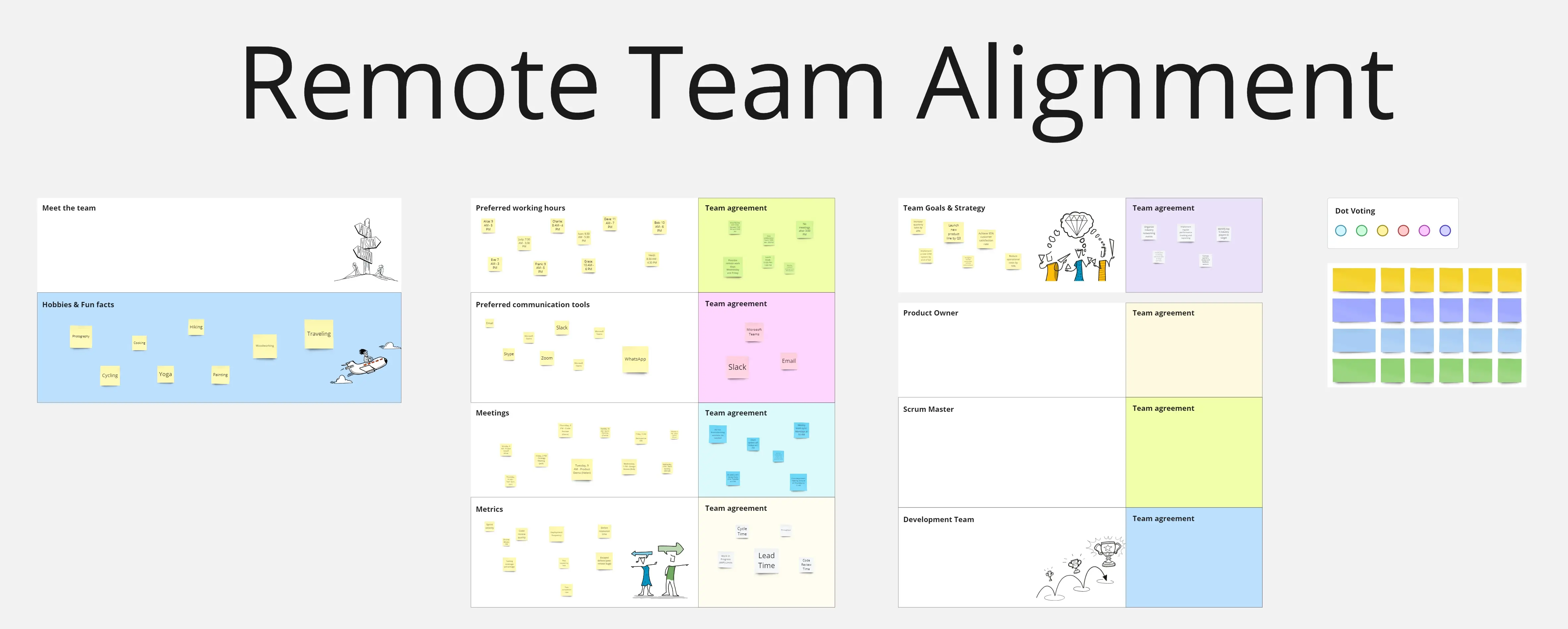
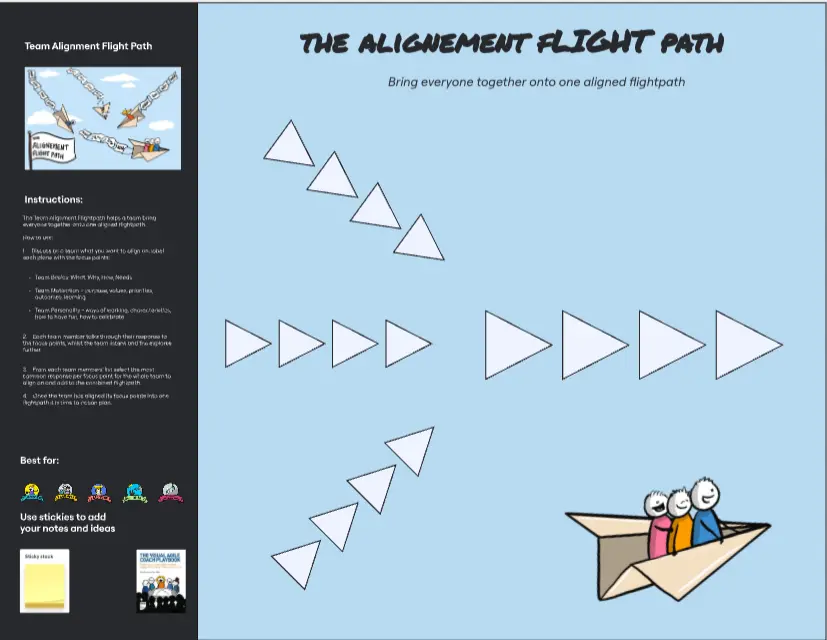
Explore Team Alignment templates and examples from Miro. Free editable templates ready to use for teams, online and collaborative.
6 templates
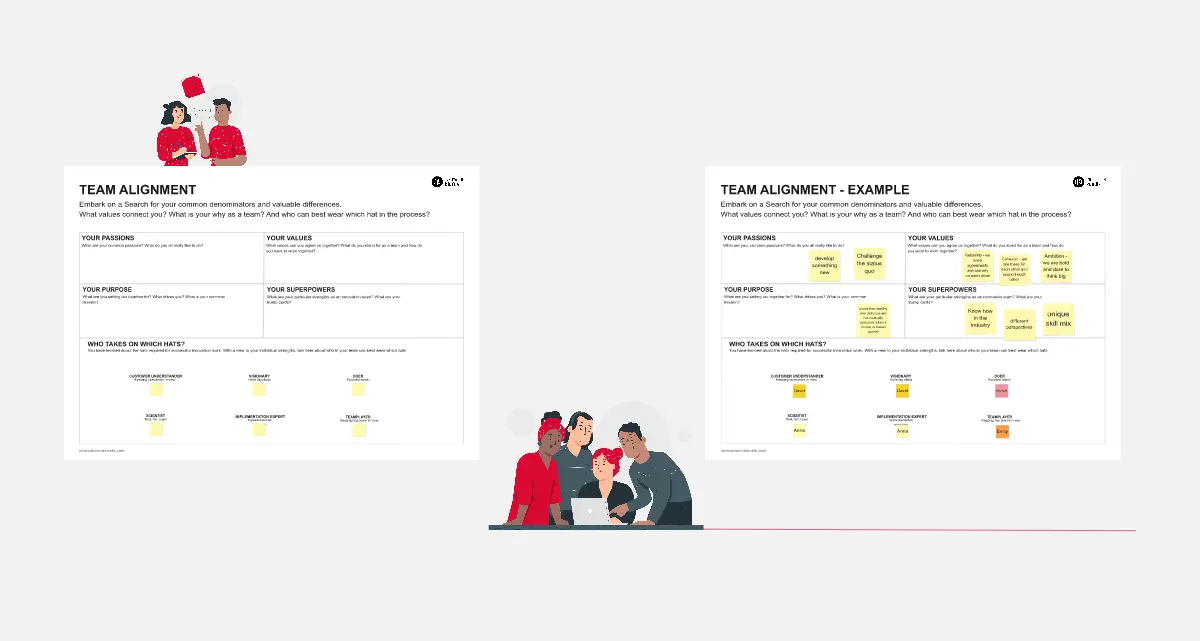
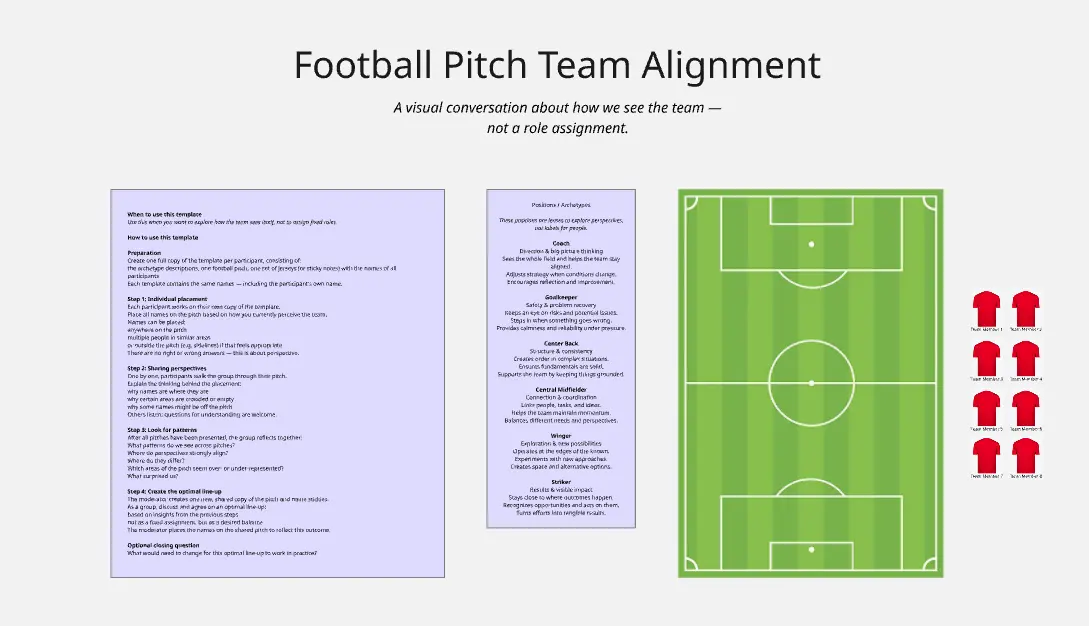
A Team Alignment template is a strategic, cross-functional visual workspace designed to synchronize diverse stakeholders, engineers, designers, and business owners on a singular project trajectory. When large initiatives fail, it is rarely due to a lack of technical talent; it is typically because individual contributors are executing against different versions of what they believe success looks like. By utilizing a standardized Miro template, teams can transparently map out shared missions, explicitly call out cross-team dependencies, clarify shifting roles, and establish a single source of truth that keeps every member moving in the exact same direction.
An actionable team alignment canvas prevents systemic misunderstandings by converting abstract corporate goals into a visible, interconnected plan of action. Every high-performance Miro alignment board features these five core elements:
The Shared Mission & North Star Anchor: A permanent header framework at the top of the canvas defining the ultimate business objective, the target customer persona, and the primary metric of success.
The Cross-Functional Responsibility Lane: A highly structured matrix (such as a RACI or cross-team swimlane setup) that explicitly defines who executes, owns, and reviews every high-priority workstream.
The Priority Stack & Boundary Line: A vertical sorting canvas that forces teams to rank initiatives linearly, separating immediate execution priorities from secondary work that falls below the cutoff line.
The Dependency Matrix & Blocker Board: A dedicated tracking area featuring color-coded connectors to visually map requirements, handoffs, and critical paths between disparate product squads.
The Feedback Loop & Alignment Scale: An integrated sentiment-check zone used to gather rapid, honest team input on project feasibility, confidence levels, and hidden operational risks before final commitment.
1. Establish the Anchor Boundaries Open your chosen Team Alignment template in Miro. Before inviting your cross-functional team to the board, document the overarching project scope, target launch dates, and core corporate OKRs in the North Star Anchor section. Lock these elements securely to prevent your target destination from shifting during the session.
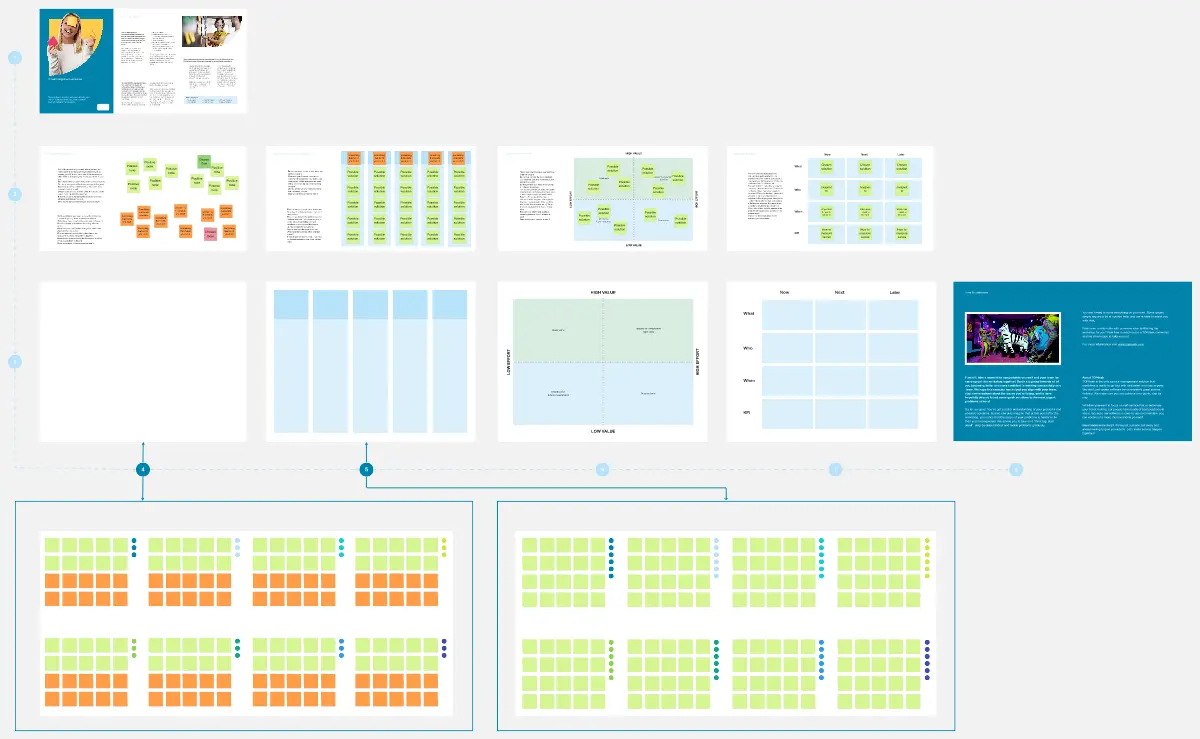
2. Run a Collaborative Brainstorming Stream Invite your product managers, engineering leads, designers, and business analysts to the canvas. Give everyone 5 minutes of quiet time to use digital sticky notes to list all core tasks, dependencies, and potential technical blockers required to bring the initiative to life.
3. Cluster and Organize Into Department Swimlanes Group the brainstormed sticky notes into thematic clusters using Miro's drag-and-drop mechanics. Move these consolidated tasks into their respective Responsibility Lanes, ensuring it is clear which cross-functional squad (e.g., frontend, backend, marketing, QA) owns the execution of each milestone.
4. Map Inter-Team Dependencies Explicitly Review the lanes as a collective room. Have team members draw colored connector lines between dependent tasks (e.g., connecting a frontend UI task to a backend API delivery sticky note).
The Conflict Audit: If a connector line points backward chronologically—meaning Team A needs a service from Team B that isn't scheduled to be built until a later phase—you have flagged an active planning conflict. Rearrange the cards on the board immediately to resolve the bottleneck.
5. Conduct the Anonymous Confidence Check Direct the team to the Alignment Scale area. Have everyone simultaneously cast their anonymous vote regarding their belief in the current roadmap. If the aggregated score reveals low team confidence, use the space below to brainstorm immediate adjustments to the timeline or resource allocations.
6. Publish, Pin, and Reference Continuously Once alignment is reached across all stakeholders, clean up the board layout and lock the component frames. Export the completed alignment map as a high-resolution image asset, and embed the link into your primary sprint planning tools, project landing pages, and Slack channels to serve as the unshakeable source of truth for everyday execution.