775likes
11Kuses
Explore Delegation Poker templates and examples from Miro. Free editable templates ready to use for teams, online and collaborative.
6 templates
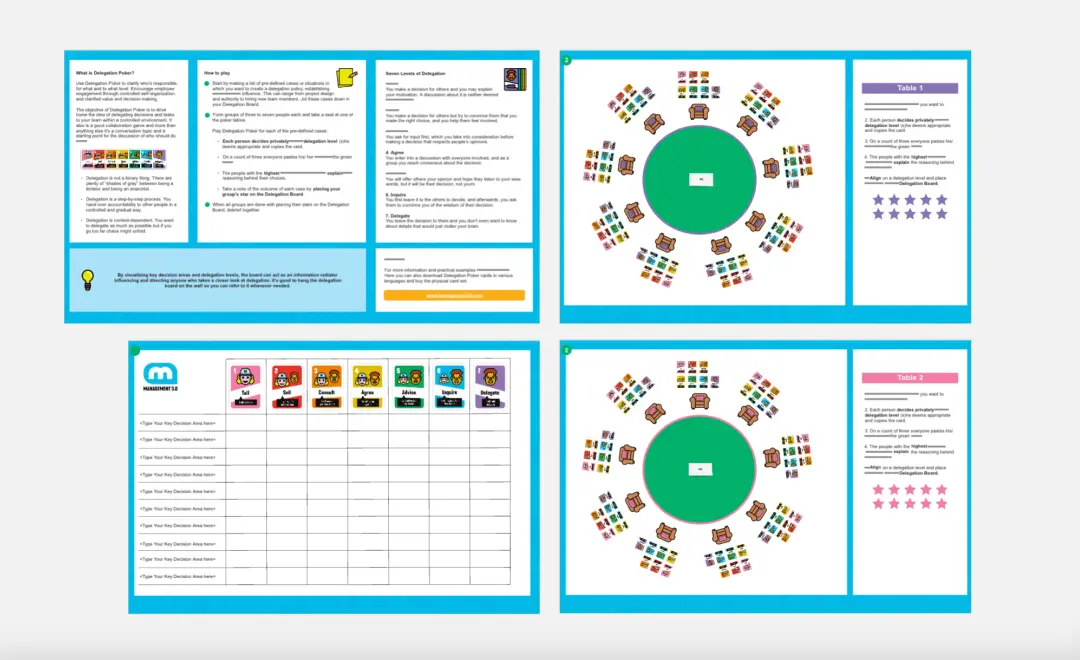
A Delegation Poker template is an interactive, gamified visual workspace based on Management 3.0 practices. It is designed to help managers, team leads, and agile squads collaboratively define who holds decision-making authority across various organizational scenarios. Rather than relying on a rigid top-down corporate hierarchy or assuming an anarchic "everyone decides everything" approach, Delegation Poker establishes seven distinct, nuanced levels of authority. By using a standardized Miro template, teams can openly debate operational scenarios, remove architectural ambiguity, eliminate micromanagement, and build a self-organizing culture rooted in mutual trust.
A professional Delegation Poker board is designed to transition abstract conversations about control into clear, visual boundaries. Every actionable Miro delegation template should include these five core elements:
The Scenario Sandbox: A dedicated area where teams list real-world operational decisions, technical choices, or business practices that require clear authority definitions (e.g., “Hiring a new teammate,” “Choosing our technical stack,” “Setting working hours”).
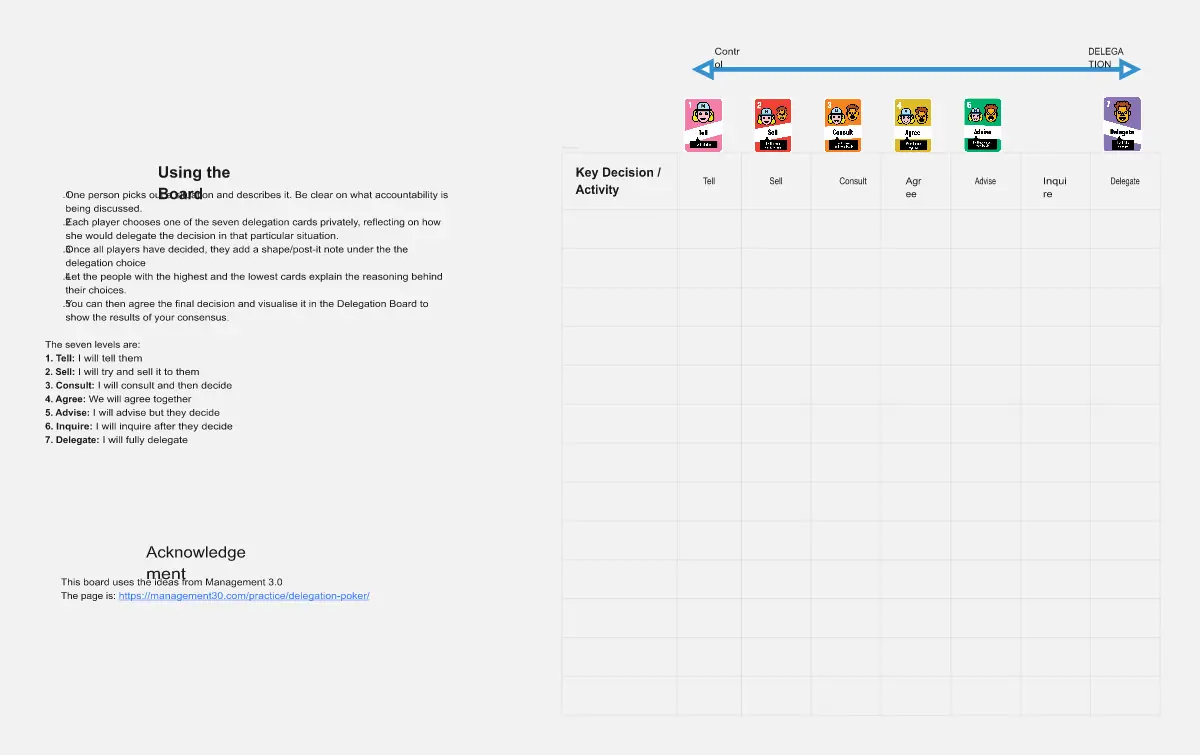
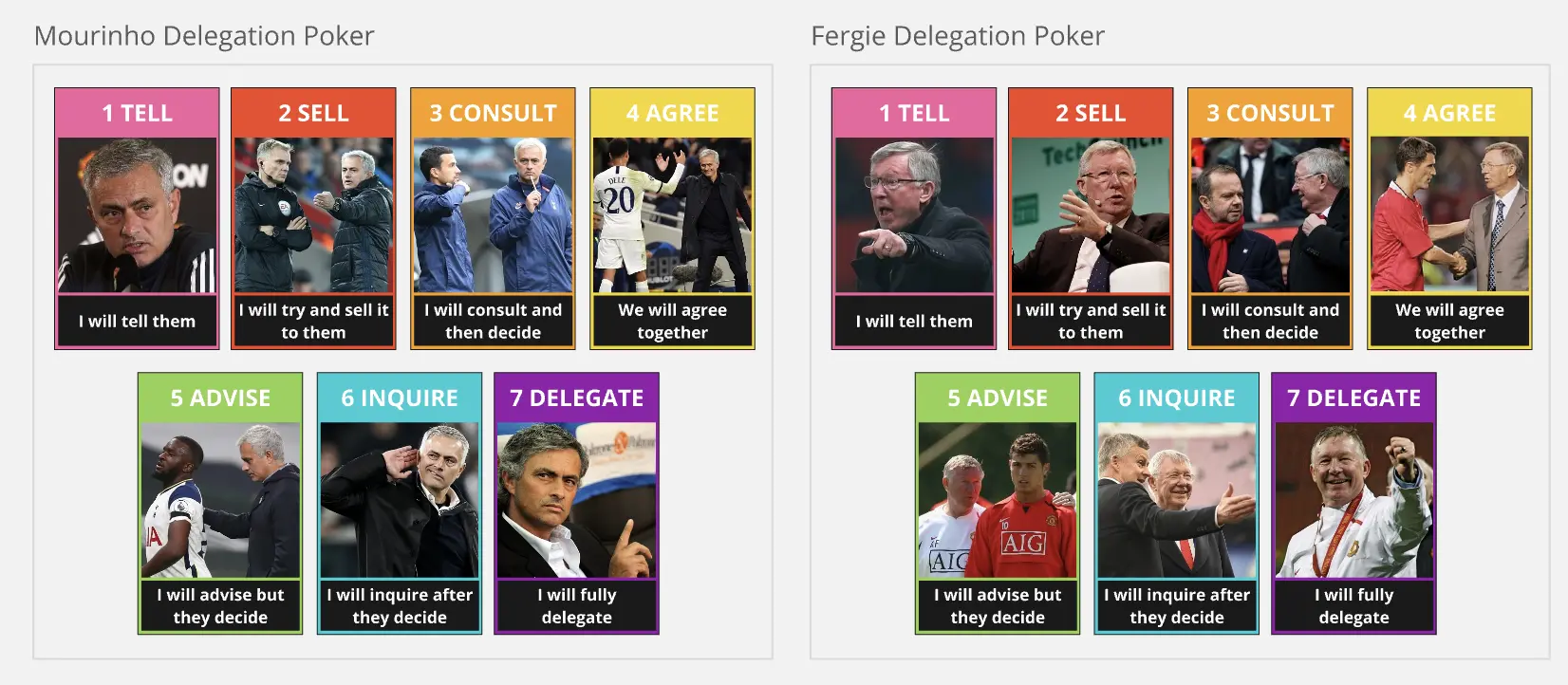
The Seven Levels Reference Ribbon: A permanent, color-coded visual legend running across the board that clearly defines the seven standard Management 3.0 levels of delegation.
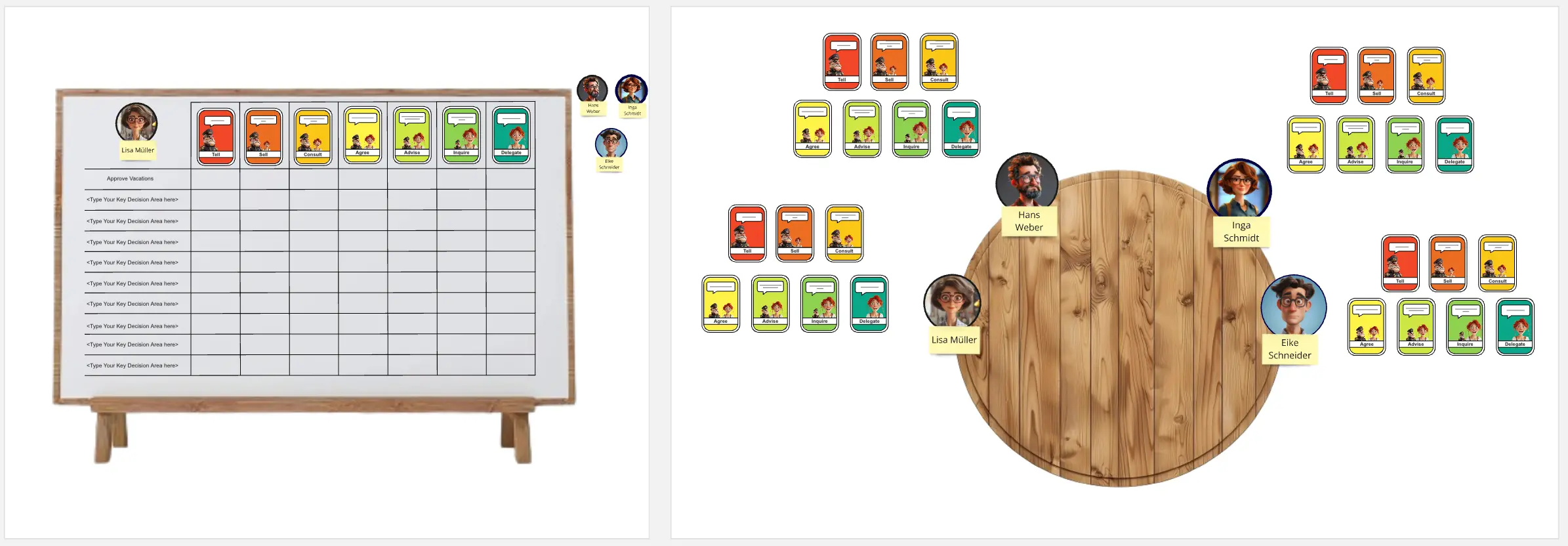
The Interactive Poker Table: A centralized matrix where team members can simultaneously place their hidden voting cards next to a specific scenario during a live round.
The Delegation Matrix Dashboard: A clean, structural grid where finalized, agreed-upon delegation levels are recorded for long-term company reference.
The Accountability Ledger: A closing section used to document the exact boundary conditions, rules, and exceptions associated with a specific authority level.
1. Brainstorm Real-World Operational Scenarios Gather your leadership team and squad members on the Miro board. Give everyone 5 minutes of quiet time to use digital sticky notes to list regular business scenarios where decision-making power feels blurry or contested. Avoid vague concepts; write concrete triggers like “Approving a training budget over $500” or “Changing our daily standup time.”
2. Set Up the Poker Table and Deal the Cards Move the brainstormed scenarios into the rows of your interactive matrix. Direct each participant to their own private, color-coded card deck on the canvas. Every player has an identical digital set of seven cards, numbered 1 through 7, representing the delegation levels.
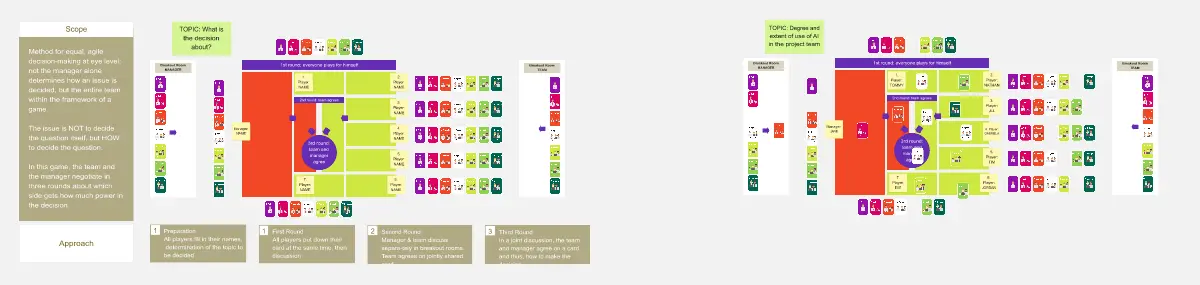
3. Run a Live Voting Round Select the first scenario on the board. In complete silence, have every team member grab their chosen digital card and drop it face-down onto the voting table box.
The Reveal Rule: Once all cards are placed, the facilitator reveals the votes simultaneously. This protects individuals from groupthink and prevents junior developers or managers from biasing the room's scores.
4. Debate the Extremer Divergences Look at the visual spread of the cards on the Miro canvas. If everyone votes a 4 (Agree), lock that score in immediately. If there is a wide gap—for example, if the manager votes a 1 (Tell) while a senior developer votes a 7 (Delegate)—pause to open a dialogue box. Let the highest and lowest voters explain their underlying assumptions, fears, or past experiences.
5. Re-Vote and Reach a Balanced Alignment After a brief 3-minute discussion, have the team clear their previous inputs and re-vote on the same scenario. Repeat this rapid loop until the group reaches a consensus or falls within an acceptable, close range. If a total consensus is unreachable, the manager makes the final call on the score but must explicitly document the team's feedback.
6. Populate the Permanent Delegation Matrix Move the finalized scores into the Delegation Matrix Dashboard. Use Miro's locking tool to secure this matrix framework so it serves as an immutable company reference point.
7. Review and Evolve Continuously Delegation boundaries are not set in stone; they should scale up as a team's maturity grows. Reopen the Miro board every six months or during major organizational restructures. Review the matrix together and ask: "Are there any level 3 tasks on this board that our team is now mature enough to handle as a level 6 or 7?" Update the canvas to reflect your team's expanding autonomy.