About the Development Plan Templates Collection
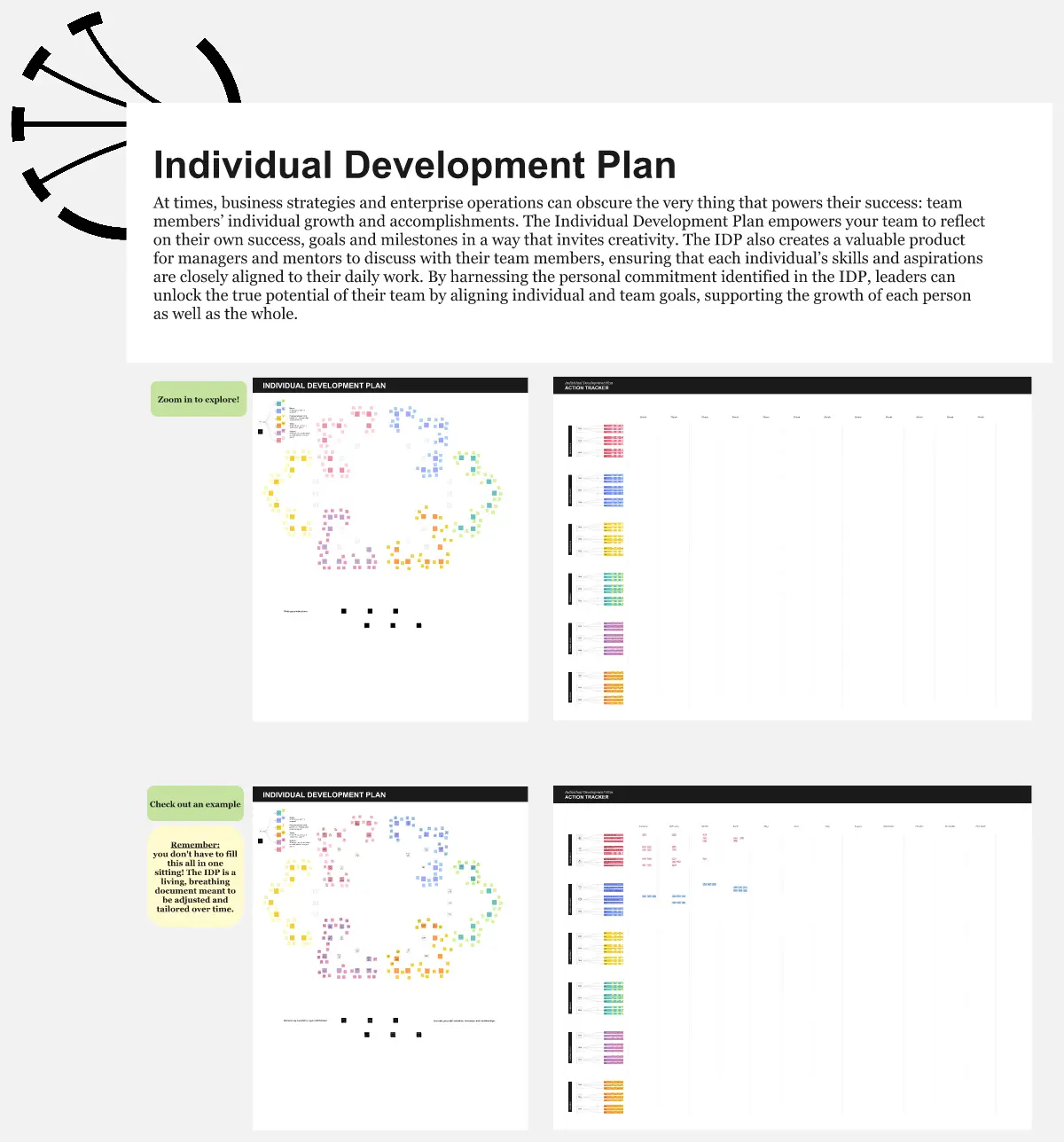
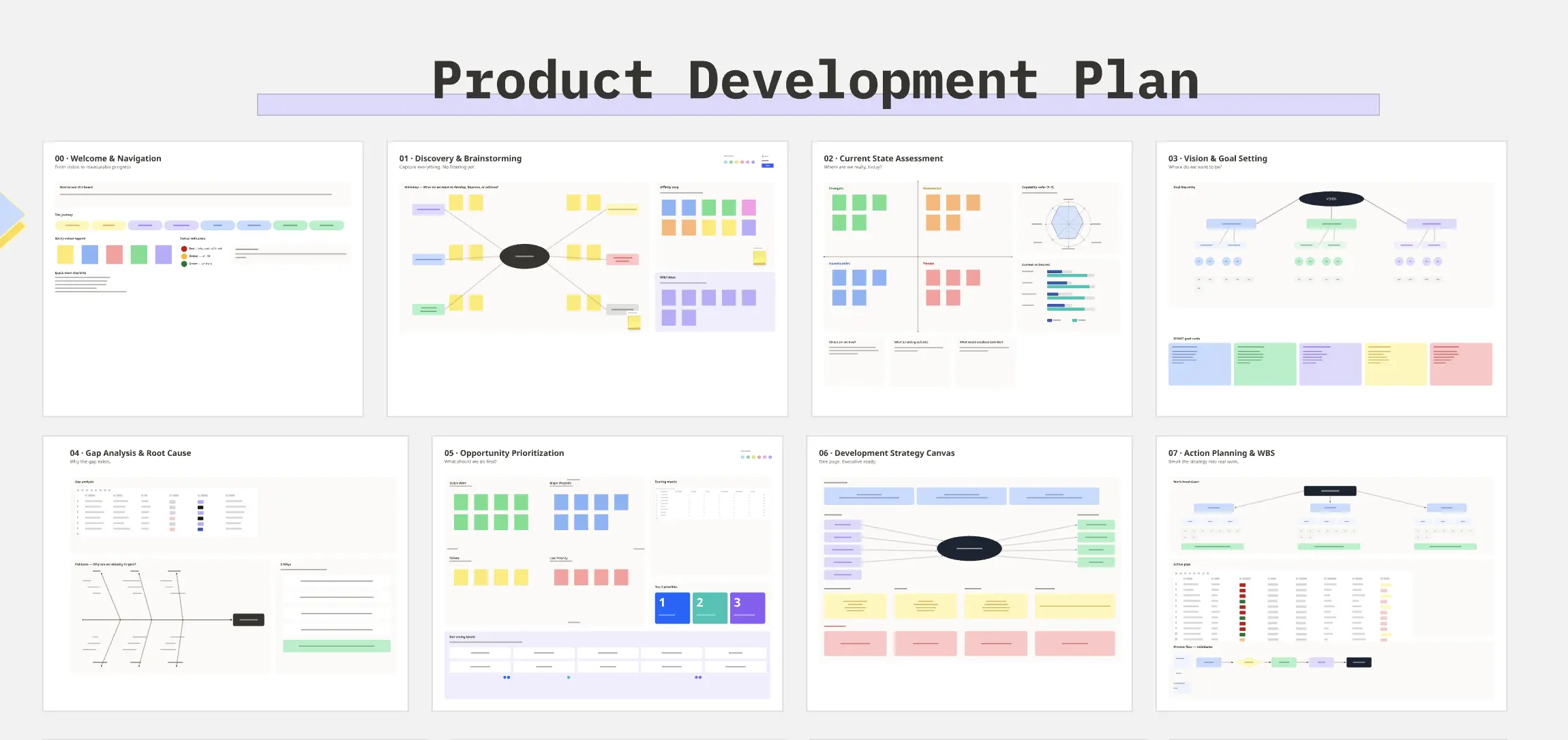
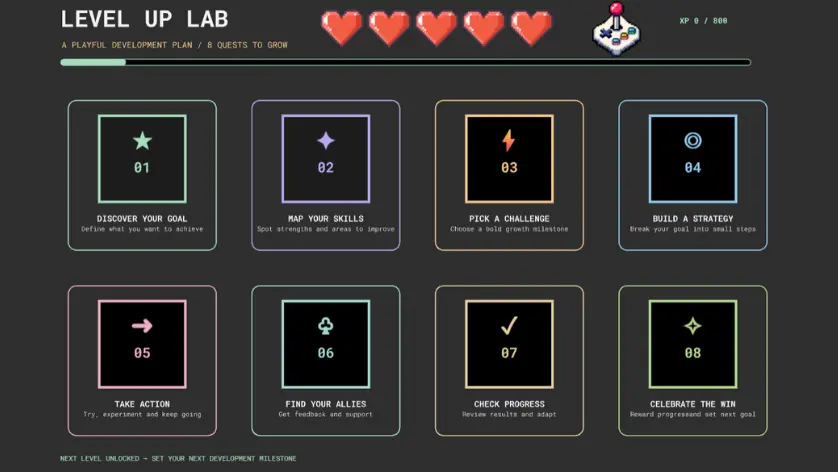
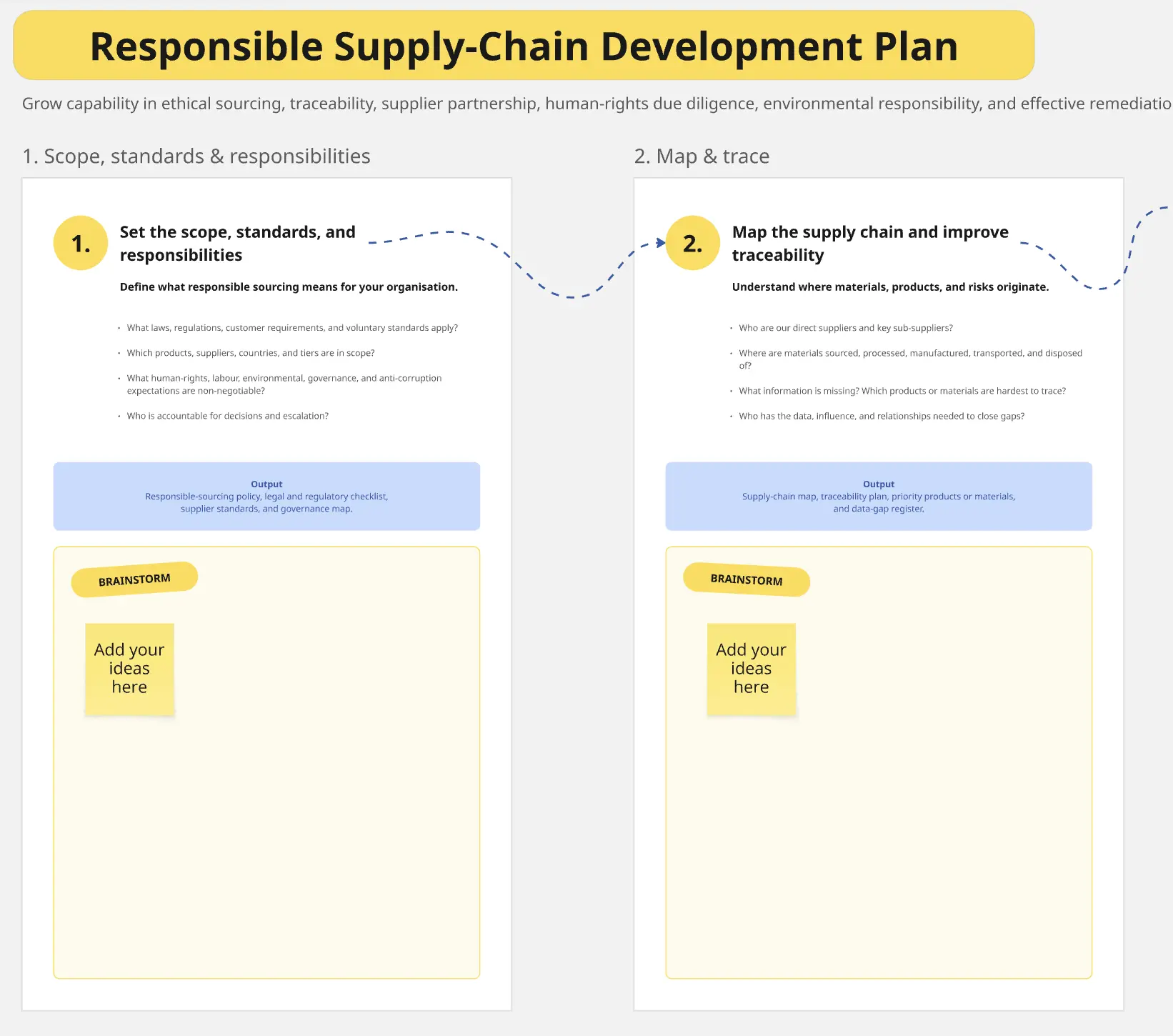
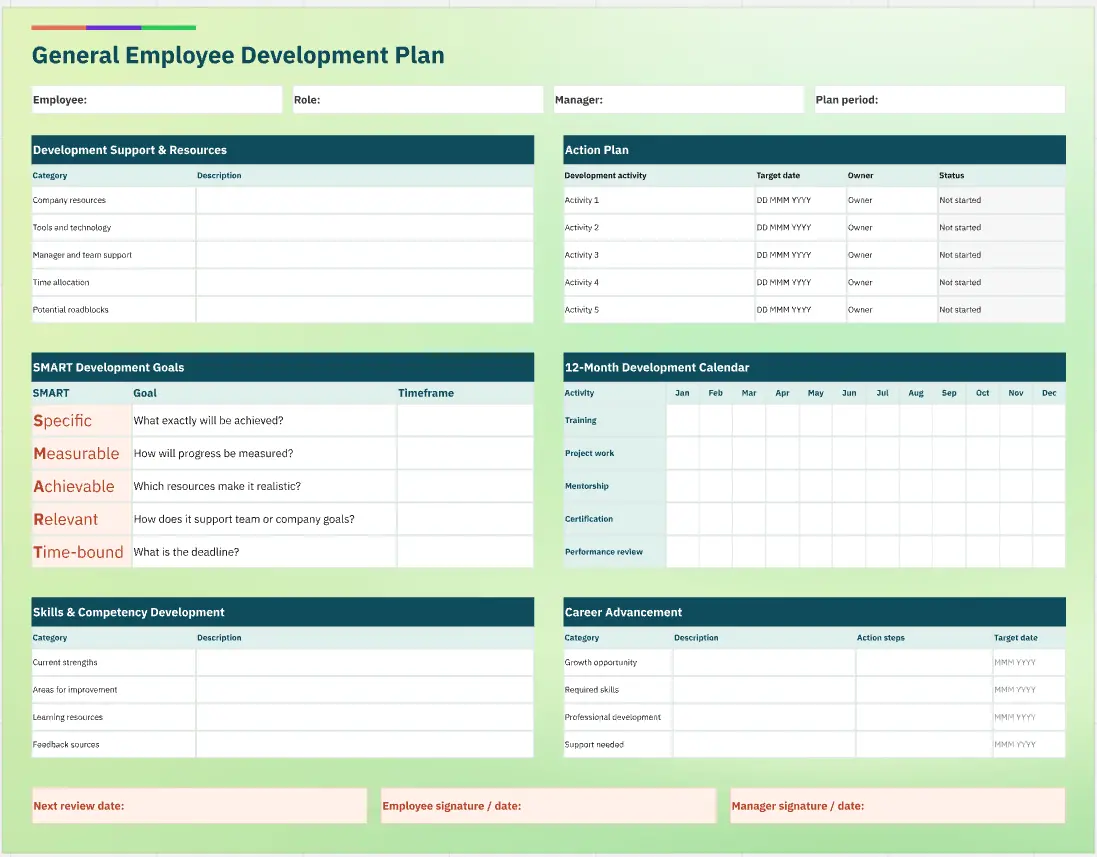
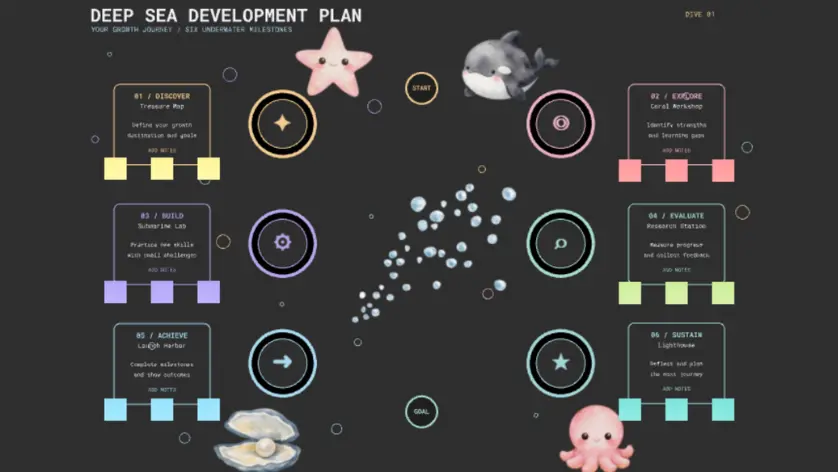
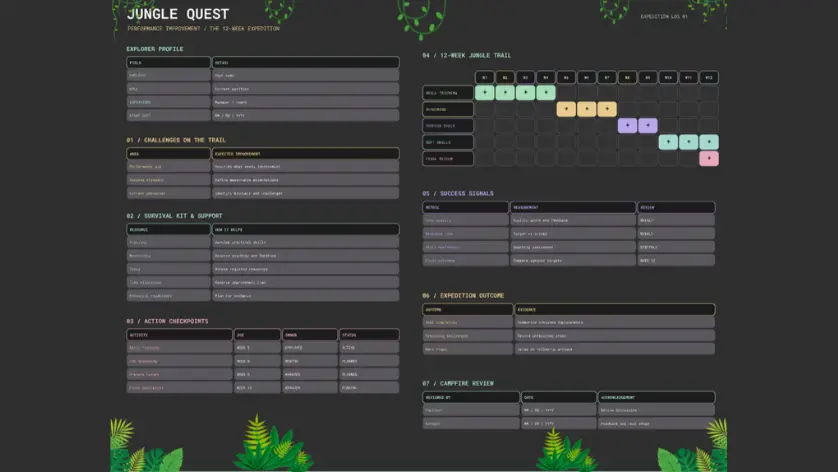
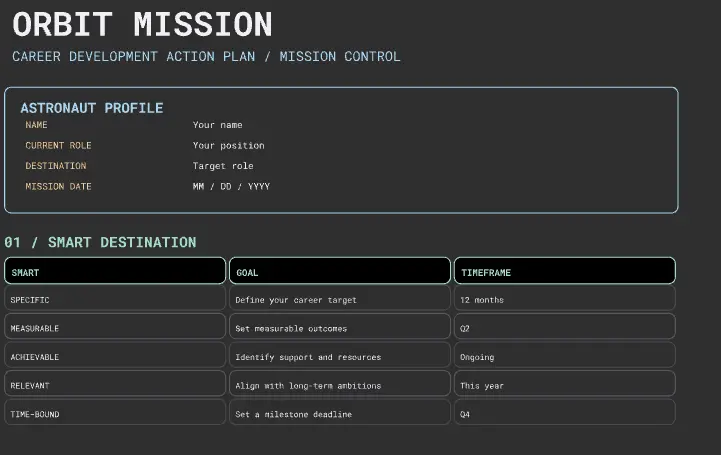
A Development Plan template is a forward-looking, growth-oriented visual workspace designed for individuals, managers, and mentors to map out professional trajectories, bridge skill gaps, and align personal career ambitions with organizational goals. Rather than burying career aspirations in static HR spreadsheets that are only opened once a year, this collection serves as a living roadmap for continuous improvement. By utilizing a standardized Miro template, employees and managers can collaboratively visualize skill matureness, establish clear accountability loops, and outline concrete milestones to transform long-term career goals into sustainable everyday habits.
Key Components of a Development Plan Template
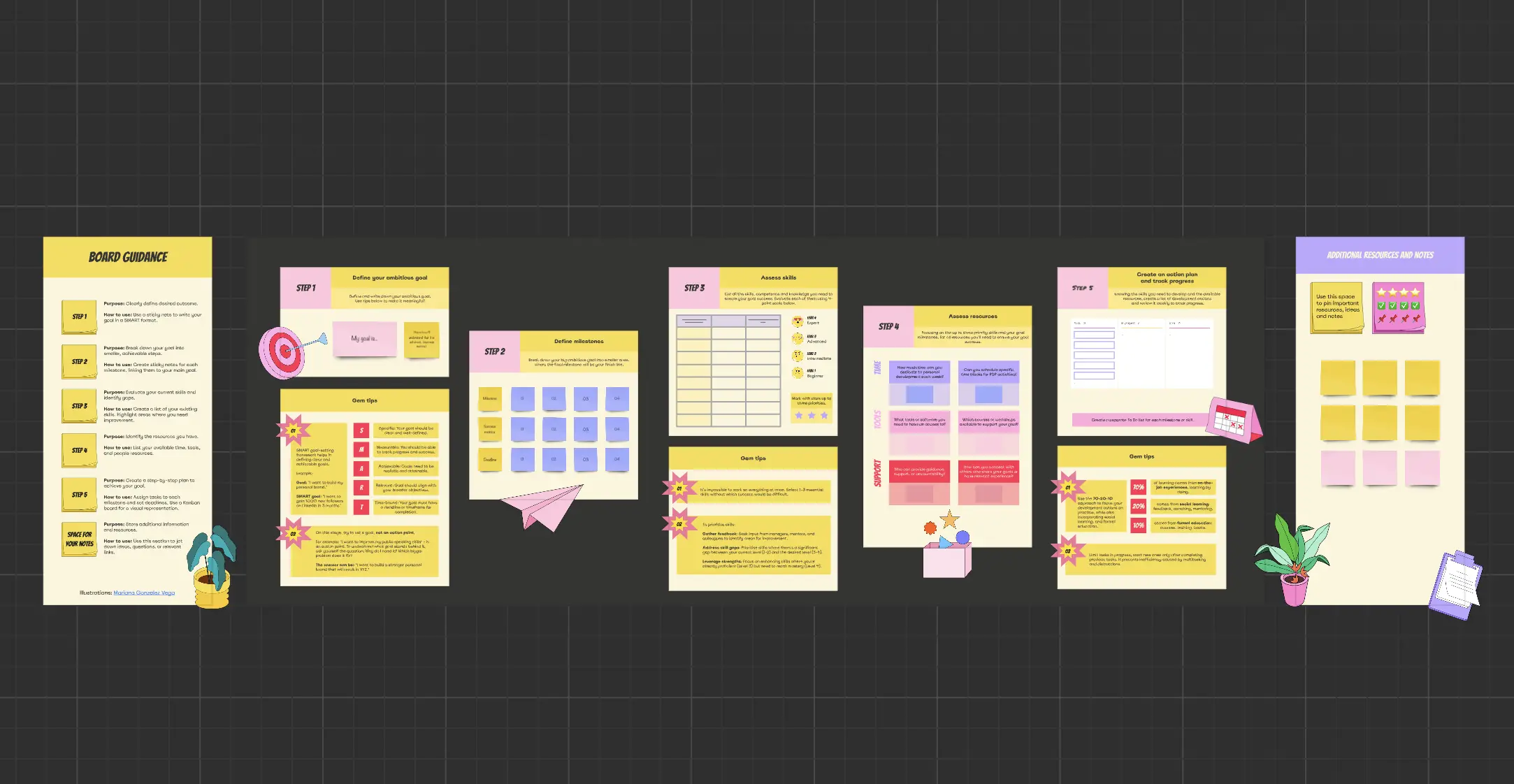
A comprehensive development plan balances high-level vision with structured, everyday execution. Every high-performance Miro development board should include these five core elements:
The Vision & Career North Star Arena: A top-level section dedicated to defining the ultimate long-term career aspiration (e.g., “Transition from Senior Engineer to Engineering Manager within 18 months”) to anchor all short-term milestones.
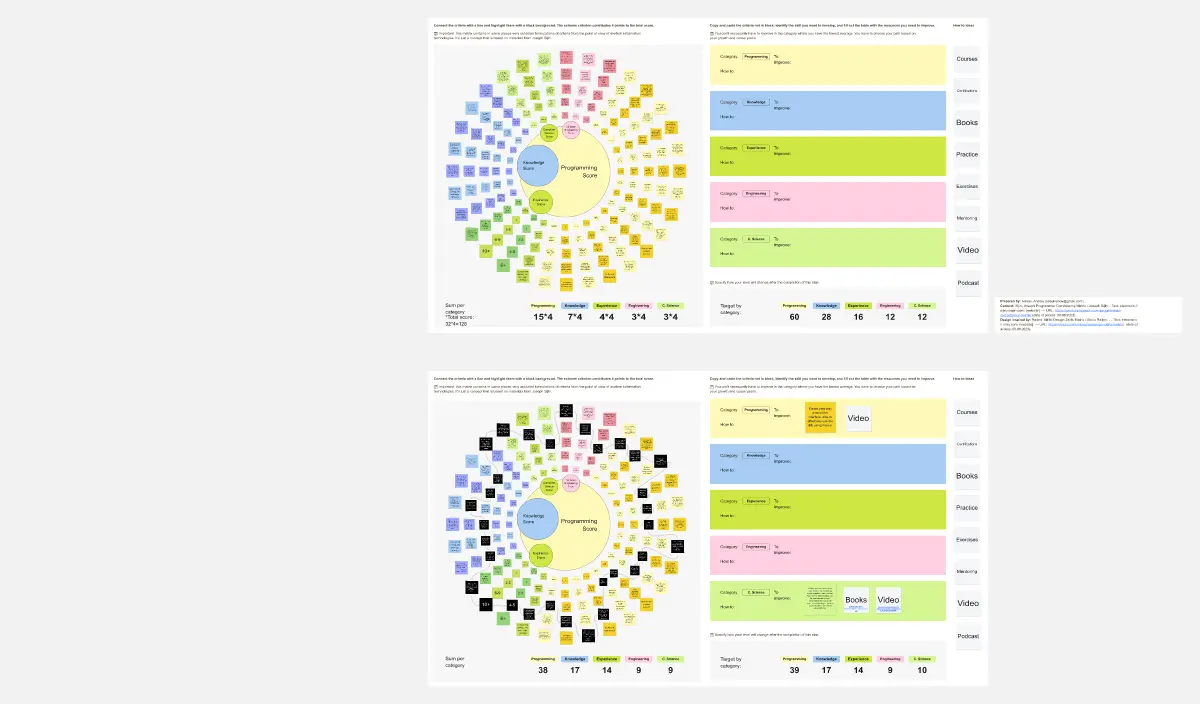
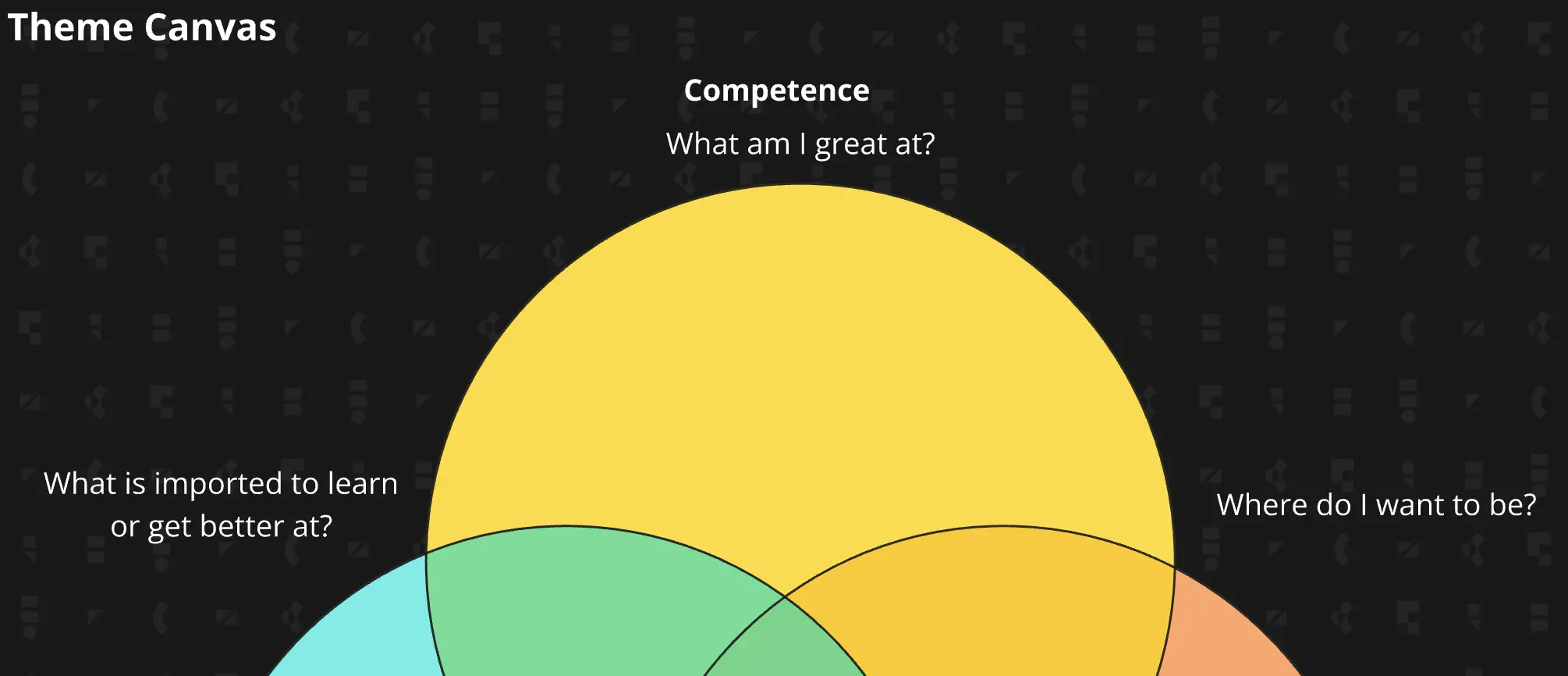
The Skills & Competency Radar: A visual assessment spider-chart or matrix used to plot current capabilities against target competencies, highlighting immediate areas for growth.
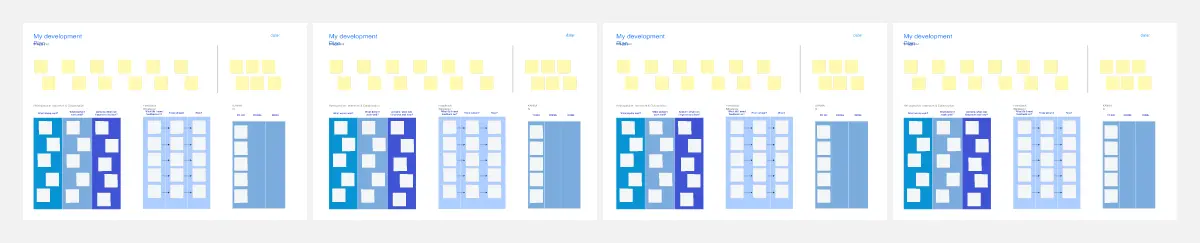
The 70-20-10 Learning Horizon: Distinct structural zones that categorize development actions across three critical learning pathways: on-the-job experiences, collaborative mentorship, and formal training.
The Milestone Timeline: A chronological tracker broken down by quarters (Q1 through Q4) to map out specific check-ins, course completion dates, and project delivery deadlines.
The Resource & Support Ledger: A dedicated space to call out the exact tools, budgets, corporate sponsorships, or internal networks required from leadership to unlock the employee's success.
How to Use Development Plan Templates in Miro
1. Establish the Career North Star First Open your chosen Development Plan template in Miro. Before assessing current performance, have the individual quietly complete the Vision & Career North Star Arena. Clearly write down what your ideal professional role looks like 12 to 24 months from today. Lock this box to ensure all future learning milestones align with this target destination.
2. Map the Current Competency Baseline Use digital sticky notes or a visual spider-graph to assess current performance across your target role's core competencies (e.g., technical execution, leadership capacity, communication clarity). Be completely honest: look for systemic gaps where your day-to-day execution sits below the expectations of your target title.
3. Run a Collaborative Alignment Session Bring the employee and manager together on the Miro board. Review the skill baseline as a partnership. Use Miro’s drag-and-drop features to align on which 2 or 3 core development focus areas will deliver the highest return on investment for the business and the individual's career path.
4. Populate the 70-20-10 Learning Pathways Brainstorm specific development activities to address the chosen focus areas. Ensure your canvas accurately balances the inputs: for every 1 course or book added to the 10% column, ensure there is an accompanying milestone in the 70% column (e.g., an actual project execution track where that new knowledge will be applied).
5. Define Explicit Resource Commitments In the Resource & Support Ledger area, clearly detail what structural support the individual requires to succeed. Use explicit sticky notes to document manager actions (e.g., “Introduce Jane to the Director of Product,” “Approve $500 learning stipend for cloud architecture course”) to establish mutual accountability.
6. Schedule the Quarterly Growth Cadence Lock the background structural elements of your Miro board to create a clean, unmovable dashboard. Link the board directly into your recurring 1-on-1 calendar invites, and revisit the canvas at the end of every quarter to track your timeline milestones, celebrate completed skill acquisitions, and update development paths based on live organizational changes.