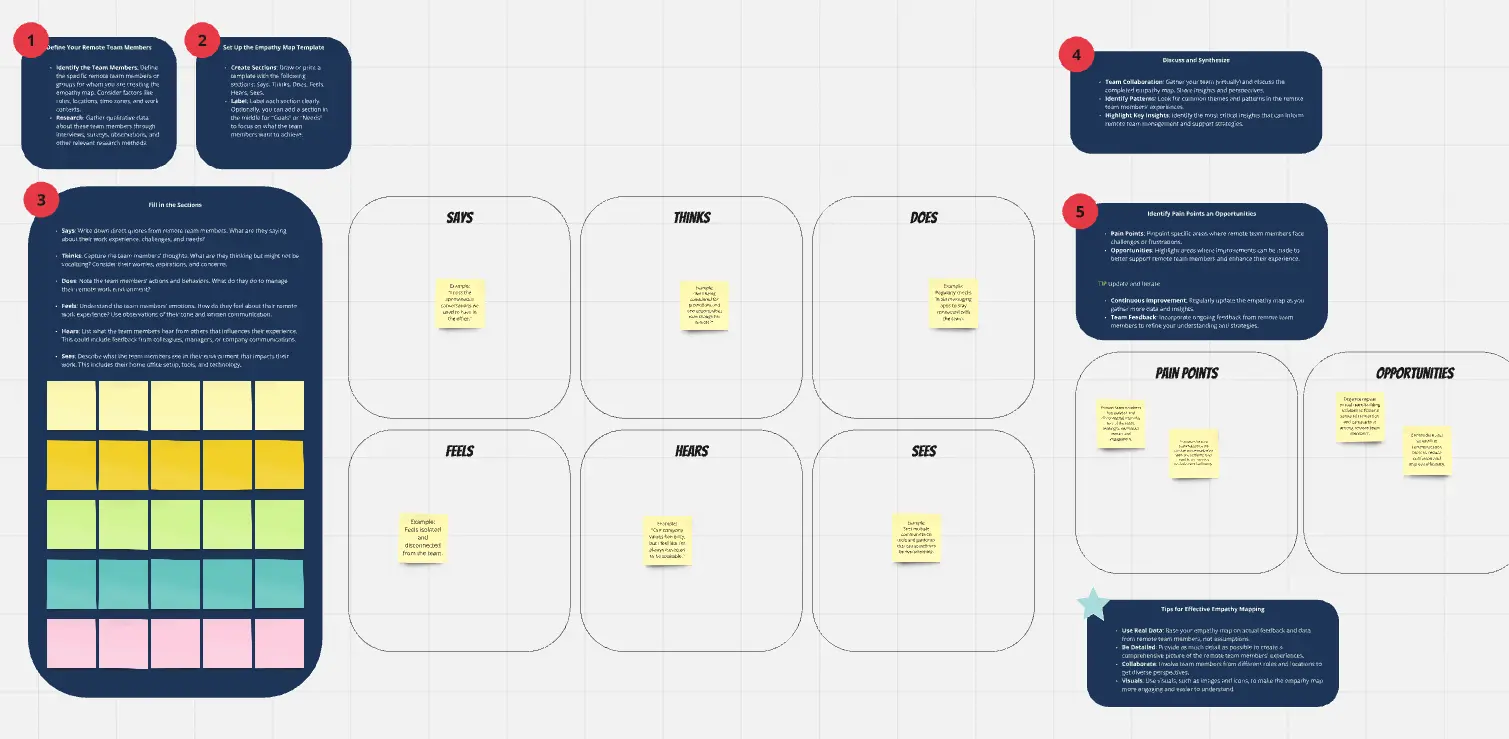
What is a Remote Team Template?
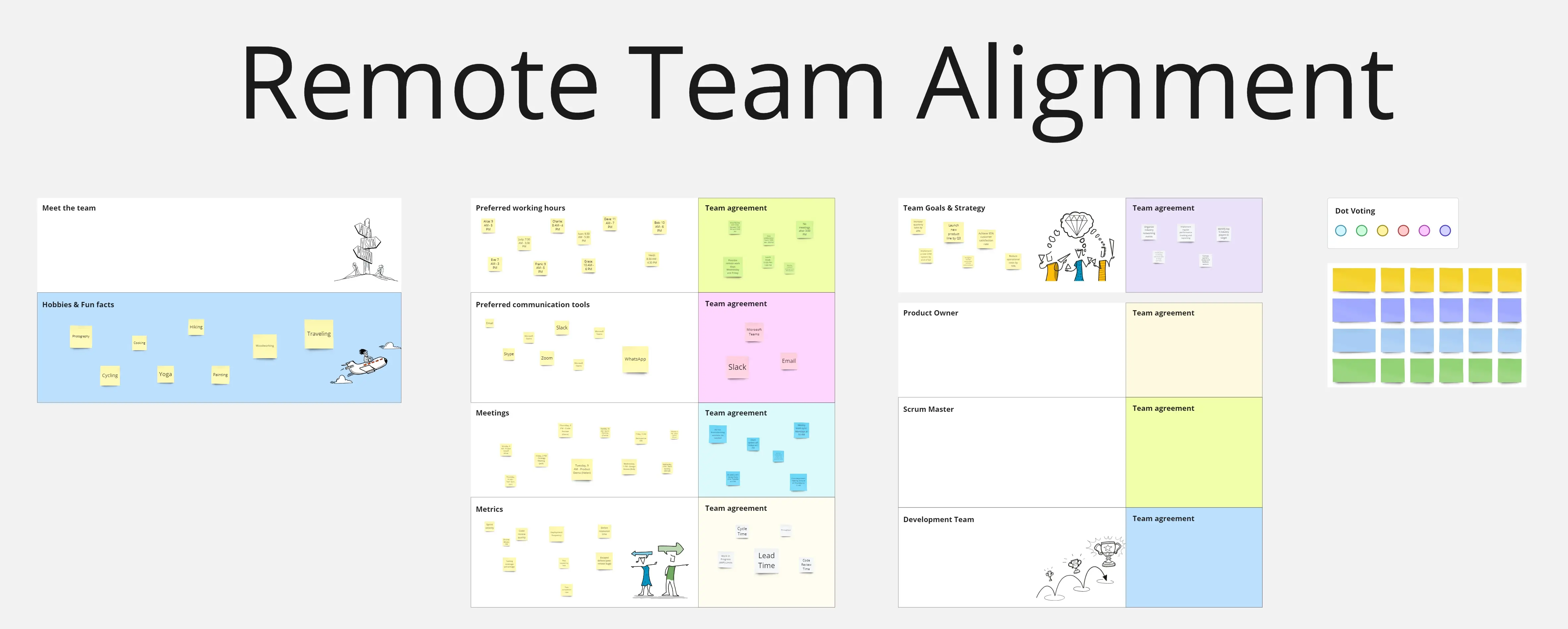
A remote team template is a structured, digital workspace designed to facilitate collaboration when participants are not in the same room. It solves the three biggest hurdles of distance: Information Silos, Time Zone Friction, and Isolation. By using centralized boards for everything from "Virtual Coffee" to "Sprint Planning," remote teams can maintain a high-context environment where "The Why" is always accessible.
The "Distance" Audit: 3 Ways to Build a Virtual Culture
Remote work fails when it tries to mimic an office. It succeeds when it embraces the "Digital-First" mindset. Before setting up your team's Miro or Notion board, apply these three expert "health checks":
1. The "Context Density" Audit
The Audit: Are your tasks vague (e.g., "Fix the login") because you assume you can just "explain it in a meeting"? The Fix: Audit for Self-Sufficiency. A professional remote template must be High-Context. Every task or project card should include the Goal, Loom/Video Walkthrough, Reference Links, and Definition of Done. If a teammate in a different time zone can't start the work without talking to you, your template is creating a bottleneck.
2. The "Passive Connection" Test
The Audit: Is the only time your team talks during "Status Updates"? The Fix: Audit for Social Friction. Remote teams need "Passive Watercooler" spaces. Use your template to include non-work zones:
The "Mood" Check-in: A simple 1-5 scale or emoji board for daily sentiment.
The Knowledge Swap: A space to share interesting articles or podcasts.
The "Kudos" Wall: A permanent area for public praise and recognition.
3. The "Meeting Sovereignty" Guardrail
The Audit: Is your calendar a solid block of "Synchronous" Zoom calls? The Fix: Audit for Asynchronous Flow. A high-performance remote template should define "Meeting-Light" protocols. Use a Decisions Log and Meeting-Free Wednesday blocks. If a topic can be resolved via a threaded discussion on the board, the template should discourage a meeting invitation.
Strategic Frameworks: The Remote Team Toolkit
A professional distributed team uses four distinct templates to stay aligned:
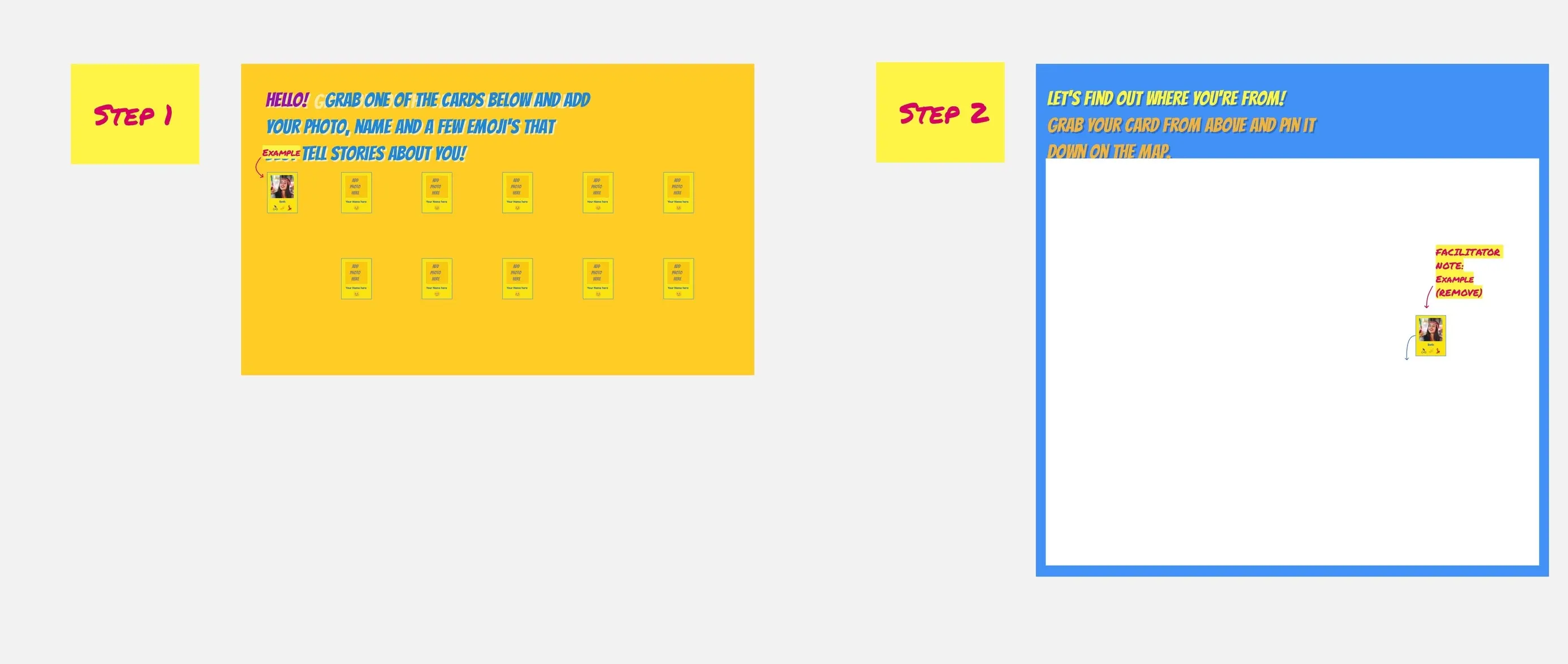
1. The Virtual Office "Home Base"
Goal: To serve as the "Start Page" for the team's day.
Key Components: Today's priorities, "Who is OOO" (Out of Office) tracker, and links to the most-used files.
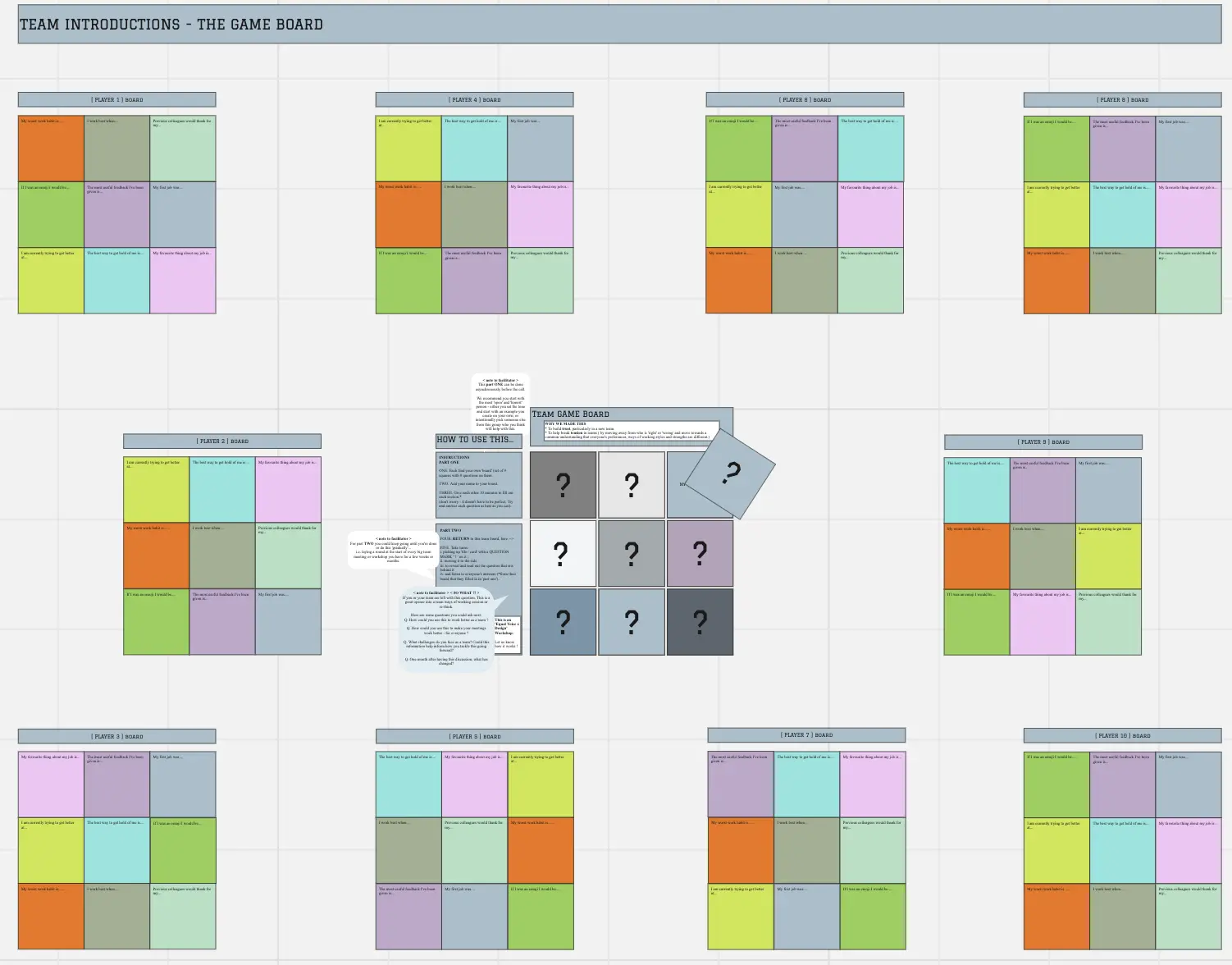
2. The Team "User Manual"
Goal: To document individual working styles and preferences.
Key Components: "When I'm online," "How I like to receive feedback," and "My pet peeves."
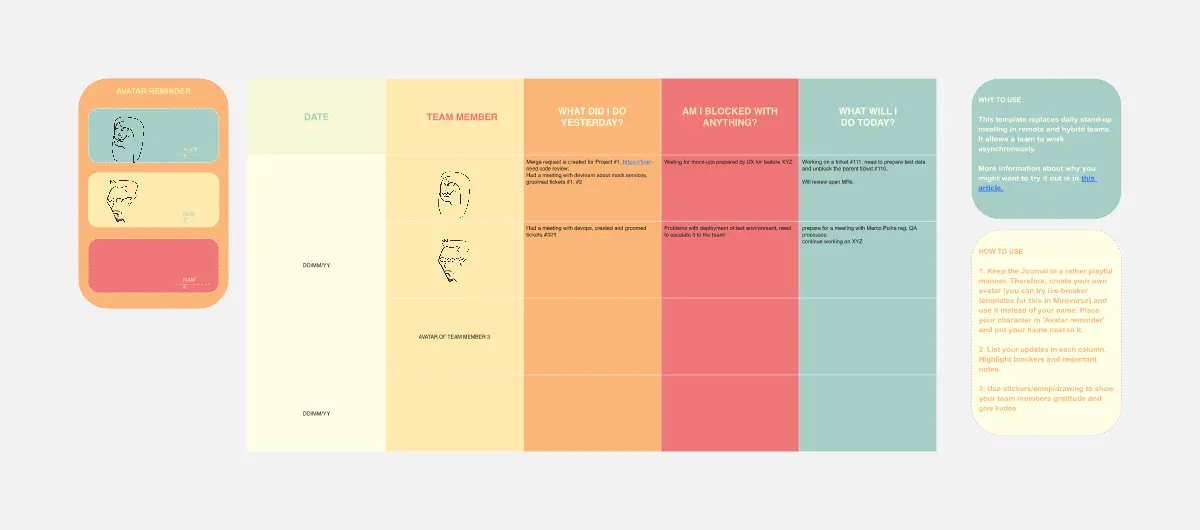
3. The Asynchronous Standup
Goal: To share updates without a 30-minute call.
Key Components: "What I did yesterday," "What I'm doing today," and "Blockers."
4. The Remote Retrospective
Goal: To improve team processes in a psychological safe space.
Key Components: Sections for "What's working," "What's frustrating," and "Action items for the next cycle."
Key Components of a Remote Team Template
A high-performance Remote Board requires these five core elements:
Avatar/Presence Area: A way to see who is currently active or "In Deep Work" mode.
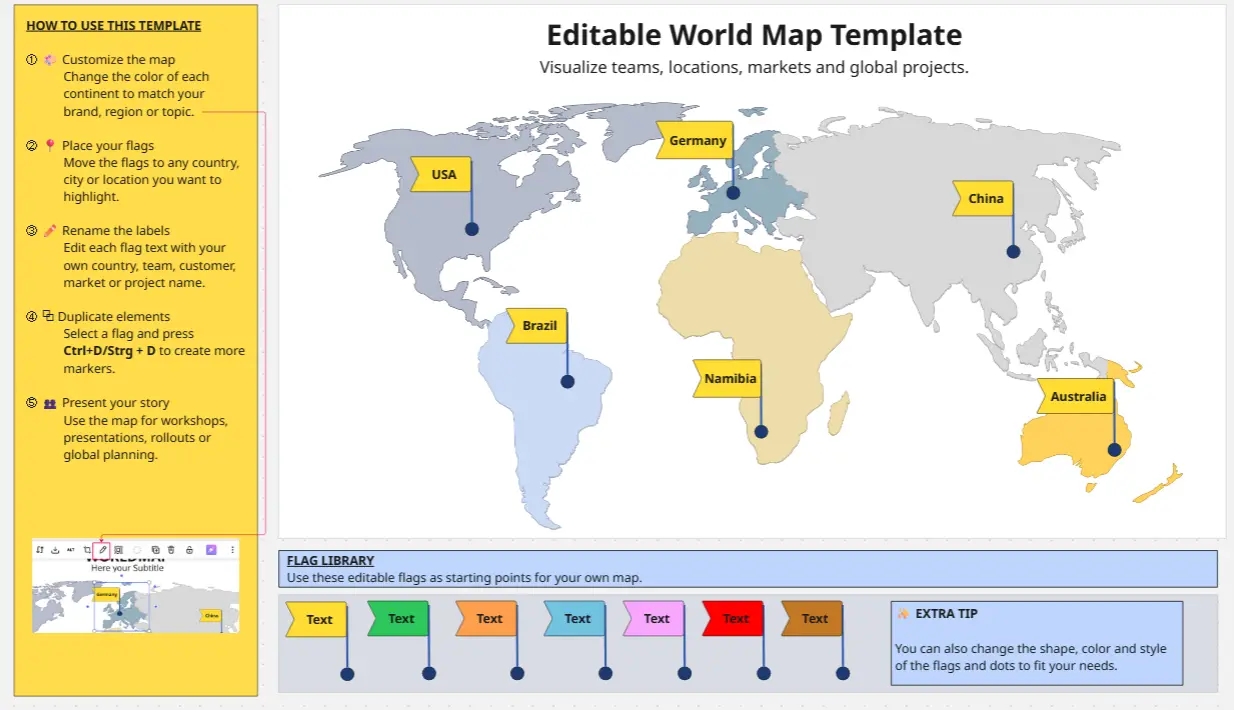
Time Zone Map: A visual reference showing where everyone is located to simplify scheduling.
Resource Directory: A pinned list of standard operating procedures (SOPs) and tool logins.
The "Parking Lot": A space for ideas that come up during the day but don't need immediate attention.
Weekly Rituals Calendar: A clear view of recurring social and professional touchpoints.
Common Pitfalls in Remote Management
The "Micromanagement" Trap: Using templates to track every minute of a teammate's time.
Ignoring the "Silence": Assuming that because no one is complaining, everything is fine.