About the Project Management Templates Collection
Miro's project management templates streamline your project planning and execution processes. Whether you're managing a small team or a large-scale project, our templates provide a comprehensive suite of tools to help you stay organized, track progress, and ensure timely delivery. With a variety of templates tailored to different project management methodologies, you can easily find the right fit for your needs.
The "Project Health" Audit: 3 Ways to Ensure Your Template Works
A project management template is only effective if it drives action. Before your next kickoff, apply these three expert "health checks" to your Miro board:
1. The "Single Point of Truth" Test
The Audit: Is your project data scattered across emails, spreadsheets, and Miro?
The Fix: Use your template as a Centralized Hub. Link specific Miro cards to external documentation, Jira tickets, or budget sheets. An authoritative template doesn't just show the plan; it connects the entire project ecosystem in one visual space.
2. Identifying "Velocity Killers" (Bottleneck Detection)
The Audit: Can you see where work is piling up for a single team or individual?
The Fix: Use Swimlanes or Color-Coding to visualize resource allocation. If your Gantt or Kanban board shows one department as a "wait-point" for three other workstreams, you’ve identified a bottleneck. Adjusting these early prevents the "domino effect" of project delays.
3. The "Definition of Done" (DoD) Clarity
The Audit: Are your tasks vaguely labeled (e.g., "Marketing Plan")?
The Fix: High-performance templates include a Definition of Done for major milestones. Use Miro’s sticky notes or comments to list the criteria that must be met before a task is moved to "Complete." This eliminates "project creep" and ensures everyone is aligned on quality standards.
Key Components of a Project Management Template
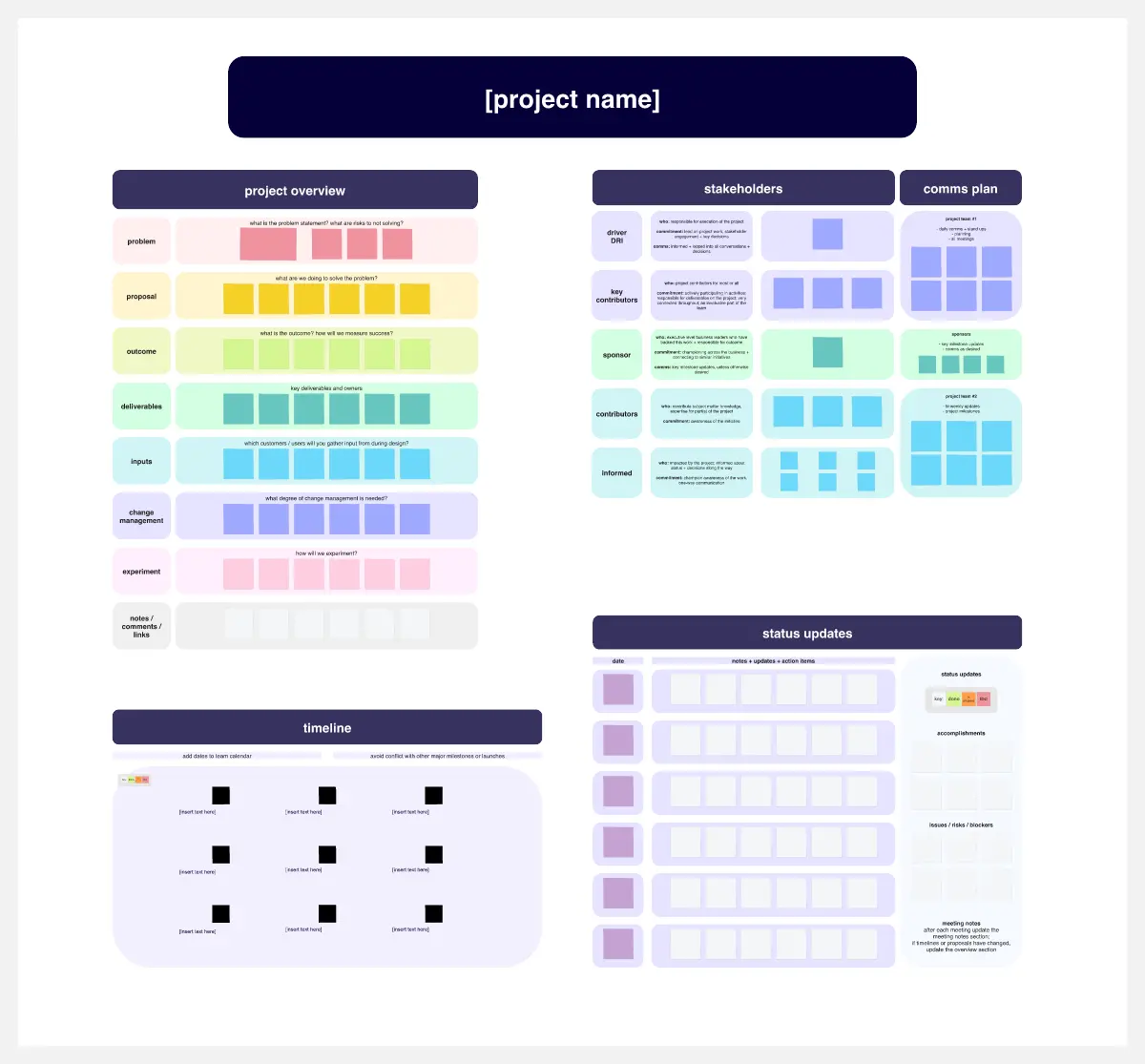
A professional project management template transforms a chaotic to-do list into a structured system. Every high-performance Miro board should include these five core elements:
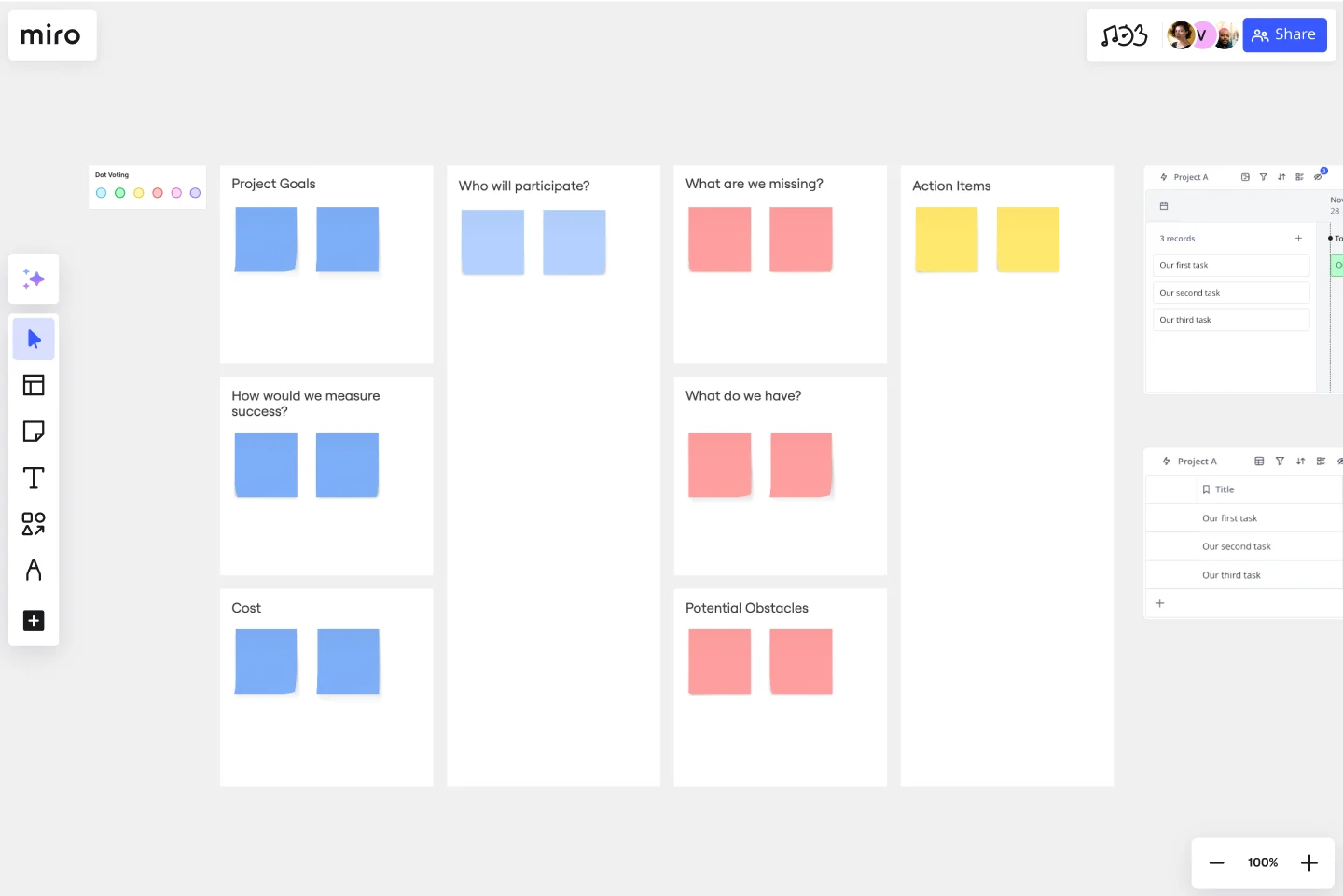
Project Charter: A high-level section defining the "North Star" objectives, success metrics, and scope to keep the team aligned on the "Why."
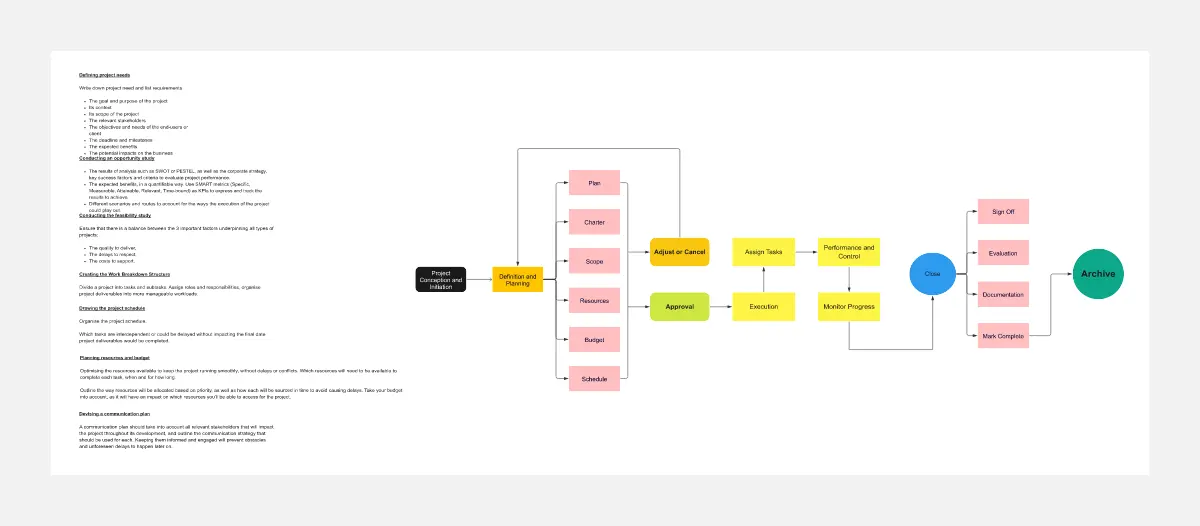
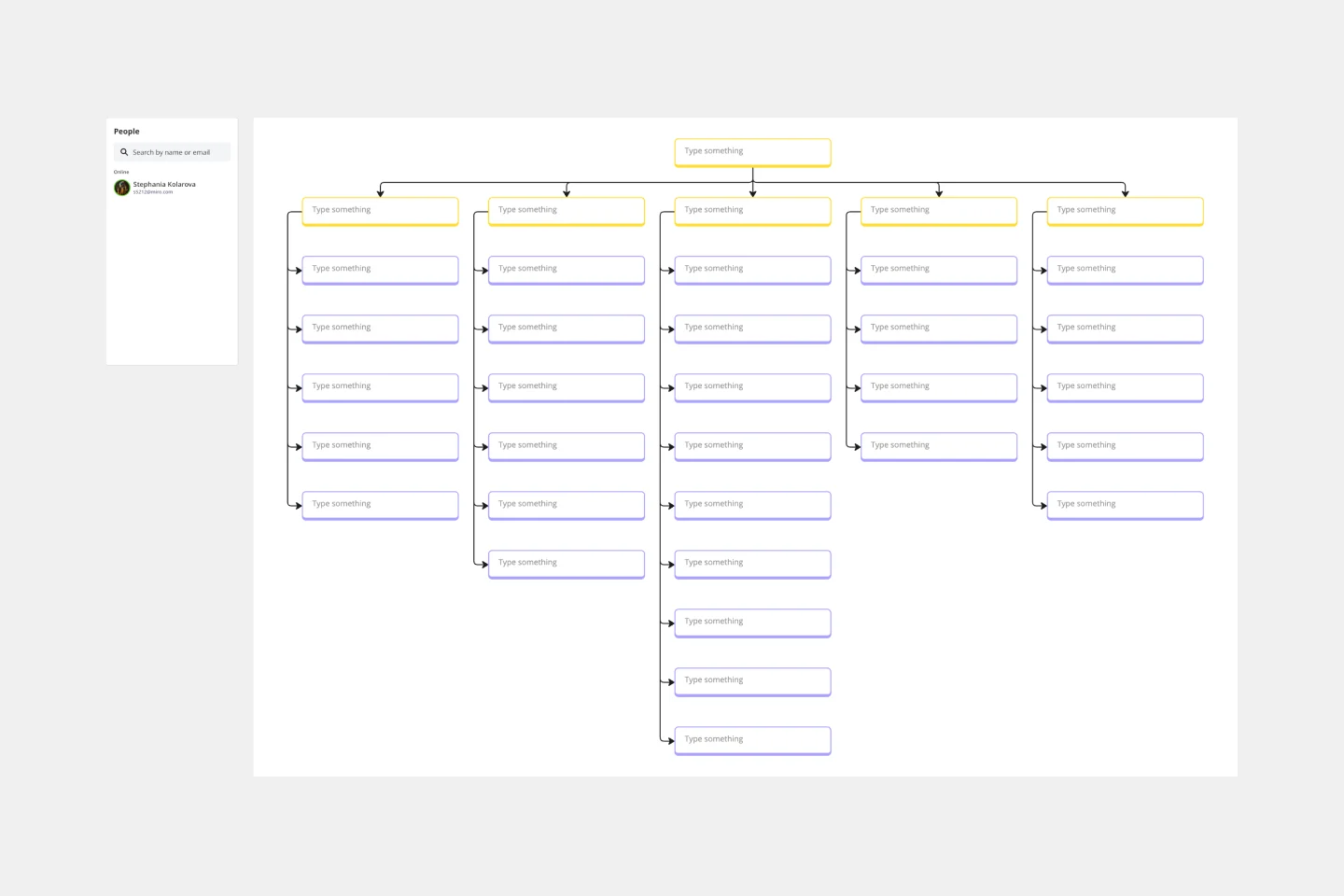
Work Breakdown Structure (WBS): A hierarchical map that breaks large deliverables into smaller, manageable tasks to eliminate ambiguity.
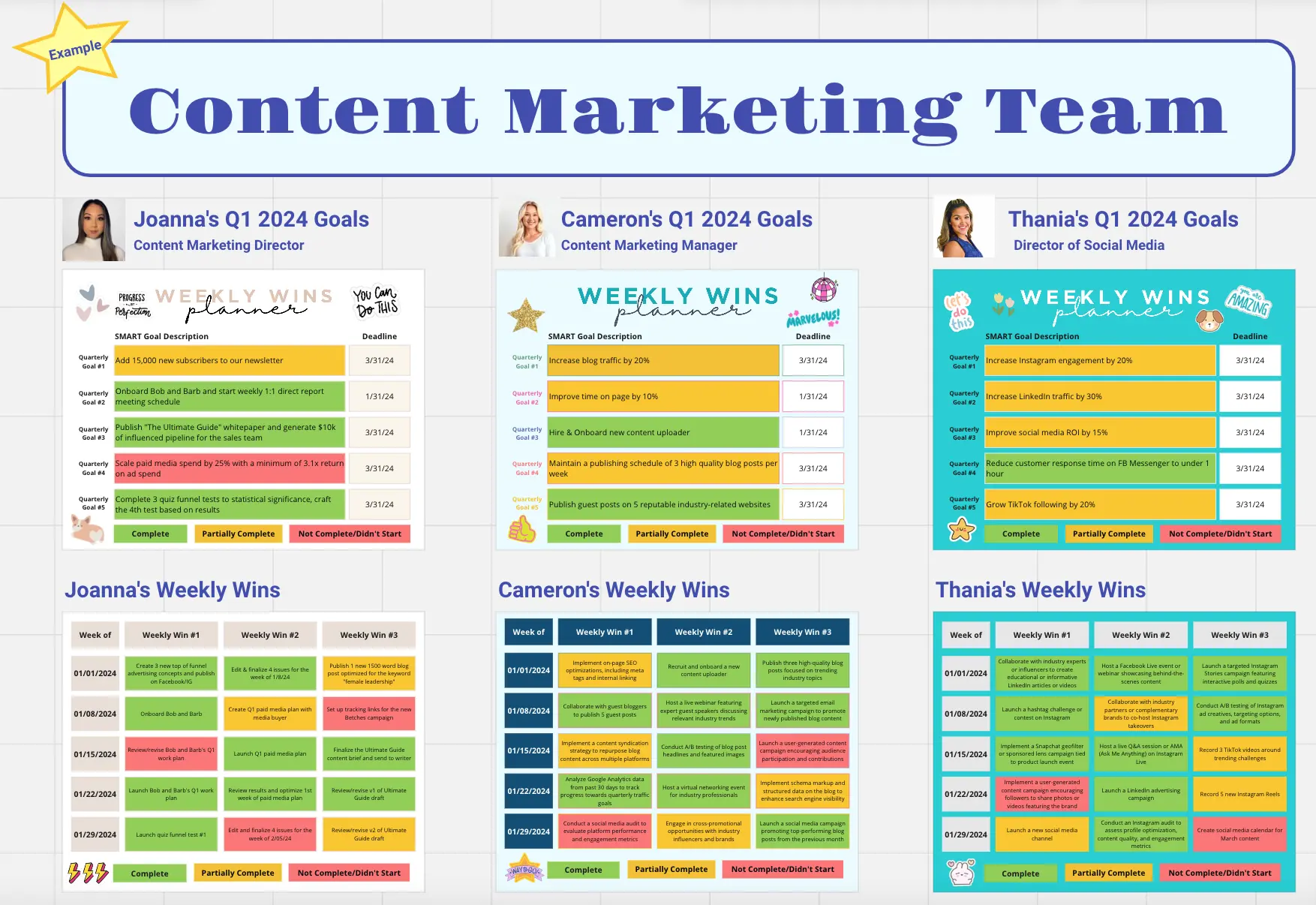
Accountability Tags: Clear visual markers (Miro Cards or Tags) that assign a single owner to every task, preventing the "bystander effect."
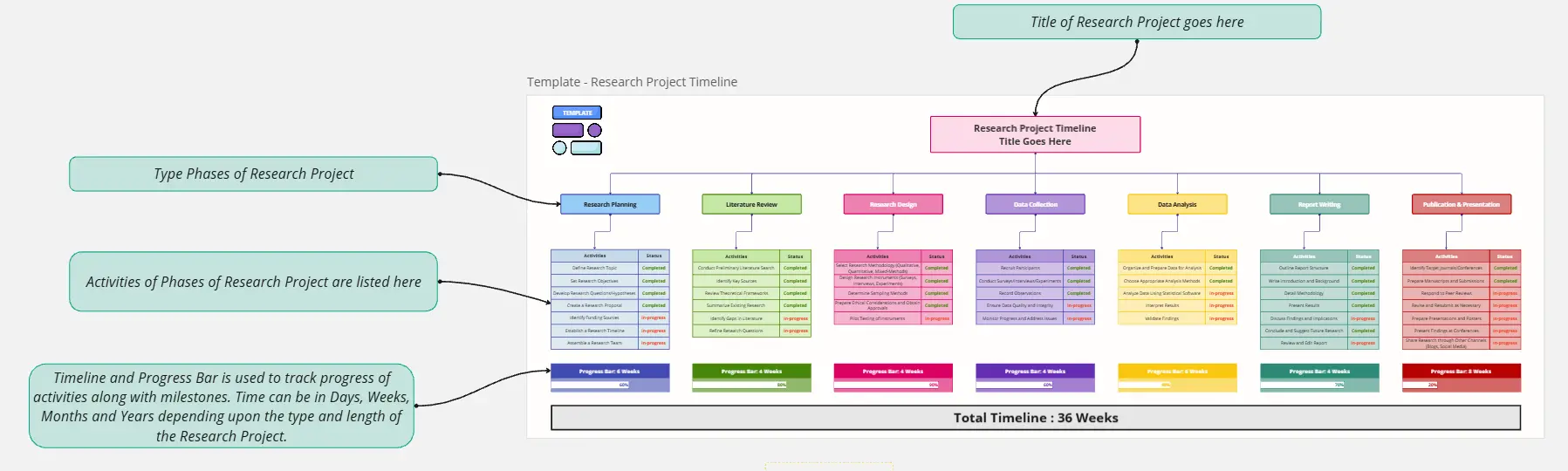
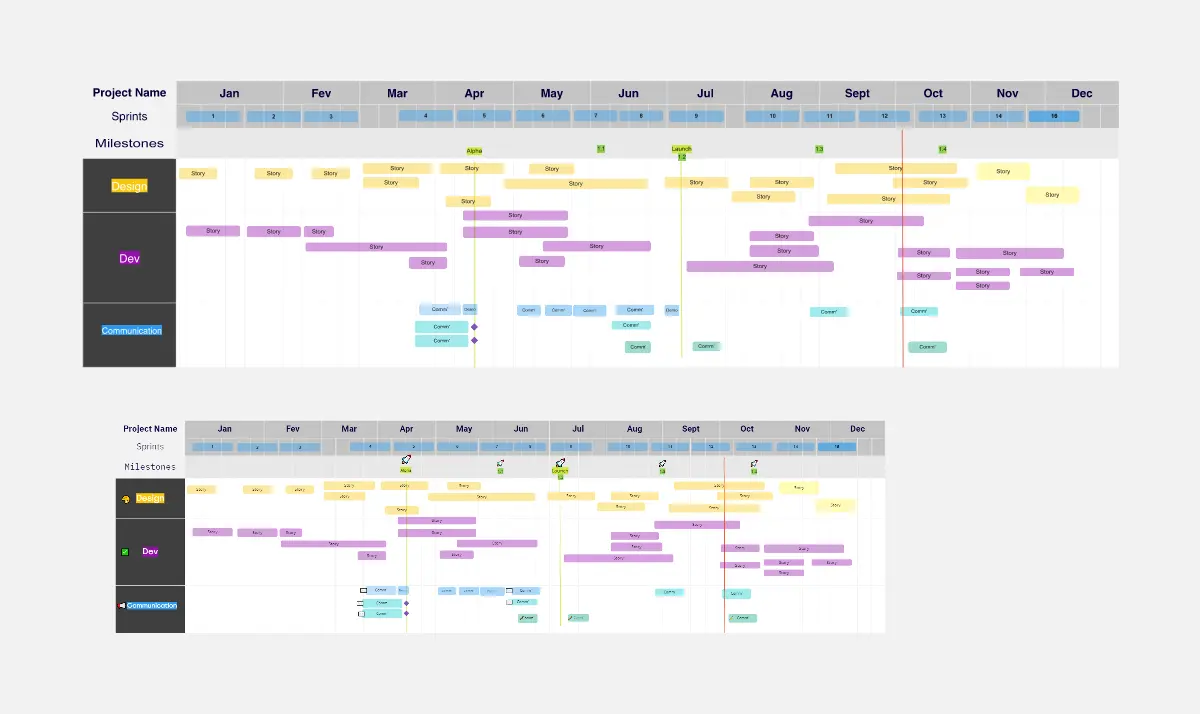
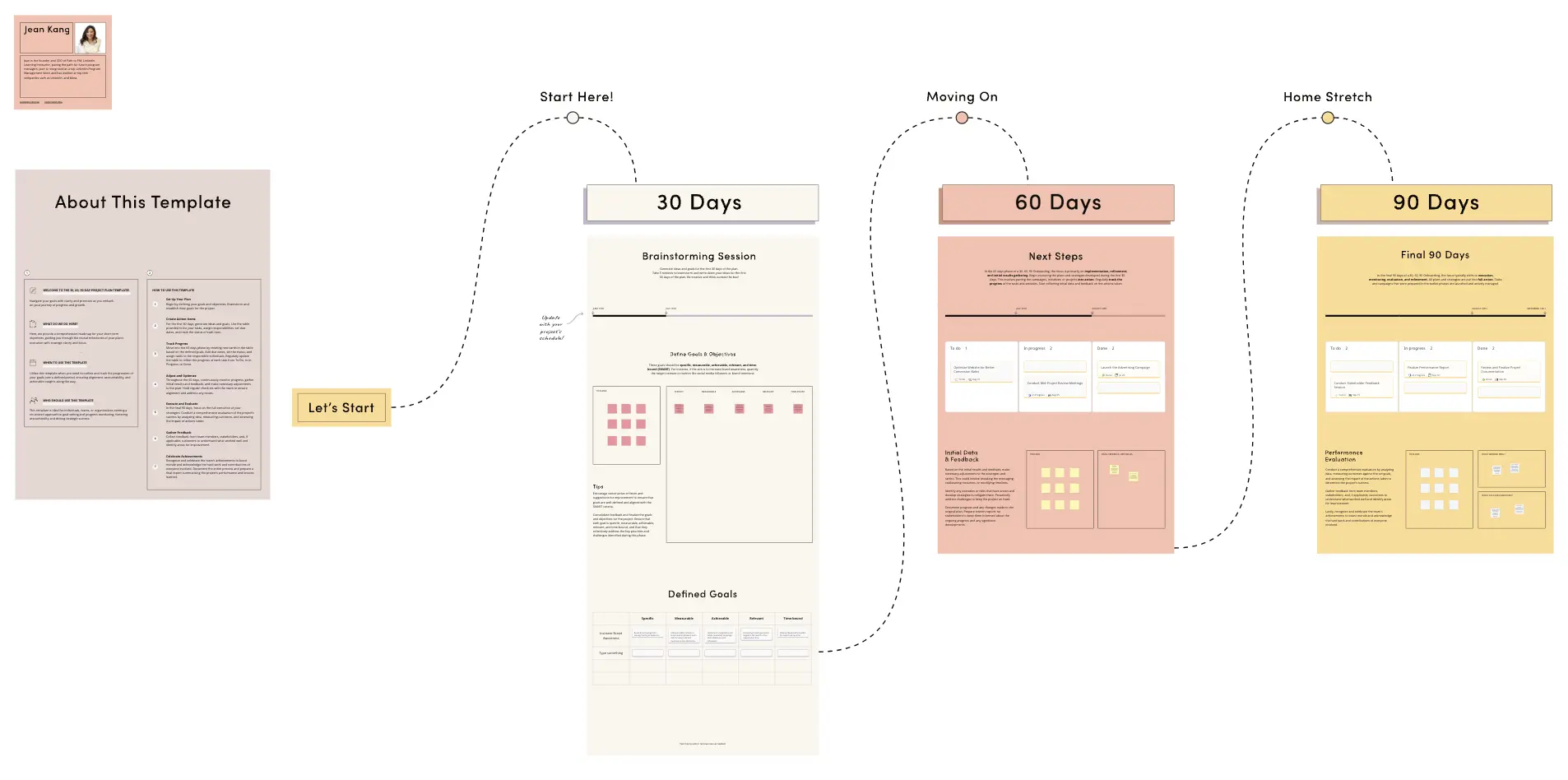
Milestone Timeline: A chronological view of "Hard Gates" and deadlines that signify the completion of major project phases.
RAID Log: A dedicated space to track Risks, Assumptions, Issues, and Dependencies, allowing you to mitigate threats before they derail your schedule.
Which Project Management Template Do You Need?
Different projects require different logical structures. Use this guide to select the Miro template that matches your team’s "Work DNA":
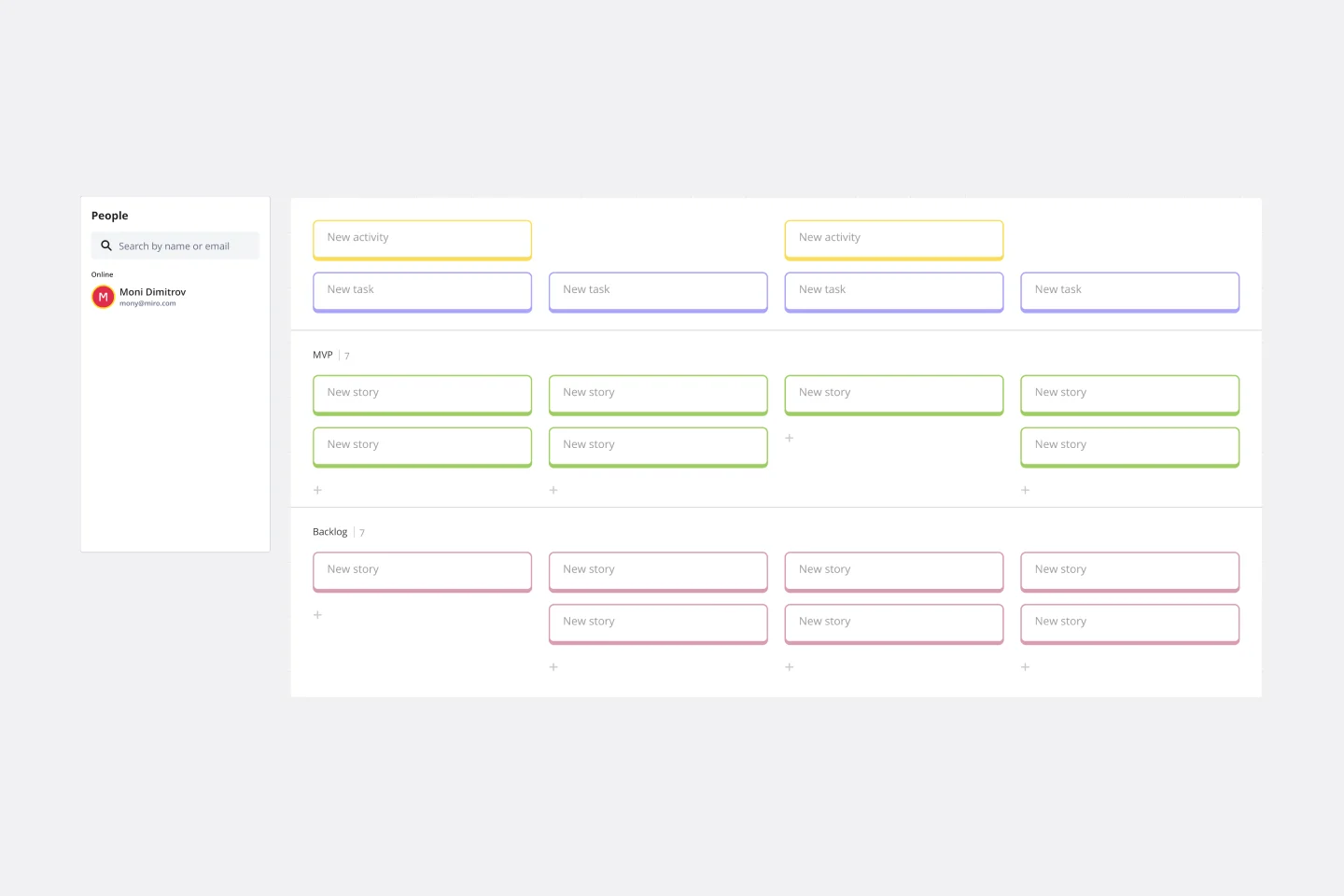
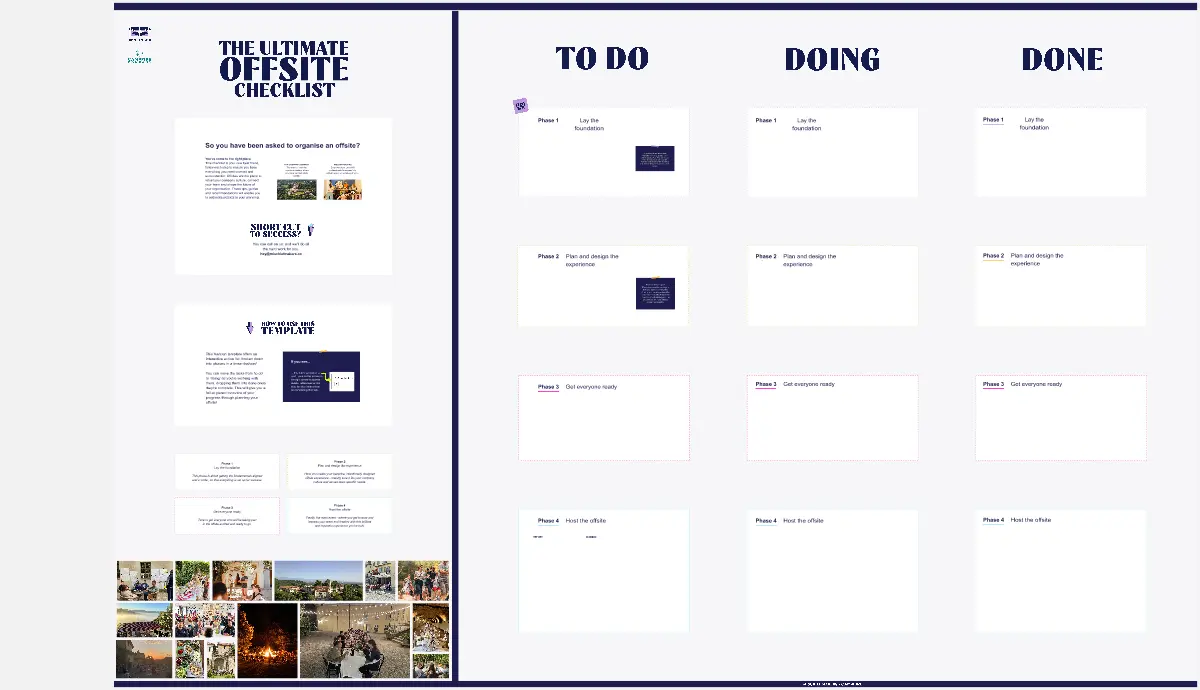
The Kanban Board (Agile/High Velocity):
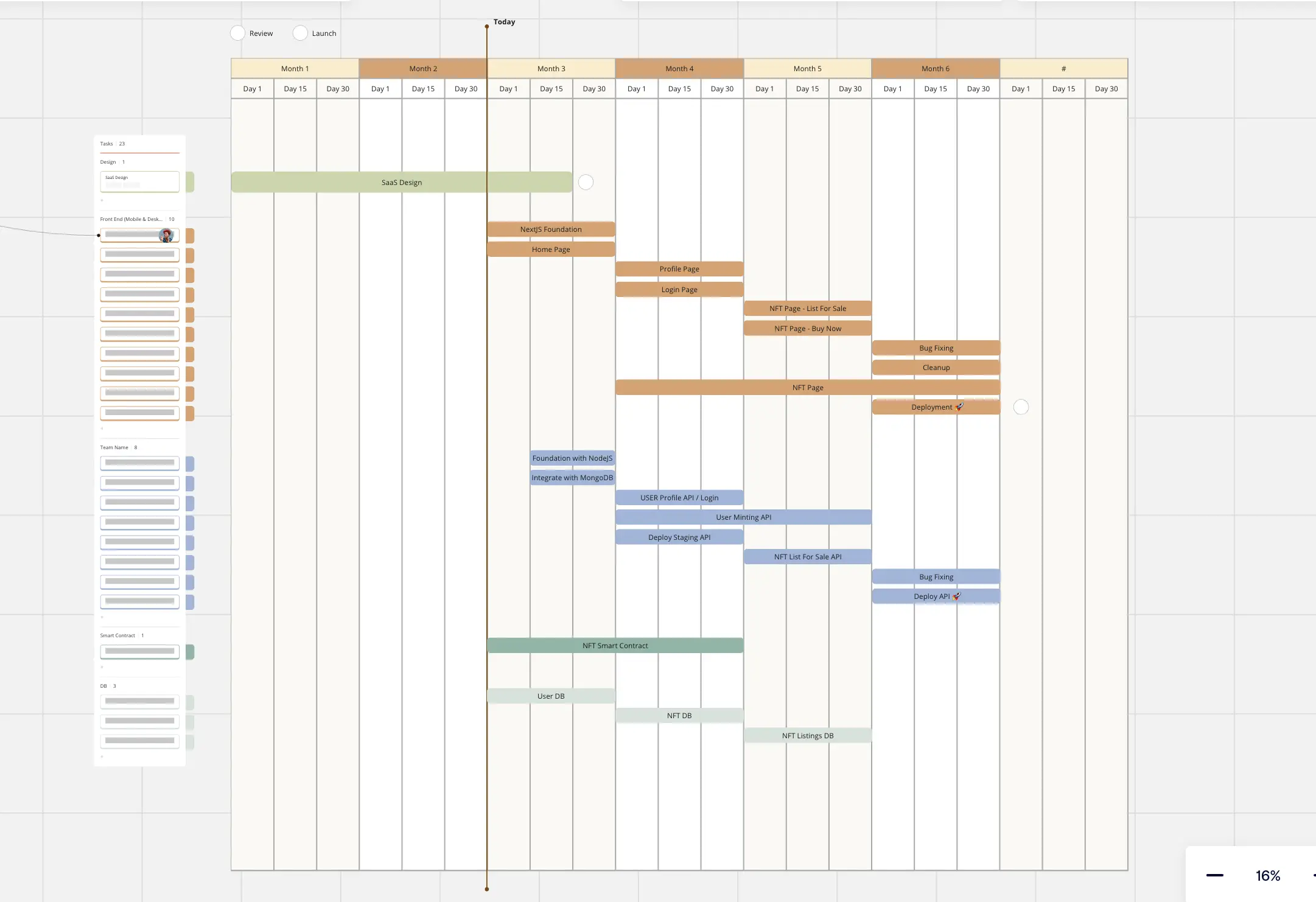
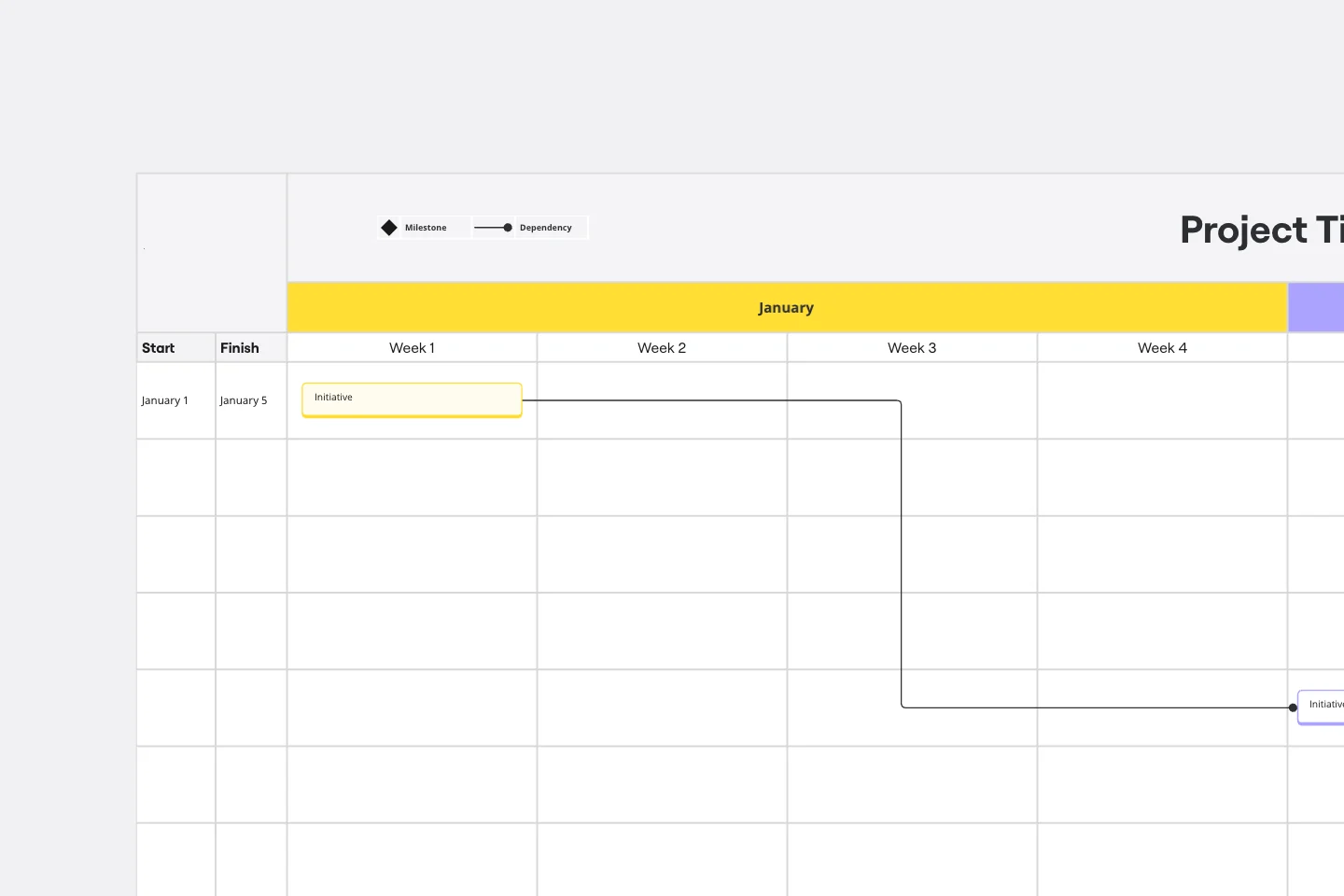
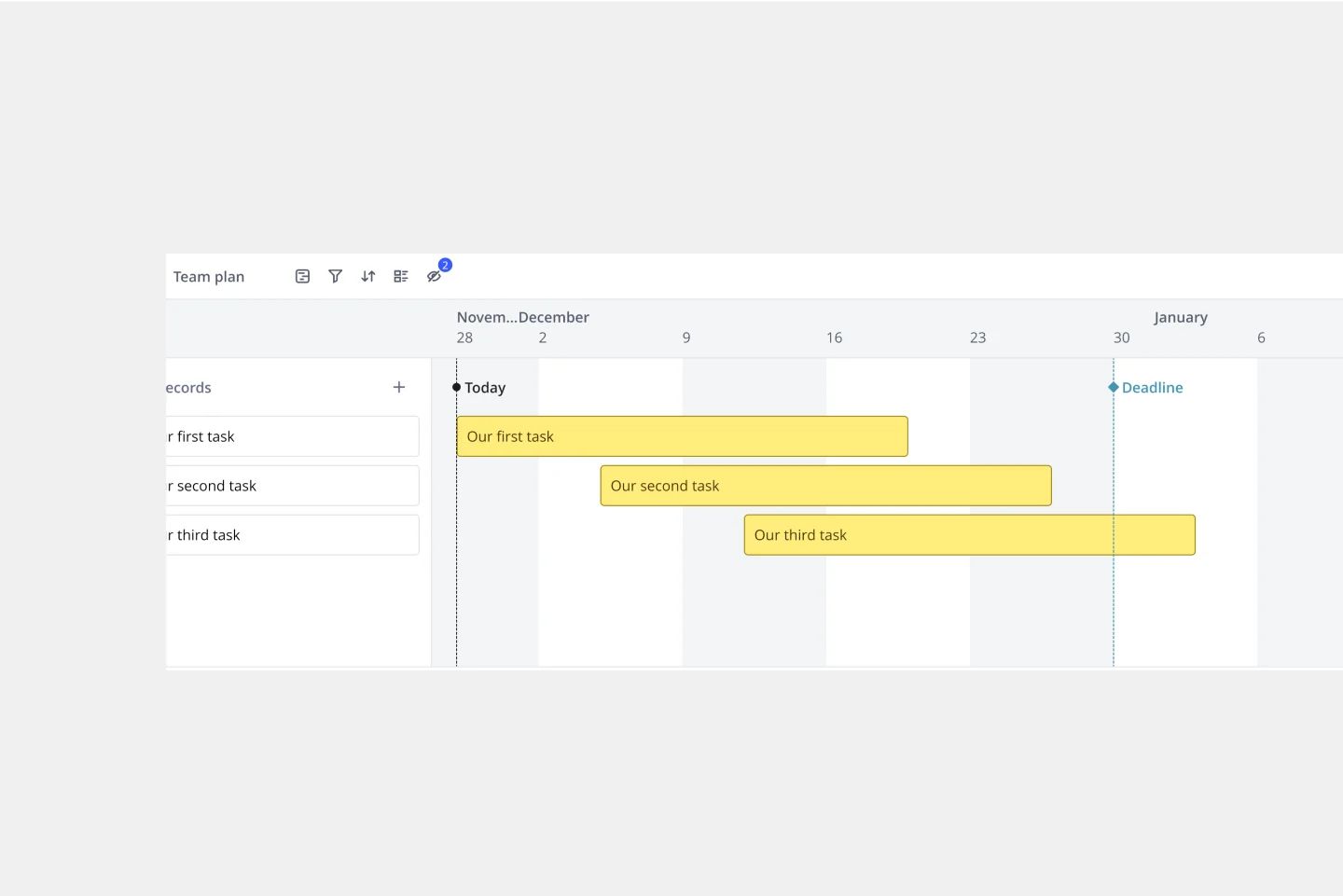
The Gantt Chart (Structured/Waterfall):
Best For: Complex projects with strict dependencies and fixed deadlines (e.g., construction or hardware launches).
The Goal: To manage the "Critical Path" and see how one delay affects the entire timeline.
The RAID Log (Risk & Governance):
Best For: Large-scale enterprise projects with high stakes.
The Goal: To track Risks, Assumptions, Issues, and Dependencies proactively, ensuring no hidden obstacles derail the project.
How to use the project management templates in Miro
Select a template: Browse through our collection and choose a template that best fits your project management style and needs.
Customize: Modify the template to suit your project specifics. Add tasks, assign team members, set deadlines, and define milestones.
Collaborate: Invite your team members to the board. Use Miro’s real-time collaboration features to discuss tasks, share updates, and make decisions together. A great way to enhance a project management template is to use a RACI chart template to clarify roles and responsibilities and assign tasks effectively.
Track progress: Use Miro’s visual tools to monitor your project's progress. Update statuses, track dependencies, and adjust timelines as needed.
Integrate: Connect your Miro board with other project management tools you use to ensure all your data is synchronized and accessible in one place.
Use Miro’s project management template collection to enhance your project planning, improve team collaboration, and more efficiently achieve project goals.