Mapping
1527 templates
- 7 likes147 uses

- 13 likes72 uses
- 8 likes324 uses
Prototype Template
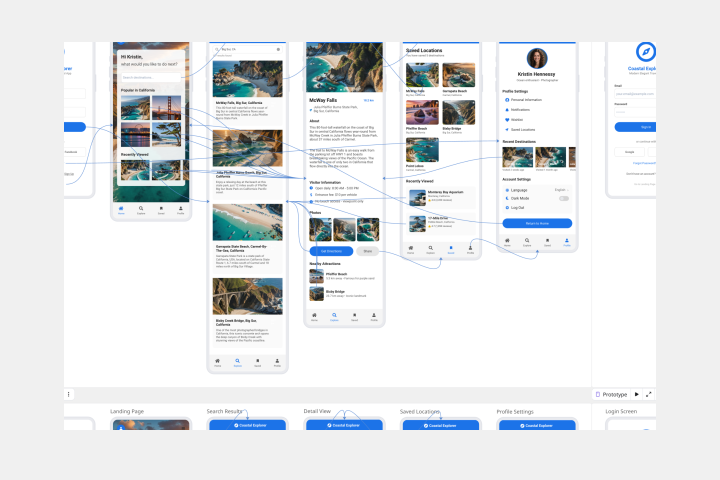
A prototype is a live mockup of your product that defines the product’s structure, user flow, and navigational details (such as buttons and menus) without committing to final details like visual design. Prototyping allows you to simulate how a user might experience your product or service, map out user contexts and task flows, create scenarios to understand personas, and collect feedback on your product. Using a prototype helps you save money by locating roadblocks early in the process. Prototypes can vary, but they generally contain a series of screens or artboards connected by arrows or links.
- 2 likes388 uses

Pugh Matrix Template
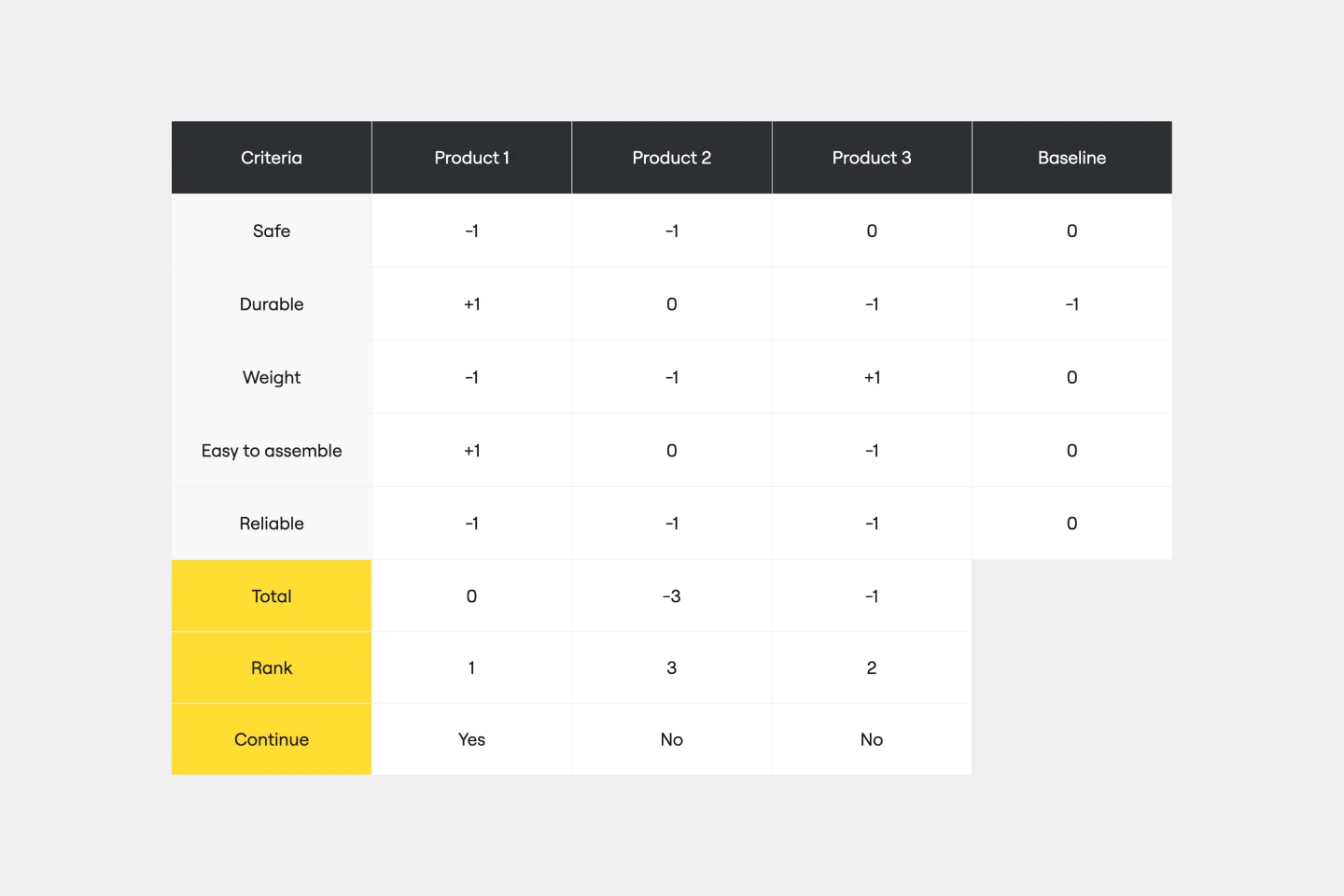
The Pugh Matrix Template is a powerful tool that enhances your decision-making process. It enables you to systematically compare and evaluate multiple options, leading to more informed and objective decisions. Using this template, you streamline your decision-making process, identify the best alternatives, and ultimately achieve better outcomes.
- 0 likes49 uses

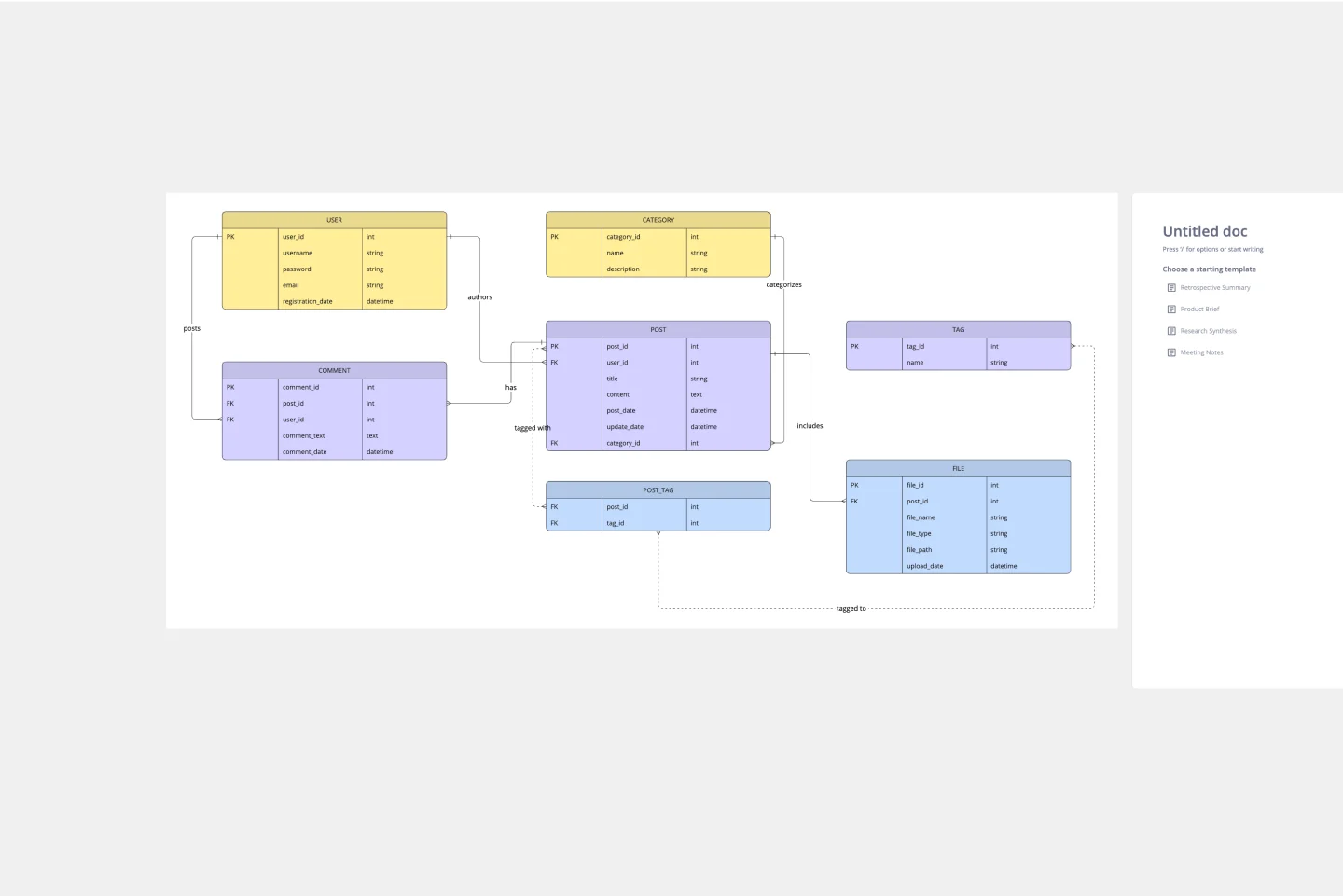
ERD Blogging System Template
The ERD Blogging System template in Miro efficiently manages and organizes digital content. It features key entities such as User, Post, Comment, Category, Tag, and File, which are essential for managing the creation and publication of blog posts, engaging users through comments, and organizing content via categories and tags. Additionally, it supports media attachments through the File entity, linking them to the relevant content. This template helps streamline the blogging process, making it an invaluable tool for content management and publication.
- 8 likes29 uses
- 1 likes54 uses

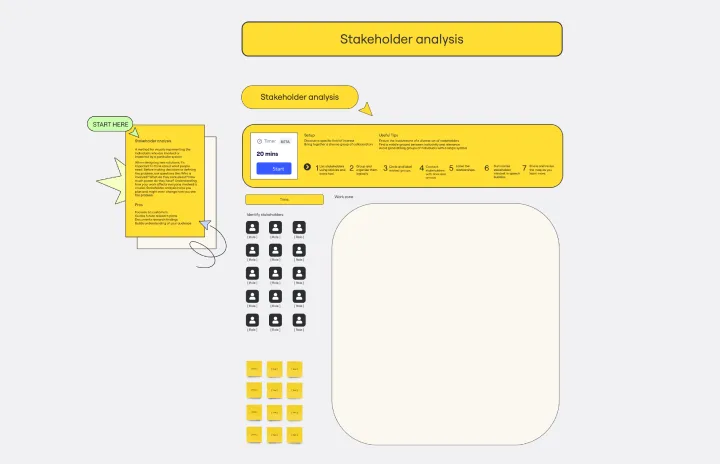
Stakeholder Analysis Template
When designing new solutions, thinking about what people need is important. Before deciding or defining the problem, ask questions like: Who is involved? What do they care about? How much power do they have? Understanding how your work affects everyone involved is crucial. Stakeholder analysis helps you plan and might change how you see the problem.
- 11 likes327 uses

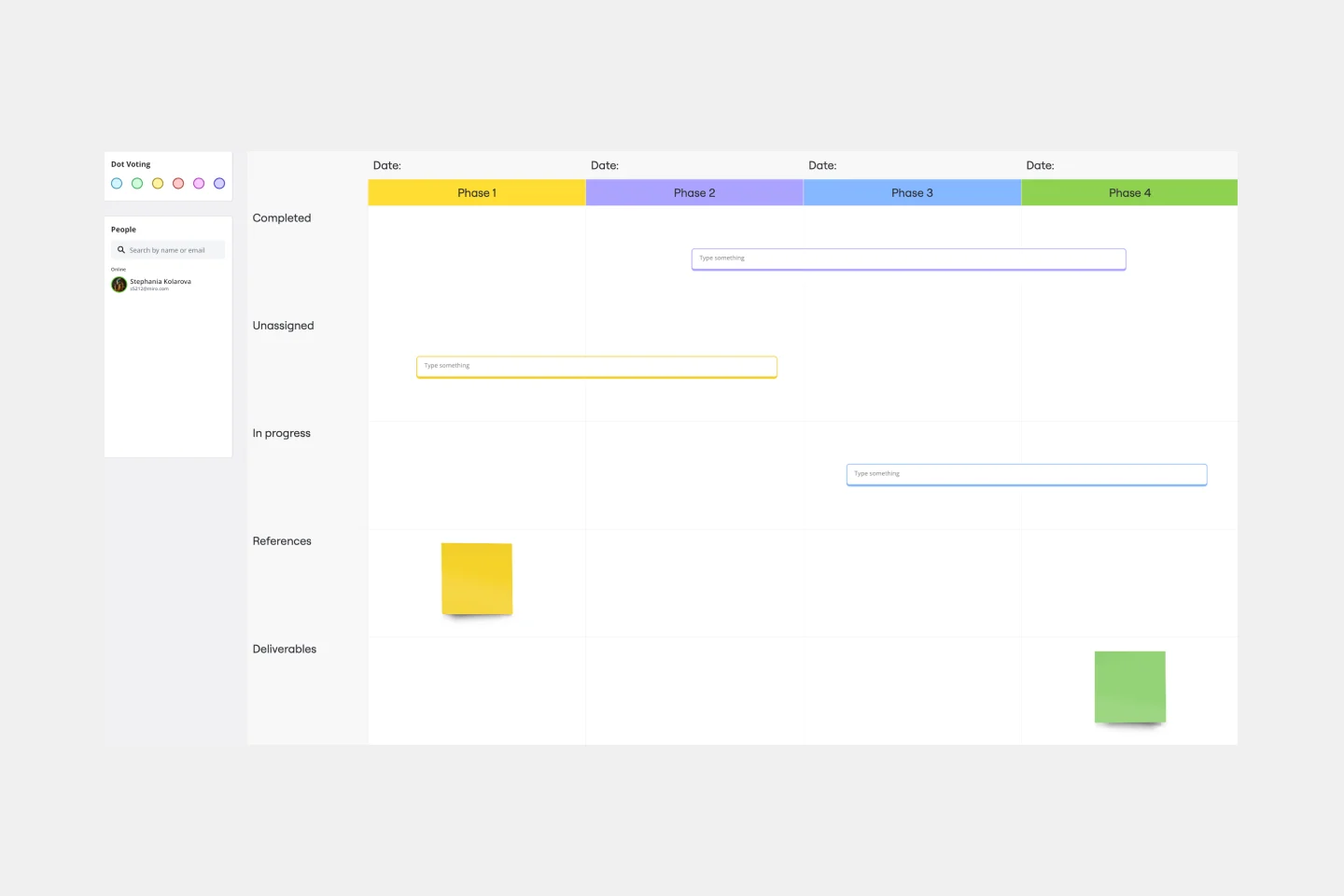
Timeline Workflow
A timeline is a visual tool that chronologically plots out projects step by step. It’s an ideal tool for your team to tell stories (such as an overview of events in your organization) and visualize your projects or processes. The Timeline Workflow template is perfect for any project that relies on visual content. You may find it beneficial to use with your team and also to share with other stakeholders or clients to keep them in the loop on your progress.
- 19 likes41 uses
- 207 likes1K uses
- 2 likes54 uses

ERD Customer Relationship Management (CRM) Template
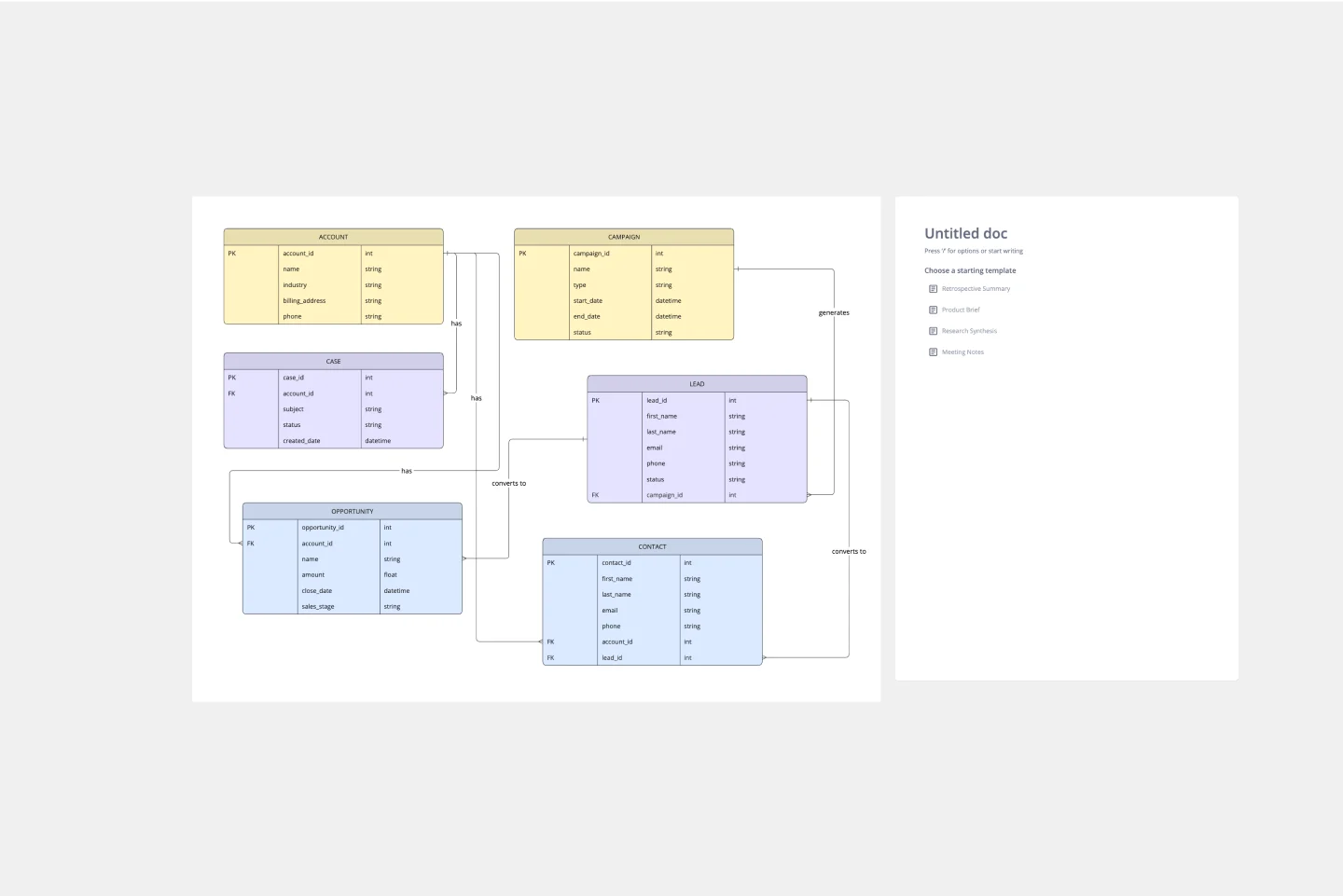
The ERD Customer Relationship Management (CRM) template streamlines and enhances the management of customer relationships within businesses. It focuses on organizing customer information and interactions in a visually intuitive manner. Key entities such as Customer, Interaction, Sales Opportunity, Product, and Support Ticket are central to the template, facilitating the tracking of customer relationships, sales funnel activities, product purchases, and customer service interactions. This structured approach is critical for boosting customer satisfaction and optimizing sales strategies, making the ERD CRM template an invaluable asset for businesses aiming to improve their CRM processes.
- 2 likes29 uses

UML Class E-Commerce System Template
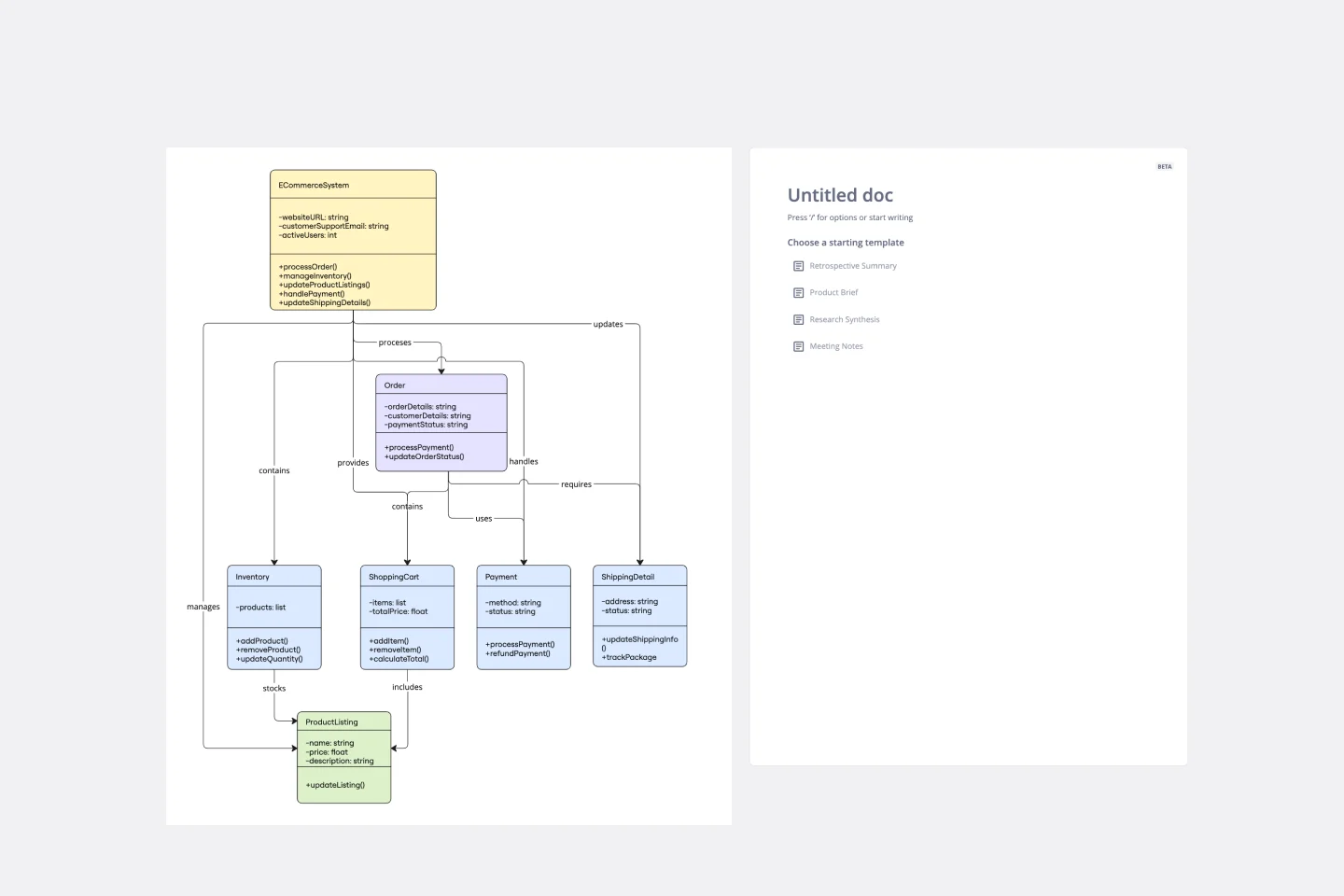
The UML Class E-Commerce System Template streamlines the process of creating and visualizing the class structure of an e-commerce system. It provides a comprehensive framework that includes typical online shop features such as product listings, inventory management, shopping carts, orders, payments, and shipping details. This template facilitates a clear understanding of how these elements interact during an online sales transaction, making it an invaluable tool for teams working on e-commerce projects. By using this template, teams can save time, enhance collaboration, and ensure that their system architecture is robust and efficient, ready to adapt to their business's evolving needs.
- 1 likes15 uses

UML Class Content Management System (CMS) Template
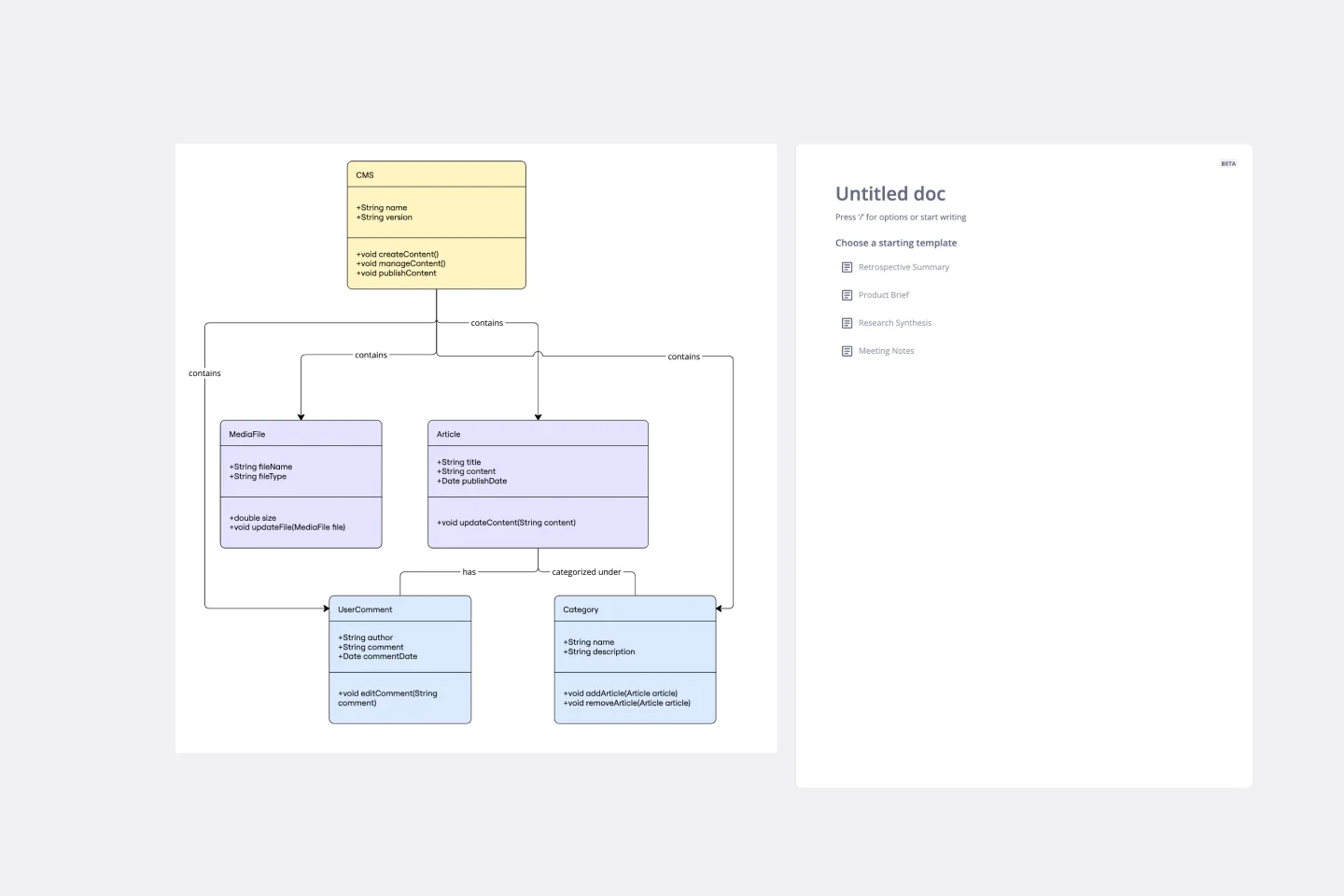
The UML Class Content Management System CMS Template simplifies documenting and designing the architecture of a Content Management System. It allows for the creation of UML class diagrams to visualize the structure of a CMS. Teams can efficiently map out key classes and their interactions, such as how users create, manage, and publish digital content. The template's integration into Miro's collaborative platform allows for real-time teamwork, customization, and easy sharing of feedback. This streamlines the documentation process and is valuable for software development projects aiming to develop or refine a CMS.
- 2 likes15 uses

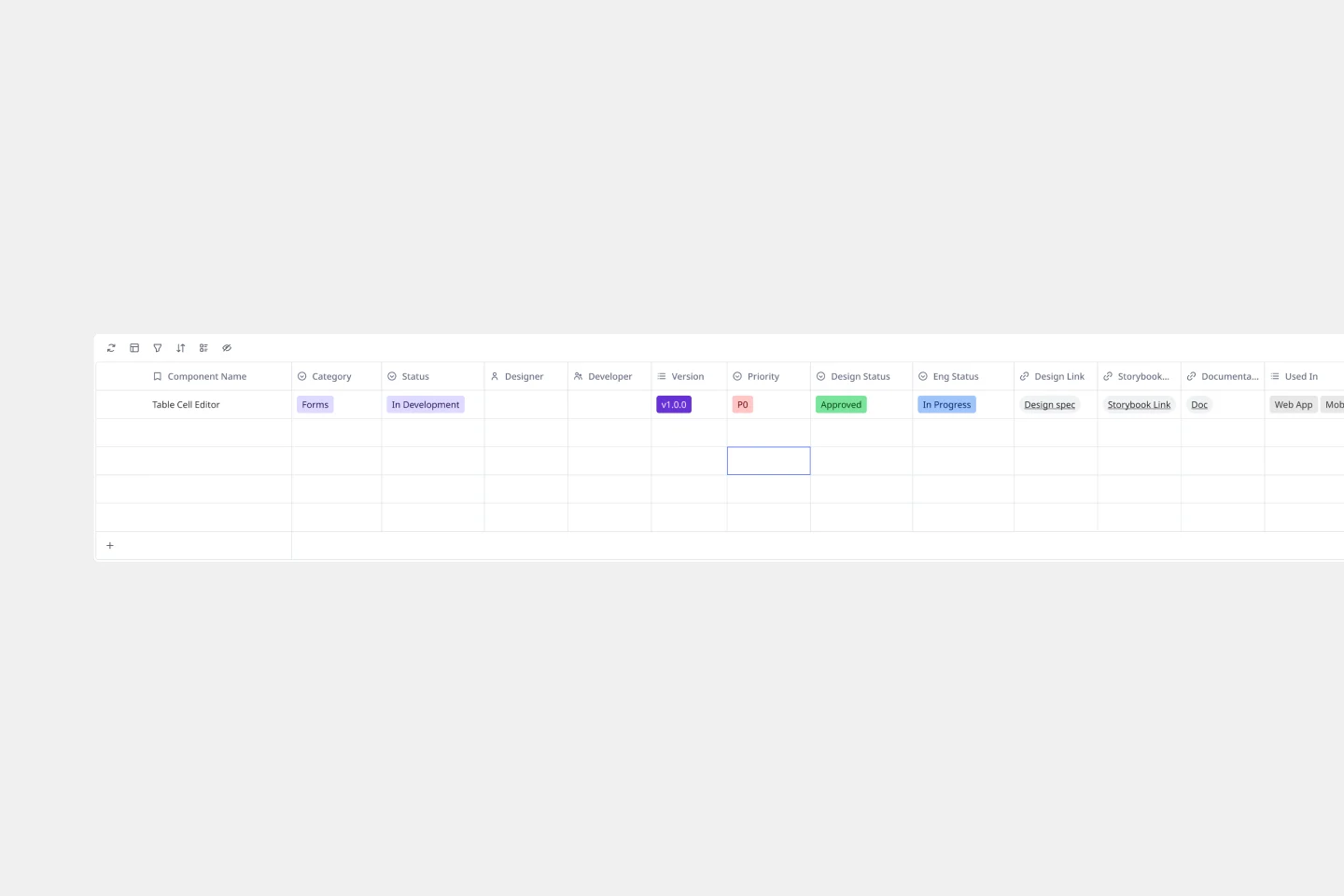
Design System Components Template
Managing design system components across multiple teams shouldn't feel like herding cats. This flexible template helps you track component status, versions, and ownership while keeping designers and developers perfectly in sync. Built with Miro Tables, it transforms into your team's central hub for design system management—because consistency is everything when you're scaling.
- 14 likes924 uses

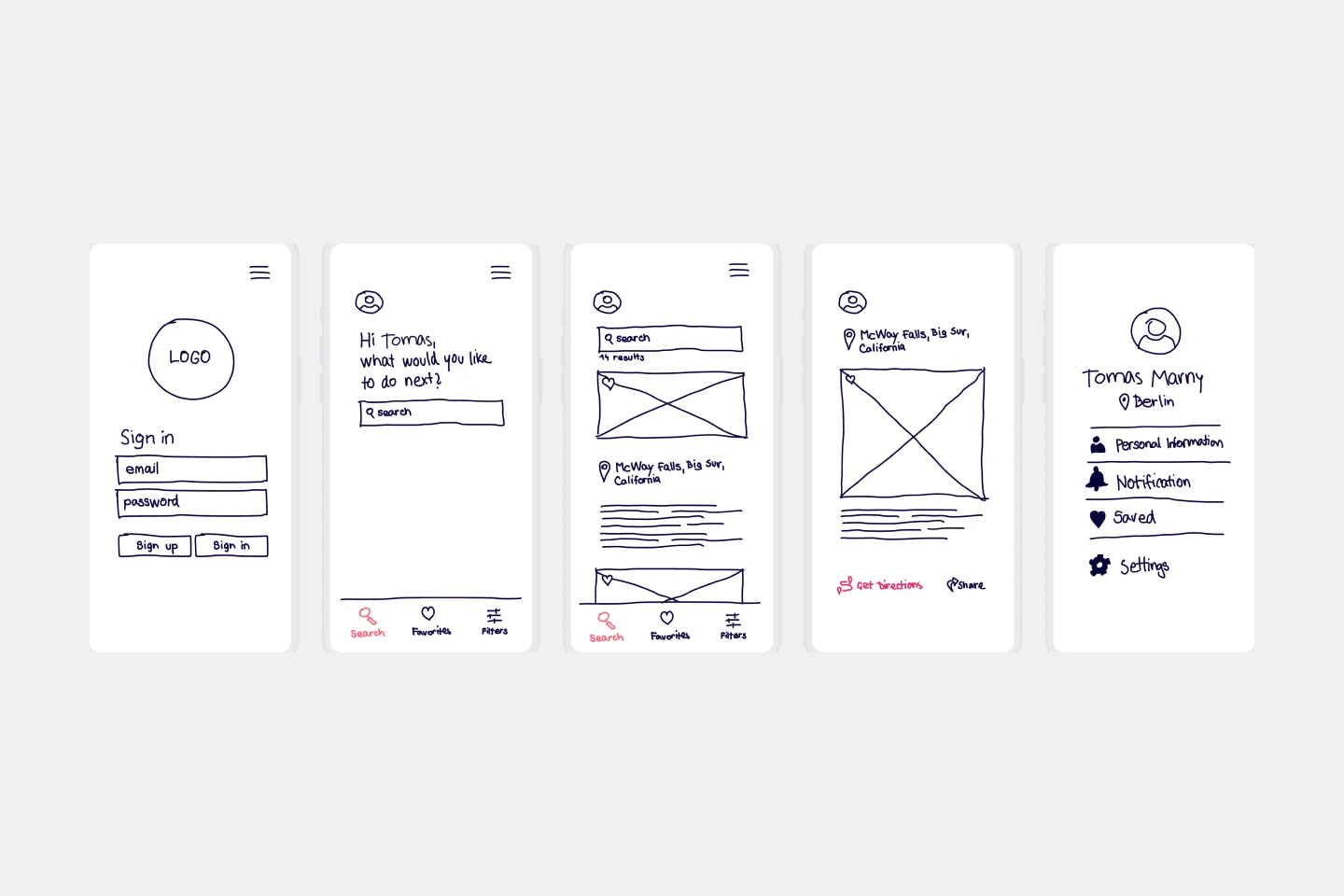
Low-Fidelity Prototype Template
Low fidelity prototypes serve as practical early visions of your product or service. These simple prototypes share only a few features with the final product. They are best for testing broad concepts and validating ideas. Low fidelity prototypes help product and UX teams study product or service functionality by focusing on rapid iteration and user testing to inform future designs. The focus on sketching and mapping out content, menus, and user flow allows both designers and non-designers to participate in the design and ideation process. Instead of producing linked interactive screens, low fidelity prototypes focus on insights about user needs, designer vision, and alignment of stakeholder goals.
- 1 likes52 uses

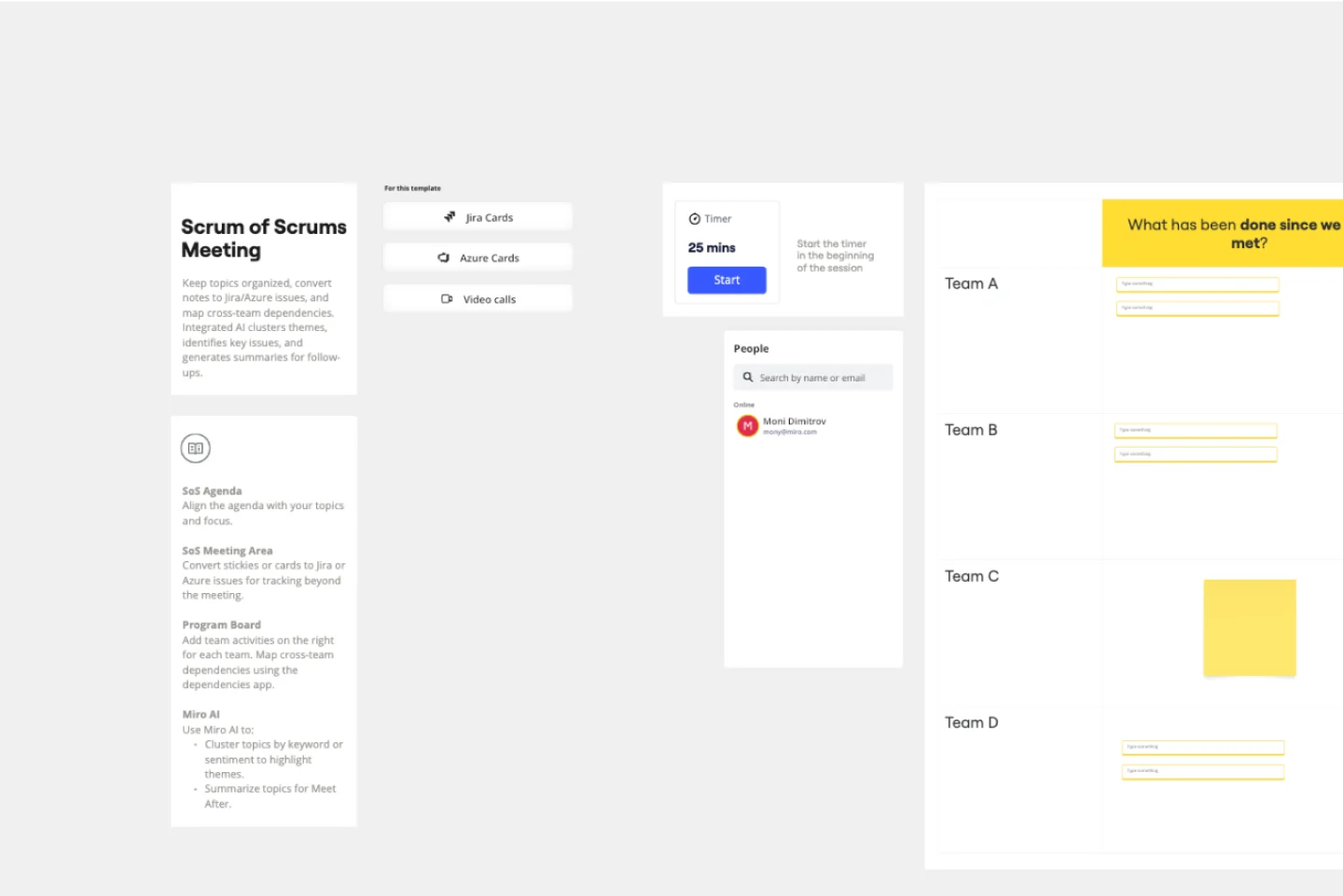
Scrum of Scrums Meeting SAFe Template
The Scrum of Scrums Meeting SAFe template helps teams coordinate and collaborate effectively across multiple Scrum teams. It includes sections such as the Program Board for visualizing progress and dependencies, SM Updates for team progress updates, Meet After for further discussion topics, Closing for confirming follow-up actions, SoS Agenda for outlining the meeting agenda, and SoS Meeting Area for conducting the main meeting and tracking issues. This template ensures organized, focused, and productive meetings, leading to better coordination and successful project outcomes.
- 20 likes2.1K uses
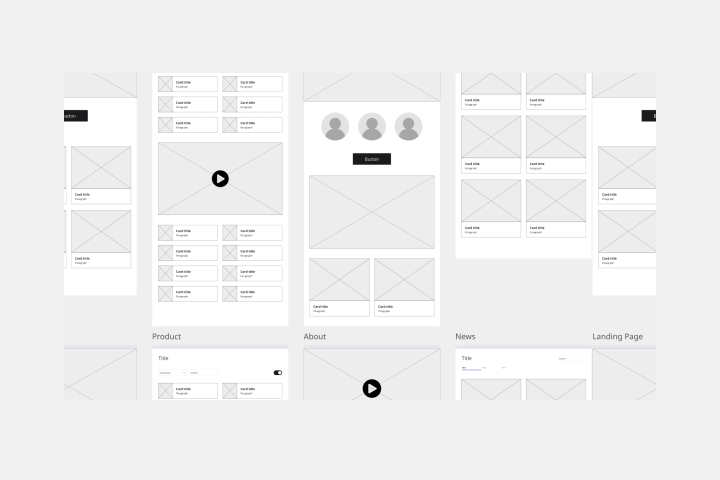
Low-fidelity Wireframes Template
When you’re designing a site or building an app, the early stages should be BIG — seeing the big picture and communicating the big idea. Low fidelity wireframes empower you to see it and do it. These rough layouts (think of them as the digital version of a sketch on a napkin) help your teams and project stakeholders quickly determine if a design meeting meets your users’ needs. Our template lets you easily use wireframes during meetings or workshops, presentations, and critique sessions.
- 5 likes21 uses
- 4 likes46 uses

Cross-Team Initiative Plan Template
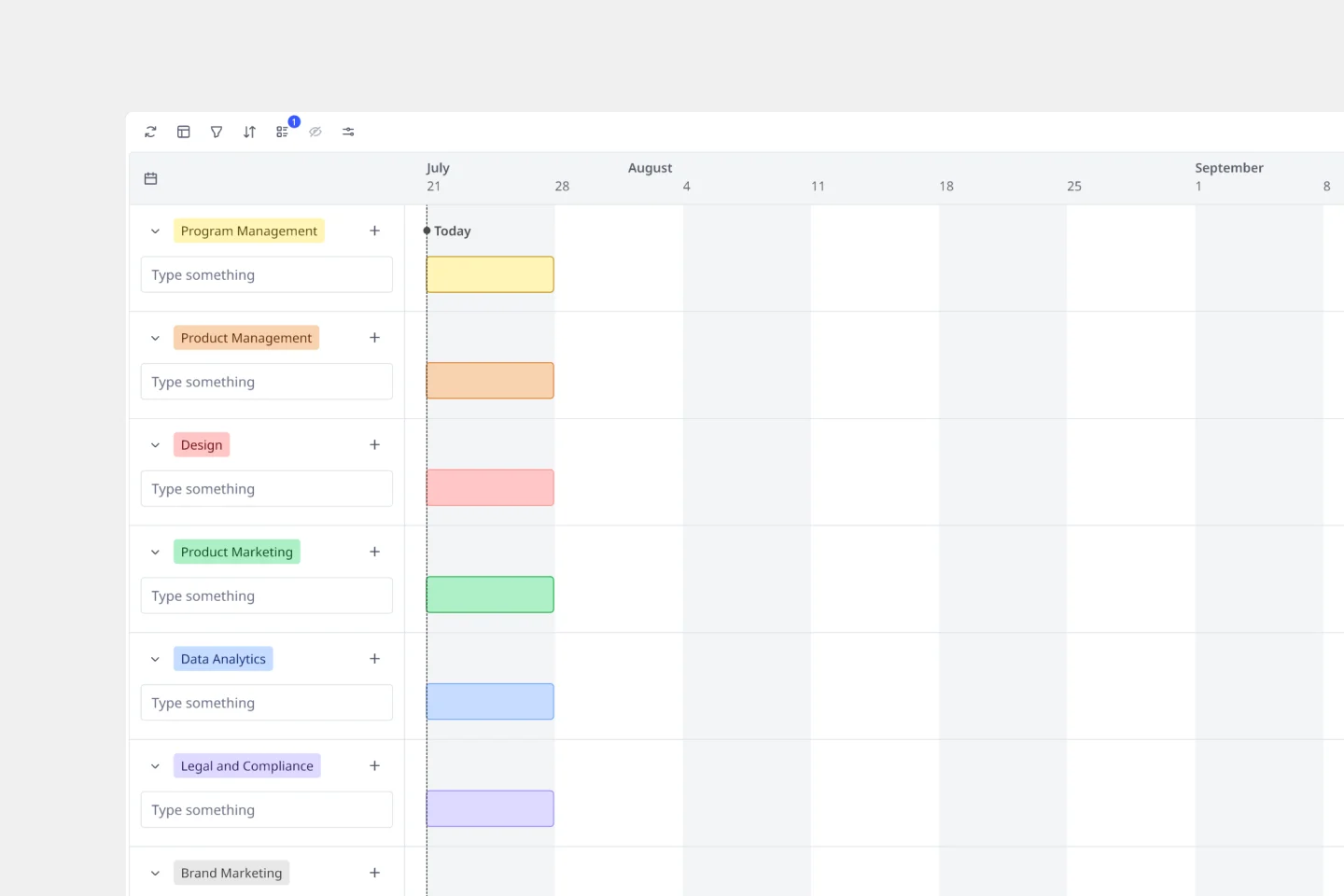
A cross-team initiative plan timeline is a visual roadmap that connects the dots between different departments working toward a shared goal. It captures key milestones, tracks dependencies between teams, and provides program managers with the clarity they need to spot potential roadblocks before they derail product launches. Use this Timeline template to transform chaotic cross-departmental coordination into smooth, synchronized execution.
- 2 likes958 uses

Causal Loop Diagram Template
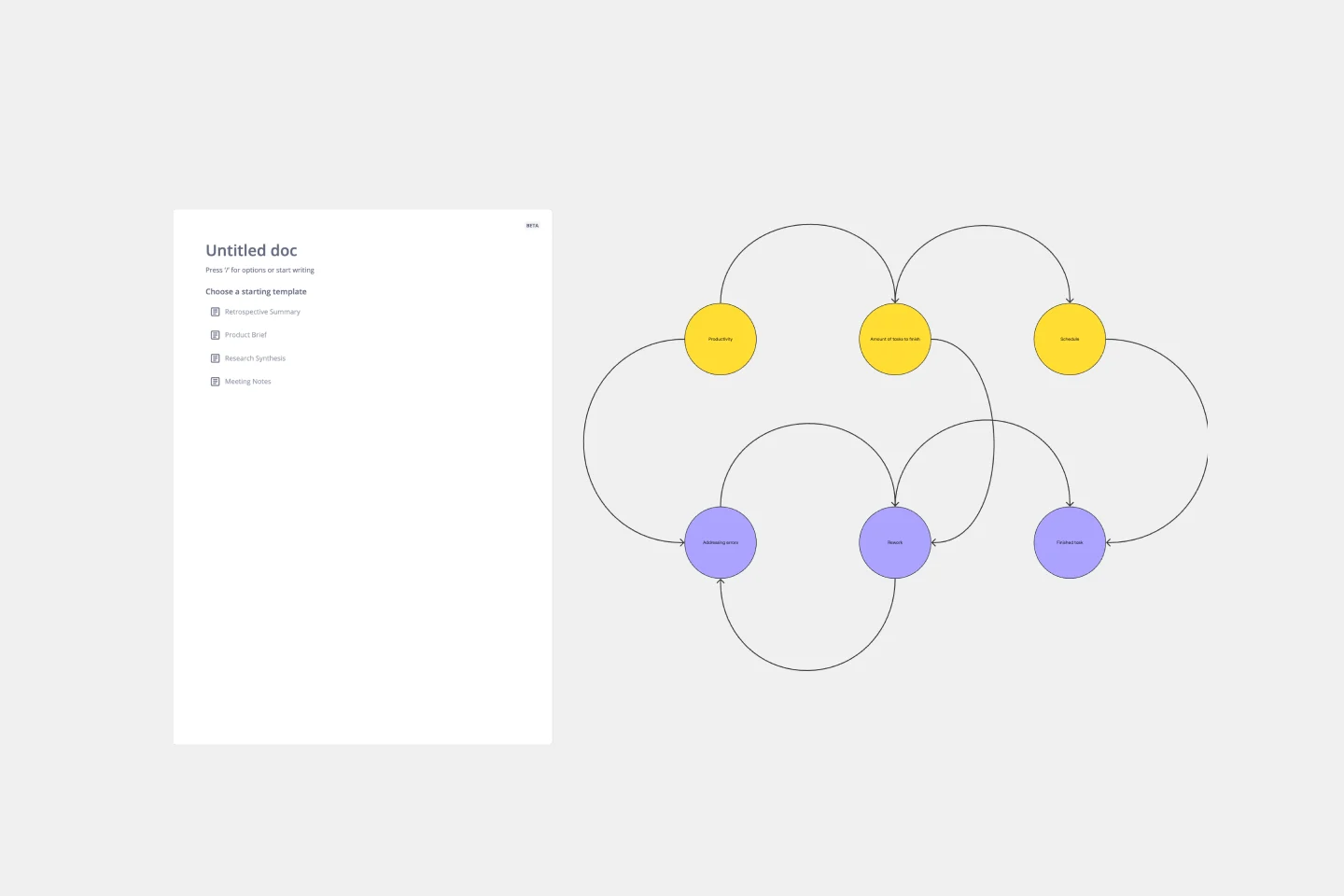
The Causal Loop Diagram Template offers a structured framework to visualize the intricate interconnections within any system. Its standout benefit is the ability to provide a holistic perspective, ensuring that users don't just see isolated issues but understand the entire web of relationships, ultimately leading to more informed and strategic decision-making.
- 71 likes789 uses
- 45 likes206 uses
- 4 likes62 uses

What's on Your Radar Template
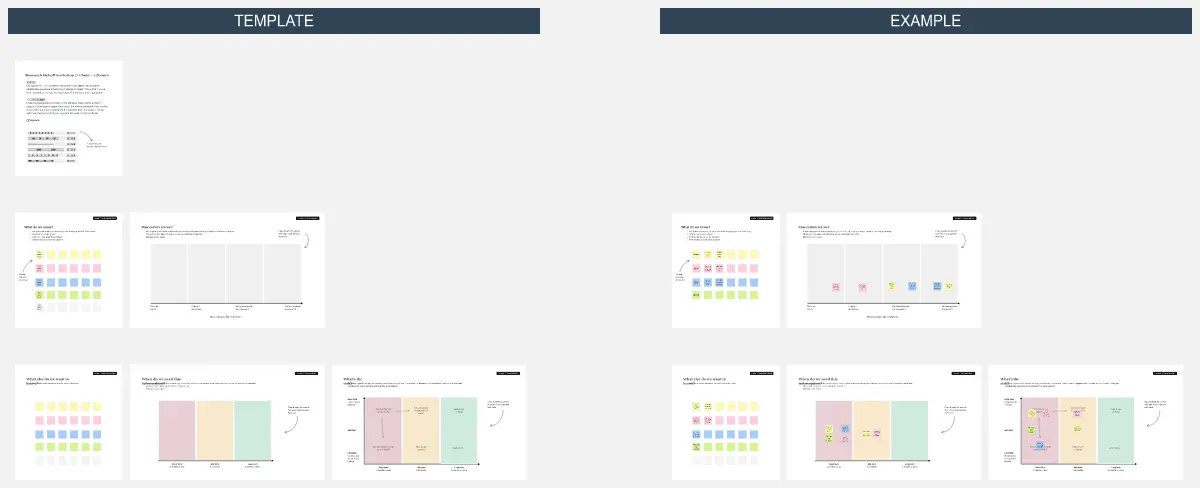
Do you or your team feel overburdened by tasks? Having trouble focusing on particular problems? What’s on Your Radar is a thought exercise in which you plot ideas according to their importance or relevance. Designers and teams use what’s on your radar to ensure that their ideas are within the scope of a given project. They also rely on the method to assess whether a given solution is likely to solve the problem at hand. But even if you’re not a designer, the method can help assign priorities and ground your ideas in reality.
- 17 likes52 uses
- 6 likes20 uses
- 35 likes528 uses
- 16 likes229 uses

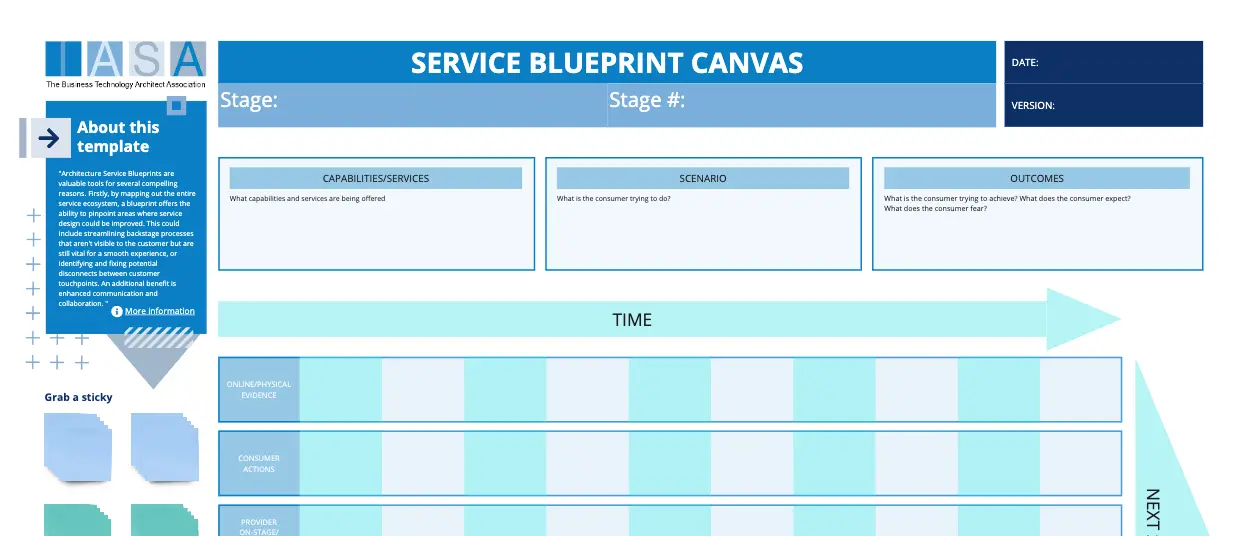
IASA - Service Blueprint Canvas
The IASA Service Blueprint Canvas helps visualize service interactions and processes in detail. This template is perfect for analyzing and improving service delivery. Use it to align teams, identify pain points, and enhance customer experiences. It's ideal for creating a shared understanding of service dynamics and fostering collaboration among stakeholders, ensuring a seamless and efficient service delivery process.
- 2 likes15 uses
- 18 likes134 uses
- 0 likes4 uses

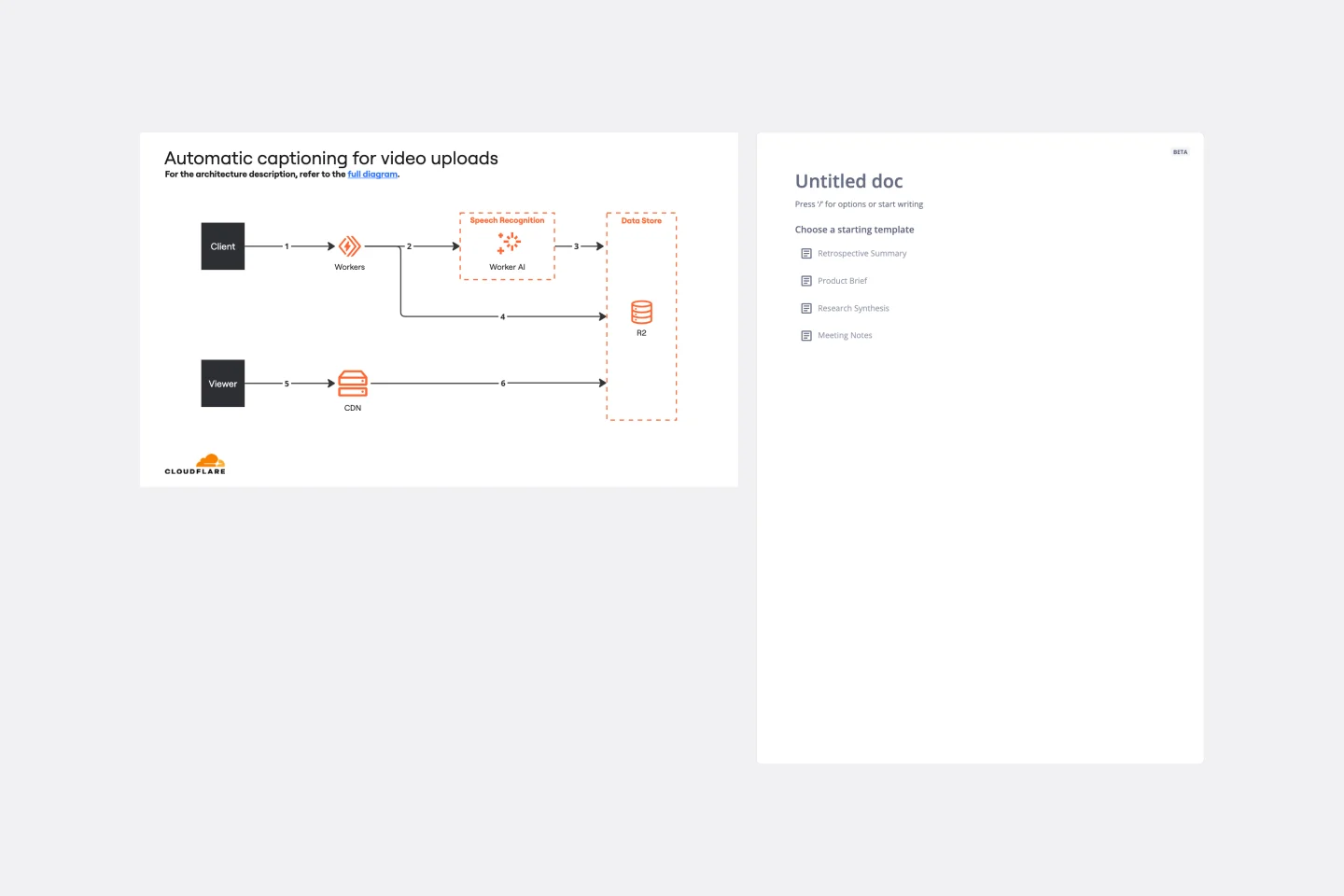
Cloudflare Automatic Captioning for Video Template
The Cloudflare Automatic Captioning for Video Template in Miro is a powerful tool designed to enhance the accessibility and engagement of video content. By leveraging Cloudflare's technology, this template helps outline the captioning process for videos. It not only makes content accessible to a broader audience, including those who are deaf or hard of hearing but also boost viewer engagement by making videos consumable in sound-sensitive environments or by individuals who prefer reading along.
- 4 likes531 uses

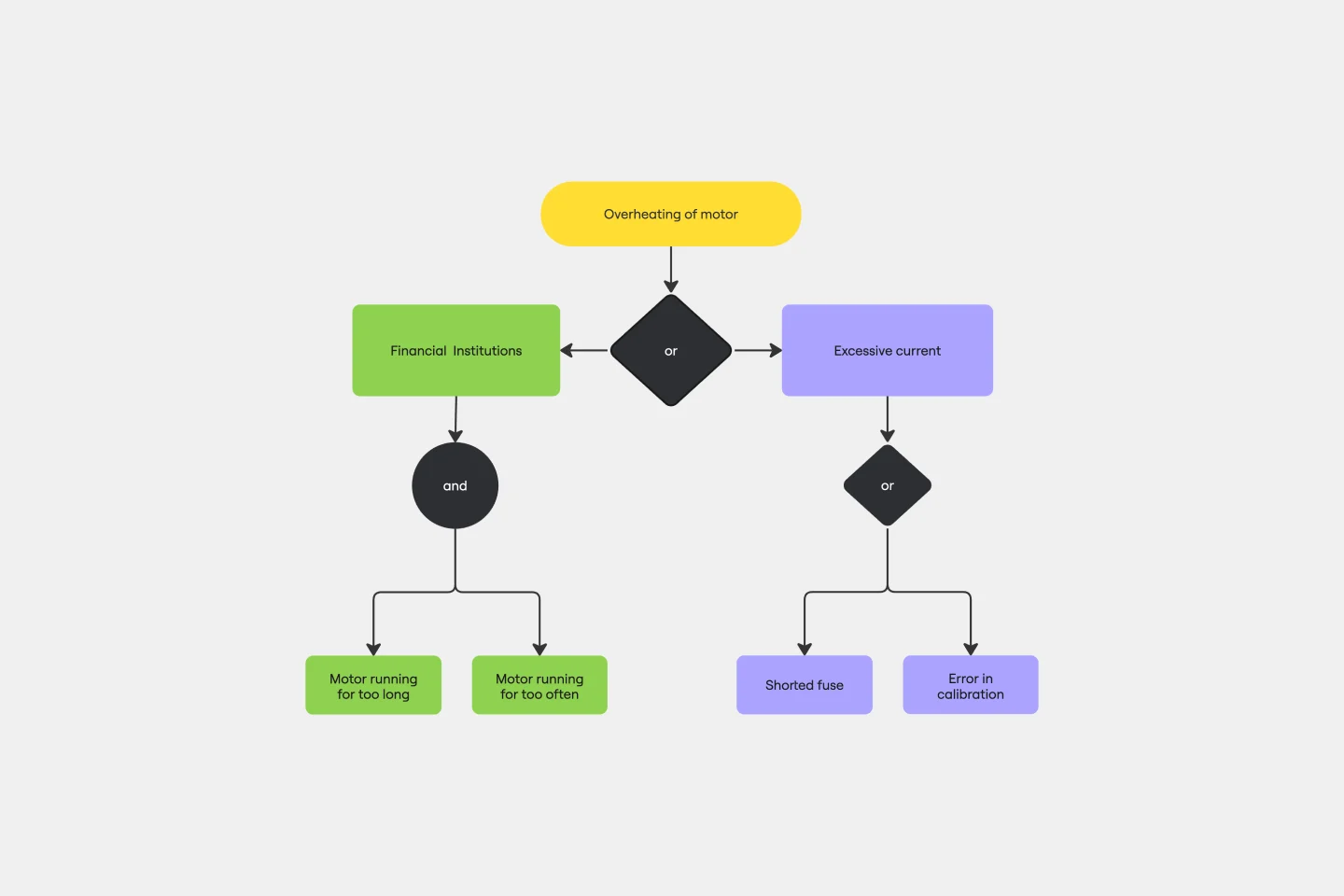
Fault Tree Analysis Template
The Fault Tree Analysis Template visually breaks down potential system malfunctions, highlighting complex causal relationships between faults. One of its standout benefits is its ability to enhance clarity in complex scenarios, allowing professionals to swiftly pinpoint root causes and prioritize interventions, ensuring a more streamlined approach to problem-solving.
- 6 likes20 uses
- 6 likes103 uses
- 26 likes107 uses
- 5 likes756 uses

Tree Diagram Template
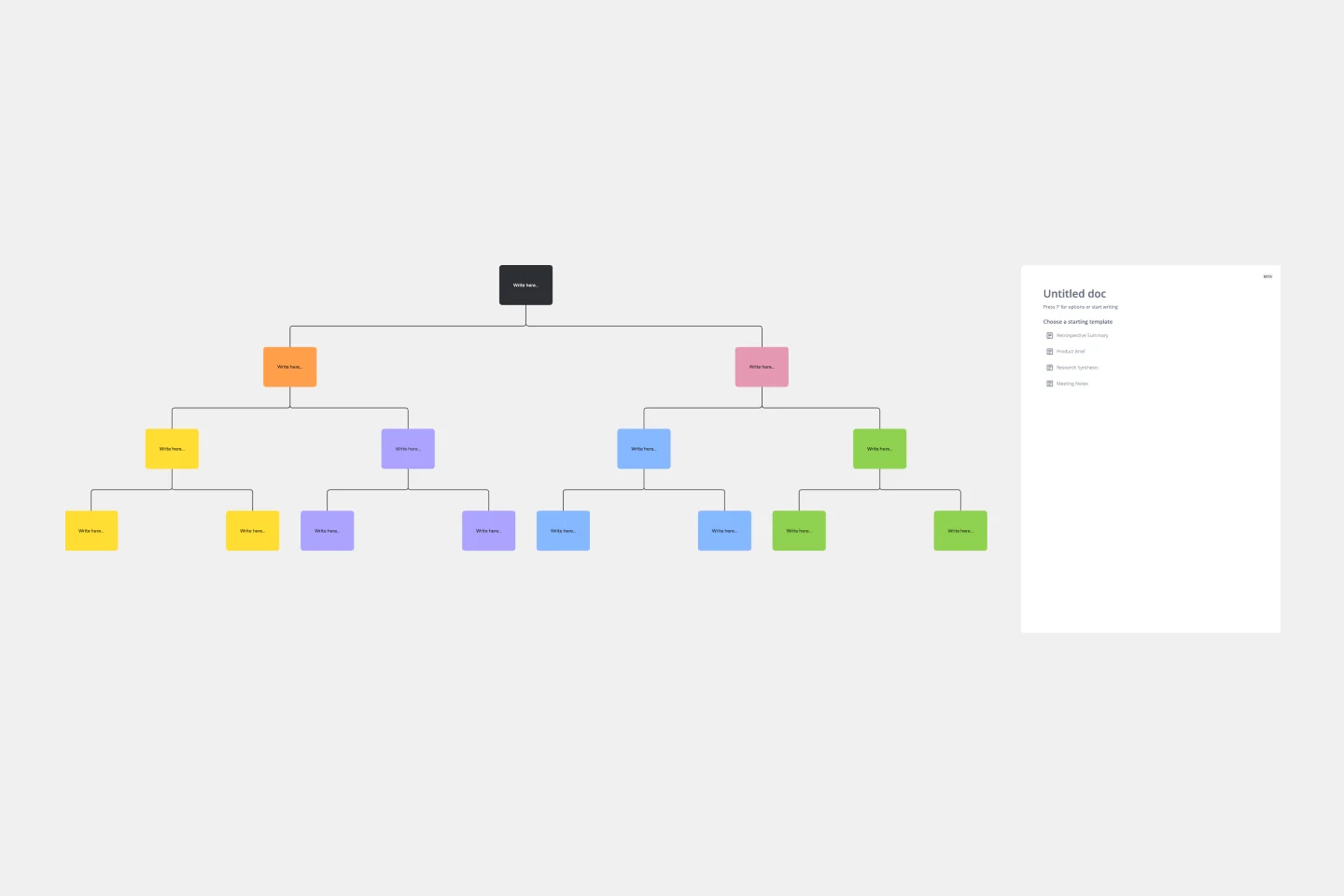
The tree diagram template helps you organize and present complex information. One of its key benefits is its ability to provide unparalleled visual clarity. It enables you to simplify complicated ideas into a structured, hierarchical format, making it easier to understand and communicate. This template enhances brainstorming sessions, project planning, and decision-making processes by mapping out relationships and dependencies clearly and effortlessly. You can now say goodbye to information overload and immerse yourself in a visual journey that simplifies complexity with the tree diagram template.
- 30 likes231 uses

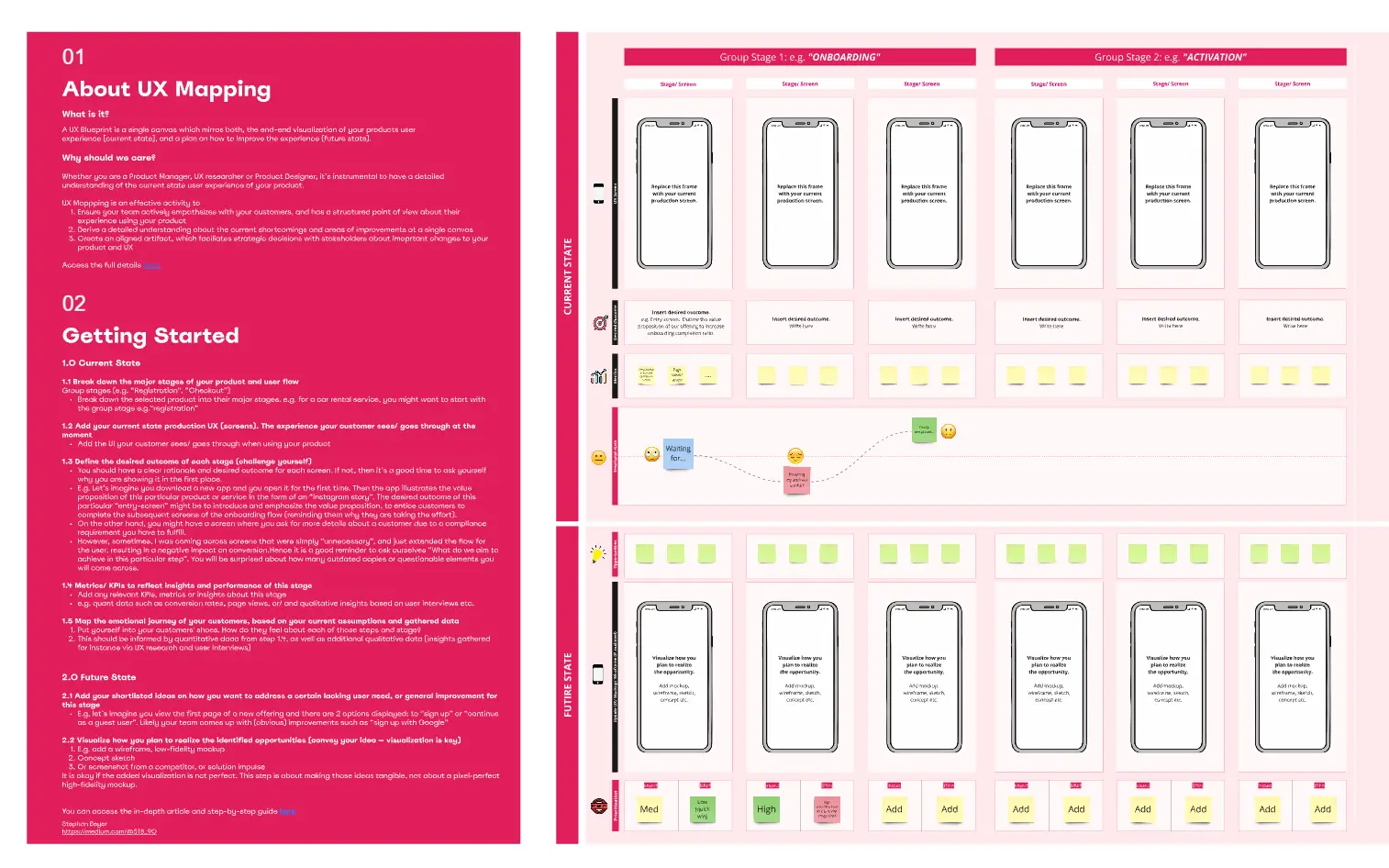
Storyboard for Customer Journey
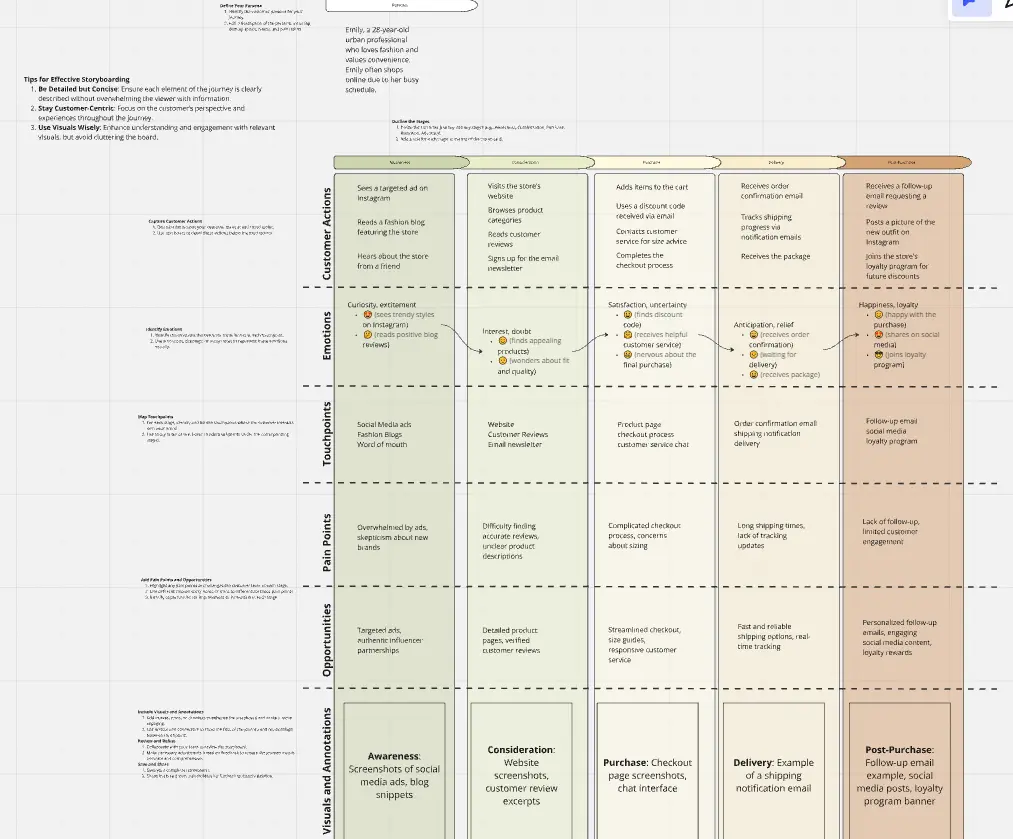
The Storyboard for Customer Journey template lets you map every touchpoint in the customer’s experience, from awareness to post-purchase. Capture customer actions, emotions, and pain points to better understand their journey. Ideal for marketers and CX teams, it reveals opportunities for improving customer satisfaction, driving engagement, and fostering loyalty through strategic insights and data-driven decisions