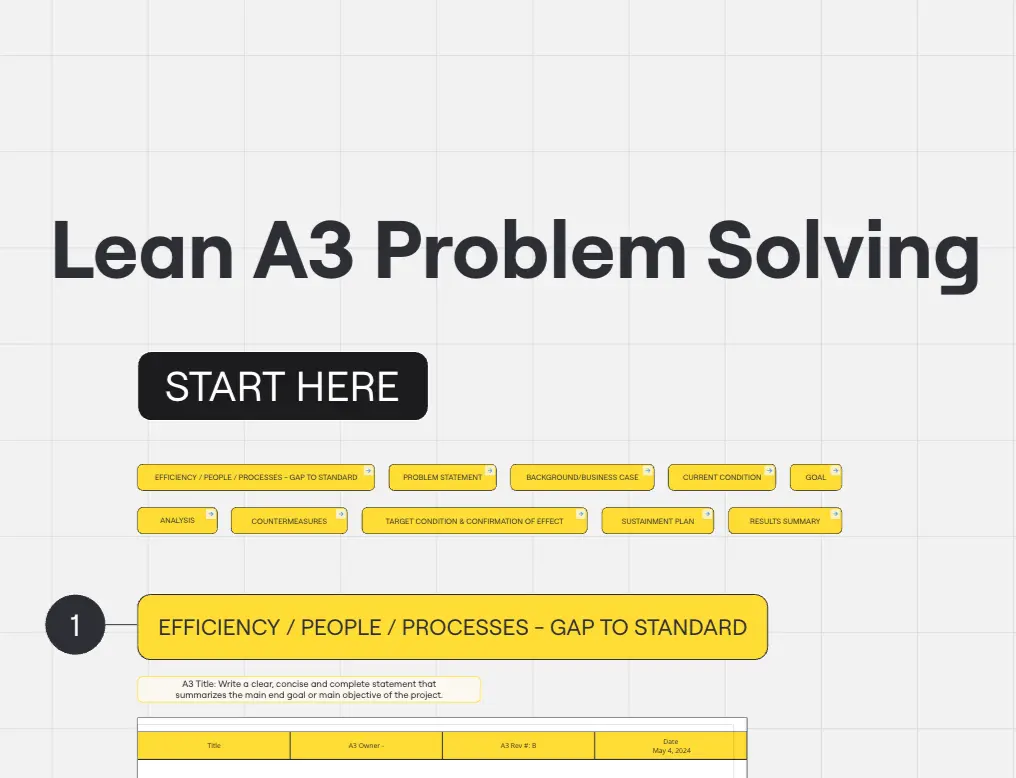
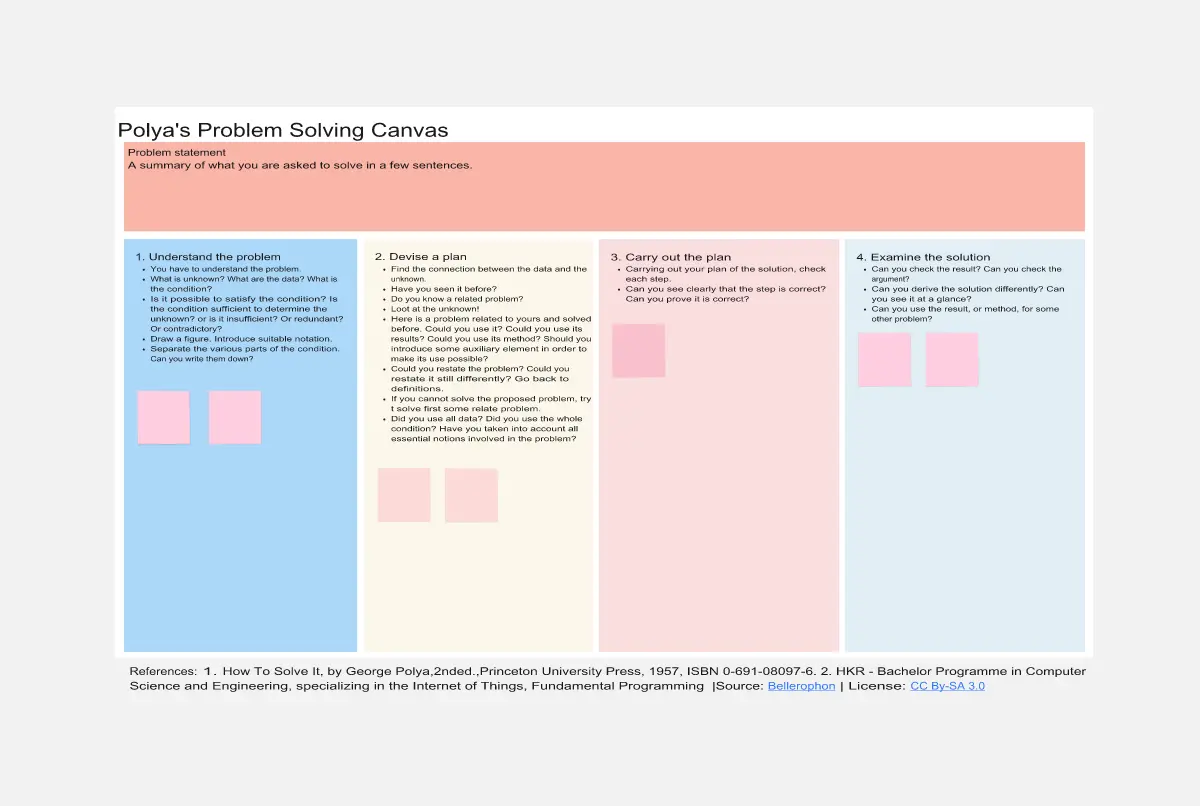
About the Problem-Solving Templates Collection
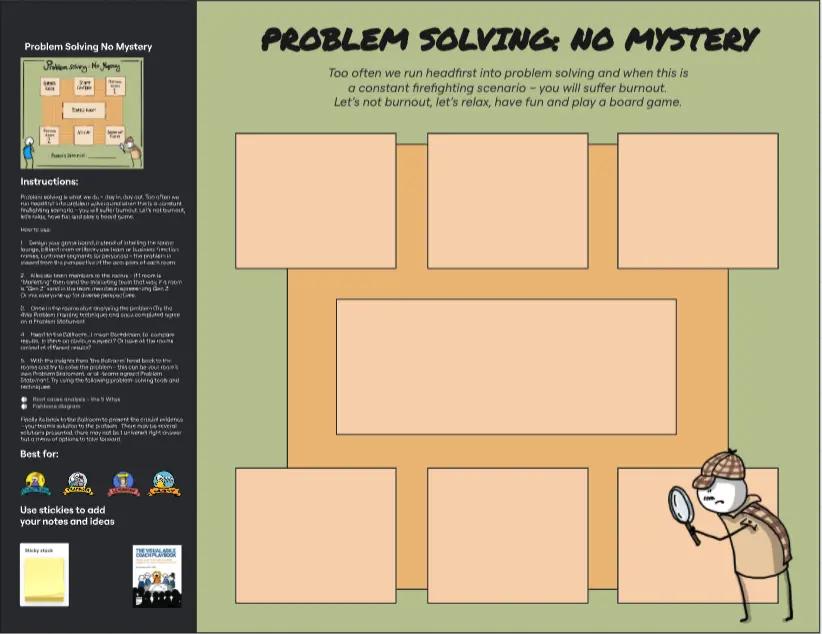
A Problem-Solving template is a structured, analytical visual workspace designed to help cross-functional teams move away from surface-level firefighting and toward systemic, long-term resolution. When an operational roadblock, product defect, or unexpected business dip occurs, teams often rush to patch the symptoms instead of curing the disease. By utilizing a standardized Miro template, organizations can deconstruct complex issues, map out causal relationships, uncover hidden root causes, and align stakeholders on sustainable, high-impact action plans.
Key Components of a Problem-Solving Template
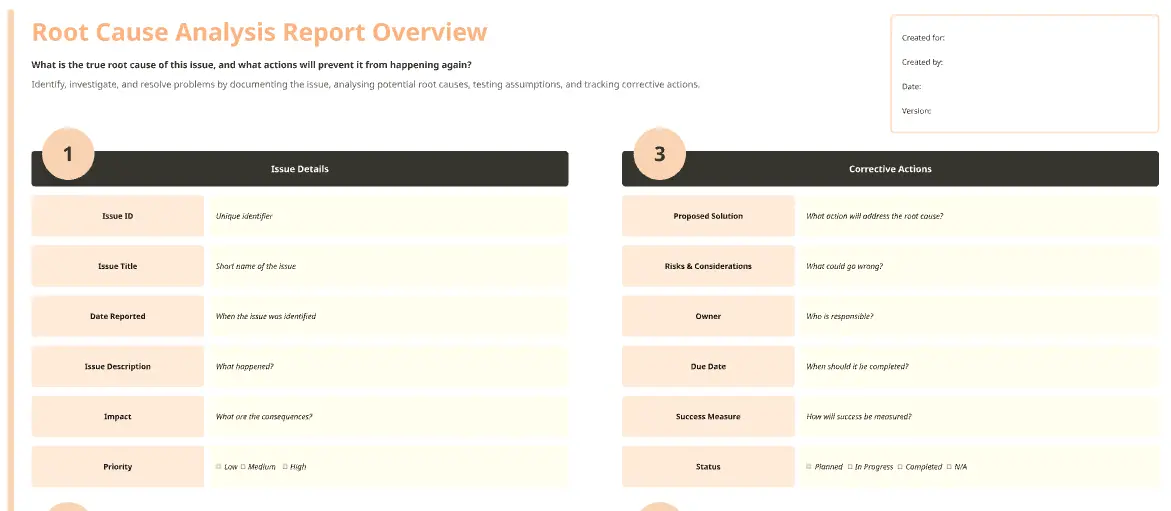
A professional problem-solving workspace provides a rigorous, visual guardrail against assumptions and cognitive biases. Every high-performance Miro problem-solving board should include these five core elements:
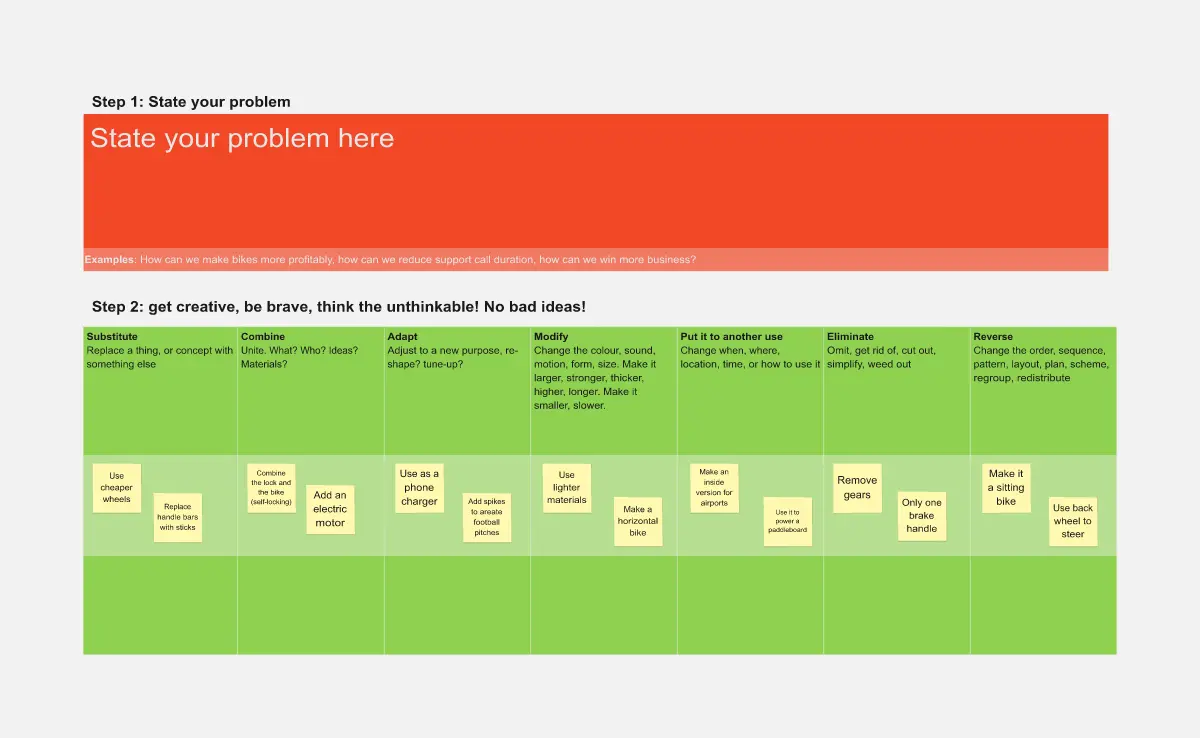
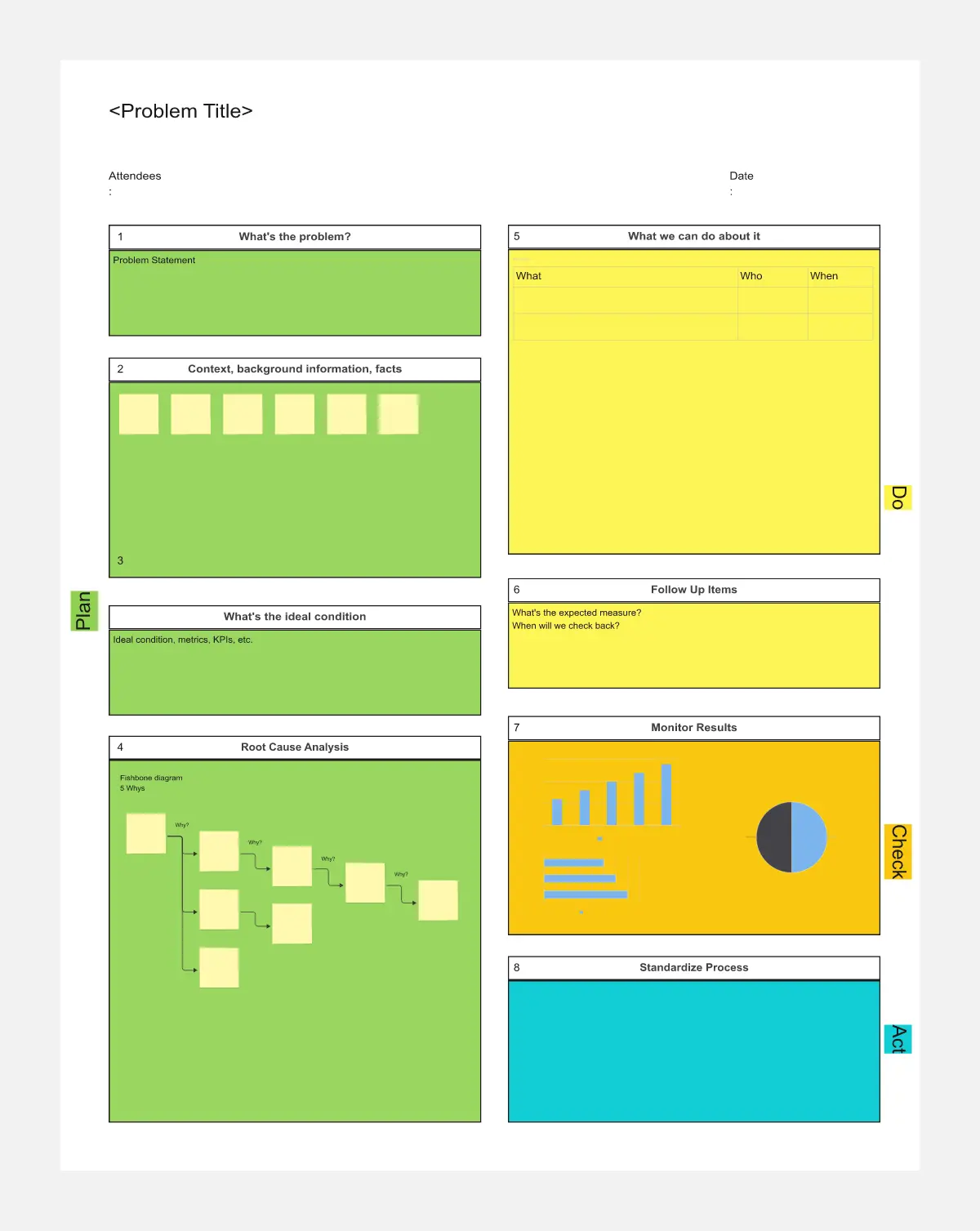
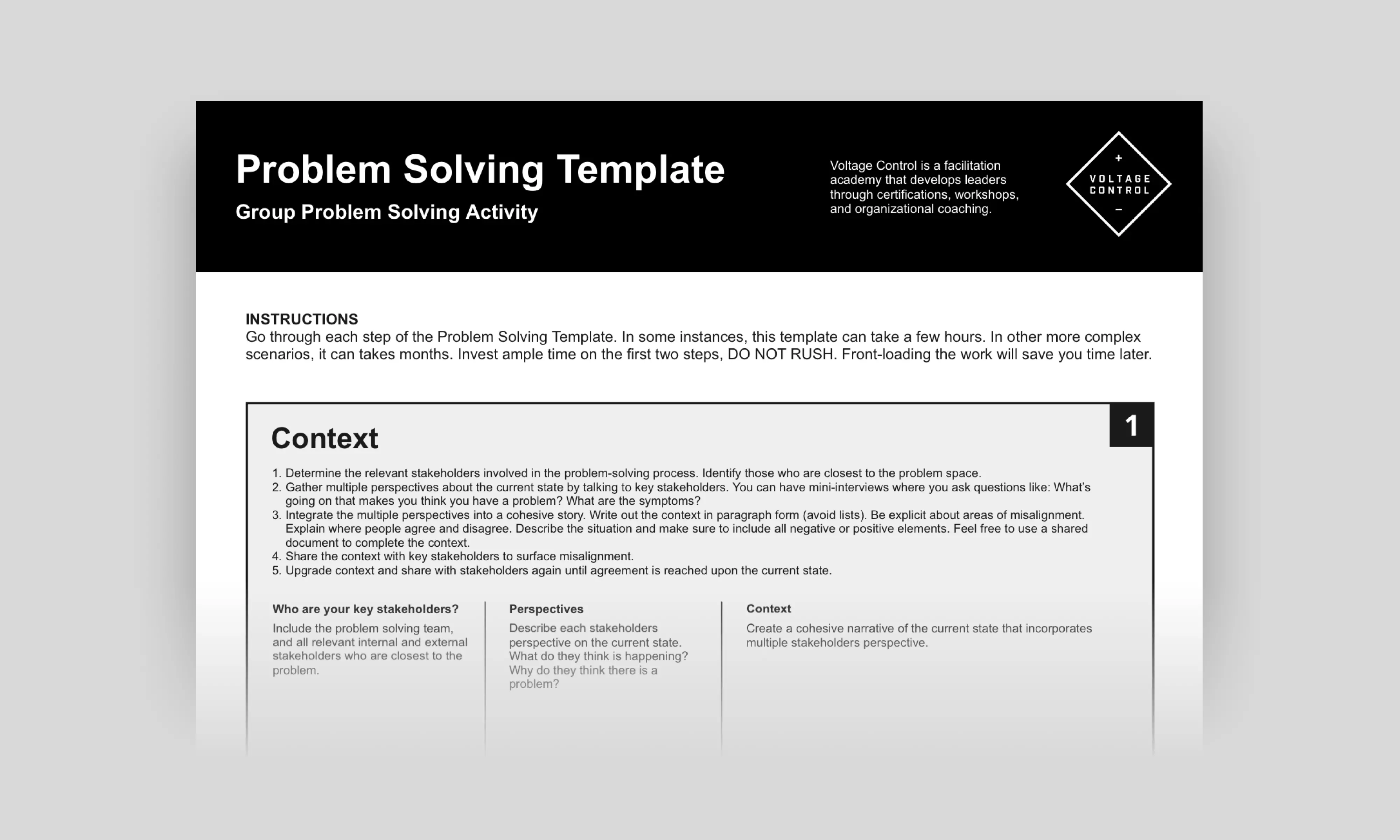
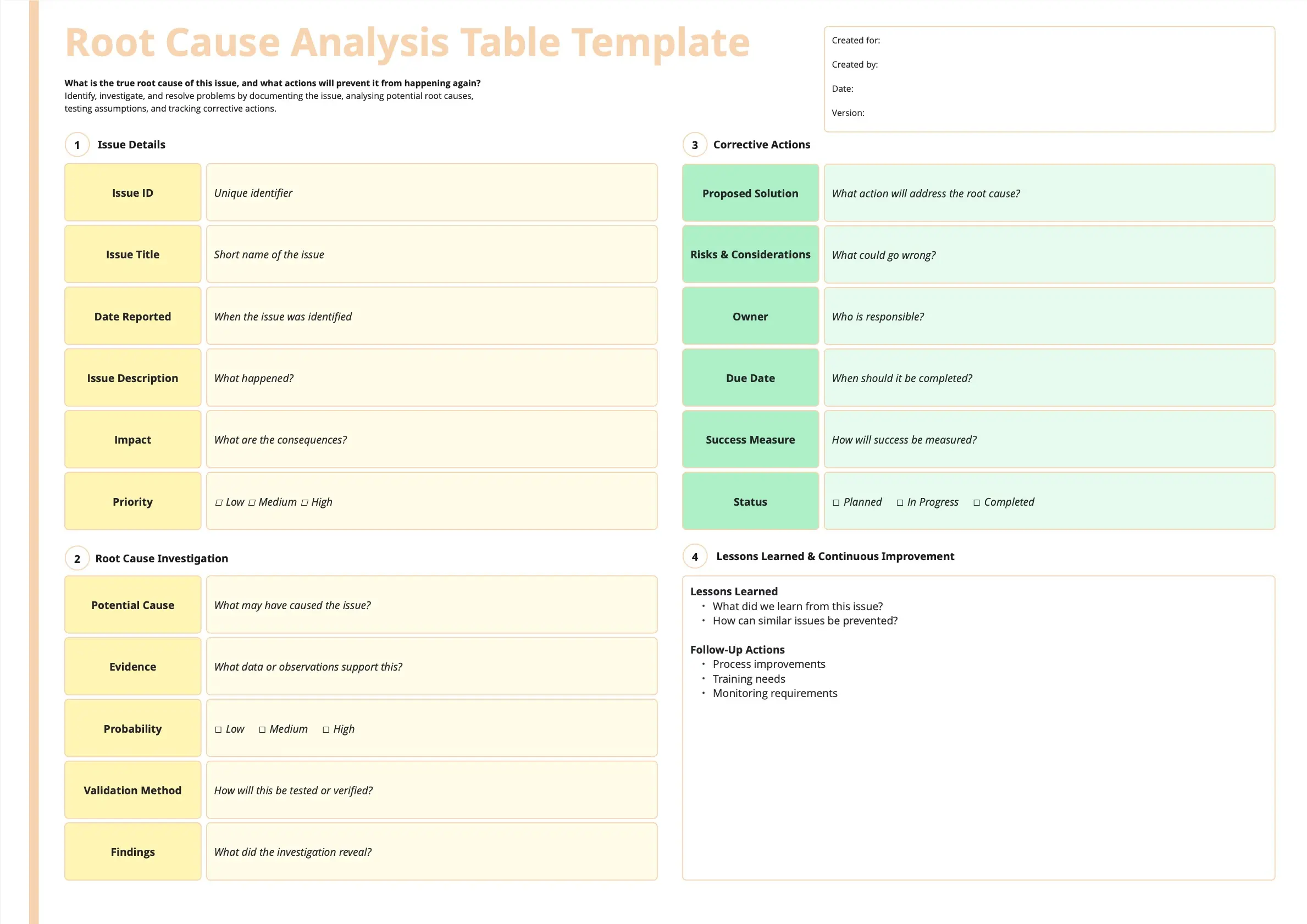
The Problem Definition Sandbox: A space dedicated to framing the issue accurately, stripping away emotional language and hearsay, and anchoring the team with quantifiable metrics (What, When, Where, and How much).
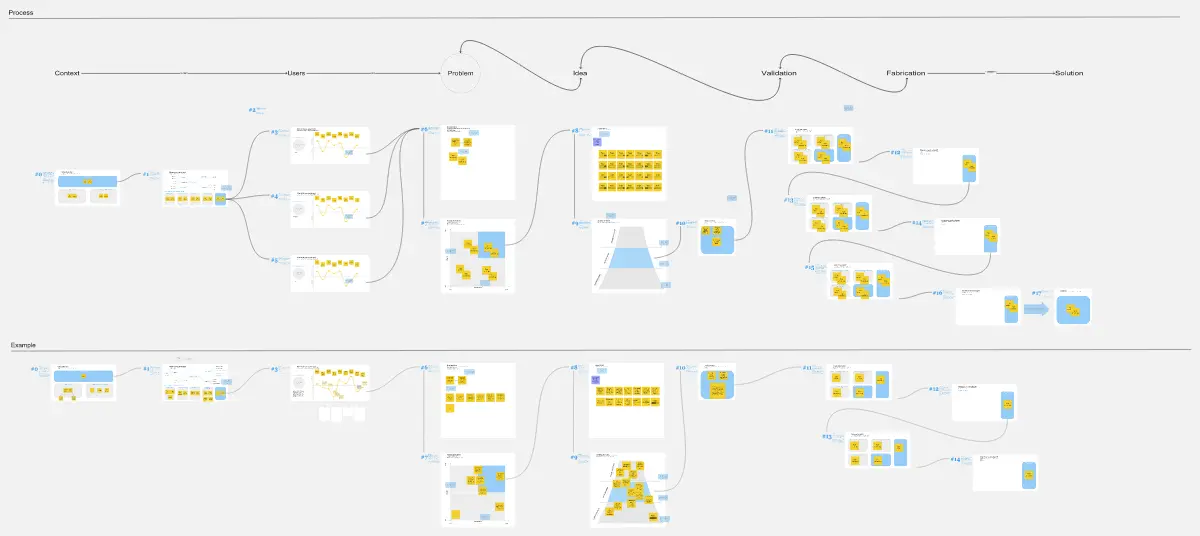
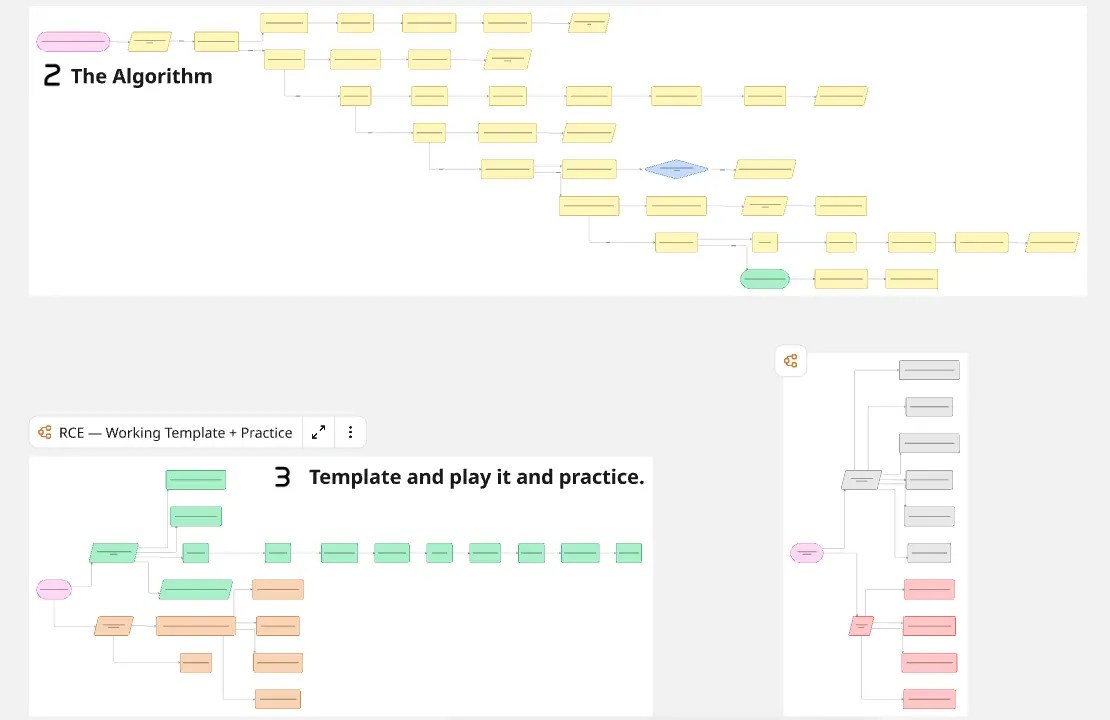
Chronological Timeline / Current State Map: A visual lane to lay out the exact sequence of events or the current operational process leading up to the breakdown.
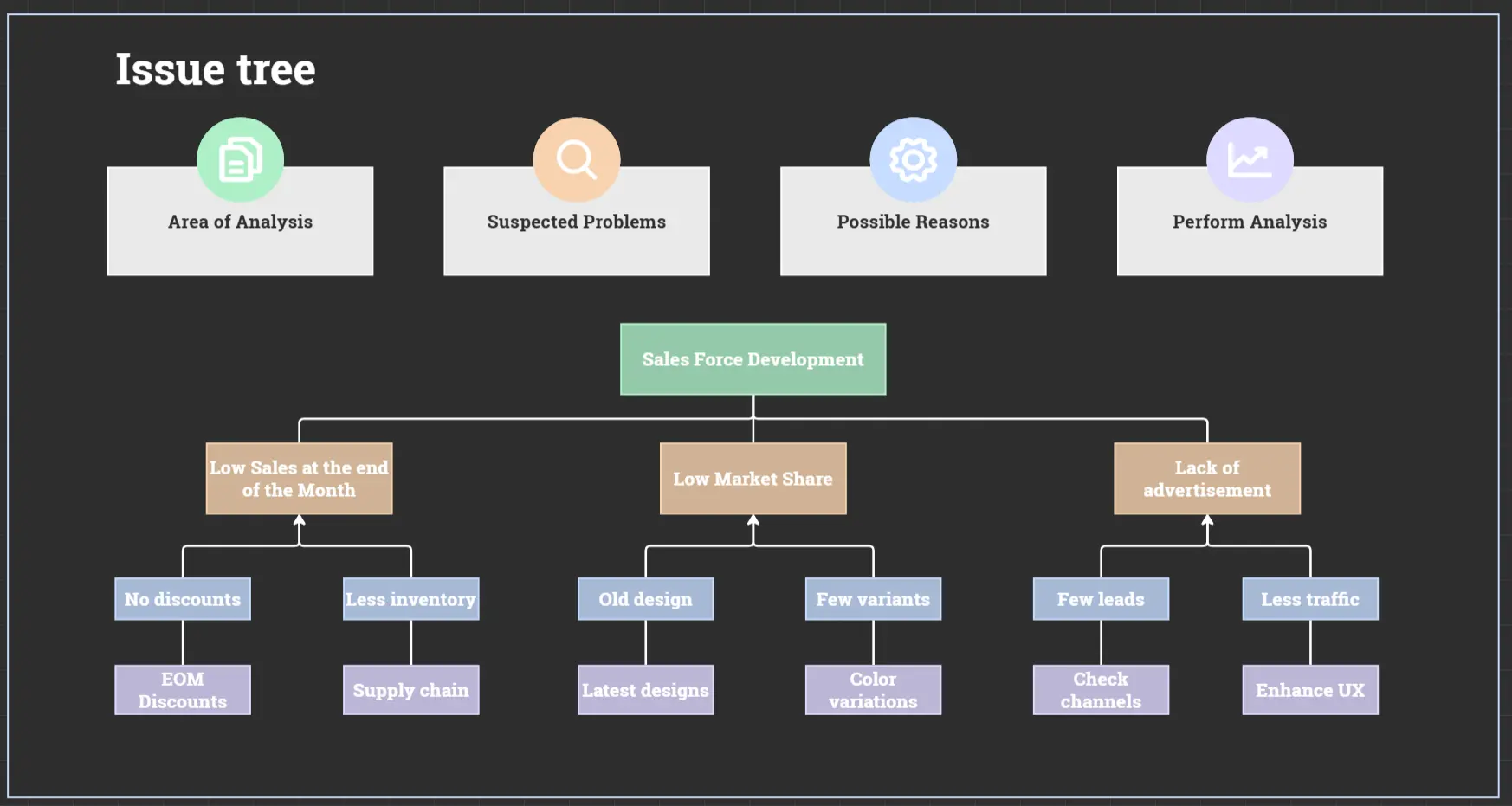
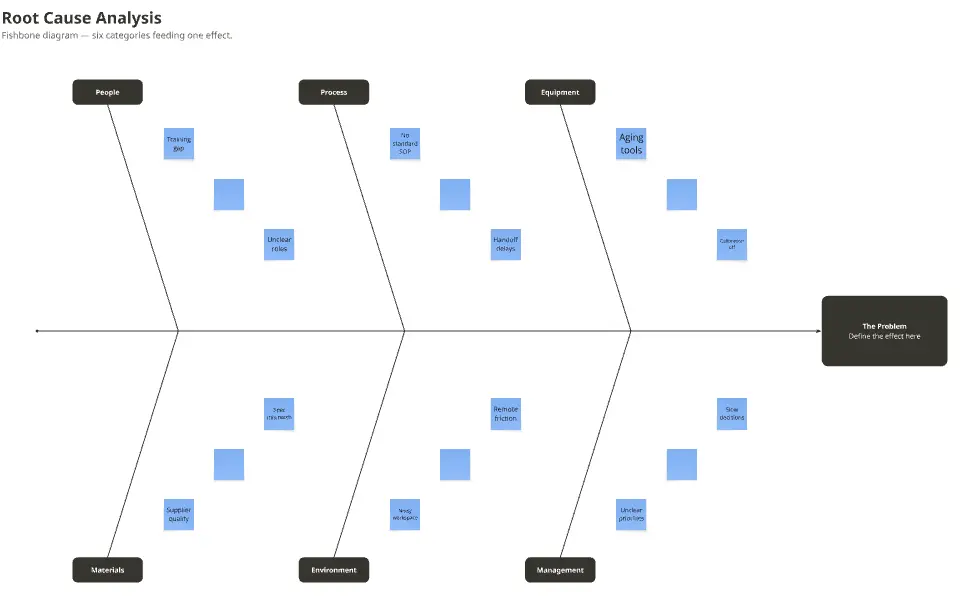
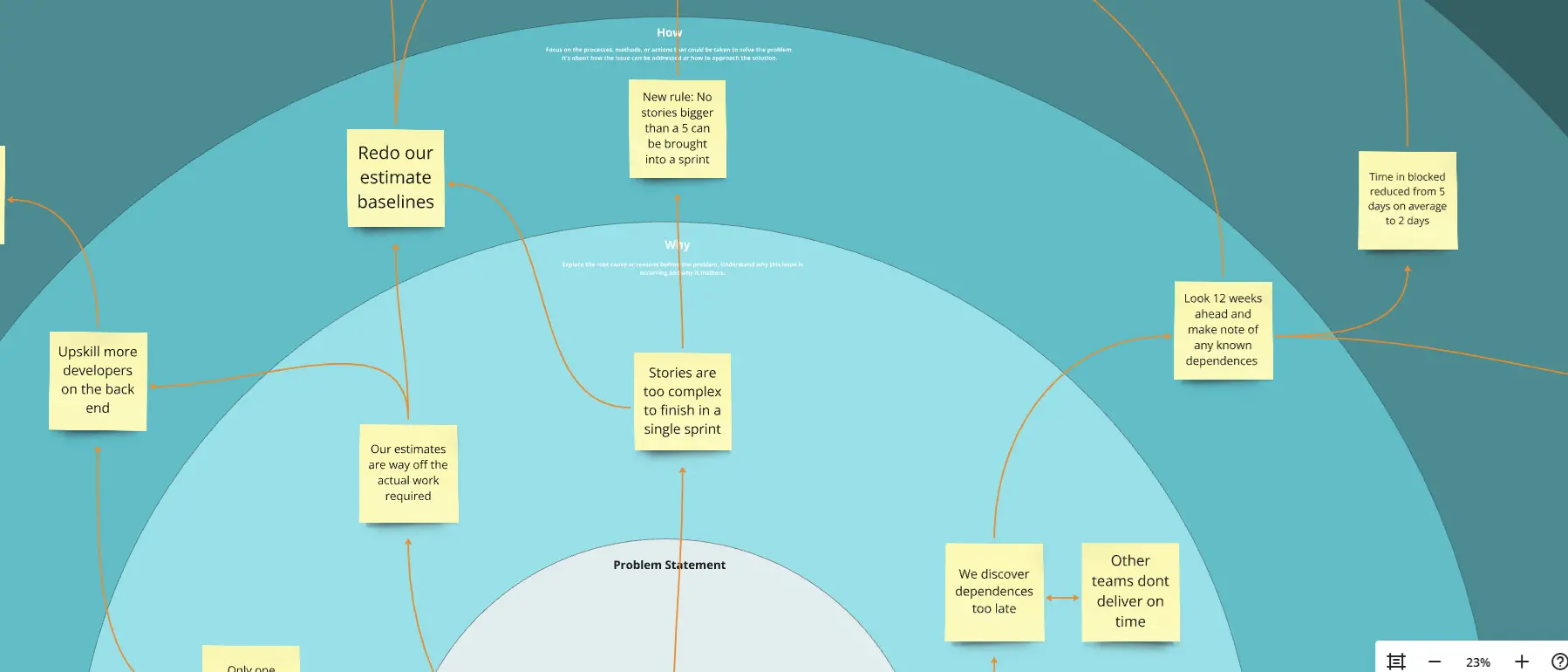
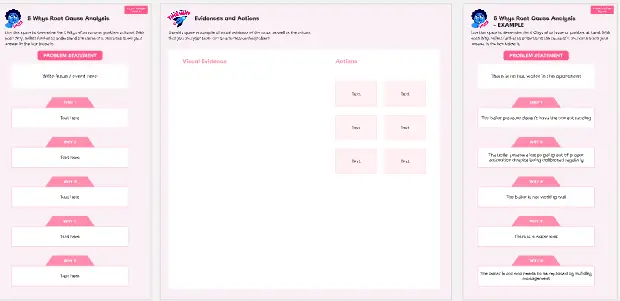
The Root Cause Analysis Engine: A structured framework area (such as a Fishbone diagram or 5 Whys canvas) designed to break down a single problem into its underlying technical, systemic, or human drivers.
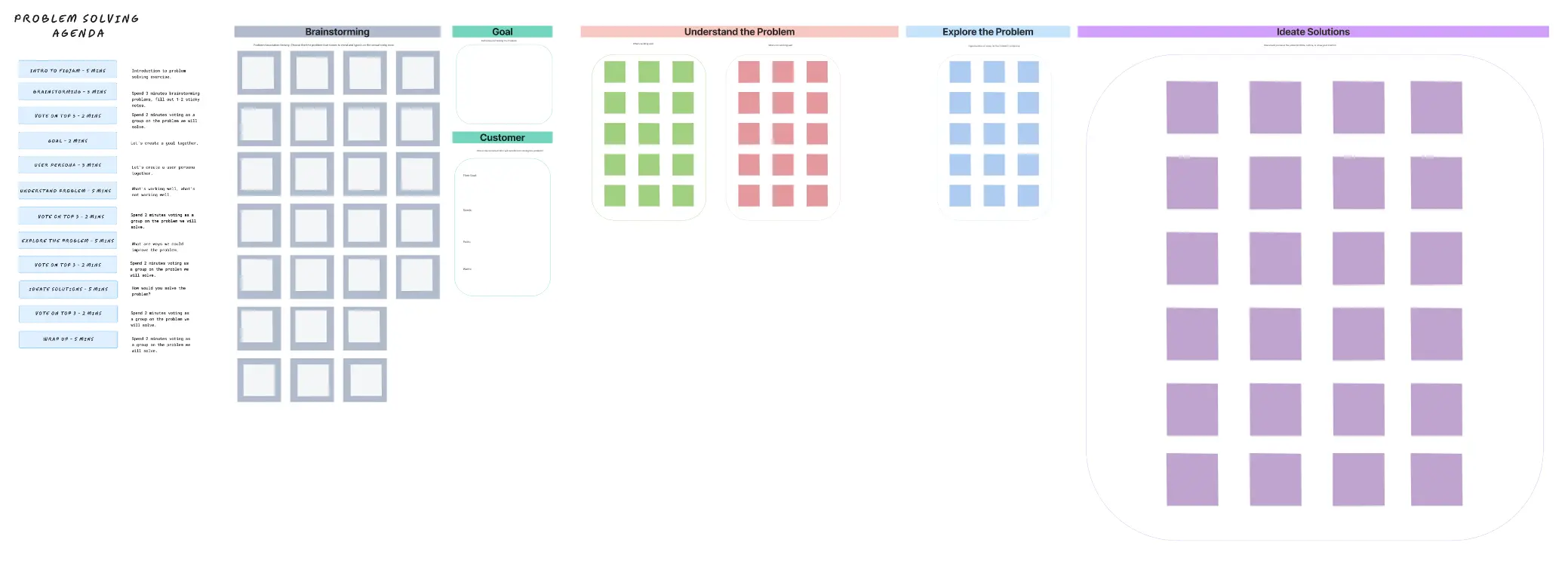
Brainstorming & Impact-Effort Matrix: A dynamic categorization zone where teams pivot from analyzing the past to generating future solutions, evaluating ideas based on their viability and execution friction.
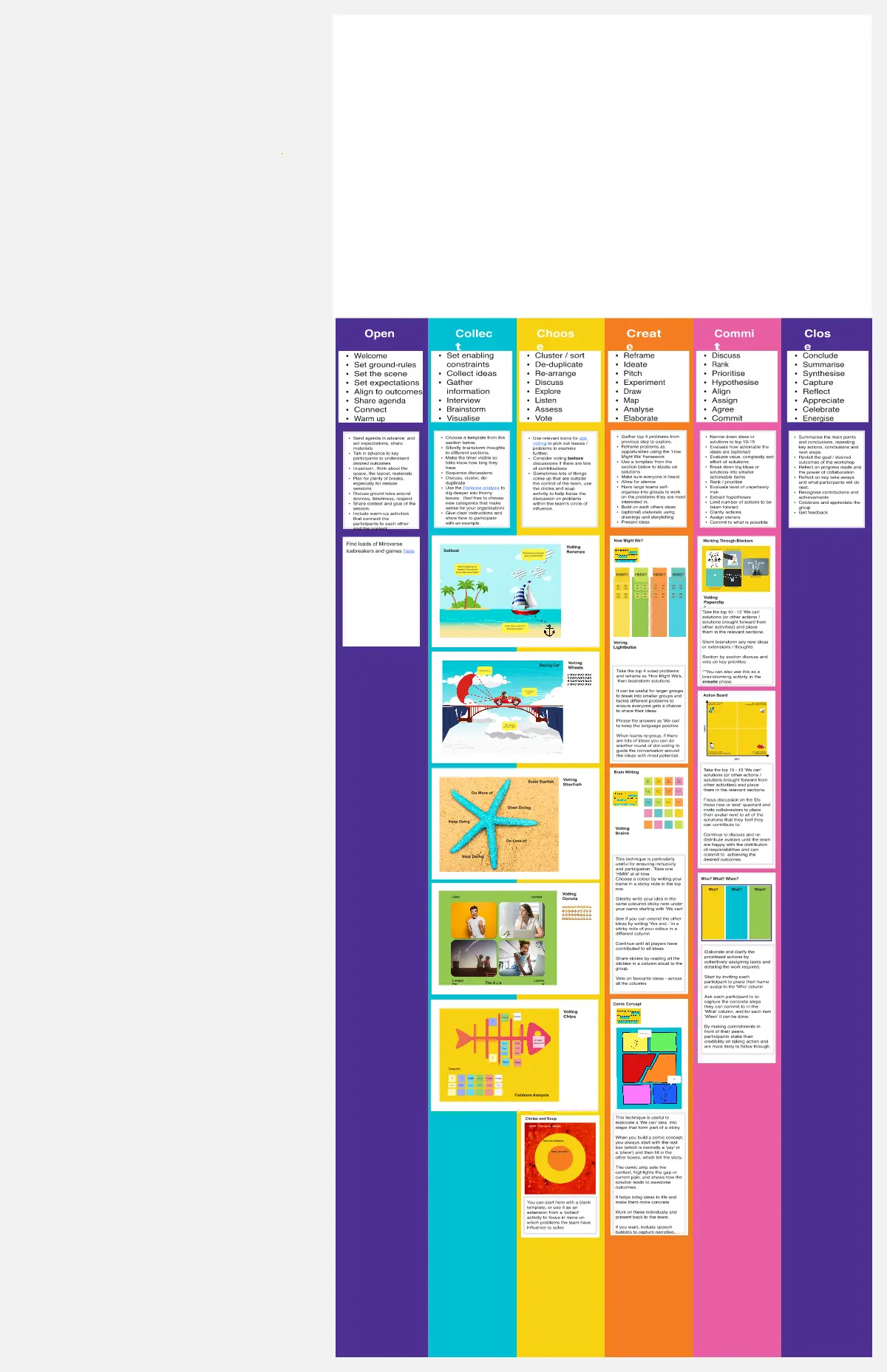
The Action Item Registry: A clear accountability board mapping out the counter-measures, explicit owners, deadlines, and success metrics to ensure the solution is actually deployed.
How to Use Problem-Solving Templates in Miro
1. Assemble the Right Eyes
Gather the people closest to the problem, as well as a neutral facilitator and an executive sponsor. Open the chosen Miro Problem-Solving template and give everyone edit access.
2. Define the Problem Untouched by Blame
Before looking for solutions, fill out the Problem Definition box. Write down a single, metrics-driven statement. Avoid pointing fingers or inserting pre-baked conclusions (e.g., instead of writing "Bob forgot to check the data," write "Database sync latency spiked by 400% on May 28th, affecting 12,000 users").
3. Run the Discovery Analysis (Fishbone or 5 Whys)
Depending on the complexity, map out the issue using your chosen framework. Have the team silently drop sticky notes onto the branches of the Fishbone diagram or down the 5 Whys path. Use Miro’s connection arrows to visually link cascading dependencies and human factors.
4. Isolate the Real Root Cause
Look for patterns on the board. Often, multiple branches of a Fishbone diagram will point to the exact same underlying systemic issue. Highlight these high-leverage nodes using a distinct color or border to mark them as the true root causes.
5. Ideate and Filter Counter-Measures
Pivot the team's energy toward solutions. Have everyone brainstorm fixes for the isolated root causes, then drag those ideas onto an Impact vs. Effort Matrix. Focus first on "Quick Wins" (High Impact, Low Effort) and strategic investments (High Impact, High Effort). Discard low-impact "fillers."
6. Assign Accountability and Lock the Plan
Convert the chosen sticky notes from the matrix into a concrete Action Item list. Assign an explicit owner and a clear due date to every single item. Lock the finalized components of the Miro board and integrate the link into your incident management tool or team workspace.
7. Review and Prevent Recurrence
A problem isn't solved until the solution is proven over time. Reopen the Miro board two weeks to a month post-deployment to review your primary success metrics. If the numbers look healthy, archive the board into your company's post-mortem library to build a permanent, accessible knowledge base for future troubleshooting.