About the Kanban board templates collection
A Kanban template is a visual workflow management framework designed to maximize efficiency by limiting work-in-progress and visualizing the entire production path. By mapping tasks into vertical columns (typically "To Do," "Doing," and "Done"), this template creates a real-time "pulse" of your team's capacity, allowing you to identify bottlenecks and balance workloads before they stall your project.
Key Components of a Kanban Template
A high-performance Kanban template acts as a self-regulating system for your team. Every effective Miro Kanban board should include these five core elements:
Visual Signals (Kanban Cards): Individual sticky notes or cards that contain the "Who, What, and When" for every task.
Commitment Point: The "Backlog" or "To-Do" area where tasks wait until the team has the capacity to pull them into the active workflow.
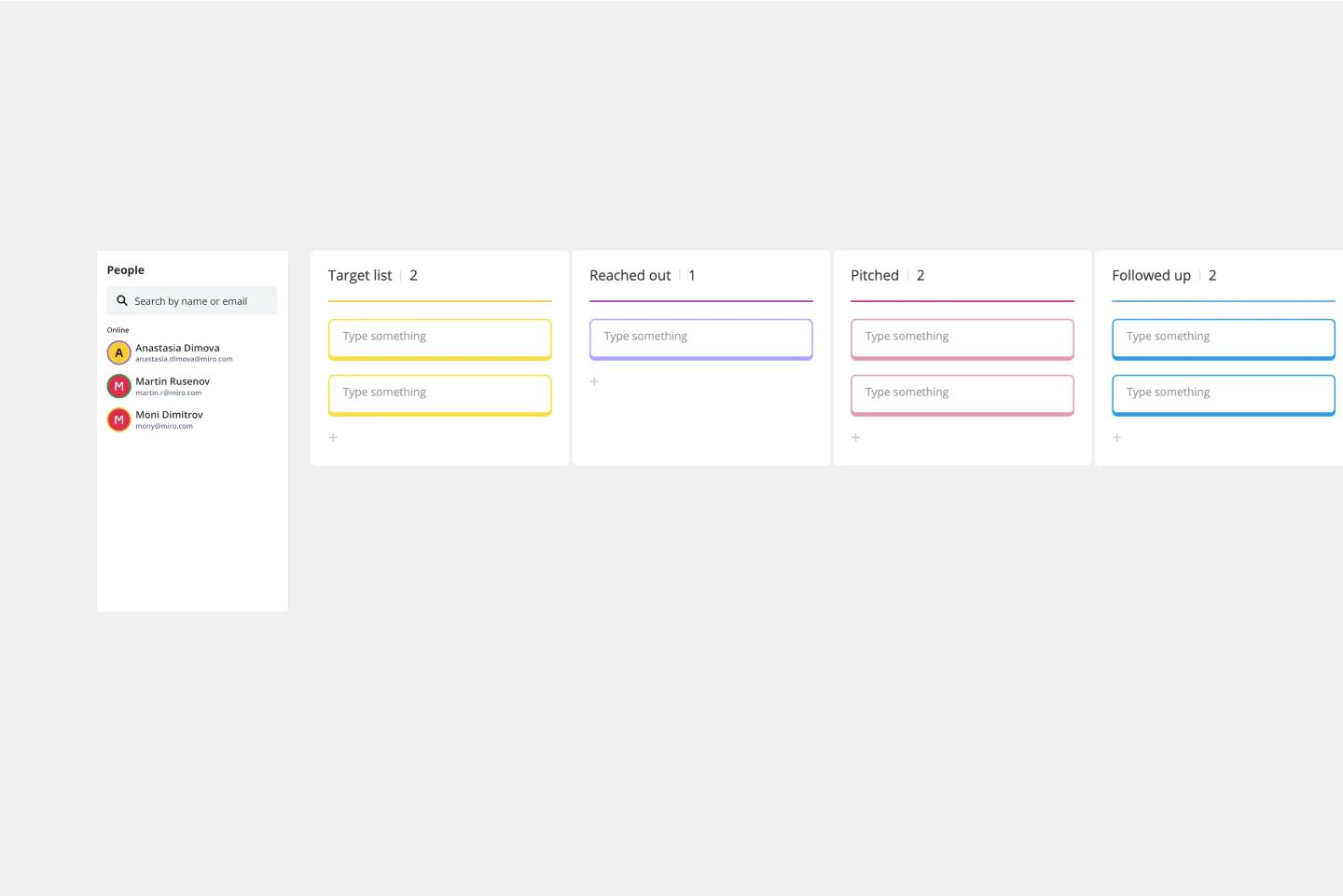
Workflow Columns (Work Stages): Vertical lanes representing each step of your process from "Backlog" to "Completed."
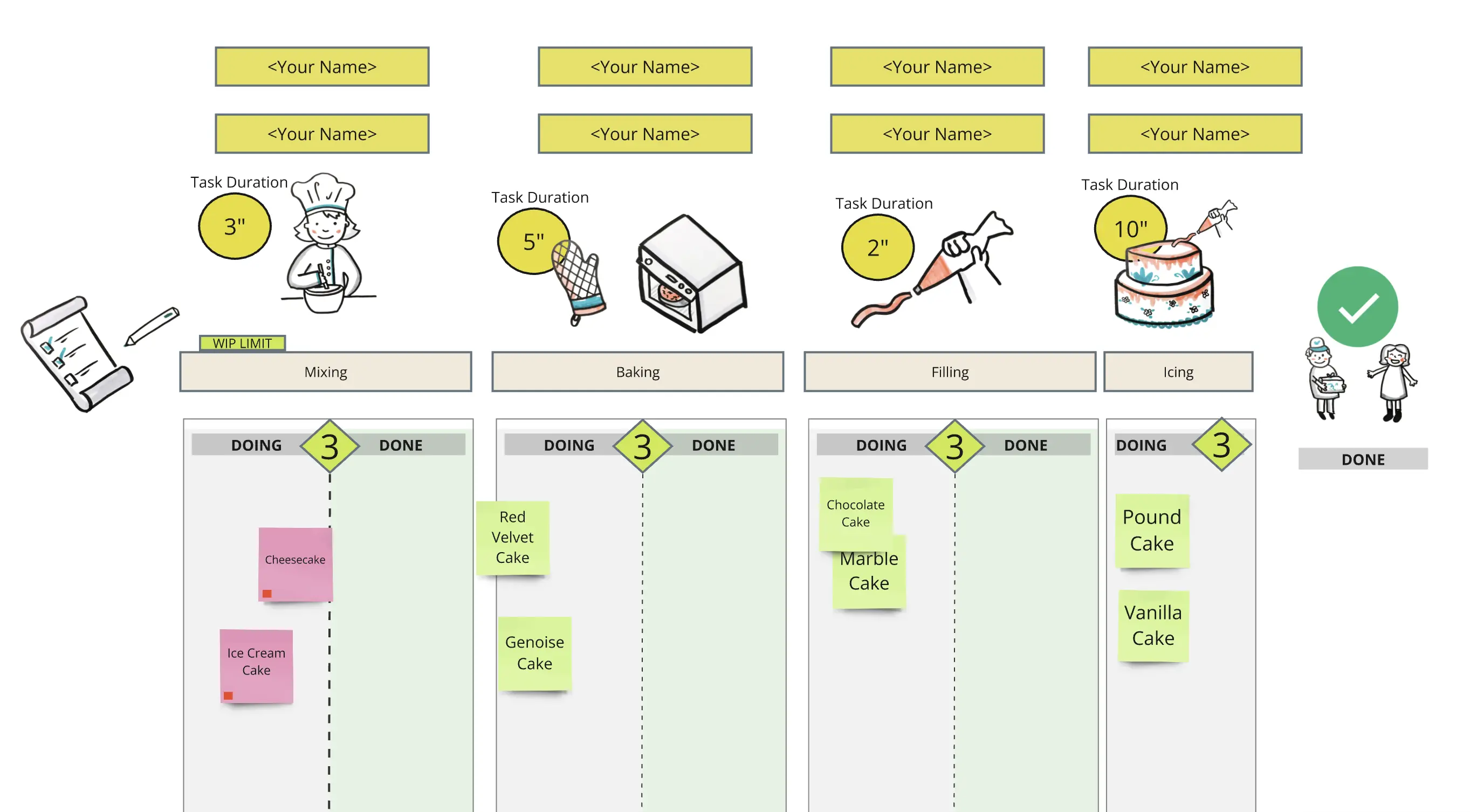
WIP Limits: Clearly defined maximums for each column to prevent multi-tasking and ensure a steady "Lead Time."
The Delivery Point: The "Done" or "Archive" column, where the team can celebrate completed work and analyze the "Cycle Time" of tasks.
Choosing Your Framework: Which Kanban Board Template Do You Need?
Not all workflows are created equal. To get the most out of your Kanban template, you must choose a structure that matches your team’s specific "velocity" and complexity.
Here is how to select the right Miro board for your specific work archetype:
1. The Basic Kanban (The "Entry-Level" Board)
Best For: Individuals, freelancers, or small teams just starting with visual management.
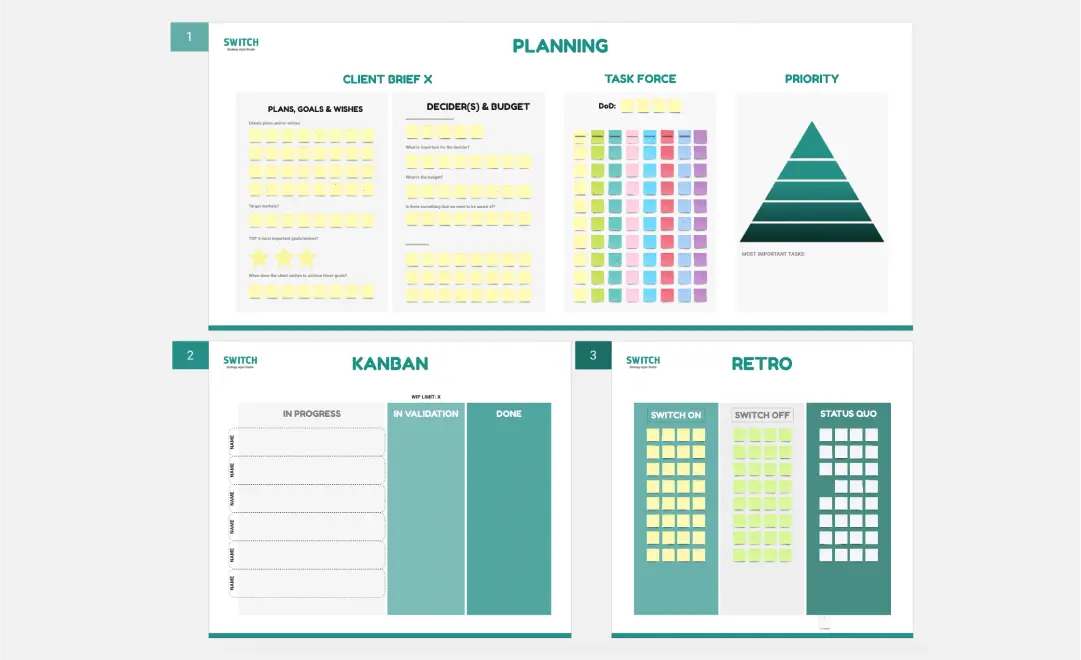
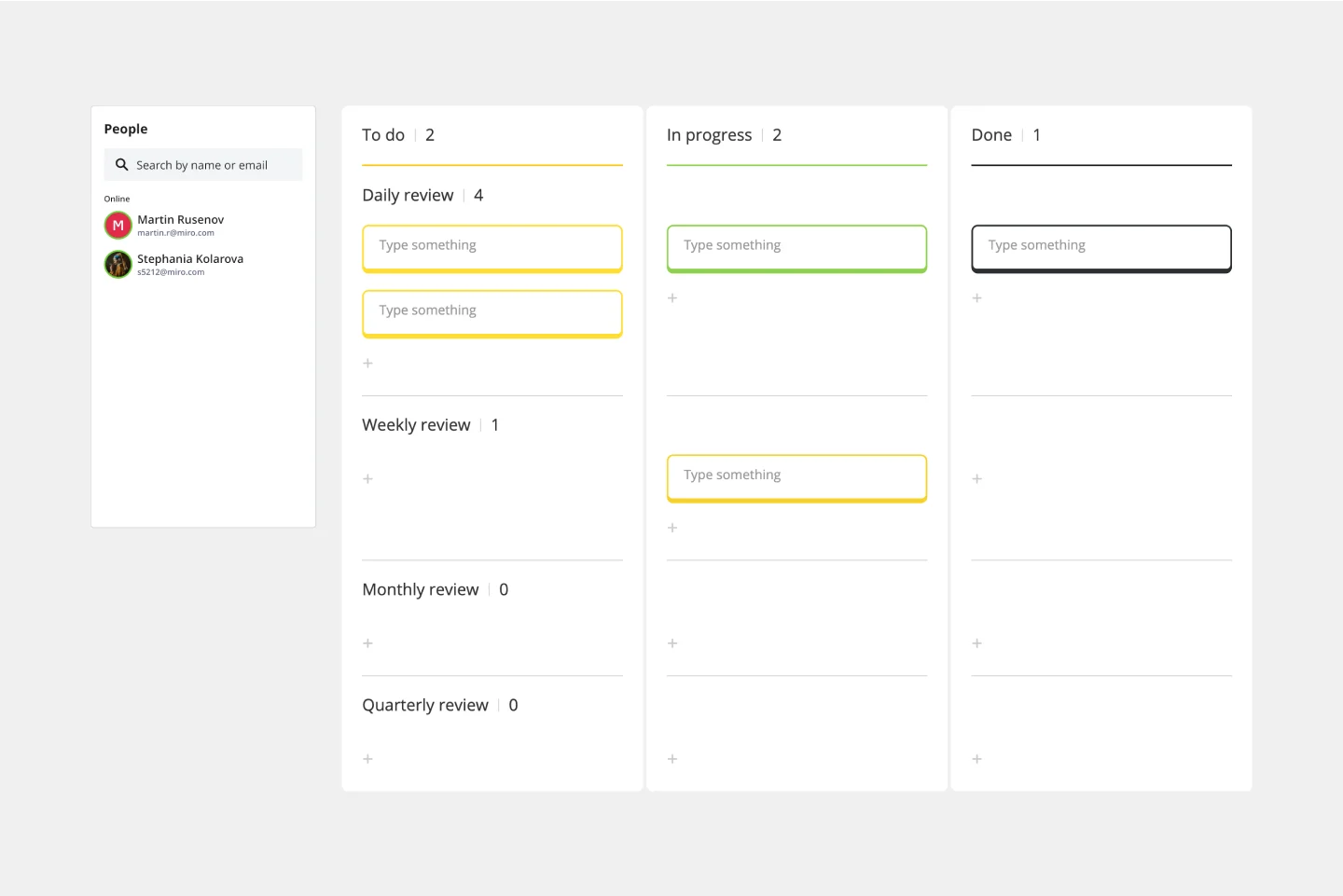
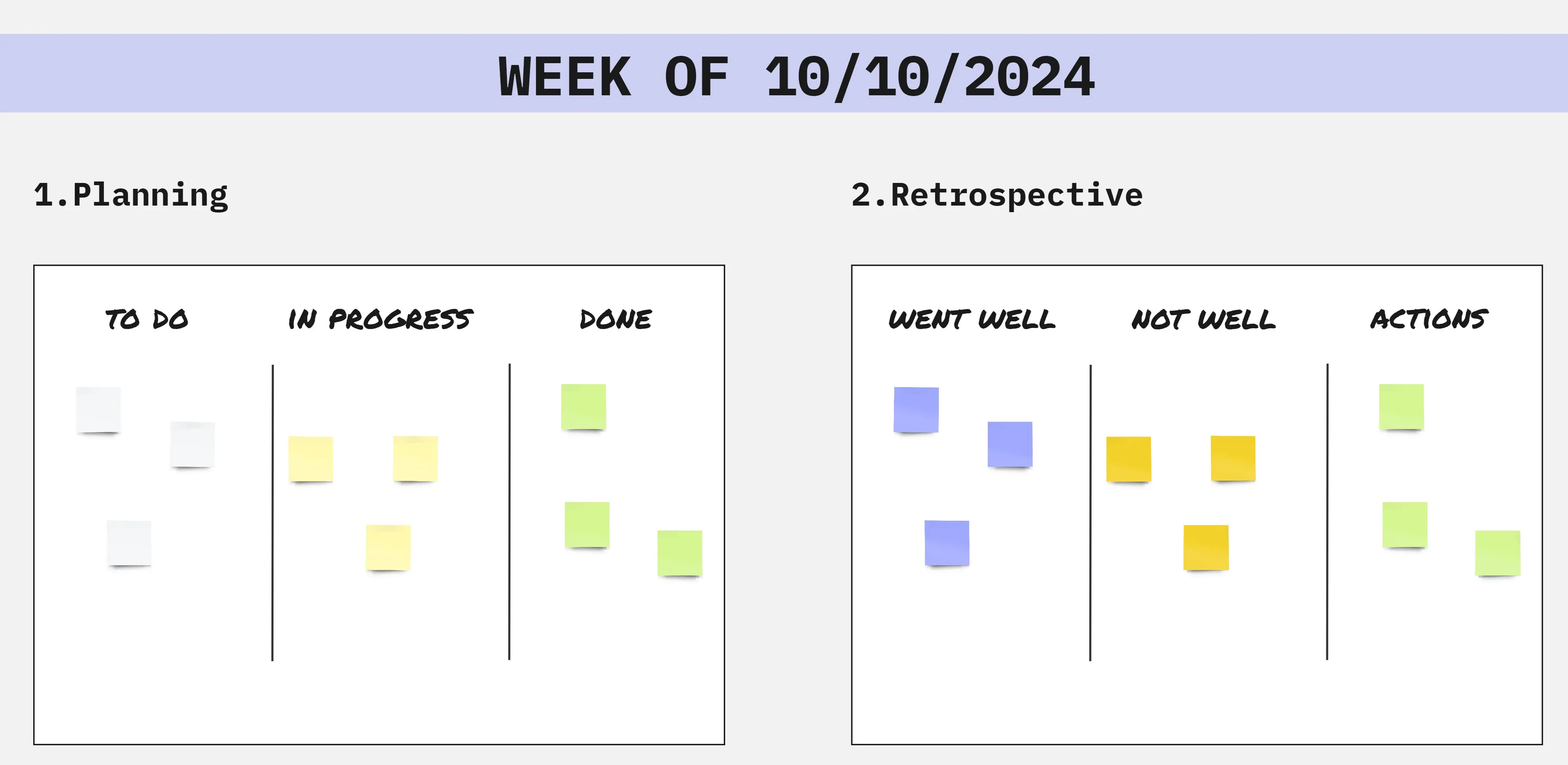
The Structure: Three simple columns: To-Do, Doing, Done.
Why it works: It’s low-friction. It focuses entirely on getting things out of your head and into a visible "In Progress" state.
2. The Multi-Stage Workflow (The "Professional" Board)
Best For: Development teams, content agencies, or marketing departments.
The Structure: Includes specific "Queue" and "Review" stages (e.g., Backlog, Design, Peer Review, Testing, Deploy).
Why it works: It exposes the "waiting" periods. By separating "Design" from "Testing," you can see exactly where work gets stuck—allowing you to fix the process rather than blaming the people.
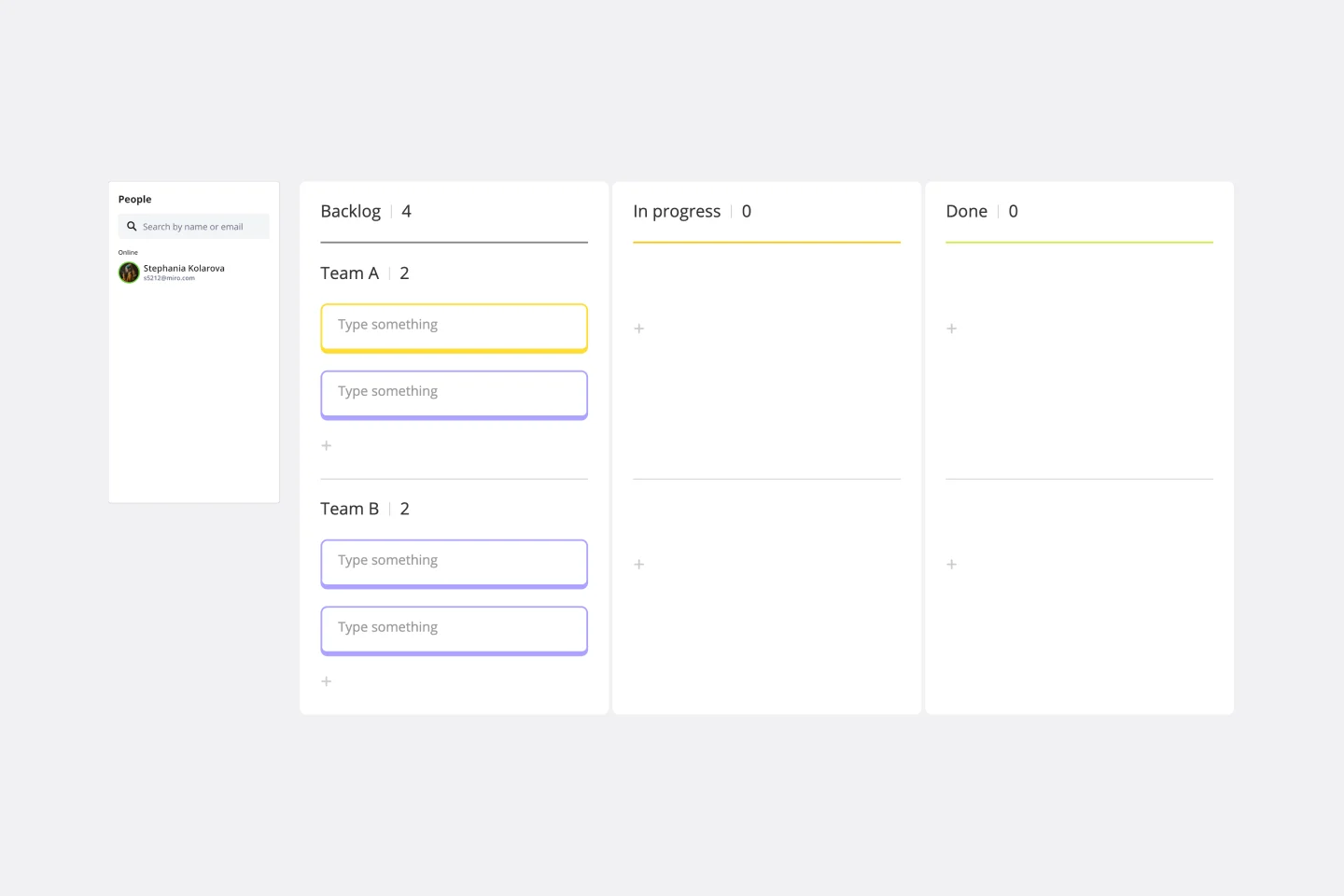
3. The "Swimlane" Kanban (The "Complex" Board)
Best For: Managers handling multiple projects or cross-functional teams simultaneously.
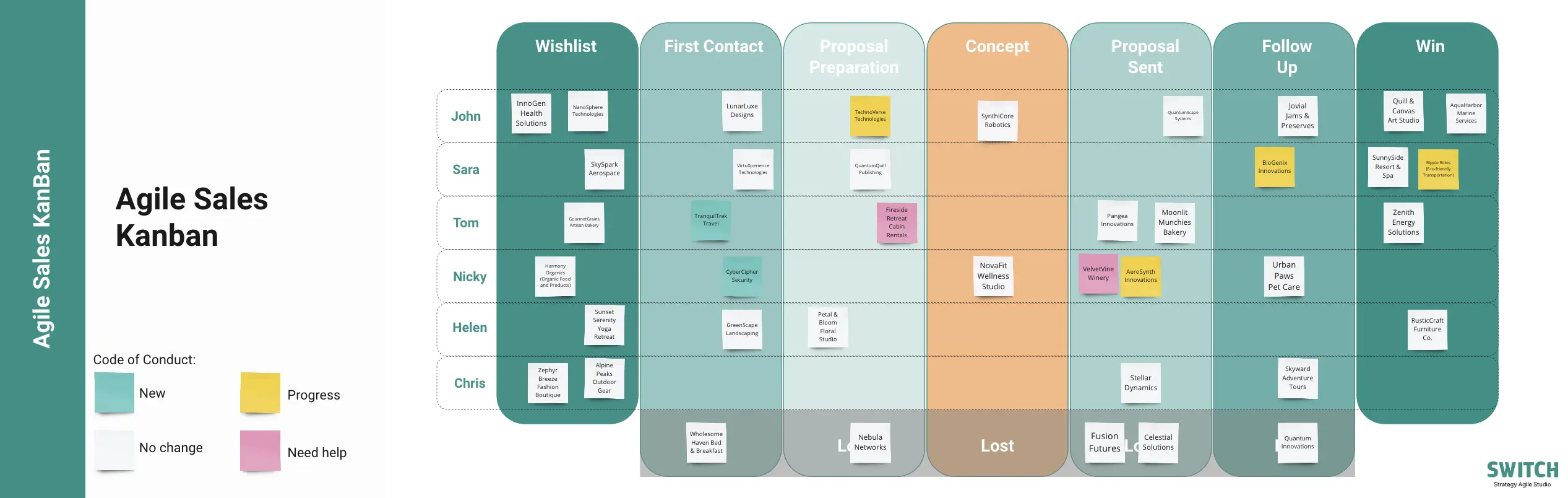
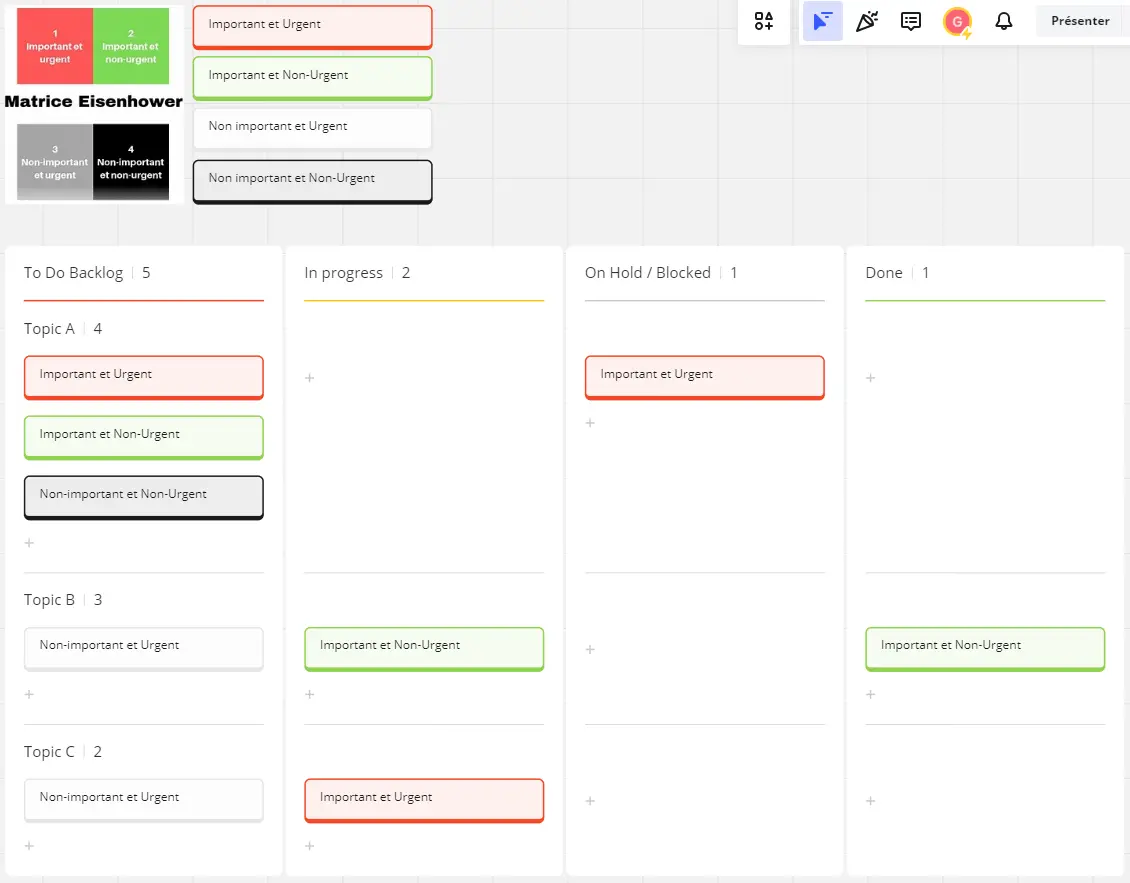
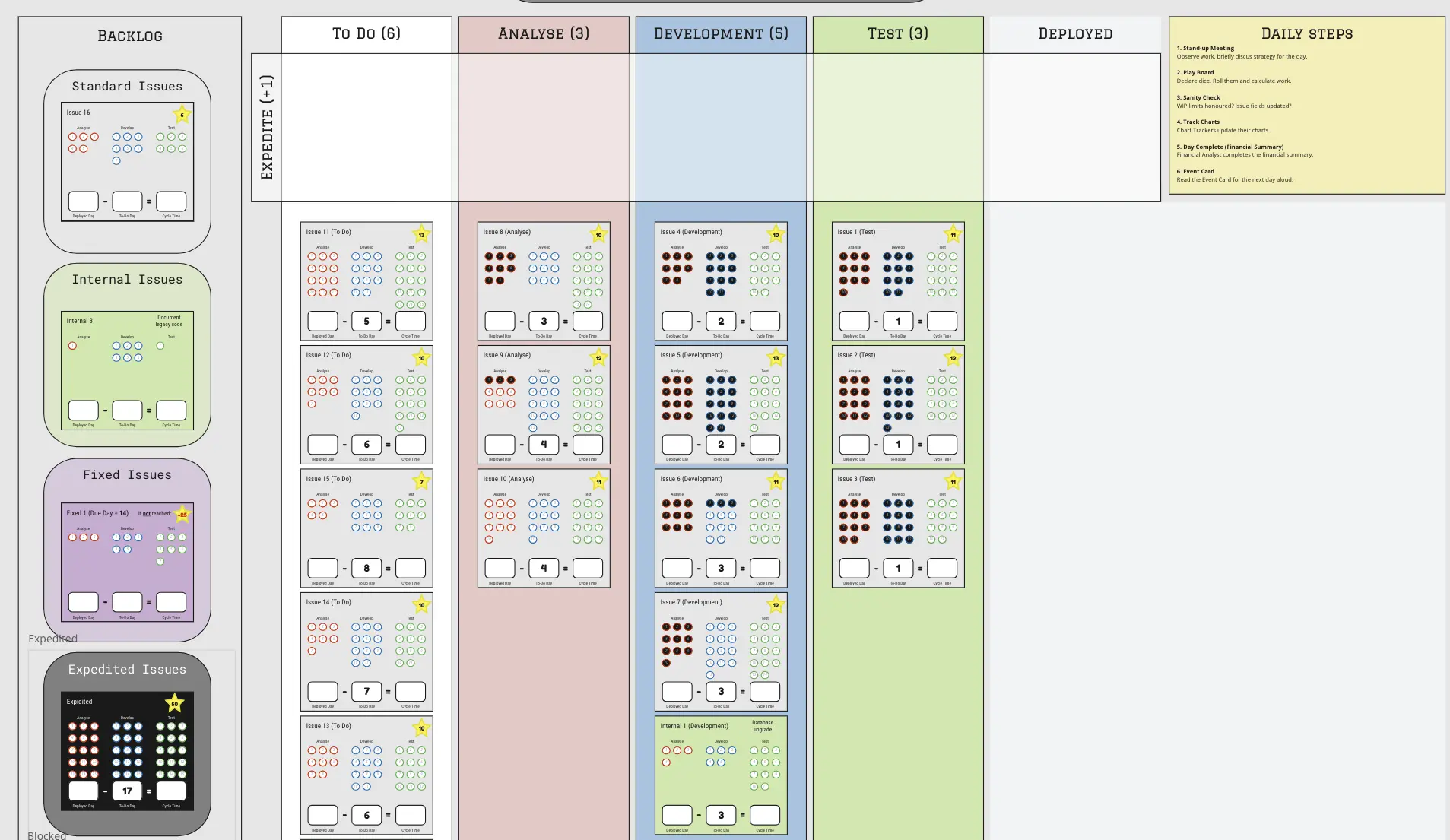
The Structure: Uses horizontal rows (Swimlanes) to categorize tasks by project, priority (Expedite vs. Standard), or department.
Why it works: It prevents "Critical" tasks from getting lost among "Standard" tasks. It allows you to see how resources are split across three different clients or projects at a single glance.
4. The Portfolio Kanban (The "Executive" Board)
Best For: C-Suite, Program Managers, and Product Owners.
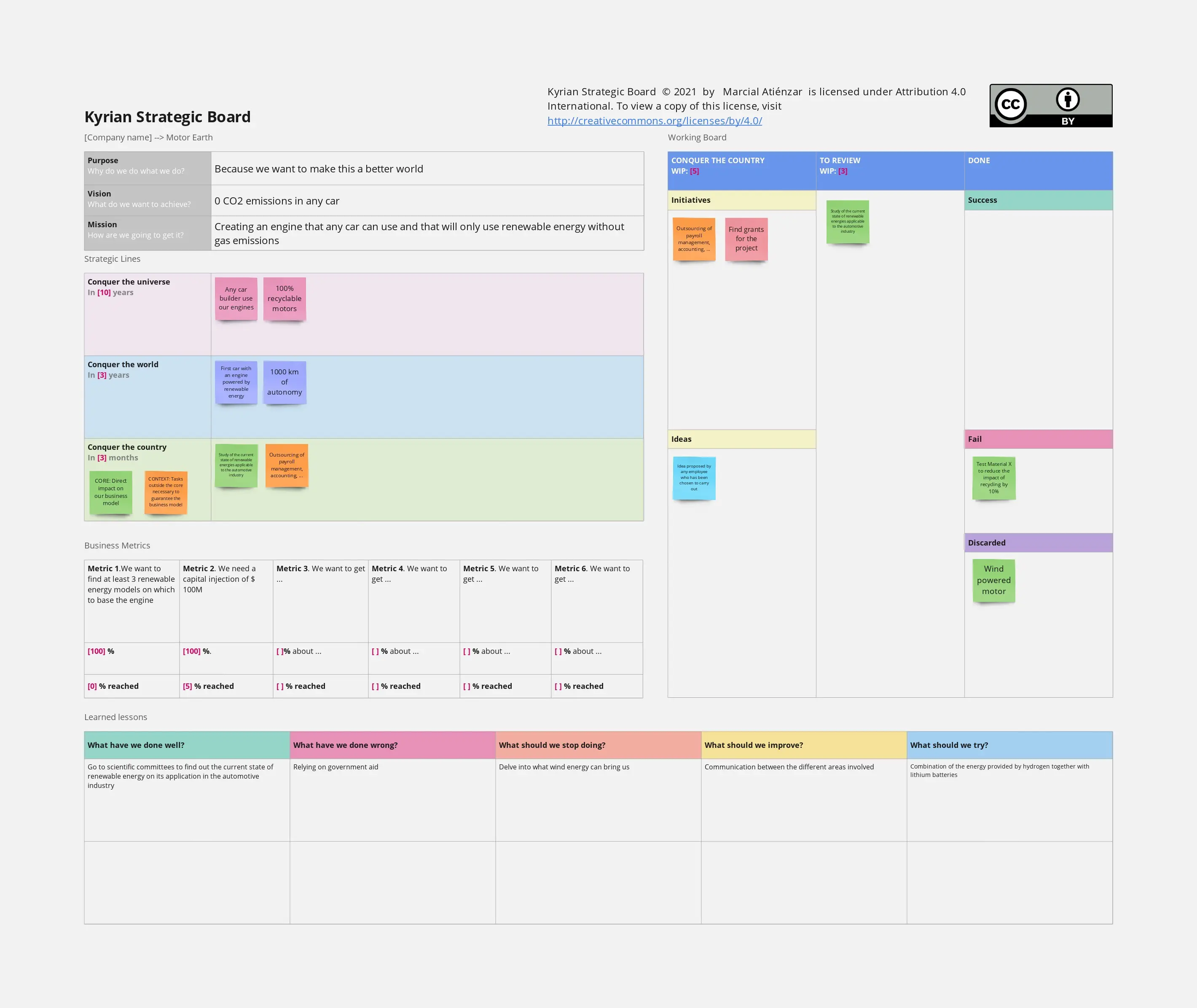
The Structure: High-level cards representing entire projects or "Epics" rather than individual tasks.
Why it works: It provides a "birds-eye view" of the organization’s health. It’s less about daily updates and more about tracking the long-term progress of "Big Bets."
How to use the Kanban board templates in Miro
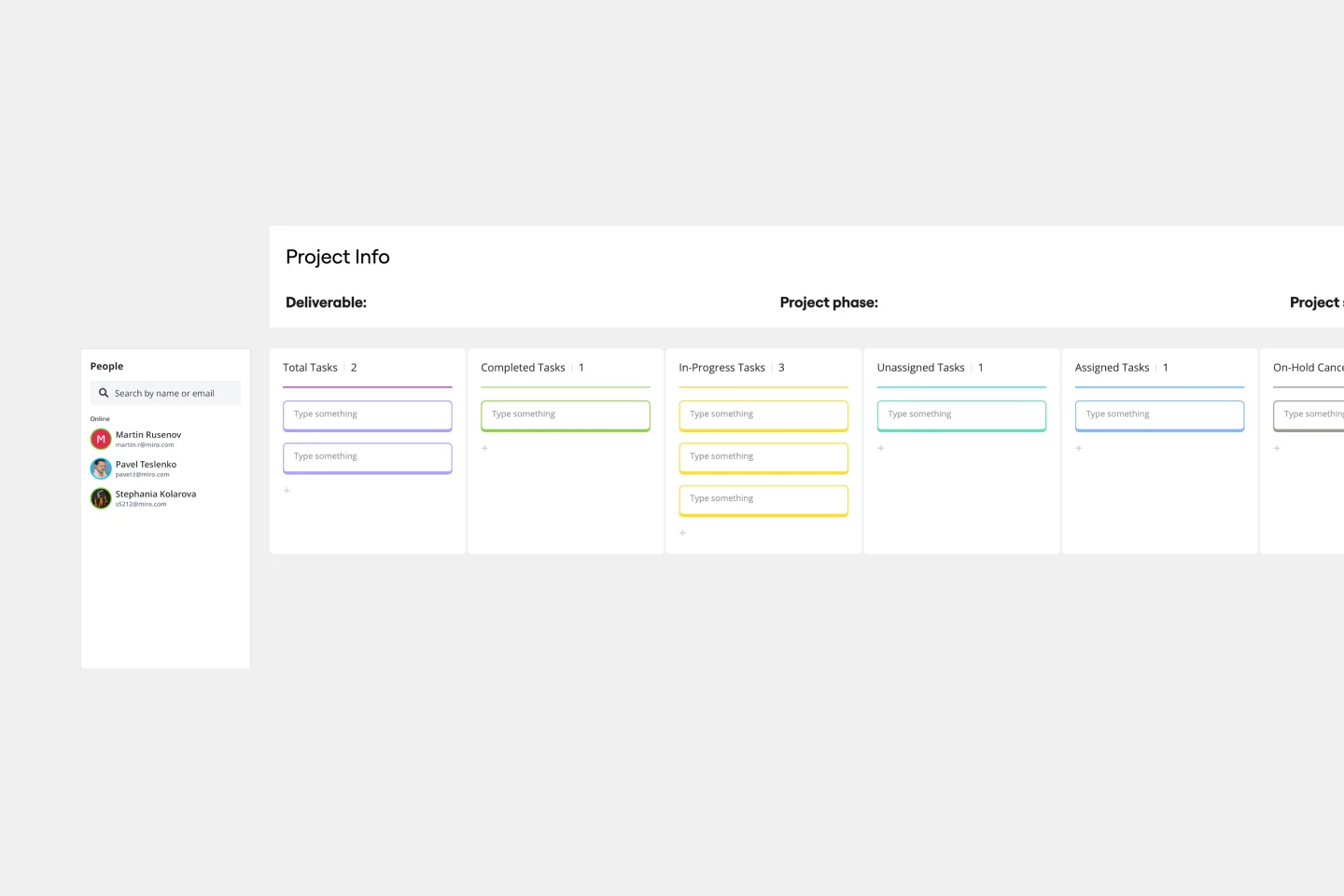
Customize your board: Add columns representing different stages of your workflow (e.g., To Do, In Progress, Done). You can rename columns and adjust their order as needed.
Add tasks: Create cards for each task or item. You can add details, assign team members, set due dates, and attach files to each card.
Track progress: Move cards across columns as tasks progress through different stages. This visual movement helps you and your team stay updated on the status of each task.
Collaborate in real time: Invite team members to your board. They can add comments, update tasks, and make changes in real time, ensuring everyone is on the same page.
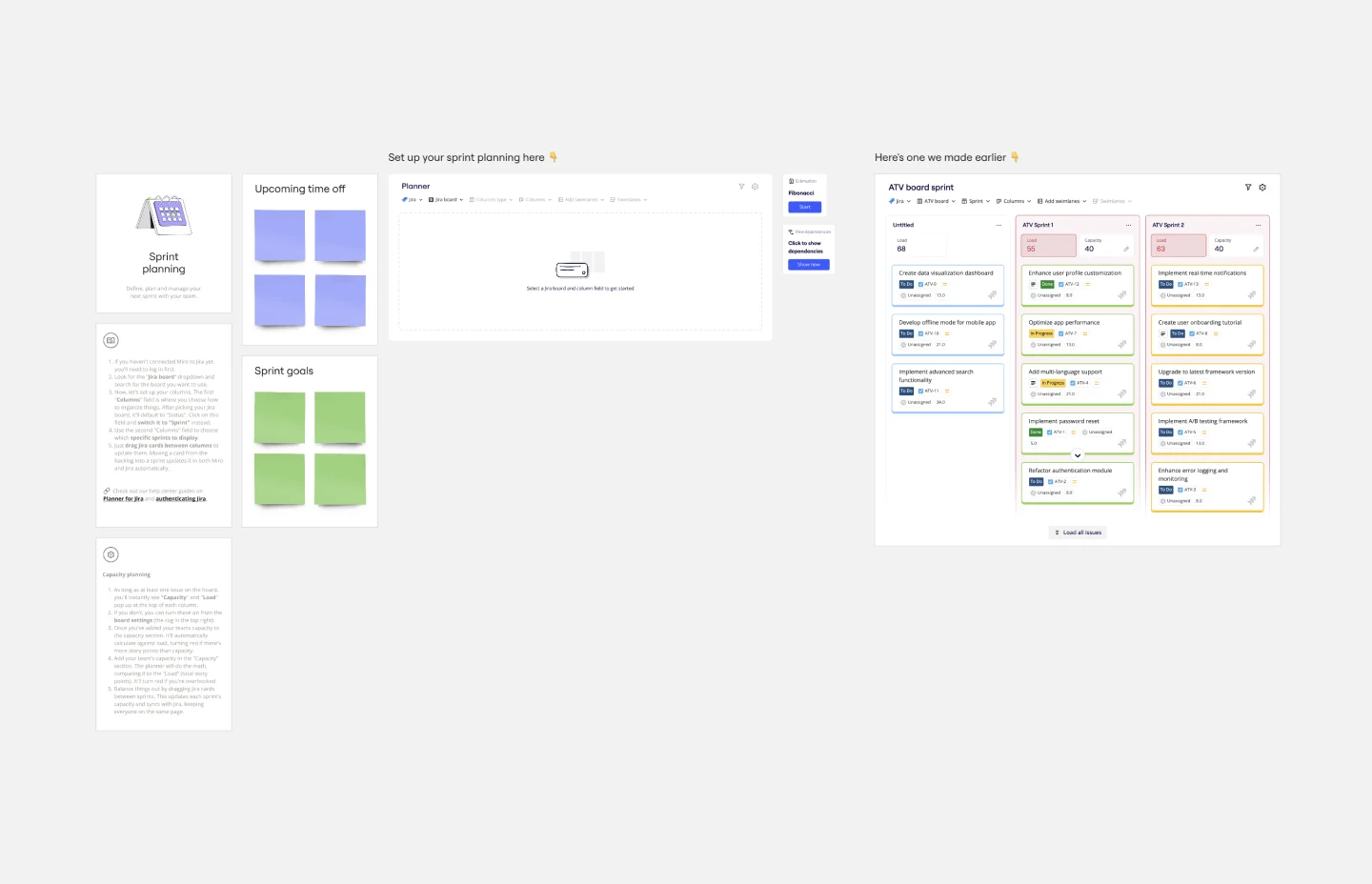
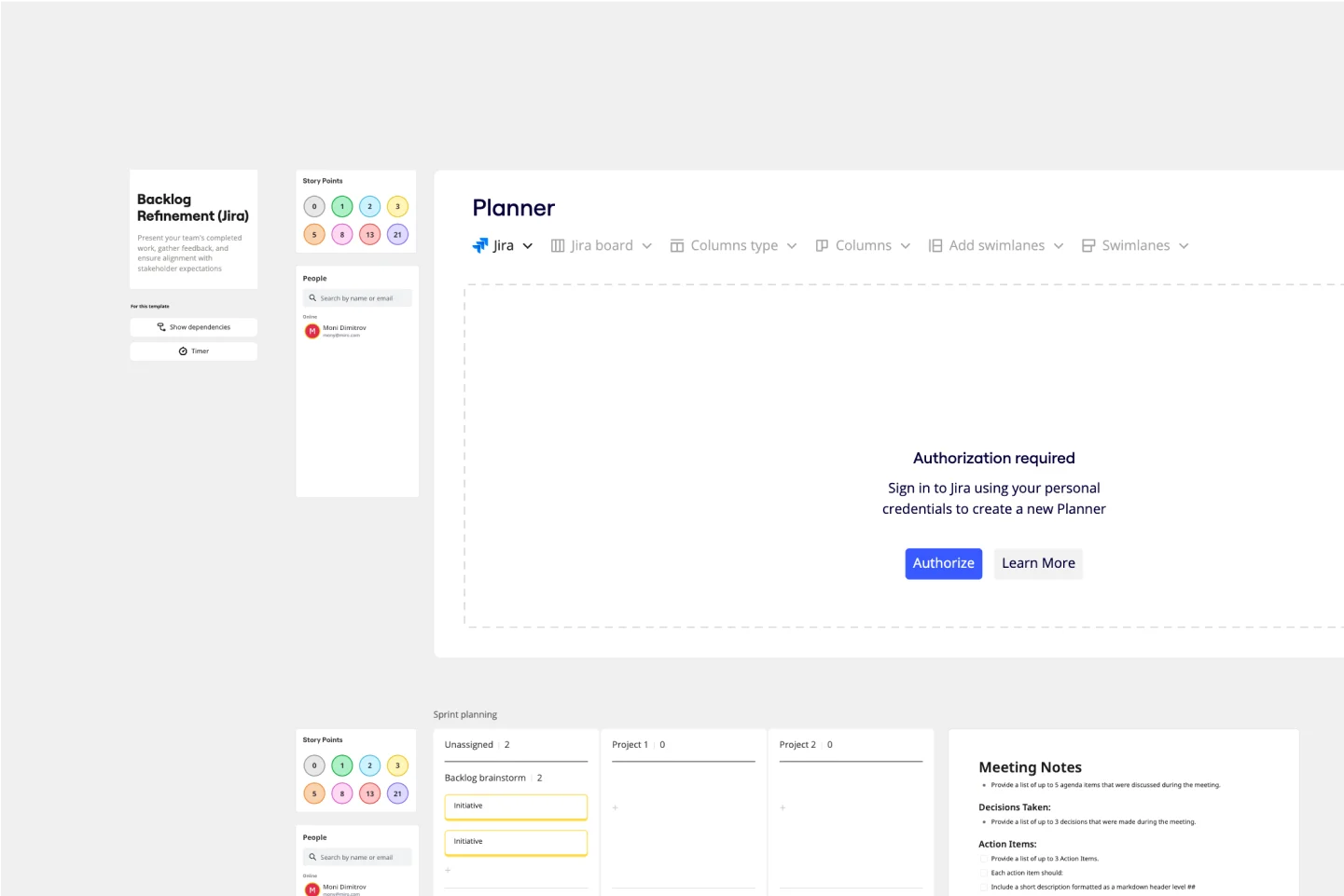
Integrate with other tools: Sync your Kanban board with tools like Jira to keep all your project management data in one place, reducing the need for manual updates.
Miro's Kanban board templates are a powerful tool for any team looking to improve their workflow and collaboration. By providing a clear visual representation of tasks and progress, these templates help teams stay organized, efficient, and aligned. Discover Miro's online Kanban tool.