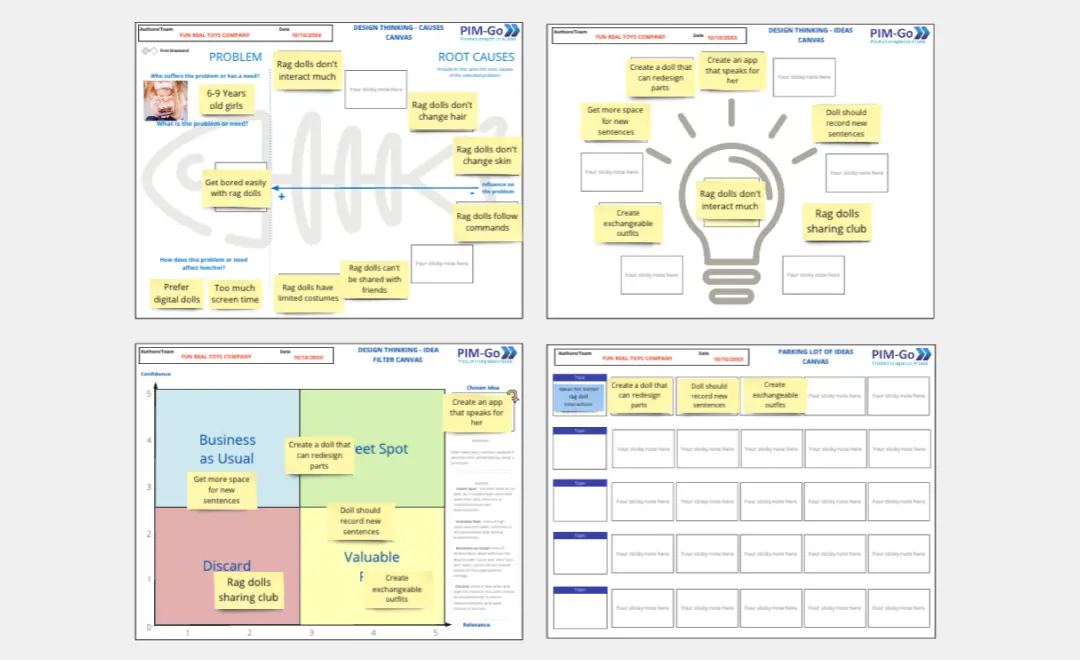
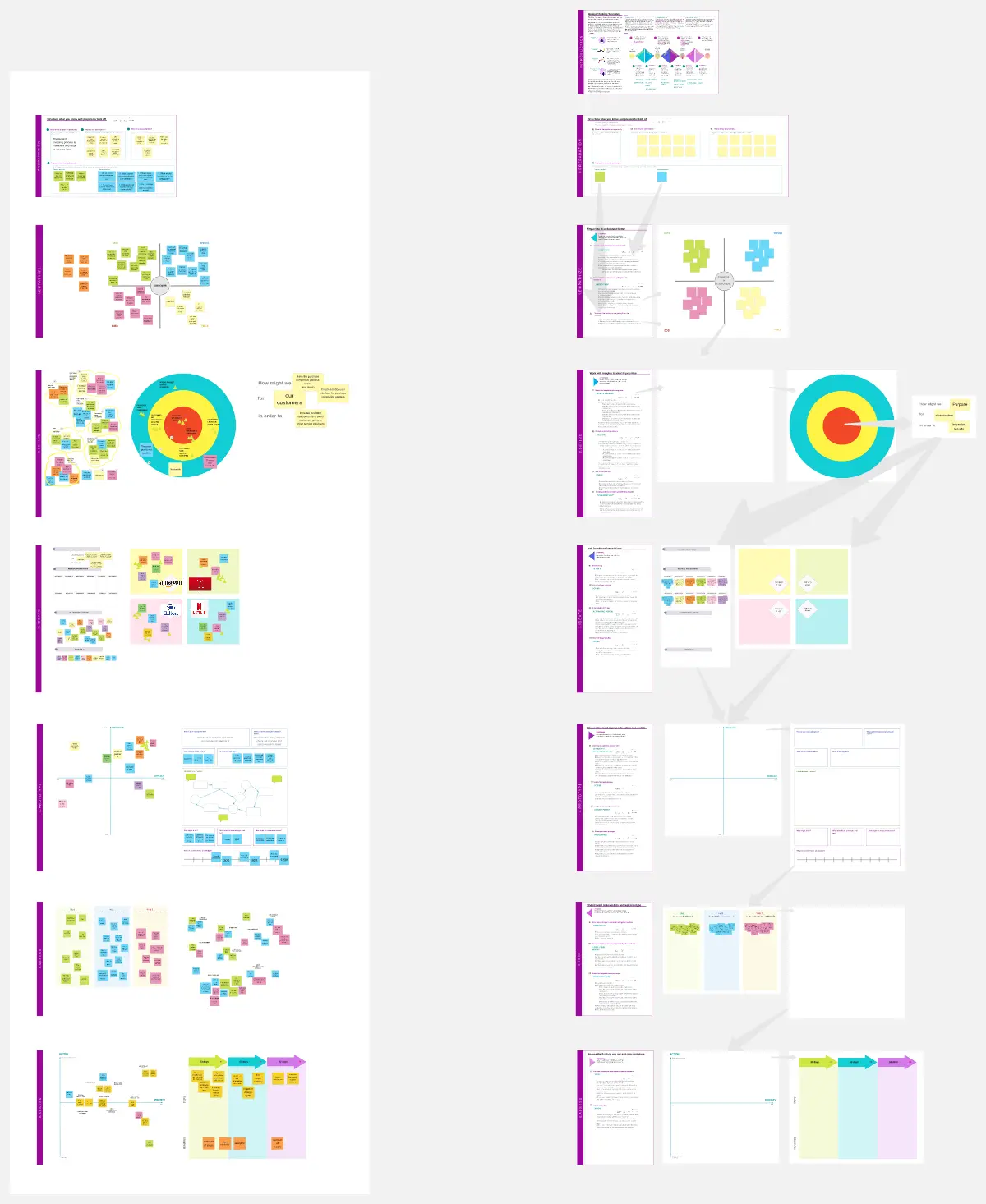
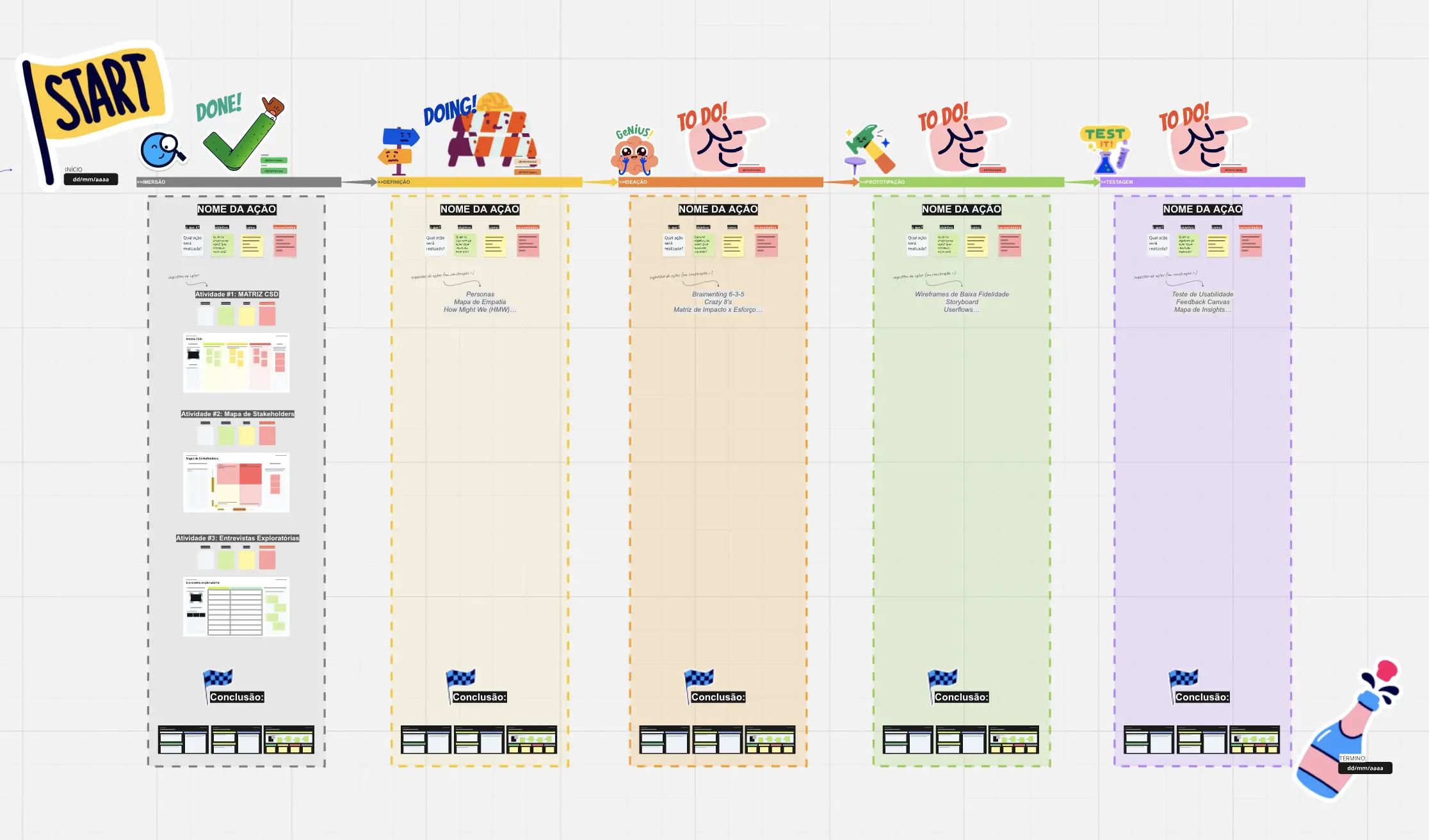
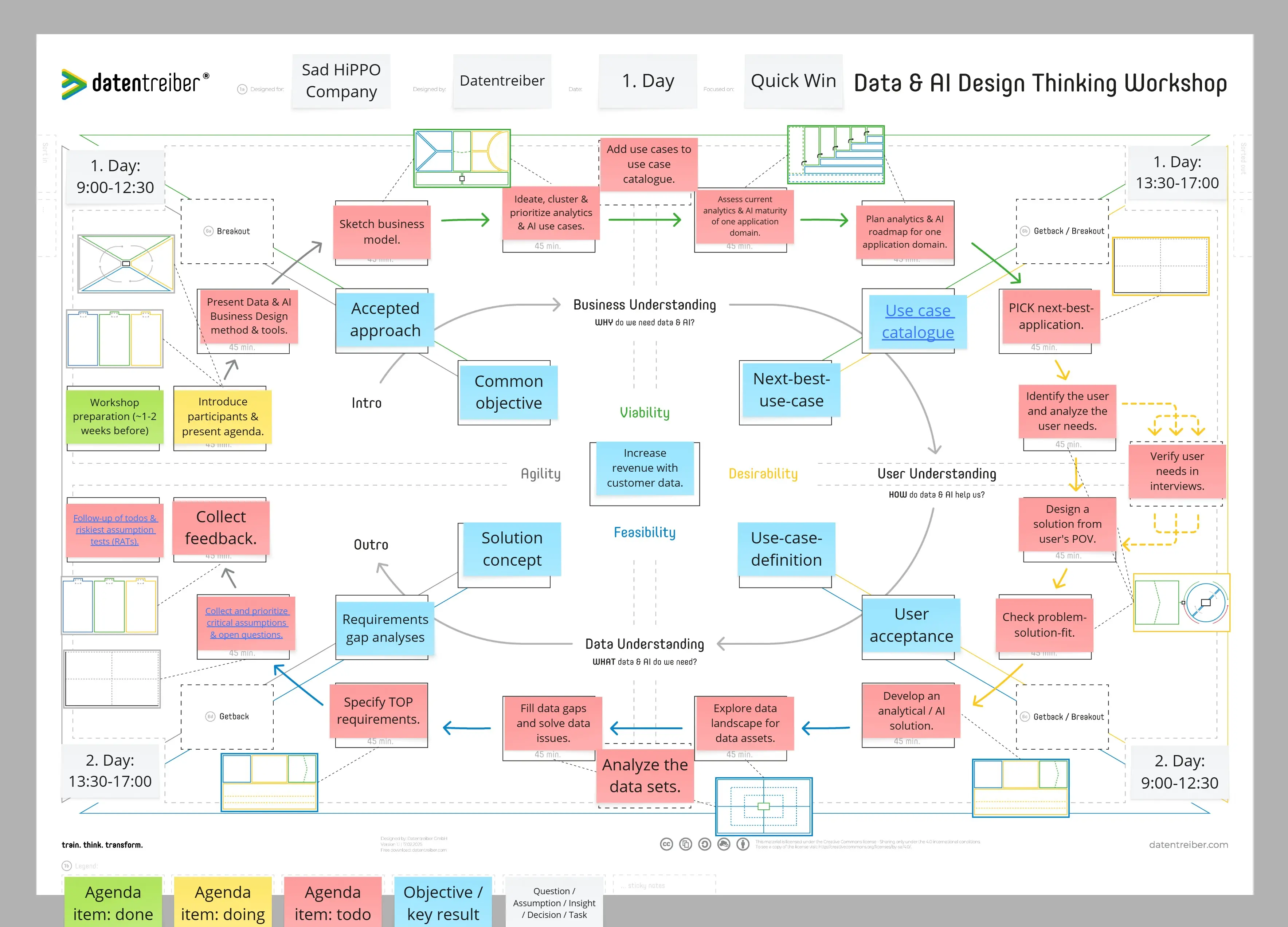
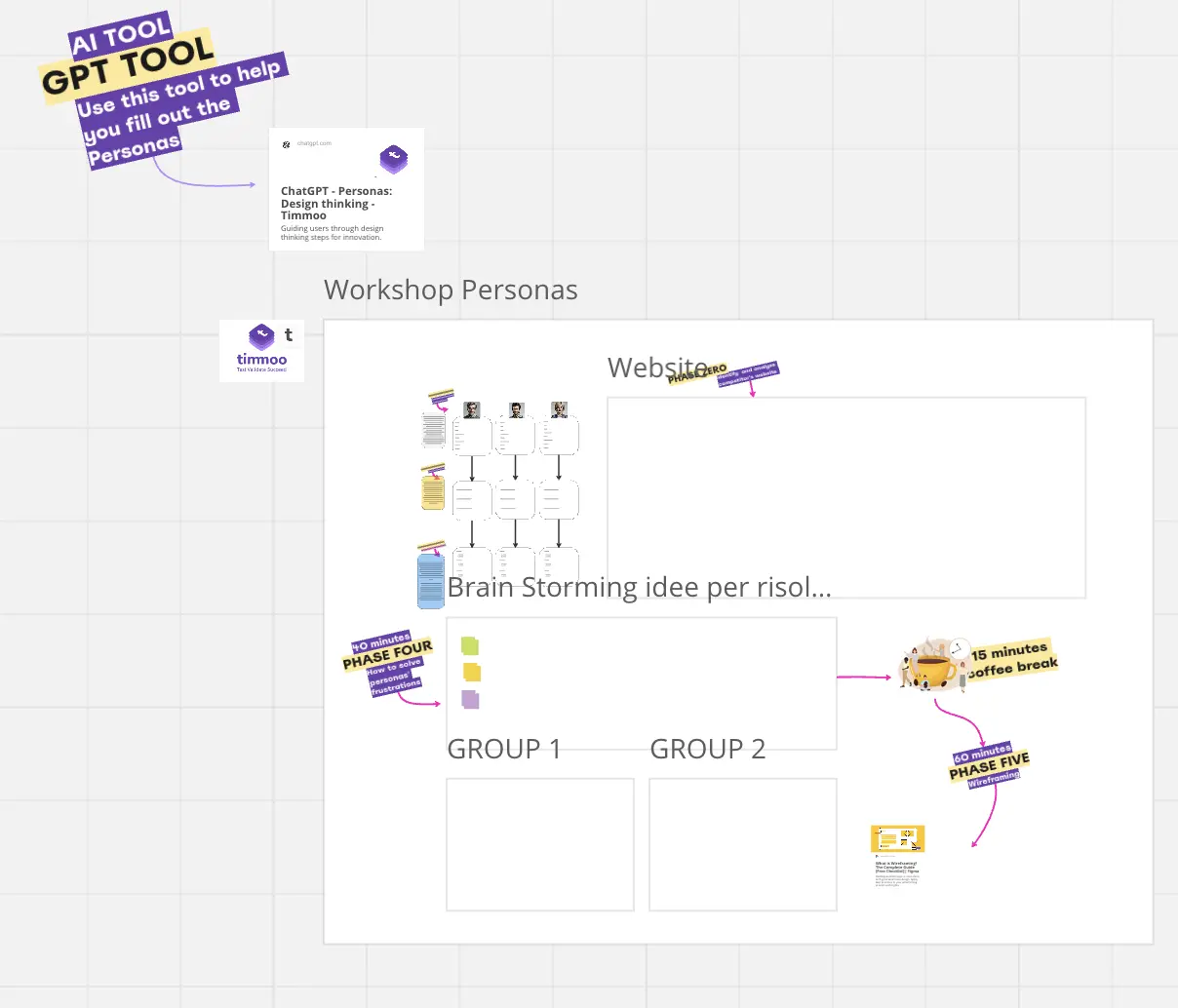
What is a Design Thinking Template?
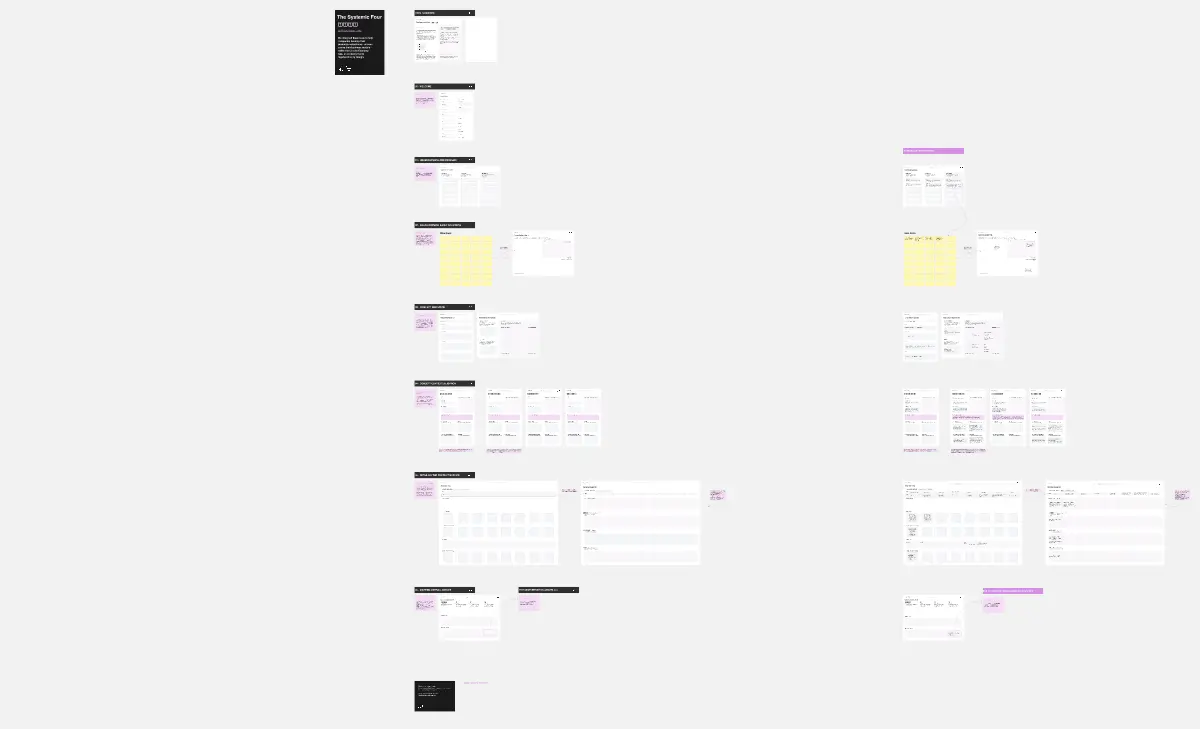
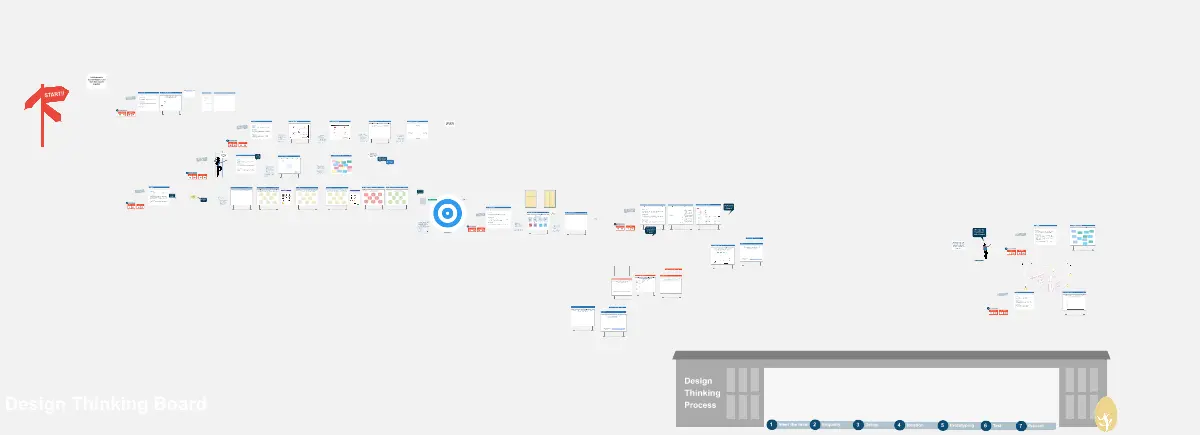
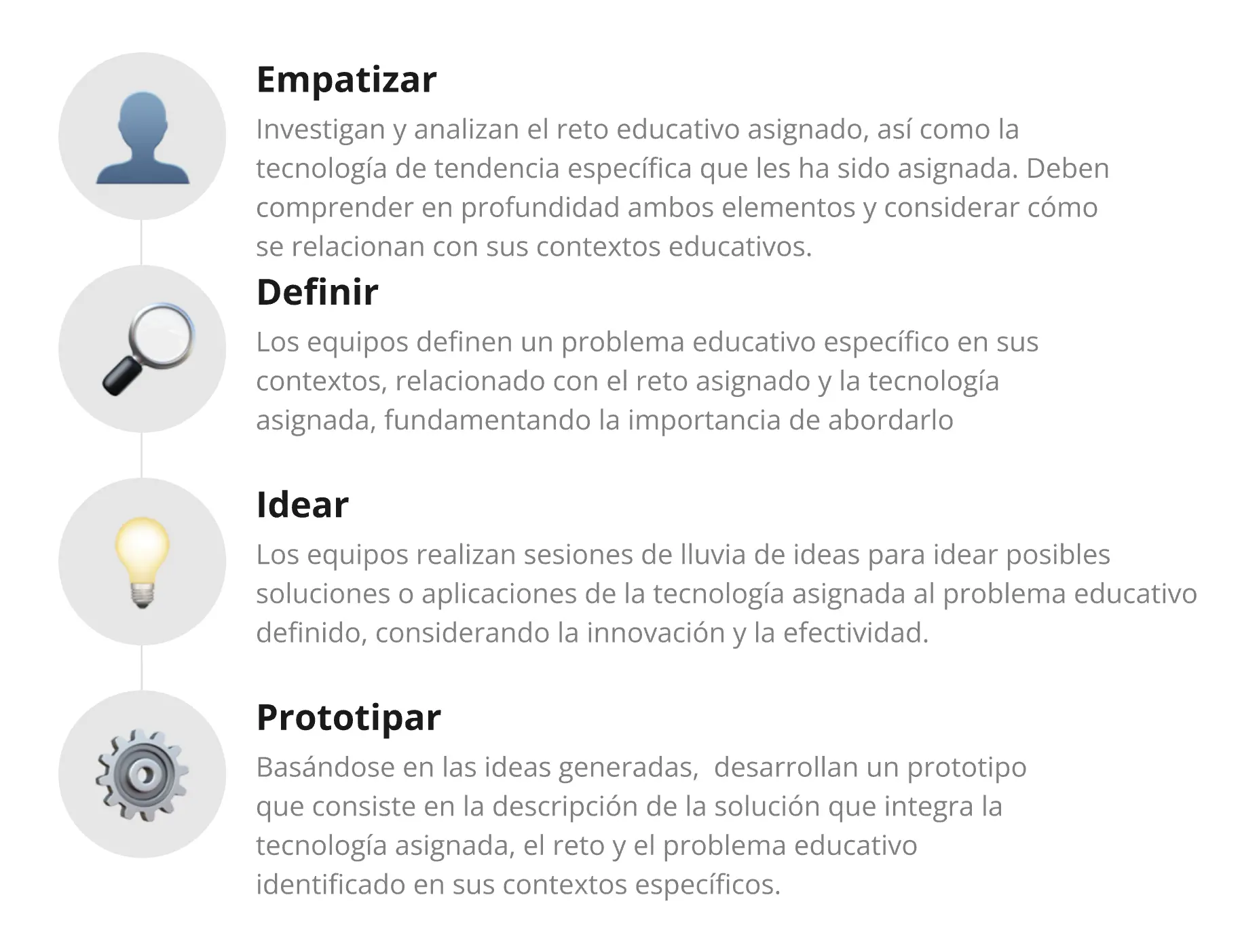
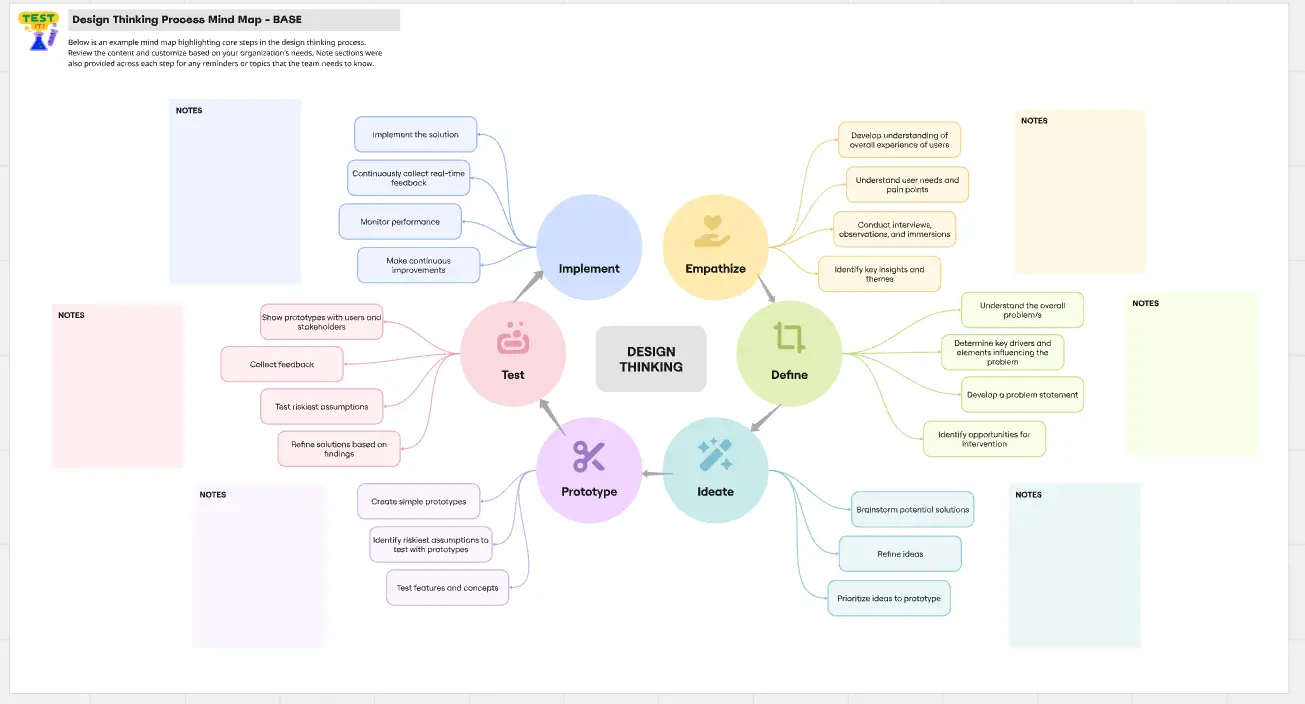
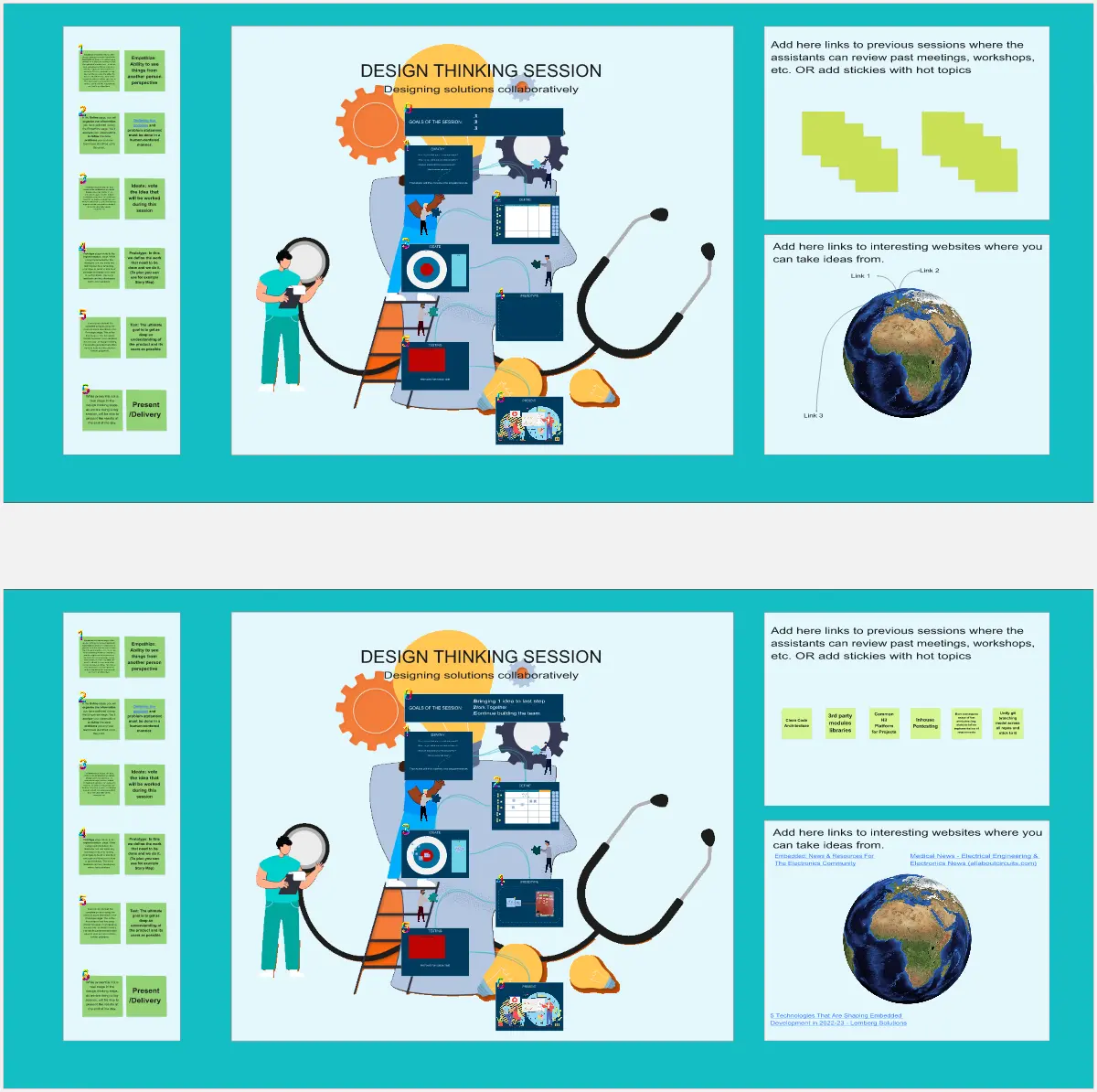
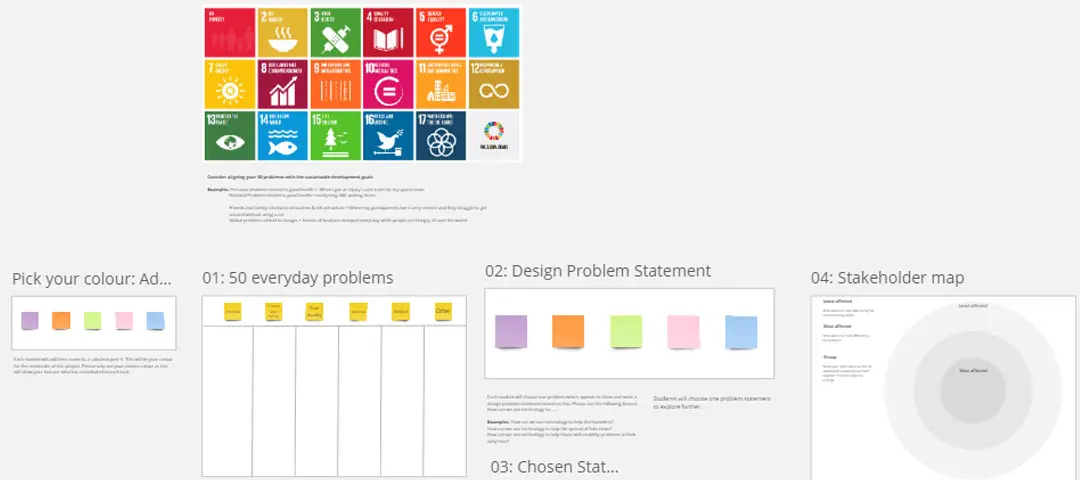
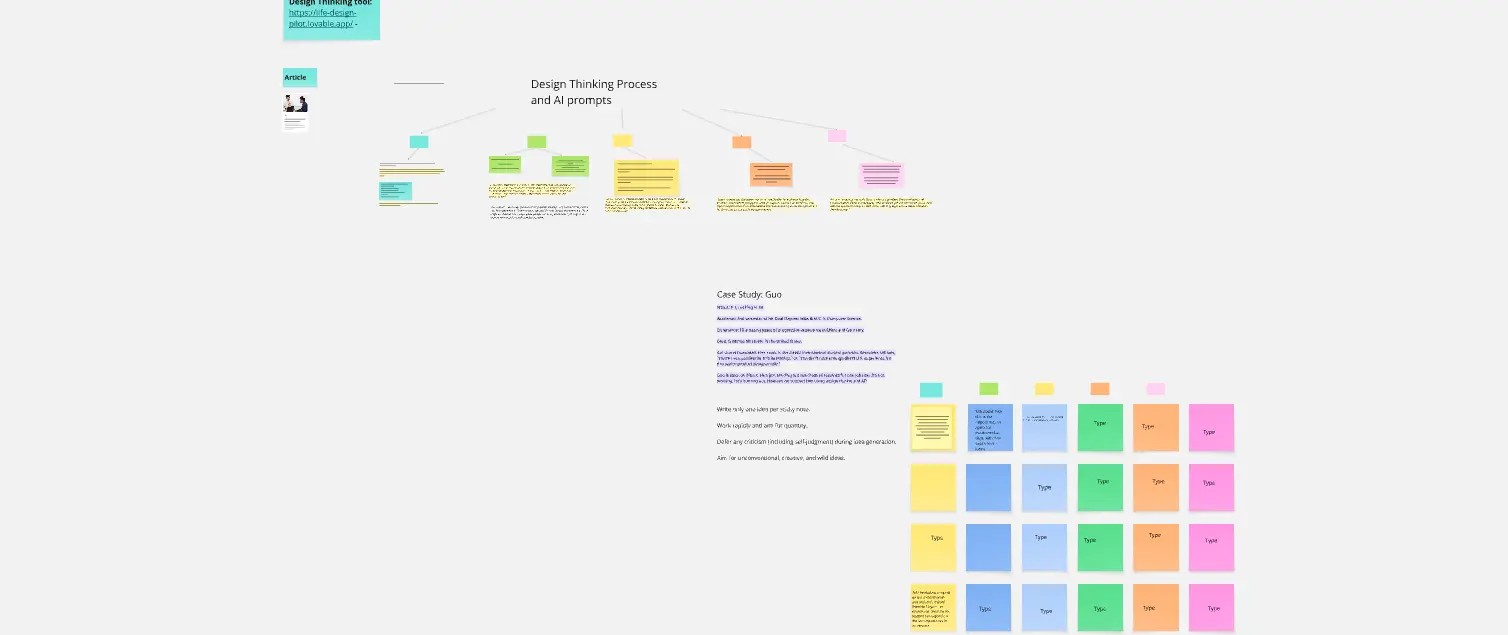
A design thinking template is a visual scaffold used to guide a team through the non-linear stages of innovation. Popularized by IDEO and the Stanford d.school, it typically follows the Double Diamond or the 5-Stage Model. These templates prevent "Solution Bias" by forcing the team to spend significant time in the "Problem Space" (understanding the user) before moving into the "Solution Space" (building the product).
The "Empathy" Audit: 3 Ways to Design for Real Humans
Design Thinking fails when it becomes a corporate ritual rather than a mindset. Before starting your session on Miro, apply these three expert "health checks":
1. The "Insight vs. Information" Audit
The Audit: Is your Empathy Map just a list of things the user said (e.g., "I want it faster")? The Fix: Audit for Latent Needs. A professional template pushes for the "Why" behind the "What." If a user says they want a faster car, the insight might be that they are Anxious about being late to work. You don't design a faster engine; you design a better scheduling system.
2. The "Convergent vs. Divergent" Test
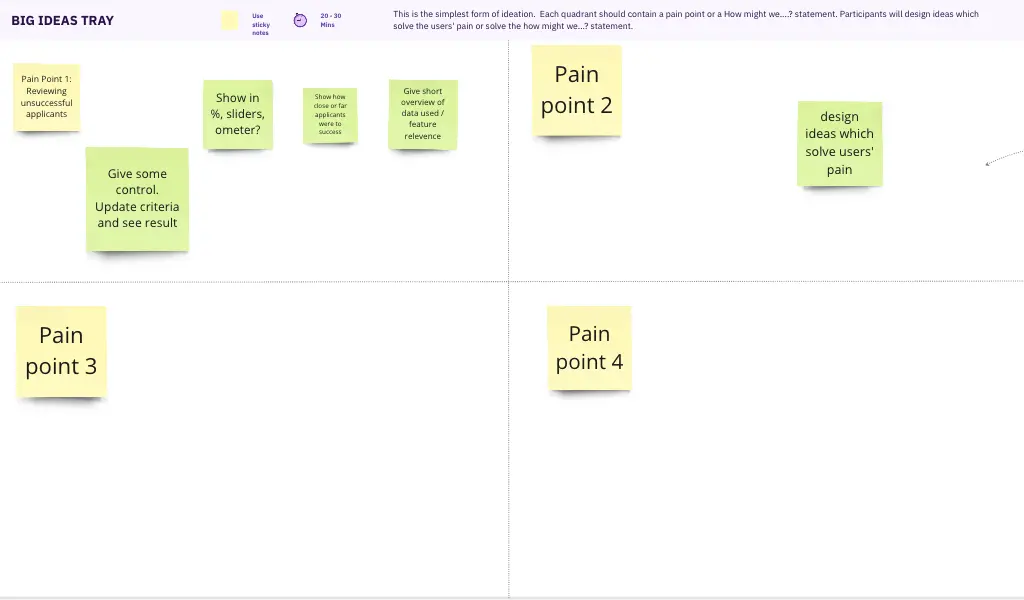
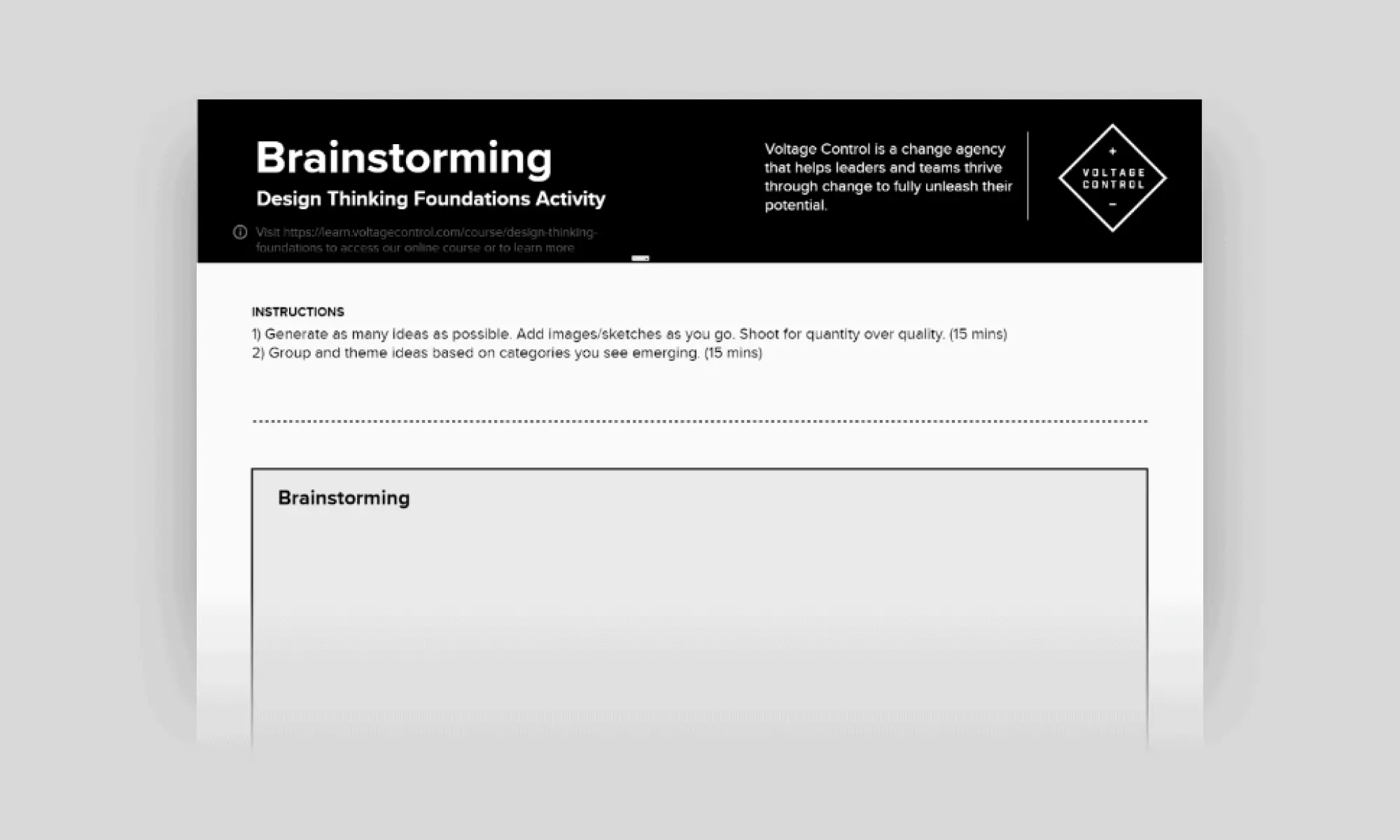
The Audit: Is your team arguing over one idea during the "Ideation" phase? The Fix: Audit for Cognitive Expansion. Design Thinking requires "Divergent Thinking" (creating many options) before "Convergent Thinking" (selecting one). Use your template to enforce a "No Critique" rule during ideation. If you don't have at least 50 ideas on the board, you haven't diverged far enough to find the "Black Swan" innovation.
3. The "Low-Fidelity" Guardrail
The Audit: Are you spending days building a high-fidelity mockup for your first test? The Fix: Audit for Speed to Learning. A high-level Design Thinking template includes a "Shitty First Draft" or Paper Prototype section. The goal is to fail fast and cheap. If your prototype looks too polished, users will be "too nice" to tell you it’s a bad idea.
Strategic Frameworks: The Design Thinking Toolkit
Select the framework that matches your current "Innovation Stage":
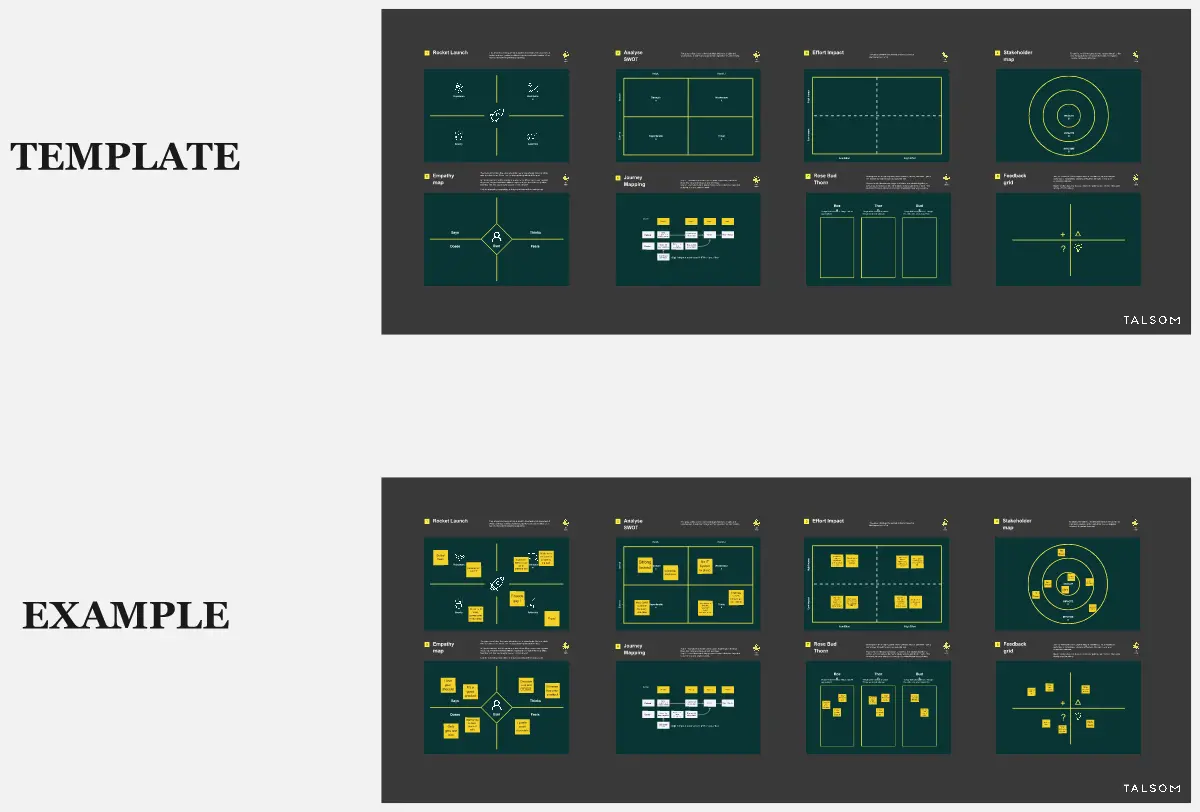
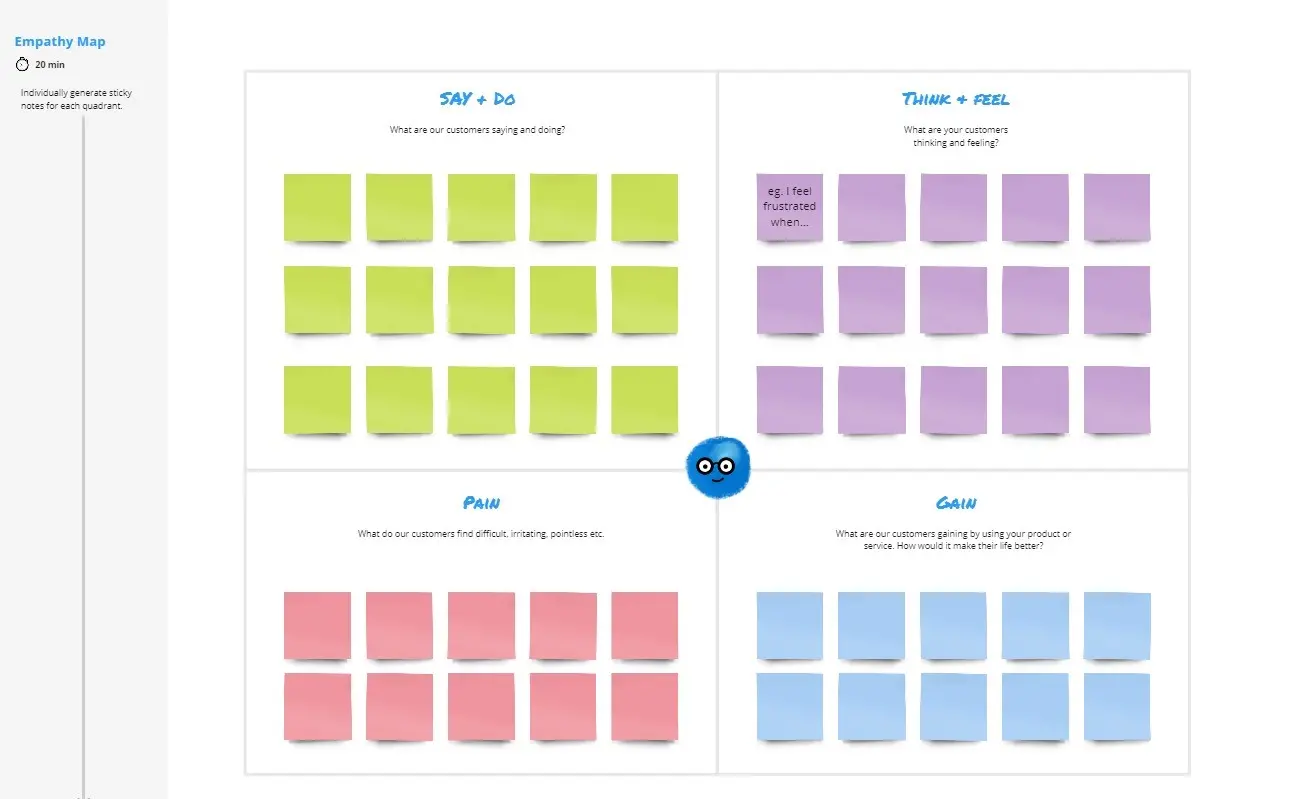
The Empathy Map Canvas:
Best For: Getting inside the user's head.
The Goal: To map what the user Says, Does, Thinks, and Feels.
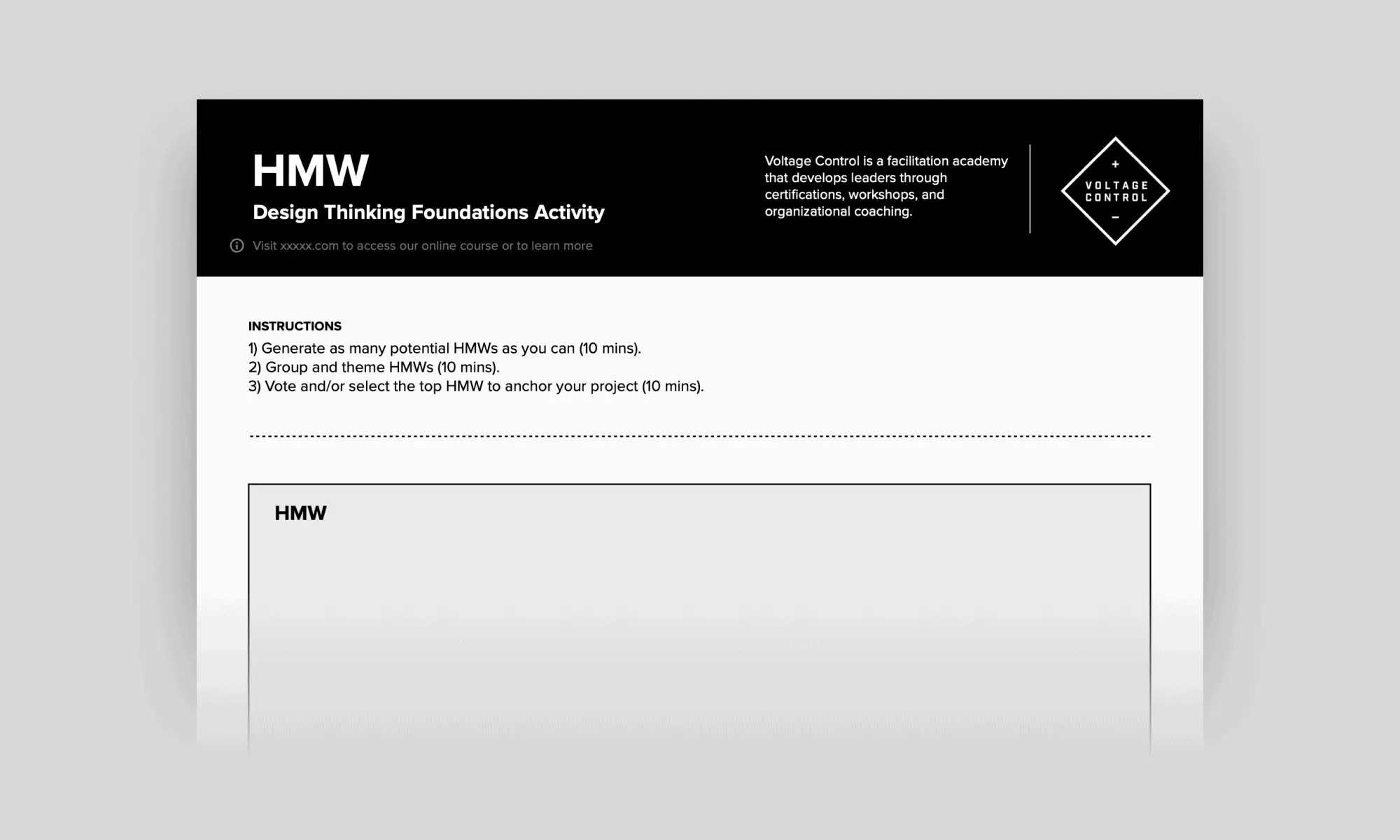
The "How Might We" (HMW) Board:
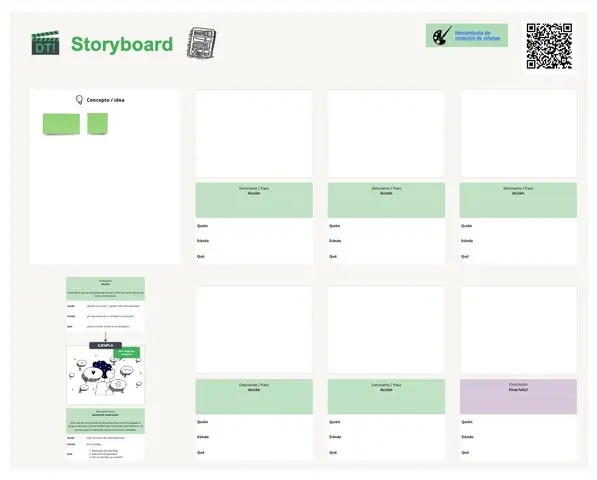
The Journey Map Template:
The Feedback Capture Grid:
Best For: Testing your prototype with real users.
The Format: Four quadrants: What Worked (+), Constructive Criticism (Δ), Questions (?), and New Ideas (!).
Key Components of a Design Thinking Template
A high-performance Innovation Board requires these five core elements:
The User Persona: A vivid, data-backed character representing your target audience.
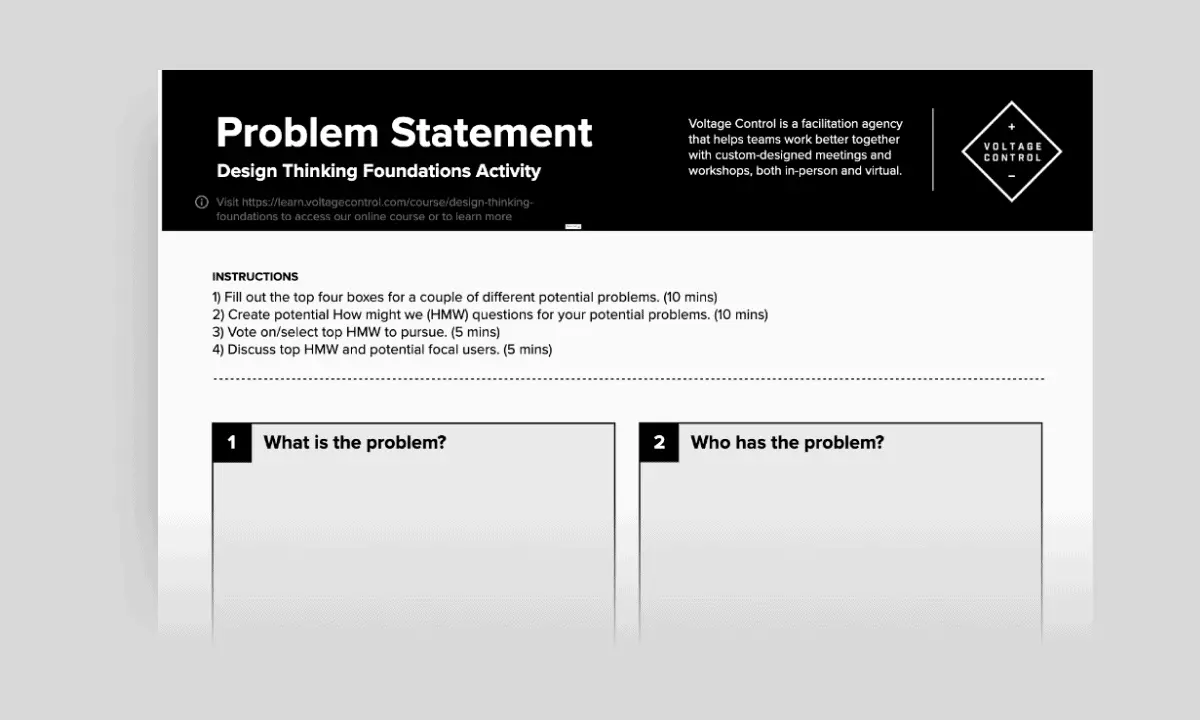
The Problem Statement (POV): A clear sentence: [User] needs [Need] because [Insight].
The Ideation Sandbox: A massive space for wild, unconstrained ideas.
The Assumption Matrix: A grid to rank ideas by Impact vs. Feasibility.
The Iteration Log: A space to record how the design changed after each round of user testing.