About the Now-Next-Later Roadmap Templates Collection
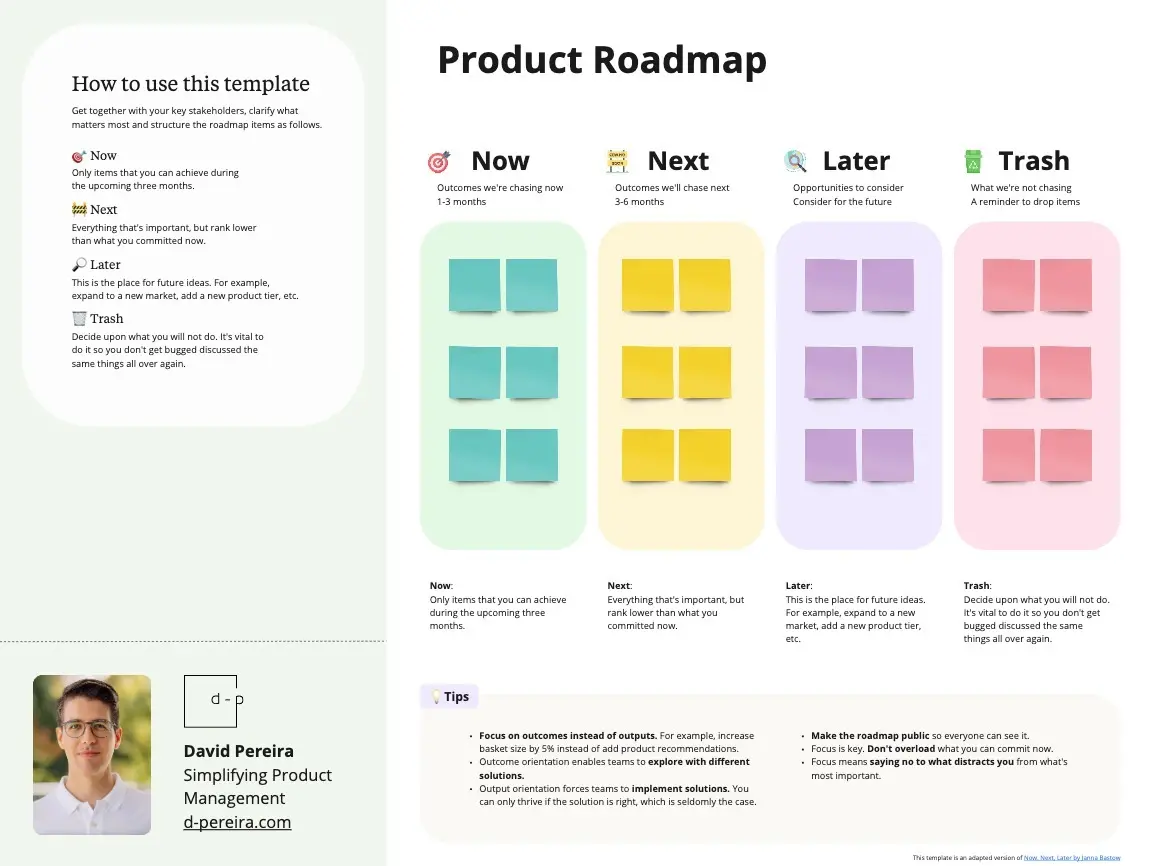
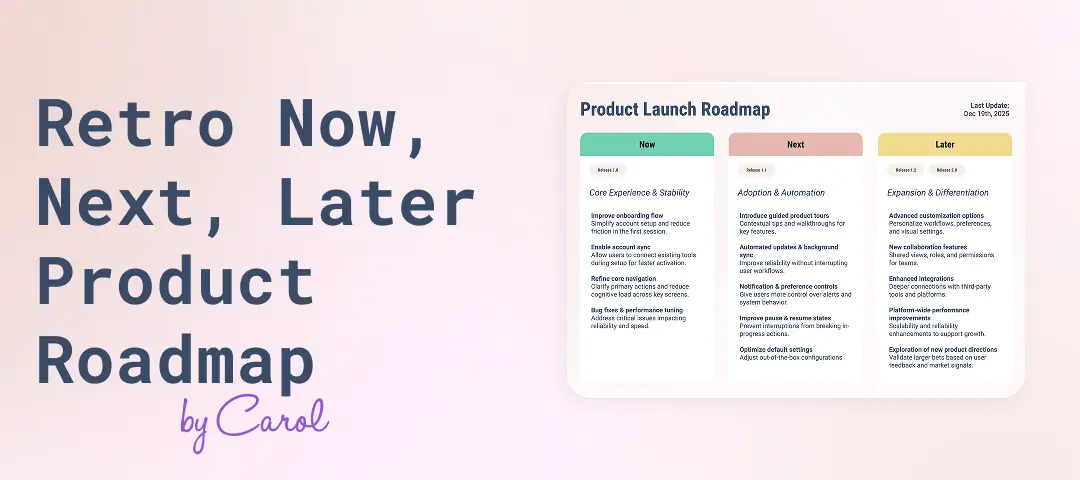
A Now-Next-Later (NNL) template is a lean, outcome-focused visual workspace designed for product managers, executives, and agile teams to communicate strategic direction without getting trapped by rigid calendar deadlines. Traditional timelines commit teams to specific dates months in advance, often leading to broken promises when market realities shift. By using a standardized Miro template, organizations can structure their product pipeline by priority and certainty, setting clear expectations for stakeholders while leaving room for continuous discovery and agility.
Key Components of an NNL Roadmap Template
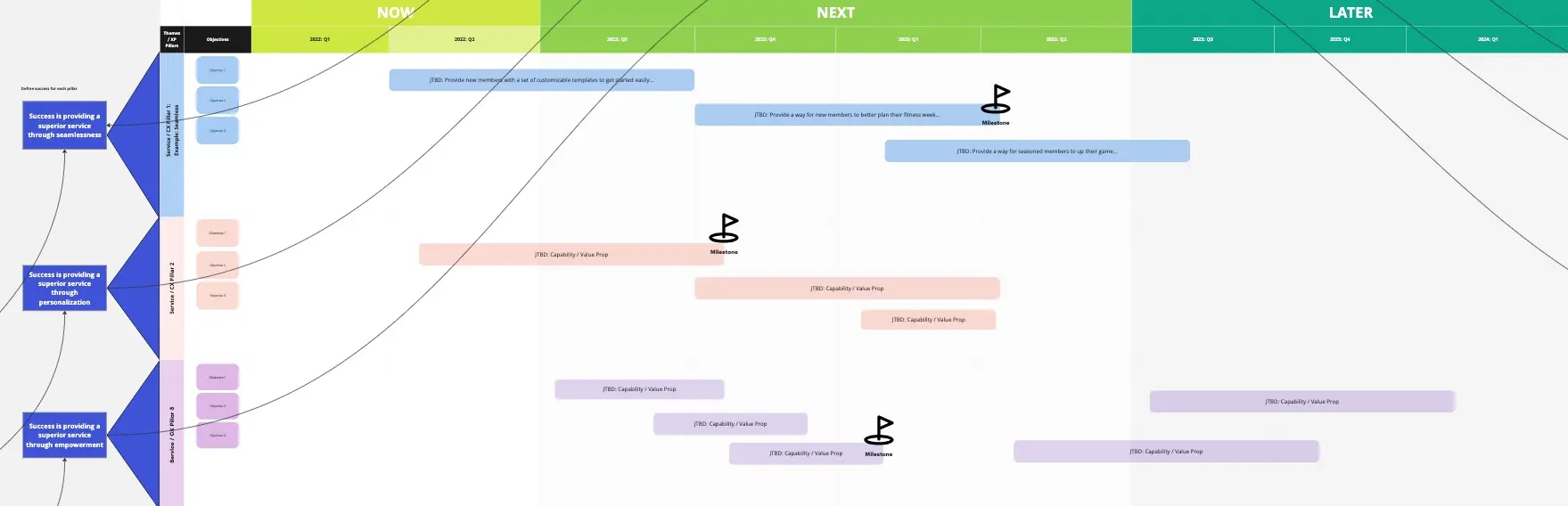
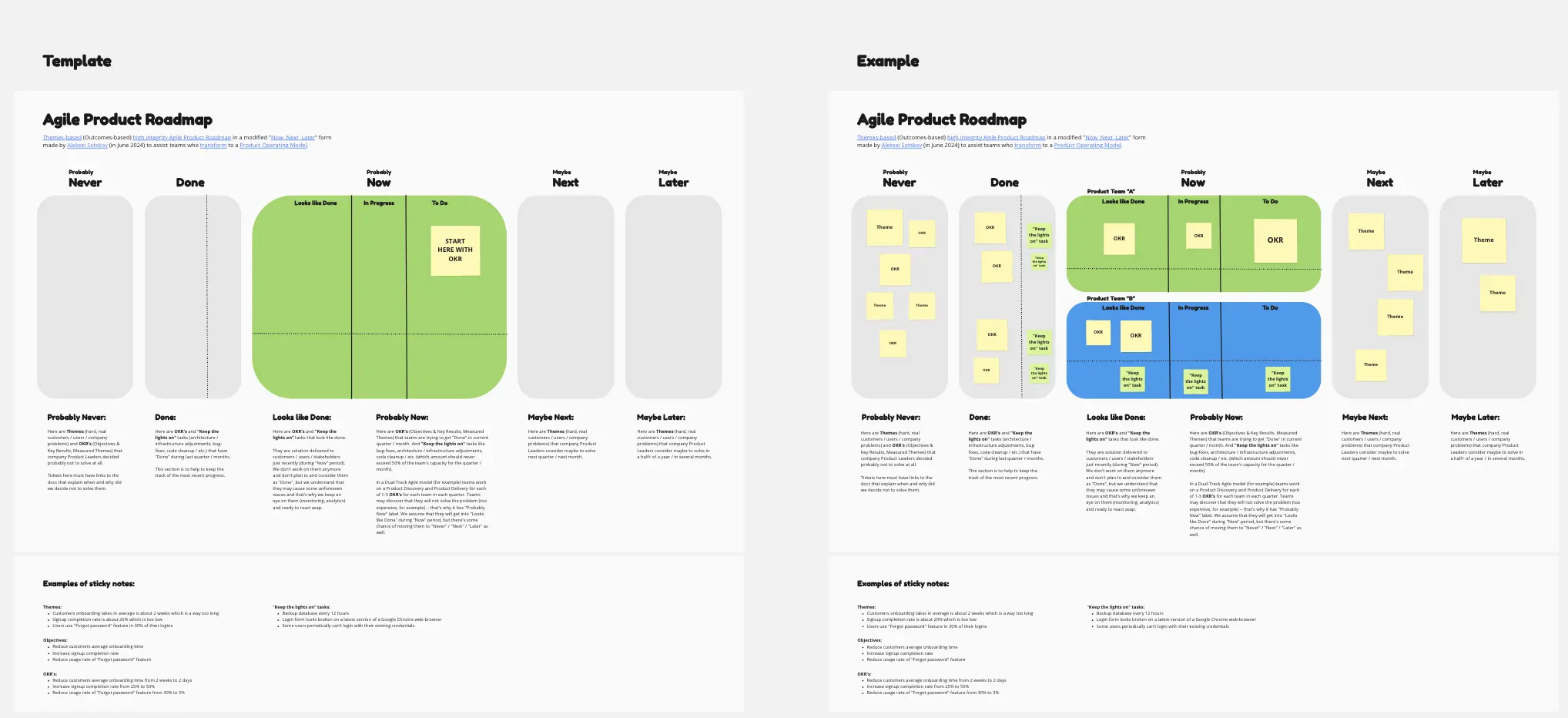
An effective Now-Next-Later canvas replaces granular feature wishlists with structured horizons of intent. Every high-performance Miro NNL board should include these five core elements:
The Strategic Objective Lane: A top or left anchor frame identifying the overarching company goals or OKRs (Objectives and Key Results) that tie directly to the product initiatives below.
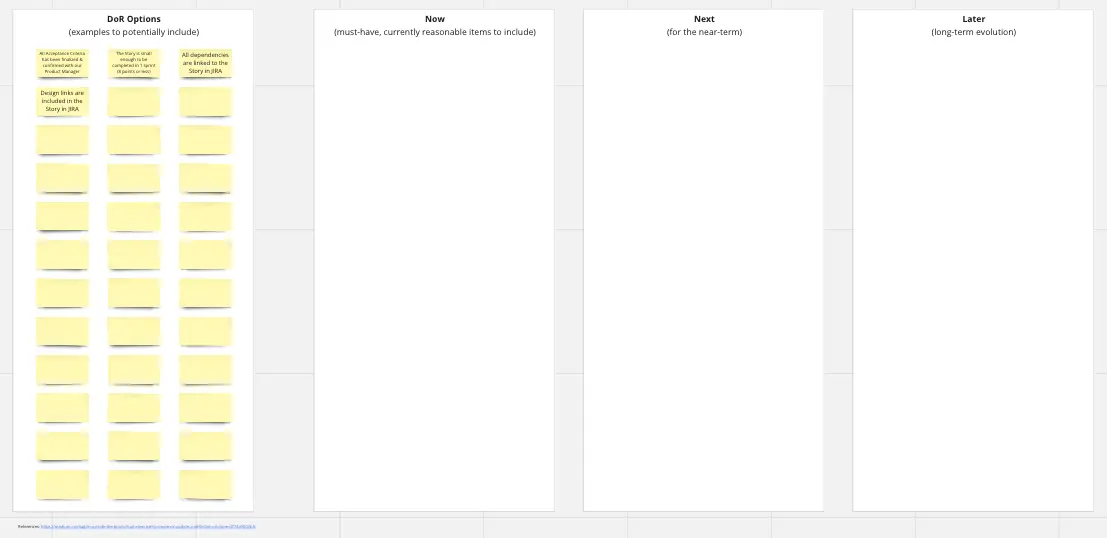
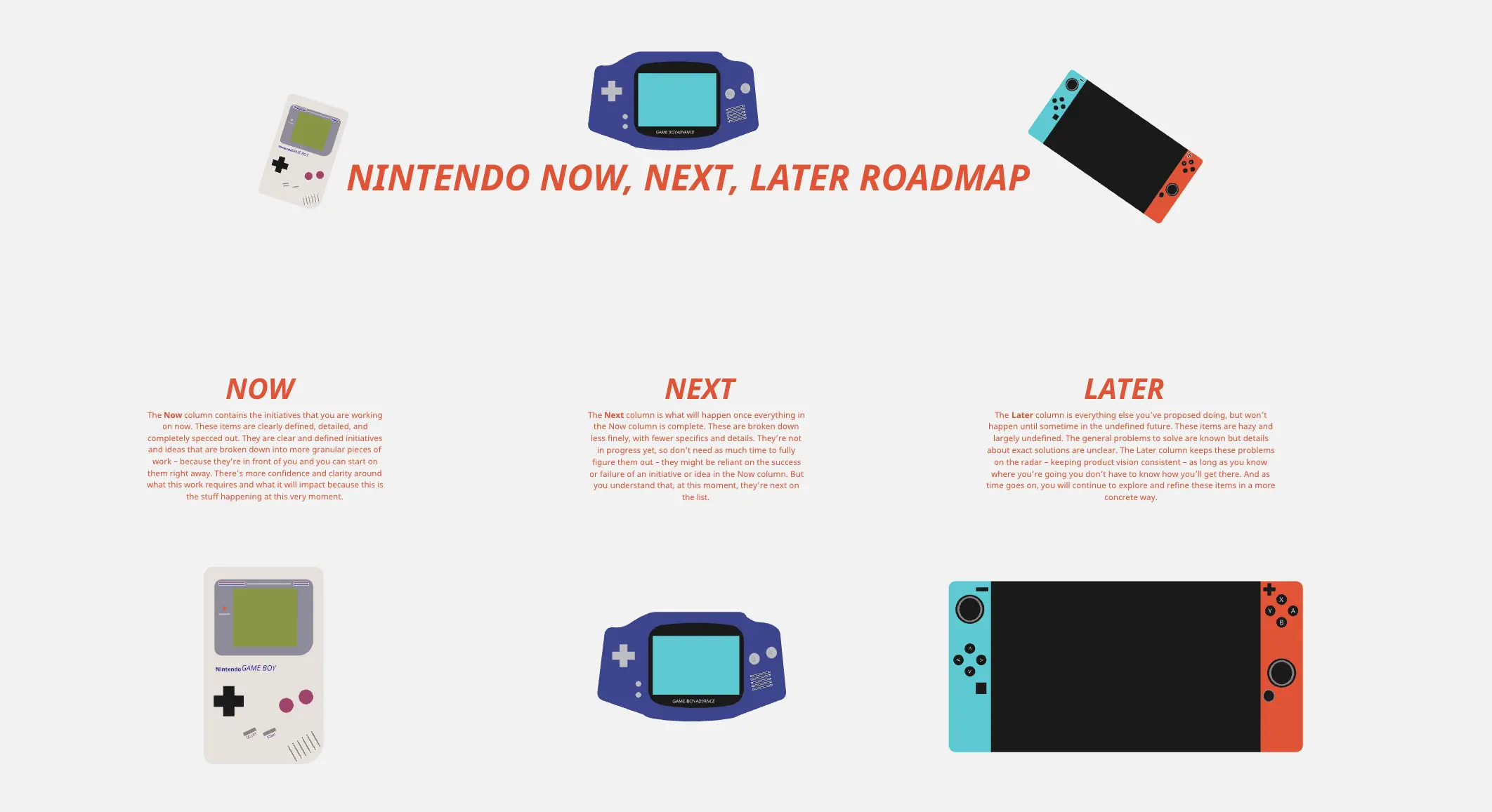
The "Now" Horizon Container: High-certainty work that the team is actively building, debugging, or deploying right now. These cards have clearly defined scopes and immediate execution tracks.
The "Next" Horizon Container: Medium-certainty initiatives slated for the immediate future. These tasks are typically undergoing active UX discovery, technical spikes, or customer validation.
The "Later" Horizon Container: Long-term, low-certainty aspirations. This zone functions as an organized strategic canvas for big ideas, research topics, and market opportunities that match your vision but lack concrete execution plans.
The "Completed / Shipped" Vault: A dedicated log area to park successful initiatives, serving as a running visual record of team velocity and business value delivered.
How to Use Now-Next-Later Roadmap Templates in Miro
1. Align the Board to Corporate Objectives Open your Now-Next-Later template in Miro. Before writing product cards, place your active company OKRs or strategic themes in the far-left lane. Ensure every initiative placed on the board can draw a straight visual connector line back to an objective it directly influences.
2. Run a Collaborative Backlog Sifting Session Gather product managers, engineering leads, and design anchors on the board. Review your messy Jira or product backlog. Have the team drop key initiatives onto sticky notes, keeping descriptions focused on high-level themes rather than granular tasks.
3. Populate the "Later" Bucket with Big Ideas Place new concepts, long-term market trends, and stakeholder requests into the Later column. Do not worry about technical constraints or wireframes here; focus entirely on keeping your strategic options open and visible.
4. Move Validated Concepts to "Next" Review the items sitting in the Later bucket. If user research, customer interviews, or data analysis suggests a theme is high-value and ready for active discovery, drag its card into the Next column. Assign a product designer to start mapping user flows for it.
5. Lock Down the "Now" Column Ensure the Now column strictly mirrors your engineering sprint cycles. If engineering resources are full, enforce a strict "one-in, one-out" rule. Moving a new card into Now requires pushing an existing card back to Next or Later, preventing team burnout and scope creep.
6. Share and Present to Stakeholders Use Miro’s frame navigation mode to walk executive teams through the roadmap. Focus their attention on the outcome columns rather than specific dates. This shifts the executive conversation from "Why isn't feature X done on Tuesday?" to "Are we prioritizing the right customer problems this quarter?"
7. Maintain a Continuous Sync Cadence Treat the NNL board as a living dashboard. Schedule a bi-weekly or monthly roadmap grooming session on Miro to move cards across horizons, delete obsolete themes, and archive completed cards into the Shipped Vault to celebrate team wins.