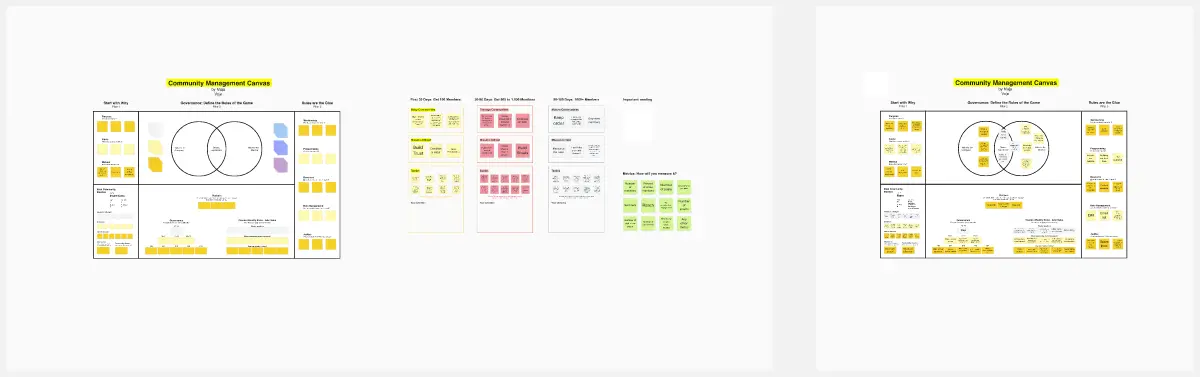
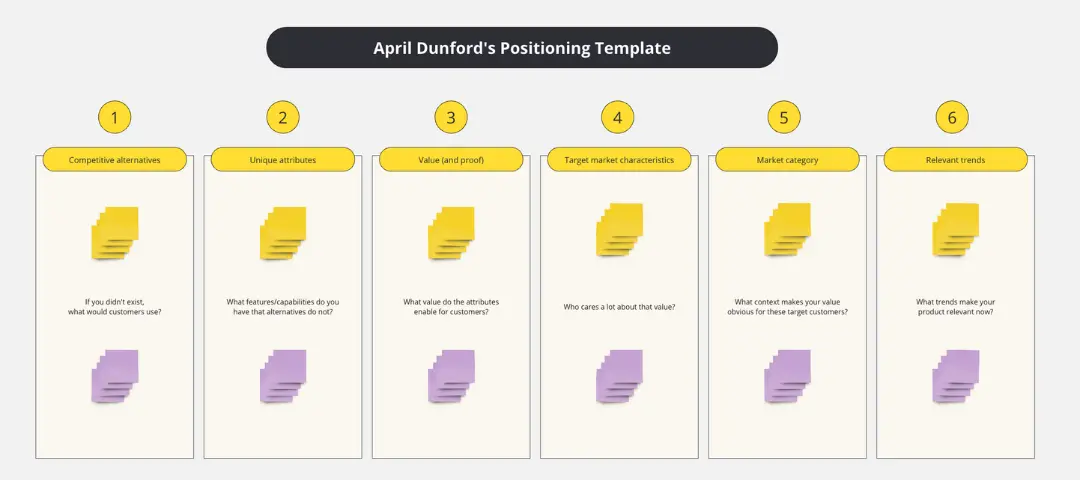
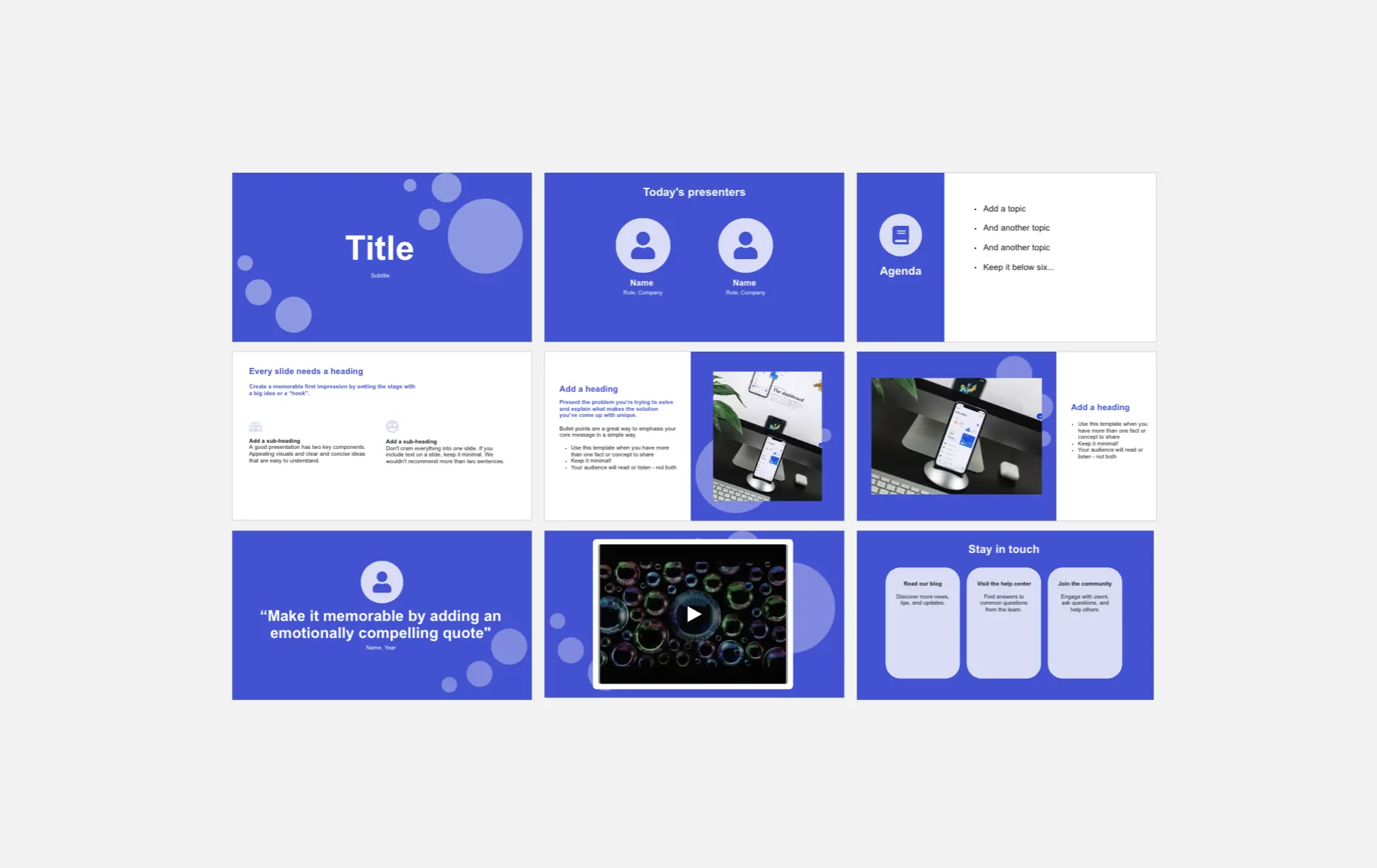
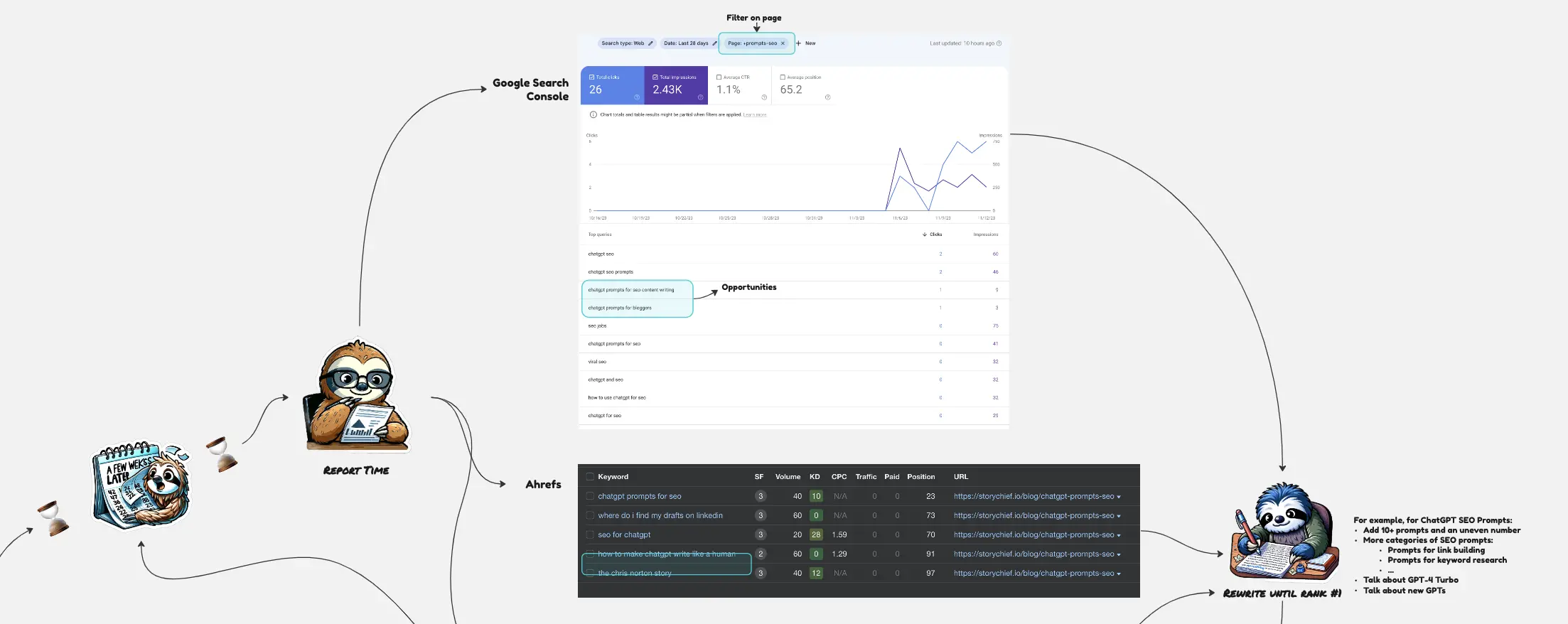
About the Marketing Templates Collection
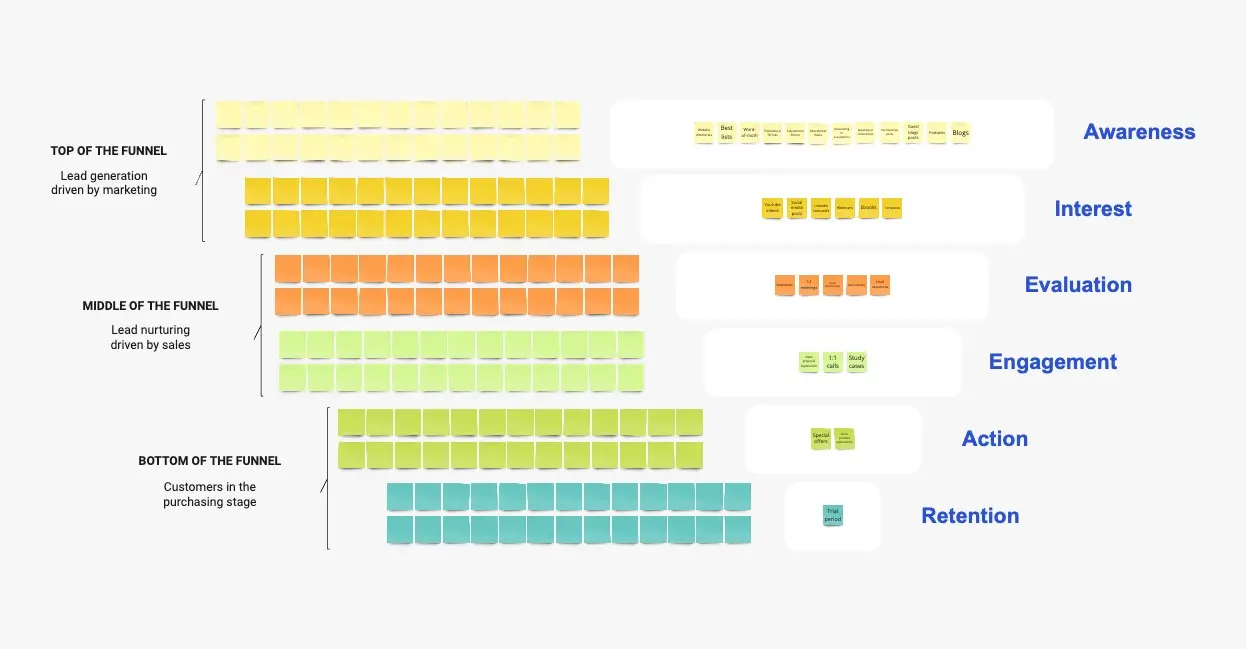
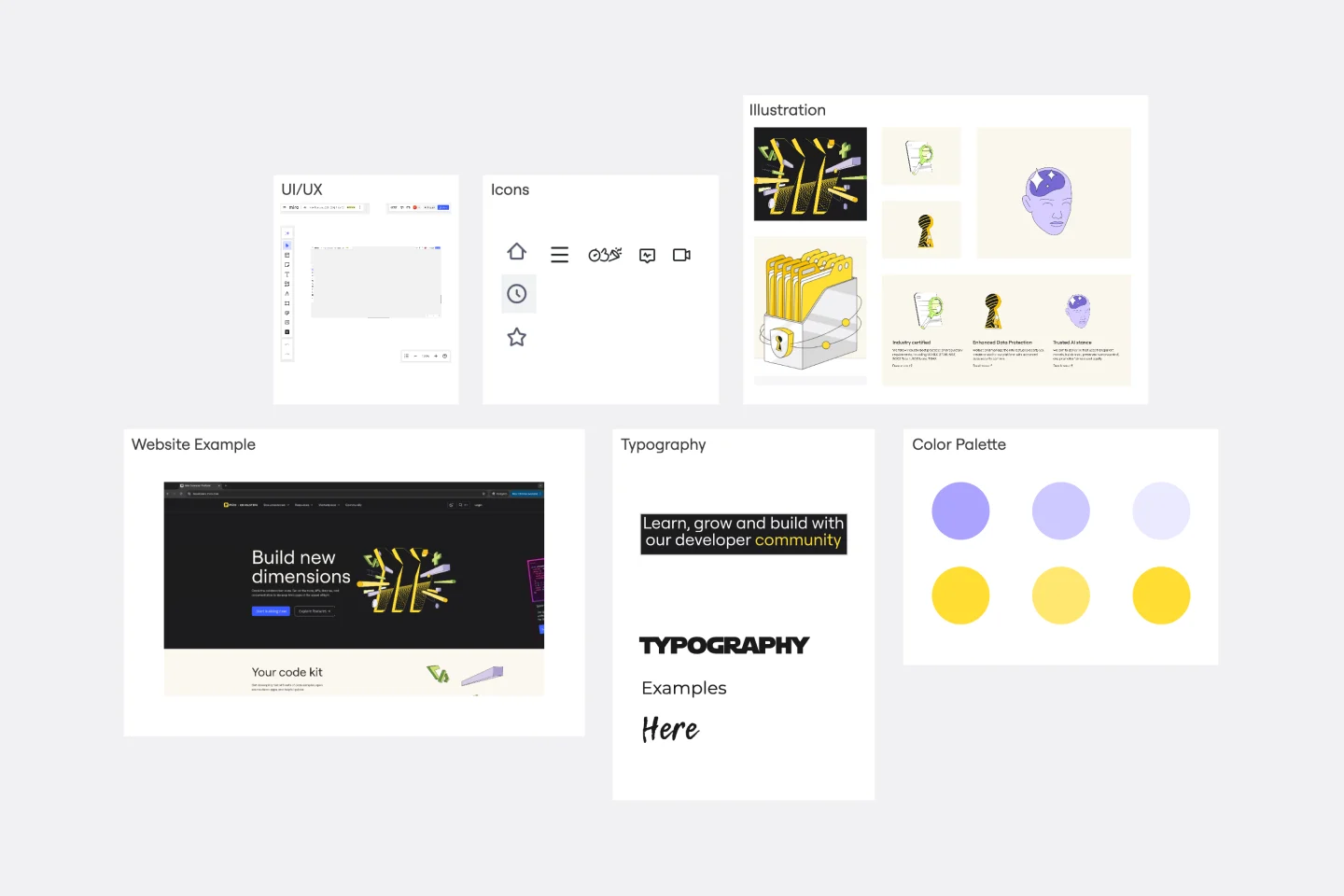
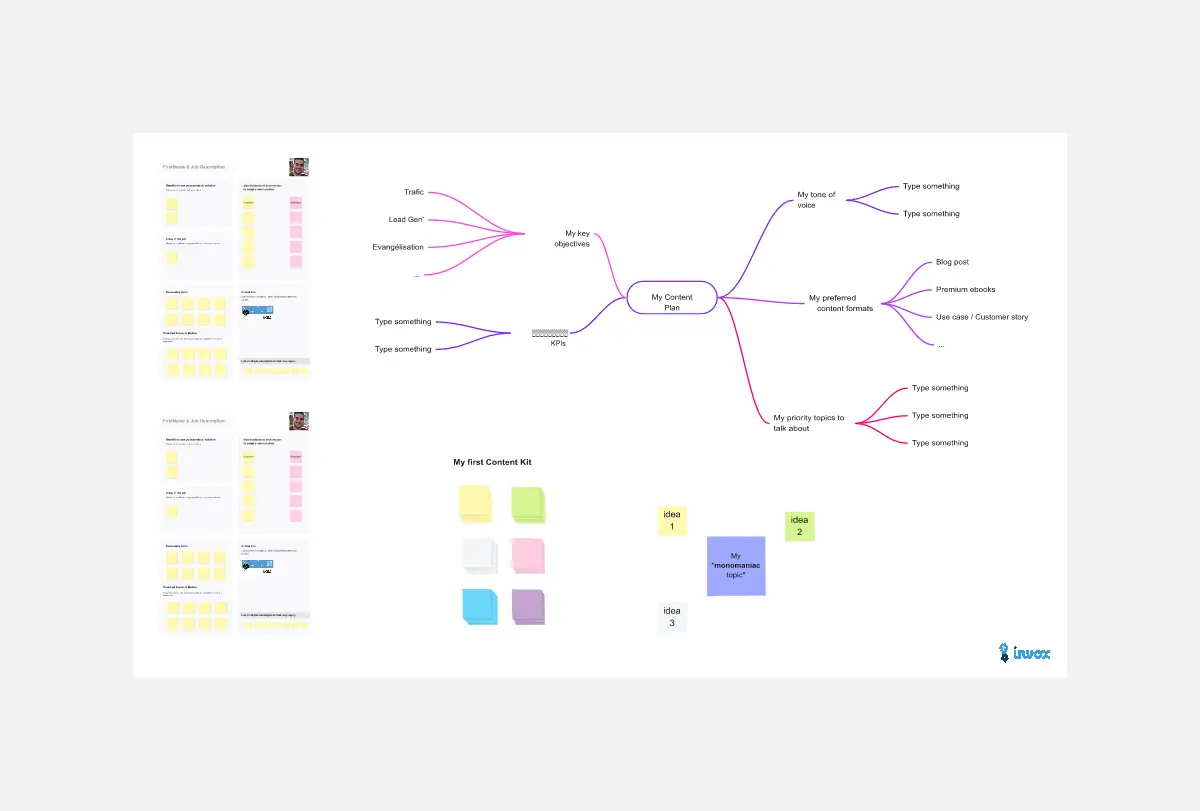
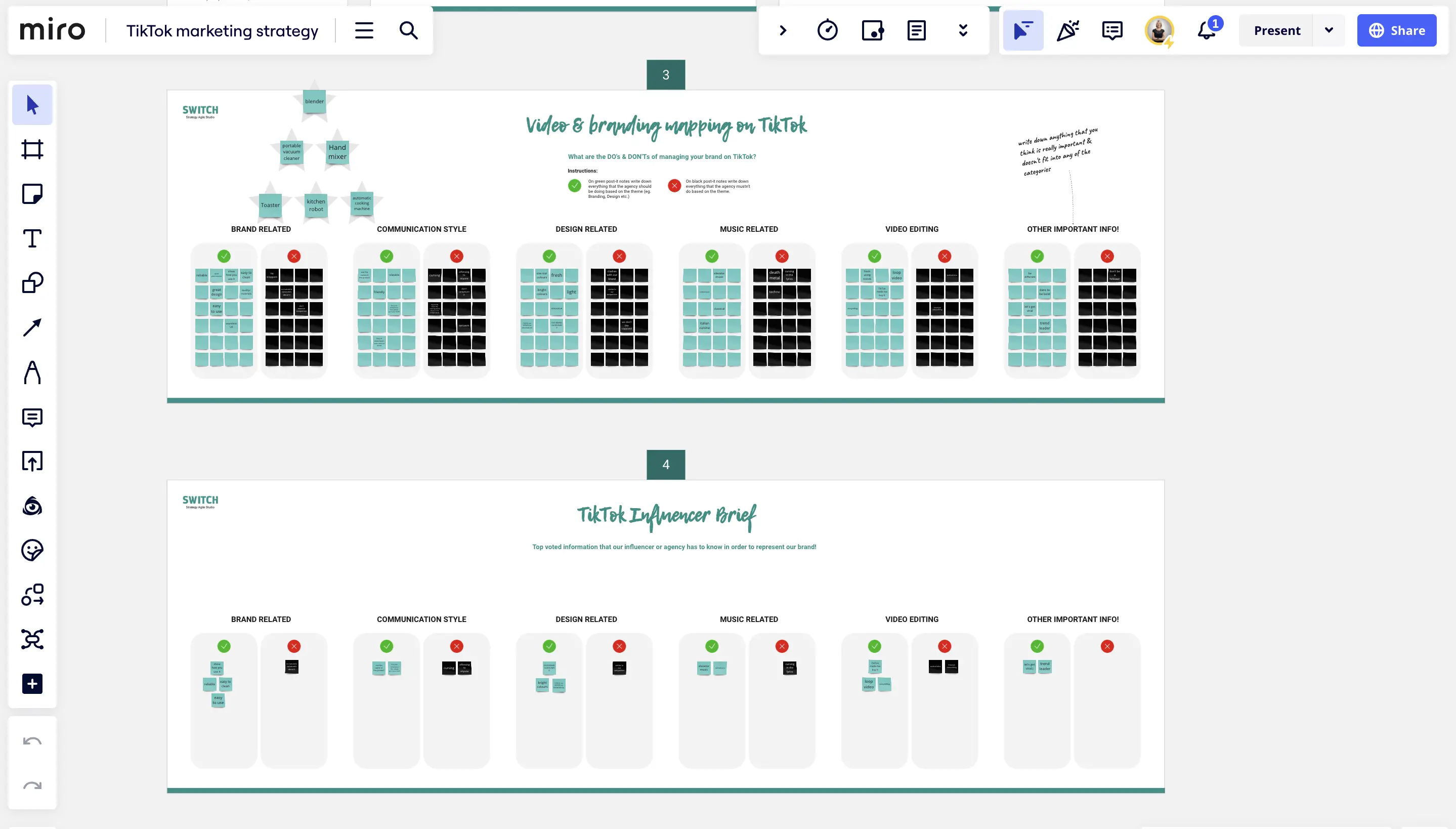
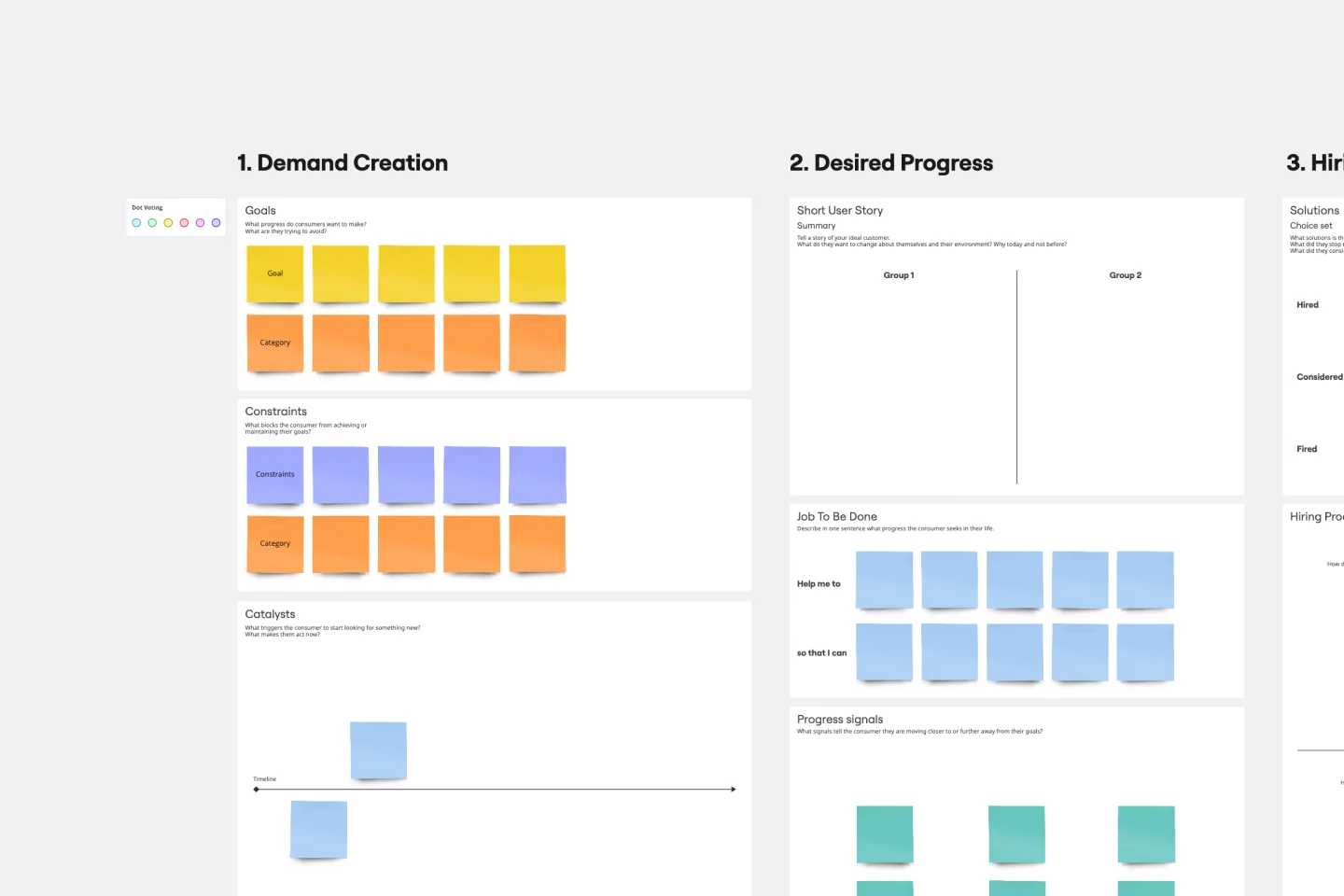
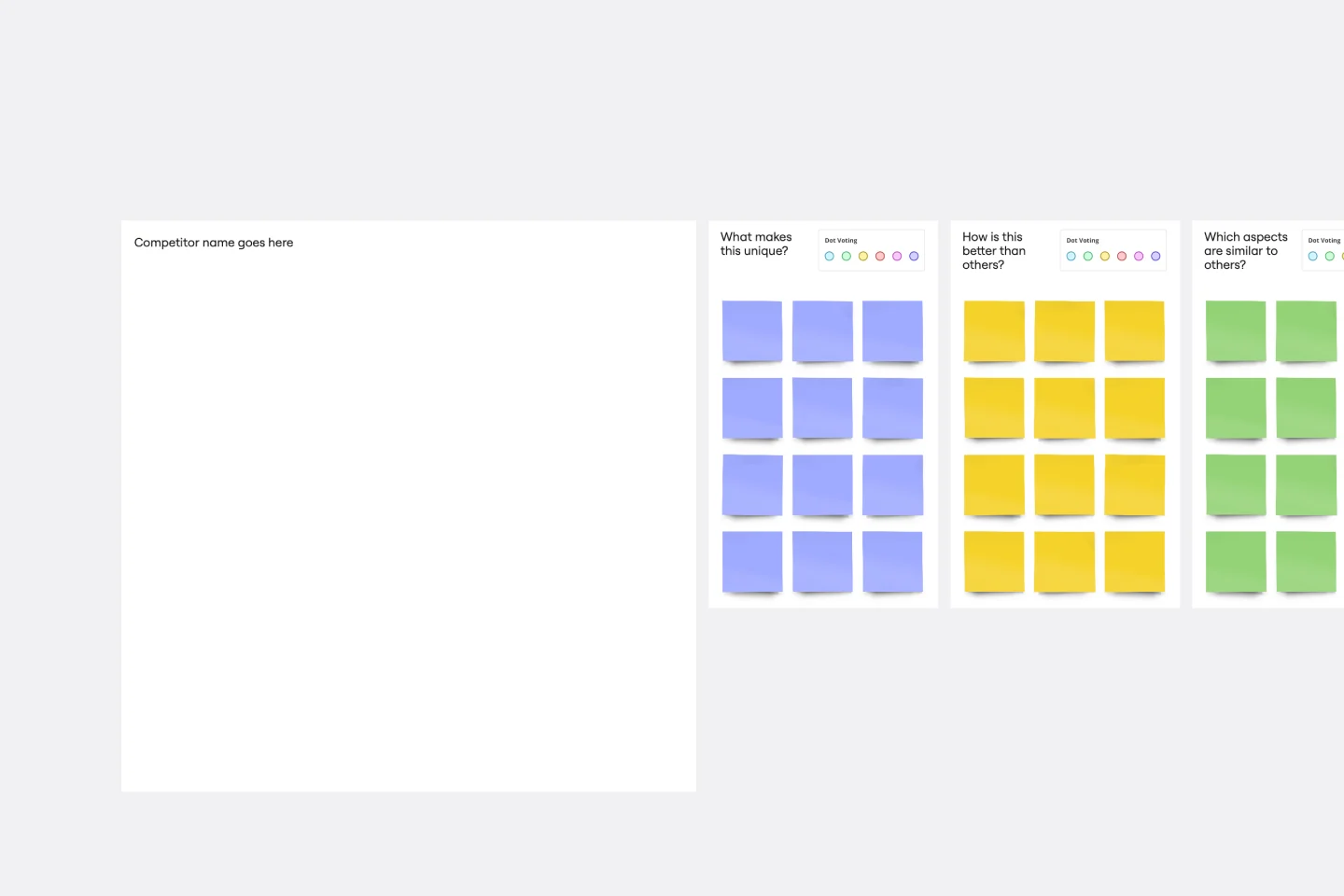
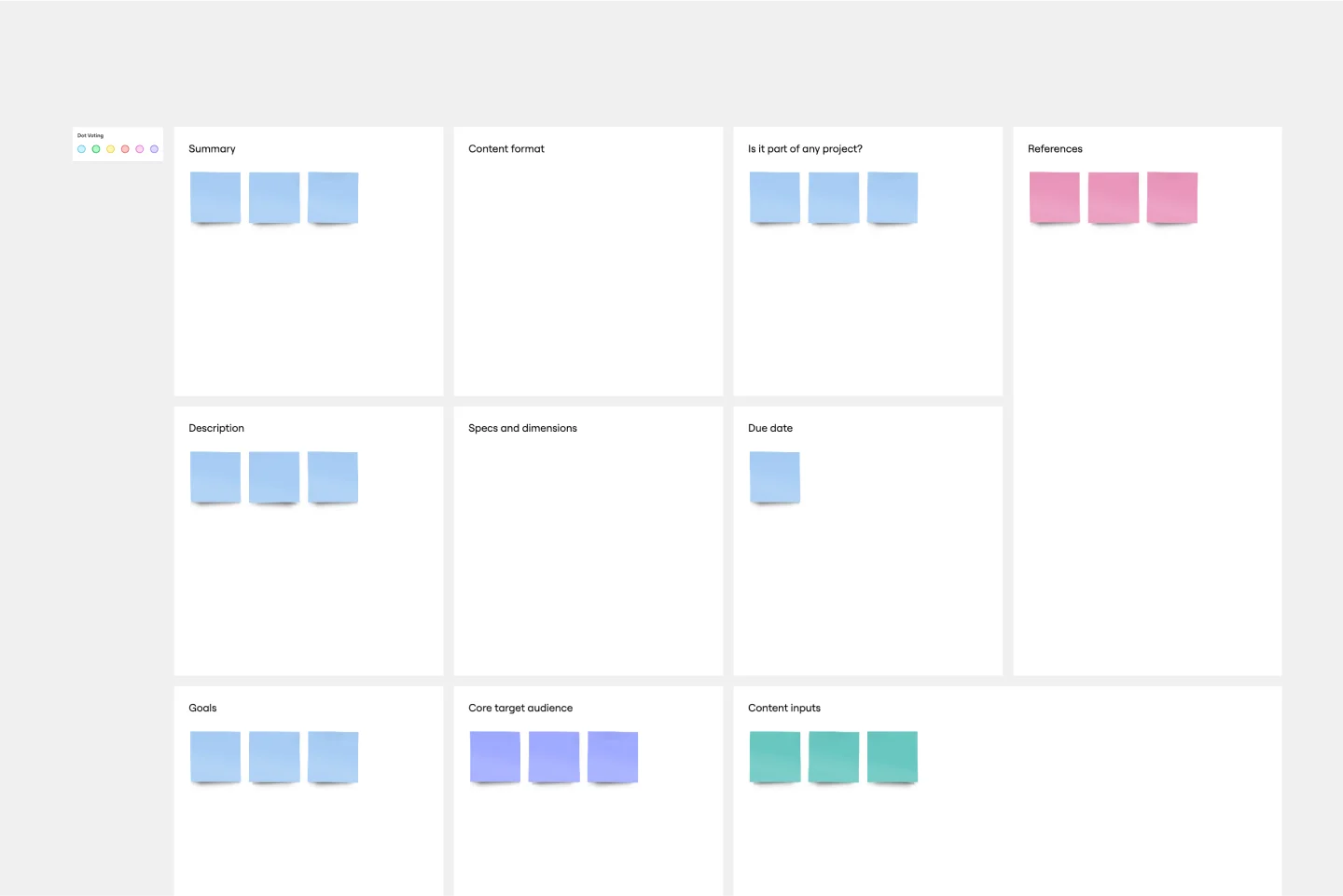
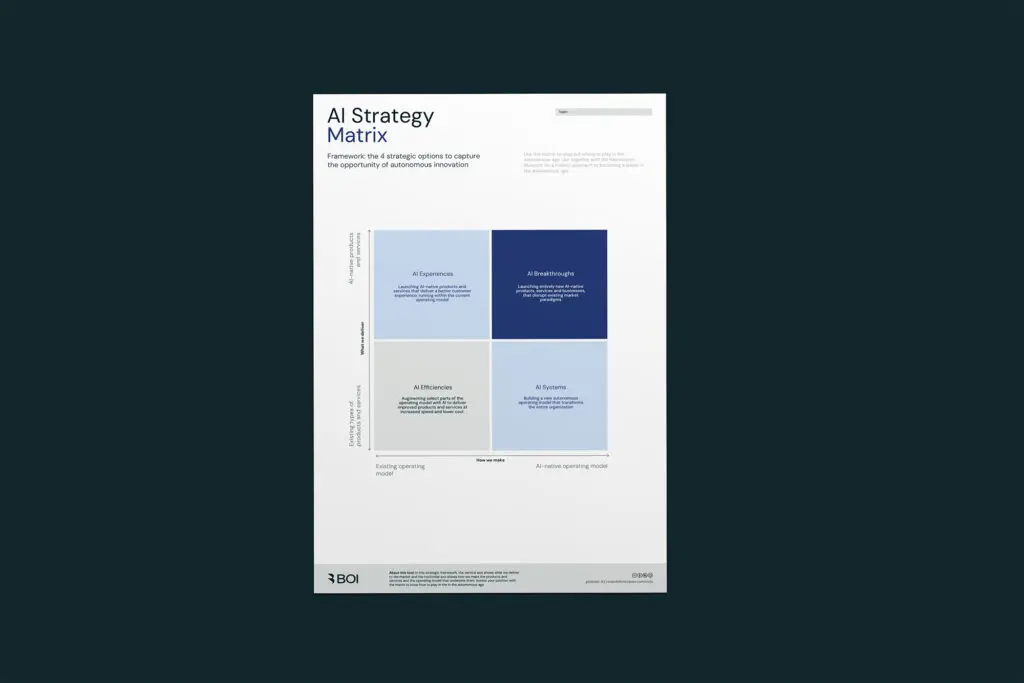
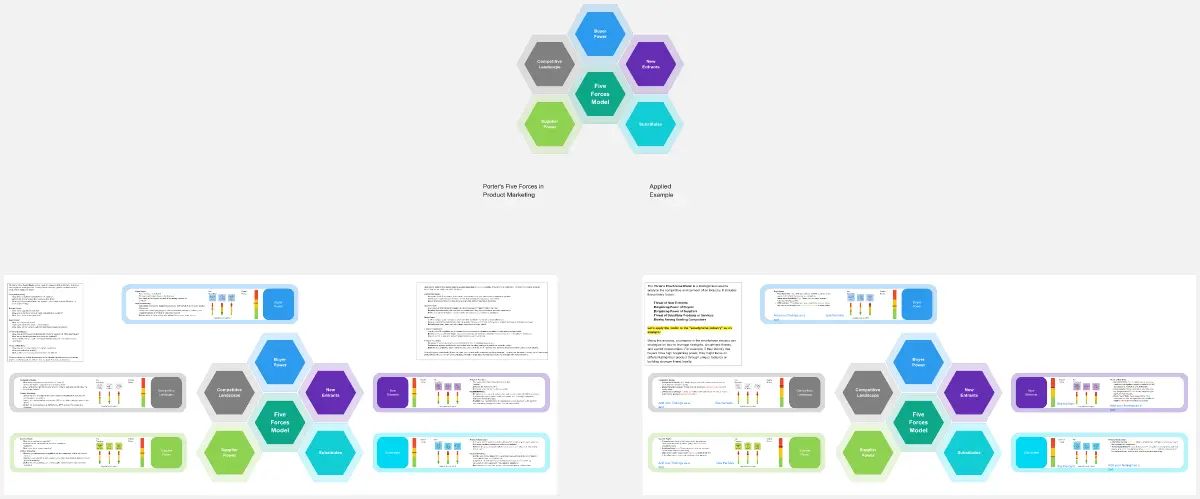
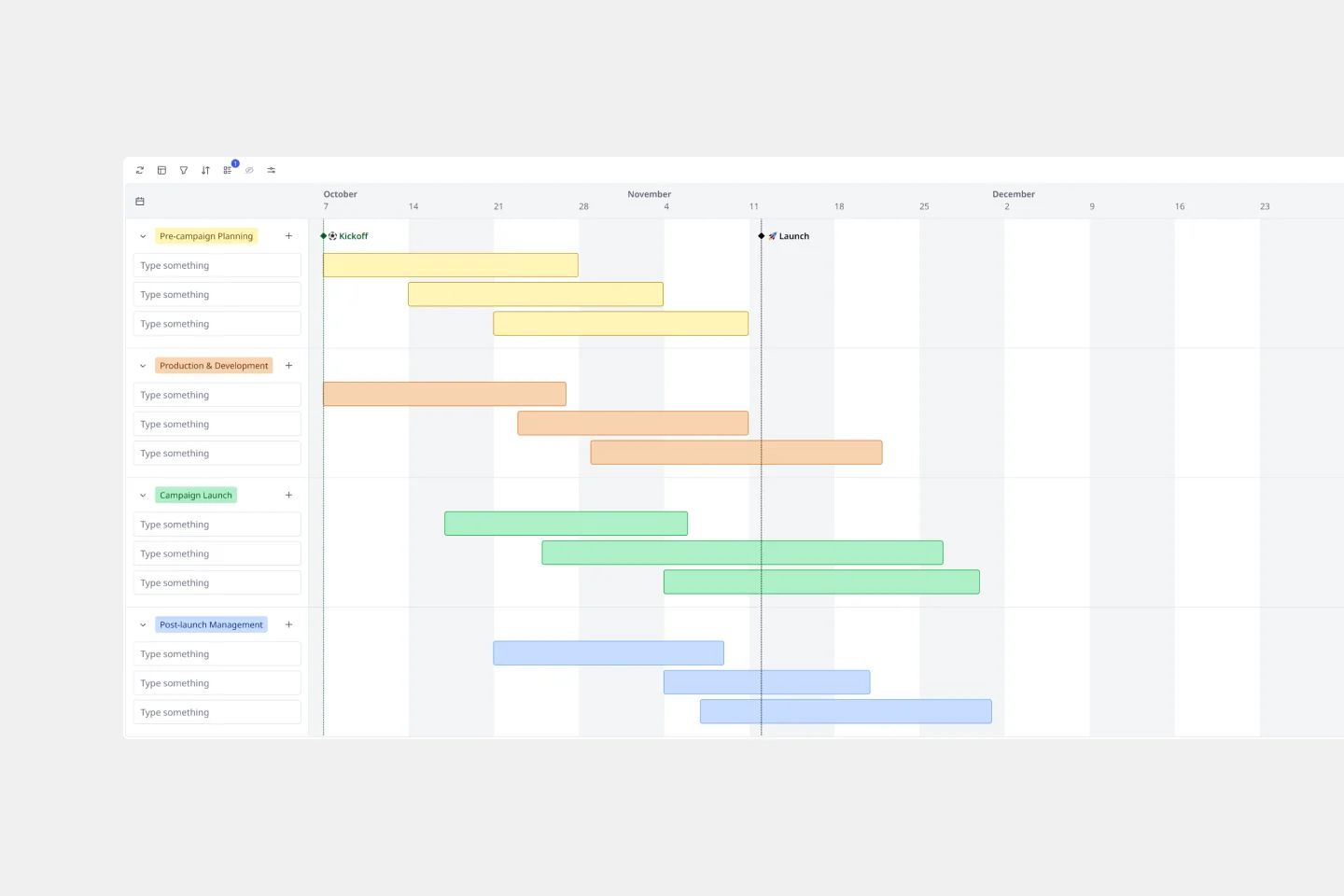
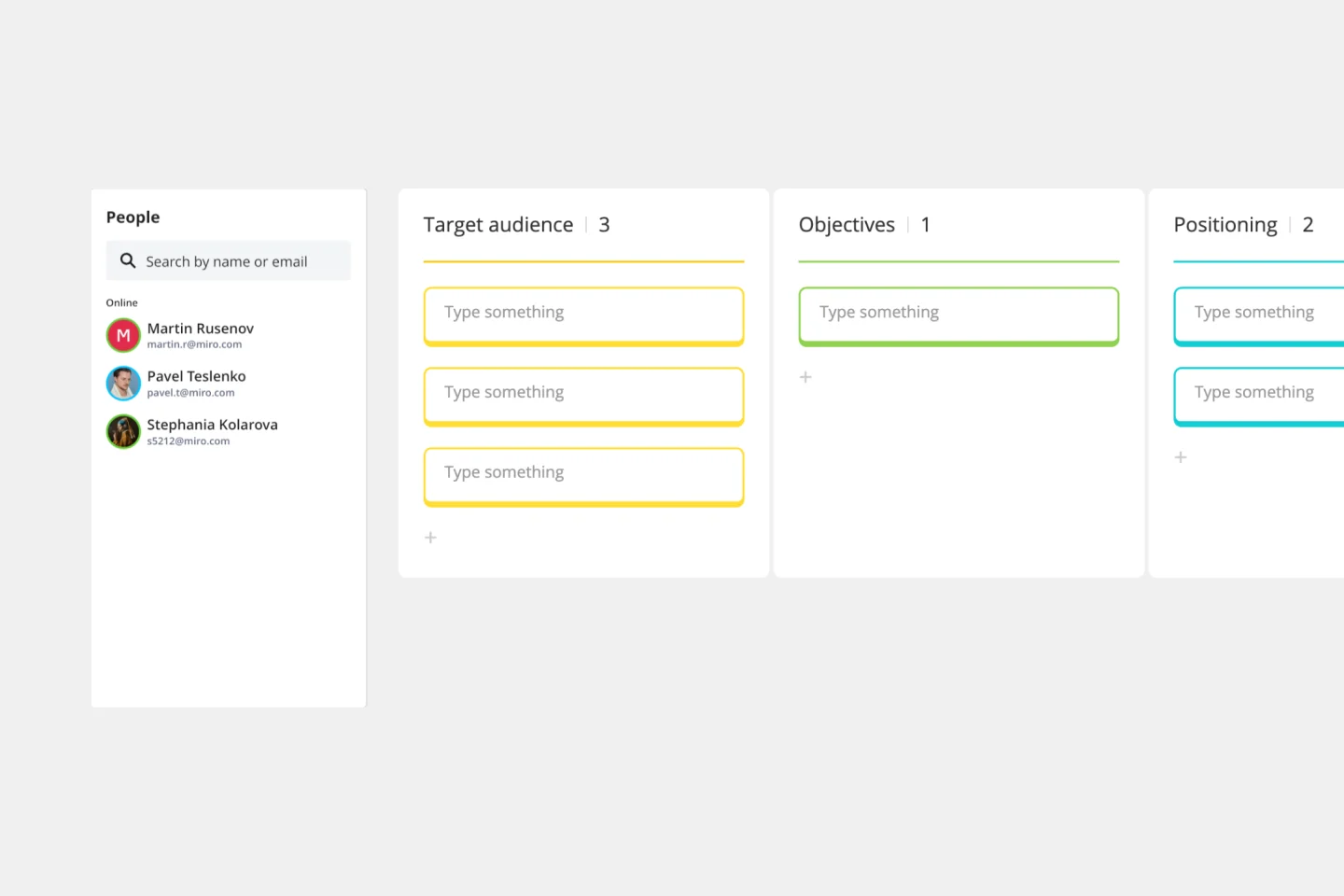
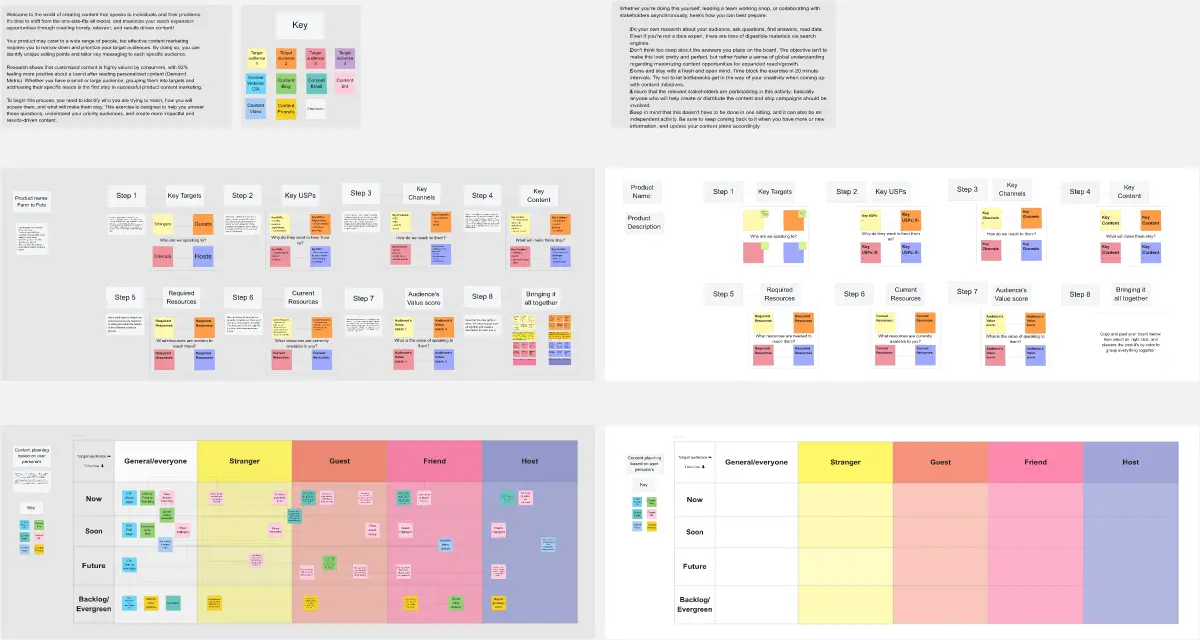
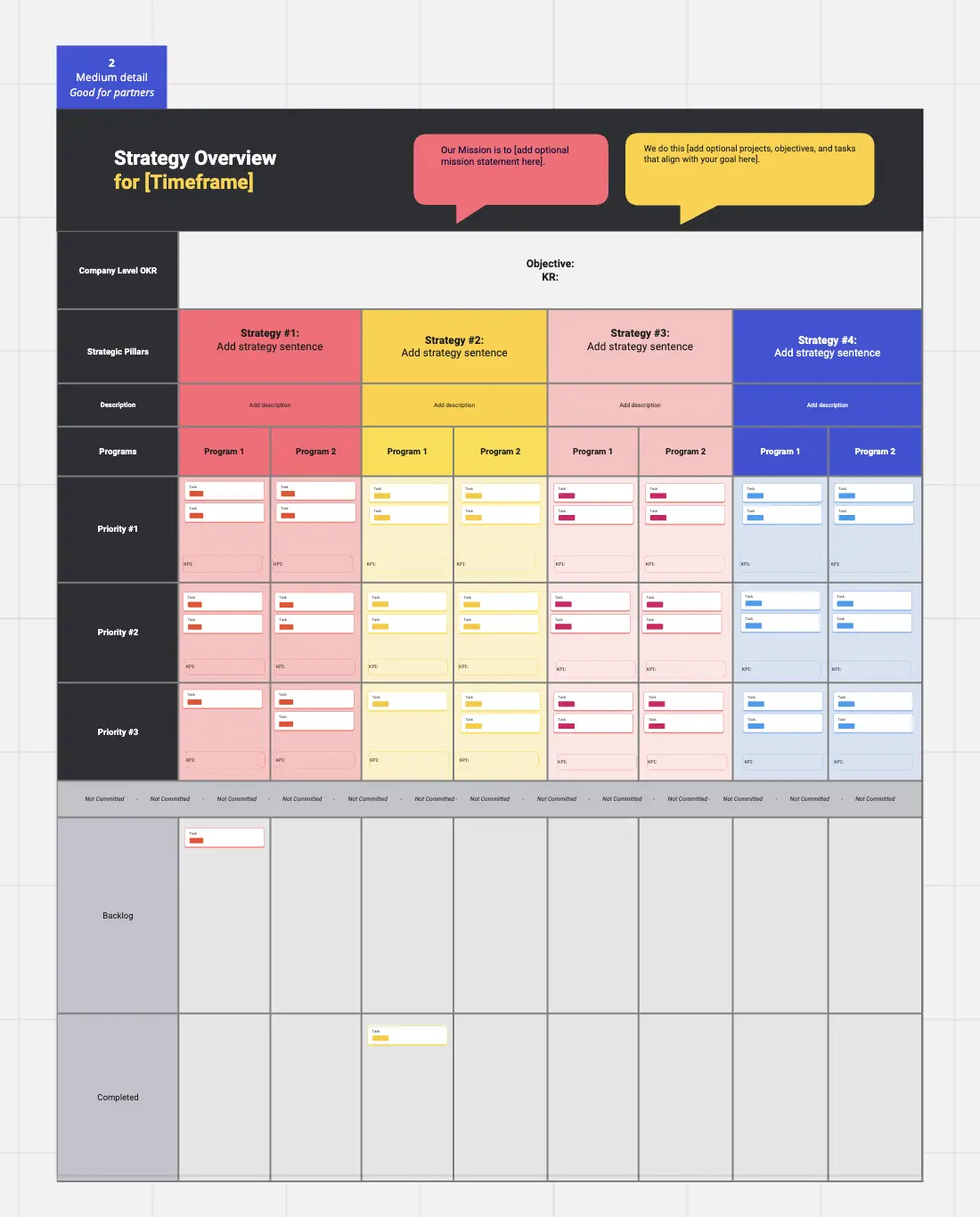
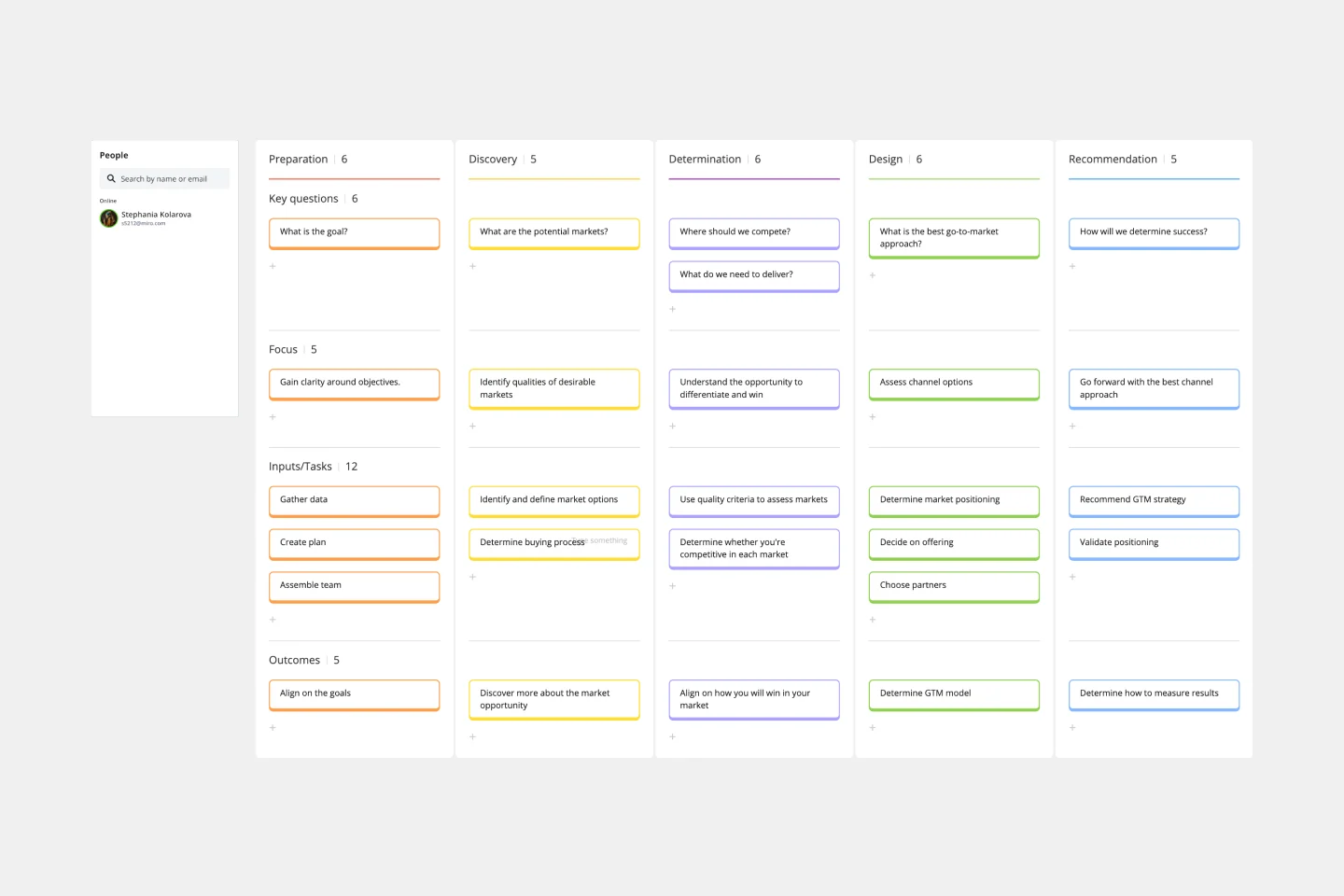
Miro's marketing templates collection streamlines and enhances your marketing efforts. Whether you're planning a campaign, developing a strategy, or tracking performance, our templates provide a structured and visually engaging way to organize your work. These templates are crafted to help you save time, maintain consistency, and ensure that all team members are aligned with your marketing goals.
Why you'll love our marketing templates
Using Miro's marketing templates can significantly improve your marketing efforts, providing an innovative way to organize your work. Here are some key benefits:
Efficiency: Our marketing strategy templates are designed to help you get started quickly, reducing the time spent on setup and allowing you to focus on the creative aspects of your marketing projects.
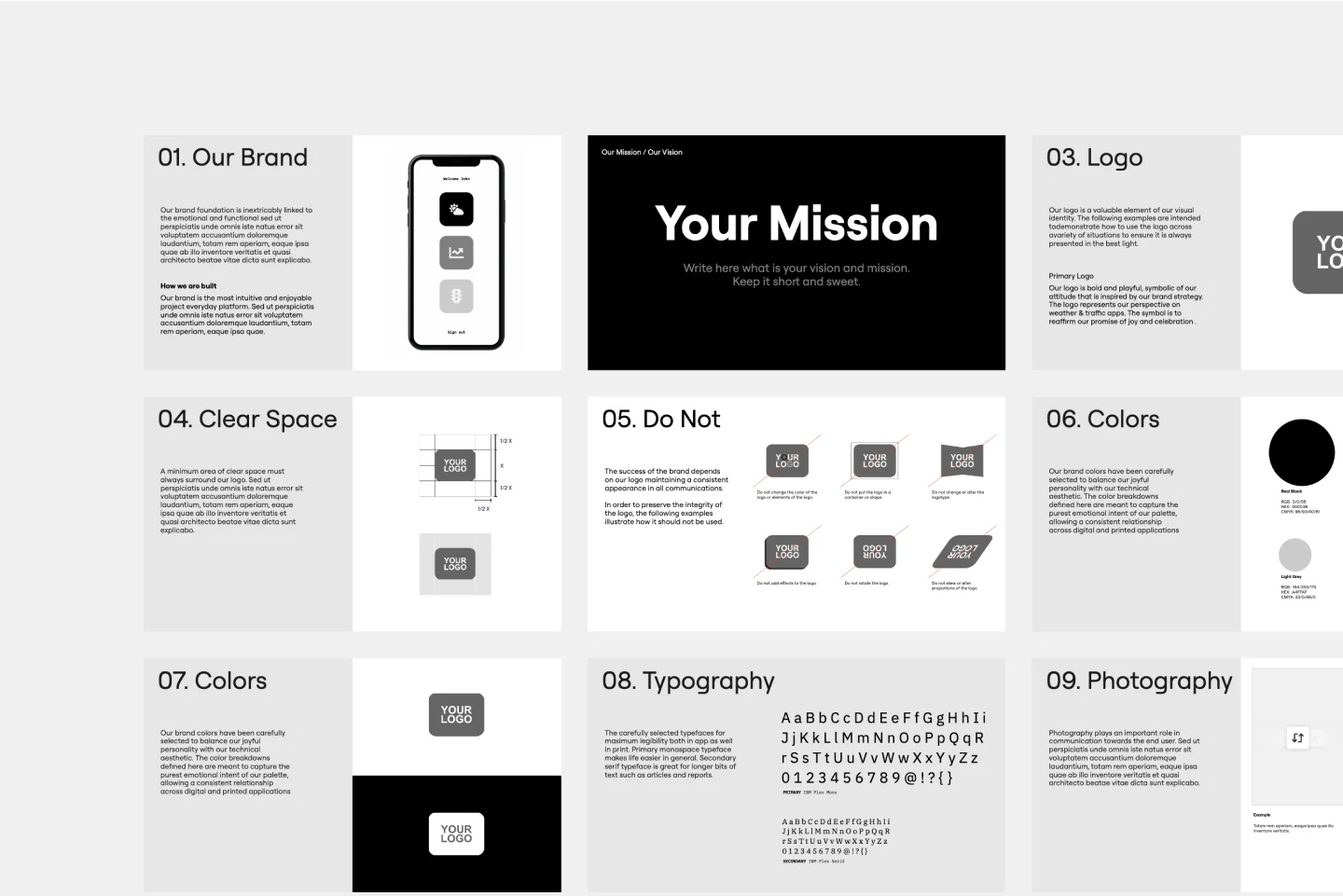
Consistency: Using standardized templates ensures that all your marketing materials have a consistent look and feel, which is crucial for brand recognition and professionalism.
Collaboration: Miro's collaborative features allow multiple team members to work on the same template simultaneously, making it easy to gather input and feedback in real time.
Customization: While our templates provide a solid starting point, they are also highly customizable to fit the specific needs of your projects. Whether you need a marketing plan template or a go-to-market strategy template, you can tailor it to your requirements.
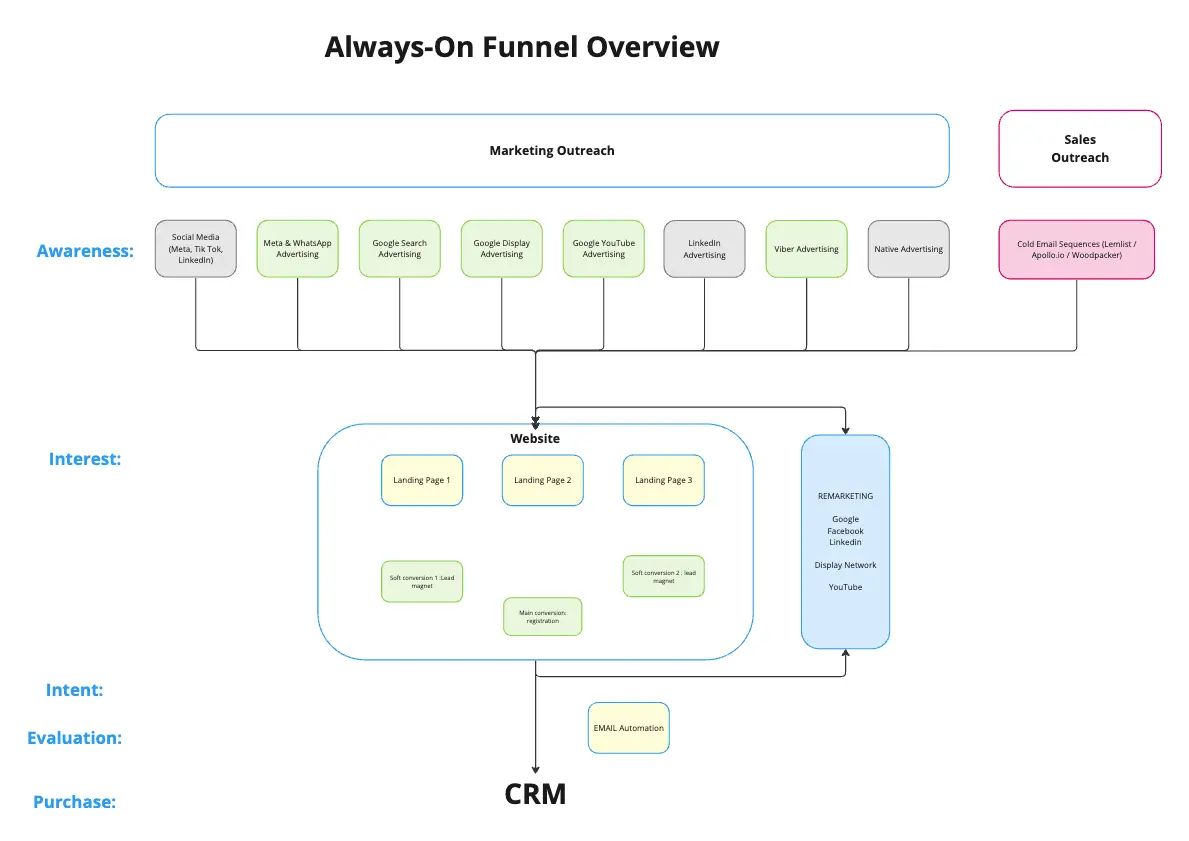
Inspiration: Our collection includes various marketing strategy examples that can inspire your team and provide a clear roadmap for your campaigns.
By leveraging Miro's marketing templates, you can streamline your processes, improve team collaboration, and achieve better results.
How to use the marketing templates in Miro
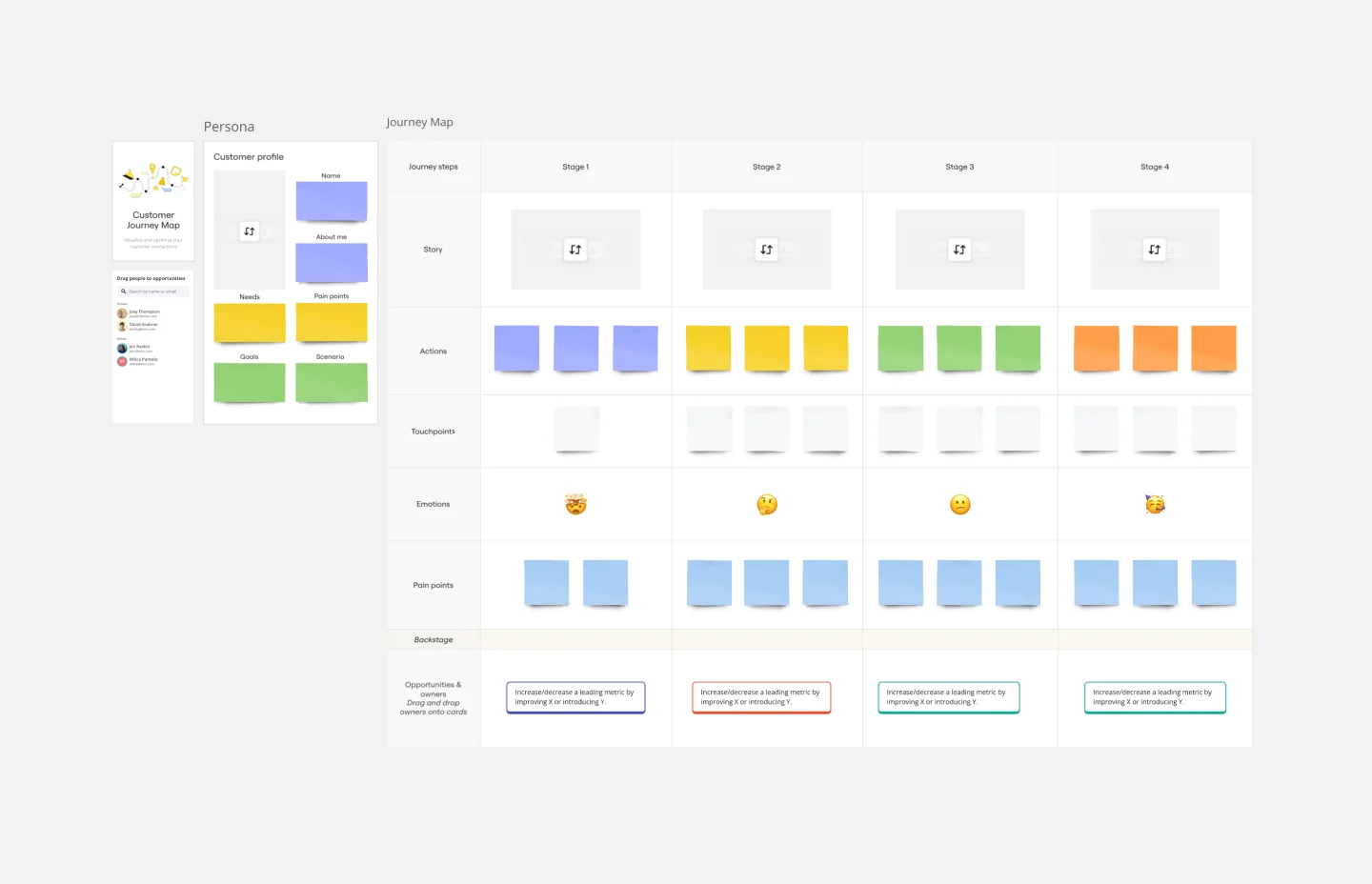
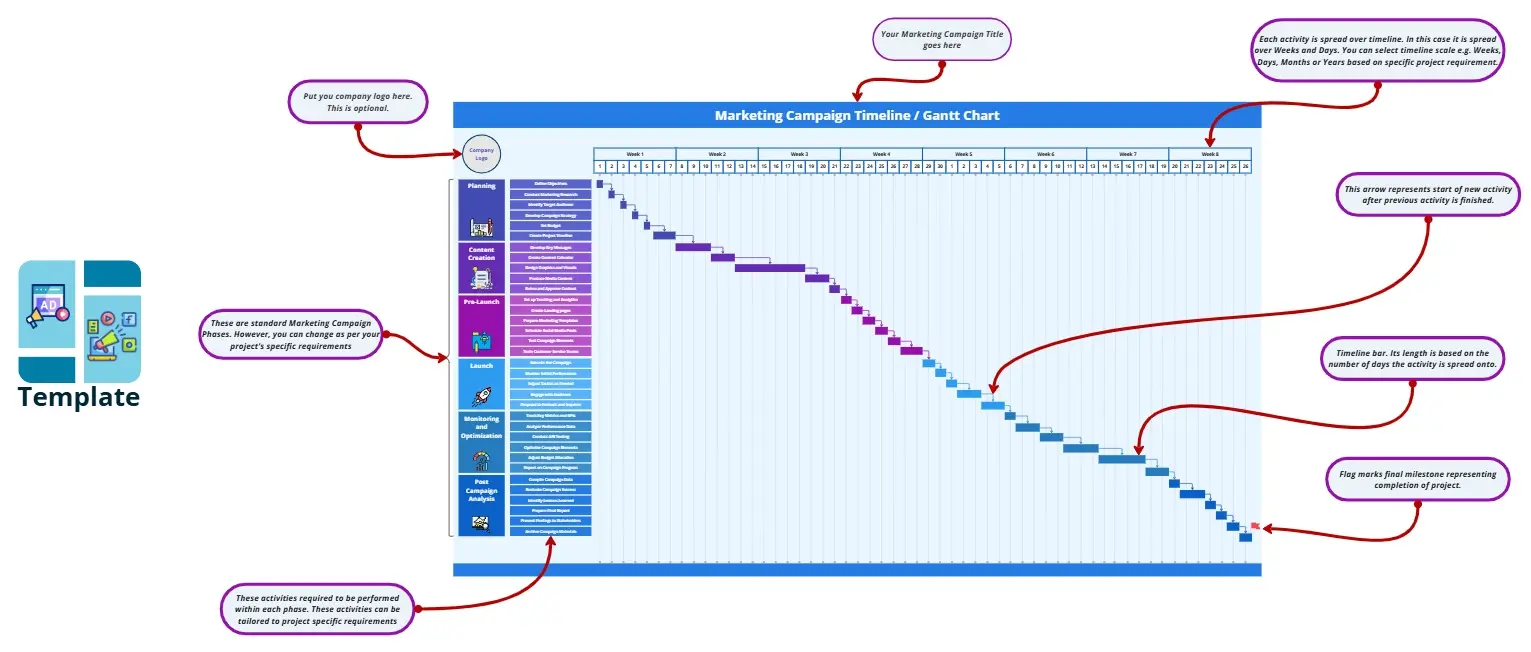
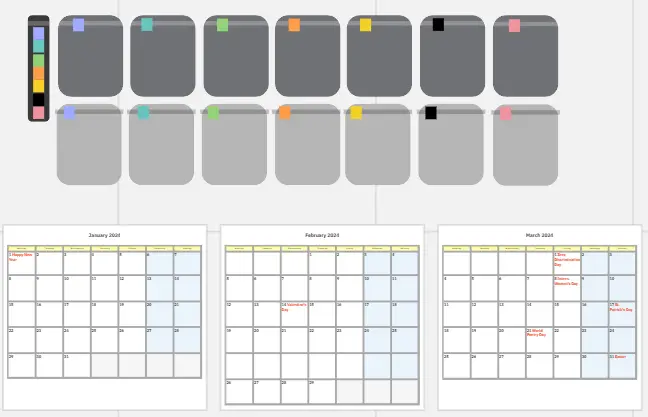
Select a template: Browse through our marketing templates collection and choose the one that best fits your needs. You can find templates for various purposes, such as campaign planning, content calendars, and performance tracking.
Customize the template: Once you've selected a template, customize it to suit your specific project requirements. You can add or remove elements, change colors, and adjust the layout to match your brand guidelines.
Collaborate with your team: Invite team members to collaborate on the template. Use Miro's commenting and real-time editing features to gather feedback and make adjustments on the fly.
Track progress: Use the template to track the progress of your marketing activities. Update it regularly to reflect the latest developments and ensure that everyone is on the same page.
Share and present: Once your template is complete, you can easily share it with stakeholders or use it as a visual aid in presentations. Miro's export options allow you to download the template in various formats for offline use.