About the timeline templates collection
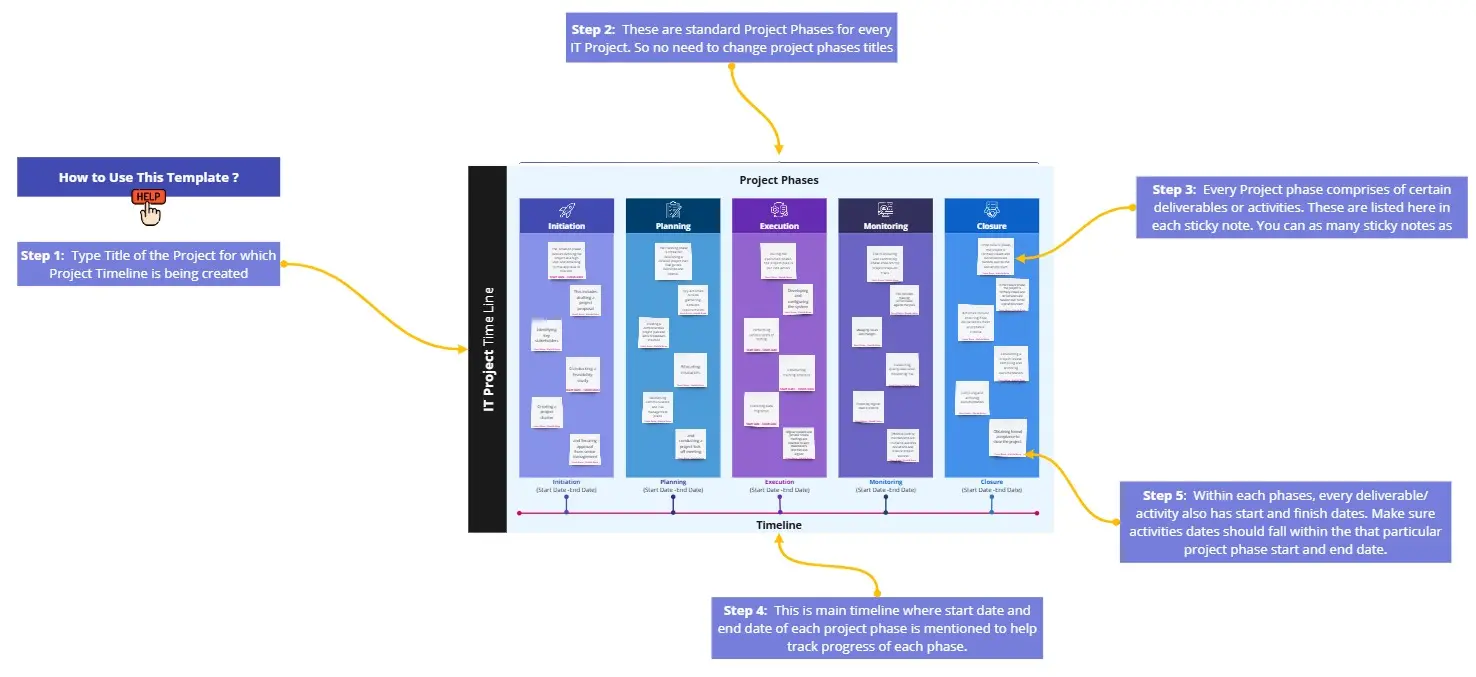
A timeline template is a chronological framework designed to visualize the linear progression of events, tasks, or milestones over a specific period. Unlike a static calendar, a timeline provides a "birds-eye view" of a project’s lifecycle, allowing teams to understand dependencies, track historical progress, and forecast future deadlines. It transforms abstract dates into a spatial narrative, making it the essential tool for product launches, event planning, and historical case studies.
Why you'll love our timeline examples
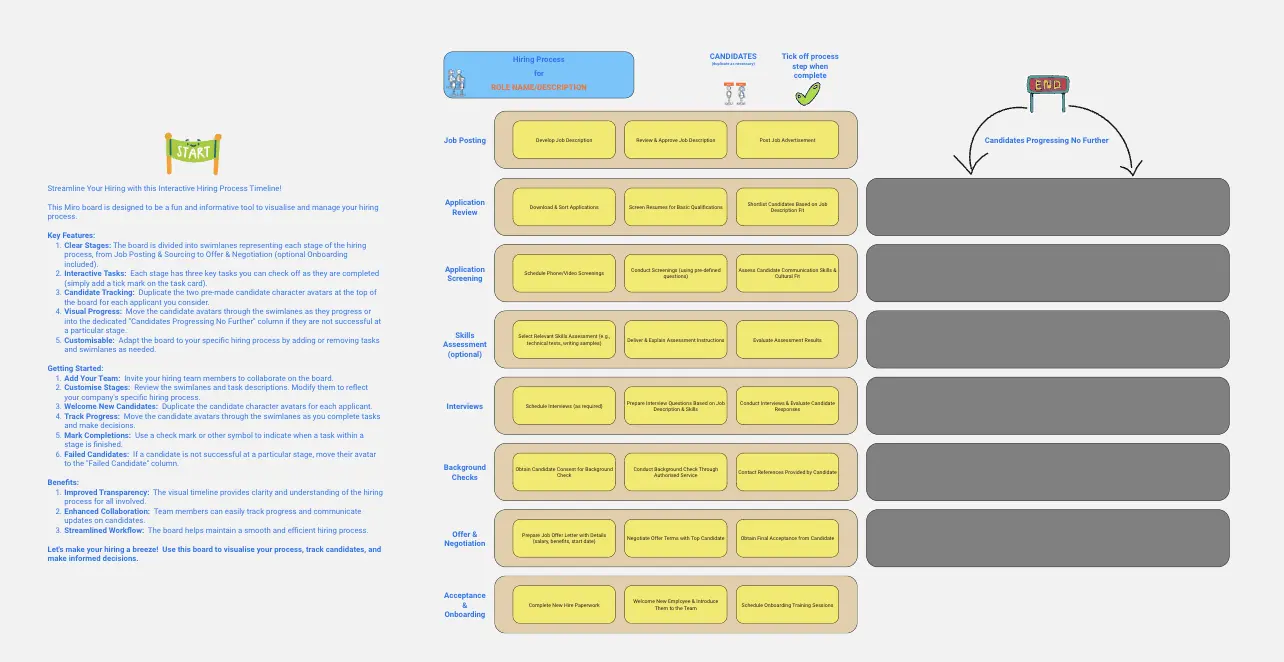
Our timeline examples are more than just placeholders; they're a source of inspiration. They show you the potential of what your timelines can be – clear, engaging, and informative. With these examples, you'll see how easy it is to track progress, align your team, and communicate with stakeholders. It's about making every second count and every update shine.
The "Predictive" Timeline: 3 Laws of Realistic Scheduling
A professional timeline isn't just a list of dates; it’s a commitment of resources. To prevent your timeline from becoming "wishful thinking," apply these three expert scheduling laws to your Miro board:
1. The "Critical Path" Identification
The Audit: Can you see which tasks, if delayed by one day, will push back the entire project completion date? The Fix: Use Miro’s Connection Lines to highlight your Critical Path. Most timelines fail because they treat a "Logo Design" task and a "Server Migration" task with equal weight. By visually bolding the critical path, you tell your team exactly where "zero delay" is required.
2. The 20% Buffer Rule (The Planning Fallacy)
The Audit: Is every task scheduled back-to-back with no breathing room? The Fix: Psychological research shows we consistently underestimate how long tasks take (The Planning Fallacy). An authoritative timeline includes "Buffer Zones." In Miro, use a specific color-coded block at the end of each major phase. If you don't schedule the "unexpected," your timeline will be obsolete by week two.
3. Milestone "Hard Gates" vs. "Soft Dates"
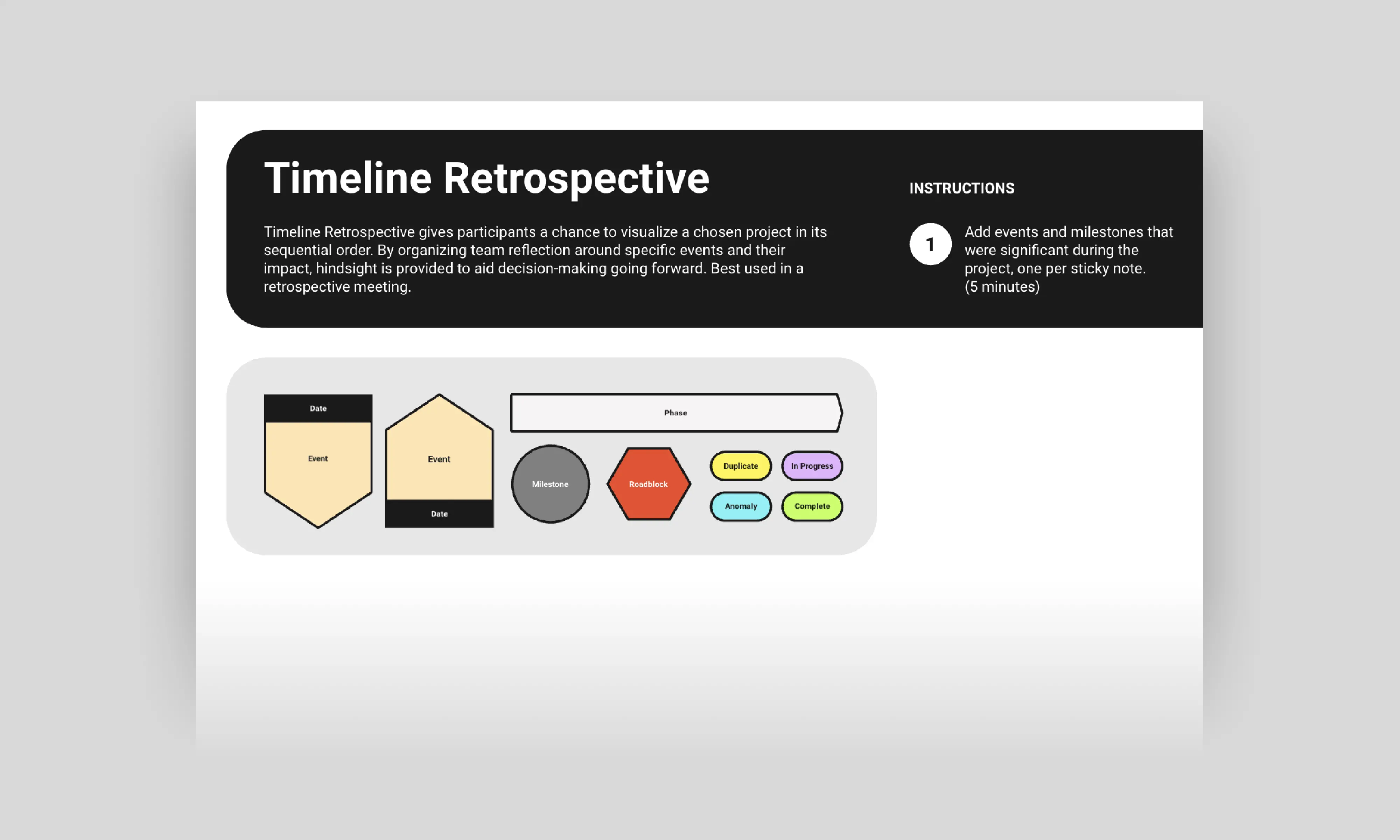
The Audit: Are your milestones just glorified deadlines? The Fix: Differentiate your milestones. Use a Diamond Shape for "Hard Gates" (fixed dates like a trade show or board meeting) and a Circle for "Soft Dates" (flexible internal goals). This allows your team to see where they have room to pivot and where they must be rigid.
Key Components of a Timeline Template
A professional timeline template acts as your project’s "Single Source of Truth." Every high-performance Miro board should include these five core elements:
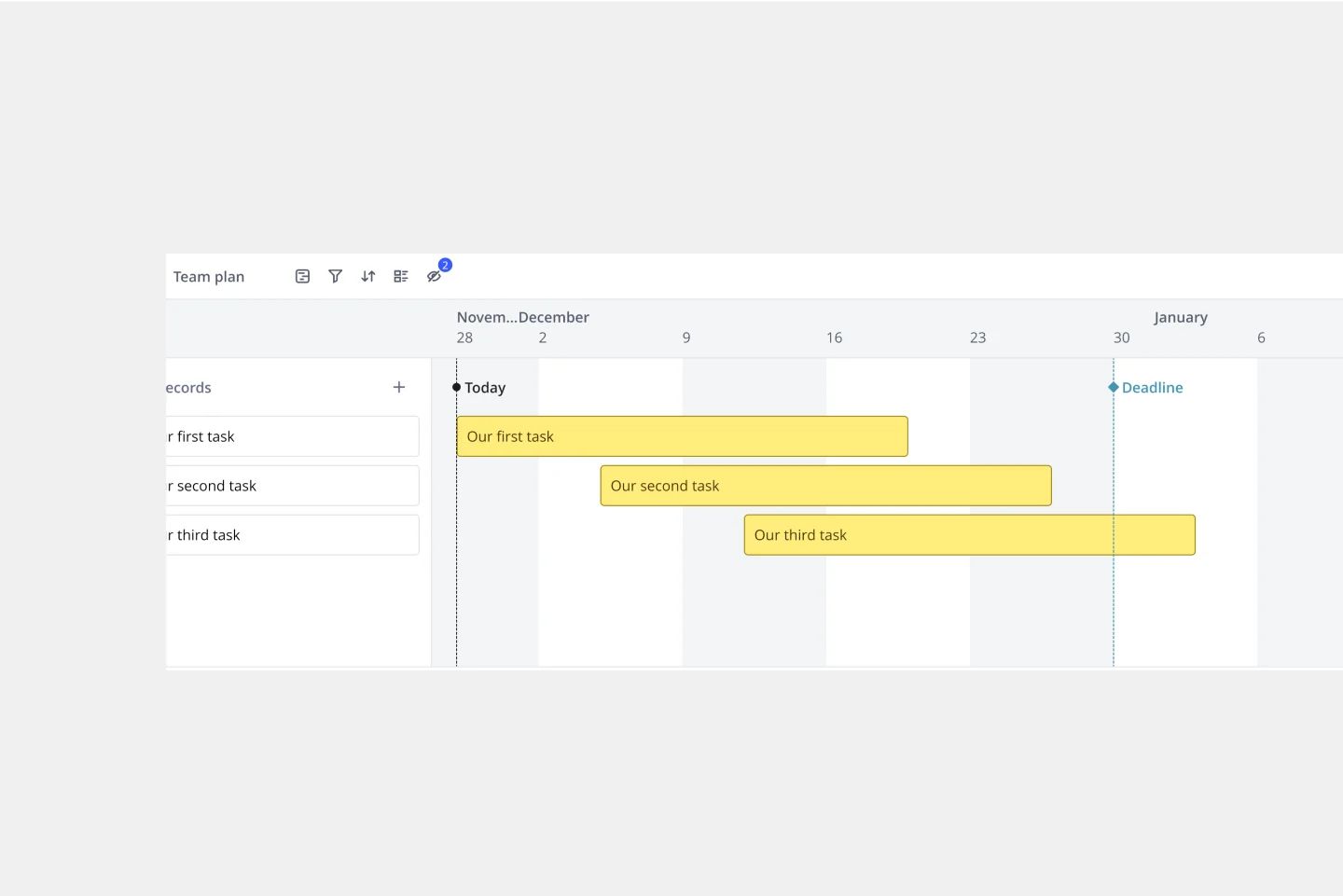
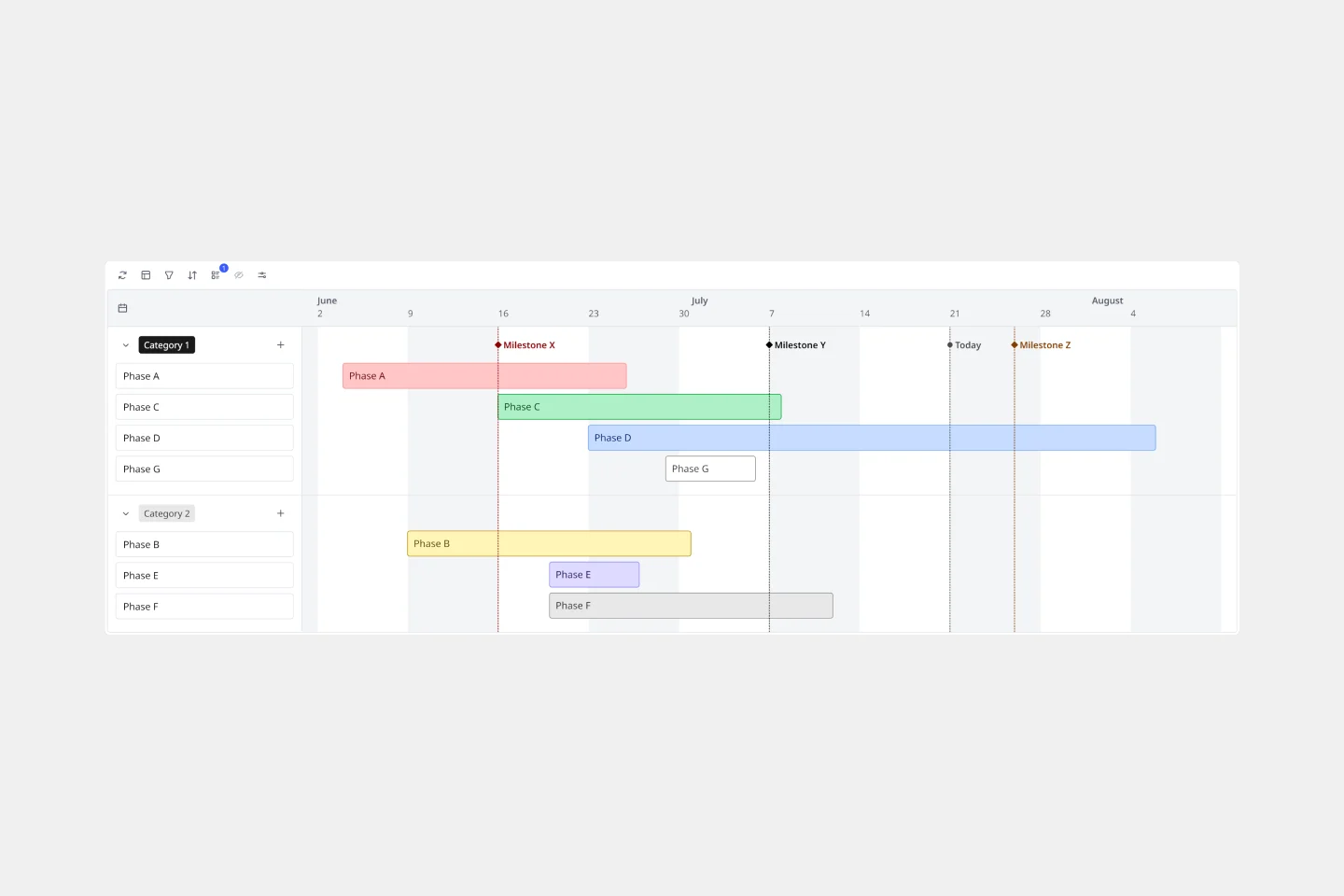
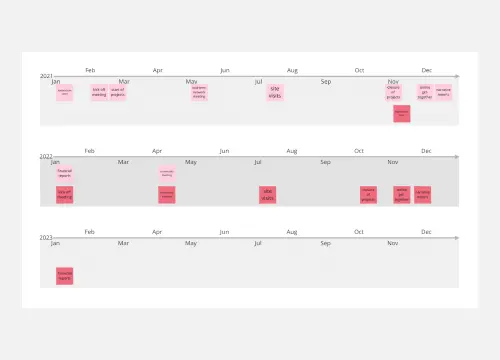
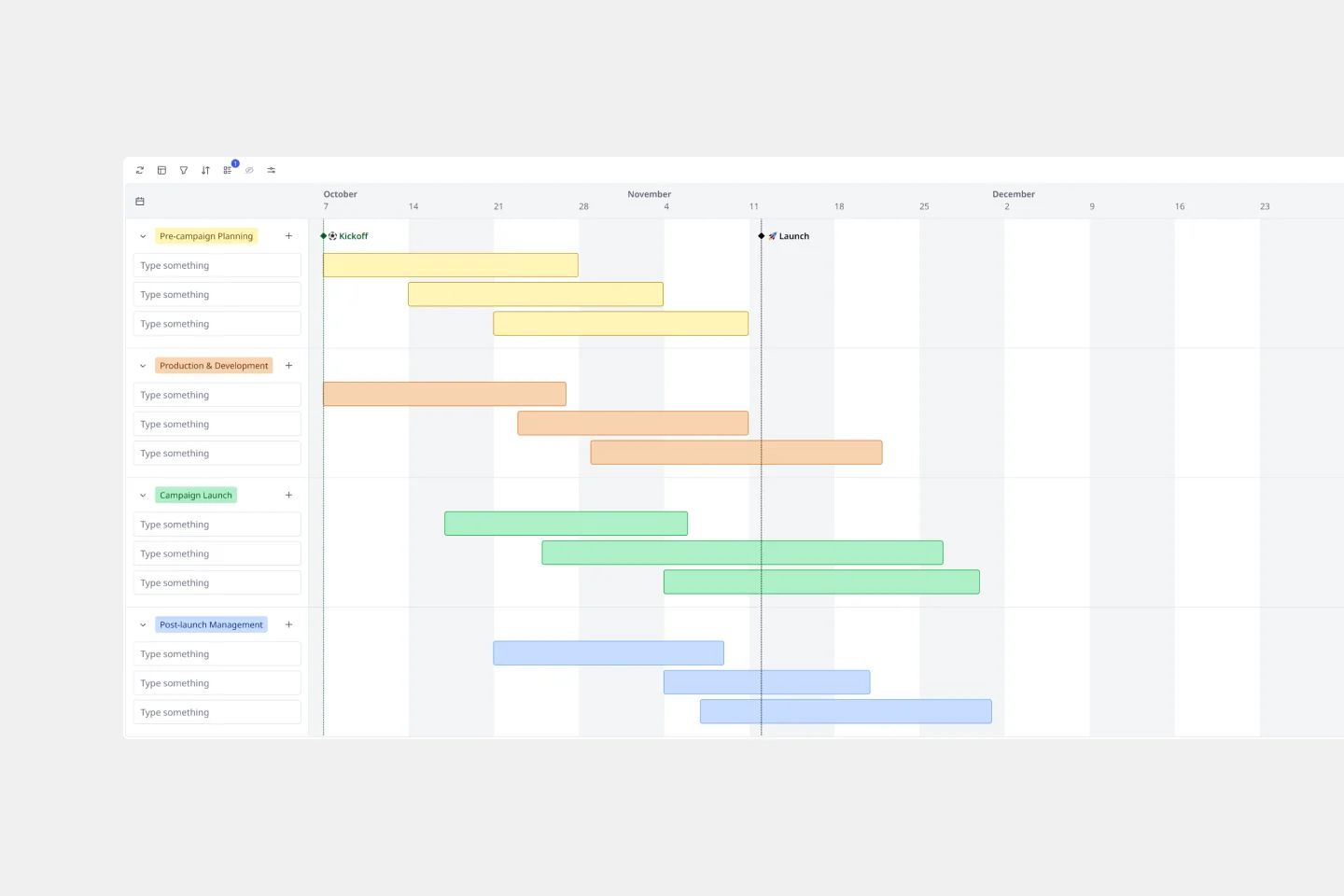
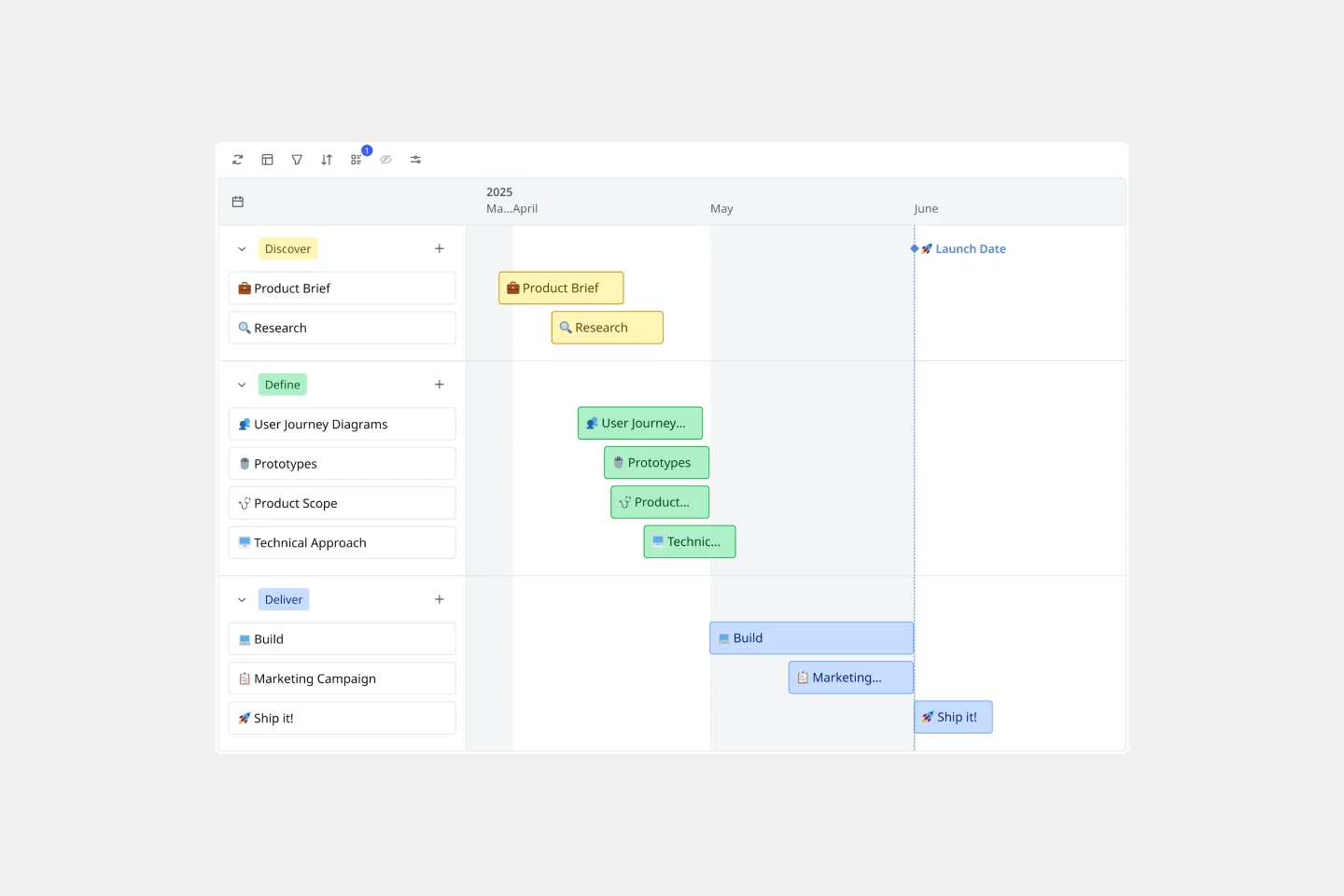
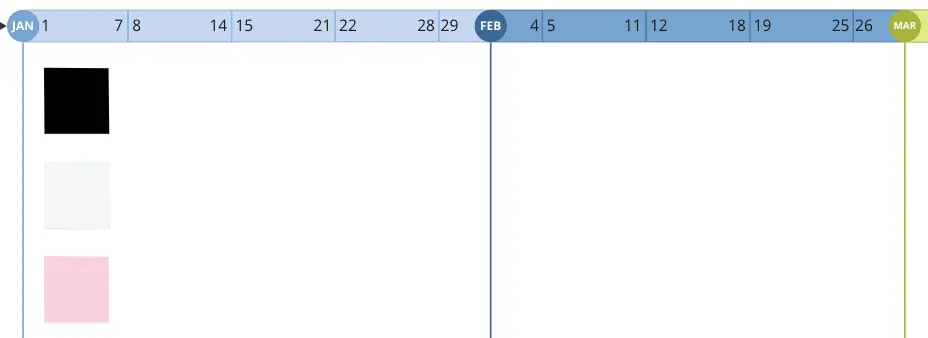
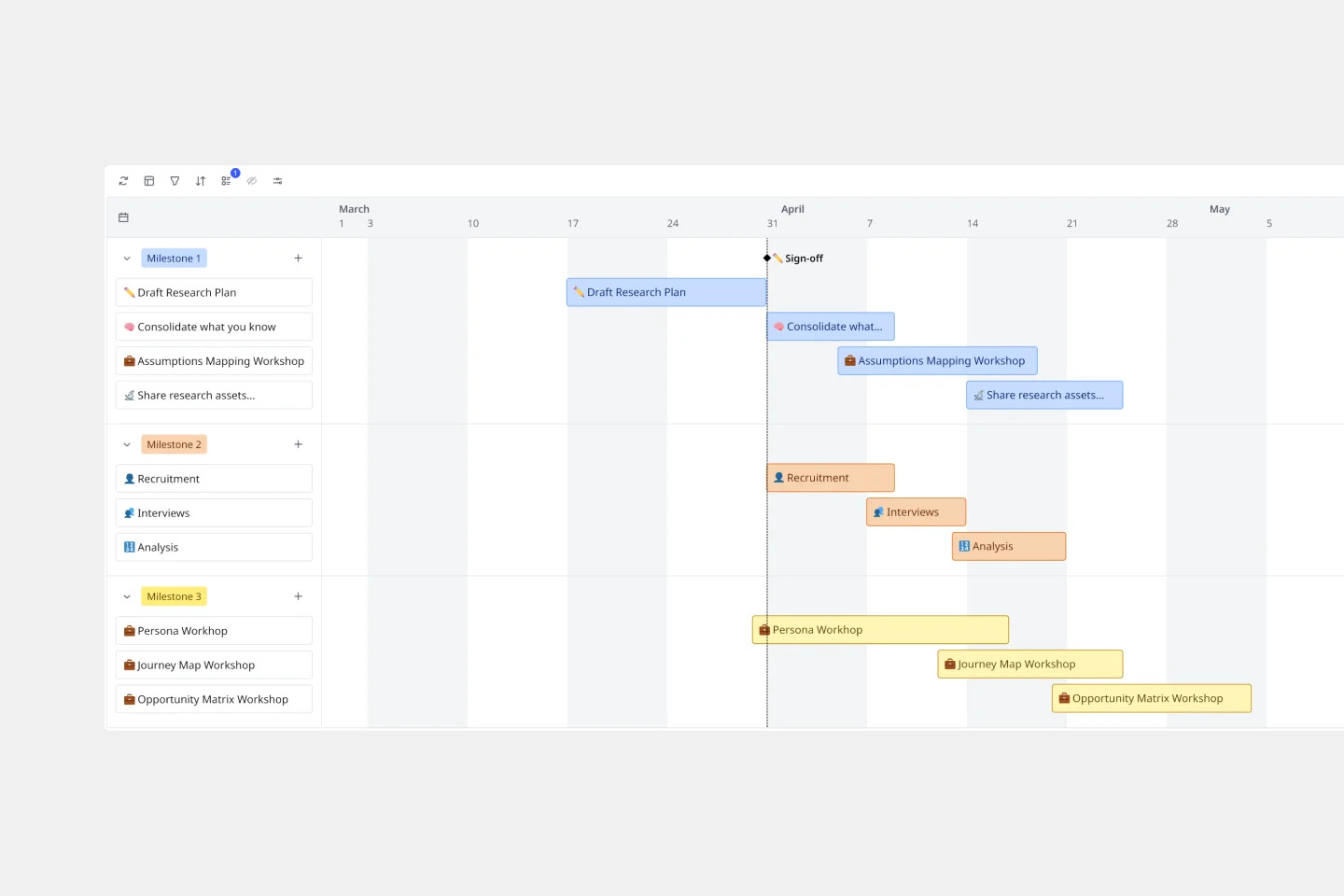
The Time Axis: A clear horizontal or vertical scale (Days, Weeks, Months, or Quarters) that anchors the entire diagram.
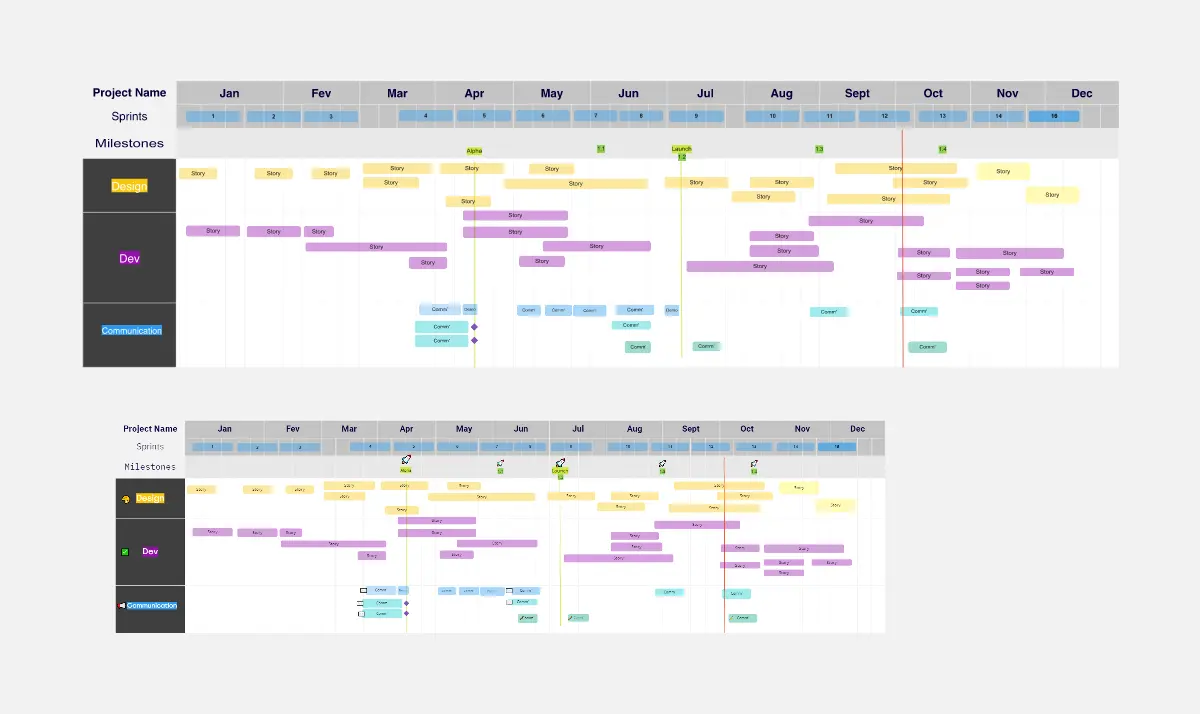
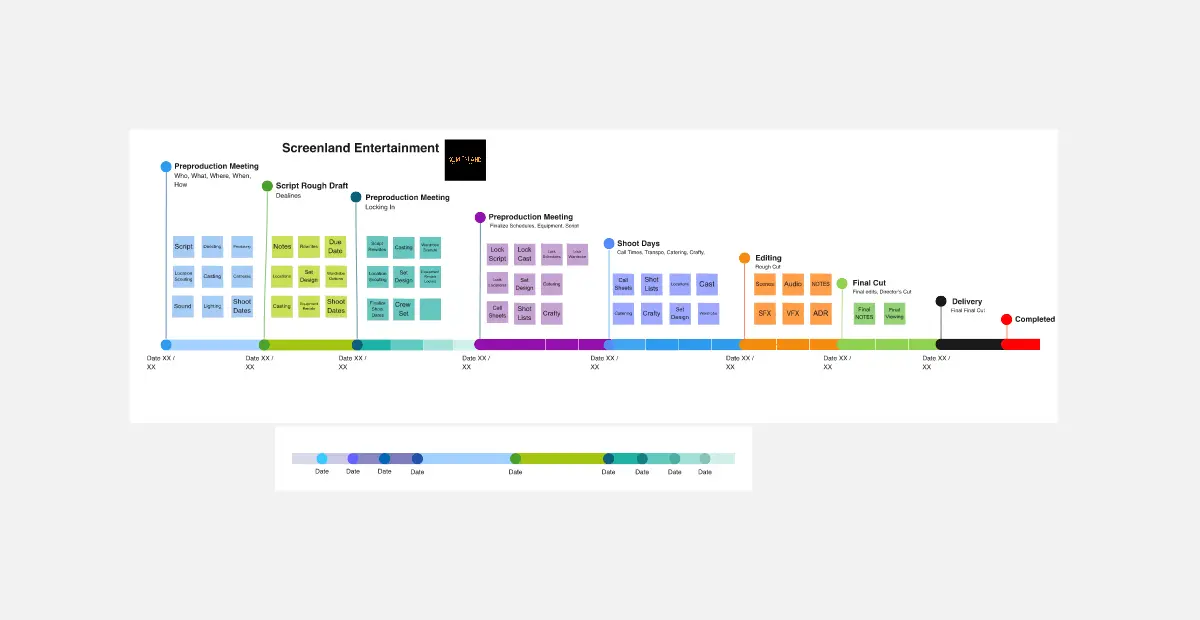
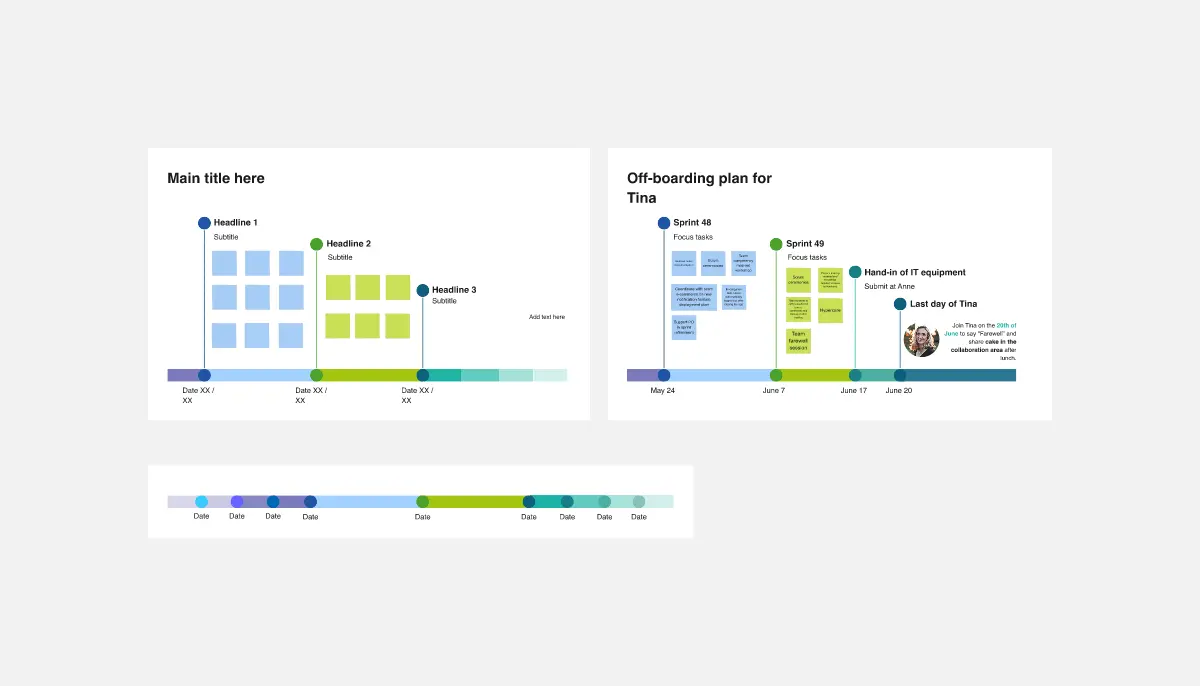
Milestones (Hard Gates): High-visibility markers for significant achievements or decision points.
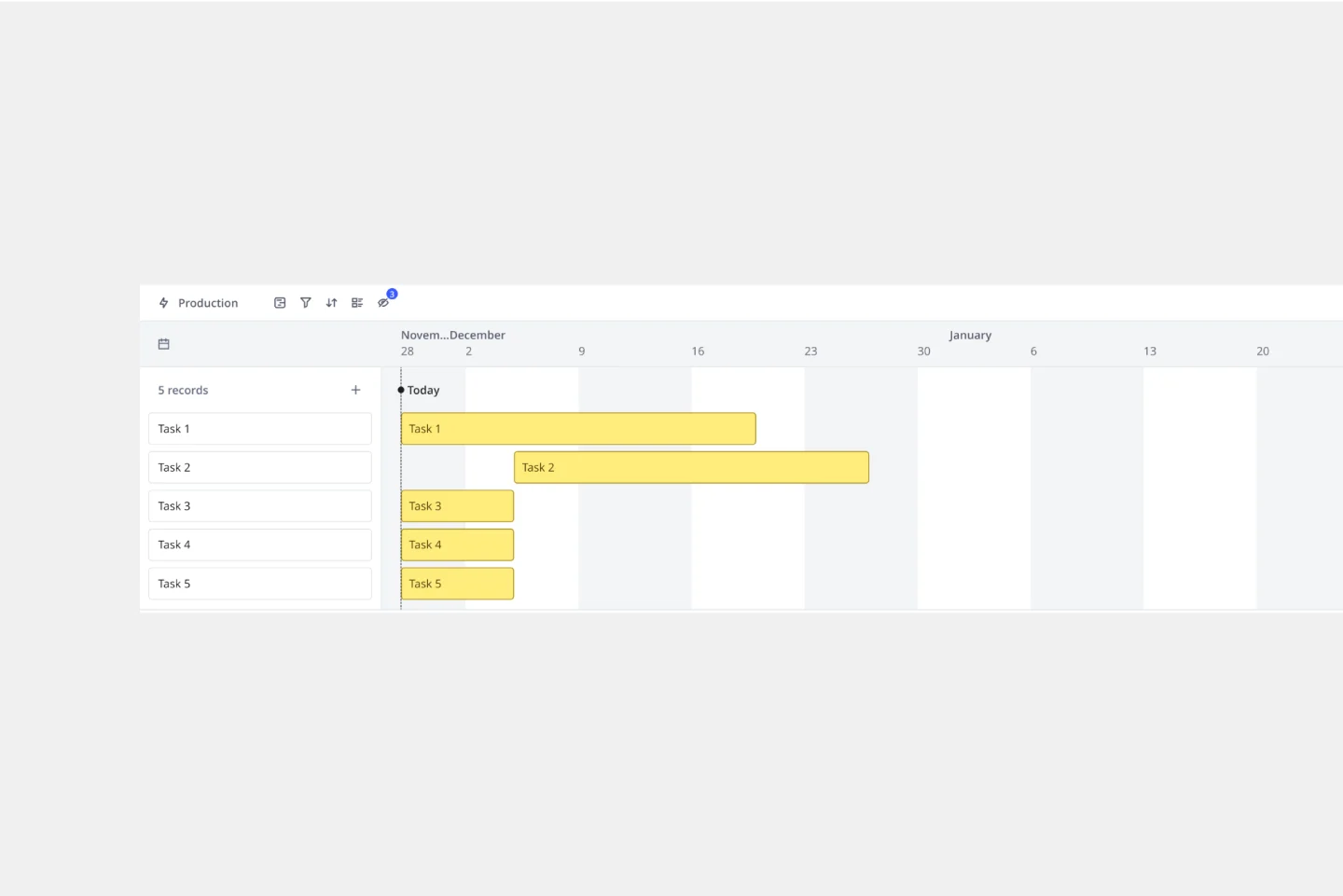
Task Bars (Durations): Visual blocks that represent how long a specific activity will take, providing a sense of "Weight" to the work.
Dependency Connectors: Lines or arrows that show the logical link between tasks (e.g., Task B cannot start until Task A is finished).
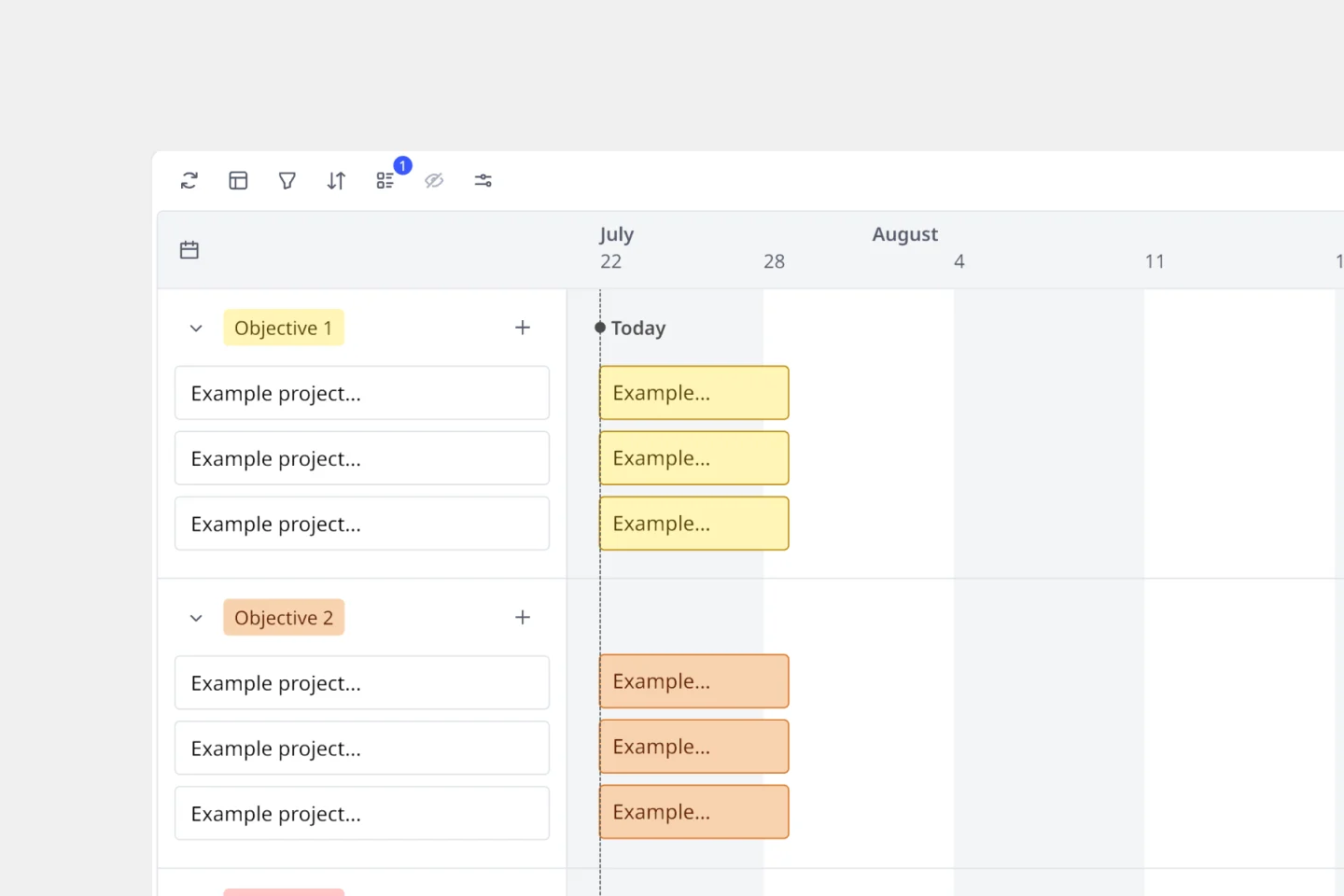
Current Date Marker (The "Today" Line): A vertical line that moves across the board, providing an instant visual of whether the project is ahead or behind schedule.
How to use the timeline templates in Miro
Choose your template: Kick things off by selecting the perfect template from our collection that fits your project's timeline.
Make it yours: Customize your timeline by adding key dates, milestones, and durations. Tailor the aesthetics to match your project or brand style.
Collaborate in real time: Bring your team into the fold. Miro's collaborative environment means everyone can contribute, edit, and update in sync.
Stay agile: Projects change, and so should your timeline. Use our flexible tools to adjust dates and details as your project evolves.
Showcase your timeline: Share your dynamic timeline with stakeholders or your entire team, providing a comprehensive and easy-to-understand visual narrative.
With Miro's timeline templates, you're equipped to turn the abstract into the concrete. It's time to map out success, one milestone at a time. You can also check online weekly calendar templates to plan your week ahead!