4likes
20uses
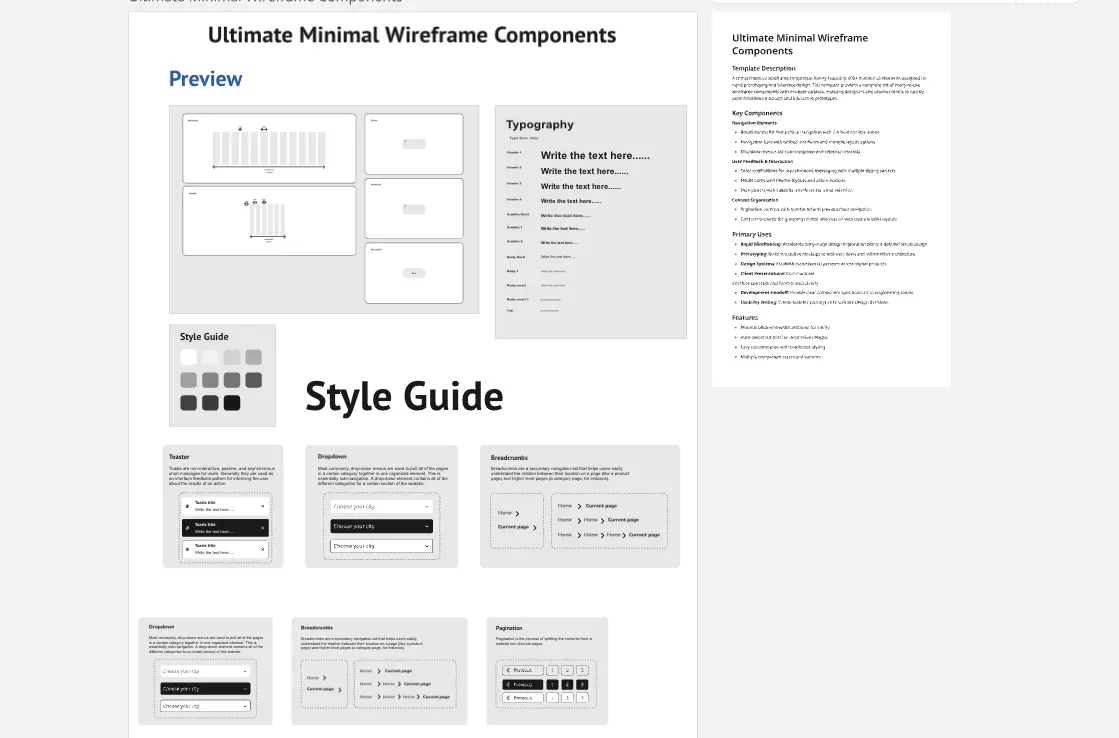
A comprehensive resource planning framework designed to track project staffing, consultant allocation, and expenses across multi-phase initiatives. Spans 23-month timeline (Jan 2026–Nov 2027) with detailed monthly tracking of human resources and operational costs.
Defines project phases with timeline breakdown. Displays monthly resource allocation across 9 phases from Discovery & Planning through Post-Launch Support. Each phase shows start/end dates and monthly headcount requirements.
Fill: Phase names, start dates, end dates, monthly resource numbers per phase.
Core consultant tracking for primary project roles. Captures 7 consultant types with quantity, organizational area, hourly rates, engagement periods, and monthly hours worked. Auto-calculates total hours and cost allocation.
Fill: Role title, Quantity (QTY), Organizational Area, Rate of Pay, Requested Start Date, Projected End Date, monthly hours for each active period. System calculates Total Hours and Total Cost Allocated.
Supplementary consultant needs beyond core requirements. Tracks additional specialized roles (e.g., Supply Chain, Cybersecurity) with same data structure as Resource Requirements.
Fill: Same fields as Resource Requirements for additional consultant roles brought on incrementally.
Non-labor project costs across 10 categories: Hardware Equipment, Professional Services, Travel Expenses, Software Licenses, Training and Development, Facility Costs, Office Supplies, Miscellaneous Expenses, Cloud Infrastructure, and Marketing Materials.
Fill: Monthly expense amounts for each category. Leave months blank if no expense incurred.
Start with Project Overview: Define all project phases chronologically with accurate start/end dates
Add Core Resources: Input primary consultant roles in Resource Requirements with rates and expected monthly hours
Include Incremental Staff: Add specialized or supplementary consultants to Incremental Staffing section as needed
Budget Non-Labor Costs: Enter monthly expenses for all applicable categories in Additional Expenses
Review Net Work Days: Note that monthly hours/costs reflect actual working days per month (displayed in template)
Validate Calculations: Ensure all totals calculate correctly before generating summary
To generate the Project Summary slide, provide:
Project title and duration with month count
Four key metric cards:
Card 1: Resource Requirements total cost, number of roles, total consultants
Card 2: Incremental Staffing total cost, number of roles, total consultants
Card 3: Additional Expenses total cost, number of expense categories
Card 4: Company reserves percentage and calculated contingency amount
Prominent display of TOTAL PROJECTED EXPENSE BUDGET
Itemized breakdown of all four cost components
Visual cost distribution (optional pie/bar chart)
Footer with fiscal year and confidentiality marking
Slide should highlight:
Clear numerical hierarchy from components to total
Color-coded sections for visual distinction
Professional formatting suitable for executive presentation
Before finalizing the Project Summary slide, manually verify:
Resource Requirements + Incremental Staffing + Additional Expenses = Subtotal
Subtotal × 10% = Company Reserves amount (verify exact 10% calculation)
Subtotal + Reserves = Total Projected Expense Budget
Cross-check role counts, consultant counts, and expense category counts against source data tables
Validate monthly totals sum correctly to annual figures
Confirm rate calculations (hours × rate = cost) for all consultant entries
Mathematical verification is essential for budget accuracy and stakeholder credibility.
Enterprise Digital Transformation: Multi-year initiatives requiring phased resource scaling across IT, Operations, and Business units
System Implementation Projects: ERP, CRM, or platform migrations needing diverse consultant expertise and infrastructure investment
Organizational Change Management: Restructuring programs with consultant-heavy approaches and training budgets
Product Development Launches: Cross-functional projects requiring marketing, development, compliance, and operational support
Consulting Engagements: Professional services firms managing mixed internal/external resource portfolios
Department Annual Planning: Project-based organizations forecasting yearly staffing and expense needs
Grant-Funded Initiatives: Research or public sector projects requiring detailed expense justification and timeline adherence
M&A Integration Planning: Post-merger integration with phased staffing transitions and system consolidation costs
IT Modernization Programs: Legacy system upgrades requiring specialized consultants and infrastructure spending
Compliance & Regulatory Projects: Legal, financial, or industry-specific compliance initiatives with expert consultant needs
Cheers! and keep coming back for more exciting templates
Khawaja Rizwan

Rizwan Khawaja
ICT Solution Architect @ NUST
I hold master's degrees in computer science and project management along with trainings and certifications in various technologies. All this is coupled with 25+ years of industry experience.