PI Planning templates
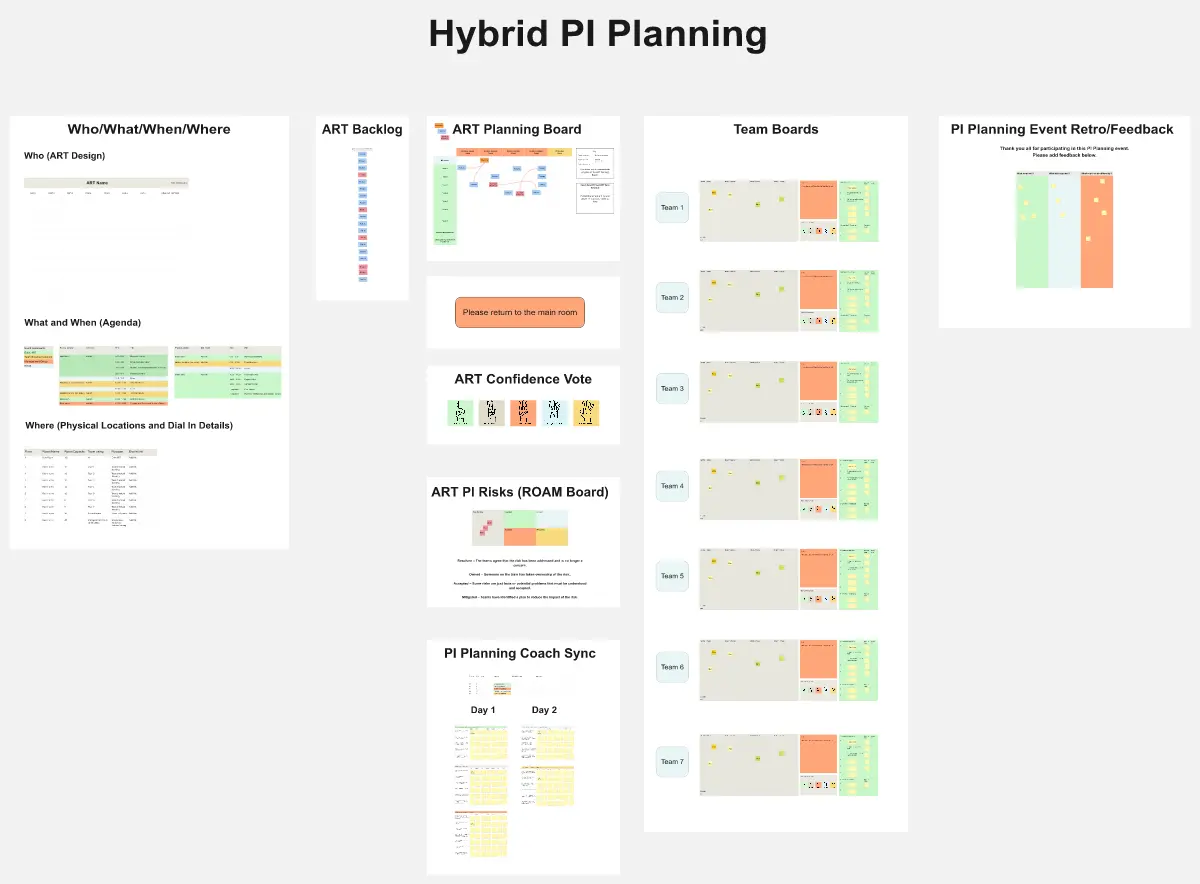
Miro's PI Planning templates are your go-to solution for organizing productive Program Increment sessions. Streamline alignment, map out objectives, and foster collaboration across teams with intuitive boards that bring everyone together, no matter where they are.
17 templates
- 234 likes2.6K uses

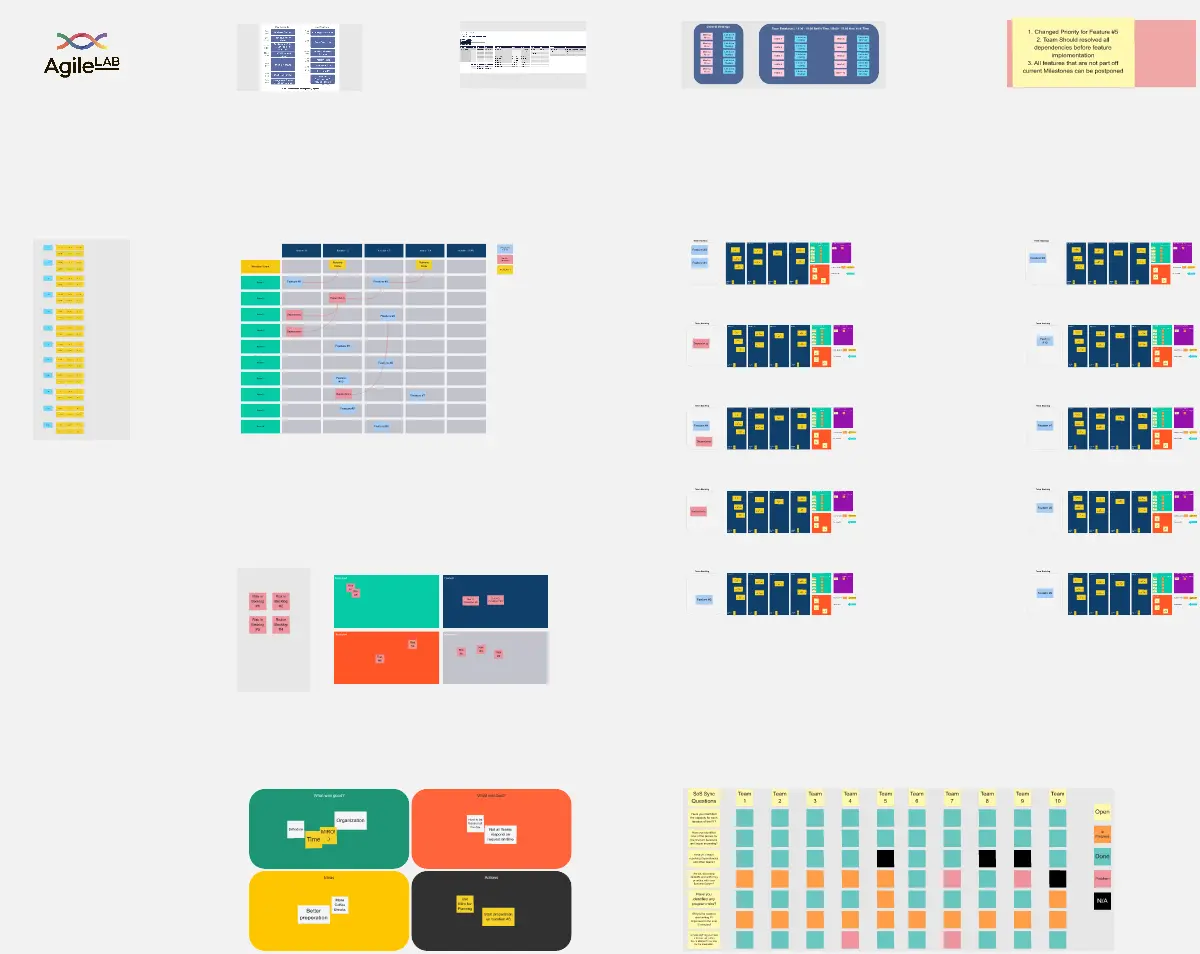
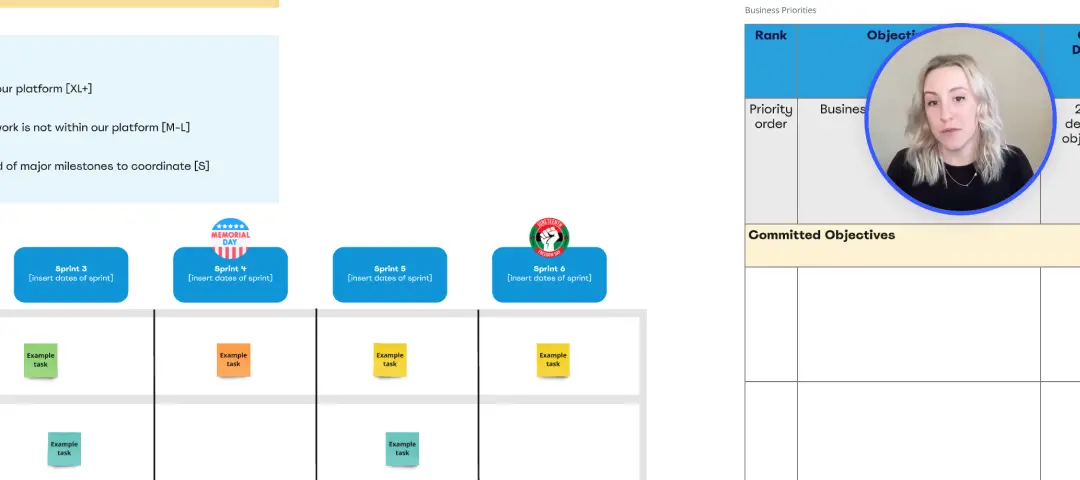
SAFe PI Planning
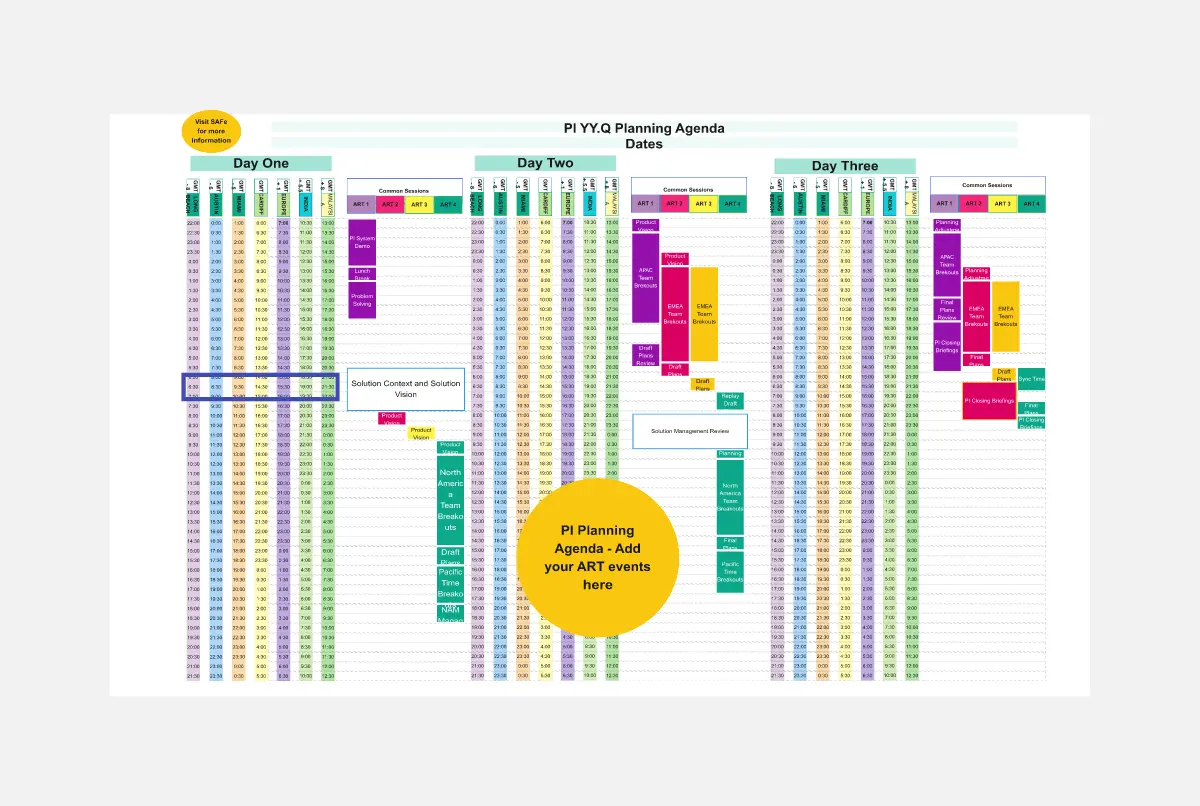
SAFe PI Planning is a collaborative event for Agile Release Trains to plan and align on program increments. It provides a structured framework for setting objectives, identifying dependencies, and sequencing work. This template facilitates PI Planning sessions, enabling teams to visualize their commitments and coordinate cross-team dependencies effectively. By promoting transparency and alignment, SAFe PI Planning empowers Agile organizations to deliver value at scale with predictability and quality.
- 165 likes1.1K uses

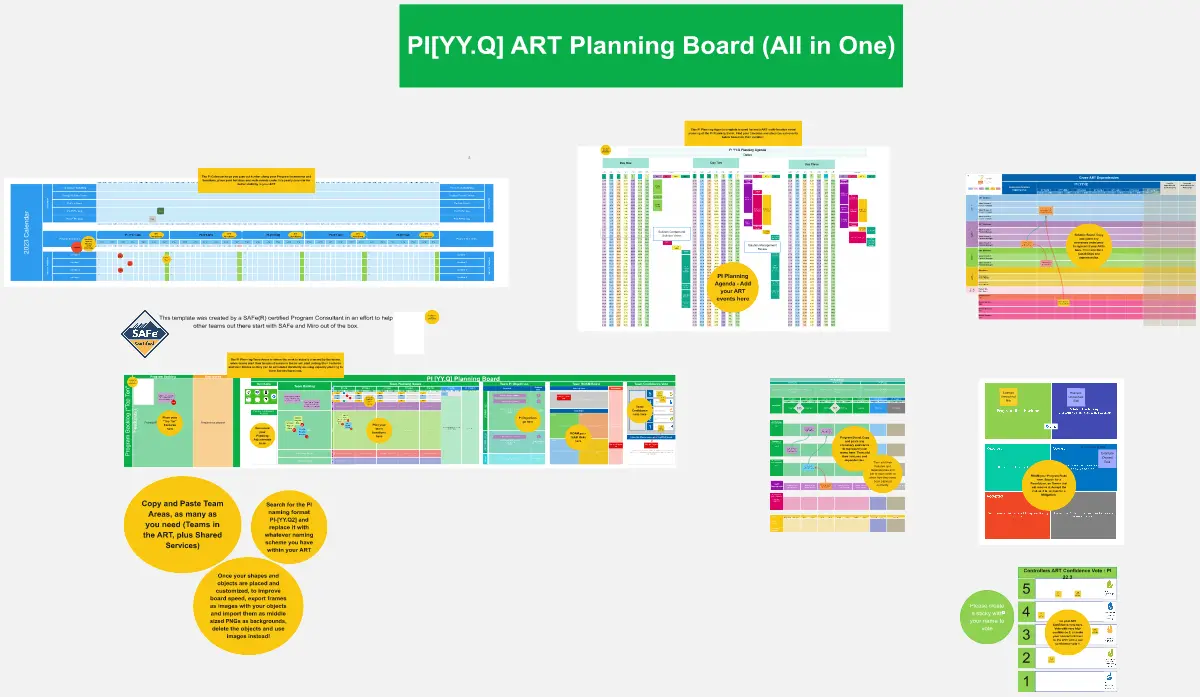
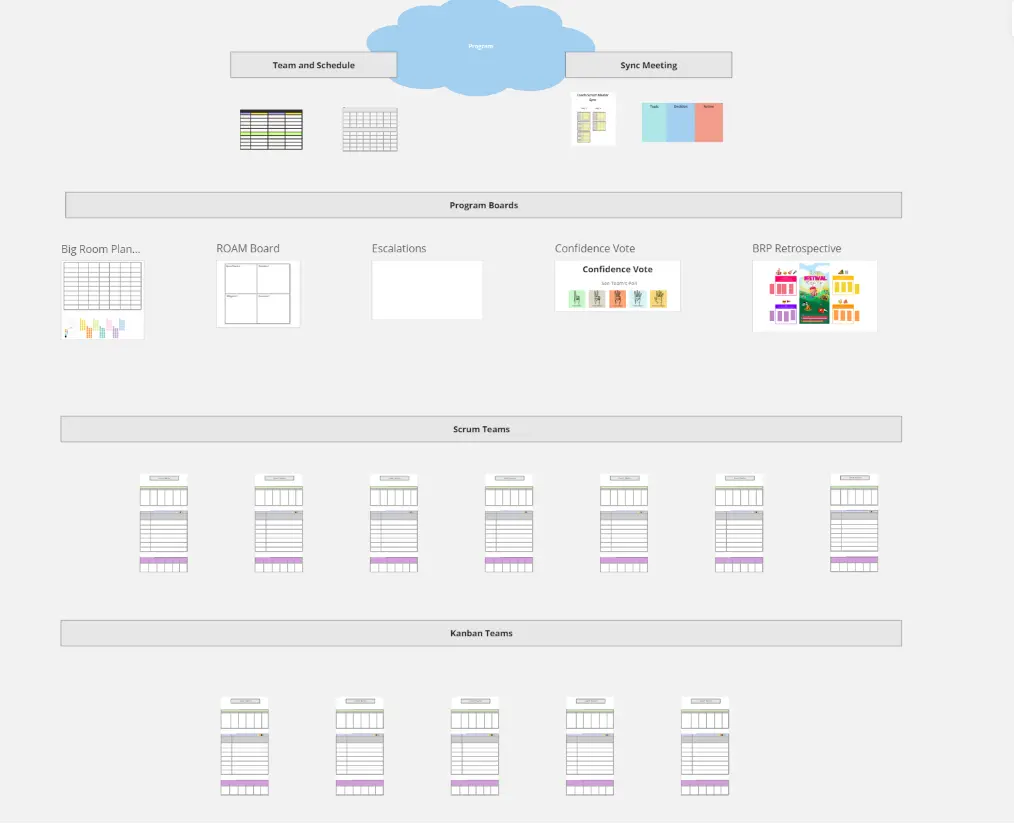
All-in-one PI Planning
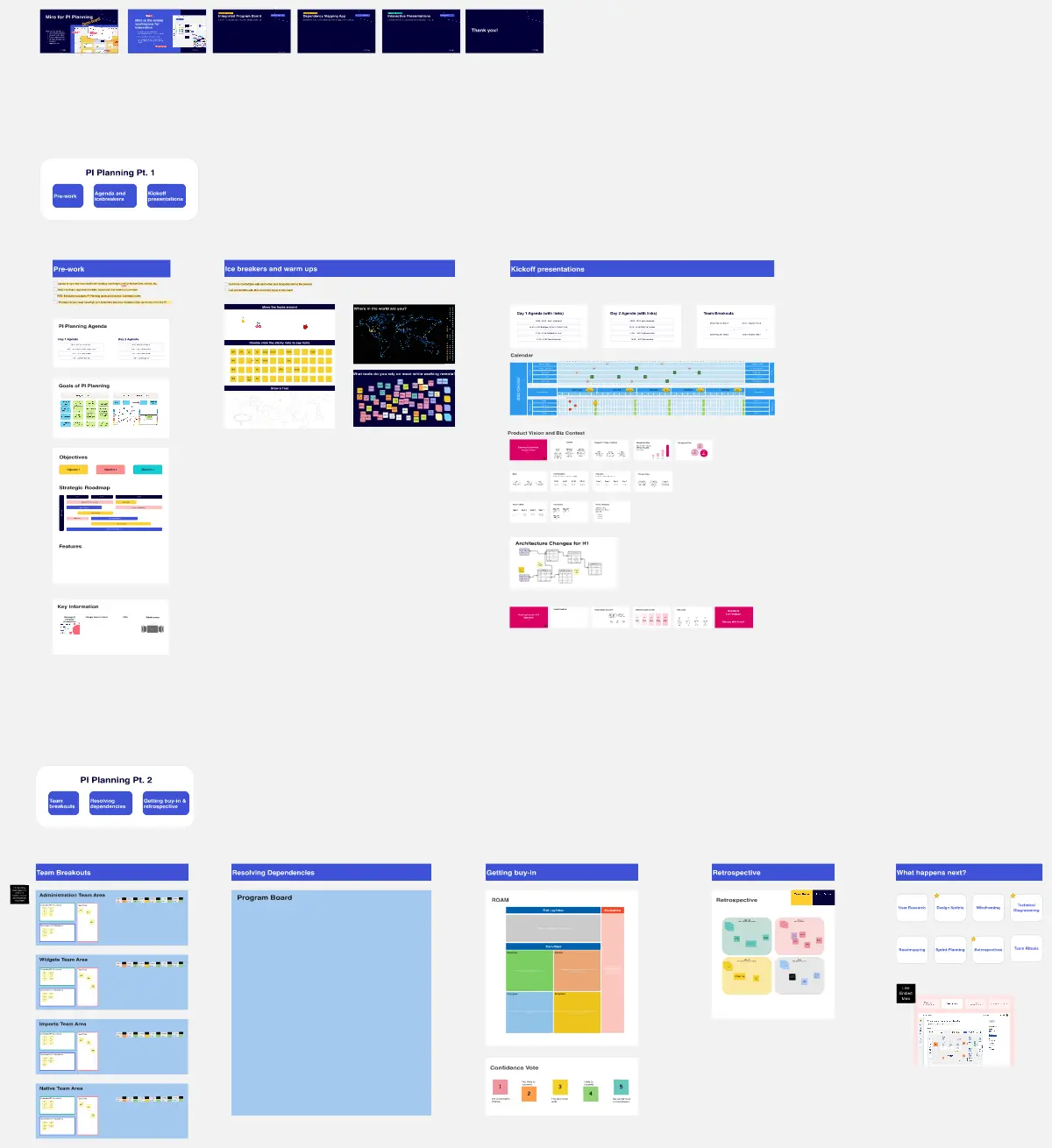
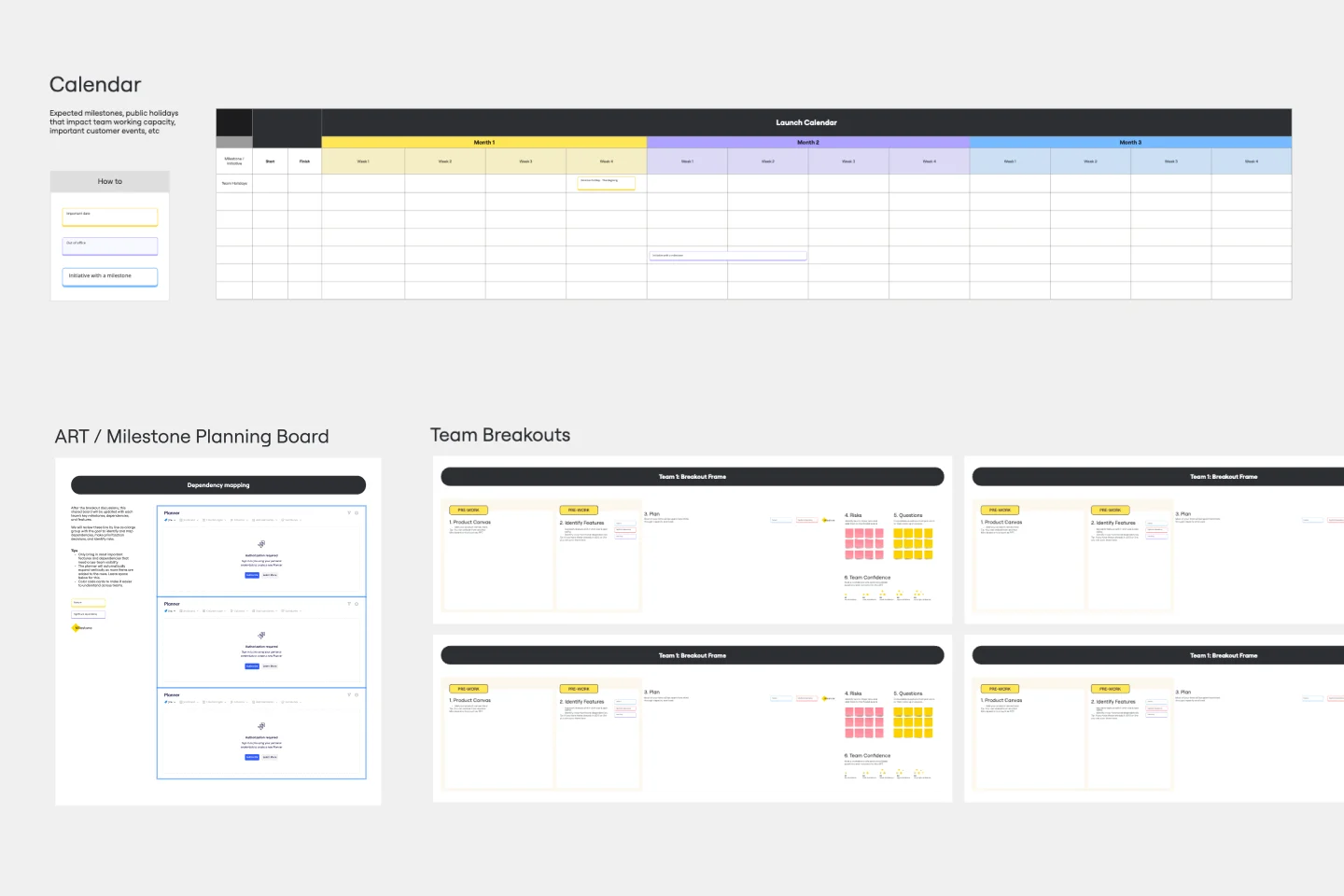
The All-in-one PI Planning template streamlines the SAFe Program Increment (PI) Planning process by providing a comprehensive framework for teams to collaboratively plan and align on objectives and dependencies. It integrates essential elements such as PI Objectives, Team Breakouts, and Program Board, enabling teams to visualize, prioritize, and coordinate work effectively. This template empowers Agile Release Trains to deliver value predictably and efficiently, driving alignment and synchronization across the organization.
- 54 likes377 uses
- 54 likes335 uses
- 48 likes332 uses
- 64 likes254 uses
- 51 likes199 uses
- 16 likes158 uses
- 4 likes127 uses

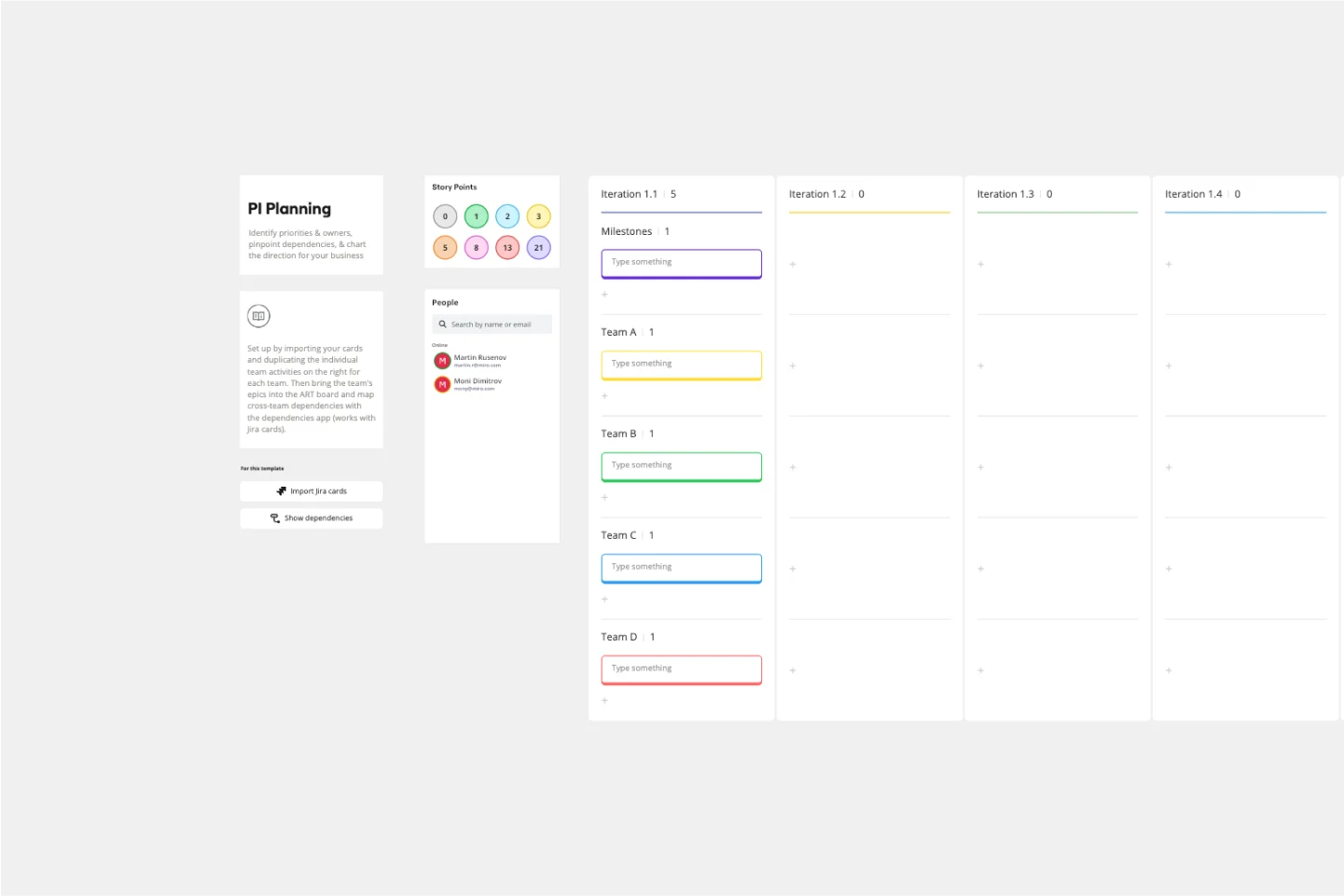
PI Planning Template
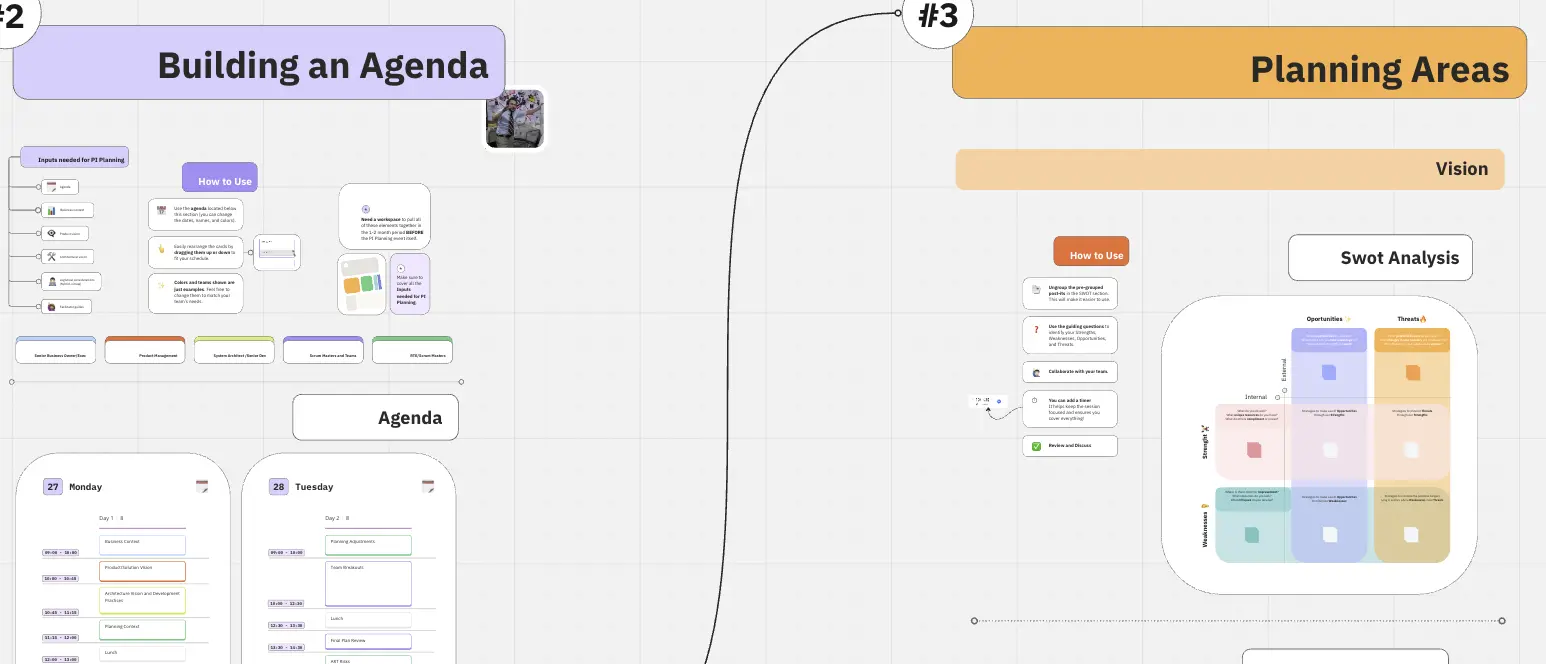
PI planning stands for “program increment planning.” Part of a Scaled Agile Framework (SAFe), PI Planning helps teams strategize toward a shared vision. In a typical PI planning session, teams get together to review a program backlog, align cross-functionally, and decide on the next steps. Many teams carry out a PI planning event every 8 to 12 weeks, but you can customize your planning schedule to fit your needs. Use PI planning to break down features, identify risks, find dependencies, and decide which stories you’re going to develop.
- 8 likes67 uses
- 2 likes67 uses

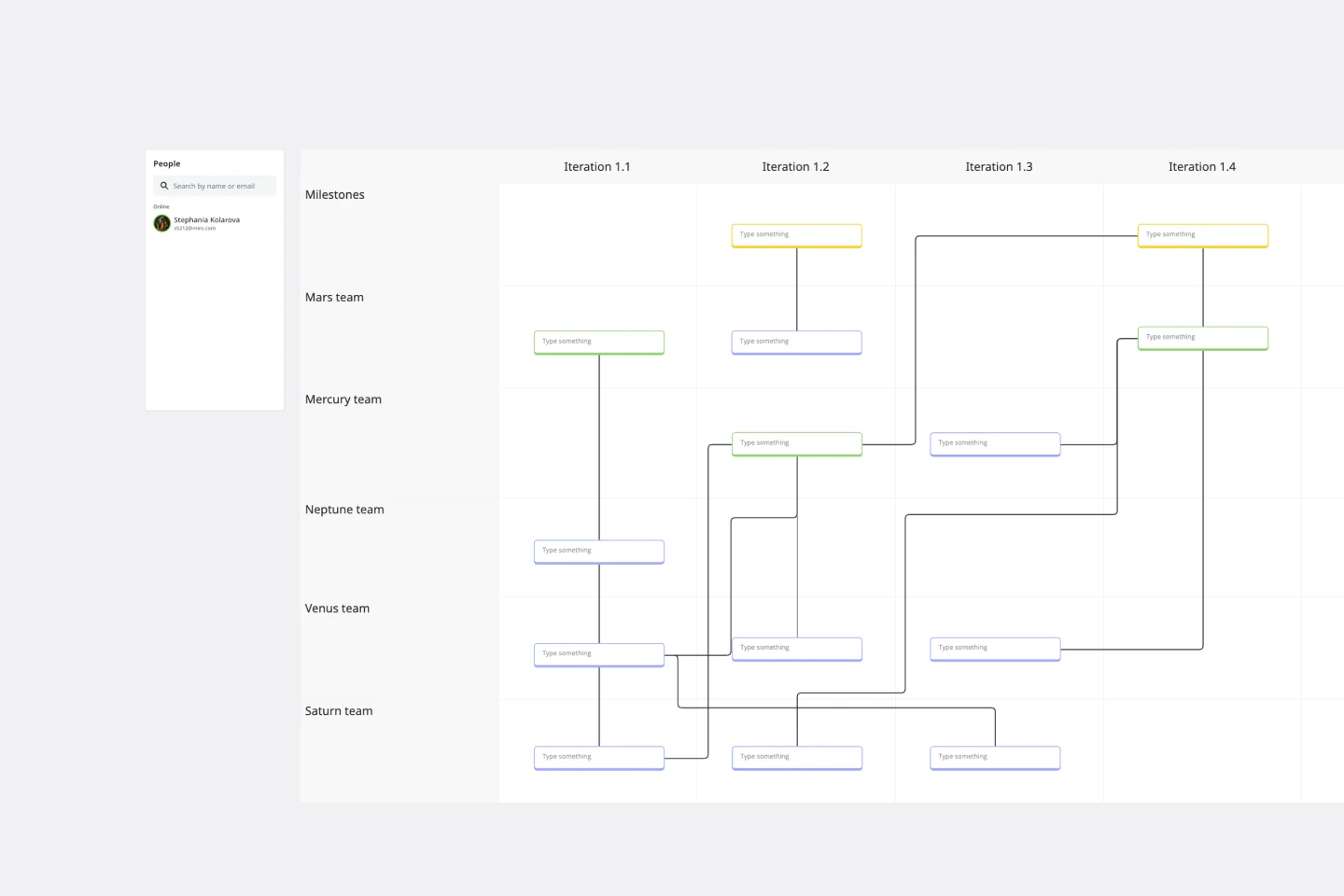
SAFe Program Board
Many organizations use the Agile model, but even companies that don’t rigorously adhere to all Agile standards have adopted Agile tools and methods like Program Increment (PI) Planning. Even if you’re not participating in a formal PI session, a program board can be a great way to establish communication across teams and stakeholders, align development objectives with business goals, clarify dependencies, and foster cross-functional collaboration. The board provides much-needed structure to planning sessions, yet is adaptable enough to accommodate brainstorming and alignment meetings.
- 1 likes54 uses

Scenario Planning Template
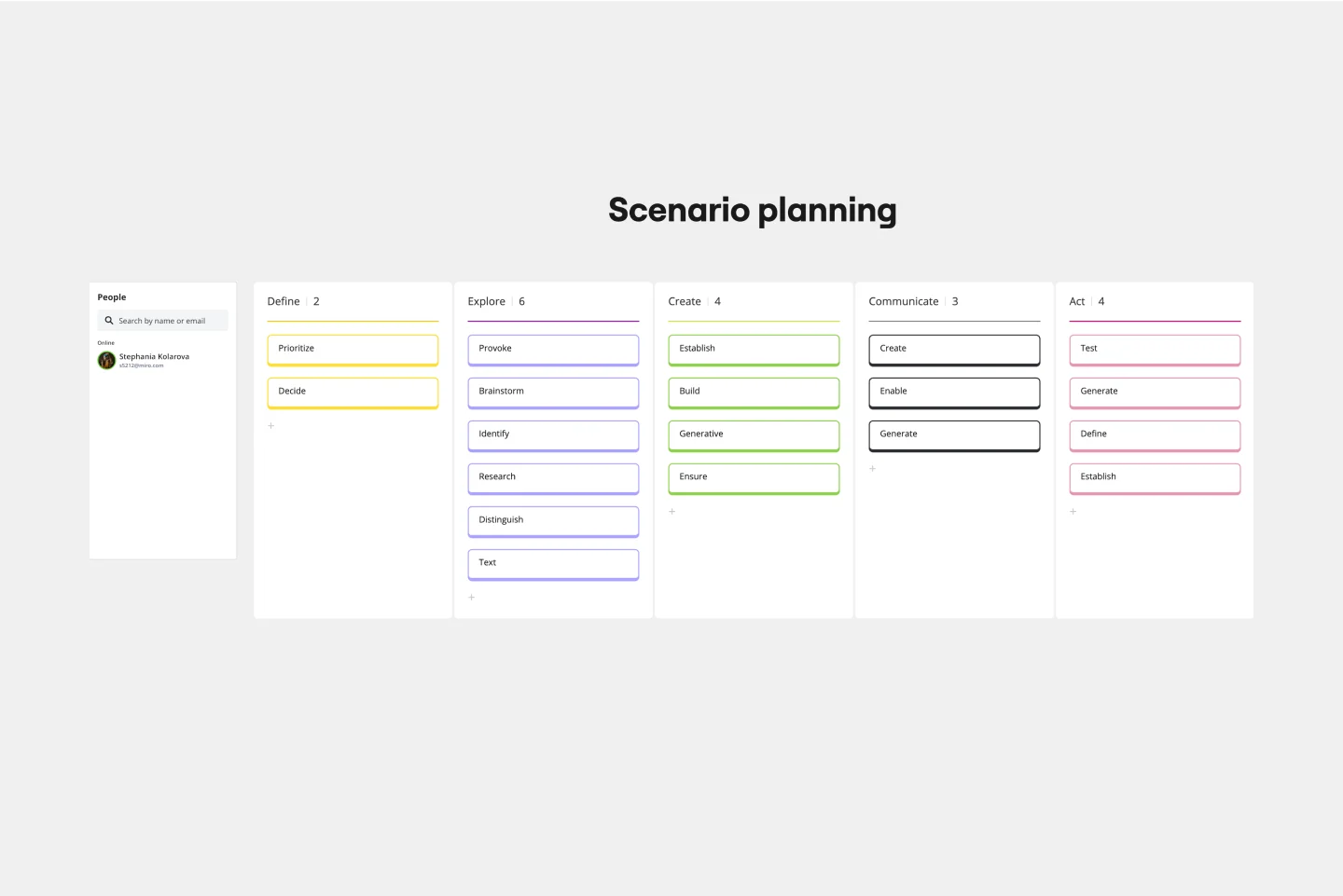
The Scenario Planning Template simplifies the complex process of strategizing and envisioning various future scenarios. The template’s clear structure helps teams and individuals effectively navigate the multifaceted steps of project planning and execution. A standout benefit of this template is its capability to foster structured thinking. With its distinct sections ranging from definition to action, it ensures that ideas are organized coherently, promoting logical progression and reducing the chances of oversight, making the planning process both efficient and comprehensive.
- 5 likes50 uses

AI Accelerated
PI Planning AI Template
PI planning stands for “program increment planning.” Part of a Scaled Agile Framework (SAFe), PI Planning helps teams strategize toward a shared vision. In a typical PI planning session, teams get together to review a program backlog, align cross-functionally, and decide on the next steps. Many teams carry out a PI planning event every 8 to 12 weeks, but you can customize your planning schedule to fit your needs. Use PI planning to break down features, identify risks, find dependencies, and decide which stories you’re going to develop.
- 5 likes46 uses

PI Planning Template
The Miro PI Planning Template streamlines the Program Increment planning process for Agile teams. It facilitates a collaborative environment, enabling teams to efficiently align on strategies, identify dependencies, and convert decisions into actionable tasks. With features like real-time collaboration, Jira integration, and a centralized workspace, the template supports teams in enhancing efficiency, engagement, and decision-making.
- 0 likes10 uses

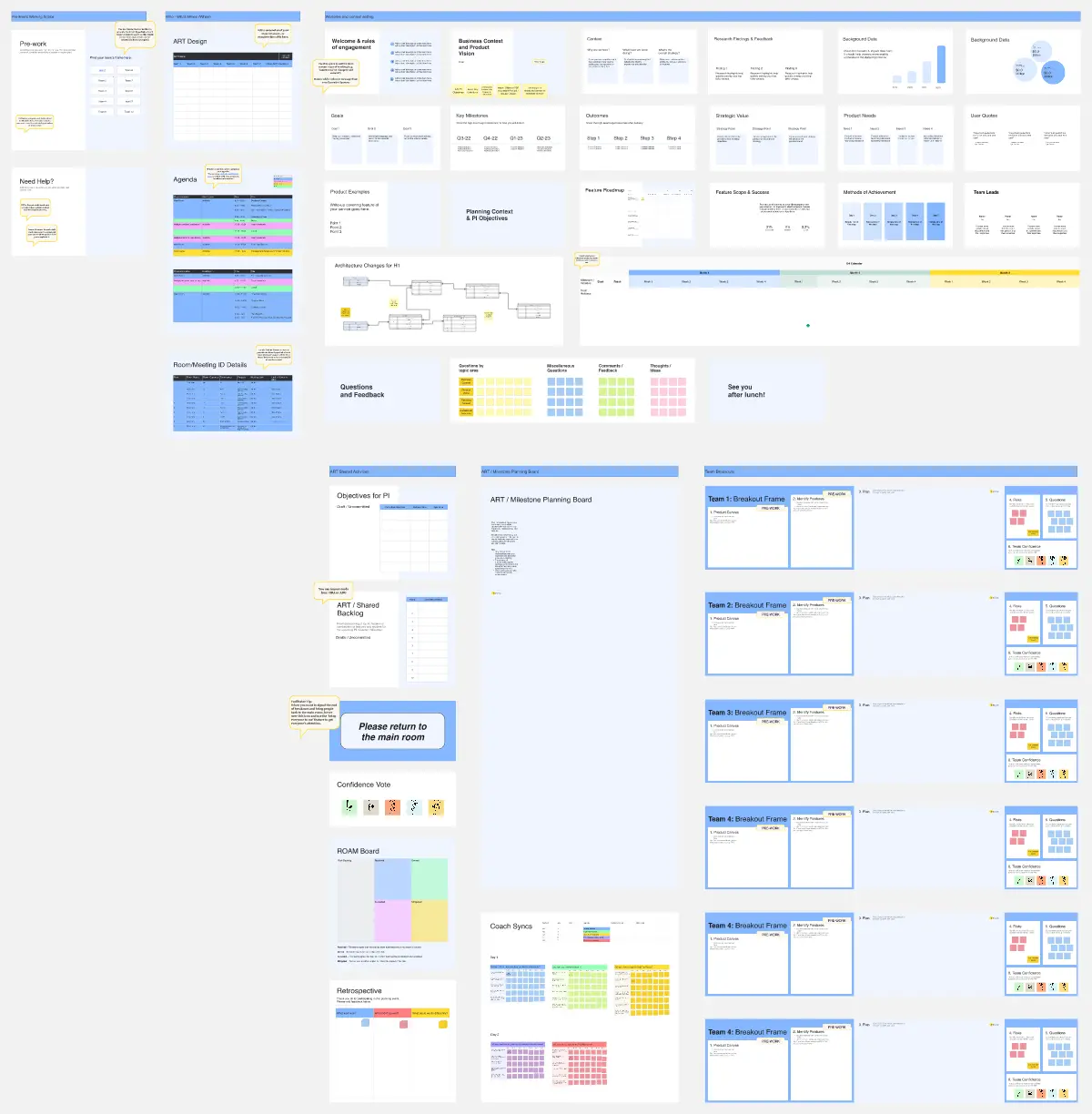
PI Planning Preparation SAFe Template
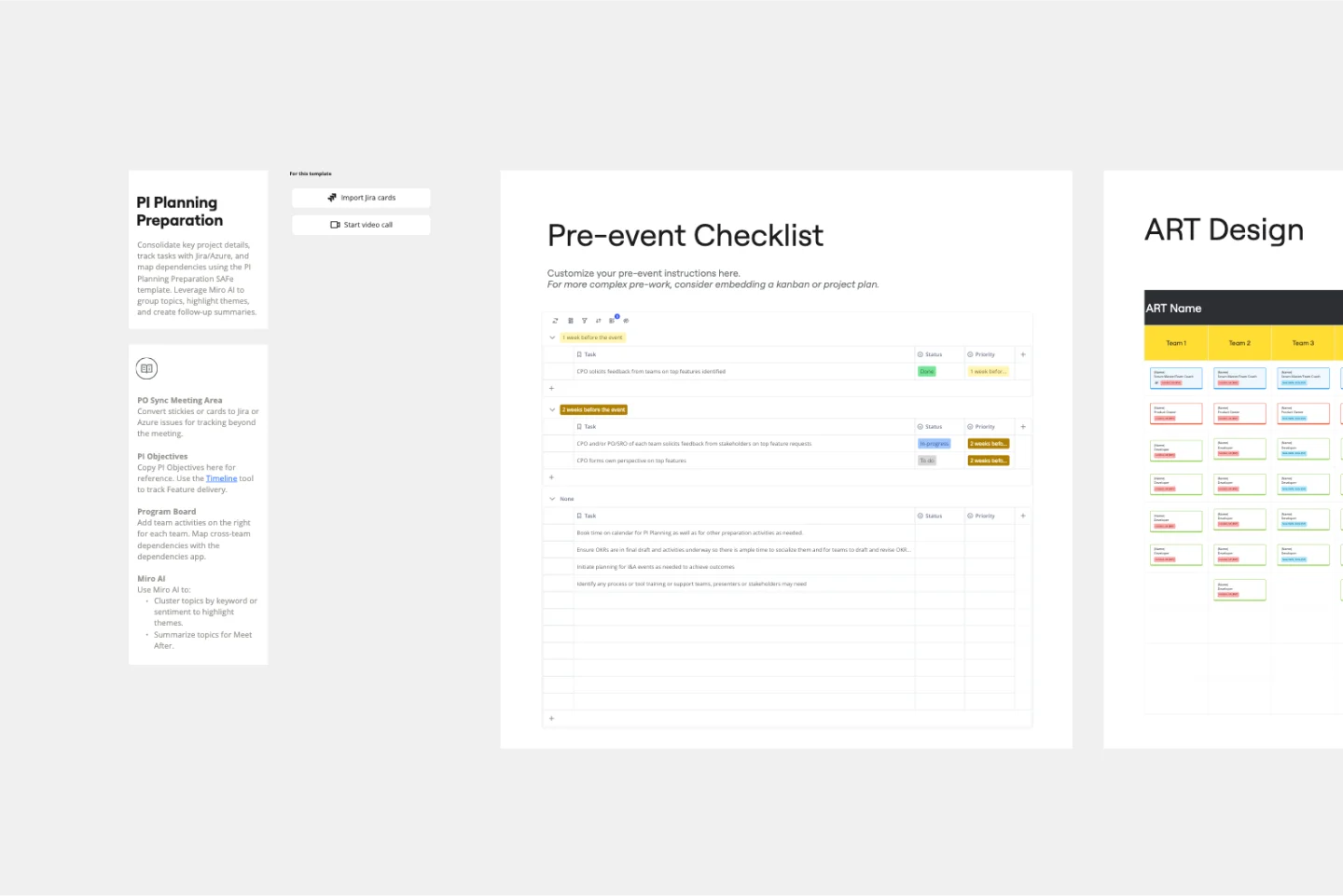
The PI Planning Preparation SAFe Template in Miro is designed to streamline the preparation process for Program Increment (PI) Planning within the SAFe framework. This template helps teams organize and align their objectives, ensuring a smooth and efficient planning session. It includes sections for gathering feedback, setting up the business context, defining the product vision, and preparing the necessary tools and integrations.
- 0 likes3 uses

PI Planning Wrap up & Tracker SAFe Template
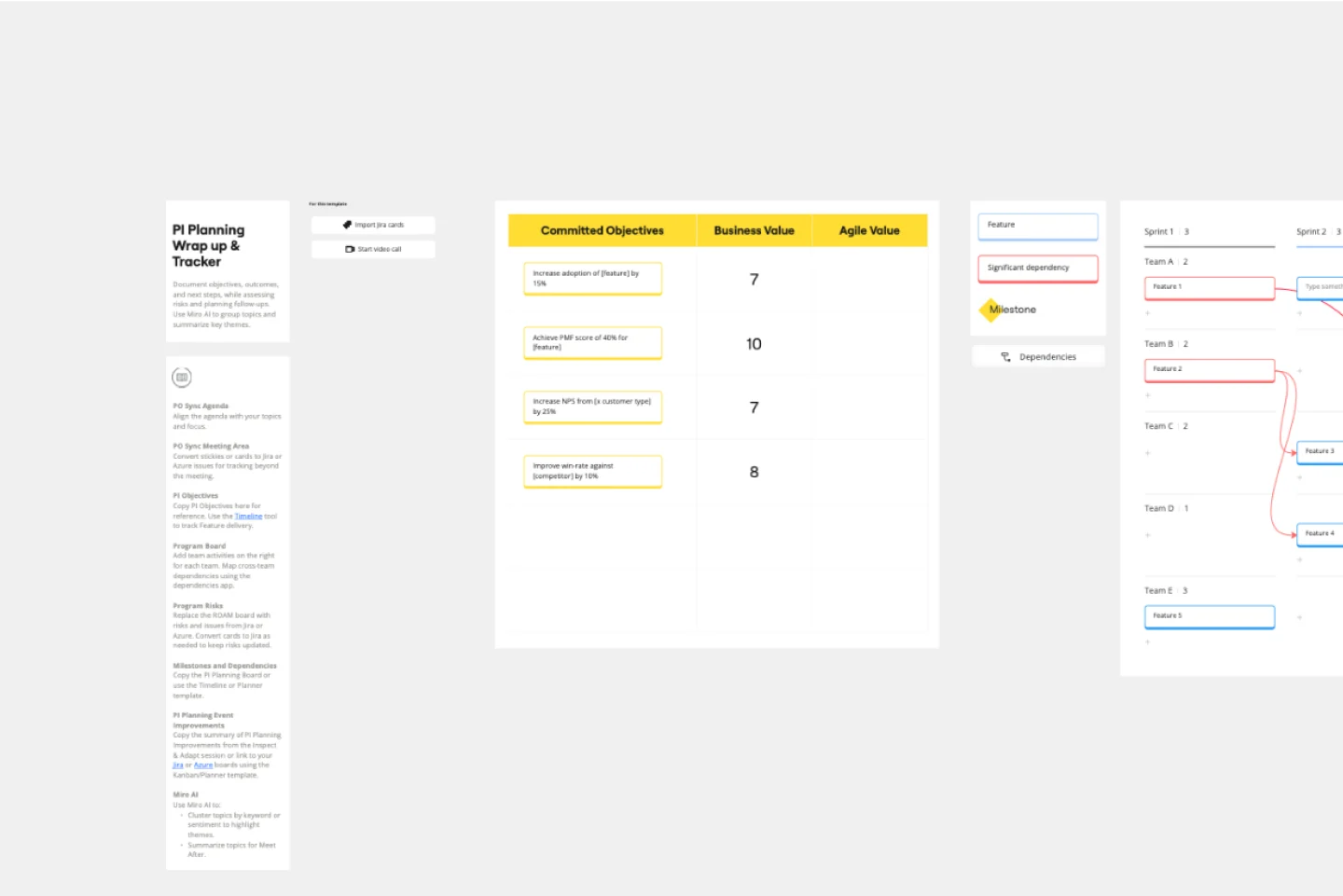
The PI Planning Wrap up & Tracker SAFe Template is a comprehensive tool designed to streamline the post-PI planning process for teams using the SAFe framework. It helps document objectives, meeting outcomes, and future plans, ensuring all critical information is captured and easily accessible. With integrated Miro AI, users can group topics by keyword or sentiment to identify key themes and create summaries for follow-up discussions. This template is particularly beneficial for product managers who need to efficiently track program risks, dependencies, and next steps.

Explore more
About the PI Planning Templates Collection
A PI Planning template is a comprehensive visual workspace used by multiple Agile teams to align on a shared mission for the next 8–12 weeks. It serves as the "War Room" for the ART, providing a synchronized view of features, team-level iterations, and the critical links between them. By using a standardized Miro template, hundreds of practitioners can simultaneously map out their work, identify blockers, and commit to a unified Program Board.
Key Components of a PI Planning Template
A professional PI Planning template is an ecosystem. Every high-performance Miro board should include these five core elements:
Iteration Swimlanes: Vertical columns for each sprint (usually 1.1 through 1.5) to map the timeline of the increment.
Feature Cards: High-level blocks that represent the business value being delivered.
Dependency Strings (Connectors): Visual lines that link a story in one team’s board to a feature on the Program Board.
Business Value Scores: A section for Business Owners to assign value to "Team PI Objectives" during the second day.
Confidence Vote Scale: A "Fist of Five" or digital polling area to capture the team’s belief in the plan before commitment.
PI Planning Methods
1. The ROAM Risk Method
During breakouts, teams move technical or business risks to a central board to be "ROAMed" by leadership:
Resolved: The threat is eliminated.
Owned: A specific person is assigned to manage it post-event.
Accepted: The risk is a known constraint we must work around.
Mitigated: A plan is created to reduce the risk's impact.
2. Weighted Shortest Job First (WSJF)
Use this mathematical formula to prioritize the backlog based on the Cost of Delay (CoD) vs. Job Size:
WSJF = ({User-Business Value} + {Time Criticality} + {Risk Reduction}) / {Job Size}
The Goal: Prioritize high-value, low-effort "quick wins" to maximize flow across the train.
3. Dependency String Mapping
Visualize inter-team requirements on the Program Board using color-coded connectors:
Red Strings: External dependencies (teams outside your ART).
Blue Strings: Internal dependencies between your teams.
The Audit: If a string points "backward" (Team A needs a feature in Sprint 2 that Team B delivers in Sprint 3), you have a Planning Conflict that must be resolved immediately.
4. Fist of Five Confidence Vote
A rapid sentiment-check to ensure the team commits to the plan:
1–2 Fingers: Major concerns; the plan is blocked.
3 Fingers: "Good enough" to support.
4–5 Fingers: High confidence.
The Method: If anyone votes 2 or lower, planning stops until their specific blockers are addressed. This prevents "silent failure" once the increment begins.
How to use the PI planning templates in Miro
1. Select the template: Start by choosing a PI planning template from Miro's template library. You can find templates for various aspects of PI planning, including the program board, team breakouts, and risk management.
2. Customize the template: Tailor the template to your specific needs. Add your team's objectives, features, and user stories. Use Miro's drag-and-drop functionality to organize elements on the board.
3. Identify dependencies: Use the dependencies app to map out dependencies between teams and features. This helps in identifying potential bottlenecks and ensuring that all teams are aligned.
4. Plan iterations: Break down the work into iterations. Assign tasks to team members and estimate the effort required for each task. Use Miro's capacity planning tools to ensure that the workload is balanced.
5. Conduct breakout sessions: During the PI planning event, use the template to facilitate breakout sessions. Teams can work on their specific areas, update their plans, and sync with other teams.
6. Review and adjust: After the breakout sessions, bring all teams together to review the overall plan. Make any necessary adjustments based on feedback and ensure that all dependencies and risks are addressed.
7. Finalize the plan: Once the plan is reviewed and adjusted, finish it and share it with all stakeholders. Use Miro's export and sharing features to distribute the plan.
8. Track progress: Throughout the PI, use the template to track progress. Update the board with completed tasks, new risks, and any changes to the plan.