
Documentation templates
Have a bird's eye view of all your projects and operations with our range of documentation templates. Streamline workflows and communicate complex information in one shared space, breaking silos and getting everyone on the same page.
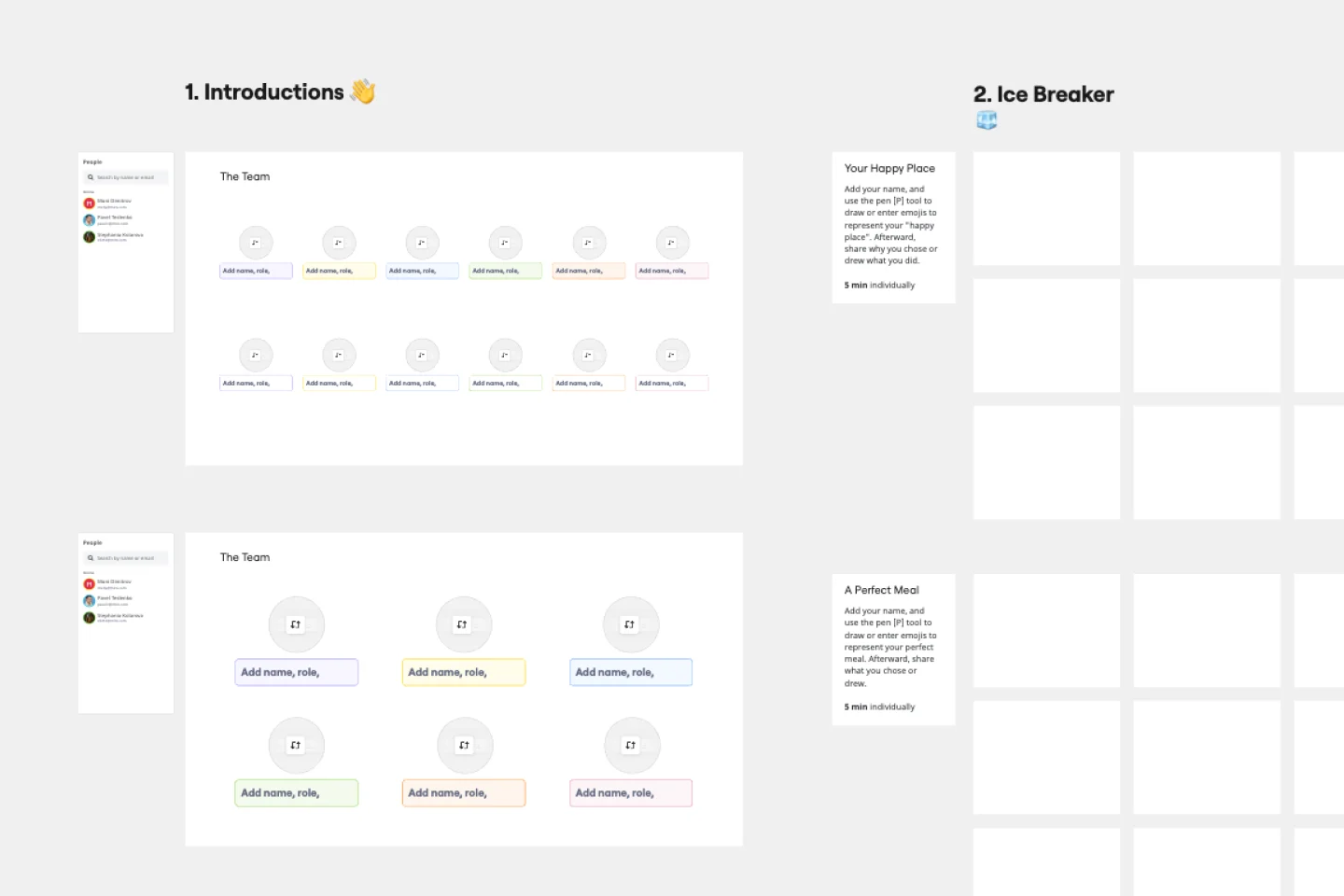
Meet the Team Template
Works best for:
Documentation, Org Charts, Team Meetings
A Meet the Team page is the best way to introduce each member of the team or organizational leaders. It includes profile pictures and bios with their work experience, achievements, and social media links. The Meet the Team Template helps you design a page that genuinely reflects your team.
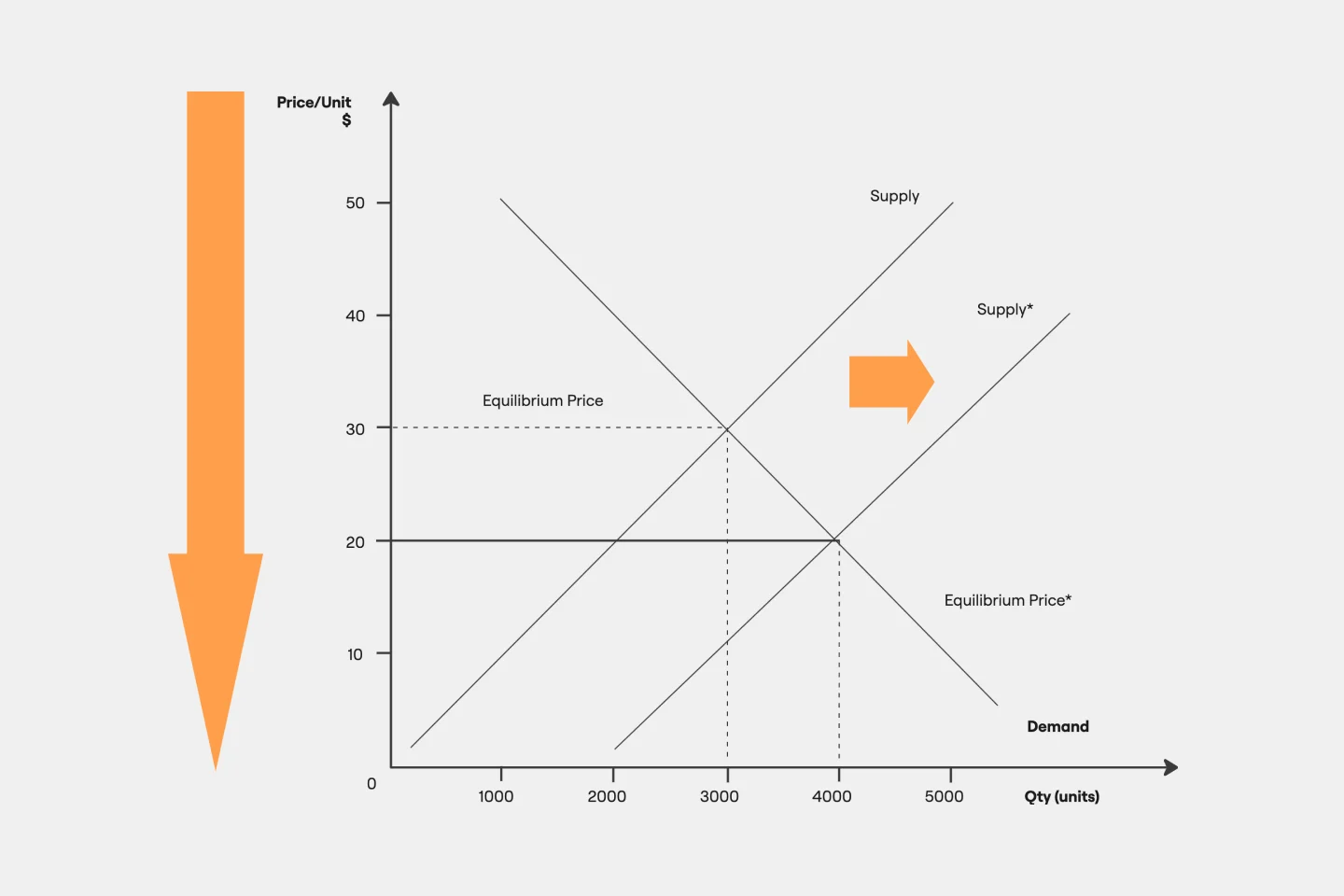
Supply and Demand Graph Template
Works best for:
Market Research, Mapping, Diagrams
How do you price your product so that you make a profit while keeping customers and manufacturers happy? By finding a fair price. A supply and demand diagram is a graph that visualizes how much demand there is for your product and how many products you need. This, in turn, helps you with product pricing.
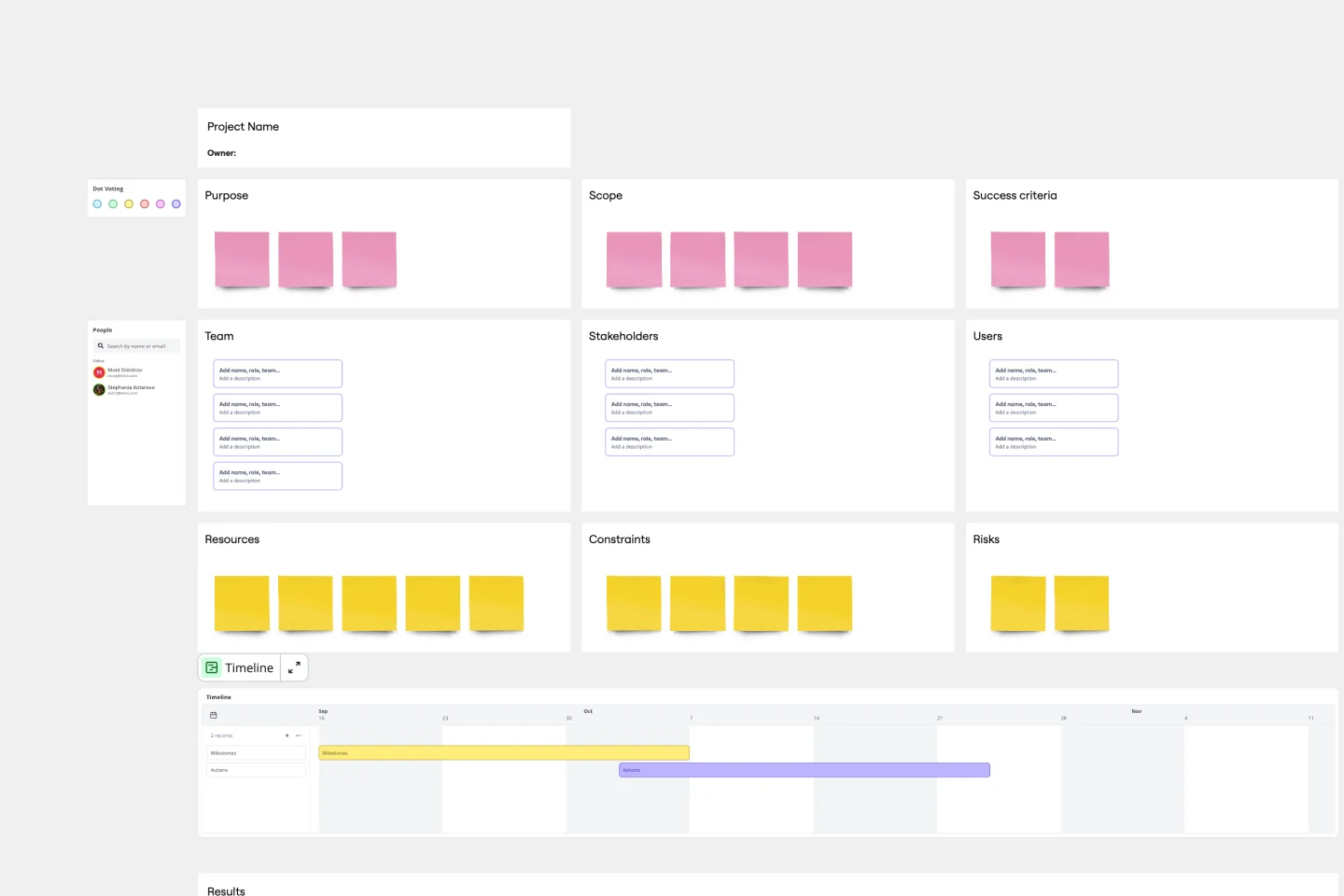
Project Charter Template
Works best for:
Project Management, Documentation, Strategic Planning
Project managers rely on project charters as a source of truth for the details of a project. Project charters explain the core objectives, scope, team members and more involved in a project. For an organized project management, charters can be useful to align everyone around a shared understanding of the objectives, strategies and deliverables for a project of any scope. This template ensures that you document all aspects of a project so all stakeholders are informed and on the same page. Always know where your project is going, its purpose, and its scope.
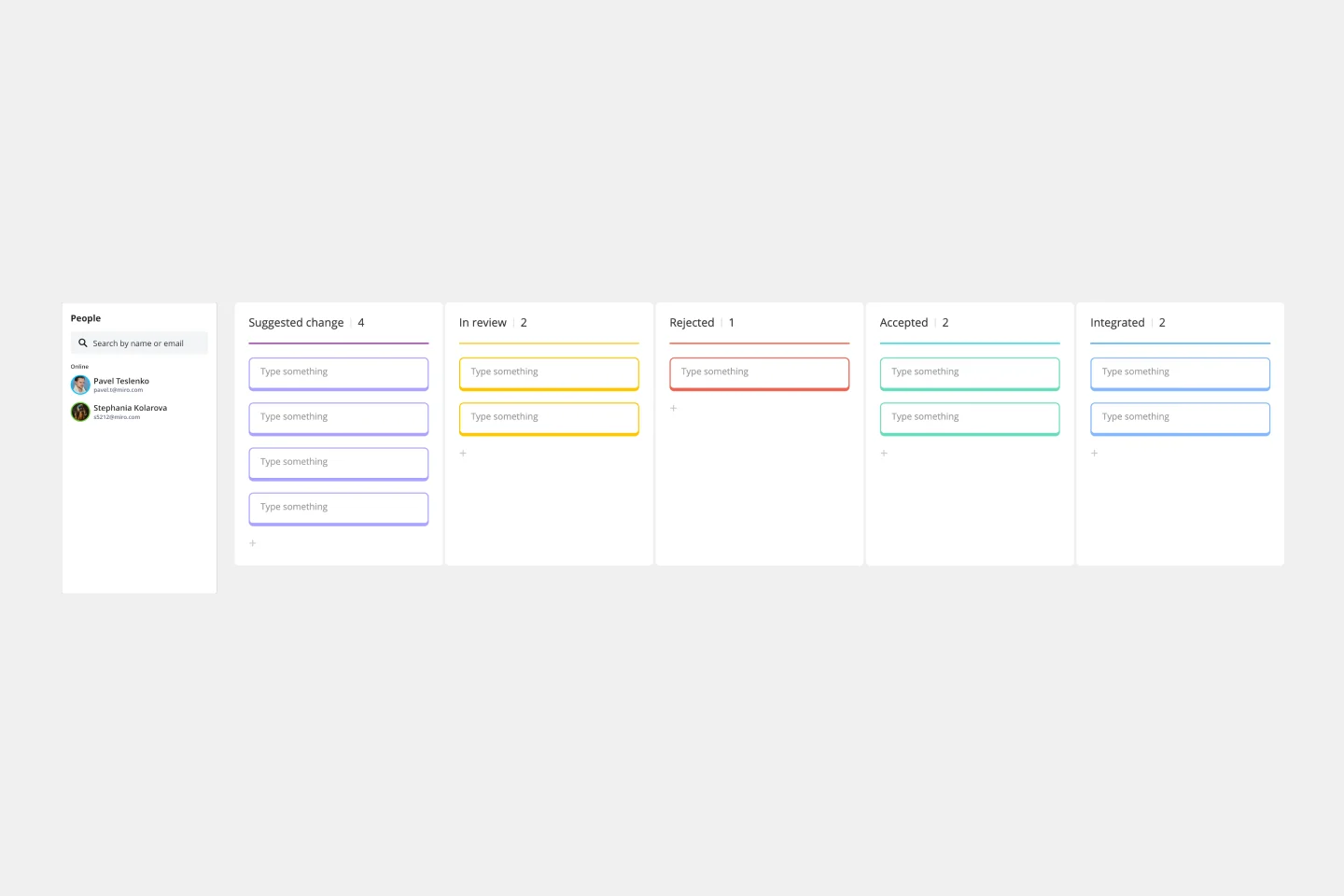
Change Control Process Template
Works best for:
Agile Methodology, Documentation, Product Management
You can predict, research, and plan for every detail of a project to go a certain way—then along comes the unforeseen and modifications are needed. That’s when a change control process comes into play. It helps define the right steps to take, gives stakeholders full visibility, and reduces the chances of errors and disruption. And this template is easy to use and highly effective—for ensuring that proposed changes are reviewed before they’re implemented, and empowering teams to veto changes that might prove unnecessary or disruptive.
Business Organizational Chart Template
Works best for:
Leadership, Org Charts, Operations
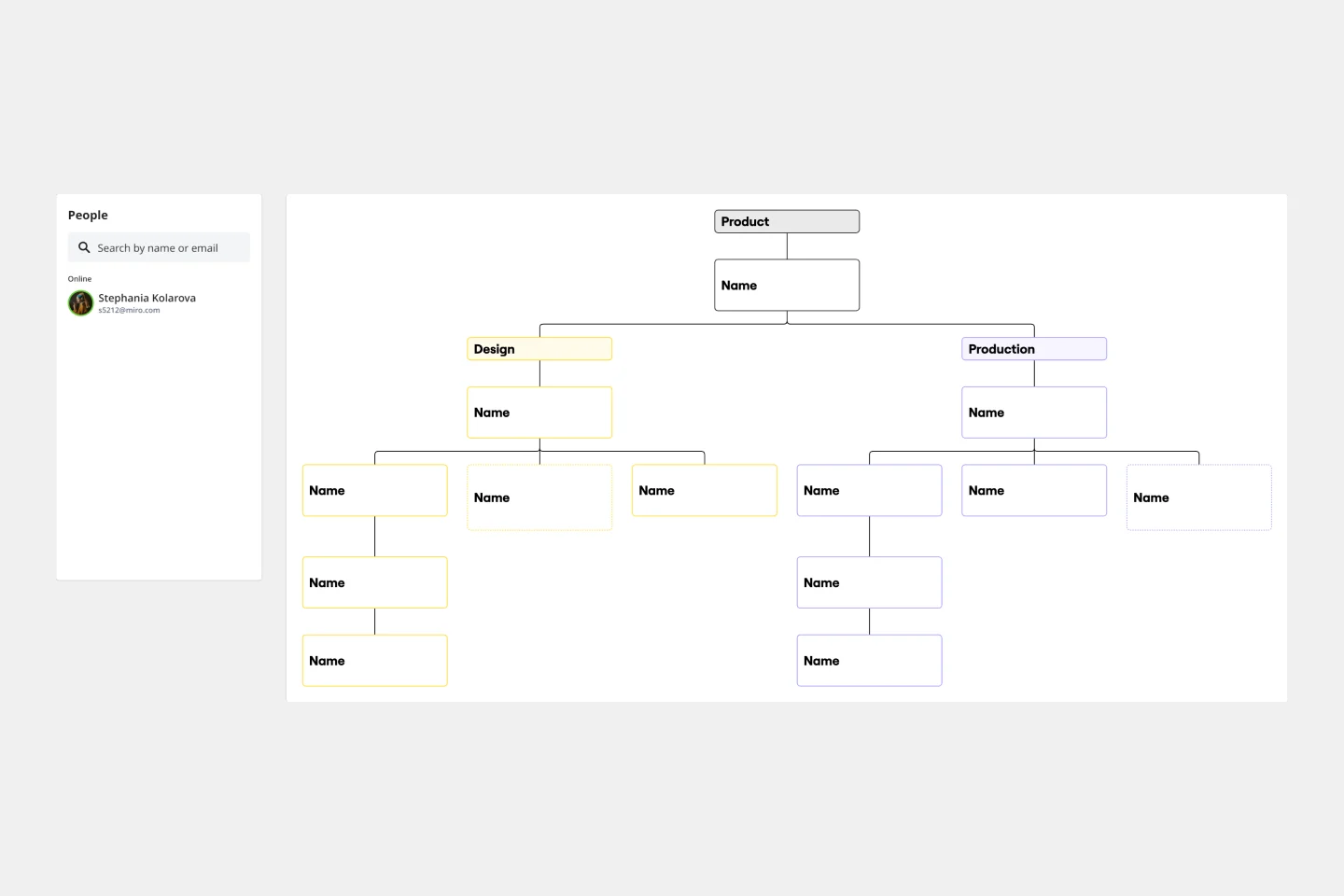
Establishing hierarchy in a business can empower employees—to know their roles and responsibilities, team members, potential cross-functional collaborators, and who to turn to with a specific need. That’s just what a Business Organizational Chart does. And this template makes it simple to build a BOC for your company. The first step is to determine the high-level organizational structure of your company. Then it's easy to create a visual representation of how different employees are interconnected.
UX Research Plan Template
Works best for:
Market Research, Desk Research, User Experience
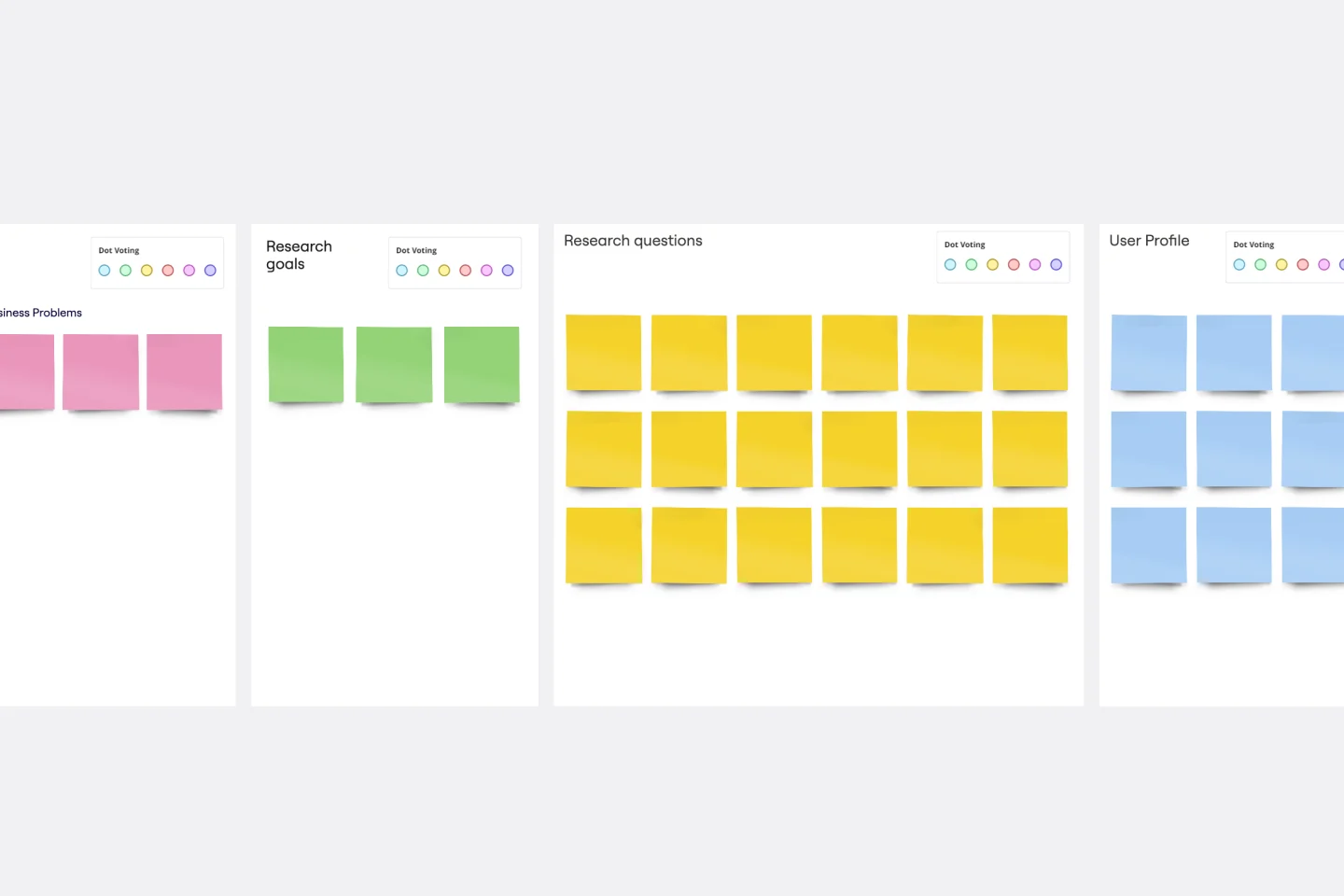
A research plan communicates the fundamental information that stakeholders need to understand about a user experience research project: who, what, why, and when. The plan ensures everyone is aligned and knows what they must do to make the UX research project a success. Use the research plan to communicate background information about your project; objectives; research methods; the scope of the project, and profiles of the participants. By using a UX research plan, you can achieve stakeholder buy-in, stay on track, and set yourself up for success.
Project Proposal Template
Works best for:
Project Management, Documentation, Project Planning
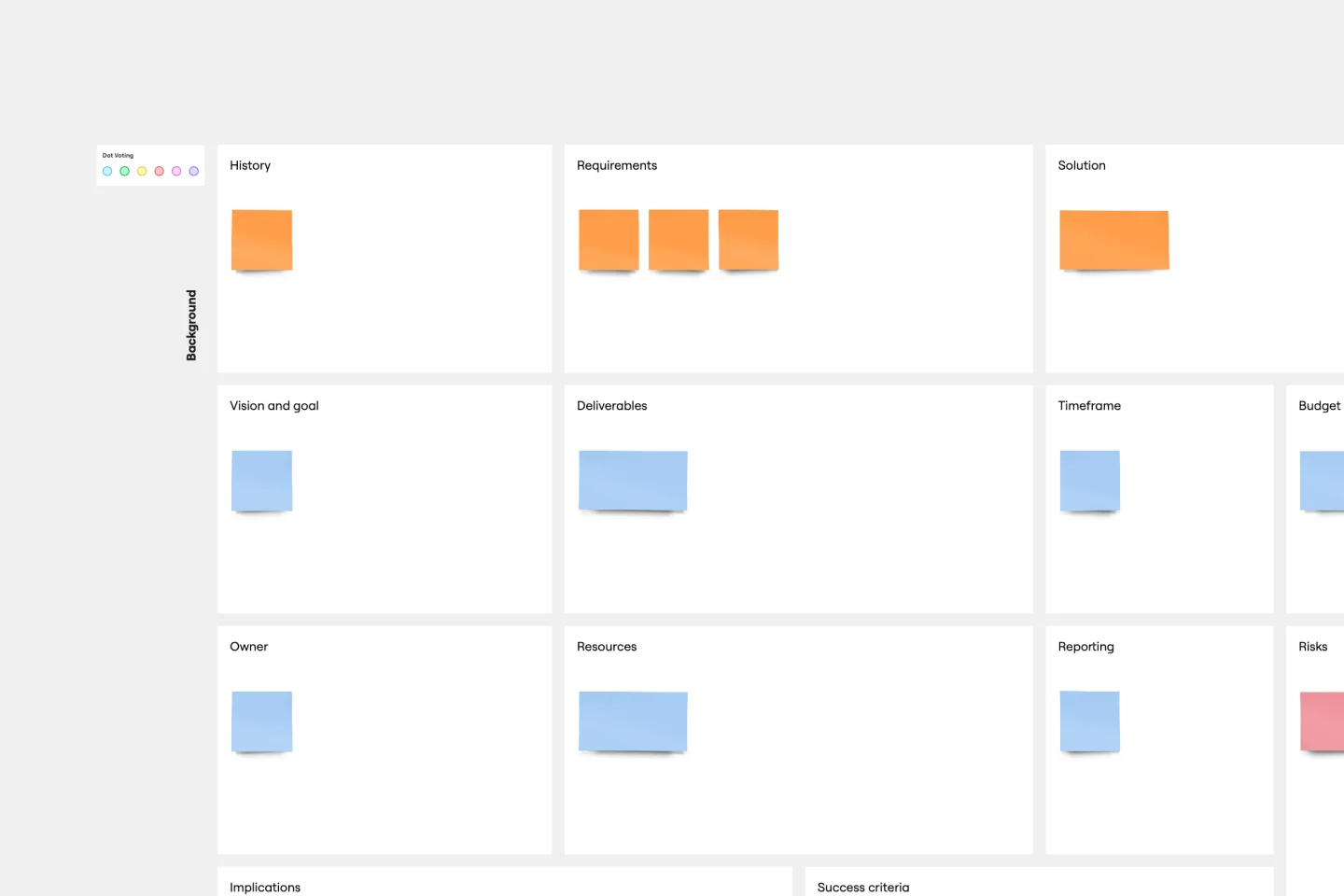
For any type of project, the Project Proposal template can be a crucial step toward clarifying the context, goals, and scope of a project to get stakeholder buy-in. A project proposal outlines what you want to accomplish, your goals, and how you plan to achieve them. Generally, a project proposal gives the reader some context on the project, explains why it is important, and lists the actions that you will take to complete it. Project proposals have myriad uses. Often, businesses use project proposals to get external buy-in from a donor or outside stakeholder. But many companies draw up project proposals for internal buy-in too.
Product Positioning Template
Works best for:
Marketing, Product Management, Desk Research
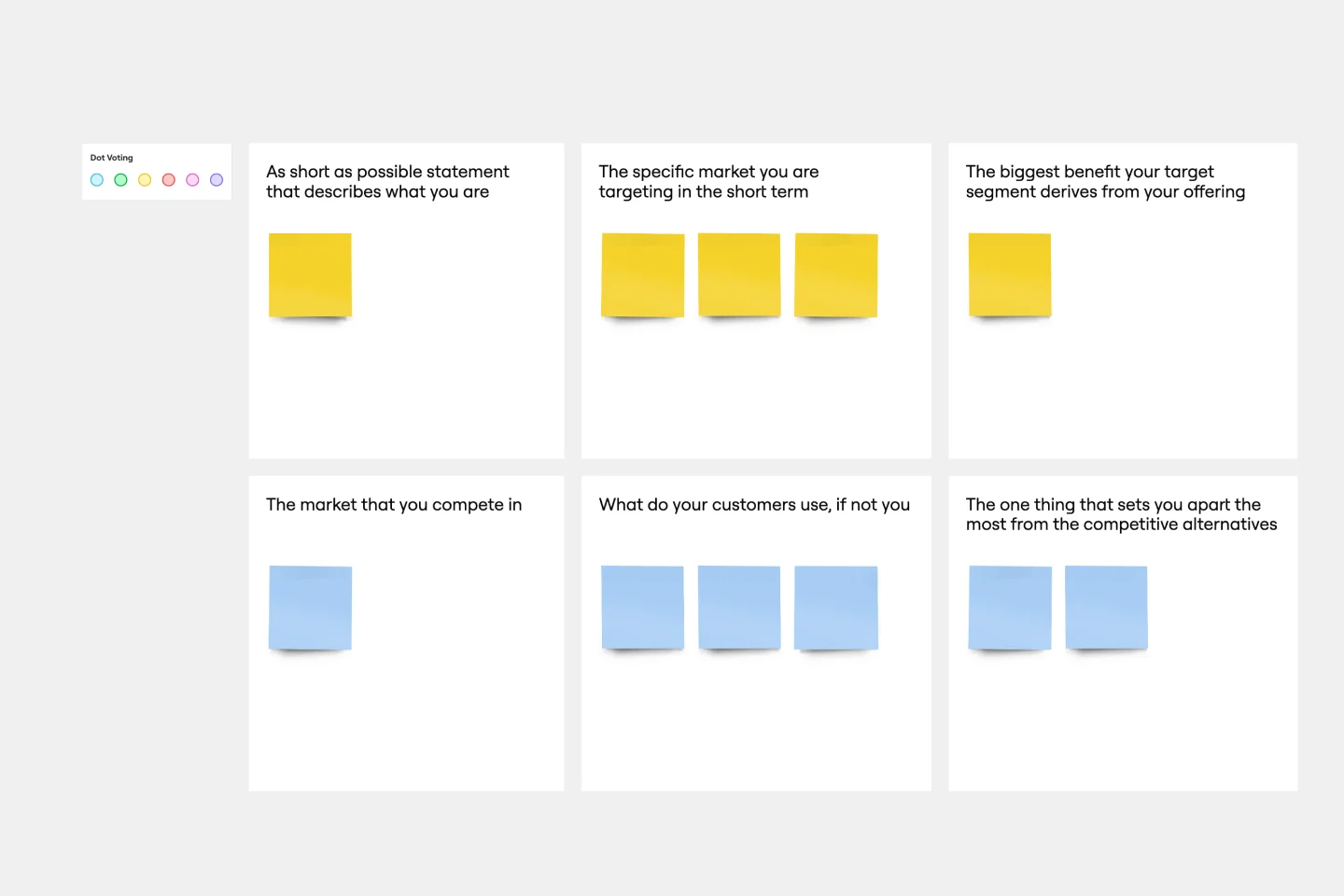
For better or for worse, your company’s chances for success hinge partially on your market. As such, before you start building products and planning strategies, it’s a good idea to conduct a product positioning exercise. A product positioning exercise is designed to situate your company and your offering within a market. The product positioning template guides you to consider key topics such as defining your product and market category, identifying your target segment and competitors, and understanding your key benefits and differentiation.

Kaizen Report Template
Works best for:
Agile Methodology, Operations, Documentation
What makes a great company great? They know that greatness needs to be fostered and maintained — meaning they never stop working to improve. If you’re one of those companies (or aspire to be), a kaizen report is an ideal tool. It creates a simple visual guide to continuous improvement activities on a team, departmental, and organizational level. Using a kaizen report approach, every employee in an organization audits their own processes and understands what they might have overlooked, making this a powerful tool for increasing accountability at all levels.
Executive Summary Template
Works best for:
Leadership, Project Management, Documentation
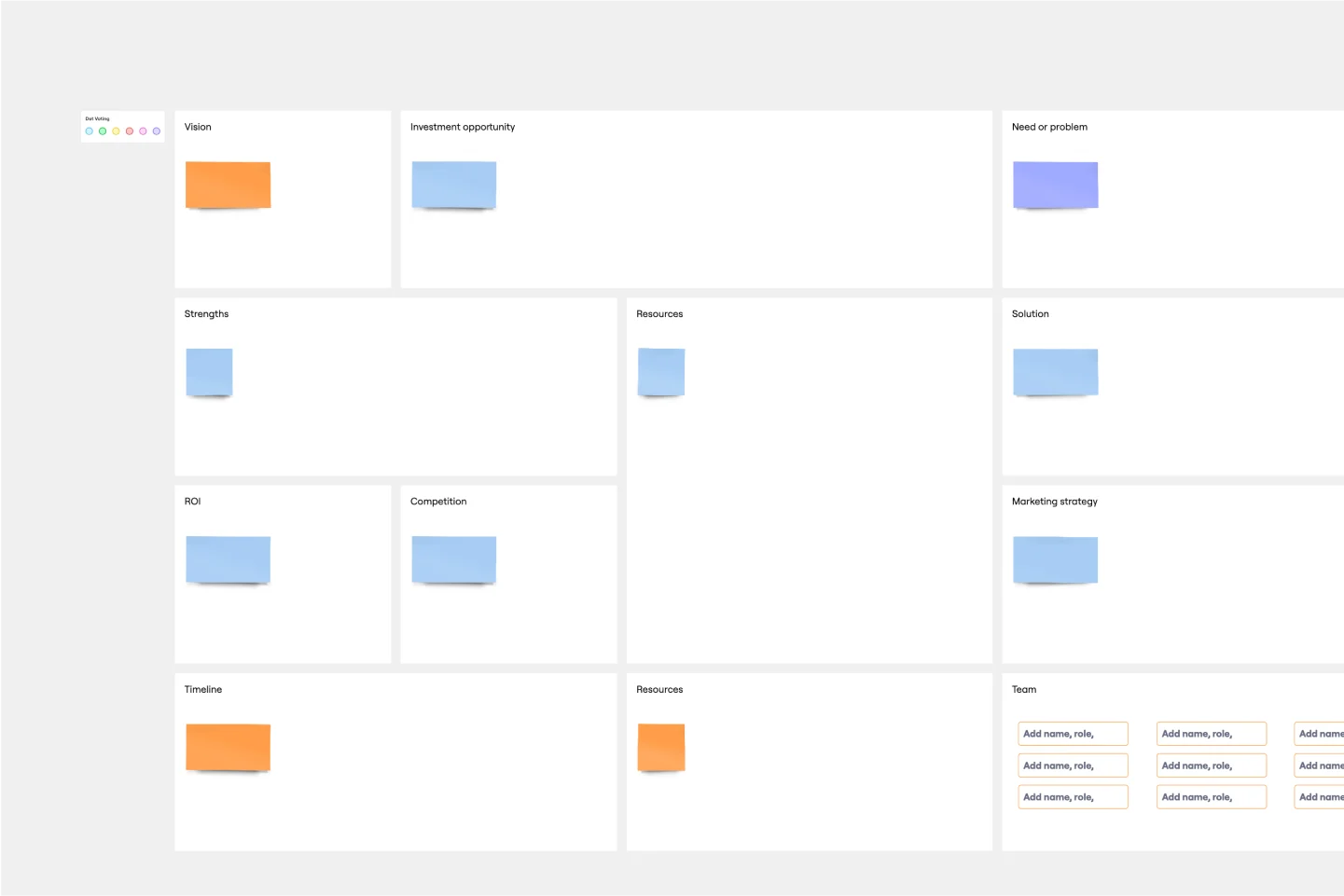
Pique their curiosity. Get them excited. Inspire them to keep reading, diving further into your proposal details. That’s what a good executive summary has the power to do—and why it’s a crucial opening statement for business plans, project plans, investment proposals, and more. Use this template to create an executive summary that starts building belief, by answering high-level questions that include: What is your project? What are the goals? How will you bring your skills and resources to the project? And who can expect to benefit?
AARRR Template
Works best for:
Marketing, Strategic Planning, Project Planning
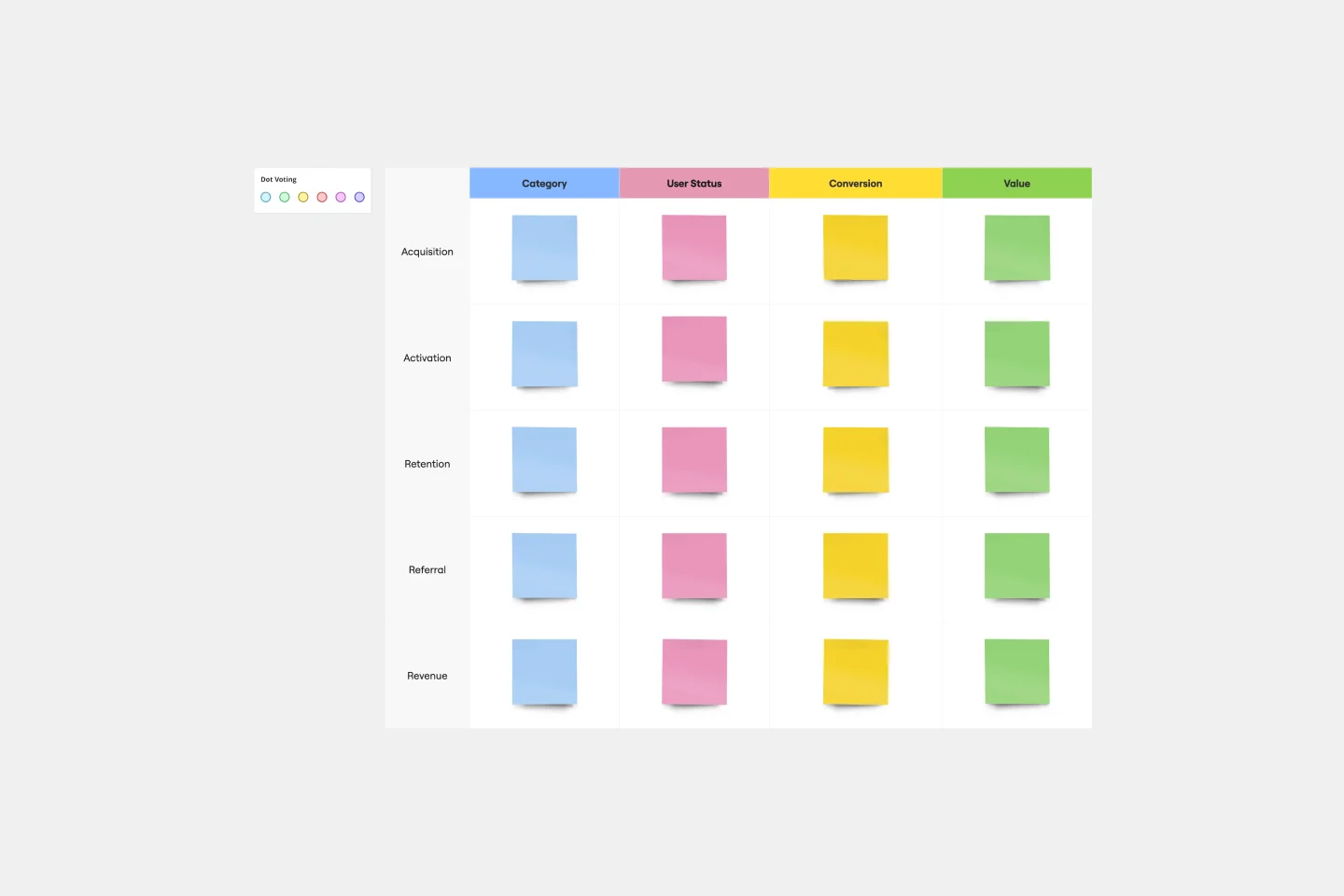
Sometimes called “Pirate Metrics” because of the name (go ahead, say it, it’s fun), AARRR is a valuable approach for startups to consider. That’s because AARRR stands for Acquisition, Activation, Retention, Referral, and Revenue—five key types of user behavior that are highly measurable and drive growth. Ask and answer the right questions around each of these five factors, and you’ll be able to establish clear goals and identify the best steps to help reach them.
Project Organizational Chart Template
Works best for:
Project Management, Documentation, Org Charts
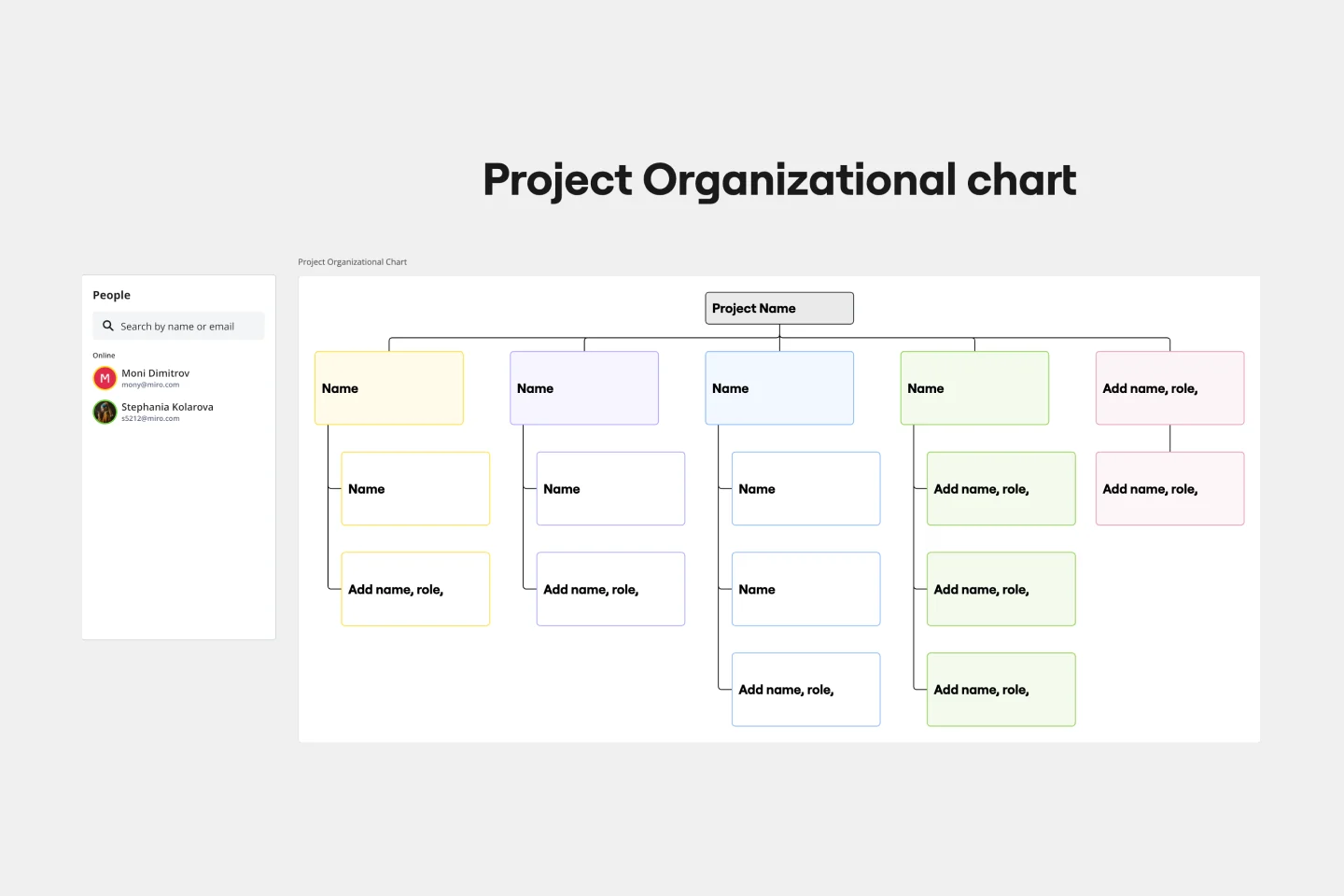
When you’re embarking on a long, complex project, you will inevitably hit roadblocks and obstacles. It’s important to have your project organizational chart on hand to overcome those challenges. A project organizational chart is a visual diagram that illustrates who is on your team and the role they play in a given project. It documents the structure of the project organization, the hierarchy between team members, and the relationships between employees. Project organizational charts are useful tools for clarifying who does what, securing buy-in, and setting expectations for the group.
Go-to-Market GTM Template | Miro
Works best for:
Marketing, Desk Research, Strategic Planning
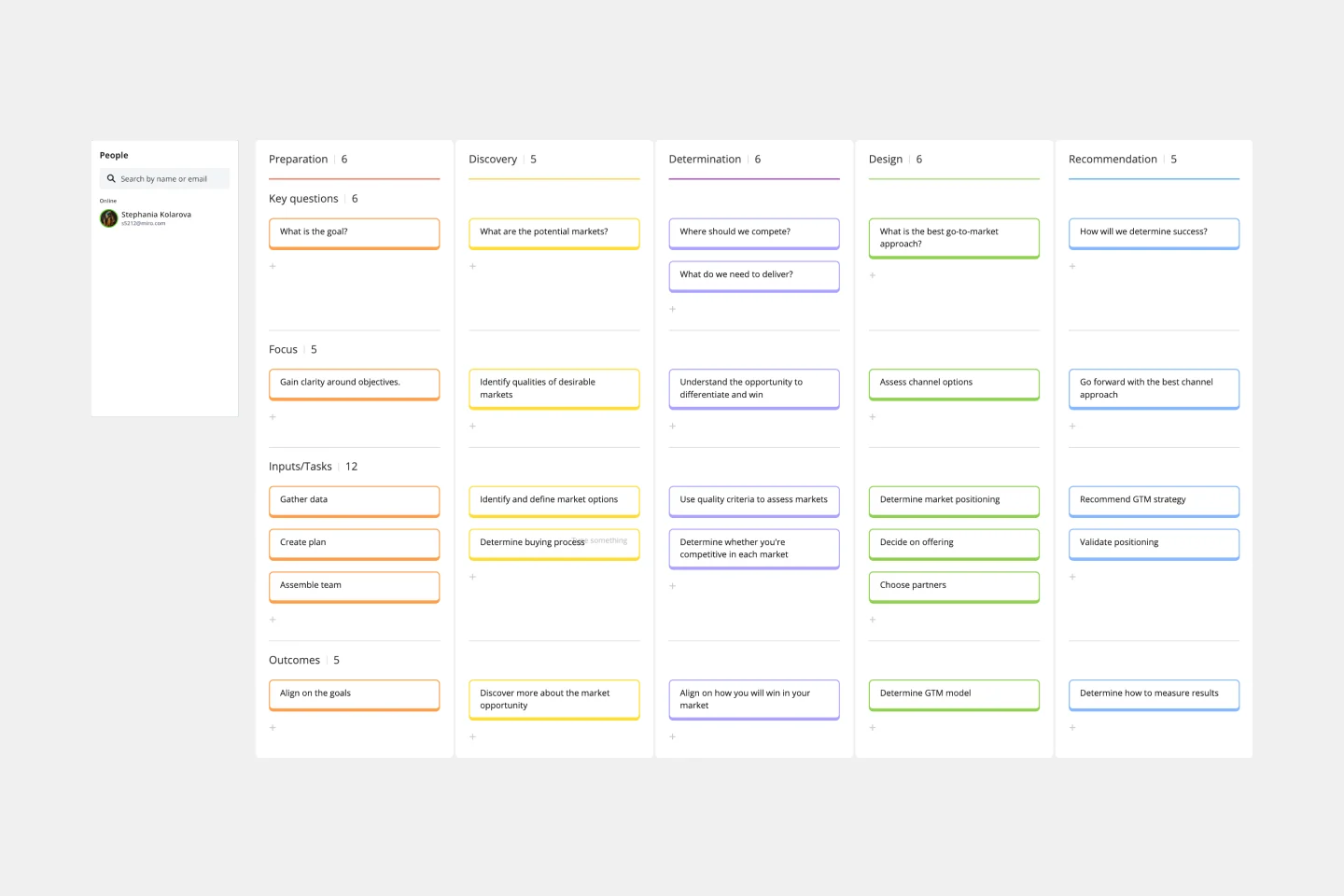
It doesn’t matter how innovative or effective a new product is — if it doesn’t get noticed and adopted by the right audience, the product won’t get off the ground. That’s where your Go-to-Market Strategy comes in. It’s a single resource that houses all of your research, insights, and data, and includes your business plan, target audience, marketing approach, and sales strategy. A GTM is especially important for any startups who grow fast, have to make split-second decisions, and have to be fully in sync.
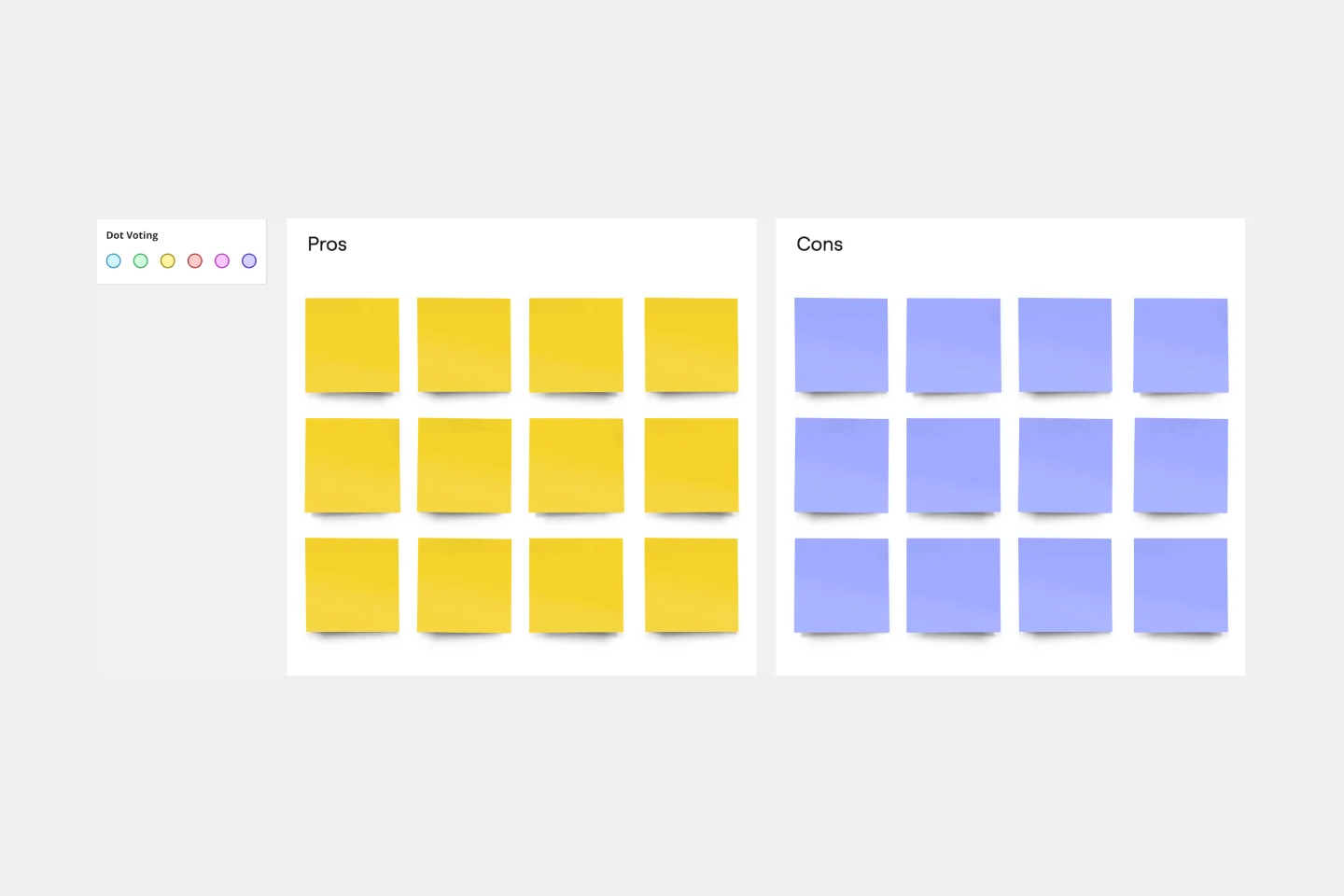
Pros and Cons List Template
Works best for:
Decision Making, Documentation, Strategic Planning
A pros and cons list is a simple but powerful decision-making tool used to help understand both sides of an argument. Pros are listed as arguments in favor of making a particular decision or action. Cons are listed arguments against it. By creating a list that details both sides of the argument, it becomes easier to visualize the potential impact of your decision. To make your pros and cons list even more objective, it can help to weight each pro and con against the others. You can then present your decision with confidence, making a strong argument for why it’s the right one.
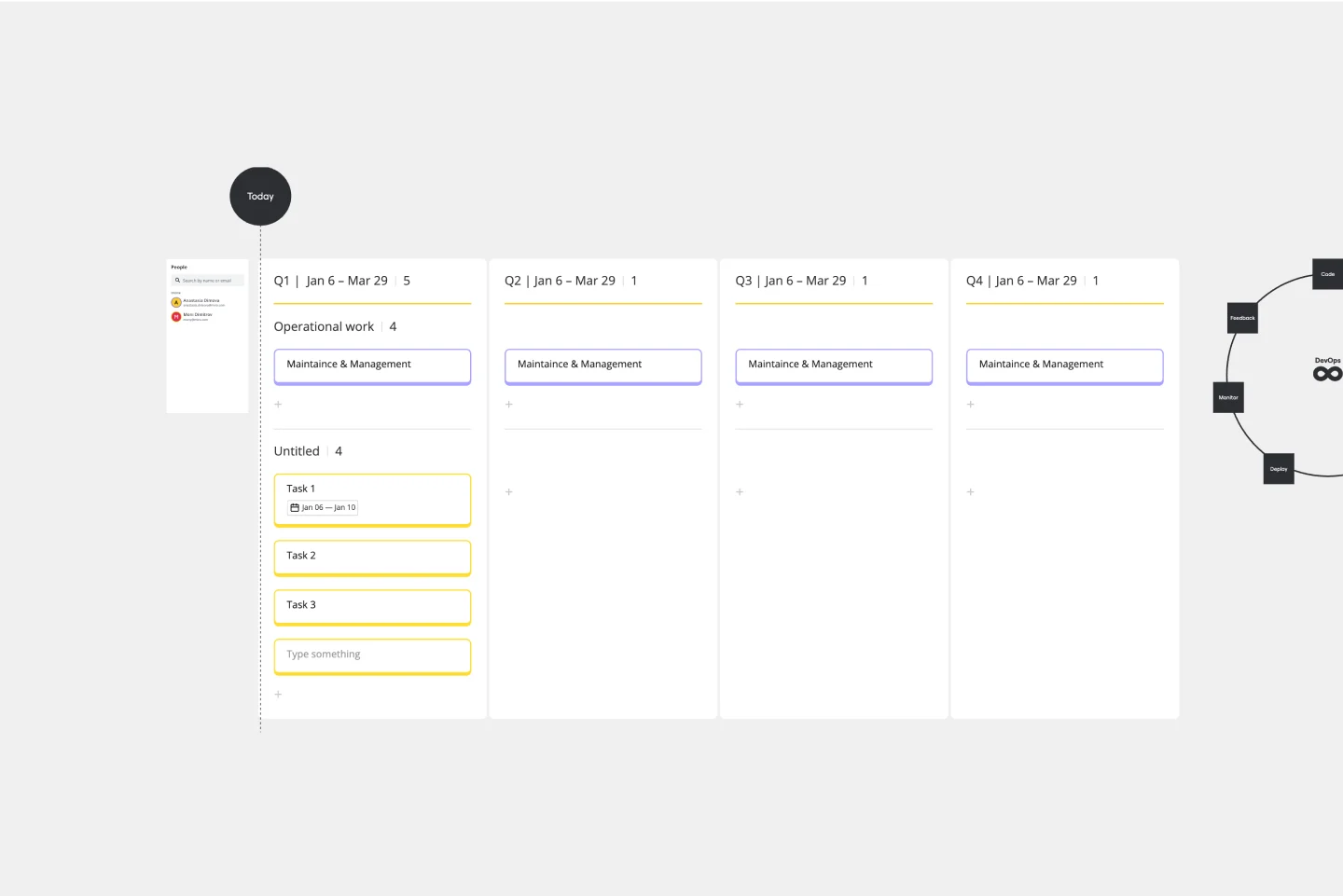
DevOps Roadmap Template
Works best for:
Documentation, Product Management, Software Development
DevOps teams are constantly creating code, iterating, and pushing it live. Against this backdrop of continuous development, it can be hard to stay abreast of your projects. Use this DevOps Roadmap template to get a granular view of the product development process and how it fits into your organization's product strategy. The DevOps Roadmap lays out the development and operations initiatives you have planned in the short term, including milestones and dependencies. This easy-to-use format is easily digestible for audiences such as product, development, and IT ops.
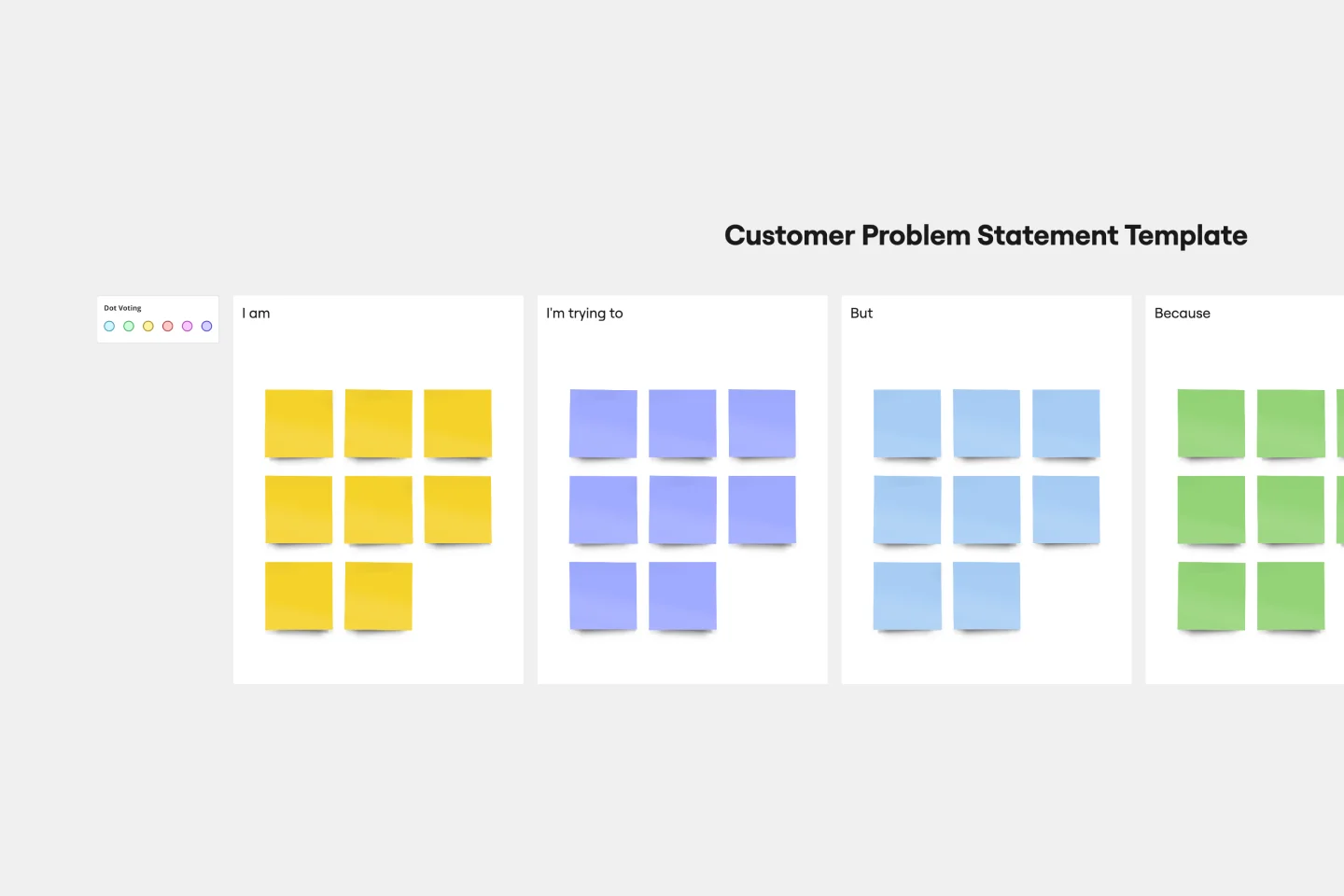
Customer Problem Statement Template
Works best for:
Ideation, Design Thinking, Product Management
Put yourself in the shoes of your consumers with a customer problem statement. Figure out their problems and how your product or service can solve those problems and make their lives easier. As a bonus, you’ll better understand your customers throughout the process.
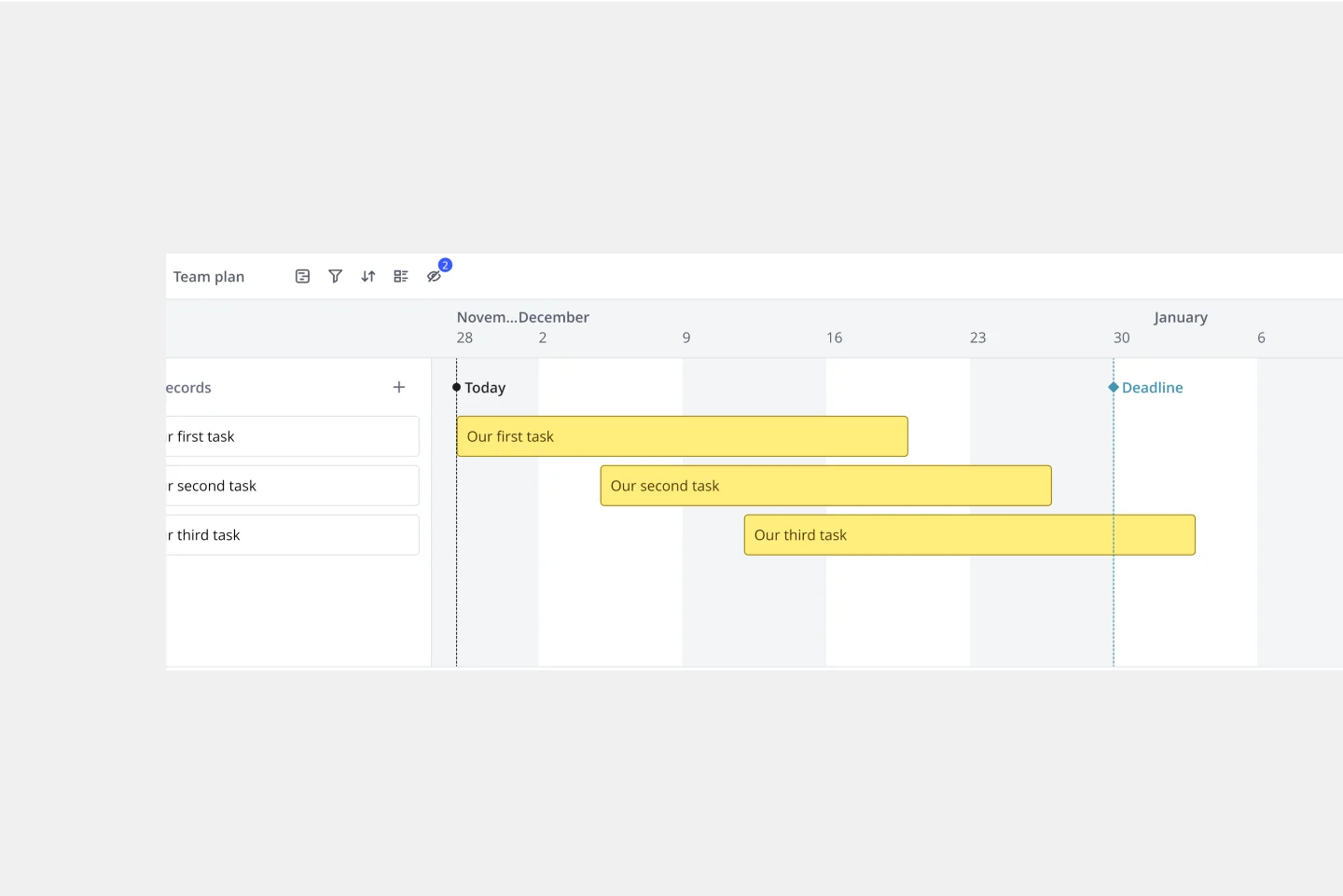
Timeline Template
Works best for:
Project Management, Flowcharts, Project Planning
A timeline displays a chronological order of important dates, and scheduled events. Timelines help product managers, project managers, and team members tell visual stories about progress and obstacles. Timelines enable teams to see at a glance what happened before, what progress is happening now, and what needs tackling in the future. Projects or products with specific purpose or deliverables should be based on a timeline to be successful. Use the timeline as a shared reference for start dates, end dates, and milestones.
Storyboard Template
Works best for:
Design Thinking
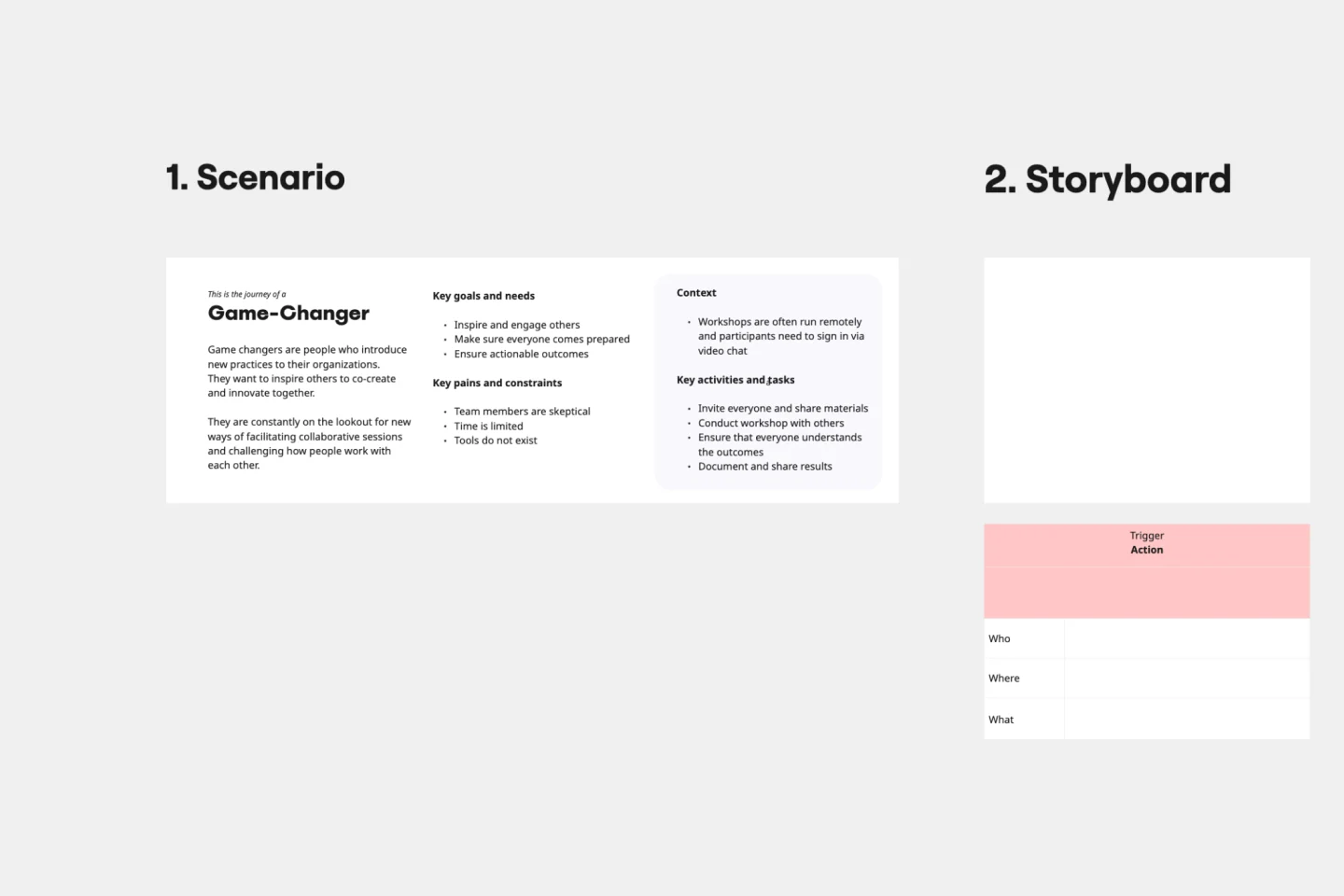
While storyboard is typically associated with planning out scenes for a movie or TV show, it’s been widely adopted throughout the business world. A storyboard is a sequence of illustrations that are used to develop a story. You can use the Storyboarding template anytime you’d like to really put yourself in a customer or user’s position and understand how they think, feel, and act. This tactic can be especially useful when you know there’s a problem or inefficiency with an existing process. You can storyboard existing processes or workflows and plan how you would like them to look in the future.
Impact/Effort Matrix Template
Works best for:
Project Management, Strategic Planning, Prioritization
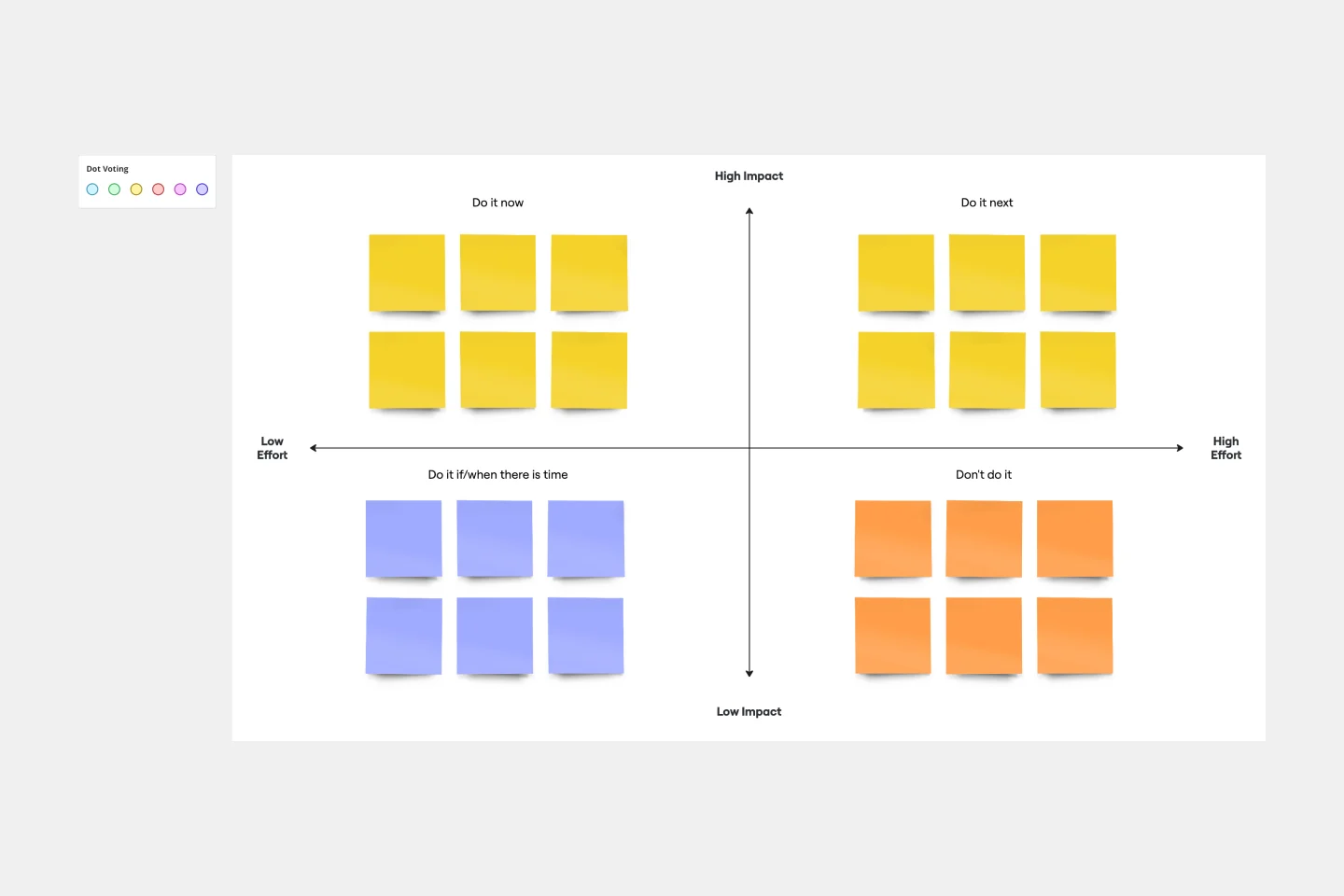
Growing organizations have countless to-do’s and only so many hours in a day (or weeks before a big launch) to get them done. That’s where an impact effort matrix comes in. It gives you a quick visual guide to help prioritize your tasks and know exactly what’s worth doing. Using our template, you can create a matrix that organizes your activities into four main categories: quick wins that are low effort, effort-intensive projects that provide long-term returns, fill-ins that are low effort but low value, and time-wasters.
Business Model Canvas Template
Works best for:
Leadership, Agile Methodology, Strategic Planning
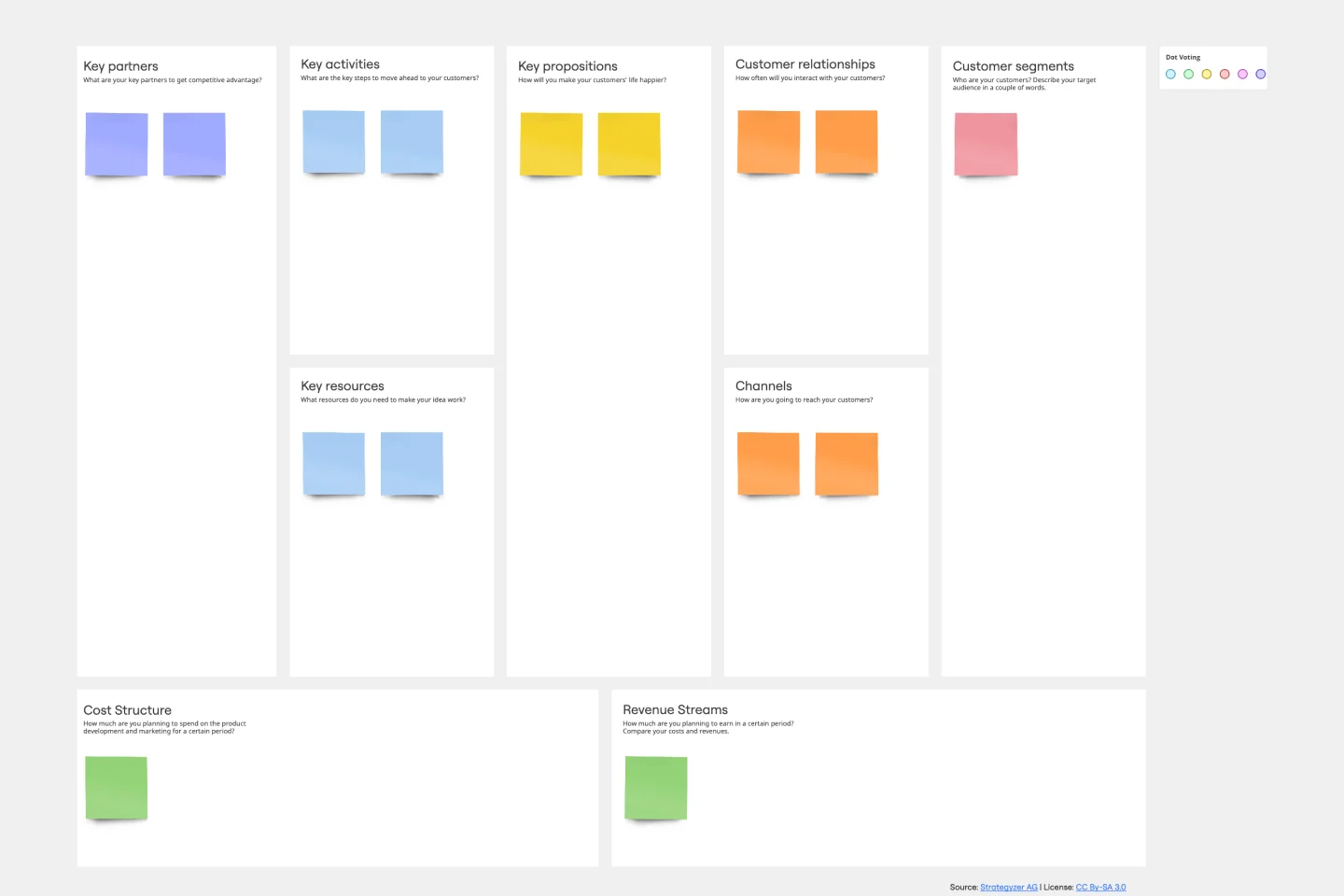
Your business model: Nothing is more fundamental to who you are, what you create and sell, or ultimately whether or not you succeed. Using nine key building blocks (representing nine core business elements), a BMC gives you a highly usable strategic tool to develop and display your business model. What makes this template great for your team? It’s quick and easy to use, it keeps your value proposition front and center, and it creates a space to inspire ideation.
Product Roadmap Template
Works best for:
Product Management, Roadmaps
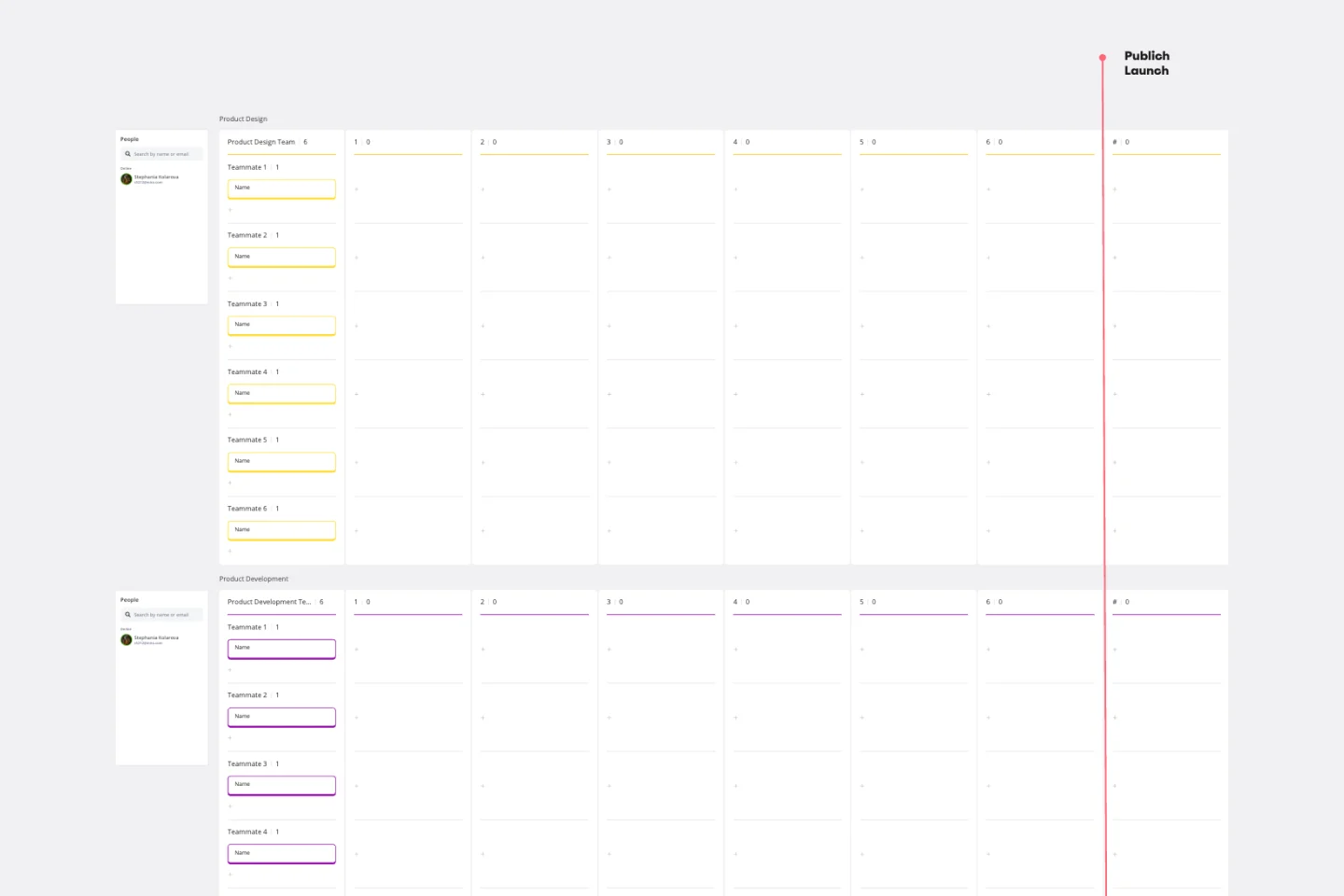
Product roadmaps help communicate the vision and progress of what’s coming next for your product. It’s an important asset for aligning teams and valuable stakeholders – including executives, engineering, marketing, customer success, and sales – around your strategy and priorities. Product roadmapping can inform future project management, describe new features and product goals, and spell out the lifecycle of a new product. While product roadmaps are customizable, most contain information about the products you’re building, when you’re building them, and the people involved at each stage.
Workflow Template
Works best for:
Project Management, Workflows
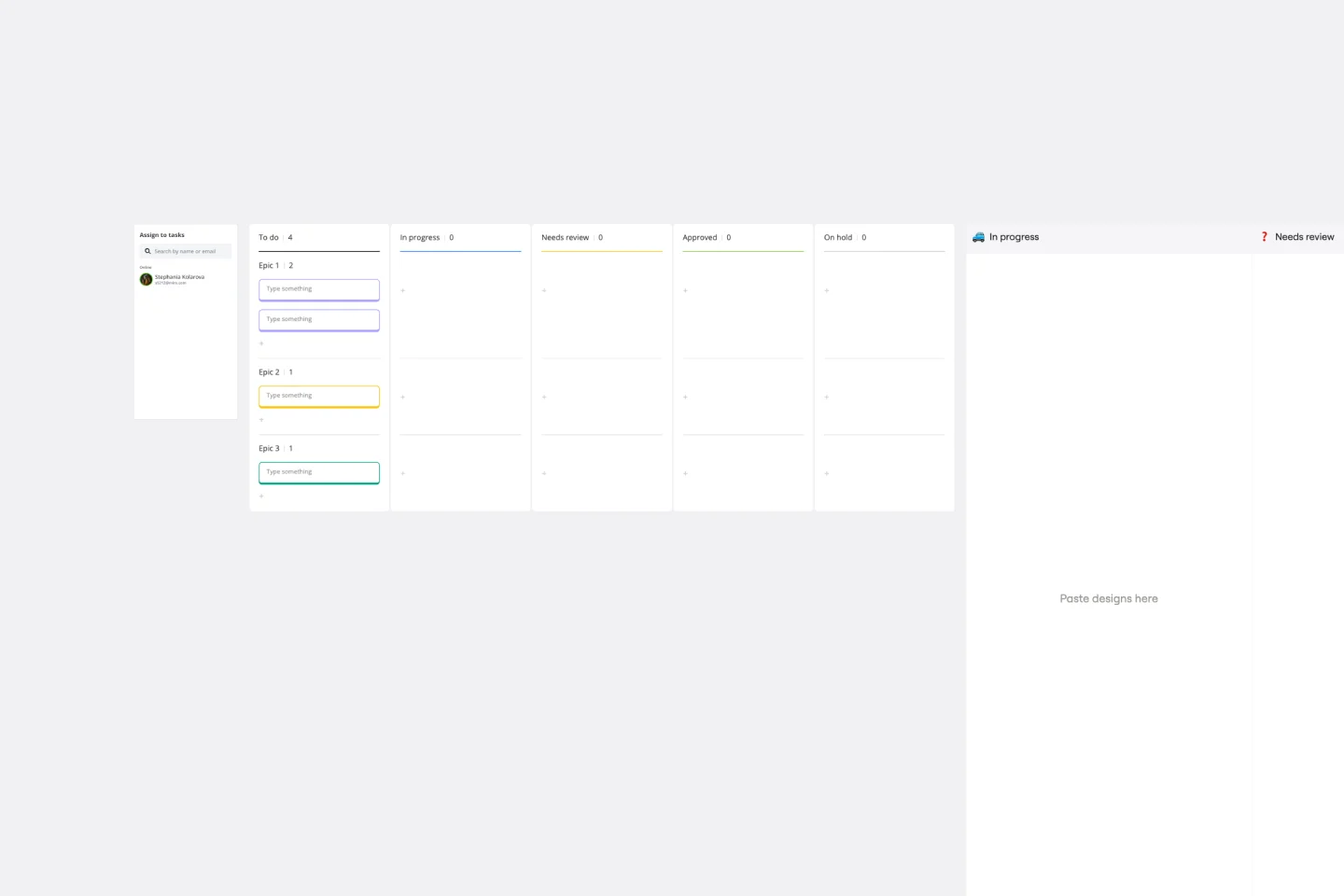
The digital world requires collaboration, and better collaboration leads to better results. A workflow is a project management tool that allows you to sketch out the various steps, resources, timeline and roles necessary to complete a project. It can be used on any multi-step project, whether it’s a business process or otherwise, and is ideal for plotting out the tangible actions you’ll need to take to achieve a goal and the order in which you need to complete those actions.
PI Planning Template
Works best for:
Agile Methodology, Strategic Planning, Software Development
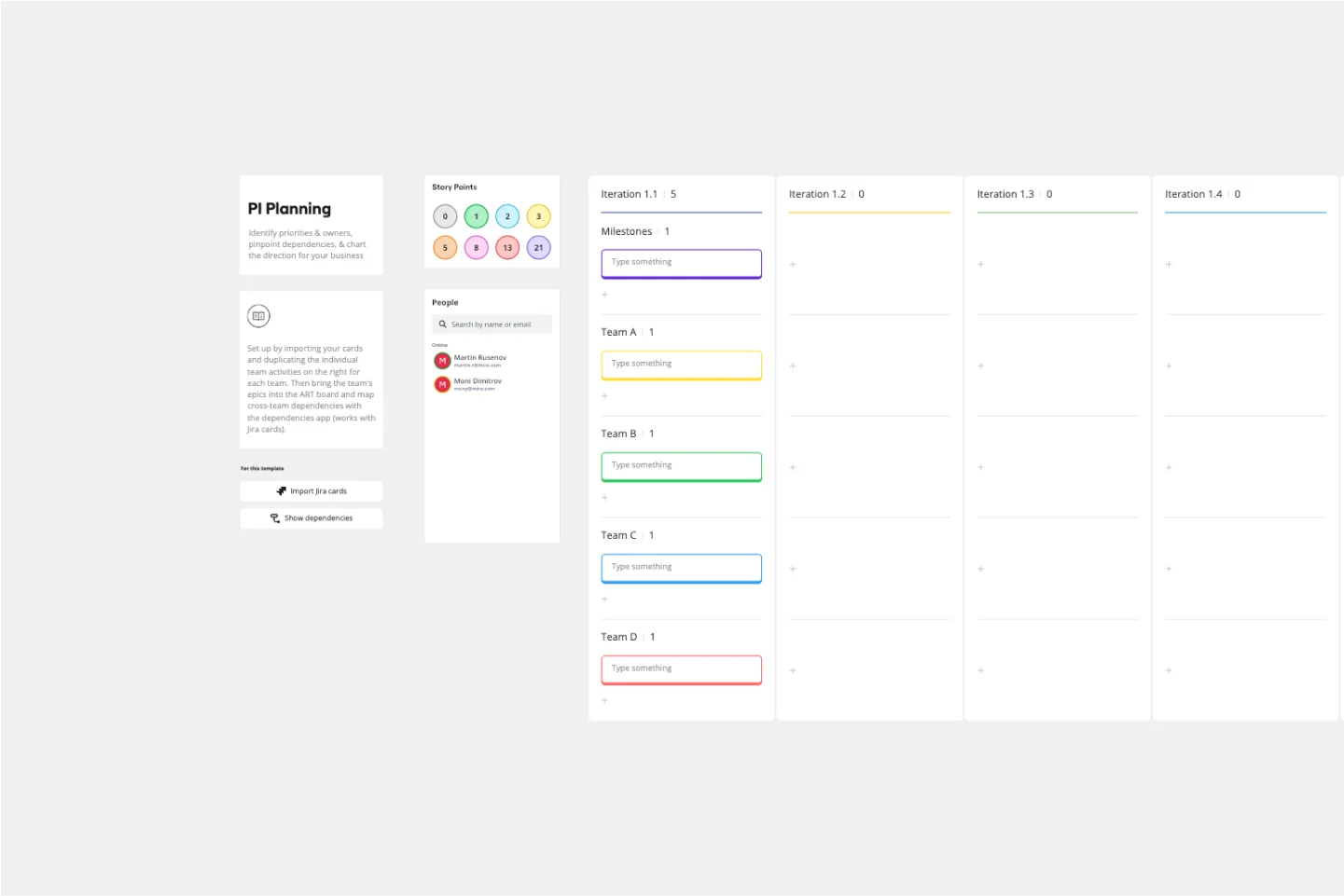
PI planning stands for “program increment planning.” Part of a Scaled Agile Framework (SAFe), PI Planning helps teams strategize toward a shared vision. In a typical PI planning session, teams get together to review a program backlog, align cross-functionally, and decide on the next steps. Many teams carry out a PI planning event every 8 to 12 weeks, but you can customize your planning schedule to fit your needs. Use PI planning to break down features, identify risks, find dependencies, and decide which stories you’re going to develop.
Strategy Diamond Template
Works best for:
Leadership, Operations, Strategic Planning
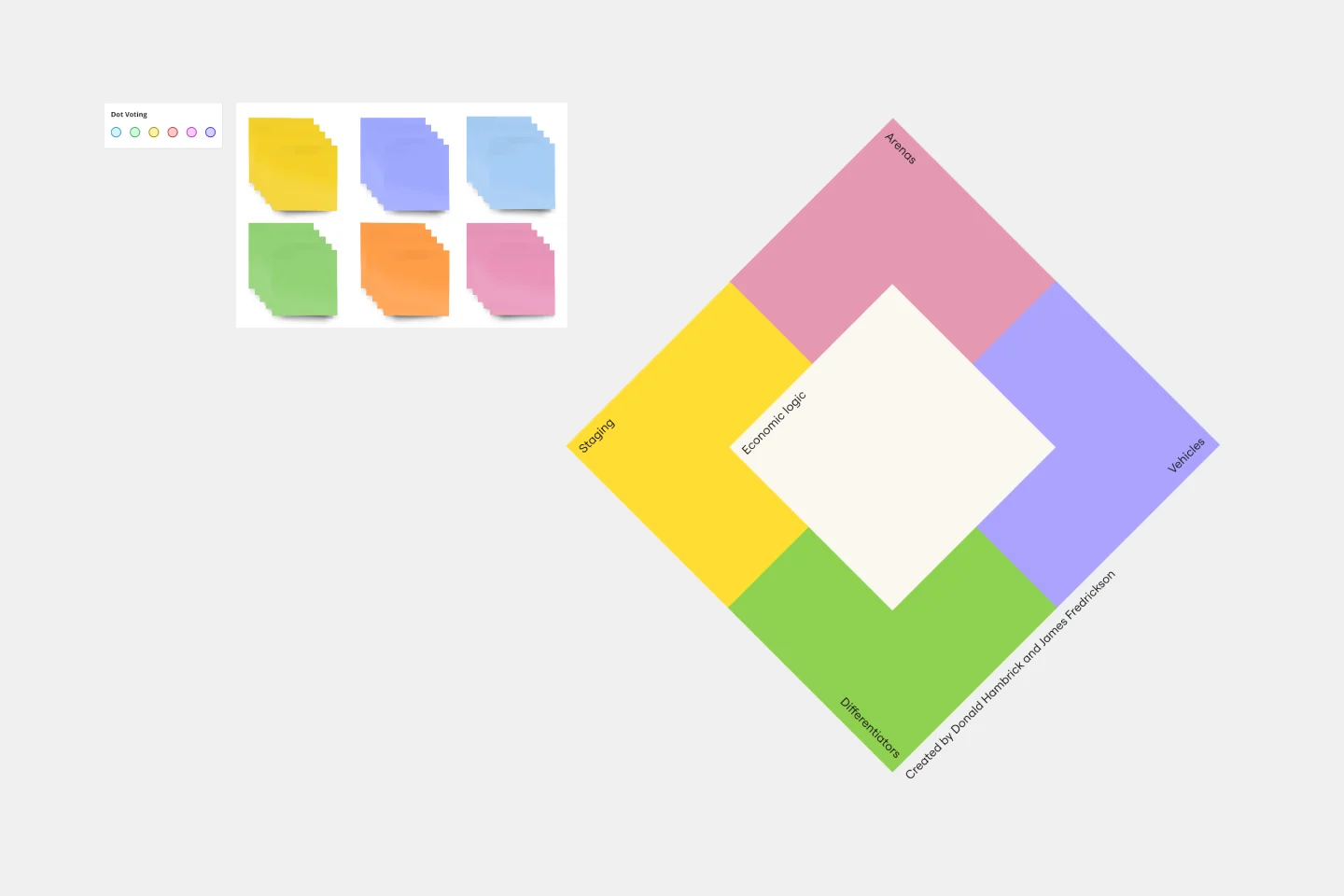
To achieve key objectives, every business assembles a series of strategies. But what elements should you consider when building a strategy? A strategy diamond is a collection of elements forming a coherent business strategy. These elements include: Arenas, Differentiators, Vehicles, Staging, and Economic Logic. Most strategic plans focus on just one or two of these elements, creating gaps that might cause problems for your business later on. A strategy diamond can help you stay focused and ensure you’re fulfilling all of your business’s needs rather than one or two.
Infographic Template
Works best for:
Marketing, Desk Research, Documentation
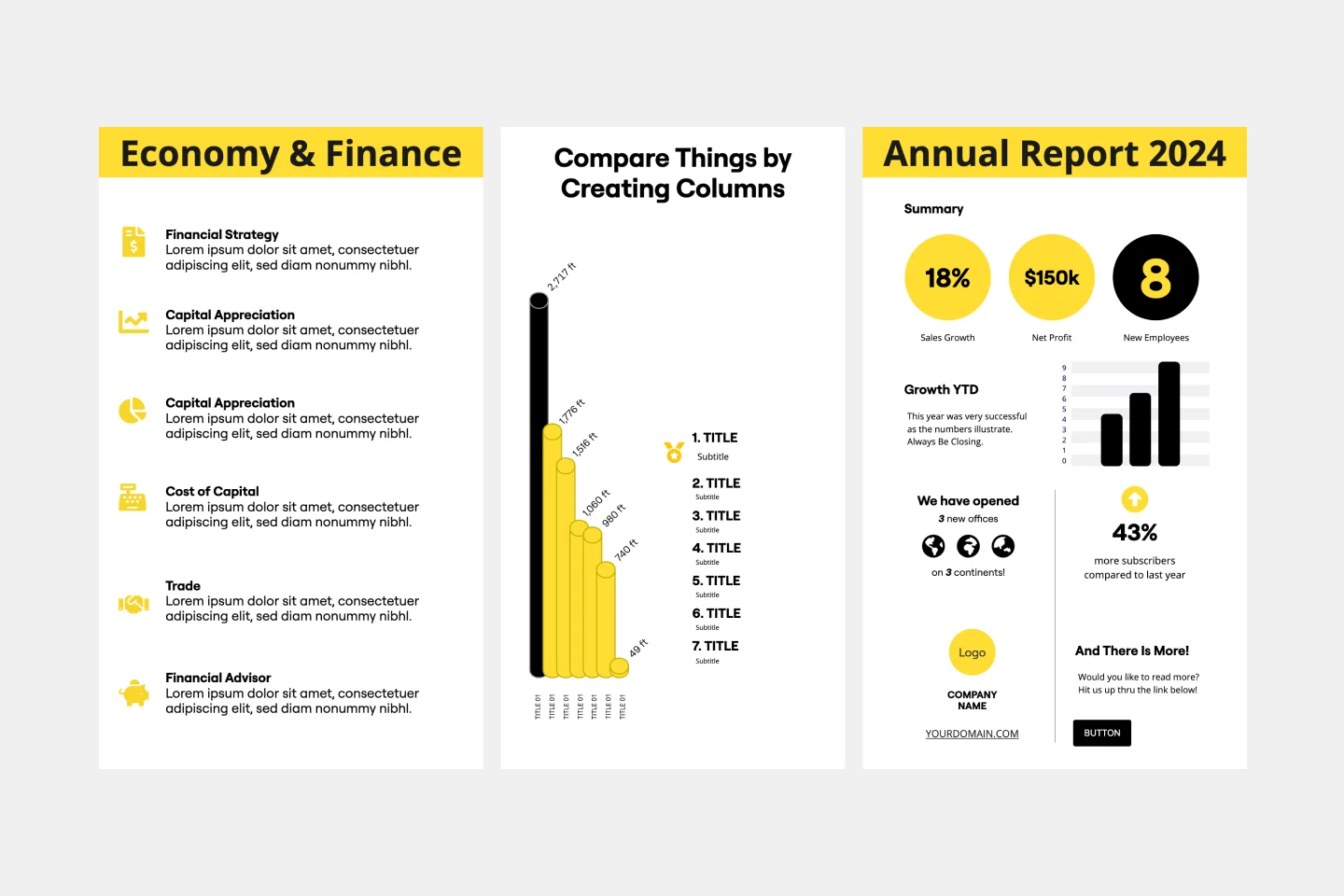
As we bet you’ve experienced, data can get pretty dense and dry. But you need it to be compelling, memorable, and understandable. The solution? Infographics. These are tools that let you present information in a visually striking way and turn quantitative or qualitative data into stories that engage and resonate. Whoever you’ll be presenting to — customers, donors, or your own internal teams — our template will let you design an infographic that combines text and visuals to break down even the most complicated data.
Project Scope Template
Works best for:
Project Management, Decision Making, Project Planning
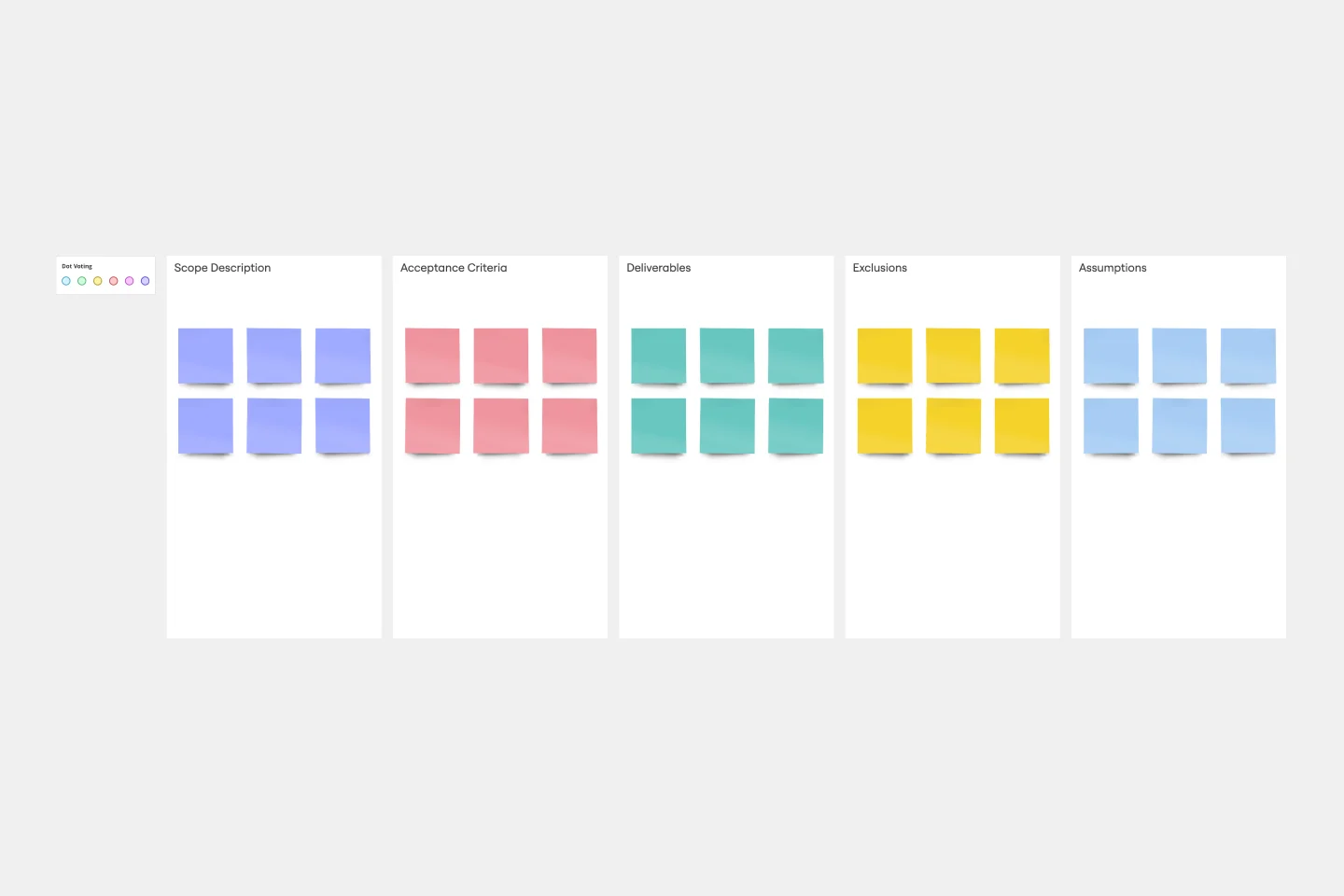
A project scope helps you plan and confirm your project’s goals, deliverables, features, functions, tasks, costs, and deadlines. A project manager and team should develop a project scope as early as possible, as it will directly influence both the schedule and cost of a project as it progresses. Though project scopes will vary depending on your team and objectives, they generally include goals, requirements, major deliverables, assumptions, and constraints. Aim to include the whole team when you create a project scope to ensure everyone is aligned on responsibilities and deadlines.
Jobs to be Done template
Works best for:
Ideation, Design Thinking, Brainstorming
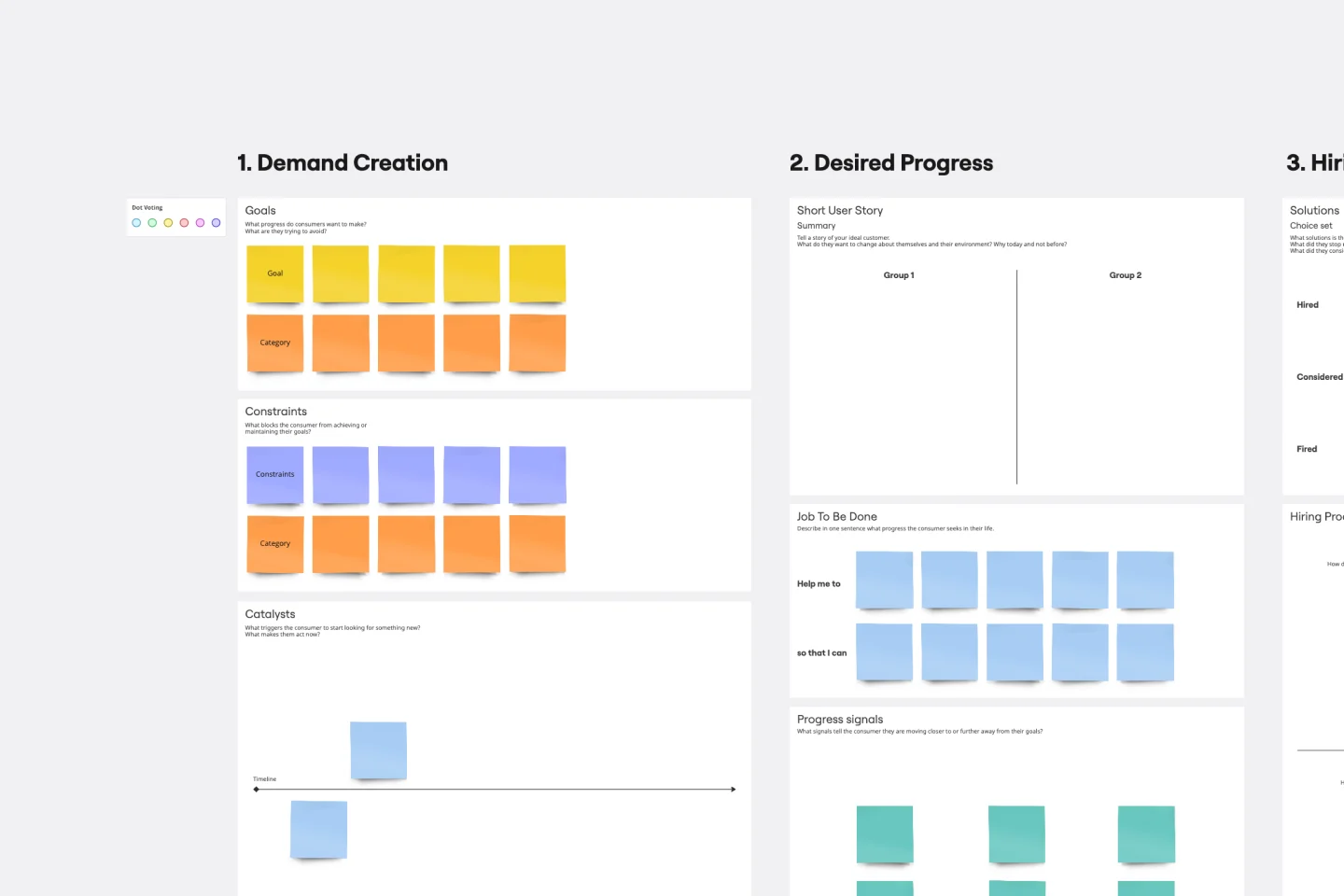
It’s all about a job done right — customers “hire” a product or service to do a “job,” and if it's not done right, the customer will find someone to do it better. Built on that simple premise, the Jobs To Be Done (JTBD) framework helps entrepreneurs, start-ups, and business managers define who their customer is and see unmet needs in the market. A standard job story lets you see things from your customers’ perspective by telling their story with a “When I…I Want To…So That I …” story structure.
User Persona Template
Works best for:
Marketing, Desk Research, User Experience
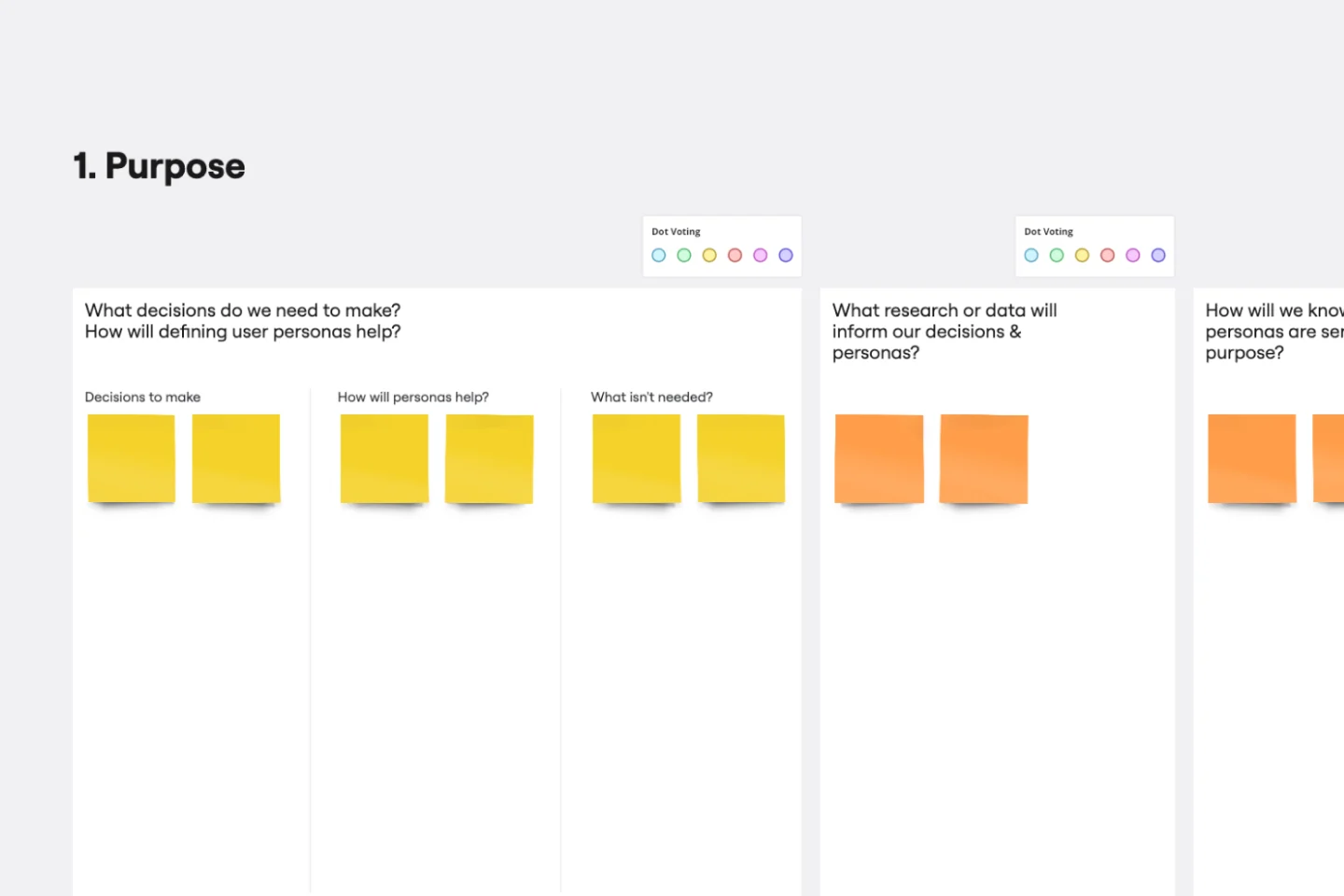
A user persona is a tool for representing and summarizing a target audience for your product or service that you have researched or observed. Whether you’re in content marketing, product marketing, design, or sales, you operate with a target in mind. Maybe it’s your customer or prospect. Maybe it’s someone who will benefit from your product or service. Usually, it’s a whole collection of personalities and needs that intersect in interesting ways. By distilling your knowledge about a user, you create a model for the person you hope to target: this is a persona.
Presentation Template
Works best for:
Presentations, Education
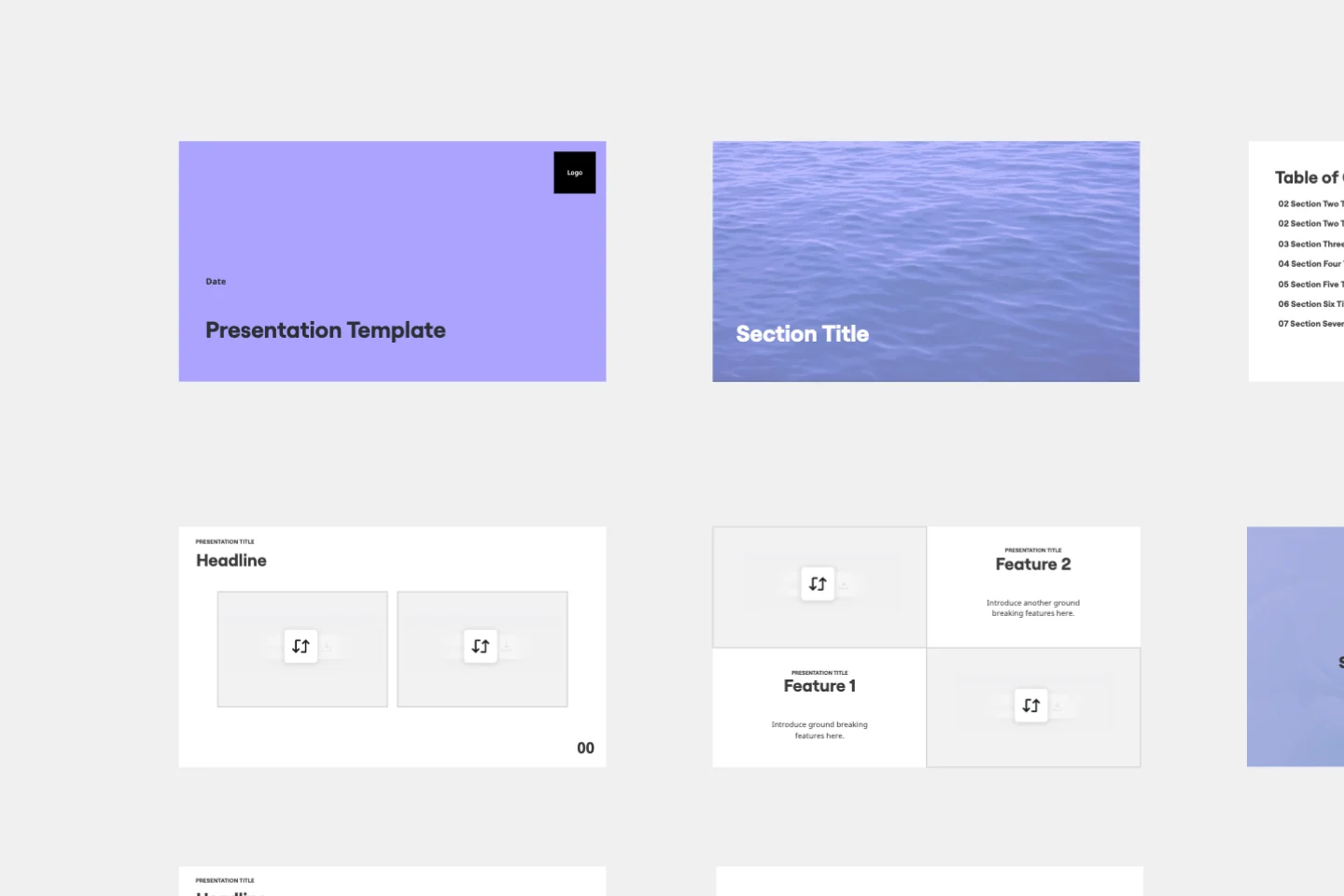
At some point during your career, you’ll probably have to give a presentation. Presentations typically involve speaking alongside an accompanying slide deck that contains visuals, texts, and graphics to illustrate your topic. Take the stress out of presentation planning by using this presentation template to easily create effective, visually appealing slides. The presentation template can take the pressure off by helping your audience stay focused and engaged. Using simple tools, customize a slide deck, share slides with your team, get feedback, and collaborate.
Brand Guidelines Template
Works best for:
Design, Marketing, Documentation
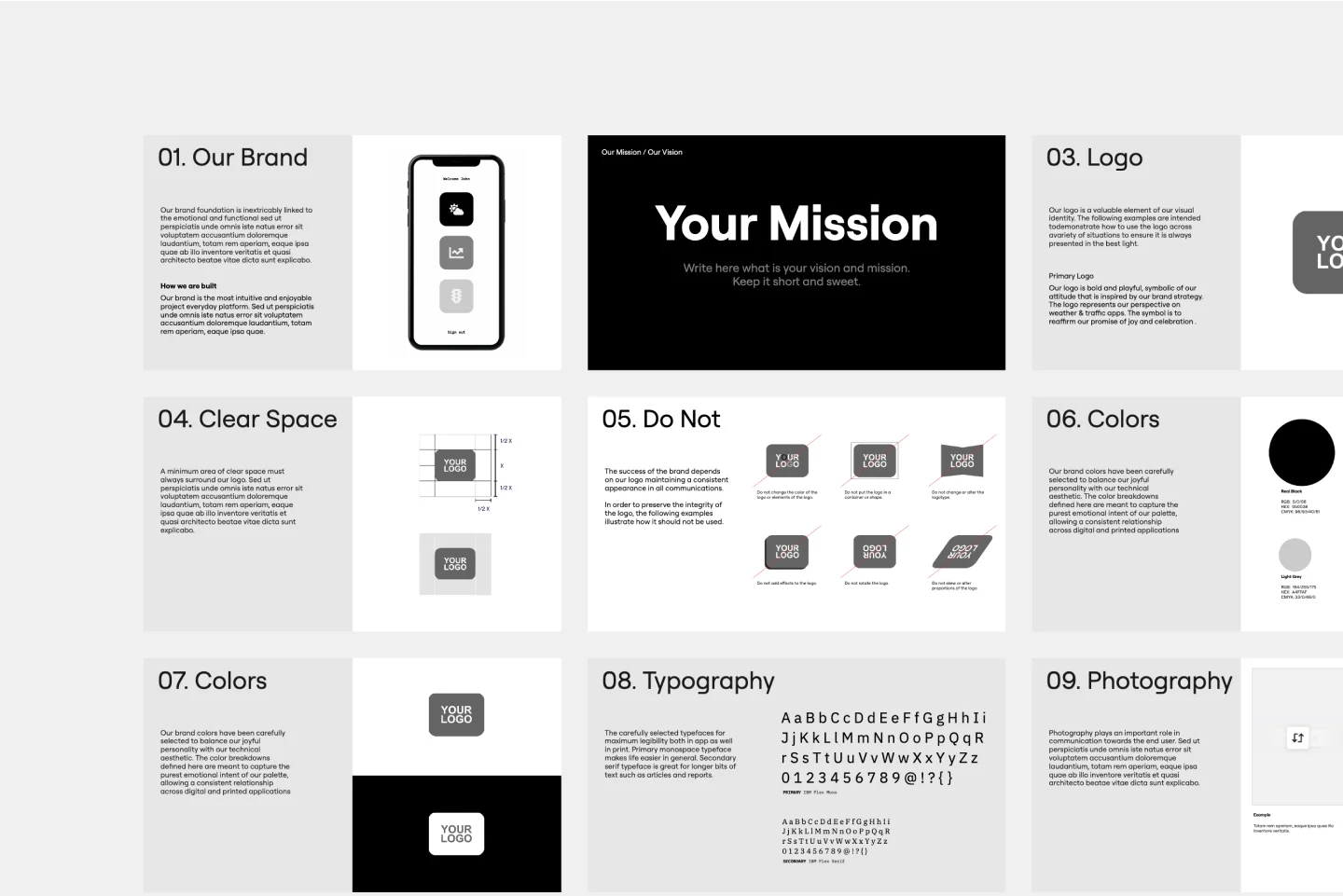
What makes a strong brand? It’s having a well-defined personality, expressed with consistency at every touchpoint, and brand guidelines can help you do it. Brand guidelines are a clear list of rules—all the dos and don’ts—that cover details like colors, fonts, logo usage, photography, and brand voice. They help ensure that employees across a whole company or organization know how to display or speak about the brand. Miro’s whiteboard tool is the perfect canvas for creating brand guidelines, sharing them, and updating them.
Status Report Template
Works best for:
Project Management, Documentation, Strategic Planning
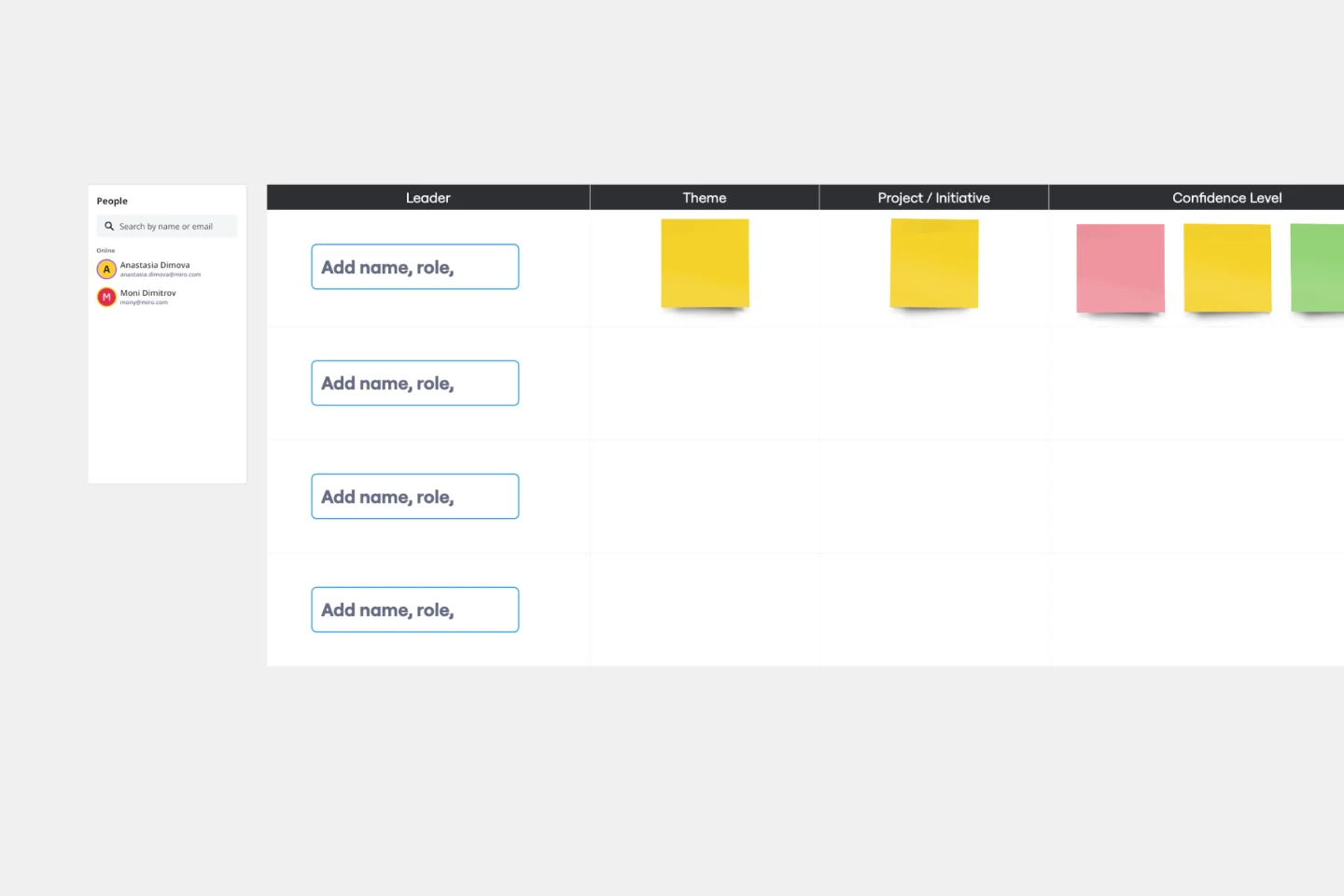
A status report provides a snapshot of how something is going at a given time. You can provide a status report for a project, a team, or a situation, as long as it emphasizes and maps out a project’s chain of events. If you’re a project manager, you can use this report to keep historical records of project timelines. Ideally, any project stakeholder should be able to look at a status report and answer the question, “Where are we, and how did we get here?” Use this template as a starting point to summarize how something is progressing against a projected plan or outcome.
PRD Template
Works best for:
Product Development, Product , Management
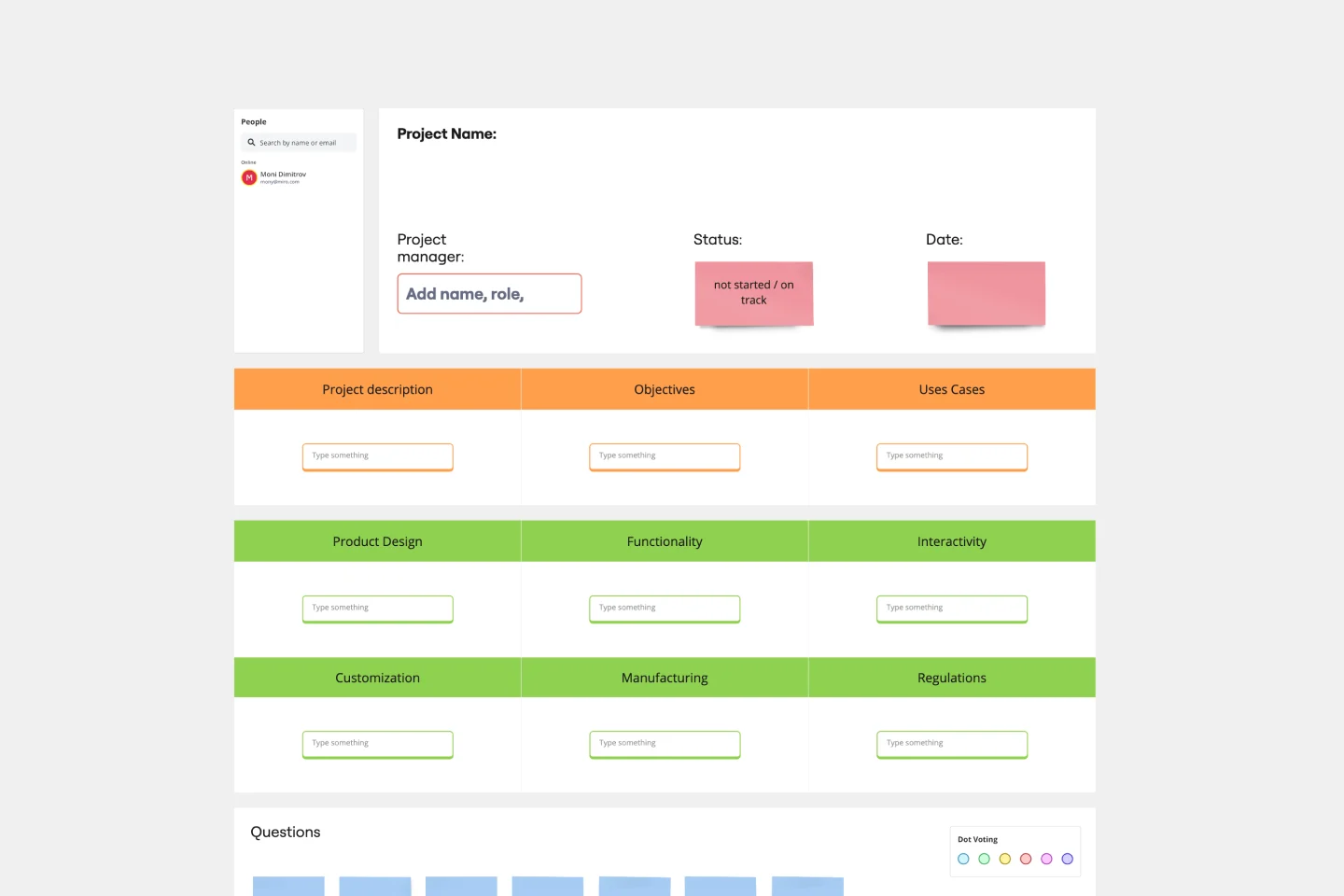
The PRD Template by Miro is a blueprint designed to streamline the product development process. Acting as a central hub for all essential details, this template ensures team alignment by laying out clear project objectives, use cases, and design specifics. The primary benefit? Seamless communication and clarity, reducing the likelihood of missteps and fostering a smooth transition from idea conception to product launch.
Project Status Report Template
Works best for:
Project Management, Documentation, Project Planning
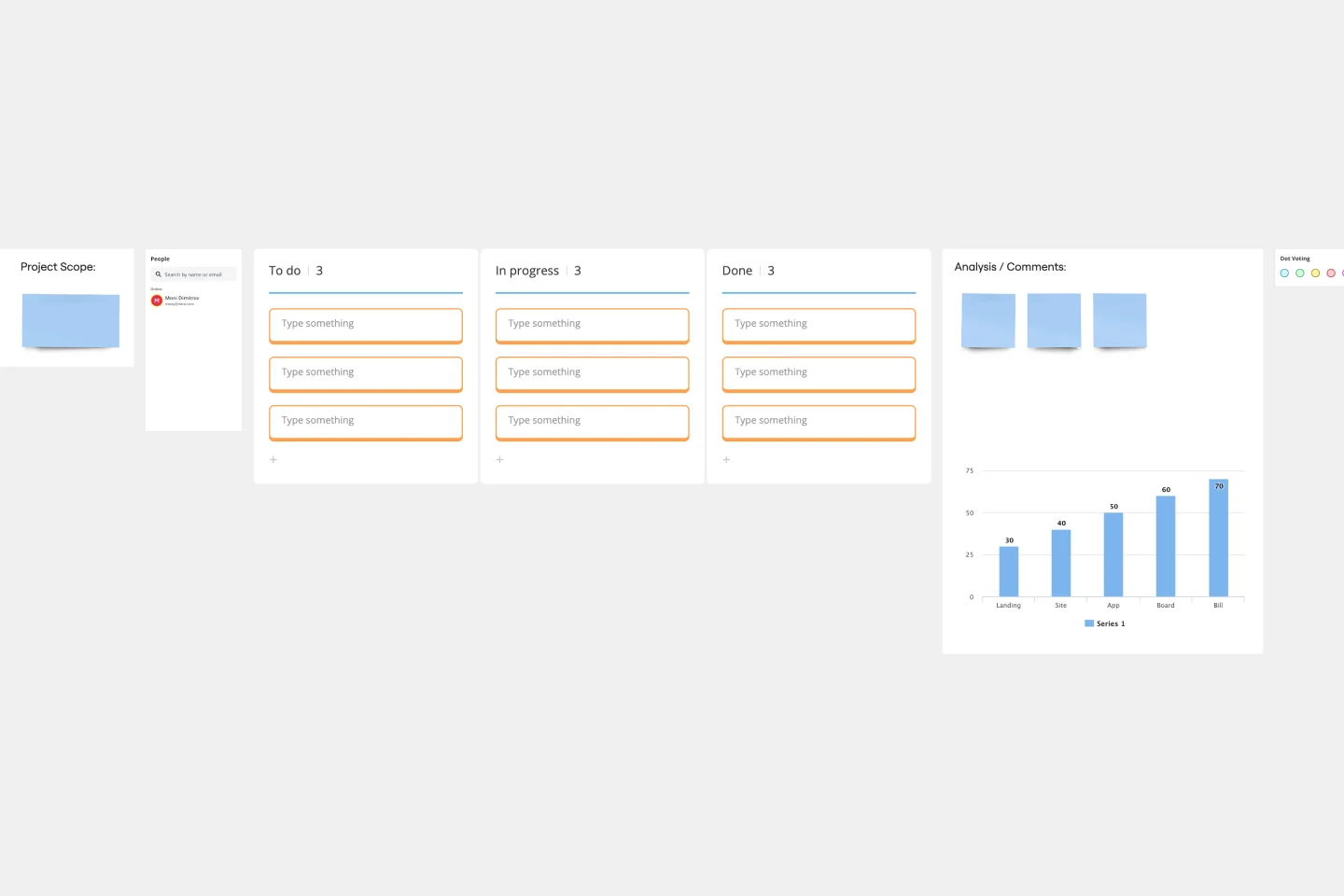
When a project is in motion, the project manager must keep clients and shareholders updated on the project’s progress. Rather than waste time with constant meetings, leaders can send out weekly or daily project status reports to keep everyone informed. You can use the Project Status Report Template to streamline the report creation and distribution process.
Performance Improvement Plan Template
Works best for:
Management, People Management
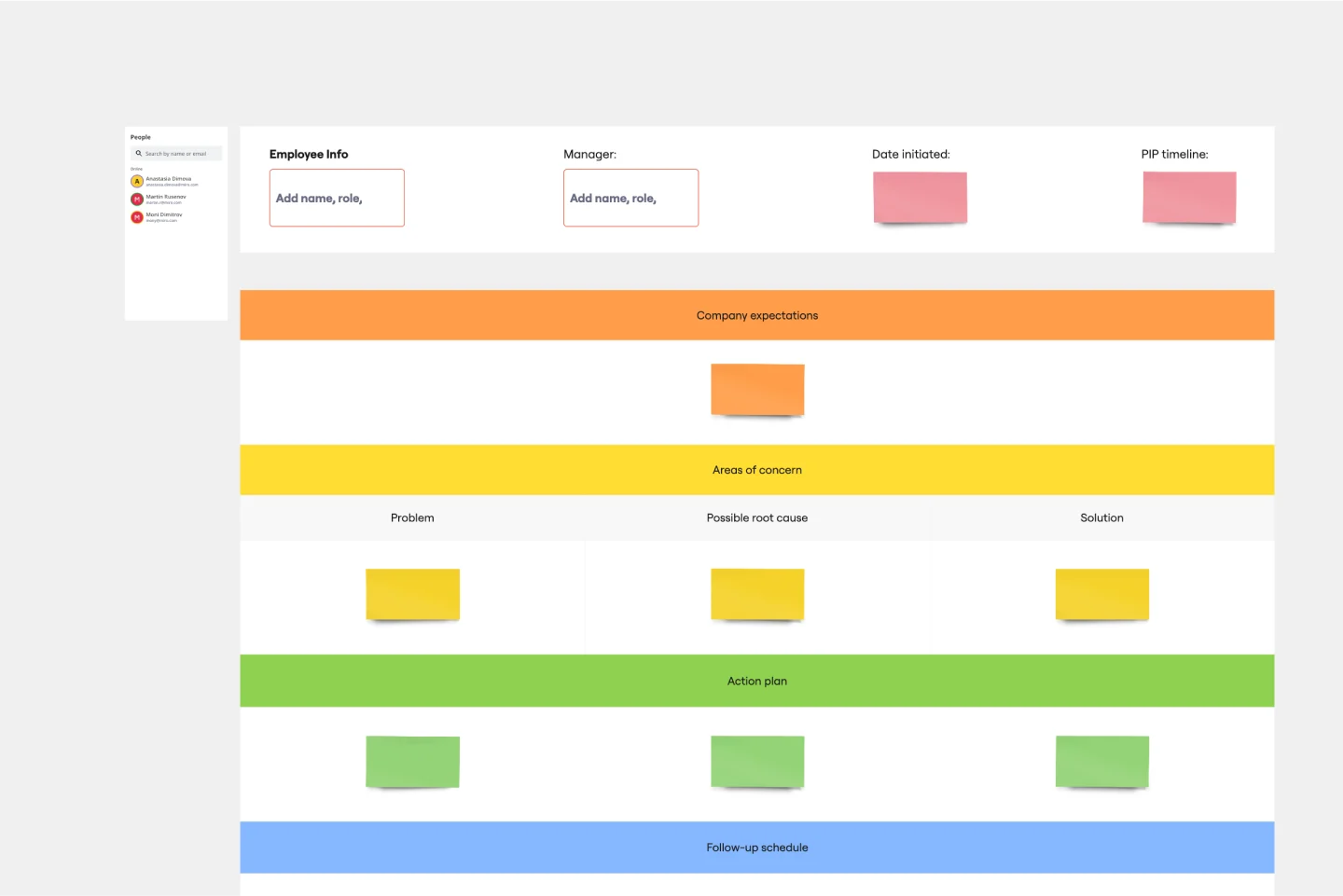
The Performance Improvement Plan (PIP) Template is a structured tool for managers and HR professionals to address and guide employee performance with clarity. One of its standout benefits is to promote better communication, ensuring that feedback given is not just specific but actionable, eliminating ambiguities, and bridging understanding between managers and team members.
Startup Canvas Template
Works best for:
Leadership, Documentation, Strategic Planning
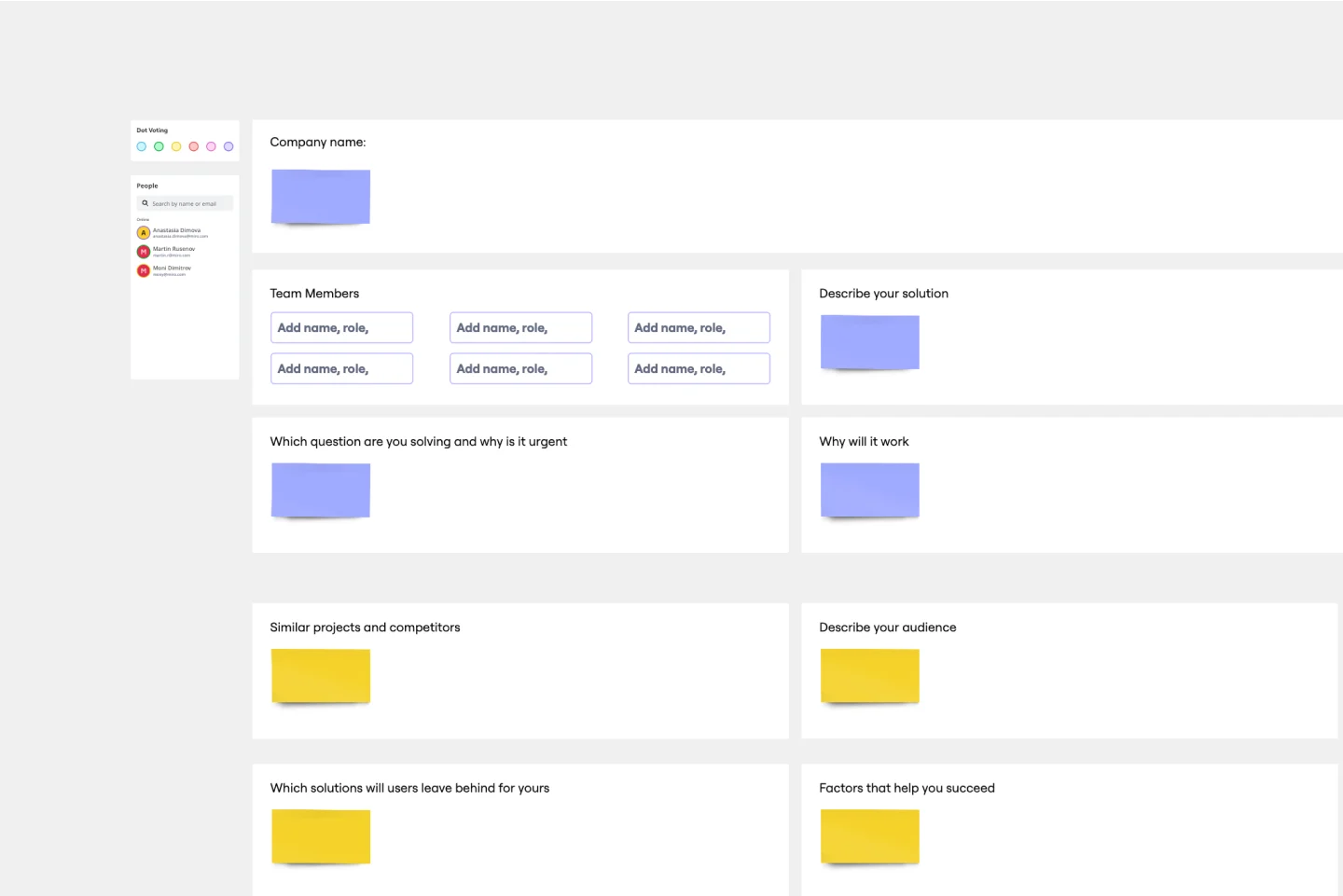
A Startup Canvas helps founders express and map out a new business idea in a less formal format than a traditional business plan. Startup Canvases are a useful visual map for founders who want to judge their new business idea’s strengths and weaknesses. This Canvas can be used as a framework to quickly articulate your business idea’s value proposition, problem, solution, market, team, marketing channels, customer segment, external risks, and Key Performance Indicators. By articulating factors like success, viability, vision, and value to the customer, founders can make a concise case for why a new product or service should exist and get funded.
Event Planning Template
Works best for:
Planning, Workshops
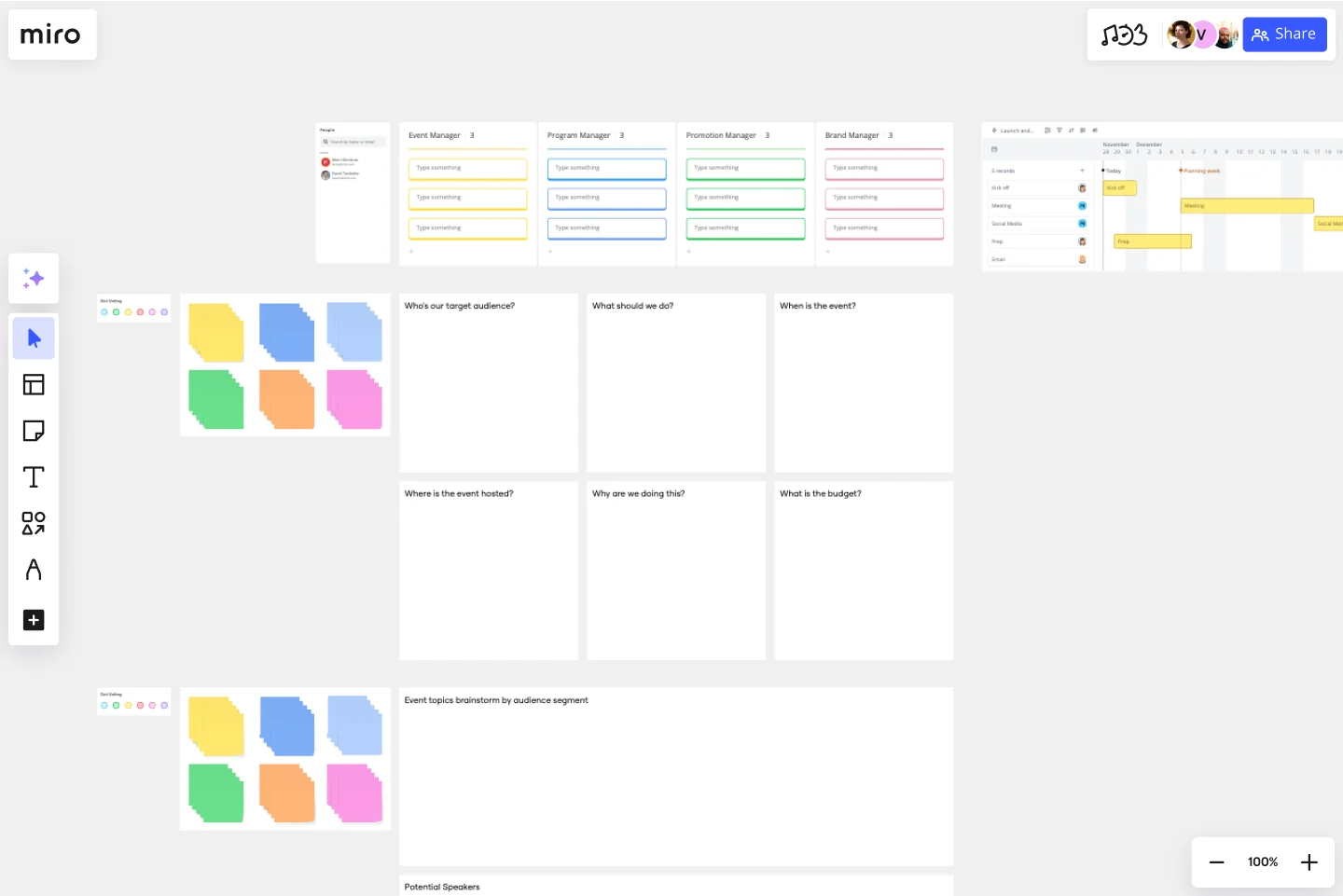
Whether you’re planning a product launch, fully remote conference, or milestone event, the Event Planning Template will act as a visual checklist and map for all the details you need to consider before the big day. The Event Planning Template is an adaptable way to make sure the creative and strategic vision of your event doesn’t get lost in the details. By mapping out different sections - from the marketing plan, to the agenda, to snacks and swag for guests — you and your team can focus on the details most important to your functions, and collaborate as needed when overlaps occur.
Backlog Refinement with Jira Template
Works best for:
Agile, Backlog Refinement
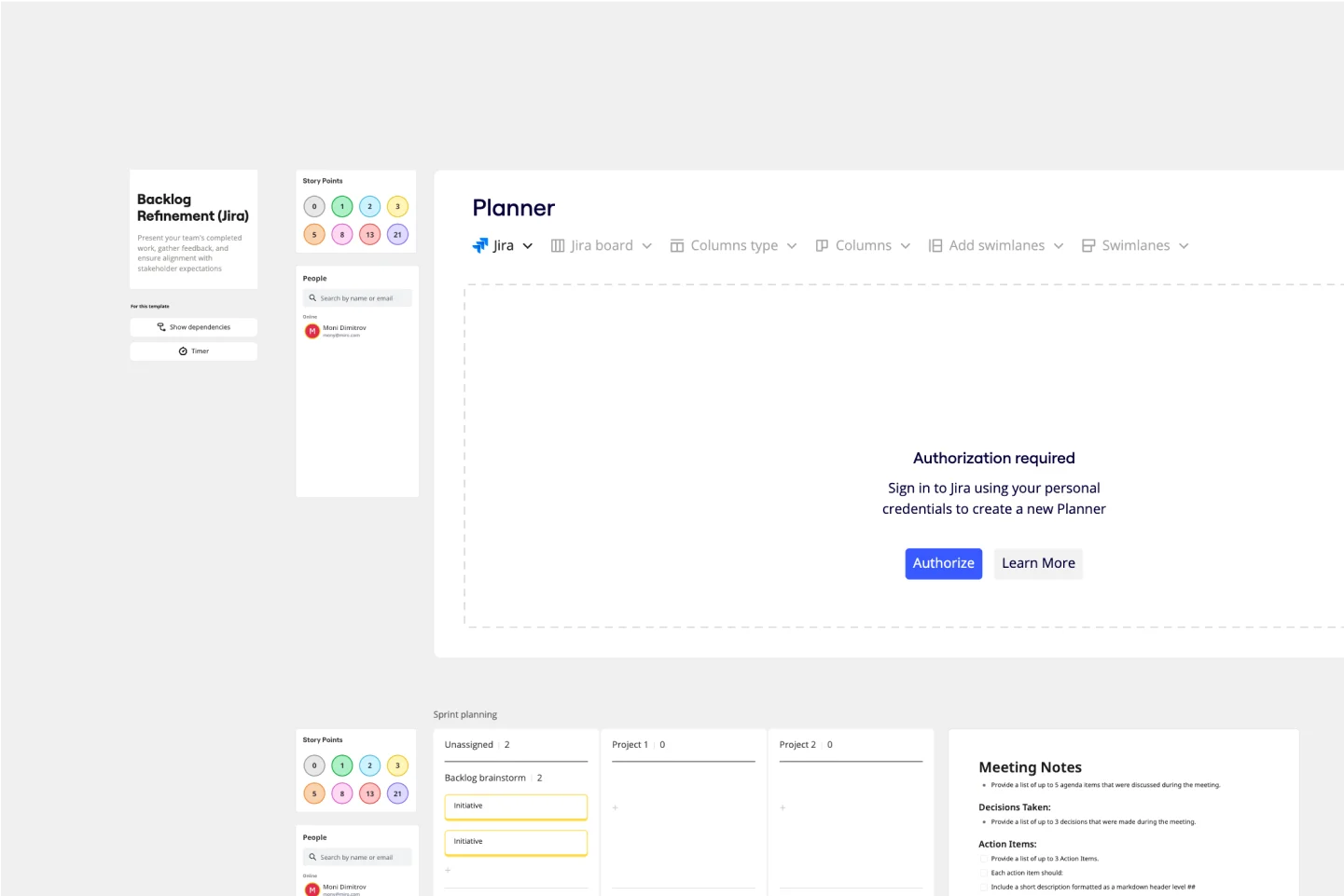
The Backlog Refinement with Jira template in Miro improves collaboration among team members. It provides a visual and interactive space for teams to review, prioritize, and clarify upcoming work items together in real time. This collaborative approach ensures alignment on priorities and details, leading to a more organized and efficient workflow. The seamless integration with Jira automatically syncs all changes, reducing the need for manual updates and keeping both platforms up-to-date.
Project Review Template
Works best for:
Project Management, Project Review
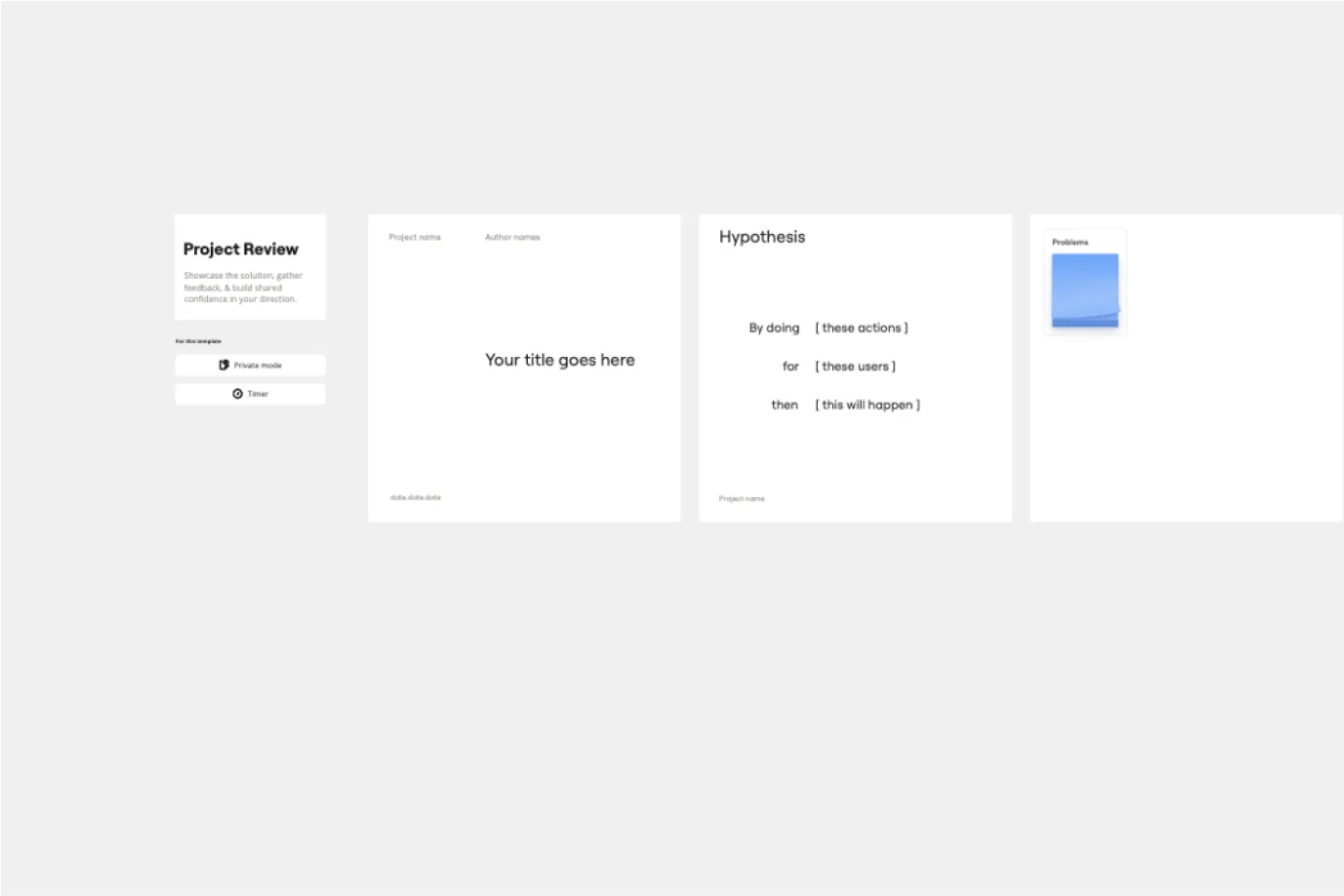
The Intelligent Project Review Template in Miro is a game-changer for project management. It combines AI-driven insights with interactive features to streamline the review process, making it more efficient and collaborative. One key benefit of this template is its ability to enhance team alignment. By providing a structured format for documenting timelines, hypotheses, target audiences, success metrics, and potential blockers, it ensures that all stakeholders are on the same page, fostering a shared understanding and confidence in the project's direction.
Project Kickoff Template
Works best for:
Project Management, Documentation, Meetings
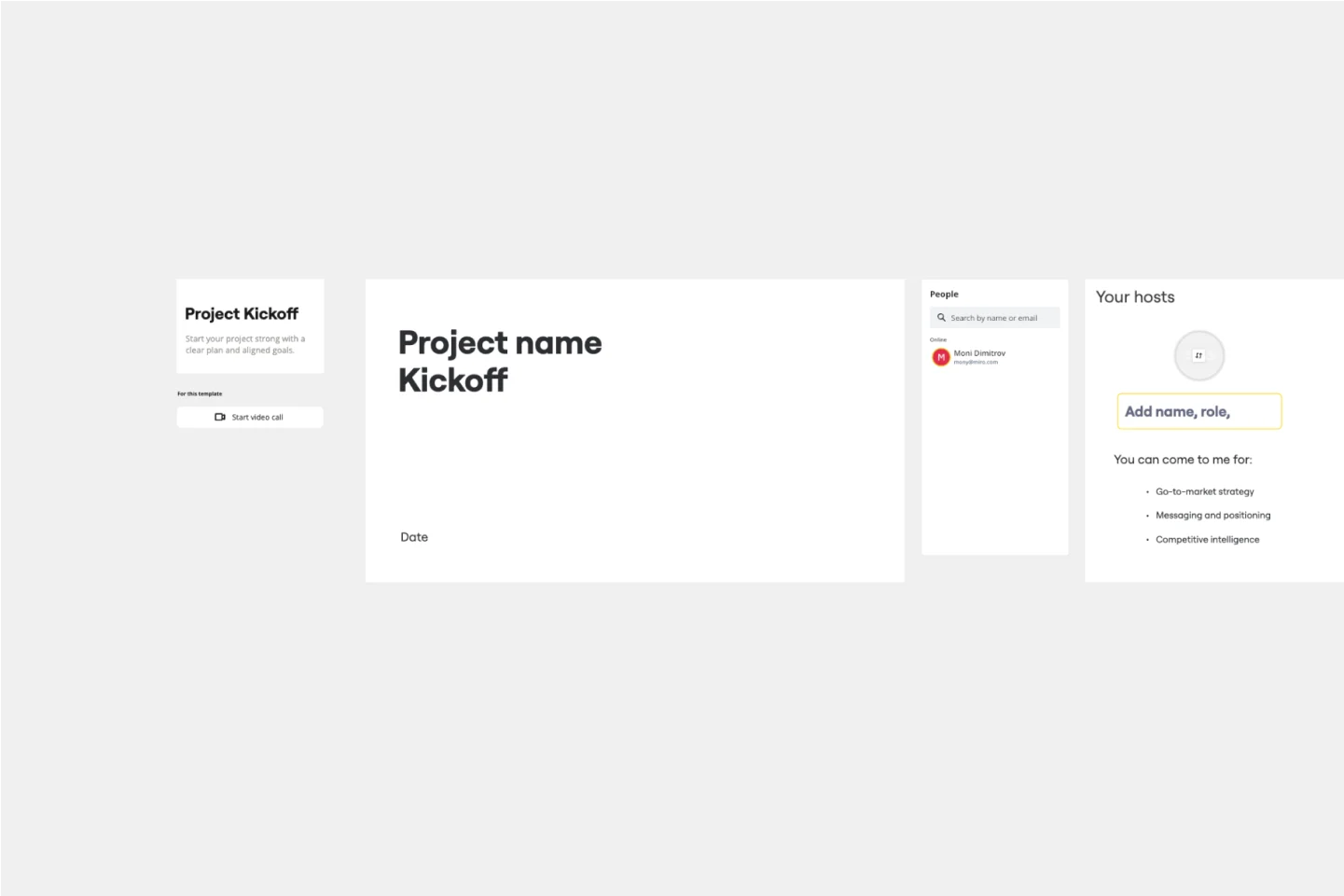
This Project Kickoff Meeting Template helps you have all the information about your project in one shared space, like a project manifesto. This template has seven activities to define your project’s goals and objectives, the team’s roles and responsibilities, and the next steps and resource materials for further consultation. Use the Project Kickoff Meeting Template to manage projects effectively and keep everyone aligned.
Team Meeting Agenda Template
Works best for:
Documentation, Team Meetings, Workshops
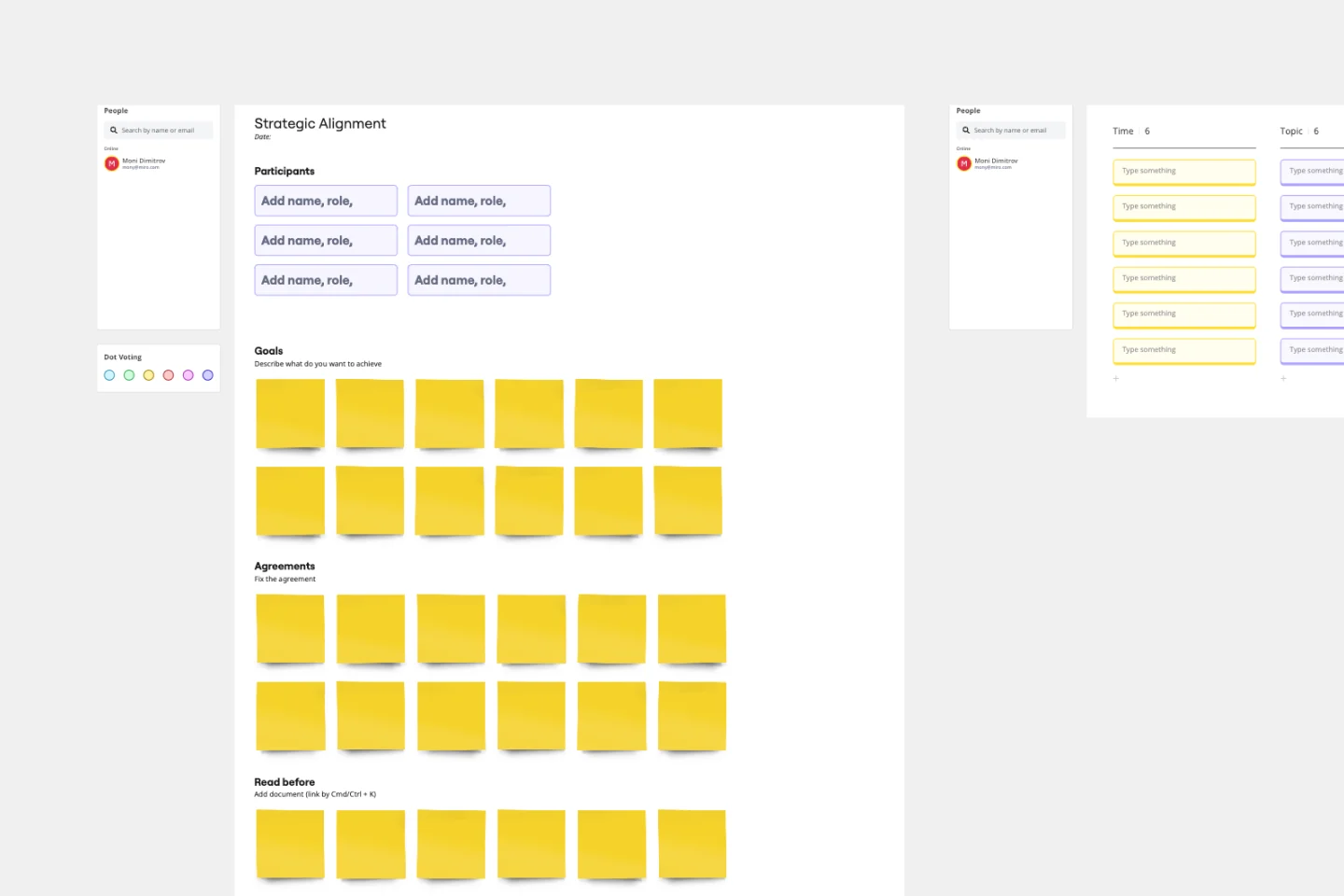
Making the time for your team is important to help you to make decisions, align on priorities, and move in the same direction together. Team meeting agendas help add a schedule and structure to your allocated time slot when you need to share information and collaborate with your team. They also allow your team to agree on goals, talking points, action items, and who will lead the next steps. Uninterrupted team meeting time with an agenda can help your team review progress against OKRs, share updates, discuss roadblocks, and brainstorm ideas.
Sprint Planning with Jira Template
Works best for:
Sprint Planning, Agile
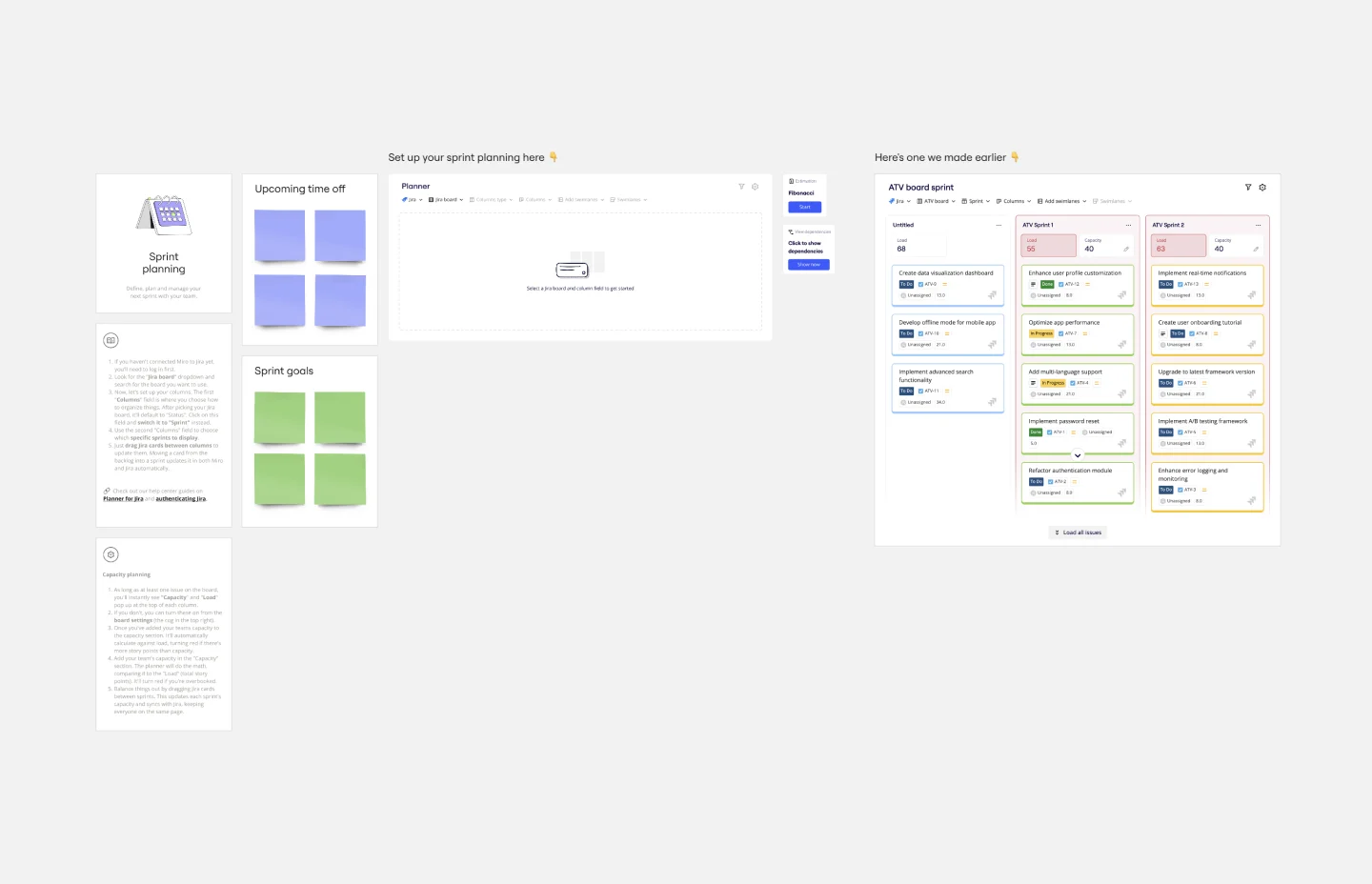
The Sprint Planning with Jira template in Miro is a powerful tool designed to streamline and enhance your sprint planning sessions. One of the key benefits of this template is its Jira integration, which saves time and effort when planning and aligning teams. By integrating directly with Jira, the template allows for seamless import and management of tasks, ensuring that all your Jira tickets are up-to-date and easily accessible within Miro. This reduces the need for manual updates and minimizes errors, making the planning process more efficient and effective.
Project Canvas Template
Works best for:
Project Management, Documentation, Project Planning
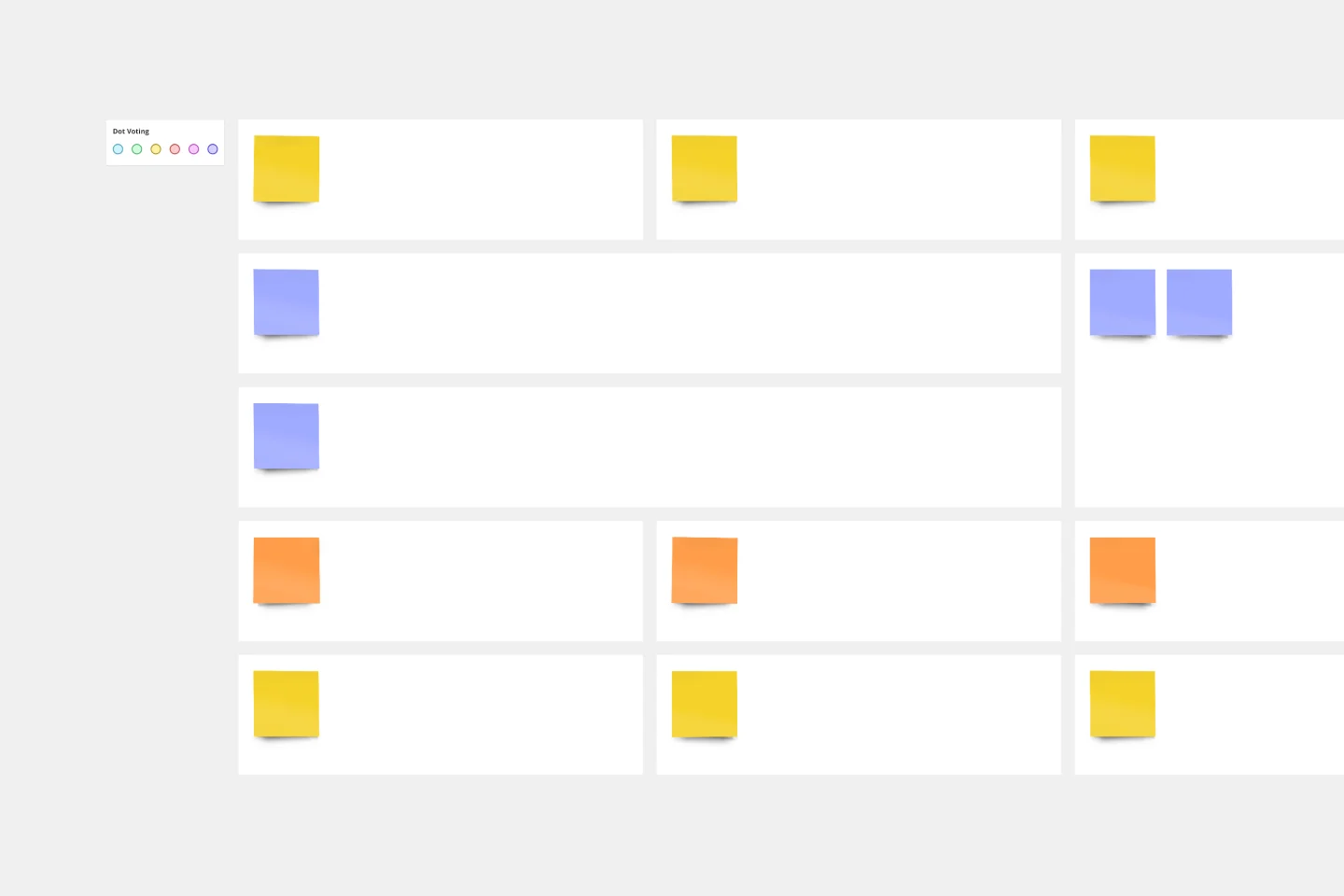
A project canvas is a management tool that helps you summarize, visualize, and share all necessary information about your project. It can be used by all team members—from facilitators to project management professionals—at every stage of project development. The project canvas template allows you to keep all stakeholders in the project development process in the loop. By using a single platform for all project-related discussions, you can build a clear project overview and improve collaboration.
Feature Canvas Template
Works best for:
Design, Desk Research, Product Management
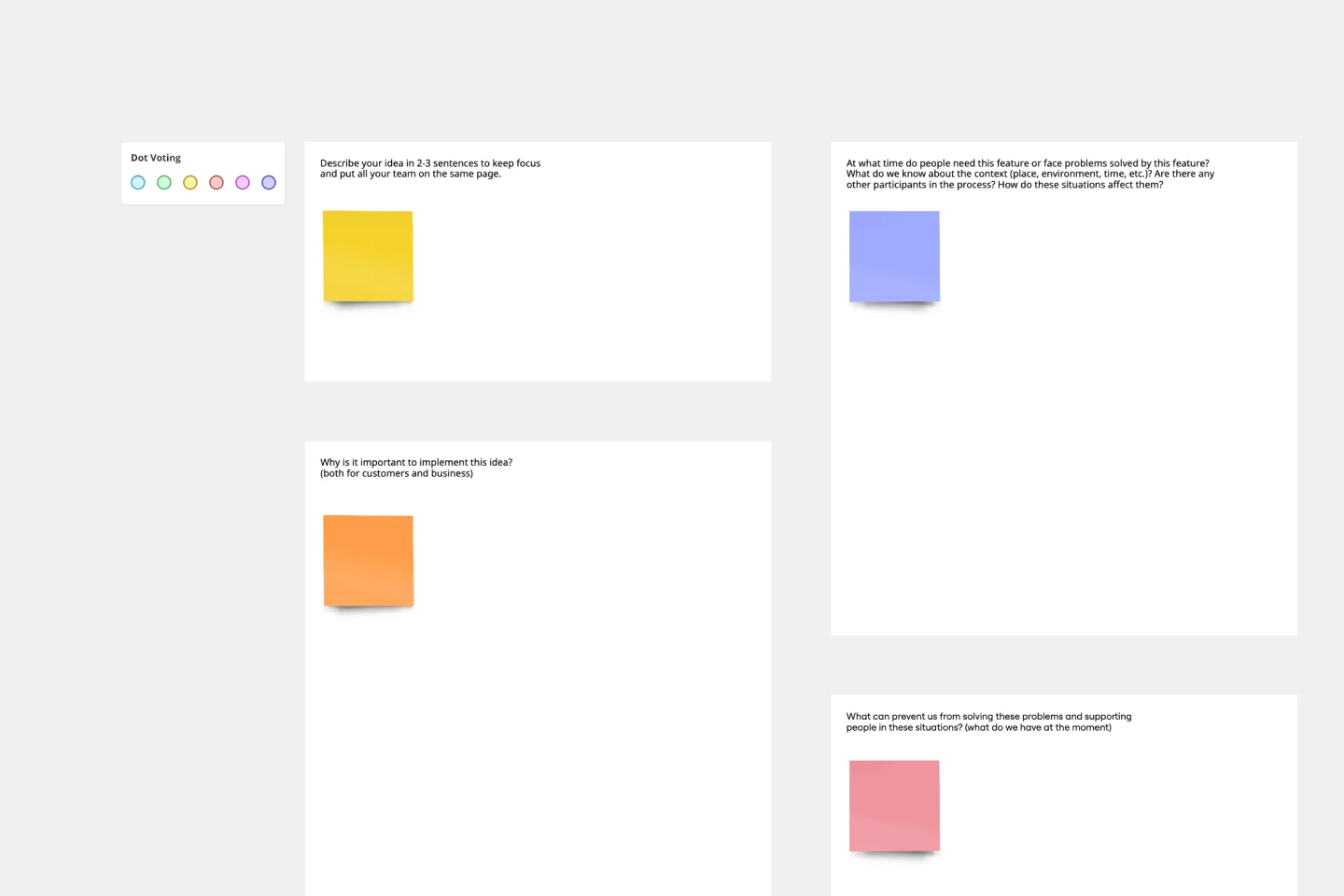
When you’re working on a new feature that solves a problem for your users, it’s easy to dive right in and start looking for solutions. However, it’s important to understand the initial user problem first. Use the Feature Canvas template to do a deep-dive into the user’s problems, the context in which they will use your feature, and the value proposition you will deliver to your users. The template enables you to spend more time exploring the problem to anticipate any potential blind spots before jumping into solutions mode.
SOP Template
Works best for:
Business Planning
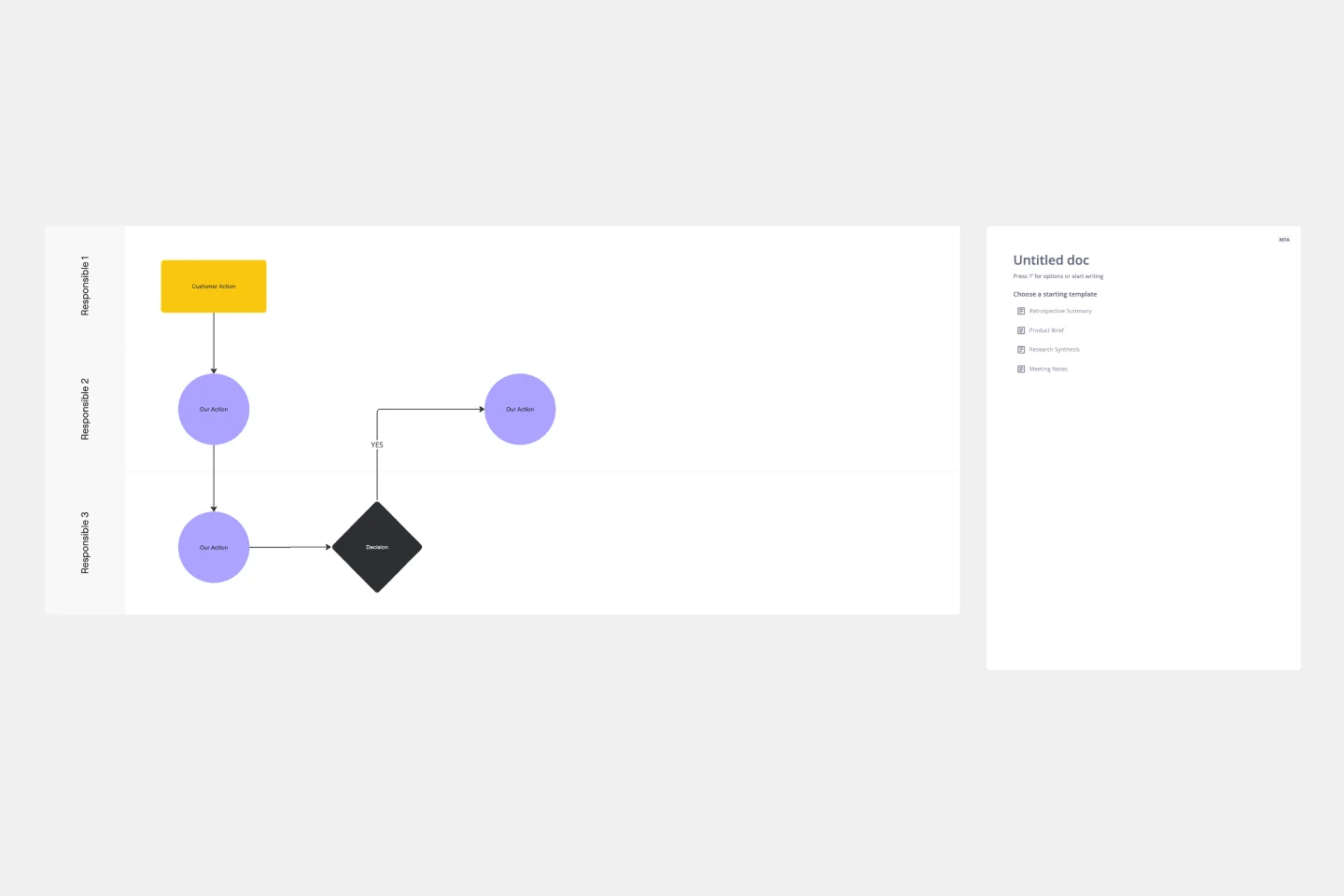
The SOP (Standard Operating Procedure) Template enhances efficiency, transparency, and collaboration within your organization. Take your operations to the next level, streamlining your business processes.
Pyramid Diagram Template
Works best for:
Business Management, Strategic Planning, Prioritization
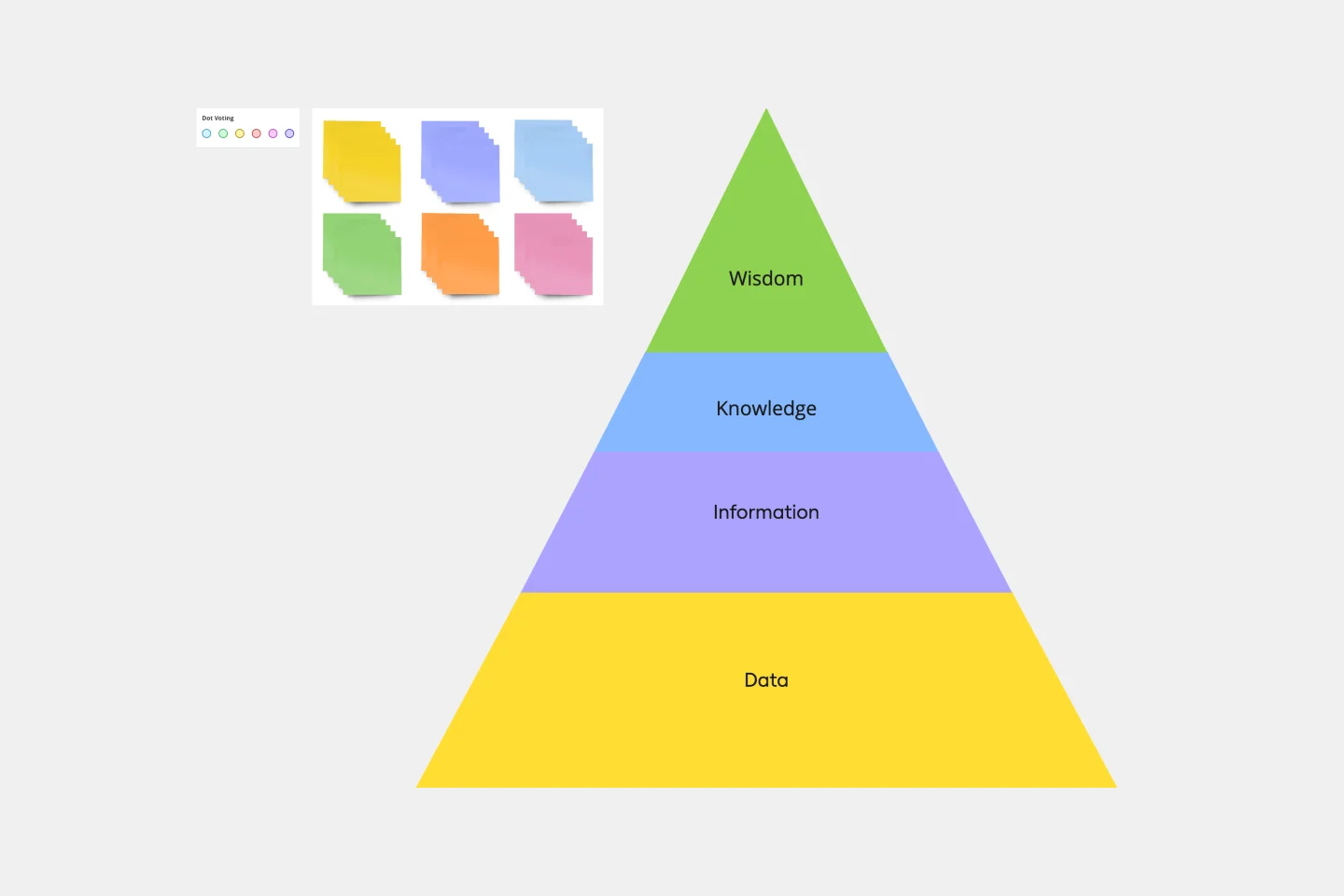
A pyramid diagram is a perfect tool for demonstrating concepts that can be broken down into a layered hierarchy. Each level of the pyramid builds on the one before it, clearly illustrating how certain actions lead to specific results. The Miro Pyramid Diagram template is your tool for any and all pyramid illustrations.
Syllabus Template
Works best for:
Education
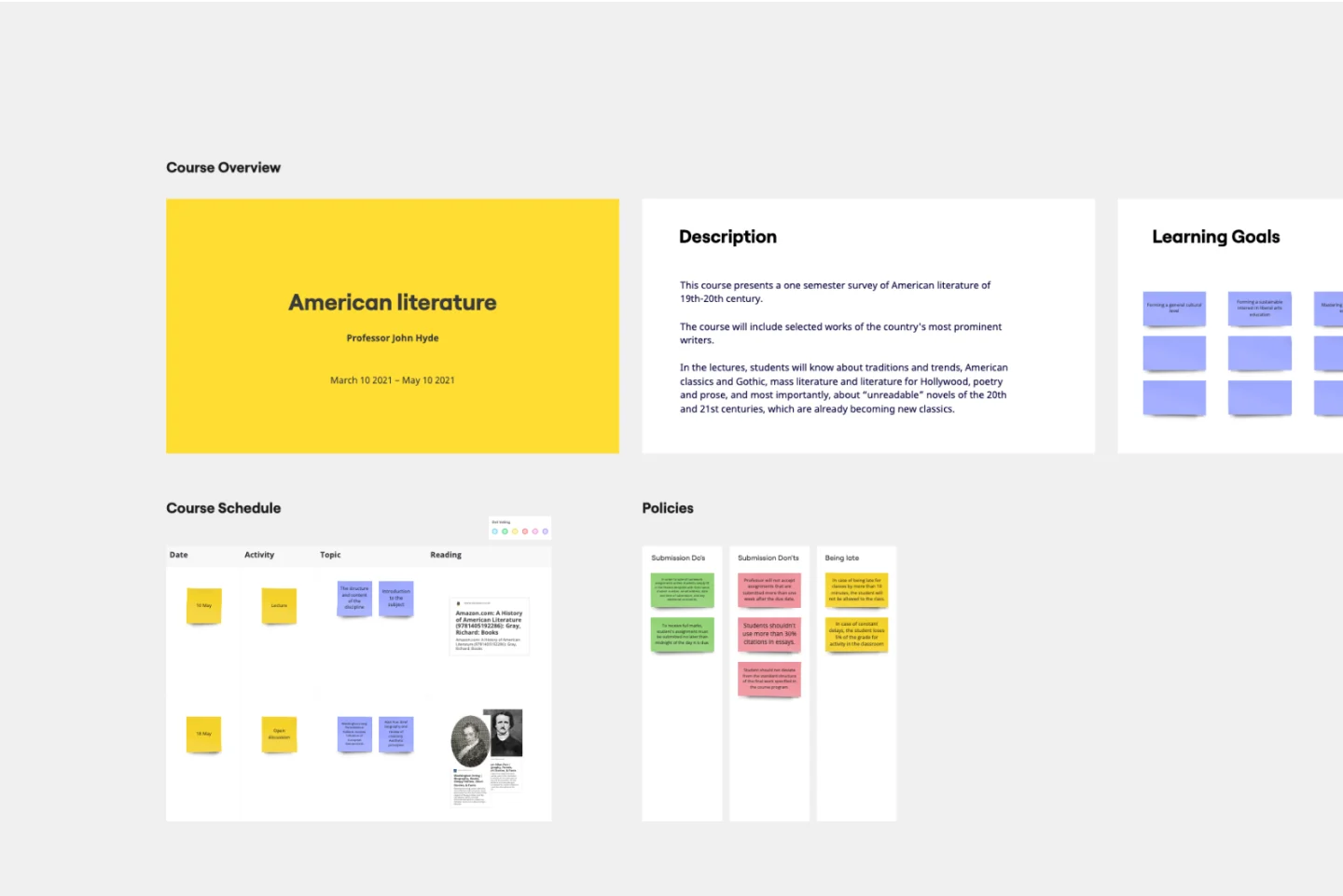
A Syllabus is a brief guide to your course, including expectations for your students, readings they will complete throughout the course, and a mission statement or course description. The Syllabus outlines any policies your students should follow during the course, rules and regulations that apply to them, and anything else your students should know. A Syllabus is a valuable tool for orienting your students, and it’s important the syllabus be clear and easy to follow. Use the Syllabus template to streamline the process of creating a simple, intuitive syllabus for your course.
Company Vision Presentation Template
Works best for:
Presentations, Business Management
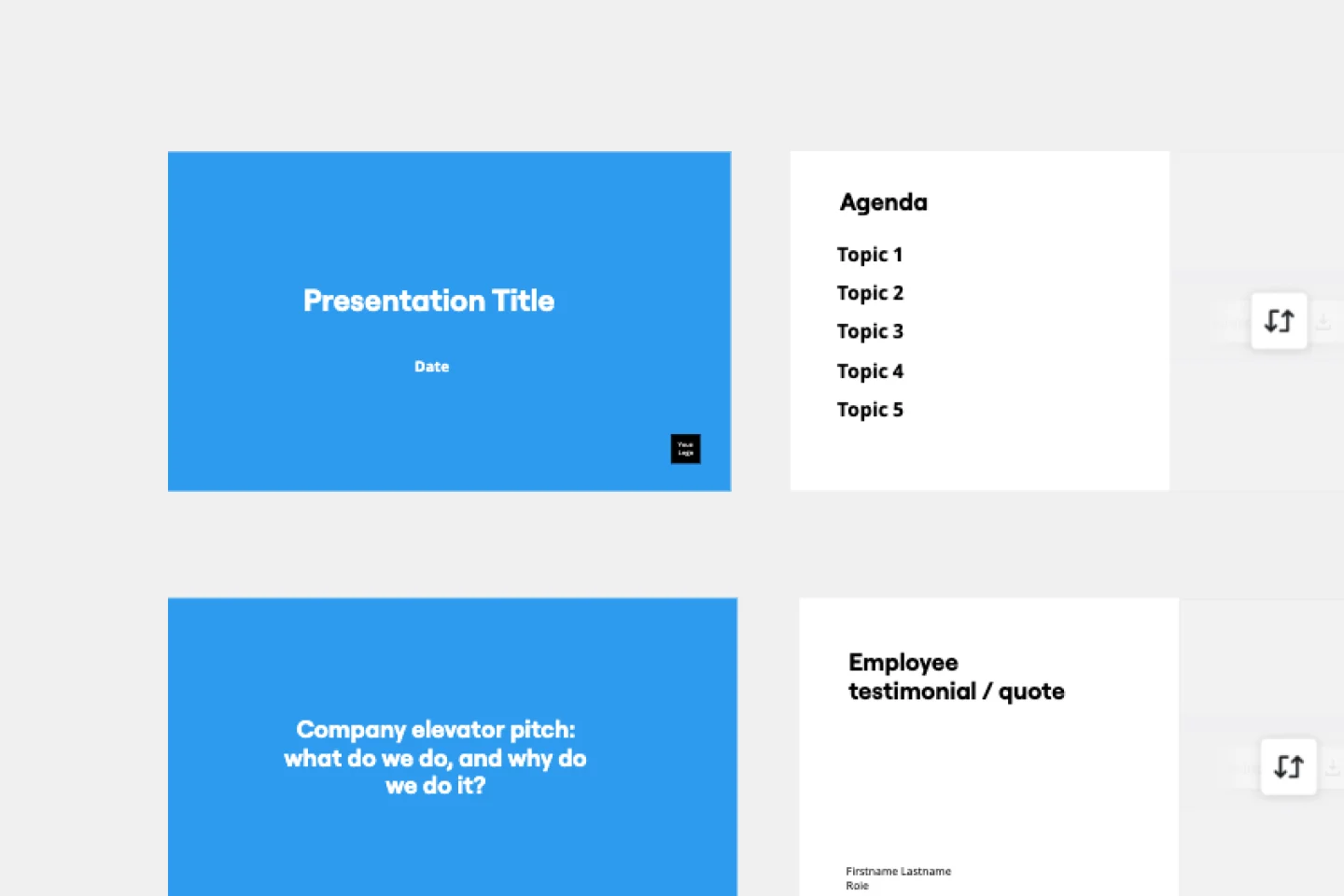
Creating or reimagining a company vision is just half the battle. You also need to make sure that your employees and customers understand and share it. Communicate your vision statement in the most effective and concise way with this Company Vision Presentation Template.
Corrective Action Plan Template
Works best for:
Project Management, Operations, Strategic Planning
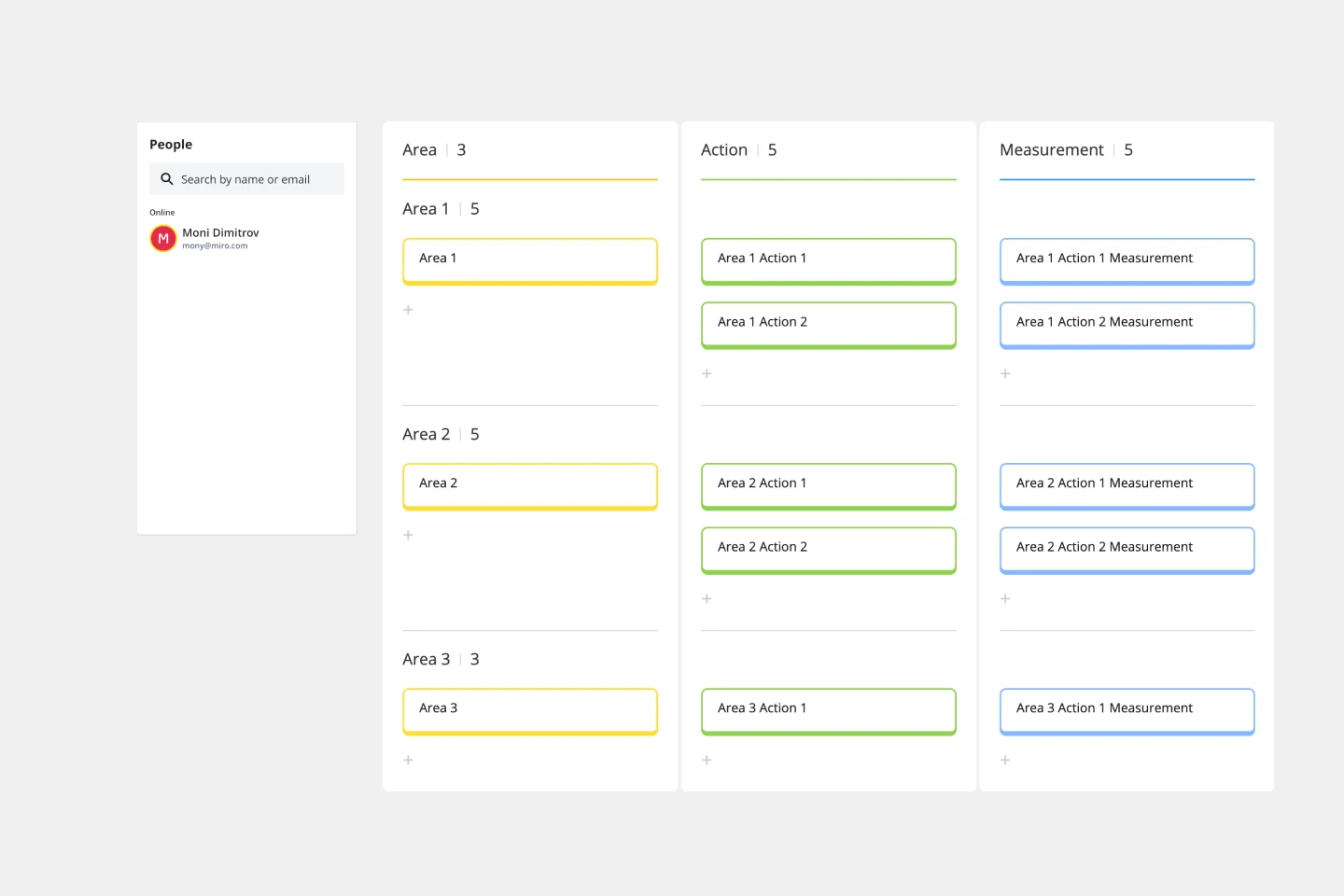
For a manager or HR leader, it’s the least fun part of the job: Documenting an employee’s performance issues and talking about them directly to that employee. A corrective action plan makes that tough task a little easier by putting issues into a professional, written framework. That way the process, next steps, and details of the conversations are all clearly documented. This template will enable you to eliminate murky communication, align on expectations, and provide step-by-step instructions for your employee.
Join thousands of teams collaborating and doing their best work on Miro.
Sign up freeAbout the Documentation Templates Collection
In project management and team collaboration, having a reliable and efficient way to document processes, decisions, and progress is crucial. Miro's documentation templates collection streamlines this process, offering a variety of templates that cater to different documentation needs. Whether you're looking for a project documentation template, a template for documentation, or any other specific type, Miro has you covered. Our templates are crafted to help teams maintain clarity, consistency, and efficiency in their documentation efforts.
Why you'll love our documentation templates
Using Miro's documentation templates brings numerous benefits to your team and projects. Here are some key advantages:
Consistency: Ensure that all your documentation follows a standardized format, making it easier to read and understand.
Efficiency: Save time by using pre-designed templates that can be quickly customized to fit your specific needs.
Collaboration: Facilitate better collaboration among team members by providing a shared platform for documentation.
Clarity: Improve the clarity of your documentation with well-structured templates that guide you through the process.
Accessibility: Keep all your documentation in one place, easily accessible to all team members, reducing the risk of information silos.
How to use the documentation templates in Miro
Using Miro's documentation templates is straightforward and user-friendly. Follow these steps to get started:
Access the template library: Navigate to the Miro dashboard and click on the 'Templates' section to explore the available documentation templates.
Choose a template: Browse through the collection and select the documentation template that best fits your needs. You can filter by categories or search for specific templates like project documentation templates.
Customize the template: Once selected a template, click on it to open it in the Miro board. Customize the template by adding your project details, team information, and any other relevant data.
Collaborate with your team: Share the customized template with your team members. They can add their inputs, comments, and updates in real time, ensuring everyone stays on the same page.
Save and share: After finalizing the documentation, save the template and share it with stakeholders or other team members as needed. You can export the document in various formats or keep it within Miro for ongoing updates.
Miro's documentation templates are designed to help teams thrive by providing a structured and efficient way to manage project documentation. By leveraging these templates, teams can ensure consistency, improve collaboration, and maintain clarity in their documentation processes.
Explore all template categories to find the perfect tools for brainstorming, planning, collaboration, and execution—designed to streamline your workflow and bring your ideas to life.