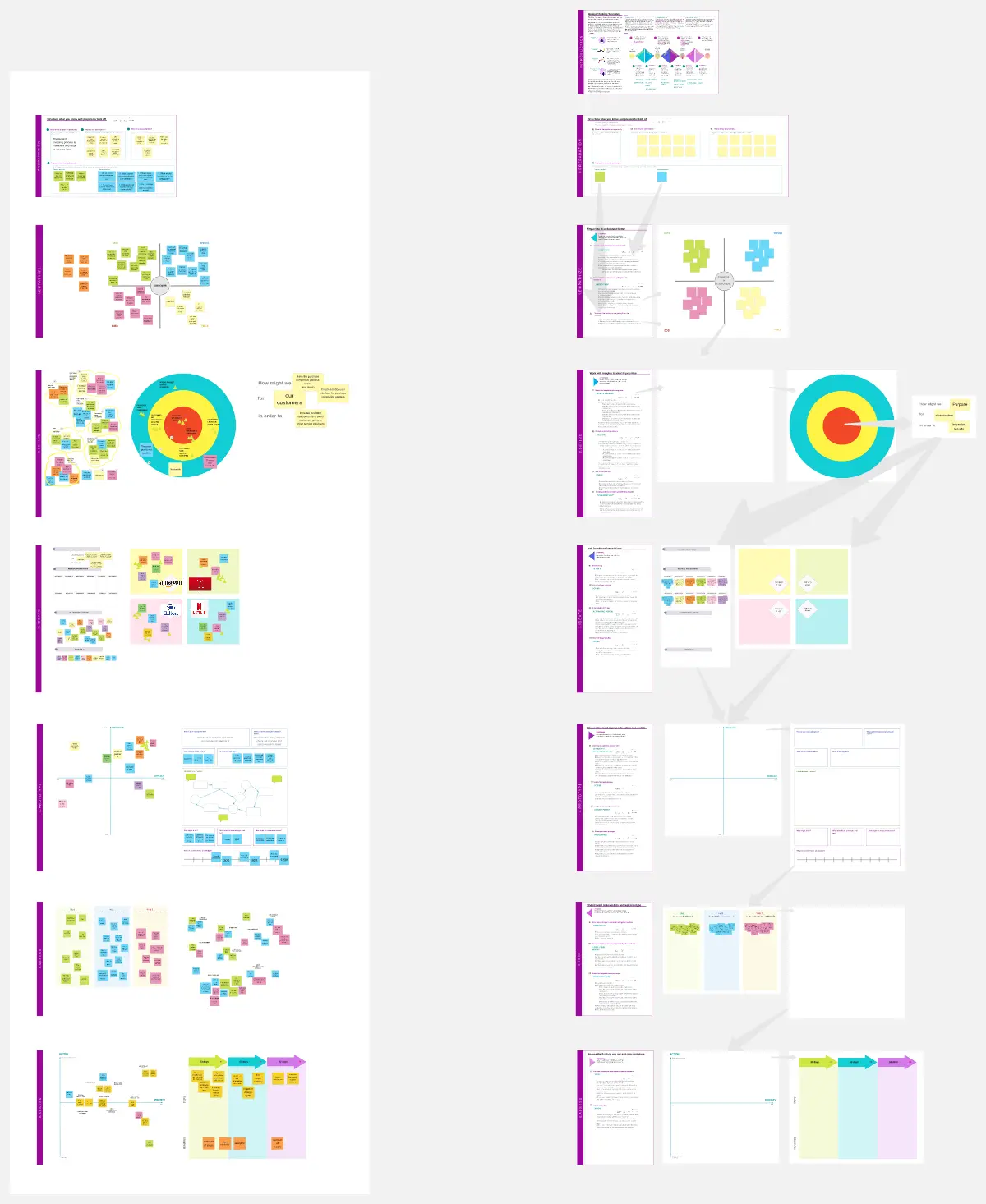
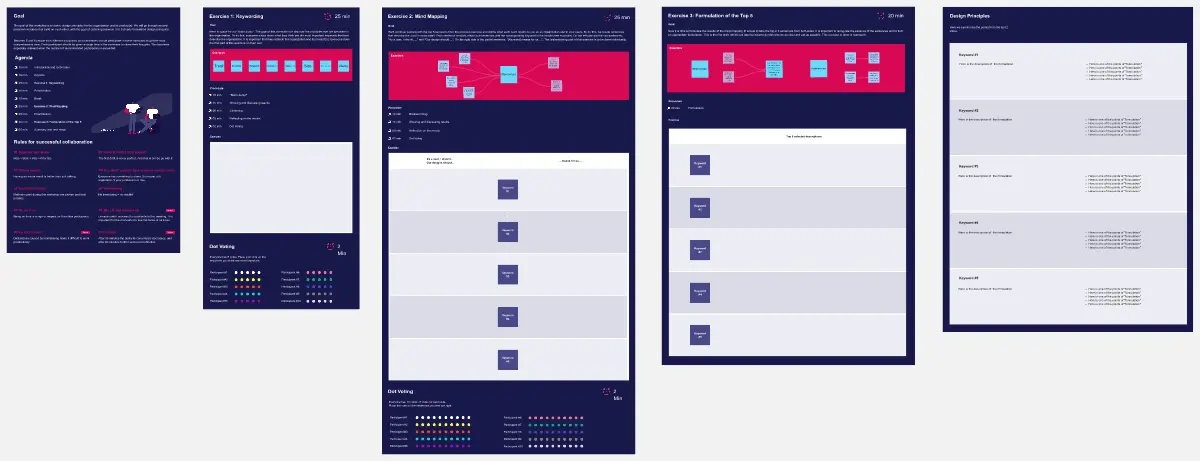
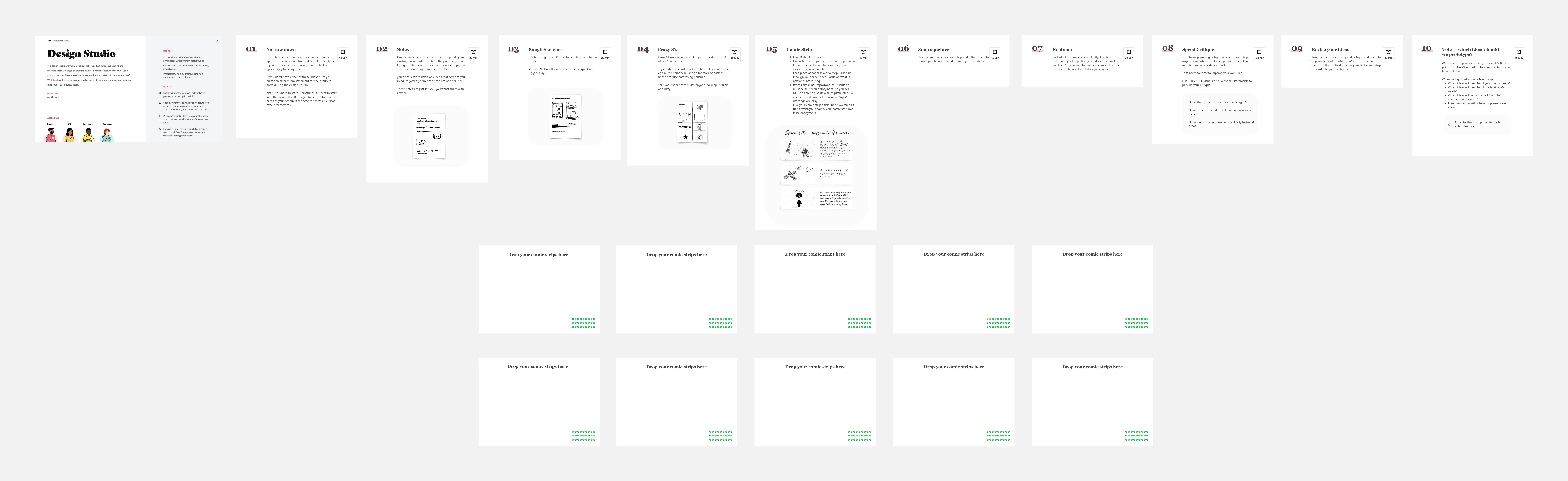
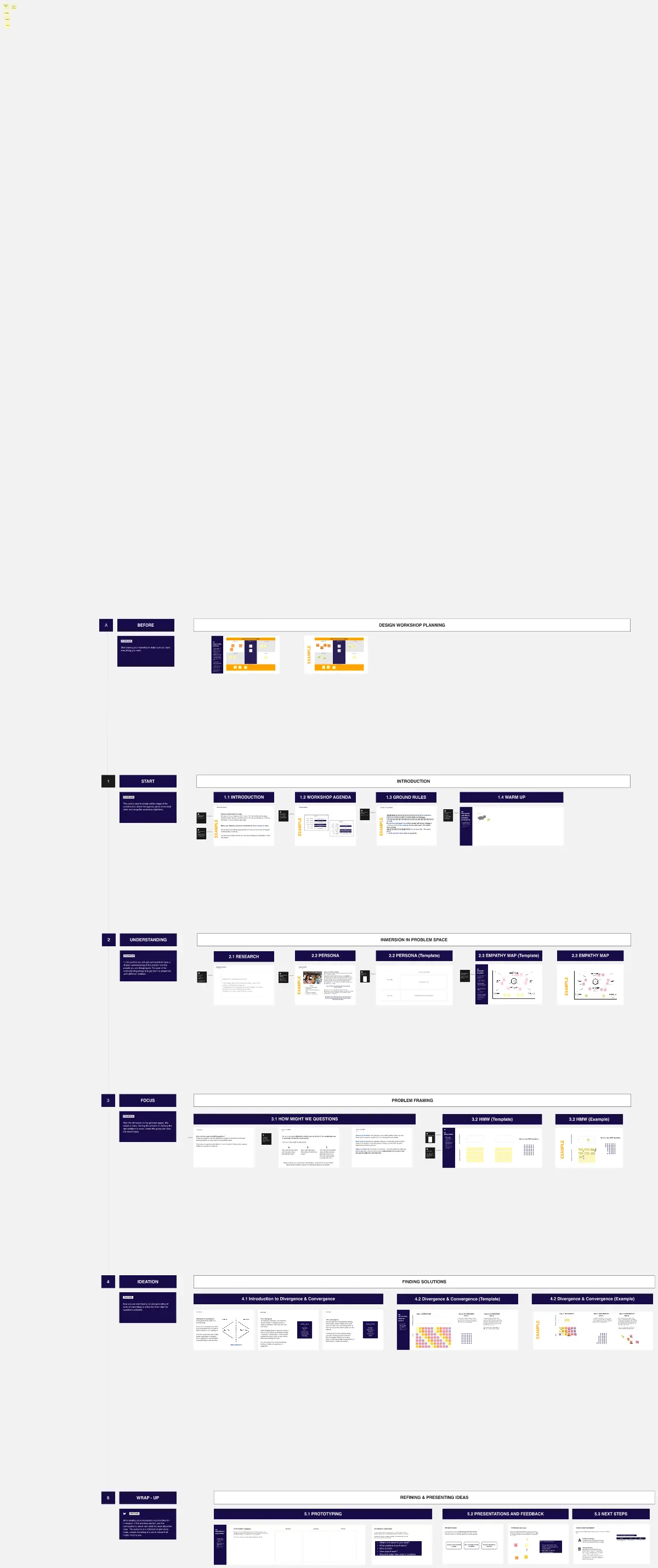
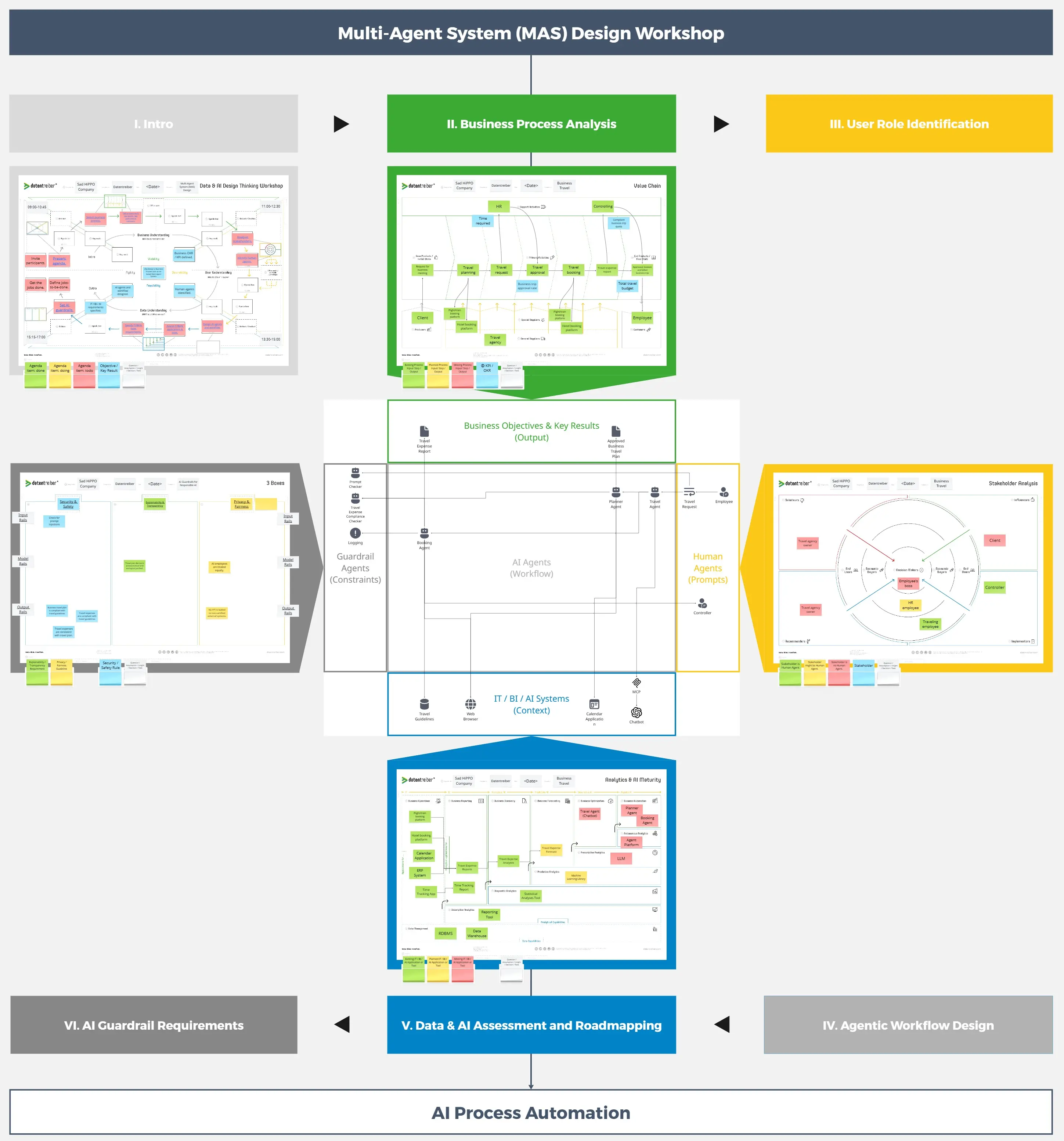
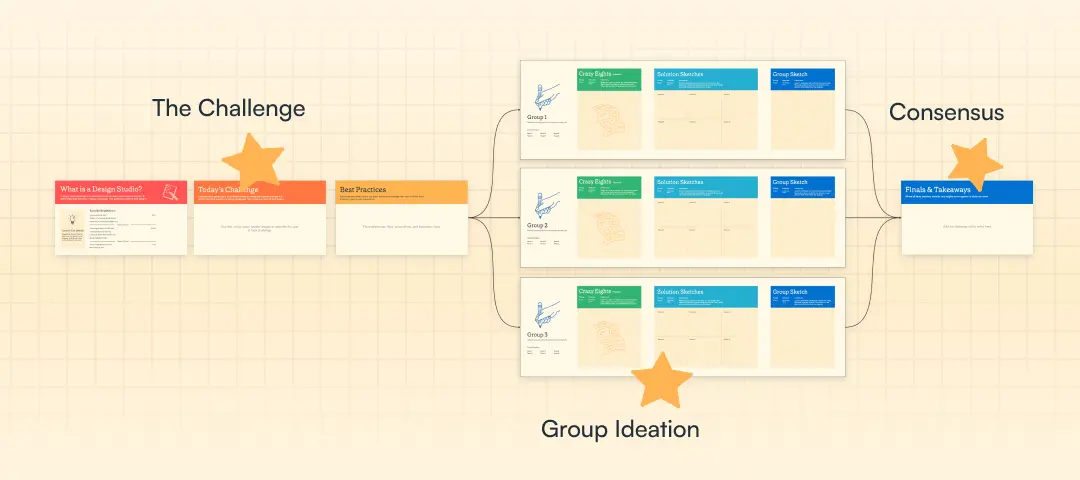
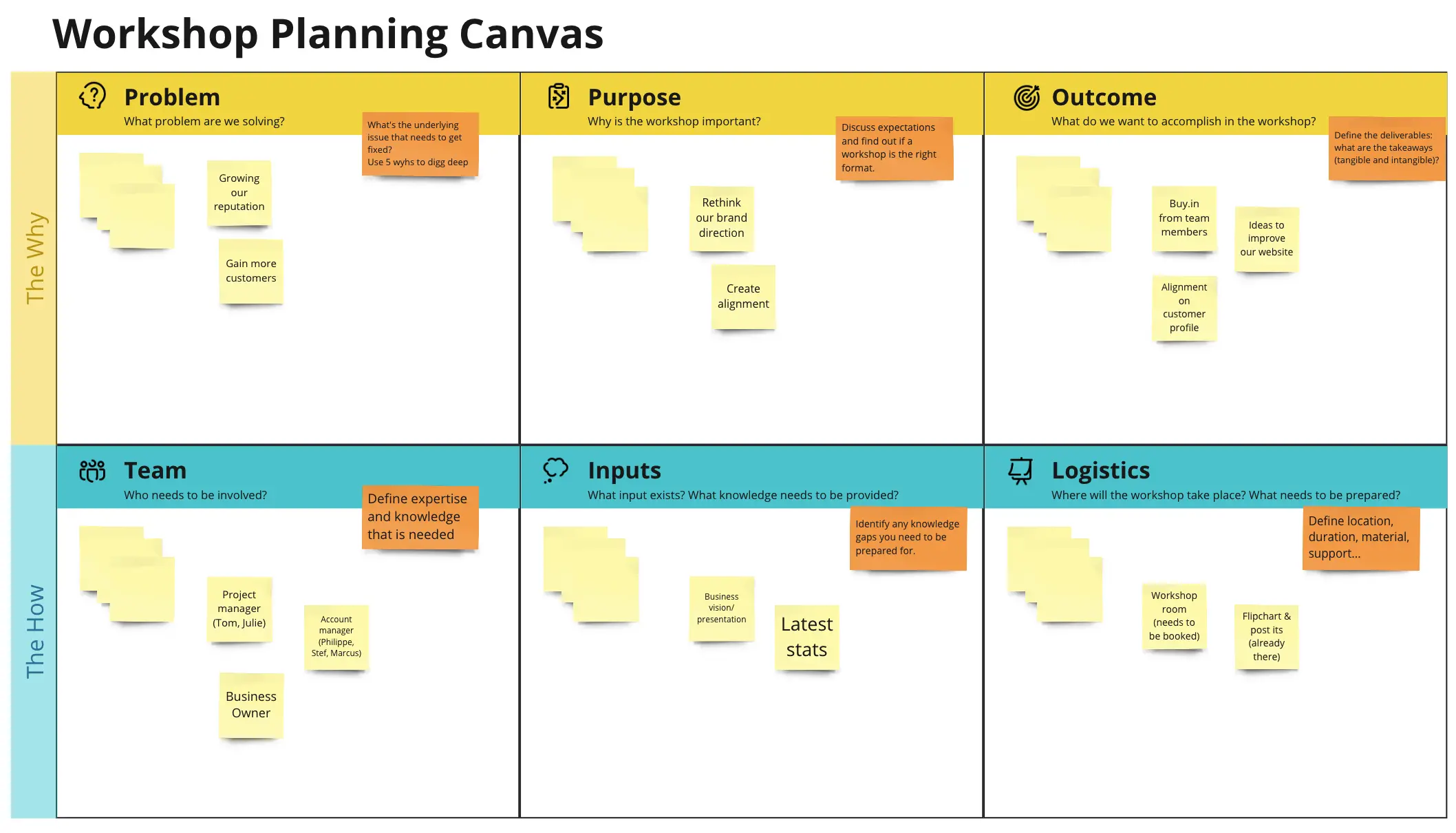
What is a Design Workshop Template?
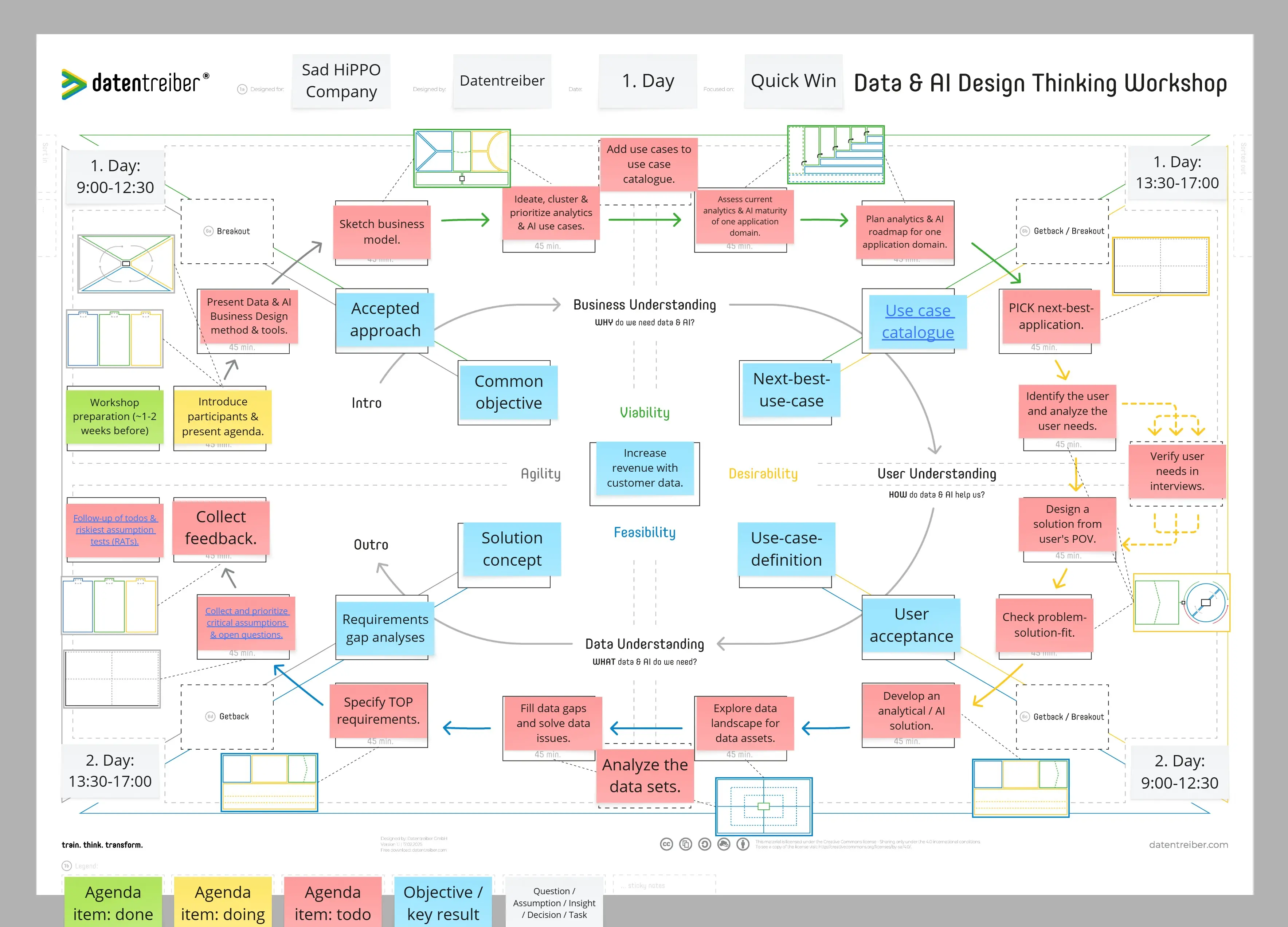
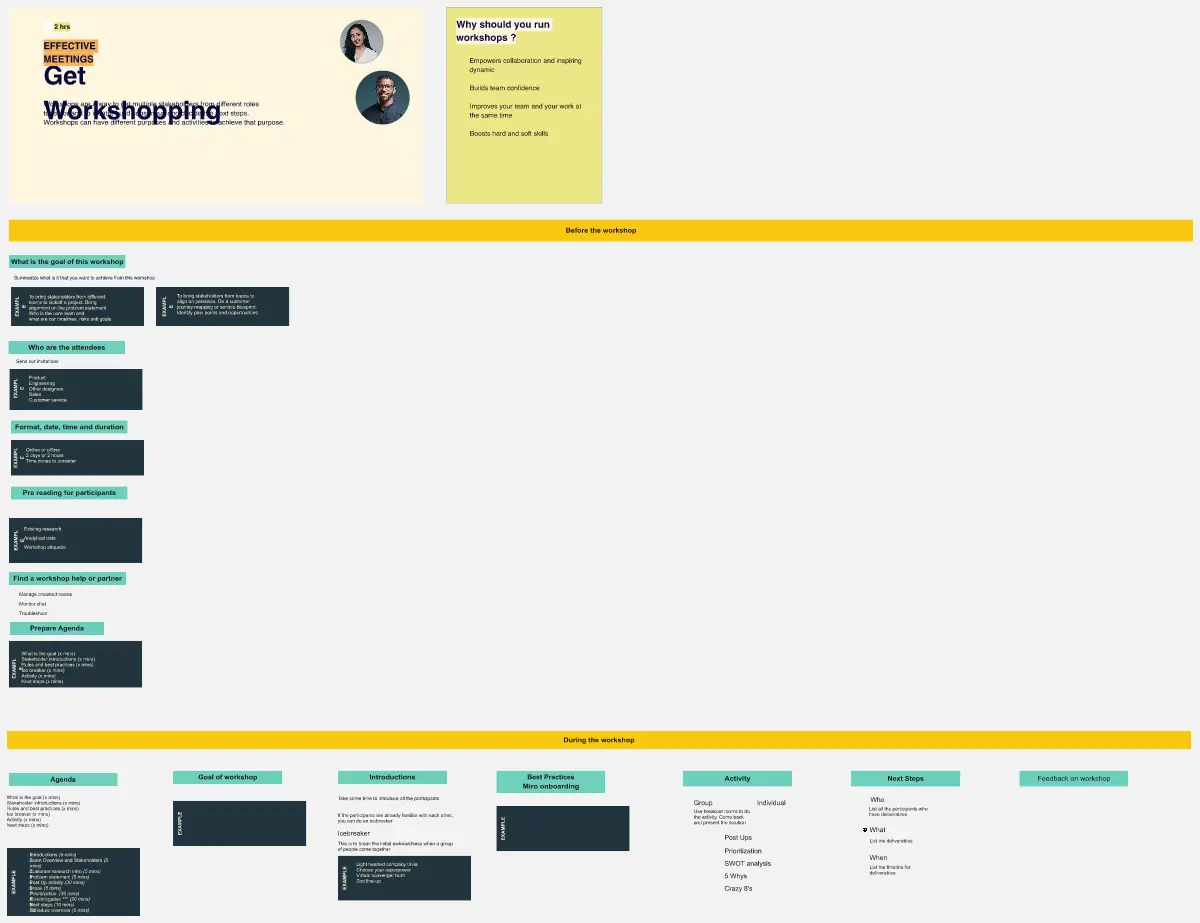
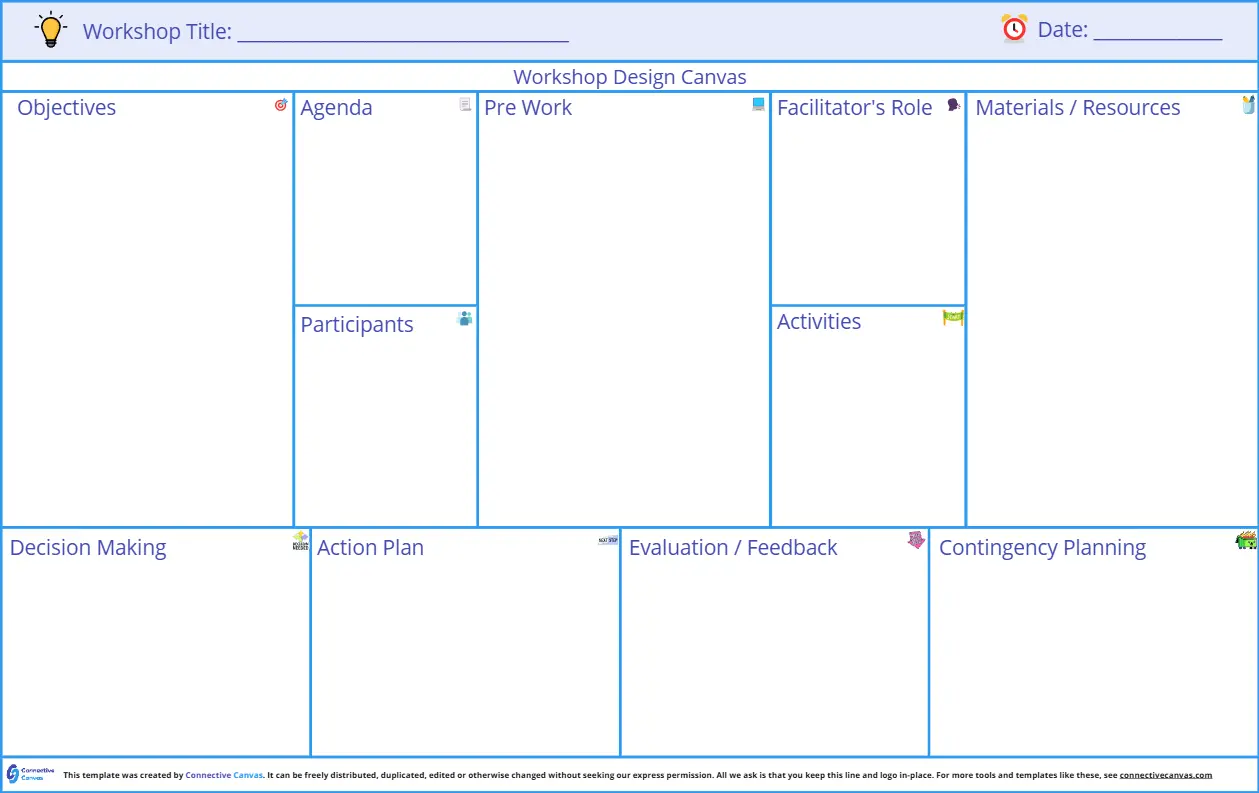
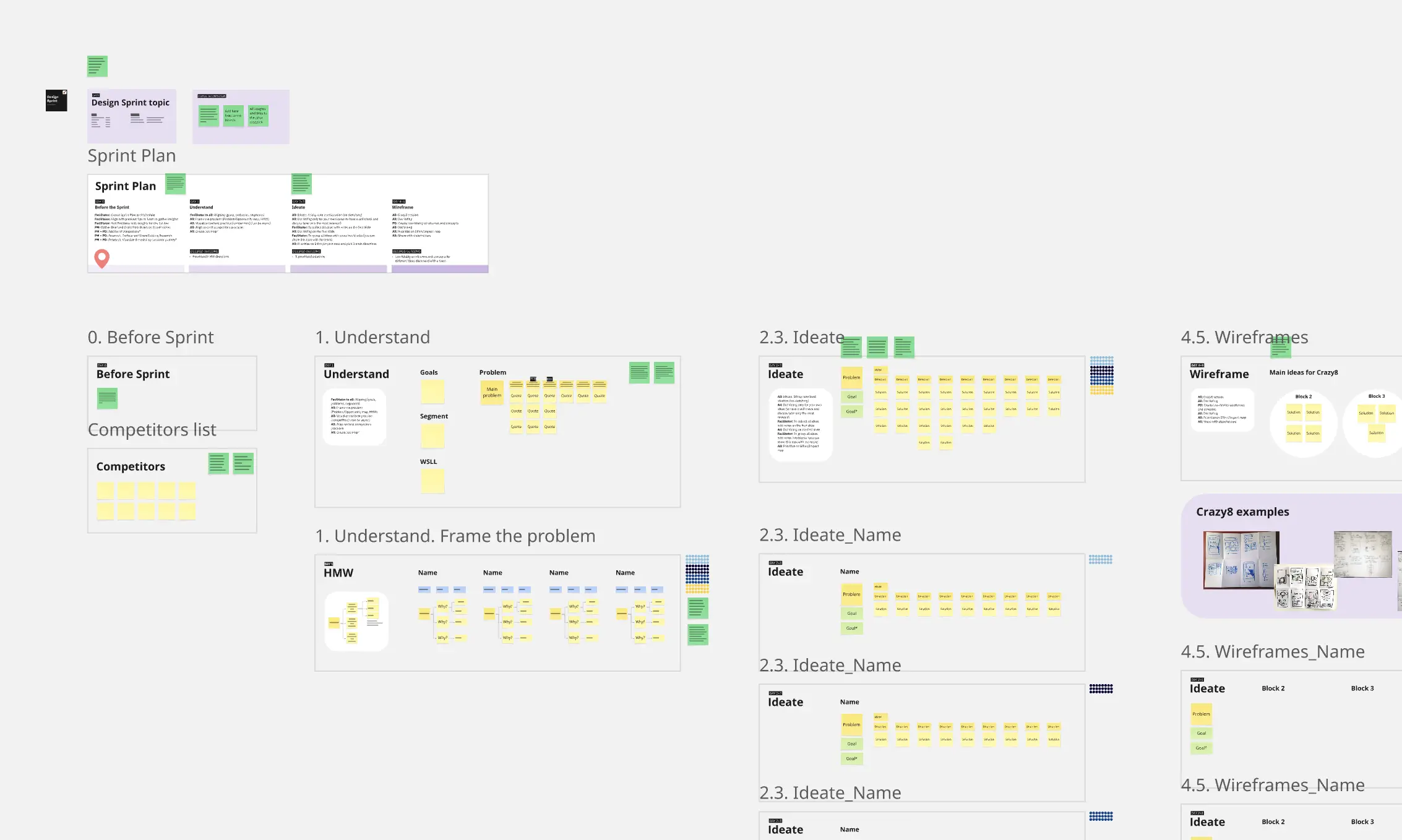
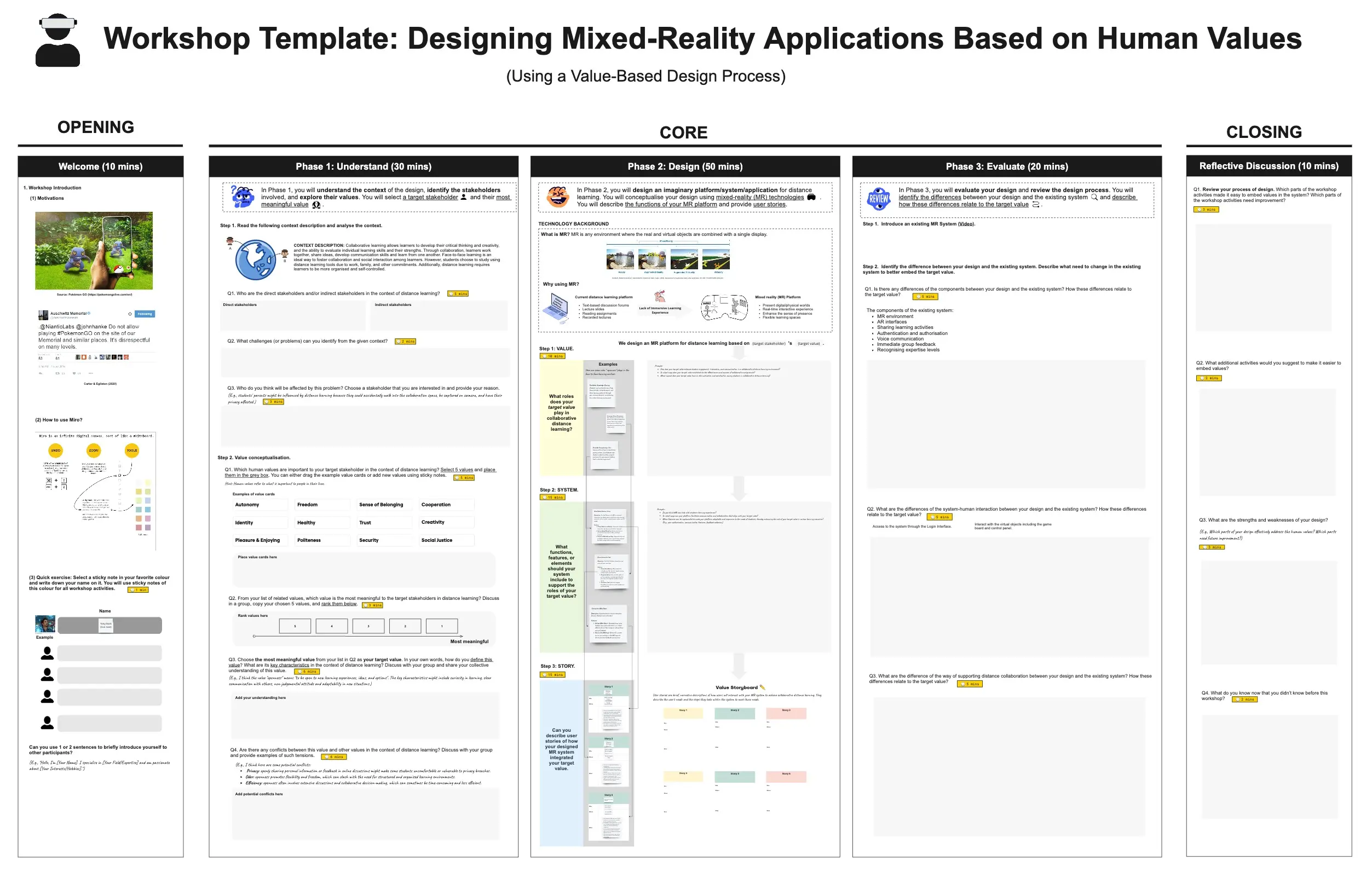
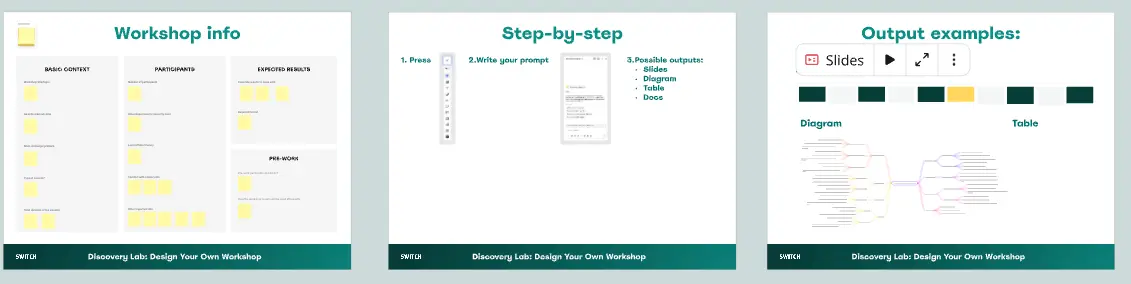
A design workshop template is a structured, visual workspace used to move a team from a problem to a tangible solution. Unlike a solo design session, these workshops involve "non-designers" (Product Managers, Developers, Stakeholders) to ensure the final output is desirable, feasible, and viable. It uses frameworks like the Design Sprint or Service Blueprinting to visualize the invisible layers of a user experience.
The "Design Logic" Audit: 3 Ways to Build Better Products
A great design is not just "pretty"—it is functional. Before starting your workshop on Miro, apply these three expert "health checks":
1. The "User-Centered" Logic Audit
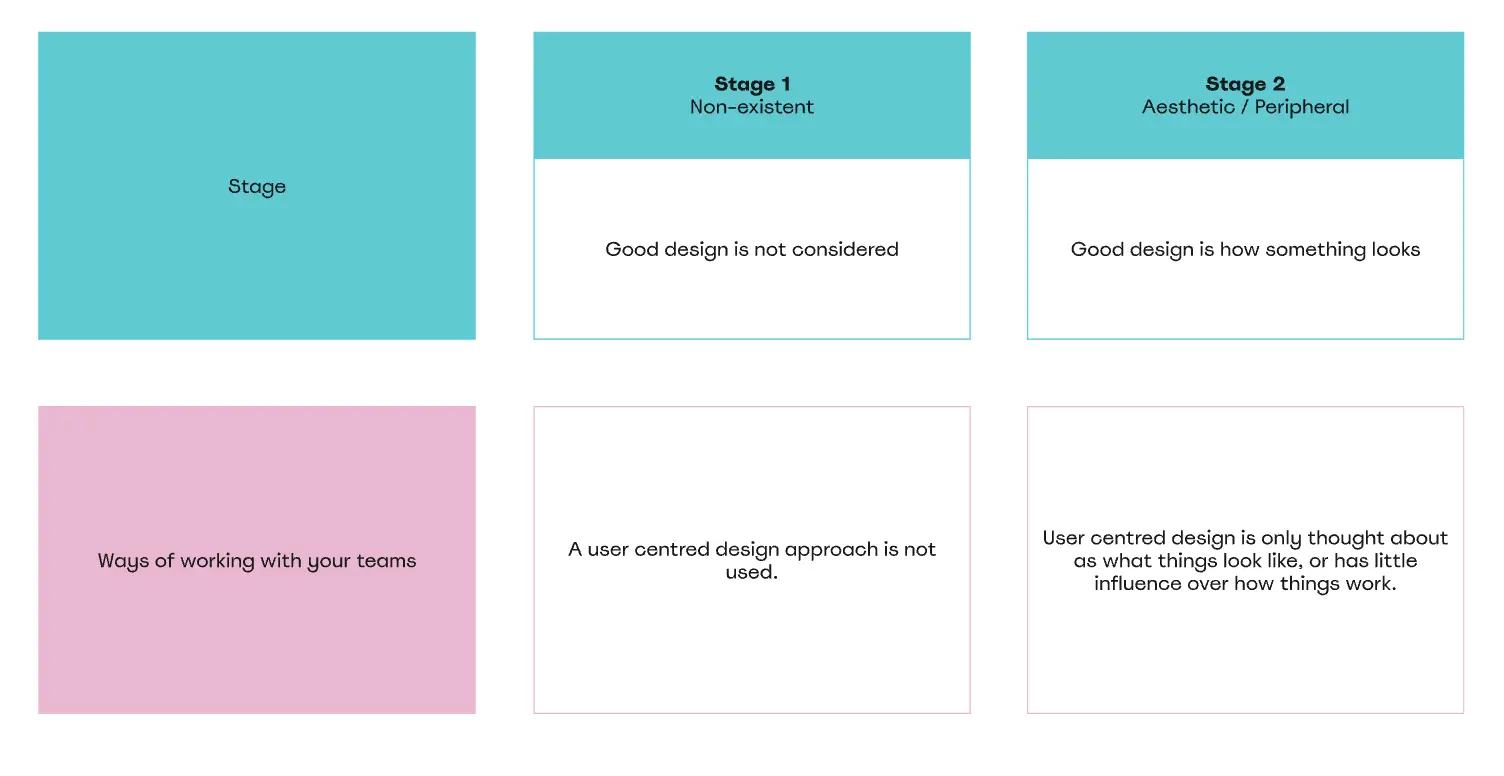
The Audit: Is your workshop starting with "What should the screen look like?" instead of "What is the user trying to do?" The Fix: Audit for Empathy. A professional design template starts with User Personas and Empathy Maps. If you don't know the user's emotional state (e.g., "Anxious" or "Rushed"), you cannot design a successful interface. Start with the "Human Context" before the "Pixels."
2. The "Technical Feasibility" Test
The Audit: Are you designing "Moonshot" features that the engineering team says will take two years to build? The Fix: Audit for Feasibility Constraints. Include a "Developer Corner" in your template. Invite an engineer to "Red-Pen" ideas early. Identifying a technical "No-Go" during a 2-hour workshop saves 2 months of wasted design work.
3. The "Service Blueprint" Guardrail
The Audit: Are you only designing the "Front-End" and ignoring what happens behind the scenes? The Fix: Audit for Full-Stack Experience. Use a Service Blueprint template to map the "Front Stage" (what the user sees) against the "Back Stage" (internal processes and APIs). A great design is often about fixing the internal workflow as much as the external button.
Strategic Frameworks: Which Design Template Do You Need?
Select the Miro template that matches your current design challenge:
The Experience Mapping Workshop:
The Component Discovery (Design System) Workshop:
The Paper Prototyping (Crazy 8s) Workshop:
Key Components of a Design Workshop Template
A high-performance Design Board requires these five core elements:
The Inspiration "Wall": A space to paste screenshots of competitors, art, or "Best-in-Class" UI examples.
The User Flow Diagram: A simple "Box and Arrow" map of the steps a user takes to reach their goal.
The Sketching Area: Individual "frames" for each participant to draw their ideas (even if they "can't draw").
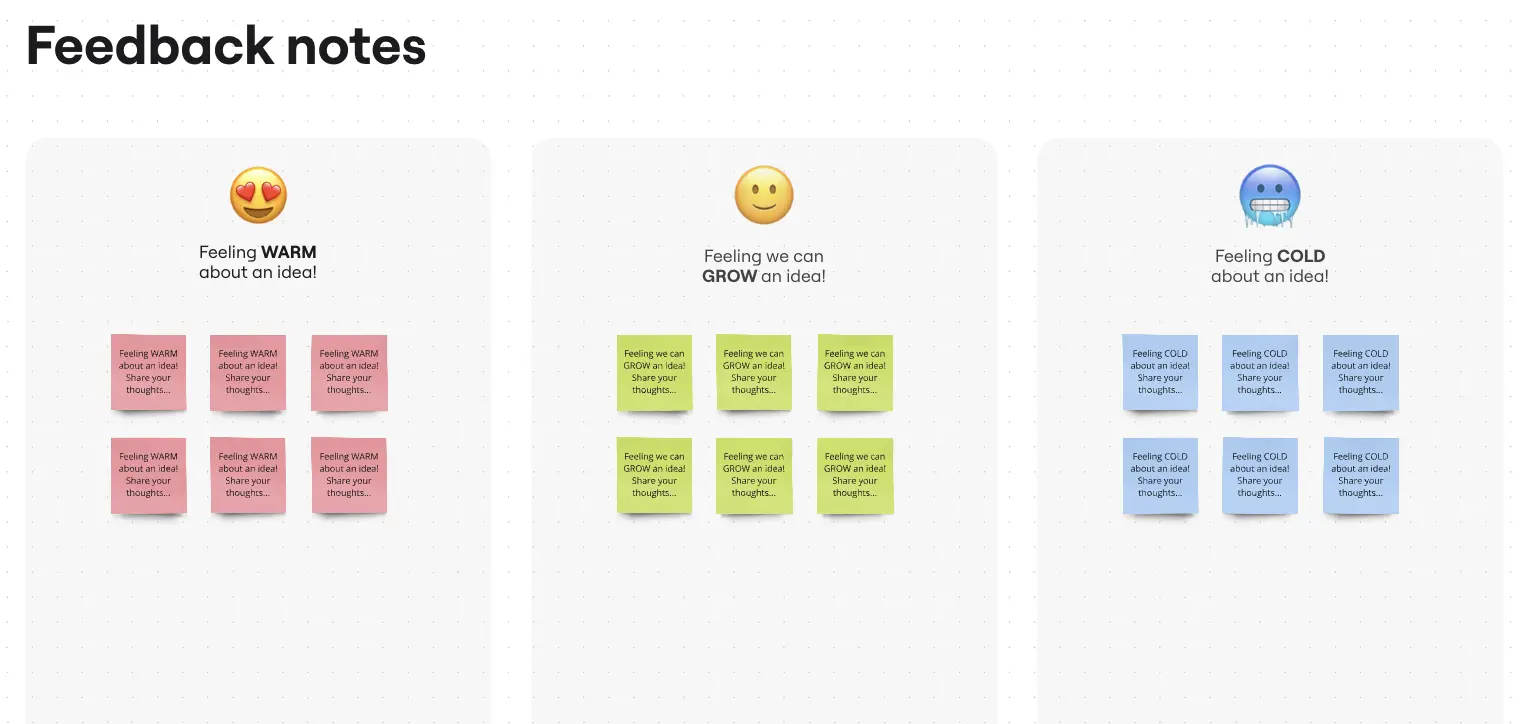
The "I Like, I Wish, What If" Feedback Grid: A structured way to give constructive critique without hurting feelings.
The Prototype Roadmap: A section to define which ideas will be turned into high-fidelity mockups in Figma.
Common Pitfalls in Design Workshops