The newest addition to your wireframe tool kit


















Move from rough concept to validated design in half the time
Save your best design work for what matters
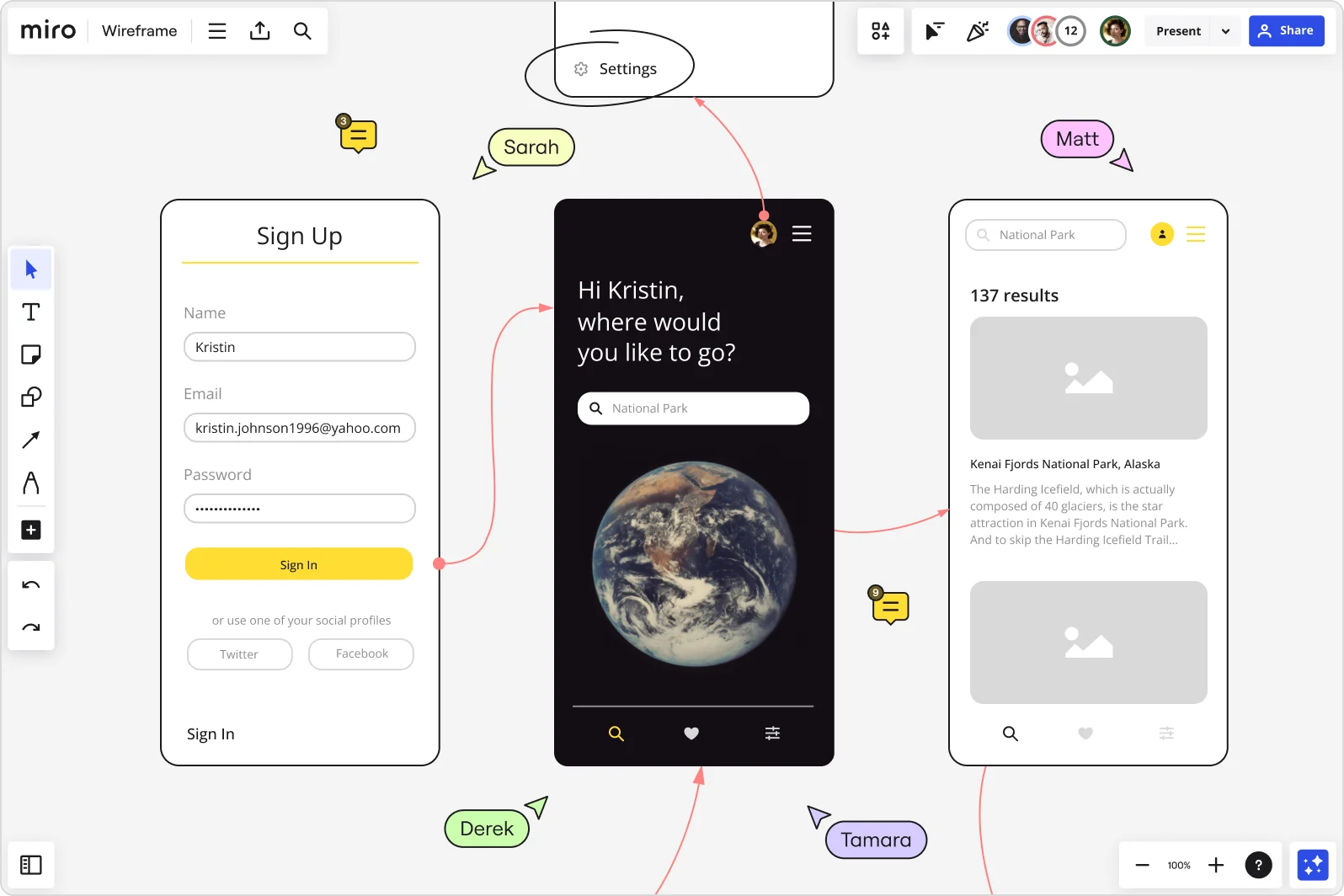
Validate structure and user flows early so designers can focus on polished UI work instead of endless wireframe revisions. AI Sidekicks generate wireframes from text prompts like "create a three-step checkout flow," turning ideas into layouts in seconds.

Align teams before development starts
Design, Product, and Engineering see the same vision on one board. Leave feedback directly on wireframes with comments, mentions, and voting. No chasing down input across Slack threads or trying to remember what was decided last week.
Keep design decisions tied to research
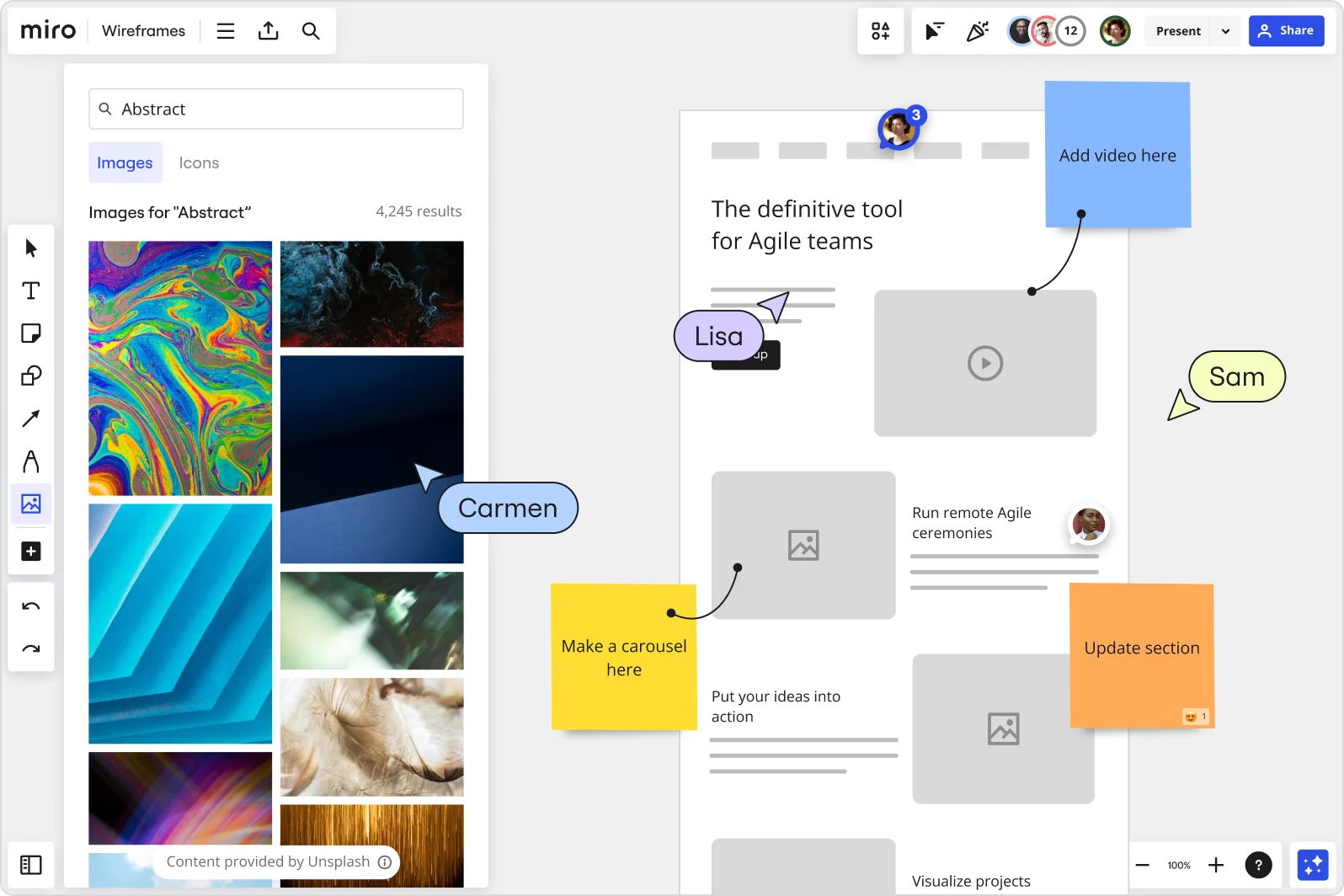
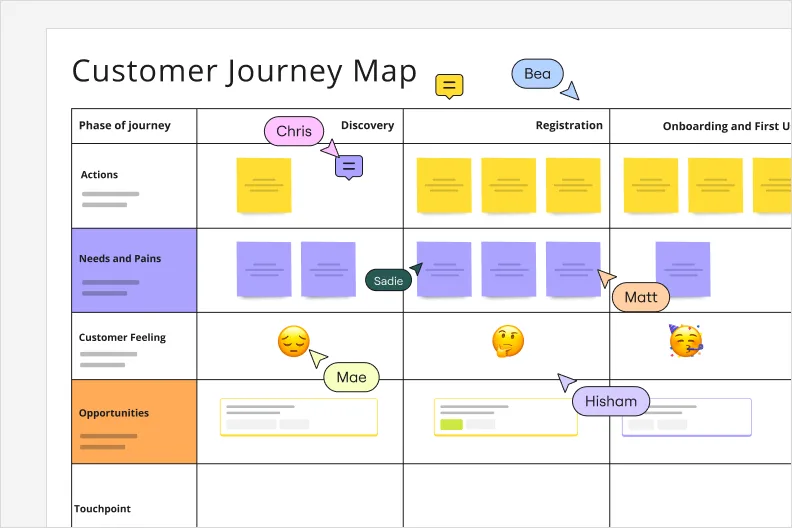
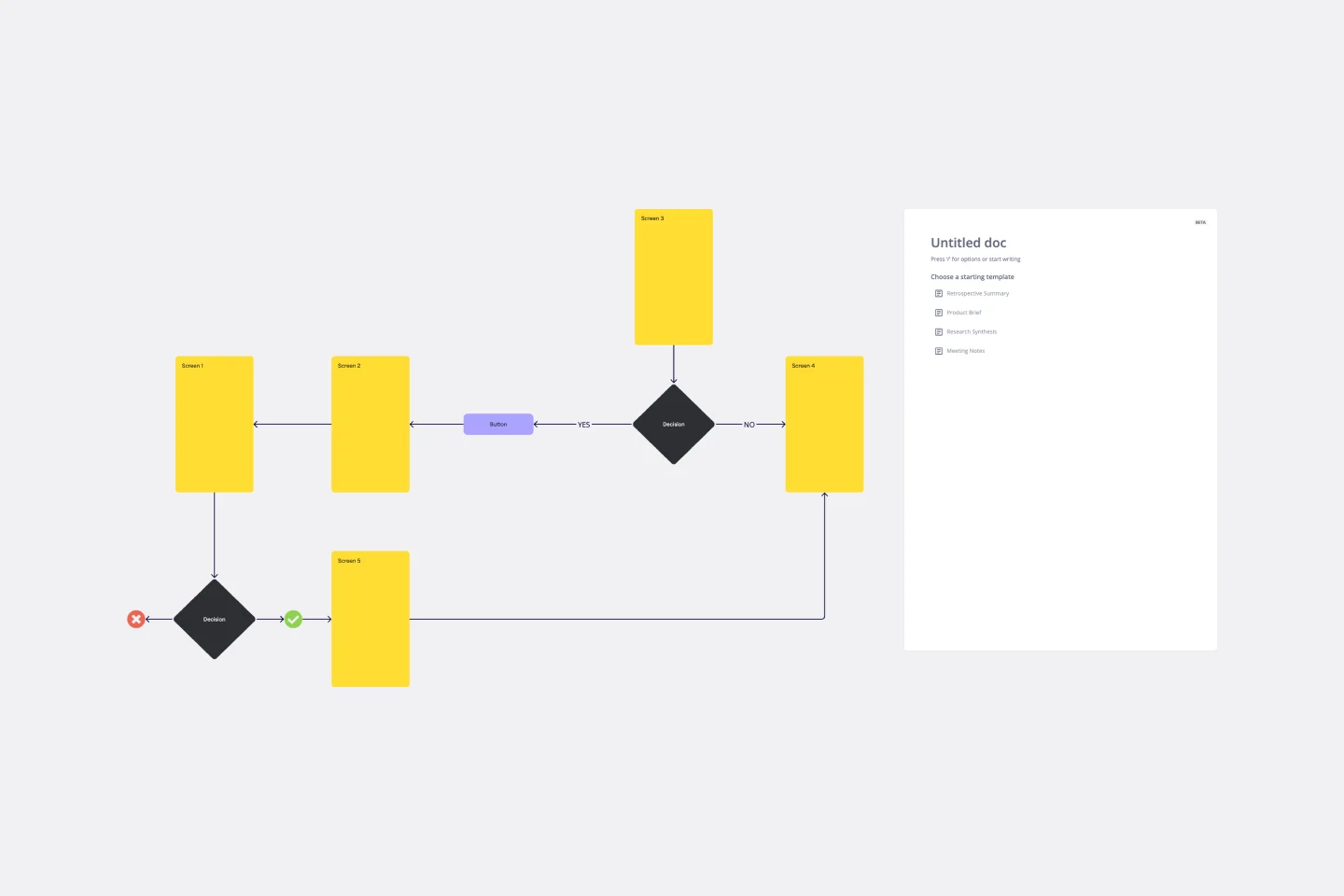
Wireframes live next to your user journey maps, personas, and research findings on the same canvas. Visually connect wireframe sections to the insights behind them, so when stakeholders ask "why this layout?" the answer is right there.
Why people love using Miro for online wireframing
AI-powered layouts with Sidekicks
Describe what you need in plain language and Sidekicks generate structured wireframes. Need a dashboard with navigation and data tables? Just ask. Want three variations of a mobile flow? AI sketches options in minutes while you stay in creative control.
Real-time collaboration and feedback
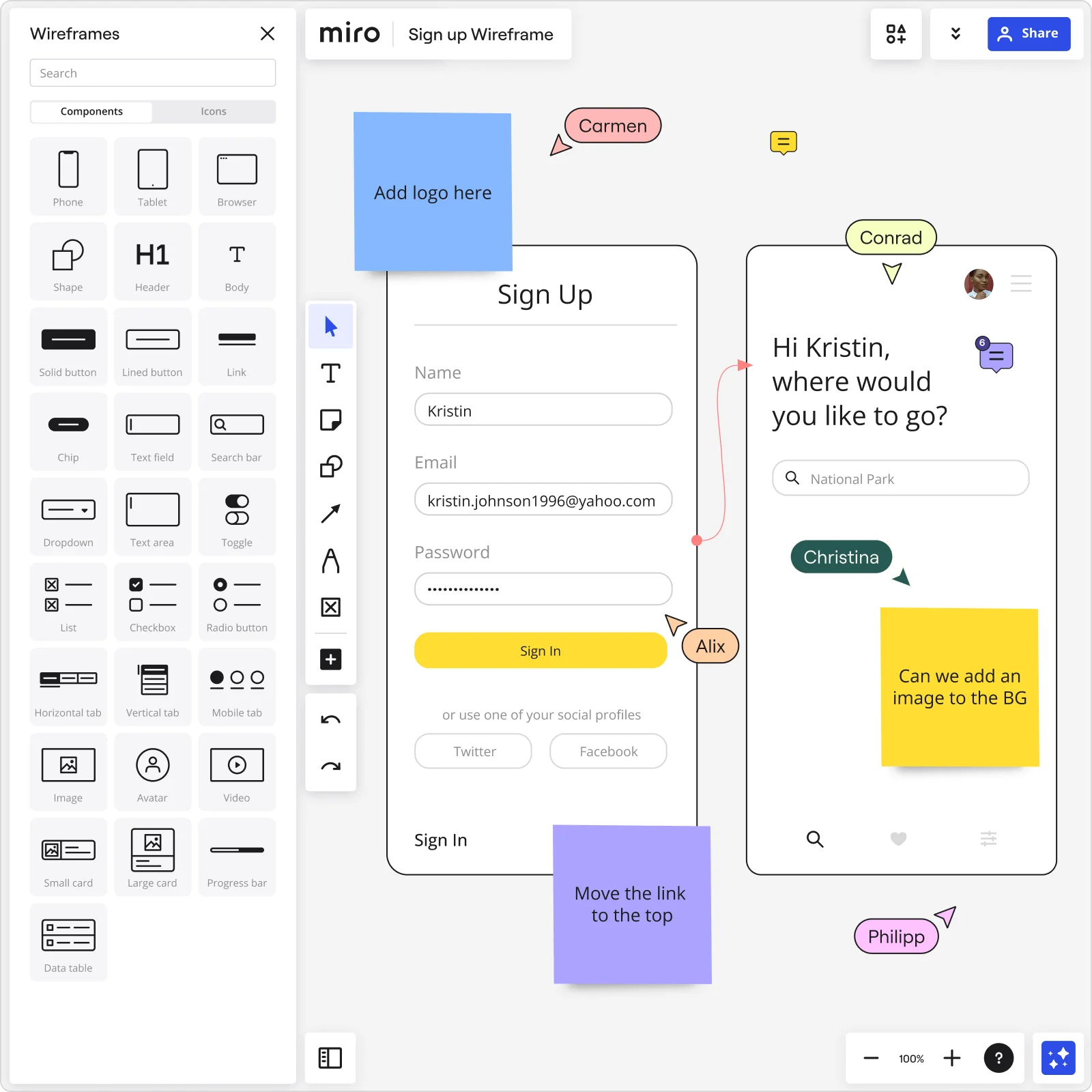
Build wireframes together live or async across time zones. On Miro's wireframe tool, teammates add suggestions with comments, vote with reactions, and use @mentions to loop in stakeholders. All feedback stays attached to the wireframe, not buried in email.
Figma and Adobe XD integrations
Import Adobe XD artboards directly into Miro to align wireframes with design files. Reference existing screens and transition smoothly into high-fidelity prototypes without creating silos between tools.
Ready-to-use UI components
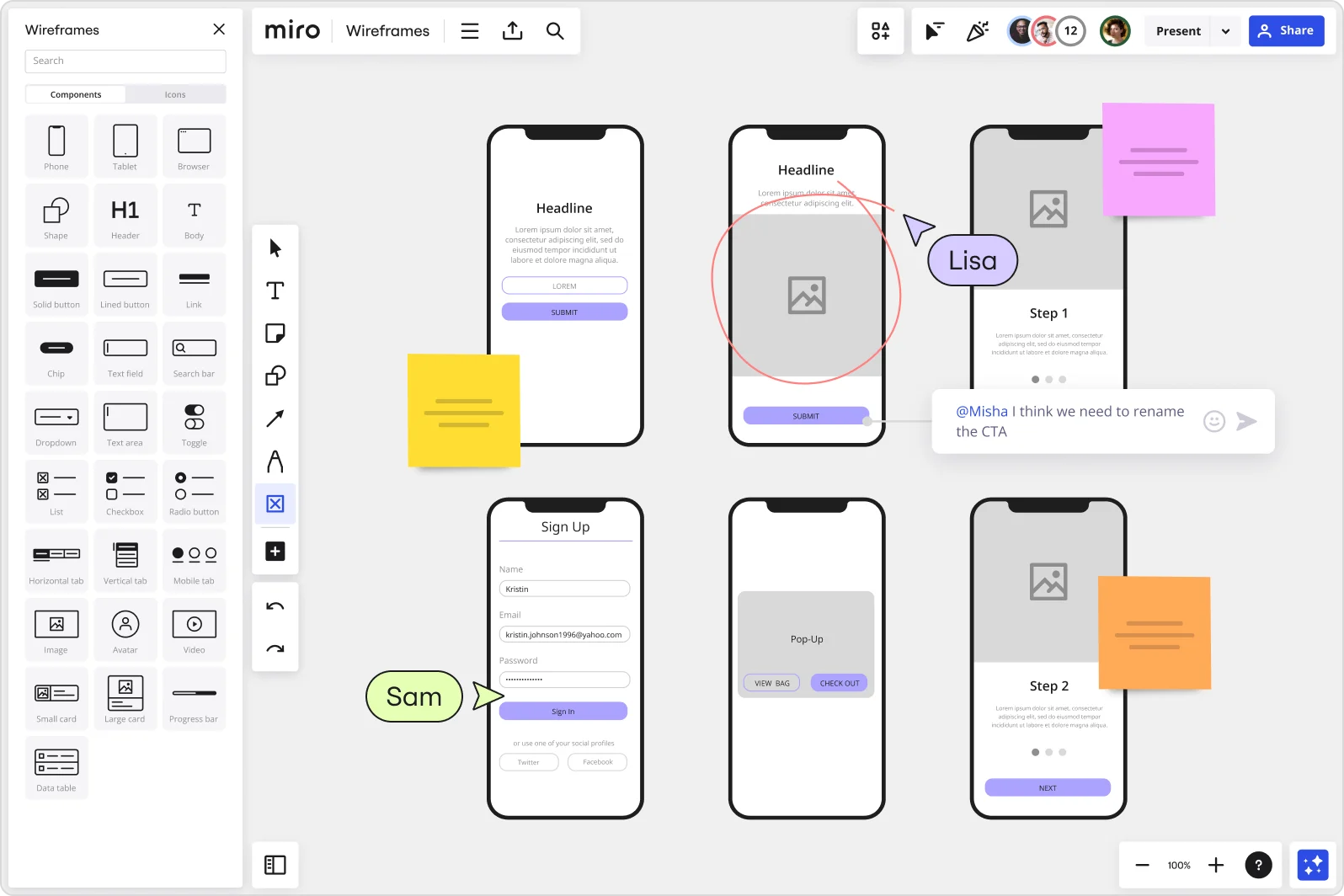
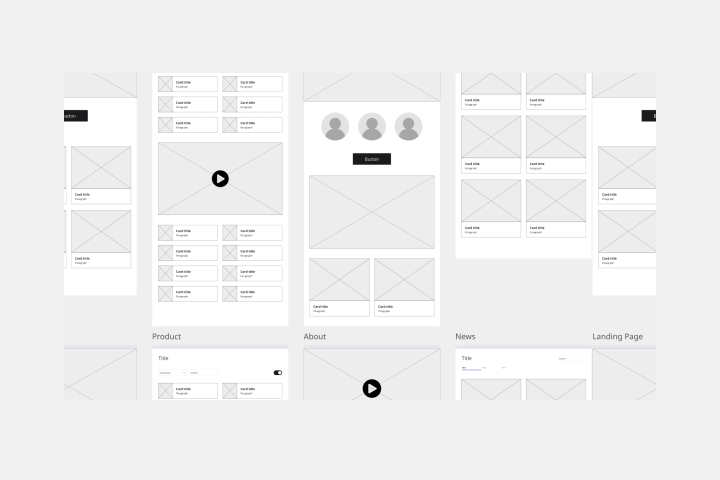
The Prototyping Library gives you wireframe icons, buttons, forms, navigation elements, and mobile/web components. Drag interface elements onto your board instead of drawing from scratch. Fast, consistent, purpose-built for low-fidelity design.
Related pages
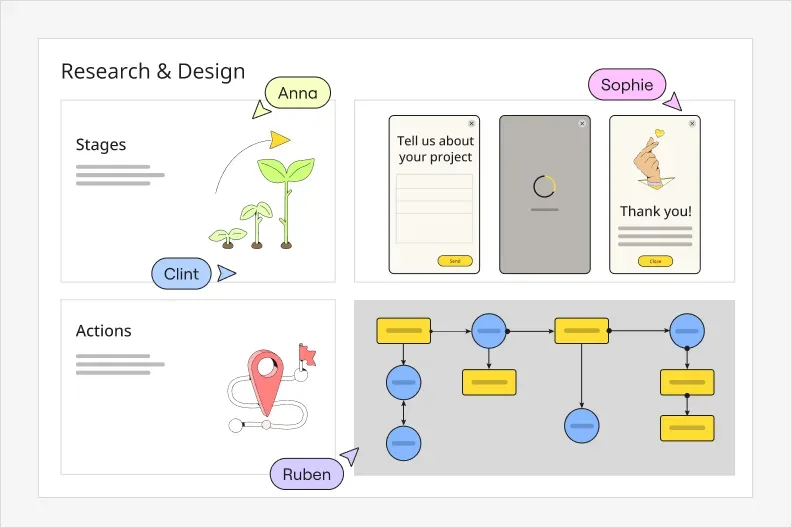
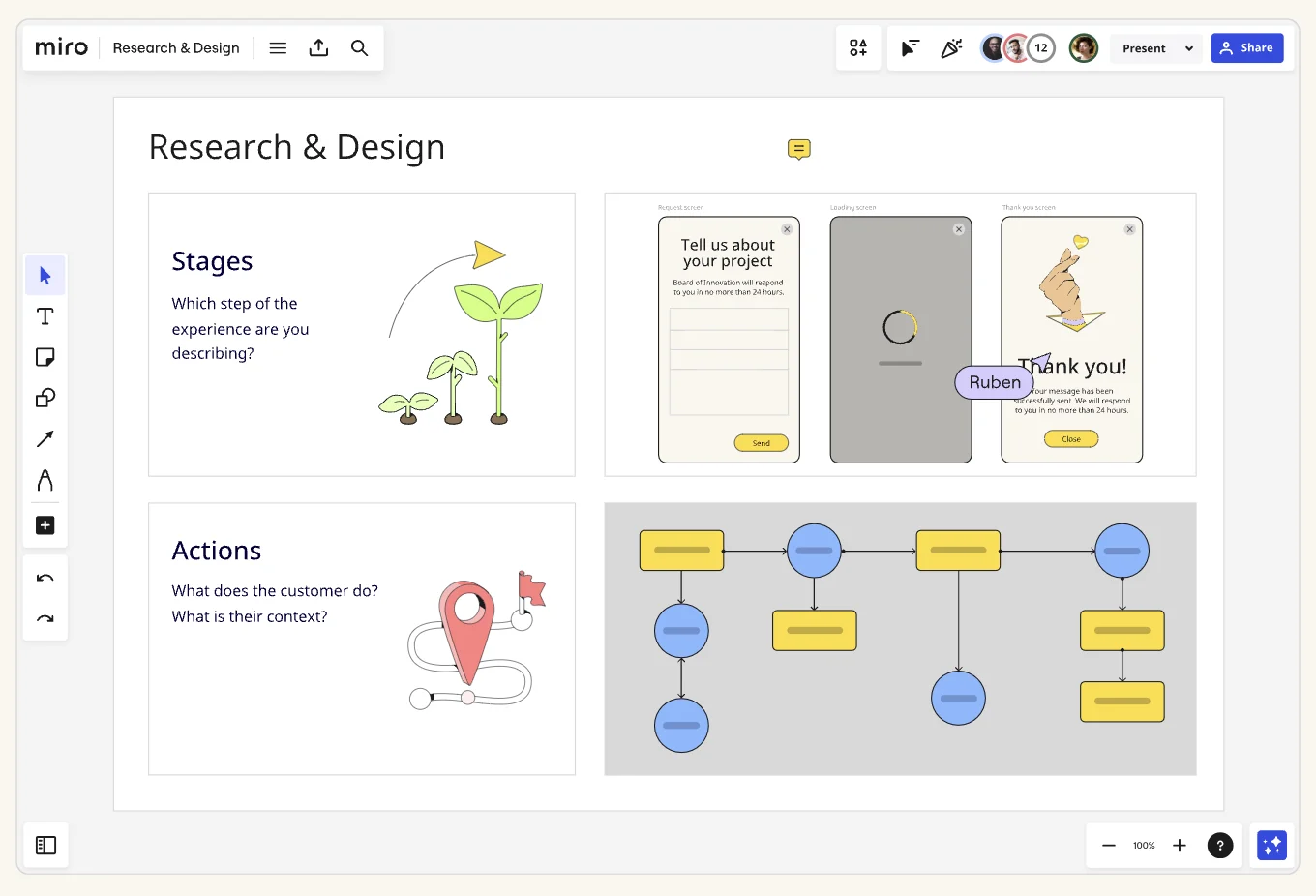
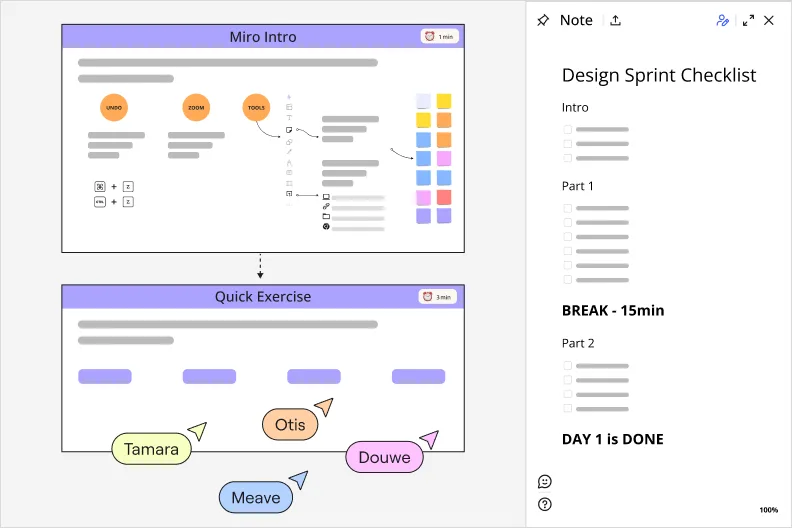
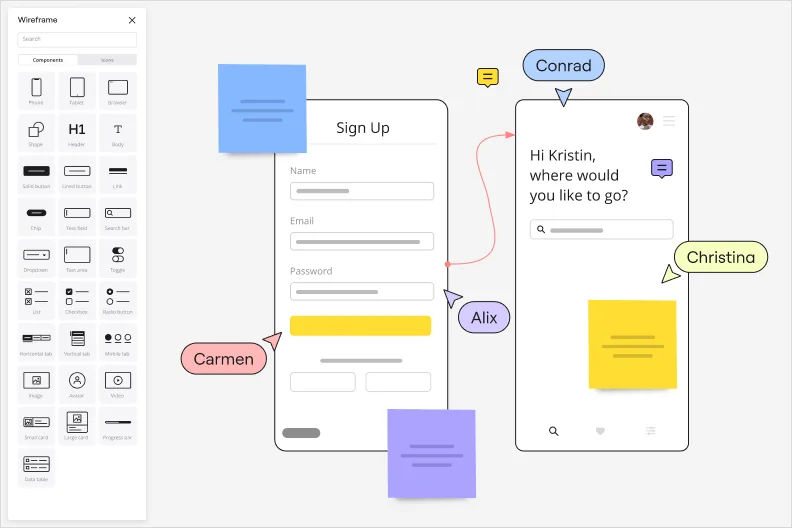

Related templates
How to create a wireframe with Miro

The world's most innovative companies are collaborating in Miro, everyday
“With Miro, we went from project brief to in-market launch in 10 months. That usually takes 3 years at PepsiCo.”
Caroline de Diego
Senior Manager, Global Design & Marketing Innovation at PepsiCo


“Bringing everyone together to plan in Miro means the most impactful initiatives will happen at the right time.”
Lucy Starling
Product Operations Lead at Asos


“The team onboarded in 10 minutes to use Miro for workshops. Getting our organization to adopt this product was a no-brainer.”
Konrad Grzegory
Agile Transformation Lead at CD PROJEKT RED


“Miro templates helped us go from scratch to a full-fledged plan where we mapped activities, ideas, and dependencies.”
Marc Zukerman
Senior Director of Project Management at Hearst


“Miro allows all our teams to align themselves with certain tools and models: they work independently and create products that really meet our customers' needs.”
Luke Pittar
Sustainability Innovation & Design Coach at The Warehouse Group


“To be truly innovative, everyone needs to have a voice, and everyone needs to be able to iterate on each other’s ideas. Miro has made that possible for us.”
Brian Chiccotelli
Learning Experience Designer at HP


Users love Miro for end-to-end innovation. We're the G2 leader in visual collaboration platforms and are rated in the top 50 enterprise tools. Miro helps large companies get meaningful work done.
Top 50 Products for Enterprise
G2 reviews


Wireframe tool FAQs
Is Miro's wireframe tool free?
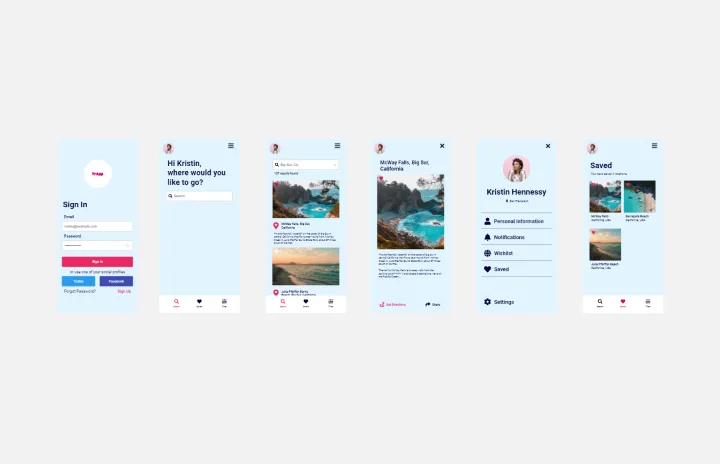
Yes, Miro’s wireframe tool is 100% free. After you sign up for Miro, you can either add the app or website wireframe template to your board from the template picker or use shapes to create your own wireframe from scratch. Afterward, invite as many team members as you want to your board for free and start collaborating.
What’s the difference between an app and a website wireframe?
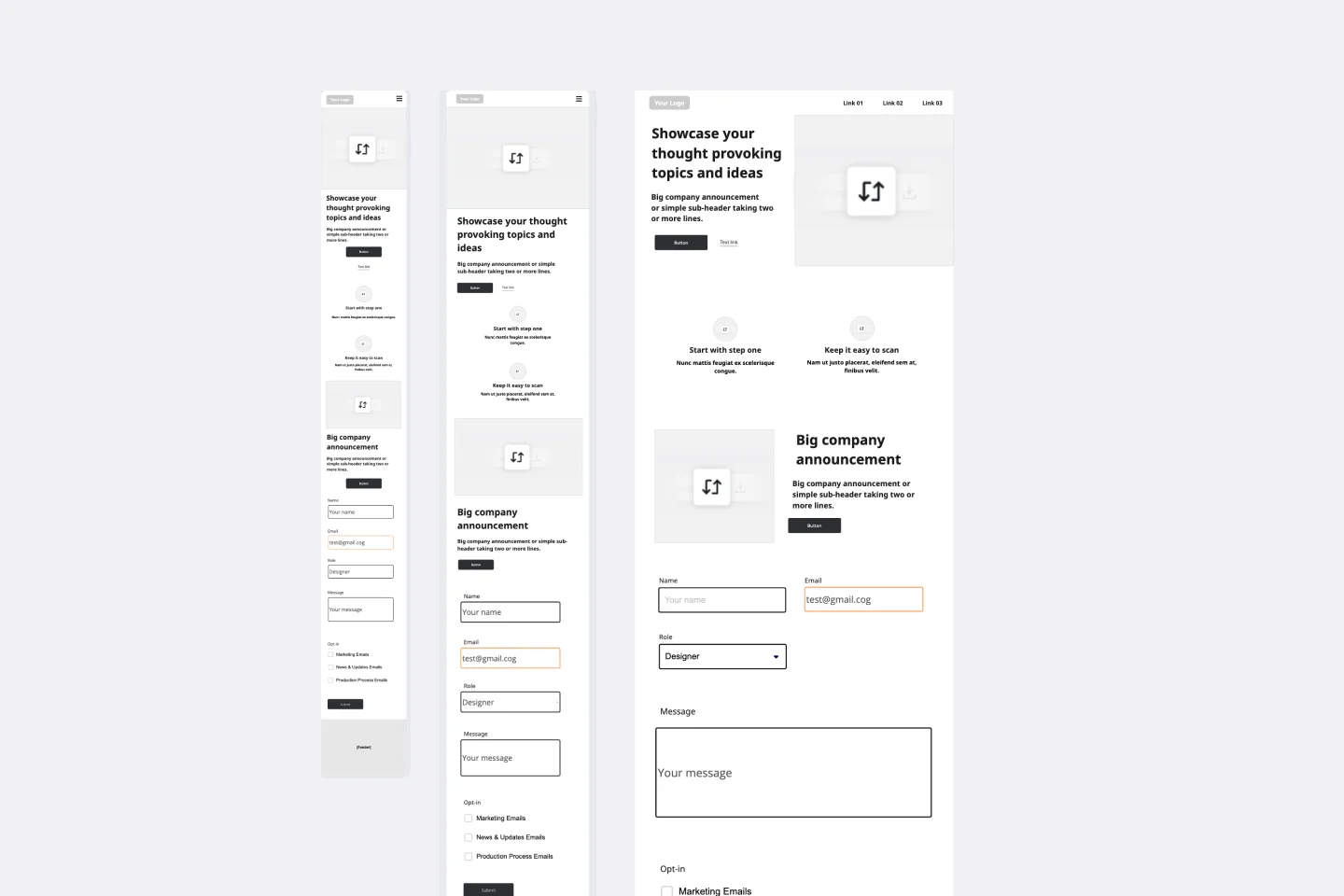
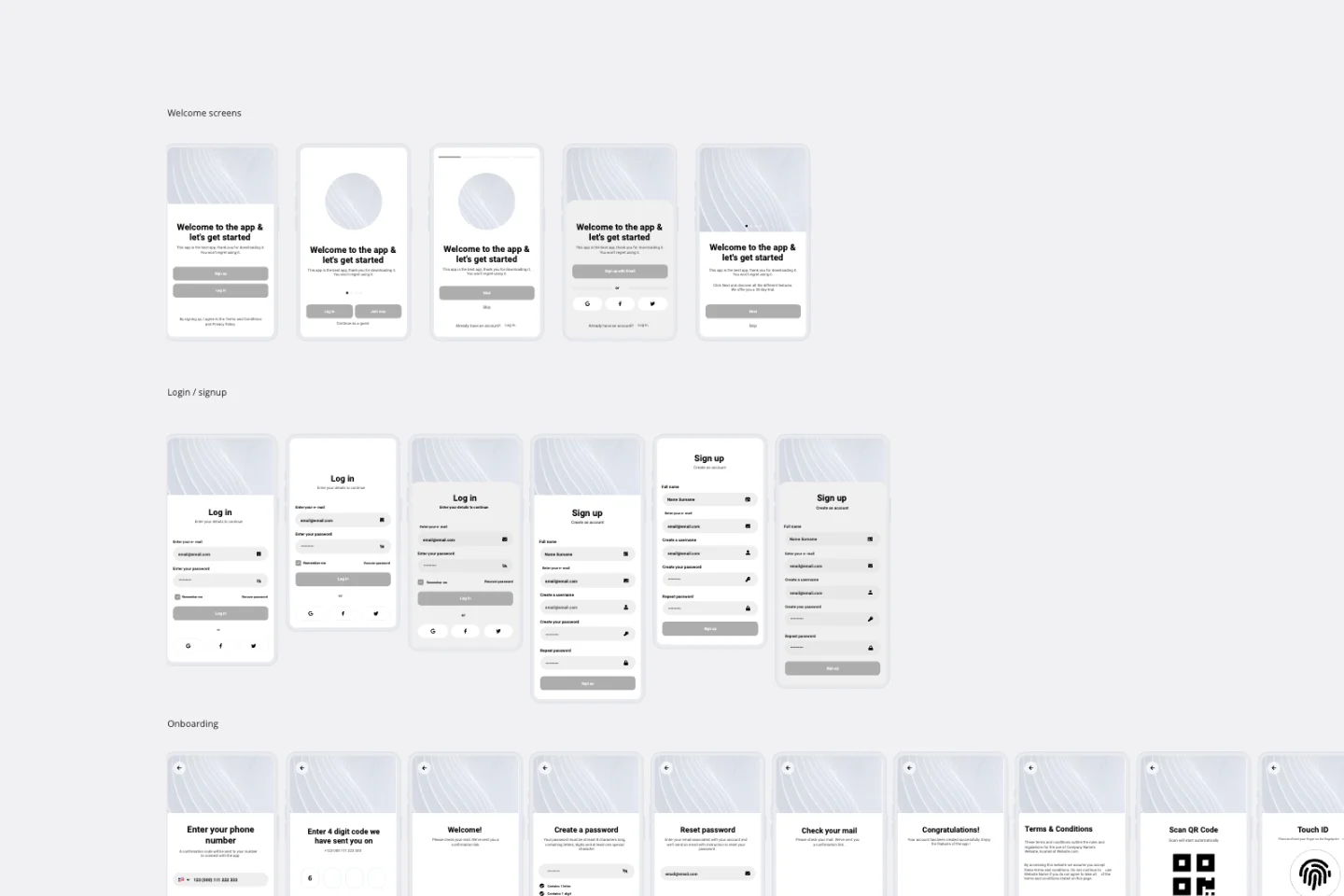
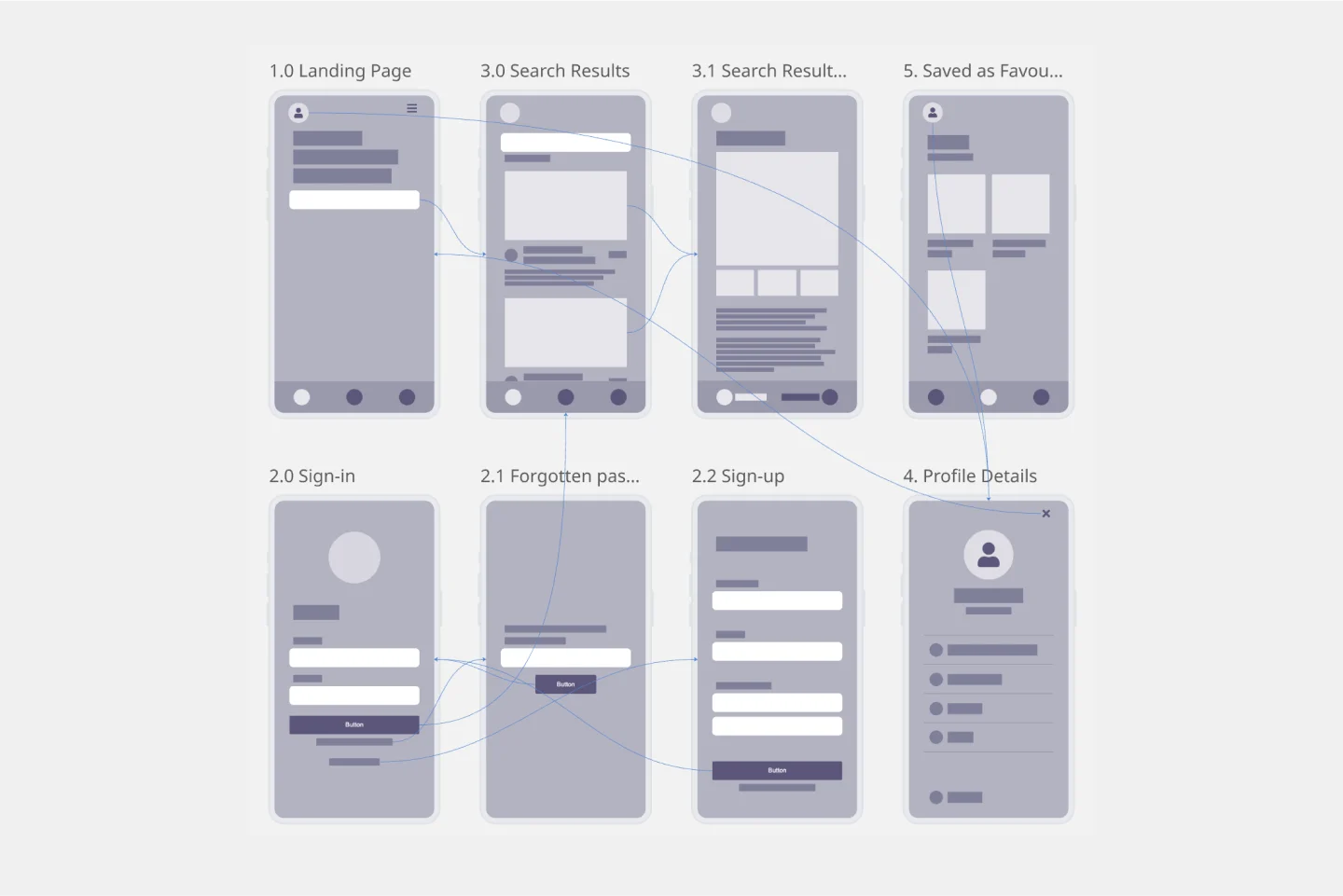
The main difference when building an app or website wireframe is within the format of each. App wireframes are mostly made with smaller text sets and image boxes since mobile devices often have smaller screens and a different user experience. When building a website wireframe, you have more freedom when thinking about these elements. User flows also change accordingly. With Miro, you can easily build an app or website wireframe from scratch using our UI library.
Can I generate wireframes using AI?
Yes. Miro's AI Sidekicks let you describe what you want — like "create a dashboard with a sidebar, data table, and action buttons" — and the AI generates a wireframe layout based on your prompt. You can refine from there, adjusting components and flows as needed. AI speeds up the initial layout work so you can focus on validating structure and user experience.
What integrations does Miro support for wireframing?
Miro integrates with Figma and Adobe XD so you can import artboards, reference existing designs, and transition smoothly from low-fidelity wireframes to polished prototypes. You can also use integrations like Unsplash for placeholder images and Icon Finder for icons — everything you need to create clear, comprehensive wireframes without leaving your Miro's wireframe tool.
Can remote teams collaborate on wireframes in real time?
Absolutely. Your team can co-create wireframes live on the same board — watching cursor movements, adding elements together, and discussing changes over video. Or, work async: one person sketches wireframes, teammates leave feedback overnight, and you iterate the next day. All input stays visible and organized on the board, so nothing gets lost across time zones.