What’s New in Miro: What we announced at Canvas 26
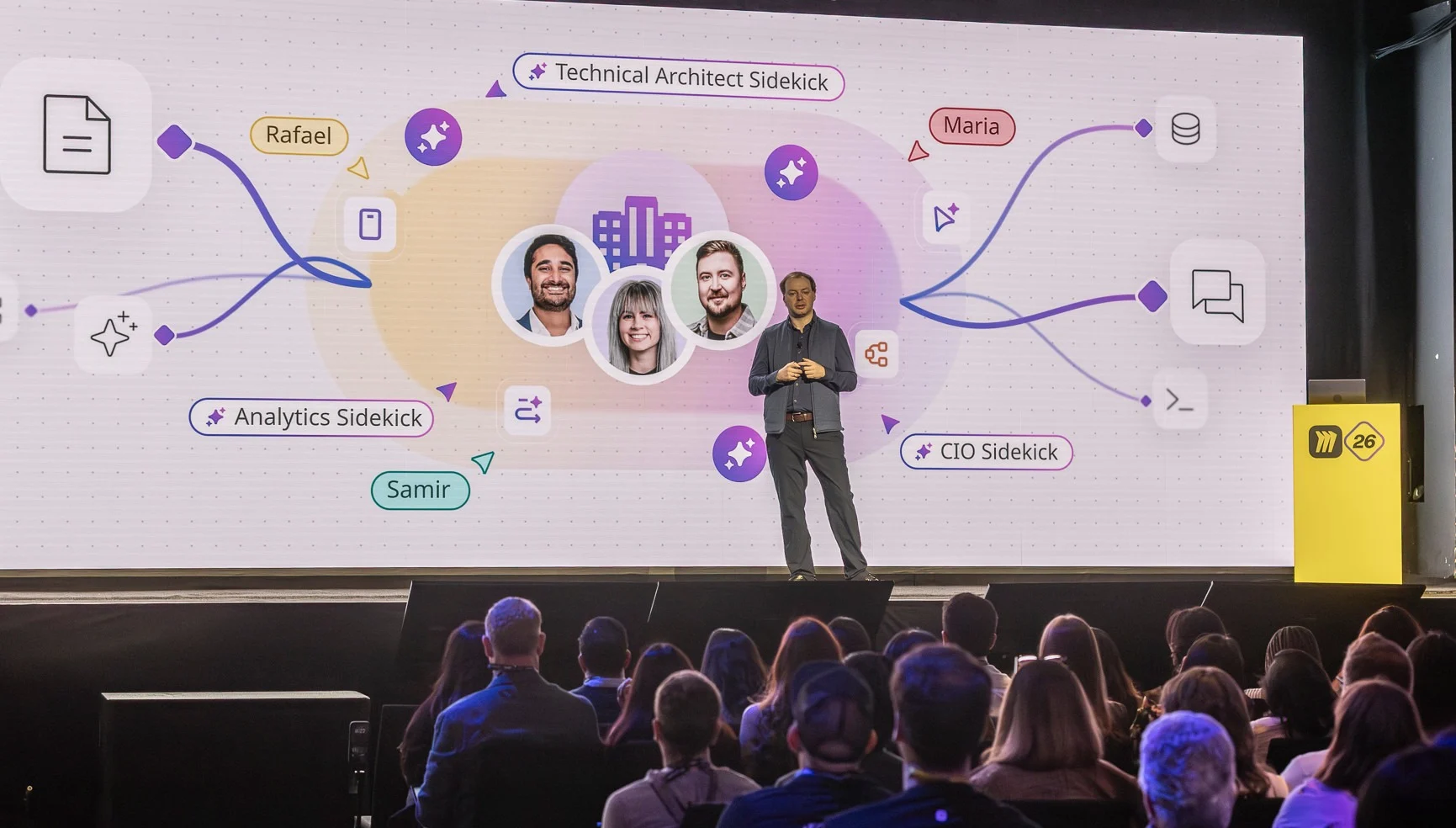
AI made everyone faster. Now, it's time for your whole team to move at that pace, and make sure you're heading in the same direction. At Canvas 26, we announced new ways to keep your tools, context, and team connected as you build the right things faster, together.
What else just came on board
More updates to make work just work better.
Sidekicks just went from assistant to agent
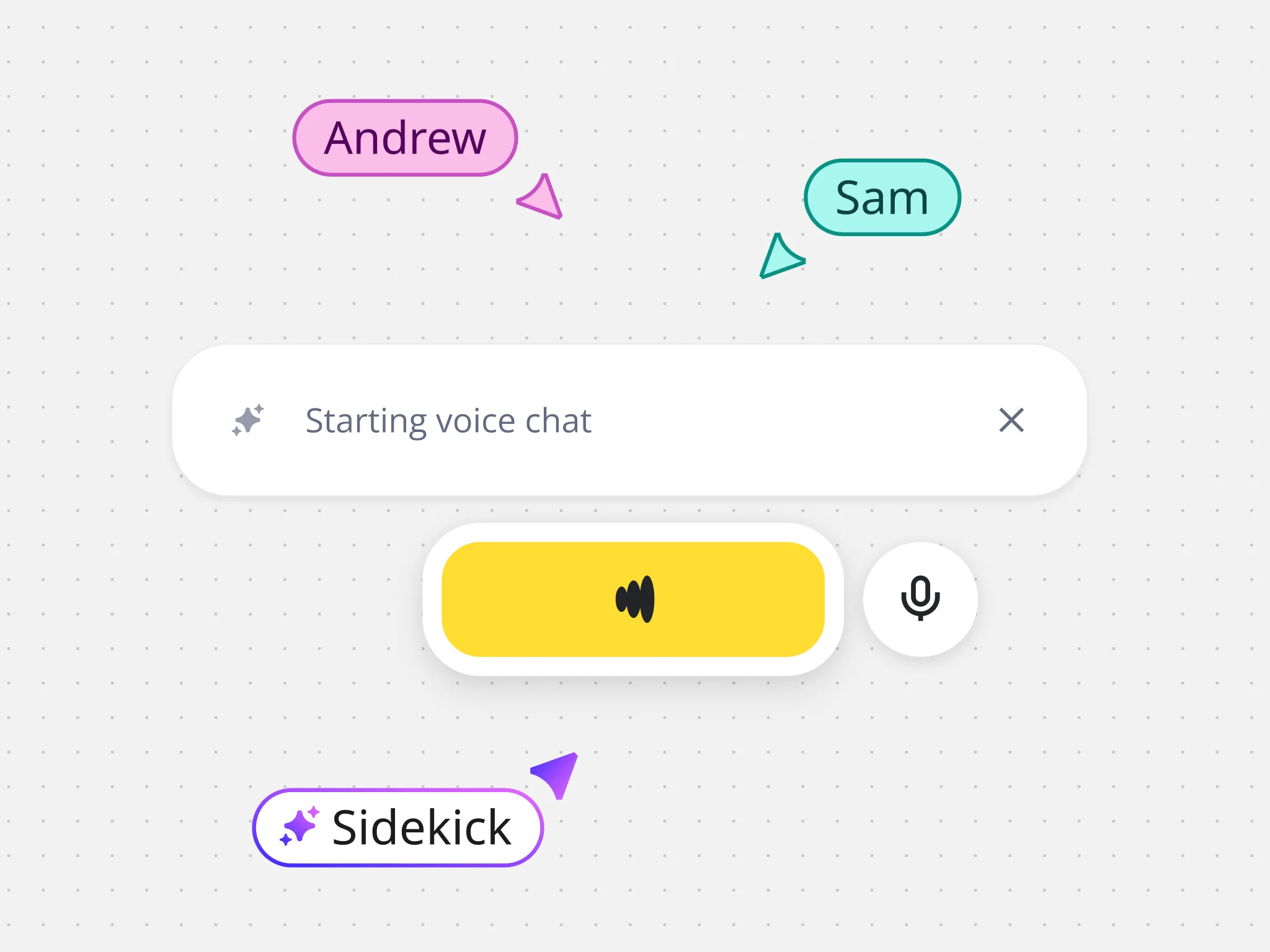
Talk through what you're thinking, and your Sidekick takes it from there. It pulls context from your tools, asks the right questions, and builds docs, diagrams, or entire boards your team can work with.
Run AI workflows with your team
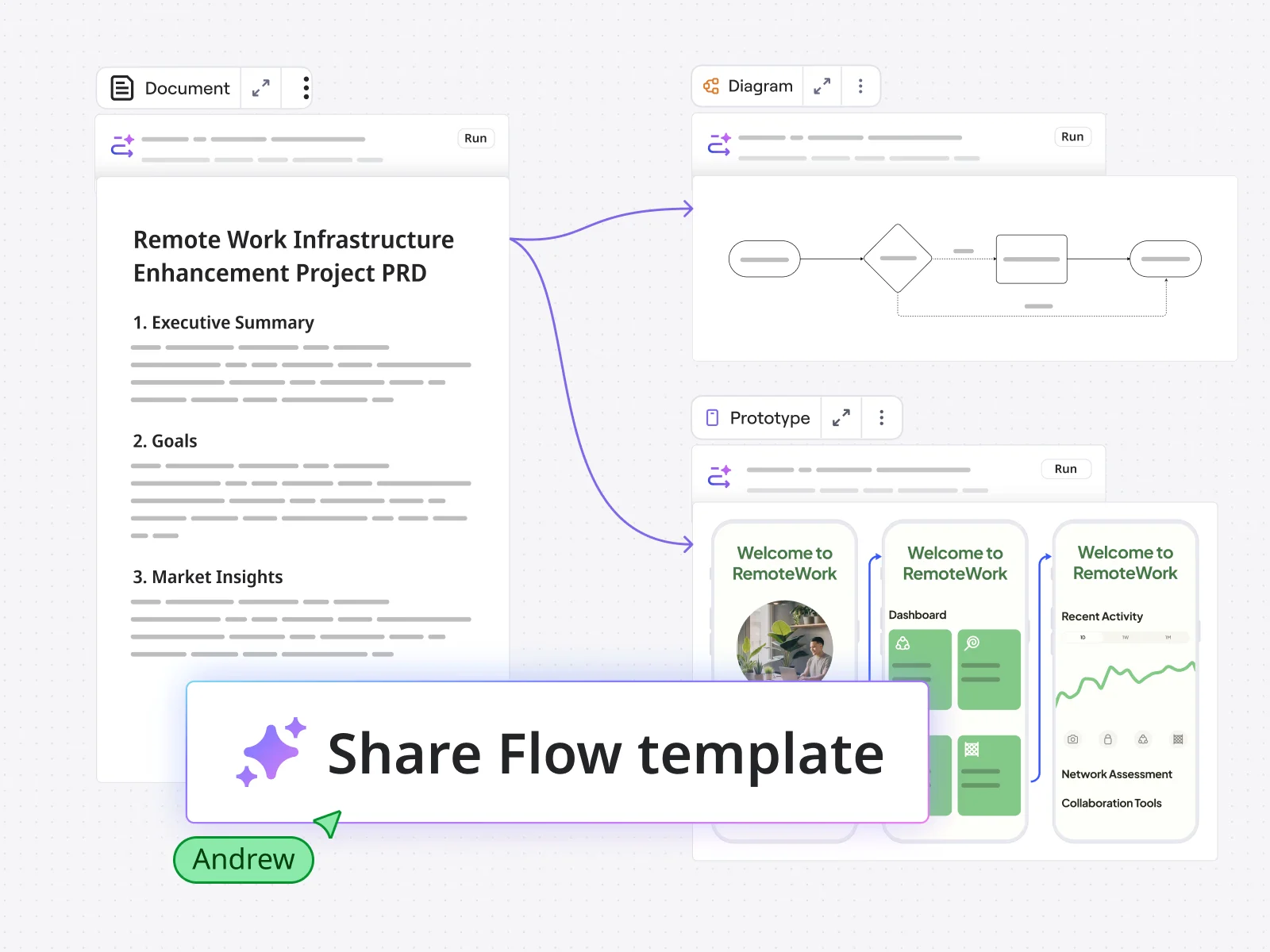
Create repeatable AI workflows on your canvas, connected to the tools you work with. Your whole team can see them, run them, improve them together — and easily pick up where someone left off.
Bring context in, send decisions out
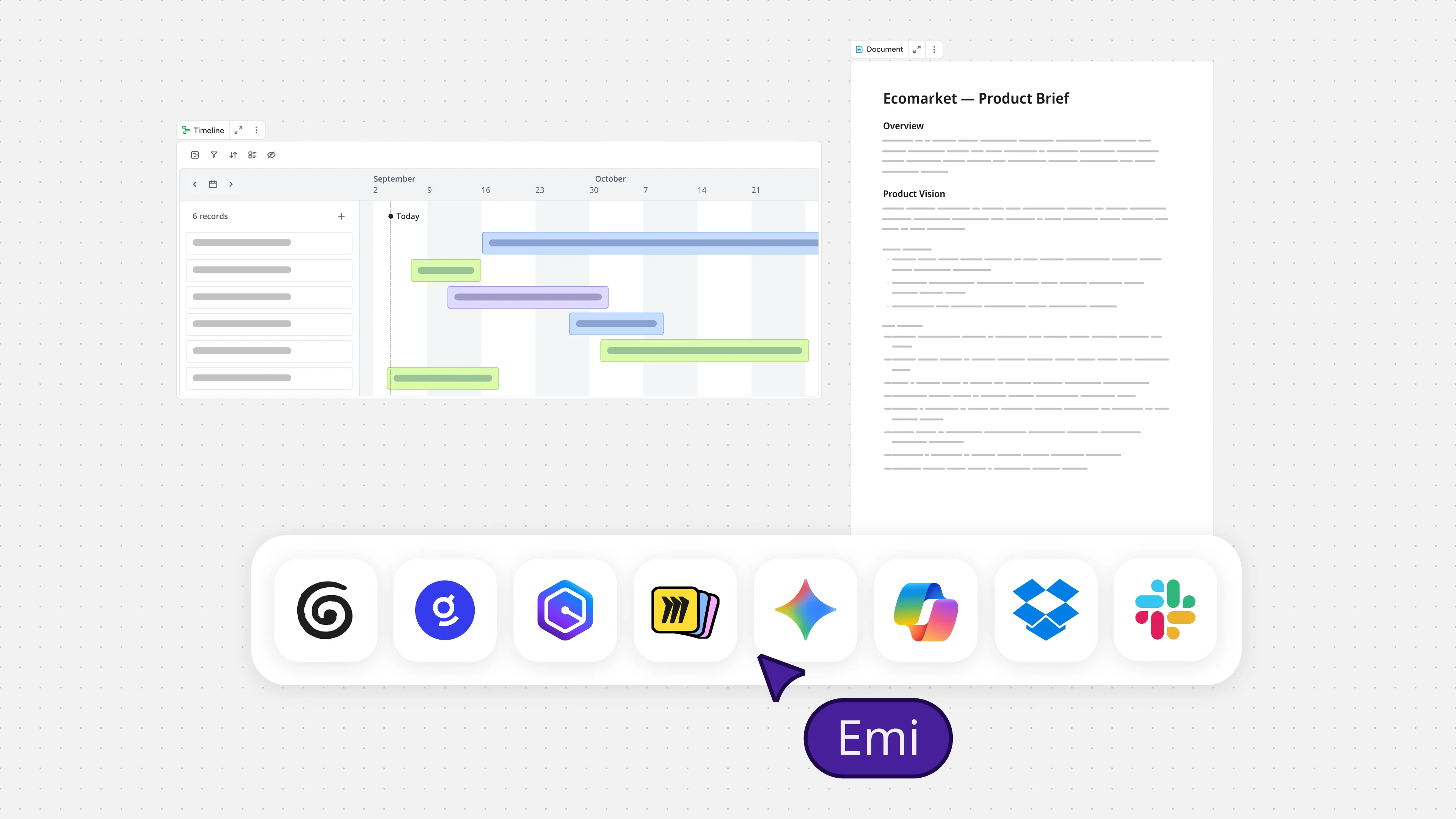
Connect Miro to Slack, Granola, GitHub, Amplitude, and more. Context lands in Sidekicks and Flows, and decisions your team makes in Miro get pushed back to where work continues.
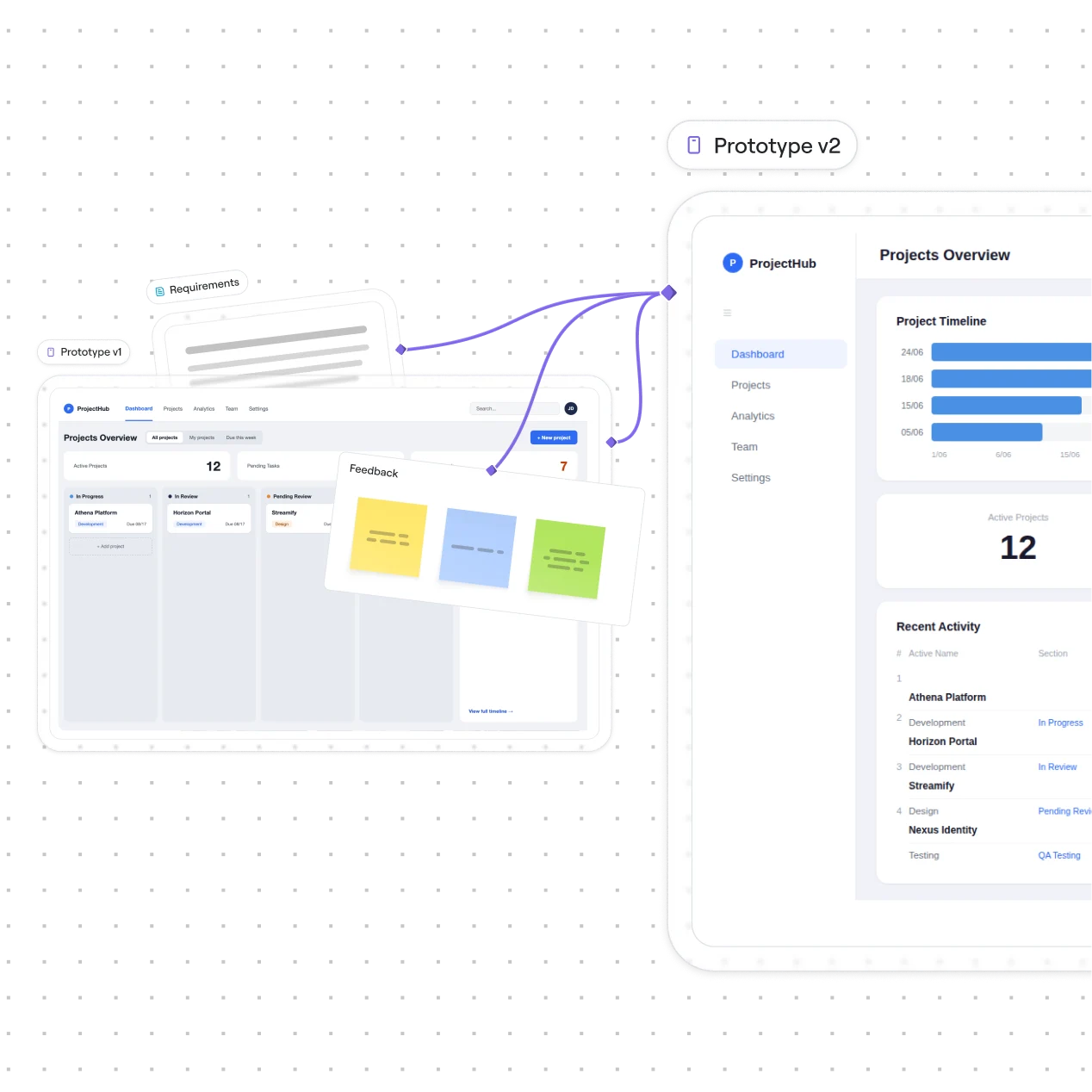
Turn code into prototypes, align as a team
Bring code from Claude Code, Replit, or Cursor into Miro to turn it into a prototype your whole team can see, react to, and refine. Fewer review cycles, less rework, and a first PR that's a lot closer to right.
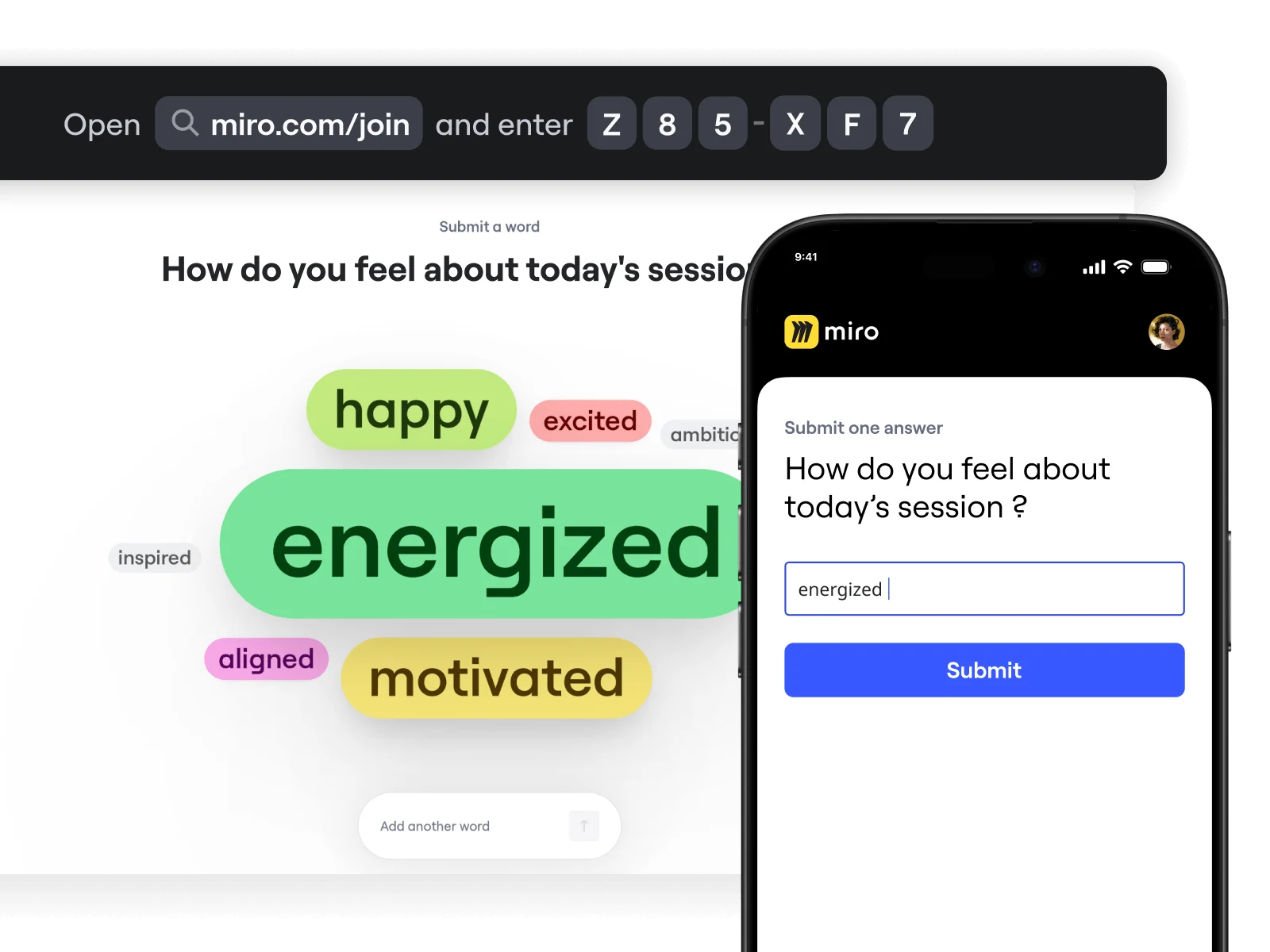
Get your team's input and put it to work
Run live polls, votes, and activities from any device. Then AI takes what everyone actually thinks and turns it into reports, action plans, and clear next steps your team can act on right away.
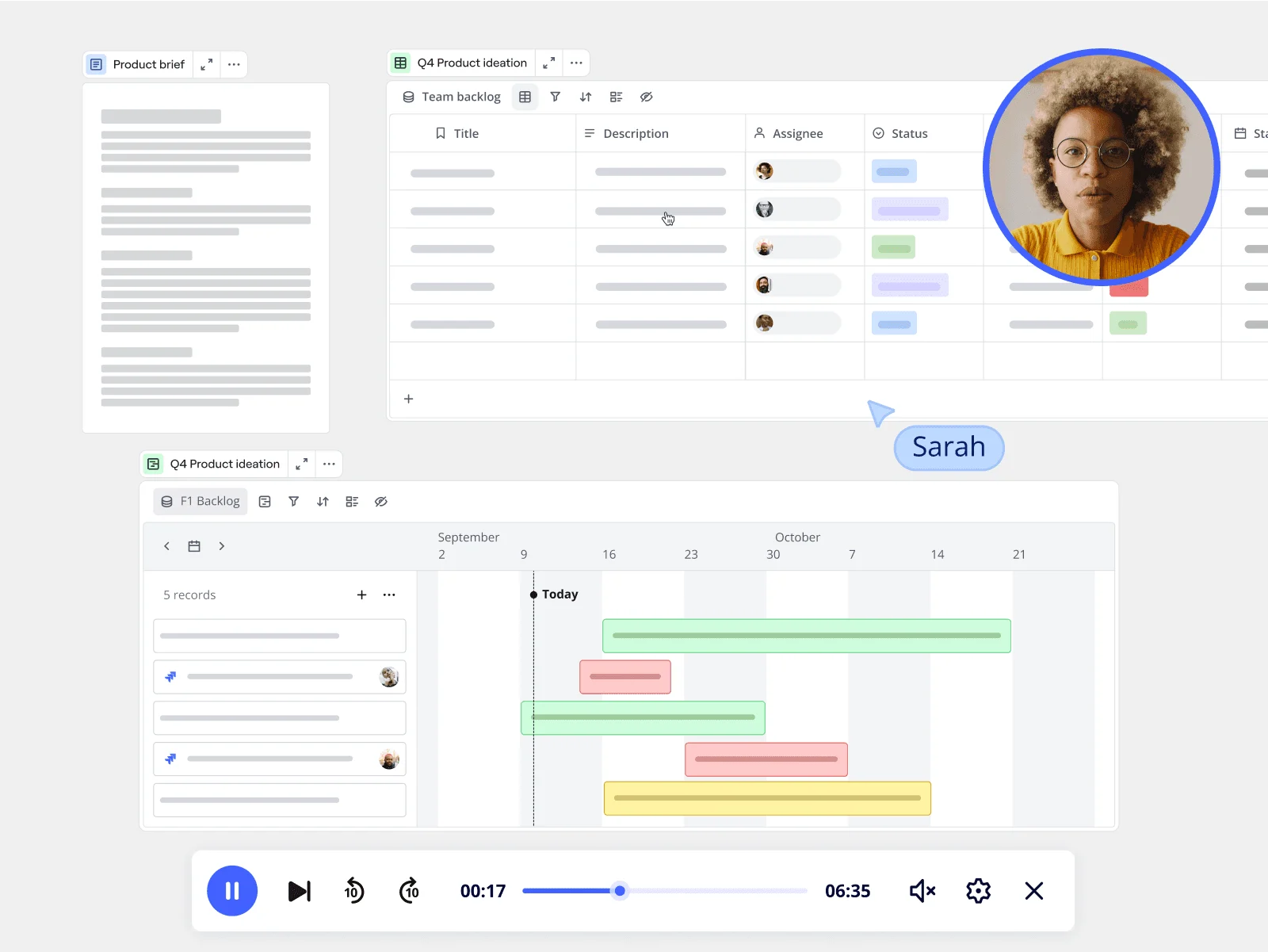
Record and share context with Talktrack
Now, you can record a walkthrough in any tab or tool, not just Miro. Capture discussions and decisions so everyone can catch up on the context, and use AI to pull out key takeaways and next steps.
In case you missed it
Scroll down to see every new feature we've launched in the last few months.
What's New: What we announced at Canvas 26
Catch up on the biggest announcements from Canvas 26 — from agentic Sidekicks to Connectors that bring context from your tools onto the canvas, code to prototype, an updated Talktrack, and more. Here's what's live, what's coming, and how to get started.
What's New: What we launched in April 2026
This month's updates are all about giving AI better context, keeping your team in sync, and making decisions together. From PDFs in Flows and markdown on the canvas, to Jira imports in tables and new Miro Engage activities — here's everything that shipped in April.
March updates: AI workflows, smarter search, and more
This month's Flows updates help you turn rough ideas into tangible outputs in minutes, so your team can skip straight to building, deciding, and refining. Plus AI search, Sidekick chat history, a new reMarkable integration, and more.
From plan to shipped: What's new in February
This month, you’re speeding ahead. Specs and PRDs become working code with MCP. Prototypes move into Figma for production. Your team’s best workflows run on repeat. Plus, create slides, Kanbans, and timelines in minutes with AI. Let’s jump in.
All hands on deck: January Miro updates just dropped
New year, fresh energy. This month’s updates help you turn it into real momentum. Run sessions people actually participate in with Miro Engage, kickstart 2026 projects with AI workflow templates, tap into company knowledge with AI, and so much more. Jump in.
The Miro Recap: Top 25 updates of 2025
AI that joins your team on the canvas. New ways to structure your work. Integrations that keep your tech stack in sync. 2025 was the year that transformed how teams get great done. Get up to speed with a roundup of our 25 biggest releases.
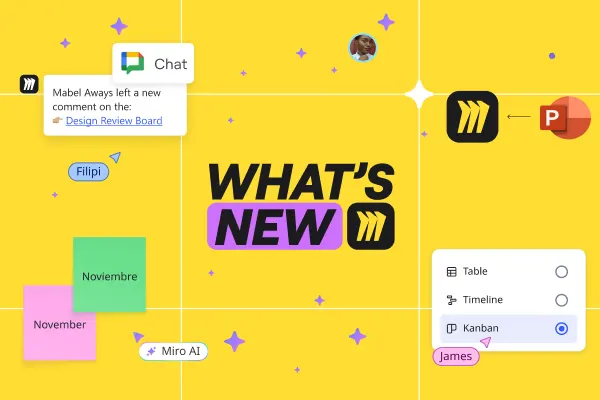
Get great done, your way with our November updates
This month is all about flexibility. Plan and track work with a powerful new Kanban, translate boards into 18 languages with AI, and jumpstart projects with 55+ AI-powered templates. Plus, import PowerPoint slides, search company knowledge with Glean, and more.
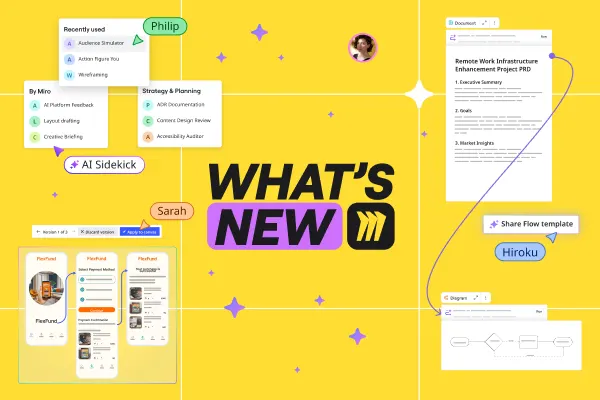
Team up with AI: October Miro updates are here
The AI Innovation Workspace is here! It’s where your team and AI work together, right on the canvas — with Sidekicks and Flows to keep teamwork flowing. Plus, check out Miro for Product Acceleration: designed to help teams build the right thing, and get from idea to launch faster.
There's more to explore
This is your space to join community events, collaborate with other creators, give us feedback, and more.
C26 Watch Party
Can't make it to Canvas 26 live? We're bringing the celebration to cities around the world with official Watch Parties hosted by passionate Miro Ambassadors.
Resource guide
Ace every Miro shortcut, be the first to hear about product updates, and meet our thriving community.