2likes
20uses
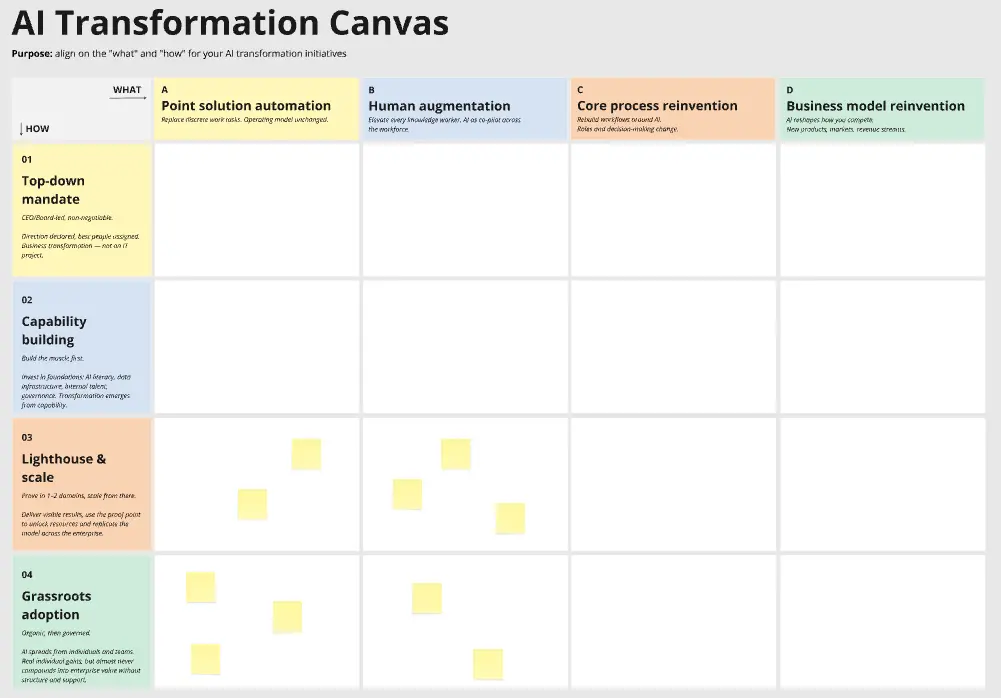
Most people use AI as an org chart of one: just them and their tools. Everyone has their own prompts, their own instructions and their own sense of what's fine to share. The team isn't in the room.
This template brings it back in. In one session, your team co-creates TEAM.md: a shared context file that tells your AI tools (Claude, ChatGPT, Copilot, Cursor) who you are, how you work and what guardrails apply.
The file matters, but the conversation matters more. Writing down who actually decides what, and what you'll always keep human, surfaces disagreements most teams have never had out loud. TEAM.md is what your team's AI inherits from that conversation.
A TEAM.md file covering seven areas: who you are, team members, how you decide, how you communicate, how you use AI, AI guardrails and key workflows
A trigger line that tells your AI when to use TEAM.md, so it loads when the work needs it, not in every chat
One owner and a review rhythm, so the file stays true as the team changes
Any team already using AI in its day-to-day work. It works for technical and non-technical teams alike.
45 to 60 minutes as a group, or async over 1 to 2 days. Allow another 30 minutes afterwards to review the file and wire it in.
Before the session
Share the board link with everyone on the team.
Ask people to read the prompt in each column header before adding stickies.
Nominate one owner who will keep TEAM.md current after the session.
Running the session
Open with the purpose: "We're creating a shared TEAM.md that gives our AI tools the context they need to do better work for this team." For each section, the team brainstorms on stickies. Call out anything ambiguous or contradictory, and add, change or remove stickies until the board reflects how you really work.
Step 1: Who we are (5 min). One person drafts 2 to 3 sentences on what the team owns and the outcomes it's responsible for. Everyone else reacts and edits with stickies.
Step 2: Team members (10 min). Each person adds their own sticky: name, role, what I own, how I work best. Be honest. This is for the AI, not a performance review.
Step 3: How we decide (10 min). List your actual decision rights, not your aspirational ones. Who has the final call on what? What needs escalation, and what can people decide on their own?
Step 4: How we communicate (5 min). Channels, tone and review gates, internal and external. Focus on what a new starter (or an AI) would get wrong without being told.
Step 5: How we use AI (10 min). Two parts: what you actively use AI for, and what you deliberately keep human. Both matter.
Step 6: AI guardrails (10 min). This is the most important section. Write each guardrail as a clear rule starting with "Never" or "Always". What data must never go into a prompt? What always needs human sign-off before it goes out?
Step 7: Key workflows (10 min). Name your 3 to 5 most important repeating workflows, using the names your team actually says out loud. For each one, mark where AI helps and where a human stays in the loop. These names become the trigger that tells your AI when to use TEAM.md.
After the session
1. Generate (5 min). Run the AI flow "Run Prompt" to turn the board into a draft TEAM.md.
2. Review together (15 min). Read it aloud. Fix anything that sounds aspirational rather than true, and check every guardrail reads as a clear "Never" or "Always".
3. Write the trigger (5 min). Agree one or two sentences on when your AI should use TEAM.md. For example: "Use this when a request involves who owns what, who signs off, how we communicate externally, or [your key workflows]." Most requests don't need team context. The trigger keeps it out of the way until it matters.
4. Wire it in. Export the document as a .md file and put it where your team's AI can find it:
Claude Code or other repo-based tools: save it as a skill in your repo (for example .claude/skills/team-context/), with your trigger as the skill description.
Claude or ChatGPT projects: add TEAM.md as project knowledge, and put your trigger in the project instructions.
Any other AI tool: paste the trigger into its shared or custom instructions, and attach TEAM.md as a reference file.
5. Keep it alive. The owner keeps TEAM.md current. Review it quarterly, or whenever the team, its tools or its guardrails change.
A TEAM.md that grows from real problems is more useful than one written speculatively. Start with what's true today, and let it get sharper every time the team runs into something new.

Eugene Chung
Founder @ Delta Work
Founder of Delta Work, a human-AI teamwork consultancy based in Sydney.