Color-Coded Risk Matrix
Overview
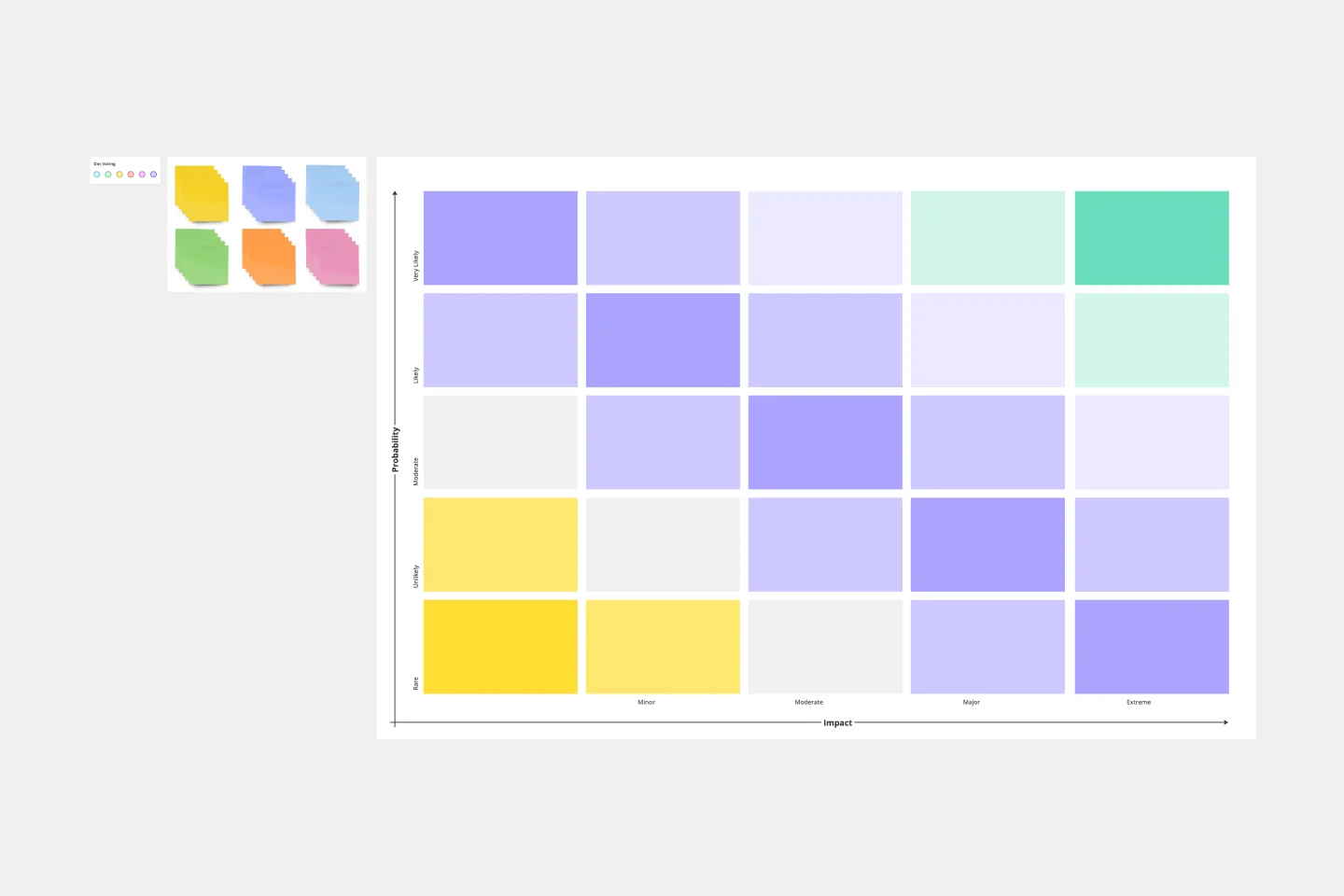
A Color-Coded Risk Matrix is a visual tool that helps organizations systematically assess and prioritize risks by evaluating two key dimensions: likelihood of occurrence and potential impact. This 5×5 matrix generates risk scores ranging from 1 to 25, with color-coding that enables quick identification of risk severity levels.
Who Can Use It
This template is valuable for:
Project Managers – Identify and mitigate project risks before they escalate
Risk Management Teams – Conduct comprehensive organizational risk assessments
Safety Officers – Evaluate workplace hazards and implement safety protocols
Business Analysts – Support strategic planning and decision-making processes
Quality Assurance Professionals – Prioritize quality control initiatives
Department Leaders – Allocate resources based on risk priority across industries including healthcare, construction, finance, IT, and manufacturing
How to Fill
Step 1: Identify Risks List all potential risks relevant to your project, operation, or organization.
Step 2: Assess Impact Rate each risk's potential impact using the vertical axis:
Catastrophic (5) – Severe consequences
Significant (4) – Major consequences
Moderate (3) – Noticeable consequences
Low (2) – Minor consequences
Negligible (1) – Minimal consequences
Step 3: Evaluate Likelihood Rate the probability of occurrence using the horizontal axis:
Frequent (5) – Expected to occur regularly
Probable (4) – Likely to occur
Occasional (3) – May occur sometimes
Remote (2) – Unlikely to occur
Improbable (1) – Rare occurrence
Step 4: Plot and Calculate Place each risk at the intersection point. The risk score is automatically calculated (Impact × Likelihood).
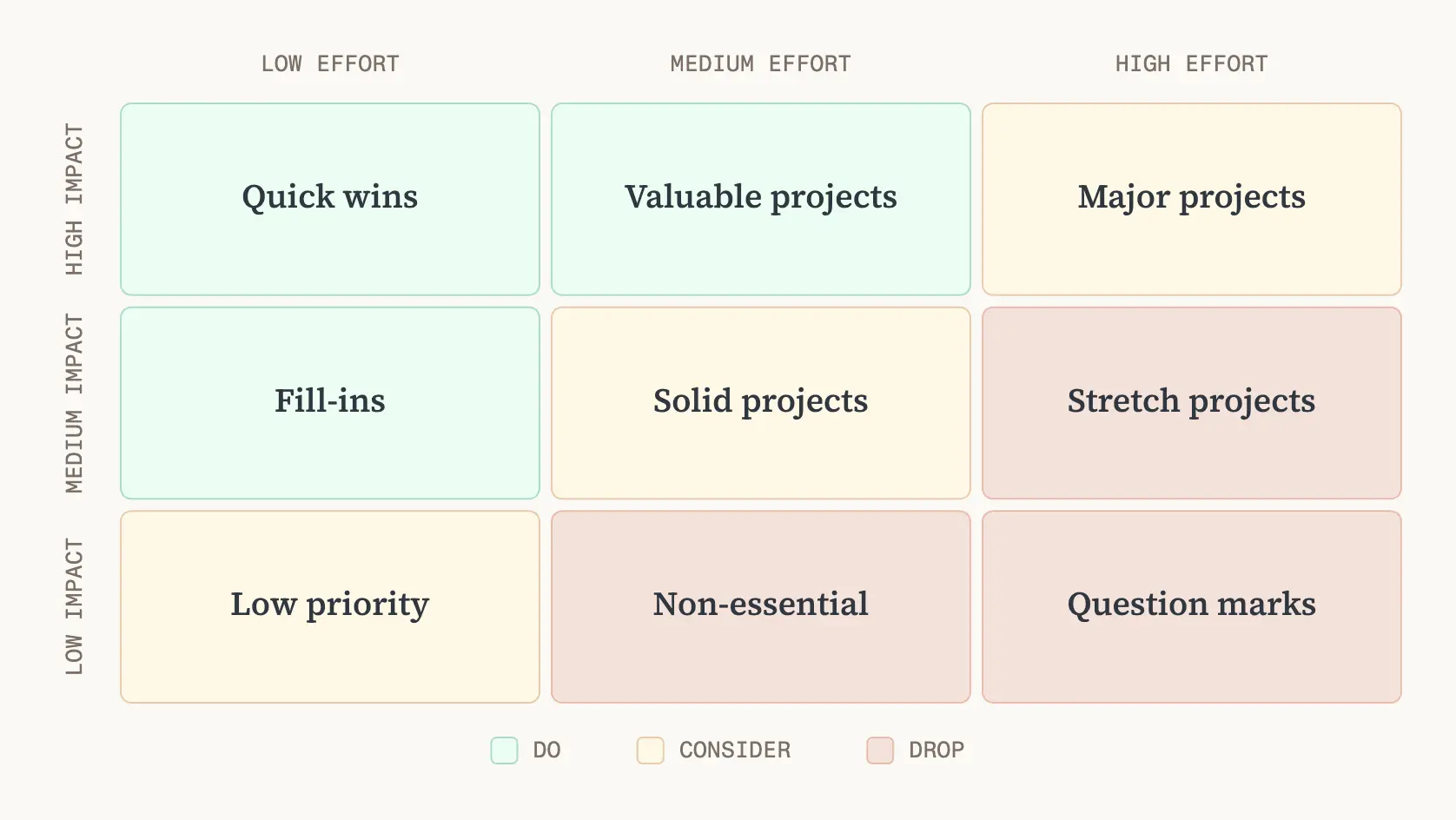
Step 5: Prioritize Actions Use color-coding to determine response strategies:
Green (1-6) – Low priority, monitor periodically
Yellow (8-12) – Medium priority, develop mitigation plans
Orange (15) – High priority, implement controls
Red (16-25) – Critical priority, take immediate action
Cheers!
Khawaja Rizwan