





Presentations for architecture firms

Turn your design boards into client-ready decks without rebuilding anything. Present directly from the canvas where the schematic, site analysis, and material palette already live.

A woman presents a Miro board titled 'New campaign' to colleagues in a modern conference room, with the board displayed on a large screen showing product positioning content, user personas, charts, a Gantt-style timeline, and integrations panels, while a laptop on the table mirrors the same board.

What experts say

  • The way we present information and tell stories using slides has a massive impact on how well our ideas are understood and remembered.

    Nancy Duarte

    Speaker and CEO · Duarte

    Industry Expert
  • You could have 100 meetings on it, or you could have space where everyone can go to and see the project as a whole

    Ali Lindquist

    Associate Principal, Design Director · Neoscape

    Miro Customer

The research on presentations and slides

  • Iteratively improving slide design through practice helps presenters deliver the intended message within the intended time.

    Source: PLOS Computational Biology

  • 50%

    Mood boards improved abstract concept articulation by 50% over verbal briefs alone in collaborative settings (n=30 participants)

    Source: Leeds Arts University

See presentations and slides in action

Related templates for architecture studios

We have 22 slides templates in our library.

Why architecture firm directors love creating presentations with Miro Slides

  • From schematic drawings to client deck - without leaving the canvas

    After a design charrette, principals typically spend hours copying diagrams, site plans, and concept boards into a separate slide tool before the client meeting. Miro lets you turn those frames directly into a polished presentation using Interactive Presentation Mode, so the same canvas your team worked on becomes the deliverable.
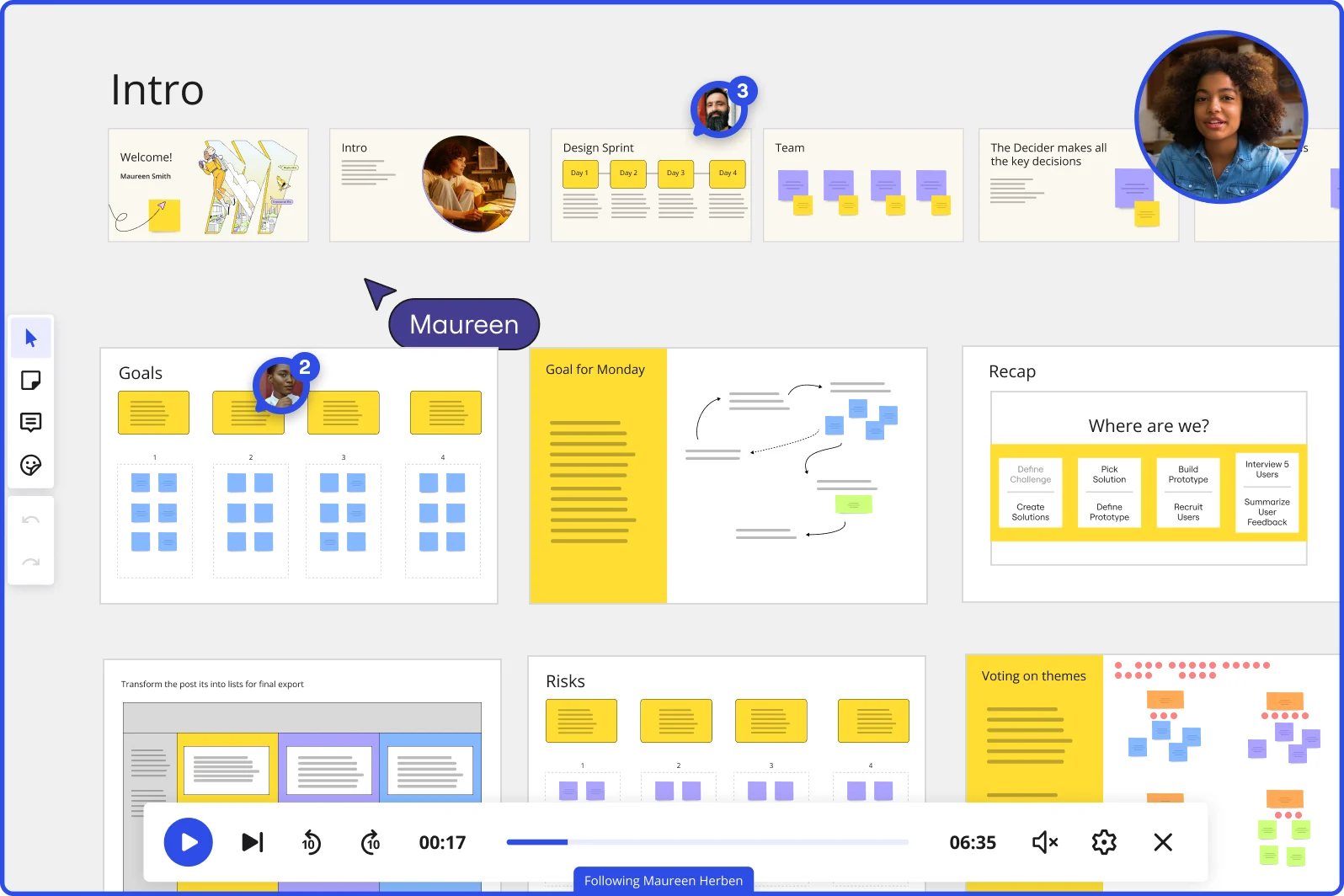
    Miro board showing a Design Sprint presentation in facilitation mode, with slide thumbnails across the top (Welcome, Intro, Design Sprint days, Team, Decider), and active frames including Goals with yellow sticky notes, Goal for Monday with a flow diagram, Recap with a 'Where are we?' process tracker, Risks section, and Voting on themes — with a video player bar at the bottom showing 'Following Maureen Herben' and two visible participant avatars.
  • When a client in Tokyo needs the proposal in Japanese

    Firms pitching international projects juggle translated materials, separate decks per region, and last-minute version chaos. Miro AI Translate handles slide text in 18 languages in one pass, so a sole-principal studio and a 200-person firm with global studios both send region-ready decks without a manual reformat cycle.

    Miro board split view showing colorful brainstorming sticky notes on the left (blue, pink, yellow) alongside an AI-powered document generation panel on the right, with a 'Generate product brief' button and Miro AI label actively generating content from the brainstorm.
  • Stop rebuilding your design review deck every project phase

    Schematic design, design development, construction documents - each phase triggers the same setup ritual: duplicate last phase's deck, strip the old content, rebuild from scratch. Miro's Presentation Blueprints package your standard review structure once, and reset cleanly each phase so your firm's principals focus on what changed, not the scaffolding.

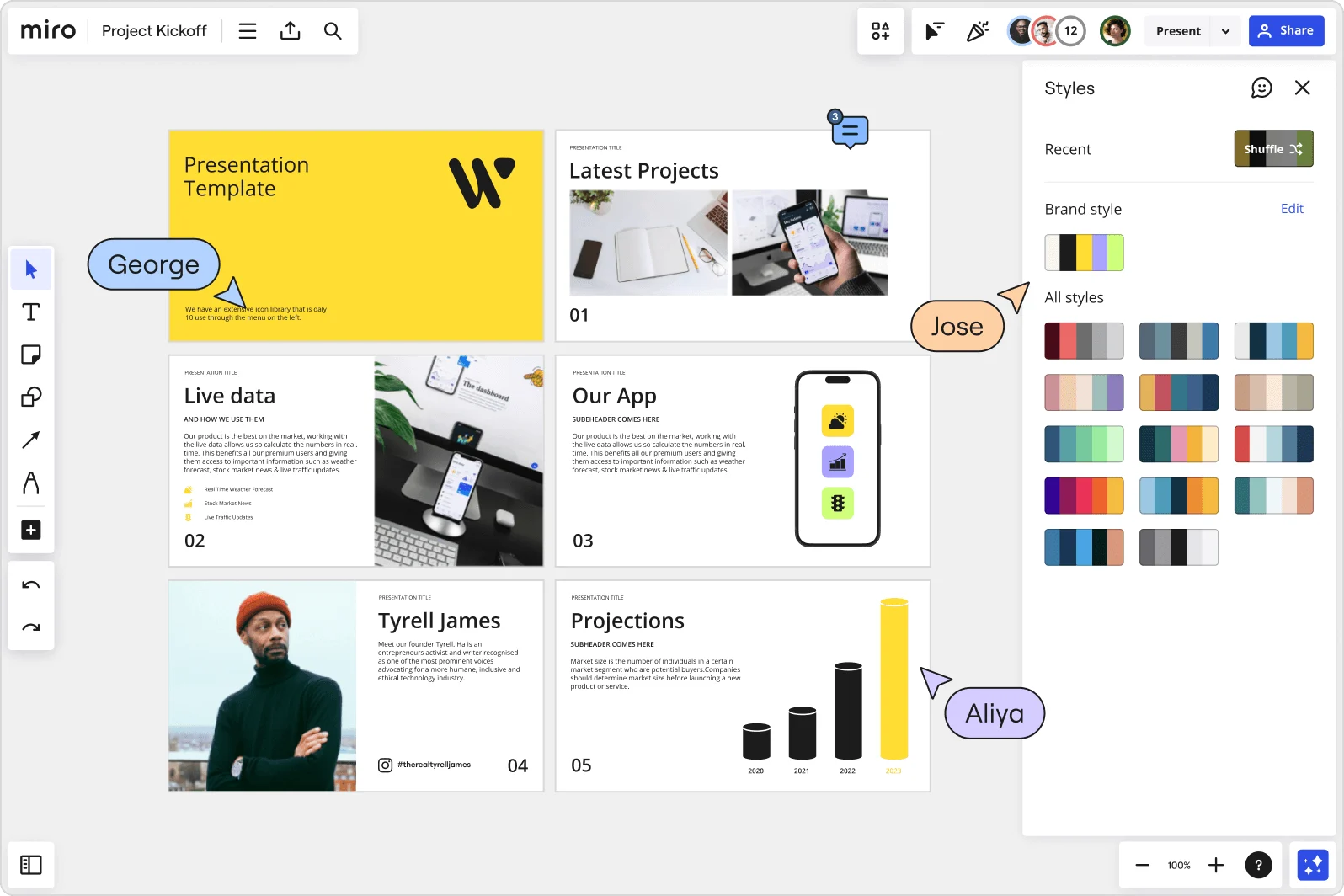
    Miro board showing a Project Kickoff presentation template with five slides including a title slide, Latest Projects, Live Data, Our App, a founder profile for Tyrell James, and Projections with bar charts. A Styles panel is open on the right showing brand color palettes and a Shuffle option, with three collaborator cursors visible (George, Jose, and Aliya).
  • Your construction document walkthrough, with the client actually in the room

    Review meetings where clients passively watch a slide rundown rarely surface real decisions. Miro's built-in Voting and live Q&A tools let owners, contractors, and design leads weigh in on finish selections or phasing options mid-presentation - no side emails needed afterward. Responses export directly to sticky notes on the board for follow-up.

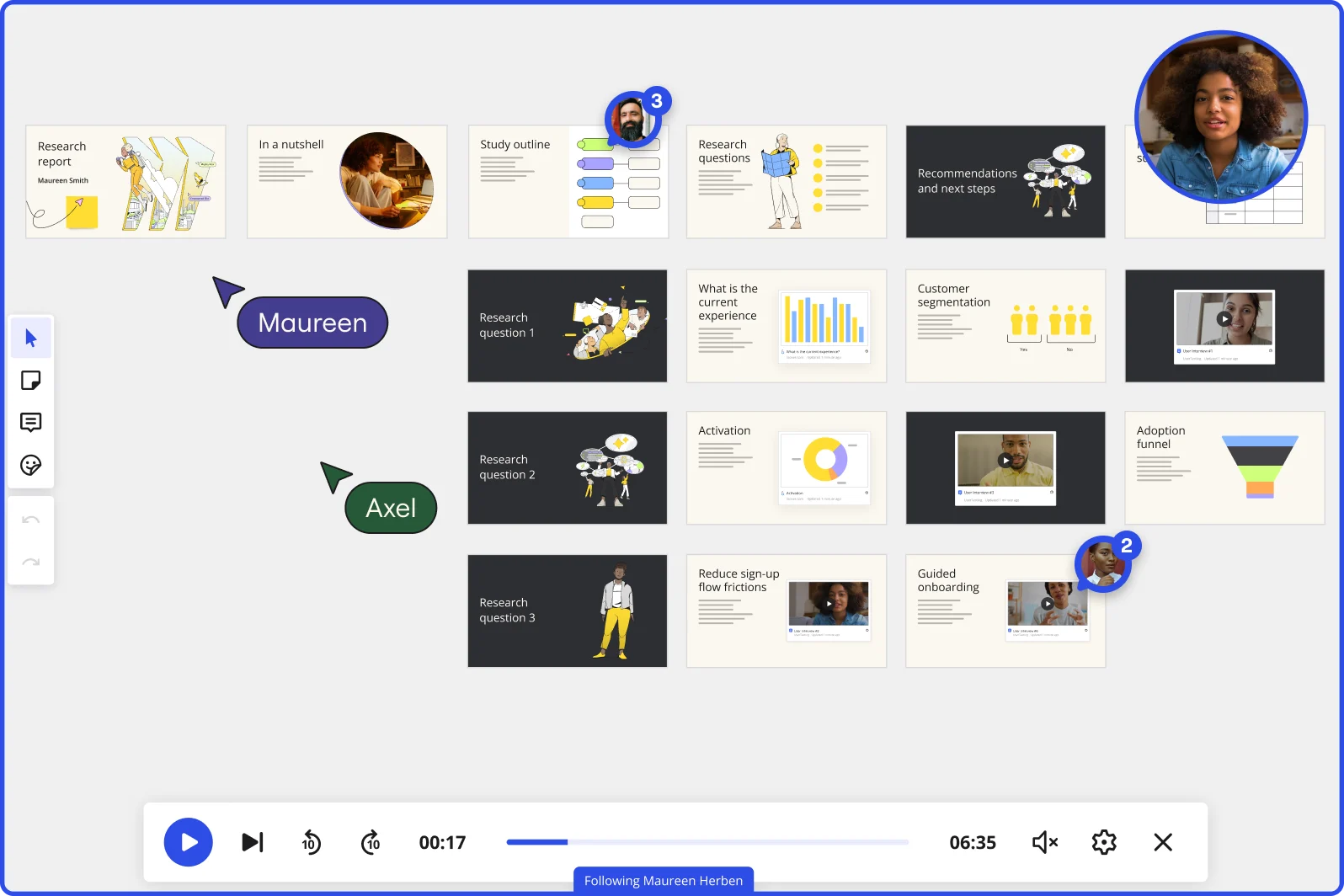
    Miro board in Interactive Presentation Mode displaying a research report presentation with multiple slides organized in rows, covering topics including research questions, customer segmentation charts, adoption funnel, and guided onboarding, with two collaborators (Maureen and Axel) visible as cursors, video playback controls at the bottom showing 00:17 of 06:35, and a live webcam feed of a presenter in the top right corner.
  • How a 3-person studio and a 300-person firm both ship consistent pitch decks

    Small studios can't afford a deck-design bottleneck before every proposal. Large firms can't let each project manager invent a new layout. Miro's AI slide generation builds a structured deck from a text prompt or existing board content in minutes, and Custom Template Creation locks in your firm's branded slide layouts so every principal ships the same quality output.

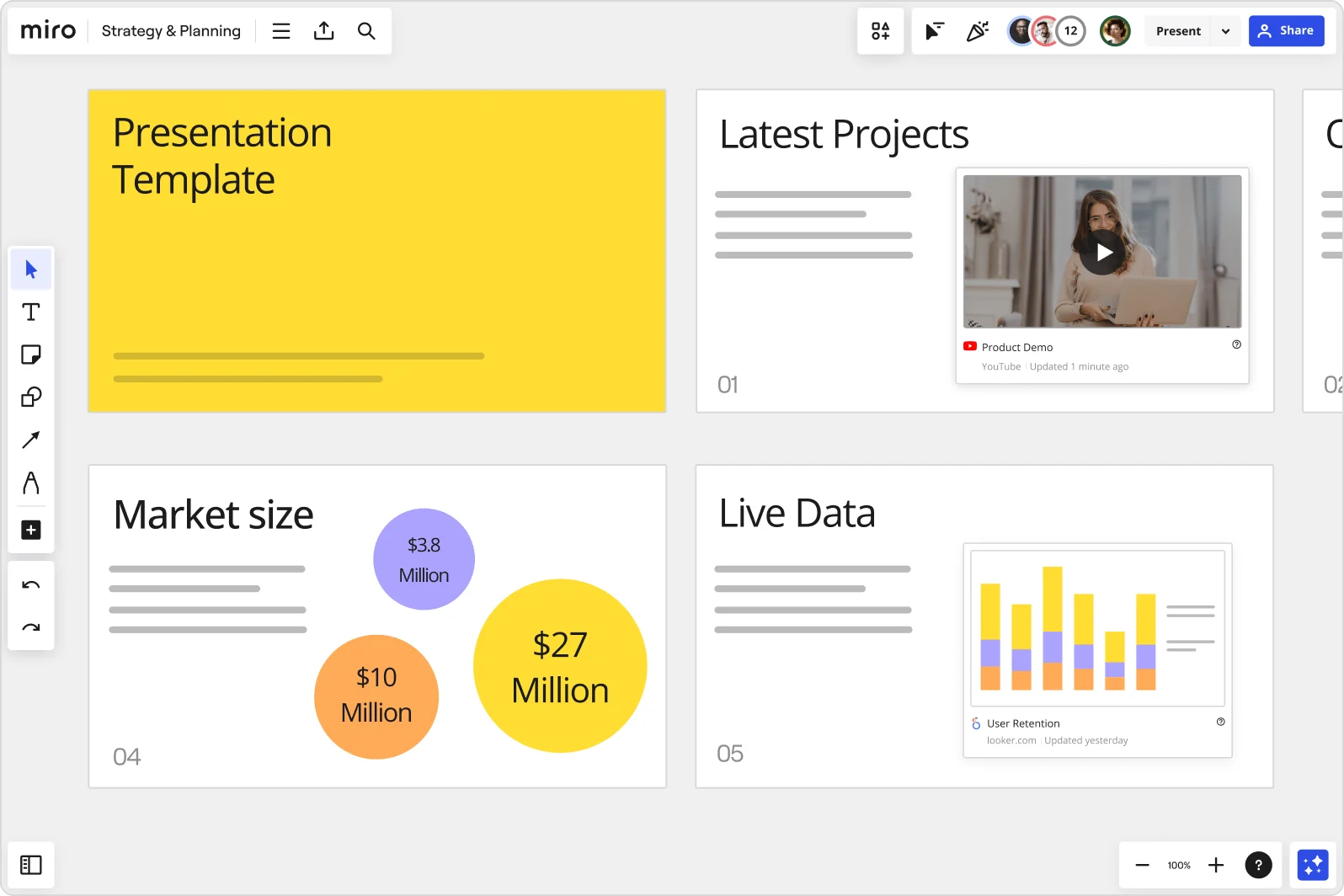
    Miro board showing a Strategy & Planning presentation workspace with four slides visible: a yellow title slide labeled 'Presentation Template', a 'Latest Projects' slide with an embedded YouTube Product Demo video, a 'Market size' slide with bubble charts showing $3.8M, $10M, and $27M values, and a 'Live Data' slide featuring an embedded Looker.com User Retention bar chart.

How architecture firms get started with presentations in Miro

  • Frame your design narrative board

    Open a new Miro board and use Frames to lay out your presentation sequence - schematic design overview, site plan, floor plan-to-section relationships, material palette, and code compliance narrative - pulling in Revit screenshots, Enscape renderings, and consultant coordination drawings directly onto each frame.

  • Import your renderings, then generate the connective tissue

    With your Rhino renders and InDesign exports already on the canvas, select that content and use AI Generate Slides to draft the narrative slides between them - value engineering context, program compliance callouts, and ADA conformance summaries - so the deck reads as one coherent story, not a stack of disconnected files.

  • Embed live project data straight into the deck

    Use External Embeds to pull Figma details or linked reference sheets directly into slide frames, then trigger Action Shortcuts on your Intelligent Templates so the latest consultant drawings or pro forma figures load automatically at presentation time - no tab-switching in front of a developer CFO.

  • Record a Talktrack for decision-makers who miss the room

    After rehearsing with your equity partners, record a narrated Talktrack walkthrough of the full design development deck so a facilities director reviewing ADA compliance or a planning commissioner catching up before the vote gets your full explanatory voice alongside every plan, section, and material board - not just the slides cold.

Slides tips for architecture firm principals

  • For recurring milestone deliverables (SD, DD, CD phase gates), save your approved frame structure as a Custom Template so every project team in the firm starts from the same branded narrative scaffold - no one rebuilds the title slide, code summary frame, or closing next-steps layout from scratch.

  • Before a planning commission or city council hearing, use Comments to run a pre-presentation review internally: ask your project architect and consultant leads to annotate specific frames where technical accuracy is on the line, and resolve those threads before the public meeting.

  • For clients new to the design process (school boards, first-time developers), set the board's Default View to your Slides Format and lock it so they open directly to the deck - they won't accidentally land in the middle of your working canvas and mistake in-progress sketches for final design intent.

Understand how architecture firm principals transform their work

  • The entire concept is great. Its convenient as a web based technology, its collaborative for internal teams as well as sharing content externally, It has nice features like layers, ability to remove backgrounds, templates. Really great for presentations and the ability to receive live feedback in various ways like polls.

    Verified User in Architecture & Planning

    G2
  • One place to shop, can create slides and pdf directly from it. Can invite my clients into it for live feedback

    Verified User in Architecture & Planning

    G2

Presentations: Essential Guide for Architecture Firms

CategoryKey insights
  • Common mistakes to avoid

    The biggest trap for firm principals is cramming a Revit plan, a consultant coordination drawing, and a material palette into a single frame, then wondering why the planning commission looks glazed over. Treat each frame like a pinned moment in your design narrative, one clear idea per slide, whether you're walking a developer CFO through square footage implications or a school board through code compliance. And before you default to exporting into PowerPoint, check whether you can present directly from the board itself. Recreating content in a separate tool costs hours you don't have before a city council vote.

  • Key integrations for architecture firm principals

    Google Slides and Microsoft PowerPoint let firm principals export polished deliverables for clients who expect a traditional file, while Zoom and Microsoft Teams keep remote design reviews running without switching apps mid-presentation. For larger practices managing multiple project phases across consultant teams, Confluence connects meeting documentation to the boards where the actual design decisions live.

  • When to use it

    Use this when you're pulling together a schematic design presentation from material scattered across Revit exports, Enscape fly-throughs, and InDesign layouts, and you need a single coherent deck without everything falling apart at the wrong resolution. Picture a principal assembling a design development sign-off presentation the day before the contractor pricing window closes: drag your renders and plan-section relationships into Frames, use AI slide generation to build the executive summary, and share a Talktrack recording so the developer's CFO can review it on their own schedule without losing the narrative thread.

  • Security & Compliance

    Architecture practices handling municipal planning submissions, public-sector capital projects, or confidential developer pro formas need to know that Miro is SOC 2 Type II certified and supports granular sharing permissions so a curated slide sequence reaches the right stakeholders without exposing the full working board. Larger firms operating across offices or jurisdictions can lean on data residency controls to meet regional compliance requirements. Private Mode keeps sensitive fee discussions or equity partner reviews contained during live presentations.

Frequently asked questions for architecture firm managers

Last updated: Thursday, July 30, 2026