





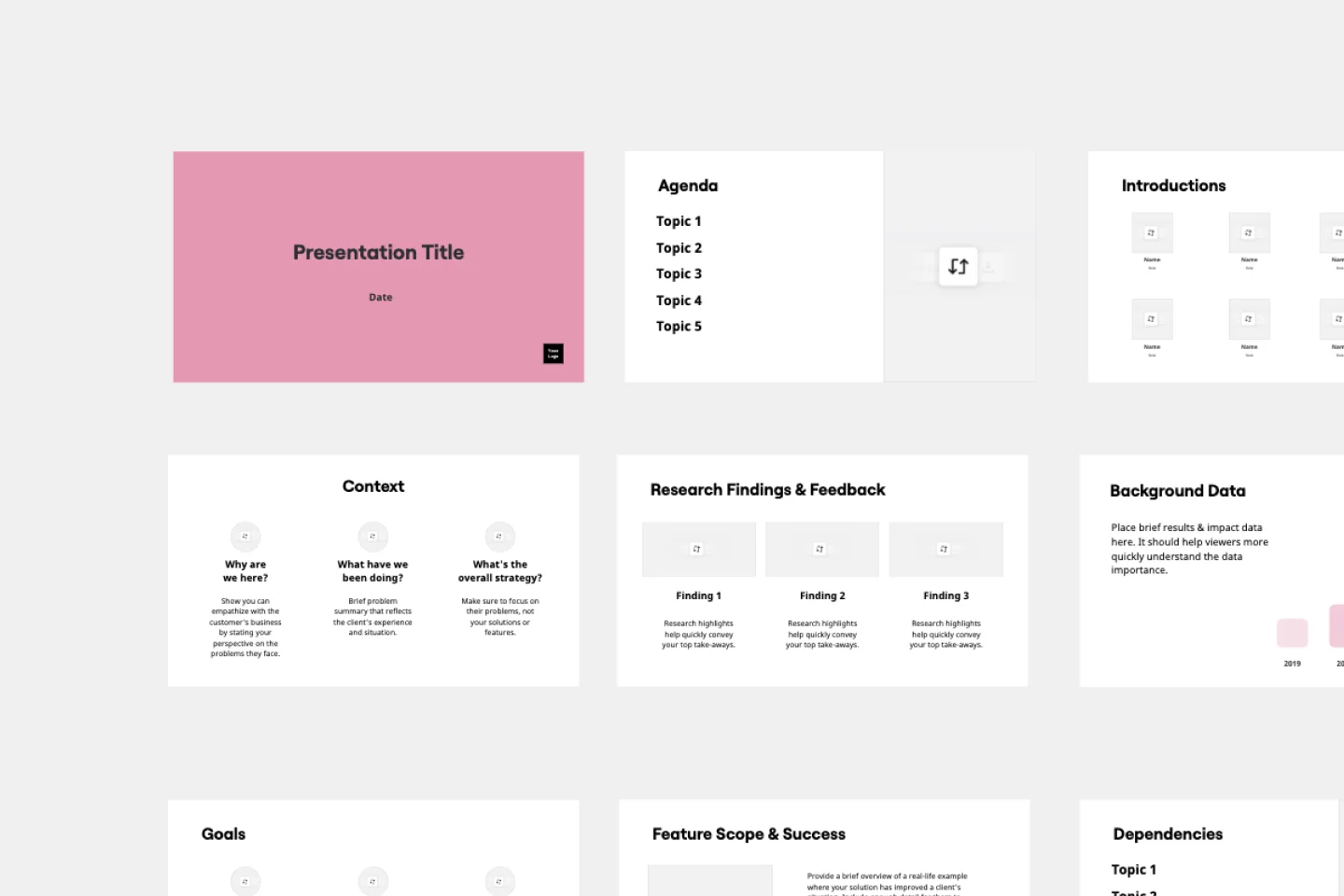
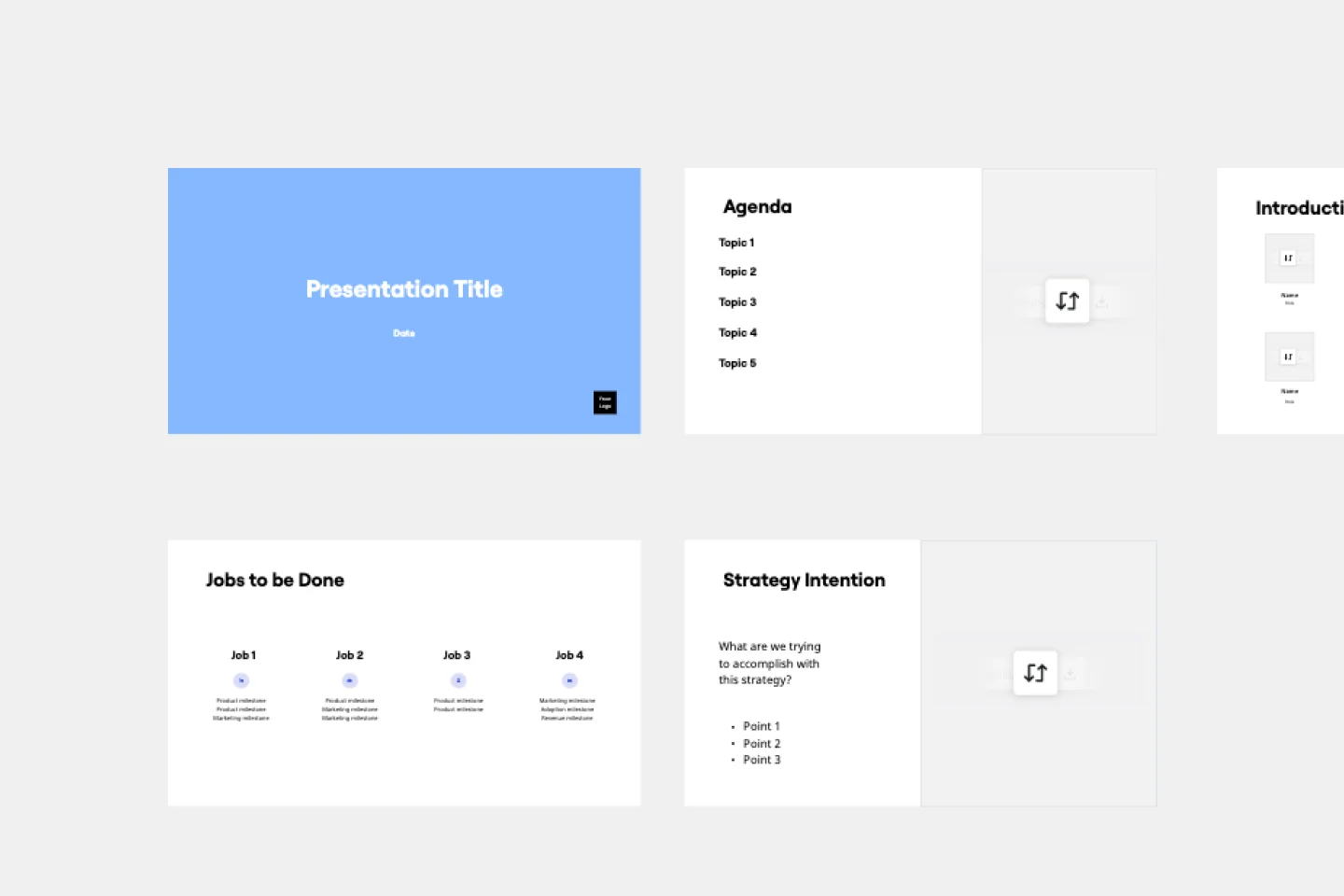
Presentations for engineering managers

Turn your architecture reviews and sprint postmortems into polished decks. No rebuild required.

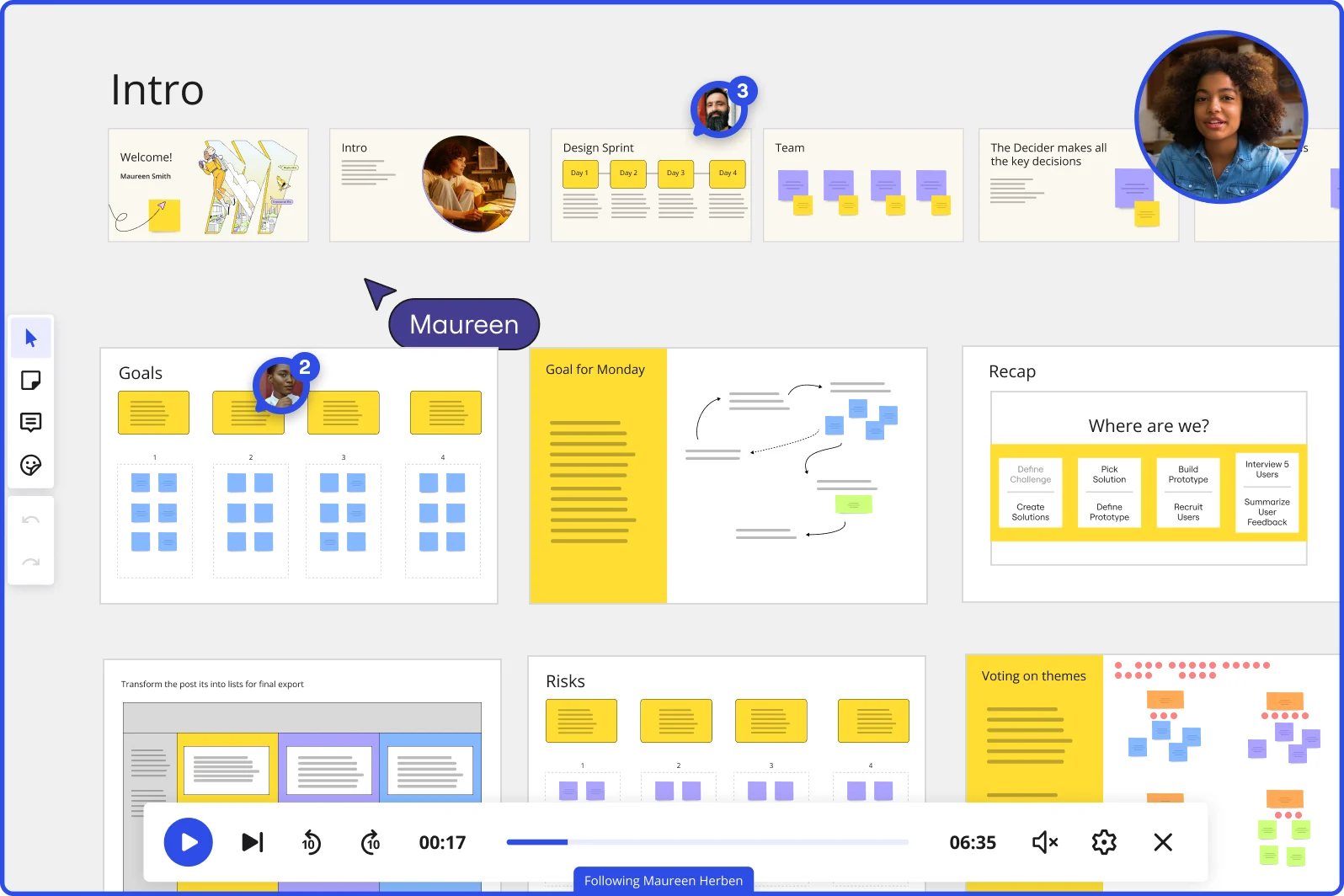
Miro board showing a Design Sprint presentation in facilitation mode, with slide thumbnails across the top (Welcome, Intro, Design Sprint days, Team, Decider), and active frames including Goals with yellow sticky notes, Goal for Monday with a flow diagram, Recap with a 'Where are we?' process tracker, Risks section, and Voting on themes — with a video player bar at the bottom showing 'Following Maureen Herben' and two visible participant avatars.

What experts say

  • The way we present information and tell stories using slides has a massive impact on how well our ideas are understood and remembered.

    Nancy Duarte

    Speaker and CEO · Duarte

    Industry Expert
  • According to a study published in the Harvard Business Review, presentations that effectively communicate data can increase persuasiveness by up to 43%.

    SlideBazaar Team

    Presentation Experts · SlideBazaar

    Practitioner

The research on presentations and slides

  • 66%

    Visual presentations with graphs and diagrams increased audience conviction from 50% (verbal only) to over 66%, demonstrating the persuasive power of diagramming in consulting presentations

    Source: Cornell University / Wharton School of Business

See presentations and slides in action

Related templates for engineering managers

We have 22 templates in our library for Presentations and Slides.

Why engineering managers love creating presentations with Miro Slides

  • From incident postmortem to exec-ready deck in minutes

    After a P1 incident, you're writing up the timeline, root cause, and remediation steps across Jira tickets, Datadog graphs, and a shared doc - then someone asks for a slide deck by end of day. Use Miro's AI slide generation to turn that board content into a structured deck directly, no separate authoring step. Small engineering teams skip the blank page; larger platform and infra orgs skip the manual reformatting.
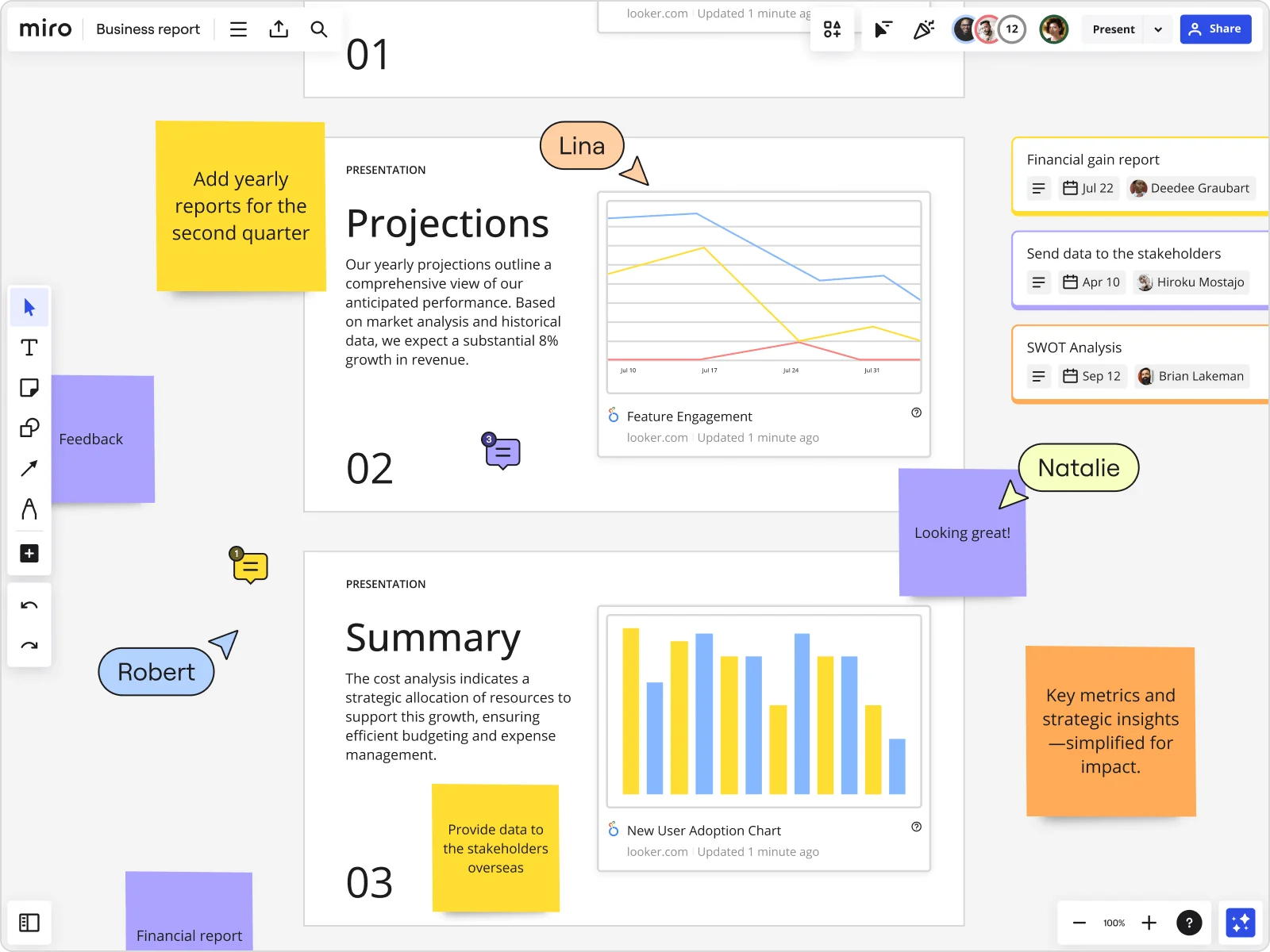
    Miro board showing a Business Report with two presentation slides (Projections and Summary) containing embedded Looker charts for Feature Engagement and New User Adoption, alongside sticky notes with tasks, three task cards for Financial gain report, Send data to stakeholders, and SWOT Analysis, and collaborative cursors from users named Lina, Natalie, and Robert.
  • When tech leads across time zones miss the live demo

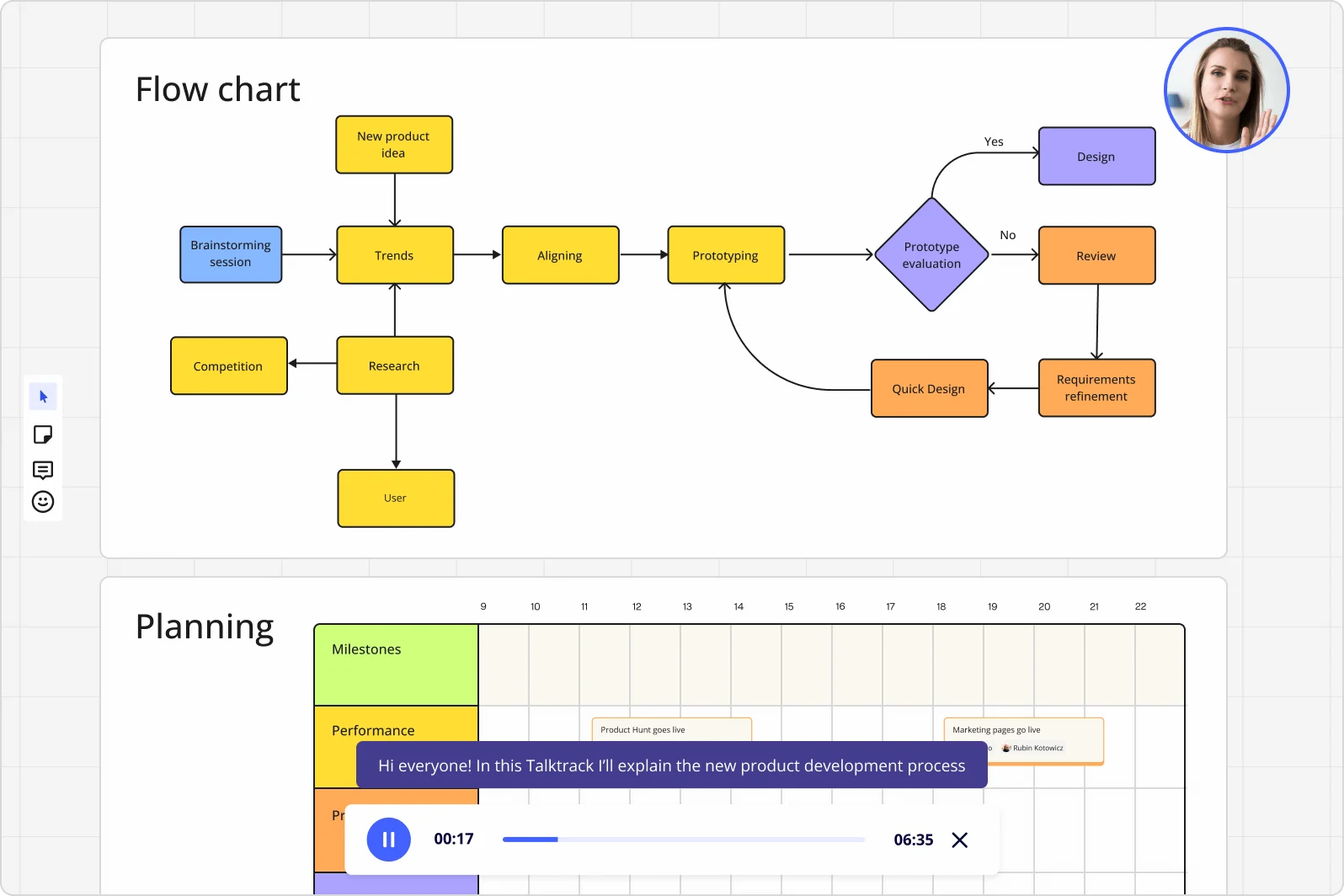
    Not every principal engineer or distributed sprint lead can join the architecture review in real time. Record a Talktrack walkthrough - your narration stays synced to the board navigation - so they replay the full presentation, not just a static PDF. Whether you're a 10-person startup or a 500-person org with engineers across three continents, nobody loses context.

    Miro board displaying a product development flowchart with color-coded nodes (yellow process steps, orange review/design steps, purple decision diamond) showing the full workflow from brainstorming to prototype evaluation, alongside a Talktrack audio narration feature playing at 00:17 of a 6:35 recording with a presenter visible in the top-right corner.
  • Your architecture review, without the slide-rebuilding tax

    You've mapped the system design, annotated the dependency diagram, and flagged the tech debt on the canvas. Miro's Frames turn that same board into individual slides - drag in your GitHub flow diagrams, embed live Datadog charts, and present without switching tools. The canvas IS the deck.

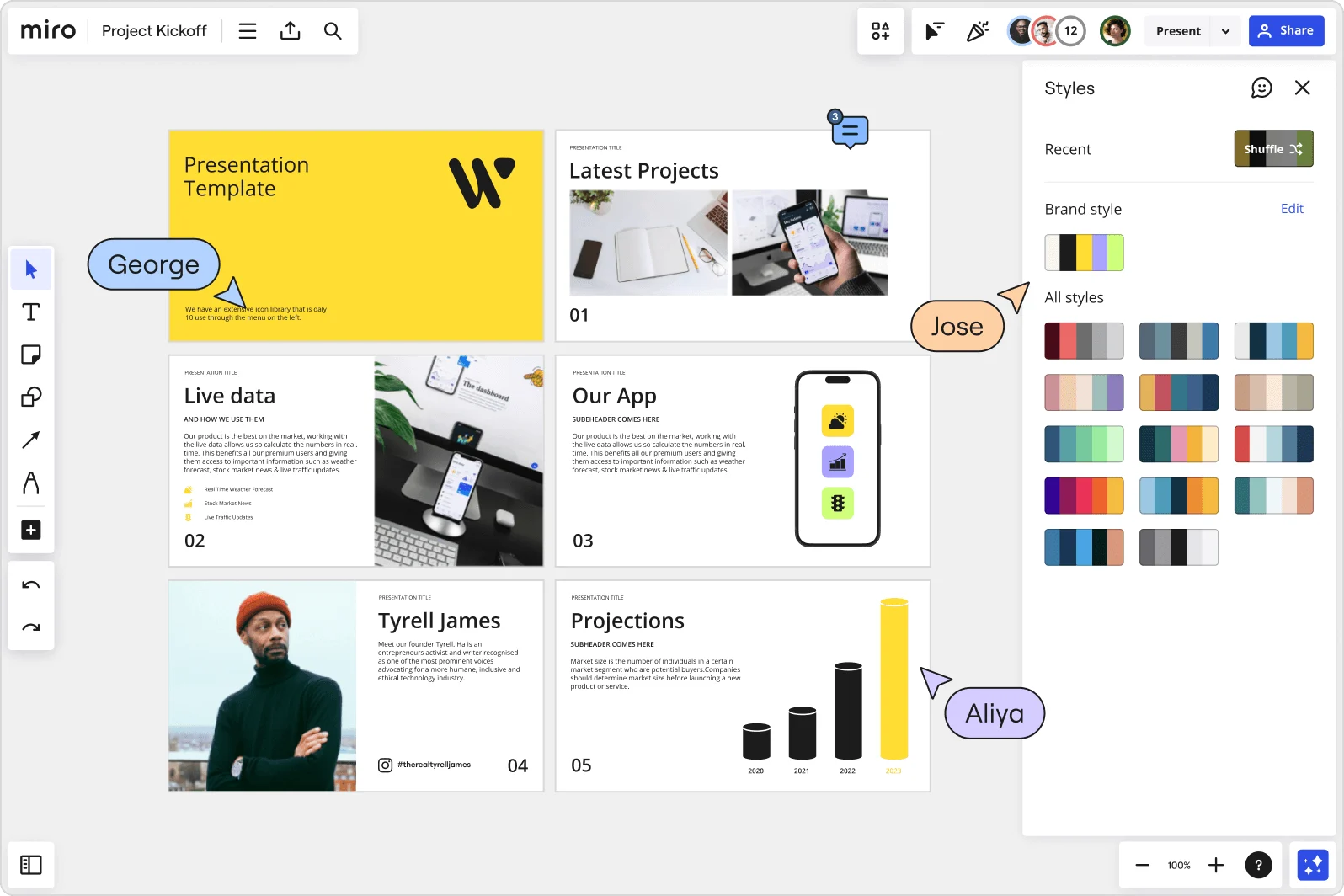
    Miro board showing a Project Kickoff presentation template with five slides including a title slide, Latest Projects, Live Data, Our App, a founder profile for Tyrell James, and Projections with bar charts. A Styles panel is open on the right showing brand color palettes and a Shuffle option, with three collaborator cursors visible (George, Jose, and Aliya).
  • Stop chasing stakeholders for sign-off before the release readiness review

    Feedback on pre-launch decks usually arrives in scattered Slack threads, email replies, and a separate doc nobody can find. Threaded Comments in Miro anchor reviewer input directly to the specific slide - a CTO comment on the rollback plan lands on that frame, not buried in a thread. Engineering leads at any org size close the review loop faster.

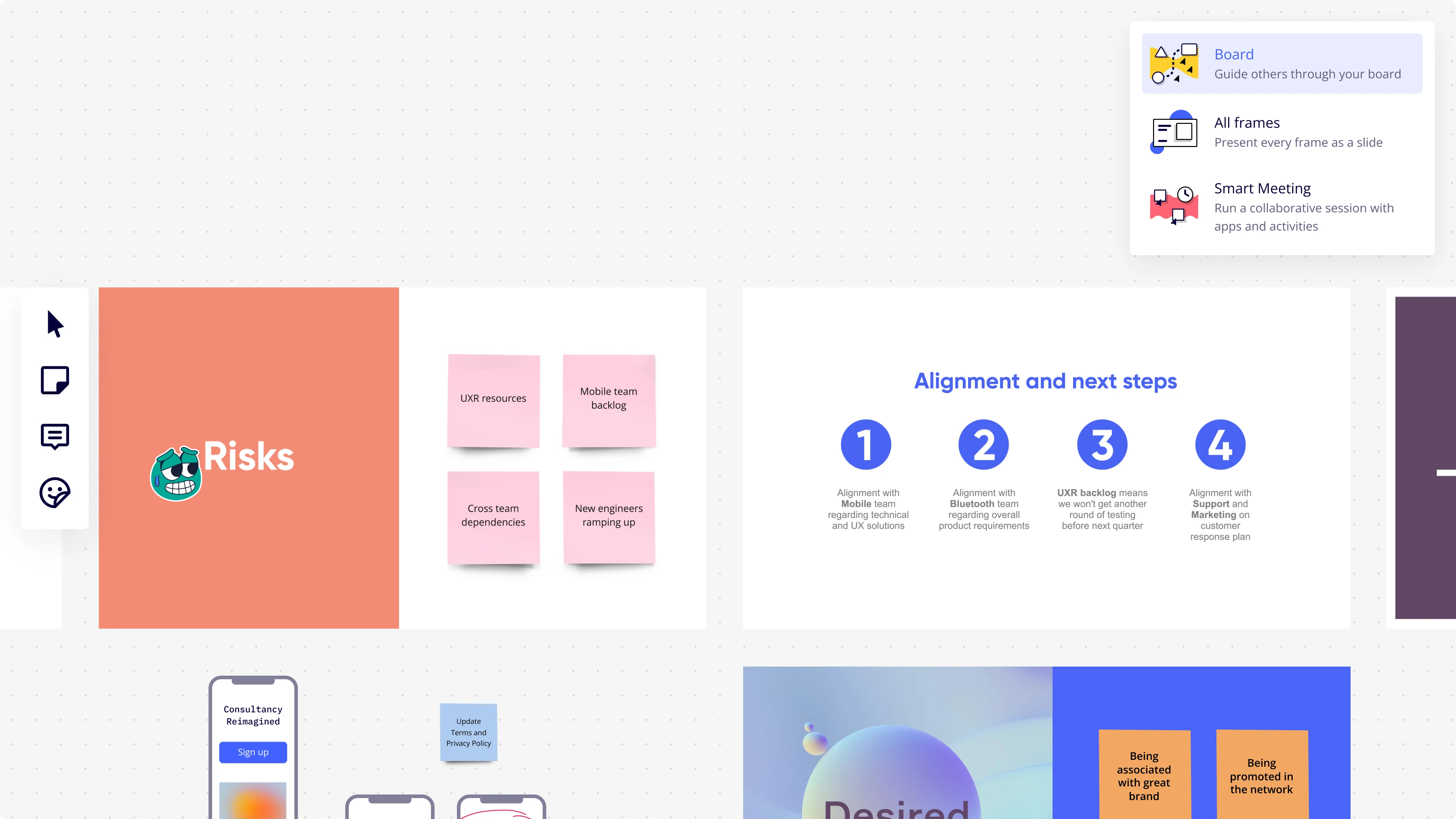
    Miro presentation mode interface showing a dropdown menu with three presentation options (Board, All Frames, Smart Meeting), alongside visible board frames including a 'Risks' slide with pink sticky notes (UXR resources, Mobile team backlog, Cross team dependencies, New engineers ramping up) and an 'Alignment and next steps' slide with four numbered circular icons detailing team alignment actions.
  • Are recurring sprint reviews eating your setup time every cycle?

    Every two weeks, you're duplicating last sprint's deck, stripping old data, and reformatting. Miro's Presentation Blueprints let you open a pre-structured Space - agenda frames, Engage activity slots, embedded Sidekick - already wired up. A 4-person feature team and a 200-person platform org both reset the cycle in seconds, not hours.

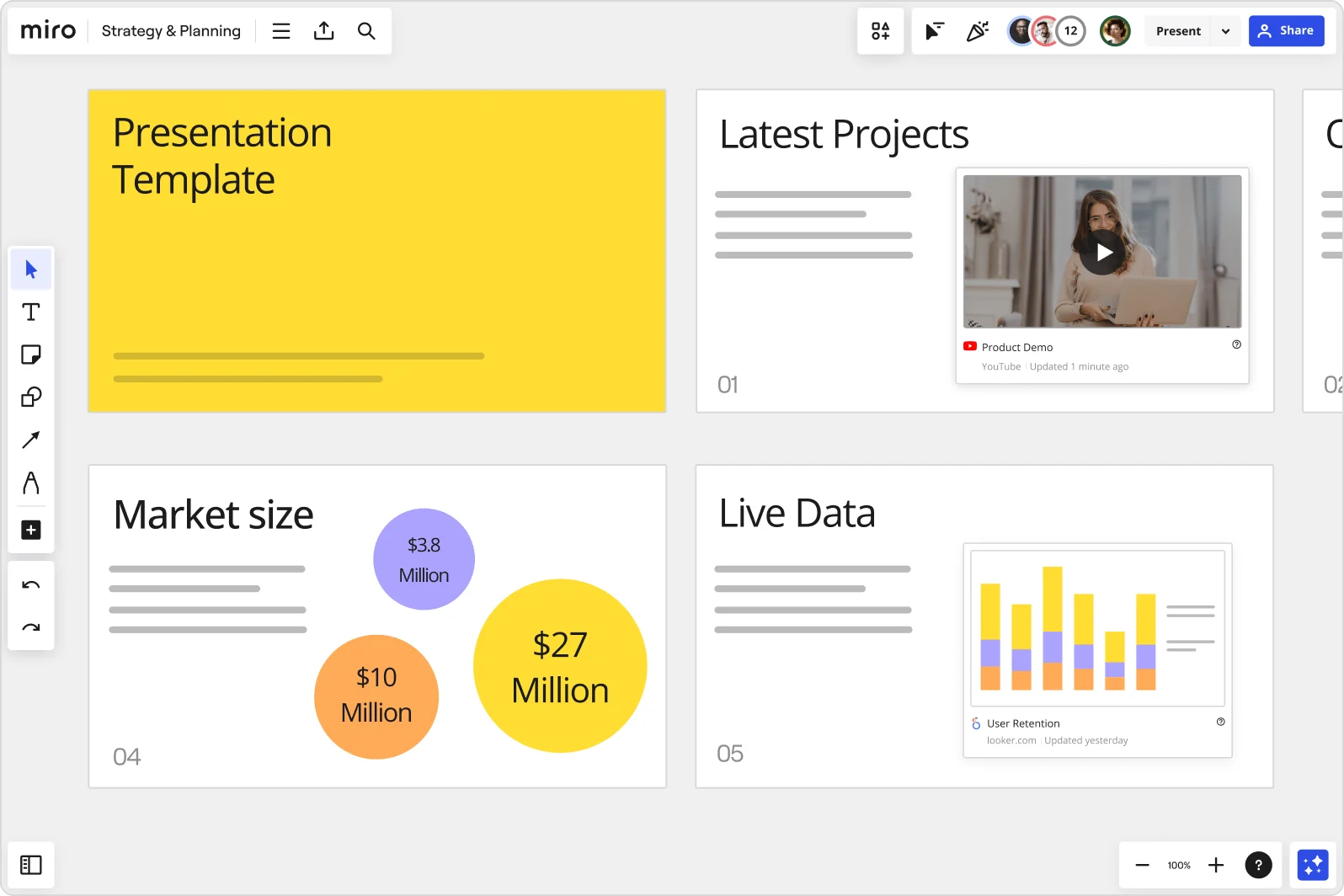
    Miro board showing a Strategy & Planning presentation workspace with four slides visible: a yellow title slide labeled 'Presentation Template', a 'Latest Projects' slide with an embedded YouTube Product Demo video, a 'Market size' slide with bubble charts showing $3.8M, $10M, and $27M values, and a 'Live Data' slide featuring an embedded Looker.com User Retention bar chart.

How engineering teams get started with presentations and slides in Miro

  • Pull your sprint data into one board

    Open a new Miro board and use Iframe Embed Widget to pull in live Jira, Datadog, or PagerDuty data directly onto the canvas, so your velocity metrics, MTTR figures, and incident counts are all in one place before you touch a single slide.

  • Generate your sprint review deck from context

    Select your assembled metrics and narrative sticky notes, then use AI Generate Slides via "Turn frames into slides" to draft a structured sprint review or post-mortem deck that already reflects the technical story you've built on the canvas.

  • Embed live data for VP-ready delivery

    Drop External Embeds (Looker, Power BI, or Azure DevOps dashboards) directly into individual slide frames so engineering leads never have to export a chart or switch tabs mid-presentation when a director asks to see the underlying numbers.

  • Set up a recurring review Blueprint

    Save your sprint review or quarterly planning structure as a Blueprint so every cycle starts with the same frame sequence, embedded data sources, and Talktrack setup already in place - sprint owners skip the rebuild and spend time on the one thing that actually changed: the story.

Slides tips for engineering managers

  • Use AI Generate Slides with audience and tone prompts like "5-slide deck: delivery status, risks, engineering investment rationale, and next sprint commitments, for a VP of Product audience" so the first draft speaks upward, not inward.

  • Record a Talktrack after finalizing your sprint review so your director or CFO can replay the full narrative async, with your emphasis on trade-offs and risk intact, even when they miss the live session.

  • Add a Miro Doc to the board as your speaker notes, drag your finalized slide frames in, and use AI Actions inline to tighten the language before you present - it exports cleanly to Markdown or PDF if anyone on the engineering side needs the written record.

Understand how engineering managers transform their work

  • Very good product for team work and visual presentation!

    Verified User

    TrustRadius
  • I use Miro as a substitute for PowerPoint slides when I want a more interactive discussion.

    Verified User

    TrustRadius

Presentations and Slides essential guide for engineering managers

CategoryKey insights
  • Common mistakes to avoid

    The most common trap for engineering managers is dumping Jira data, DORA metrics, and incident timelines into a single frame and calling it a slide. Your VP of Product doesn't need every data point - they need the story. The other mistake that stings at scale: skipping frame reordering before a live sprint review, so your migration update appears before your problem statement and the whole narrative falls apart in front of leadership.

  • Key integrations for engineering managers

    Jira and Confluence are the obvious starting points - pull in sprint velocity, cycle time, and the written context that never makes it into a ticket, so you're not rebuilding context from scratch before every planning presentation. For async delivery to distributed engineering orgs, Talktrack pairs naturally with Zoom or Microsoft Teams, letting directors in different time zones get the full narrated walkthrough on their own schedule. At enterprise scale, SSO and admin controls keep board access locked down, while the Google Slides and PowerPoint integrations cover the situations where a stakeholder insists on a traditional file format.

  • When to use it

    Reach for this when a sprint review, PI planning readout, or post-mortem forces you to turn raw engineering output into something a CFO or VP of Product can act on - without spending half a day rebuilding slides from content that already exists on your Miro board. For example, after a major incident, you can pull your MTTR timeline and severity breakdown directly from the board into Frames, use AI slide generation to create an executive summary, and share a Talktrack recording with on-call leads who couldn't join the live session. It's also the right call when you need live audience participation - Voting during a capacity planning session captures stakeholder priorities in real time instead of a messy email chain afterward.

  • Security & Compliance

    For engineering managers at any company size, SOC 2 Type II certification is the baseline you'll need to satisfy InfoSec before sharing incident data or capacity plans on any shared board. At the enterprise level, data residency controls let you specify where board content is stored - important when your org operates across regions with different data governance requirements. Granular sharing permissions mean you can present a curated slide sequence to leadership without accidentally exposing the full working board, and Private Mode keeps sensitive headcount or budget discussions contained to the right room.

Frequently asked questions for engineering managers

Last updated: Thursday, July 30, 2026