





Andrey
See collaborative AI in action — straight from the Canvas 26 keynote.
Jeff

Presentations and slides for project managers

Turn your sprint data and roadmap updates into polished decks. No rebuilding in PowerPoint, no tool-switching, no wasted hours with Miro Slides.

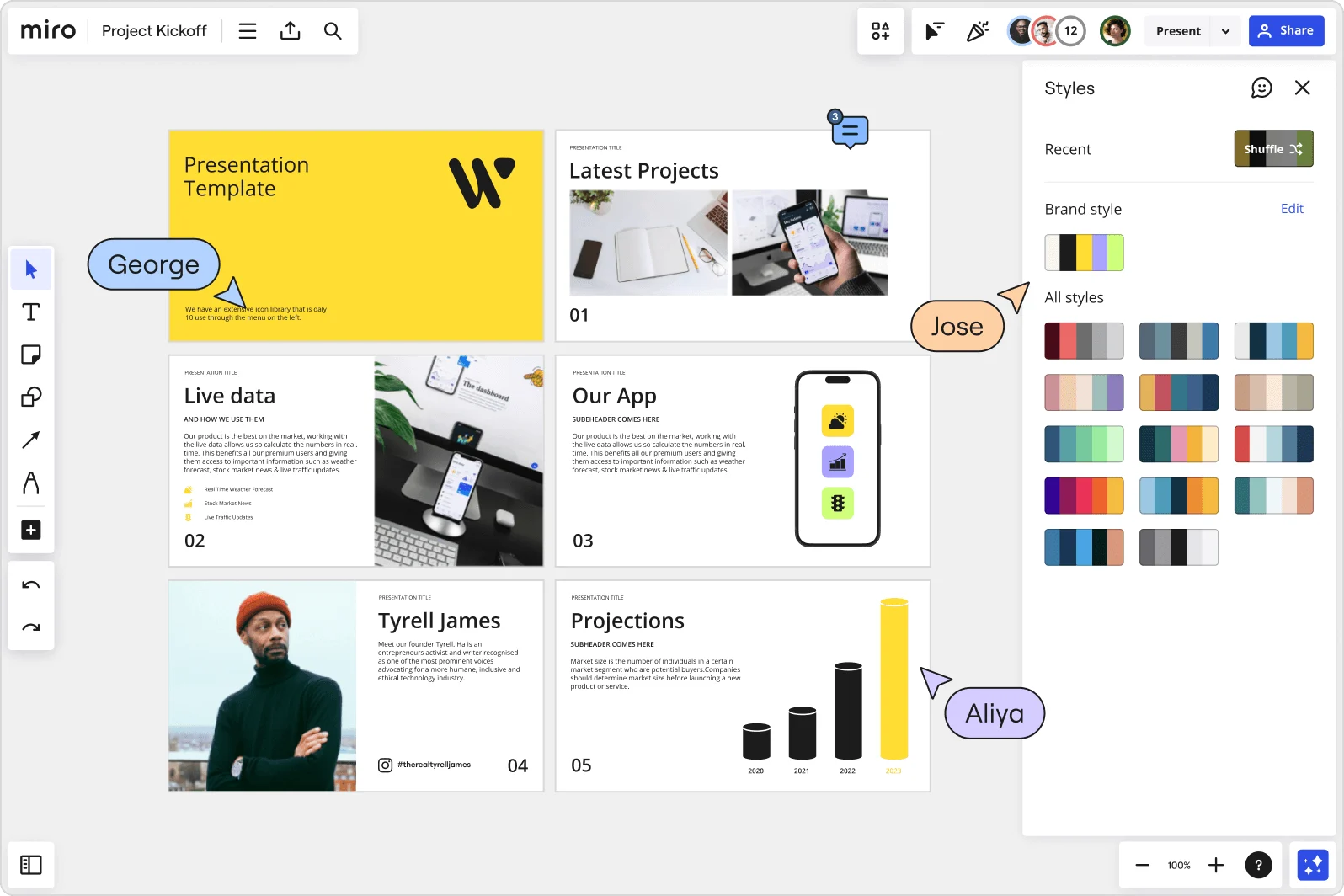
Miro board showing a Project Kickoff presentation template with five slides including a title slide, Latest Projects, Live Data, Our App, a founder profile for Tyrell James, and Projections with bar charts. A Styles panel is open on the right showing brand color palettes and a Shuffle option, with three collaborator cursors visible (George, Jose, and Aliya).

What experts say

  • The way we present information and tell stories using slides has a massive impact on how well our ideas are understood and remembered.

    Nancy Duarte

    Speaker and CEO · Duarte

  • According to a study published in the Harvard Business Review, presentations that effectively communicate data can increase persuasiveness by up to 43%.

    SlideBazaar Team

    Presentation Experts · SlideBazaar

The research on presentations and slides

  • 66%

    Visual presentations with graphs and diagrams increased audience conviction from 50% (verbal only) to over 66%, demonstrating the persuasive power of diagramming in consulting presentations

    Source: Cornell University / Wharton School of Business

  • Effective presentation slides should be iteratively improved through practice so they help deliver the intended message within the intended time.

    Source: PLoS Computational Biology

See presentations and slides in action

Related templates for project managers

We have 22 templates in our library for Presentations and Slides.

Why project managers love collaborating on presentations and slides in Miro

  • Stop rebuilding the same sprint review from scratch

    Every quarter, PMs copy last cycle's deck, strip old data, and paste in new numbers - a ritual that wastes hours before the real work even starts. Miro's Presentation Blueprints package your entire cadence (title slide, agenda, status frames, exec summary) as a reusable Space you reset each cycle, not rebuild.
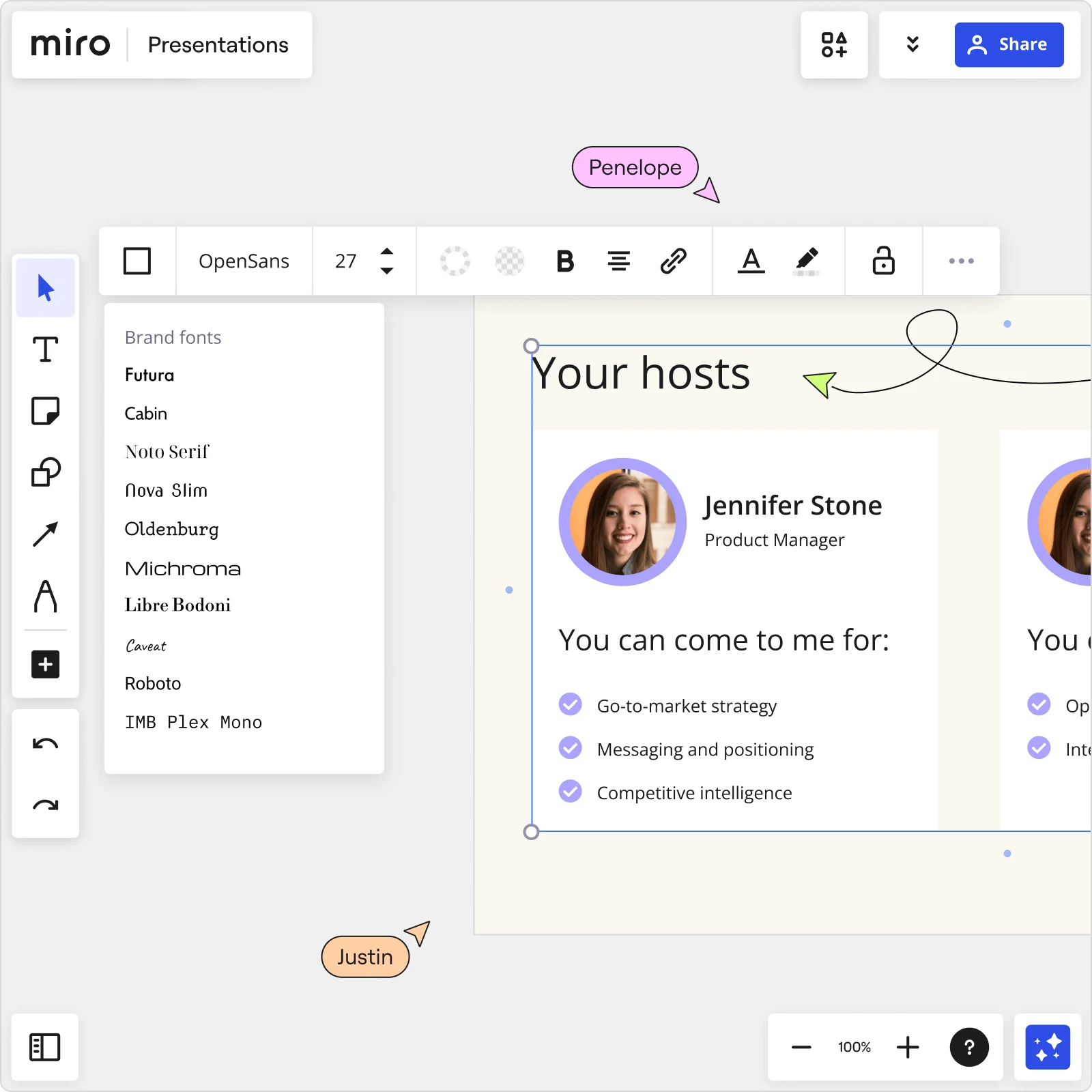
    Miro Presentations board showing Your hosts slide with Jennifer Stone profile, brand fonts panel open, and collaborator cursors editing presentation content
  • When your Jira board tells the story, your deck should too

    Your sprint outcomes, release notes, and roadmap progress already live on your Miro board. Select that content, hit "Turn into slides," and Miro's AI shapes it into a structured deck - title slides, bullet layouts, and closing frames - without you retyping a single sticky note.

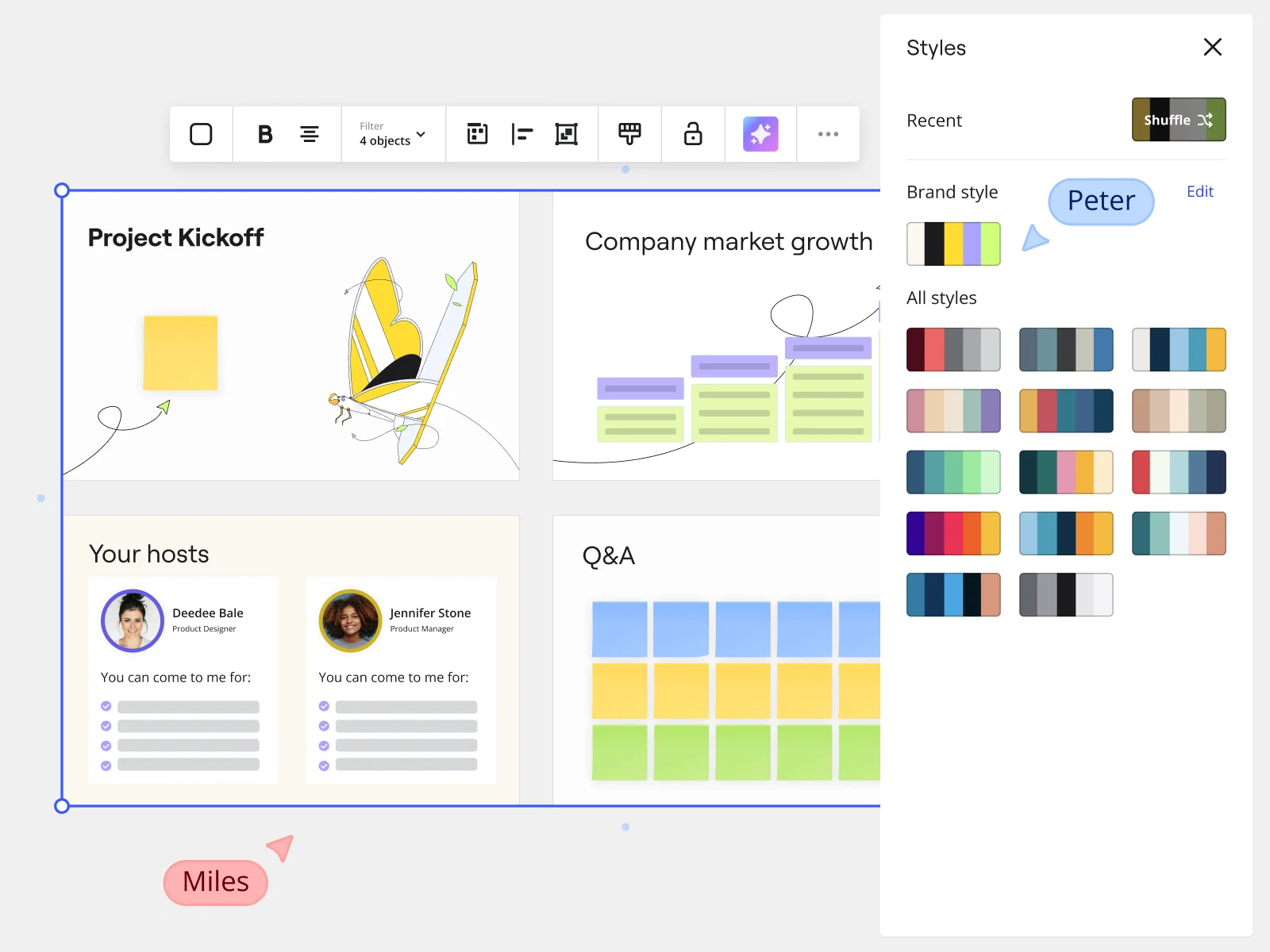
    Miro presentation mode showing Project Kickoff slides with Styles panel and brand style options for marketing teams
  • Are distributed tech leads missing the context behind your updates?

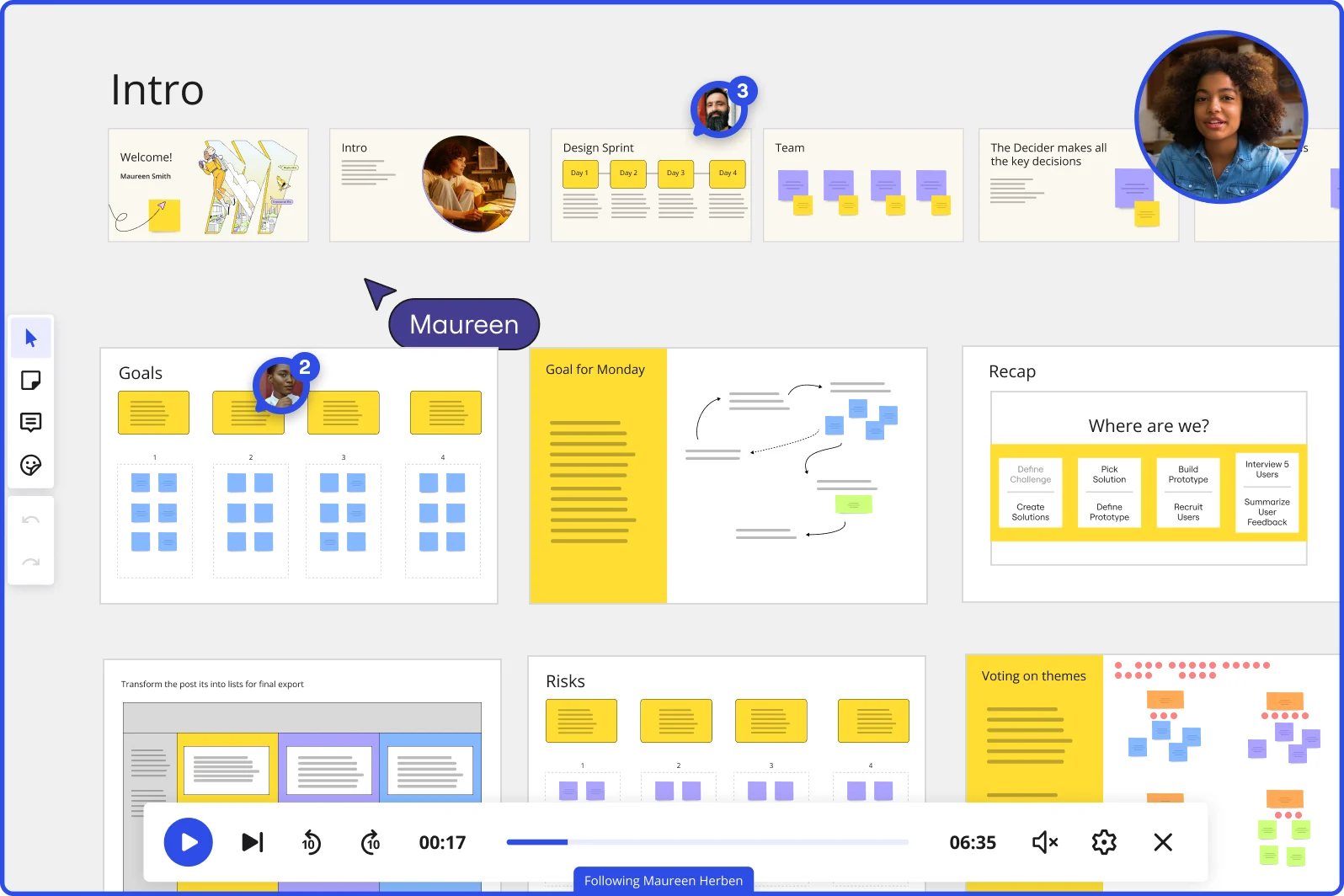
    Remote engineering managers and exec sponsors can't always join the live review. Record a Talktrack walkthrough - narrated audio synced to each frame - so absent stakeholders replay your roadmap presentation with full context, not just a static PDF.

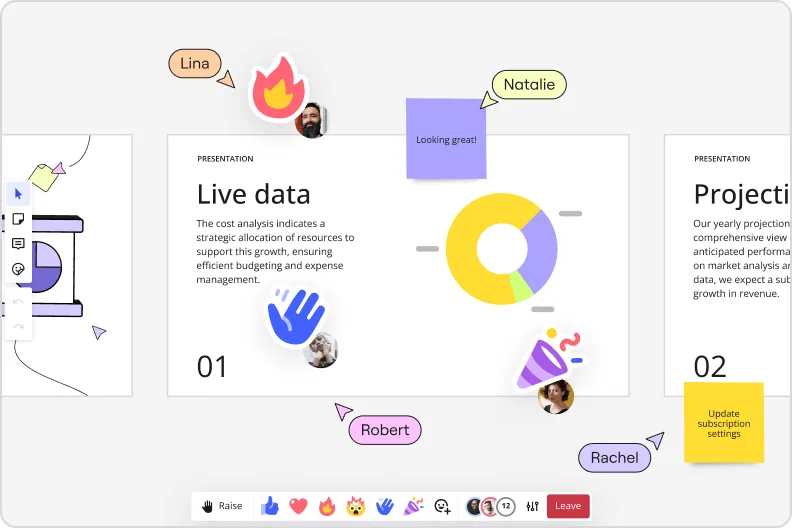
    Miro presentation mode showing live data slide with donut charts and collaborator reactions and emoji feedback
  • From live demo day to signed-off deliverable, without a separate tool

    Running a sprint demo or quarterly business review live in Miro, you pull up Interactive Presentation Mode: audience reactions, live Voting for priority calls, and Breakout Frames that send dev leads and product owners into separate working spaces mid-session. Small teams of five run the same flow as a 500-person org on launch day - the facilitation tooling is built into the present surface.

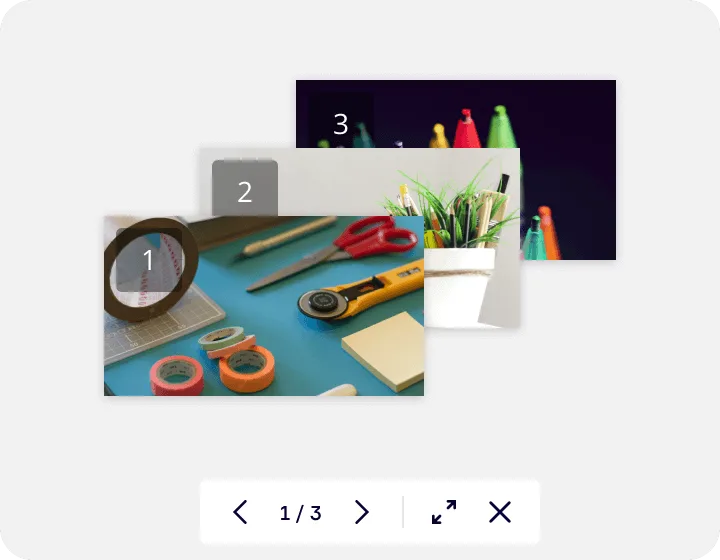
    Miro's image gallery or media viewer feature showing a lightbox-style presentation with three numbered slides containing craft supplies photos, displayed with navigation controls (1/3) and expand/close buttons at the bottom.
  • Your deck, ready for the CFO and the Confluence page

    Once your presentation is finalized, share a focused link that shows only the intended frames - no raw board, no draft content exposed. Embed the same deck directly into Confluence, MS Teams, or Notion via Miro's Embeds, with auto-play for async readers who catch up after the meeting.

    Your deck, ready for the CFO and the Confluence page

How project managers get started with presentations with Miro Slides

  • Frame your sprint review structure

    Open a new board and create one Frame per status category you already report on - scope, schedule, RAG items, decisions needed - so your slide order mirrors the stakeholder conversation you'll have in the room, not a blank-canvas guessing game.

  • Pull your data into the deck

    Use External Embeds to drop live Jira, Azure DevOps, or Smartsheet views directly onto your status frames, so the velocity chart and Gantt your engineering lead and PMO director need are always current at present time, not screenshots from this morning's stand-up.

  • Generate your narrative with AI Slides

    Select your populated frames and use AI Generate Slides via the context menu - prompt it with your audience mix ("5-slide sprint review: scope delivered, schedule variance, RAG items, decisions needed, next sprint commitments, for a mixed engineering and executive audience") - and let it build the connective tissue between your data blocks.

  • Lock your cadence with a Blueprint

    Save the finished deck as a recurring Blueprint so every sprint review and QBR starts with your standard frame structure, embedded data connections, and Voting widgets already in place - no PM on your team rebuilds the same status deck from scratch again.

Miro Slides tips for project managers

  • Before your status meeting, record a Talktrack walkthrough that calls out the two or three red items explicitly - sponsors who join late or dial in async can get the full context without a follow-up email chain.

  • Use Comments on individual RAG frames during pre-meeting review so your engineering lead and PMO director flag blockers before the room convenes, and decisions land faster when you're live.

  • In the meeting itself, trigger Voting on your "decisions needed" frame so every attendee ranks open change requests by priority - you leave with a documented, timestamped decision trail rather than a promise to follow up.

Understand how project managers transform their work

  • The zoomability of all features is amazing. Zoom in, zoom out, repeat, it' s always clear. The tools are intuitive and flexible. I love utilizing templates and sticky notes, and making the end results "my own." I often convert my work into quick frames or presentations that can be shared with my clients in seconds.

    Verified User in Management Consulting

    G2
  • Miro - An Antidote to Messy Visual Presentations

    Verified User

    G2

Presentations essential guide for project managers

CategoryKey insights
  • Common mistakes to avoid

    The biggest credibility killer for PMs is walking into a status meeting with a cluttered frame that tries to show the full Gantt, the risk log, and the RAG dashboard all at once. Treat each frame like a single decision point, reorder them in the sidebar before you go live, and test your Voting or Breakout Frames the day before so the meeting stays on the engineering lead's blocker and not on a frozen screen. One more trap that catches growing teams and large orgs alike: exporting to PowerPoint out of habit when you could present directly from the board where the sprint data already lives, keeping interactivity intact and your prep time short.

  • Key integrations for project managers

    Jira and Confluence are the core pair here: Jira surfaces live task completion and velocity data you can pull straight into your status frames, while Confluence holds the meeting notes and risk logs that give the business sponsor the paper trail they want after decisions are made in the room. For delivery, Zoom and Microsoft Teams let PMs run Interactive Presentation Mode without switching context mid-meeting. Google Slides and PowerPoint remain available for orgs that require a traditional file handoff, and for large enterprises, SSO and admin-level permission controls make sure the right stakeholders see the right frames and nothing else.

  • When to use it

    Reach for Miro's Presentations and Slides when you're assembling a sprint review or QBR the morning of the meeting and the work already lives on the board. Instead of rebuilding your milestone completion rates and schedule variance data into a separate deck, create Frames around the content that's already there, use AI slide generation to draft your executive summary, and present directly from the board. It's also the right call when your audience is mixed or distributed: Talktrack lets the PMO director who missed the live session catch up on the full narrative, with context and nuance intact, on their own schedule.

  • Security & Compliance

    For PMs at smaller organizations, SOC2 Type II certification covers the baseline compliance question that tends to come up when IT reviews new tooling. At the enterprise level, data residency controls and granular sharing permissions are what matter most: they let you share a curated slide sequence with a business sponsor without accidentally exposing the full board, and they give your security team the governance guardrails they need before rolling out to a large portfolio team. Private Mode adds a further layer for sensitive sessions, like discussing budget burn or change requests that aren't ready for the wider room.

Frequently asked questions for project managers

Last updated: Thursday, July 16, 2026