Andrey
See collaborative AI in action — straight from the Canvas 26 keynote.
Jeff

Presentations and slides for design leads

Turn your Figma reviews and design crits into polished decks. No rebuilding. No tool-switching.

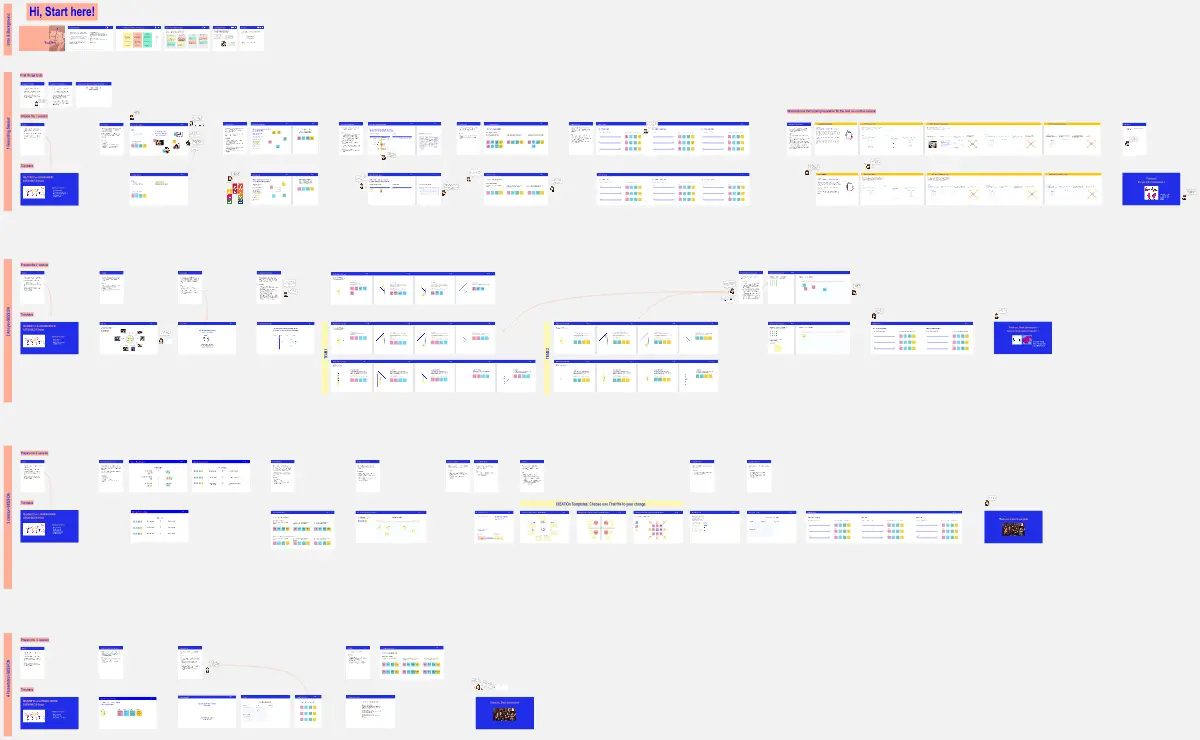
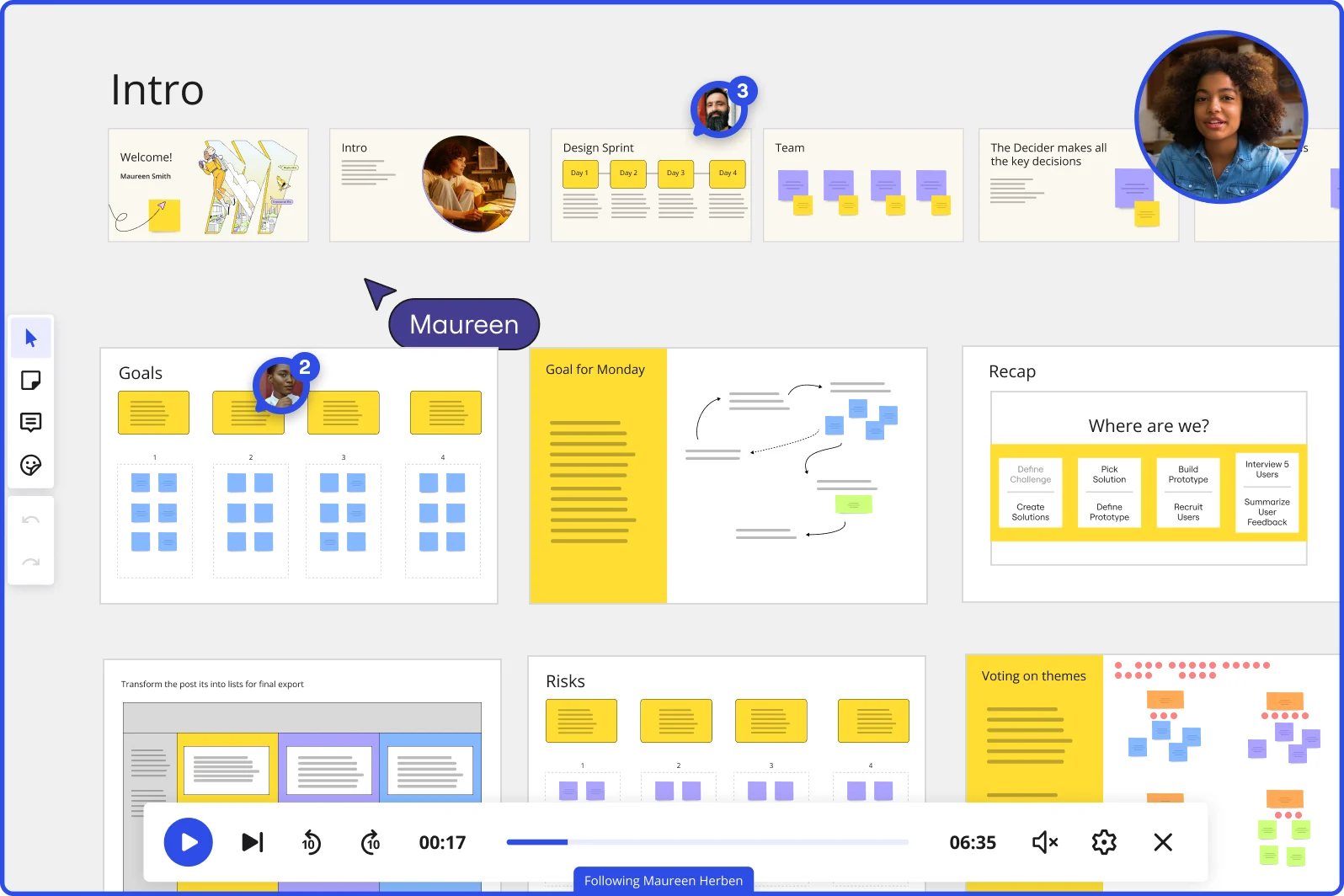
Miro board showing a Design Sprint presentation in facilitation mode, with slide thumbnails across the top (Welcome, Intro, Design Sprint days, Team, Decider), and active frames including Goals with yellow sticky notes, Goal for Monday with a flow diagram, Recap with a 'Where are we?' process tracker, Risks section, and Voting on themes — with a video player bar at the bottom showing 'Following Maureen Herben' and two visible participant avatars.

What experts say

  • The way we present information and tell stories using slides has a massive impact on how well our ideas are understood and remembered.

    Nancy Duarte

    Speaker and CEO · Duarte

    Industry Expert
  • Presenting isn't about selling yourself or your work; it's about designing understanding.

    Laia Tremosa

    Writer · Interaction Design Foundation

    Keynote Speaker

The research on presentations and slides

  • 66%

    Visual presentations with graphs and diagrams increased audience conviction from 50% (verbal only) to over 66%, demonstrating the persuasive power of diagramming in consulting presentations

    Source: Cornell University / Wharton School of Business

  • 50%

    Interactive whiteboard conversations lead to 50% higher lead conversion rate compared to static presentations

    Source: Corporate Visions

See presentations and slides in action

Related templates for design leads

We have 22 templates in our library for Presentations and Slides.

Why design leads love creating presentations and slides in Miro

  • From design crit to exec-ready deck in one canvas

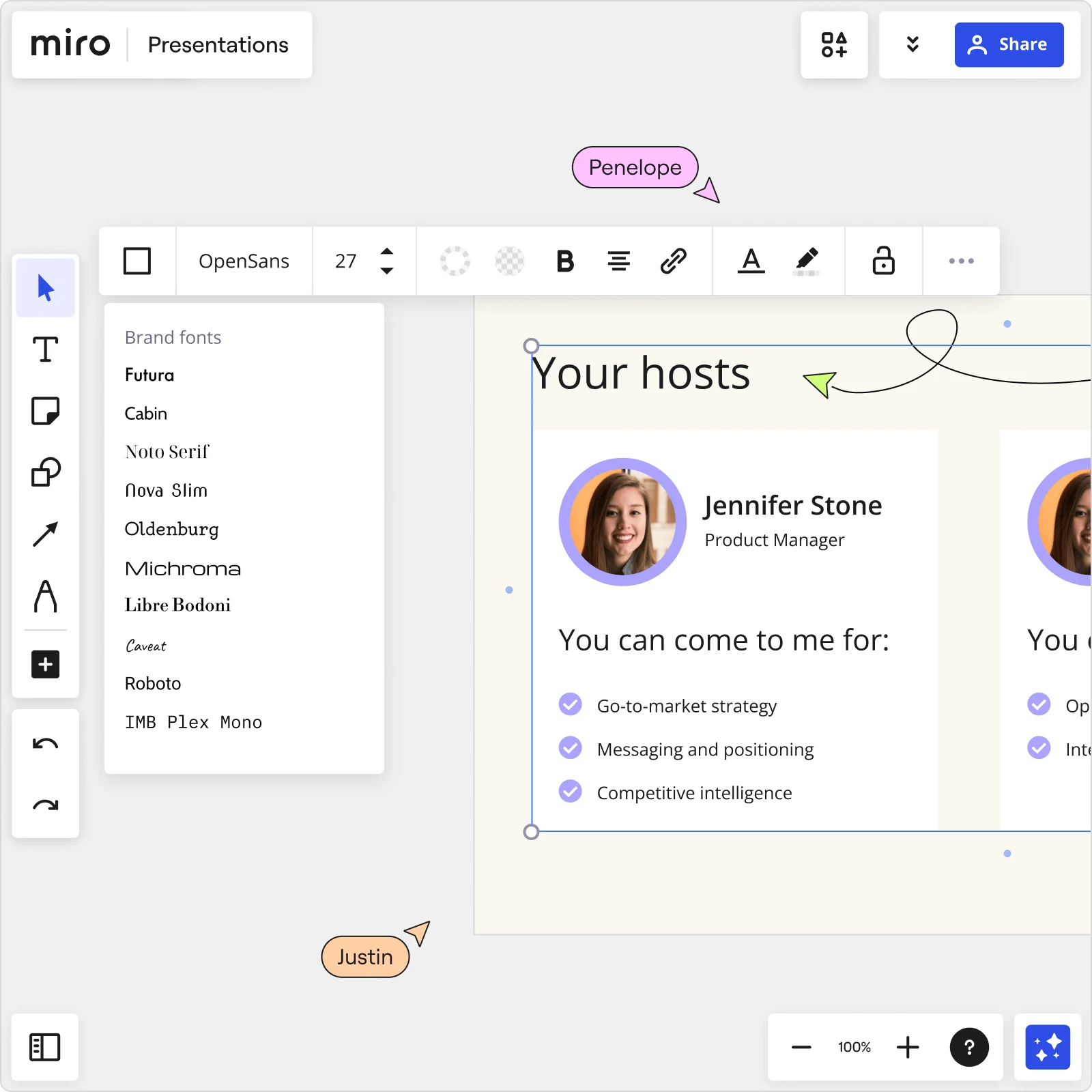
    After a design crit, your sticky notes, wireframes, and iteration history live on the board. Instead of rebuilding that story in PowerPoint, select your frames and let Miro's AI slide generation turn your actual canvas content into a structured deck - brand colors, layouts, and all.

    Miro Presentations board showing Your hosts slide with Jennifer Stone profile, brand fonts panel open, and collaborator cursors editing presentation content
  • Are your handoff decks going stale between reviews?

    You finalize a deck, share it, then the design evolves and you're manually pushing updates to three audience-specific versions. Miro's Synced Copies propagate master slide content to every audience-specific deck in seconds, so your dev team, product leads, and exec stakeholders always see the current state.

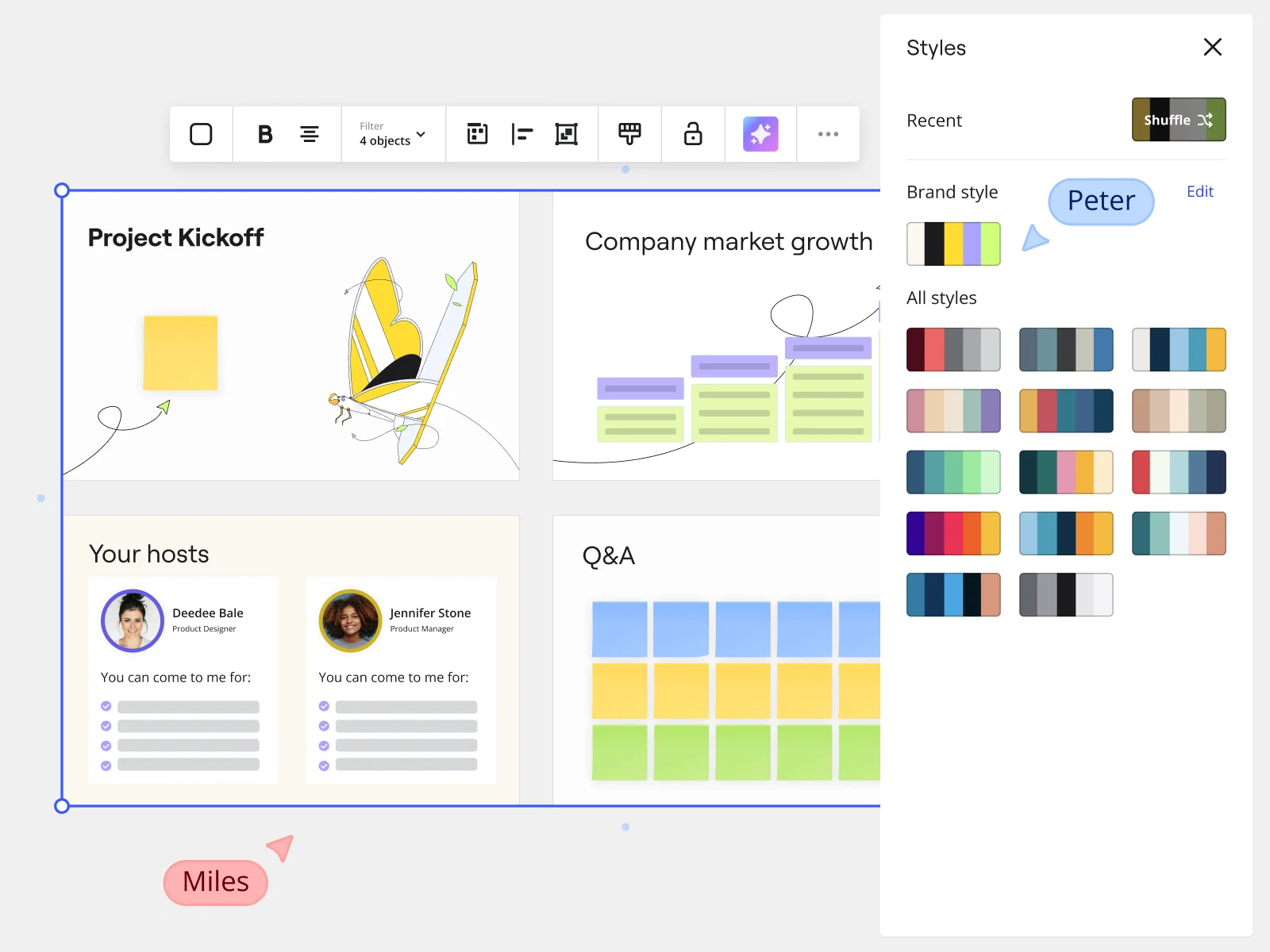
    Miro presentation mode showing Project Kickoff slides with Styles panel and brand style options for marketing teams
  • Your design brief, ready before the kickoff call

    A solo designer on a tight turnaround or a studio team spinning up a new client project both face the same blank-canvas dread. Describe the brief in a prompt - target audience, structure, tone - and Miro's AI generates a first-draft deck. Refine individual slides before committing anything to the board.

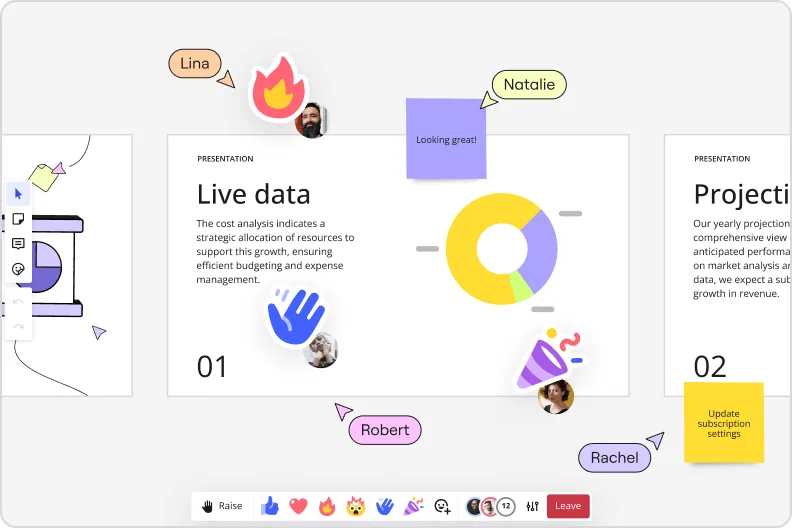
    Miro presentation mode showing live data slide with donut charts and collaborator reactions and emoji feedback
  • Stop chasing async feedback across email threads

    When your prototype review deck is spread across Figma comments, email, and Slack DMs, context gets lost fast. Threaded comments sit directly on individual frames in Miro, so reviewers from UX research, product, and engineering leave feedback anchored to the exact slide that needs it.

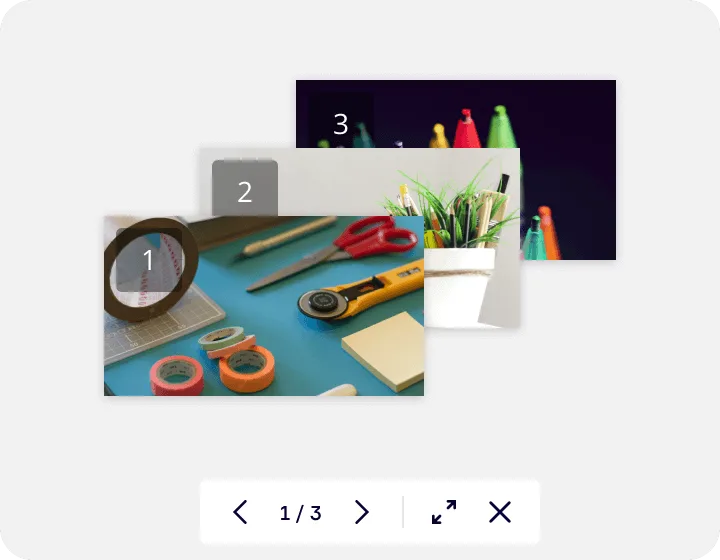
    Miro's image gallery or media viewer feature showing a lightbox-style presentation with three numbered slides containing craft supplies photos, displayed with navigation controls (1/3) and expand/close buttons at the bottom.
  • When your design lead presents to a distributed team

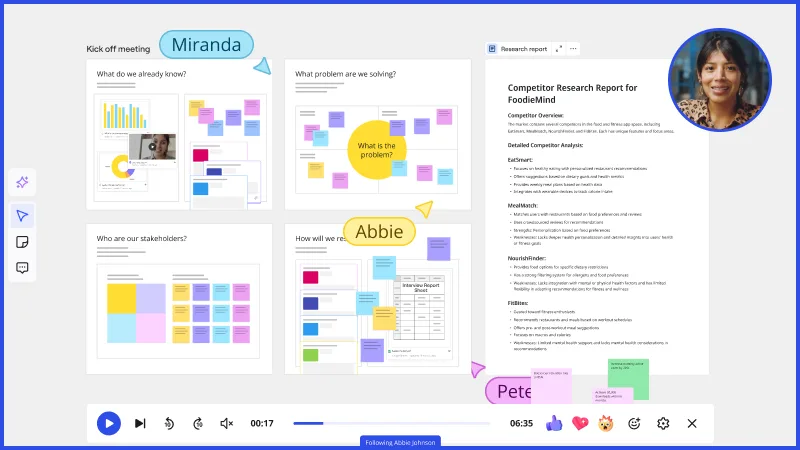
    Not every developer, PM, or regional stakeholder joins the live session. Record a Talktrack narrated walkthrough with synchronized audio and frame navigation so anyone who missed the live presentation replays your emphasis, transitions, and decisions - not just a static PDF export.

    When your design lead presents to a distributed team

How design leads get started with Miro Slides

  • Frame your design narrative from existing artifacts

    Open a board where your sprint's Frames already live - journey maps, wireframes, service blueprints - and use AI Generate Slides with selected content via the context menu to turn those artifacts into an initial slide sequence without rebuilding anything from scratch.

  • Build the case before showing the screens

    Use Frames to sequence your narrative deliberately: problem context and research evidence first, design rationale in the middle, and high-fidelity concepts last, so reviewers from product and engineering follow the thinking, not just the output.

  • Embed live Figma files directly in slides

    Drop Figma Frames into your deck via External Embeds so stakeholders see your actual design file at the right fidelity level, with no tab-switching and no risk of a screenshot being mistaken for a finalized spec.

  • Record a Talktrack for the async stakeholder review

    Narrate through your design rationale with Talktrack so anyone who misses the live review - or a C-suite sponsor catching up later - hears exactly why each decision was made, not just what the screens look like.

Presentations and Slides tips for design leads

  • Before your quarterly design review, use Comments with threaded mentions to collect feedback from product and engineering leads directly on individual slides, so you walk into the live session with conflicts already resolved rather than surfaced in real time.

  • Save your presentation structure - problem framing, rationale, concepts, next steps - as a Custom Template or Blueprint so every design review your team runs starts from the same narrative scaffold, not a duplicated version of last quarter's deck.

  • During the live review, use Presentation Mode's "Go to canvas" control to drop out of slide sequence and show a wireframe or journey map in full context when a stakeholder question goes off-script, then return to the slide without losing your place.

Understand how design leads transform their work

  • Currently, I'm working on a presentation. I was asked to put it in PowerPoint, but I insisted that I put it in Miro. PowerPoint only has so much room. With Miro, I can go on forever and all I have to do is zoom in and out to show the big picture and to show the details

    Verified User

    G2
  • The entire concept is great. Its convenient as a web based technology, its collaborative for internal teams as well as sharing content externally, It has nice features like layers, ability to remove backgrounds, templates. Really great for presentations and the ability to receive live feedback in various ways like polls.

    Verified User

    G2

Presentations essential guide for design leads

CategoryKey insights
  • Common mistakes to avoid

    The biggest trap for design leads is jumping straight to high-fidelity frames without setting the narrative order first - Frames default to creation order in Interactive Presentation Mode, so resequence them deliberately to protect your design rationale arc before you're live in front of product and engineering. Don't rebuild your board content in PowerPoint or Google Slides just to present it; presenting directly from Miro preserves the interactivity your stakeholders actually need to engage with the work. If you're using AI slide generation, write prompts with real specificity - name the audience, the stage of the work, and the decision you're asking for, or you'll get generic output that undersells the thinking behind your designs.

  • Key integrations for design leads

    Figma and your Miro board can stay in sync through embeds, so early-stage concepts stay clearly framed as explorations rather than getting mistaken for finished specs by engineering or product partners. For live reviews, Zoom and Microsoft Teams integrations let you run Interactive Presentation Mode without asking stakeholders to leave their meeting tools, which matters when you're presenting to C-suite sponsors who aren't logging into a new platform for a 30-minute review. Confluence and Jira connections let larger design orgs link presentation artifacts back to the project context they live in, so nothing gets lost between the review and the next sprint.

  • When to use it

    Use this when you have a fixed stakeholder review date and your design artifacts are already living in Miro - wireframes, journey maps, concept explorations - and you need to build a persuasive narrative around them without rebuilding everything in a separate deck. For example, a design lead running a quarterly design review can sequence Frames around their design decisions, use Talktrack to record narrated walkthroughs for time-zone-shifted stakeholders, and capture live input via Voting rather than harvesting feedback from a 40-reply email thread. It's also the right move when you need to control how the work gets read - presenting directly from the board means you decide what gets seen, in what order, and with what context attached.

  • Security & Compliance

    For design leads at smaller studios or startups, SOC2 Type II certification covers the baseline your clients will ask about before you share a board containing unreleased product work. At larger orgs, data residency controls and granular sharing permissions mean you can share a curated presentation link that shows stakeholders exactly what you intend - without accidentally exposing the full working board or unlocking edit access during a live review. If you're presenting confidential work in progress, Private Mode keeps individual contributions hidden until you're ready to reveal them, which matters as much in a sensitive internal design critique as it does in a client-facing pitch.

Frequently asked questions for design leads

Last updated: Thursday, July 16, 2026