




Andrey
See collaborative AI in action — straight from the Canvas 26 keynote.
Jeff

Presentations and slides for IT leaders

Turn your architecture reviews and system diagrams into board-ready decks. No rebuilding, no tool-switching with Miro Slides.

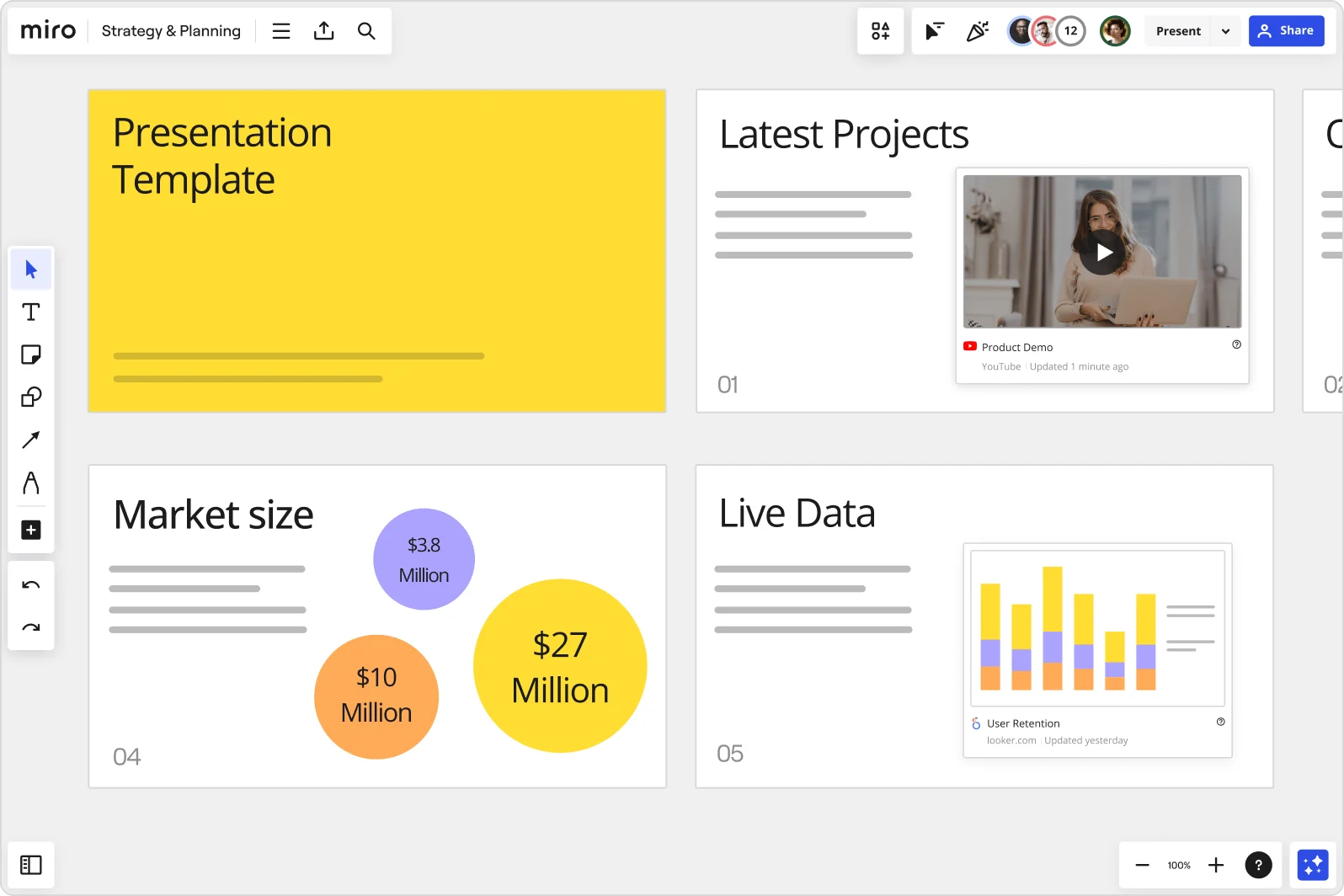
Miro board showing a Strategy & Planning presentation workspace with four slides visible: a yellow title slide labeled 'Presentation Template', a 'Latest Projects' slide with an embedded YouTube Product Demo video, a 'Market size' slide with bubble charts showing $3.8M, $10M, and $27M values, and a 'Live Data' slide featuring an embedded Looker.com User Retention bar chart.

What experts say

  • The way we present information and tell stories using slides has a massive impact on how well our ideas are understood and remembered.

    Nancy Duarte

    Speaker and CEO · Duarte

    Industry Expert
  • Do we need armies of business analysts creating PowerPoints? No, the technology could do that. Is that a bad thing? No, that is a great thing.

    Kate Smaje

    Global Leader of Technology and AI · McKinsey & Co.

    Industry Expert

The research on presentations and slides

  • 66%

    Visual presentations with graphs and diagrams increased audience conviction from 50% (verbal only) to over 66%, demonstrating the persuasive power of diagramming in consulting presentations

    Source: Cornell University / Wharton School of Business

  • 50%

    Interactive whiteboard conversations lead to 50% higher lead conversion rate compared to static presentations

    Source: Corporate Visions

See presentations and slides in action

Related templates for IT leaders

We have 22 templates in our library for Presentations and Slides.

Why IT leaders love creating presentations with Miro Slides

  • Stop rebuilding diagrams for every leadership update

    You've just finished mapping a network architecture or documenting a migration plan on your Miro board. Instead of recreating it slide-by-slide in PowerPoint, use Frames to turn each section into a polished slide. Your systems diagrams, dependency maps, and incident timelines become the deck - no copy-paste required.
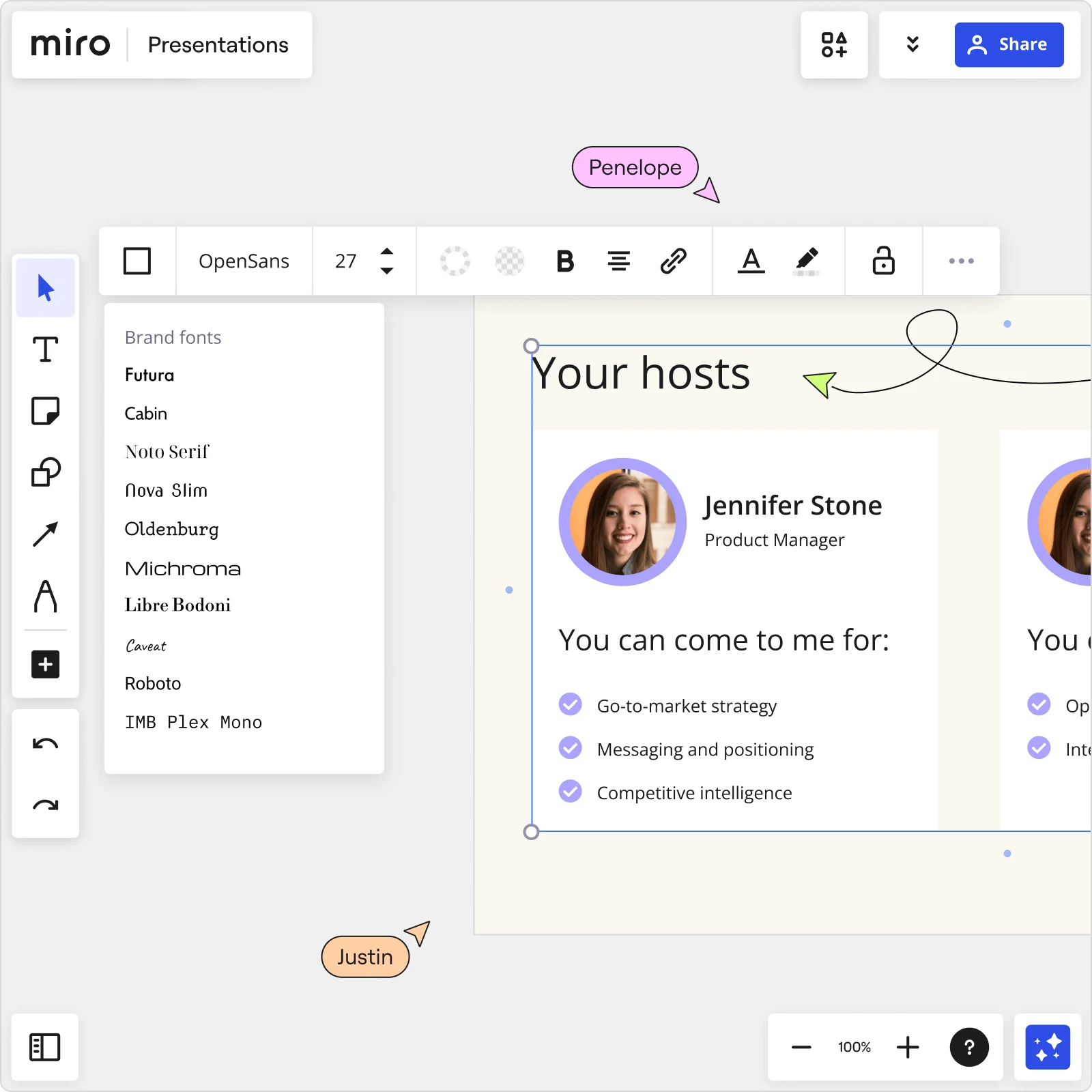
    Miro Presentations board showing Your hosts slide with Jennifer Stone profile, brand fonts panel open, and collaborator cursors editing presentation content
  • Your security briefing, without the formatting tax

    Preparing a compliance or risk briefing means pulling data from Datadog, GitHub, and Jira, then assembling it into slides under deadline. Miro's AI slide generation creates a structured deck from your board content in minutes, so systems engineers and IT directors focus on the message, not the layout. Brand Center auto-applies your org's colors before you even hit present.

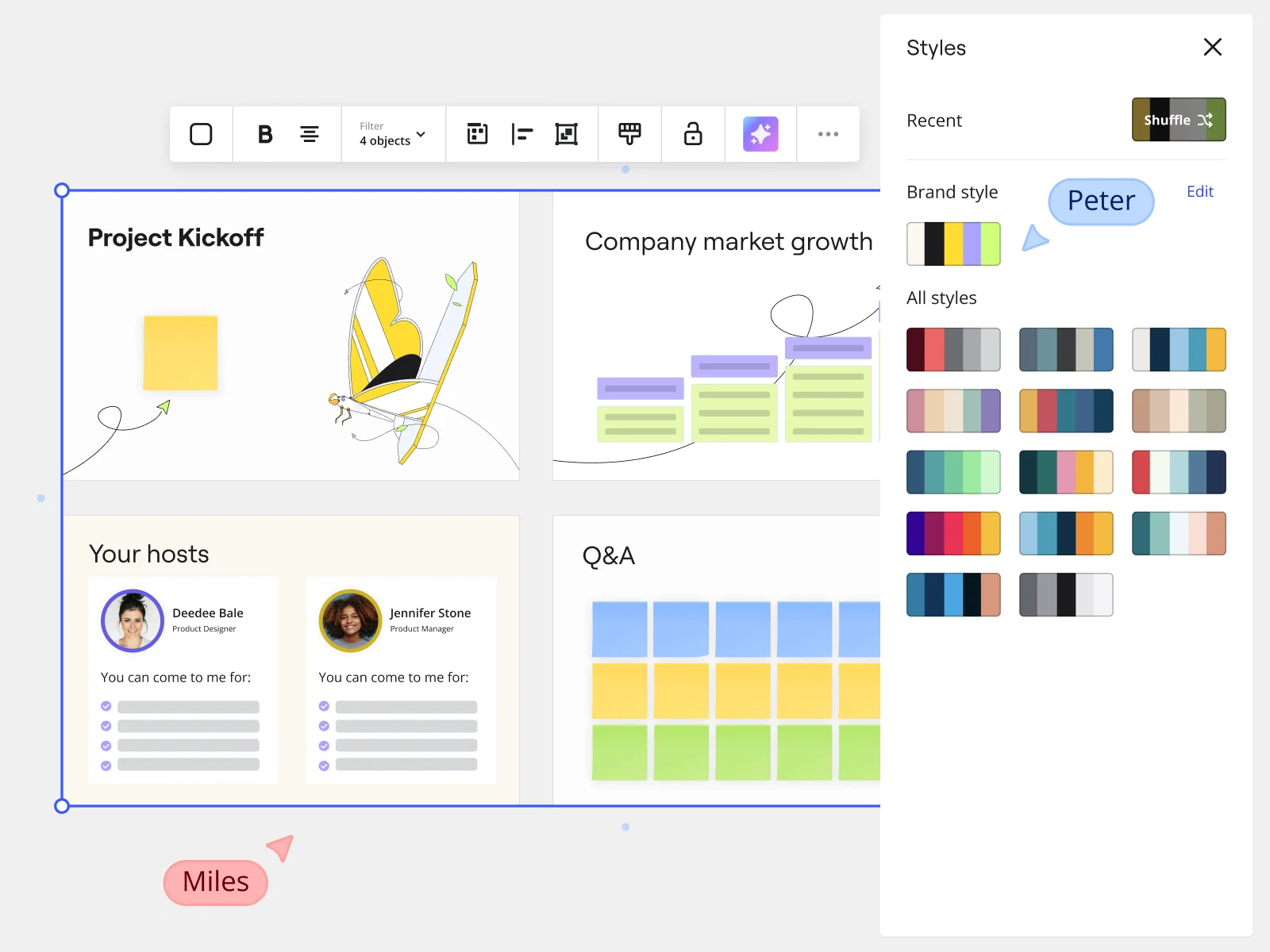
    Miro presentation mode showing Project Kickoff slides with Styles panel and brand style options for marketing teams
  • From incident postmortem to exec-ready summary in one session

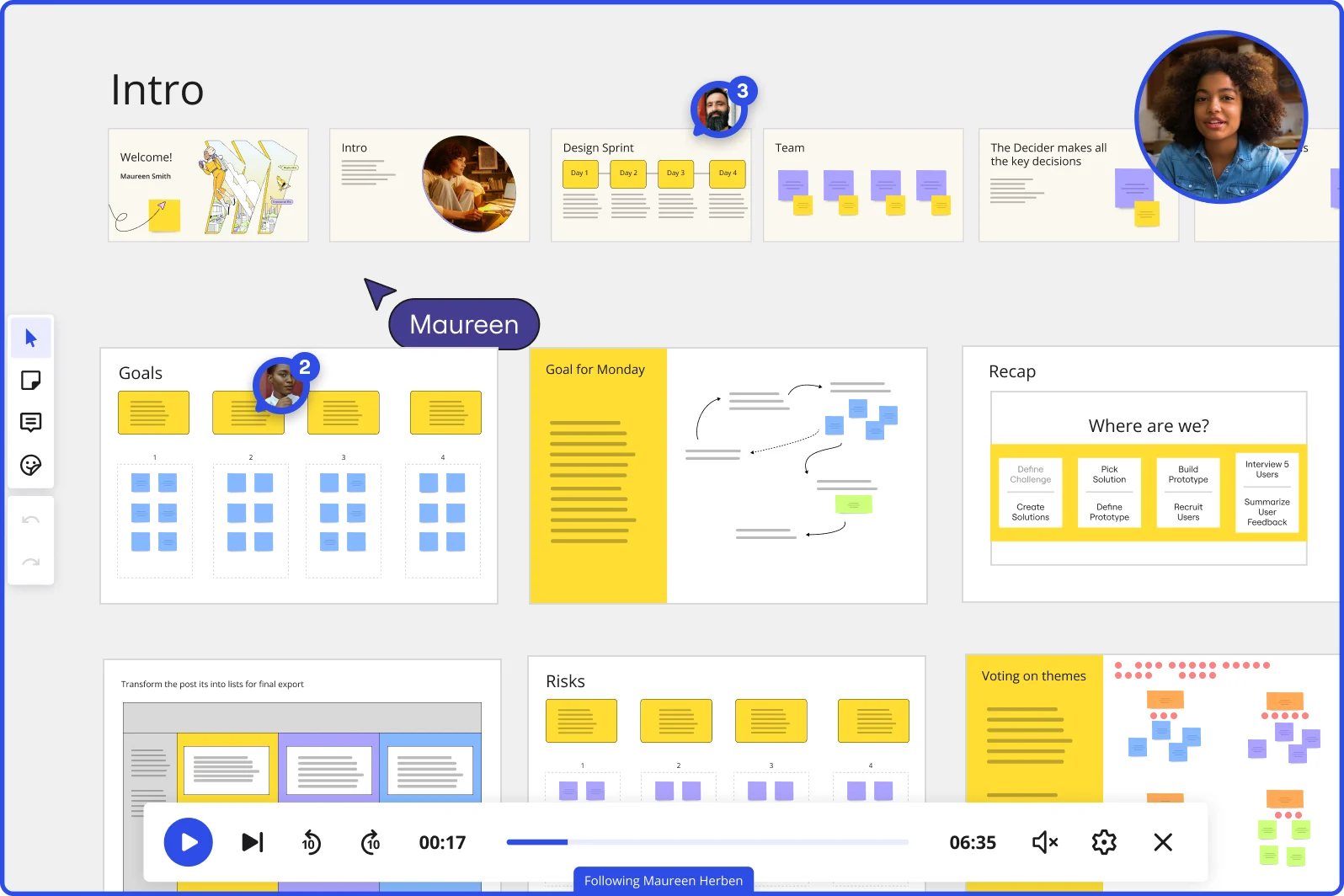
    After a major incident, the postmortem lives in Miro: root cause, timeline, remediation steps, owner assignments. Walk through that same board in Interactive Presentation Mode - full-screen, with audience reactions and live Voting - so your CTO and department heads engage with the findings, not just receive them. Then record a Talktrack walkthrough for engineers who joined late or work across time zones.

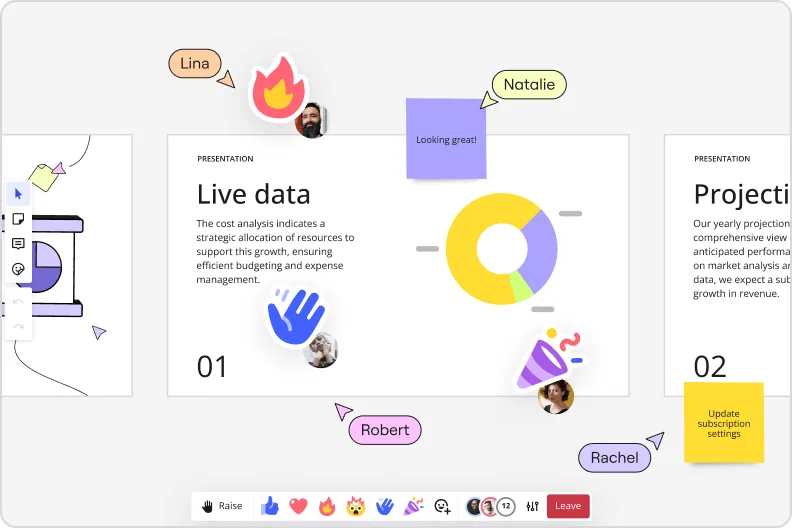
    Miro presentation mode showing live data slide with donut charts and collaborator reactions and emoji feedback
  • Are quarterly IT reviews still a copy-paste marathon?

    Whether you're a lean four-person IT team or managing infrastructure across a 5,000-seat org, rebuilding the same QBR deck every quarter is dead time. Save your quarterly review structure as a Presentation Blueprint, and it reloads with every frame, embedded Sidekick, and Engage activity slot already in place. Update the content, not the infrastructure.

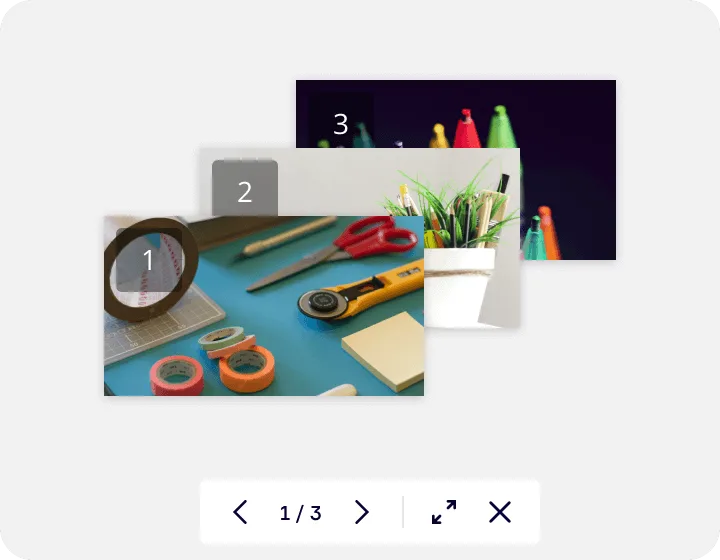
    Miro's image gallery or media viewer feature showing a lightbox-style presentation with three numbered slides containing craft supplies photos, displayed with navigation controls (1/3) and expand/close buttons at the bottom.
  • When your audience spans Confluence, Teams, and three time zones

    Small IT teams share decks via a shareable presentation link - viewers see only the intended slides, not your full board. Larger organizations embed the same deck directly into Confluence or Microsoft Teams via Miro's Embeds, with auto-play for async readers who can't make the live session. Miro AI Translate covers 18 languages, so your global rollout briefing lands in Tokyo and Amsterdam without a separate localization step.

    When your audience spans Confluence, Teams, and three time zones

How IT leaders get started with presentations and slides in Miro

  • Import your data sources into one board

    Open a new Miro board and use External Embeds to pull in your live Datadog dashboards, Power BI cost models, or Jira velocity reports directly onto the canvas, so you're building your business case around real-time numbers, not a screenshot that's already out of date by the time the steering committee meets.

  • Generate your decision deck from a prompt

    Select your reconciled data and diagrams on the canvas, then trigger AI Generate Slides via right-click context menu, specifying your audience and framing in the prompt (e.g., "7-slide infrastructure investment case for CFO: current state, incident impact, solution options, TCO comparison, risk exposure, recommendation, next steps") so the first draft structures your narrative around payback periods and cost avoidance, not generic bullet points.

  • Lock your Blueprint for recurring governance decks

    Set up an Executive Presentation Blueprint carrying your standard frame structure (security posture, change failure rate, SLA compliance, roadmap) so every quarterly steering committee update starts from the same architecture review template rather than grafting new numbers onto last cycle's board at 8 a.m. the morning of the meeting.

  • Present live and capture decisions in the room

    Switch to Interactive Presentation Mode and use the built-in Voting widget to force a prioritization call on competing infrastructure options during the meeting itself, then export the board to PDF so the sign-off record lands in the inbox before anyone leaves the room.

Presentations and Slides tips for IT leaders

  • For large organizations, configure Brand Center first so every AI-generated slide auto-applies approved colors and fonts, preventing the "four different slide formats across four IT sub-teams" problem that kills exec credibility before you've said a word.

  • If your data changed after the last architecture review, use Action Shortcuts on your Intelligent Presentation template to fetch updated figures at present time, so you're not manually reconciling ServiceNow exports the morning of a governance deadline.

  • Record a Talktrack walkthrough once the deck is final, so CIOs or business unit leads who missed the live session get the full narrative context, including the risk framing and the "why now" argument, without you having to repeat the briefing one-on-one across every stakeholder group.

Understand how IT leaders transform their work

  • Best templates for workshops and brainstorming sessions within UX/product teams

    Manager in Other at Gambling & Casinos

    TrustRadius
  • Currently, I'm working on a presentation. I was asked to put it in PowerPoint, but I insisted that I put it in Miro. PowerPoint only has so much room. With Miro, I can go on forever and all I have to do is zoom in and out to show the big picture and to show the details

    Verified User

    G2

Presentations and Slides essential guide for IT leaders

CategoryKey insights
  • Common mistakes to avoid

    The biggest trap for CIOs and infrastructure leads is grafting updated numbers onto last quarter's slide template in PowerPoint the morning of a governance meeting, then losing all the interactivity that could have helped the CFO actually engage with the data. Don't skip reordering your Frames before presenting: the default creation order will scramble your narrative right when a steering committee needs to follow a clean decision arc from problem to recommendation. For larger IT organizations presenting async to distributed business unit leaders, record a Talktrack walkthrough so the COO in a different time zone gets the full context behind your incident frequency data, not just a static deck they can't interrogate.

  • Key integrations for IT leaders

    Jira and Confluence are the connective tissue here: CTOs and engineering leads can pull sprint velocity data and architecture documentation directly into Miro rather than copy-pasting from three browser tabs the hour before a board review. Microsoft Teams and Zoom keep the live governance meeting running inside familiar infrastructure, while PowerPoint and Google Slides export options mean the final deliverable can land in whatever format the CFO's office actually opens. For enterprise IT environments with SSO requirements, Miro's admin controls sit alongside these integrations so the head of IT security isn't playing catch-up on who has access to a board containing vendor consolidation recommendations or compliance posture data.

  • When to use it

    Reach for this when a steering committee deadline just landed and you're already sitting on a Miro board full of architecture diagrams, incident review outputs, or roadmap work that shouldn't have to be rebuilt from scratch in a separate slide tool. A practical example: your team has just finished a cloud migration planning session in Miro, and you need to package the business case for a CFO who wants TCO framed in payback periods. Drop Frames around each section, use AI slide generation to produce the executive summary from your existing board content, and present directly from the canvas with Voting to capture which infrastructure option the leadership team actually backs.

  • Security & Compliance

    Miro is SOC 2 Type II certified, which covers the baseline assurance most IT security leads need to clear internal procurement review at companies of any size. For enterprise IT organizations handling sensitive vendor data, compliance posture documentation, or board-level security briefings, data residency controls and granular sharing permissions mean you can lock down exactly what a stakeholder sees when you share a presentation link, so a curated slide sequence doesn't accidentally expose the full architecture board behind it. Private Mode adds another layer for sessions where draft recommendations or risk exposure details shouldn't be visible until you're ready to present them.

Frequently asked questions for it leaders

Last updated: Thursday, July 16, 2026